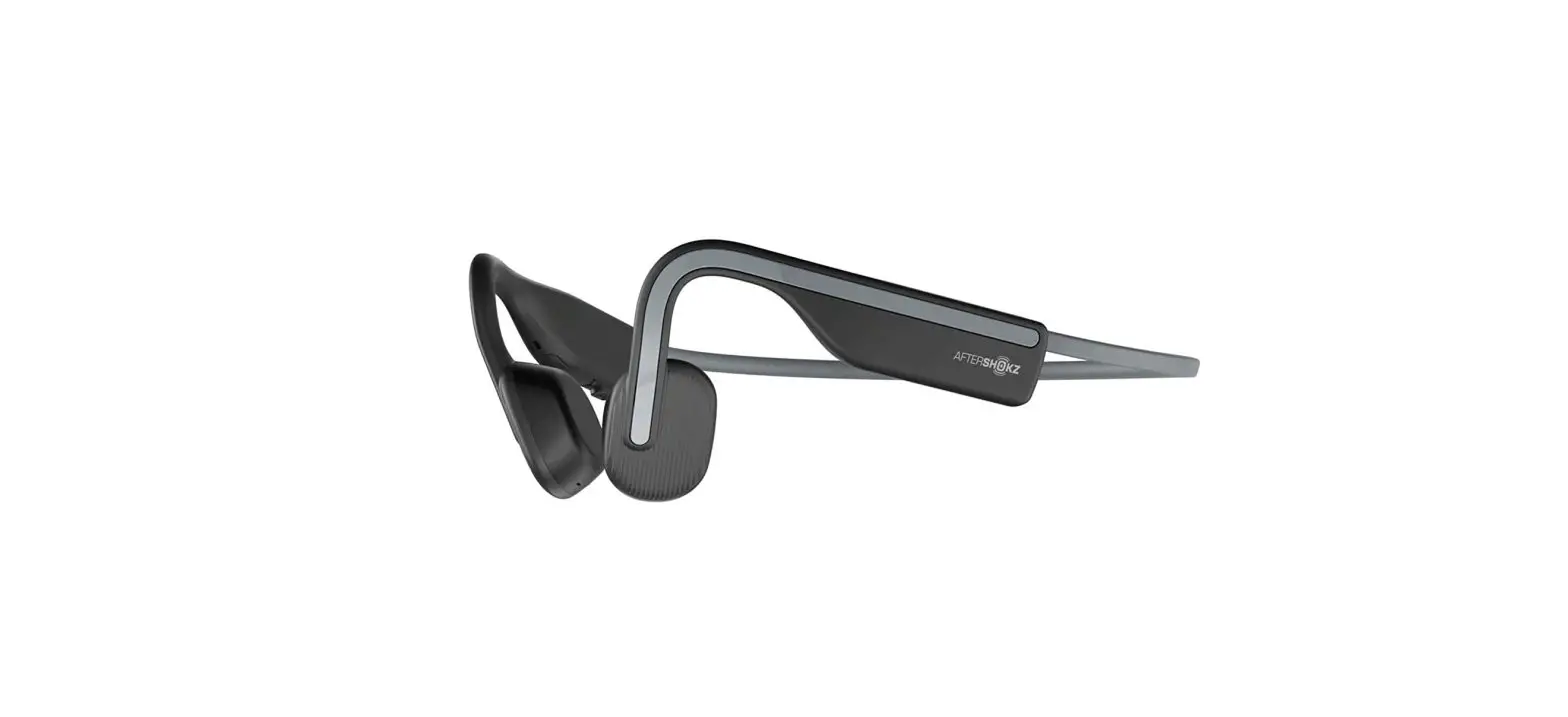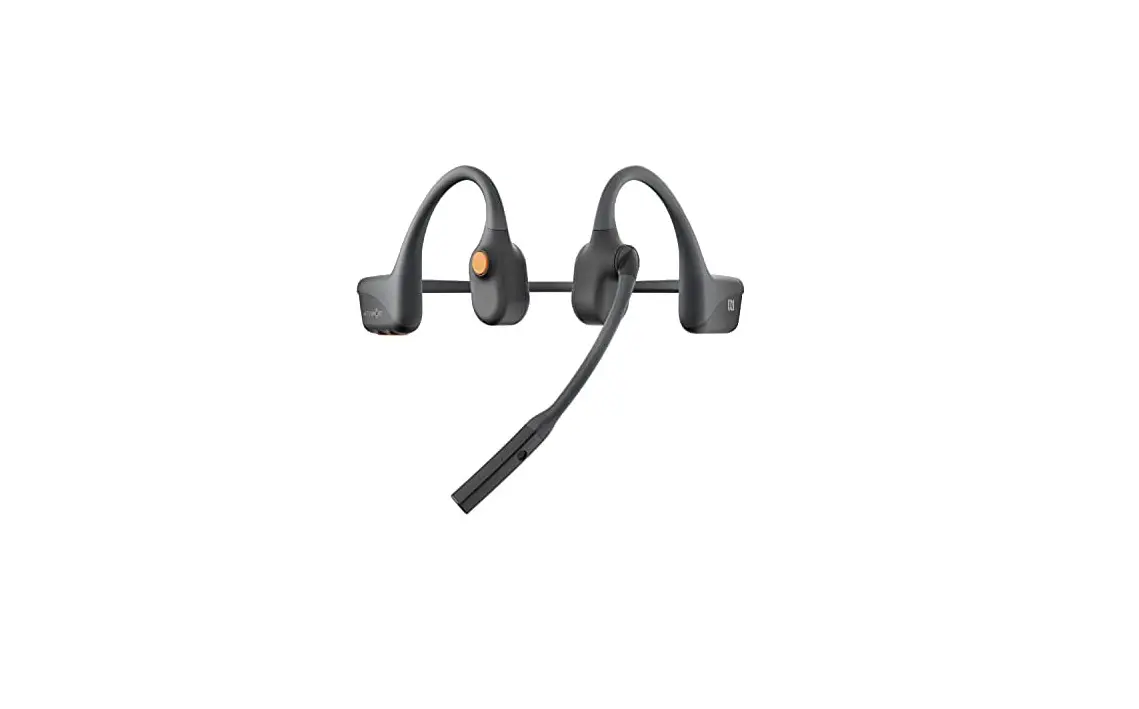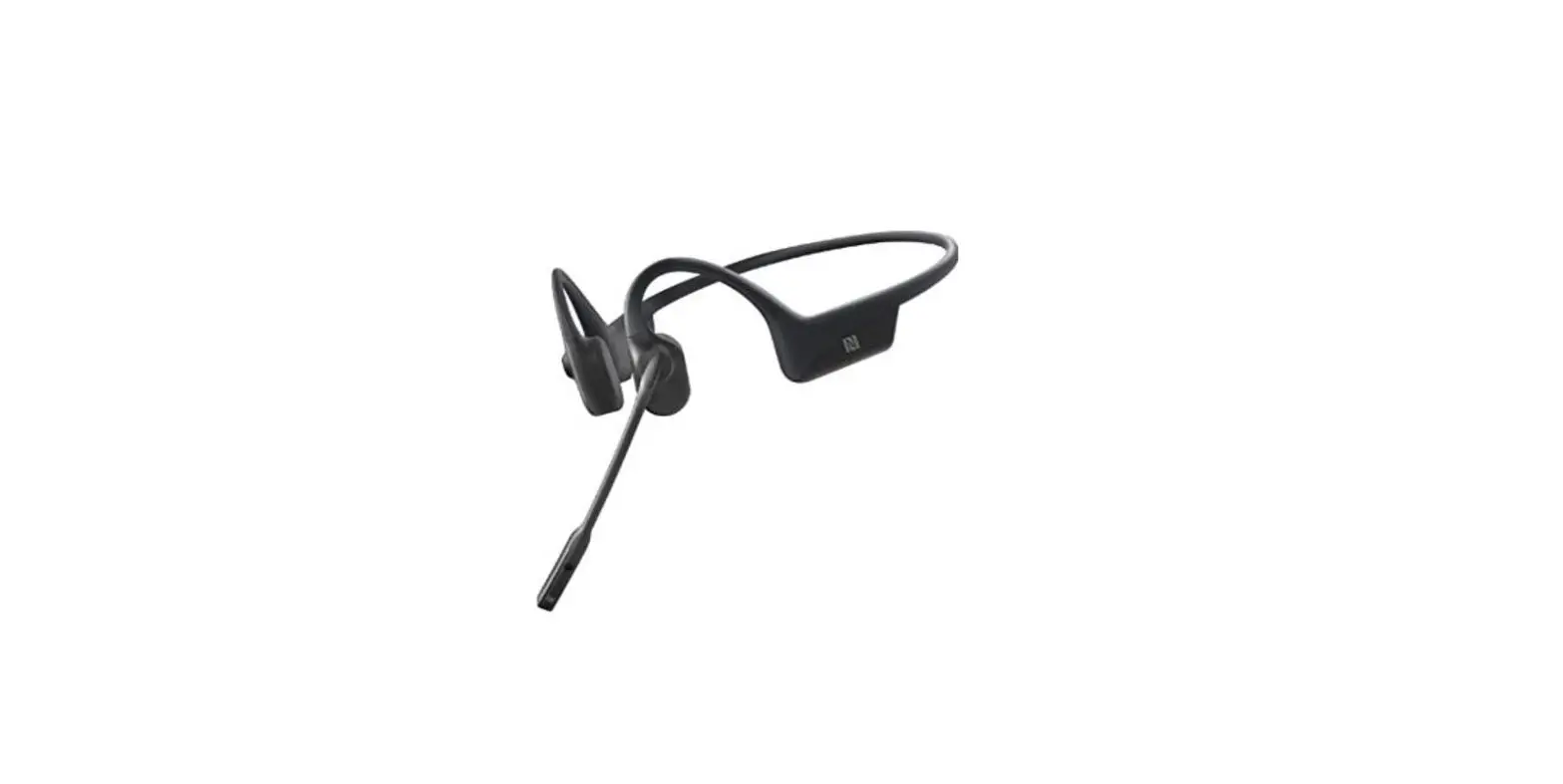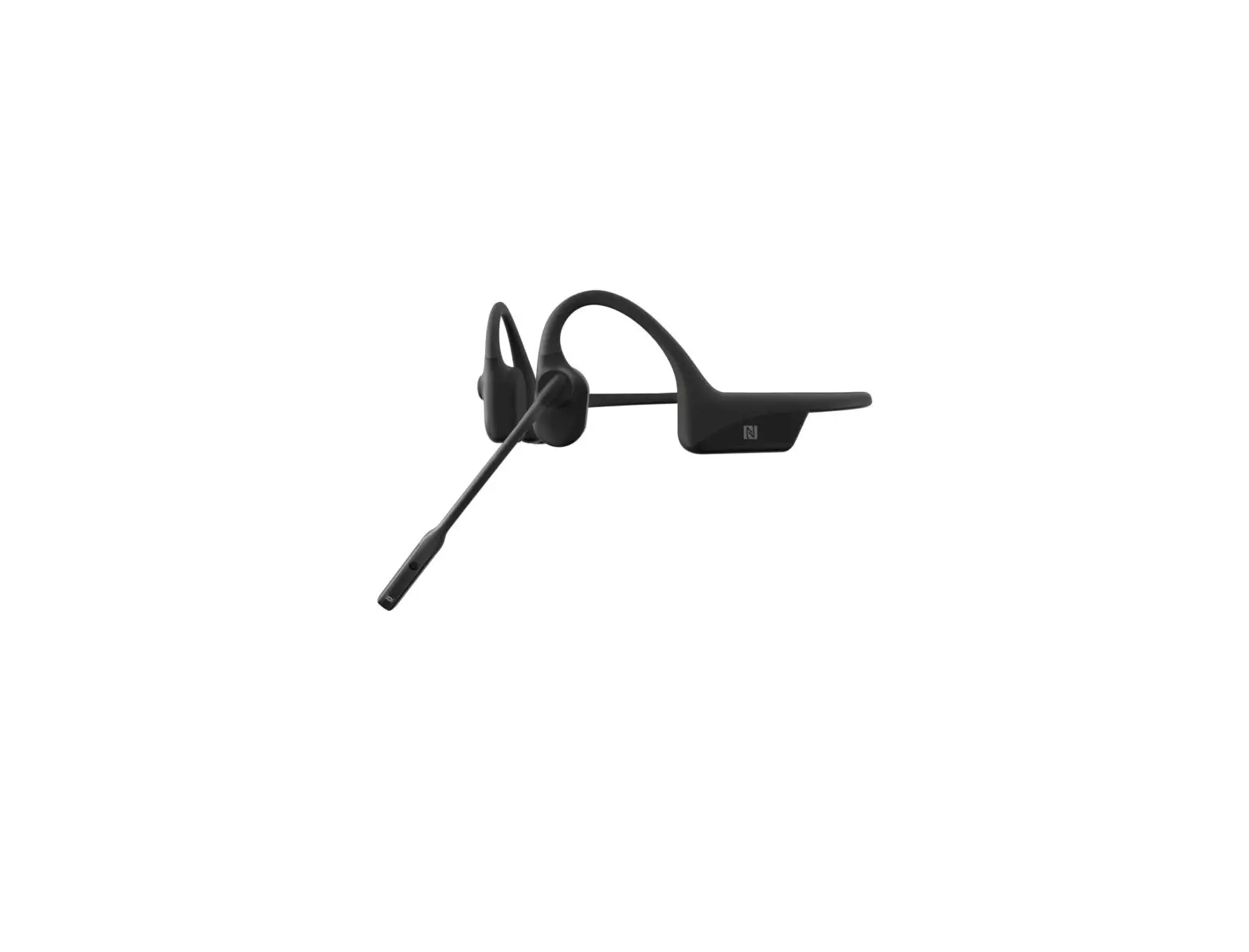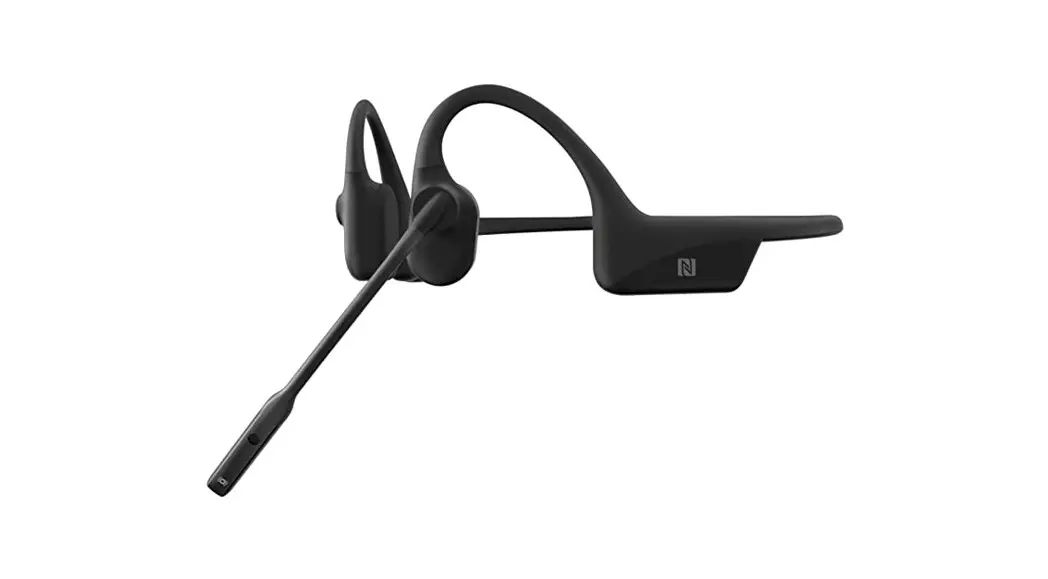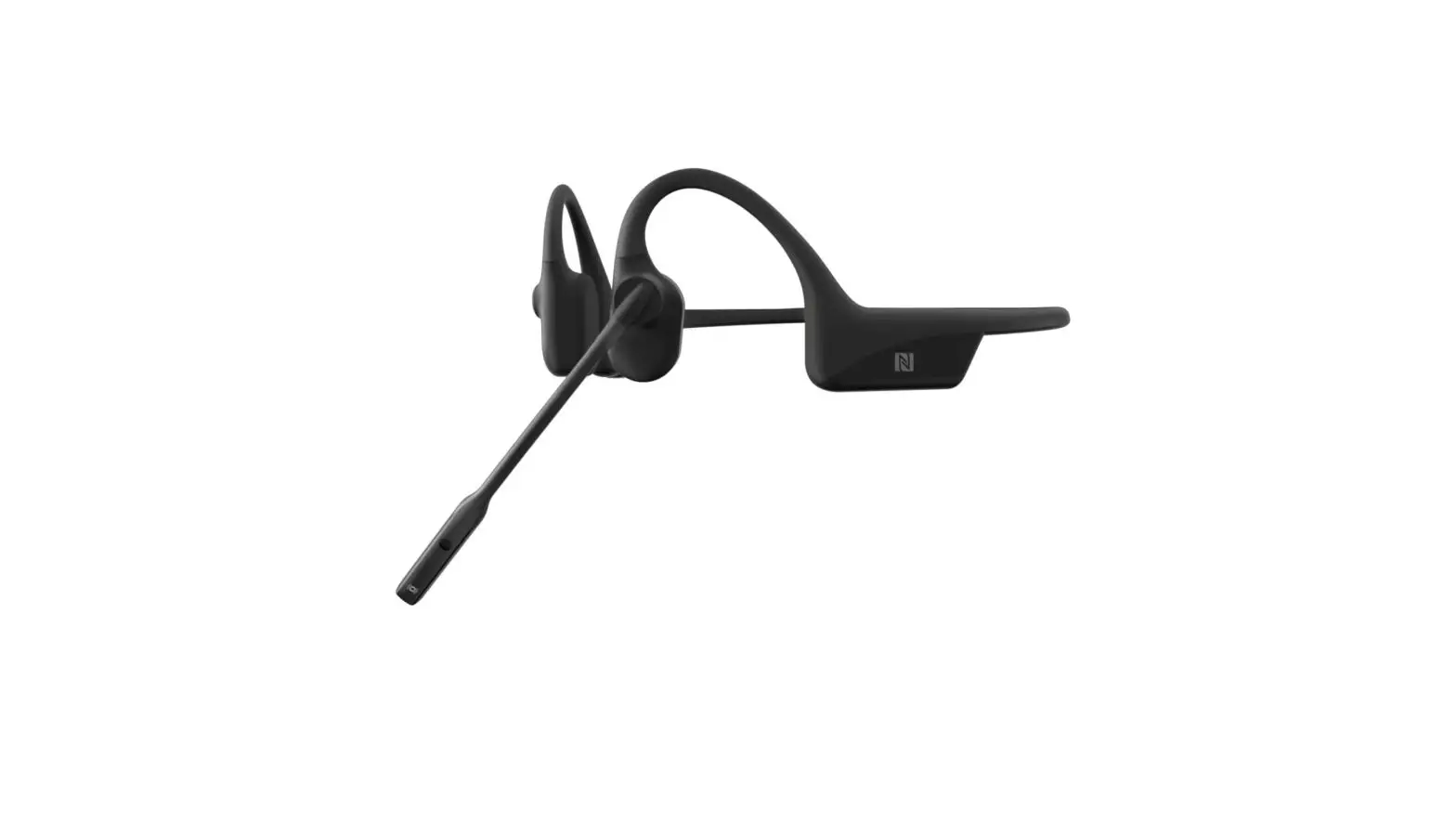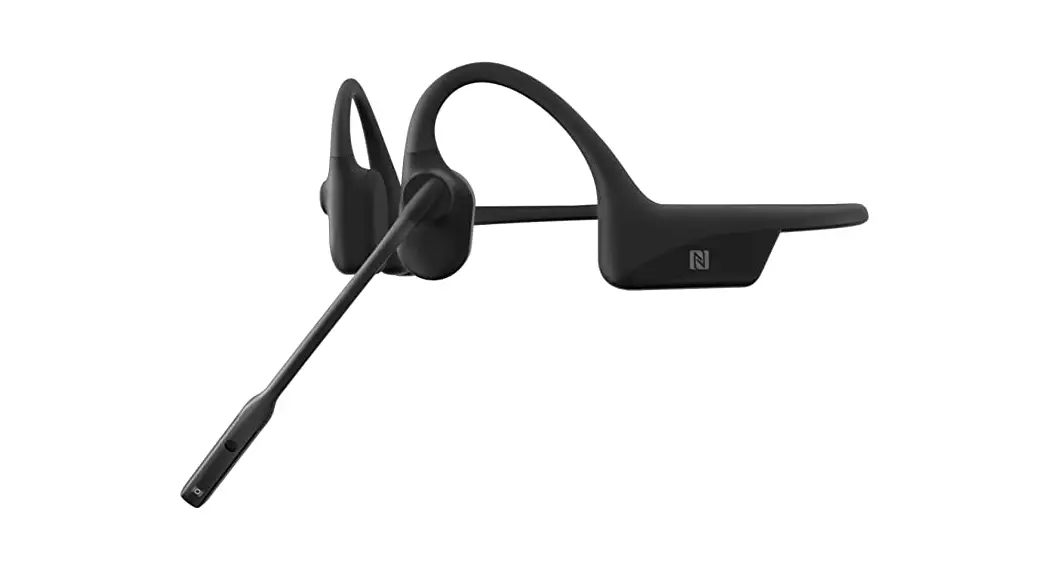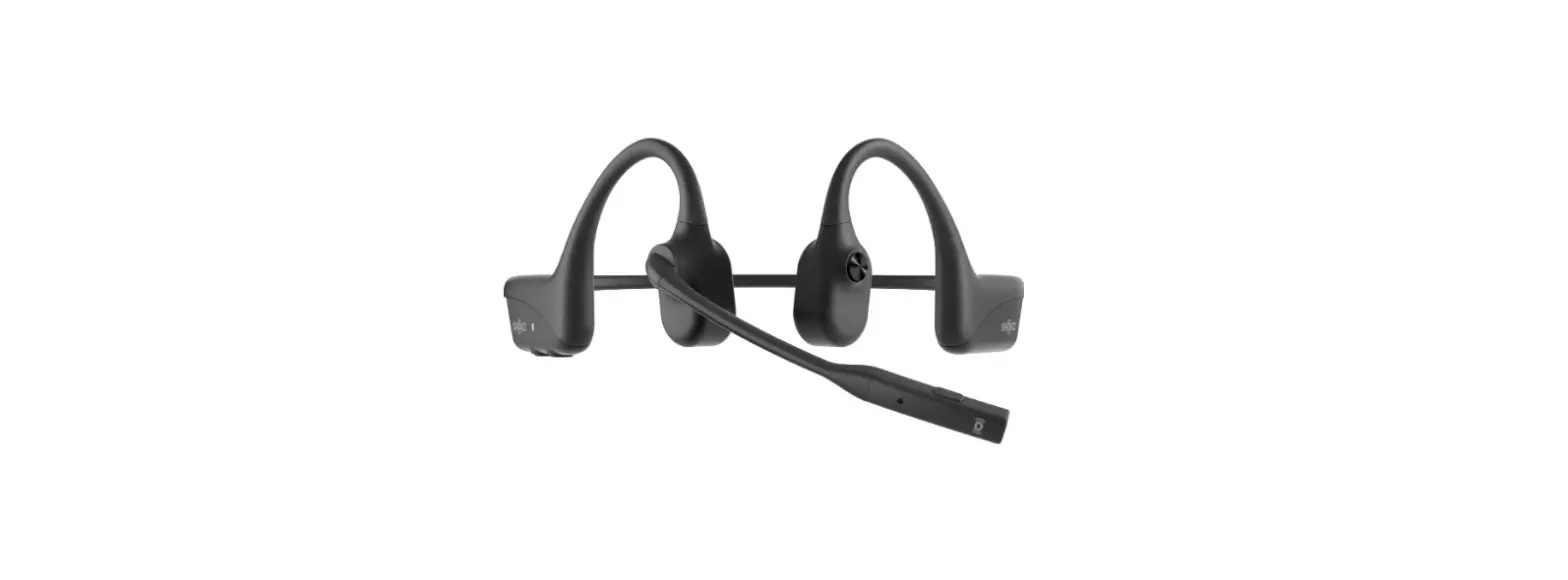

AfterShokz OpenComm – Headset
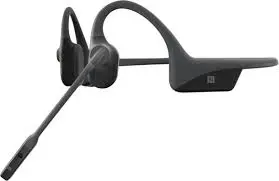
AfterShokz OpenComm – Headset
How to Set Up OpenComm
Charge
Use the included magnetic induction cable to charge the headset. The LED indicator will change from red to blue when charging is complete.
Pair
Start with your headset powered off. Enter pairing mode by pressing and holding the volume+ button until OpenComm says “pairing” and the LED indicator flashes red and blue.
Connect
Open your device’s Bluetooth® menu and select “OpenComm by AfterShokz.” OpenComm will say “connected” and the LED indicator will flash blue one time when a connection has been established.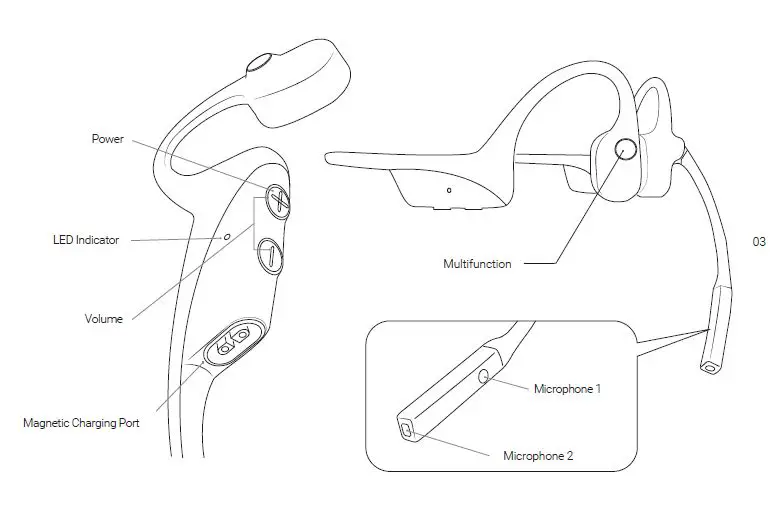
Multifunction
While your headset and cellphone are connected.
Function Action Voice Prompt
| Play/Pause | Single-click | One beep |
| Next song | Double-click while playing music | One beep |
| Previous song | Triple-click while playing music | One beep |
| Answer call | Single-click when receiving call | Two beeps |
| End call | Single-click during call | One beep |
| Answer the call waiting and hang up current call | Hold for 2s when second call comes in | One beep |
| Reject a call | Hold for 2s when call comes in | One beep |
| Activate voice assistant | Hold for 2s when devices is on standby | No prompt |
| Call back last number | Double-click on standby | “Redial last number” |
Volume + / On-off ; Volume –
Function Action Voice Prompt
| Power ON | Press and hold volume+ button for 2s | “Welcome to AfterShokz” |
| Power OFF | Press and hold volume+ button for 3s | “Power off” |
| Mute | Press and hold volume+ and volume- for 2s while on a call | “Mute on” or “Mute off” |
| Switch EQ | Press and hold both volume buttons for 3s while playing music | “EQ changed” |
| Check battery Status | Press the volume- or + button while not on call or playing music. | “Battery high/Battery medium/ Battery low or Please charge” |
| Adjust volume | Press volume+ or volume- button while on call or playing music | One Beep |
Headset Specification
| Part number ASC100 | Frequency 20Hz~20KHz |
| Speaker Bone conduction speaker | Microphone type Dual DSP noise-canceling mic |
| Bluetooth® version Bluetooth® 5.0 | Bluetooth® range 10 m |
| Charge time 60 mins | Battery Lithium battery |
| Compatible profiles A2DP, AVRCP, HSP, HFP | Weight 33 g |
| Talk time | 16 hours | Standby time | Up to 14 days |
| Bluetooth® working frequency range: | 2402MHz~2480MHz | Warranty | 2-year |
| Battery capacity | 170 mAh | Maximum RF output power | 4 dBm |
| Charge voltage | 5V±5% | Water-resistant | IP55 |
LED Indicator
| Solid red | Charging | Flashes blue | Incoming call |
|
Solid blue |
Charging complete | Flashes red | Low battery |
|
Flashes red and blue |
Pairing mode | ||
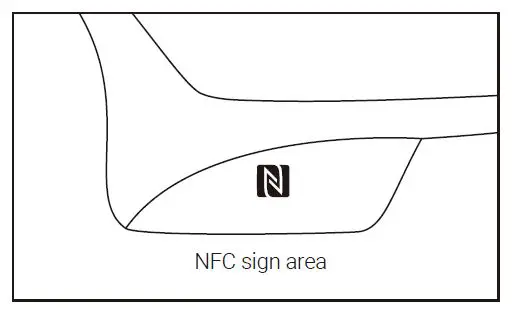
NFC Function ( Near Field Communication)
Headset support NFC pairing.
- Power on the headphones or set to pairing mode.
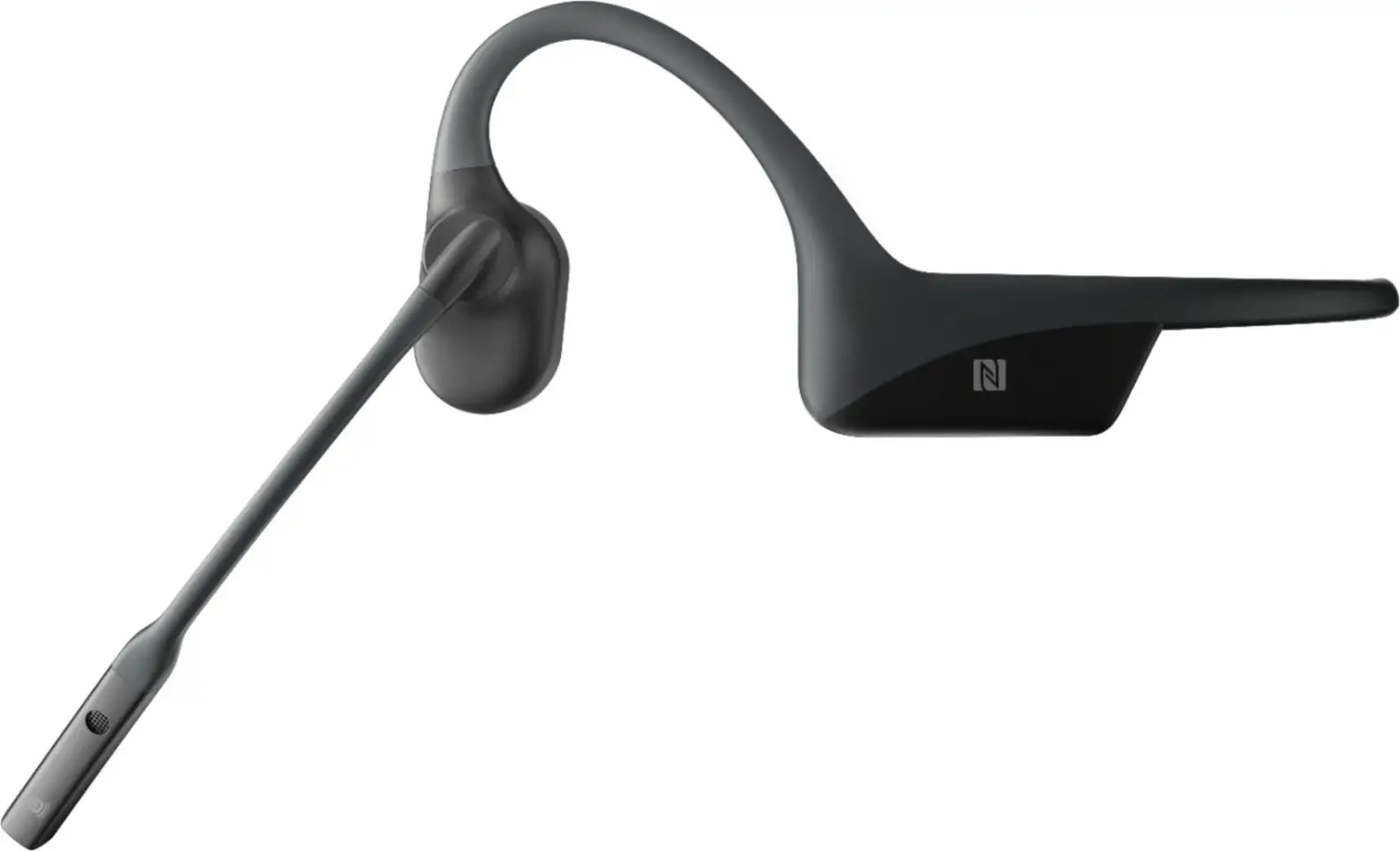
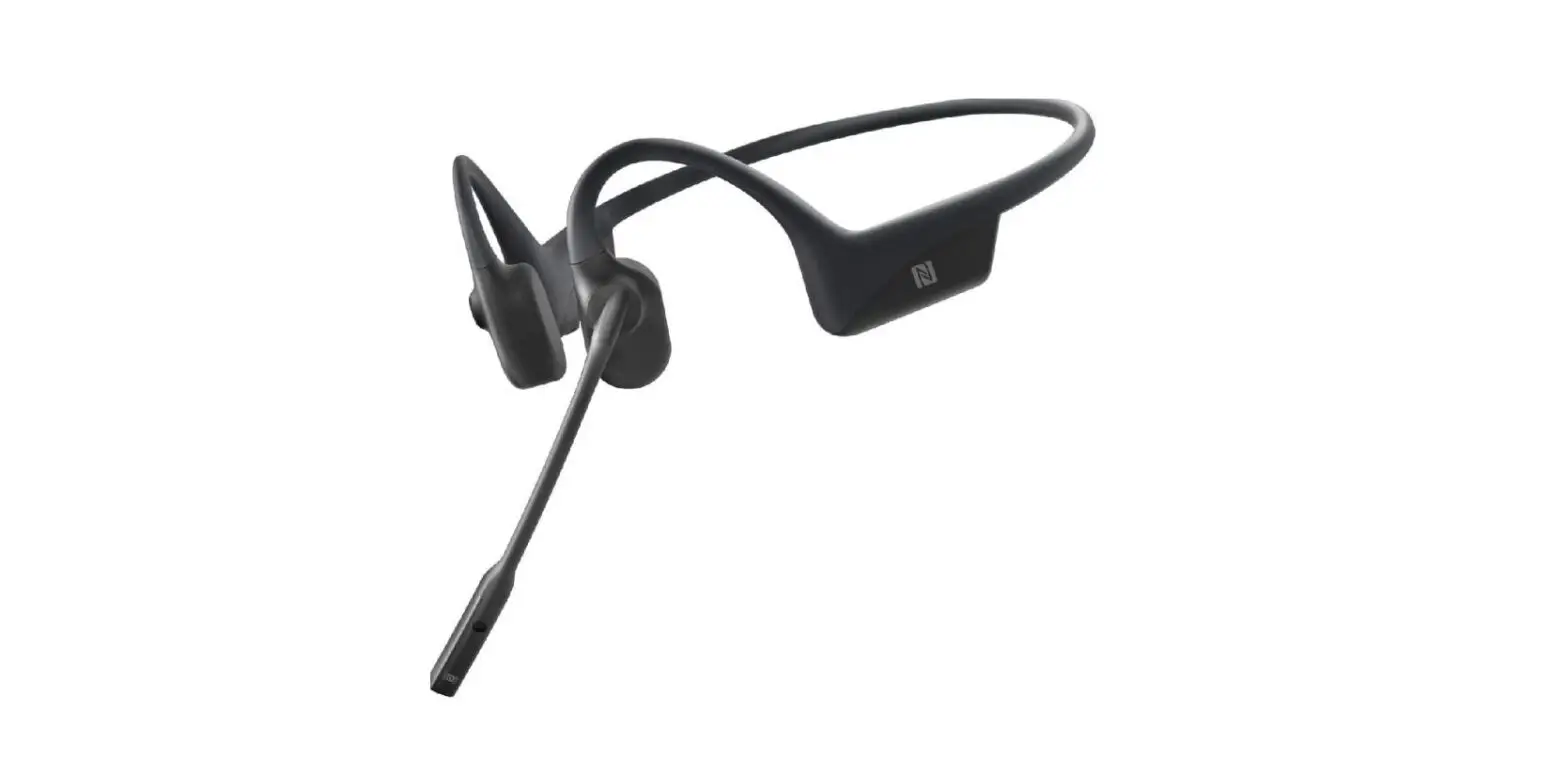
- Position the NFC sign area of the headset close to the NFC detection area of mobile device.
- Blue light will flash one time when headset is paired successfully, and OpenComm will say “connected”.

Moisture Detection Alarm
Headset has a moisture detecting function. If moisture is present on the charging port while being charged, the headset will vibrate with an audible “beep” warning.
Restore Factory Settings
Start with the headset powered off. Set the headset to pairing mode. To do this, hold the Multifunction button, volume+, and volume- button at the same time for 3 seconds, until you hear the notification tone and feel the vibration. Power the headset off.
Storage and Maintenance
- Headset should be kept in cool and dry place, with a temperature from 0°C to 45°C. Working in an extremely cold, extremely hot, or high humidity environment may limit the working time and shorten the battery life of the headset.
- Please charge the headset when it has not been in use for an extended period of time.
- Listening at a high volume may damage your hearing and distort the audio quality.
- Please only clean headset with a soft dry cloth.
- Please do not charge headset immediately after exercising in order to prevent damage to the headset circuitry that can be caused by liquid residue exposure.
- Keeping the charging port dry will reduce the possibility of damaging the headset.
Services
AfterShokz promises that under normal use, operation and maintenance conditions, we will offer a free two-year warranty. Please contact local retailer for more help.
Discarding Product Guidelines
Please do not discard the electronic headset parts in the same receptacle as your daily garbage. Reference your country or region’s guidelines on appropriate measures for collecting discarded electronic products. Please consult local authorities for more details.
Contact Us
AfterShokz LLC
3200 Gracie Kiltz Lane, 4th floor, Austin, TX 78758 www.aftershokz.com
FAQ’S
Make sure your headset is powered on and in pairing mode. Make sure your device is set to search for Bluetooth® devices.
You may be too far from your device or there may be interference. Move closer to your device or change the location.
This is a normal condition due to the bone conduction technology. It does not affect the sound quality.
This is a normal condition due to the bone conduction technology. It does not affect the sound quality.
Shokz headphones are two devices equipped with multipoint pairing capabilities, which allows users to connect to two devices at the same time. While you won’t receive audio from both devices at the same time, you’ll be able to transition from one device to the other.
Yes. All our wireless models are equipped with dual noise canceling microphones for making and taking phone calls when paired with a smartphone or other Bluetooth-enabled device.
For Android devices, you need to enter the Bluetooth settings, turn on Bluetooth, and start searching for the headphones. Once the device picks up the headphones, tap on the name and click to pair.
AfterShokz are designed to accompany you on every adventure, so it’s no surprise when our customers ask how their new headphones will fair in the rain. Aeropex and Xtrainerz are both waterproof and can be used in the rain, for watersports, and everything in between!
No, they are water-resistant but not waterproof. You could and almost definitely would damage these in the shower. They might work in a bath if you’re not going to dunk your head.
AfterShokz has been officially renamed as Shokz, creating a “shorter, more powerful word that is easier to remember and share, helping to spread the word and bring the benefits of open-ear listening to more sports enthusiasts”.
OpenComm headsets will charge in 1 hr with the unique quick charging cable they come with.
When fully charged, the LED will turn blue. To protect your headphones from damage, moisture, or debris, remember to secure the protective rubber flap over the charging port back in place. Please allow time for your headphones to air dry from rain, snow or sweat before you begin charging.
VIDEO
www://shokz.com/products/opencomm