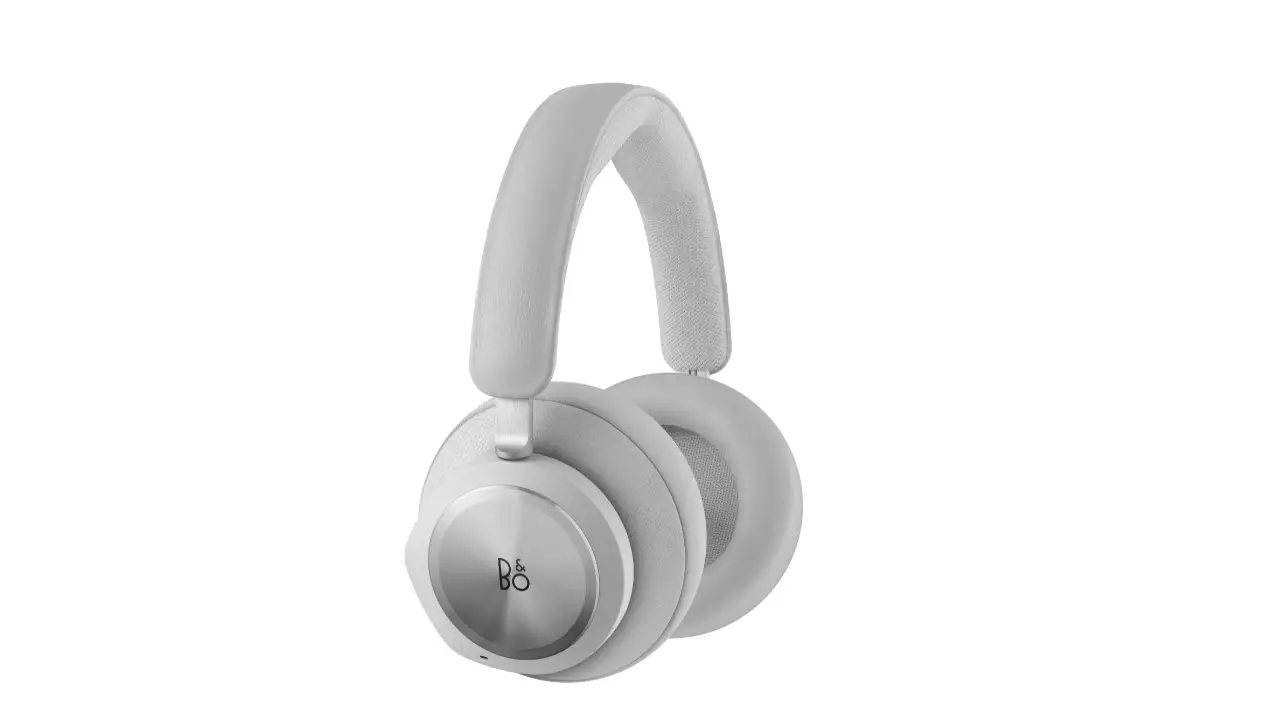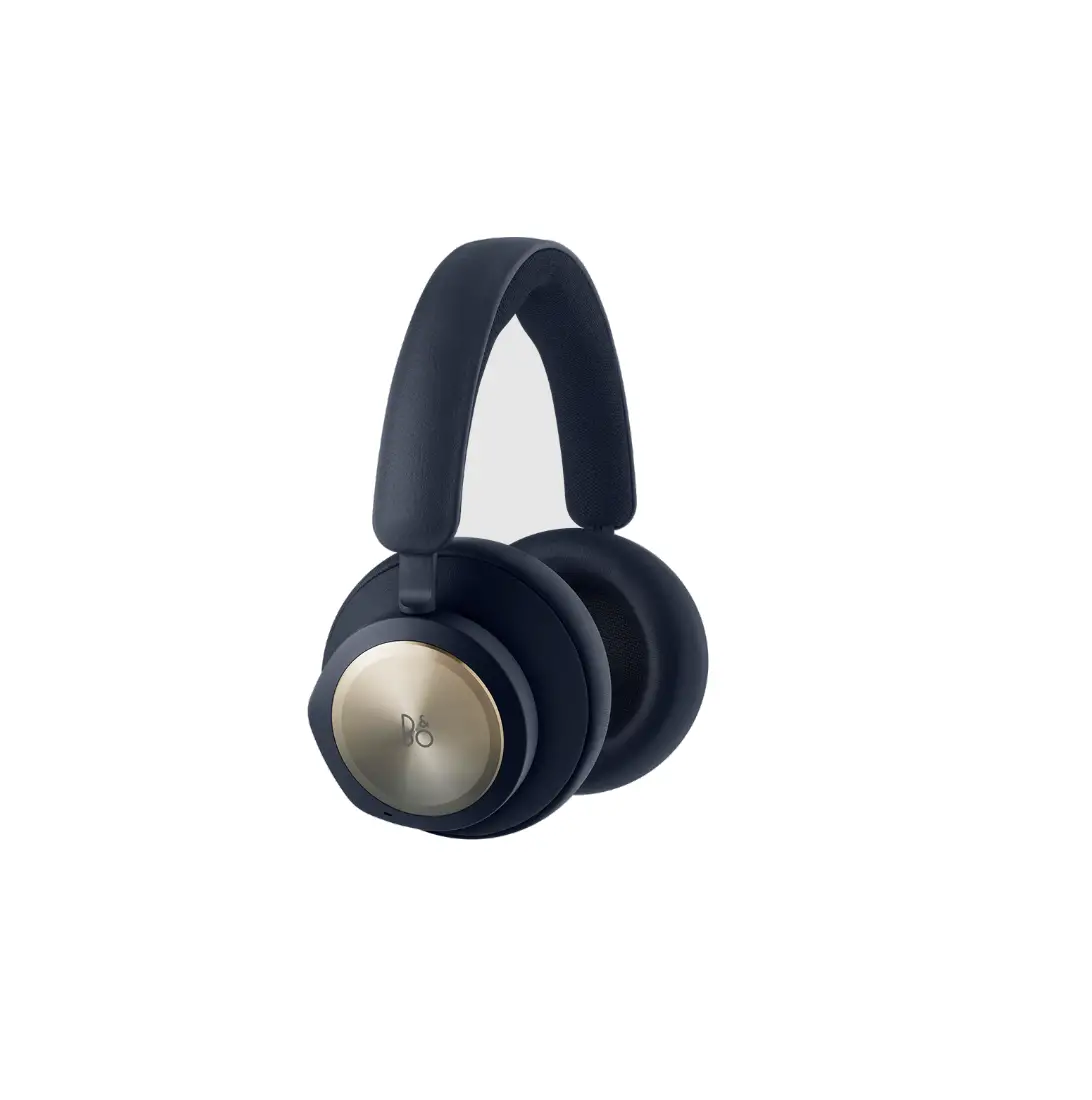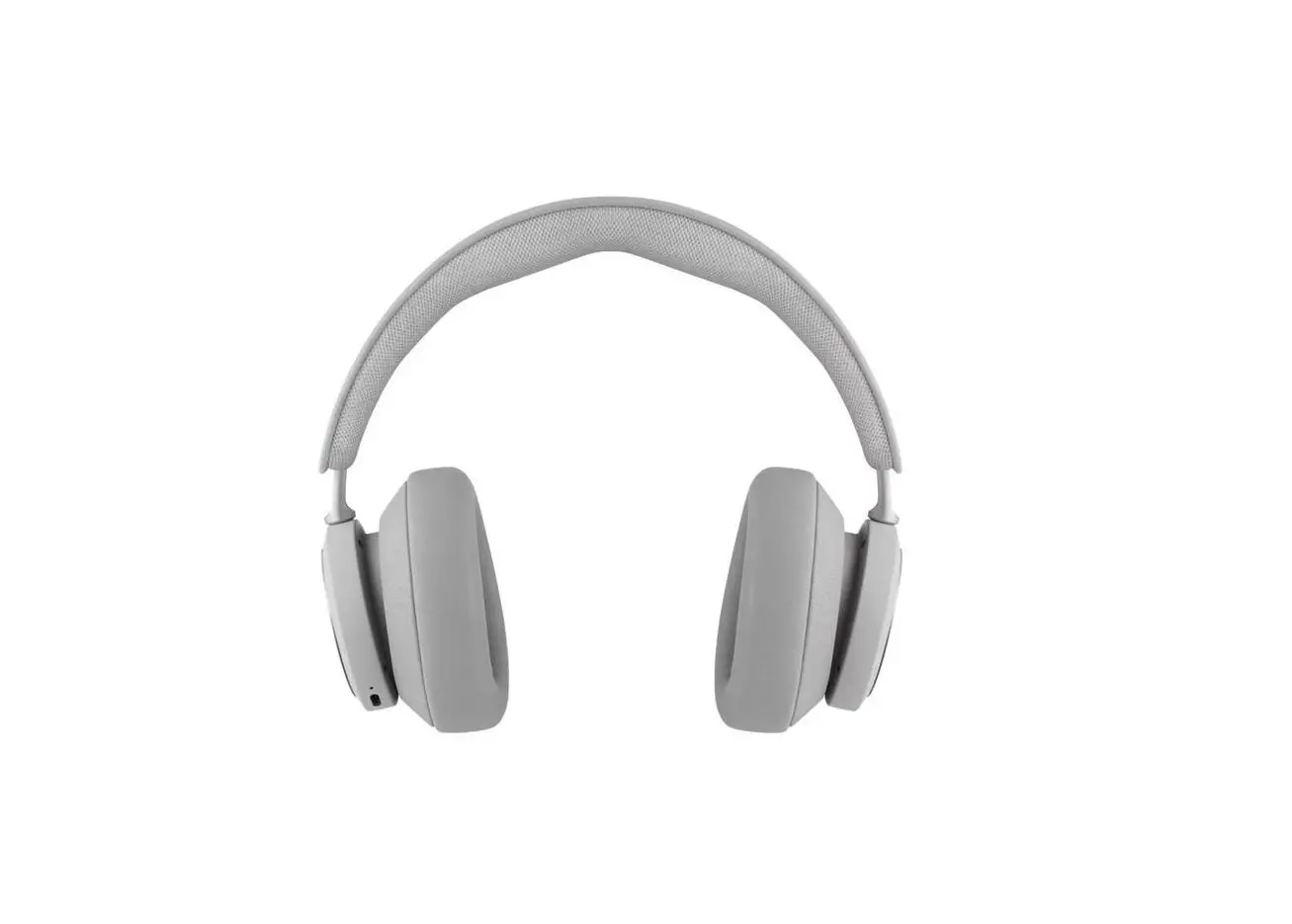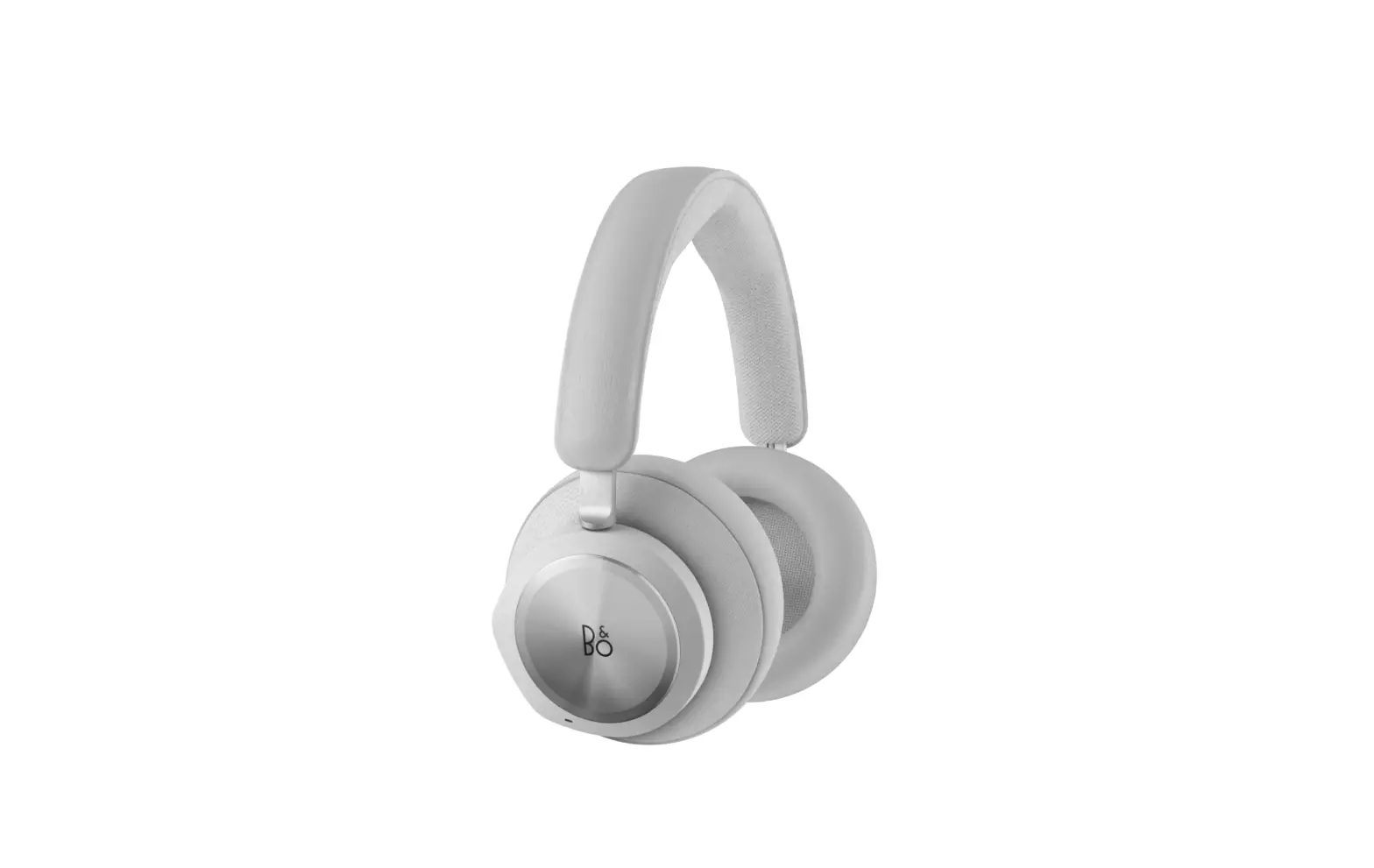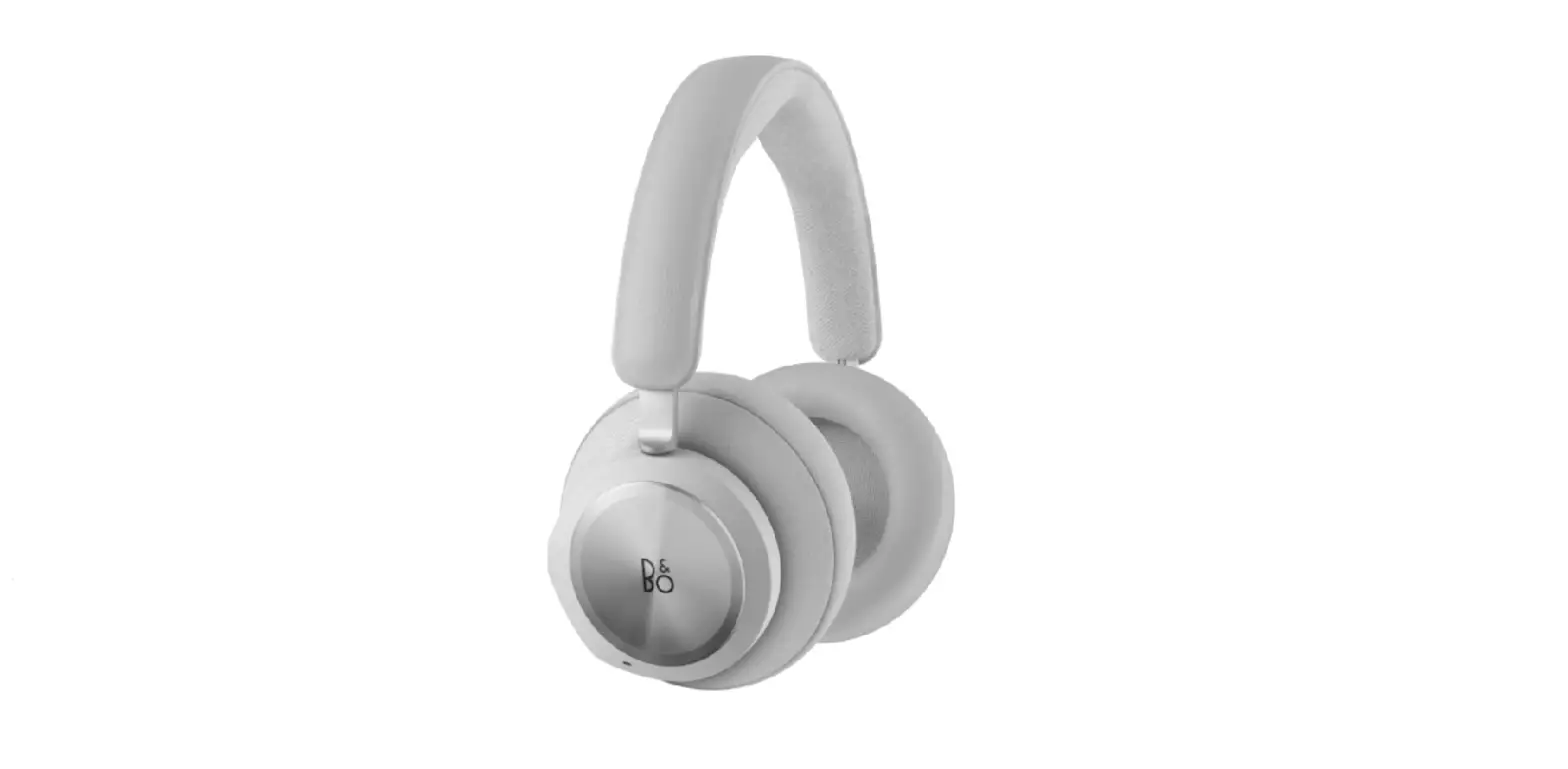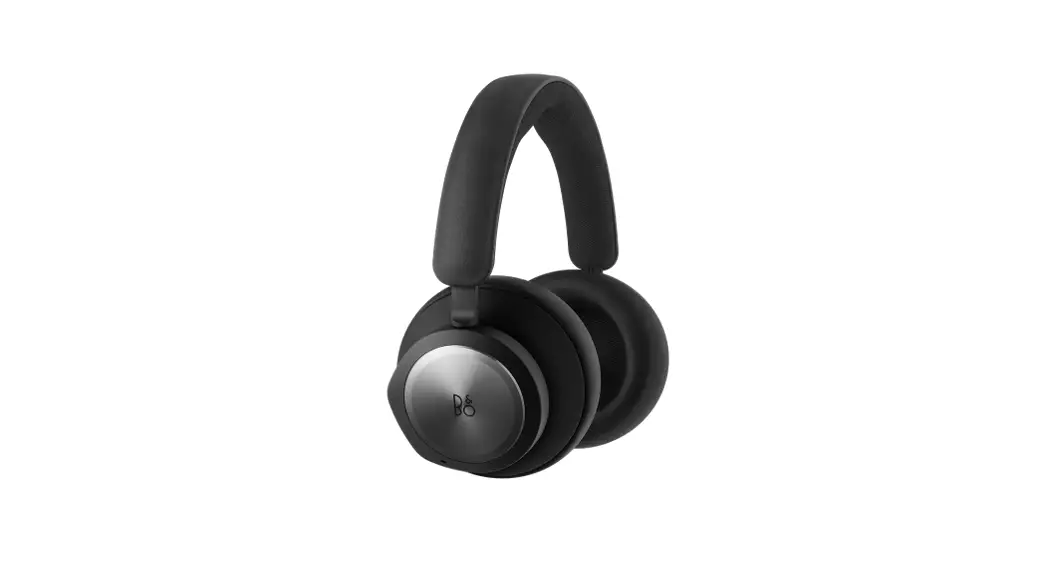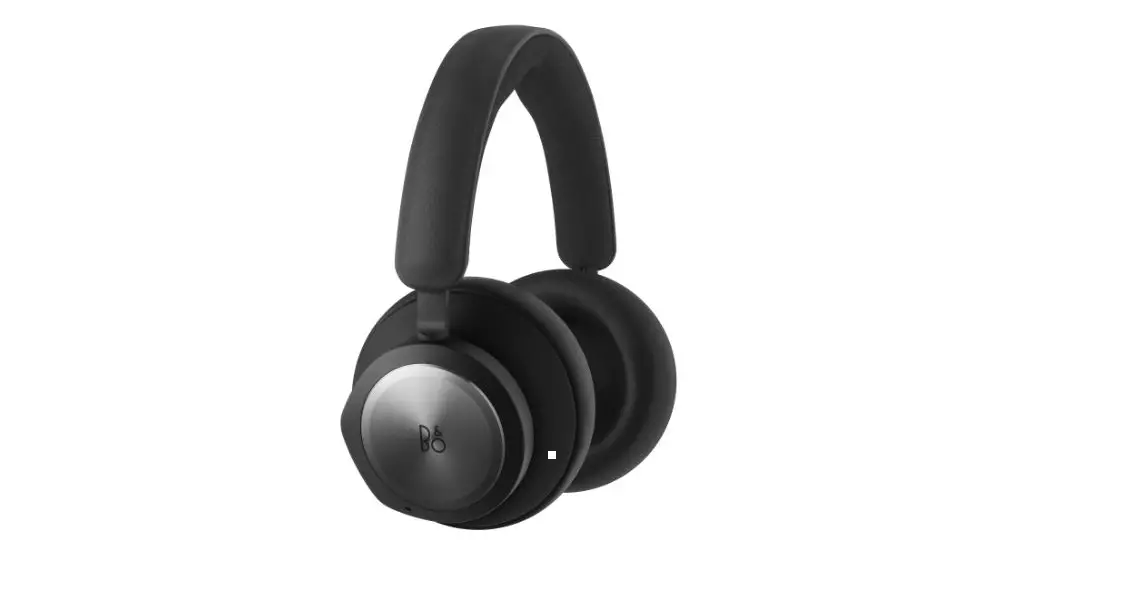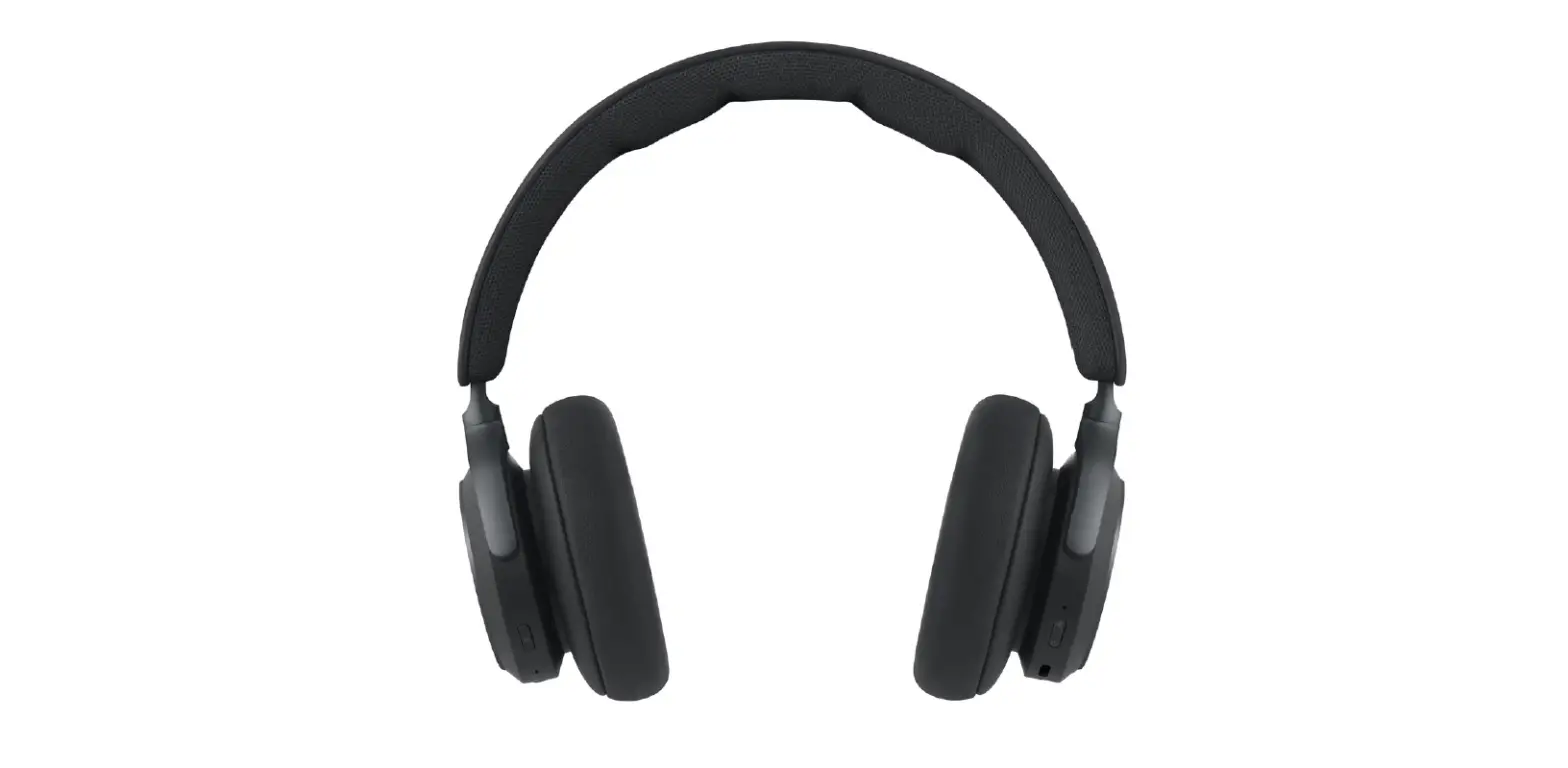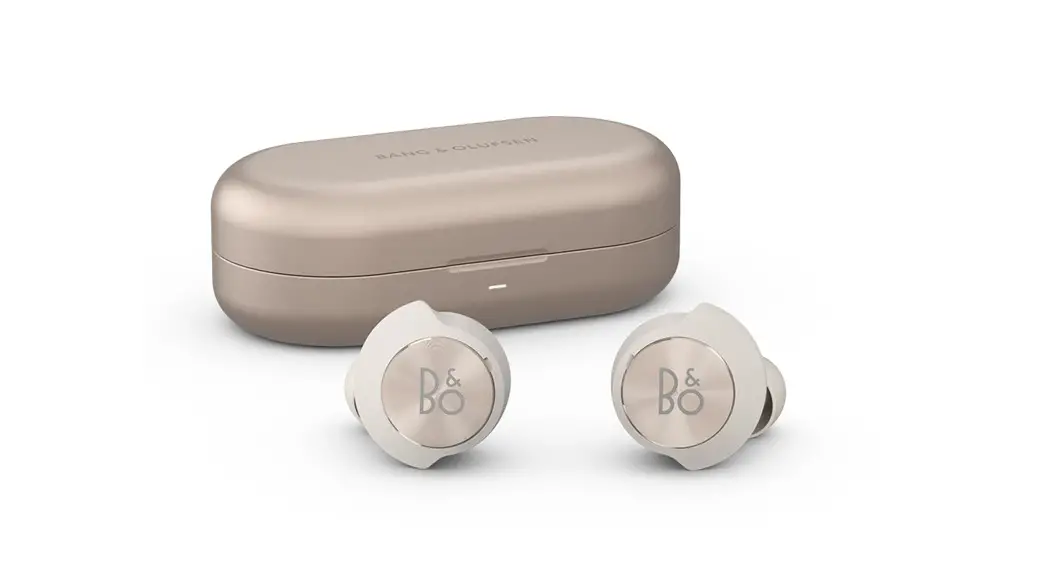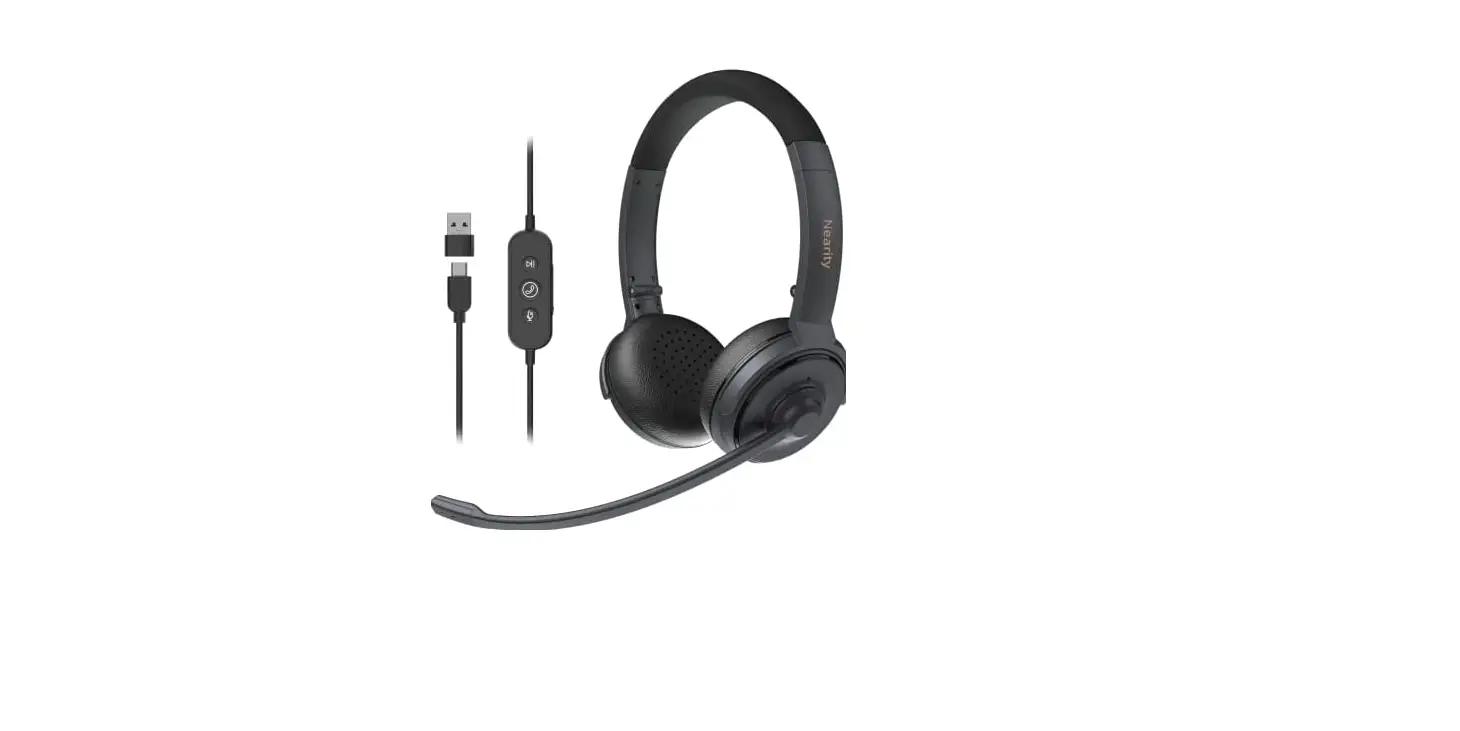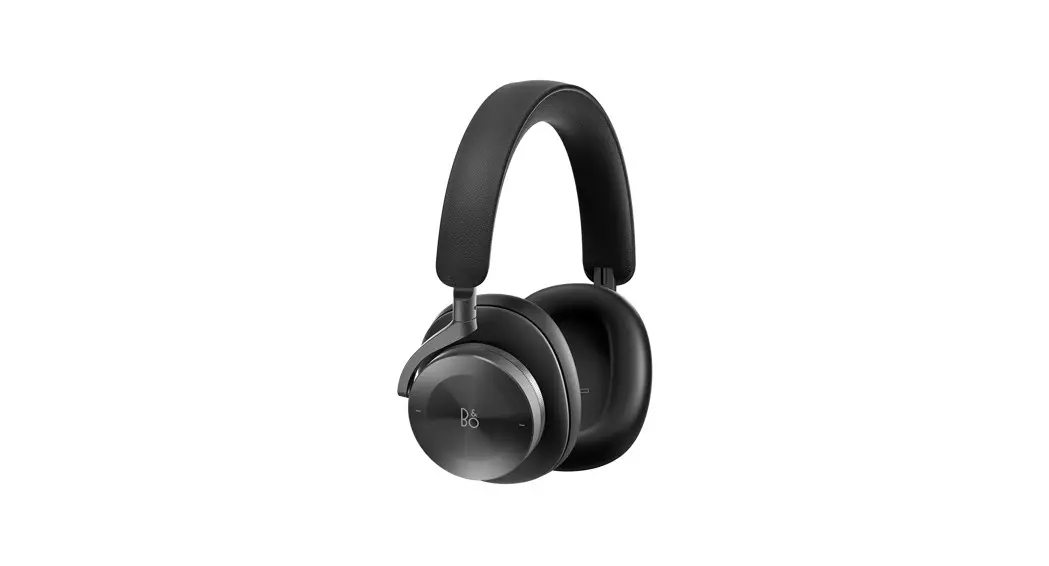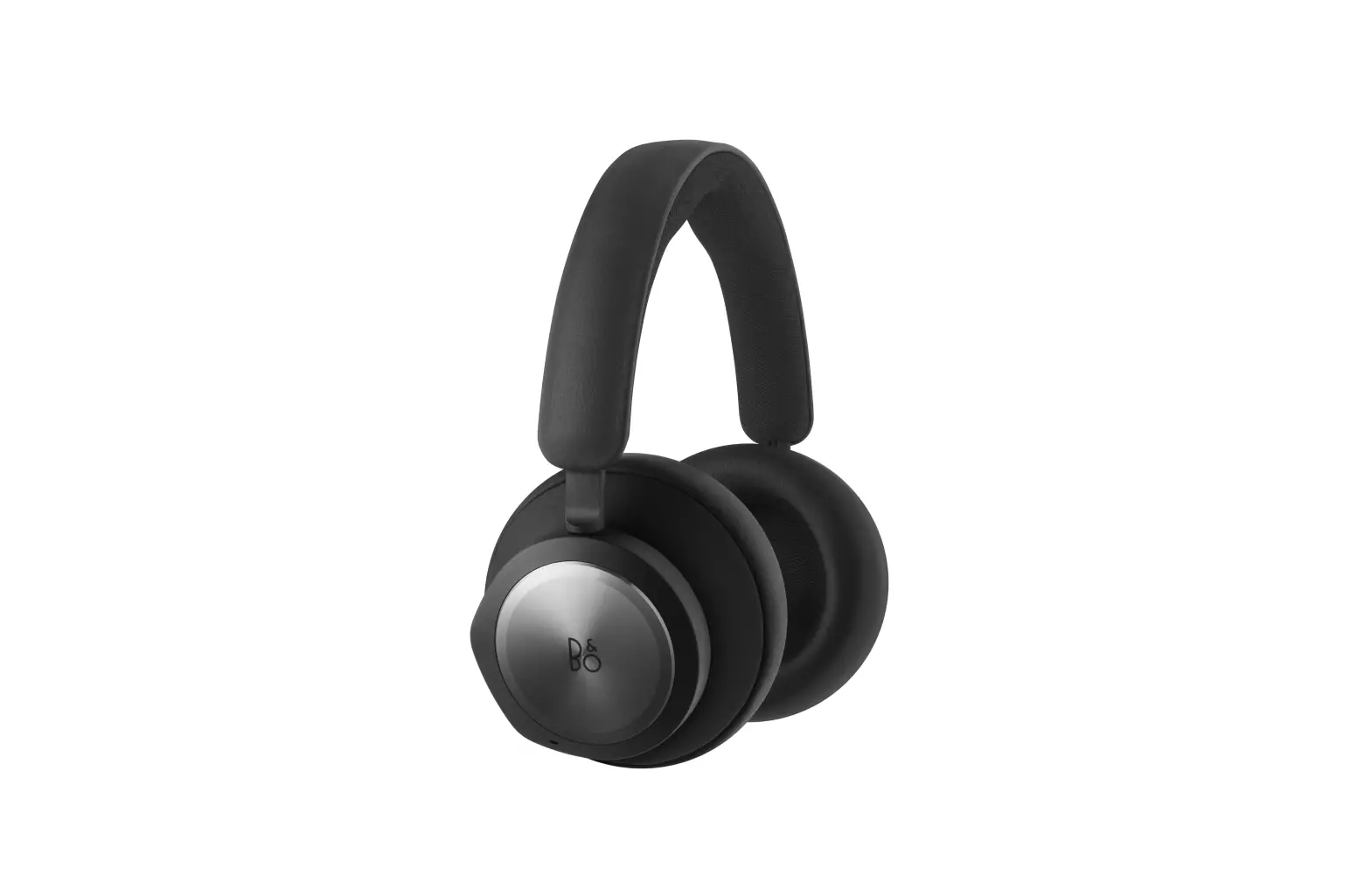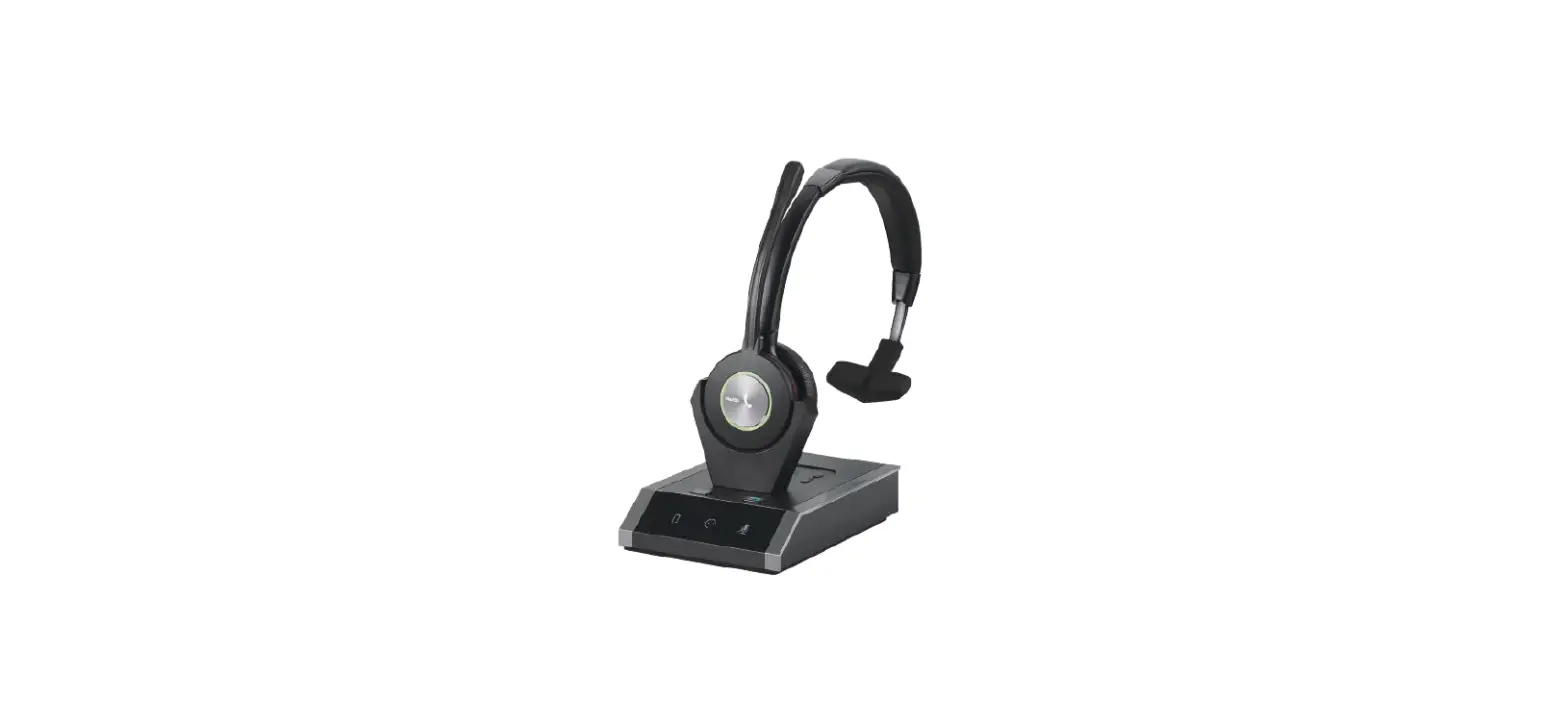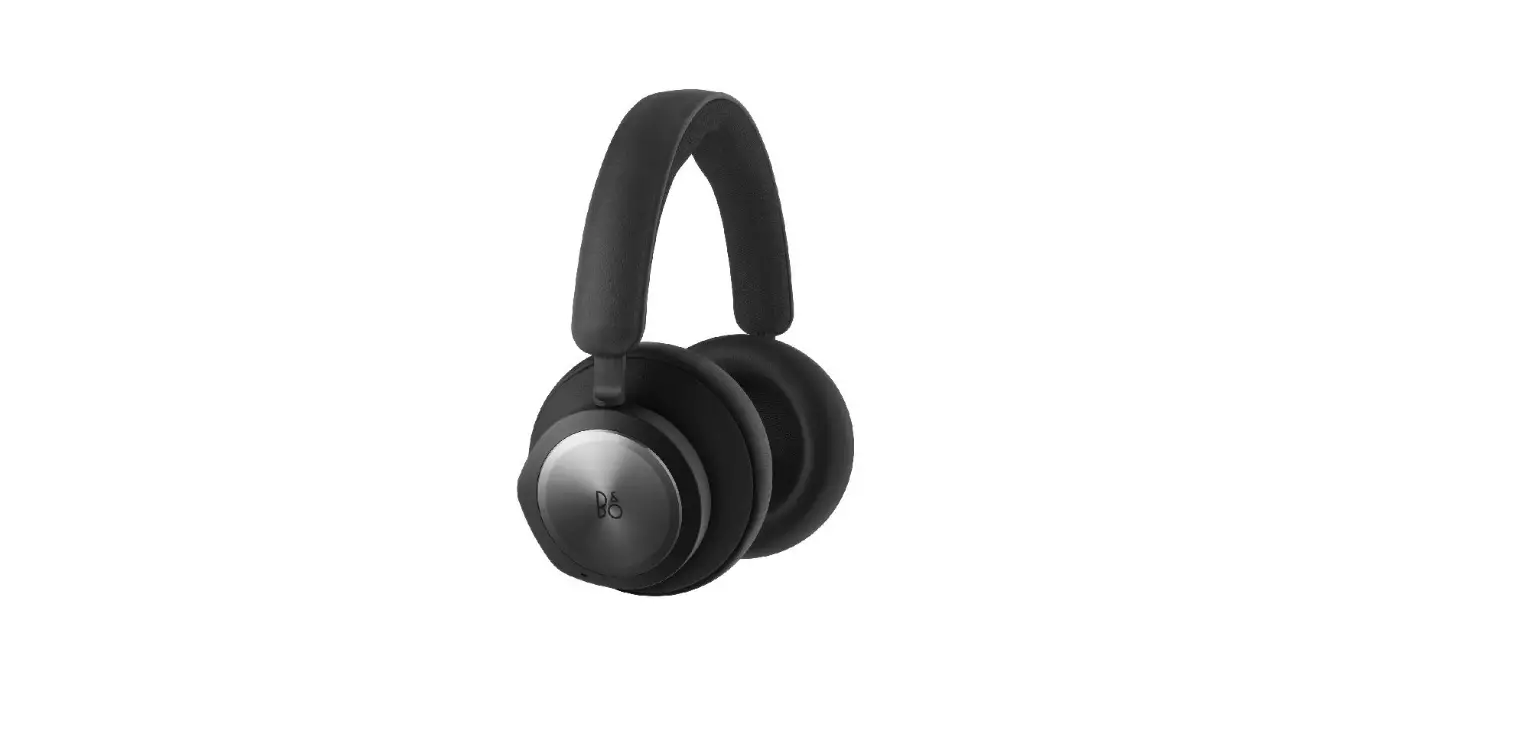

BANG OLUFSEN 1307802 Beocom Portal Headset
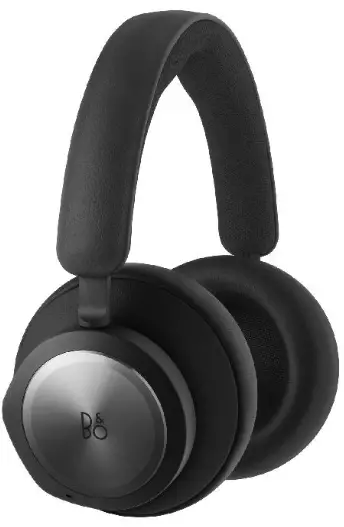
INSTALLATION
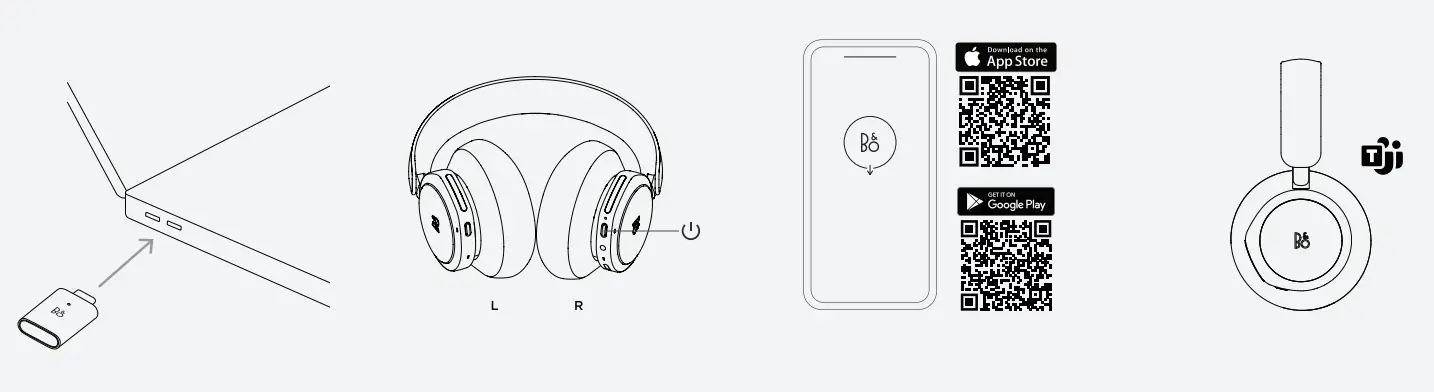
- INSERT DONGLE IN COMPUTER
- TURN ON YOUR BEOCOM PORTAL WITH A SINGLE PRESS
- SET UP IN THE BANG & OLUFSEN APP
- READY TO WORK
BANG & OLUFSEN APP
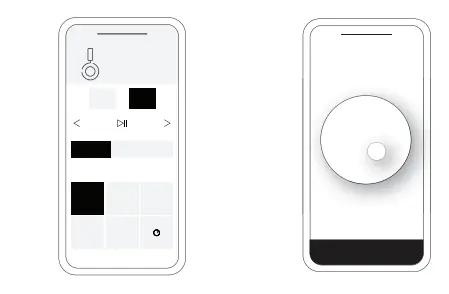
- Product settings, feature updates, and software updates
- Beosonic
AUTOMATIC PAIRING
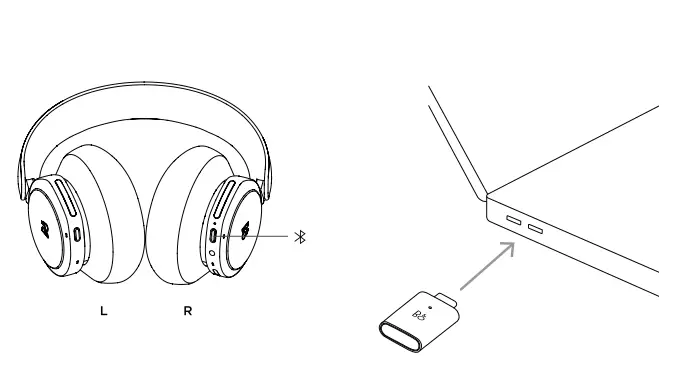
CONNECTION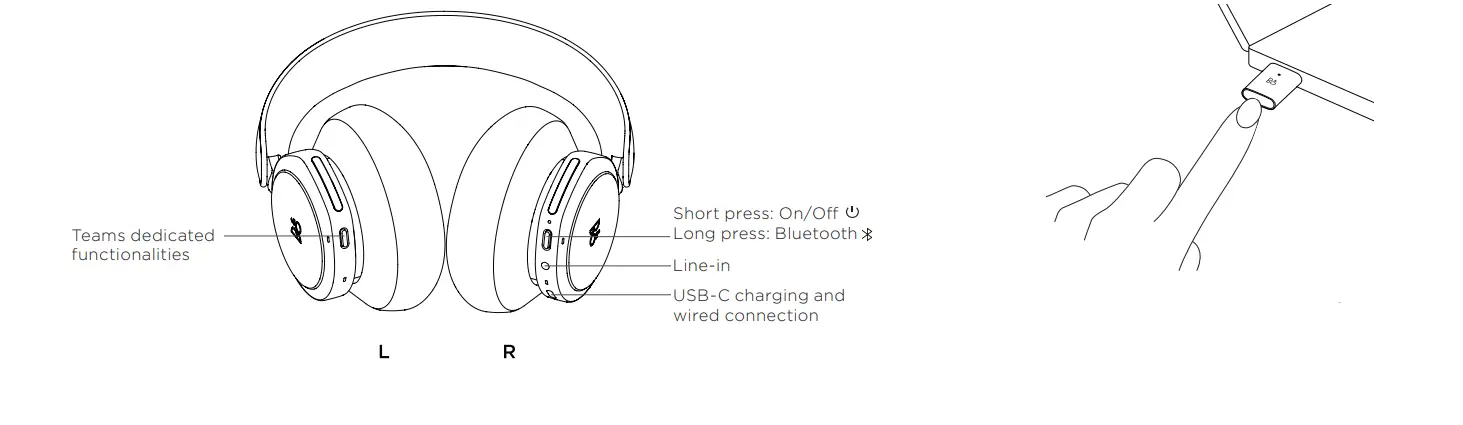
- Long press (blinking blue light): Pairing
- Single press: Search and cancel pairing
DAILY USE
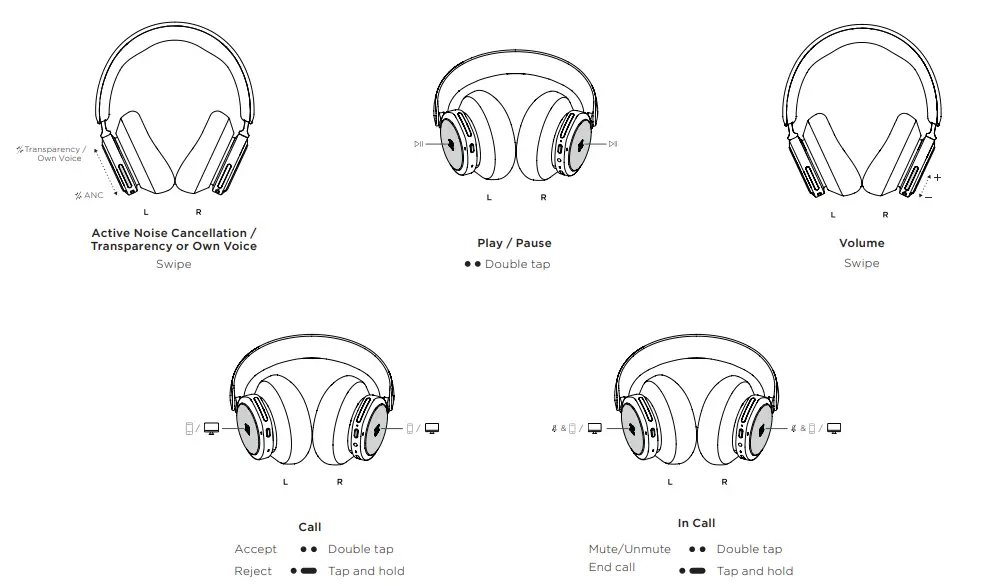
Model name: Beoplay 500
on.beo.com/beocom-portal-support
 Bang & Olufsen - High-end Headphones, Speakers, and Televisions