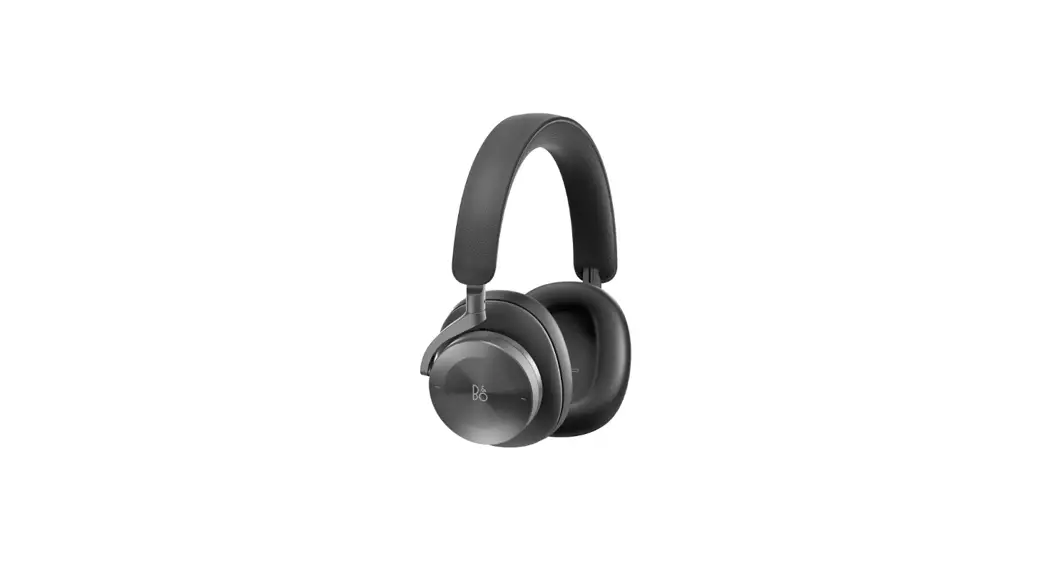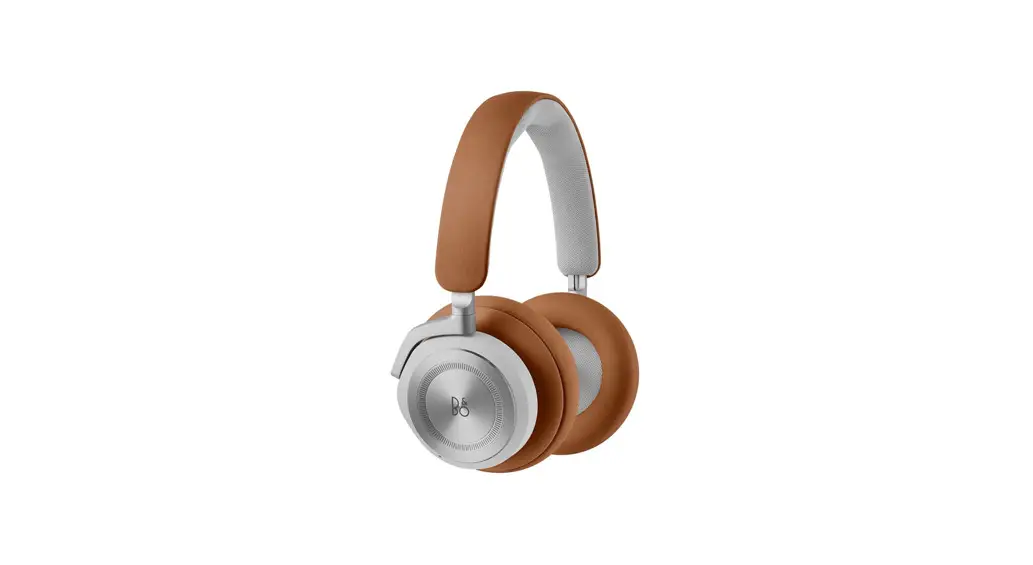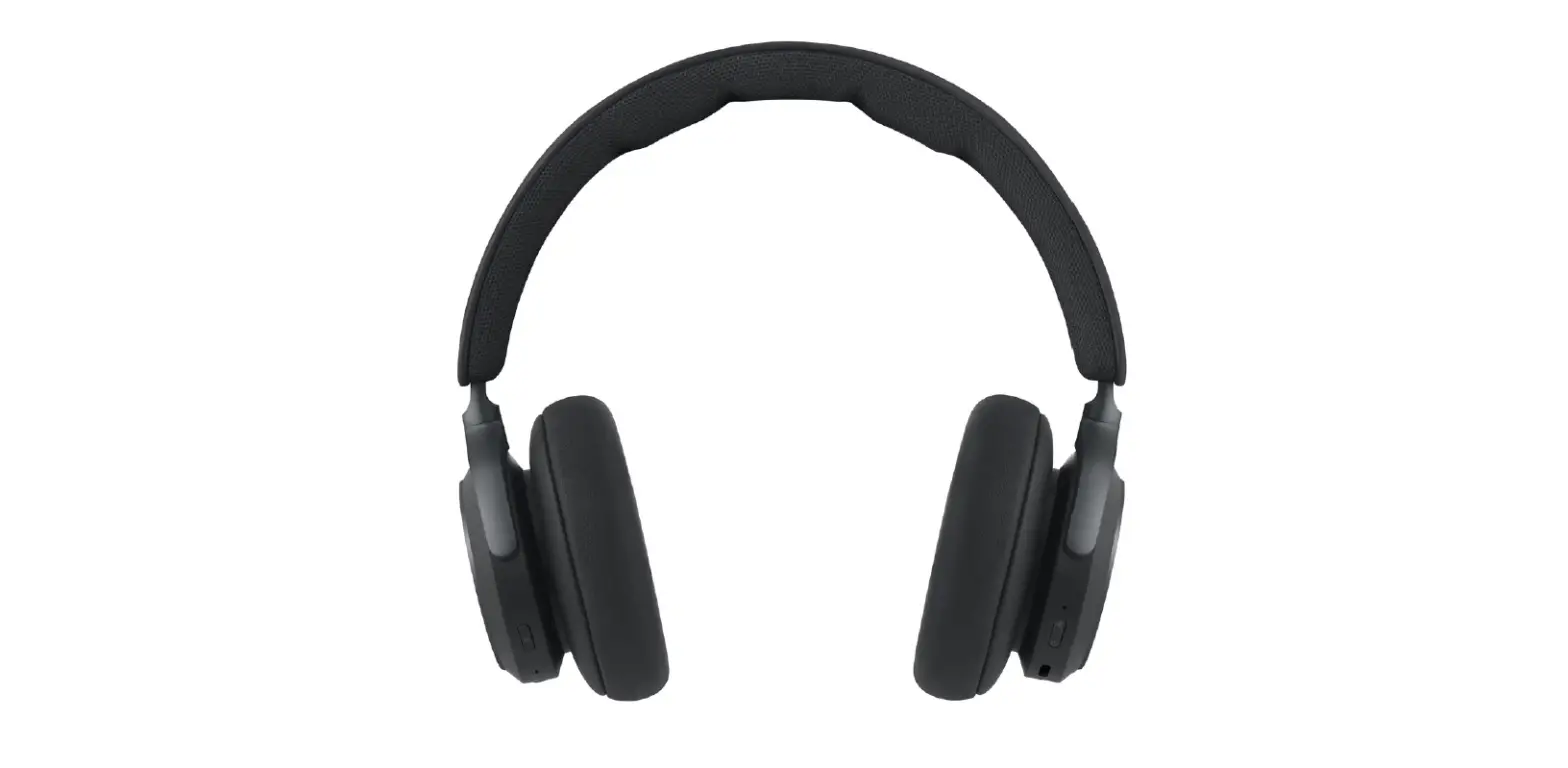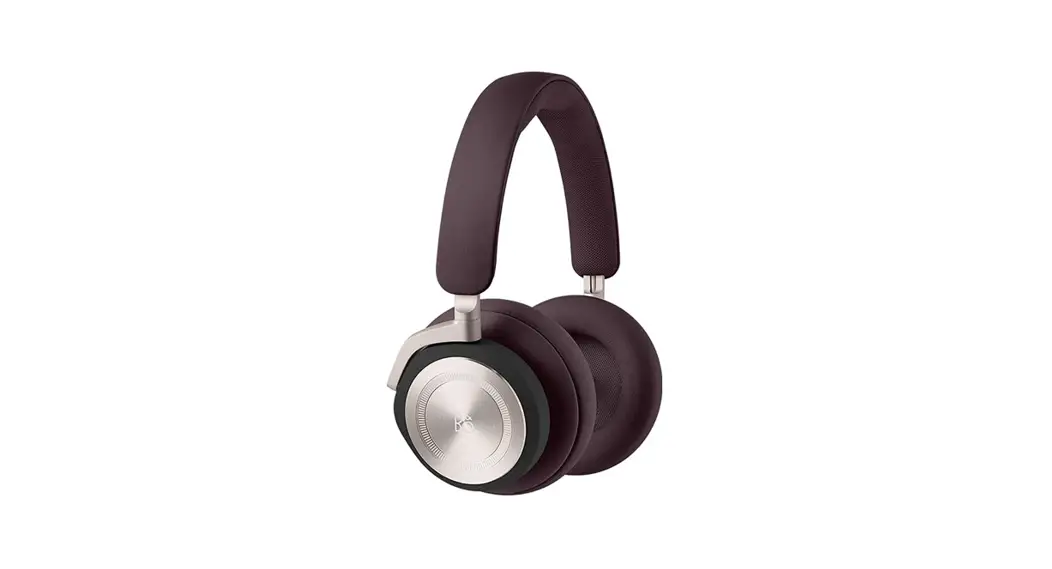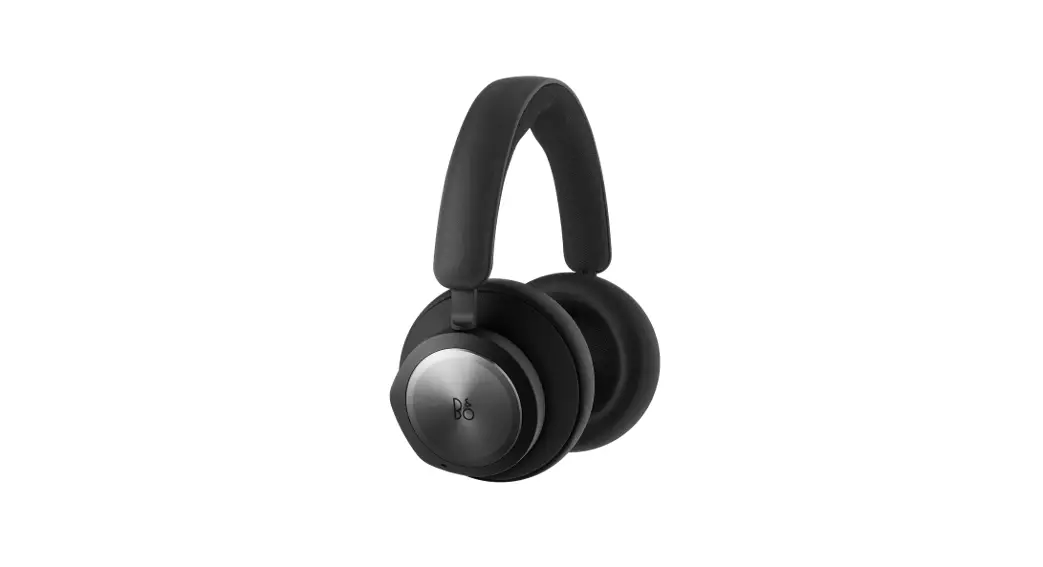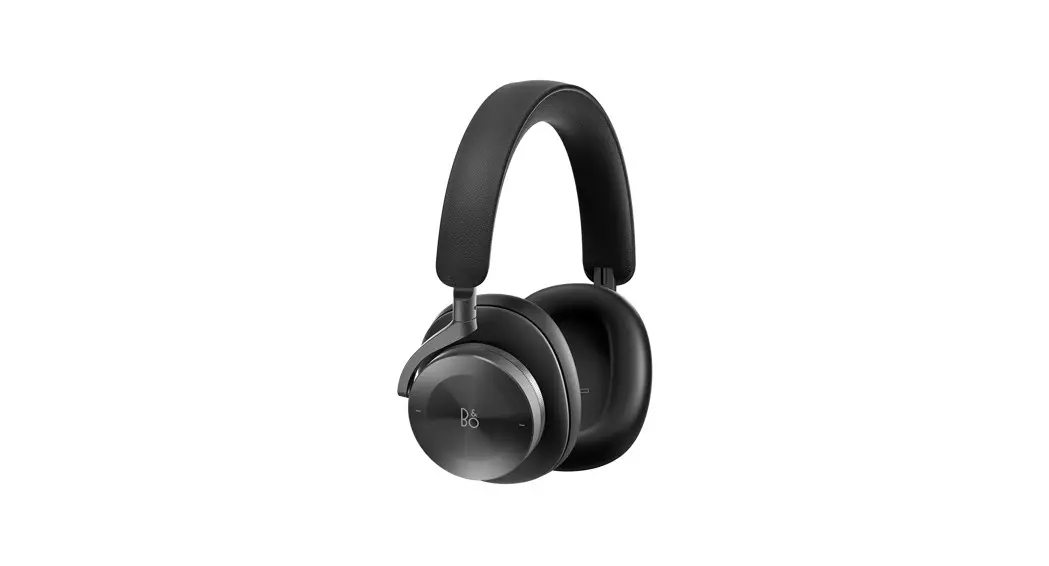
 Beoplay H95
User Guide
DOWNLOAD BANG & OLUFSEN APP
 https://apps.apple.com/us/app/bang-olufsen/id1203736217
 https://play.google.com/store/apps/details?id=com.bang_olufsen.OneApp
Use the Bang & Olufsen app for setup, product customization, and music enhancing features.
TURN ON/OFF
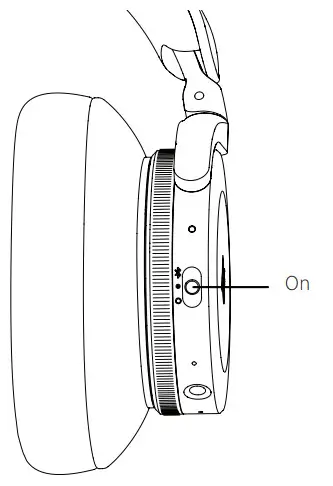
Move the switch to the ON position to turn on the headphones.
To turn off, move the switch to the OFF position. The headphones will automatically turn off when not in use for 15 mins.
Beoplay H95 remembers previously connected devices. When turned on, it will attempt to reconnect to previously paired devices.
Move the switch to the top position and hold for 2 sec. to initiate Bluetooth pairing.
Release the switch when a sound is heard, and the indicator starts flashing blue.
Your Beoplay H95 is ready for pairing through the Bang & Olufsen App or in the Bluetooth settings on your device.
DAILY USE
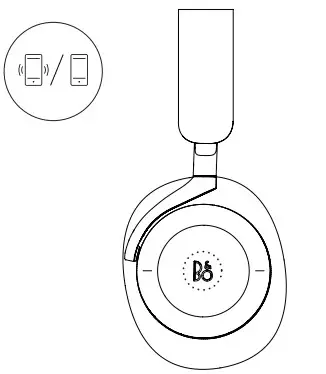
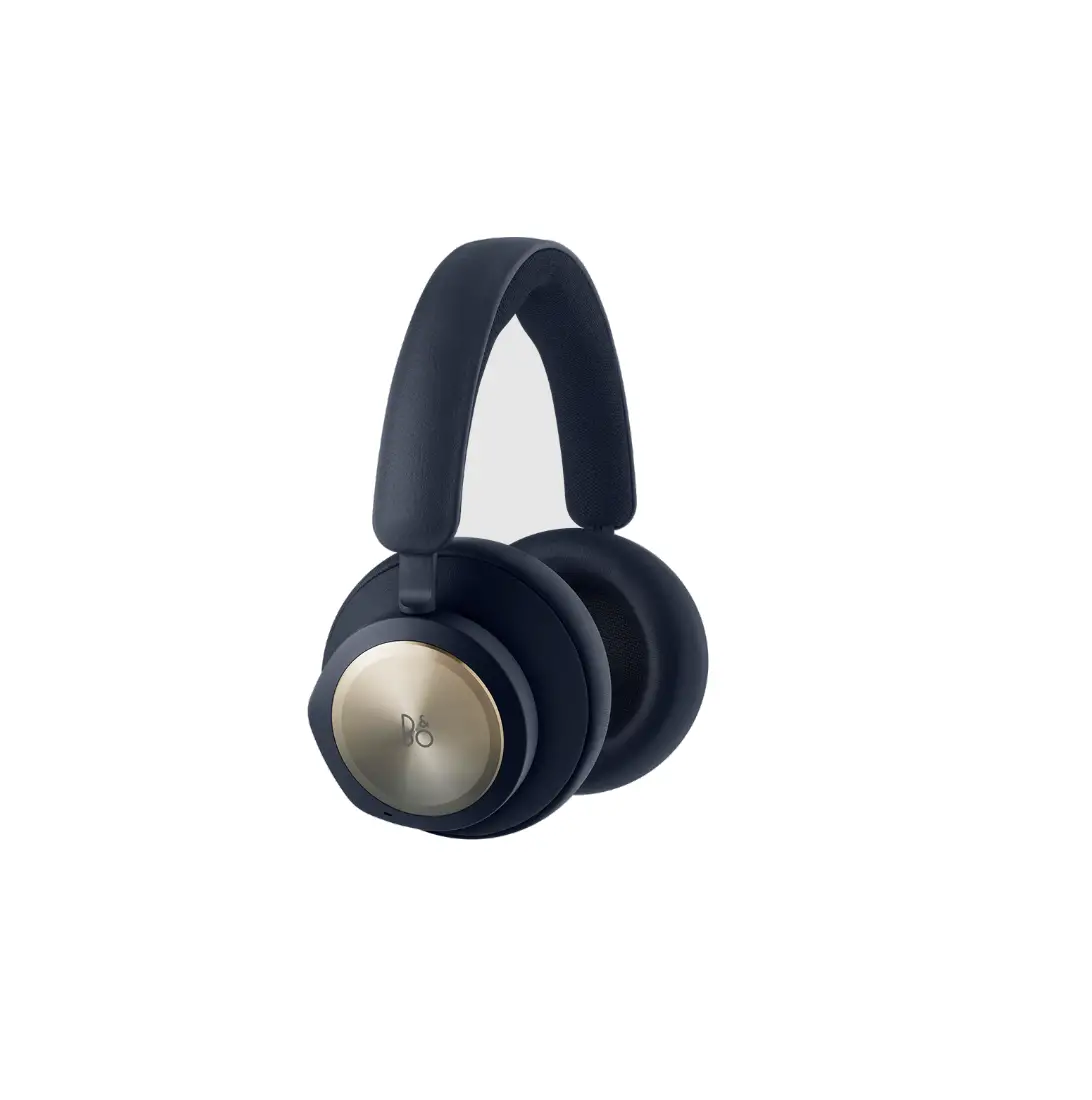
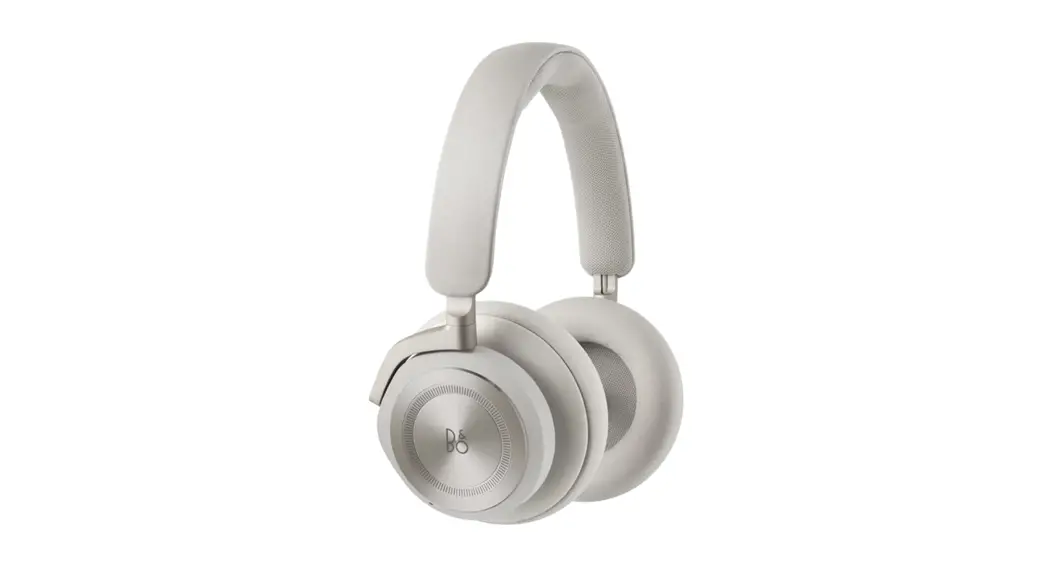
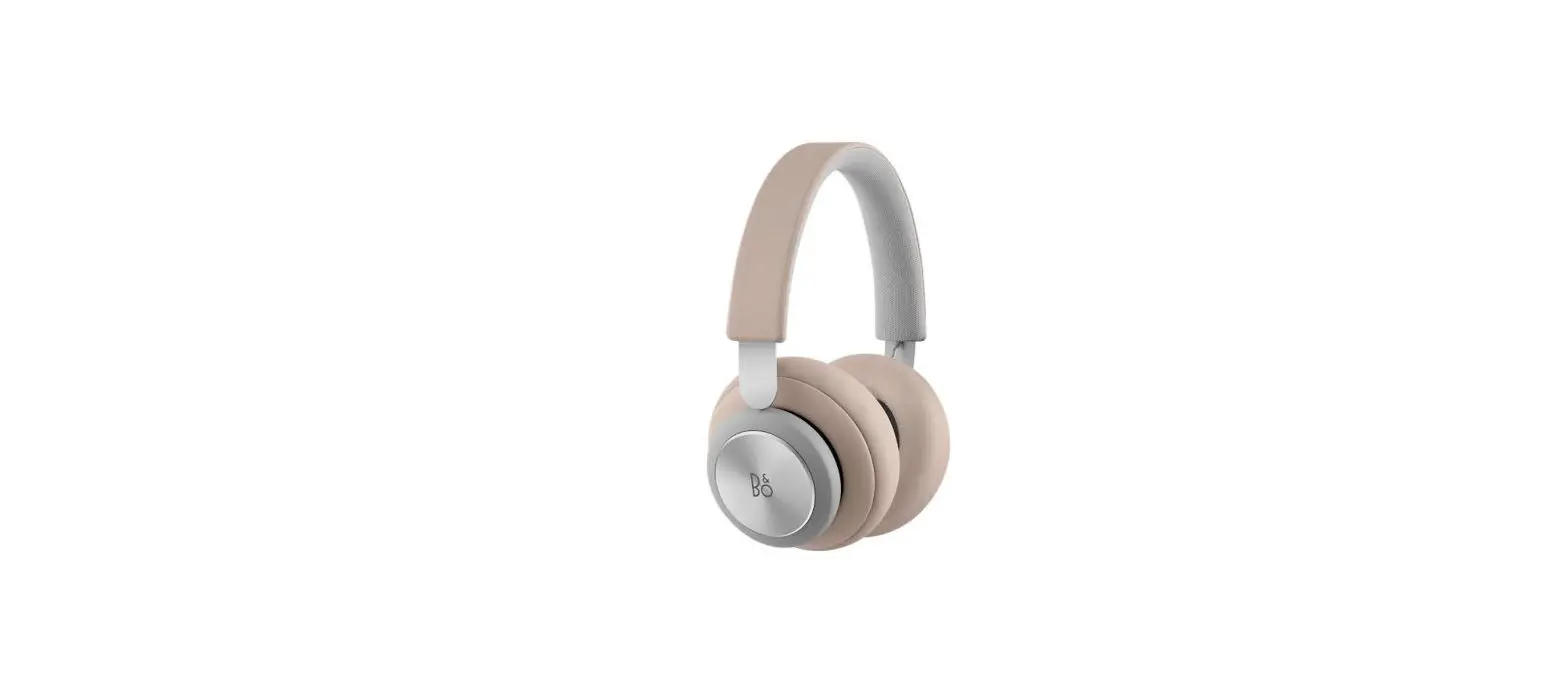
Operate the headphones using the aluminum touch interface on the right earcup and the dials on each earcup.
| Action | Meaning |
| Tap center | Play/pause |
| Swipe forward | Play next track |
| Swipe backward | Play previous track |
| Rotate the dial on right earcup | Control volume |
| Rotate the dial on the left earcup | Control Active Noise Cancellation and Transparency |
ACTIVE NOISE CANCELLATION AND TRANSPARENCY
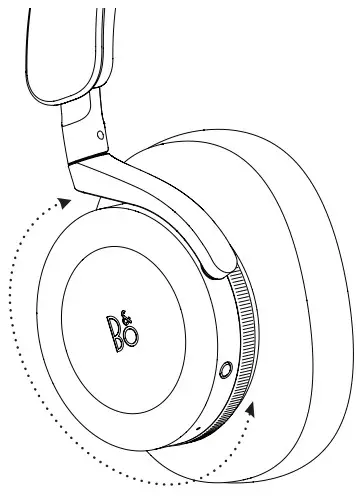
Rotate the dial on the left ear cup to adjust between Active Noise Cancellation and Transparency Mode.
Rotate the dial towards your back to increase the level of noise cancelation until you hear sound feedback. This suggests maximum noise cancelation is achieved Rotate the dial towards your front to increase the level of transparency mode that will amplify your surroundings. Keep turning until you hear sound feedback that suggests maximum transparency mode is achieved.
You can position the dial in the middle for a neutral mode which is indicated by sound feedback. This indicates both ANC and Transparency Mode off.
Beoplay H95 comes with Adaptive Active Noise Cancellation, which automatically adjusts to your surroundings If you prefer to deactivate this feature, simply toggle it off in the Bang & Olufsen App.
CALLS
Use the touch alu disc on the right earcup to control calls.
| Action | Meaning |
| Short tap | Answer a call |
| Double-tap | End a call or reject an incoming call |
| Swipe forwards | Transfer active call to your smartphone |
STORE YOUR HEADPHONES
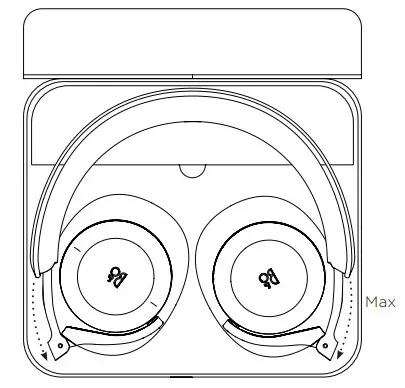
To store the headphones in the case, make sure that the sliders are fully pulled out, rotate the earcups to lay flat, and fold the earcups towards the headband. There’s room for a mini-jack cable, charging cable, and flight adaptor inside the compartment in the carrying case.
CHARGING
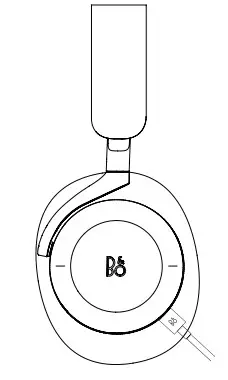
You can charge the headphones using the USB-C cable which is included in the box.
You can still use your headphones while charging.
It takes approximately 2 hours to fully charge Beoplay H95.
When the battery is fully charged, the indicator shows solid green.
When the battery power is below 10 % the indicator turns red and a sound prompt is heard.
on.beo.com/beoplay-h95-support
 Beoplay H95 – Bang & Olufsen Support