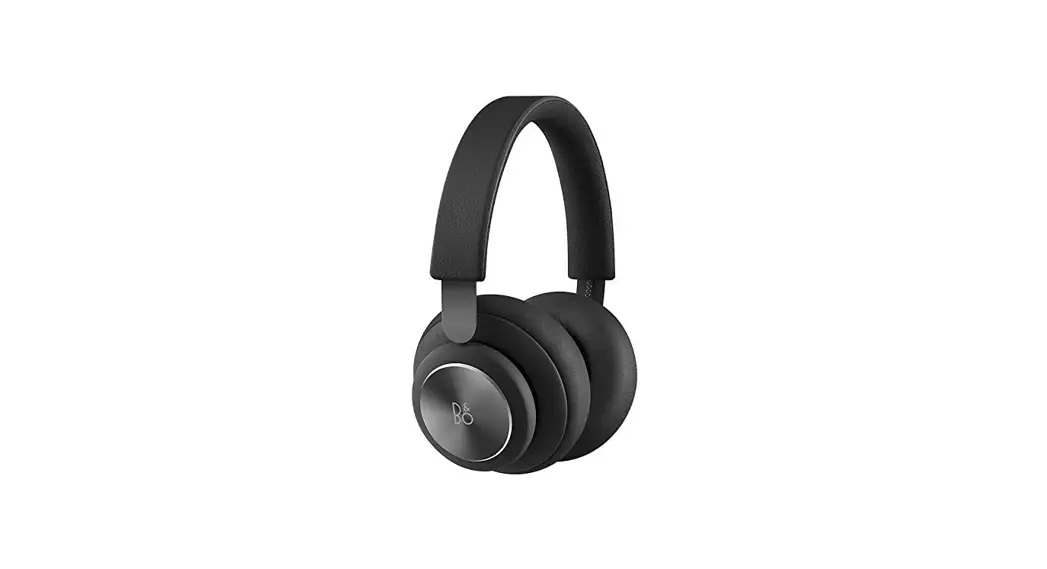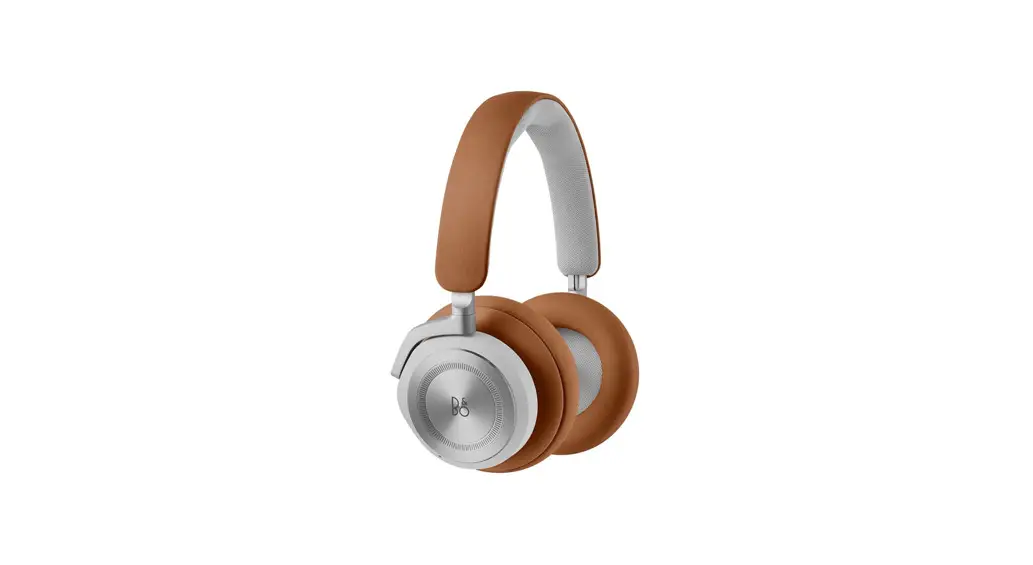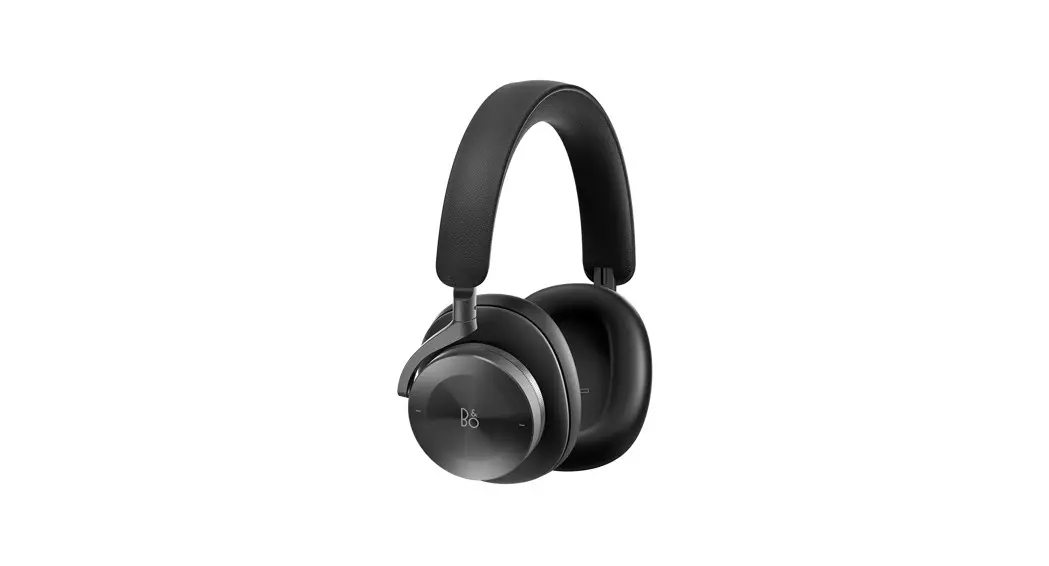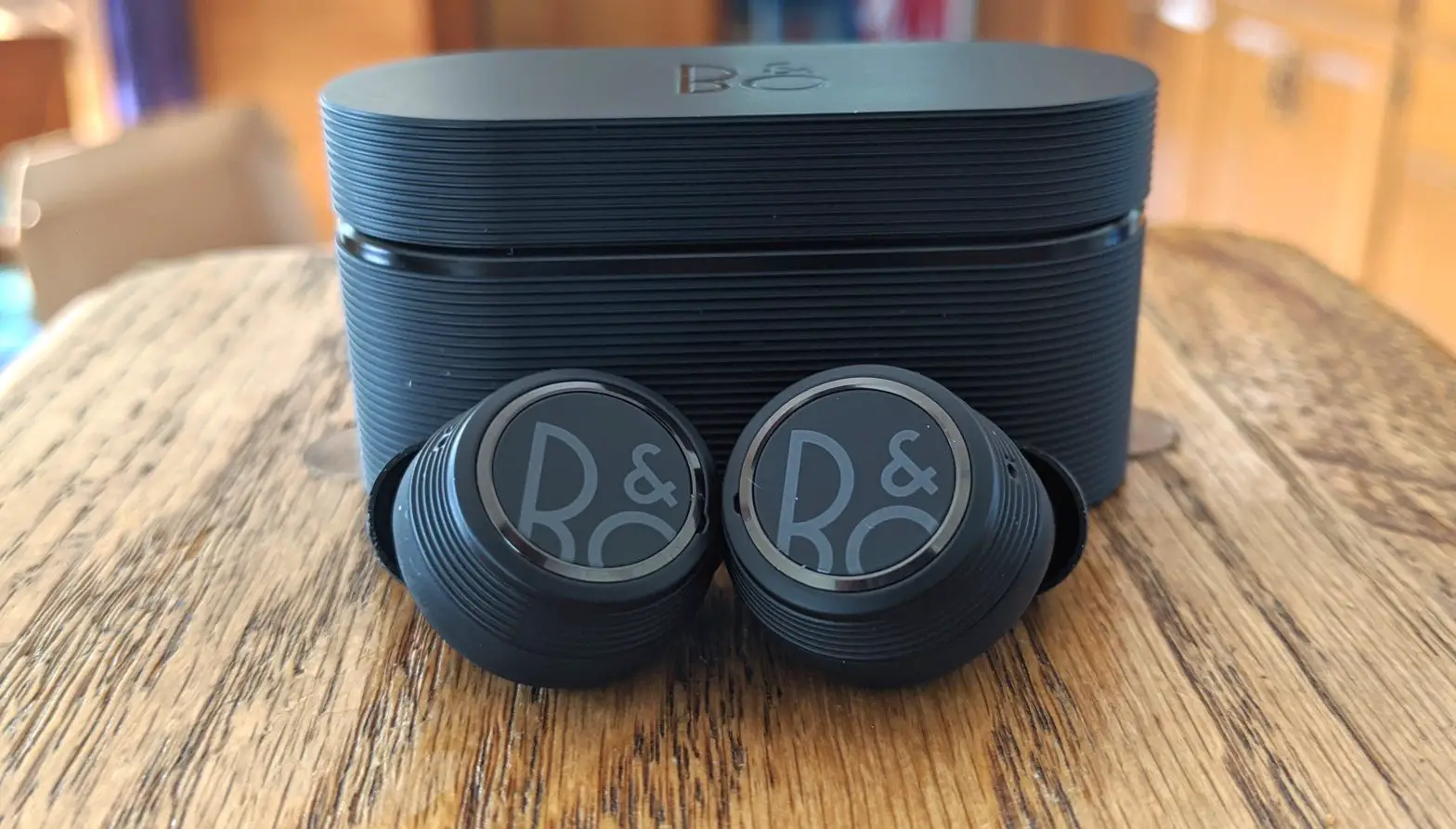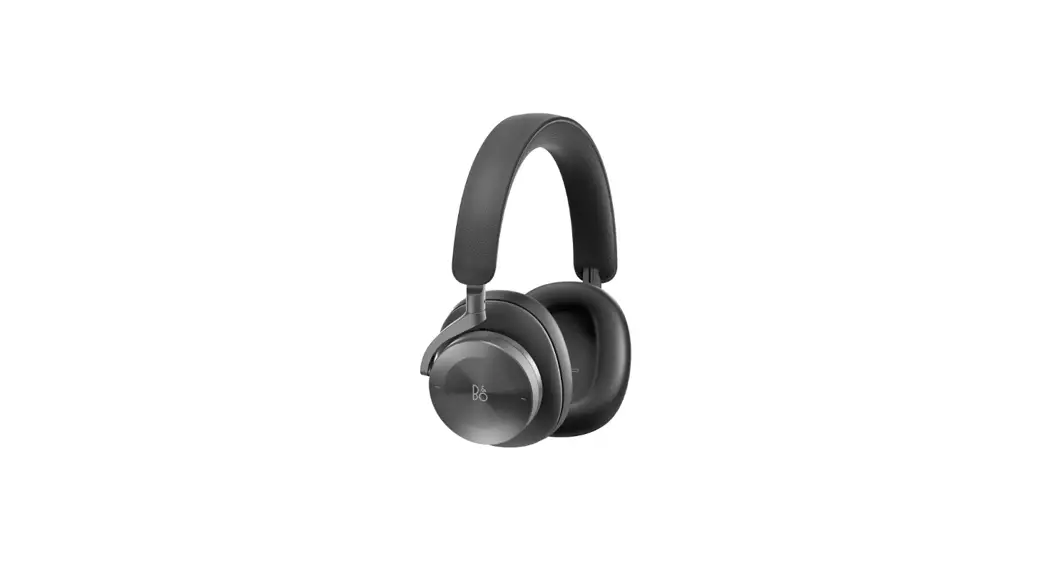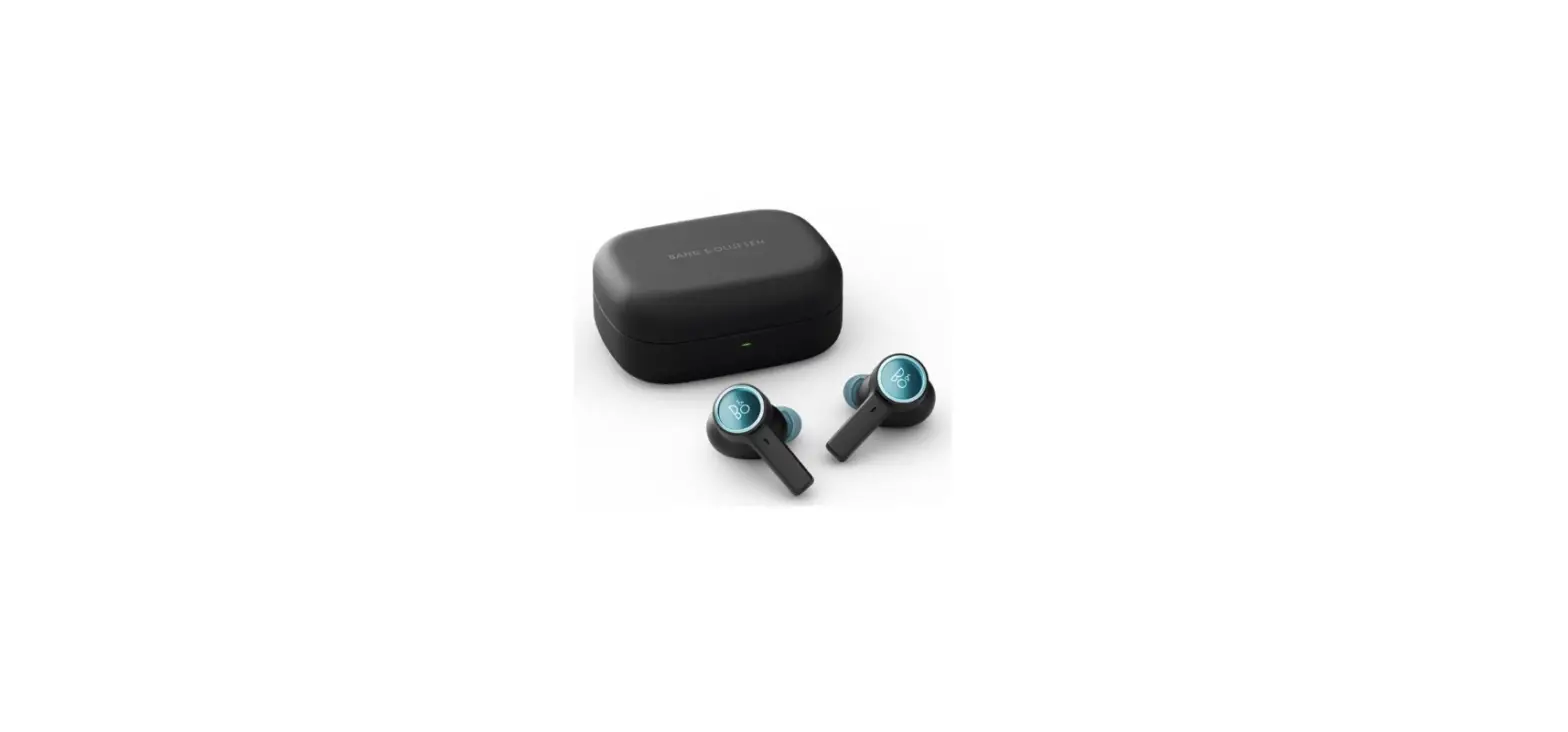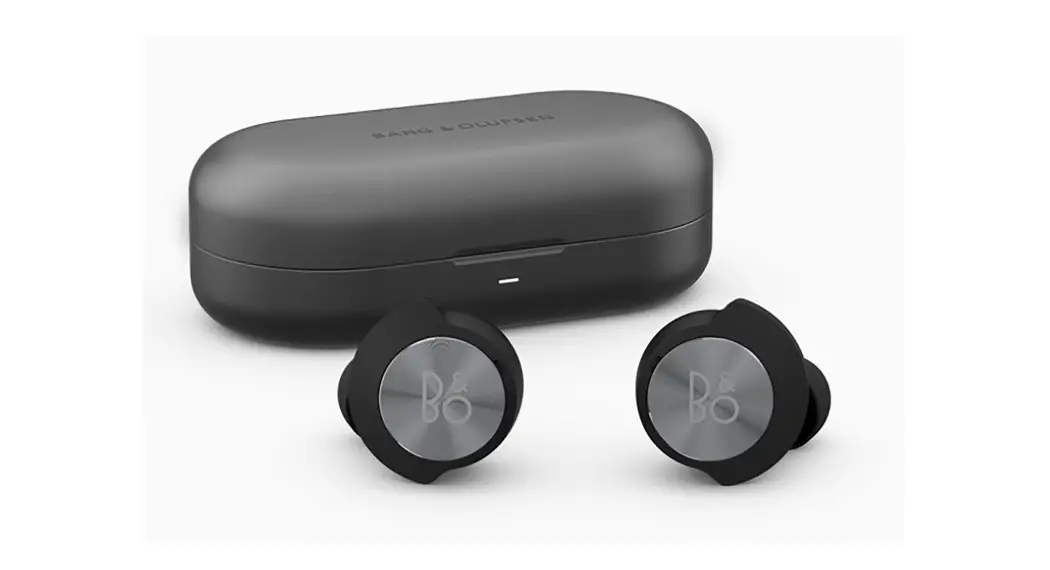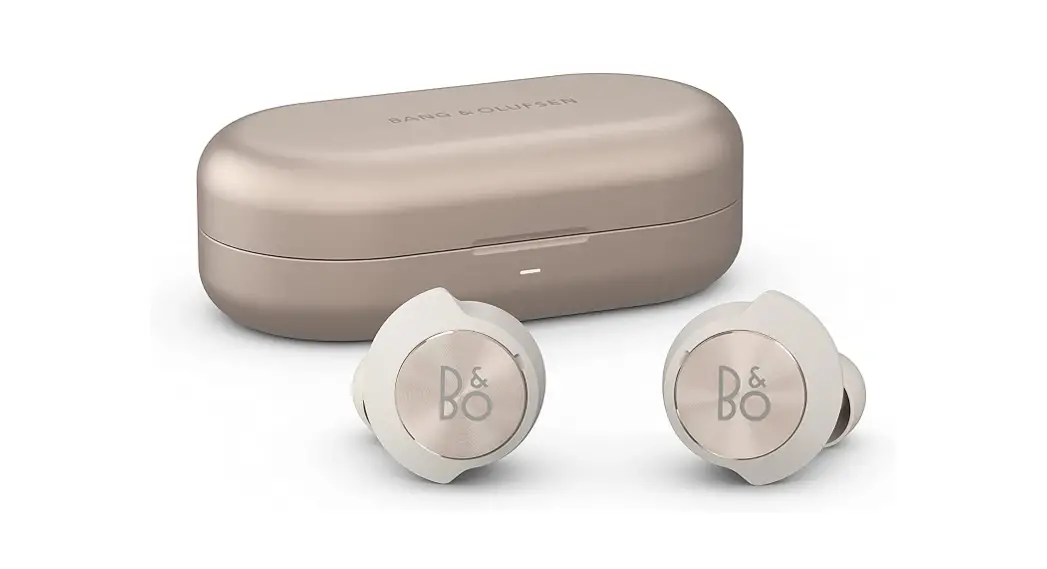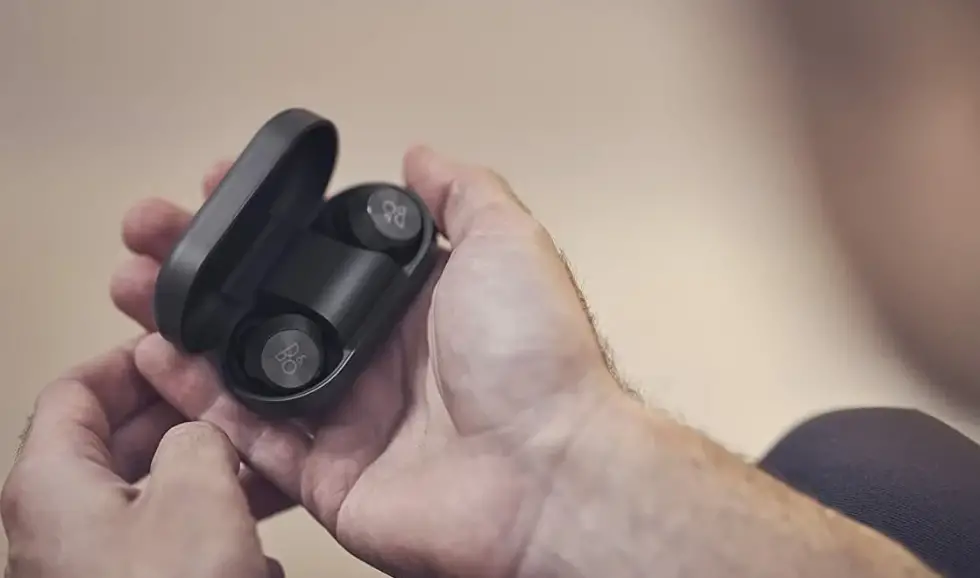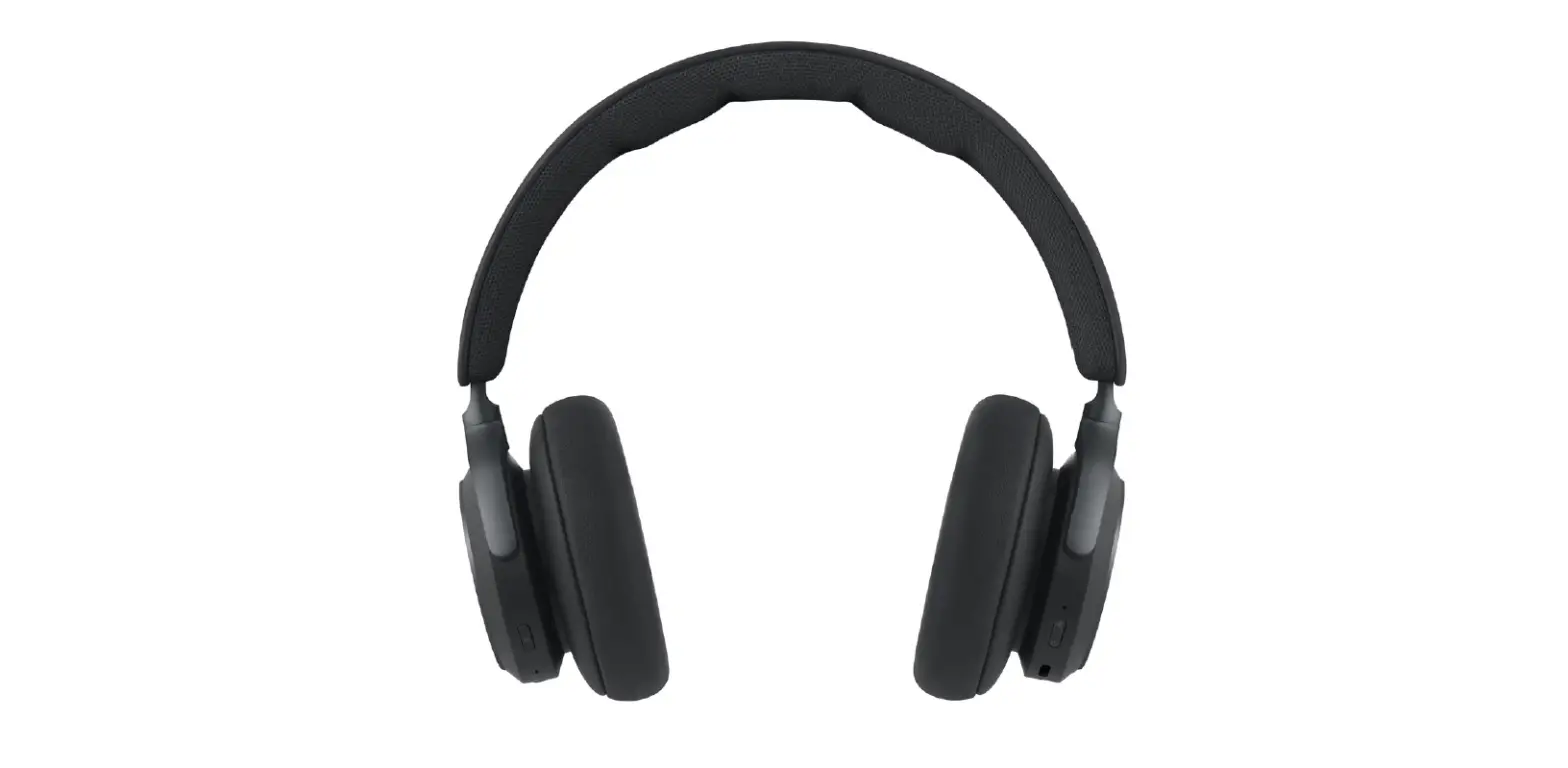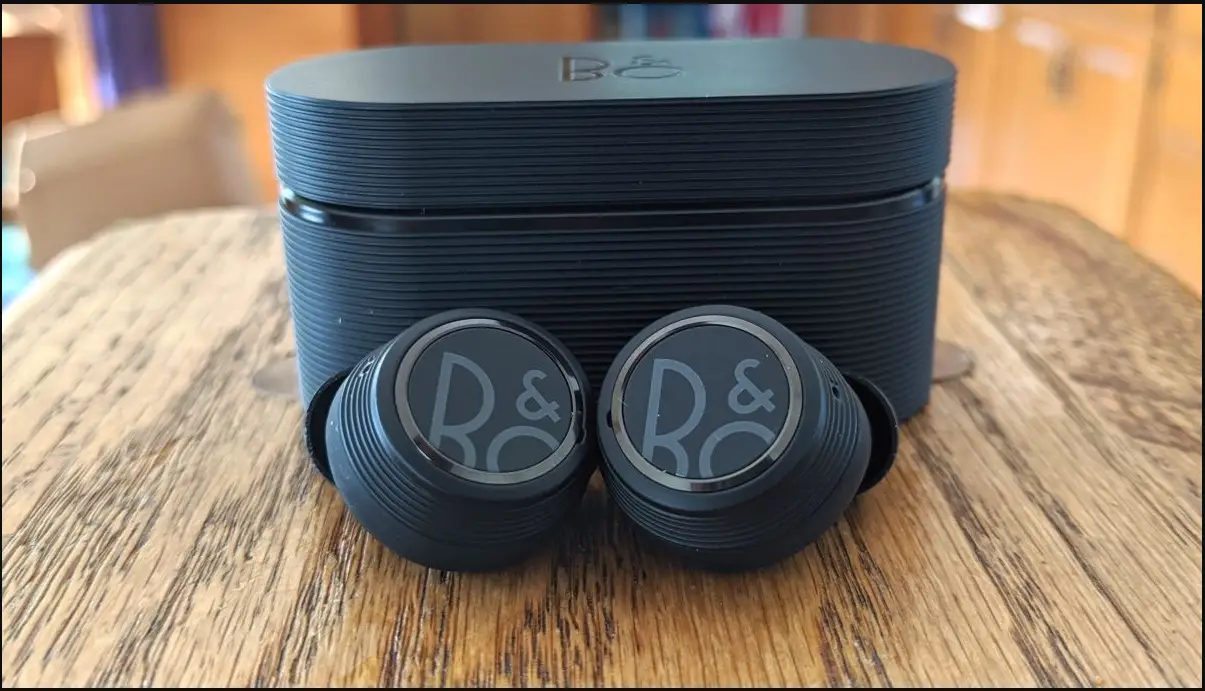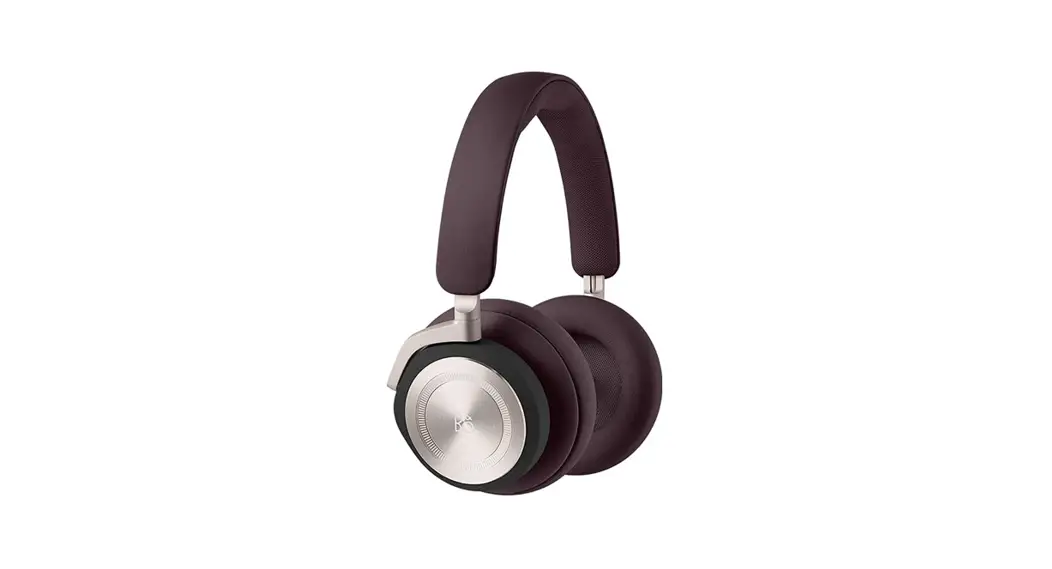

Bang Olufsen Beoplay 500 Comfortable Wireless Anc Over-ear Headphones User Guide

Bang Olufsen Beoplay 500 Comfortable Wireless Anc Over-ear Headphones User Guide

BANG OLUFSEN logo

BANG OLUFSEN logo 2BEOCOM PORTAL
QUICK START GUIDE

Beoplay 500 Comfortable Wireless ANC Over-Ear Headphones

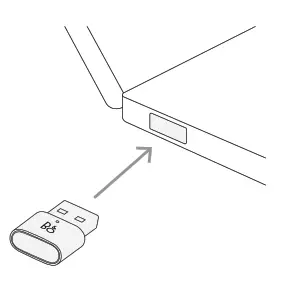
  1. INSERT DONGLE IN COMPUTERINSERT DONGLE IN COMPUTER
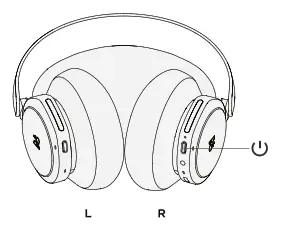
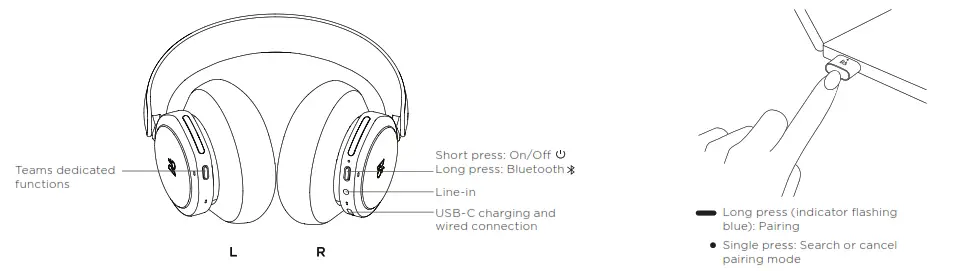
  2. SWITCH ON YOUR BEOCOM PORTAL WITH A SINGLE PRESSINSERT DONGLE IN COMPUTER - BEOCOM
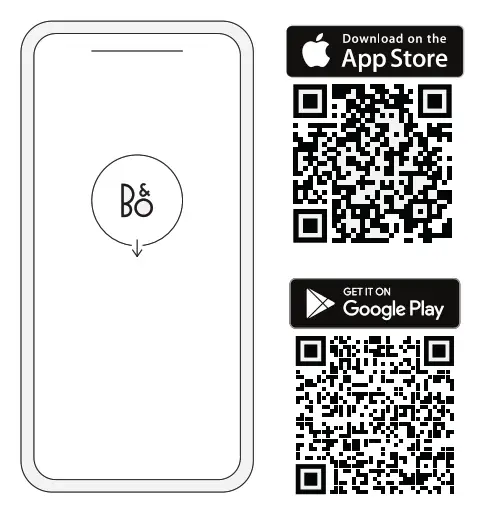
  3. SET UP IN THE BANG & OLUFSEN APPINSERT DONGLE IN COMPUTER - qr
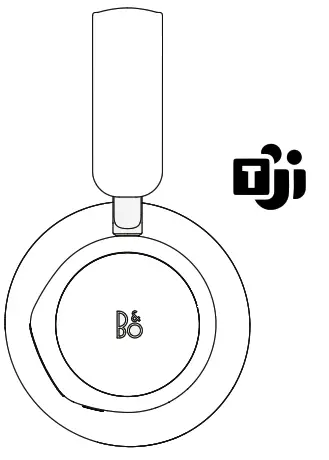
  4. READY TO WORKINSERT DONGLE IN COMPUTER - WORK

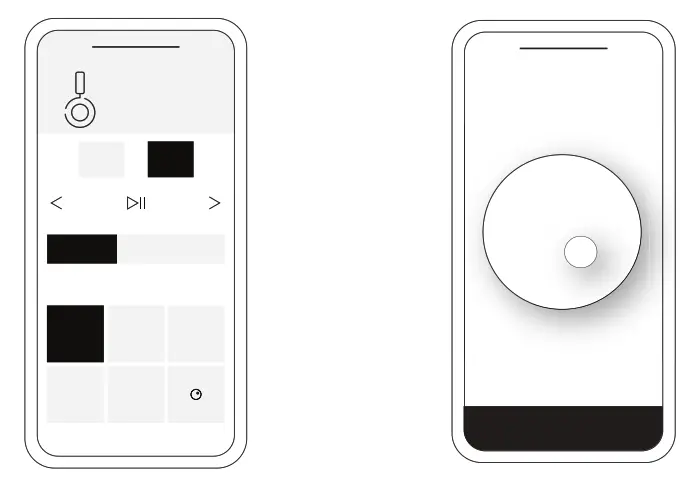
BANG & OLUFSEN APP

INSERT DONGLE IN COMPUTER - APP
Product settings,  feature updates, and software updatesBeosonic

To update software using computer, visit https://update.bang-olufsen.com

AUTOMATIC PAIRING
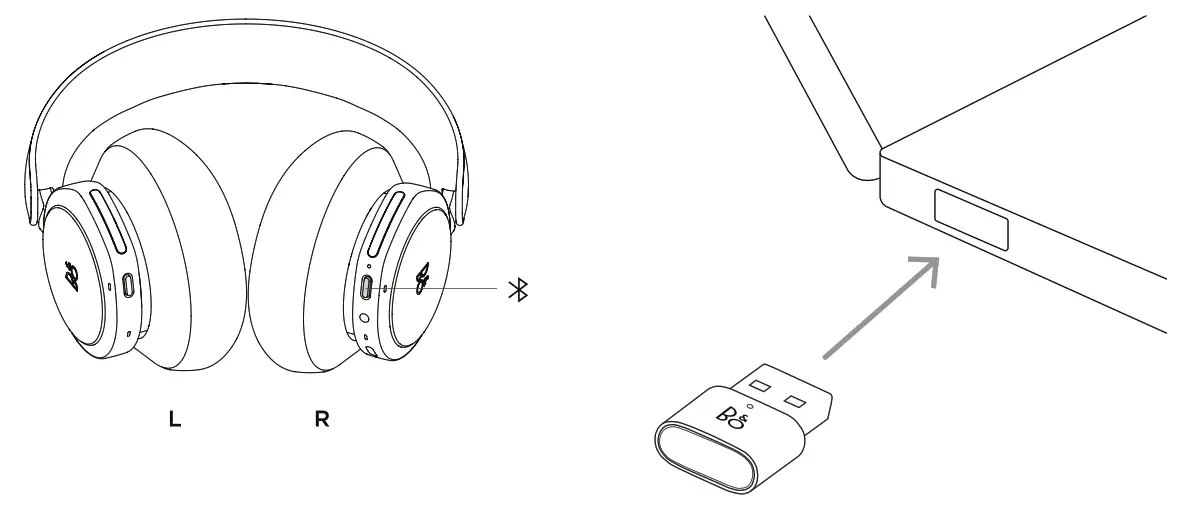
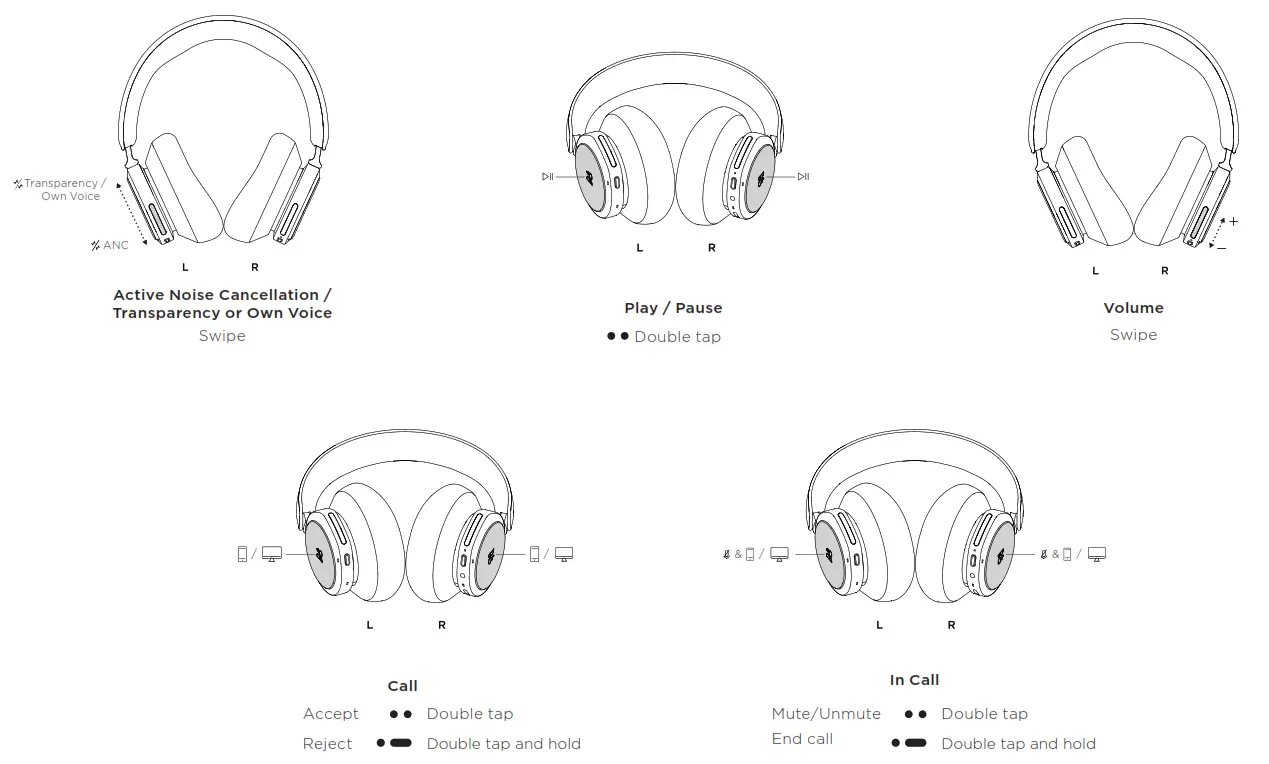
INSERT DONGLE IN COMPUTER - AUTOMATICINSERT DONGLE IN COMPUTER - DAILY UdSEINSERT DONGLE IN COMPUTER - DAILY USE

on.beo.com/beocom-portal-support

References

Documents / Resouces

Download manual
Here you can download full pdf version of manual, it may contain additional safety instructions, warranty information, FCC rules, etc.


Related Manuals