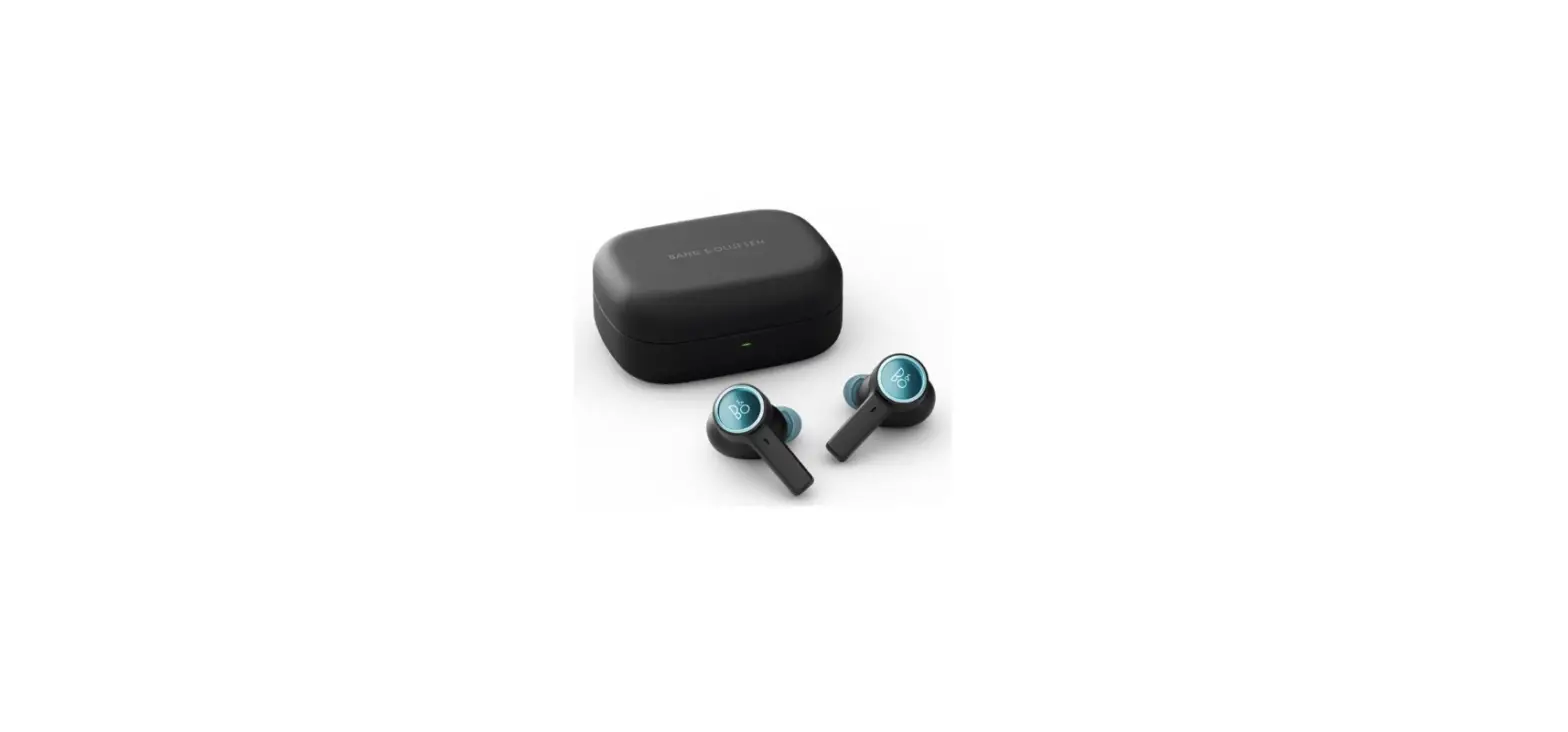
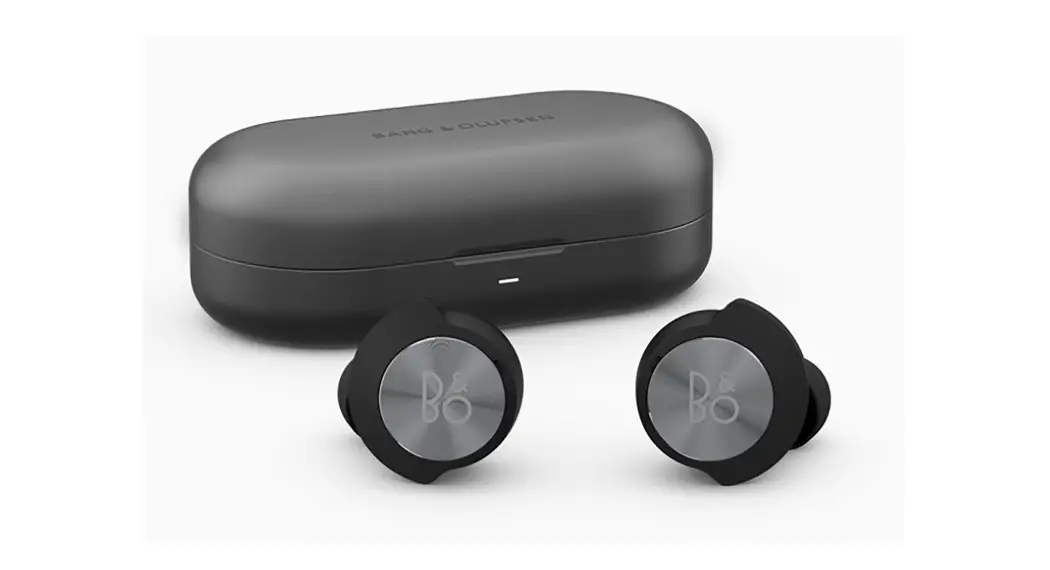
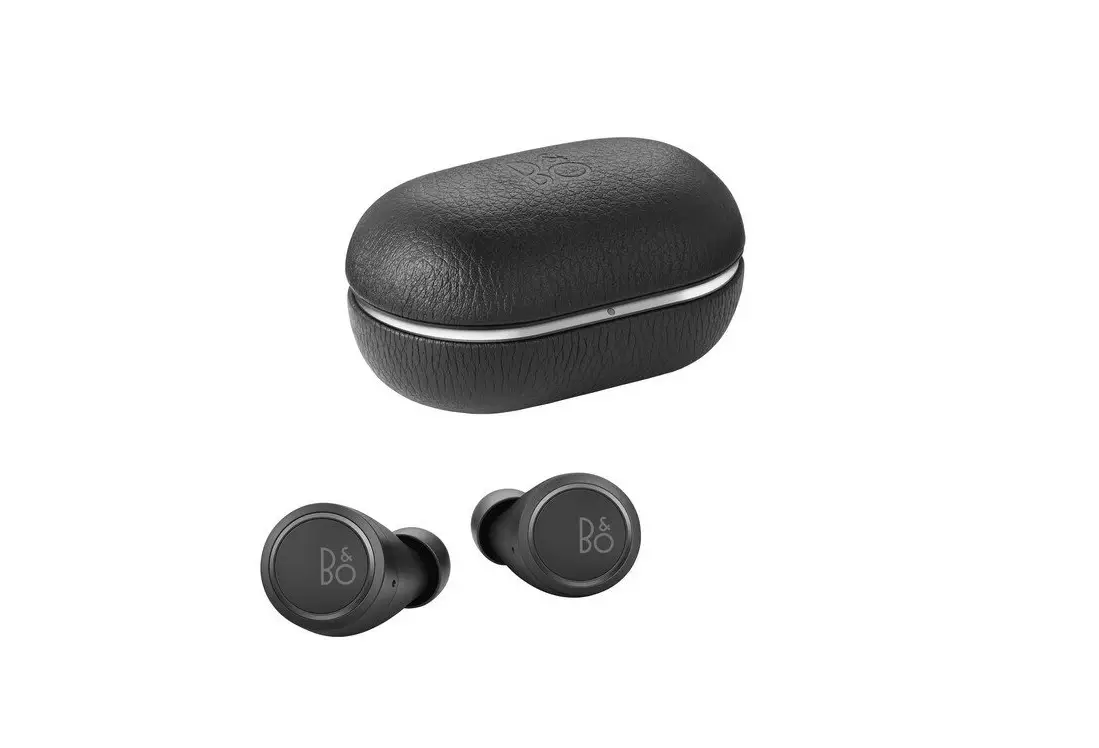
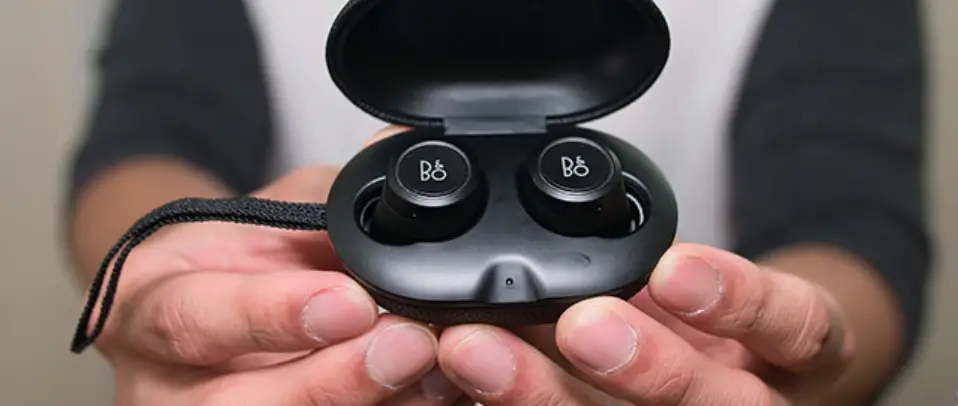
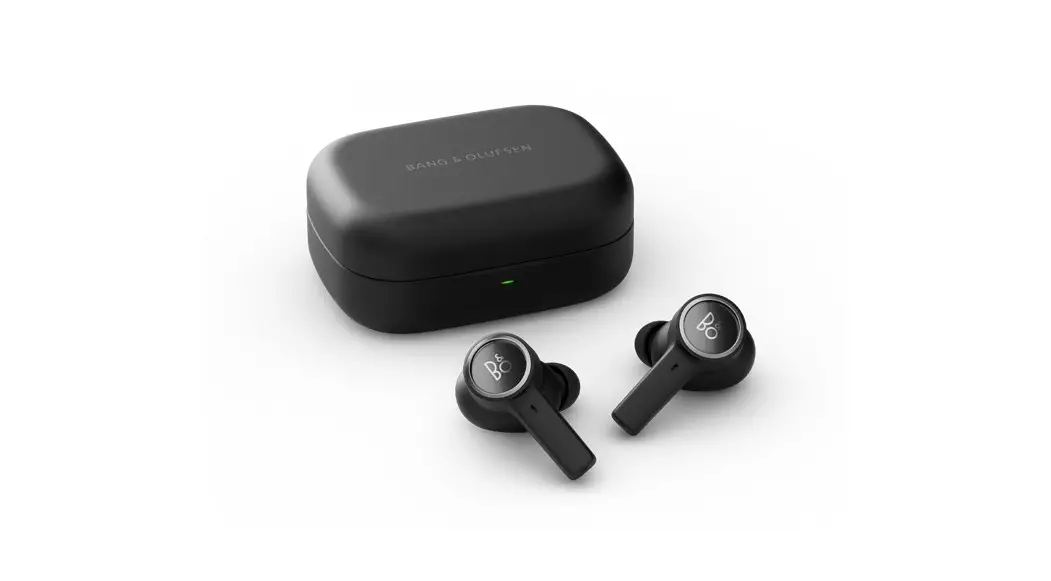
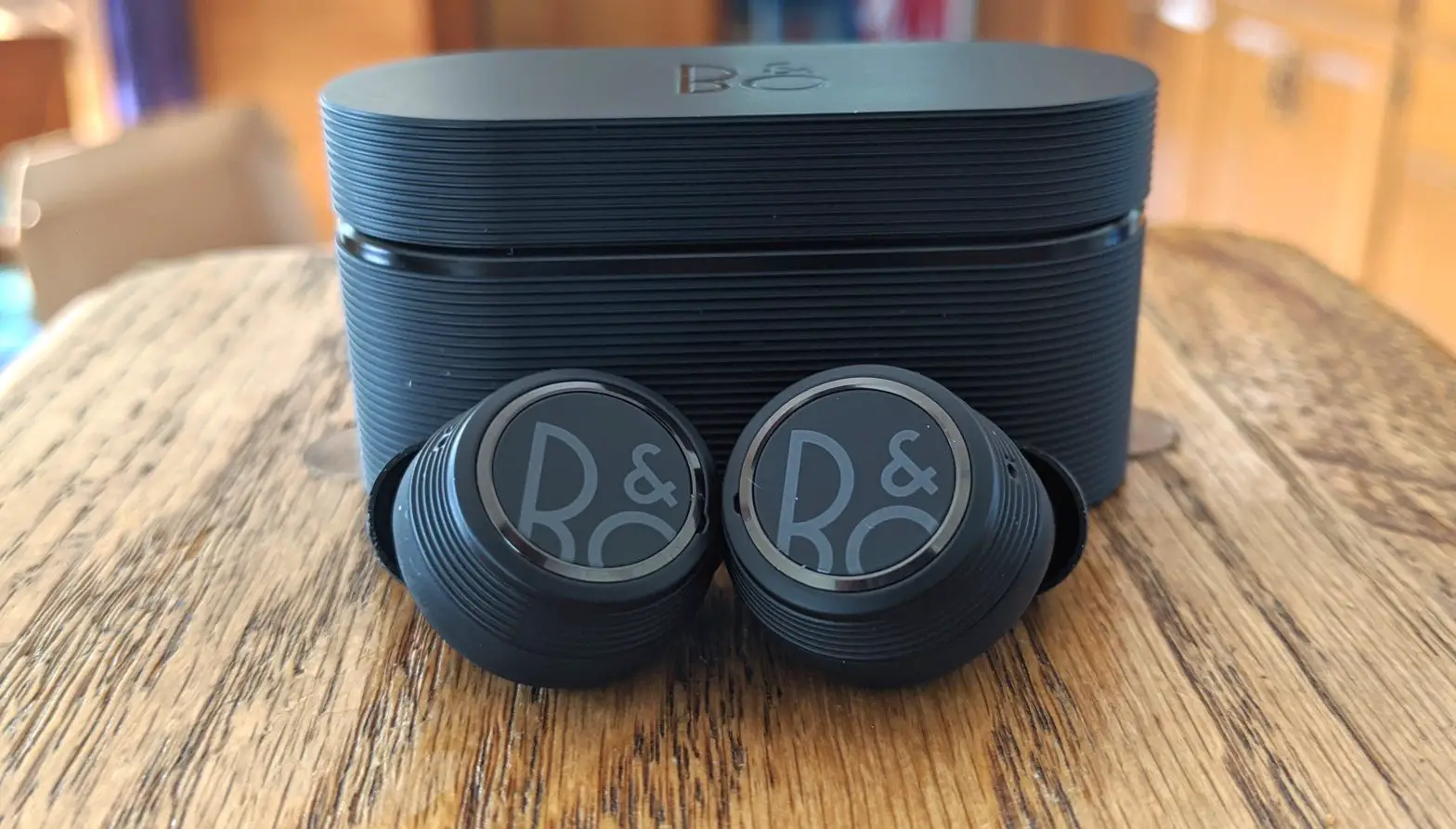
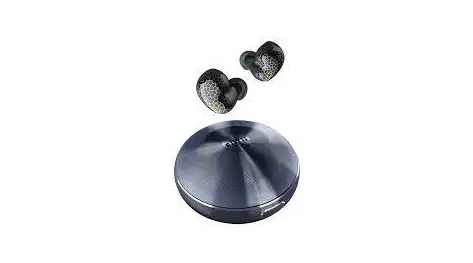
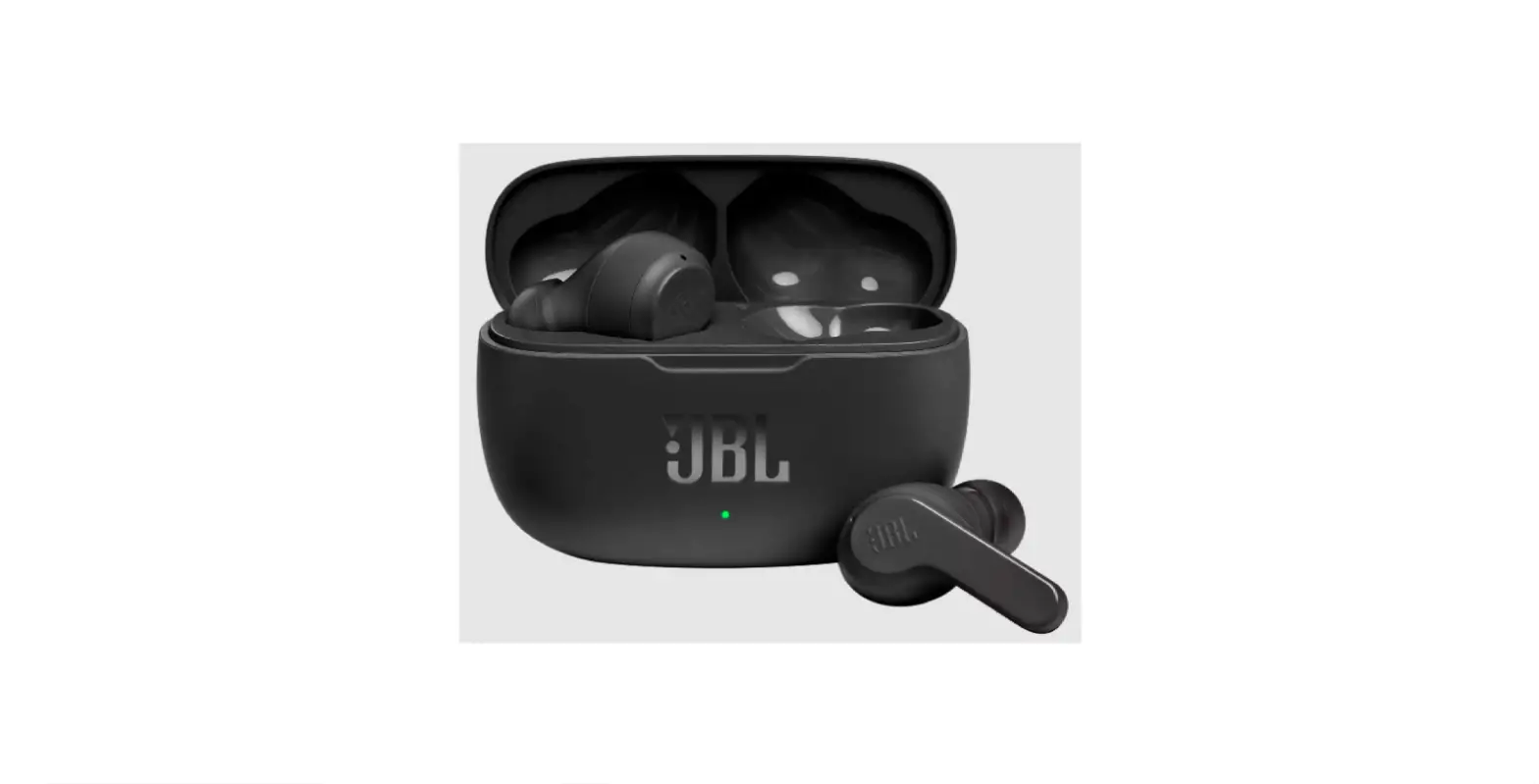
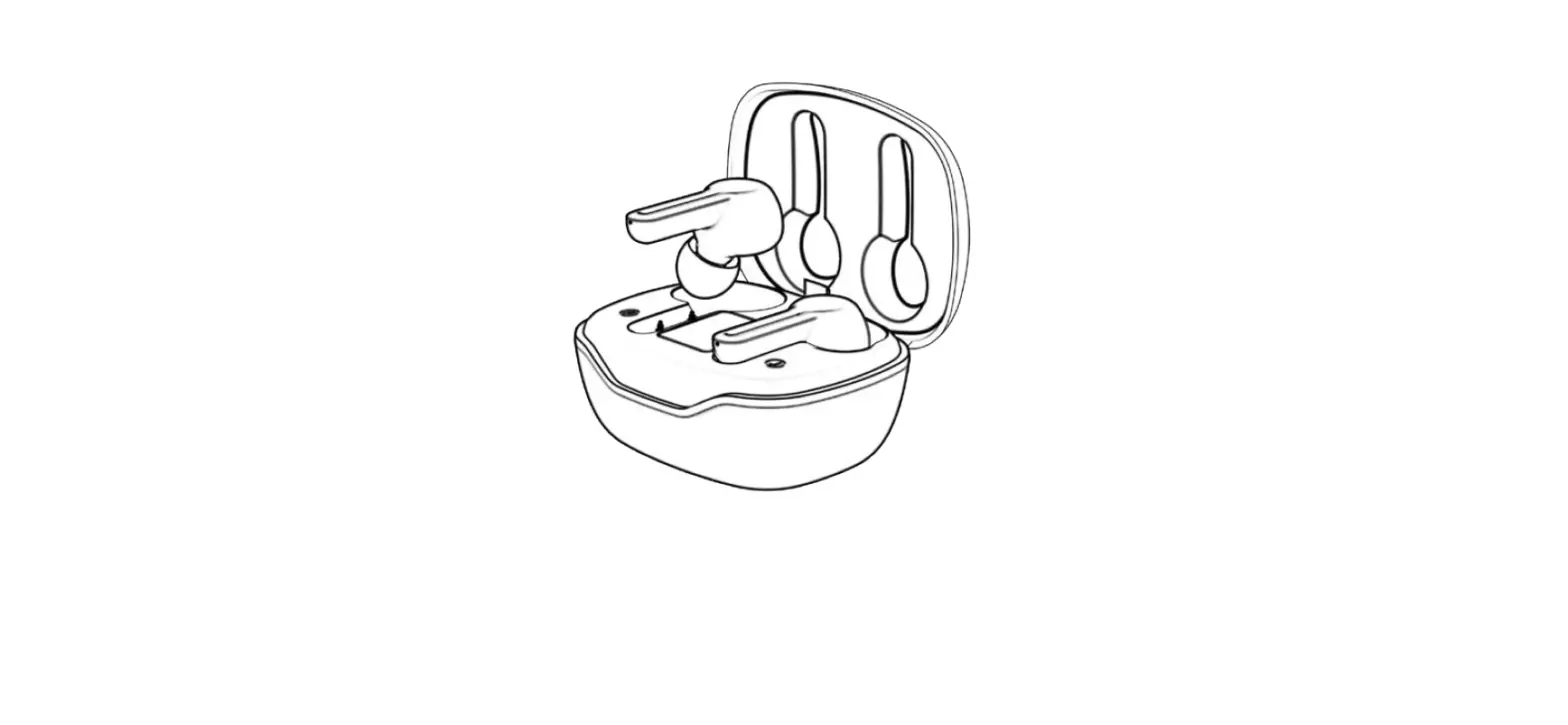
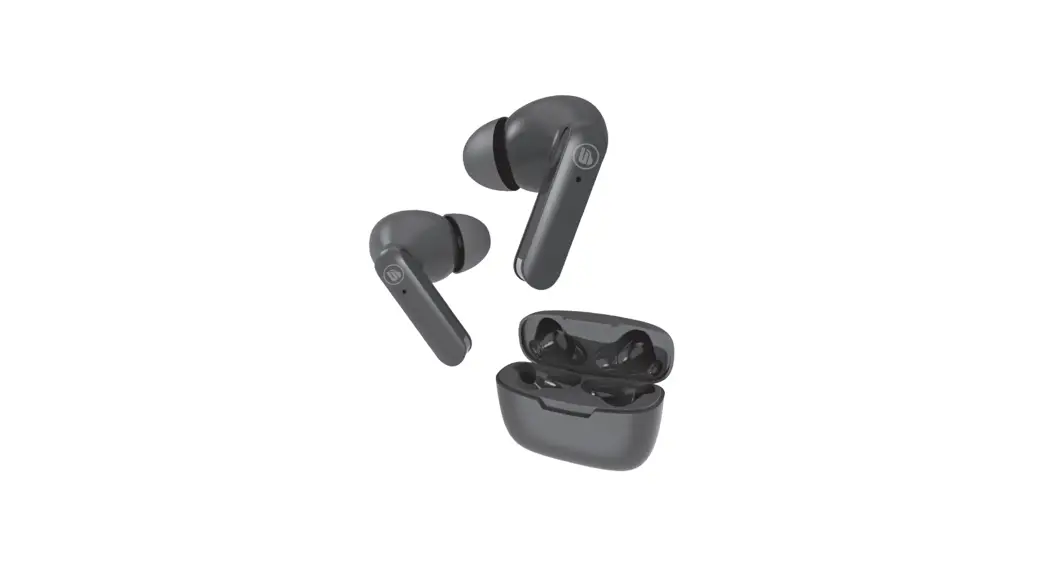
Beocom EX UC True Wireless Earbuds
Product Information:
The Beocom EX UC is a wireless earbud product manufactured by
Bang & Olufsen. It offers various features such as automatic
pairing, music operations, call operations, and dongle pairing. The
earbuds come with different sizes of silicone and ComplyTM ear tips
for a comfortable fit. The product can be controlled using single
presses, double presses, long presses, and press-and-hold actions
on the earbuds.
Product Usage Instructions:
- Download the Bang & Olufsen app from the website on.beo.com/app.
- Insert the Beocom EX UC earbuds into your computer.
- Open the case of the earbuds to initiate automatic
pairing. - Follow the instructions in the Bang & Olufsen app to
complete the setup. - To insert the earphones, place them in your ears with the left
(L) and right (R) indicators matching the corresponding ears. - For music operations:
- To play/pause music, press the Play/Pause button on either
earbud. - To adjust the volume, use the Volume buttons on either
earbud. - To skip to the next track, double press the Next button on
either earbud. - To go back to the previous track, double press the Previous
button on either earbud. - To enable Transparency, Active Noise Cancellation, or Neutral
mode, press and hold the Double press button on either earbud.
- To play/pause music, press the Play/Pause button on either
- For call operations:
- To accept an incoming call, single press the Accept call button
on either earbud. - To end an ongoing call, single press the End call button on
either earbud. - To reject an incoming call, double press the Reject call button
on either earbud. - To adjust the call volume, use the Volume buttons on either
earbud. - To mute/unmute during a call (with Beocom Link Dongle only),
press and hold the Mute/Unmute button on either earbud.
- To accept an incoming call, single press the Accept call button
- For single earbud operations:
- To play/pause music, single press the Play/Pause button on the
respective earbud. - To accept an incoming call, single press the Accept call button
on the respective earbud. - To end an ongoing call, double press the End call button on the
respective earbud. - To skip to the next track, double press the Next button on the
respective earbud. - To go back to the previous track, double press the Previous
button on the respective earbud. - To reject an incoming call, double press the Reject call button
on the respective earbud.
- To play/pause music, single press the Play/Pause button on the
- For dongle pairing after first-time pairing:
- Wait until the LED turns off.
- Long press (5 seconds) the dongle to initiate pairing.
- Charging: Refer to the user manual for instructions on charging
the Beocom EX UC earbuds. - For further assistance or support, you can visit the website
on.beo.com/call or contact
the 24/7 English hotline at +44 20 37 69 02 54.
Beocom EX UC
Quick Start Guide Lynguide Kurzanleitung Guía de inicio rápido Guide de démarrage rapide Guida di avvio rapido Snelstartgids Guia de início rápido Snabbstartguide
DOWNLOAD THE BANG & OLUFSEN APP
Bang & Olufsen
on.beo.com/app
3
I. INSERT INTO COMPUTER
4
II. OPEN CASE FOR AUTOMATIC PAIRING
5
III. AUTOMATIC PAIRING
6
IV. SET UP IN THE BANG & OLUFSEN APP
7
INSERT EARPHONES
8
MUSIC OPERATIONS
L
RL
R
Play/Pause
Volume
Volume
Next
Previous Transparency, Active Noise Cancellation, Neutral
Press and hold Double press
Single press (cycle)
Single press Press and hold
Double press
9
CALL OPERATIONS
L
RL
R
Accept call
End call
Reject call
Volume
Volume Own Voice, Active Noise Cancellation, Neutral
Mute/Unmute *With Beocom Link Dongle only
Single press Double press Double press
Press and hold Single press
10
Single press Double press Double press Press and hold
Single press
SINGLE EARBUD OPERATIONS
L
RL
R
Play/Pause Accept call End call Next Previous Reject call
Single press Single press Double press
Double press Double press
Single press Single press Double press Double press
Double press
11
DONGLE PAIRING
AFTER FIRST-TIME PAIRING
1.
2.
Long press (5 secs)
12
DONGLE/BLUETOOTH PAIRING
AFTER FIRST-TIME PAIRING
1.
2.
3.
Wait until LED turns off
Long press (5 secs)
13
CHARGING
14
BOX OVERVIEW
Silicone L M S XS
ComplyTM M
15
For user guide, see: Se betjeningsvejledning på: Användarhandledning finns här: Die Bedienungsanleitung finden Sie unter: Voor de gebruikershandleiding, zie: Pour accéder au manuel de l’utilisateur, consultez le site: Si desea descargar la guía de usuario, visite: Per la guida utente, vedere: Para aceder ao manual do utilizador, visite: :
Uzivatelskou pírucku naleznete zde: A használati útmutatót itt találja: Pentru ghidul de utilizare, consultai: :
: :
: BANG & OLUFSEN APP 16
NEED HELP? CONTACT OUR SUPPORT
on.beo.com/call GLOBAL 24/7 ENGLISH HOTLINE
+44 20 37 69 02 54
17
18
Tilmeld dig online Registrieren Sie Sich Online Register online Registro en línea Inscription en ligne Registrazione on-line Online registreren Registo online
Online-registrering
19
DA
Tilmeld dig online på www.bang-olufsen.com/register-
product for at modtage vigtige oplysninger om produkt- og
softwareopdateringer – og for at få spændende nyheder og
tilbud fra BANG & OLUFSEN Group. Hvis du har købt dit
produkt i en BANG & OLUFSEN-butik eller på www.bang-
olufsen.com, er du automatisk blevet tilmeldt.
DE
Registrieren Sie sich online unter www.bang-olufsen.com/
register-product, um wichtige Informationen zu Produkt- und
Software-Aktualisierungen sowie interessante Neuigkeiten
und Angebote von der BANG & OLUFSEN Gruppe zu
erhalten. Wenn Sie ein Produkt in einem BANG & OLUFSEN
Fachgeschäft oder auf www.bang-olufsen. com gekauft haben,
sind Sie bereits registriert.
EN
Register online at www.bang-olufsen.com/register-product
to receive important information about product and software
updates and to get exciting news and offers from the BANG
& OLUFSEN Group. If you have purchased your product at a
BANG & OLUFSEN store or at www. bang-olufsen.com, you
have automatically been registered.
ES
Regístrese online en la página web www.bang-olufsen.com/
register-product para recibir información importante acerca
del productos y de actualizaciones de software y para
conseguir fantásticas noticias y ofertas del Grupo BANG &
OLUFSEN. Si ha adquirido el equipo en una tienda BANG &
OLUFSEN o en www.bang-olufsen.com, se habrá registrado
automáticamente.
20
FR
Inscrivez-vous en ligne sur www.bang-olufsen.com/register-
product pour recevoir des informations importantes sur les
mises à jour de produits et de logiciels – et pour obtenir des
nouvelles et des offres intéressantes du Groupe BANG &
OLUFSEN. Si vous avez acheté votre produit dans un magasin
BANG & OLUFSEN ou sur www.bang-olufsen. com, vous avez
été inscrit automatiquement.
IT
Registrarsi online su www.bang-olufsen.com/register-
product per ricevere importanti informazioni su prodotti e
aggiornamenti software, notizie e le fantastiche offerte del
Gruppo BANG & OLUFSEN. Se hai acquistato il tuo prodotto in
un punto vendita BANG & OLUFSEN o su www.bang-olufsen.
com, la registrazione è automatica.
JA
www.bang-olufsen.com/register-product
BANG & OLUFSEN Group
BANG & OLUFSEN www.bang-olufsen.com
KO
www.bang-olufsen.com/register-product
,
BANG & OLUFSEN .
.
21
NL
Registreer online op www.bang-olufsen.com/register-
product om belangrijke informatie te ontvangen over
product- en software-updates – en om de laatste nieuwtjes en
aanbiedingen van de BANG & OLUFSEN Group te ontvangen.
Als u uw product in een BANG & OLUFSEN-winkel of op
www.bang-olufsen.com hebt gekocht, bent u automatisch
geregistreerd.
PT
Registe-se online em www.bang-olufsen.com/register-product
para receber informações importantes sobre atualizações
de produtos e software, e para receber notícias e ofertas
entusiasmantes do Grupo BANG & OLUFSEN. Se adquiriu o
seu produto numa loja BANG & OLUFSEN ou em www.bang-
olufsen.com, foi automaticamente registado.
RU
www.bang-olufsen.com/register-product
,
BANG & OLUFSEN.
BANG & OLUFSEN www.bang-
olufsen.com, .
SV
Registrera dig online på www.bang-olufsen.com/register-
product för att få viktig information om produkter och
programuppdateringar samt för att få spännande nyheter
och erbjudanden från BANG & OLUFSEN Group. Om du har
köpt din produkt i en BANG & OLUFSEN-affär eller hos www.
bang-olufsen.com behöver du inte registrera dig, eftersom
registreringen redan har utförts automatiskt.
22
ZH
www.bang-olufsen.com/register-product
BANG & OLUFSEN Group
BANG & OLUFSEN www.bang-olufsen.com
www.bang-olufsen.com/register-product — BANG & OLUFSEN BANG & OLUFSEN www. bang-olufsen.com
on.beo.com/beoplay-ex-support 23
 Bang & Olufsen - High-end Headphones, Speakers, and Televisions
 Market
 AR App and Bang & Olufsen App - Choose and use B&O products
 Bang & Olufsen - High-end Headphones, Speakers, and Televisions