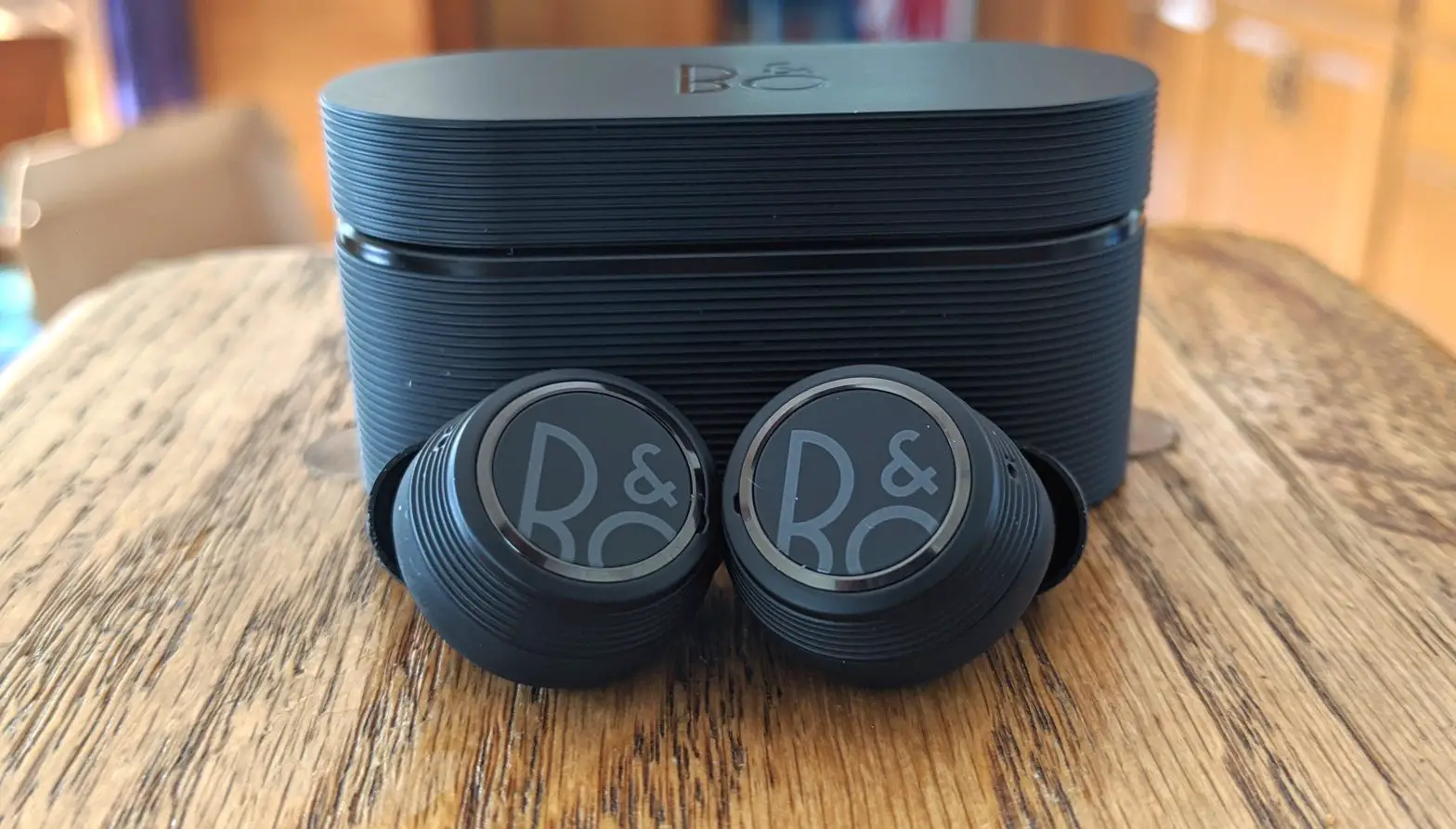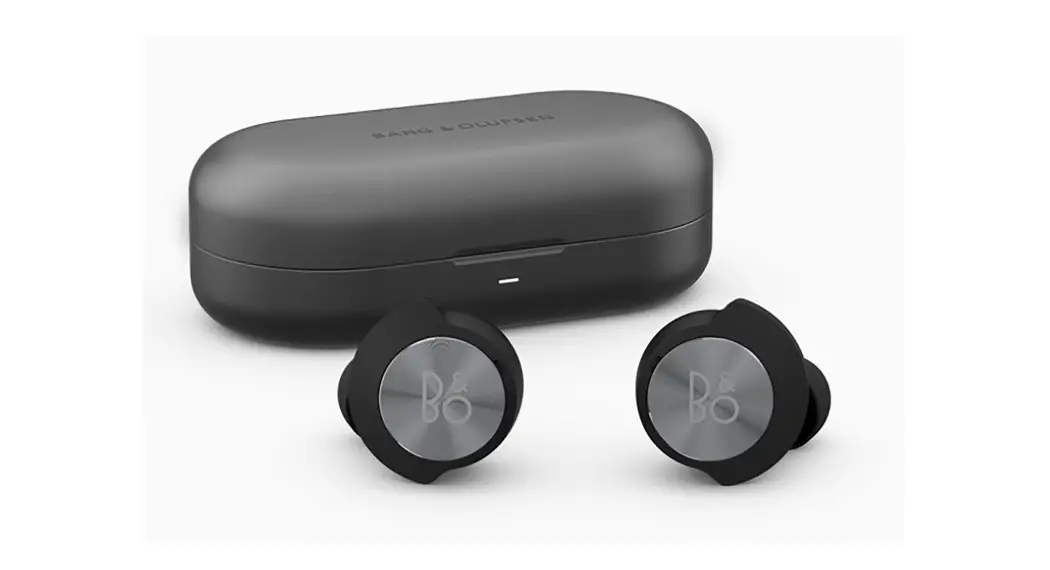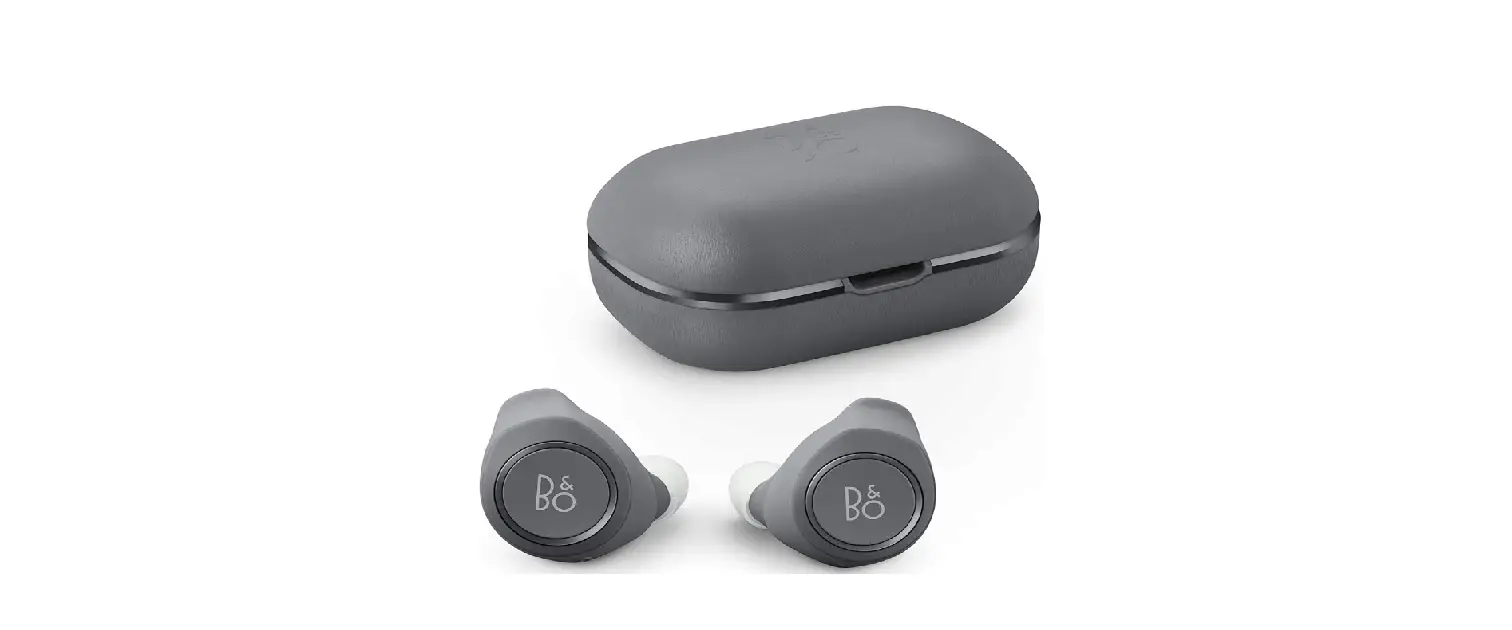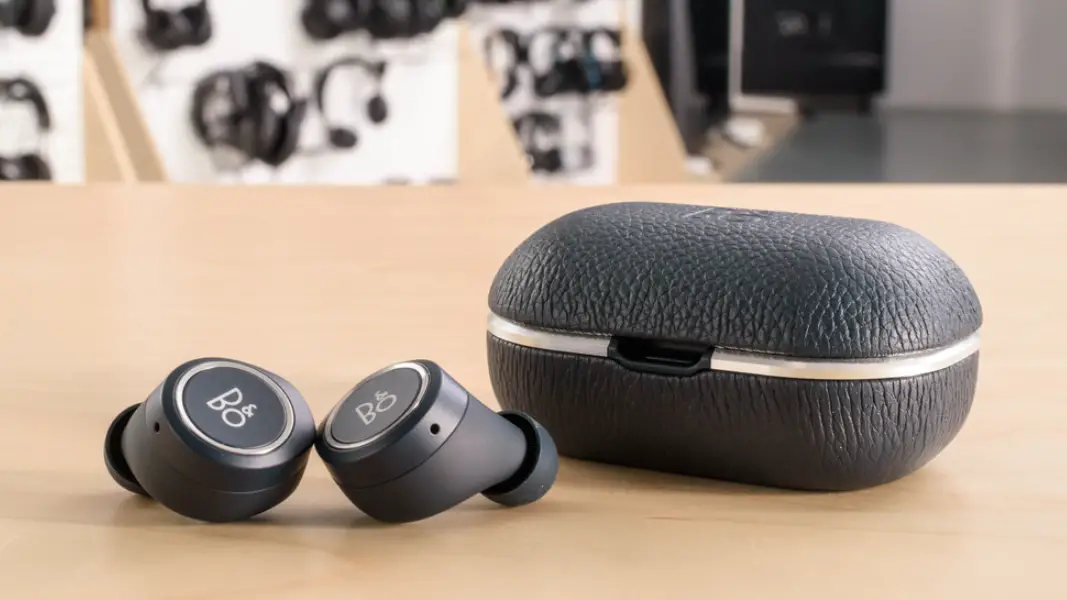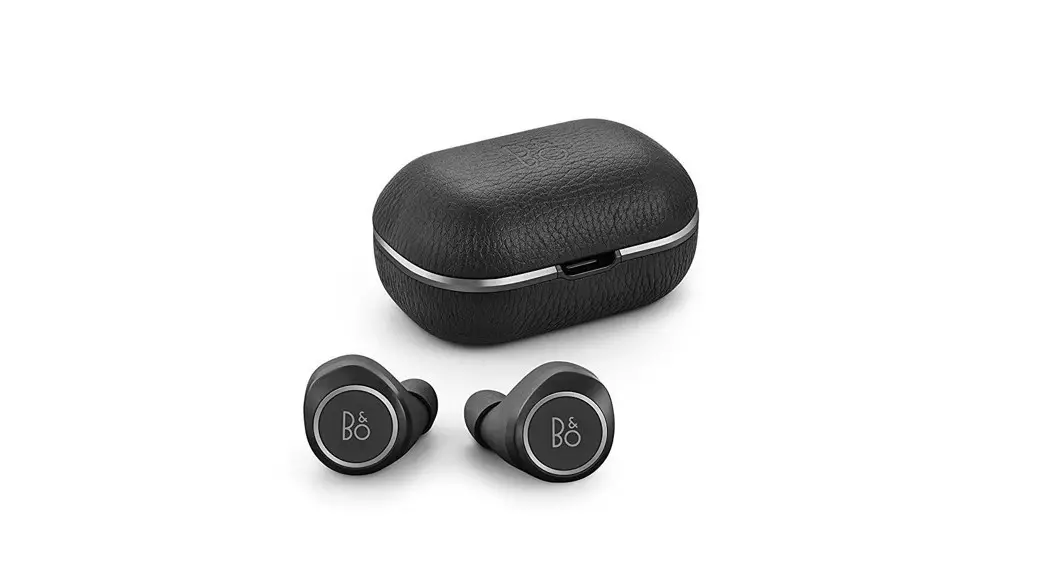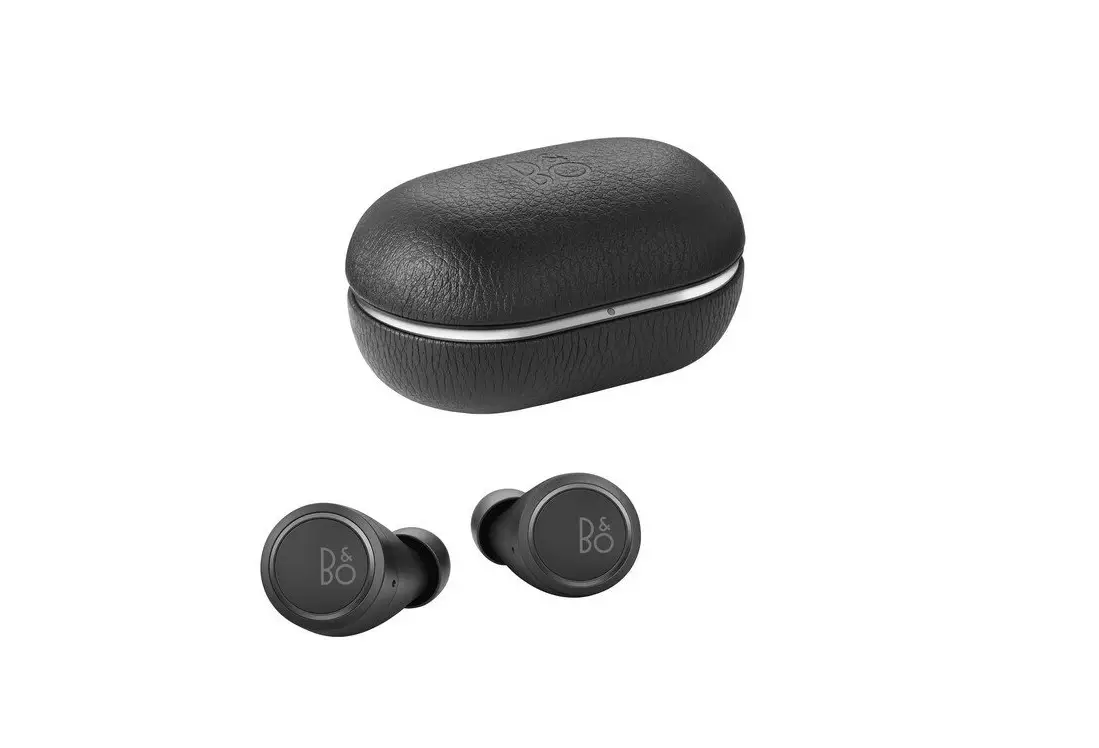
Beoplay E8 3rd Gen
Quick Start Guide

Bang & Olufsen App



Bang & Olufsen Bang-Olufsen.com/APP
Use the Bang & Olufsen App for setup, product customization and music enhancing features.
First time use
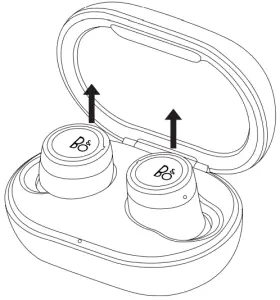
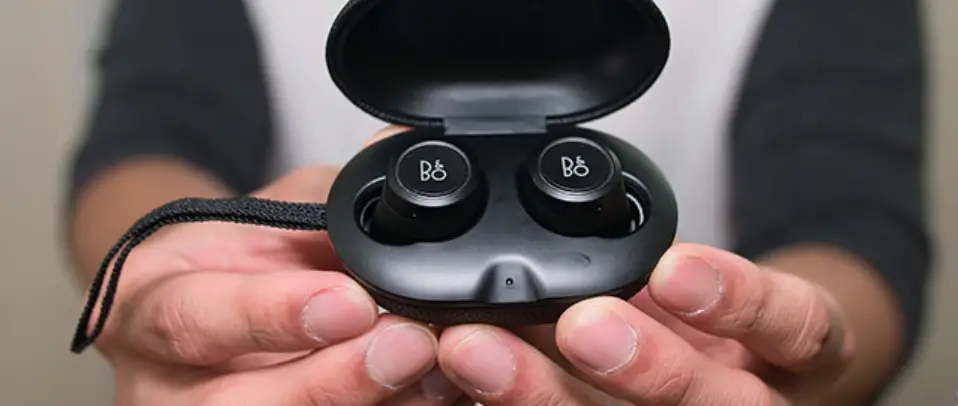
For first time use after unpacking, place the earphones in the charging case and remove them from the charging case to turn them on.
Bluetooth pairing
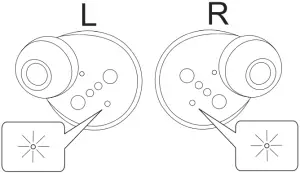
The earphones are ready for Bluetooth pairing when the status indicators flash blue. Turn on Bluetooth on your device and select Beoplay E8. Alternatively, keep a distance of less than 20 cm between the left and right earphones, touch and hold the touchpad on both earphones for 5 seconds to initiate Bluetooth pairing. The indicator starts flashing blue and a sound prompt is heard.
Insert earphones
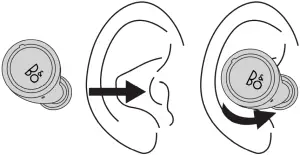
Call/music operations
Left
| Right
| ||
Play/pause ( ) ) | x1 | ||
Next track ( ) ) | x2 | ||
Previous track ( ) ) | x2 | ||
Volume control ( ) ) | (-) touch&hold | (+) touch&hold | |
Transparency ( / /  ) ) | x1 | ||
Voice activation ( ) ) | x3 | ||
Incoming call ( ) ) | x1 | or | x1 |
Reject call ( ) ) | hold | or | hold |
End call ( ) ) | x2 | or | x2 |
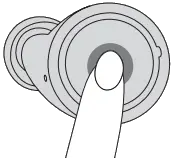
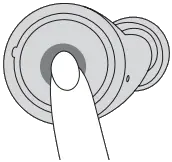
 0:05
0:05Box Overview
Silicone
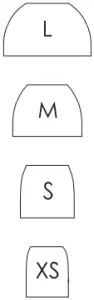
Comply™

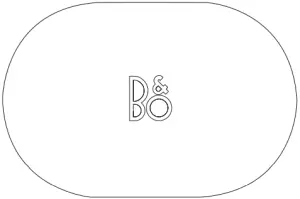
Charging case
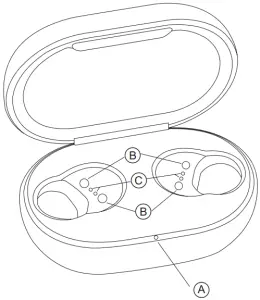
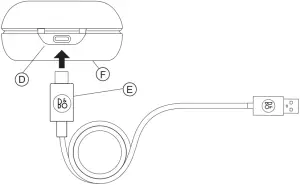
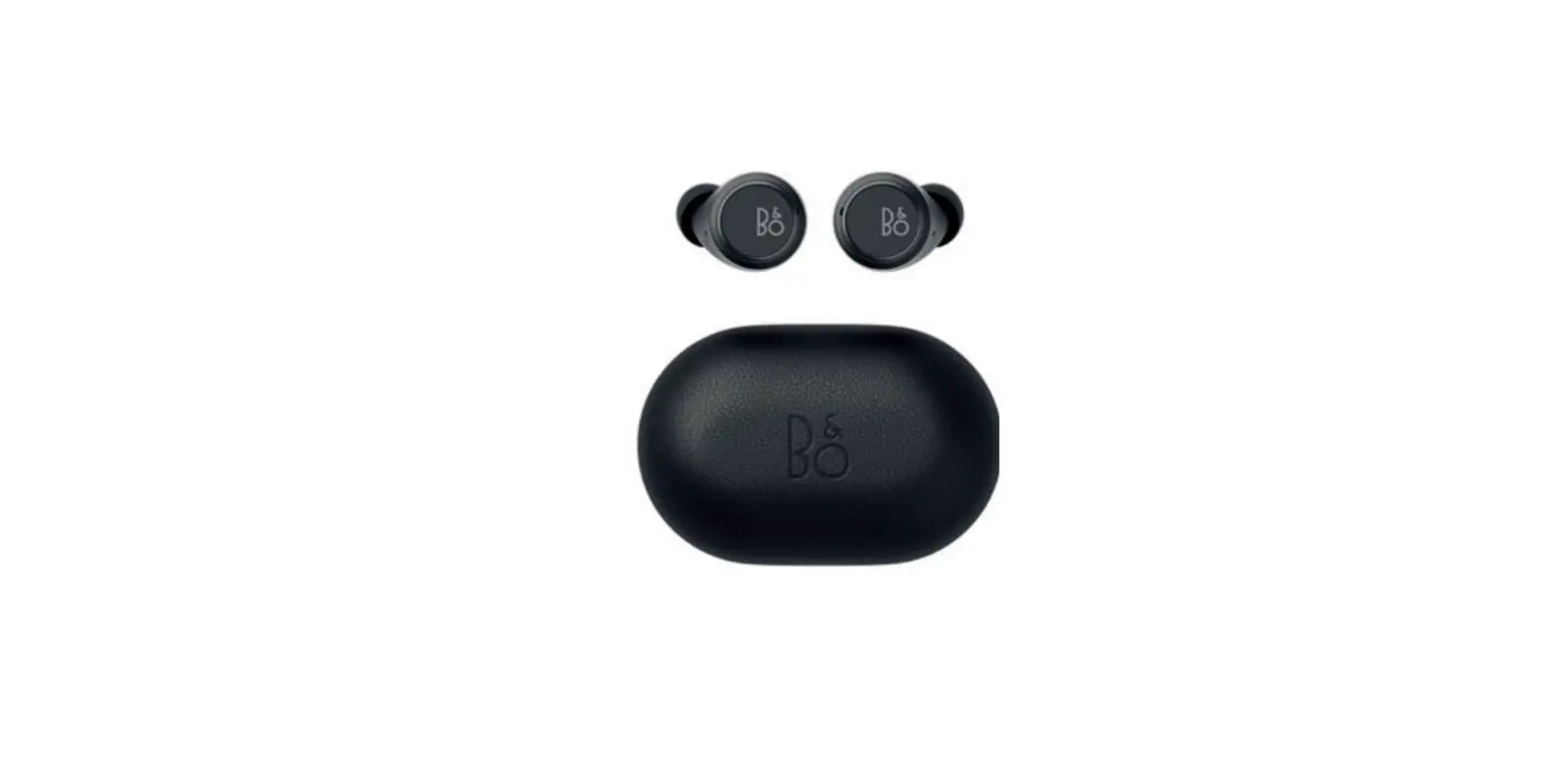
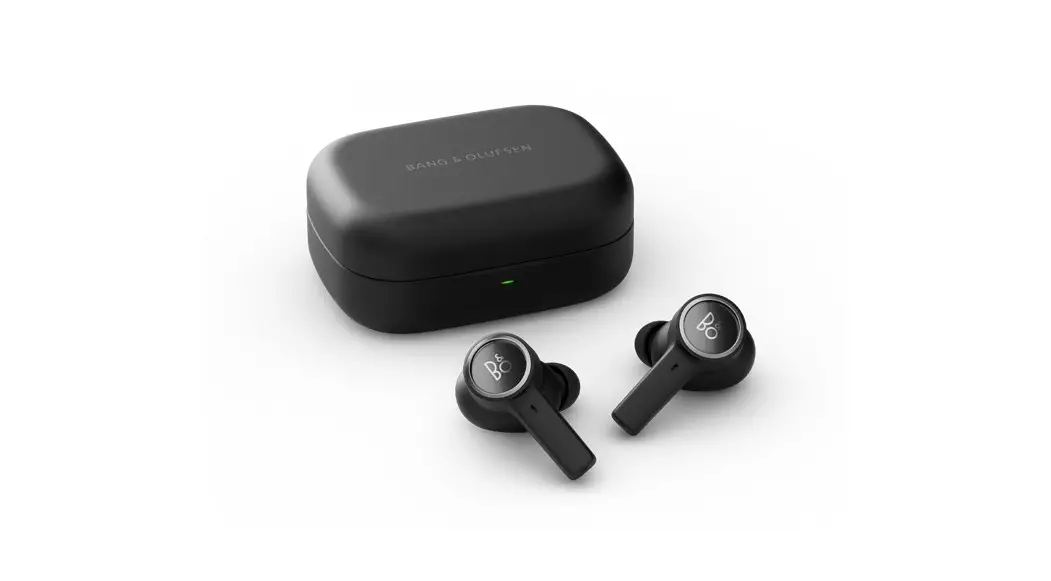
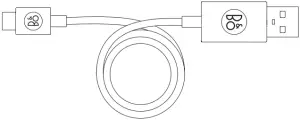
A Charging case indicator B Magnetic holders C Earphones charging contacts D USB-C plug E USB charging cable F Wireless charging
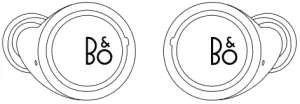
Earphones
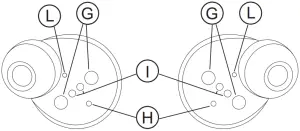
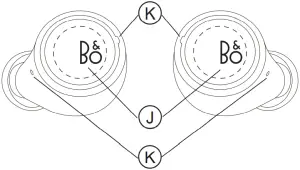
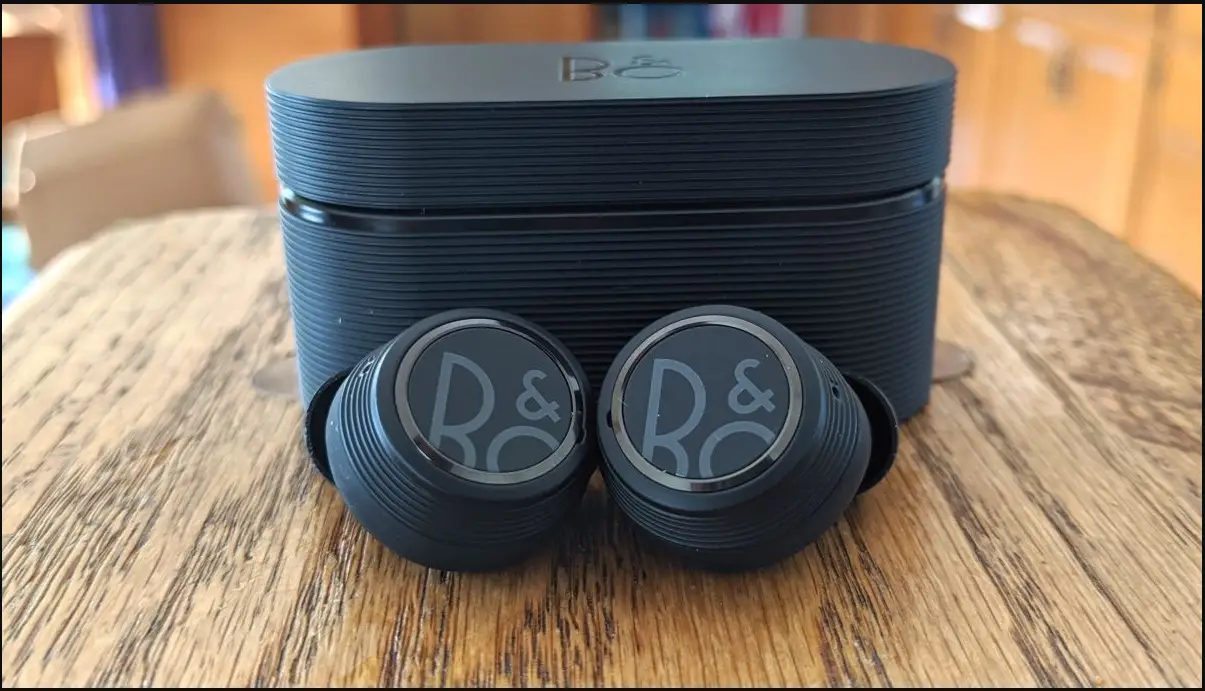
G Magnetic holders H Status indicator I Charging contacts J Touchpad K Microphone L Bass vent
Register online
Register online at www.bang-olufsen.com/register-product to receive important information about product and software updates and to get exciting news and offers from the BANG & OLUFSEN Group. If you have purchased your product at a BANG & OLUFSEN store or at www.bangolufsen.com, you have automatically been registered.