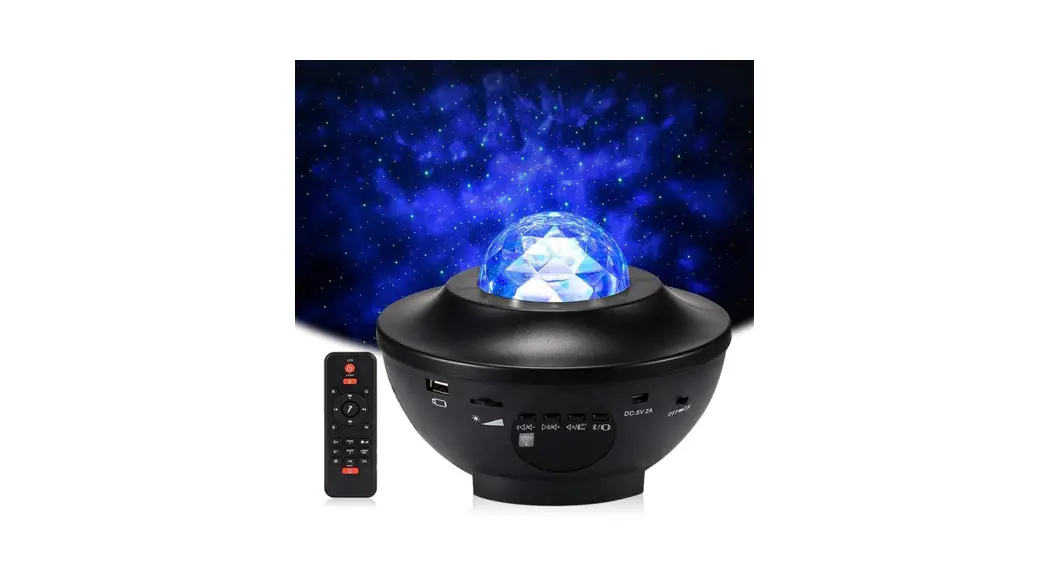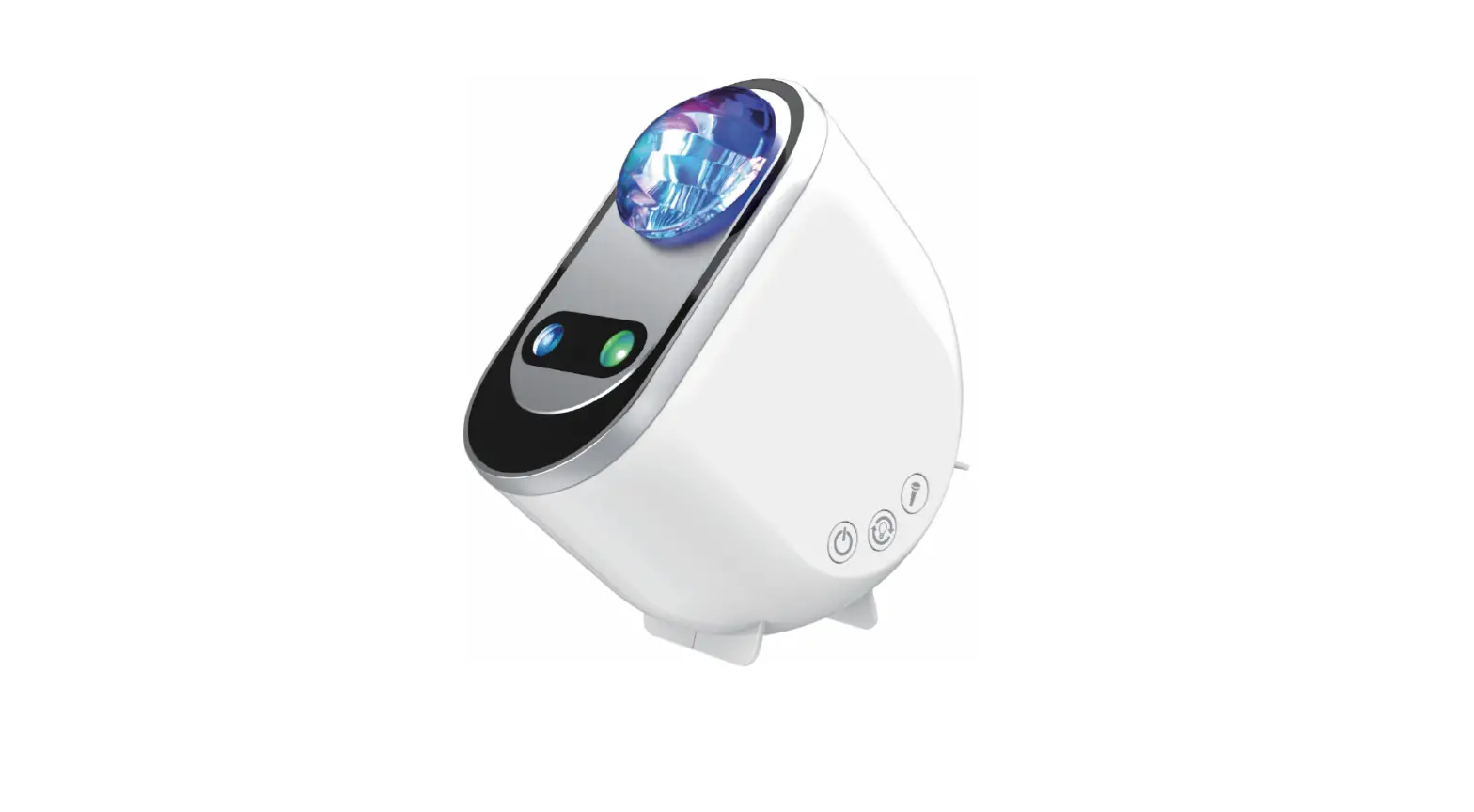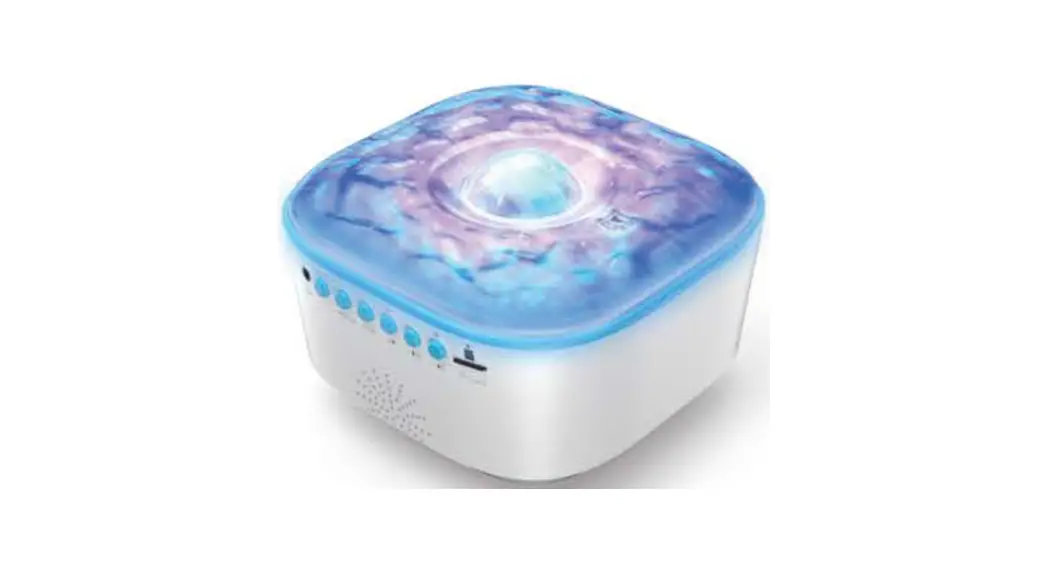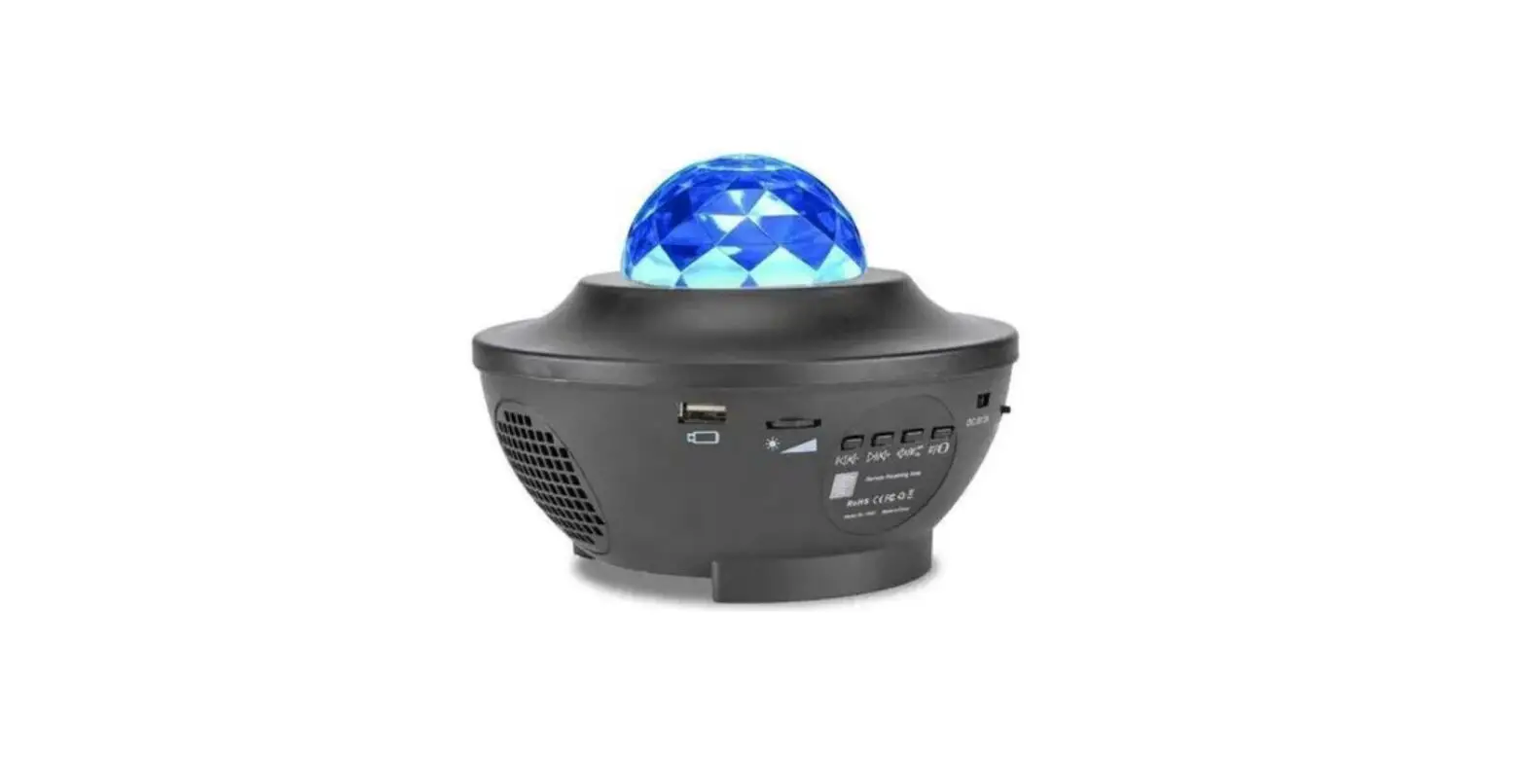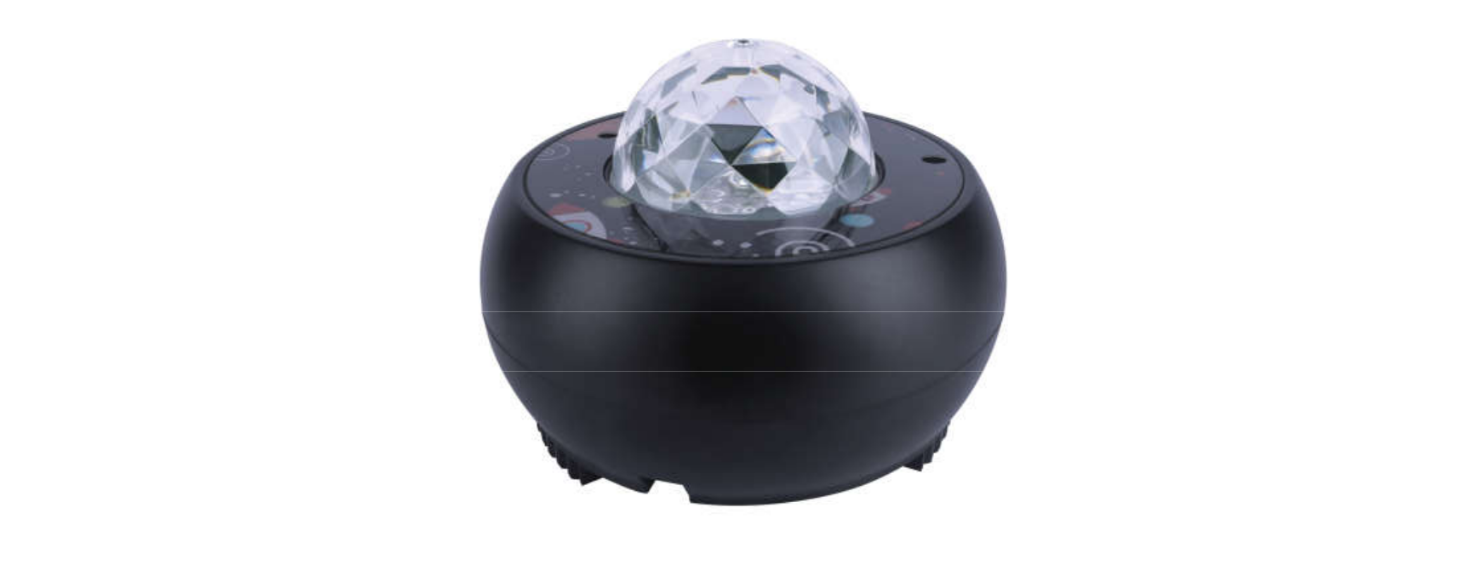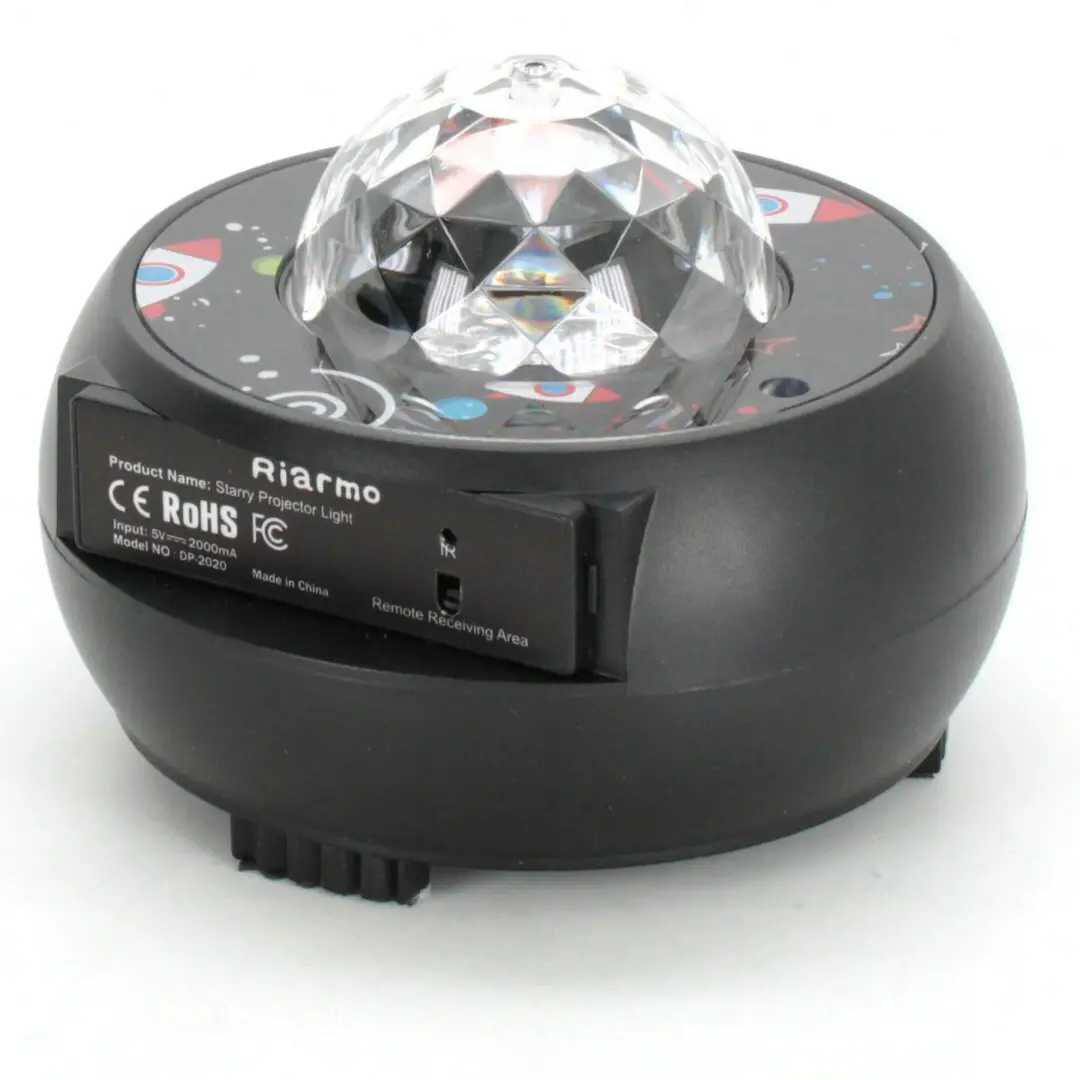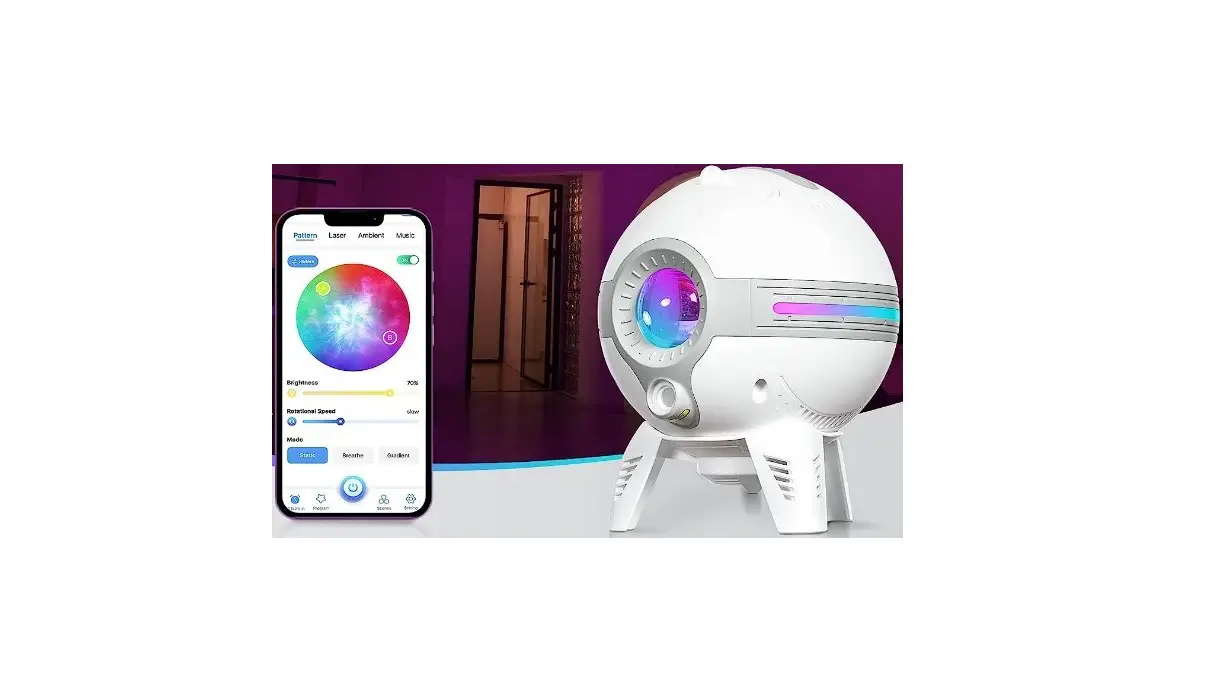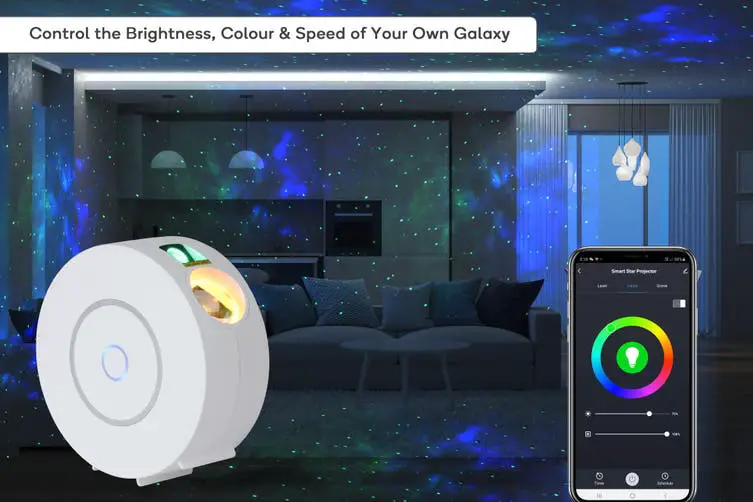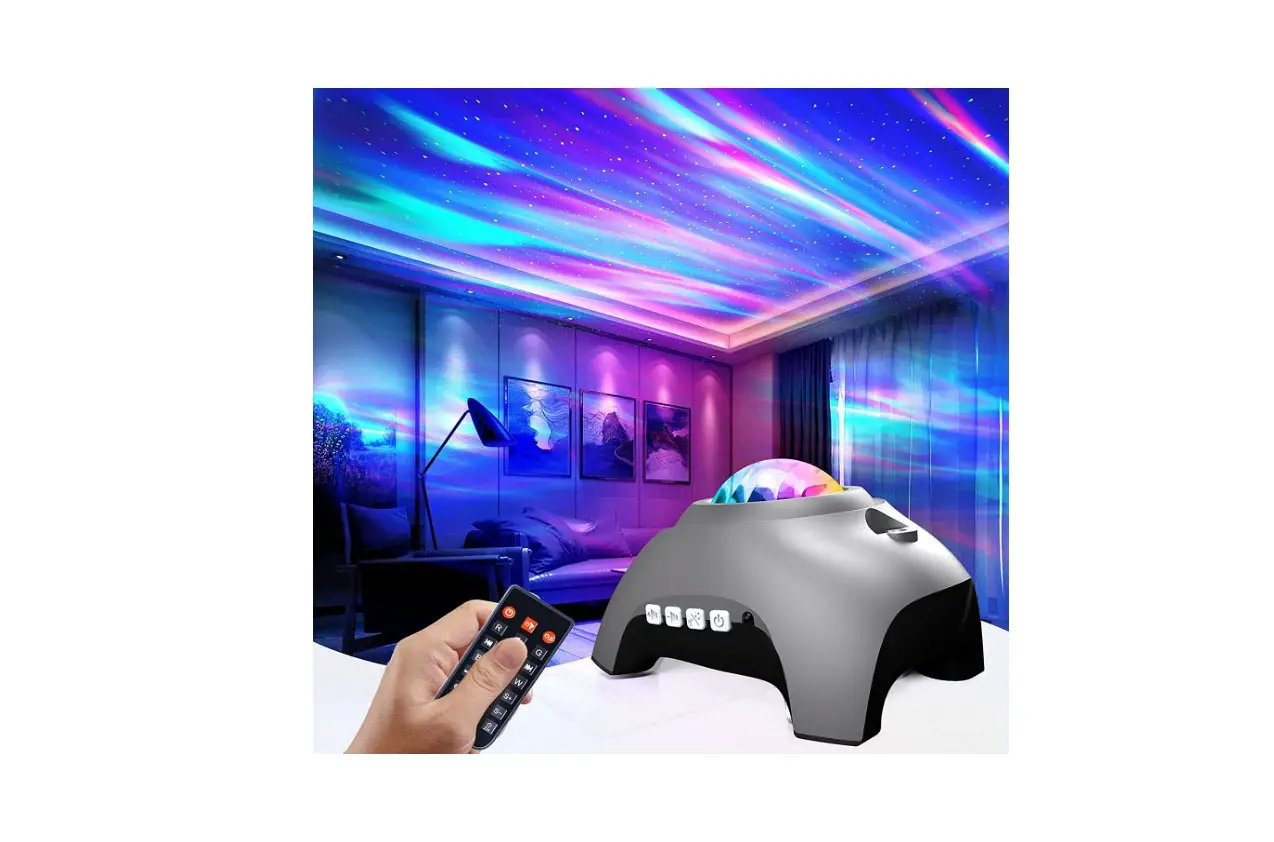
Projectors HJ-XKD09 Galaxy Light Projector for Bedroom User Manual
Unpacking inspection:
Thank you for purchasing our product. Please read this manual before using the product. This manual contains necessary safety recommendations and user instructions. Please follow the instructions in this manual to avoid damage arising from misoperation. Please check the received product for damage!
Warning:
This product is applicable to the USB DC 5V/2A power supply. In case of noncompliance, please use a regulator; otherwise, the service life of this product may be affected.
Accessories
- Polar star light X1

- Remote control X1

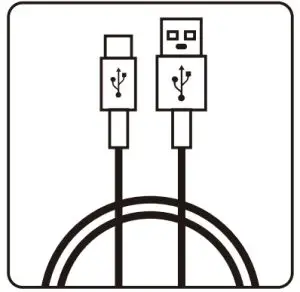
- Data cable X1

- Manual X1
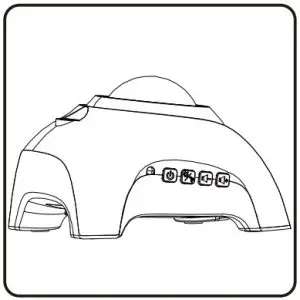
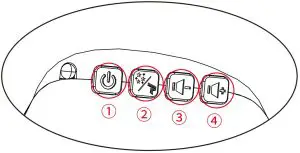
- ON/OFF button
- The LED and laser are ON by default after this product is turned on. Press this button to disable the laser.Press it again to enable the laser and disable the LED, and press it once more to enable the laser and LED at the same time.
- Press it to select the previous option, and press and hold it to decrease the volume.
- Press it to select the next option, and press and hold it to increase the volume.
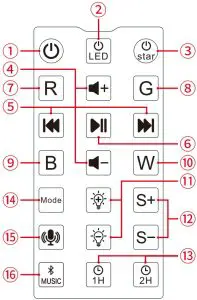
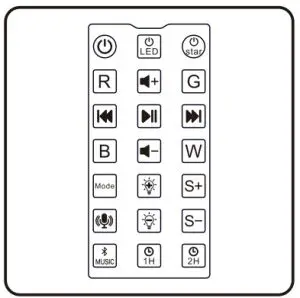
| 1 |  | Power ON/OFF | |
| 2 |  | Polar light ON/OFF | |
| 3 |  | Laser ON/OFF | |
| 4 |  | Volume +/- | |
| 5 |  | Previous/Next | |
| 6 |  | Music Pause | |
| 7 |  | LED red light | Press it once to enable a color and again to disable the color. At most three colors can be |
| 8 |  | LED green light | |
| 9 |  | LED blue light | |
| 10 |  | LED white light | |
| 11 |  | Brightness +/- (darkest, darkest, bright, fully bright) | |
| 12 | 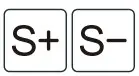 | Polar light speed +/- (motor speed) | |
| 13 | 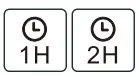 | Timing – 1/2 hour (flashing light and prompt sound) | |
| 14 |  | Three modes have been preset. Press it once to enable a mode. | |
| 15 |  | Voice-activated mode (available in Bluetooth mode) | |
| 16 |  | Switching of Bluetooth mode and built-in music mode | |
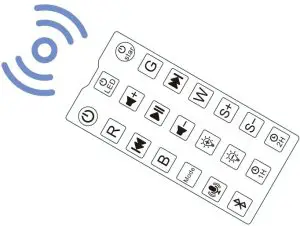
Use the remote control correctly and make sure it points at the infrared sensor.
Laser parameter
| Single-point laser power: less than 1MW | |
| LED light source: 1*4W | Power consumption: 7-10W |
| Power input: 100-240V AC 50-60HZ USB DC5V / 2000mA | |
| Working temperature: 4°F – 113°F (-20°C – 45°C) | |
| Projection area: 215-861 square feet (20-80 m2) | |
| (Laser is harmful to eyes. Do not look at it directly.) | |
Statement:
- This product has been tested comprehensively and strictly before delivery.
- Users should follow the warnings and instructions. Incorrect use will cause product damage, which is excluded from the company’s warranty.
- Strictly follow the operating instruction.
- Do not dismantle the host and accessories.
- This product has a function of automatic shutdown after 4-hour operation.
- It can work continuously for 4 hours and automatically shut down.
- When the product is continuously powered on, the previous settings will be kept in the memory and maintained after restart.
- If the power supply is disconnected, default settings will be restored (except for timing; this product will shut down after 4-houroperation by default after each startup).
Bluetooth connection
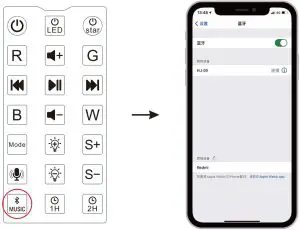
Press “Bluetooth” on the light body or remote control. There will be a prompt “Bluetooth mode”. Enable the mobile Bluetooth.
Find HJ-09, and select and connect it. After successful connection, there will be a prompt “connect”.
Note:
This product is suitable for indoor use and subject to Class IP20 protection. It should be used in dry places and not in humid, overheated or dusty placed. Use an adapter that meets the requirements of this product. The maximum and minimum ambient temperatures for normal and stable operation of the light are 40 and -20 , respectively.
Use a power adapter that is greater than 5V and 2A. Otherwise, if the current is too low, the light will not work normally.
Prevent this product from falling. Otherwise, the laser module may be damaged, resulting in laser failure.