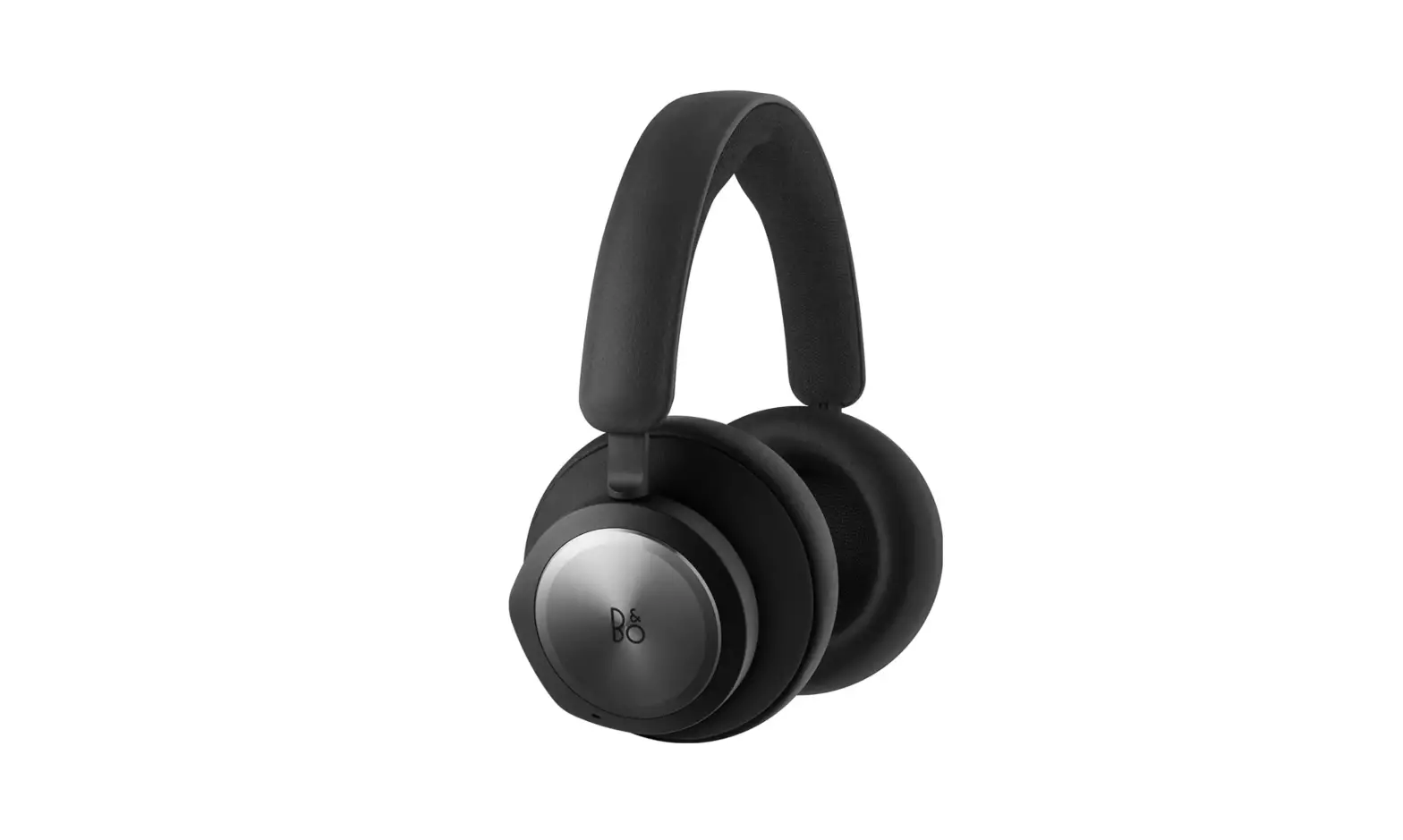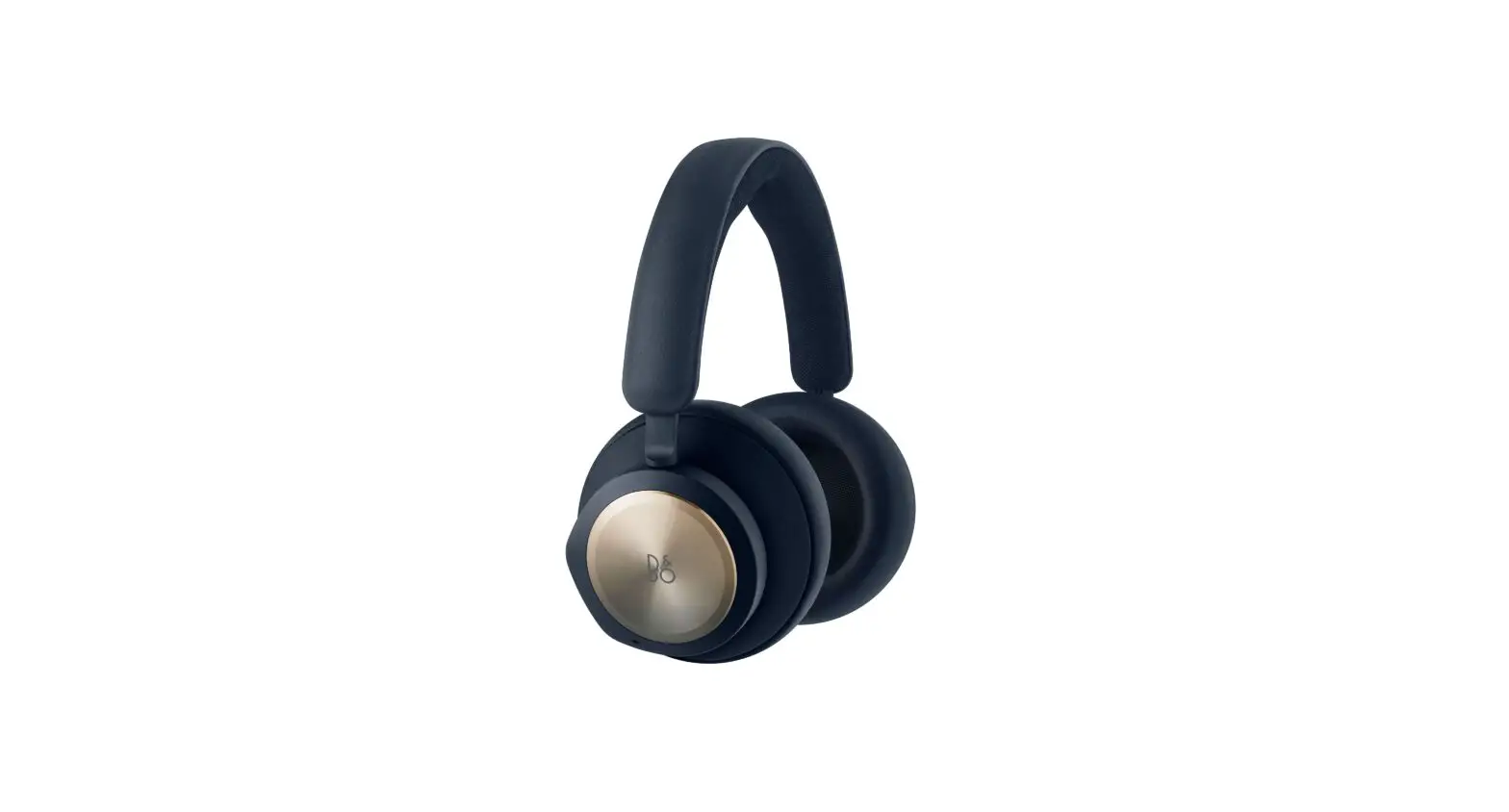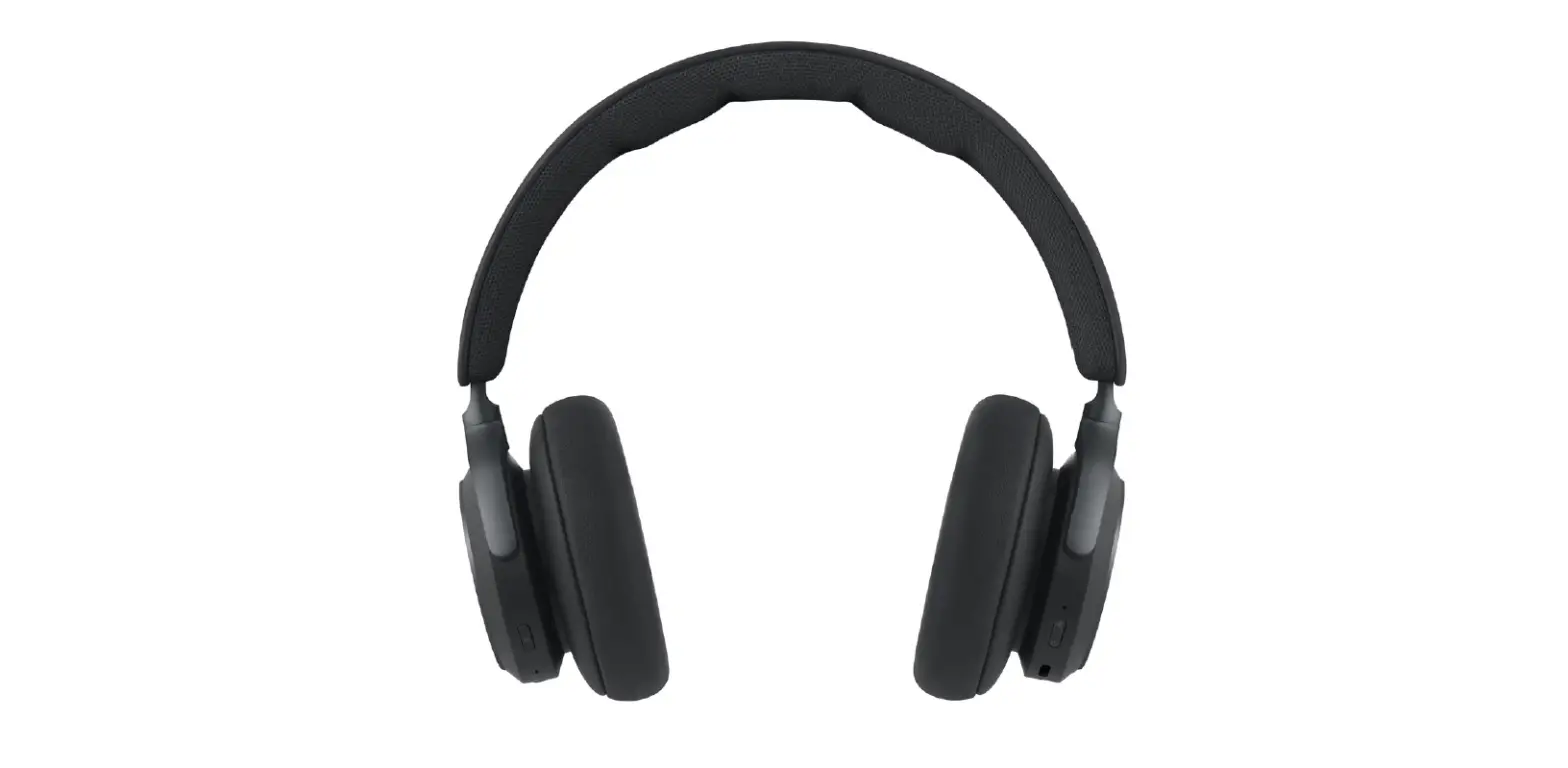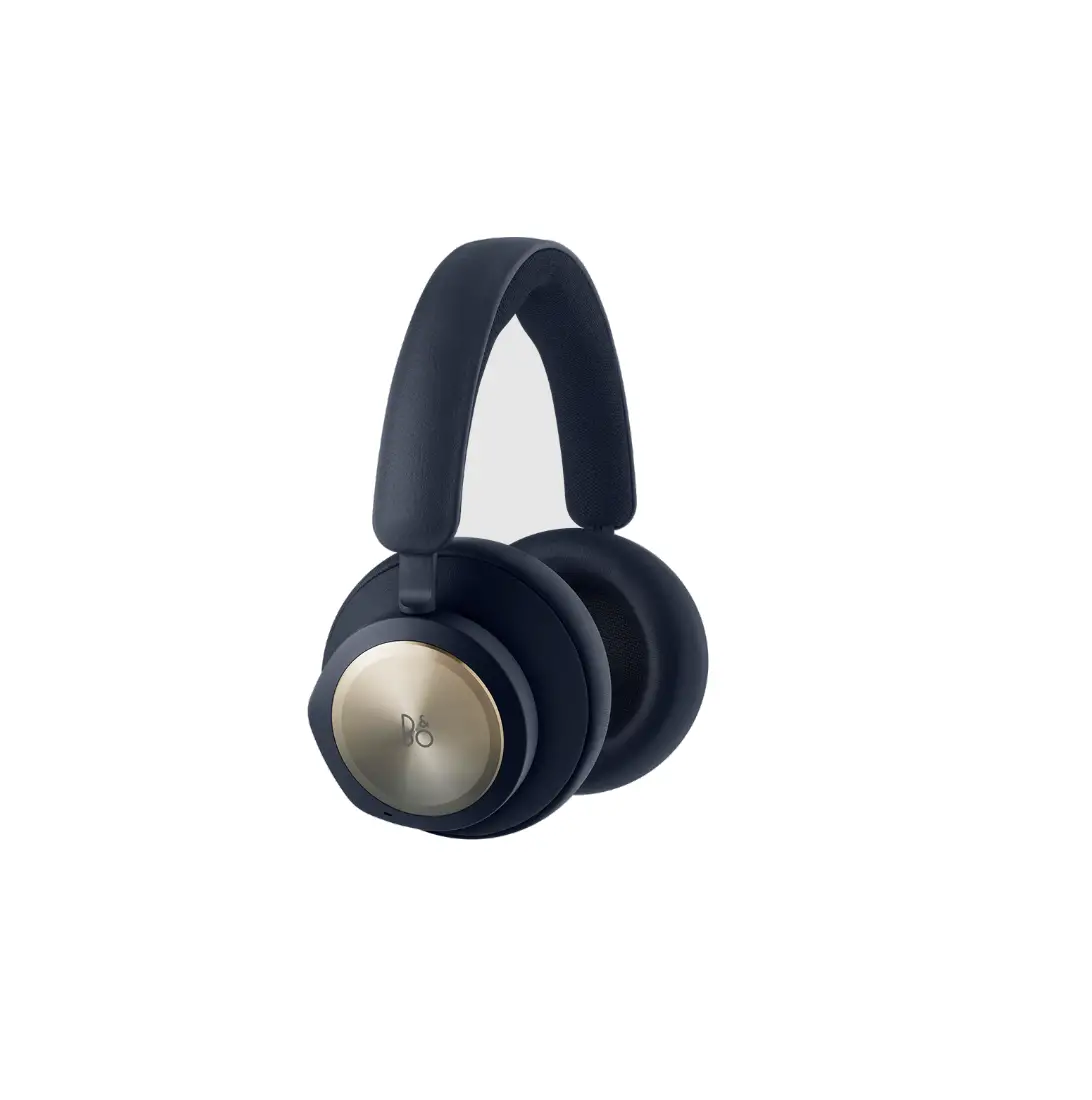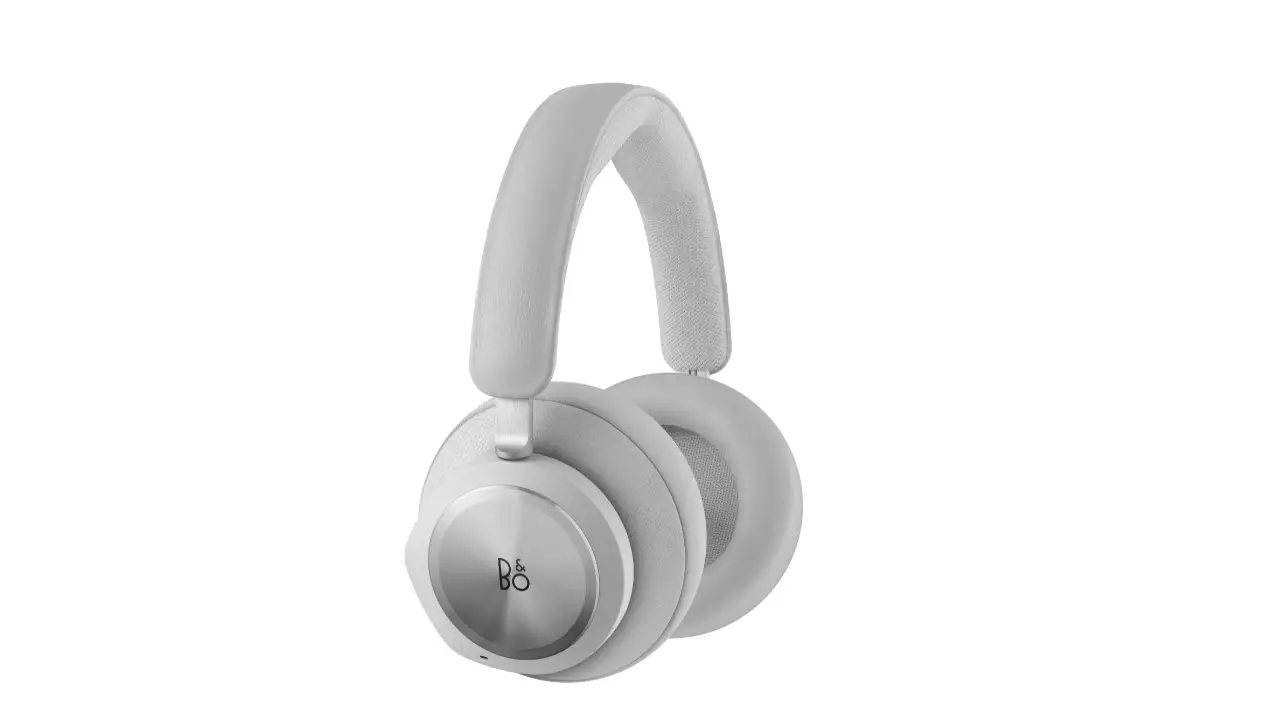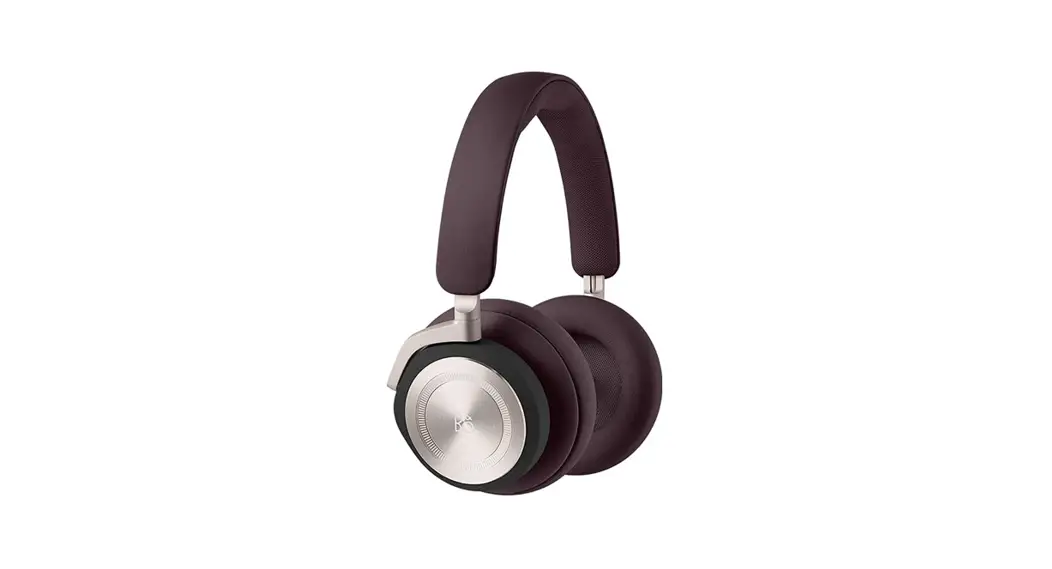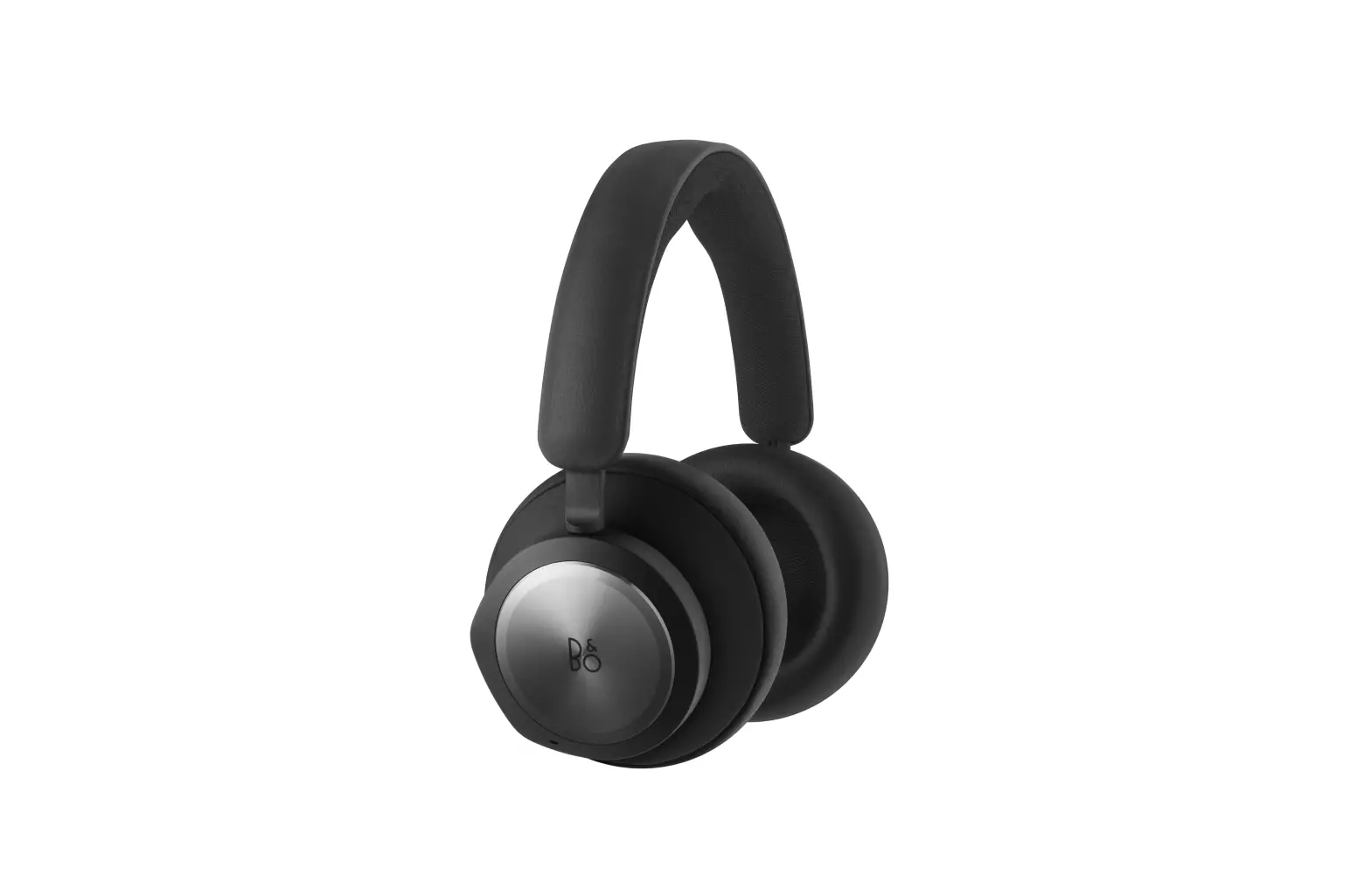
Bang Olufsen 1321005 Wireless Gaming Headphones User Guide

Bang Olufsen 1321005 Wireless Gaming Headphones User Guide

BANG OLUFSEN 1321005 Wireless Gaming Headphones User Guide
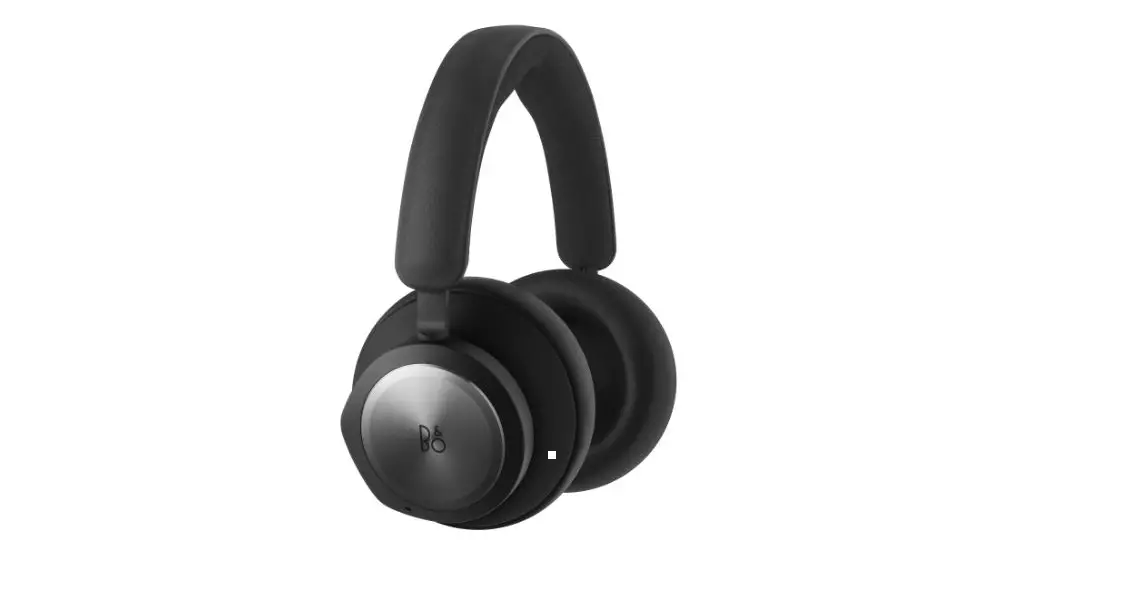
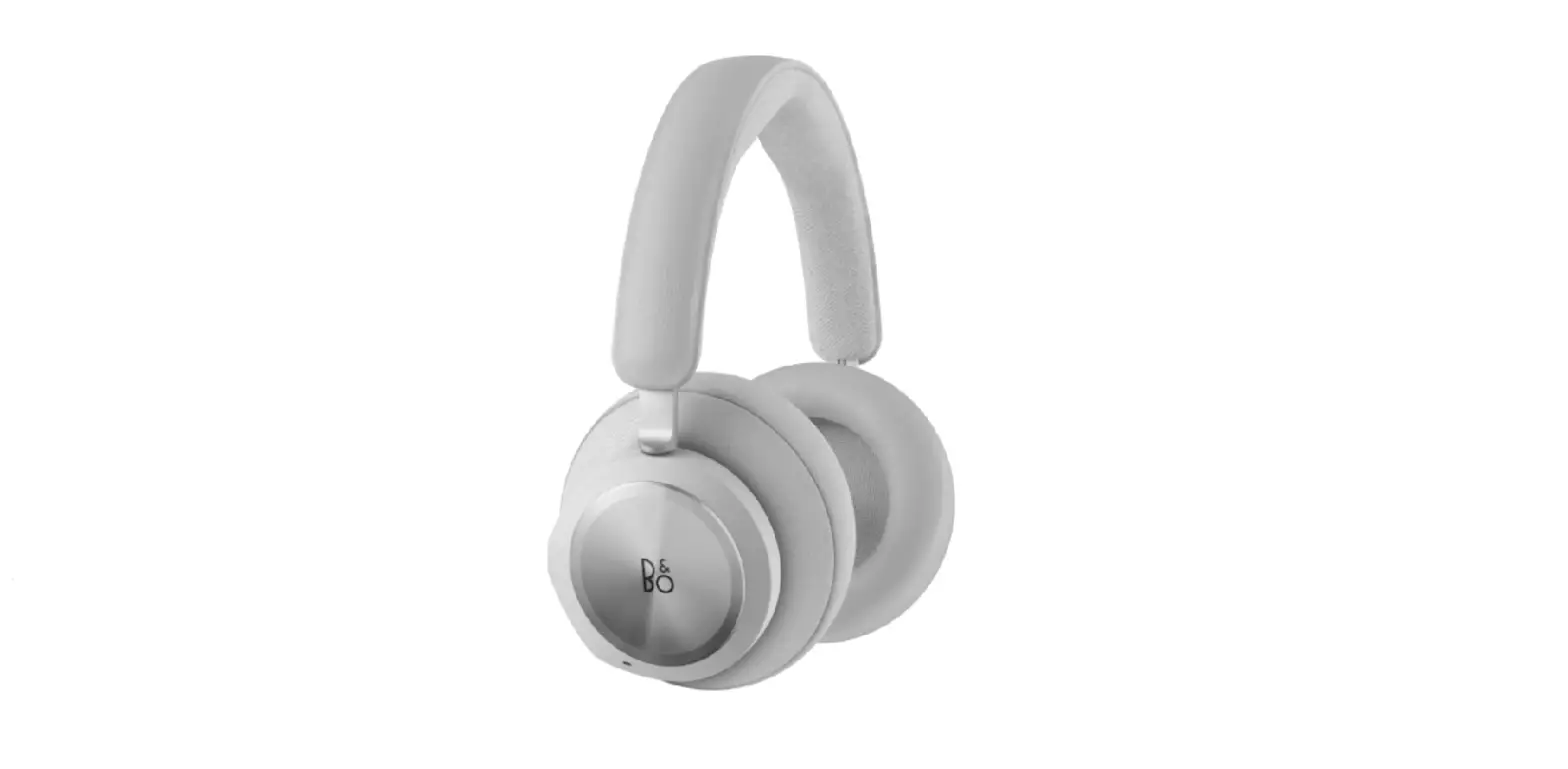
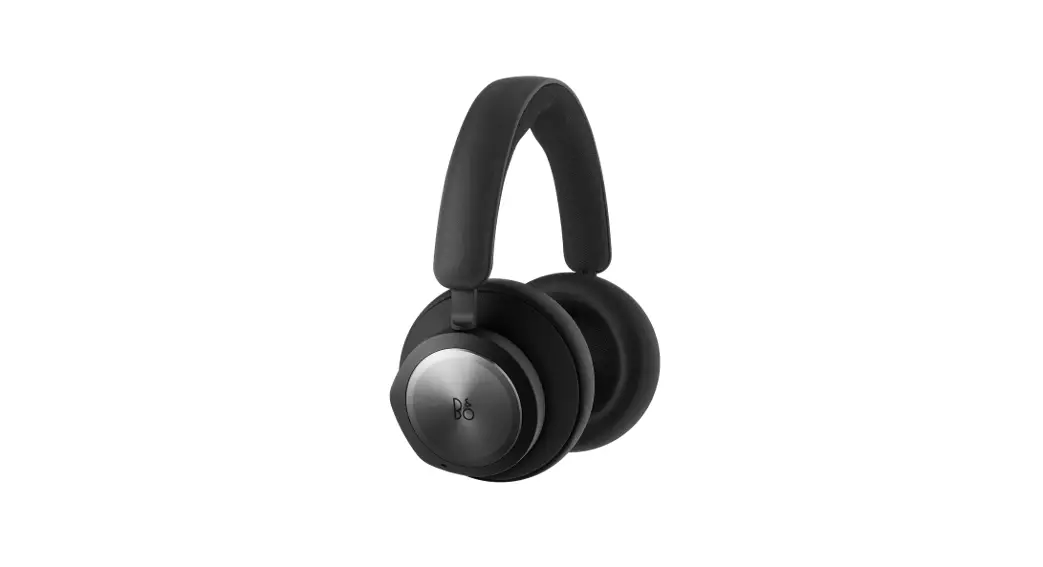
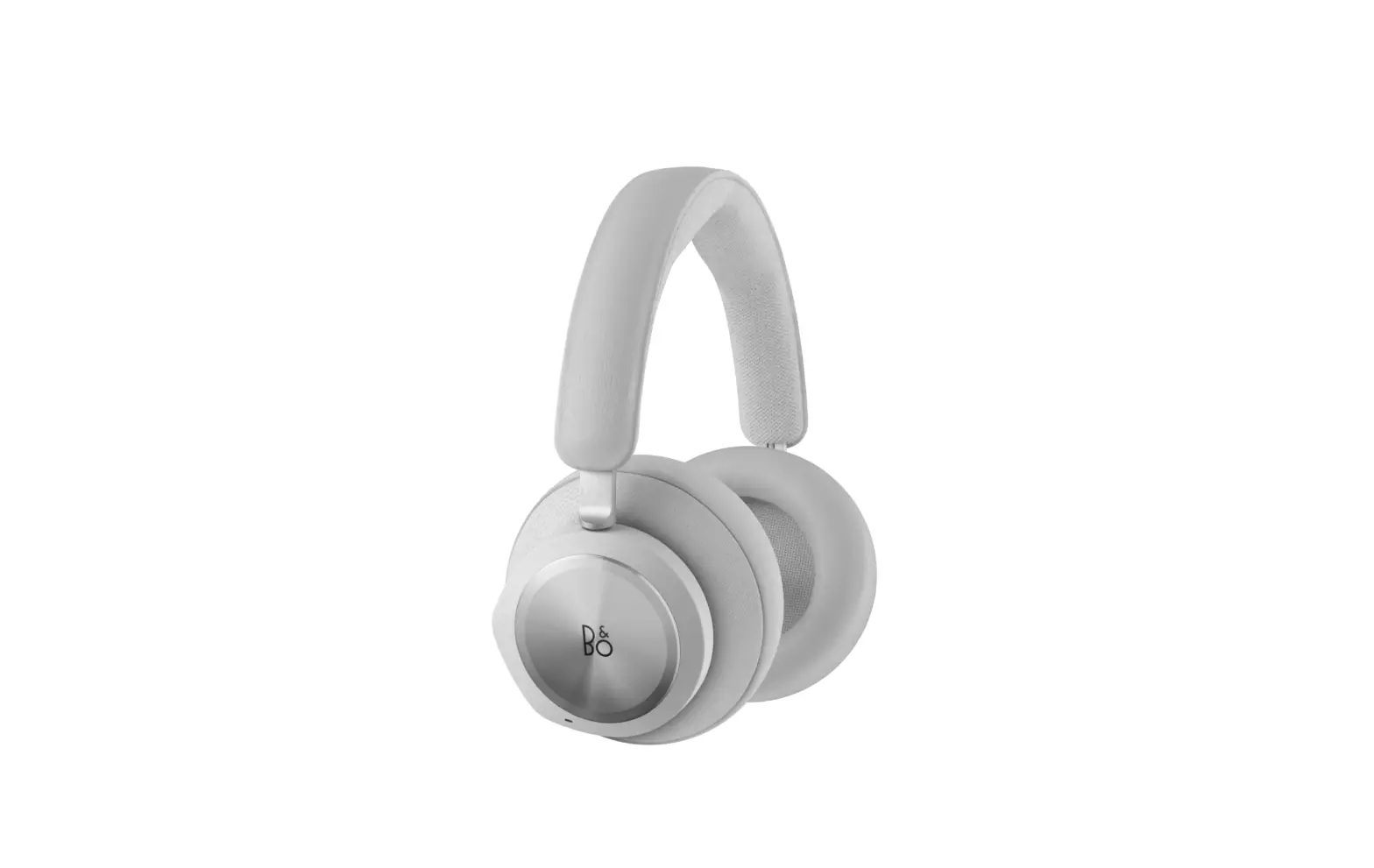
BANG OLUFSEN 1321005 Wireless Gaming Headphones

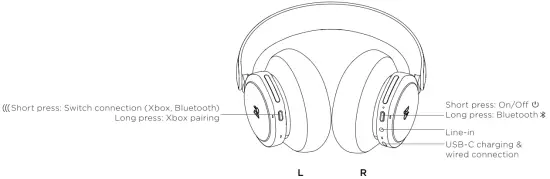
Product Description

Product Description

Instructions

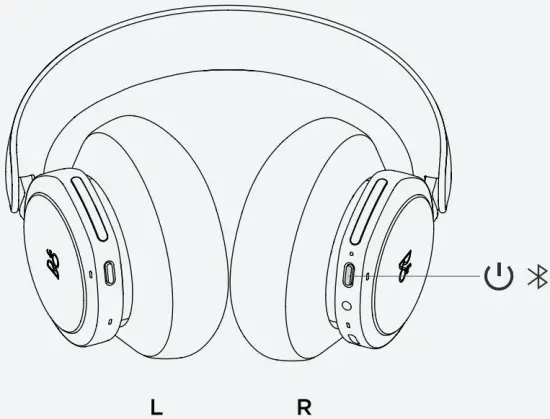
  1. TURN ON YOUR NEW BEOPLAY PORTAL
    Power On
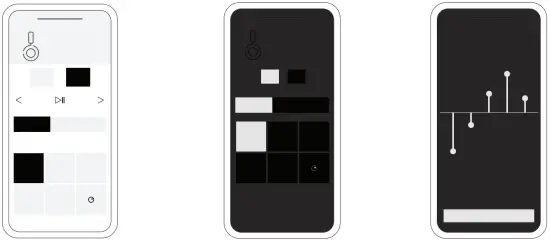
  2. SET UP IN THE BANG BOLUFSEN APP
    App Instructions
    App Download
    QR Code
    App Download
    QR Code
  3. READY TO PLAY
    Ready To Play

BANG & OLUFSEN APP

OLUFSEN APP

  • Product settings and feature updates.
  • Game settings.
  • Custom Equalizer

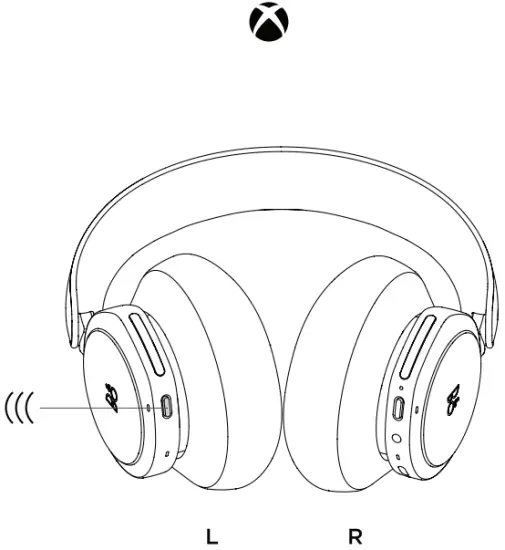
X BOX CONNECT

X BOX CONNECT

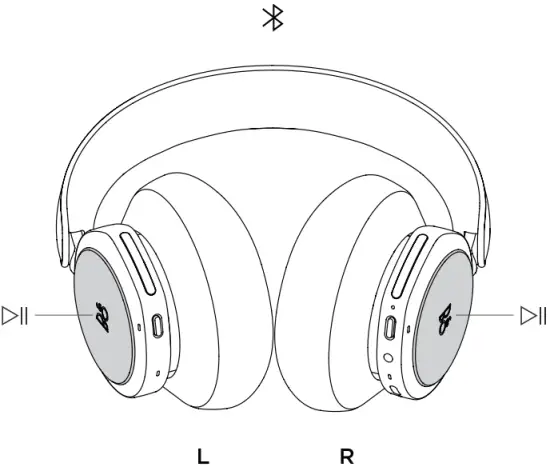
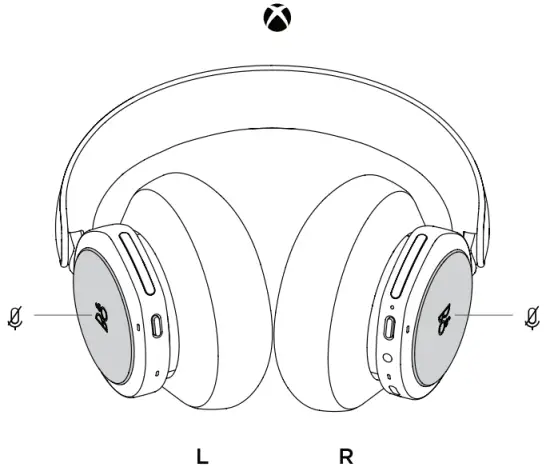
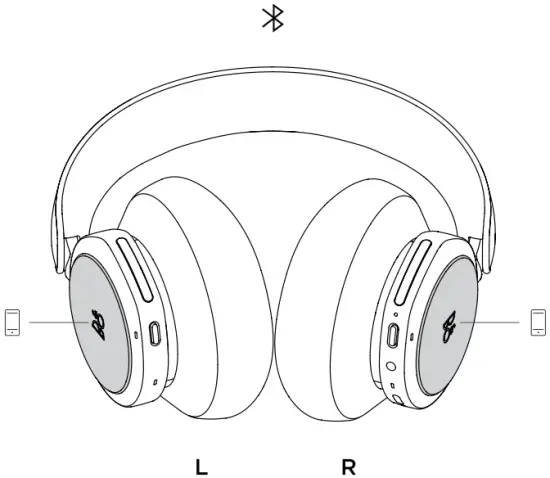
GESTURES

  • Play /Pause: • • Double press
    Play /Pause
  • Mute: • • Double press
    Mute
  • Call: Accept • • Double press
    Call
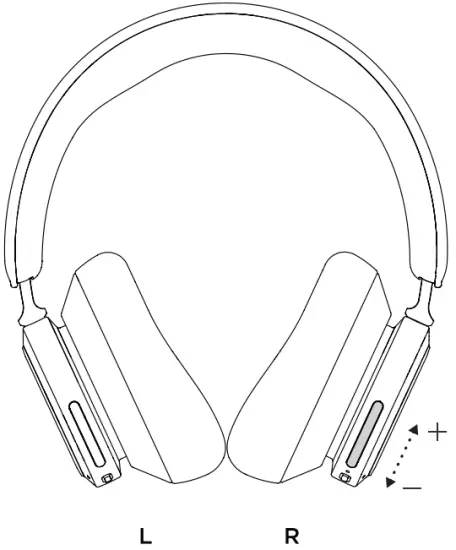
  • Volume: Swipe
    Volume Adjustment
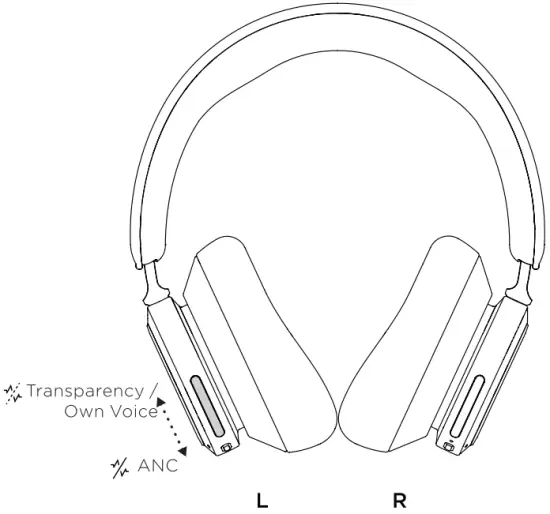
  • Active Noise Cancellation Transparency or Own Voice Swipe
    Noise Cancellation

www.on.beo.com/beoplay-portal-support
 

Documents / Resouces

Download manual
Here you can download full pdf version of manual, it may contain additional safety instructions, warranty information, FCC rules, etc.


Related Manuals