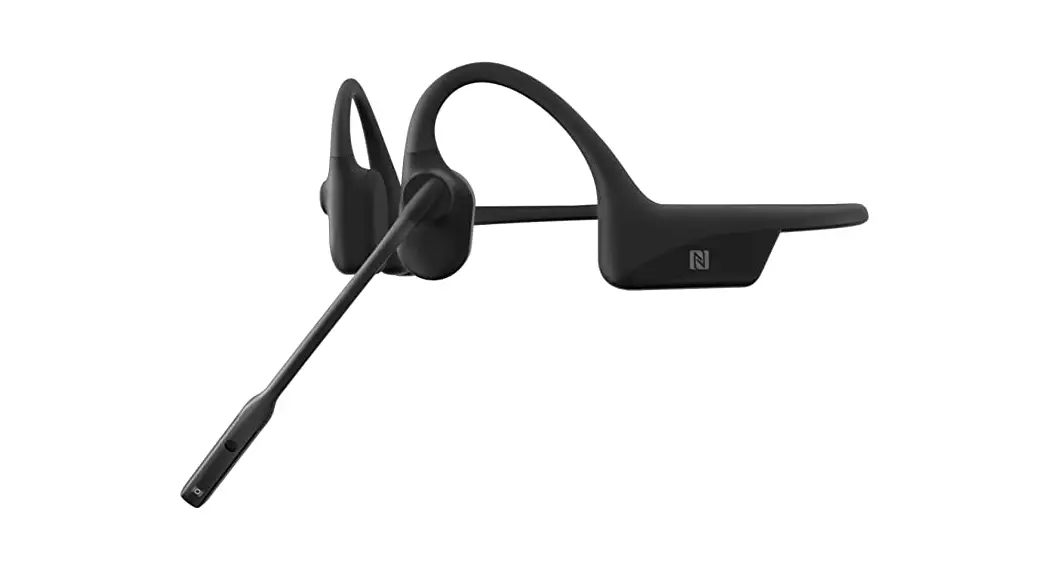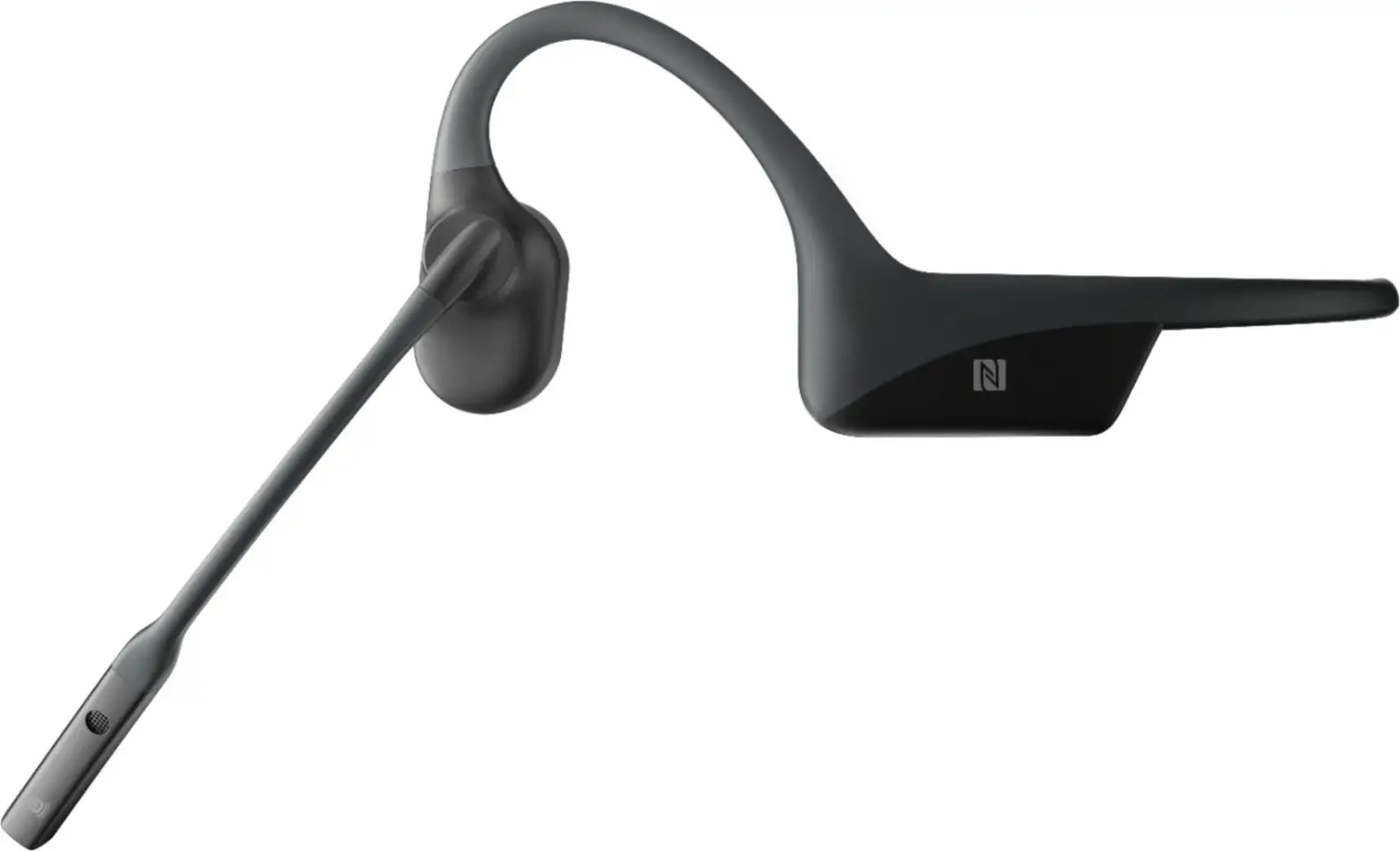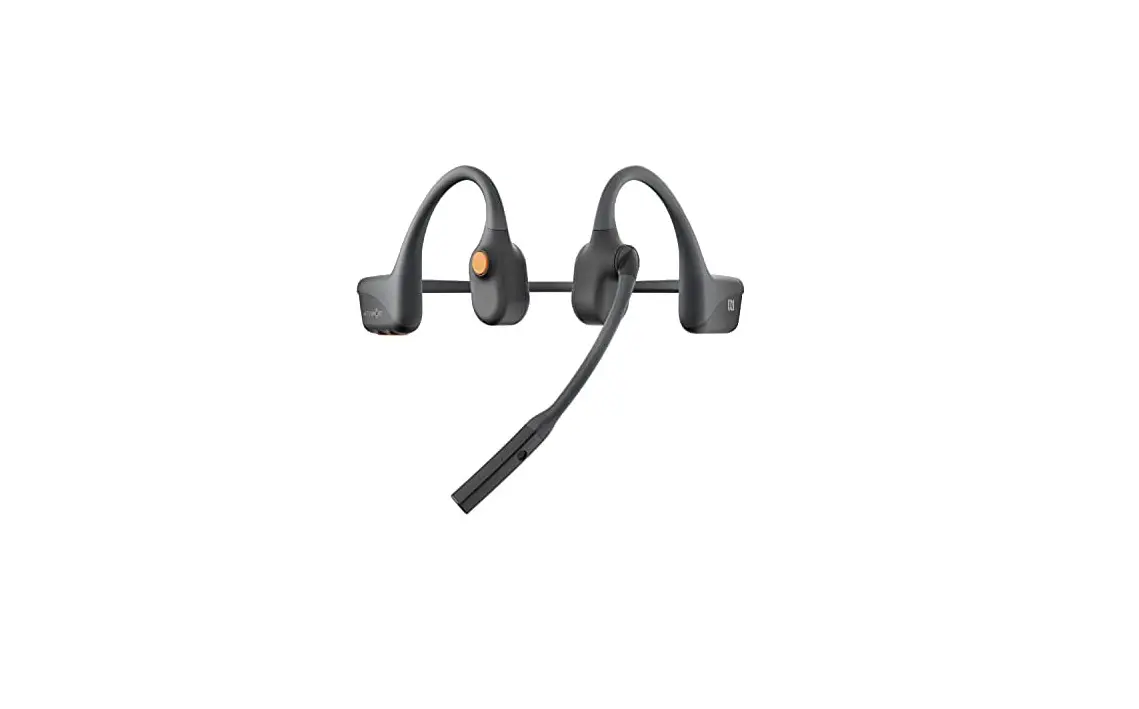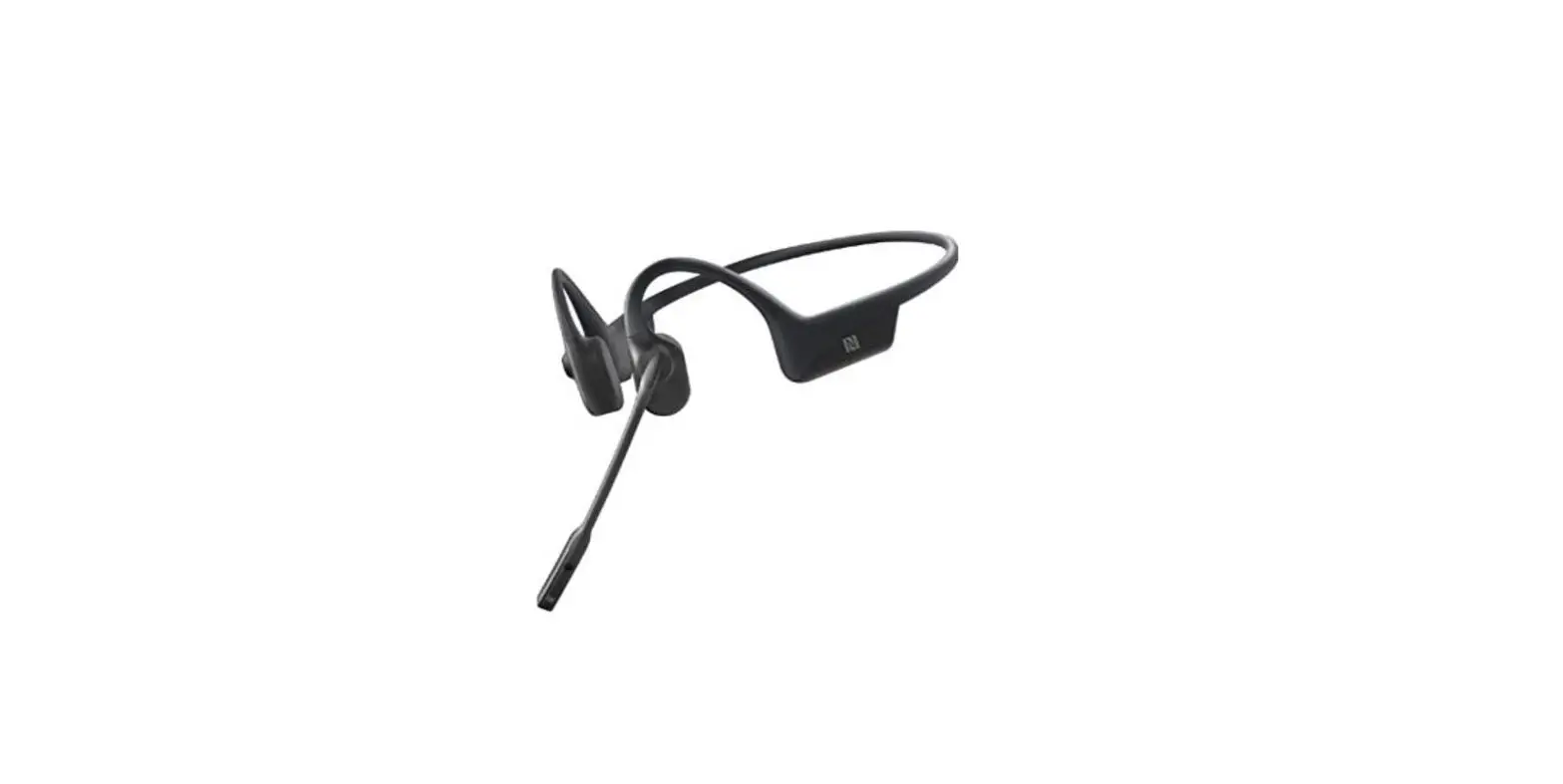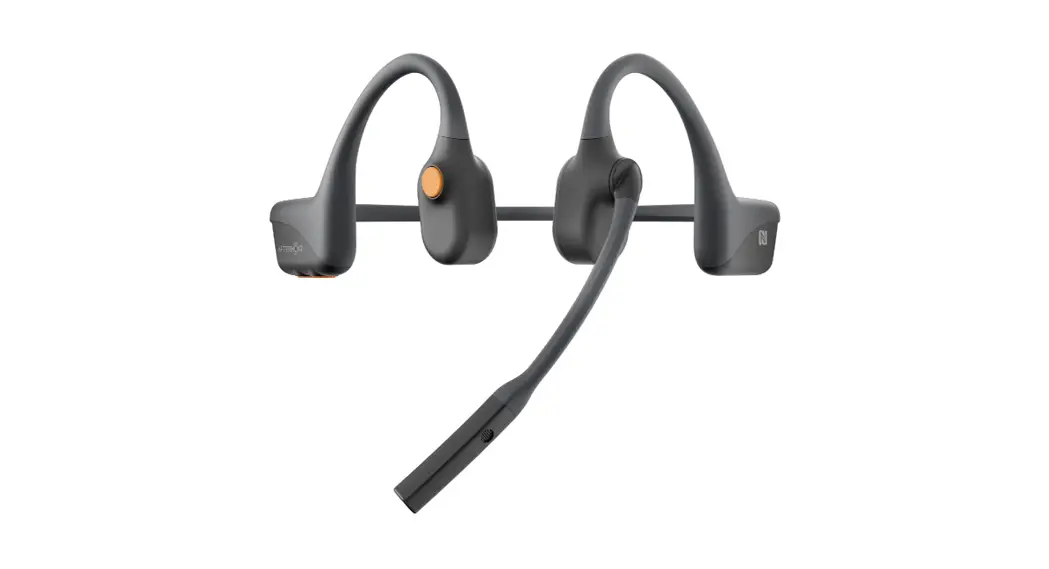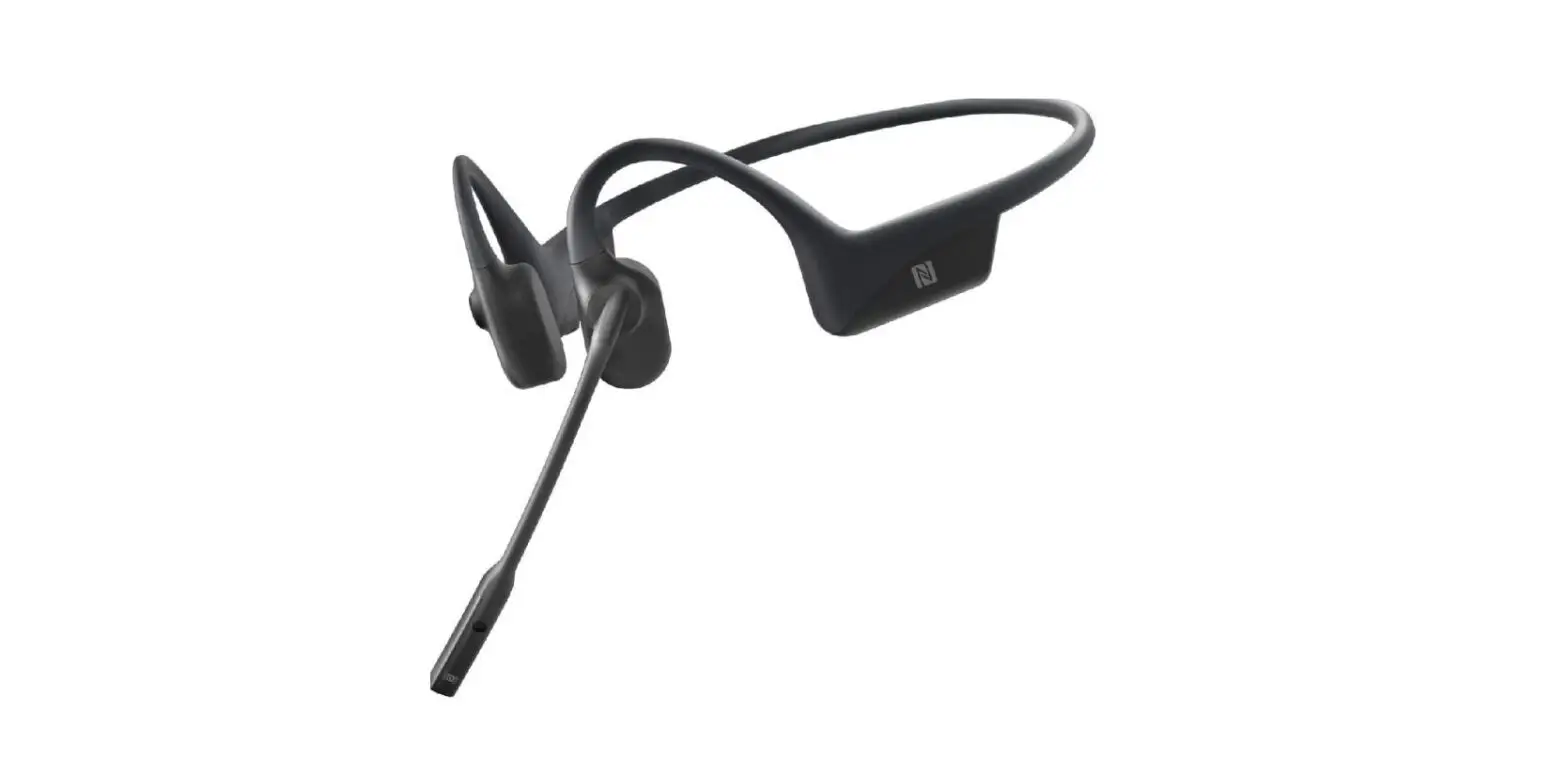

Shokz C102 Opencomm Bone Conduction Stereo Bluetooth Headset User Guide

Shokz C102 Opencomm Bone Conduction Stereo Bluetooth Headset User Guide

SHOKZ-logo

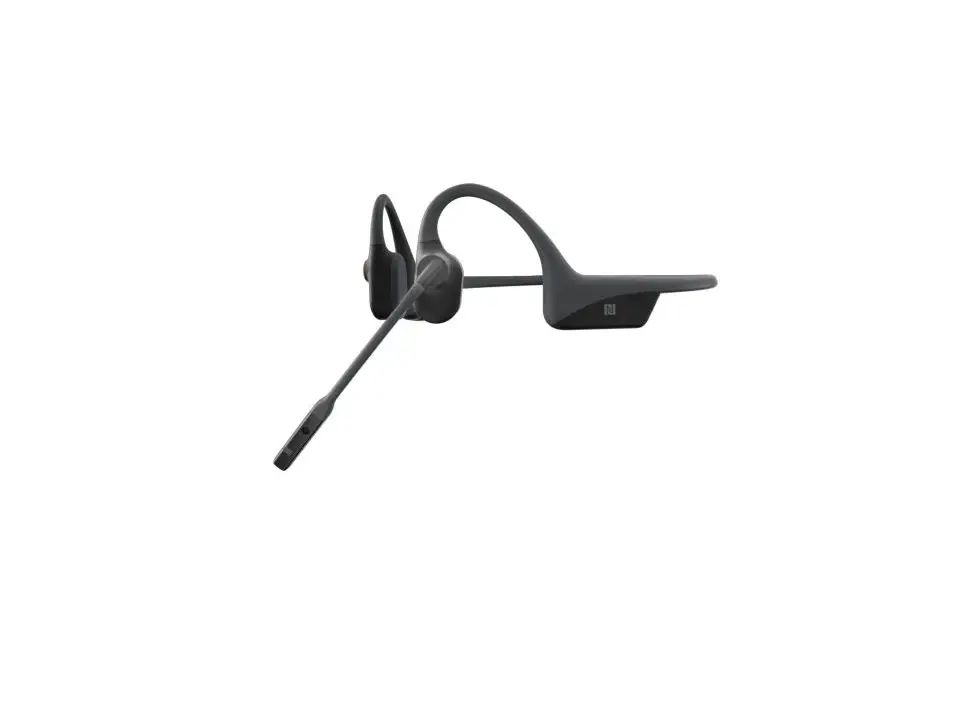
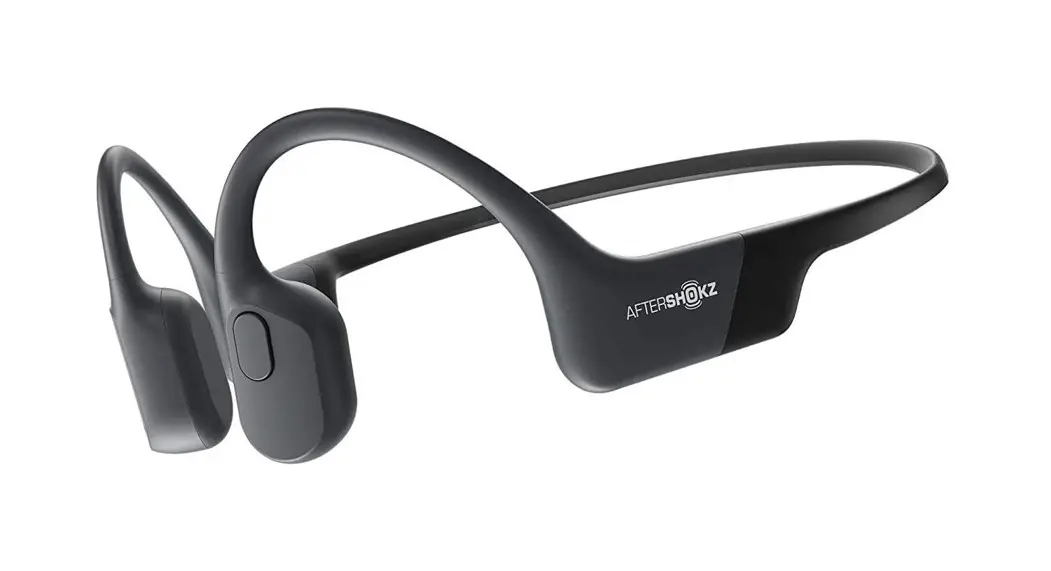
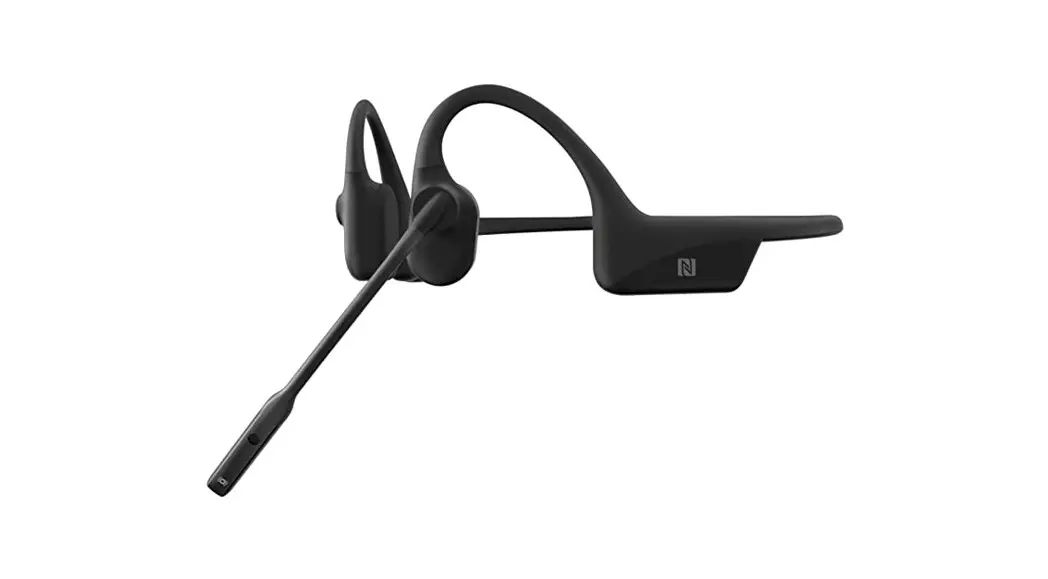
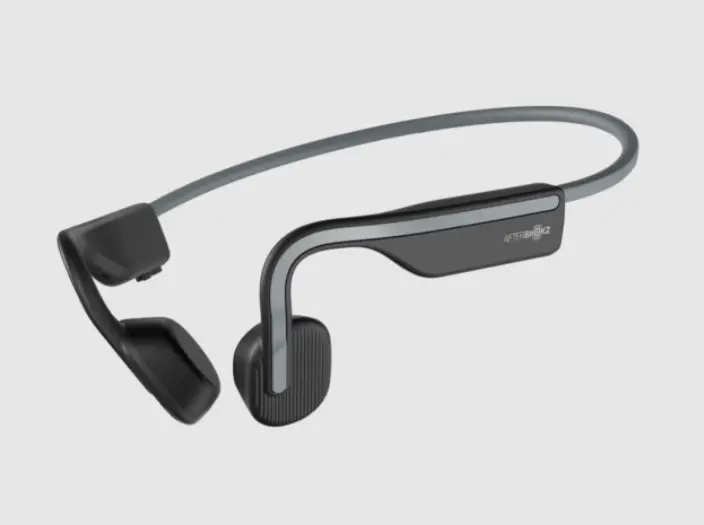
SHOKZ C102 OpenComm Bone Conduction Stereo Bluetooth Headset
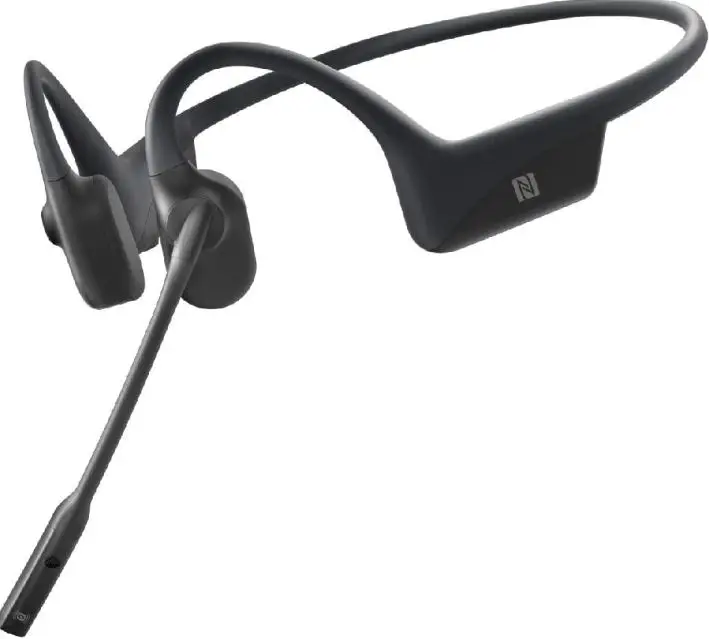
SHOKZ-C102-Open-Comm-Bone-Conduction-Stereo-Bluetooth-Headset-

ON/OFFSHOKZ-C102-Open-Comm-Bone-Conduction-Stereo-Bluetooth-Headset-fig-1.

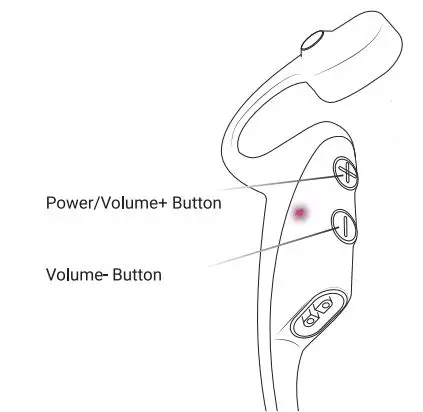
Turn on the headset

  • Press and hold the
  • Power/Volume+ Button for 2 seconds until the LED
  • The indicator flashes blue.

Turn off the headset

  • Press and hold the
  • Power/Volume+ Button for 3 seconds until the LED
  • The indicator flashes red.

Pairing SHOKZ-C102-Open-Comm-Bone-Conduction-Stereo-Bluetooth-Headset-fig-2

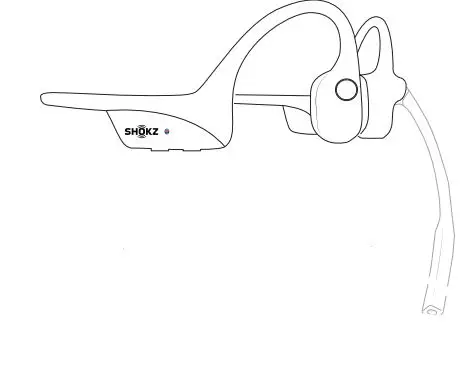
  1. Start with OpenComm turned Off.
  2. Press and hold the Volume+ button for 5 seconds or unti the LED Indicator flashes red and blue.SHOKZ-C102-Open-Comm-Bone-Conduction-Stereo-Bluetooth-Headset-fig-3
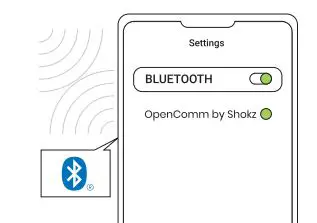
  3. Open your device’s Bluetooth settings and select
    OpenComm by Shokz: Audrey will say “connected
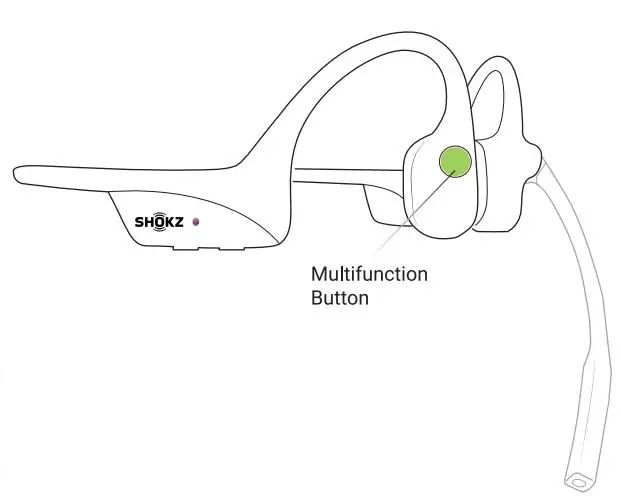
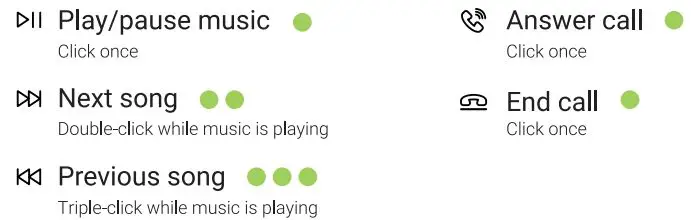
Multifunction ButtonSHOKZ-C102-Open-Comm-Bone-Conduction-Stereo-Bluetooth-Headset-fig-4SHOKZ-C102-Open-Comm-Bone-Conduction-Stereo-Bluetooth-Headset-fig-5


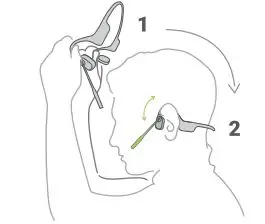
How to Wear

SHOKZ-C102-Open-Comm-Bone-Conduction-Stereo-Bluetooth-Headset-fig-6

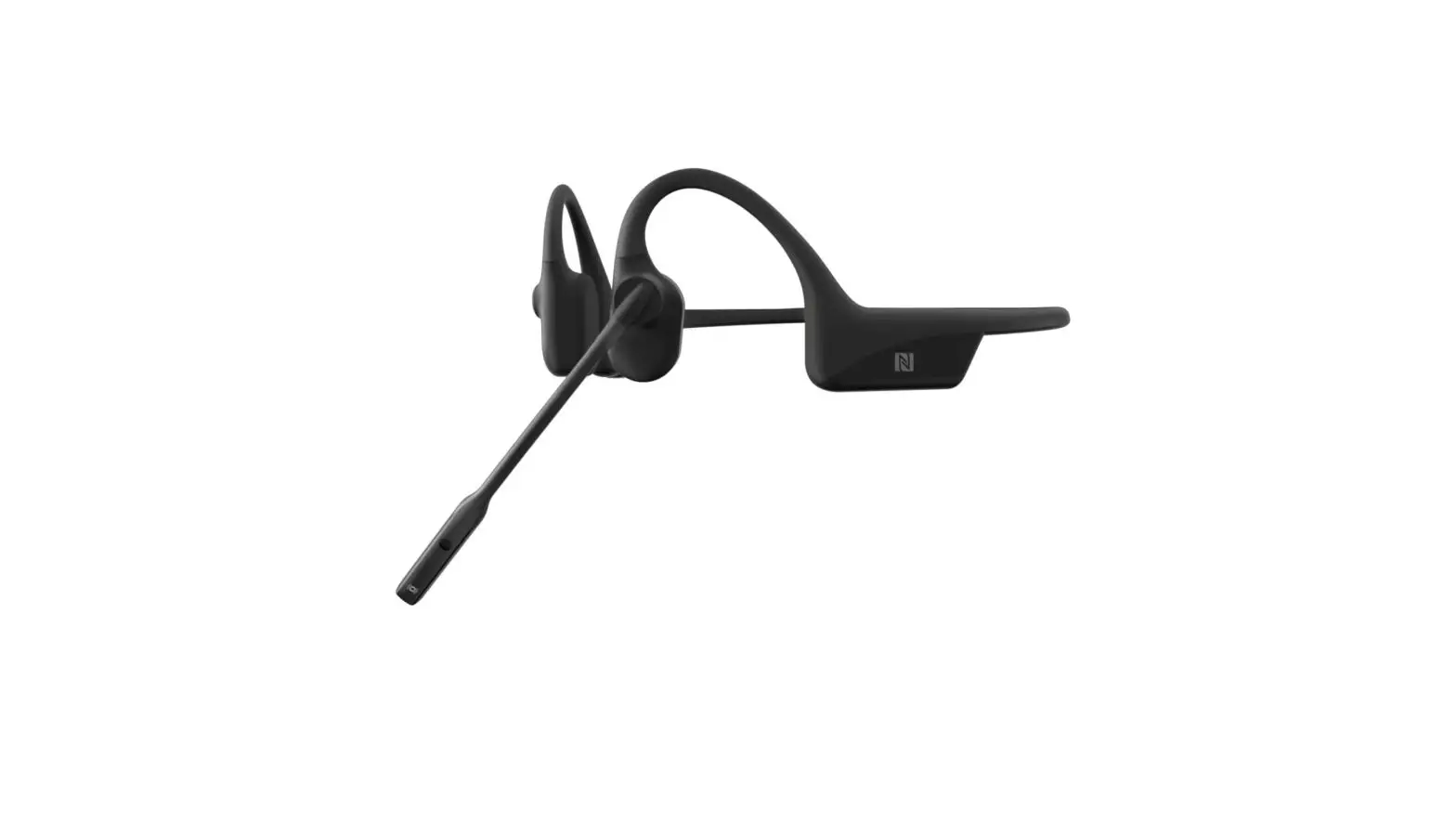
Position the noise-canceling microphone close to your mouth.
Documents / Resouces

Download manual
Here you can download full pdf version of manual, it may contain additional safety instructions, warranty information, FCC rules, etc.


Related Manuals