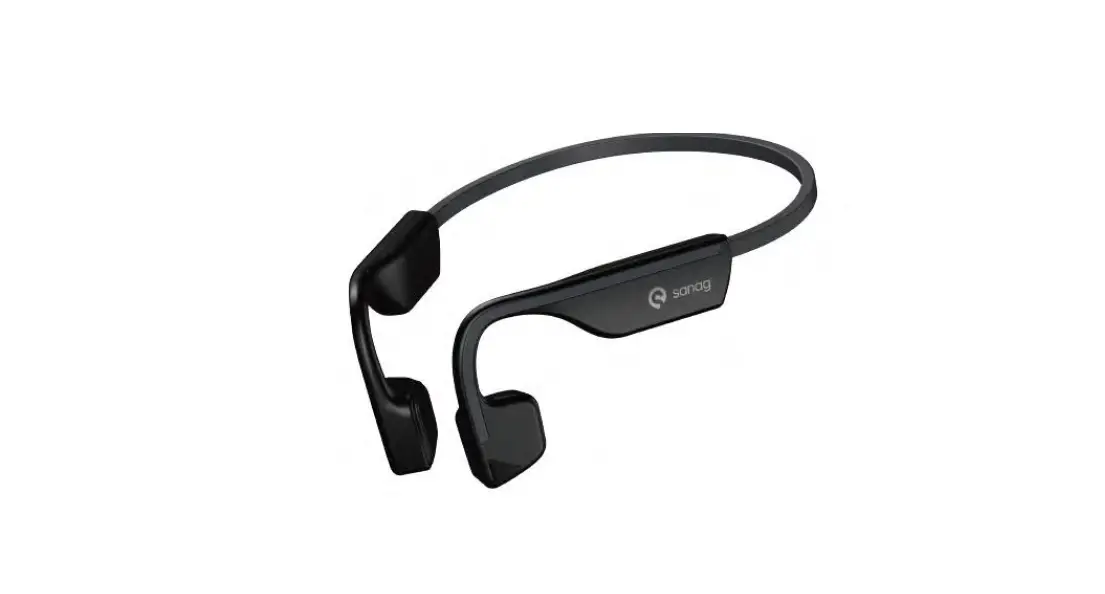
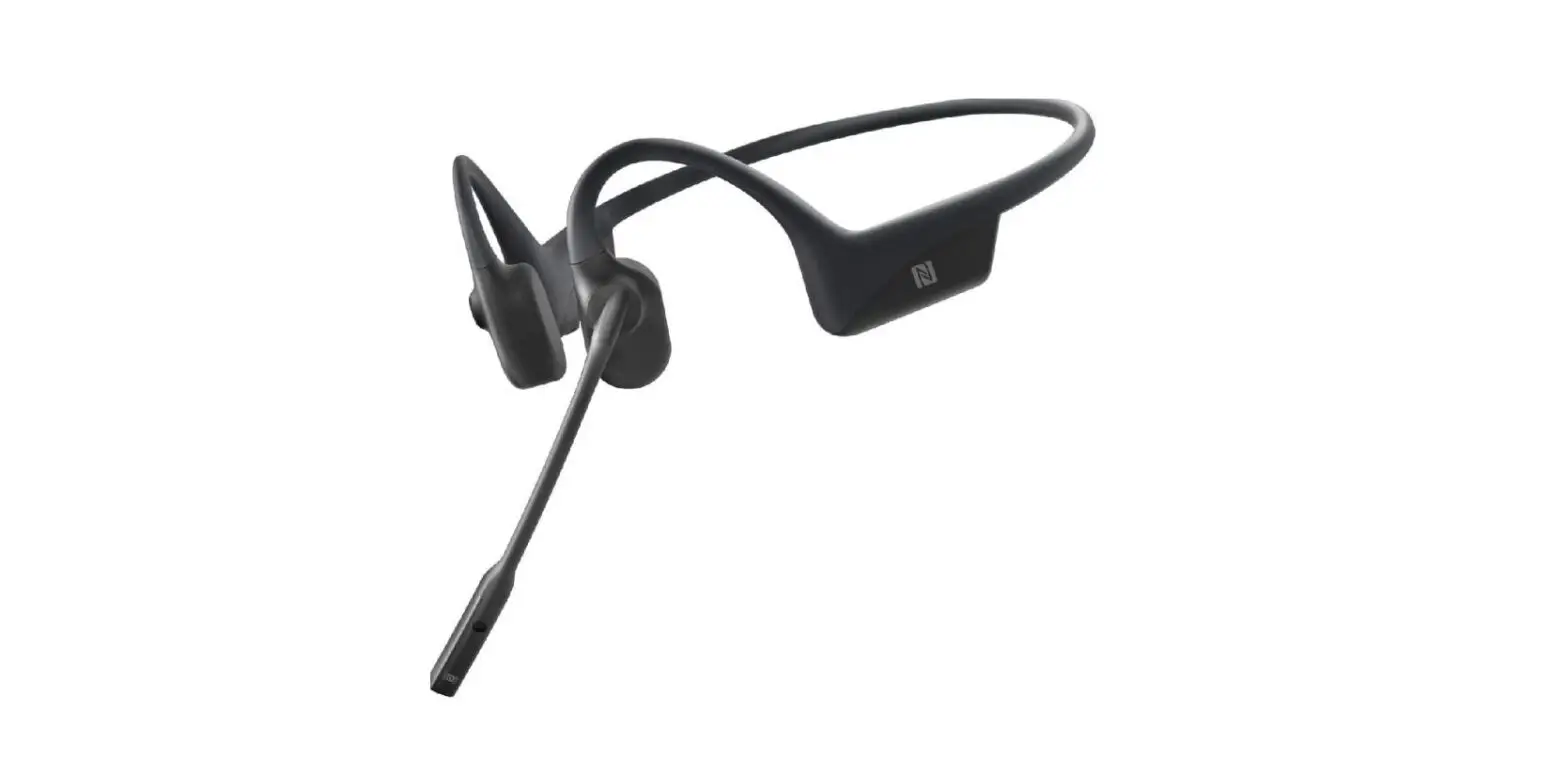
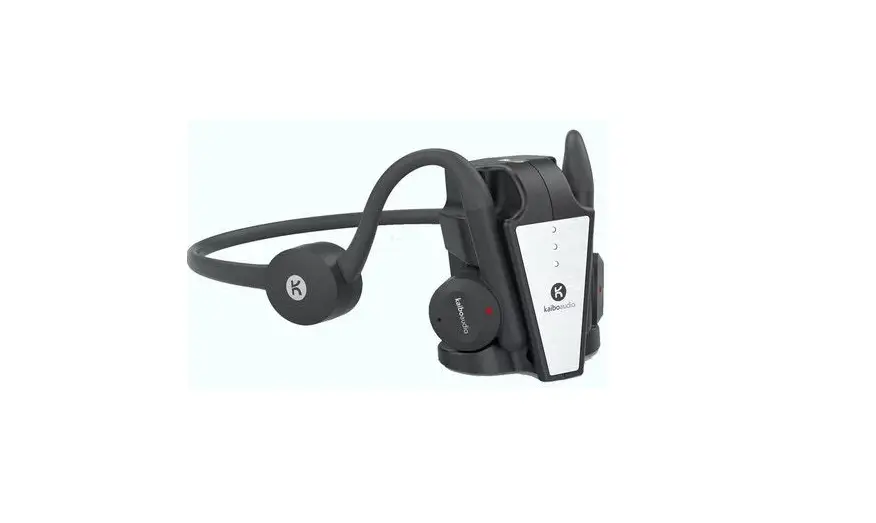
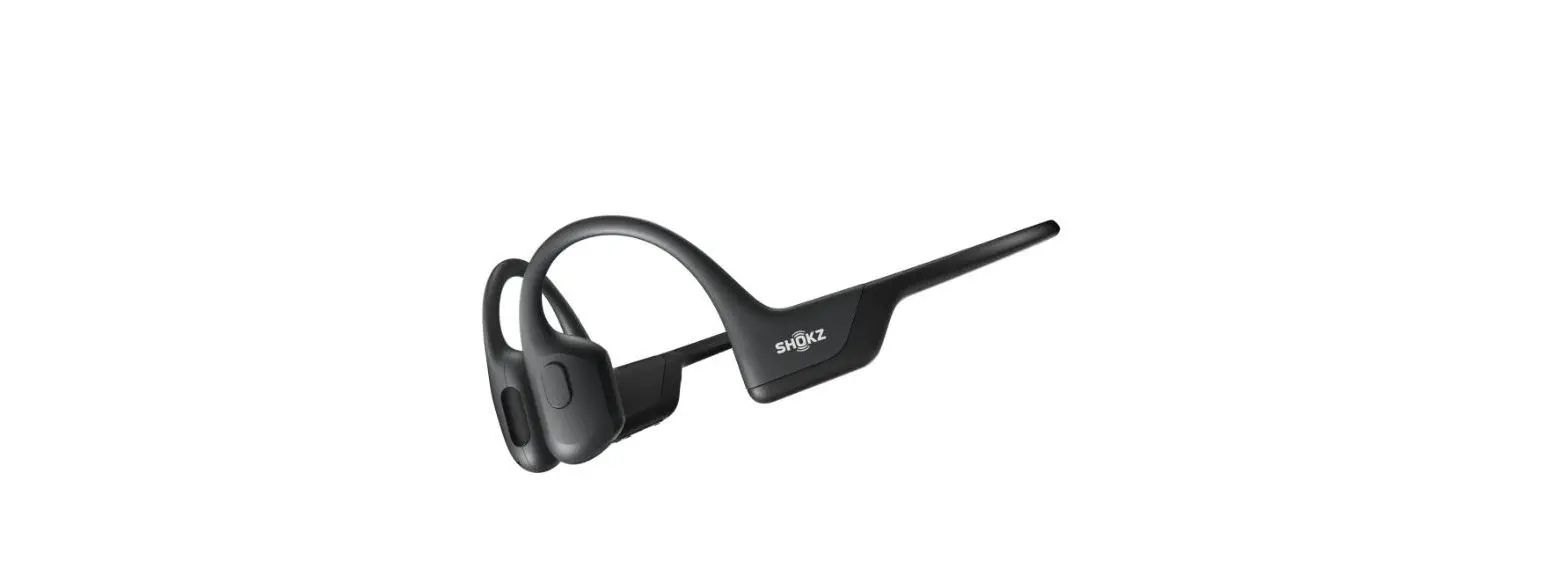
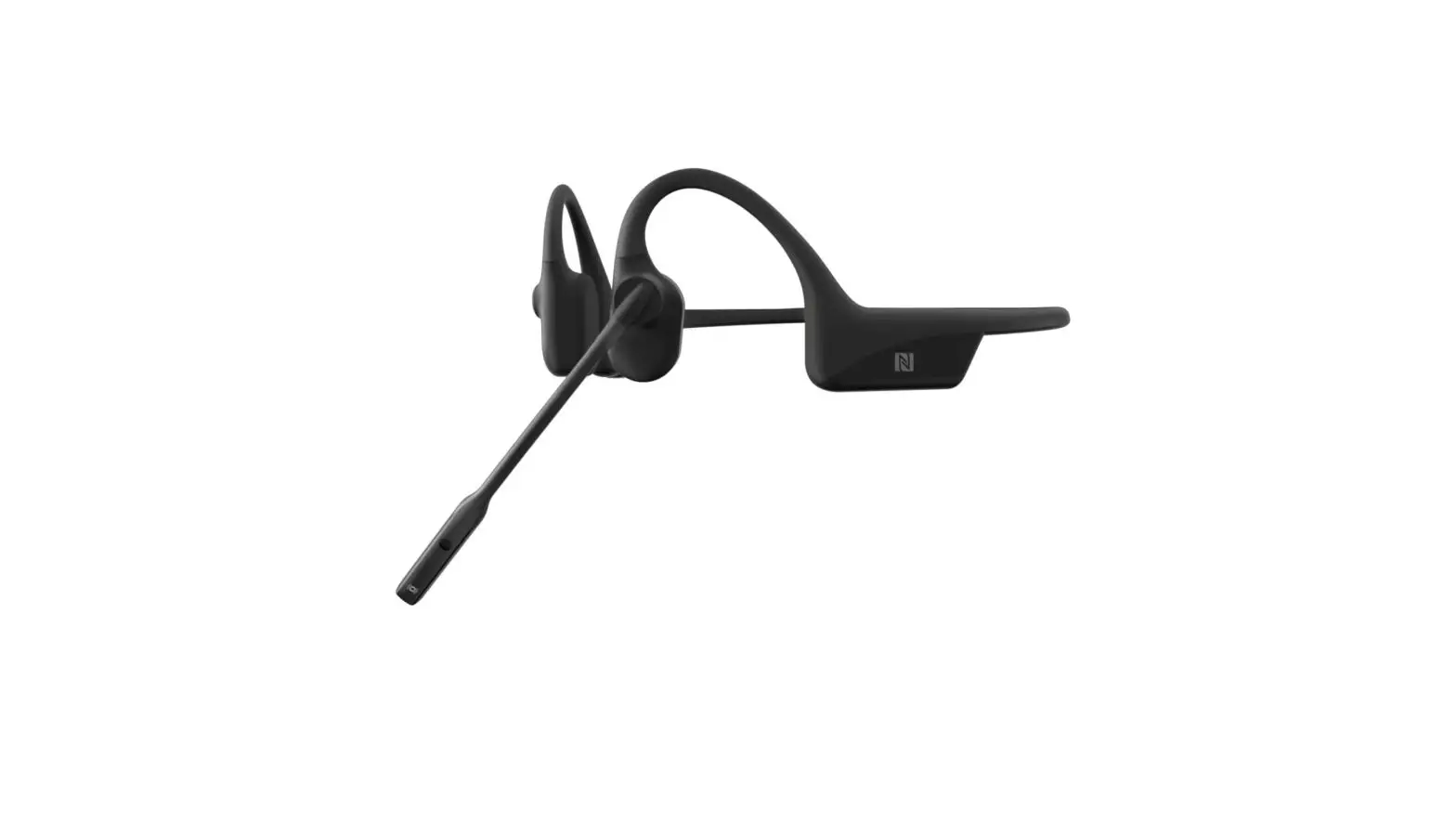
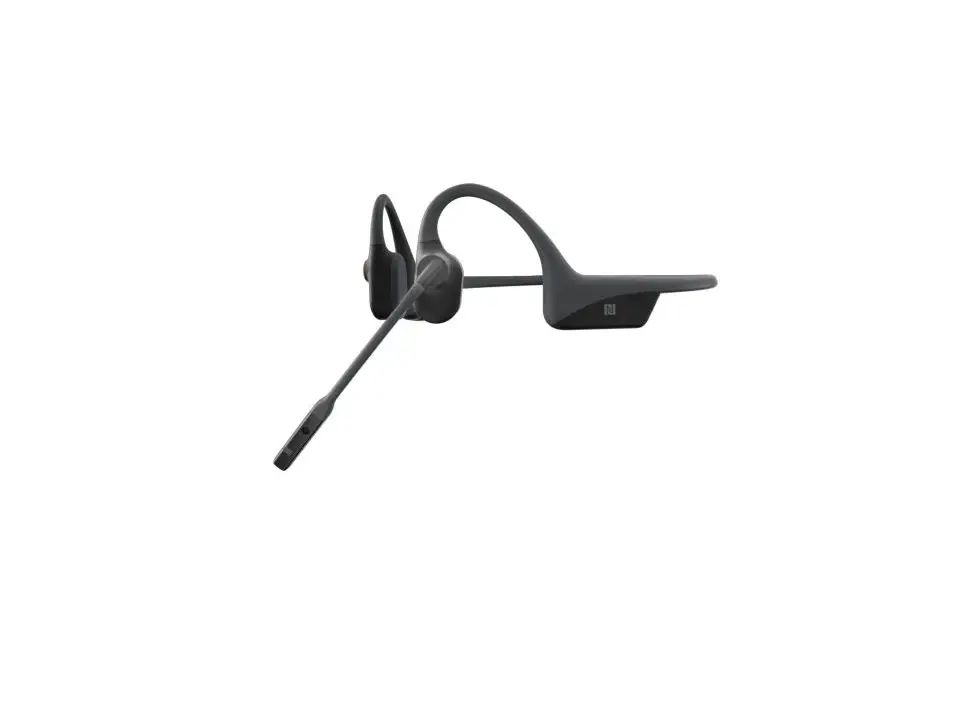
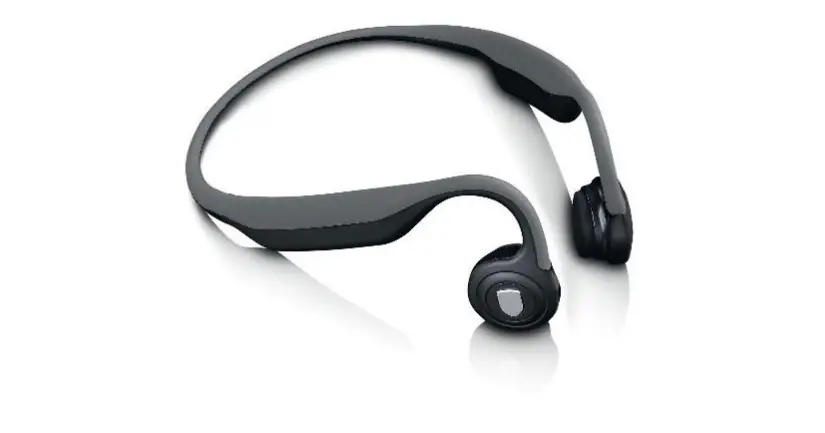
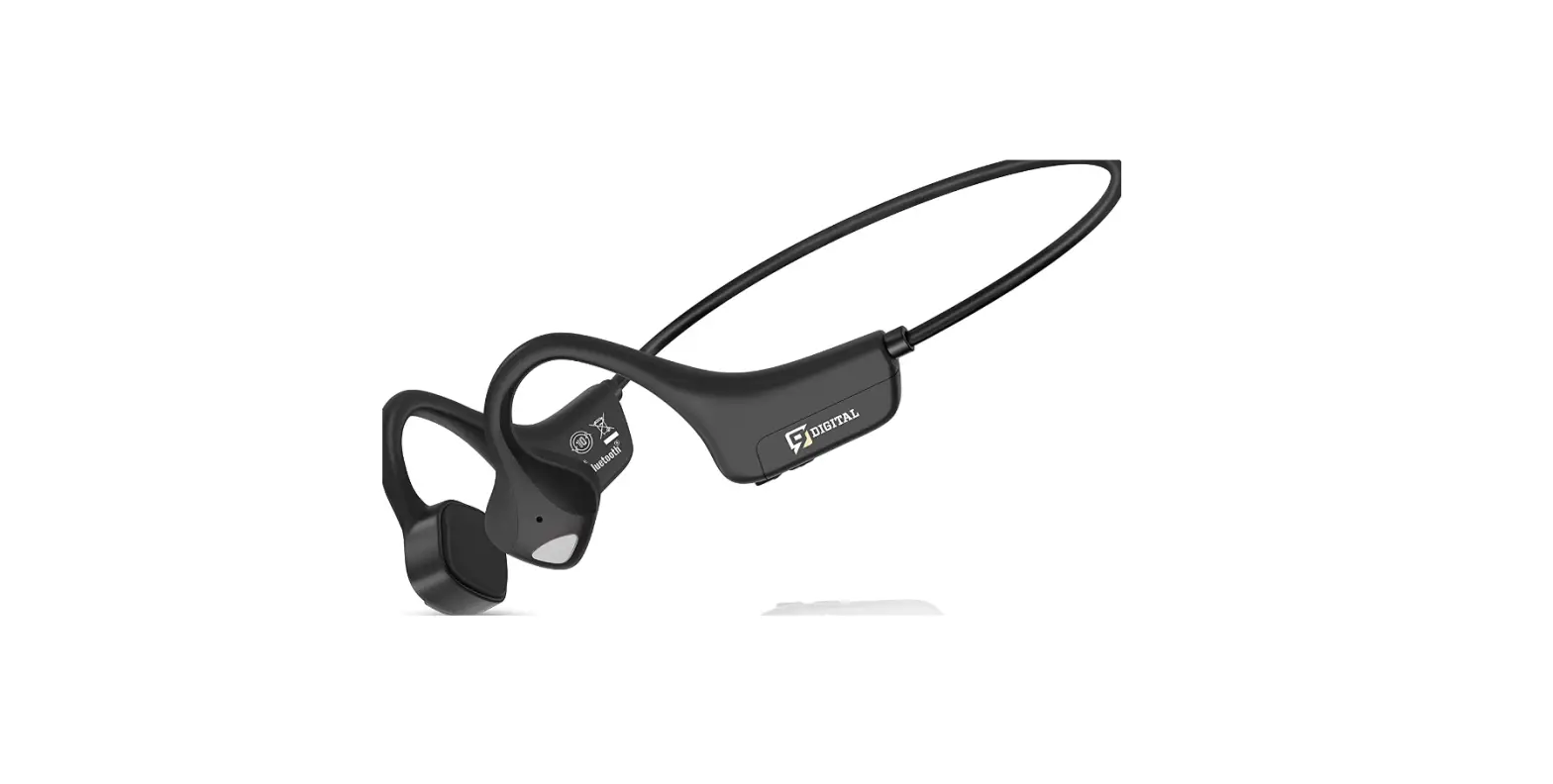
B51S Pro Bone Conduction Bluetooth Headset
Product Information:
The Sanag B51S Pro/B51S Pro Max is a bone conduction Bluetooth
headset designed to provide a better audio experience. It features
volume control, multi-function keys, LED display lamp, microphone,
and an air conduction sound generating unit. The headset can be
charged using a magnetic charging wire and comes with a DC 5V power
adapter. It supports Bluetooth pairing with mobile phones and smart
electronic devices.
Product Usage Instructions:
- Charging:
- When the earphone’s battery is low, the red light will flash
once a second and an alarm sound will be heard. - Connect the power adapter to charge the headset. Failure to do
so may result in automatic shutdown if the power is too low. - Use a DC 5V power adapter that meets national standards and has
passed CCC certification for charging. - The working indicator will change from steady red to steady
blue when charging is complete.
- To pair the headset for the first time, ensure it is turned
off. - Press and hold the multi-function button for 2 seconds. The
blue light will stay on for 1 second, followed by alternating
red/blue flashing lights. - The headset will enter pairing search mode with a prompt sound.
Enable Bluetooth on your mobile phone or smart electronic device
and find “Sanag B51S Pro / B51S Pro Max” in the Bluetooth device
list. - Click “Connect” to establish the Bluetooth connection.
- To turn on the headset, ensure it is in the off state.
- Press and hold the multi-function button for 2 seconds. The
blue light will stay on for 1 second, followed by alternating
red/blue flashing lights and a beep. - To turn off the headset, press and hold the multi-function
button for 4 seconds. The red light will briefly turn on and then
go out, accompanied by a beep.
- If the mobile phone and headset exceed the Bluetooth connection
distance, the headset will emit a prompt tone and disconnect from
the mobile phone. - If the headset and mobile phone return to Bluetooth connection
range within 3 minutes, they can automatically reconnect. After 3
minutes, the headset enters standby mode. - If the headset is not connected after 5 minutes, it will
automatically shut down.
- When the headset is turned on, double-click the power key to
switch between TF card mode and Bluetooth mode. - The blue light will flash once every 10 seconds to indicate the
mode switch, accompanied by a music prompt tone.
B51S Pro/B51S Pro Max Operating guide
ë
é
ê
è ç
æ
1./ 2./ 3./ 4.LED 5.MIC 6.
11,,
” CCC5V ”
21/ “Sanag B51S Pro/B51S Pro Max,”
Settings
MY DEVICES Sanag B51S Pro Sanag B51S Pro Max
Settings
MY DEVICES
Sanag B51S Pro
Connected
Sanag B51S Pro Max
21/
4
3 5
TF 101TF “Music”
“”
/:
/51 10 “” “” /
/
/
PCOTGU
/ 11″please charge” 3
, 5
12
CCC
25g V 5.3 DC 5V — 120mAh 10 16±10% (138*106*41mm 1.52 -2070 -2070
Thank you for choosing our bone conduction Bluetooth headset for a better experience Please read the instruction manual carefully before using this product. If there is any printing error or Translation errors hope that the majority of users understand
Overview of key features
ë
é
ê
è ç
æ
1. Volume increase / Next song: short press volume increase, long press one song
2. Key on / multi-function keys: switch on / off, play pause, multi-function switching
3. Volume decrease / previous song: short press volume decrease, long press previous song
4. LED display lamp 5. MIC 6. Horn: air conduction sound generating unit
Charging use
When the earphone is under low voltage, the red light flashes once a second and there is an alarm sound. At this time, please connect the power adapter The adapter charges the headset, otherwise the headset will automatically shut down when the power of the headset is too low.
The earphone is charged through a magnetic charging wire. After the charging is completed, the working indicator changes from red (steady on) to blue (steady on). Note: “Please use a DC 5V power adapter that meets national standards and has passed CCC certification for charging.”
Bluetooth pairing
First boot pairing:
In the off state, long press the multi-function button for 2 seconds, the blue light is always on for 1 second, the red/blue light alternately flashes, the headset is turned on and directly enters the pairing search mode, the power is accompanied by a prompt sound, and the mobile phone or smart electronic device is turned on, from Bluetooth In the list, find “Sanag B51S Pro / B51S Pro Max” and click Connect.
Settings
MY DEVICES Sanag B51S Pro Sanag B51S Pro Max
Search headset
Settings
MY DEVICES
Sanag B51S Pro
Connected
Sanag B51S Pro Max
Connection succeeded
Key operation
Headset on: In the off state, press and hold the multi-function button for 2 seconds, the blue light is always on for 1 second, the red/blue light flashes alternately, and the headset is turned on with a beep.
Headset off: When the headset is turned on, press and hold the multi-function button for 4 seconds, the red light will be on and then it will go out, and the headset will turn off. Accompanied by a beep.
Disconnection, over distance disconnection or equipment shutdown:
When the mobile phone and headset exceed the Bluetooth connection distance, the headset appears with a prompt tone, and the mobile phone and headset are disconnected. Return to the Bluetooth connection range between the headset and the mobile phone within 3 minutes. The headset and the mobile phone can be automatically connected. After 3 minutes, the headset enters the standby mode. If it is not connected after 5 minutes, the headset will automatically shut down.
TF card mode or Bluetooth mode
When the headset is on, double-click the on key, and the blue light flashes once every 10 seconds to switch the TF card mode or Bluetooth mode, accompanied by “Music” prompt tone.
volume up
When the headset is on a call, short press the volume up key to continuously increase the volume to the maximum, accompanied by a prompt tone.
volume down
When the headset is talking, press the volume reduction button and the volume continues to decrease (the minimum tone), accompanied by a beep tone.
Music play / pause: Short press the multi-function button, music play/pause, play status: blue light flashes once in 5 seconds Pause status: blue light flashes once in 10 seconds.
Single loop/full loop:
Under the state of music, three strikes open key, single cycle prompt “du” a short note, all cycle Prompt “beep” two times.
Answer / reject: The first call comes in, short press the multi-function button to answer it; long press the multi-function button to reject it.
Hang up during a call Short press the multi-function button to hang up.
Next song button/volume up
In the music state, short press the volume up button and the volume continues to increase. When it reaches the maximum, there will be a beep.Playing status, long press to switch to the next song.
Previous song button/volume down
In the music state, short press the volume down button and the volume will continue to decrease. When it reaches the minimum, there will be a beep. Playing status, long press to switch to the previous song.
How to copy data
In any state, insert the data cable into the PC or mobile phone (with OTG adapter) to read the USB flash disk, and copy the required songs or data files to the device.
Low voltage alarm/shutdown
Alarm: the red light flashes once every second, accompanied by the alarm sound “Please charge”. Power off: When the red light is on for 3 seconds, the headset is turned off.
Matters needing attention:
When the phone is turned on without connecting to any mobile phone, it will automatically turn off after 5 minutes. Please fully charge the product for the first use. Please do not dismantle or repair or modify this product for any reason, otherwise it may cause fire and electronic breakdown.To completely damage the product. If the charging is completed, please disconnect the charger from the device, Do not exceed 12 hours. Please do not throw old batteries in old household garbage for disposal. Improper disposal of batteries may cause damage.If the battery catches fire or explodes, please follow local regulations to dispose of this product, battery and other accessories. The battery is not allowed to be disassembled, hit, squeezed or thrown into fire. If it is severely swollen, please do not continue to use it.The battery must not be exposed to excessive heat. Do not repair this product by yourself. If consumers use a power adapter to charge, they should purchase a matching power adapter that has been certified by CCC and meets the standard.
Basic parameters weight: bare metal 25g headset type: Sports Bluetooth headset Bluetooth version: V 5.3 charging input: DC 5V — 120mAh transmission distance: 10M product impedance: 16 ± 10% earphone size (length, width and height): 138*106*41mm charging time: about 1.5 hours (it is better to charge more than 2 hours for the first time) operating temperature: -20 to 70 storage temperature: -20 to 70
FCC Statement
This equipment has been tested and found to comply with the limits for a Class B digital device, pursuant to part 15 of the FCC Rules. These limits are designed to provide reasonable protection against harmful interference in a residential installation. This equipment generates, uses and can radiate radio frequency energy and, if not installed and used in accordance with the instructions, may cause harmful interference to radio communications. However, there is no guarantee that interference will not occur in a particular installation. If this equipment does cause harmful interference to radio or television reception, which can be determined by turning the equipment off and on, the user is encouraged to try to correct the interference by one or more of the following measures: · Reorient or relocate the receiving antenna. · Increase the separation between the equipment and receiver. · Connect the equipment into an outlet on a circuit different from that to which the receiver is connected. · Consult the dealer or an experienced radio/TV technician for help. Caution: Any changes or modifications to this device not explicitly approved by manufacturer could void your authority to operate this equipment. This device complies with part 15 of the FCC Rules. Operation is subject to the following two conditions: (1) This device may not cause harmful interference, and (2) this device must accept any interference received, including interference that may cause undesired operation. RF Exposure Information The device has been evaluated to meet general RF exposure requirement. The device can be used in portable exposure condition without restriction.
Bluetooth
ë
é
è
ê
ç
æ
1. 2.// 3.TYPEC 4./ 5.MIC 6./1 7.
11 $$$%$7
Bluetooth
21 / Bluetooth Sanag B51S Pro /B51S Pro Max[]
Settings
MY DEVICES Sanag B51S Pro Sanag B51S Pro Max
Settings
MY DEVICES
Sanag B51S Pro
Connected
Sanag B51 Pro Max
: 2 1
4
Bluetooth Bluetooth 33 5
5’CMVFUPPUI .VTJD
/
/ 51101
31 2
/
/
/
PCOTG U
:11please charge :3
5 12 CCC
25 g Bluetooth BluetoothV 5.3 DC 5 V—120mAh 10 16±10% 138*106*41 mm 1.52 -2070