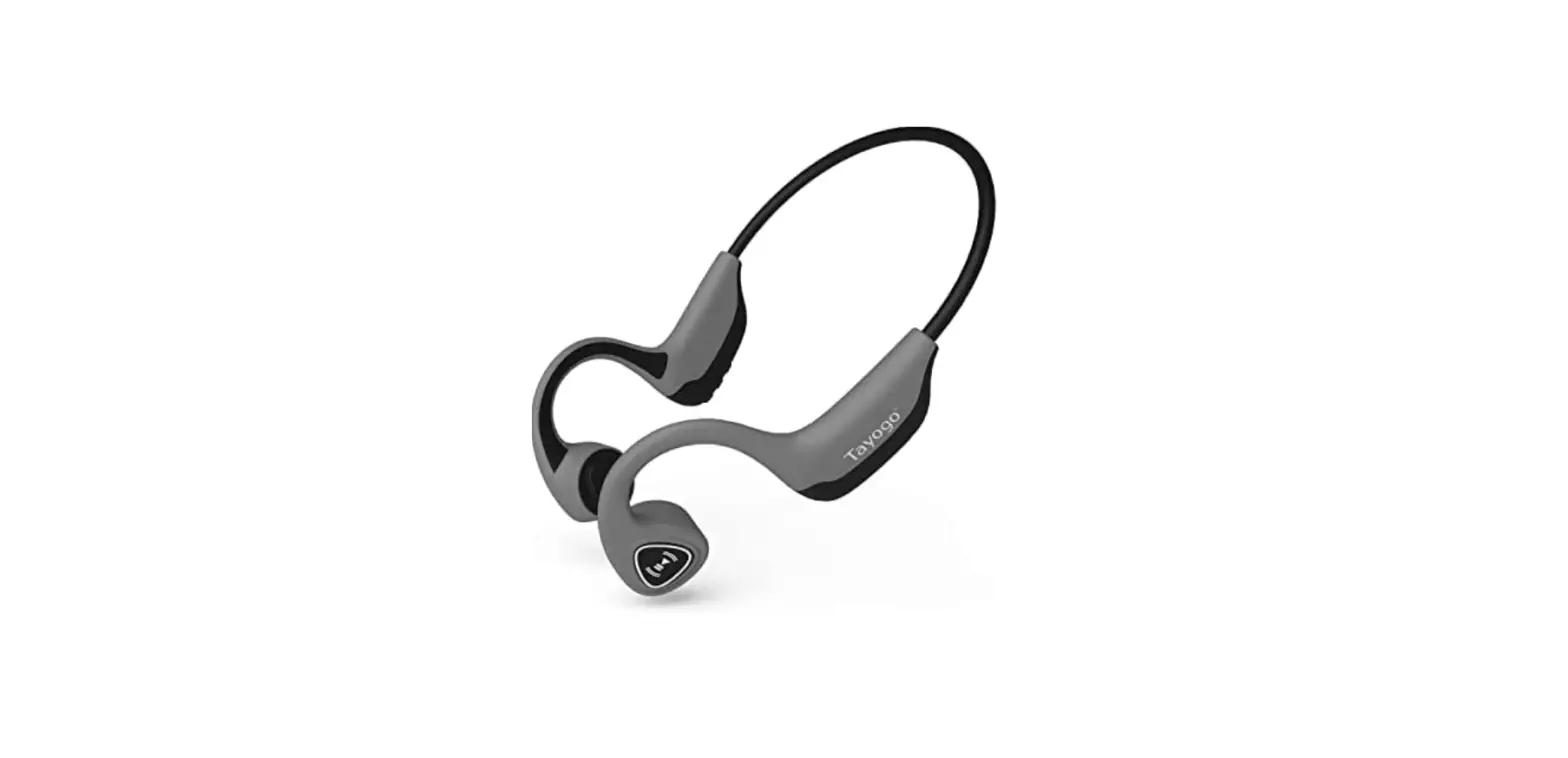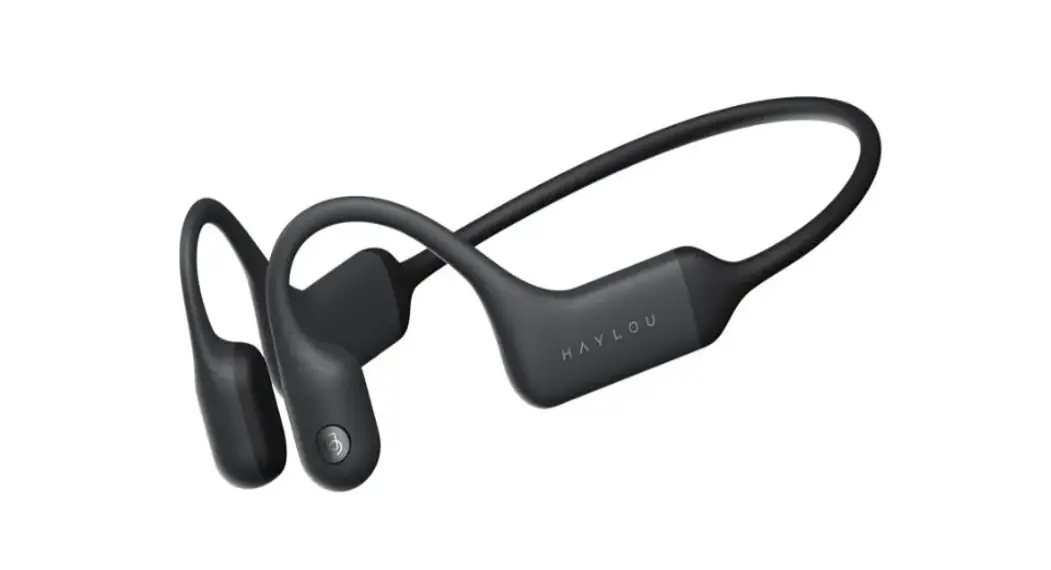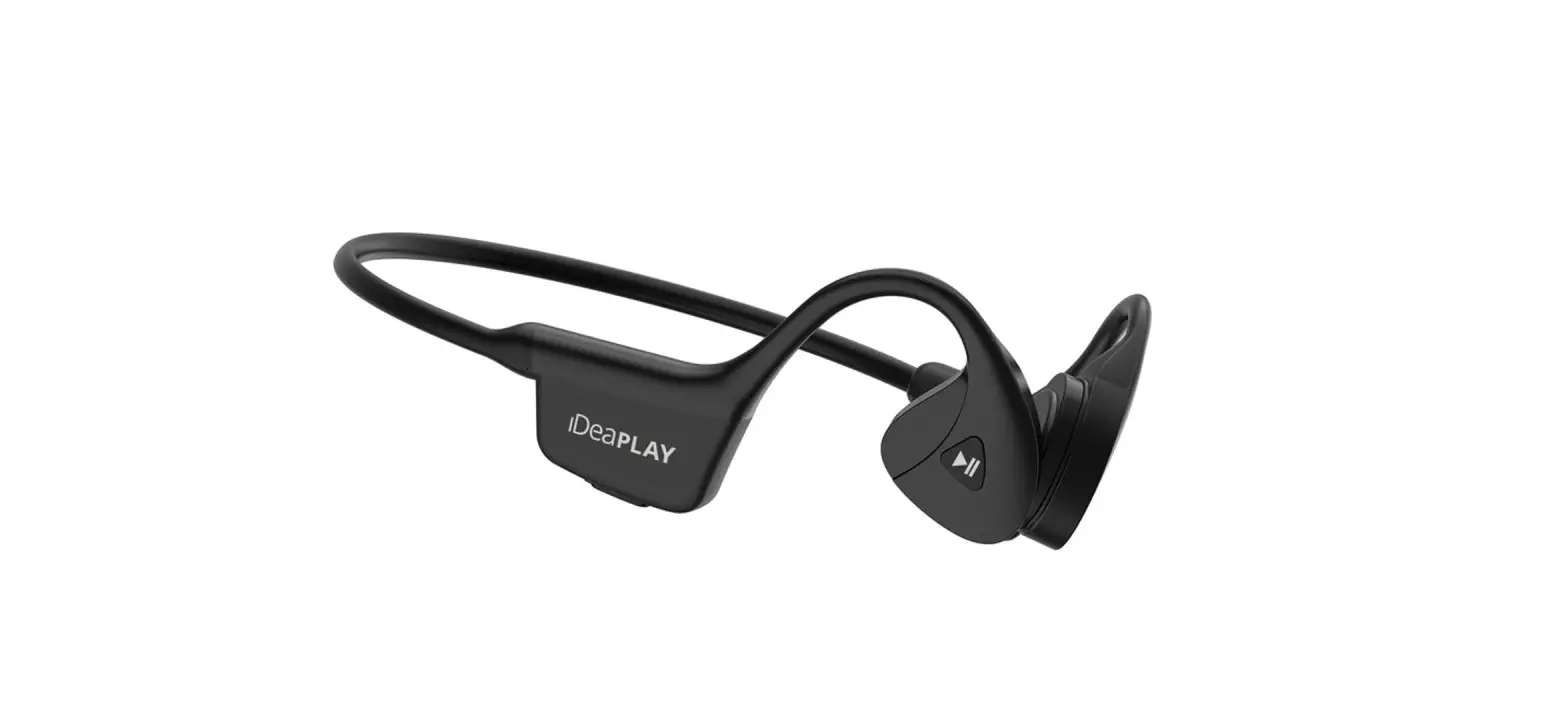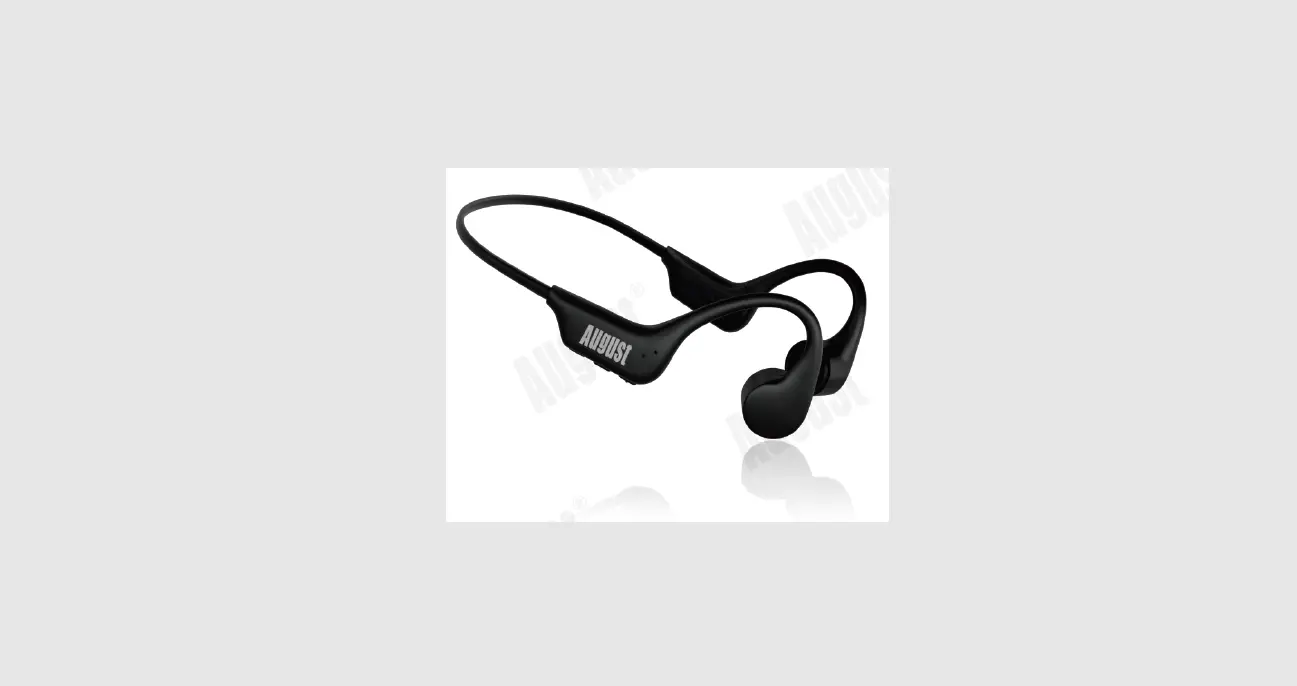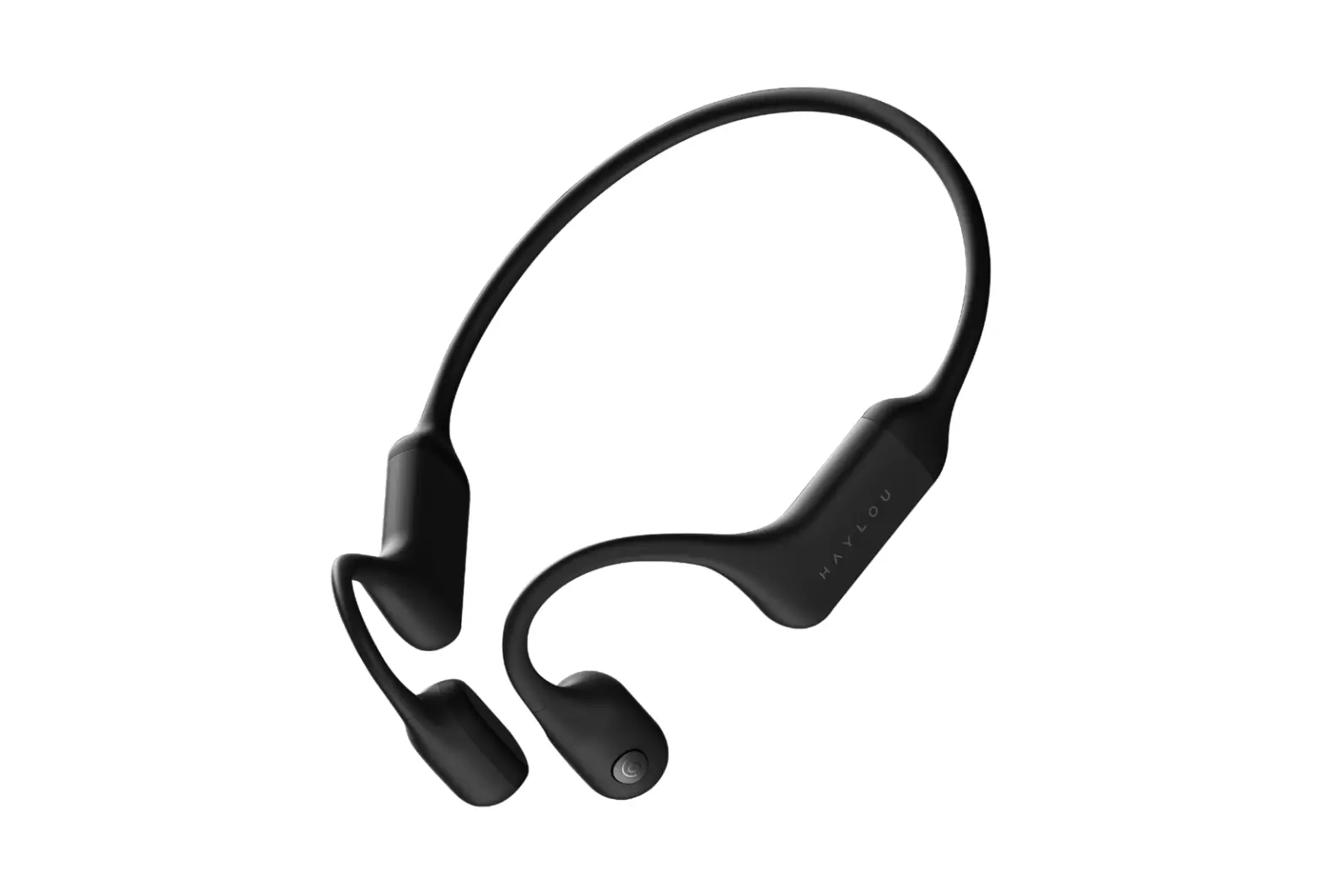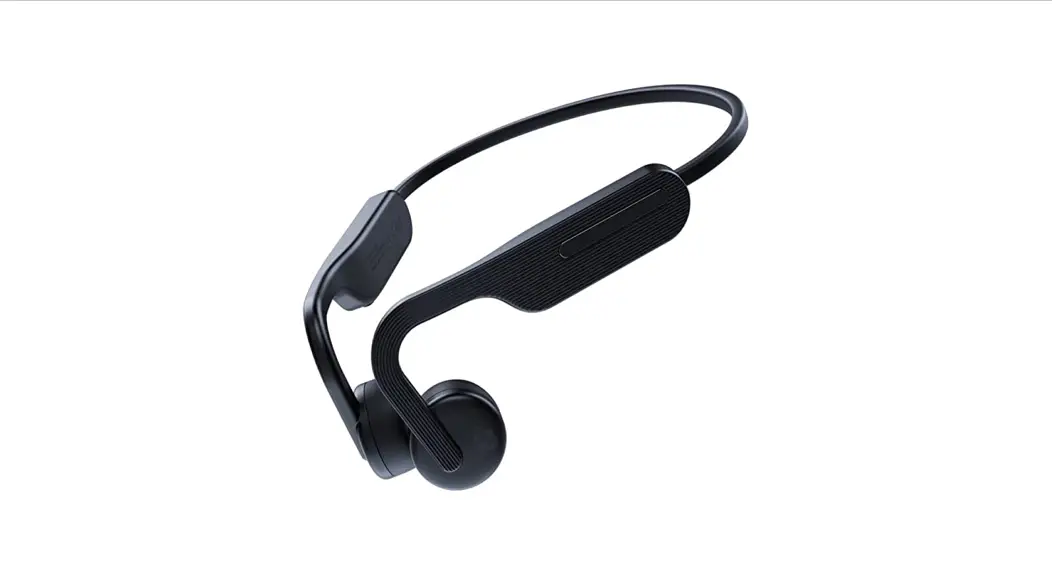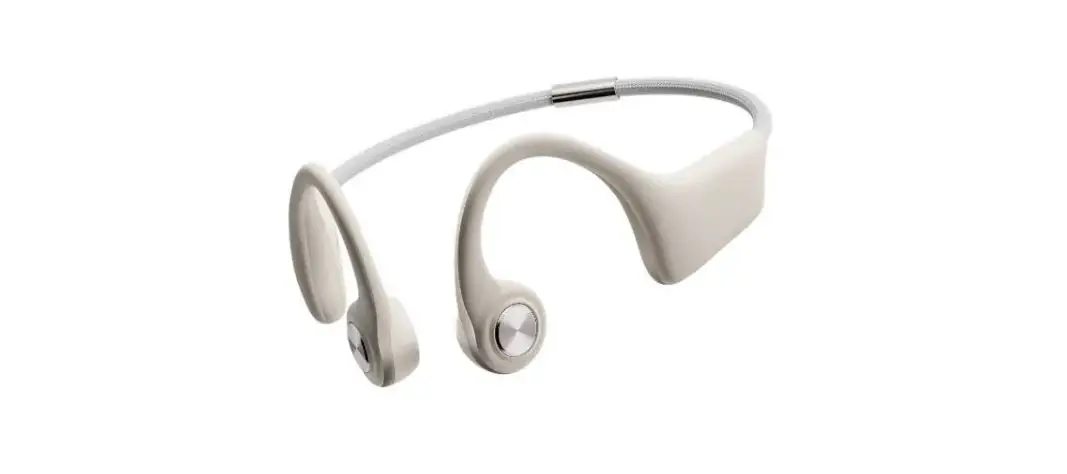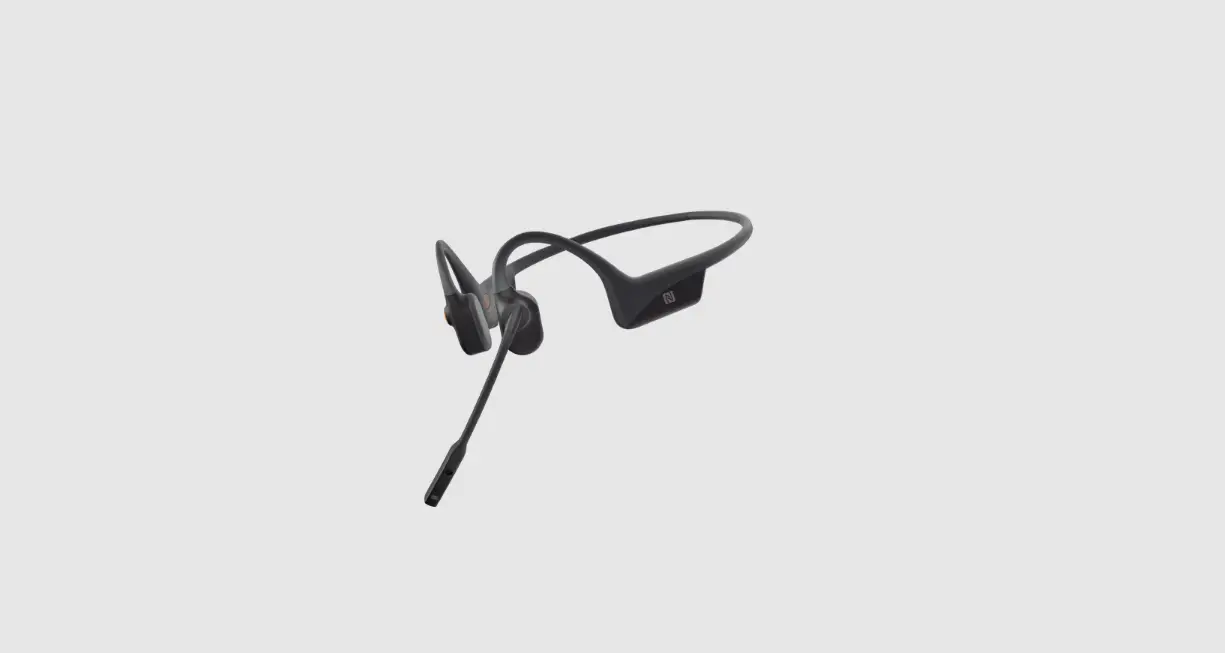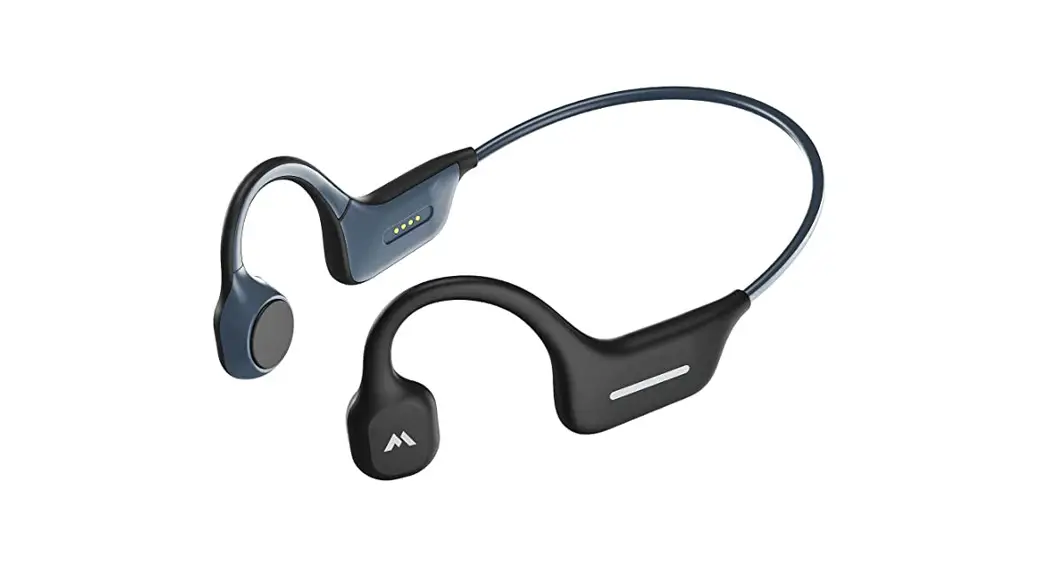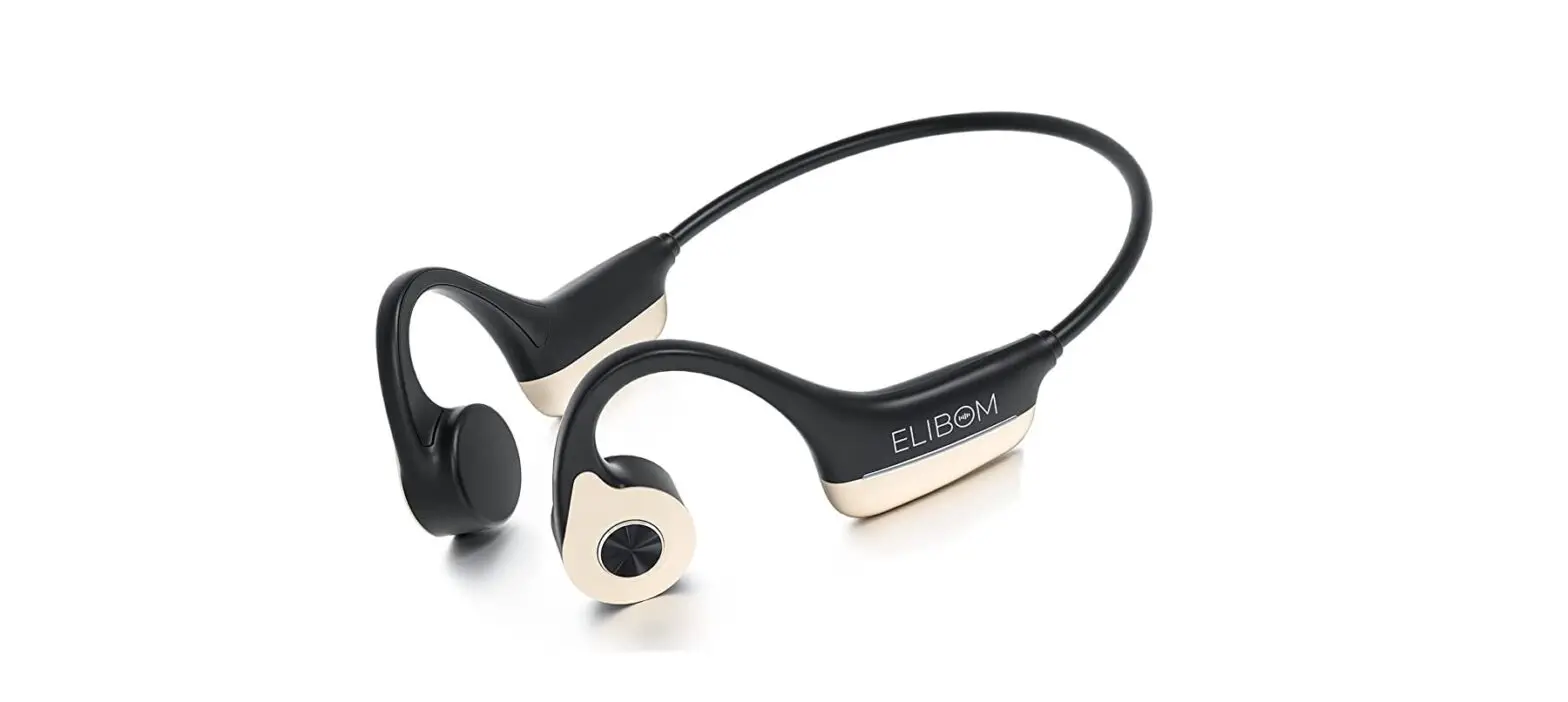
ELIBOM BC01 Bone Conduction Headphones User Guide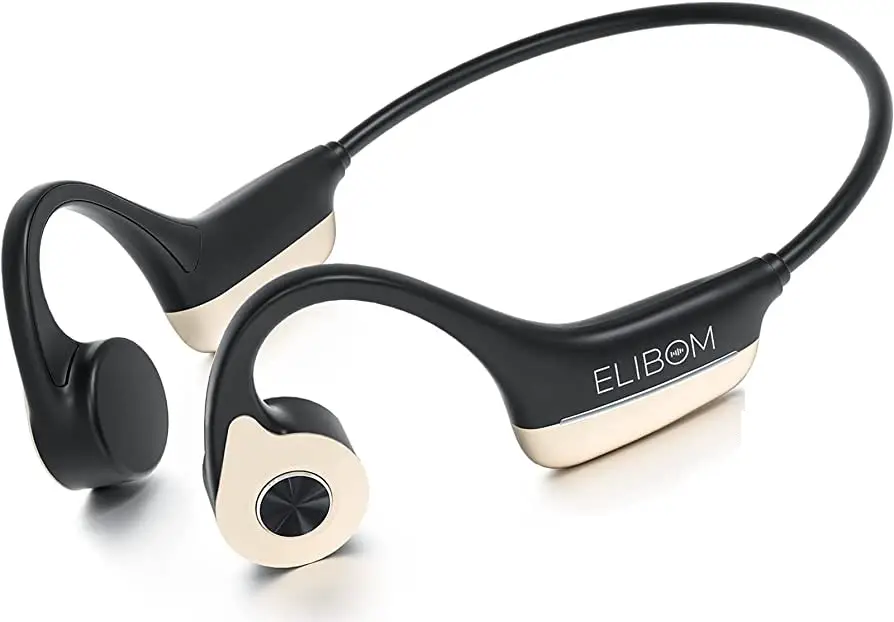
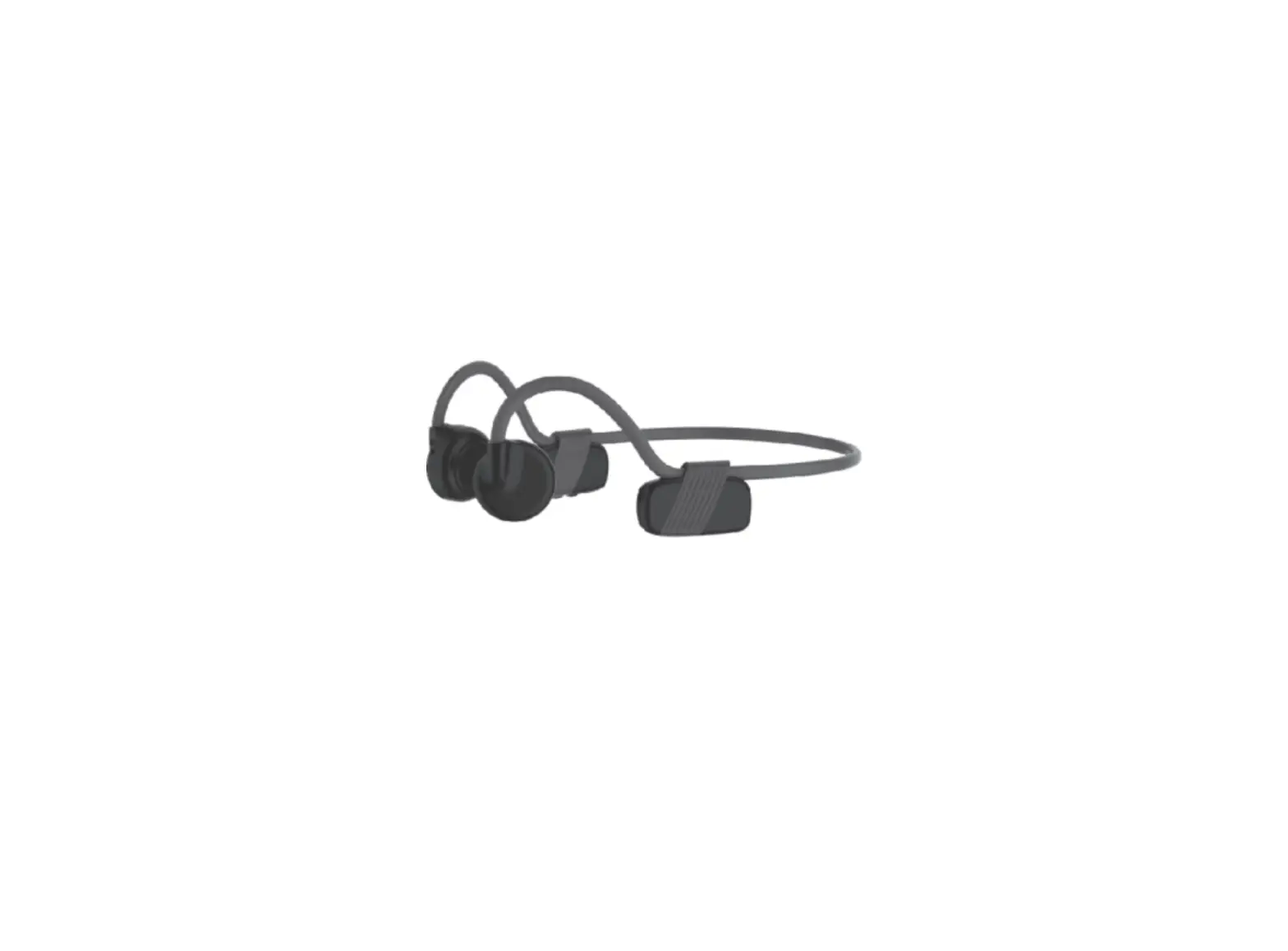
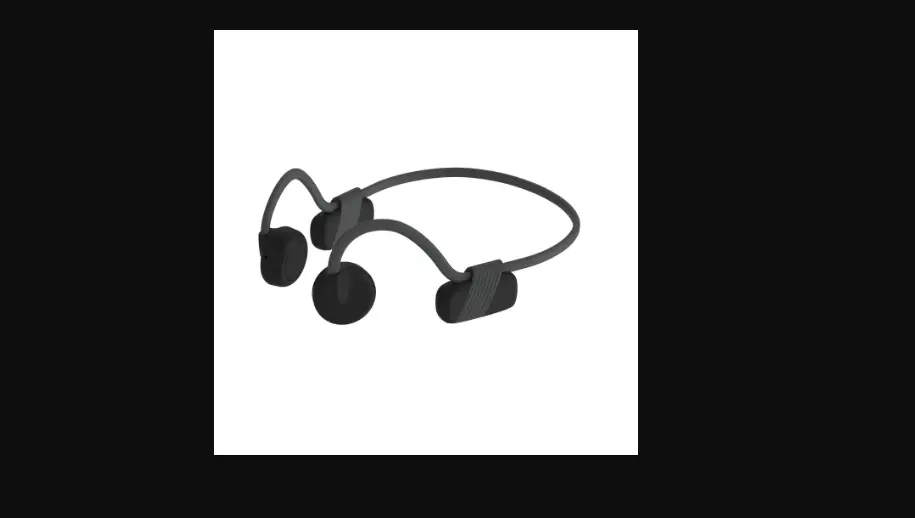
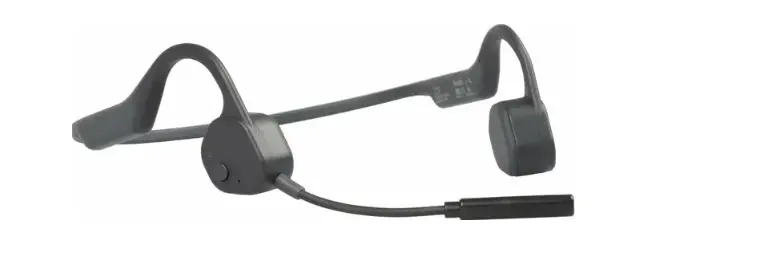
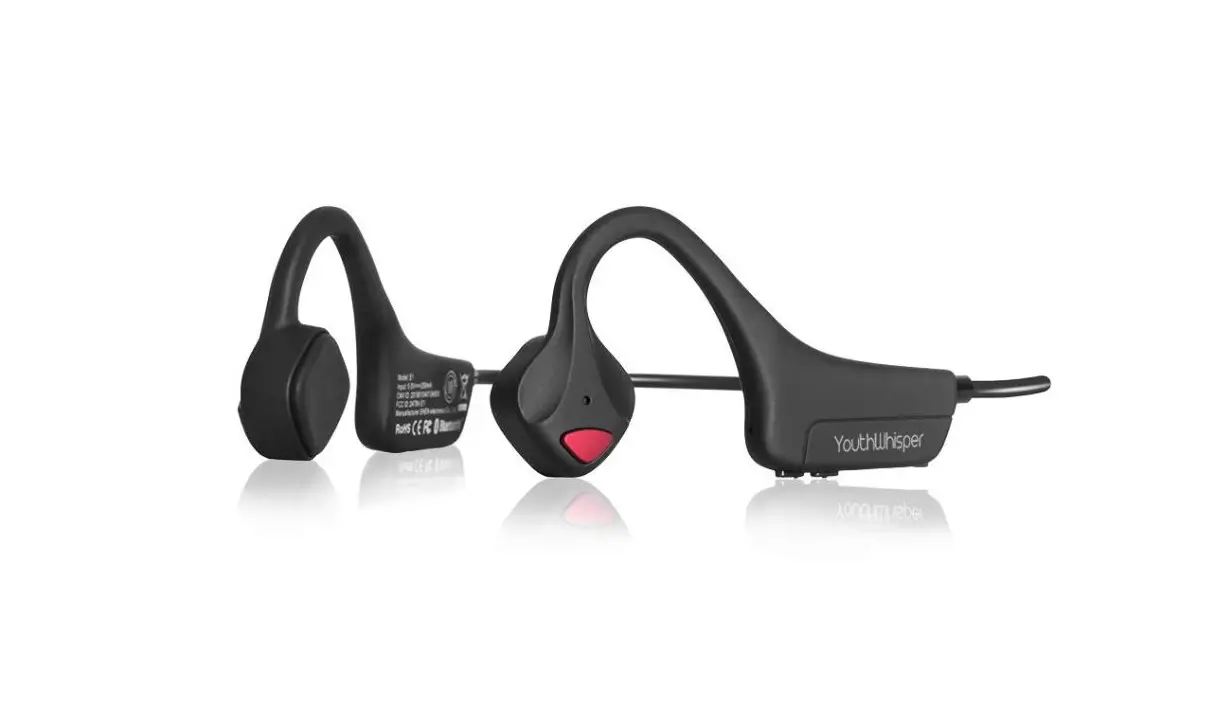
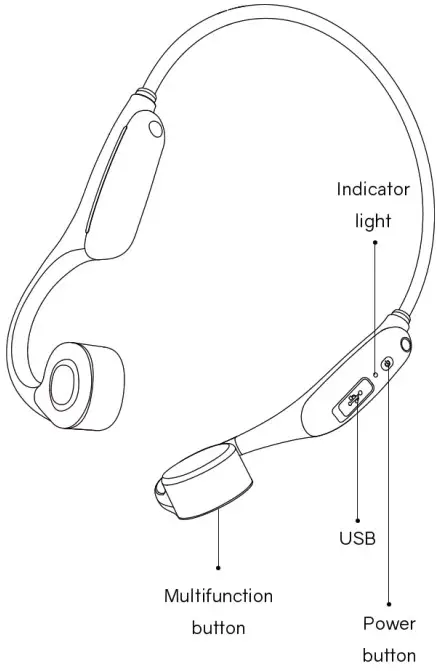
Product information
Instructions
Turn on the headphones:
Press and hold the Power Button until the LED Indicator flashes blue Audrey will say:”Power on”.
Turn off the headphones:
Press and hold the Power Bufion until the LED Indicator flashes red. Audrey will say:”Power off”.
Pairing:
- tart with Elibom turned off.
- Press and hold the power button until the LED Indicator flashes red and blue alternately.

- Open your device’s Bluetooth sefiings and select “Elibom BC01. ” Audrey will say “Connected”.

Wear
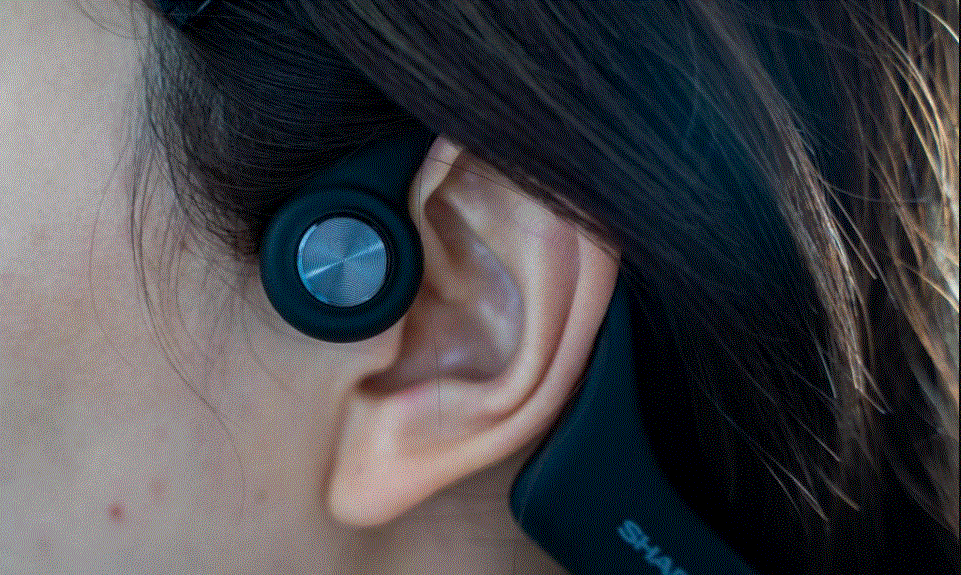
Pick up the headphones, bring them behind the back of the base of your neck,position the earhooks on your ears then enjoy your music !
Wearing your headphones fhe wrong way could cause discomfort. The Transducers should rest in front of your ears.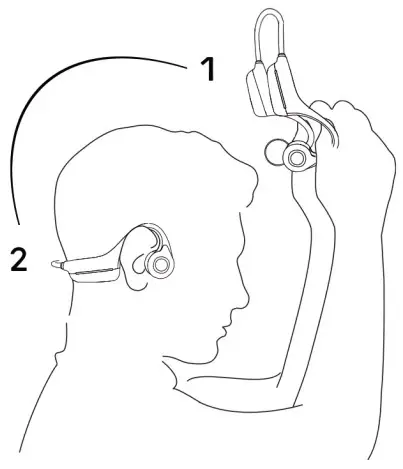
| Features | Operating | Voicereminder |
| Turn on | Long press the power button for 3 seconds | “Power on’ |
| Turn off | Long press the power button for 3 seconds | “Power off |
| Adjust volume | volume +: click the power button once volume-: Douvle click the power button | A beep will sound when the volume is at its max |
| Play/pause music | Click the multifunction button once | |
| Previous song | Double click the multefunction button while music is playing | |
| Next song | Triple click the multifunction button while music is playing | |
| Answer call | Click the mutifunction button once | |
| End call | Click the multifunction button once during a call | |
| Switch between english and japanese | Triple click the power button while on pairing in disconnected | |
| Wake up siri | Keep pressing the mutifunction button for 5 seconds |
Headphone specification
Model BC 11
Speaker Errnanent
Frequency band 20H2 – 20KHz
Microphone -38dB+3dB
Charging tips
When the headphones are at low battery, there will be a “battery low” prompt and the red light will flash intermittently. Use the corresponding cable for charging.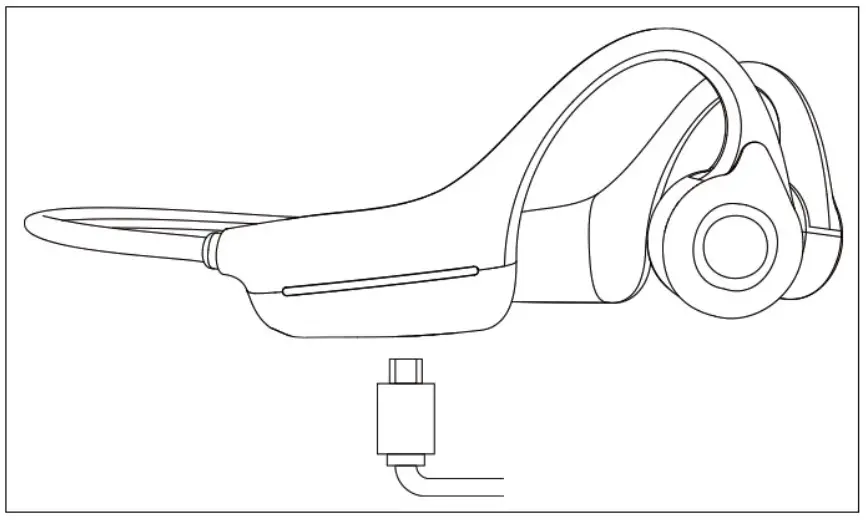
The LED indicator will turn red during the charging process and the headphones vall automatically turn off The LED indicator will turn from red to blue when charging is complete.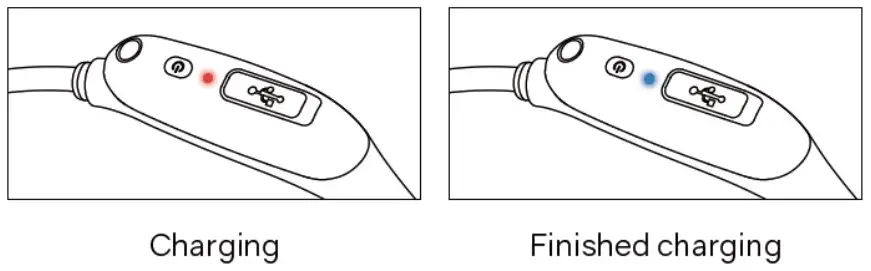
Storage and Maintenance
- Store the headphones in a cool, dry place. The working temperature should be 0- 45°C(32-113°F).Working in a cold/hot temperature, highly humid area. or low air pressure environment may reduce the battery life.
- Keep the product away from heat sources, direct sunlight, combustible gas or other liquids.
- Keeping the charging port dry beforeconnecting to the charger will reduce the risk of damage.
- These headphones are water-resistant, but are not waterproof. Please do not submerse the headphones in water.
- Clean the headphones with a soft dry cloth.
- Do not charge right after exercising. in case there’s sweat inside the charging port, which could lead to circuit burning while charging.
- After storage for a long period. please charge the headphones before using again.
Note: Design and specification are subject to change without notice. For the most up-to-date product information, please contact [email protected]
Packing list
If any part of your product is damaged or missmg, do not use n Contact authorized Eliborn dealer or Eli bon customer service.
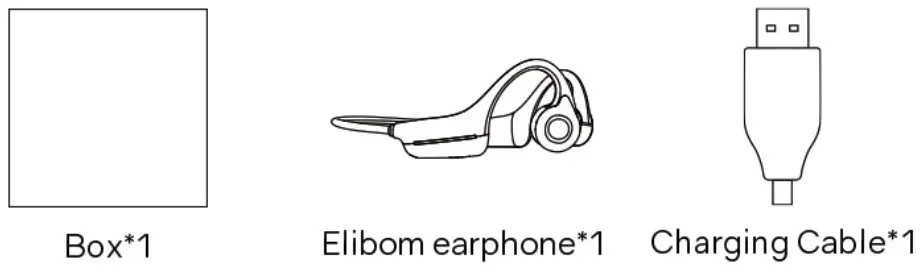
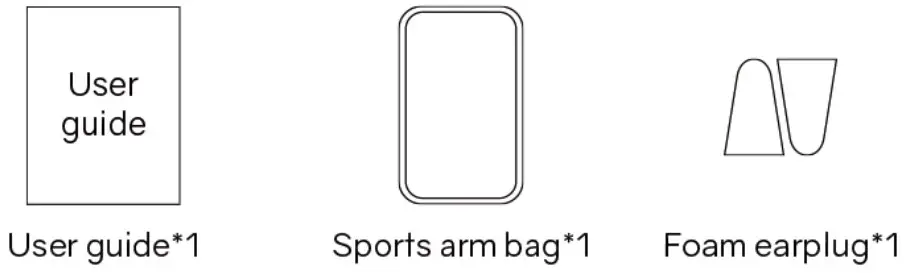
‘Please note that the packaging envelope may vary depending on the sales region.
 Warning: Small parts not for children under 3years or any individuals who have a tendency to inedible objects in their mouths.
Warrant
All Elibom product carries a 12 -month warranty from purchase date.
Please contact us via off ical mail fo activate fhe extra 2-year warranty.
Elibom customer service email:
[email protected]
Welcome to join Elibom! If you have any question, please contact us: [email protected]. Please provide your order number and question details.