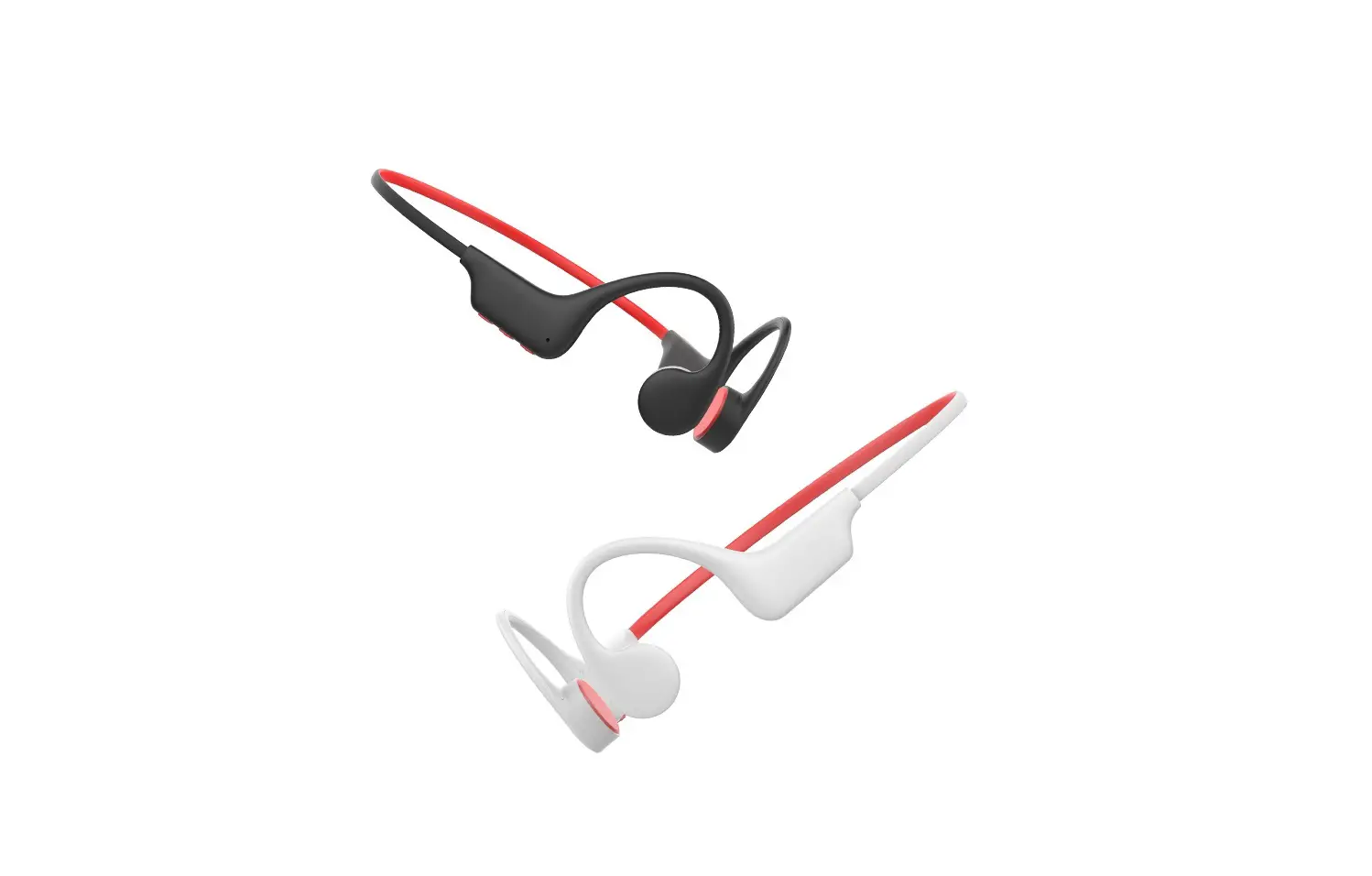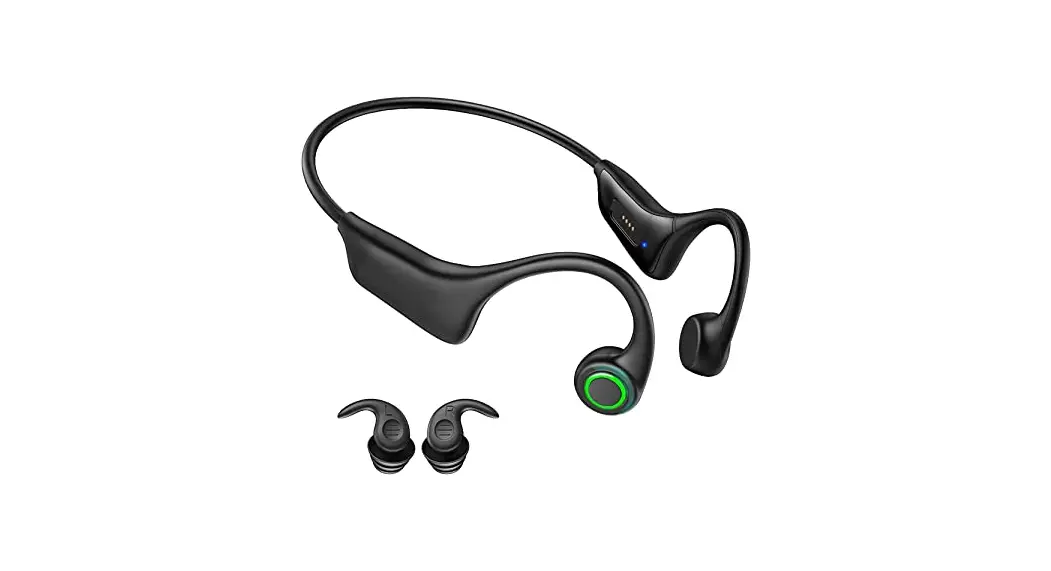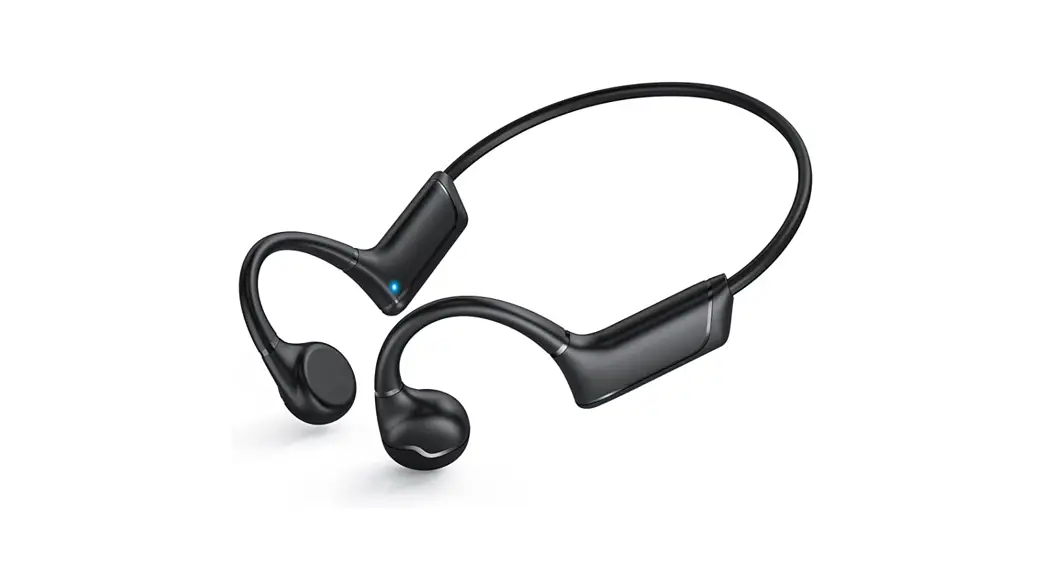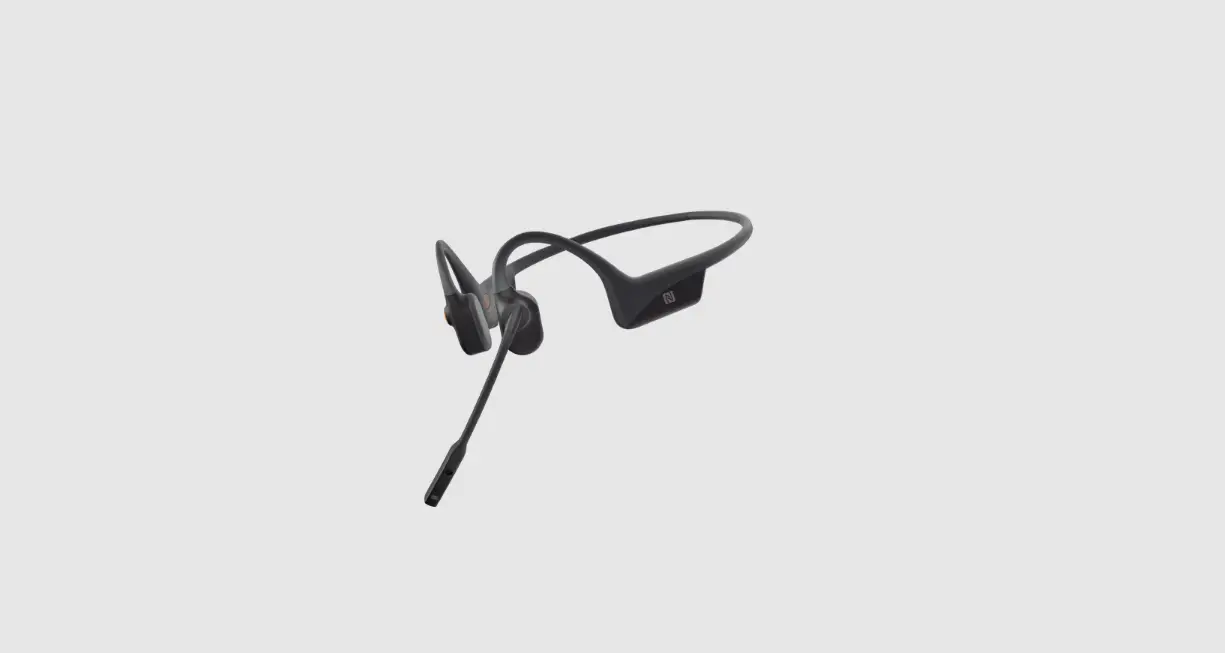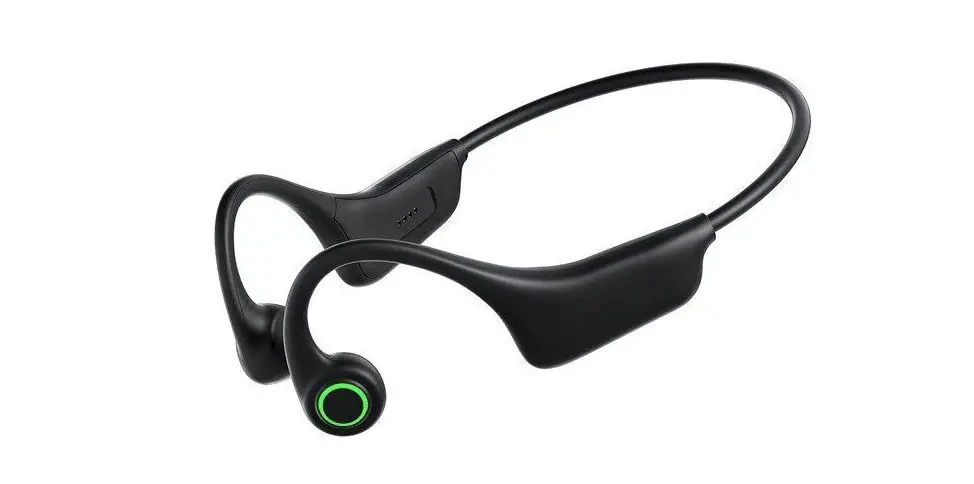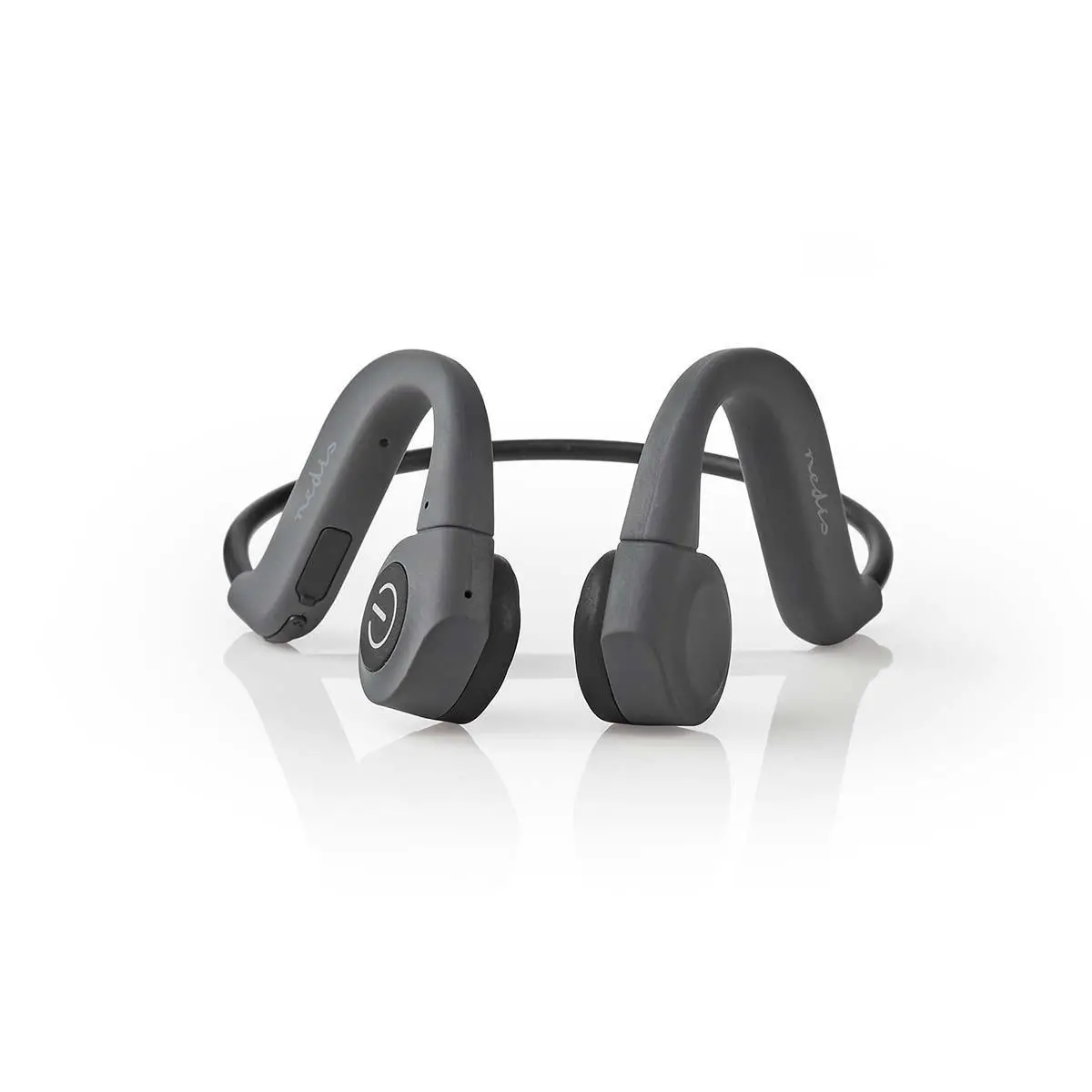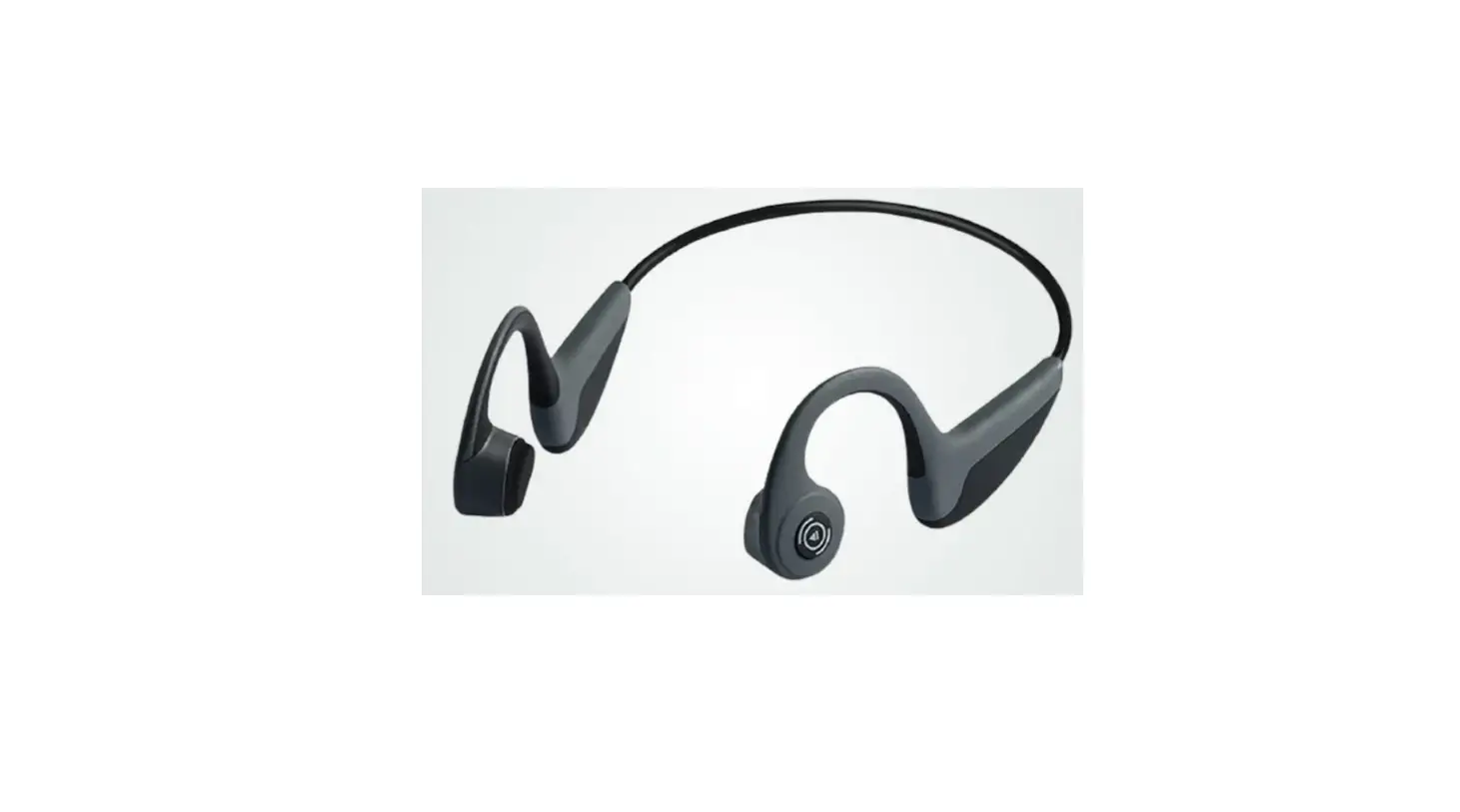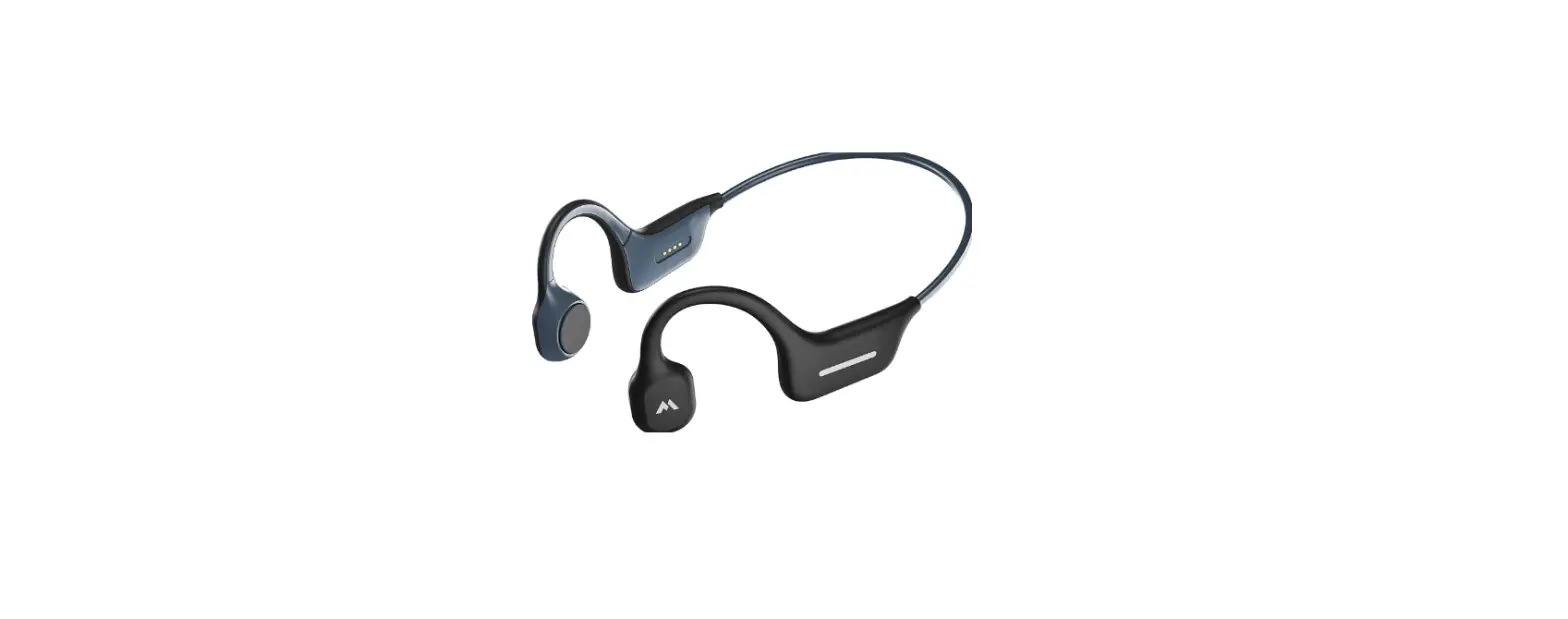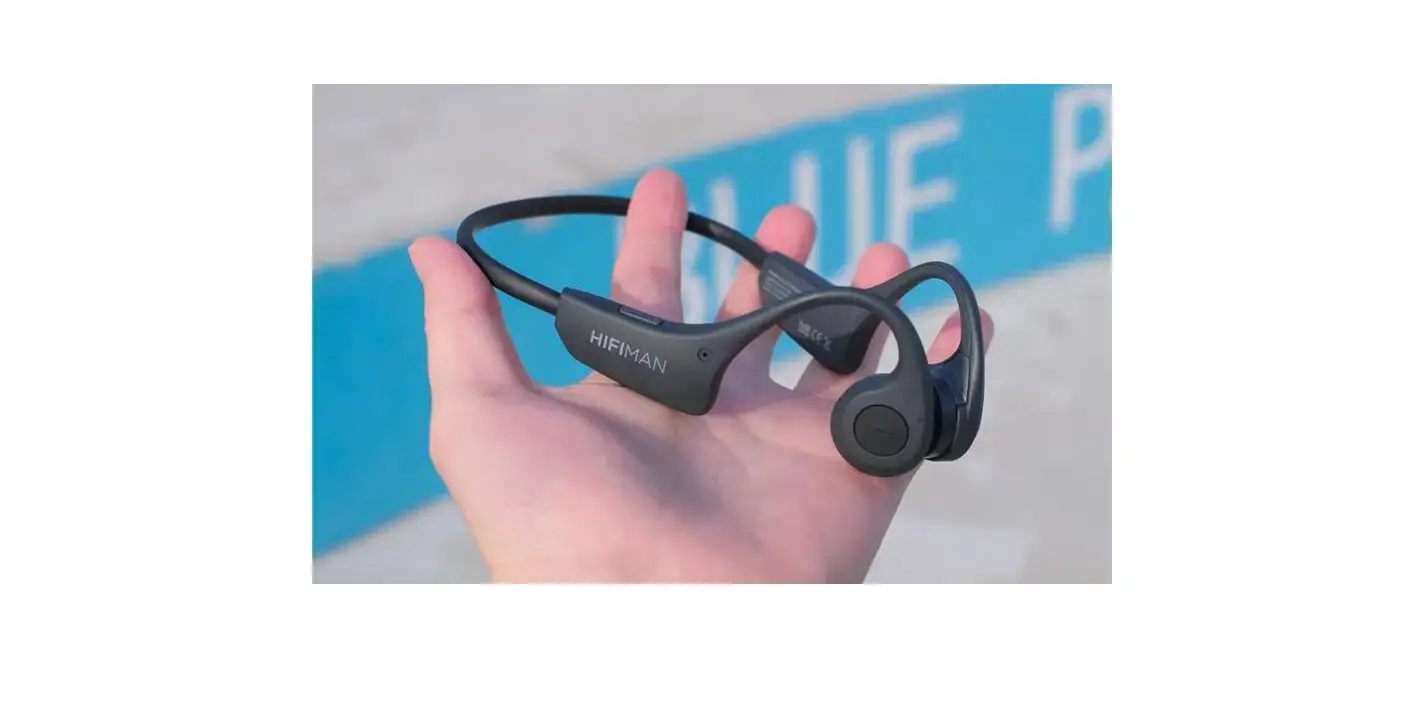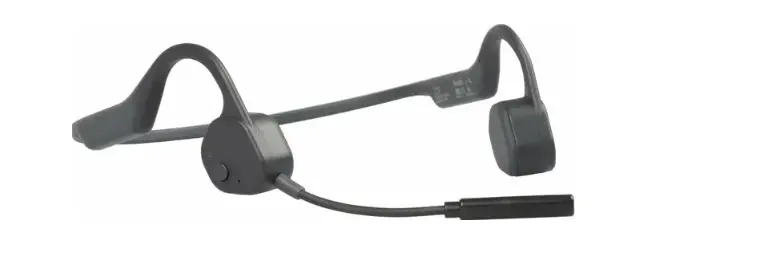

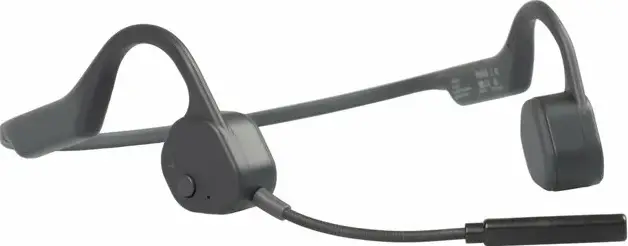
VISIXA BONE 10HF Bone Conduction Wireless Headphones
HEADPHONES FOR CALLING
charging
Charge through the Micro-USB charging cable, it displays a red light while charging and a blue light when charging is completed. It takes about 1.5 hours to fully charge.
Power on/off
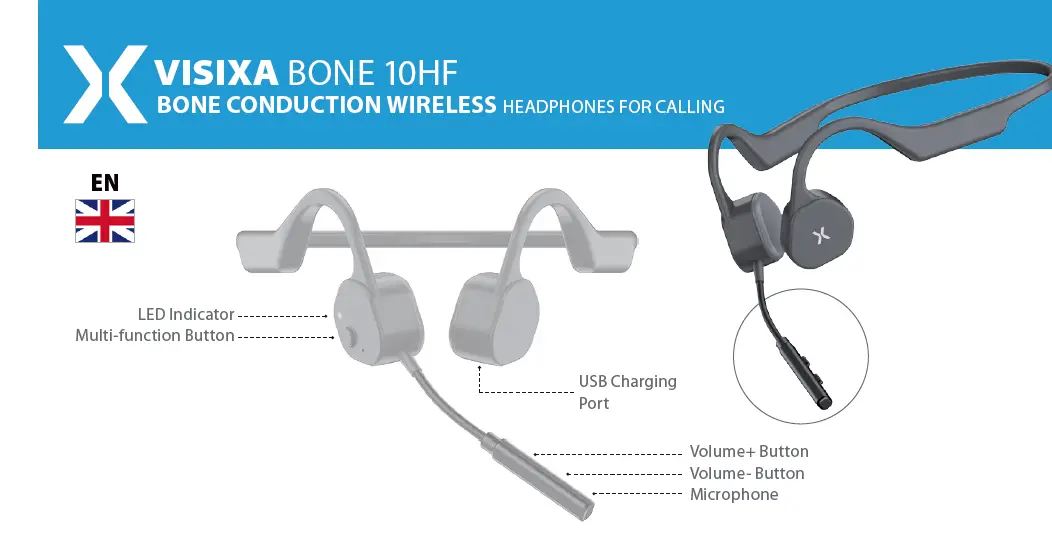
Press and hold the multi-function button for 3 seconds, it will be turned on with the prompt voice”Power on”; Press and hold the multi-function button for 5 seconds in the power-on state, it will be turned off with the prompt voice “Power off ”.
Pairing
In the power-off state, long press the multi-function button for more than 3 seconds, it directly goes into the pairing mode(red and blue lights flash alternately), accompanied by a “power on” prompt voice. In the pairing mode (the red and blue lights flash alternately), open the settings-Bluetooth on the devices such as mobile phones, find “Visixa Bone 10HF” in the Bluetooth list, click and connect. Connection will be completed accompanied by a prompt voice” Connected”.
Automatic power off
- When it’s not connected to devices such as mobile phones, the headphone will automatically power off after 120 minutes.
- In the pairing mode, if there are no devices connected to the headphone, it will automatically power off after 120 minutes of red and blue light alternate flashing.
Automatic Connection
- The headphone will automatically connect to the last connected phone or device when it’s turned on.
- The headphone and the connected device can be automatically connected back within 120 minutes of inactive disconnection.
- Due to the compatibility of some PC‘s operating systems, the headset may not work properly.
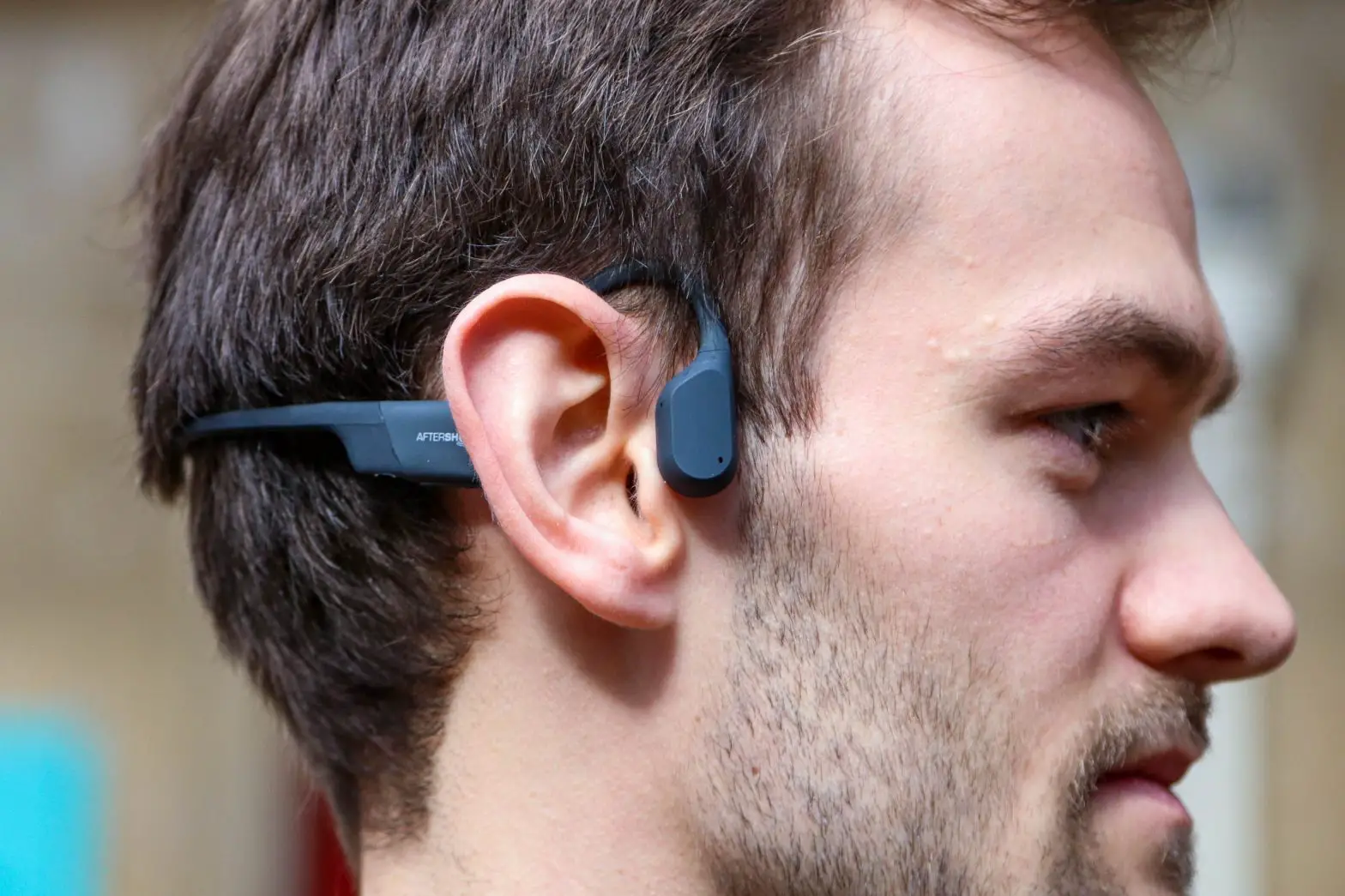
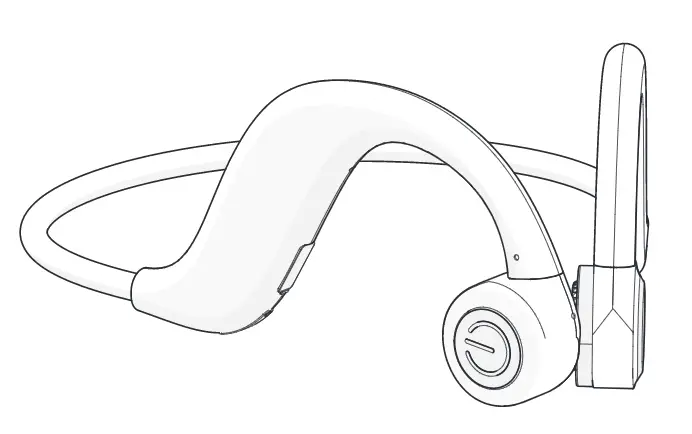
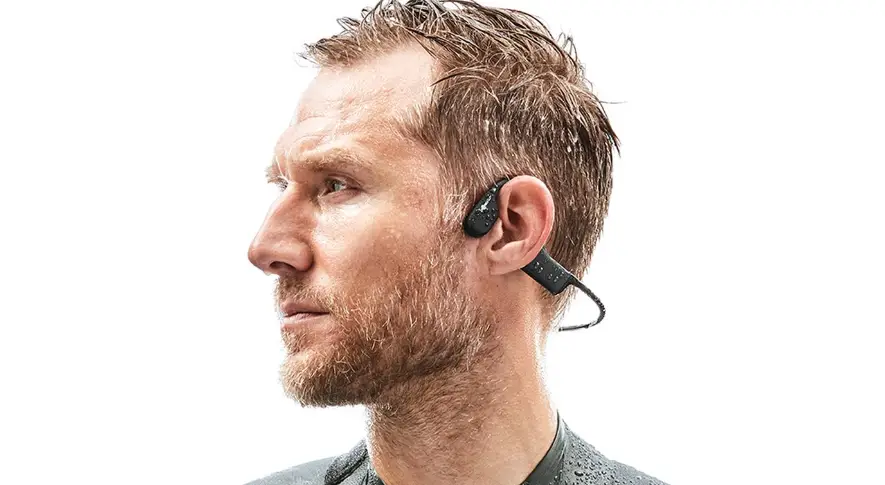
proper wearing as follows
The closer the earpiece is to the ear, the louder the volume will be. Adjust the earpiece position according to individual needs.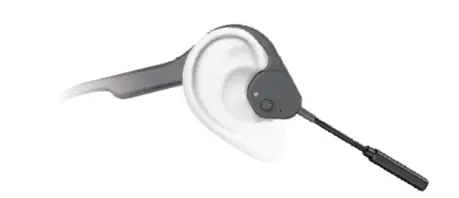
| fuNCtioN | prompt voiCE | opEratioN | |
|
Power On/Off | Power On | Power On | Long press 3 seconds under the power-off state |
| Power Off | Power Off | Long press 5 seconds under the power-on state | |
| Pairing Mode | – | 1. Power on to enter the pairing mode; 2. Actively disconnect and automatically enter pairing mode | |
| Pairing Successful | Connected | ||
| Pause/Play | – | Click one time in the state of music playback | |
| Power On/Off | Answer / Hang up | – | Click one time in the state of incoming calls or talking |
| Reject Calls | beep | Press and hold for 2 seconds in the state of incoming calls | |
| Wake up voice assistant | – | Press and hold for 2 seconds in the connected state, let go after hearing the “beep” | |
| Volume Button | Volume + | beep (loudest) | Click the Volume + button |
| Volume – | – | Click the Volume – button | |
Led Indicator state
| fuNCtioN | statE |
| Pairing Mode | Red and blue lights flash alternately |
| Power-on but not connected | Directly into pairing mode |
| Red and blue lights flash alternately | |
| Connected | Blue light flashes for 1 second every 5 seconds |
| Music Playback | Blue light flashes for 1 second every 5 seconds |
| Incoming Calls | Blue light flashes quickly |
| Answering Calls | Blue light flashes for 1 second every 5 seconds |
| Low Battery | All the states corresponding to the blue lights turn to red lights |
| Charging | Red light is always on |
| Fully Charged | Blue light is always on |
Storage and maintenance
- Due to the character of BT, your body may resist the BT signal, then the voice or music may disconnect, the headphone’s antenna is at the right side, in order to reduce this signal disconnection, we advise to put the smartphone on the right side or front of the body.
- Storage the headphones in cool and dry place, the working temperature should be 0-45°C(32-113°F). Working in cold/hot environments or highly humid area may reduce the life of the battery.
- After storage for a long time period, please charge the headphones before using again.
- The headphones are water resistant but are NOT waterproof, please DO NOT submerse the headphone in water.
- Listening with headphones at high volume may affect your hearing and the audio will be distorted.
- Clean the headphone with a soft and dry cloth.
parameters
| CatEGory | itEm | dEsCriptioN |
|
Bluetooth | Execution standard | Bluetooth V5.0 |
| Frequency Range | 2.402GHz – 2.480GHz | |
| Communication range | More than 10 meters in a straight line without obstruction | |
| Communication Protocol | A2DP, AVRCP, HSP, HFP | |
| Audio Transmission | Bone conduction speaker | |
|
Audio | Rated Power | 0.5W@1KHz |
| Frequency Response | 150Hz ~ 20KHz | |
| Playback Time | More than 6 hours | |
| Headphone Battery | 3.7V 80mAH*2 Lithium polymer battery | |
| Calls | Microphone Specifications | MEMS Silicon MIC |
| Call Time | 8 Hours | |
| Battery | MICRO USB Input | 5V/130mA |
| Charging Port | Charging Time | About 1.5 hours |
| USB Output | 5V/300mA |
safety warning and maintenance
Continuous exposure to loud music can cause hearing damage. Improper handling, damage, or improper repair of the device, battery, and accessories can result in an explosion or fire. Product disposal This symbol indicates that the product should not be discarded as unsorted municipal waste. In order to properly dispose of the product, take it to designated collection points. For more details, contact your local authority or the nearest collection point. CtioNs | For the proper disposal of el. products, follow the local waste disposal regulations in your country. The battery in the product is not removable, so dispose of the product as a whole. This product complies with all the essential requirements of the relevant EU directives. We reserve the right to make changes to the text, design, and technical specifications without prior notice.
 Praha Music Center