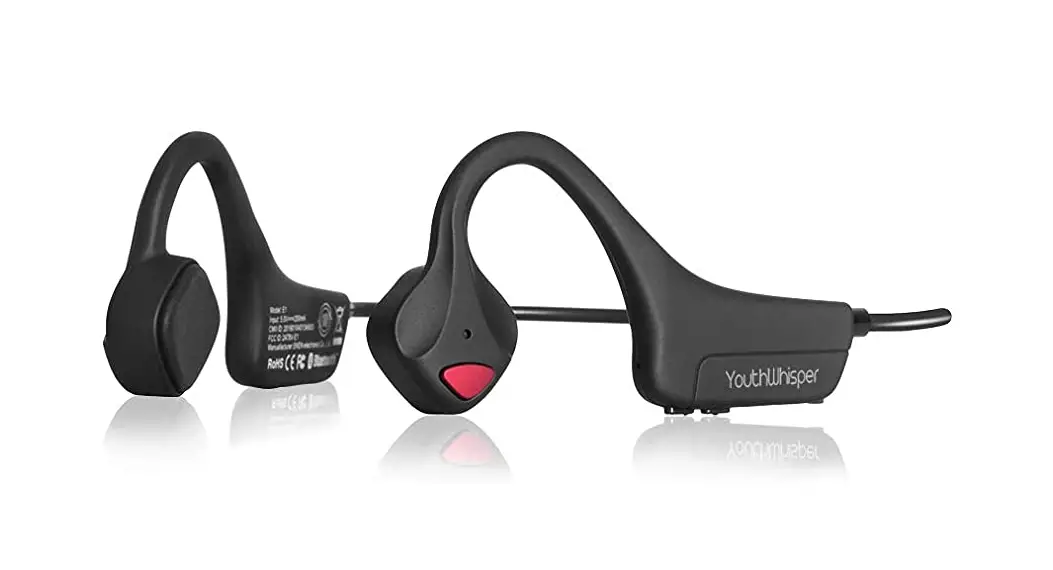
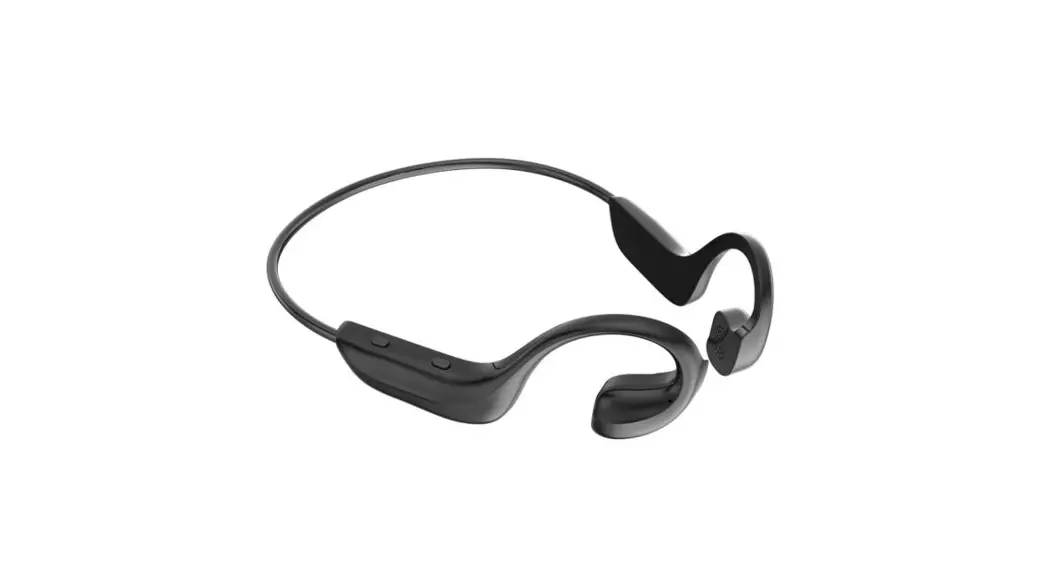
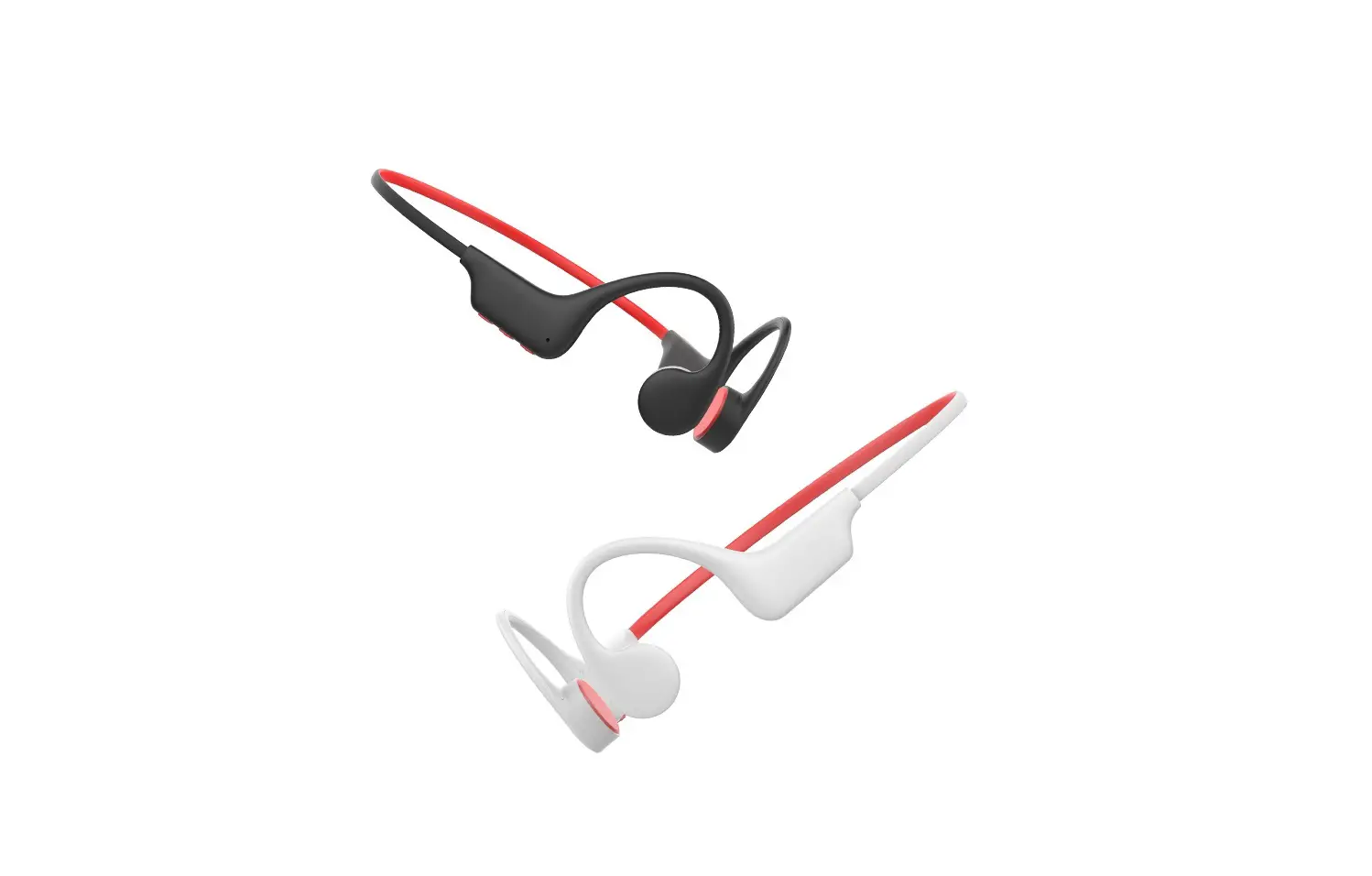
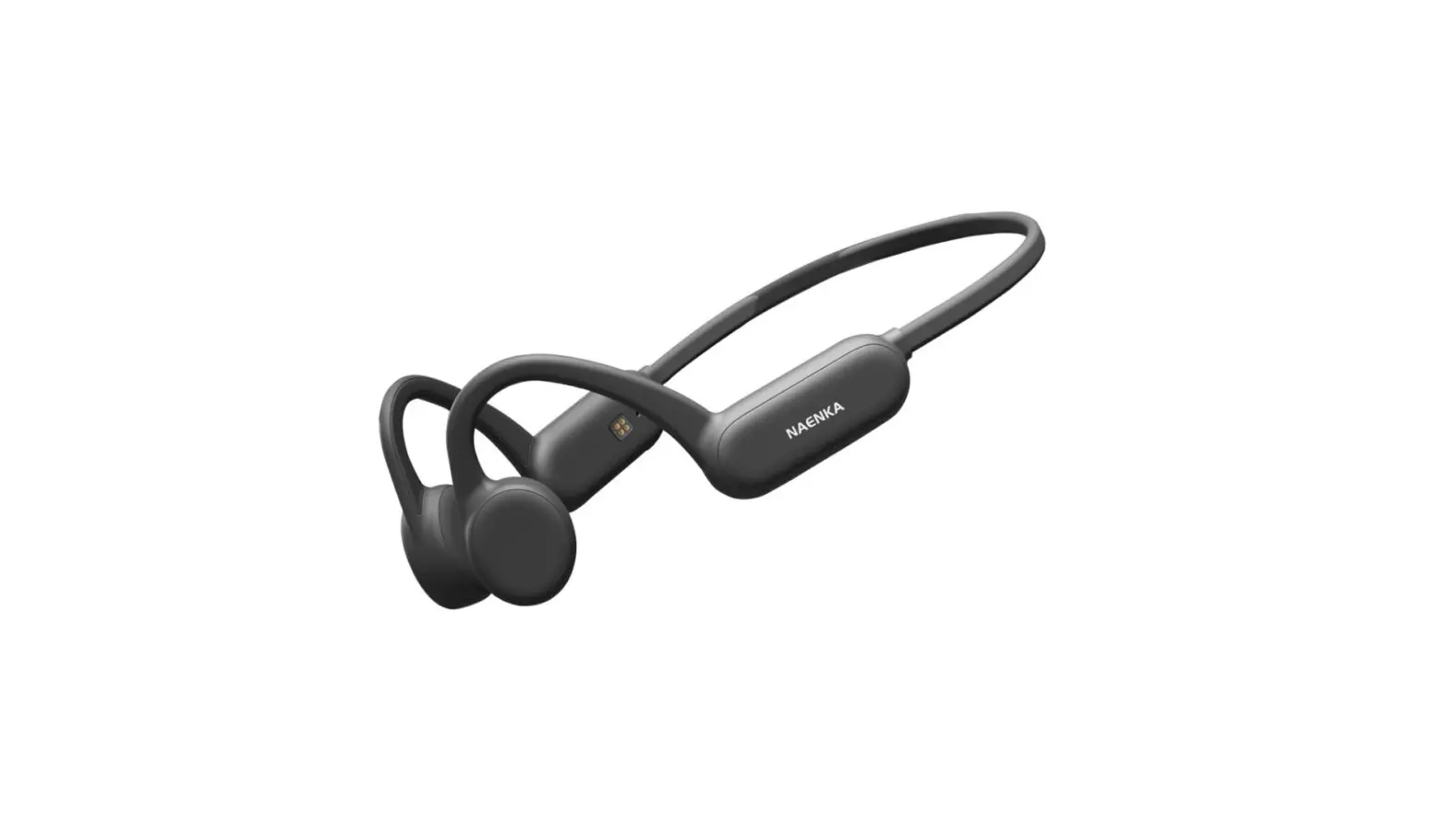
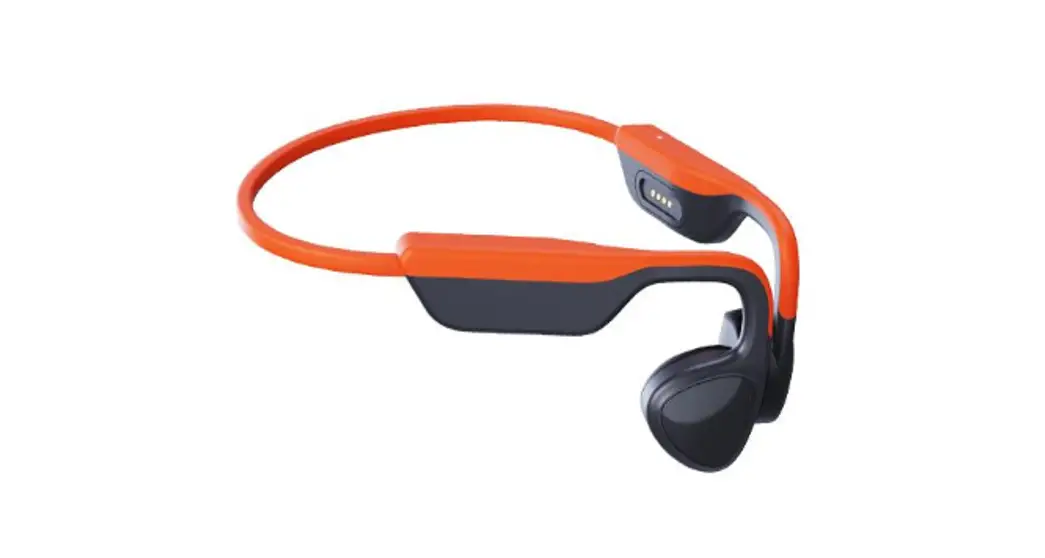
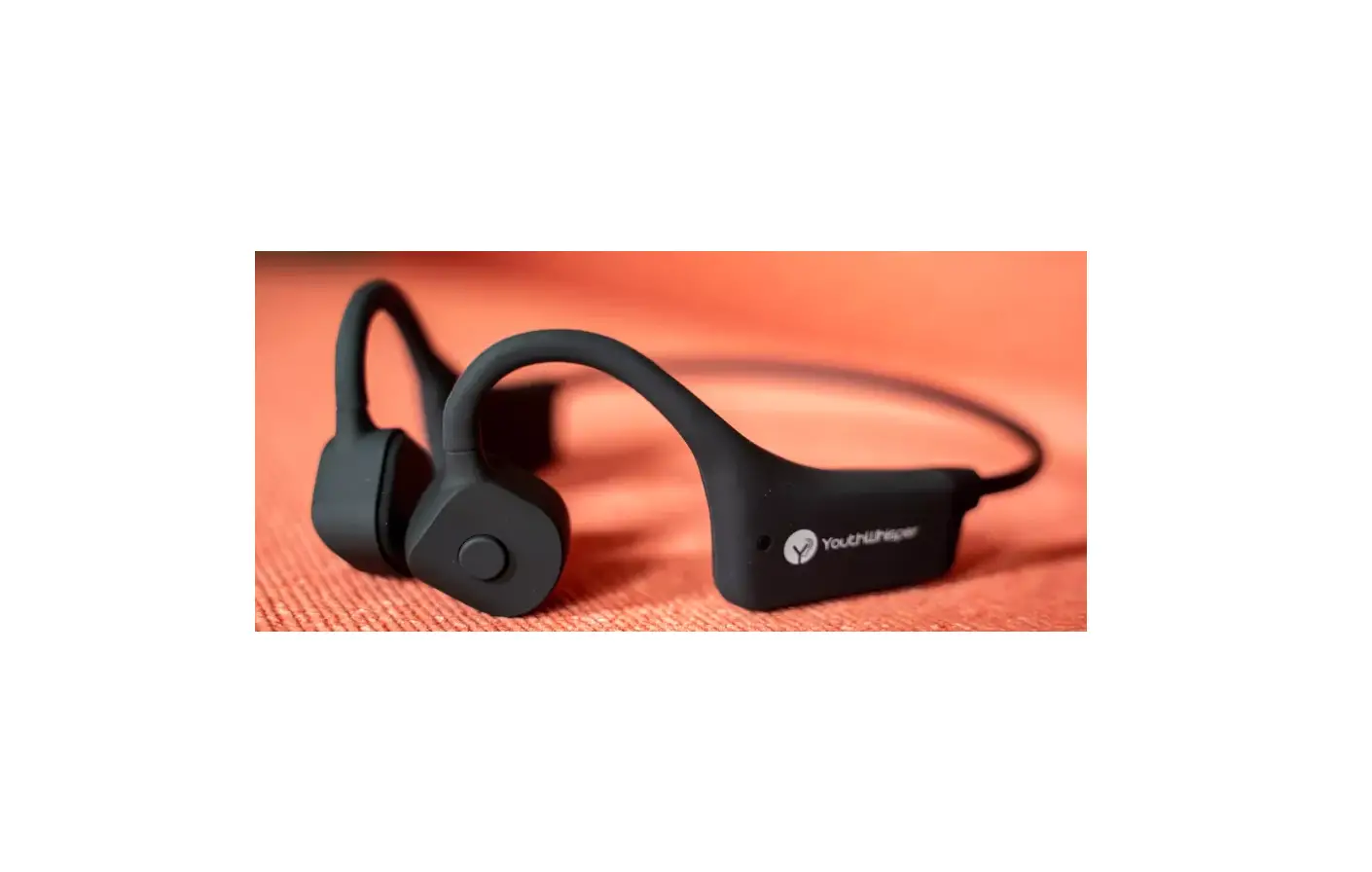
Purfree Lite Bone Conduction Headphones
Product Information:
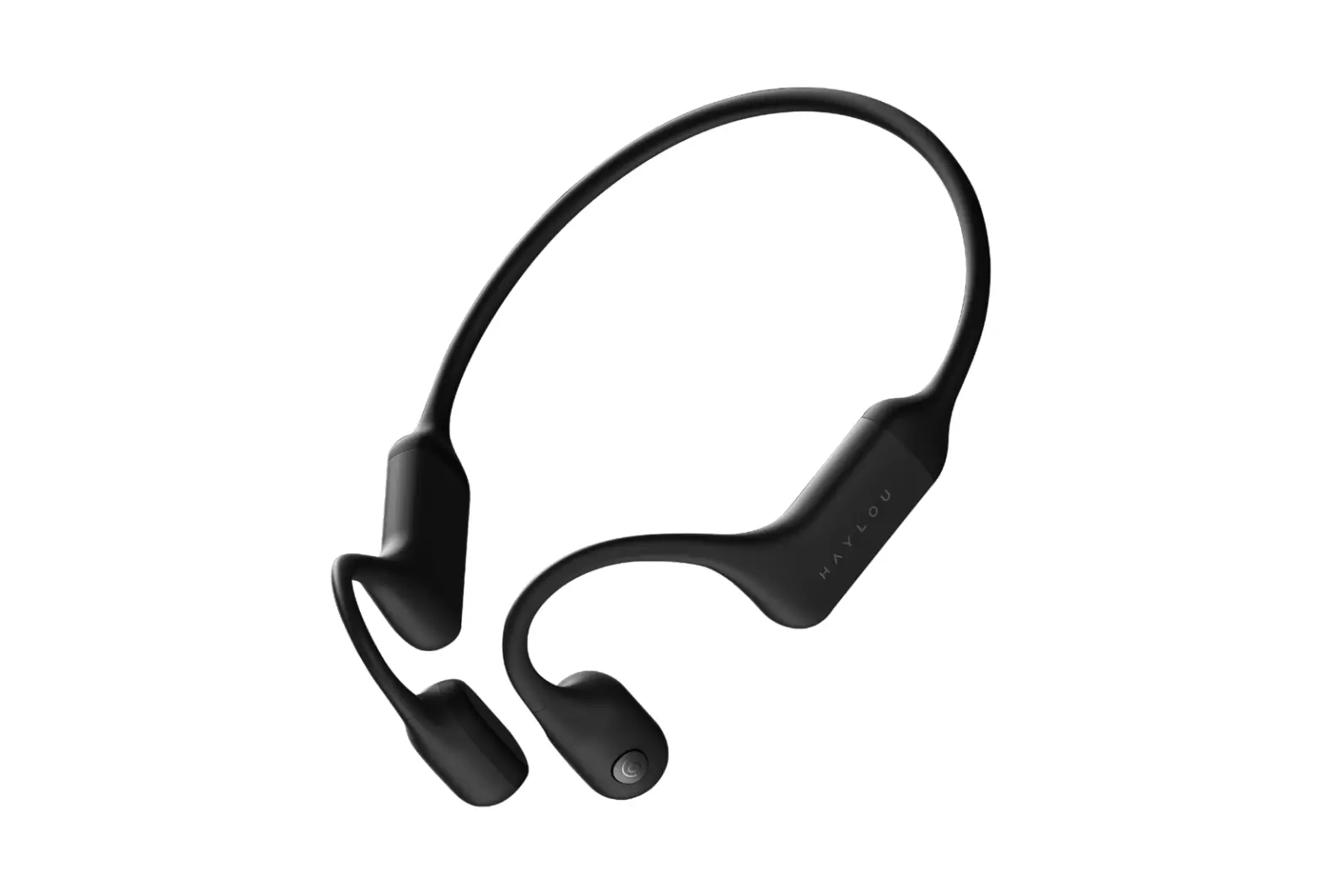
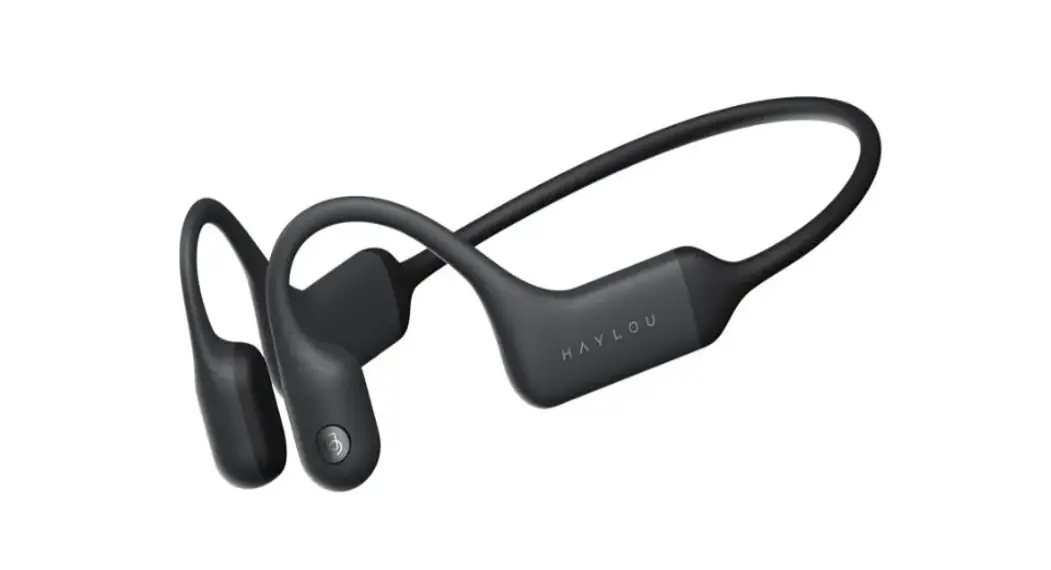
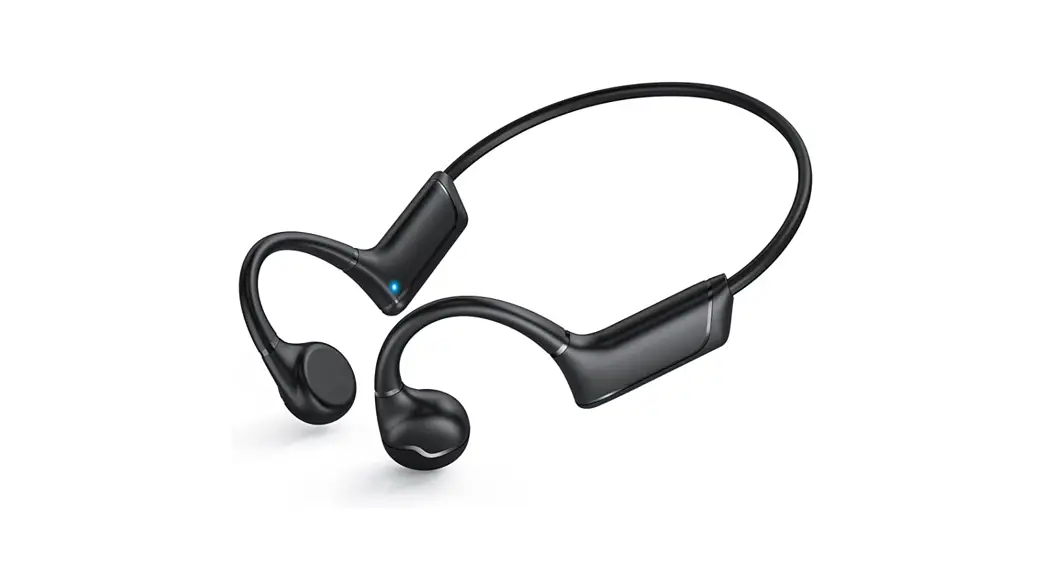
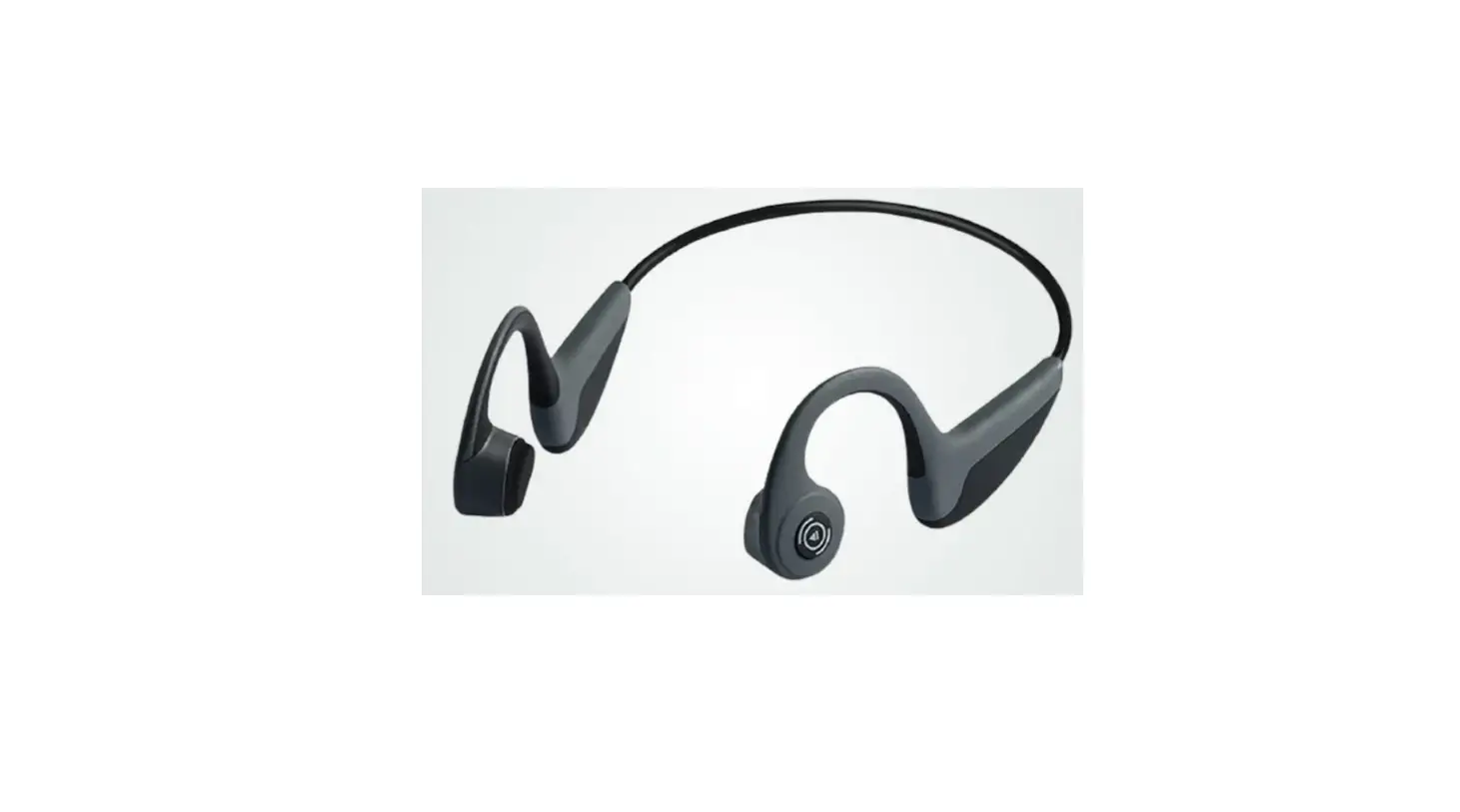
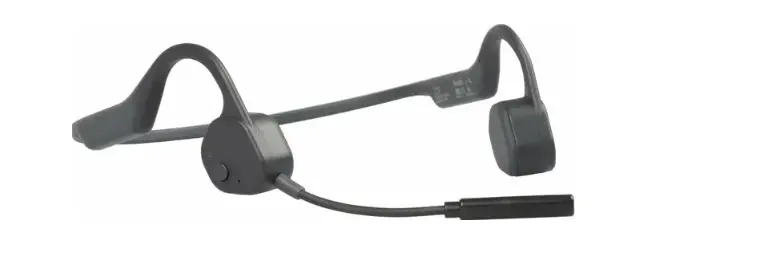
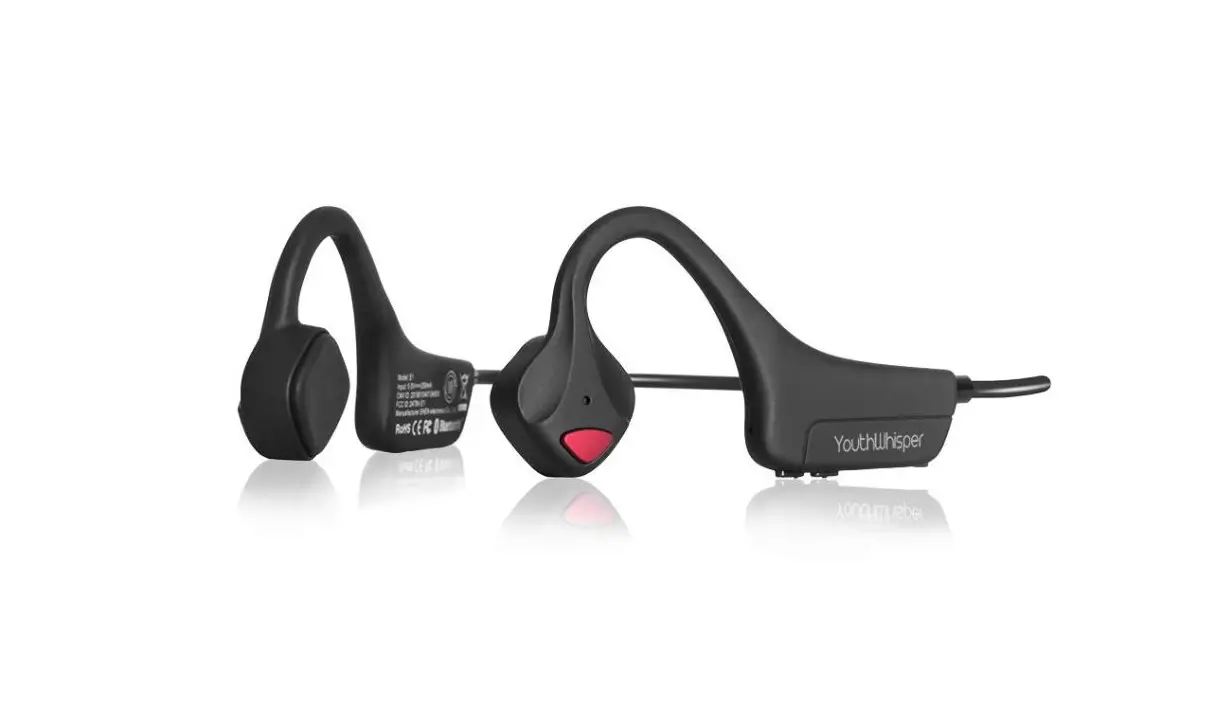
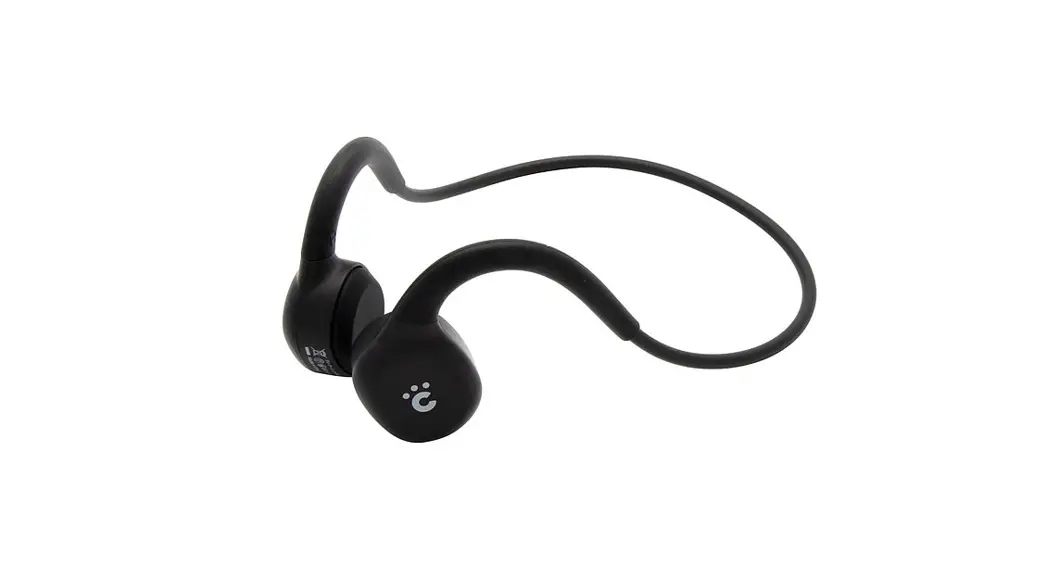
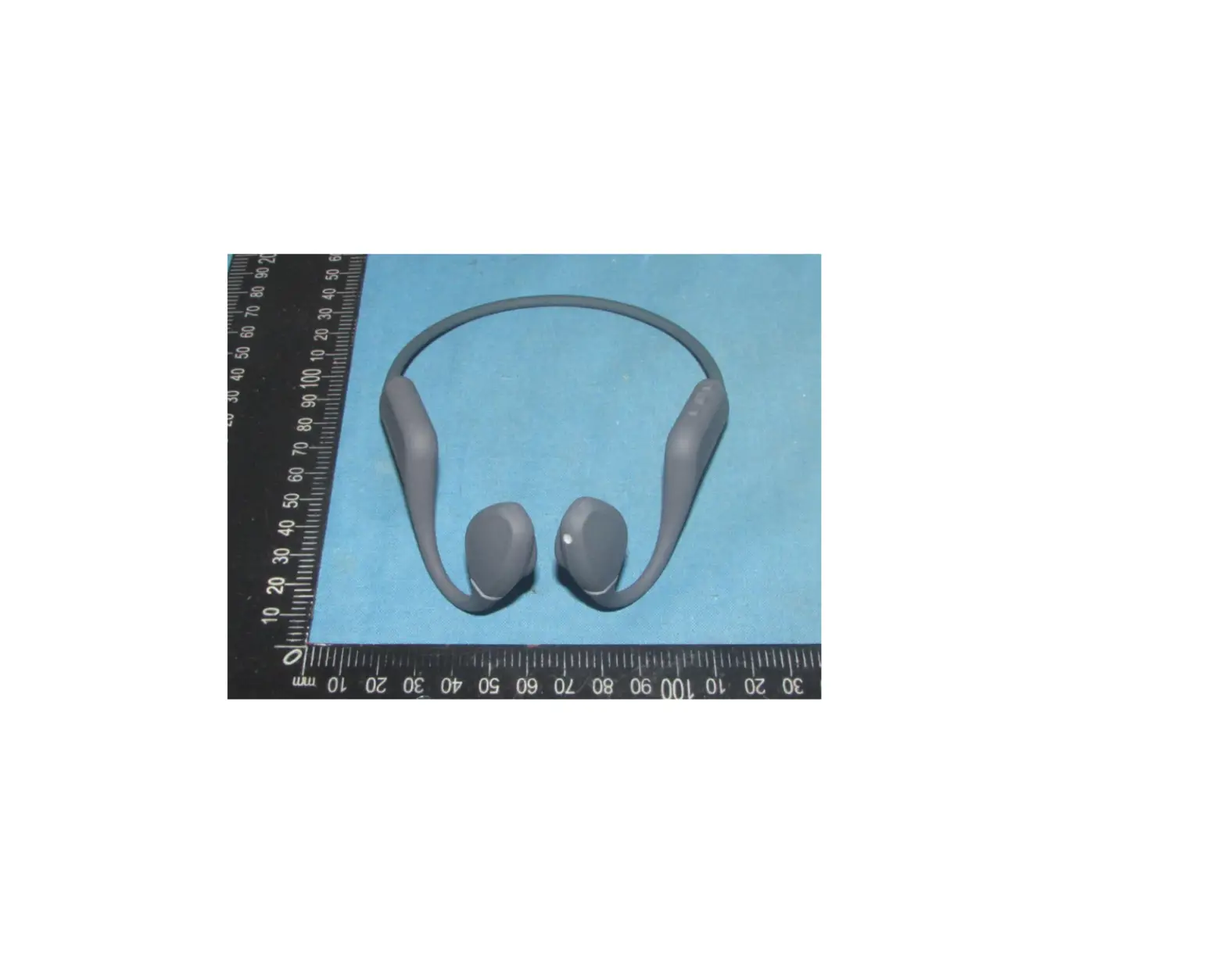
The HAYLOU Purfree Lite is a pair of bone conduction headphones
designed for comfortable and immersive audio experiences. With its
unique design, it allows you to listen to music or take calls while
still being aware of your surroundings. The headphones feature
various functions such as answering/hanging up calls,
playing/pausing music, skipping tracks, activating voice assistant,
and adjusting volume. It supports Bluetooth connectivity and can be
paired with multiple devices simultaneously.
Product Usage Instructions:
01 Package List:
– Headphones
– Charging cable
– User manual
MFB Functions:
- Answer/hang up call: Click the MFB button
- Play/pause music: Click the MFB button
- Skip track forward: Double click the MFB button
- Skip track backward: Triple click the MFB button
- Activate voice assistant: Press and hold the MFB button for 2
seconds
Volume Button Functions:
- Power on: Press and hold Volume + button for 2 seconds
- Power off: Press and hold Volume + button for 2 seconds
- Bluetooth pairing: Press and hold Volume + button for 5 seconds
when in power-off state - Check battery level: Press Volume + or Volume – button when the
headphones are connected and no content is playing - Bluetooth pairing (dual-device connection): Press and hold
Volume + and Volume – buttons for 3 seconds
03 Wearing Method:
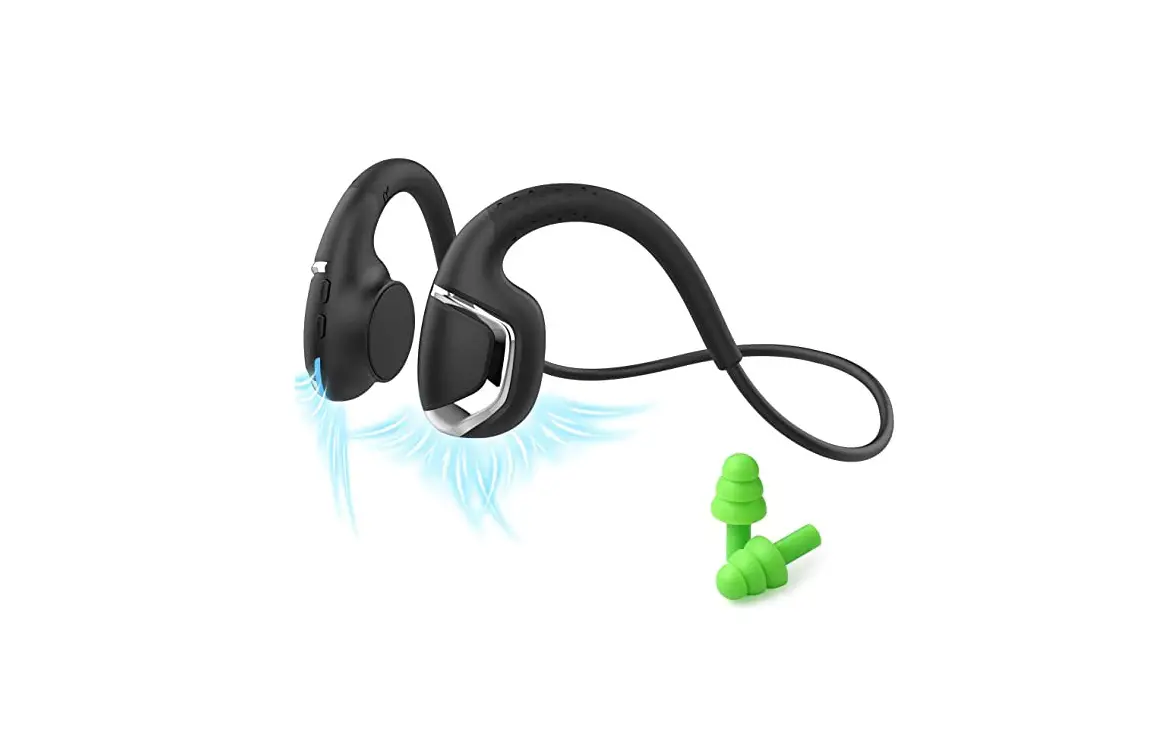
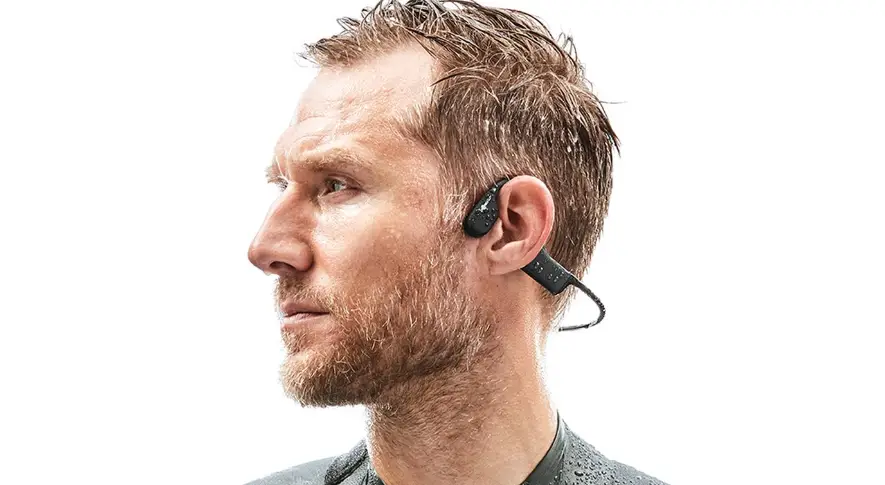
Clip the headphones behind your head with the vibration
transducer close to the front of the auricle. If you are on a plane
or train, you can reduce external noise and experience better bone
conduction sound using the earplugs.
04 Headphone Settings:
- Power on / off: Press and hold Volume+ button for 2 seconds
until the indicator changes (Power on: white indicator keeps on for
1 second; Power off: red indicator keeps on for 1 second) - Bluetooth pairing: When in power-off state, press and hold
Volume+ button for 5 seconds to enter pairing mode, until the
indicator flashes alternately in red and white - Mobile phone connection: Turn on the Bluetooth of the mobile
phone, search for Haylou Freear, and click to connect - Switch language of the prompt tone: Press and hold the Volume
+, Volume -, and MFB buttons for 1 second at the same time (the
indicator flashes white twice) - Restore factory settings: Press and hold the MFB button for 5
seconds when the headphones are charging (indicator flashes
alternately in red and white 3 times)
05 Dual-device Connection:
The Haylou Purfree Lite can be connected to two devices at the
same time and seamlessly switched between them. This function is
disabled by default. Follow the steps below to enable dual-device
connection:
- Make sure the headphones are turned off
- Press and hold Volume + button for at least 5 seconds to enter
pairing mode, until the indicator flashes alternately in red and
white - Press and hold the MFB and Volume + buttons for 3 seconds
(indicator flashes white for 1 second) - Turn on the Bluetooth of the first device, search for Haylou
Purfree Lite, and click to connect and confirm successful
pairing - Turn off the headphones
- Enter pairing mode again
- Turn on the Bluetooth of the second device, search for Haylou
Purfree Lite, and click to connect and confirm successful
pairing - Click Haylou Purfree Lite on the first device to reconnect
(indicator will indicate successful reconnection)
70g100*80mm,11C
01
HAYLOU Purfree Lite
05
“Haylou Purfree Lite” 1. 2. “+”5s 3. “+”3s1s 4. “Haylou Purfree Lite”
5. 6. 7. “Haylou Purfree Lite”
8. “Haylou Purfree Lite”
9. “+”3s
1s
06
10 170mAh 2 10 60 5V 500mA 5.2 A2DPAVRCPHSPHFP IP55 CMIIT ID2023DP10175
02
– +
1 2
/
/
2s
2s
“+”2s “+”2s
“+” “-” “+””-“3s
07
1.
2. 045 3. 4.
5. 6.
7.
1. 2. 3. (2) 4. CCC 5.
08
* HAYLOU
03
04
/ “+”2s1s1s
“+”5s “+””-“3s
“Haylou Purfree Lite”
EQ “+” 3s1s
5s1s
09
HAYLOU: 1. 7HAYLOU
2. 15HAYLOU
3. 12HAYLOU
HAYLOU Purfree Lite
1. 2.
3. 4.
1.
2.
3. 4. 5. 6.
APP Scan the QR code to download
and install the APP
Haylou Sound APP
,HAYLOU
861 401-410 www.haylou.com 4008-555-083
HAYLOU
HAYLOU Purfree Lite
Bone Conduction Headphones
User Manual
01 Package List
headphones
charging cable
user manual
02 Button Functions
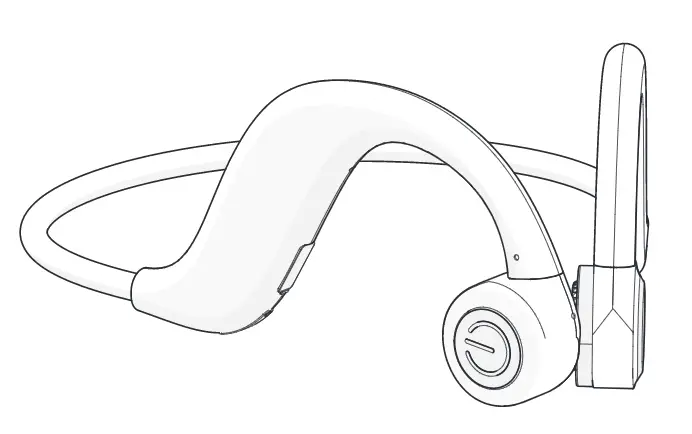
Charging Volume – Volume + port
Mic 1 Mic 2
MFB
MFB functions
Functions
Operation
Answer/hang up call
Click
Play/pause music
Click
Skip track forward
Double click
Skip track backward
Triple click
Activate voice assistant
Press and hold for 2s
Volume button function
Functions
Operation
Power on
Press and hold “Volume +” for 2s
Power off
Press and hold “Volume +” for 2s
Bluetooth pairing
Press and hold “Volume +” for 5s when in power-off state
Check battery level
Press “Volume +” or “Volume -” when the headphones are
connected and no content is playing
Bluetooth pairing
Press and hold “Volume +” and “Volume -” for 3s
03 Wearing Method
Clip the headphones behind your head with the vibration transducer close to the front of the auricle.
If you are on a plane or train, you can reduce external noise and experience better bone conduction sound using the earplugs.
04 Headphone Settings
Power on / off Press and hold “Volume+” for 2s until the indicator changes (Power on: white indicator keeps on for 1s; Power off: red indicator keeps on for 1s).
Bluetooth pairing When in power-off state, press and hold “Volume+” for 5s to enter paring mode, until the indicator flashes alternately in red and white.
Mobile phone connection Turn on the Bluetooth of the mobile phone, search for “Haylou Freear”, and click to connect.
Switch language of the prompt tone Press and hold the “Volume +”, “Volume -“, and “MFB” for 1s at the same time (the indicator flashes white twice).
Restore factory settings Press and hold the MFB for 5s when the headphones are charging (indicator flashes alternately in red and white 3 times).
05 Dual-device Connection
“Haylou Purfree Lite” can be connected to two devices at the same time and seamlessly switched between the two devices. This function is disabled by default. 1. Make sure the headphones are turned off; 2. Press and hold “Volume +” for at least 5s to enter paring mode, until
the indicator flashes alternately in red and white; 3. Press and hold the MFB and “Volume +” for 3s (indicator flashes white
for 1s); 4. Turn on the Bluetooth of the first device, search for “Haylou Purfree
Lite”, and click to connect and confirm successful pairing; 5. Turn off the headphones; 6. Enter pairing mode again; 7. Turn on the Bluetooth of the second device, search for “Haylou
Purfree Lite”, and click to connect and confirm successful pairing; 8. Click “Haylou Purfree Lite” on the first device to reconnect (indicator
flashes white once), then the two devices are connected successfully at the same time; 9. Turn off dual-device connection: press and hold the “volume +” and MFB for 3s in pairing mode (indicator flashes red for 1s).
06 Basic Parameters of Headphones
Communication range: 10 meters (open environment without obstacles) Battery capacity: 170mAh Charging time: about 2 hours Playtime: above 10 hours Standby time: above 60 hours Input parameters: 5V 500mA Battery type: Li-ion polymer battery Wireless connection: Bluetooth 5.2 Bluetooth protocols: A2DP, AVRCP, HSP, HFP Safety protection level: IP55
* The above data is obtained from Haylou’s internal laboratory tests under specific conditions and is for reference only. It may vary in actual use depending on user habits and environment.
07 Caveats
Warning 1. Do not disassemble, repair or modify the product for any reason, as
this may cause fire or even completely destroy the product. 2. Do not expose the product to environments where the temperature
is too low or too high (below 0°C or above 45°C). 3. Keep the indicators away from the eyes of children and
animals while using the headphones. 4. Do not use this product during thunderstorms. Thunderstorms may
cause the product to malfunction and increase the risk of electric shocks. 5. Do not wipe and clean the headphones or their case with alcohol or other volatile liquids. 6. Avoid any contact with liquids.
Note 1. Please read this user manual carefully before using the product and
please properly store it. 2. When using for the first time, please fully charge this product. 3. Please charge the product, in case it has not been used over two
weeks.
4. Please use certificated charger. 5. Do not wear headphones for a long term to protect your hearing. 6. Do not wear headphones in any situations with potential risks as
wearing them may reduce your perception to the outside world.
FCC Requirement Changes or modifications not expressly approved by the party responsible for compliance could void the user’s authority to operate the equipment. This device complies with Part 15 of the FCC Rules. Operation is subject to the following two conditions: 1. This device may not cause harmful interference 2. This device must accept any interference received, including
interference that may cause undesired operation.
Daily maintenance Please do not shower with headphones. Do not wear them in rainy day. Do not leave them in washing machine or other extreme situations. Clean them with dry cloth.
08 Warranty Card
Warranty Period 12 months after you purchase this item. ( or you may inquire your local shopper for more details.)
Free Service Supposing any defects caused by quality issues occur within the warranty period, please take this warranty card and purchase receipts to your distributor for free exchange service.
Model Number Date of Purchasing
User’s Name User’s Phone User’s Address Shop’s Name Shop’s Address
Comments
Free exchange service will not be accessed under following circumstances: 1. Damages caused by unauthorized disassembly. 2. Defects or physical damages caused by leaking or dropping off. 3. Damages by act of God. Supposing your item is within any damages
or defects except the above circumstances, please return to us or your distributor for free repairing.
For more language versions: , Deutsch, Italiano, , Português, Español,
Please scan the QR code
Manufacturer: Dongguan Liesheng Electronic Co., Ltd. Address: Room 401-410, Building 1, No.86 Hongtu Road,
Nancheng District, Dongguan City, Guangdong, China Web: www.haylou.com
 Power in self – Haylou