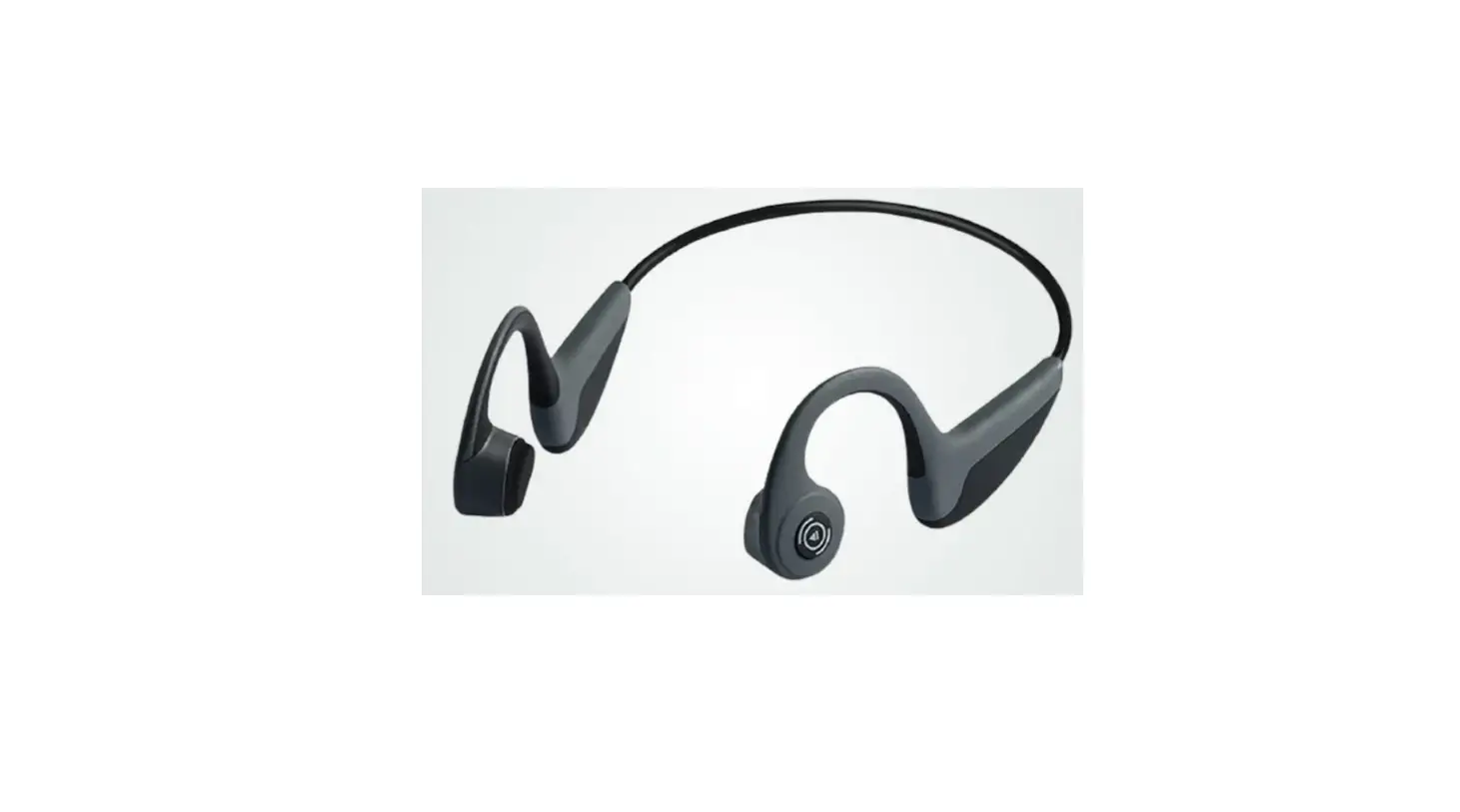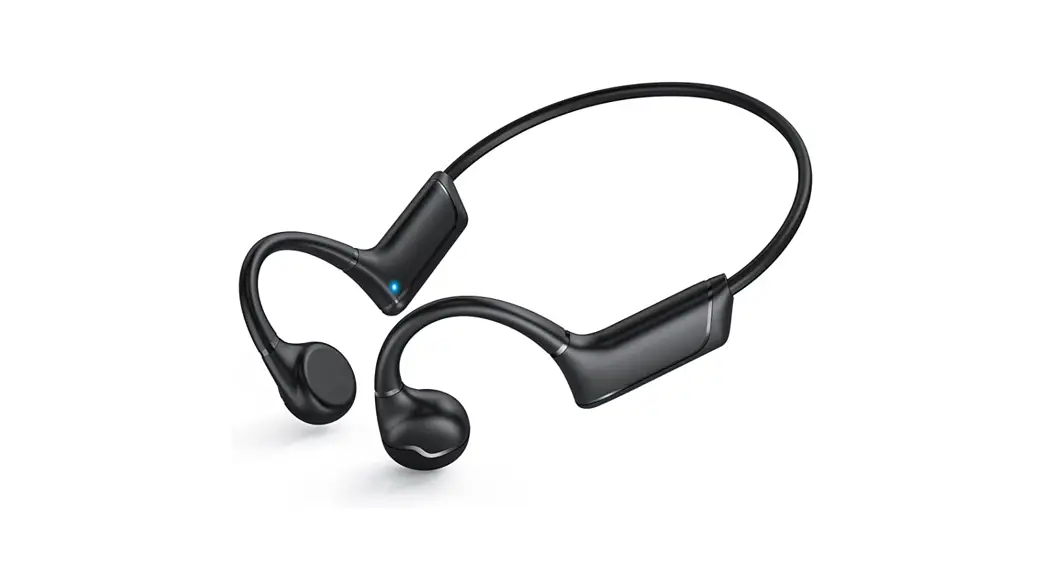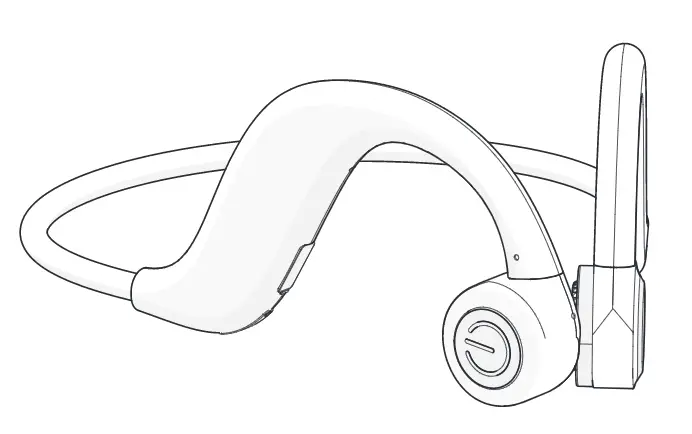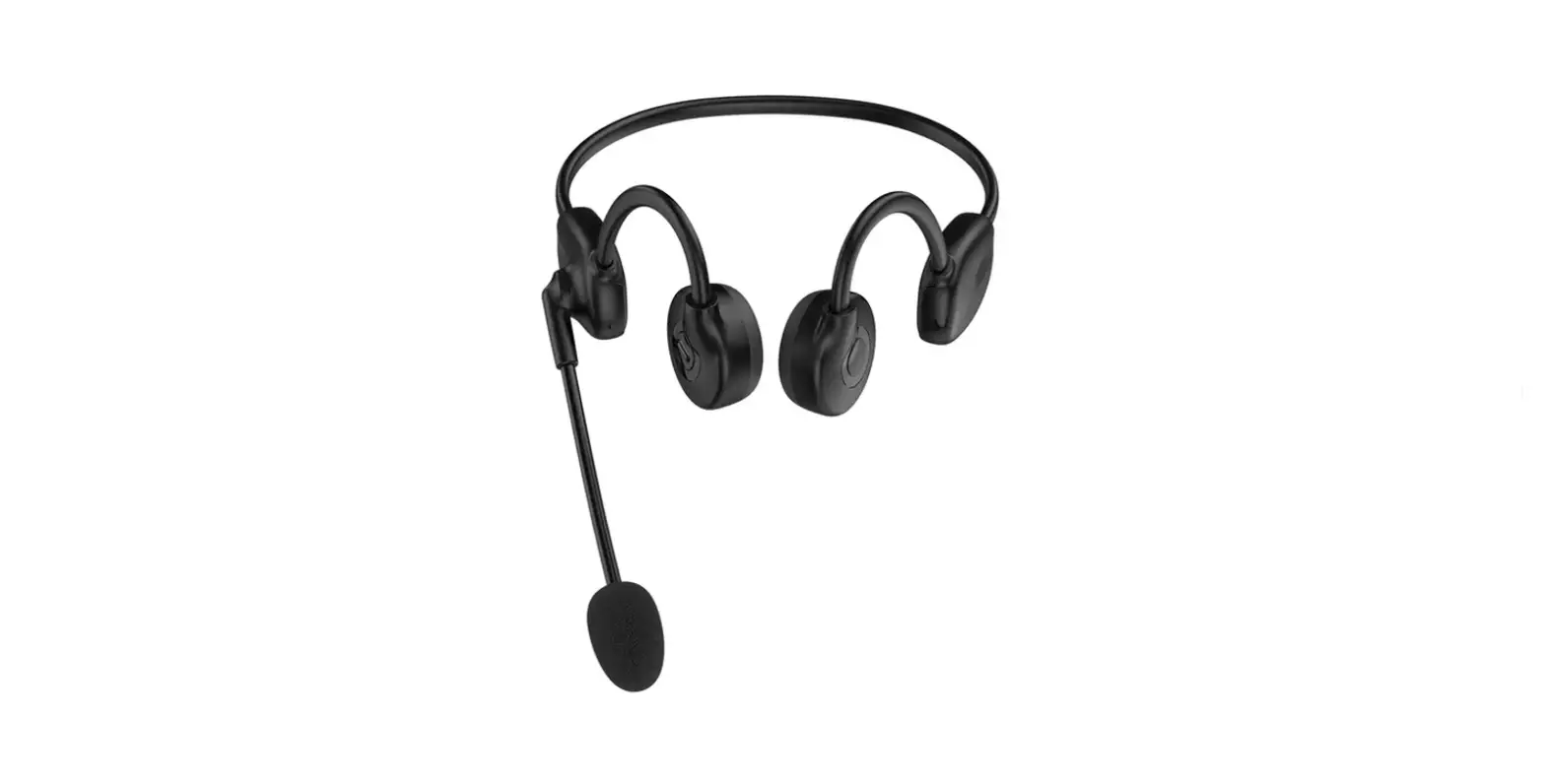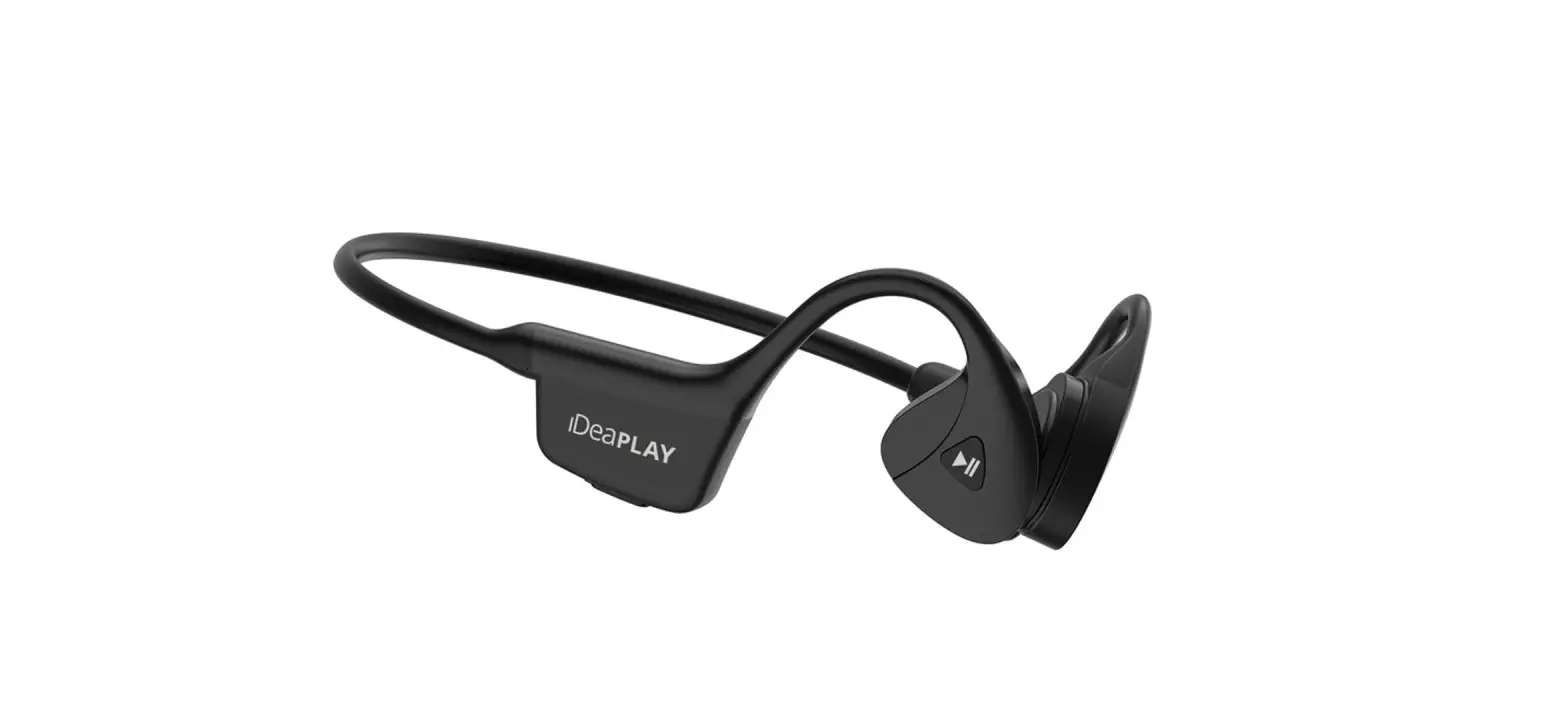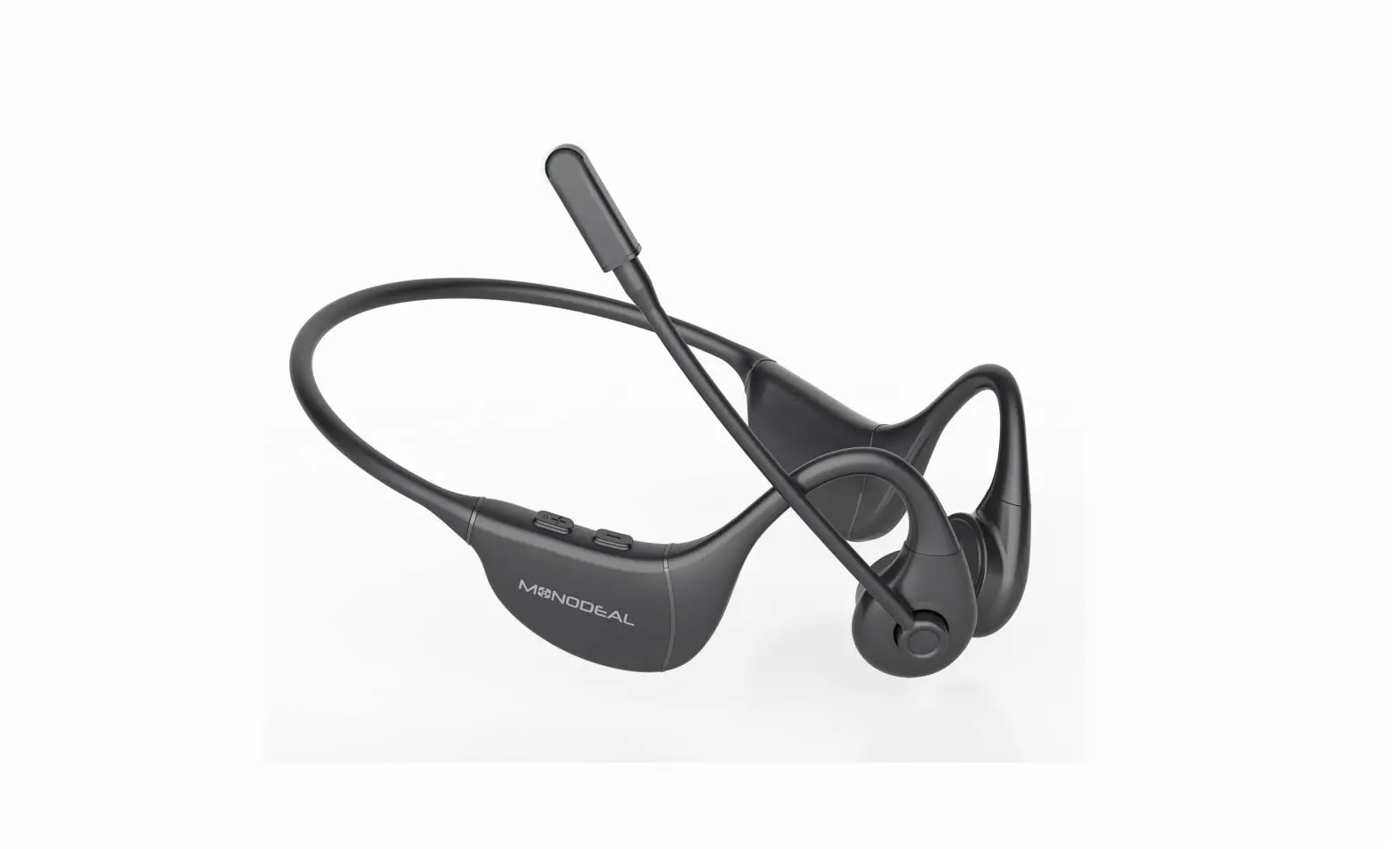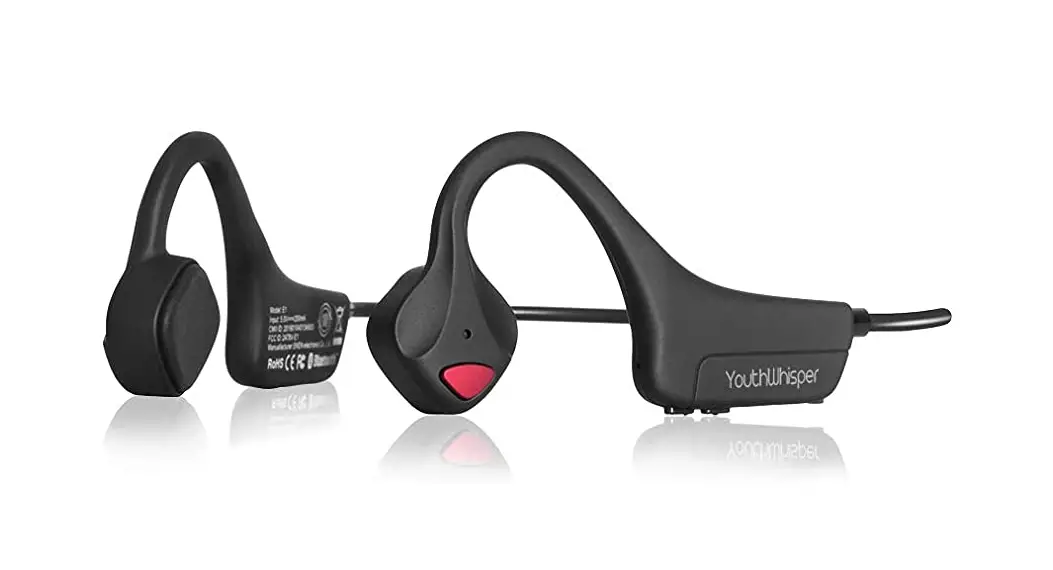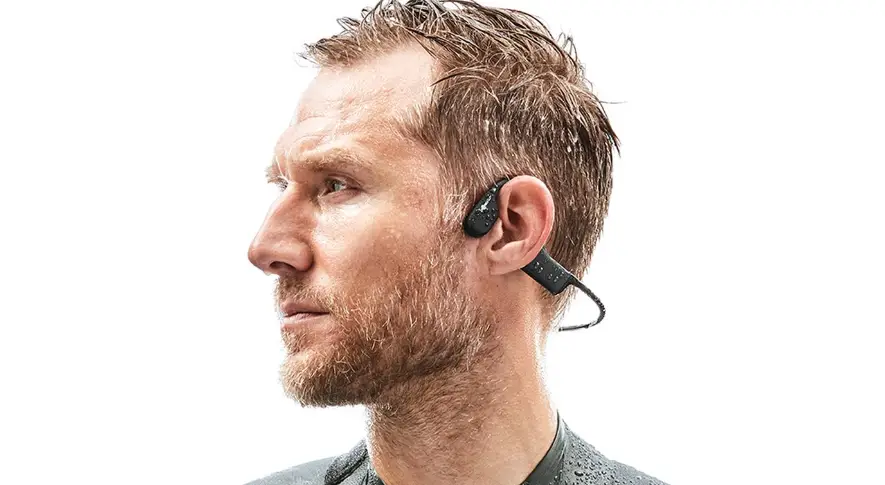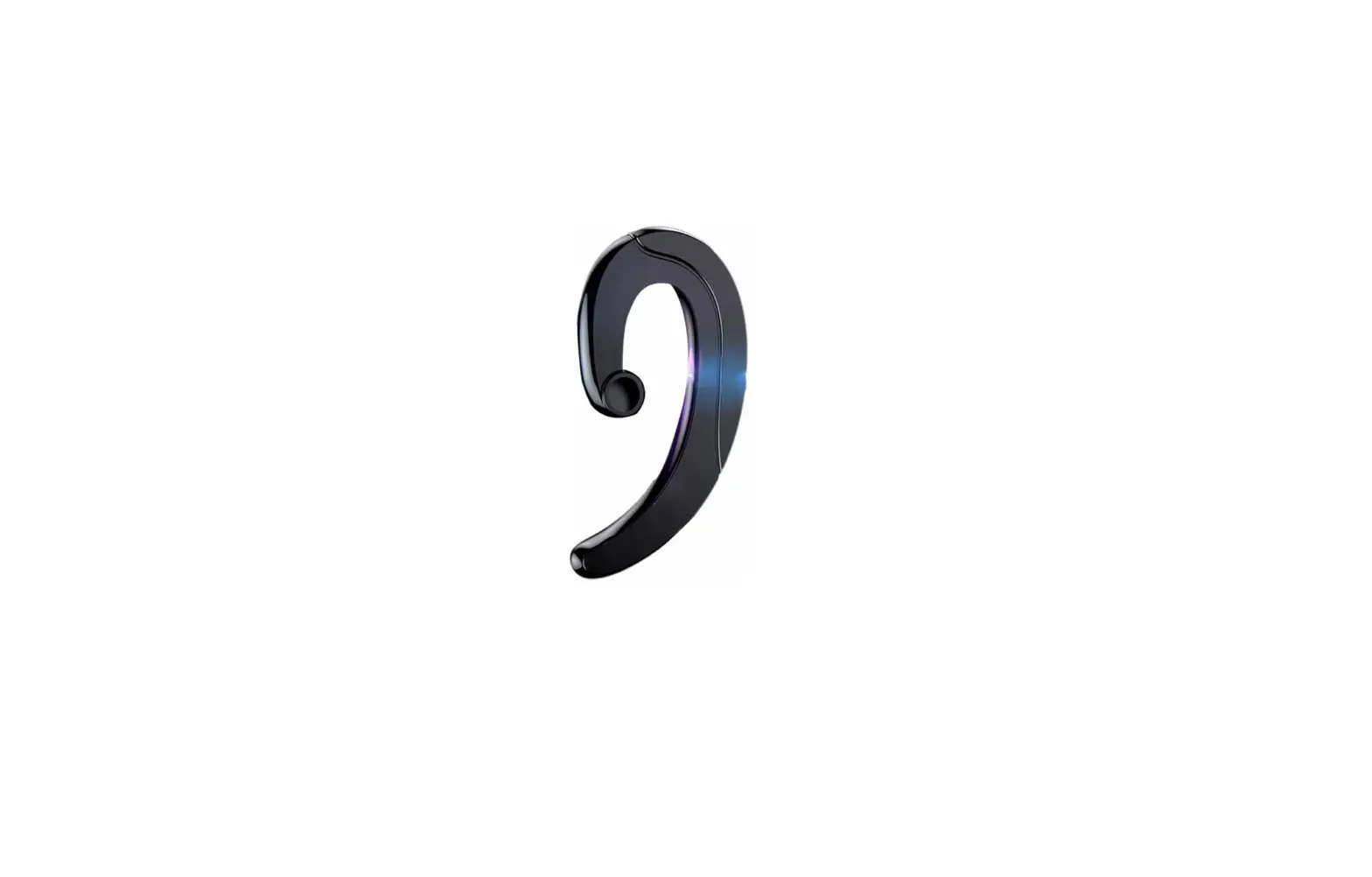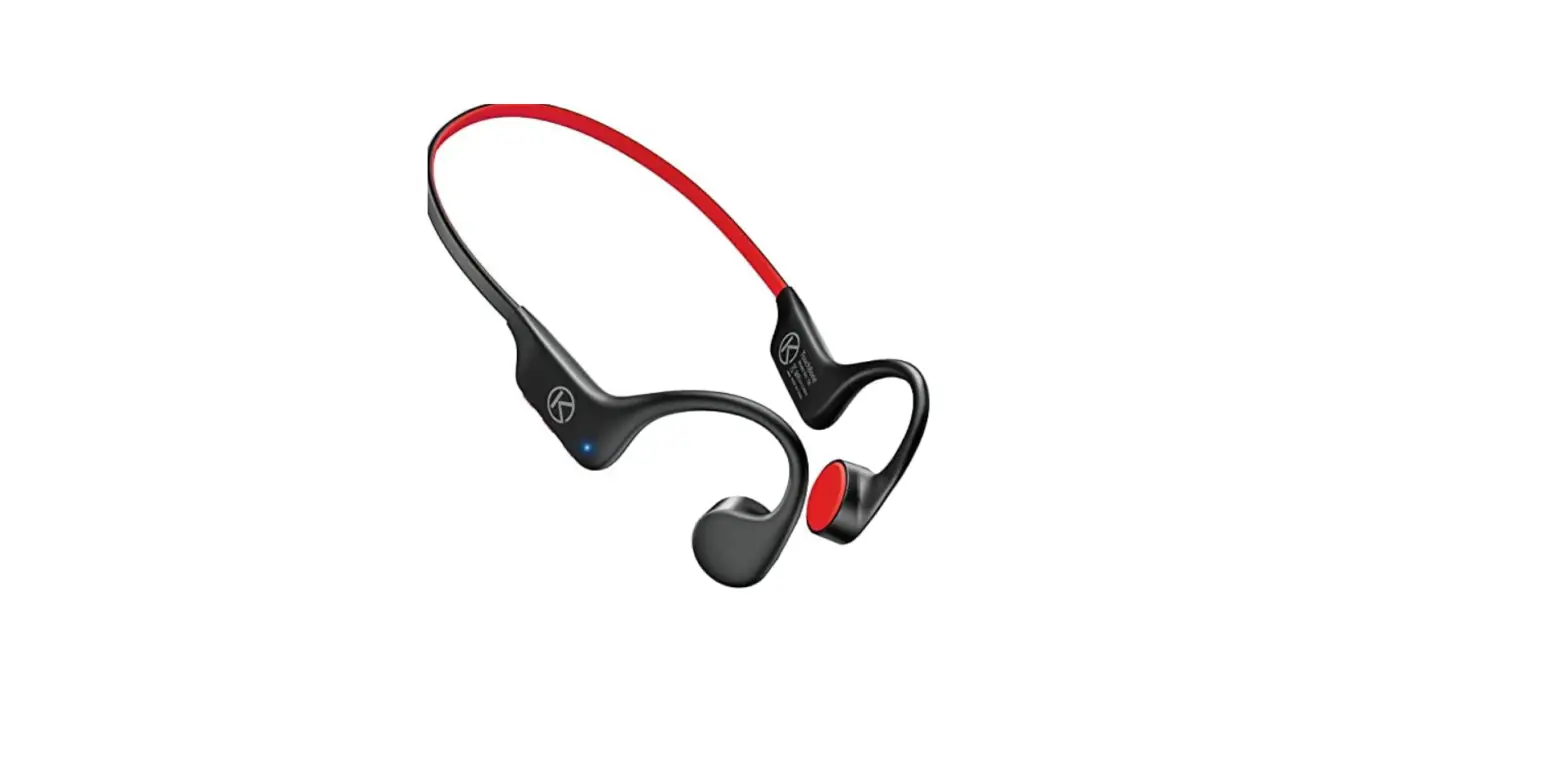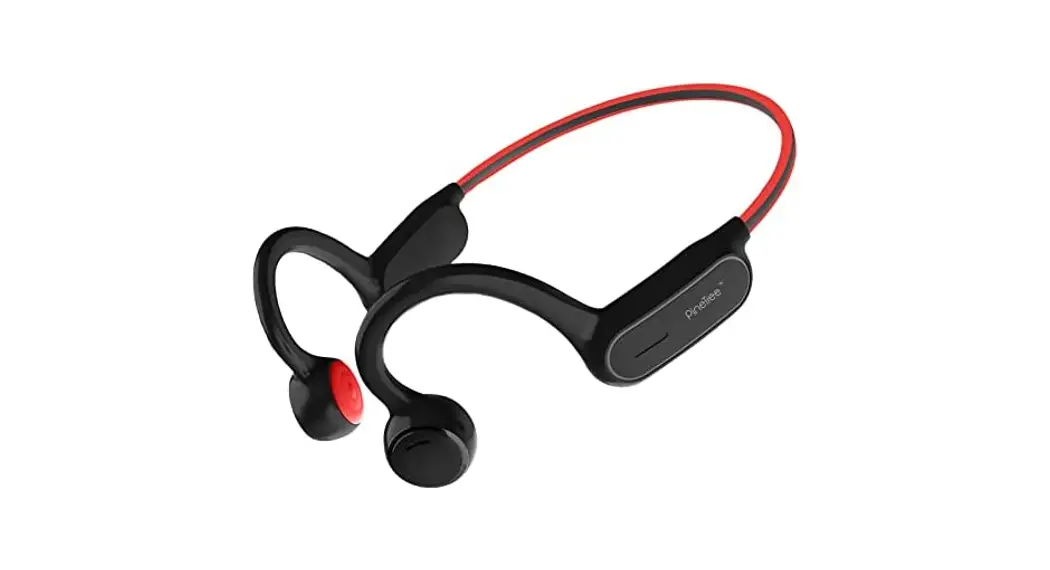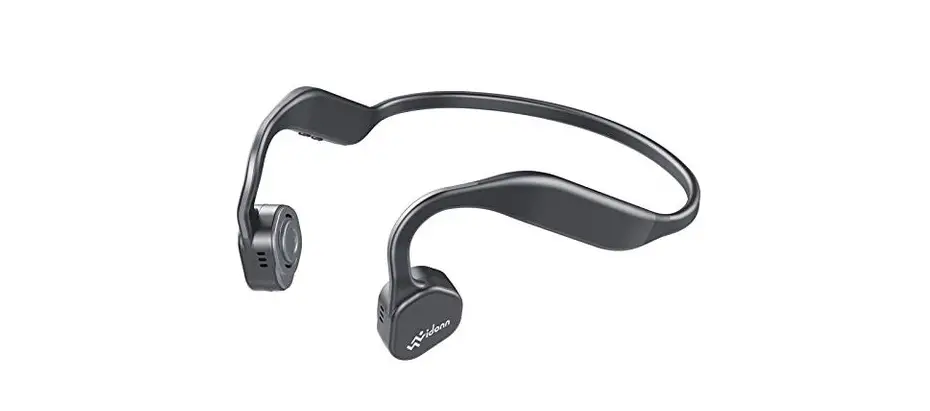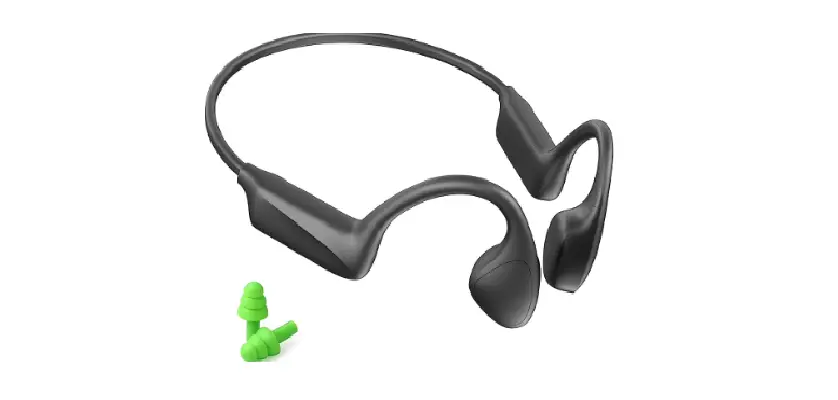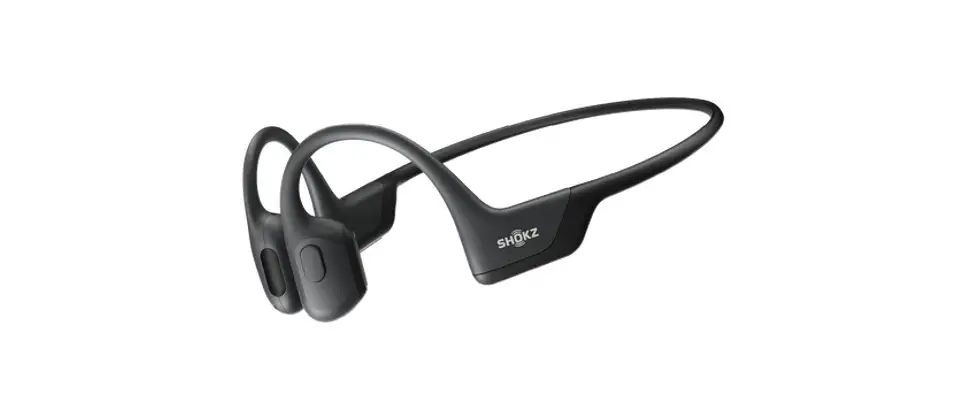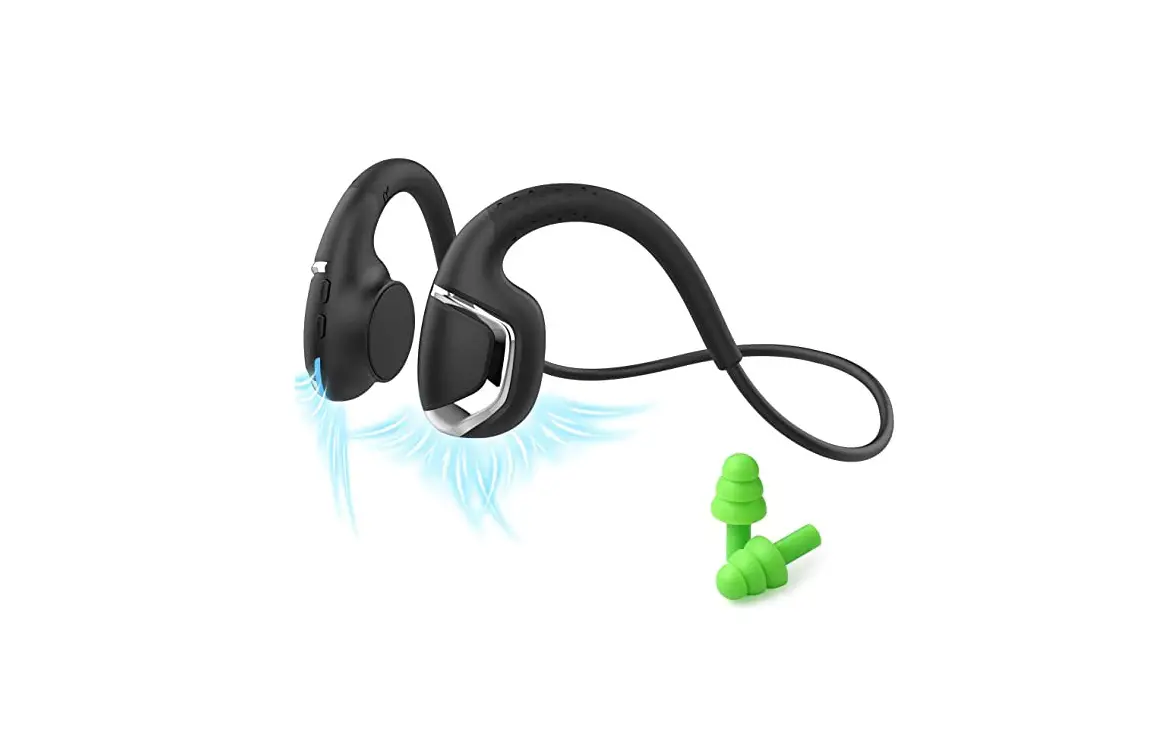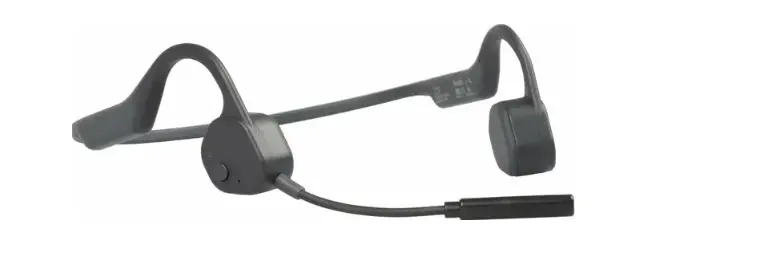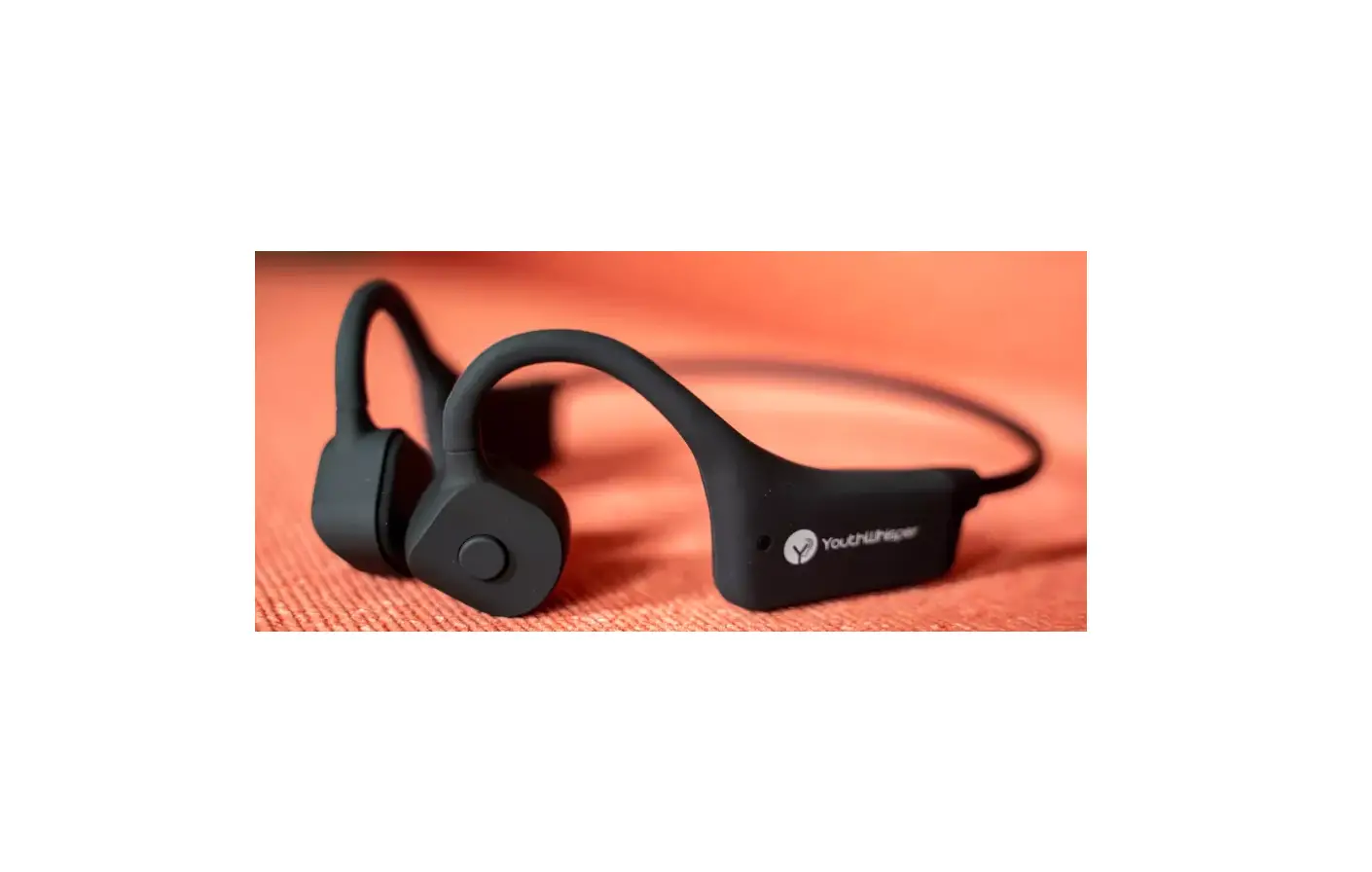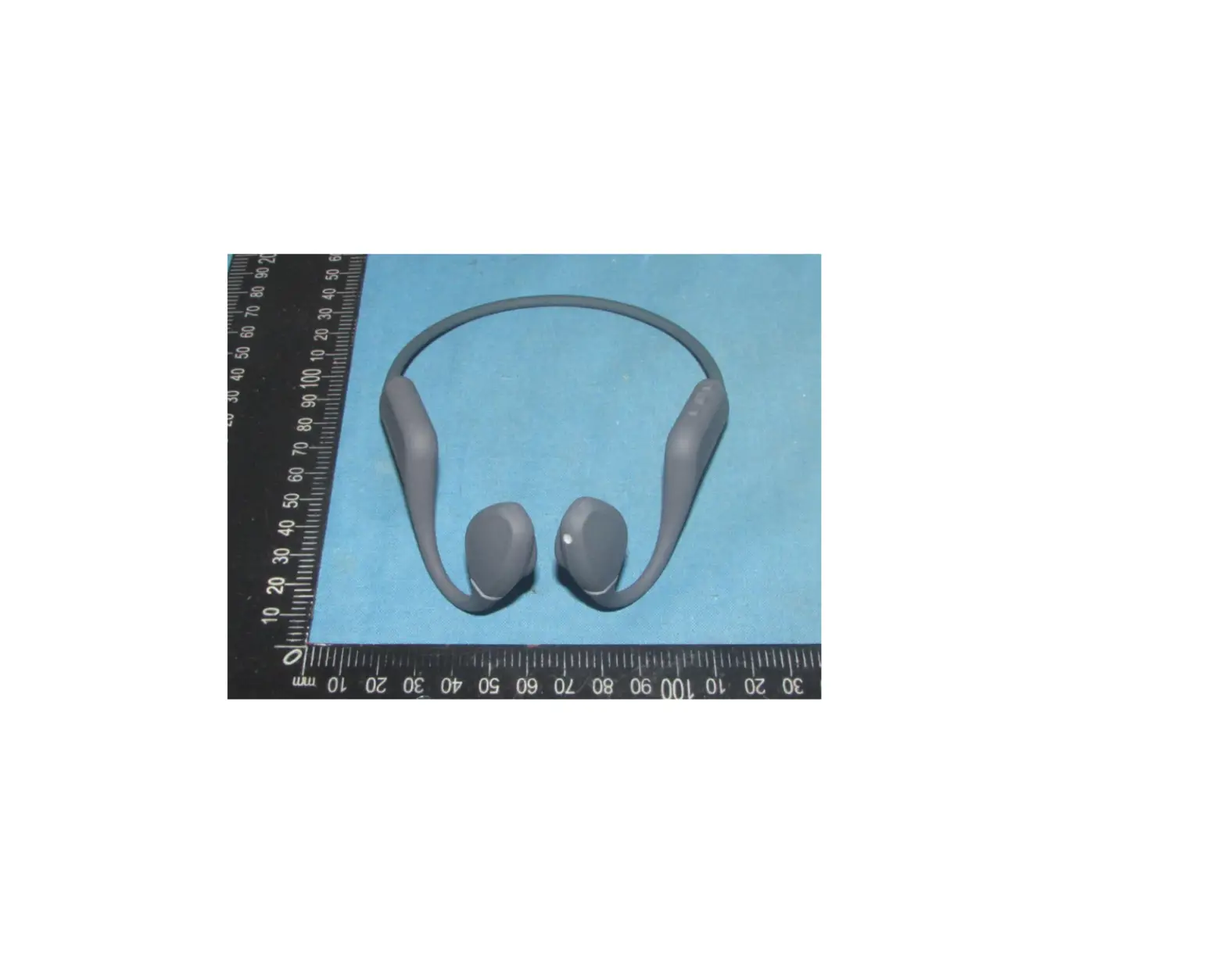
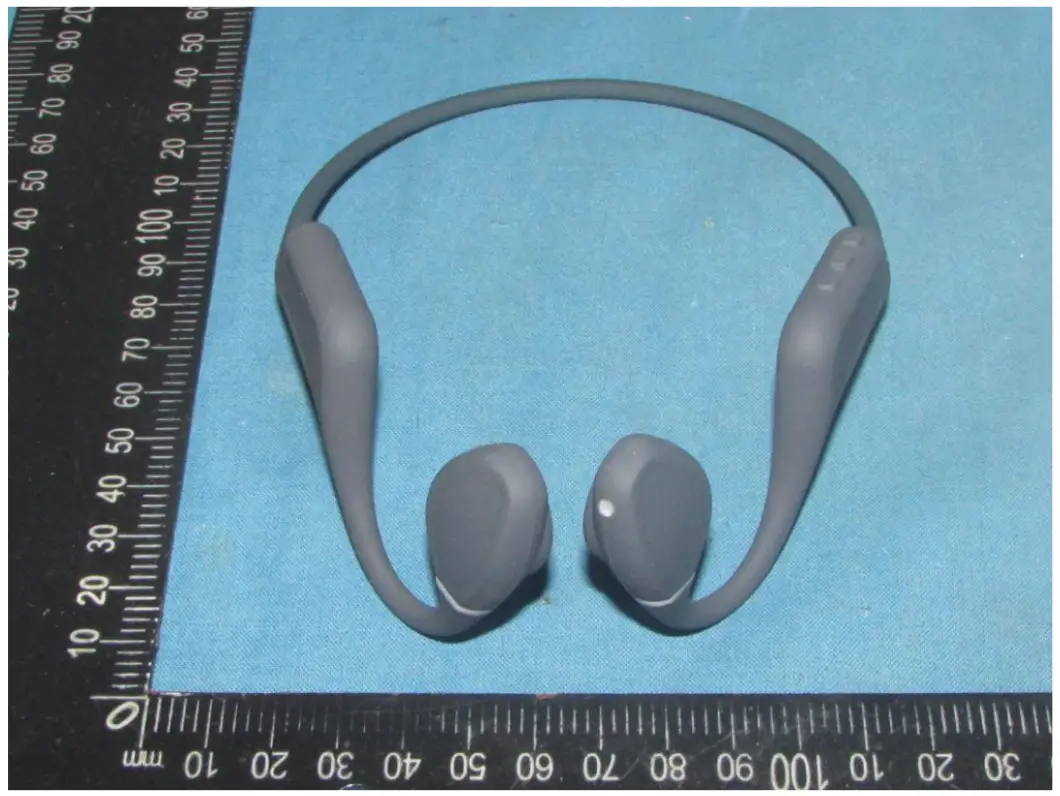
CREATIVE LABS EF1081 Bone Conduction Headphone
Warranty card
Warranty period:
12 months from the date of purchase
Free of charge service:
During the warranty period, if there is any breakdown caused by the product’s build quality please contact the seller and provide this warranty card together with the sales invoice. The product will be repaired or replaced by a new one.
The warranty does not apply under the following circumstances:
- The product label is broken.
- Damage caused due to the product being disassembled
by a non-authorized repair agent. - Damage caused by external force or when there is visible deformation of any of the external parts.
- The product has been improperly used or stored.
- Damage or breakdown caused by force majeure.
- Other situations similar to the above.
Customer service information:
| Customer Phone | |
| Customer Address | |
| Model Number | |
| Purchase Date | |
| Dealer | |
| Invoice number |
Multi-Function Button (  )
)
| Function | Operation | prompt |
| Power on | Keep pressing  key for 2s key for 2s | “Power on” |
| Power off | Keep pressing key for 3s | “Power off” |
| Pairing | Keep pressing key for 5s | “Pairing” |
| Multi-Point Connection |
| Speech |
| Play〡Pause | Press once when music playing | N/A |
| Reject call | Press for 1s when incoming call | N/A |
| Accept call | Press once when incoming call | N/A |
| End call | Press once during a call | N/A |
| Voice assistant | Press thrice in standby mode | N/A |
| Accept incoming call and end current one | Press for 2s | N/A |
| Bluetooth / Memory playback swatch | Press twice in standby mode | N/A |
| Low latency ON/OFF | Press four times in During Bluetooth standby mode | N/A |
+/- VOLUME Key
| Function | Operation | Prompt |
| Prev | Tap – key for ls in music play | N/A |
| Next | Tap+ key for ls in music play | N/A |
| Volume up | Tap+ once in music play | N/A |
| Volume down | Tap – once in music play | N/A |
| Reset | Enter pairing mode, tap+ and simultaneously for 3s | N/A |
Specifications
| Product type | Bone Conduction Headphone |
| Model no# | EF1081 |
| Bluetooth version | Bluetooth® VS.3 |
| Material | Silica gel+Titanium alloy+PC |
| Bluetooth protocols | A2DP,AVRCP,HF P |
| Effective range | More than 10 meters without obstruction |
| Frequency response | 20Hz-20kHz |
| Audio Code | SBC/AAC |
| Memory capacity | 8GB |
| Supports audio formats | MP3/FLAC/WAV/ APE/M4A/AAC |
| Battery capacity | 180mA / 3.7V li-pol ymer |
| Standby duration | 6 hrs (70% Volume) |
| Charge time | 2 hrs |
| Input voltage | Sv |
| Speaker type | Bone Conduction speaker |
| Speaker sensitivity | 87dB+3dB |
| Microphone sensitivity | –38dB+2dB |
| Waterproofrating | IPX7 |
| Weight | 32g(l.12oz) |
LED Indicator
| Color | Status |
| Red blinks once every 3s | Battery low |
| Constant red | charging |
| Constant blue | Charging complete |
| Blue blinks | Incoming call |
| Red and blue blink alternately | Pairing mode/ Multi-point connection |
| Blue blinks once every 5s | Connection successful |
To charge the headphone
Connect the original charging cable to the magnetic suction port of the headset and the charging head respectively, and the headphone will be fully charged within 2 hours. In order to better ensure the charging life, please use the 5V-1A charging head.
Note:
There are positive and negative poles corresponding to the magnetic suction charging. Mutual adsorption can charge normally; Mutual exclusion can not charge, which may cause short circuit of the main board circuit. Please do not force the magnetic suction to fit and contact.
Warning:
The life of rechargeable battery of this product is not shorter than the service life of the product. The battery must be taken out by professional recycling equipment. Any attempt to take out or replace the battery may damage the headphone and affect your warranty rights. Please do not put the battery into the fire to avoid explosion.
To download songs:
Turn off the headset, connect the PC and ES-868 Plus headphone with the magnetic suction cable provided, and the PC will prompt the removable disk selection window. Select the corresponding folder and copy files to each other. Switch the headphone to the local playback mode to play music in the U flash disk.
Warning:
During uploading or downloading data files, do not unplug the USB cable to avoid damage to the headset.
Tips and Maintenance
- The earphone should be stored in a cool and dry place, and the working temperature should be 0一45 °C (32 – 113 F):
Working in an environment that is too cold, too hot or too humid may shorten the life of the headphone. - Listening to music at too high a volume may damage your hearing and the sound may be distorted. For traffic safety, Please do not use the headphone while driving or riding.
- After exercise, please wipe the water on the surface of the headphone, especially the position of the magnetic charging port, to prevent sweat and salt from eroding the charging port and affecting the service life of the product.
- Clean the headphones with a soft, dry cloth.
- Please keep away from sharp and hard objects, which may damage the headphone.
- Do not use the headphone in direct sunlight for a long time
- Do not use the headphone in extreme light, temperature or vibration.
- Please do not use headphone in high temperature environment. For example, use a hair dryer and enter the sauna room at the same time or near the stove.
- Do not place the headphone on an unstable or indined surface.
- Children should use this device under the supervision of adults. This product is not a toy.
Reminder
- Improper use of the headphone may cause injury to itself or may endanger personal and property safety.
- In case of personal and property damage caused by improper use or warning by consumers in violation of product instructions. the company will not bear all consequences and the company will not bear any legal liability.
Safety
FCC Disclaimer
This equipment has been tested and found to comply with the limits for a Class B digital device, pursuant to part 15 of the FCC Rules. These limits are designed to provide reasonable protection against harmful interference in a residential installation.
This equipment generates, uses and can radiate radio frequency energy and, if not installed and used in accordance with the instructions, may cause harmful interference to radio communications. However, there is no guarantee that interference will not occur in a particular installation. If this equipment does cause harmful interference to radio or television reception, which can be determined by turning the equipment off and on, the user is encouraged to try to correct the interference by one or more of the following measures:
Reorient or relocate the receiving antenna.
Increase the separation between the equipment and receiver. Connect the equipment into an outlet on a circuit different from that to which the receiver is connected. Consult the dealer or an experienced radio/TV technician for help.
FCC Caution: To assure continued compliance, any changes or modifications to this device not expressly approved by manufacturer could void your authority to operate this equipment.
This device complies with part 15 of the FCC Rules. Operation is subject to the following two conditions: (1) This device may not cause harmful interference, and (2) this device must accept any interference received, including interference that may cause undesired operation.
The device has been evaluated to meet general RF exposure requirement. The device can be used in portable exposure condition without restriction.
Declaration of Conformity for EU Countries
EMC Directive 2014/30/EU (including amendments)
Low Voltage Directive 2014/35/EU
RED Directive 2014/53/EU (if product has RF function)
WEEE Disposal instructions
Do not throw this electronic device into the trash when discarding. To minimize pollution and ensure utmost protection of the global environment, please recycle it