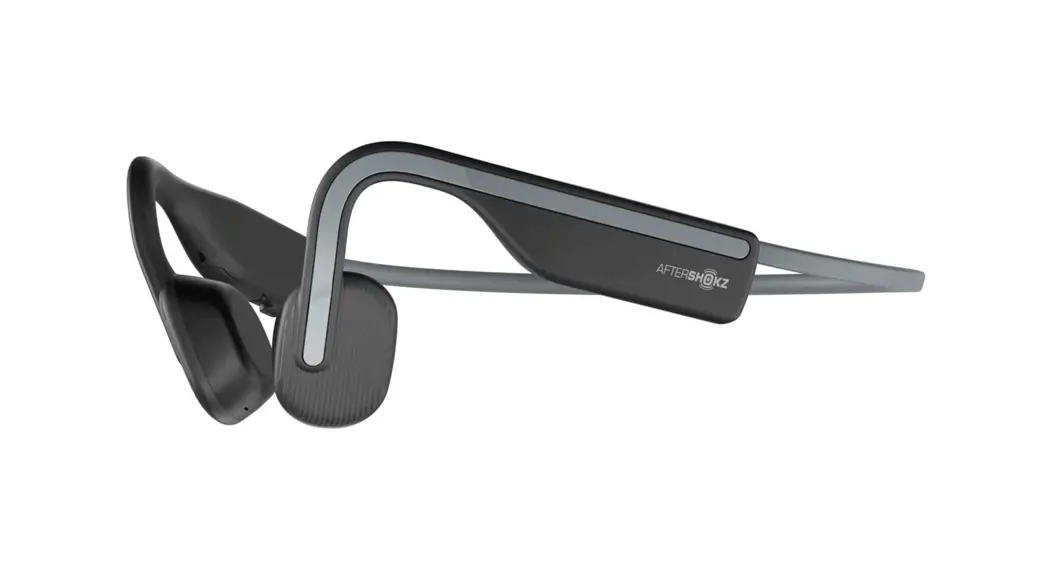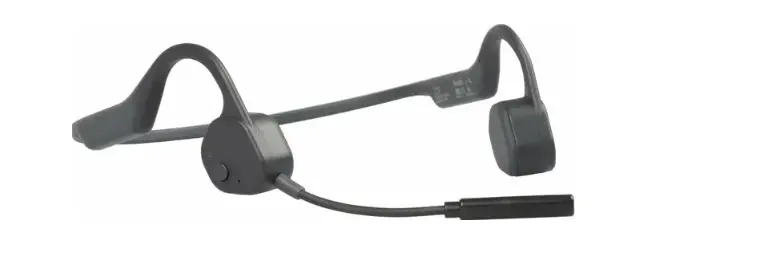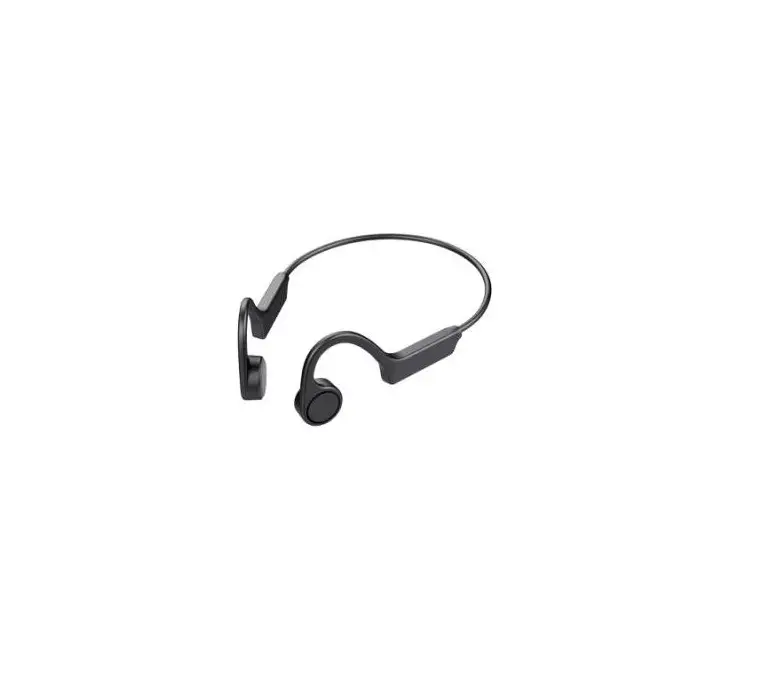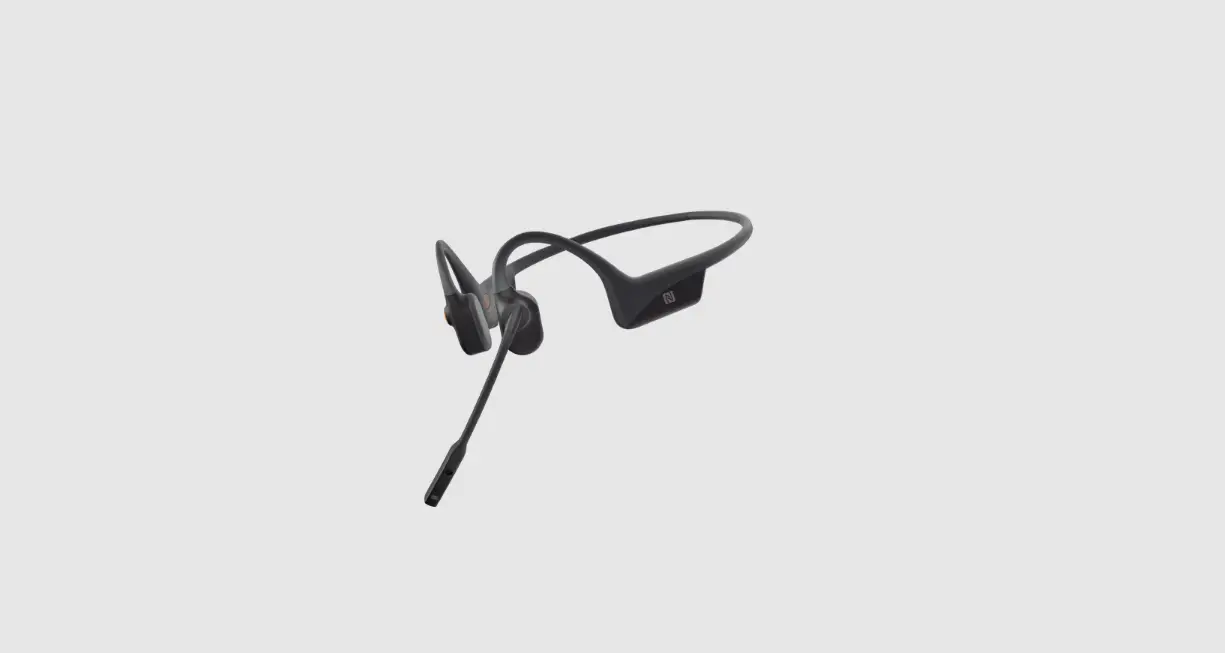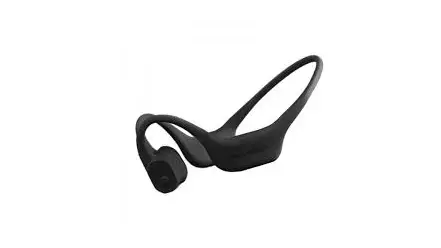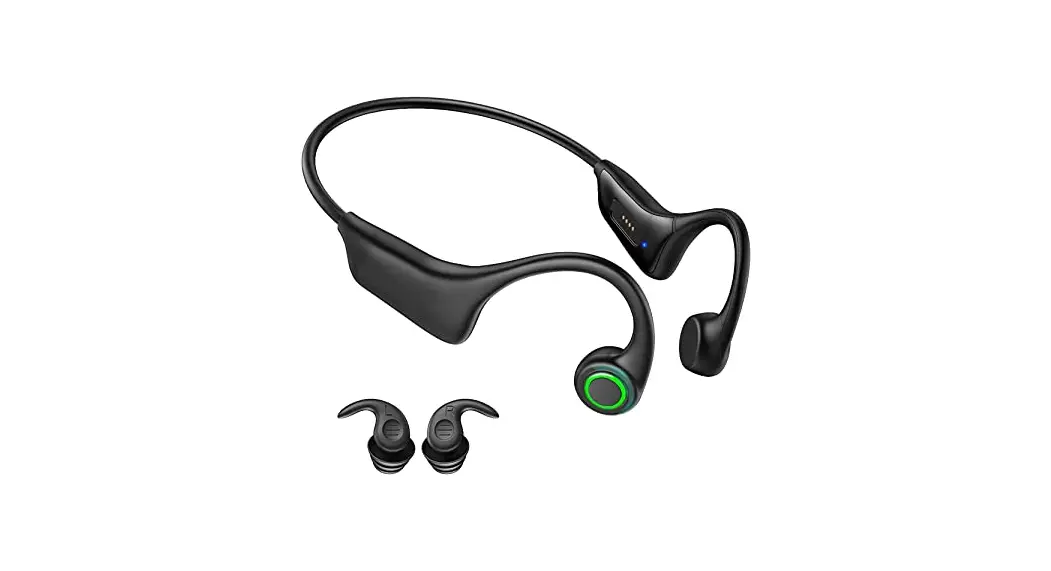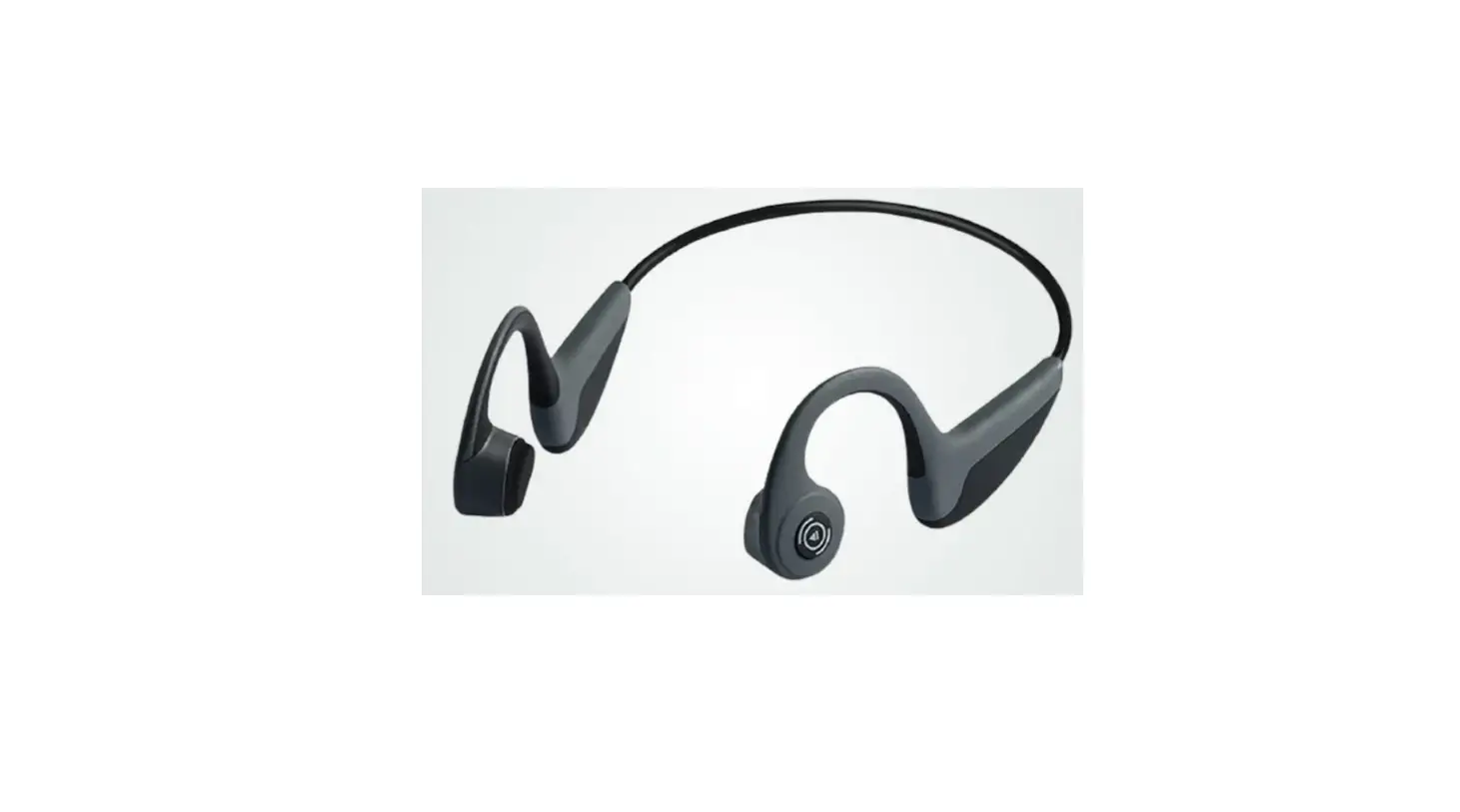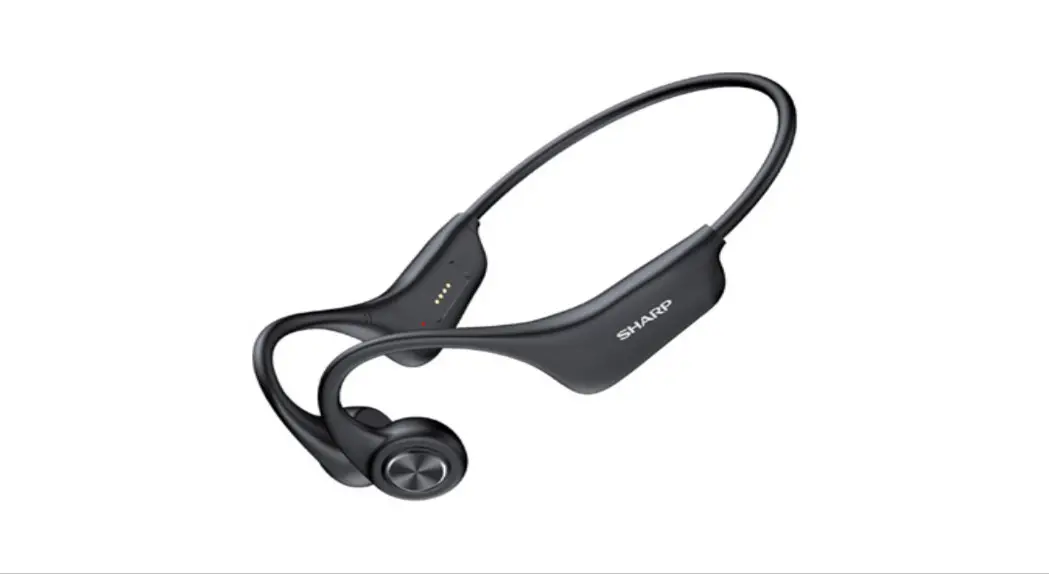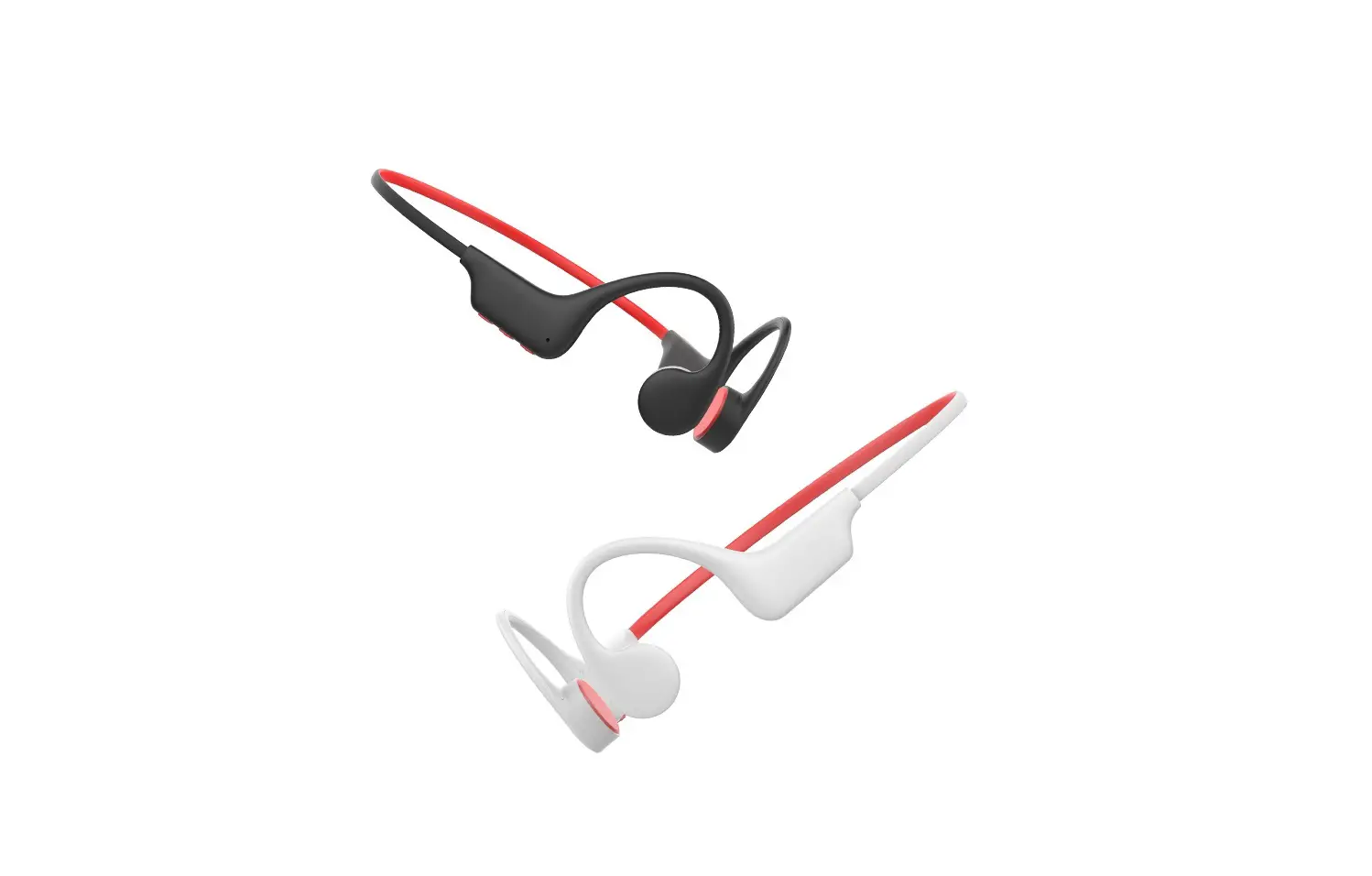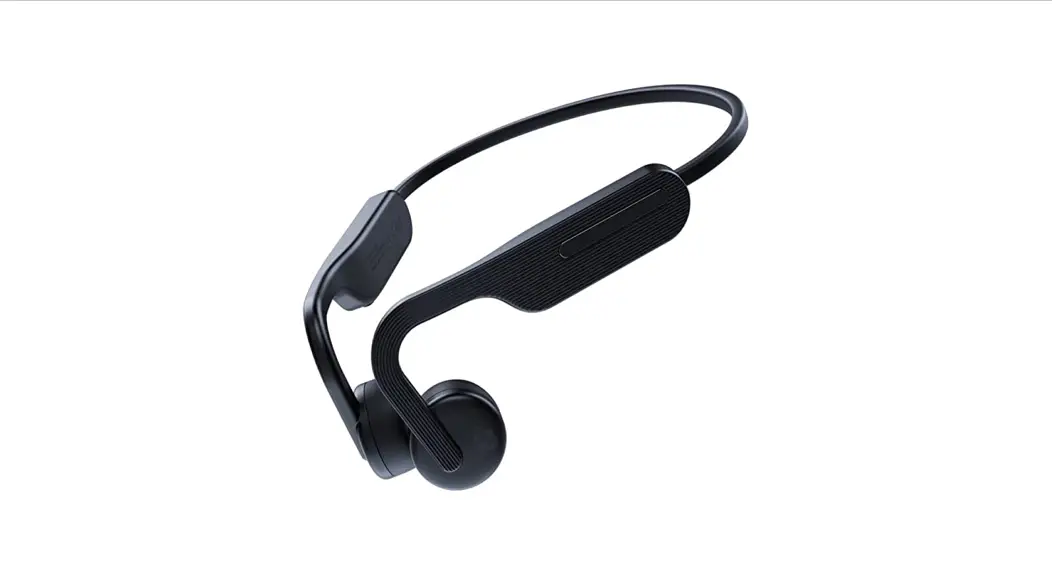

MAIRDI M100 Wireless Bone Conduction Headphone
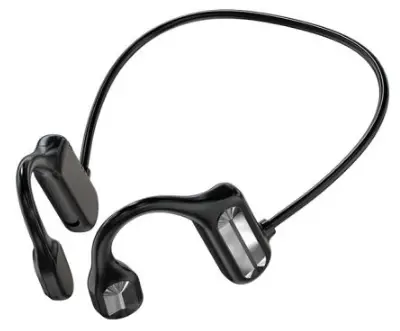
Specifications
- Pairing Name: M100
- Bluetooth Specification: V5.1, dual mode, downward compatible.
- Frequency Range: 2.4GHz-2.480GHz
- Supported Protocols: A2DP, AVRCP, HFP, AAC, etc.
- Two Bluetooth devices can be connected at the same time.
- Transmission Distance: up to 30 meters (Transmission distance varies depending on the environment and Bluetooth device)
- Maximum Talk/Play Time(70% Volume): 6 hours
- Standby Time: 200 hours
- Working Temperature: 0℃ to 45℃
Speaker:
- Frequency: 300Hz-9KHz, Hi-fi
- Distortion:≦1%
- Sound Channel: Stereo
Microphone:
Dual microphone noise reduction technology
Headset Battery:
- Type: Lithium
- -ion polymer
- Battery Capacity:180mAh
- Charging Voltage: 5V DC(≤24V)
- Life Time: Minimum recharging 1000 times Operating Temperature: -10℃ to +60℃Charging Time: 1.5 hours
- Charging Interface: Type C USB Waterproof Rating: IPx6
Net Weight: 38g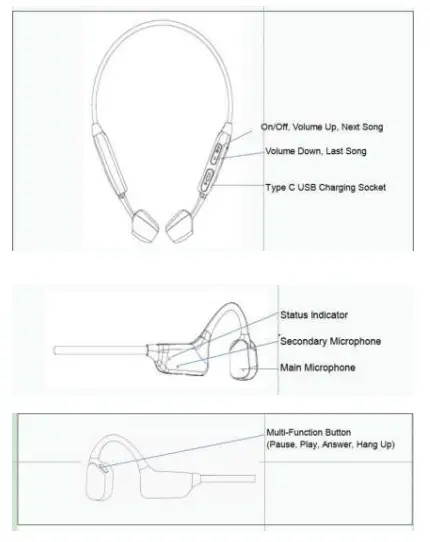
Wearing Instruction:
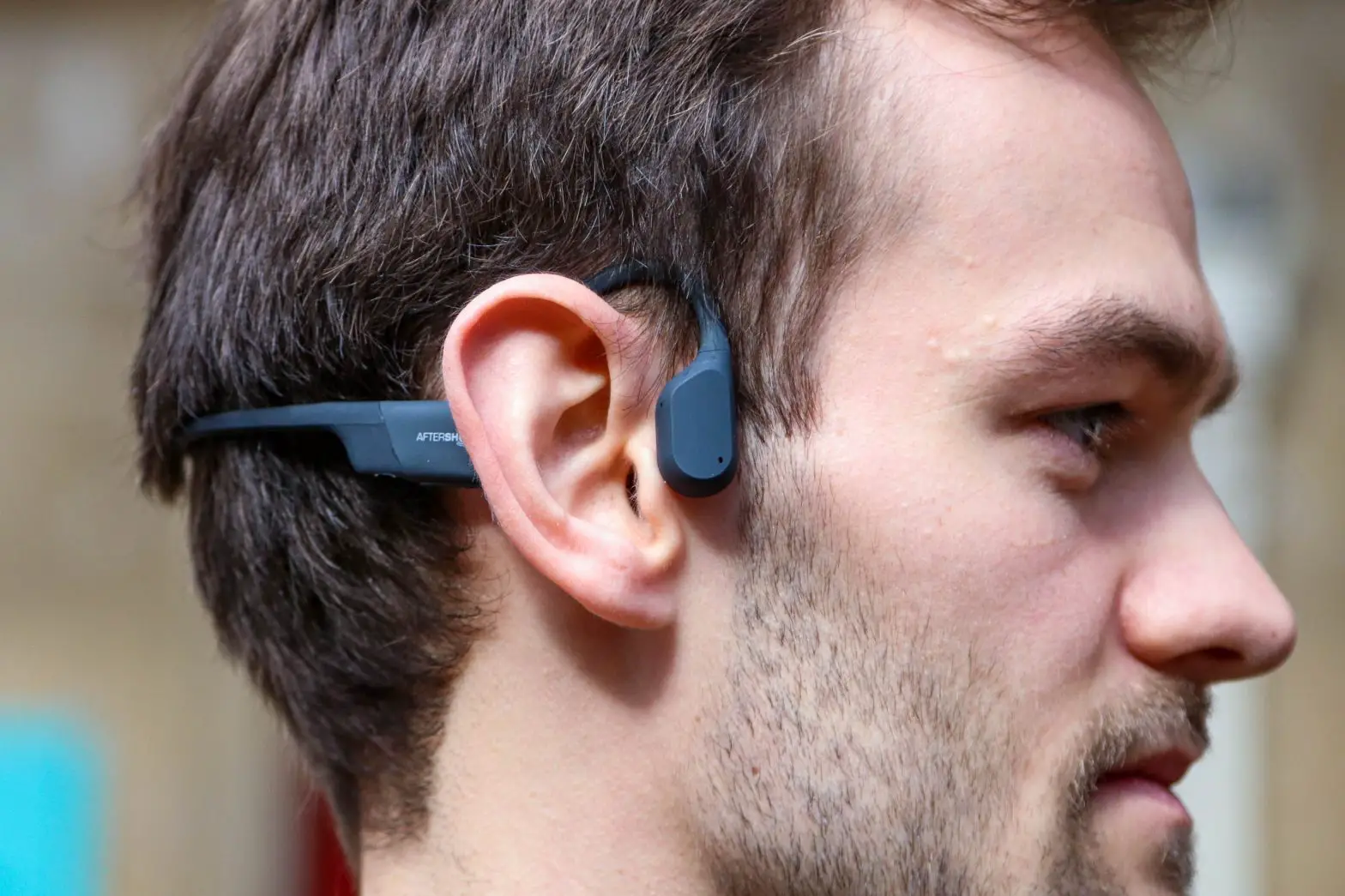
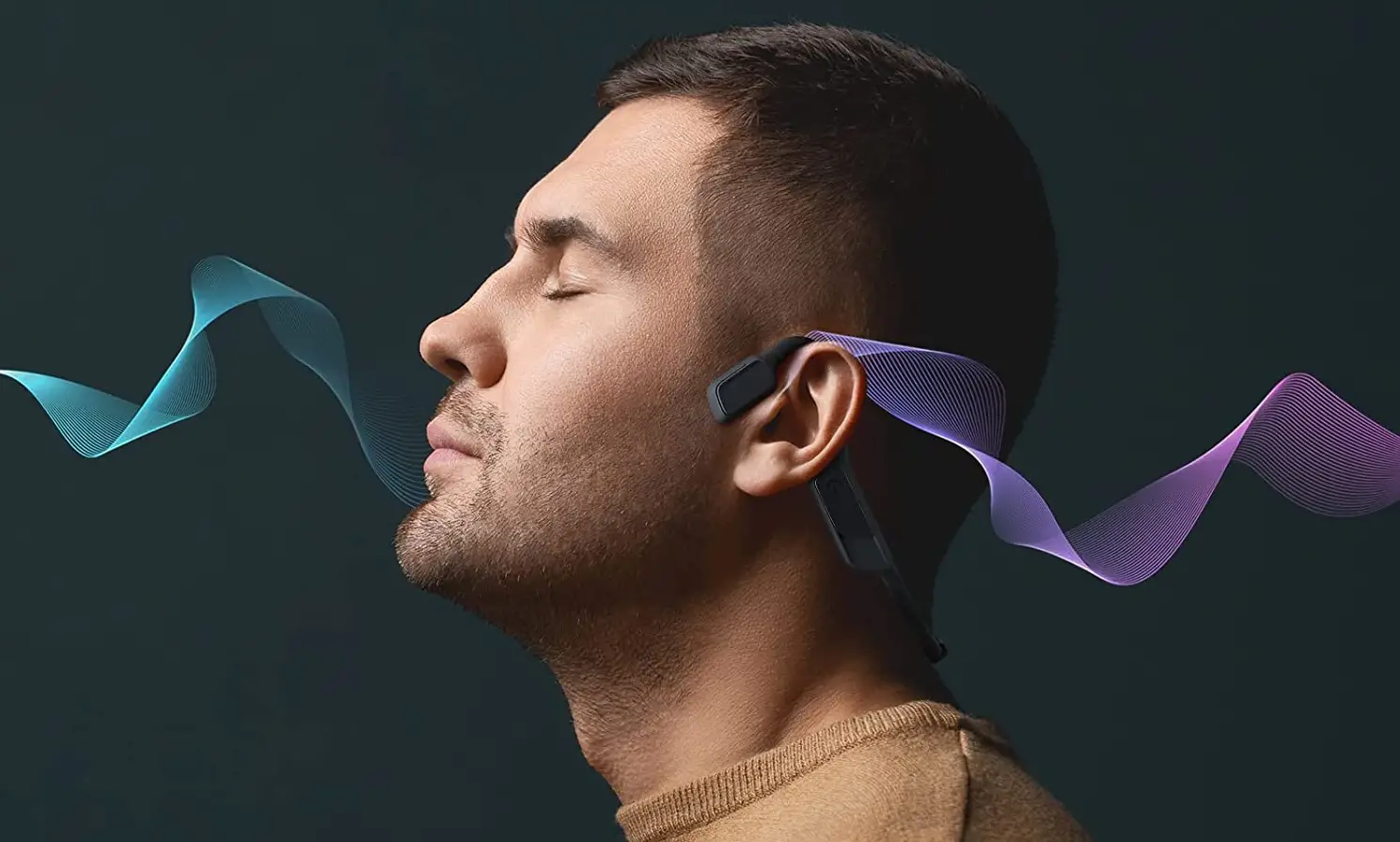
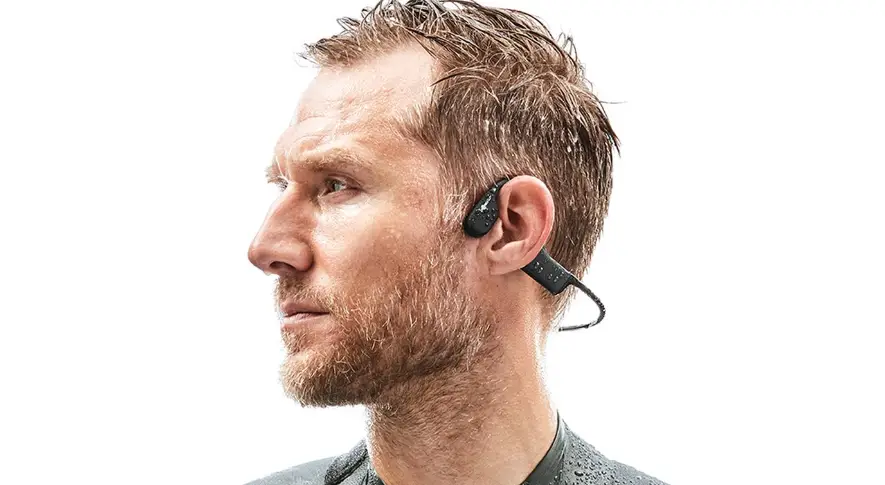
As shown in below picture, hang the headphone on your ears, rest the bone conduction transducers on the cheekbones in front of your ears. Please do not hang the transducers on your ears.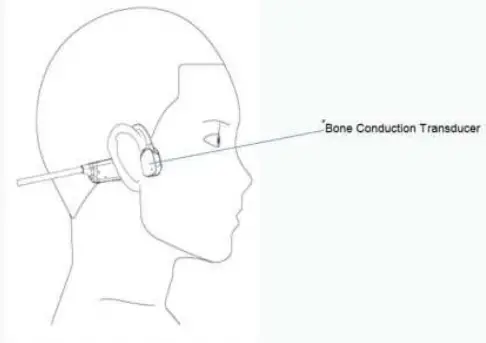
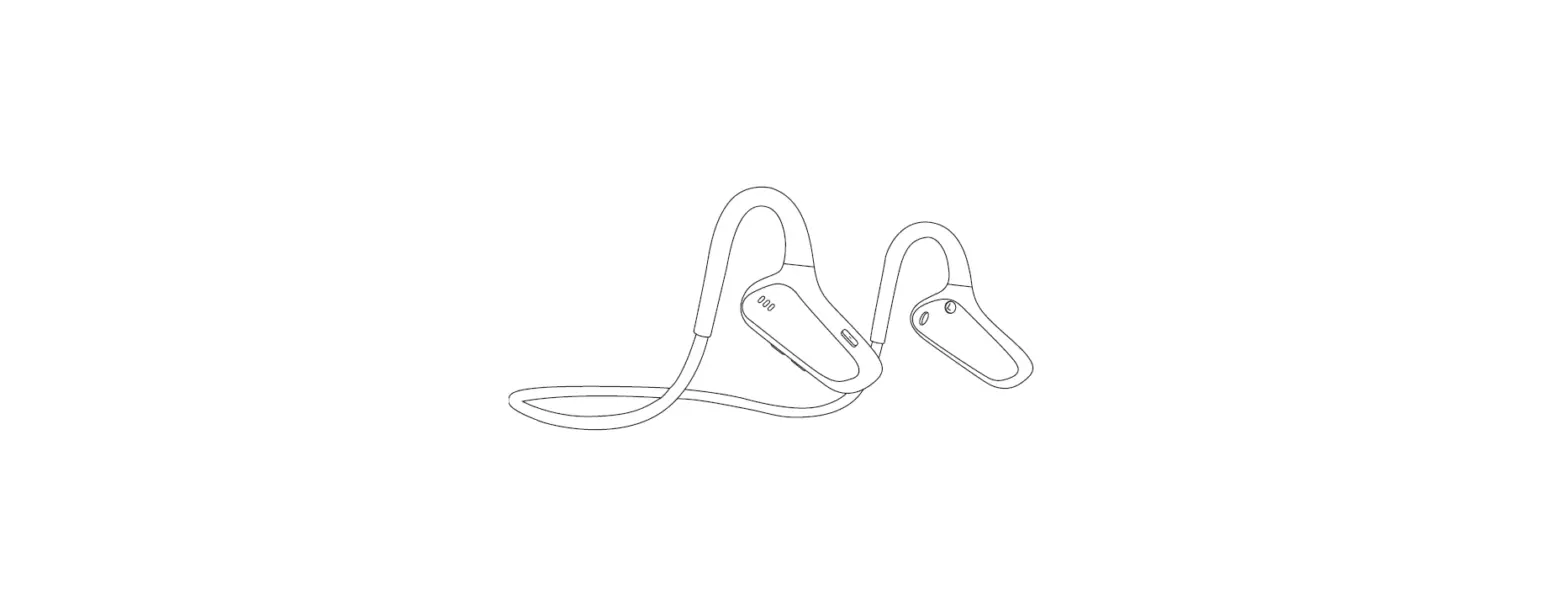
| Button | Function | Action |
|
Plus Button | Power on | Press plus button and hold on for 4 seconds |
| Power off | Press plus button and hold for 4 seconds | |
| Volume up | Quick press plus button 1x | |
| Next song | Press plus button for 2 seconds | |
| Minus Button | Volume down | Quick press plus button 1x |
| Last song | Press button for 2 seconds | |
|
Multi-function Button (MFB) | Pause / Play | Quick press MFB 1x when playing music |
| Redial a call | Double press MFB to dial the last call | |
| Answer call | Quick press MFB 1x when mobile call coming | |
| End call | Short press MFB during a call | |
| Reject a call | Press MFB for 2 seconds to reject mobile calls. To reject the second incoming call when on the first call, press MFB for 2 seconds. | |
|
A three-party call | Quick press MFB to answer the 2nd incoming call and hang up the 1st call. | |
| Double press MFB to answer a 2nd incoming call and reserve the 1st call. | ||
| Press MFB for 2 seconds to keep the current call |
| and reject the new call | ||
| During a three-party call, double press MFB to switch between the current call and the reserved call. During a three-party call, quick press MFB to end current call and meanwhile switch to the other call, press MFB again to end the 2nd call. |
Prompt Tone Introduction
| Headset Status | Tone |
| Power On | Power on |
| Power Off | Power off |
| Pairing Mode | Pairing |
| Pairing Successfully | Connected |
| Battery Low | “toot” every 10 seconds |
Headset LED Indicators
| Headset Status | LED Status |
| Pairing Mode | Light flashes blue and red alternately |
| Pairing Successfully | Blue light flashes every 10 seconds in the state of breathing |
| Battery Low | Light flashes red rapidly |
| Charging Mode | Red light continuously on |
| Fully Charged | Blue light continuously on |
| Audio Status | Blue light flashes every 10 seconds in the state of breathing |
| Call Coming | Red light flashes every 3 seconds |
| Call(Busy) Status | Blue light flashes every 10 seconds |
Pairing with Bluetooth Device
- Be sure that your smart phone, laptop or desk phone has Bluetooth function.
- Activate the Bluetooth function on your smart phone, laptop or desk phone.
- Turn on your headphone (Press plus button and hold on for 4 seconds), you can hear prompt tone” power on”. The Led indicator will flash red and blue alternately, which indicates the headset is in pairing mode.
- (If pairing fails, the headset will power off automatically after the indicator flashes 10 minutes, with prompt tone “power off” heard.)
- Pair headset to your smart phone, laptop or desk phone.
- Search Bluetooth device M100 on your smart phone, laptop or desk phone.
- Open “Bluetooth” menu and press “discover” or “add” to search “M100” on your smart phone, laptop or desk phone.
- When M100 shows on your Bluetooth devices list, please click it to start pairing. Prompt tone “connected” will be heard when pairing is successful, and the blue light flashes every 10 seconds in the state of breathing. This headset can store devices ever paired in memory. When powered on, the headset will automatically connect to the first two devices in memory.
Cautions:
- Ensure that the transducer are rested on the cheekbones in front of your ears, don’t put the transducers in your ears.
- Do not use headphone with high volume for extra long time, which may cause hearing loss. Always listen at a moderate level.
- Do not throw, squeeze the headphone, or immerse the headphone in water. Please keep the headphone away from fire, water and high-voltage equipment.
- Please store the headphone in a dry and ventilated place and charge it every two months if unused for a long time.
- Please use a clean cloth to clear the water stains or sweat after exercising, it will be helpful for long-term use.
Product Warranty Card
| Customer Name | Product Model No. | ||
| Date of Purchase | Tel No./E-mail: | ||
| Problem Description: | |||
| Microphone | Bone Conduction Transducers | Battery | Buttons |
| Warranty: Failure of headphone buttons, speaker or microphone; charge unavailable. | |||
Out of Warranty:
- Remove the in-built battery artificially
- Fail to follow the user manual or disassemble the headphone
- Incorrect connect with high voltage device for charging which causes headphone damage.
- Artificial damage caused by impact, falling, water, pulling.
FCC Statement
This device complies with part 15 of the FCC rules. Operation is subject to the following two conditions: (1) this device may not cause harmful interference, and (2) this device must accept any interference received, including interference that may cause undesired operation. Changes or modifications not expressly approved by the party responsible for compliance could void the user’s authority to operate the equipment.
NOTE: This equipment has been tested and found to comply with the limits for a Class B digital device, pursuant to part 15 of the FCC Rules. These limits are designed to provide reasonable protection against harmful interference in a residential installation. This equipment generates uses and can radiate radio frequency energy and, if not installed and used in accordance with the instructions, may cause harmful interference to radio communications. However, there is no guarantee that interference will not occur in a particular installation. If this equipment does cause harmful interference to radio or television reception, which can be determined by turning the equipment off and on, the user is encouraged to try to correct the interference by one or more of the following measures:
- Reorient or relocate the receiving antenna.
- Increase the separation between the equipment and receiver.
- Connect the equipment into an outlet on a circuit different from that to which the receiver is connected.
- Consult the dealer or an experienced radio/TV technician for help.
The device has been evaluated to meet general RF exposure requirement. The device can be used in portable exposure condition without restriction.