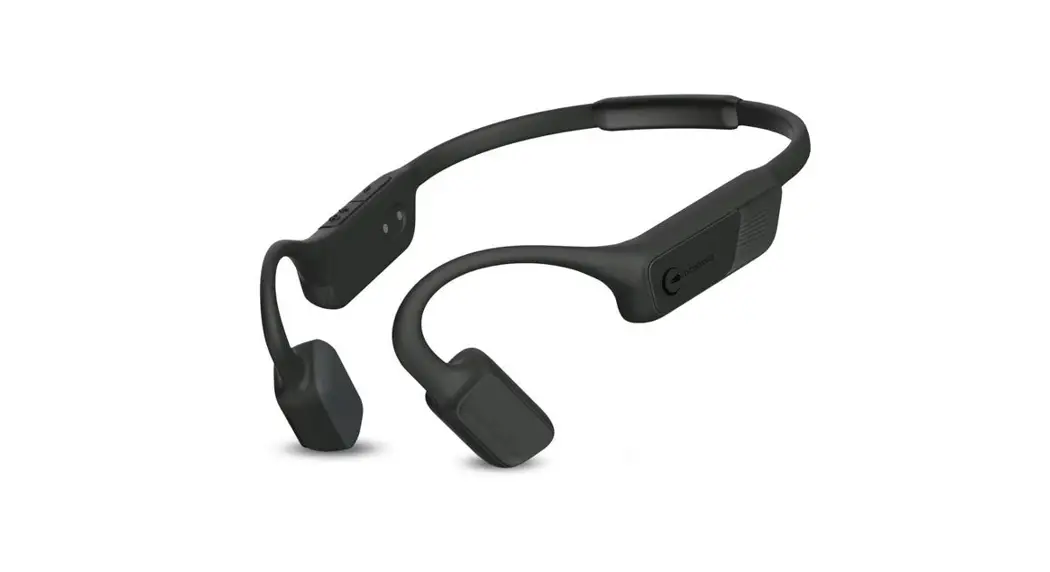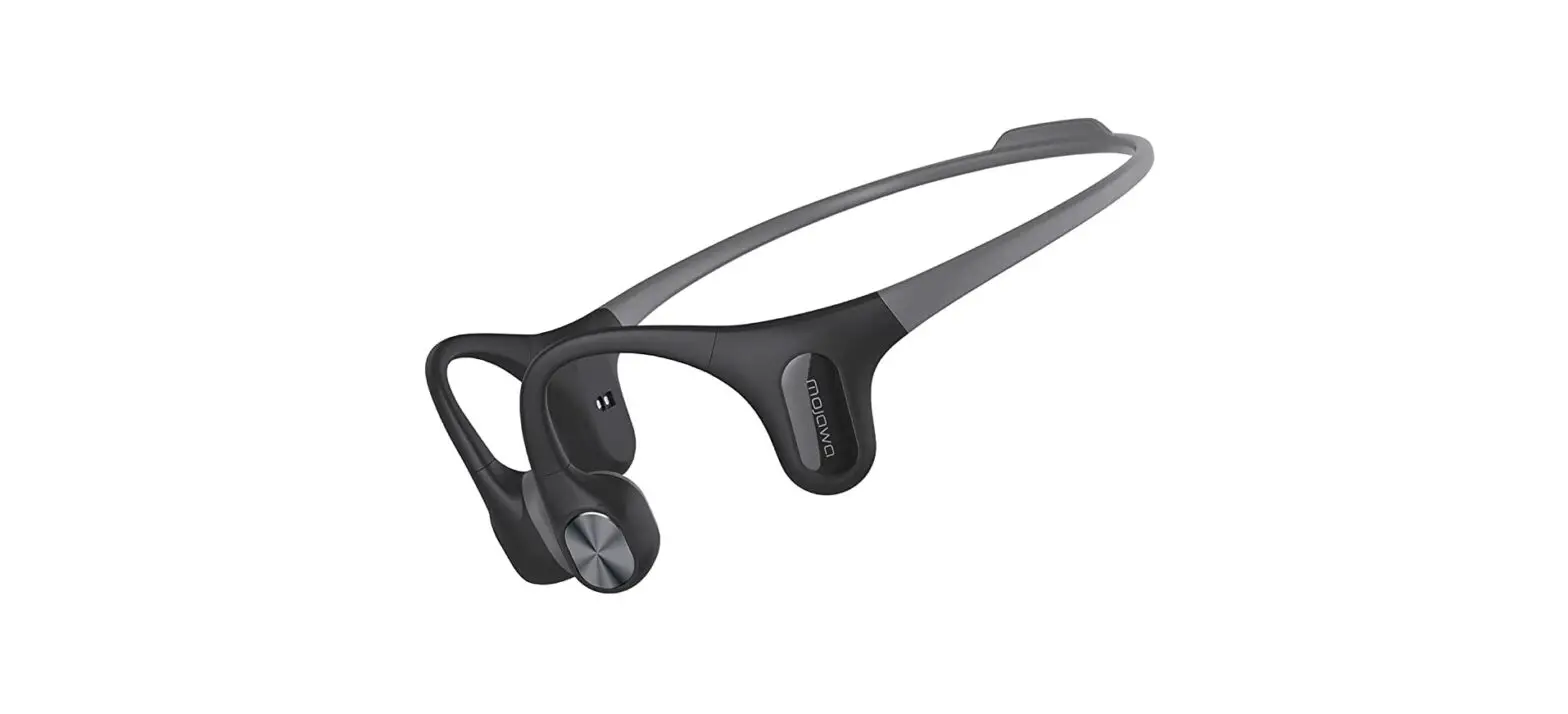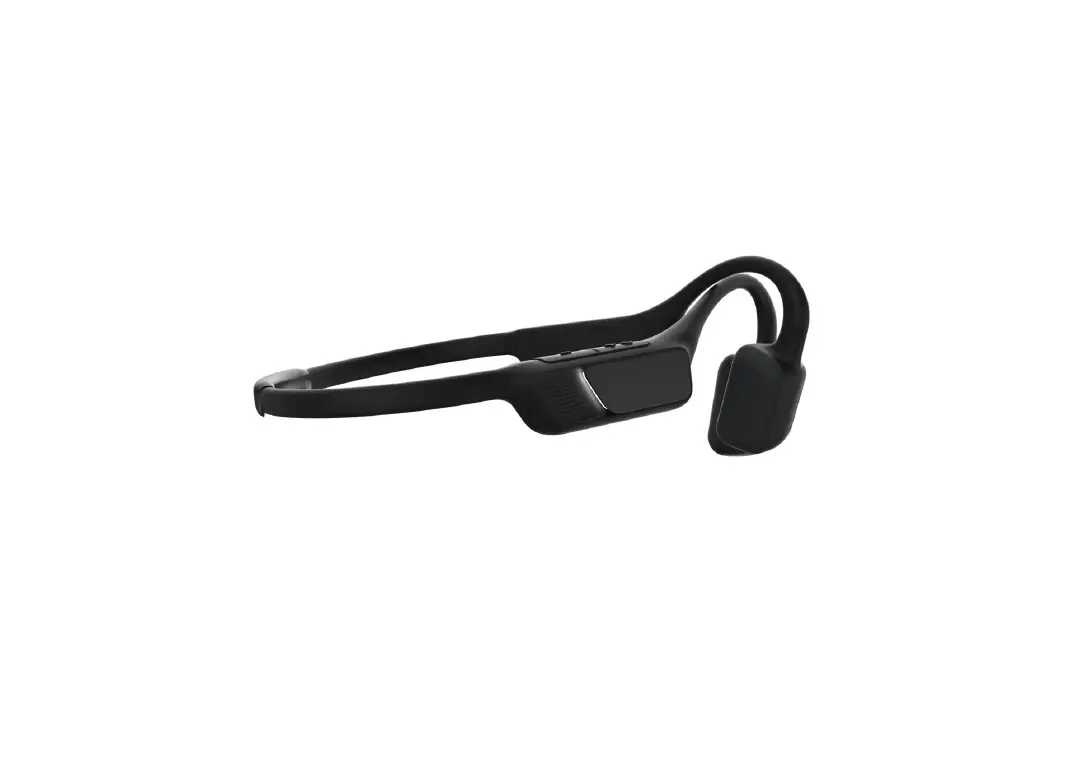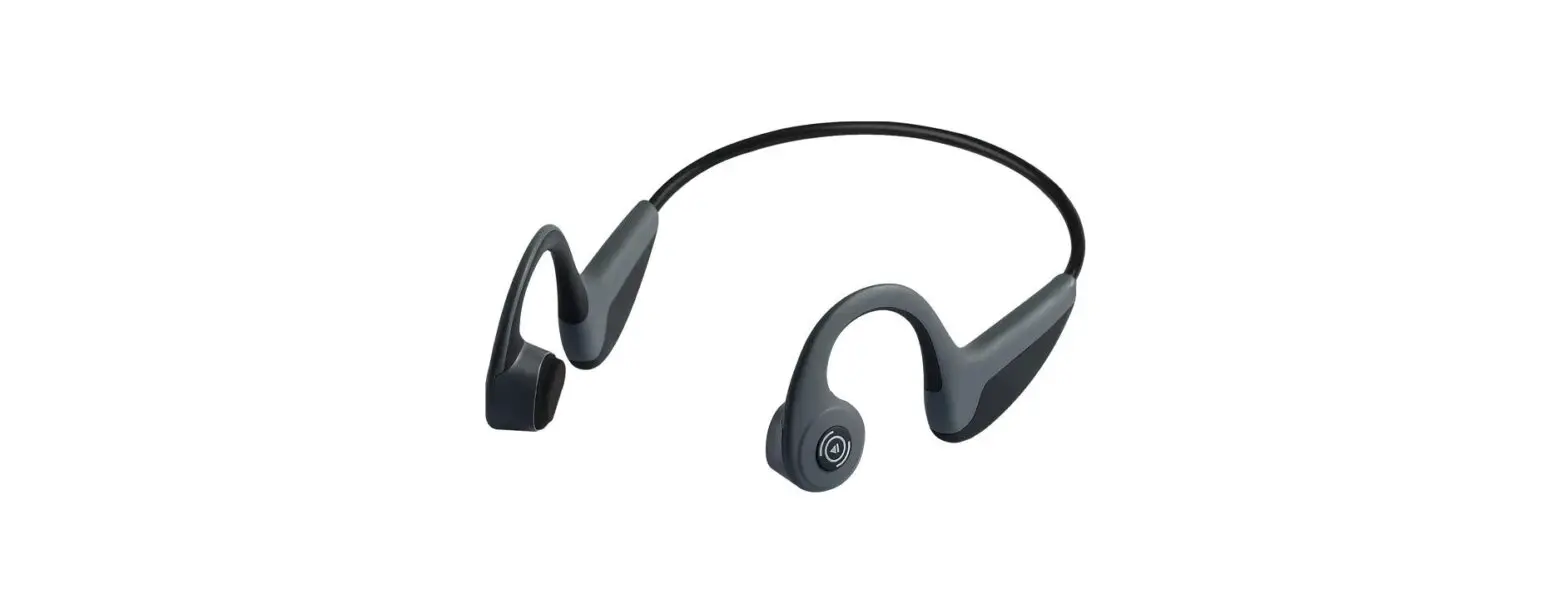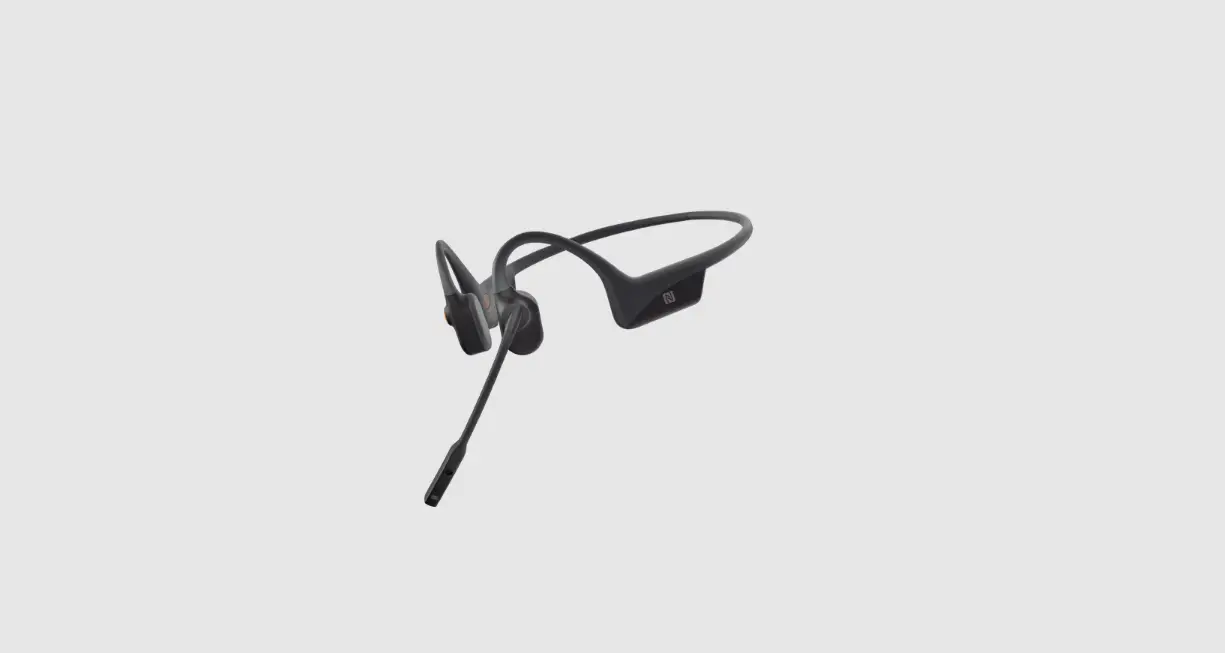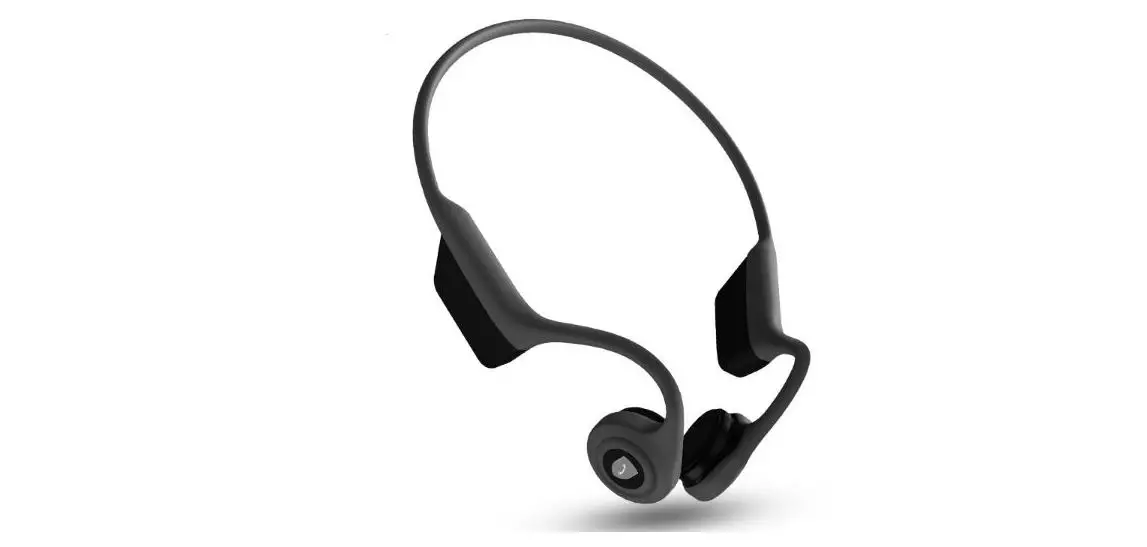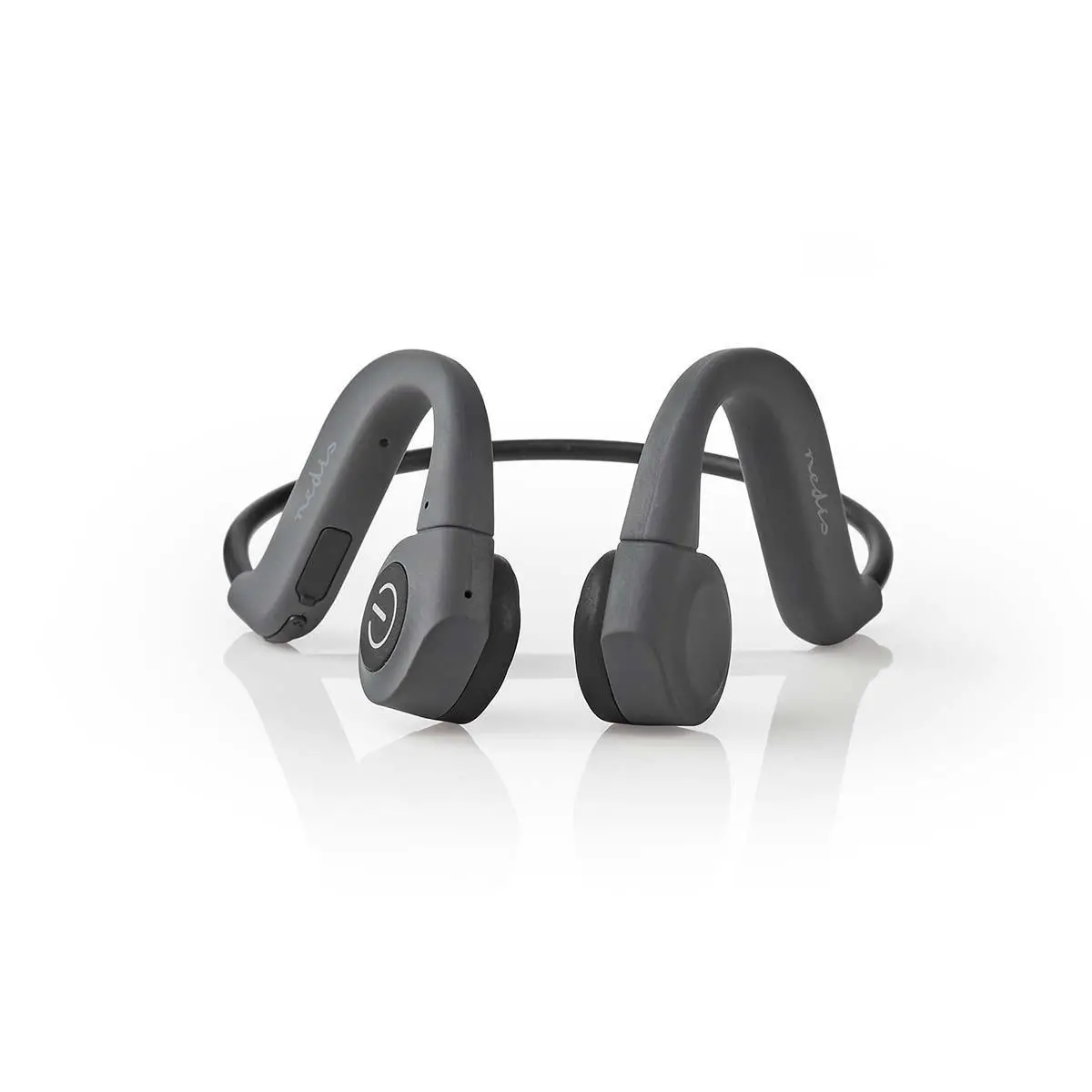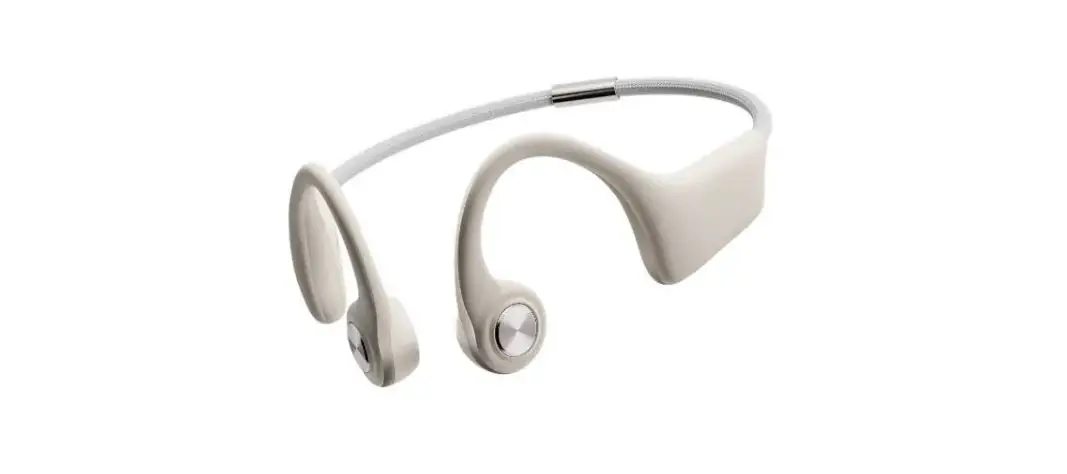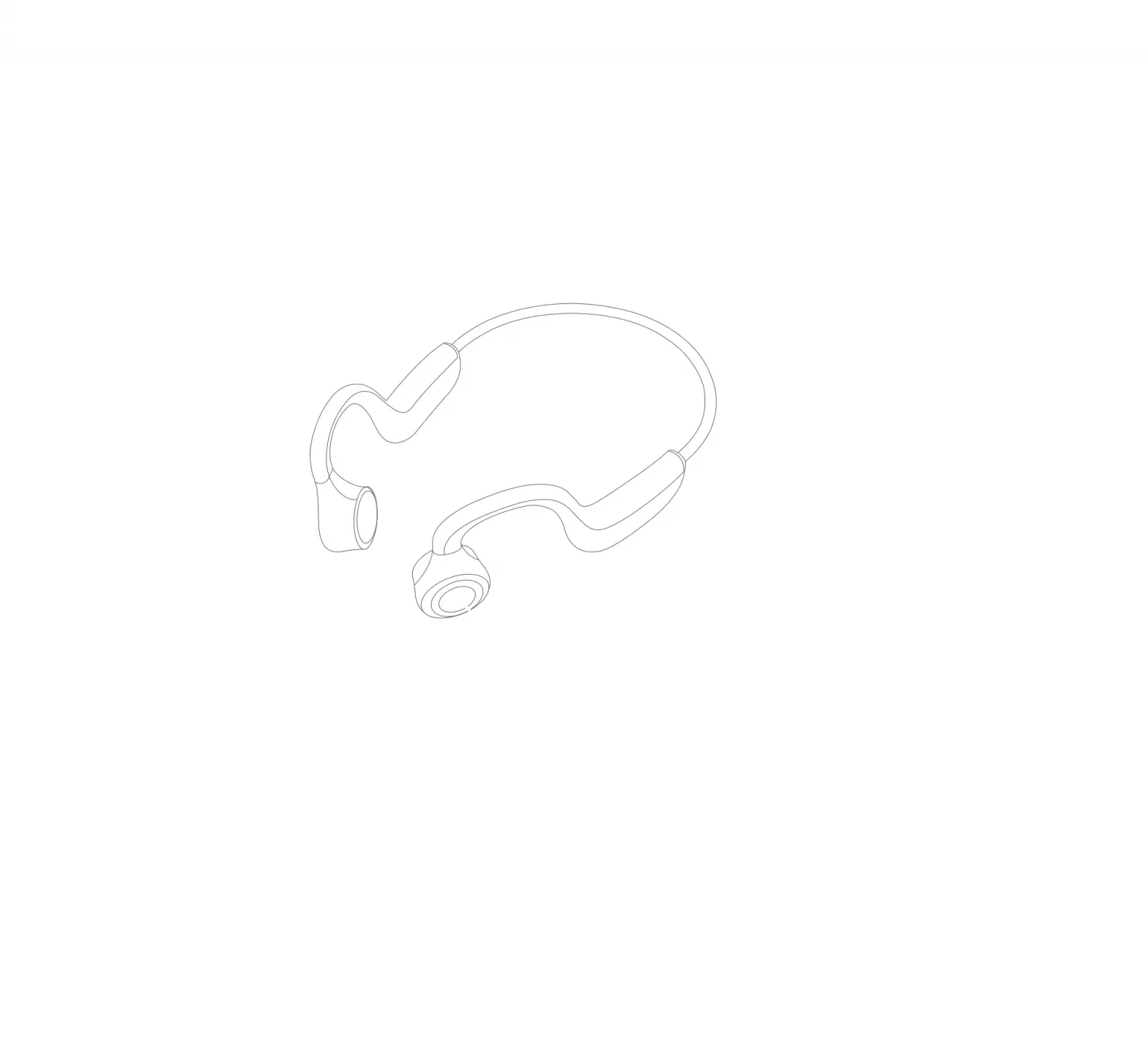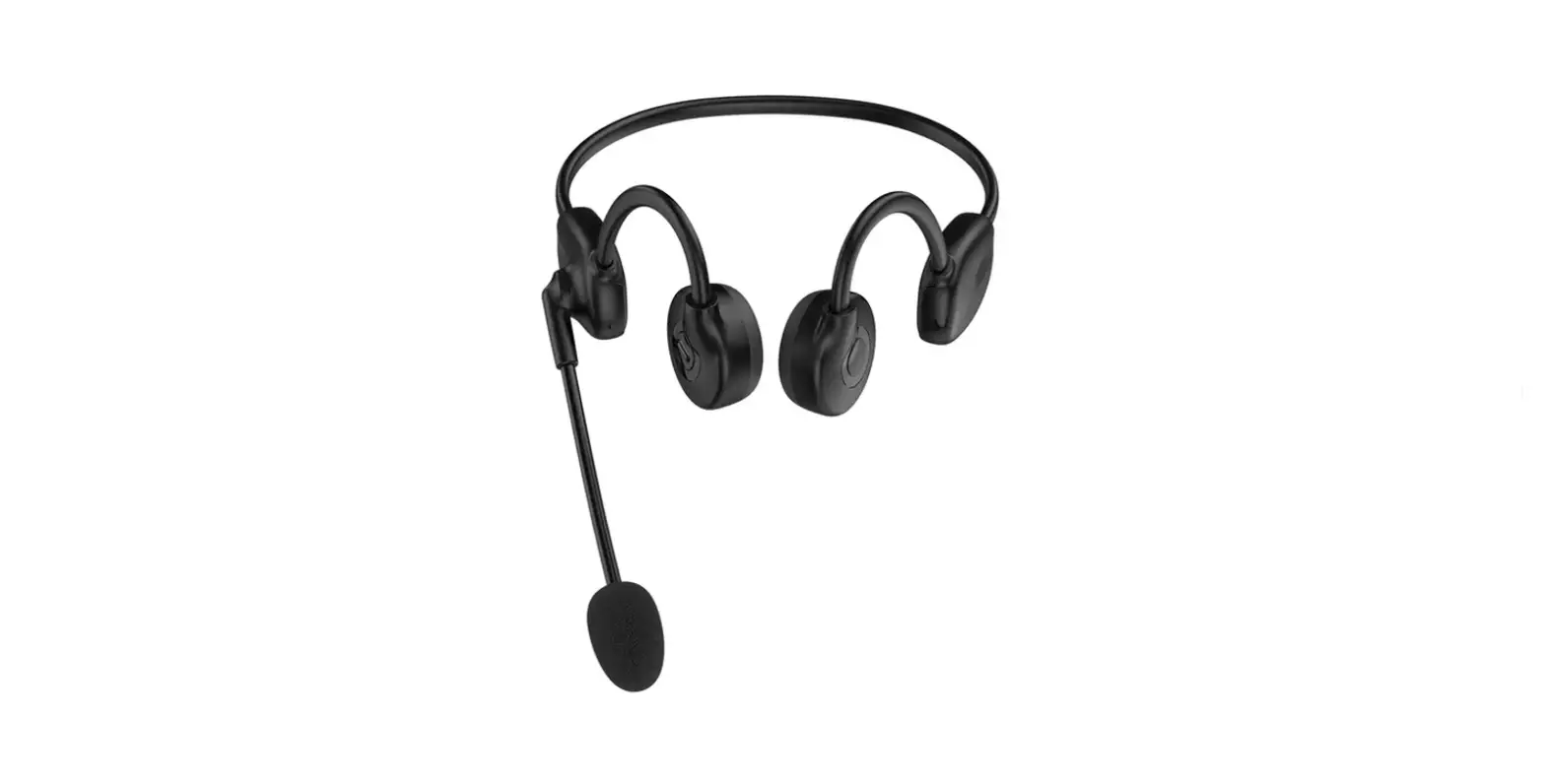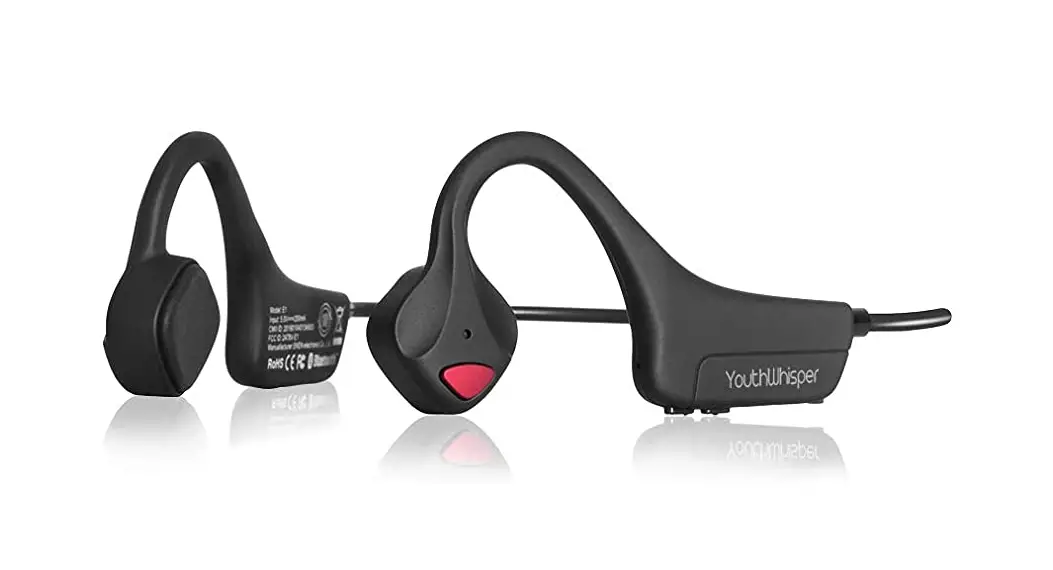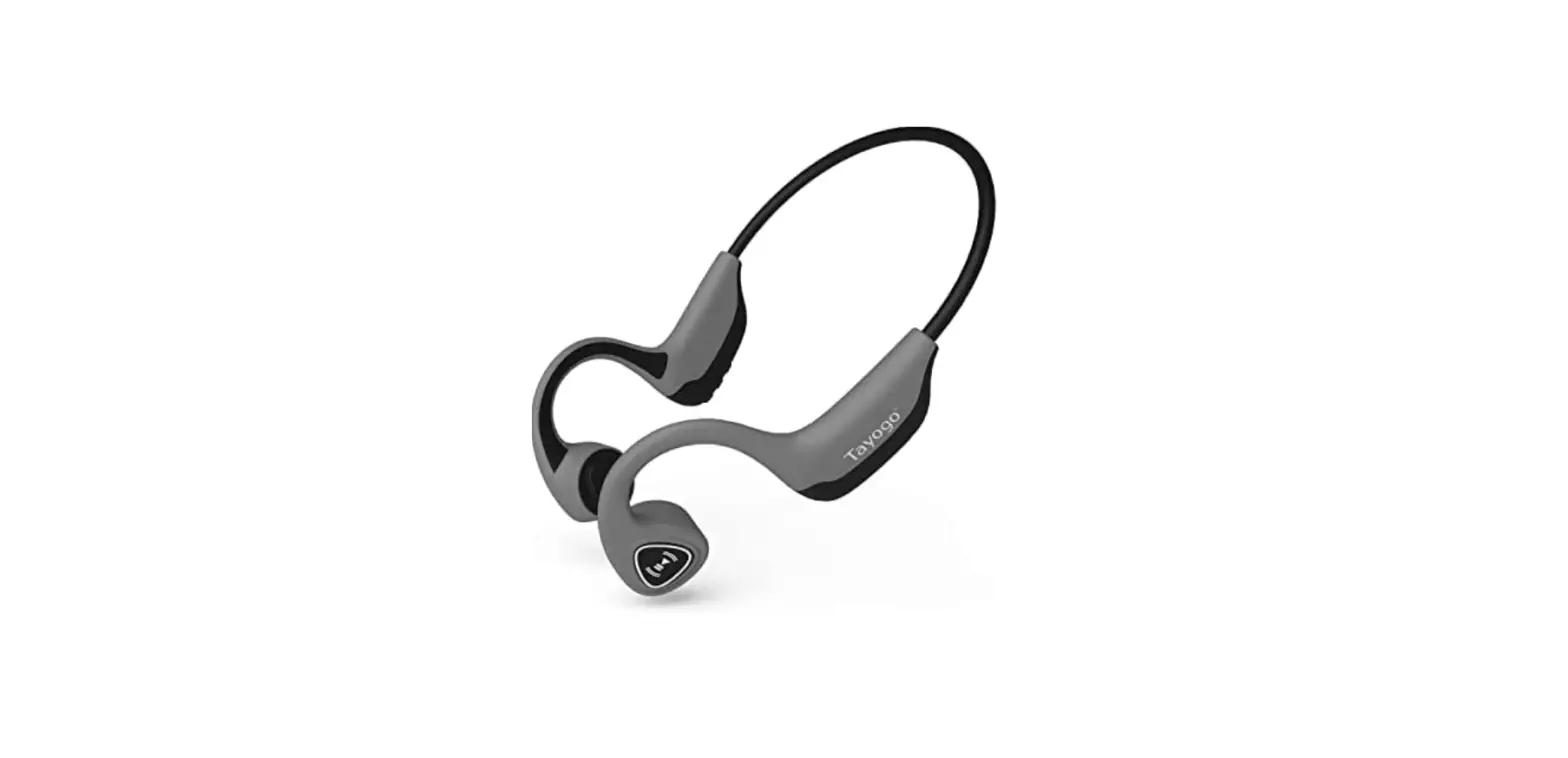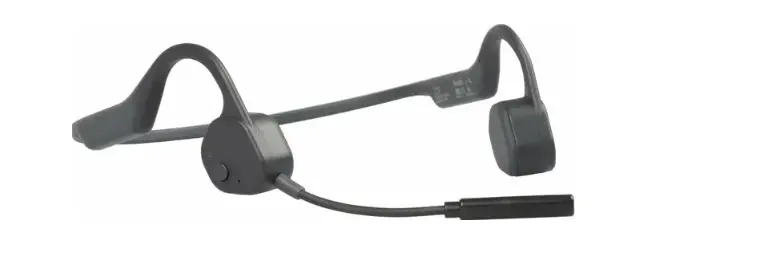
mojawa MOJO1 Bone Conduction Headphone
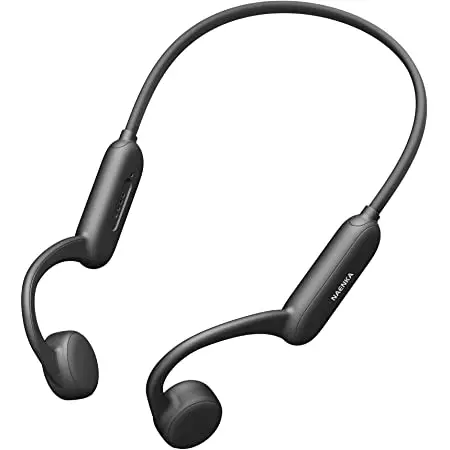
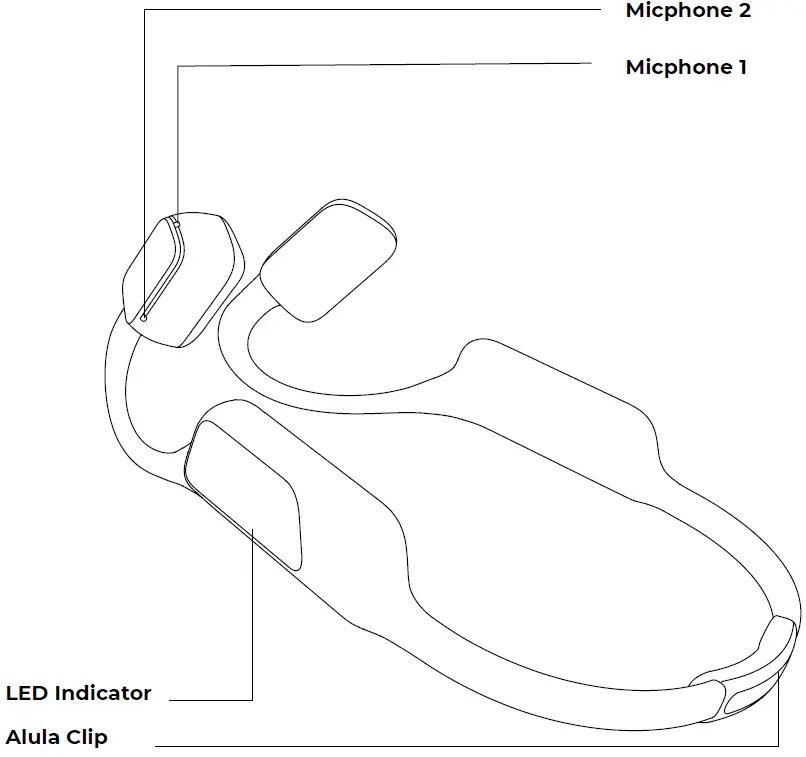
Components
Quick Start
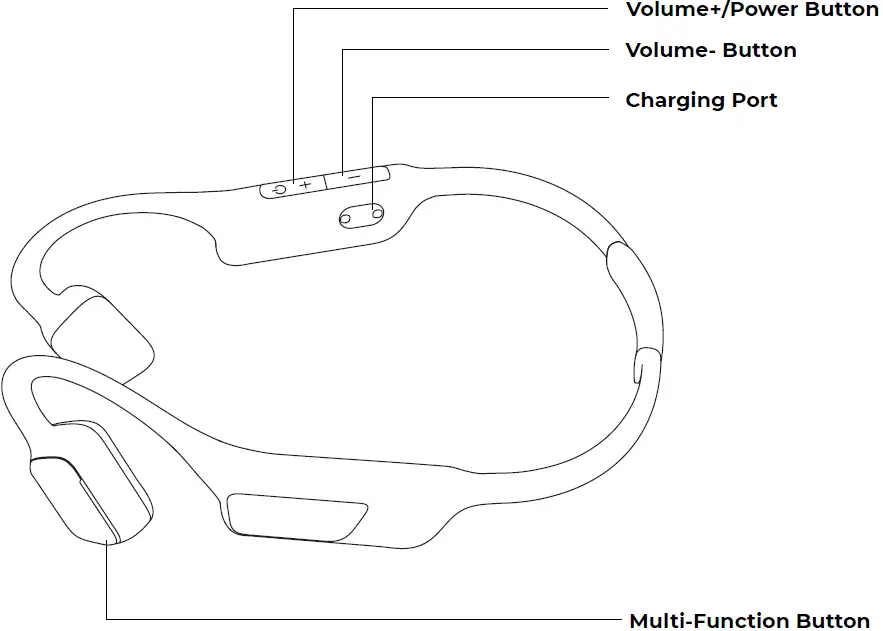
- Power on:
Press and hold the Power button for 2 seconds. - Pairing:
Press and hold the Power button for 4 seconds to enter the pairing mode. On your phone, tap to search for the Bluetooth device named “MOJO1” to connect.
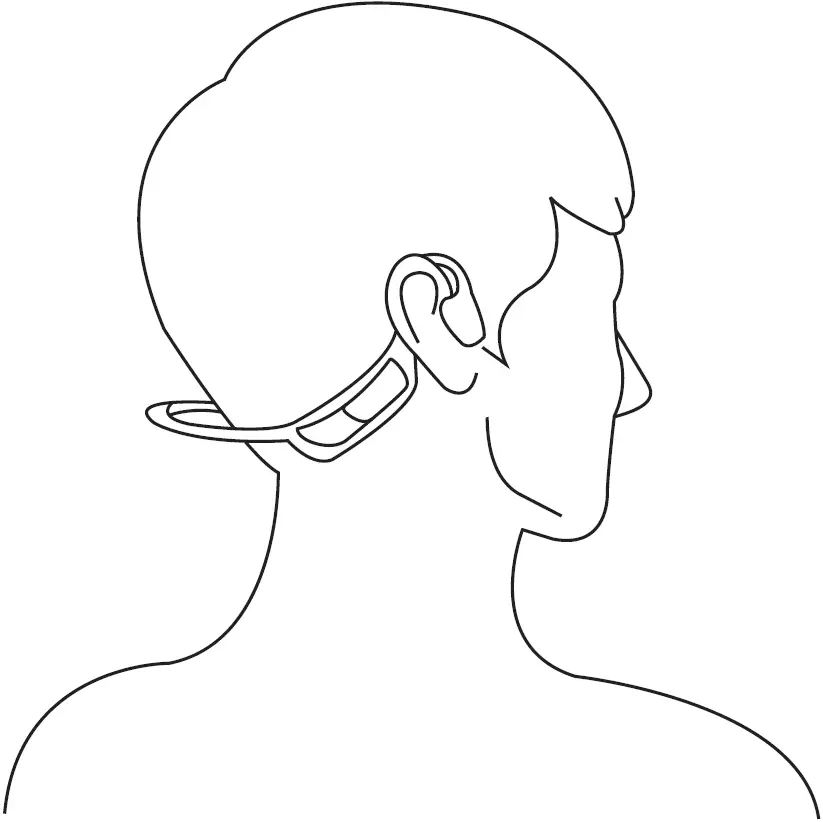
How to Wear
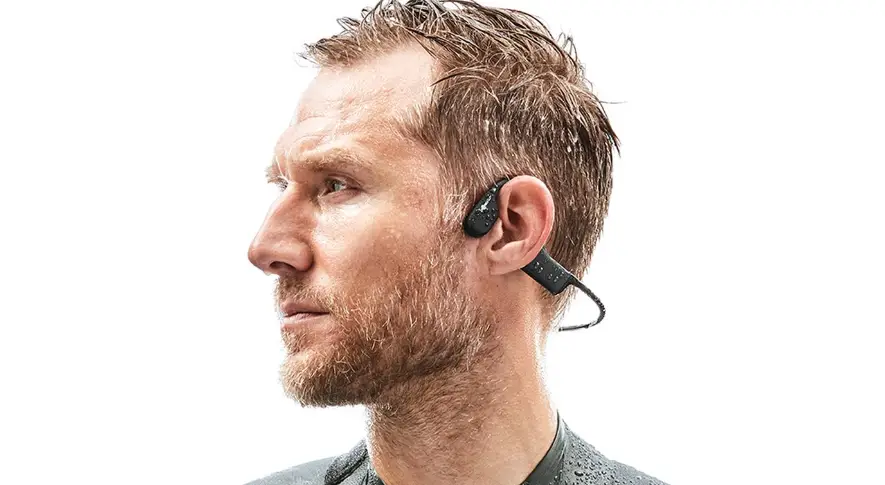
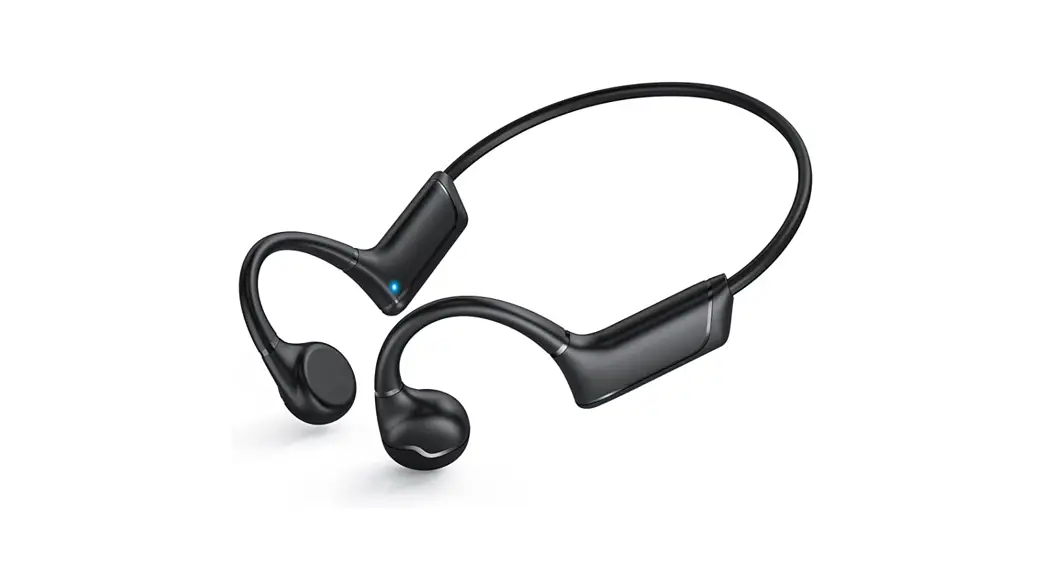
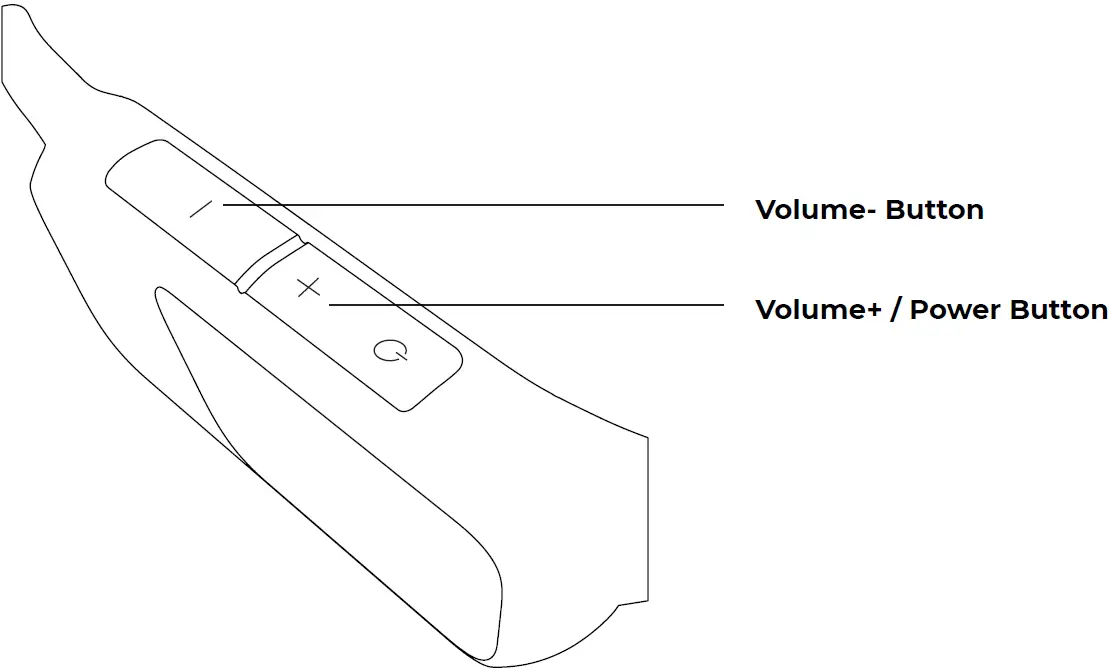
Identify the left and the right of the headphones by the Volume button and the LED indicator should be on the right side. Wear the head-phones by putting it in the back of your head and make it firmly seat on your ears.
Power On
Press and hold the Power button for 2 seconds until it says “Power On”
Power Off
Press and hold the Power button for 2 seconds until the tone is heard and release the Power button then it will say “Power Off and the” indicator flashes red for 1 second then off.
Volume Up/Down
Click Vol+/ Vol-. A tone will sound whenever click the button and there will be a special tone when the volume is set to the maximum.
Multi-Function Button
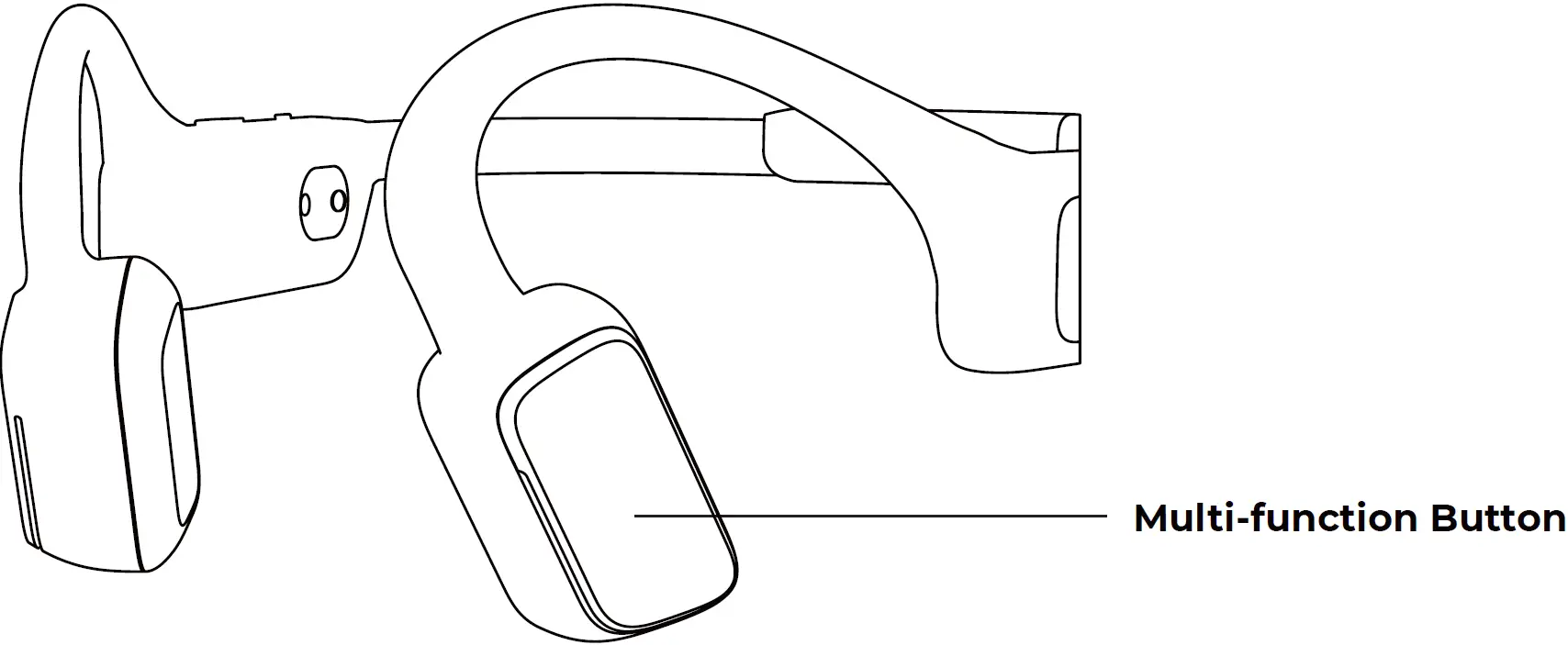
Function | Action |
| Play/Pause music | Click 1x |
| Skip to the next track | Click 2x |
| Back to the previous track | Click 3x |
| Answer a call | Click 1x |
| Decline an incoming call | Press and hold the button for 2 seconds |
| Cancel an outgoing call | Click 1x |
| Hang up a call | Click 1x |
| Continue to talk with A and decline B | While talking to A, press and hold the Function button for 2 seconds to decline the incoming call from B |
| Hang up on the call from A and an- swer B | Click the Function button twice to hang up on the current call with A and answer the incom- ing call from B. |
| Put A on hold and answer B | While talking on the call with A, click the Function button once to answer the incoming call from B. |
| Voice assistant | Press and hold the button for 2 seconds. |
| Switch between your phone and headphones for talk | Click the button twice on the call. |
About Charging
Charge the headphones with the included magnetic charging cable. The indicator will flash blue after it is fully charged.
Before the first use, ensure the charging port is dry and free from liquid, and then charge the headphones.
Bluetooth Connection
| Pair for the first time | With the headphones powered off, press and hold the Power button for 4 seconds to enter the pairing mode. On your phone, tap to search for the Bluetooth device named “MOJO1”. The headphones say “Power On” and “Pairing”, and The red and blue indicators flash alternately until the headphones say “Source Connected” |
| Connect automatically | With the headphones (with a pairing history) powered off, press and hold the Power button for 2 seconds to reconnect the last-connected Bluetooth-enabled device. The headphones say “Power On” and “Source Connected” |
| Disconnect | Disable Bluetooth on the phone for disconnection from the headphones. The headphones say “Source Disconnected twice slowly”. |
| Turn on Bluetooth | With Bluetooth disabled, press and hold the Power button and the Function button simultaneously for 2 seconds for reconnecting through Bluetooth. The headphones say “Source Connected”. |
| Turn off Bluetooth | When Bluetooth connection is established, press and hold the Power button and the Function button simultaneously for 2 seconds for disconnection of Bluetooth. The headphones say “Source Disconnected”. |
| Unpair | Use the phone to cancel the pair with the headphones. The headphones say “Source Disconnected Pairing” and become discoverable again. |
| Reconnect automatically | With the headphones powered on,
|
Specification
| Model: MOJO1 | Speaker: Bone conduction speaker |
| Frequency response: 2.4GHz | Bluetooth range: 10 m |
| Microphone sensitivity: -36dB | Bluetooth version : Bluetooth 5.0 |
| Bluetooth protocol: A2DP 1.3, HFP (Hands- | Endurance: Up to 8 hours |
| Battery type: Li-polymer battery | Charging time: <=80 minutes |
| Standby time: The product will power off automatically when it is not connected for 3 minutes. | Power supply:5V 500mA |
| Weight: 34g(with Alula) | Warranty period: 1 year |
| Charging voltage: 5±0.25 V | Ingress protection rating: IP67 |
| Speaker impedance: 8.0 ohm±20% | Battery capacity: 150mAh |
| Bluetooth frequency range: 2.402-2.480 GHz | Bluetooth output power: >=3dBm |
LED Indicator
| Flashes blue for 1 second | Power on |
| Flashes red for 1 second | Power off |
| Flashes blue slowly | Connectable |
| Flashes red and blue 3 times every second | Ready to pair |
| Flashes blue for 1 second | Connected |
| The indicator flashes blue for 0.1 seconds every 0.5s | Incoming call |
| When the battery level is lower than 30%, the indicator flashes red at an interval of 1 second. When the battery level is between 30% and 80%, the indicator flashes green at an interval of 1 second. When the battery level is between 80% and 100%, the indicator flashes blue at an interval of 1 second. When the battery is fully charged, all indicators turn solid blue simultaneously. | Charging |
| The indicator flashes red for 0.05 seconds every 10 seconds for two times. | Low battery |
| The indicator flashes red for 0.5 seconds and then off for 0.5 seconds, repeating for three times. | Reset to factory default setting |
Storage and Maintenance
The headphones should be stored in a cool and dry place. It should be used at the ambient temperature between 5°F (-15°C) and 131°F (55°C) and charged at the ambient temperature between 32°F (0°C) and 104°F (40°C). The lifespan of the battery may be reduced when it is operated in extreme environment where it is too cold, hot or damp.
When left unused for a long time, the headphones must be recharged before use.
The headphones may be cleaned regularly, but the microphone may not be flushed or immersed, otherwise, its performance may be affected.
Clean the headphones with a soft and dry cloth.
Please do not charge the headphones immediately after sports as any residual sweat at the charging port may damage the circuit of the headphones.
A dry charging port helps to reduce the damage risk of your headphones during charging.
Important Safety Instructions
Use manufacturer-designated accessories and supplies only.
Warning/Caution
- The headphones should be kept out of the reach of children and pets to avoid swallowing it in accident. There is a Li-polymer battery in the headphones, which can potentially cause a hazard. If the part is swallowed, seek medical care immediately. The unused headphones should be kept out of the reach of children and pets.
- Do NOT use the headphones at a high volume for an extended period.
- To avoid hearing damage, use the headphones at a comfortable, moderate volume level. Your hearing may be damaged and the sound may also be distorted at a super high volume.
- Turn the volume down on the headphones before placing it in your ears, then turn the volume up gradually until you reach a comfortable listening level.
- Use caution and follow applicable laws regarding the use of phone and head phones if using the headphones for phone calls while driving. Some jurisdictions impose specific limitations on the use of such products while driving. Do not use the headphones for any other purposes while driving.
- When you need to use the headphones while engaging in an activity needing concentrated efforts, for example, riding a bicycle, or walking in or near the traffic, a construction site or railroad, please beware of your safety and follow relevant laws regarding the use of headphones.
- This product contains small parts which may be a choking hazard. It is not suitable for children under age 3.
- This product contains magnetic material. Consult your physician on whether this might affect your implantable medical device.
- Do not make unauthorized alterations to this product.
- Use this product only with an agency approved power supply that meets local regulatory requirements (e.g., UL, CSA, VDE, CCC).
- Do NOT expose products containing batteries to excessive heat (e.g. from storage in direct sunlight, fire or the like).
- Do not charge this product during thunder and lightning.
Optional Accessories
Earplugs
When traveling by plane or train, you may use ear earplugs to block out back-ground noise and enjoy better bone conduction sound.
Adjustable clip
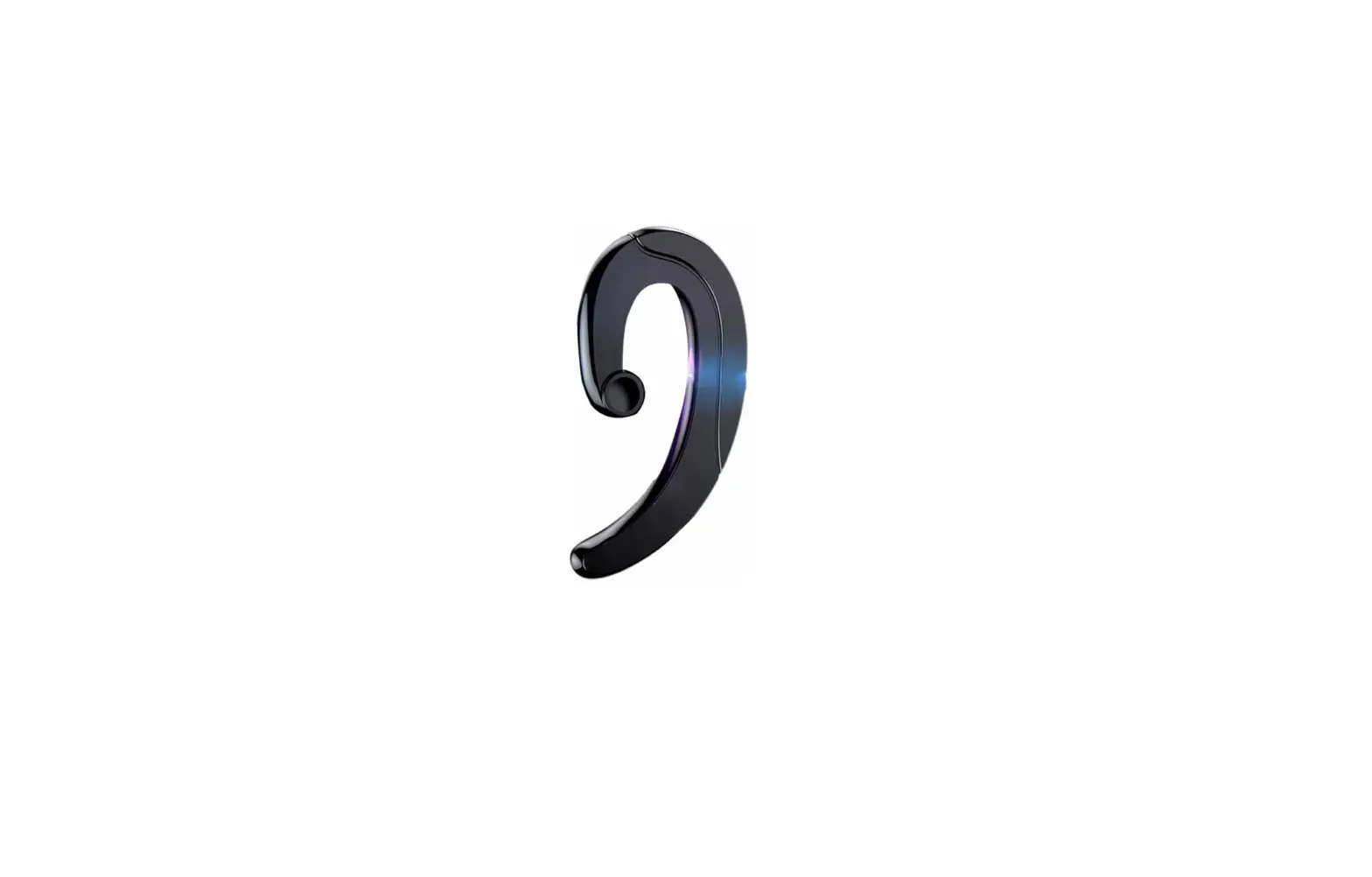
Alula clip is suitable for different adjustable clips for varying grip.
Safety Reminder: When you wear the headphones with an Alula in a dark environment, there will be clear reflections when the car lights illuminate on the Alula, which will serve as a reminder to warn the driver to pay attention to safety driving.
Reset to Factory Default Settings
Press and hold the Power button and Function button simultaneously for 4 seconds.
The headphones will be reset. All the pairing history will be deleted and the volume is reset to the initial value, 8.
Contact Us
If you have any other questions, please use camera or QR scanner to scan to get assistance or visit http://www.mojawa.afterservice.vip or mail to: [email protected]
FCC Statement
This equipment has been tested and found to comply with the limits for a Class B digital device, pursuant to part 15 of the FCC Rules. These limits are designed to provide reasonable protection against harmful interference in a residential installation. This equipment generates uses and can radiate radio frequency energy and, if not installed and used in accordance with the instructions, may cause harmful interference to radio communications. However, there is no guarantee that interference will not occur in a particular installation. If this equipment does cause harmful interference to radio or television reception, which can be determined by turning the equipment off and on, the user is encouraged to try to correct the interference by one or more of the following measures:
- Reorient or relocate the receiving antenna.
- Increase the separation between the equipment and receiver.
- Connect the equipment into an outlet on a circuit different from that to which the receiver is connected.
- Consult the dealer or an experienced radio/TV technician for help.
FCC Statement
This device complies with FCC radiation exposure limits set forth for an uncontrolled environment.
This device complies with Part 15 of the FCC Rules. Operation is subject to the following two conditions: (1) this device may not cause harmful interference, and (2) this device must accept any interference received, including interference that may cause undesired operation.
Caution!
Any changes or modifications not expressly approved by the party responsible for compliance could void the user’s authority to operate the equipment.

 MOJAVERSE
 mojawa.afterservice.vip