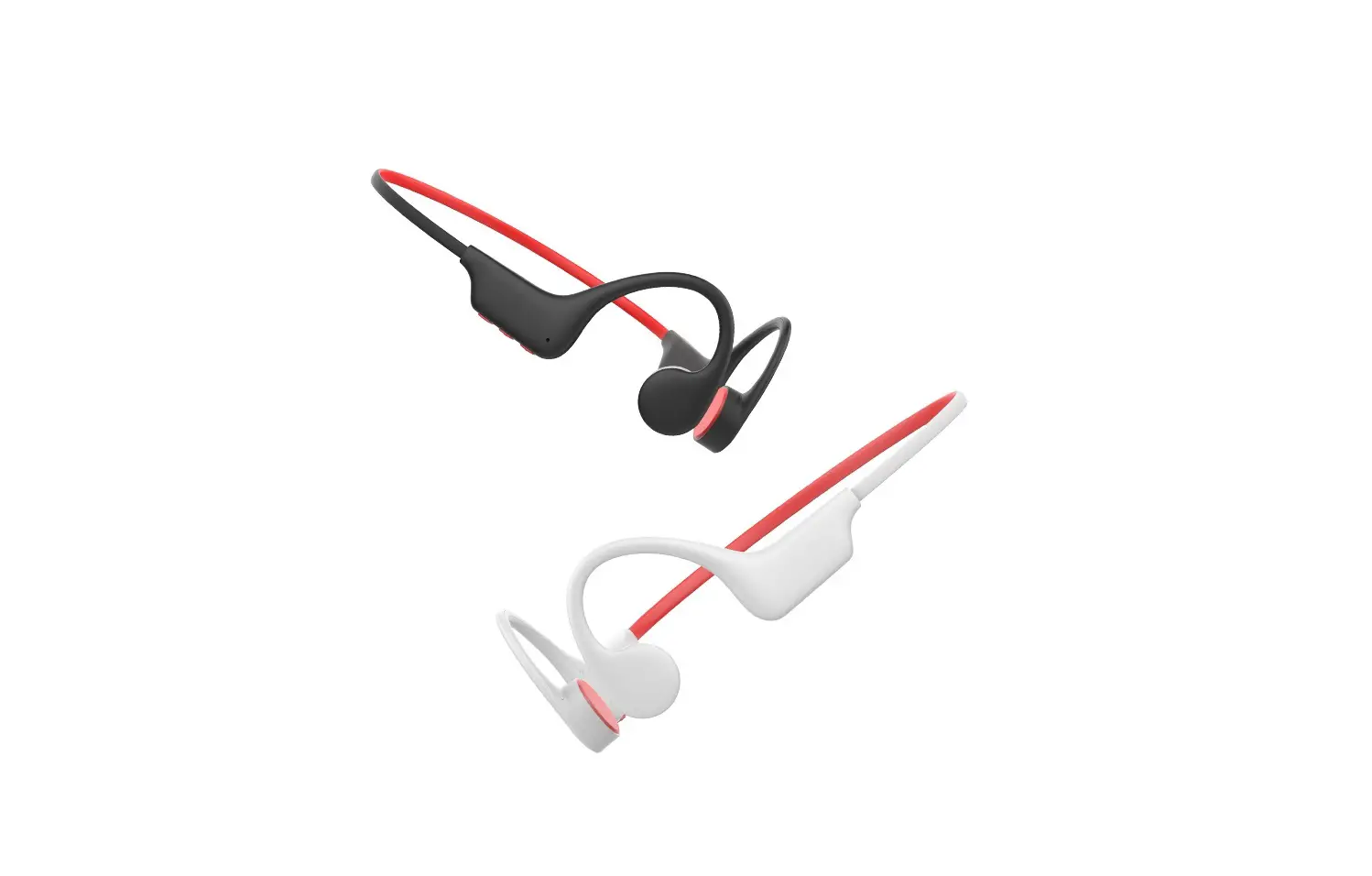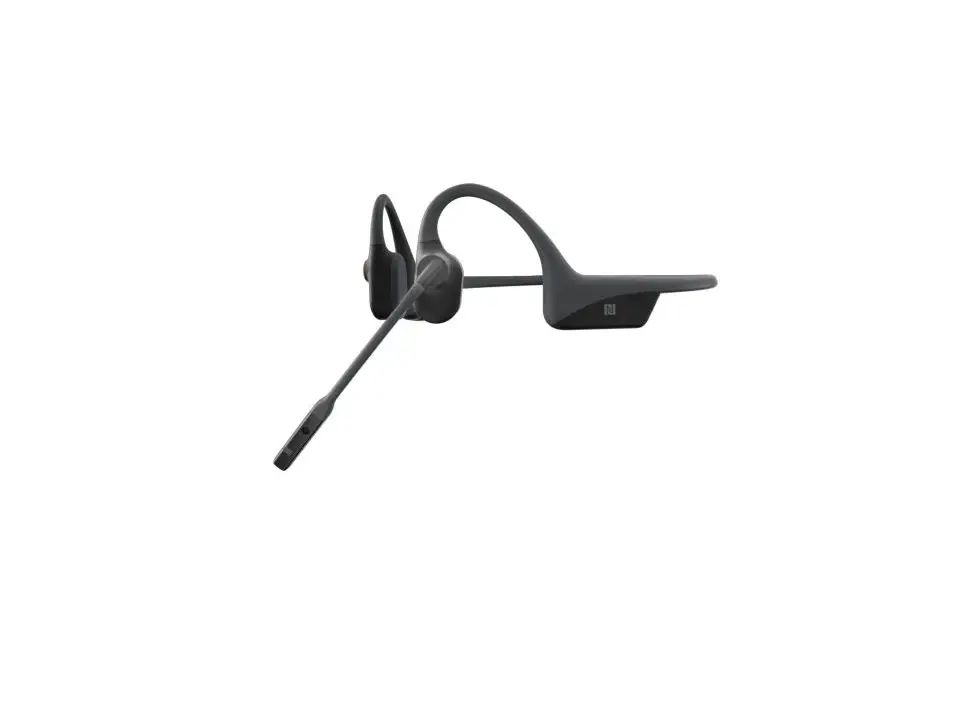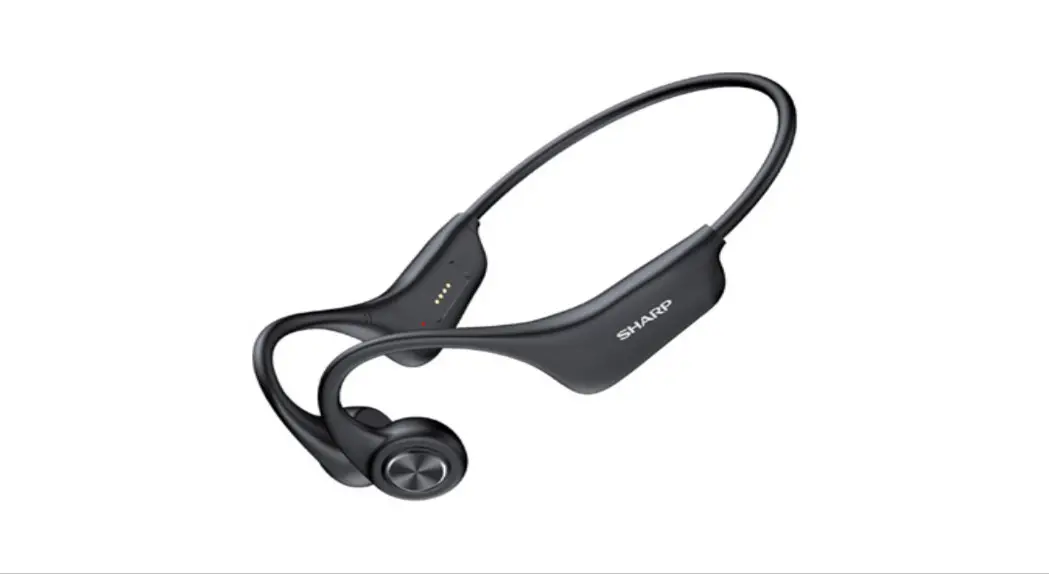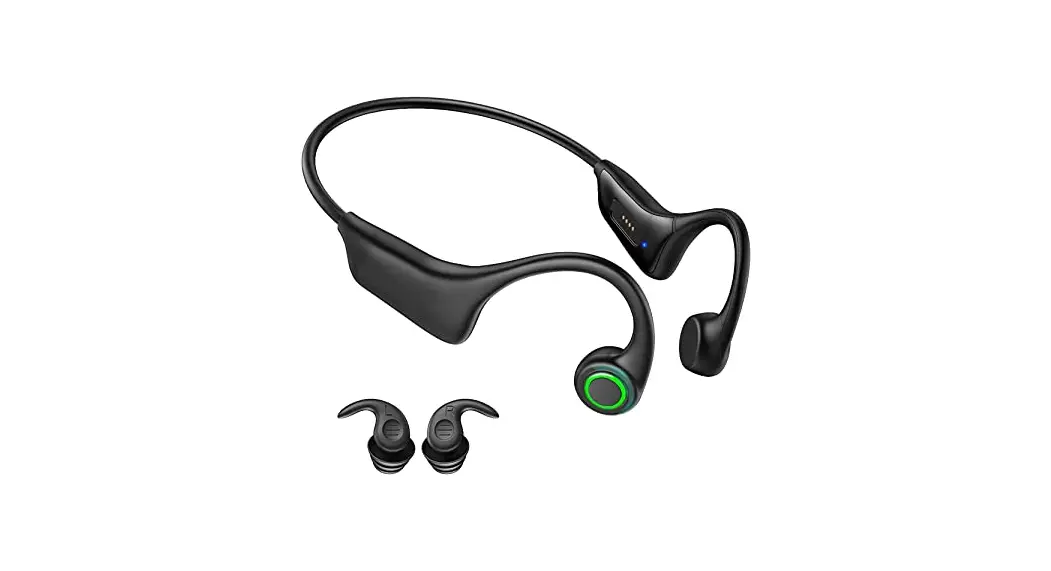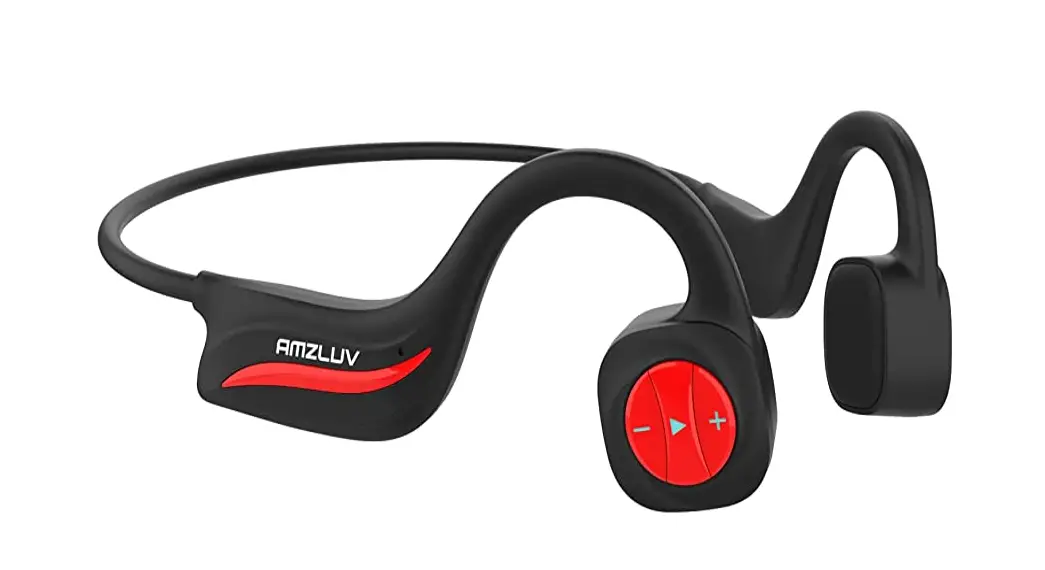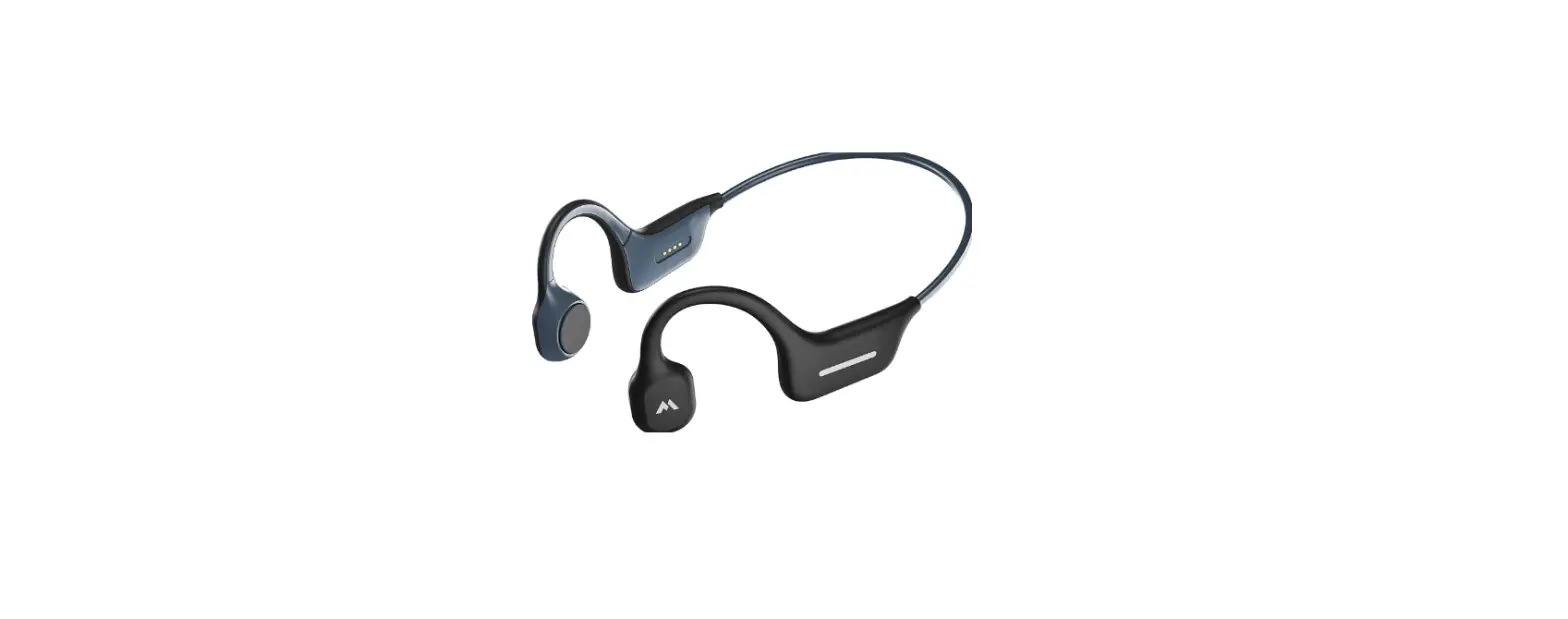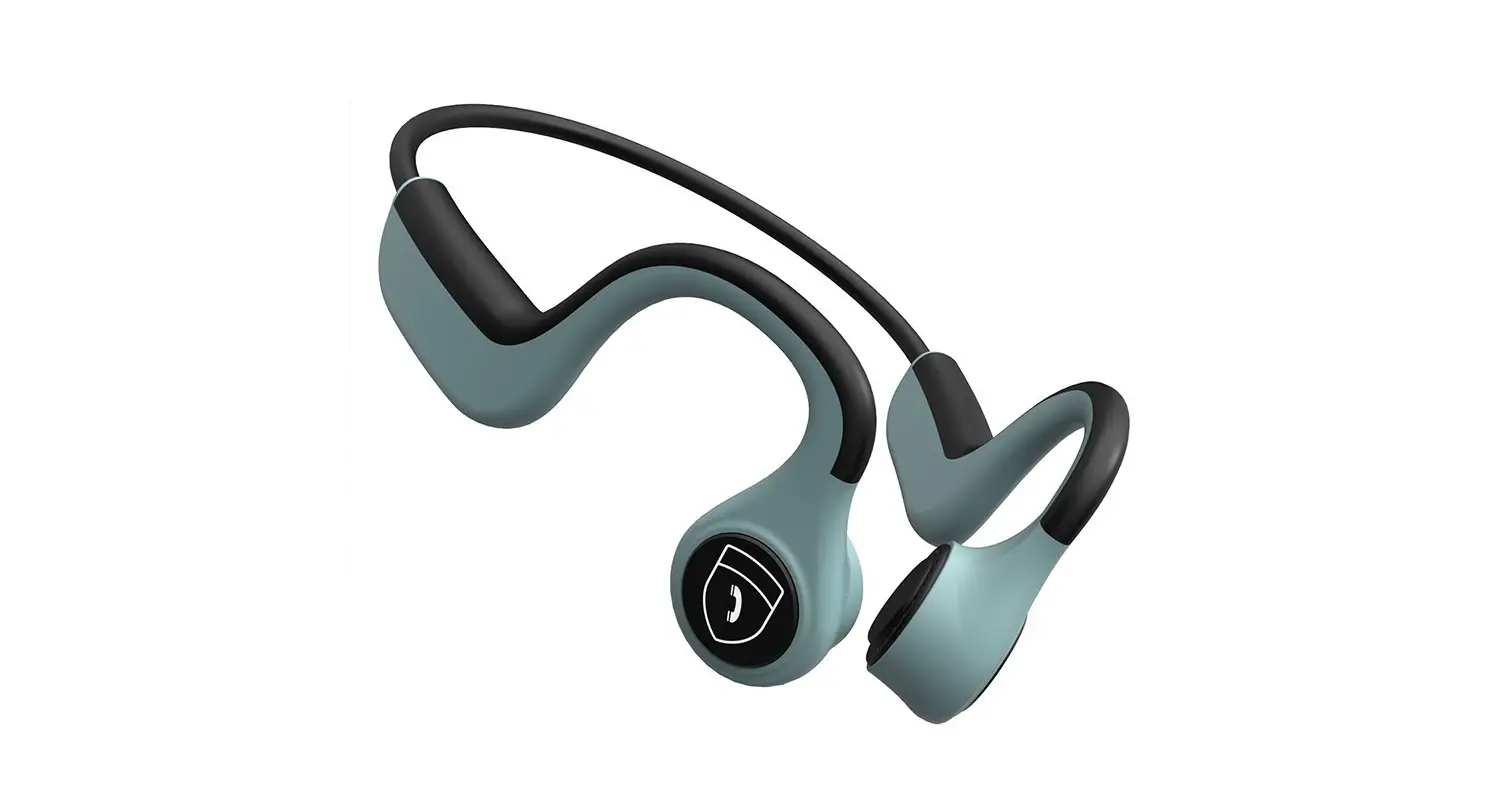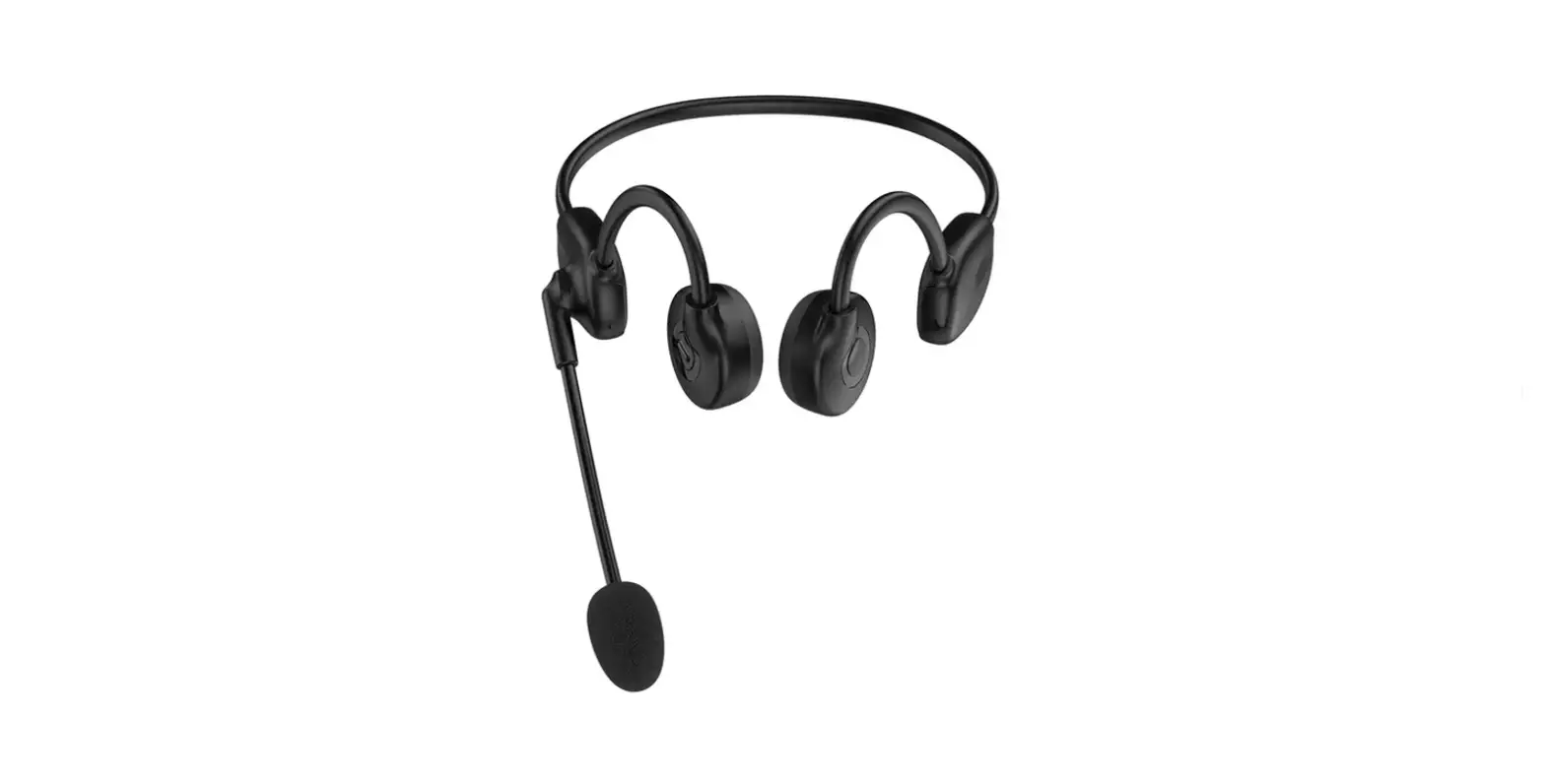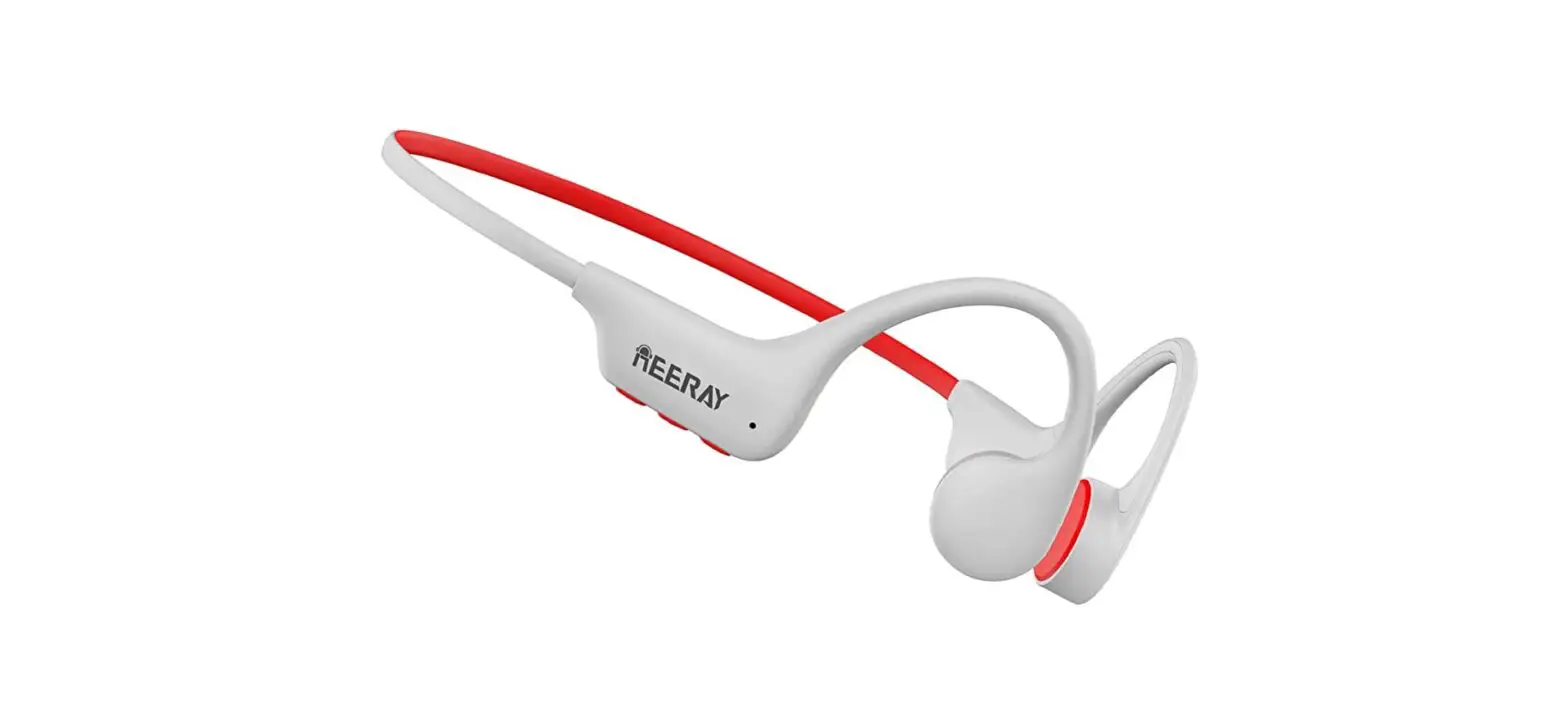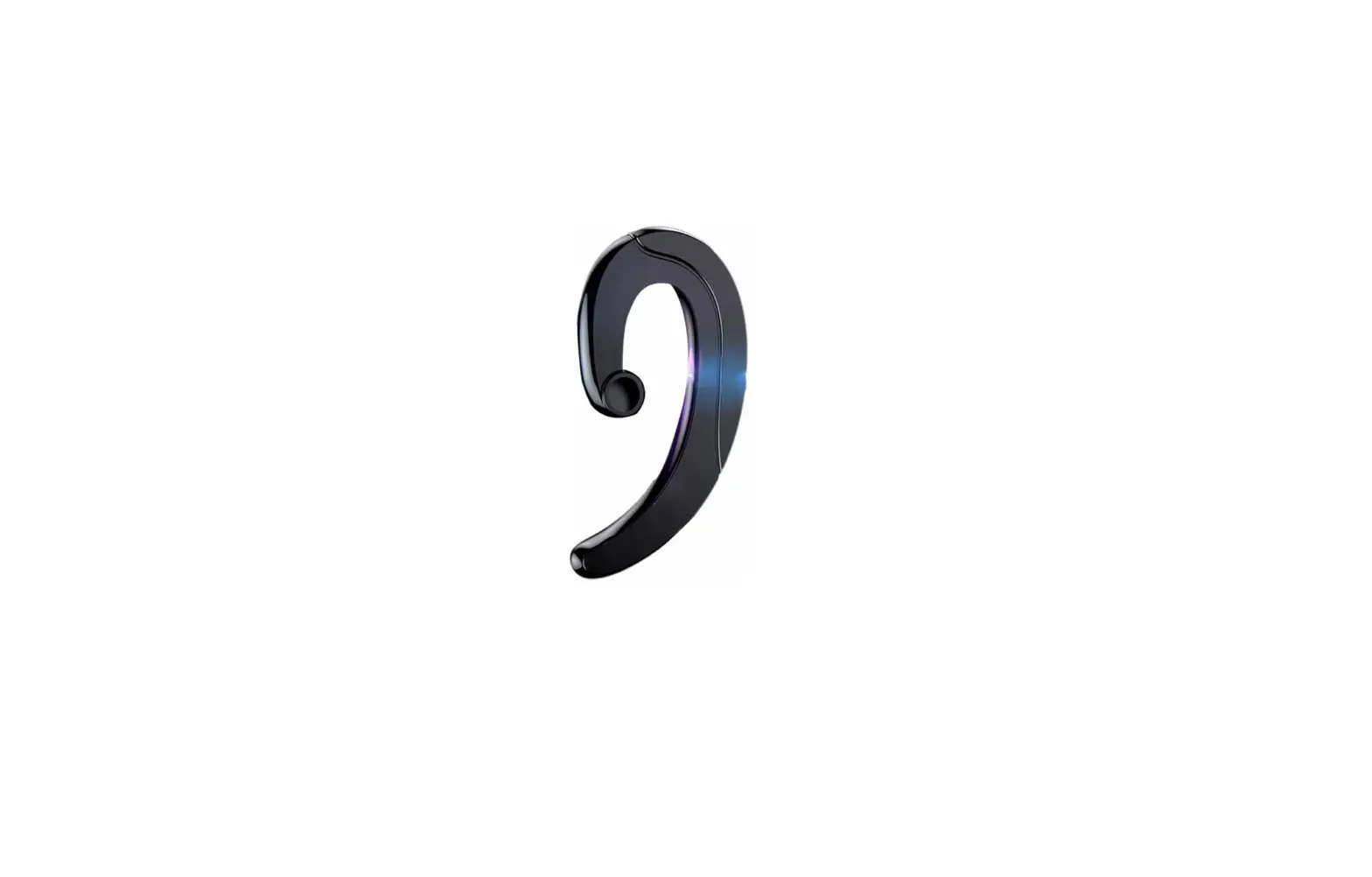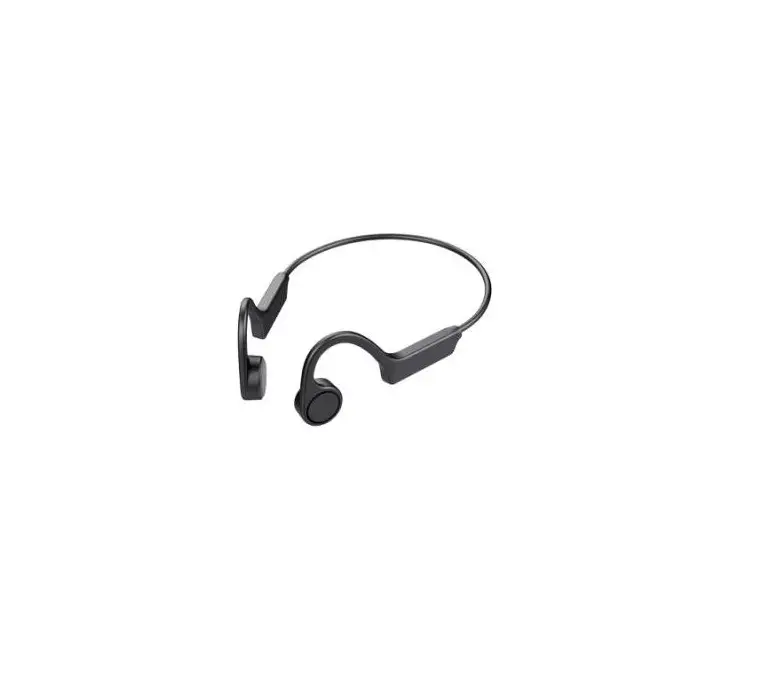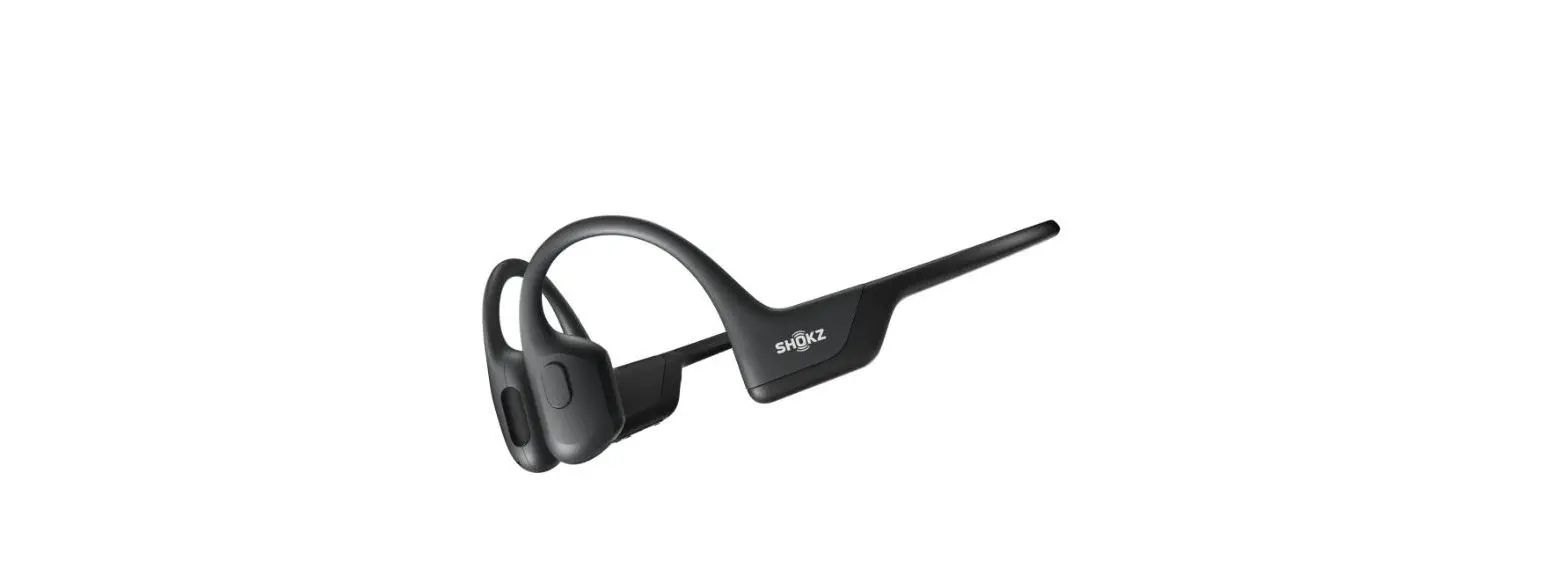

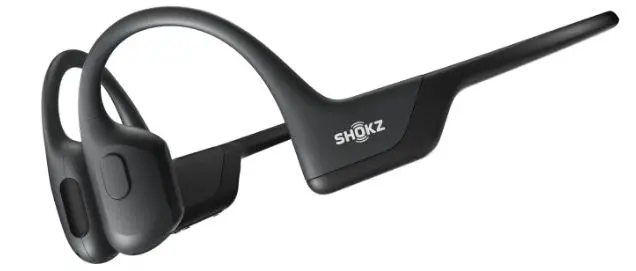
Shenzhen De Shi Industrial B9 Bone Conduction Wireless Headset
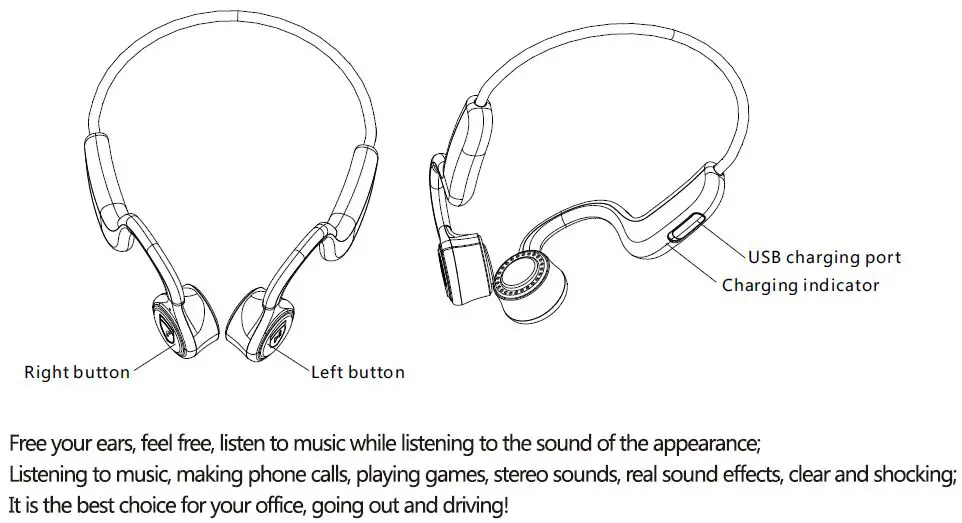
Wearing instruction
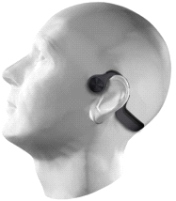
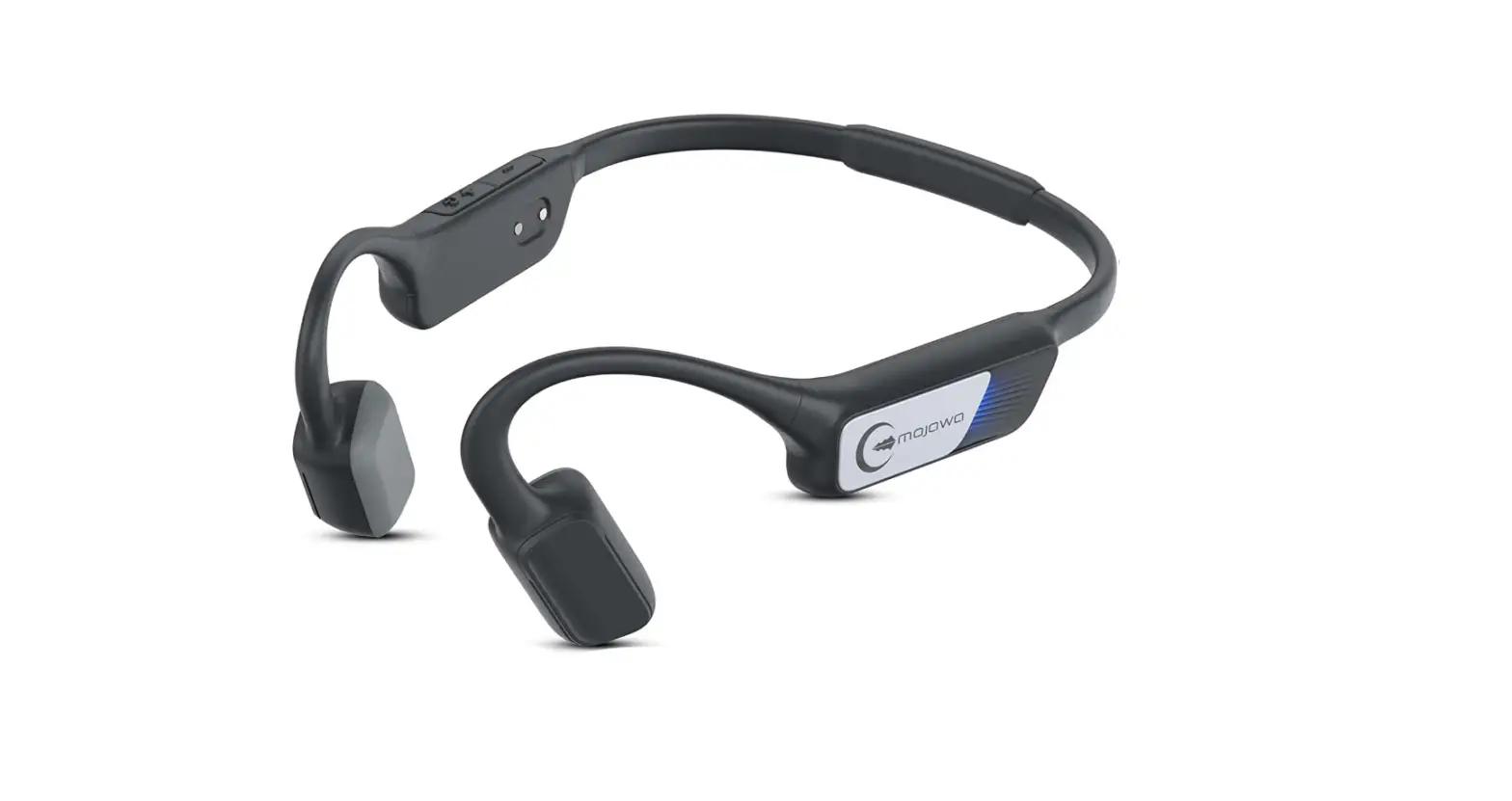
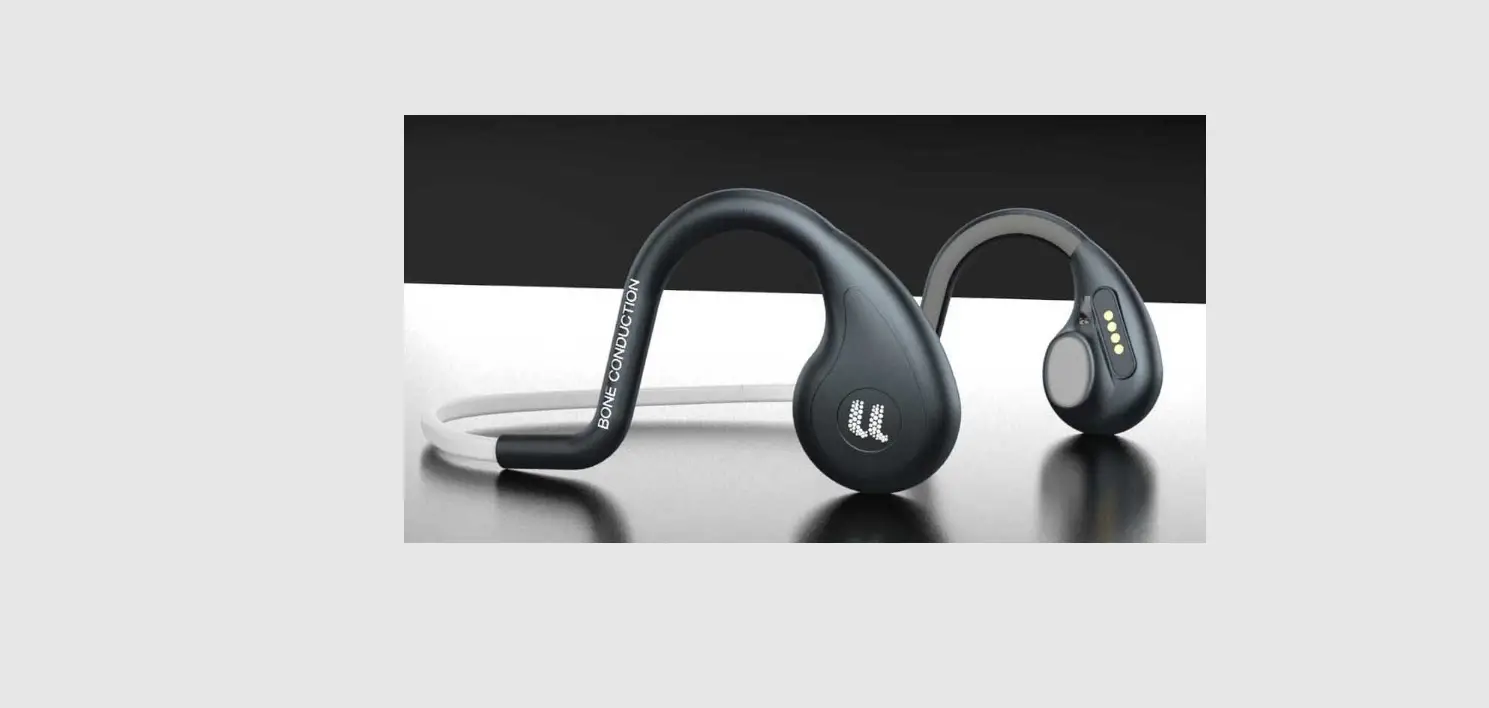
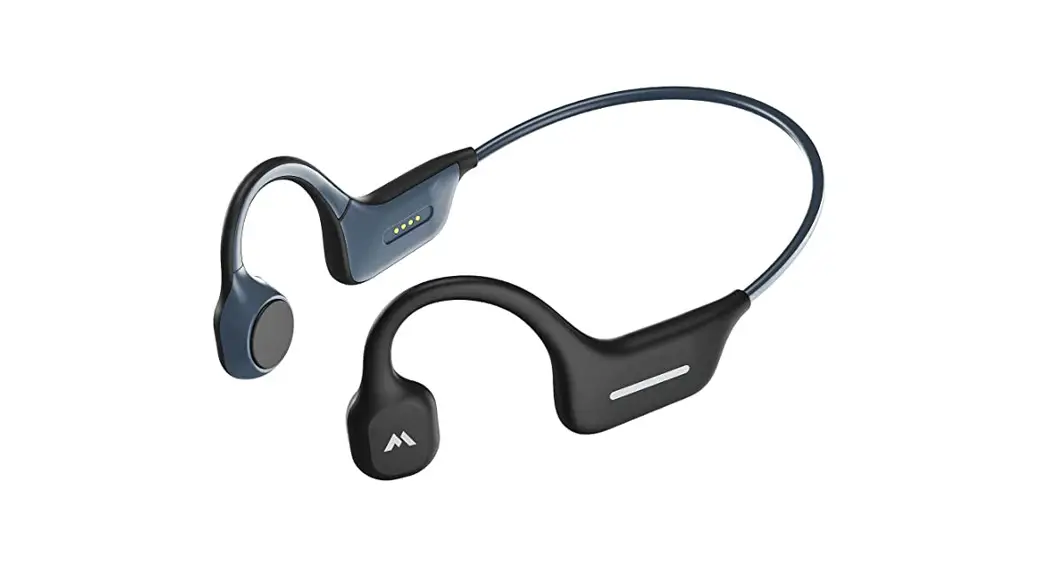
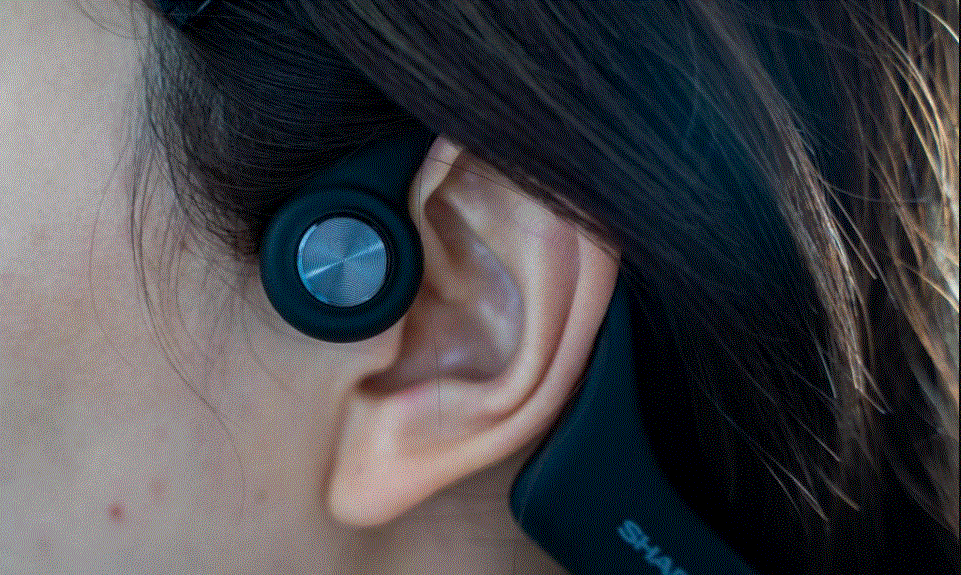
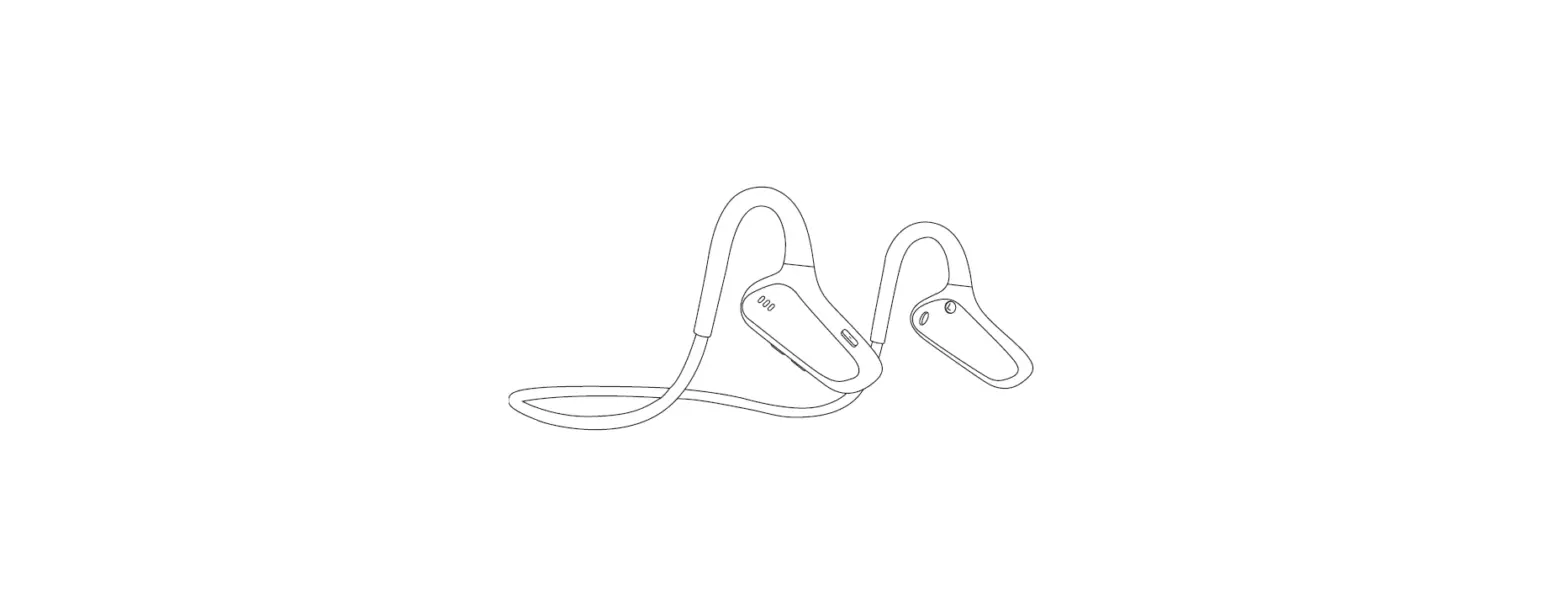
As shawn,hang the earphones behind your neck while the speaker is attached to the cheekbones in front of your ears,rather than on your ears.
Charging method
Use a standard Micro USB charging cable (included with the package) to connect the headset to your personal computer or USB charger You can charge it. It can be fully charged in about 2.5 hours. When charging, the LED indicator is red, and the red light is off.
note:
- Because the battery may lose power during storage, it is recommended to charge the headset before using it for the first time.
- The headset cannot be used during charging.
- If not used for a long time, it is recommended to charge it once a month to maintain battery life.
- If the headset is not connected for more than 5 minutes, the headset will automatically shut down.
- Recommended charger specifications, output voltage: DC5V +/- 0.25V, output current: 100mA-500mA
Charger and battery
Charger and battery Before using any charger to charge the headset, please check whether the specifications of the charger meet the requirements (recommended charger the output voltage is: DC5V +/- 0.25V, the output current is: 100mA-500mA),the charging voltage is extremely high and it is possible.Can damage Bluetooth headset.
WARNING: Only use chargers approved with this accessory. Use of other types of chargers may violate approval and warranty terms, and may cause danger, if the factory is shipped with a charging cable, you need to connect a 3C certifie Charger or computer. It is forbidden to severely collide with this product. Serious impact may damage the electronic motherboard and battery.
Charge the battery This headset uses a built-in non-removable rechargeable battery. Do not attempt to remove the battery from the headset, as it may damage the headset.When you are not using the headset, store it in a dry and ventilated place and charge it every two months.
- When the connected headset flashes red and you hear a low battery sound, it means that the headset is low on power. If you continue to work it will automatically shut down. At this time, you need to charge. Plug the charger’s cable into the headphone jack.
- Plug the charger into an AC power outlet.
- The red indicator light is on when charging. If charging does not start, disconnect the power supply from the headset, then plug it back into the headset and try again. When the battery is fully charged, the red light goes out and the blue light is always on. At this time, disconnect the charger from the power socket and headphones.
- When the battery is fully charged, it can provide a standard time of about 5 hours and 10 days standby time. However, the actual call time and standby time may be different from that of the mobile phone, usage settings, usage methods and environment.
Basic information
| Basic Information | Brand / Model | B9 | |
| Appearance size | 135x93x48mm(reference) | ||
| Equipment weight | 33g | ||
| Appearance matching | Black /Gray | ||
| Waterproof grade | IP 55 | ||
|
Hardware parameters |
Film set | Main chip | Qualcomm V5.0 BT chip |
| Frequency interruption | ISM Band (2.402-2.480GHZ) | ||
| Transmitting power | Class2 (-6dbm-4dbm) | ||
| Maximum output power | 8mW | ||
| Rated output power | 5mW | ||
| antenna | Bluetooth distance | 8~10M | |
| Bluetooth antenna | Built-in | ||
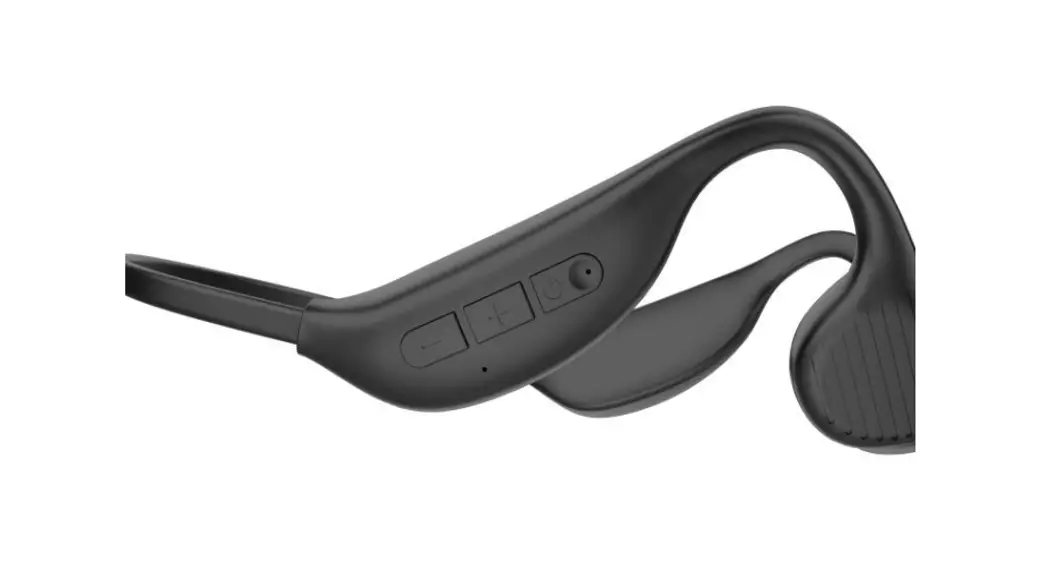
| Physical buttons | 2 One (left and right buttons) | ||
| link | Bluetooth protocol | A2DPv1.3 AVRCPv1.6 HFPv1.7 HSPv1.2 SPPv1.2 SPPv1.2 | |
| Bluetooth version | BT V5.0 | ||
| Acoustic | MIC | MIC 4015 Strong anti-interference zone MICSet -42dB±3dB | |
| horn | Bone conduction horn, Sensitivity 88+/-3db | ||
|
power supply | Battery type | Rechargeable polymer lithium battery capacity 180mAh | |
| working voltage | 3.7V | ||
| input voltage | DC-5V 1.1A | ||
| Charging time | 2.5h | ||
| Standby time | 10Days | ||
| Play time | 5h | ||
| interface | USB | USB Charging Cable | |
| Structural parameter | shell | Upper shell | Injection PC+ABS Spray paint |
| Lower shell | Injection PC+ABS Spray paint | ||
| Horn cover | Silica gel | ||
| Headband | Memory wire | Memory wire (nickel-titanium alloy wire) | |
Basic operating function
- First boot pairing: In the off state, press and hold the right button for 3 seconds, the headset will flash blue and red alternately. At this time, the headset enters the automatic Bluetooth pairing mode. The headset prompts music and is equipped with a voice prompt “Powering up”. Open the smart device such as a mobile phone, find “B9” from the Bluetooth list, and click Connect. After confirming the connection, the headset voice prompts “Bluetooth Paired Successfully”.
- Boot headset: In the off state, press and hold the right button for 3 seconds, the blue light
is on, and the “Powering up” prompt sounds, the headset automatically enters the Bluetooth connection mode, and the headset will automatically connect to the confirmed smart device with a prompt “Bluetooth Paired Successfully”. - Turn off the headset: In the power-on state, press and hold the right button for 3 seconds until you see a red light flashing, accompanied by a “Bluetooth is preparing to Shut down” prompt.
- Answer the call: When a call comes in, click the left or right button to complete the answer.
- Hang up the phone: During the call, click the left or right button to complete the answer.
- Rejected call: When a call comes in, press and hold the left or right button for 2 seconds to complete the rejection.
- Disconnect and reconnect: The headset is disconnected from the phone, and a “Beep”prompt sounds. At this time, you can reconnect the phone with a short press of the on / off key, accompanied by a “Bluetooth Paired Successfully ”prompt.
- Chinese and English switching: Bluetooth search status, press the left and right buttons together immediately. When the prompt tone “beep” is heard, the switch is successful.
- Play music: When in standby, click the left and right buttons to operate the player on the phone.
- Music pause: When playing music, click the left and right buttons to operate the player on the phone.
- Volume Plus Double-click the right button in the music and call state, the volume will be increased by one bar, and the maximum volume will be accompanied by a sound ” Beep “.
- Volume reduction Double-click the left button in music and call mode to decrease the volume by one space.
- The previous song Quickly tap the left button 3 times while playing music to play the previous song.
- Next song Quickly in the music state 3 Right-click to play the next song.
- Restore factory settings: When Bluetooth is connected, press and hold the left and right keys for 3 seconds, and the red light flashes for 3 consecutive times, indicating that the factory settings are restored.
- Headphone charging The headset is charged through the specified USB charging line. When charging, the LED indicator light is red and on for a long time, and the blue light is always on after full charge.
- Low battery voltage The red light is always on, accompanied by a beep sound.
- Voice assistant When connected, press and hold the left key for 2 seconds to enter the voice assistant.
Storage and maintenance
- Store the Bluetooth headset in a cool, dry place. Operating temperature is 0 ~ 45 ° C (32-113 ° F). Working in cold / hot loop mirrors or highly humid places can reduce battery life.
- After long-term storage, please charge before using.
- The Bluetooth headset is water-resistant, but not completely waterproof. It cannot be put into water for a long time and cannot be submerged. If there are water drops on the earphone, wipe it with a clean soft cloth.
- Use a soft, dry cloth to clean the headphones.
- Do not touch any sharp objects to the headset.
- Do not place the headset under an extremely hot or cold ambient mirror.
- Do not charge the headset in a humid environment.
Note: Design and specifications are subject to change without notice.
Package contents

- Headset
- Earplugs
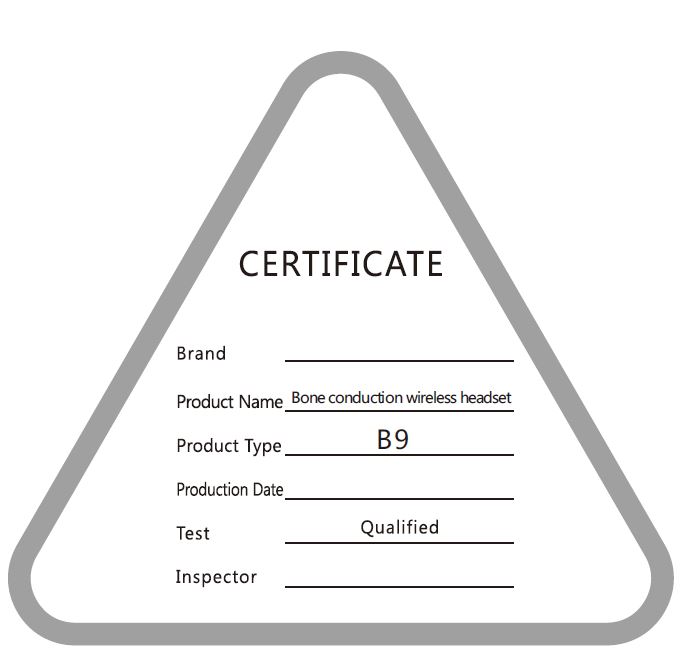
- Instructions (With warranty card certificate)
- USB charging cable (USB to Micro)
LED light tips
- Steady red: charging
- Red light off: complete charging
- Blue and red blink alternately: pairing mode
- Slow blue flashing: connected / playing music
- Fast blue blinking: Incoming/calling
Common problems and their solutions
| Problem Description | Cause | Problem solving |
| No Boot | dead battery | Just charge it with the charger |
| Long press of the power button is too short | Press the key to restart | |
| Not Charging | The charging plug is not plugged in properly | Reinsert the charging plug |
| No Boot | Misuse of the headset program error | Just use the charger to reset |
| Search failed or pairing failed | The headset does not enter the pairing state | Put the headset into pairing state |
| Phone Bluetooth application error | Turn off the phone and restart the pairing |
Product warranty
- Product Brand
- Product Number
- Purchase Date
- Contact Number
- Contact Address
- E-mail Buying channel
Warranty clause
- When the user purchases the machine, a manual and warranty card are attached. The user shall fill in the form and keep it properly as the warranty certificate.
- From the date of purchase, if the headset has problems in normal use with in one year, the cardholder can enjoy the warranty service free of charge. The following are not covered by warranty:
- the warranty card is not signed or sealed by the sales unit;
- damage caused by man or force majeure;
- normal wear of the machine;
- We will charge the maintenance cost if it is caused by human behavior, beyond the valid warranty period and force majeure.
- please contact our company in case of product failure and need to return to the factory for warranty. And fill in the specific name, address, telephone number andThe fault is present.
- Manufacturing products: Address:
- Telephone:
- Website: