
MOTHERBOARDS LISBON-III Main Board
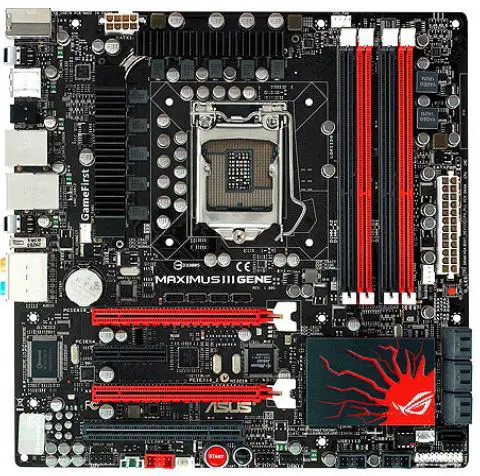
LISBON-III Main Board
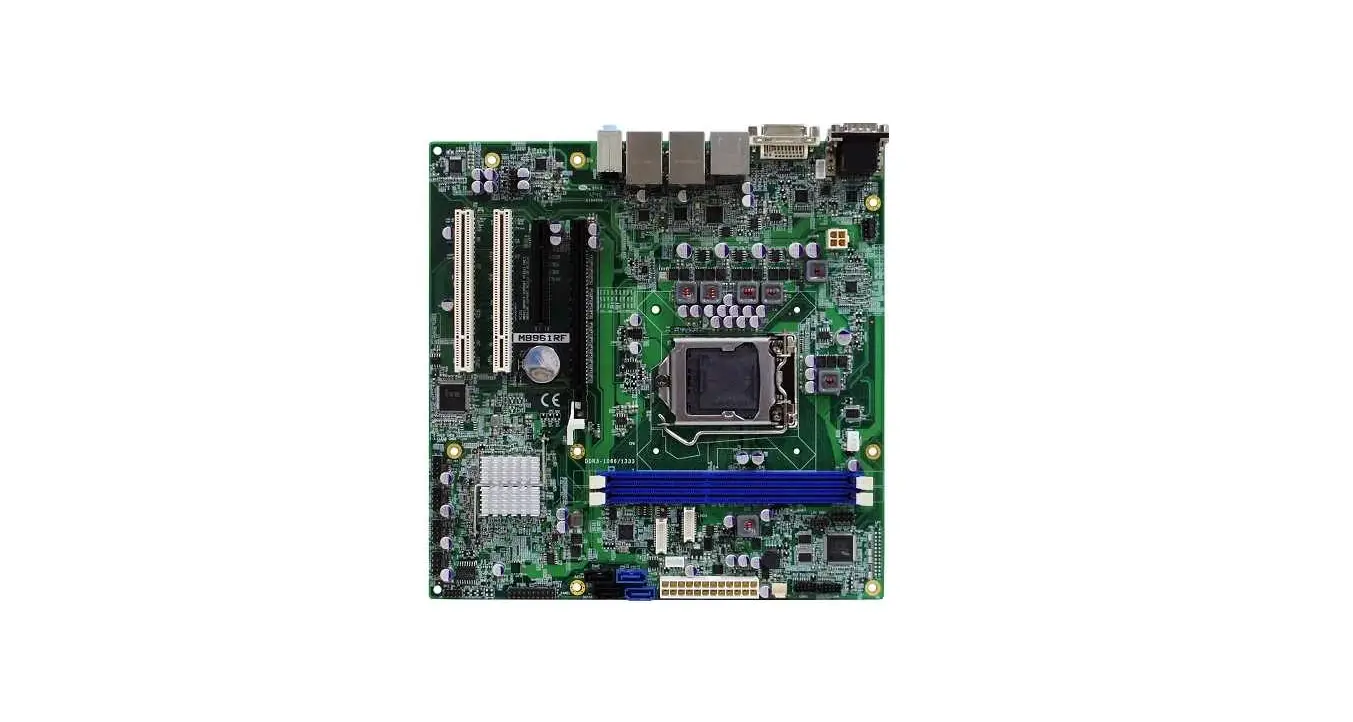
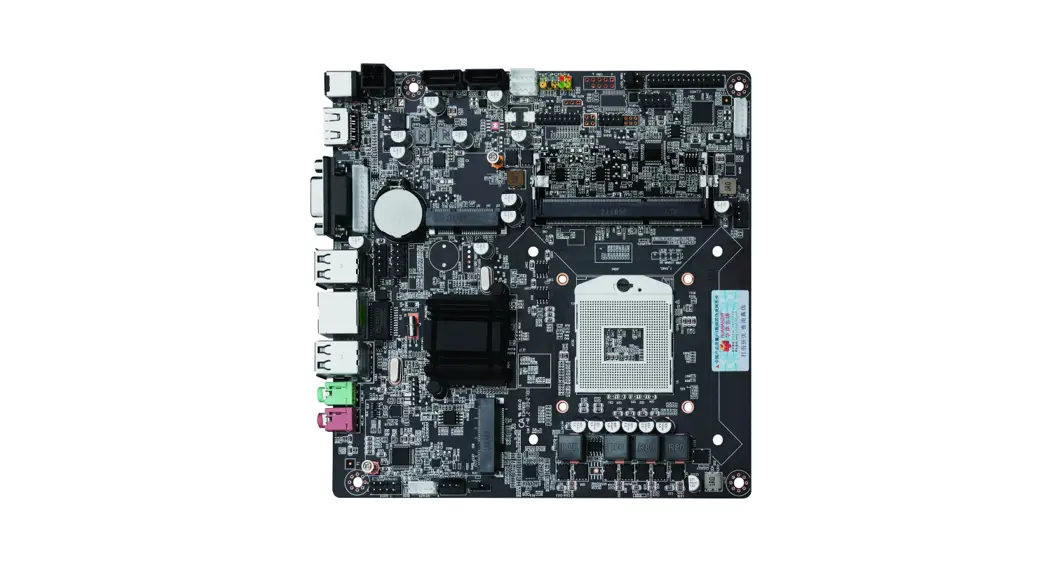
The LISBON-III Motherboard features a PCIset AGP controller, Intel 82443LX PCI to ISA/IDE Xcelerator, and a Phoenix BIOS. It has four PCI slots, three ISA slots, and one Accelerated Graphic Port (AGP) connector.
LISBON-III Jumper Settings
The LISBON-III Main Board has various jumper settings that can be configured to customize its functionality. The available jumper settings are:
- J1: CMOS CLEAR
- 1-2 normal mode
- 2-3 CMOS clear settings
- J5: PASSWORD
- 1-2 Password function setting
- 2-3 Disable password function
- J6: SETUP(CMOS)
- 1-2 SETUP program can be executed
- 2-3 Prohibition of running the SETUP program
- J7: Write Protect
- 1-2 normal mode
- 2-3 Setting the FDD write-protect function
LISBON all CPU
The LISBON lll Main Board supports PPGA 370pin SOCKET SingleCeleron Processor with a bus speed of 66MHz. It also supports Single Celeron 300A/ 333/ 366/ 400/ 433/ 466MHz (with built-in 128KB L2 cache memory). There is no need to change the jumper separately as it is automatically set.
LISBON-III Memory Settings
The LISBON-III Main Board provides two 168Pin 3.3V Unbuffered DIMM type module sockets that support 66 MHz SDRAM DIMMs. It can expand up to 256MB (if SDRAM – 2Bank * 128MB) with ECC (72bit) or Non-ECC (64bit) memory. The supported memory specifications are Single or Double sided DIMMs with the following configurations:
| DIMM size | Non-ECC Configuration | ECC Configuration |
|---|---|---|
| 16MB | 2 Mbit x 64 | 2 Mbit x 72 |
| 32MB | 4 Mbit x 64 | 4 Mbit x 72 |
| 64MB | 8 Mbit x 64 | 8 Mbit x 72 |
| 128MB | 16 Mbit x 64 | 16 Mbit x 72 |
LISBON-III Main B/D CMOS SETUP
The LISBON-III Main Board can be configured using the CMOS SETUP. The following keys can be used for configuration:
- F1, +: General Help
- up/down arrow keys: Select Item
- left/right arrow keys: Select Menu
- -/+, space bar: Change Values
- F9: Setup Default
- Enter: Sub-Menu Select
- ESC: Exit
- F10: Save and Exit
The available selection options are:
- Main
- Set the time and date, floppy disk drive capacity, etc.
- System Time: Set system time
- System Date: Set system date
- Advanced
- Legacy Diskette A:, B:: Setting the system’s floppy disk capacity
- Installed O/S: PnP Aware O/S (setting when using an O/S that supports the PnP function), Other (setting when using an O/S that does not support the PnP function)
- PS/2 Mouse: Disabled (when PS/2 Mouse is not used), Enabled (when PS/2 Mouse is used), AutoDetect (automatically detected when PS/2 Mouse is installed)
- Cache Memory: Set options for a specified memory area
- Memory Cache: Enabled (save data stored in main memory to a specific area of designated cache memory), Disabled
- Cache System BIOS area: Write Protect (move the contents of the BIOS to the cache memory to speed up processing), Uncached (used at normal processing speed)
- Cache Video BIOS area: Write Protect (move the contents of the VIDEO BIOS to main memory to speed up processing), Uncached (select when cache is not used for this area), Write through (method of writing to cache and main memory Cache Base 0512K simultaneously when CPU writes work results), Write Protect (without writing CPU work results to cache) Method of directly writing to Main Memory), Write Back (method of writing CPU operation results only to Cache without writing them to Main Memory, and writing to Main Memory only when Cache is needed)
Product Usage Instructions
Follow the steps below to use the LISBON-III Main Board:
- Install the compatible PPGA 370pin SOCKET Single Celeron Processor with a bus speed of 66MHz or Single Celeron 300A/ 333/ 366/ 400/ 433/ 466MHz (with built-in 128KB L2 cache memory) into the CPU socket.
- Insert the supported memory configurations into the two 168Pin 3.3V Unbuffered DIMM type module sockets.
- Configure the jumper settings based on your requirements using the available jumpers J1, J5, J6, and J7.
- Access the CMOS SETUP using the F1 or + key during bootup and configure the settings based on your requirements using the available selection options.
LISBON-III Main Board
LISBON-III Motherboard Features
| PCIset AGP controller : Intel 82443LX | expansion slot |
| PCI to ISA/IDE Xcelerator : Intel 82371EB, PIIX4E | 4 PCI slots |
| ROM BIOS : Phoenix BIOS | 3 ISA slots |
| One Accelerated Graphic Port (AGP) connector |
LISBON-III Jumper Settings
Features and Jumpers (J1, 5, 6, 7, 8)
| CMOS CLEAR | 1-2 | 2-3 |
| J1 | normal mode | CMOS clear settings |
| PASSWORD | 1-2 | 2-3 |
| J5 | Password function setting | Disable password function |
| SETUP(CMOS) | 1-2 | 2-3 |
| J6 | SETUP program can be executed | Prohibition of running the SETUP program |
| Write Protect | 1-2 | 2-3 |
| J7 | normal mode | Setting the FDD write-protect function |
LISBON lll CPU
| socket | PPGA 370pin SOCKET |
| type | Single Celeron Processor |
| bus speed | 66MHz |
| Supported Processors | Single Celeron 300A/ 333/ 366/ 400/ 433/ 466MHz (with built-in 128KB L2 cache memory) |
| % No need to change the jumper separately (automatic setting) | |
LISBON-III Memory Settings
Specifications and types of supportable memory
| standard | 168Pin 3.3V Unbuffered SDRAM Module |
| type | Supports 66 MHz SDRAM DIMMs |
| socket | Provides two 168Pin 3.3V Unbuffered DIMM type module sockets |
| max expandable | 256MB (if SDRAM – 2Bank * 128MB) |
| ECC (72bit) or Non-ECC (64bit) memory | |
Supported memory specifications ( Single or Double-sided DIMMs )
| DIMM size | Non-ECC Configuration | ECC Configuration |
| 16MB | 2 Mbit x 64 | 2 Mbit x 72 |
| 32MB | 4 Mbit x 64 | 4 Mbit x 72 |
| 64MB | 8 Mbit x 64 | 8 Mbit x 72 |
| 128MB | 16 Mbit x 64 | 16 Mbit x 72 |
LISBON-III Main B/D CMOS SETUP
| use key | |
| F1, <Alt>+<H> | General Help |
| up/down arrow keys | Select Item |
| left/right arrow keys | Select Menu |
| -/+, space bar | Change Values |
| F9 | Setup Default |
| Enter | Sub-Menu Select |
| ESC | Exit |
| F10 | Save and Exit |
| Press <F2> key during bootup | |||
| Level 1 | Step 2 | Step 3 | selection options |
| Main | Set the time and date, floppy disk drive capacity, etc. | ||
| System Time | System time setting | ||
| System Date | Set system date | ||
| Legacy Diskette A:, B: | Setting the system’s floppy disk capacity | ||
| Advanced | Set the necessary environment when using the OS and peripherals | ||
| Installed O/S | PnP Aware O/S (setting when using an O/S that supports the PnP function), Other (setting when using an O/S that does not support the PnP function) | ||
| PS/2 Mouse | Disabled (when PS/2 Mouse is not used), Enabled (when PS/2 Mouse is used), AutoDetect (automatically detected when PS/2 Mouse is installed) | ||
| Cache Memory | Set options for a specified memory area | ||
| Memory Cache | Enabled (save data stored in main memory to a specific area of designated cache memory), Disabled | ||
| Cache System BIOS area | Write Protect (move the contents of the BIOS to the cache memory to speed up processing), Uncached (used at normal processing speed) | ||
| Cache Video BIOS area | Write Protect (move the contents of the VIDEO BIOS to main memory to speed up processing) | ||
|
Cache Base 0- 512K | Uncached (select when cache is not used for this area), Write through (method of writing to cache and main memory simultaneously when CPU writes work results), Write Protect (without writing CPU work results to cache) Method of directly writing to Main Memory), Write Back (method of writing CPU operation results only to Cache without writing them to Main Memory, and writing to Main Memory only when Cache is needed) | ||
| Cache Base 512K- 640K | Settings are the same as above | ||
| Cache Extended Memory Area | Settings are the same as above | ||
| Cache A000- AFFF:/B000:- BFFF | The settings are the same as above, and the USWC (Uncached Speculative Write Combined) Caching (Memory access speed is reduced by reading and writing data of a certain size into a buffer rather than a cache. It is mainly used in the video memory area where the order of writing is not important. Use) item added | ||
| Cache C800- CBFF:/CC00- CFFF:/ | |||
| D000- D3FF:/D400- D7FF:/ | |||
| D800- DBFF:/DC00- DFFF:/ | |||
| E000-E3FF: | The settings are the same as above, but no additional items are added. | ||
| PCI Configuration | |||
|
PCI/PNP ISA UMB Region Exclusion | Check if the ROM BIOS of any option card other than the PCI card is in the C800-CBFF (or CC00-CFFF:, D000-D3FF:, D400-D7FF:, D800-DBFF:, DC00-DFFF:) segment, and if so, ‘ISA Device ‘, Available (the UMB area can be used by PCI/PnP devices), Reserved (UMB (Upper Memory Block) area is reserved, the ROM BIOS in the ISA device is moved to the main memory and the system improve performance) | ||
|
PCI/PNP ISA IRQ Resource Exclusion | PCI (ISA IRQ(IRQ3, IRQ4, IRQ5, IRQ7, IRQ9, IRQ10, IRQ11), Available(IRQ PCI/PnP Reserved( IRQ Reserve ‘ISA Reserved(ISA IRQ | ||
|
PCI/PNP ISA DMA Resource Exclusion | PCI DMA channel (DMA0, DMA1, DMA2, DMA3, DMA5, DMA6, DMA7), Available(DMA channel PCI/PnP Reserved(DMA channel Reserve non-Plug-and-Play ISA Reserved된 DMA channelISA DMA channel | ||
| I/O Device Configuration | |||
|
Serial Port A | A Disabled(Enabled( A Base I/O Address Interrupt Base I/O address, Interrupt (IRQ3, IRQ4)), Auto(POST ABIOS OS | ||
| Serial Port B | Disabled/Enabled/Auto( A Mode (Normal, IrDA, ASK-IR)) | ||
|
Parallel Port | (Disabled(Enabled(Interrupt, DMA channel Auto(POST BIOS OS Mode(EPP&ECP, SPP, EPP, ECP)) | ||
| Floppy disk controller | Legacy disk controller Disabled : Legacy disk Enabled(Legacy disk controller Auto(Floppy disk controller | ||
| IDE Configuration | |||
| Large Disk Access Mode | Large Disk(1024 cylinder 16 head 63 track DOS(OS가 DOS, Windows 3.x, Windows 95, Windows 98 Other(UNIX | ||
| Local Bus IDE Adapter | IDE Disabled(Primary IDE Secondary(Secondary IDE Primary Secondary IDE | ||
| Primary Master | Primary Master Type(Auto, None, ATAPI Removable, User, CD-ROM, IDE Removable)) | ||
| Cylinders | |||
| Heads | |||
| Sectors | |||
| Maximum Capacity | Cylinders, Heads, Sectors Type ‘Auto’ | ||
| Multi-Sector Transfers | ‘Auto’ Read/Write Sector | ||
| LBA Mode Control | LBA(Logical Block Address) Auto LBA를 ‘Enabled’ LBA 528MB Enabled |
| 32 Bit I/O | Enabled CPU IDE PCI ISA . | ||
| Transfer Mode | Enabled로 Enhanced I/O (PIO IDE Fast PIO(Programmable I/O) | ||
| Ultra DMA Mode | IDE DOS Ultra DMA Ultra DMA Disabled | ||
| Primary Slave | Primary Master | ||
| Secondary Master | Primary Master | ||
| Secondary Slave | Primary Master | ||
| Advanced Chipset Control | |||
| Default Primary Video Adapter | Video AGP(AGP AGP PCI(PCI PCI | ||
| Graphics Aperture | AGP | ||
| Enable memory gap | Memory gap Disabled(Memory gap Conventional(512KB-640KB 128KB Memory Extended(15MB-16MB 1MB Memory | ||
| DMI Event logging | |||
| View DMI event log | DMI event log | ||
| Clear all DMI event logs | ‘Yes”DMI event log’ | ||
| Event logging | DMI event ‘Enabled’ | ||
| Mark DMI events as read | Event DMI event <Enter> | ||
| Security | Set Supervisor Password | Supervisor Password User password ‘Diskette access ‘SupervisorSupervisor Password’Diskette Access | |
| Set User Password | Press Enter(Set Supervisor Password | ||
| Diskette Access | Supervisor, User | ||
| Fixed Disk Boot Sector | ‘Write Protect’ ‘Boot Sector’Write Boot Sector Virus FDISK | ||
| Virus check Reminder | Virus check Virus checkDisable ‘Virus check Reminder’Daily ‘Virus check Reminder’ Weekly(Monthly) ‘Virus check Reminder’ | ||
| System Backup Reminder | ‘System Backup Reminder’ Daily ‘System Backup Reminder’ Weekly(Monthly)’System Backup Reminder’ | ||
| Password on Boot | Enabled Supervisor User Disabled(Supervisor Disabled | ||
| BIOS User Supervisor | |||
| User | |||
| Power | |||
| Power Saving | Disabled Customized Maximum Power Savings Maximum Performance | ||
| Diskette Access | Supervisor, User | ||
| Enable ACPI | ACPI OS Windows 98, Windows NT 5.0 No(ACPI Yes(ACPI | ||
| Power Button Funtion | on/off on/off suspend Power Savings Disabled | ||
| Suspend Timeout | Suspend Mode | ||
| IDE Drive 0/1/2/3 Monitoring | IDE Drive Disabled(IDE IDE check wake up | ||
| Boot | |||
| Boot-time Diagnostic screen | TriGem logo | ||
| QuickBoot Mode | Disabled(FDD Seek | ||
| Summary Screem | configuration | ||
| First/second/Third/ Fourth Boot Device | |||
| Hard Drive | |||
| Removable Device | LS-120, ZIP | ||
| Exit | Exit Saving Changes | CMOS RAM에 저장되
| |
| Exit Discarding Changes | |||
| Load Setup Defaults | |||
| Discard Changes | |||
| Save Changes | |||