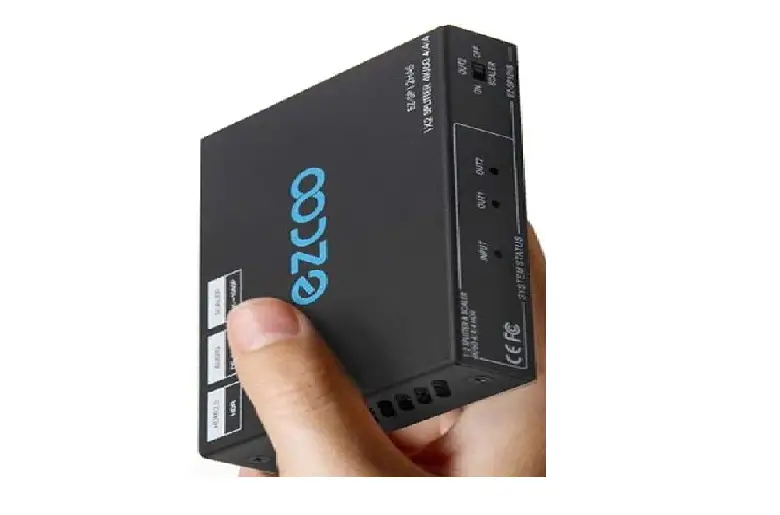
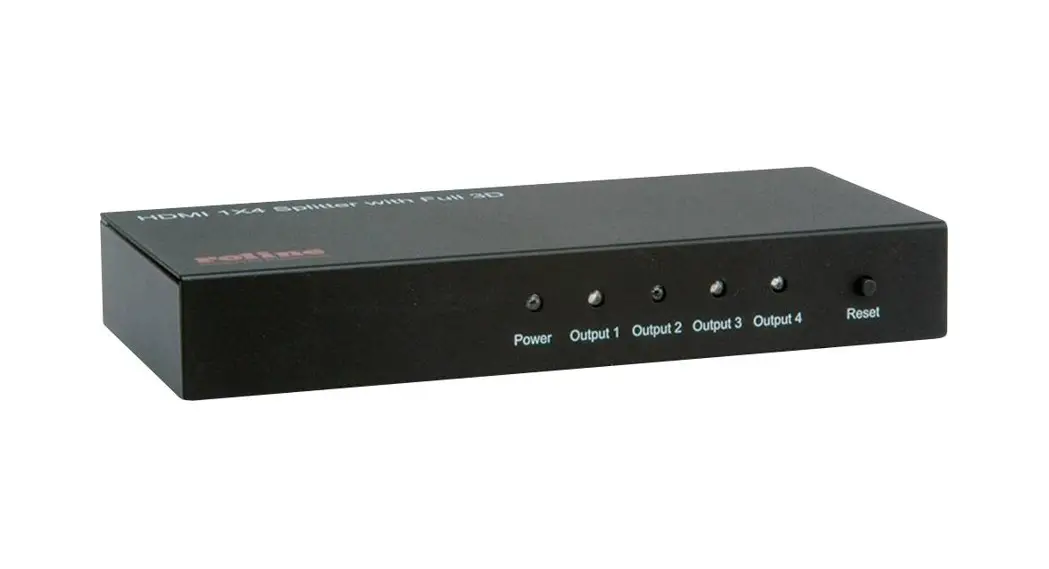
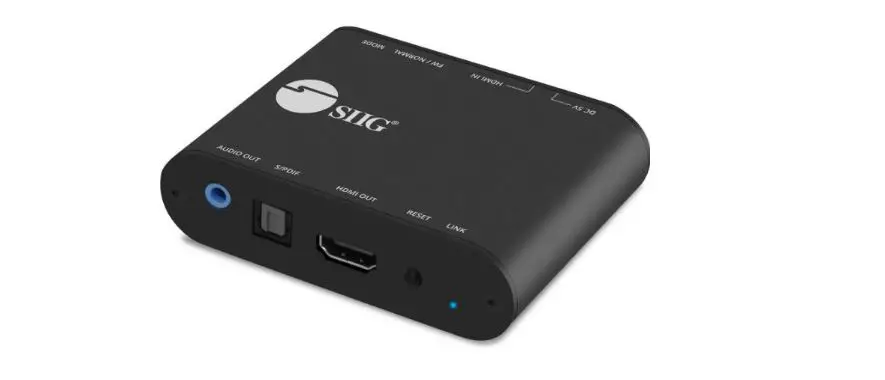
EZ-SP12H28S HDMI Splitter
Product Information
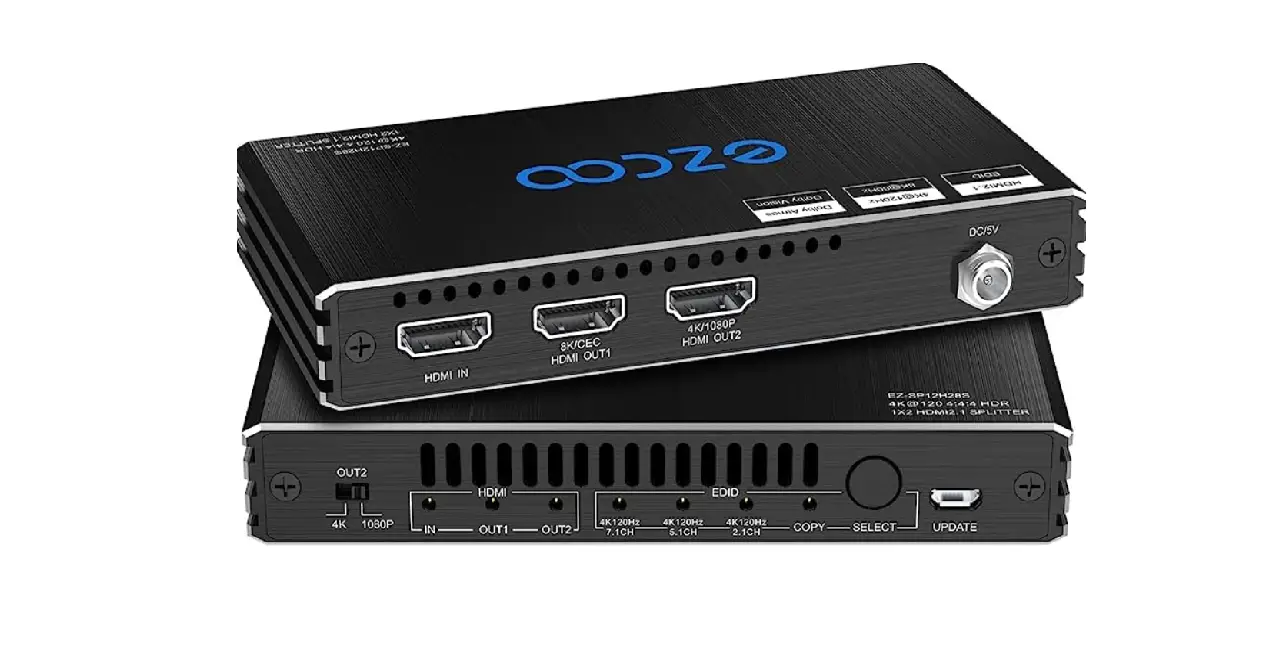
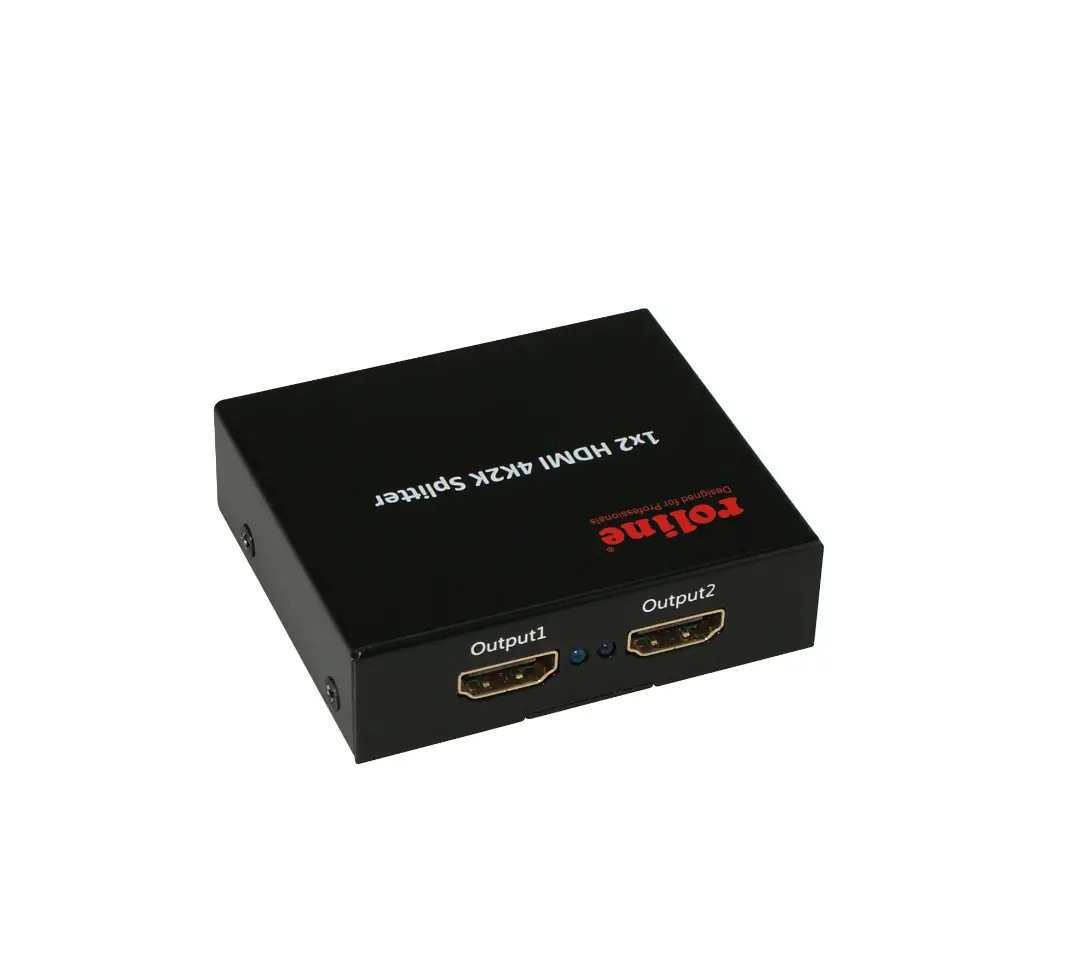
Product Name: HDMI Splitter 1×2 4K 120Hz EZ-SP12H28S
Model Number: EZ-SP12H28S
Compatibility: PS5, XBOX X, N-v-id-ia s-h-ield
Features: VRR support, EDID mode selection, HDCP issue
troubleshooting, downscaling capabilities, firmware
upgradeable
Manufacturer: Easycoolav
Website:
https://www.easycoolav.com/products/8k60hz-4k120hz-hdmi-21-splitter1x248gbps
Installation Instructions
- Please ensure that your TV/Monitor supports VRR (Variable
Refresh Rate) before installation. - To test VRR support, connect an HDMI source (PS5, XBOX X,
N-v-id-ia s-h-ield) directly to the display device without the
EZ-SP12H28S. If the HDMI display device supports VRR, select the
appropriate EDID mode based on the audio channel:
- 4K 120Hz 7.1/5.1CH LED ON indicates VRR support.
- 4K 120Hz 7.1/5.1CH LED blinking indicates no VRR support.
the connected display device.
Protection) issues, press the SELECT button for 5 seconds until the
LED indicator flashes 3 times.
120Hz TV. It can also downscale a 4K 60Hz source to a 1080P 60Hz
TV. However, it does not support downscaling of 4K HDR D-o-l-by
Vision sources or downscaling of 4K 120Hz to 1080P 60Hz.
Troubleshooting
Q: Is it necessary to upgrade firmware of my EZ-SP12H28S?
A: The newest version 2022 does not require a firmware upgrade
as it already has the latest firmware. However, older versions may
need an upgrade. To check if your device has the newest
firmware:
- Press the EDID SELECT button
- If the 4K 120Hz 7.1CH LED indicator is flashing/blinking, then
it has the newest firmware and no upgrade is needed. - If the LED indicator is ON, please upgrade to the newest
firmware.
Q: How do I upgrade to the newest firmware? Is it easy?
A: Upgrading the firmware is not difficult, but it requires some
patience. Here are the steps:
- Connect the EZ-SP12H28S to your PC using a Micro-USB cable via
the UPDATE port. - Visit
https://www.easycoolav.com/products/8k60hz-4k120hz-hdmi-21-splitter1x248gbps
and click on “Firmware Update” to download all the necessary
documents to your PC. - Check the provided video for detailed instructions.
- Install the program called
“GigaDevice_MCU_ISP_Programmer_V3.0.2.5782UartAssistM”. - Open the UartAssistM program and follow the video instructions
to complete the firmware upgrade.
If you need any technical assistance during the firmware update,
you can contact easycoolav through their online chat service.
Q: Can this HDMI splitter split Xbox 4K 120Hz D-o-l-b-y Vision
VRR ALLM to output1 TV and output2 AV receiver for D-o-l-b-y Atmos
and DTS:X?
A: Yes, it supports this functionality.
Thank you. If you need any further technical assistance, please
feel free to contact easycoolav through their online chat
service.
Installation Instruction & Trouble Shooting HDMI Splitter 1×2 4K 120Hz EZ-SP12H28S
A. Installation Instruction
1. Please ensure use standard HDMI 2.1 cable less than 3 meter. To keep 4K 120Hz stable picture, please use HDMI 2.1 cable B0BB78BFNJ as well. We could offer free HDMI 2.1 cable as EZ-SP12H28S after-selling service solution for you. Most of signal flicker is caused by HDMI 2.1 cable issue; Once customer changed to ezcoo HDMI 2.1 cable B0BB78BFNJ, the signal is fine. Please feel free to reach us and get the free cable. 2. EDID 4K 120Hz 7.1/5.1/2.1CH mode include two VRR version, with VRR and without
VRR. Please ensure TV/Monitor support VRR in advance. Test it by connecting HDMI source (PS5, XBOX X, N-v-id-ia s-h-ield ) to display device without EZ-SP12H28S. When HDMI display device support VRR, please select EDID mode based on audio channel. 4K 120Hz 7.1/5.1CH LED ON means come with VRR; 4K 120Hz 7.1/5.1CH LED blinking means come without VRR. COPY mode learning VRR from display device.
3. For any HDCP issue, please press SELECT button for 5 seconds till LED indicator flash 3 times.
4. ONLY HDMI OUT 2 port down-scale 4K 120Hz source to 1080P 120Hz TV, OR downscale 4K 60Hz to 1080P 60Hz only NOT down-scale 4K HDR D-o-l-by Vision source NOT down-scale 4K 120hz to 1080p 60hz
B. Trouble Shooting
Q: Is it necessary to upgrade firmware of my EZ-SP12H28S ? A: The newest version 2022 does not request to upgrade firmware, it` s the newest firmware already. But the old version need. Please press the EDID SELECT button, if 4K 120Hz 7.1CH LED indicator flashing/blinking , then it` s the newest firmware, no need to upgrade. If the LED indicator is ON, then, please upgrade to the newest firmware.
Q: How do I upgrade to the newest firmware? Is it easy ? A: It` s not hard, just need some patience. It takes around 3 minutes to finish the whole steps. Please browse https://www.easycoolav.com/products/8k60hz-4k120hz-hdmi-21-splitter1x248gbps , click Firmware Update to download all documents to PC.
1 Connect EZ-SP12H28S to PC by Micro-USB cable via UPDATE port. 2 Please check video of <EZ-SP12H28S Firmware Update> firstly. 3 Install the program — GigaDevice_MCU_ISP_Programmer_V3.0.2.5782UartAssistM 4 Open the UartAssistM, follow up video instruction to finish upgrade firmware
Should you need any technical assistance during updating firmware, please feel free to get easycoolav on-line chat.
Q: Can this split Xbox 4k 120hz D-o-lb-y Vision vrr allm to output1 tv and output2 av receiver for D-o-l-by Atmos and DTS:X? A: Yes, it supports well.
Thank you. Should you need any technical assistance, please feel free to get easycoolav on-line chat.