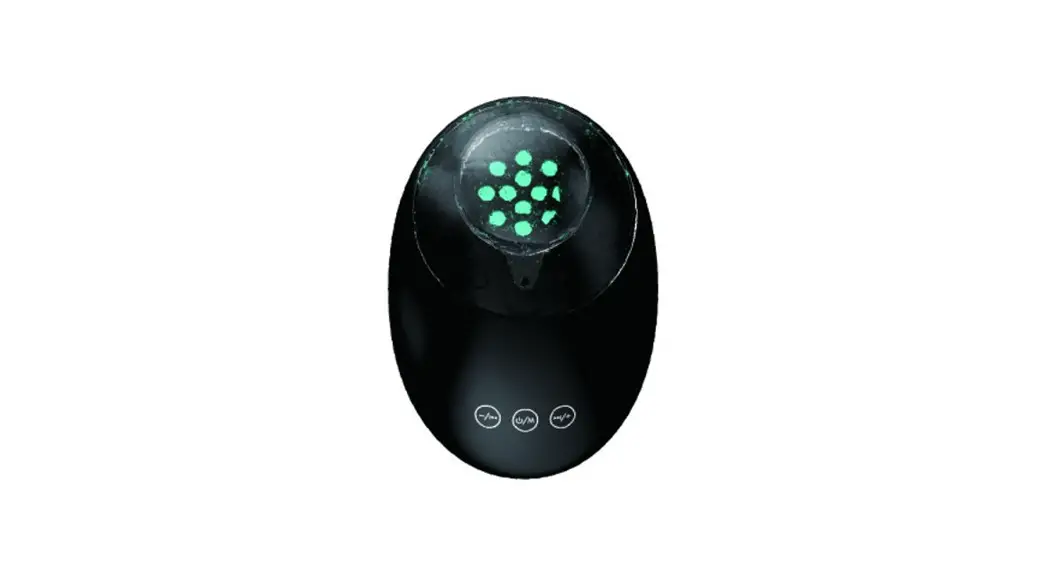
 QUOKKA RUN 150
QUICK START GUIDE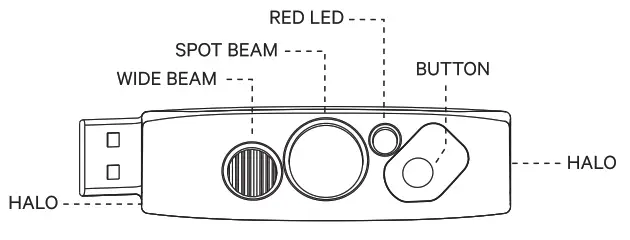
GET STARTED
Quokka comes locked To unlock hold the button for 5 seconds, light will unlock and turn on at the last used mode.
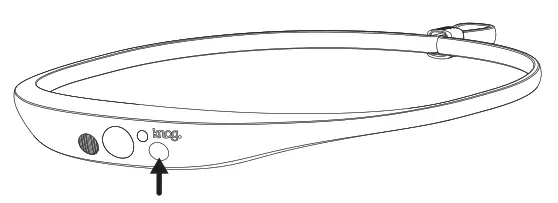 Brightness & Flash Setting: To adjust the brightness or flash of a mode, use a single press of the button.
The brightness settings for all modes except Halo: High / Medium / Low / High Steady & Halo / High Steady & Halo Flash.
The brightness settings for Halo are: High / Medium / Low / High Flash / Random Flash.
OPERATION
Turn On / Off: Long press of the button.
Modes: To change between the 4 light modes, use a quick double press of the button.
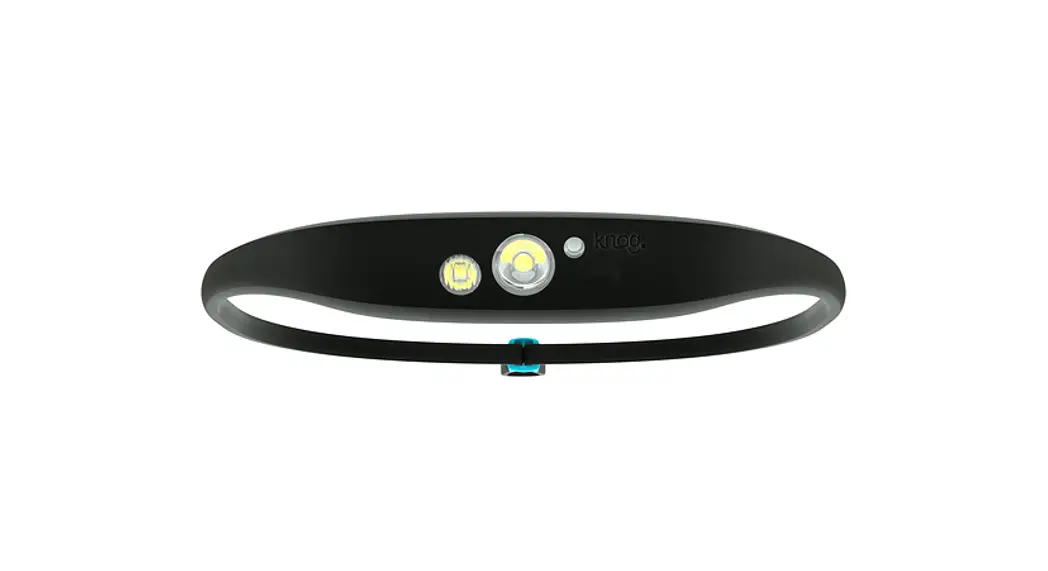
The modes are: Combo (Spot with Wide) / Spot Only / Wide Only / Halo.
CHARGING
Fully charge the Quokka before first use.
To charge, take the light out of the silicone strap.
Pop-out left side of the light first (to avoid damaging the usb on the right side).
Then charge in any USB charge port.
Charge time: 3.5 hr.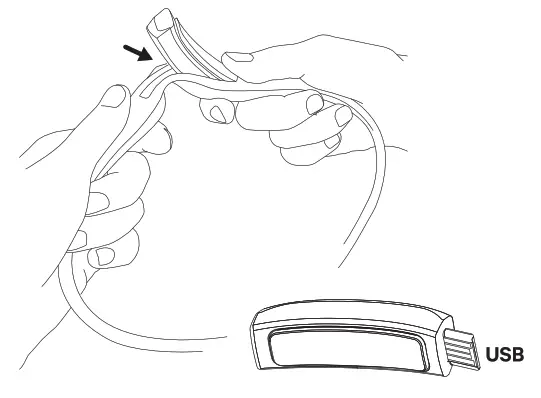
HEADSTRAP
Secure the band with an adjustable strap toggle. Once you’ve found your size you can set and forget.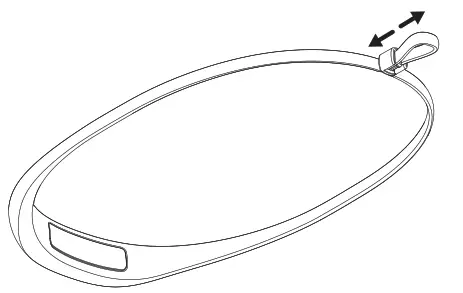
BATTERY INDICATOR
When the light is turned on/off the Red LED will flash twice to indicate battery is Low. When charging, the Red LED is on. Once fully charged, the Red charging LED turns off.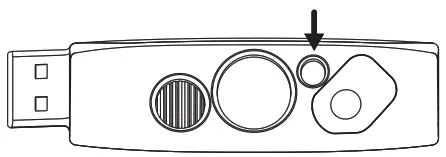
TO LOCK: If light is off: After 1 second of holding the button, the light will turn on, if the button is held for an additional 4 seconds the Spot LED will flash 3 times to indicate the light is locked.
If light is on: After 1 second of holding the button, the light will turn off, if the button is held for an additional 4 seconds the Spot LED will flash 3 times to indicate the light is locked.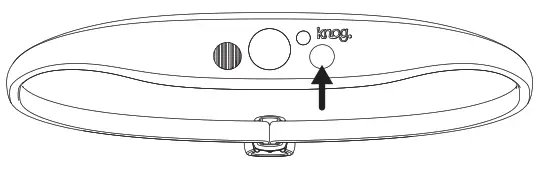
TO UNLOCK: Hold the button for 5 seconds, light will unlock and turn on in the last used mode.
RUNTIMES
| MODE | MAX LUMENS RUNTIME HRS | MIN LUMENS RUNTIME HRS |
| COMBO | 150 LM I 2 HRS | 15 HRS |
| SPOT | 100 LM 13.5 HRS | 25 HRS |
| AMBIENT / WIDE | 40 LM I 6 HRS | 30 HRS |
| HALO | 10 LM I 8.5 HRS | 48 HRS |
RUNTIMES CARE & MAINTENANCE
To clean: wipe with a damp, lint-free cloth, don’t use harsh chemicals, air dry, and don’t sundry.
WARRANTY
The light is guaranteed for 2 years against manufacturing defects only. The battery is guaranteed for 6 months against manufacturing defects only. See the website for more details. KNOG.COM