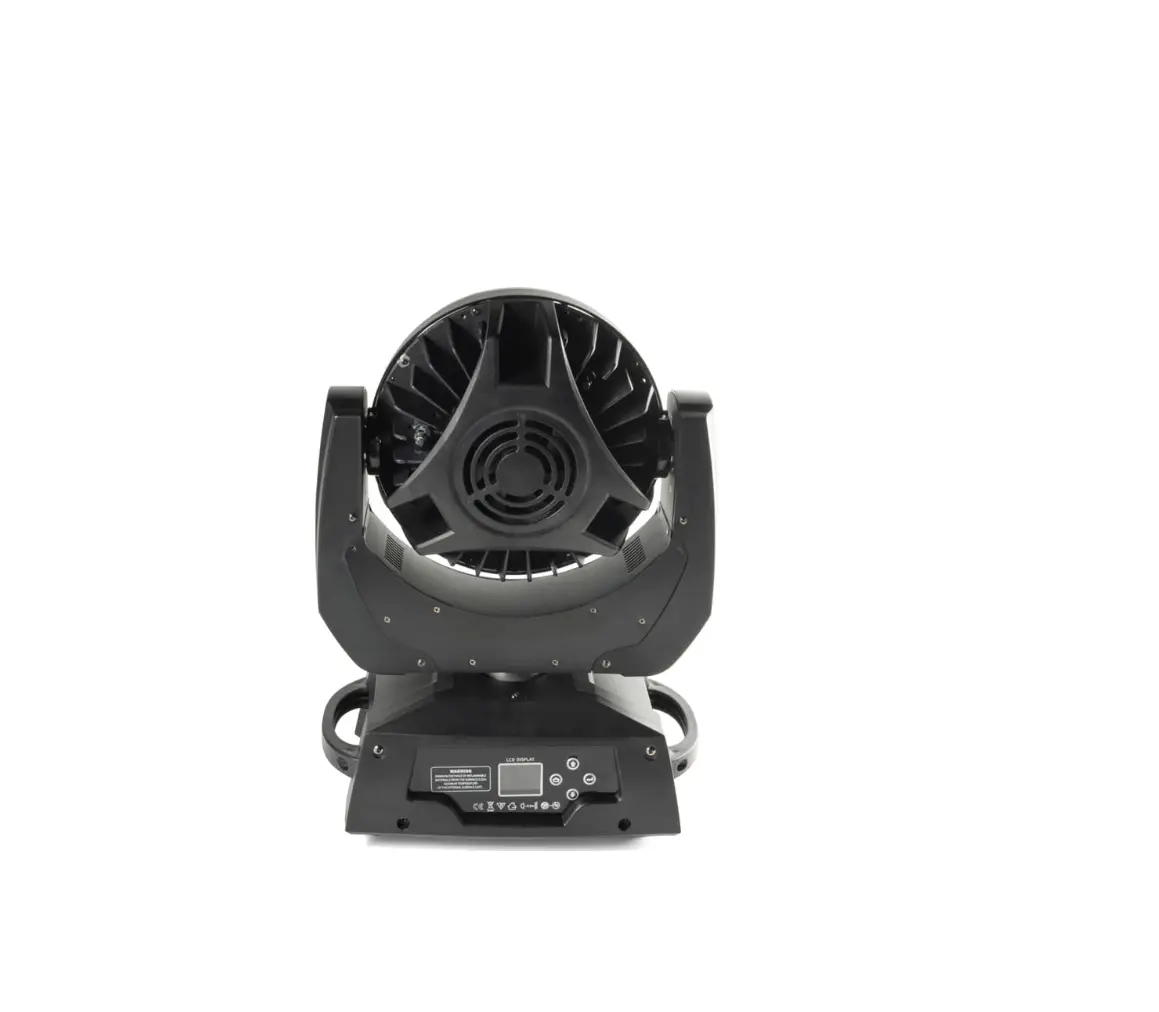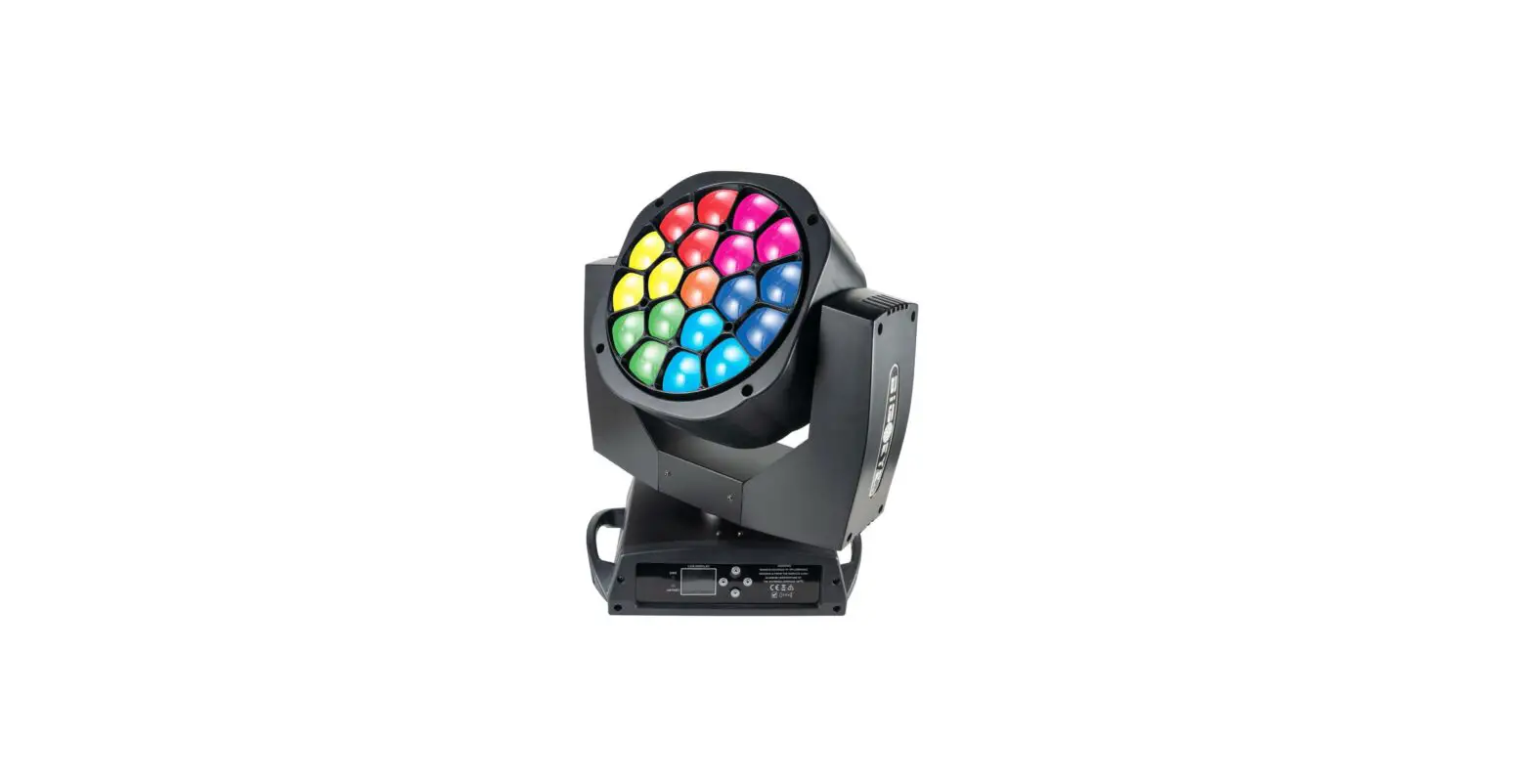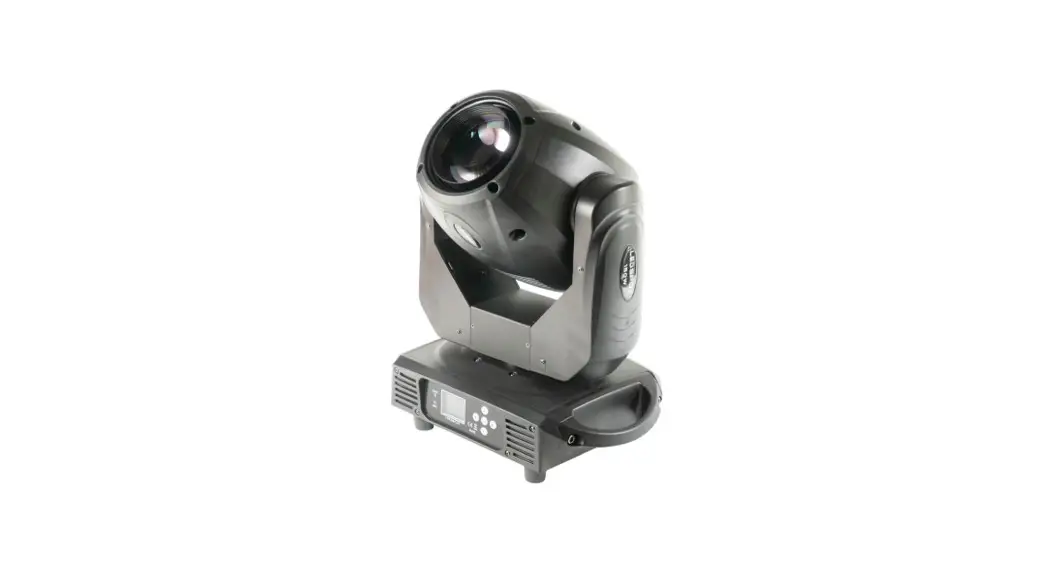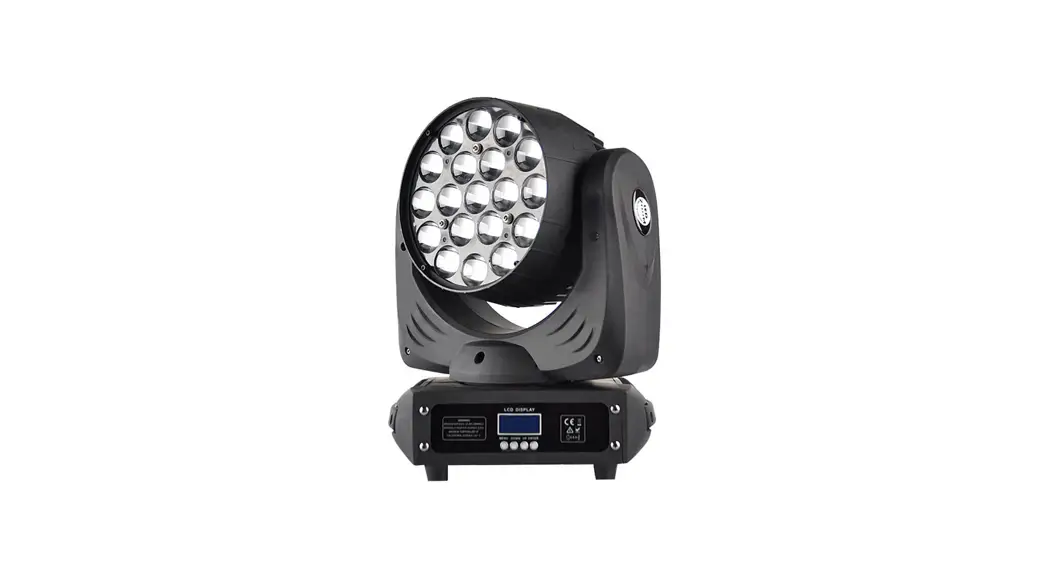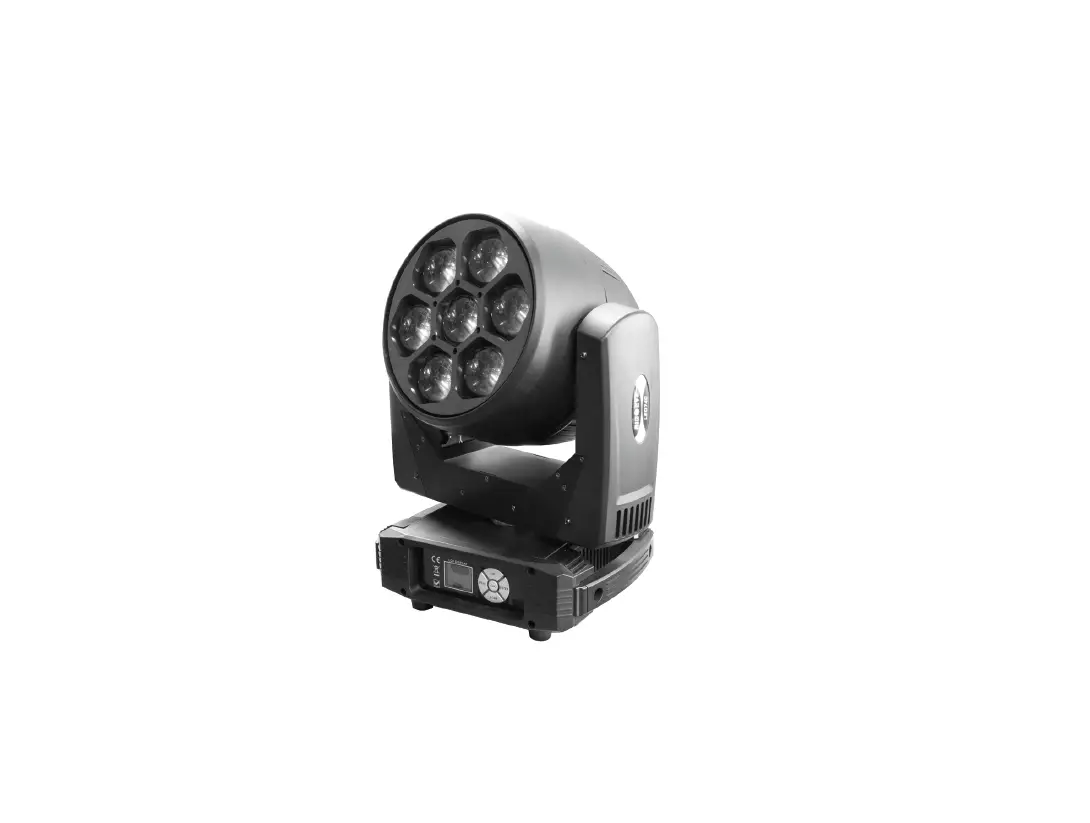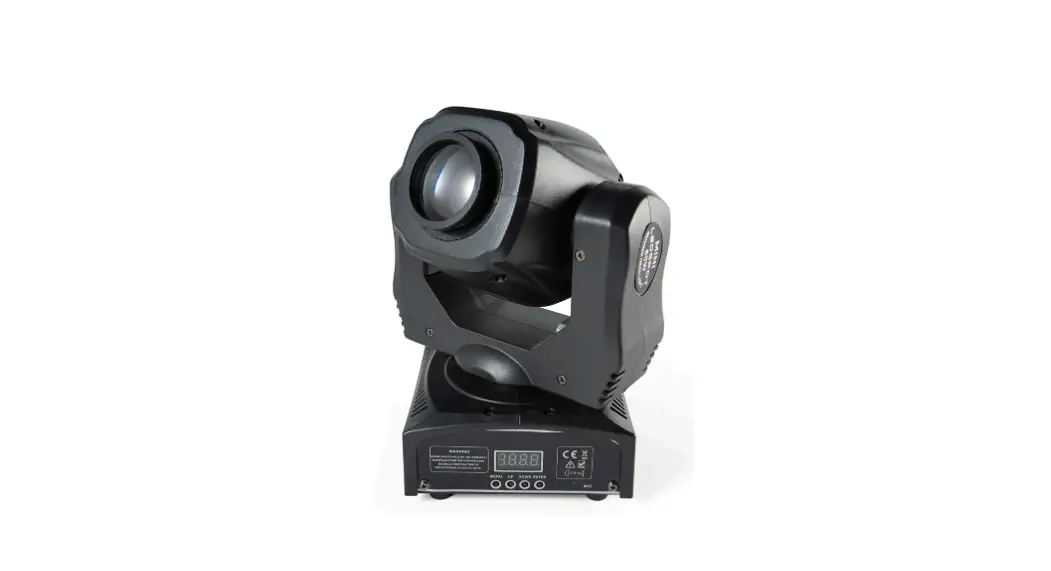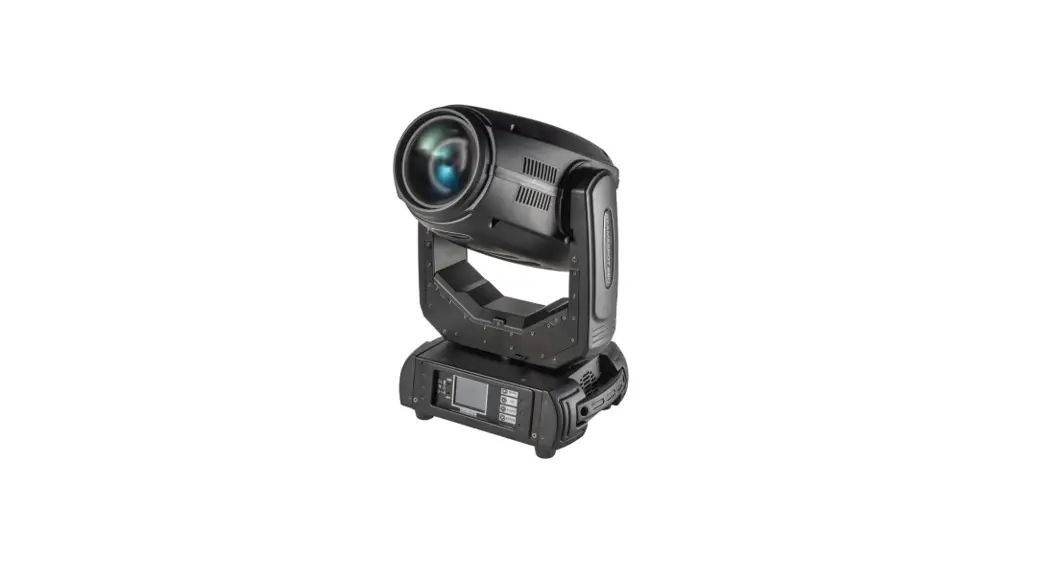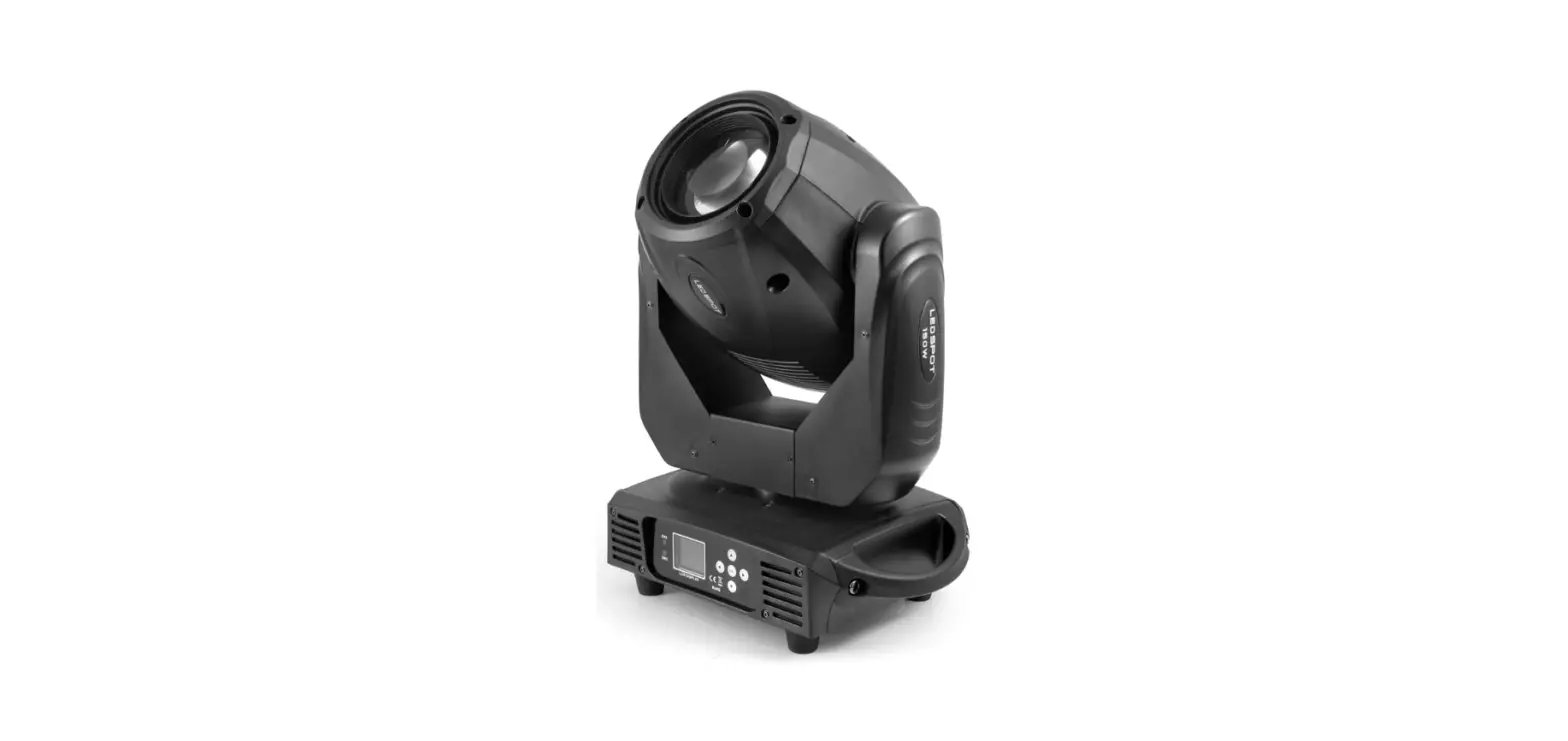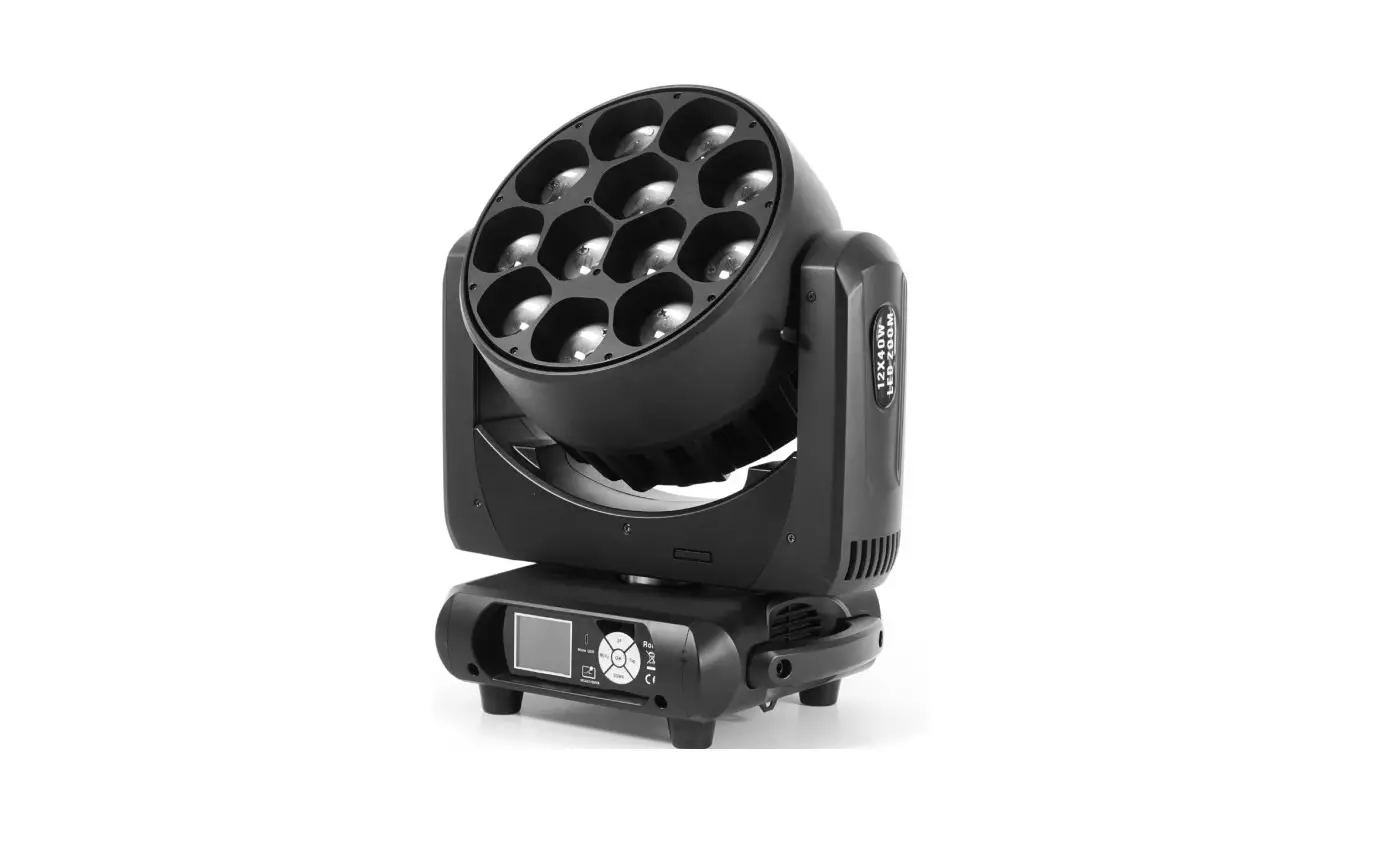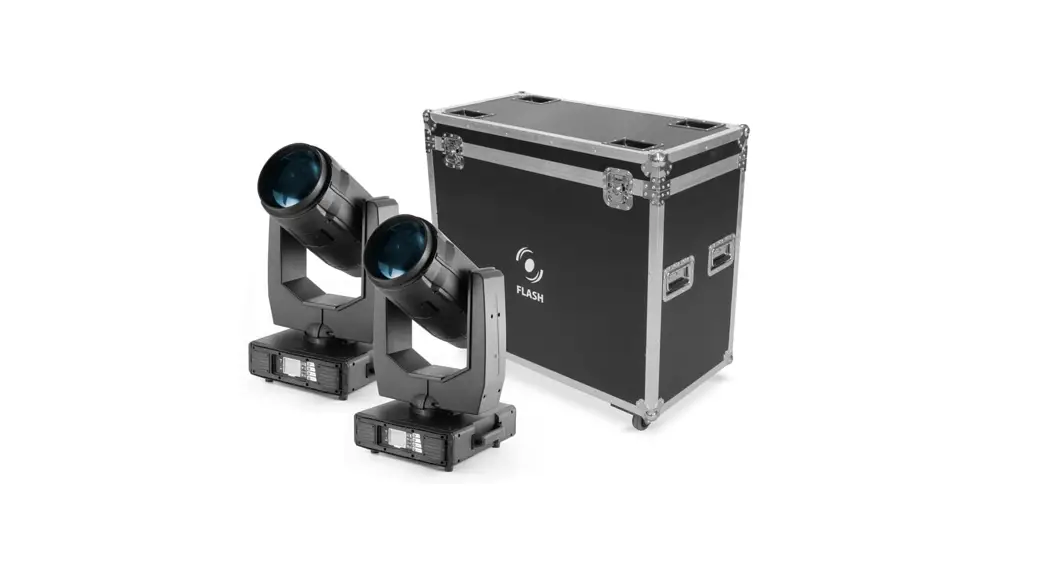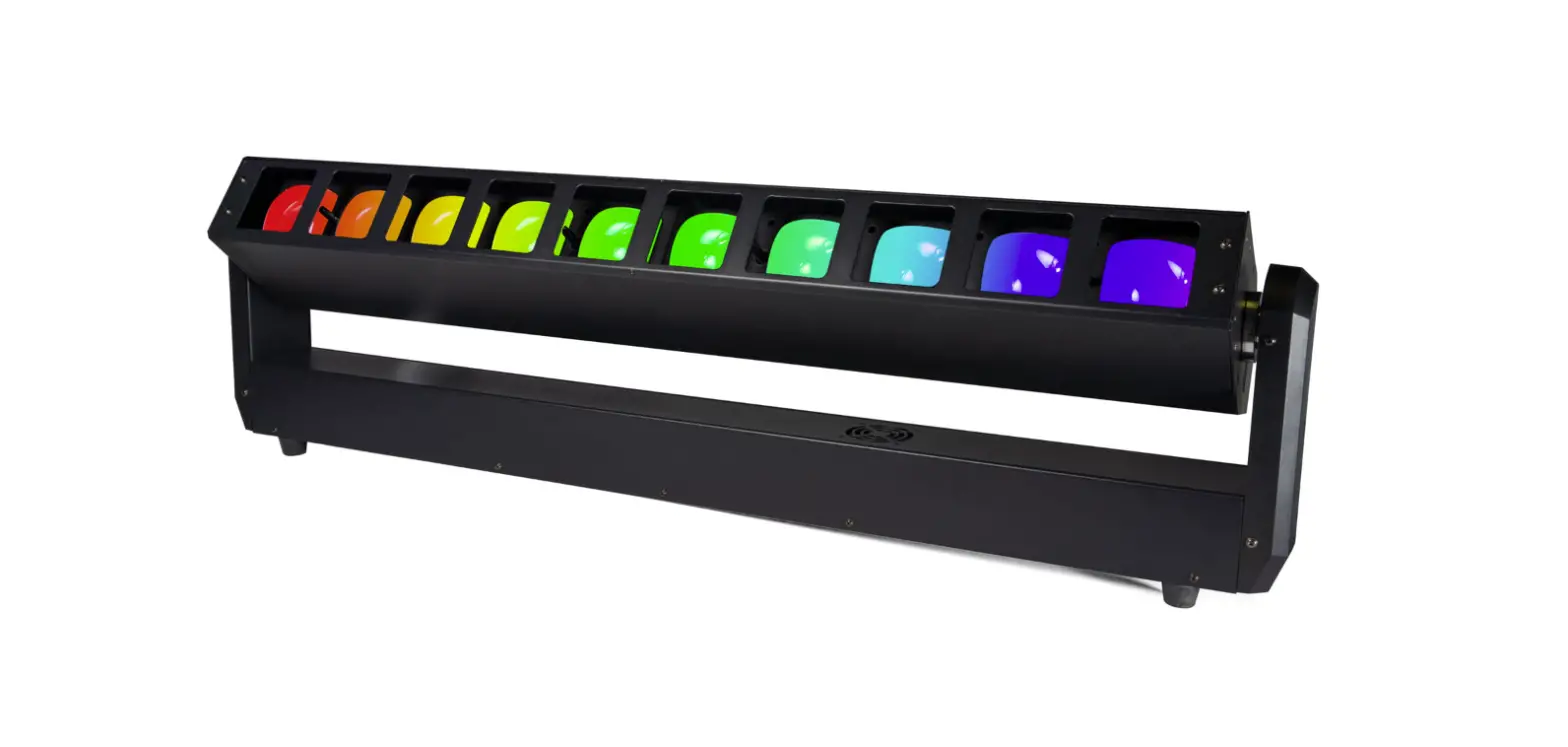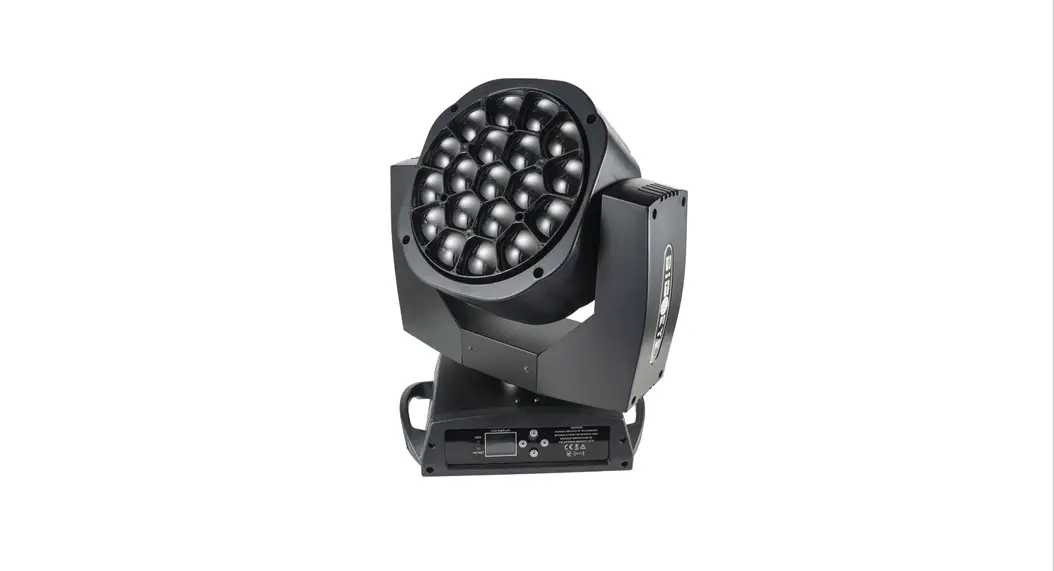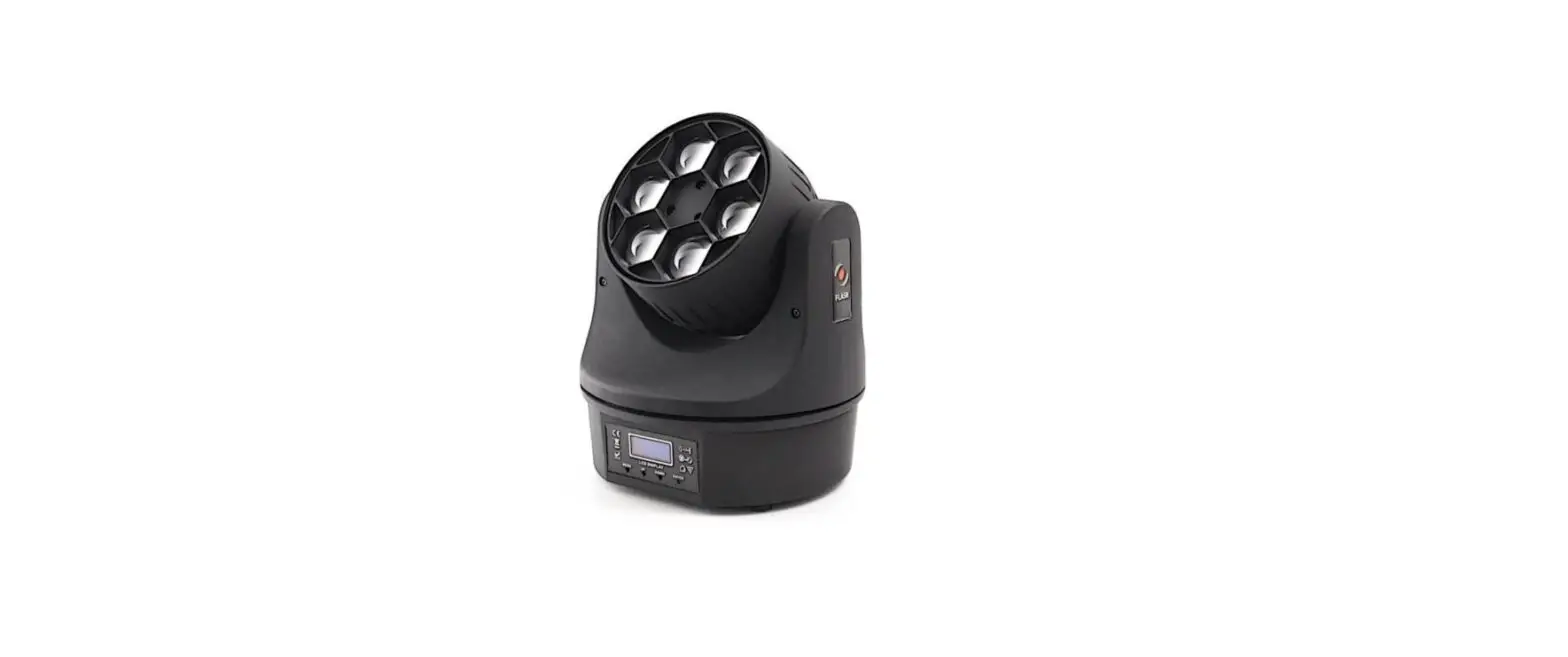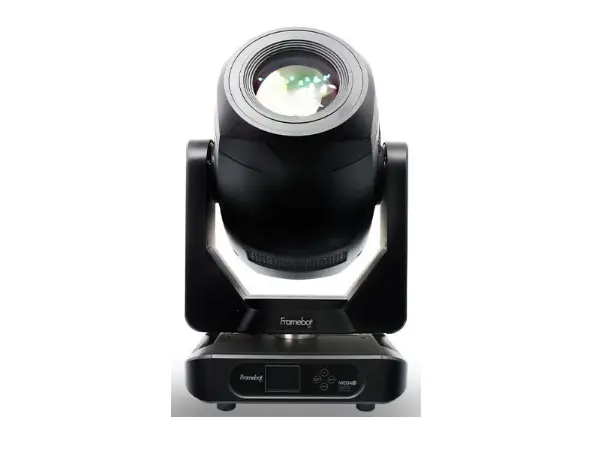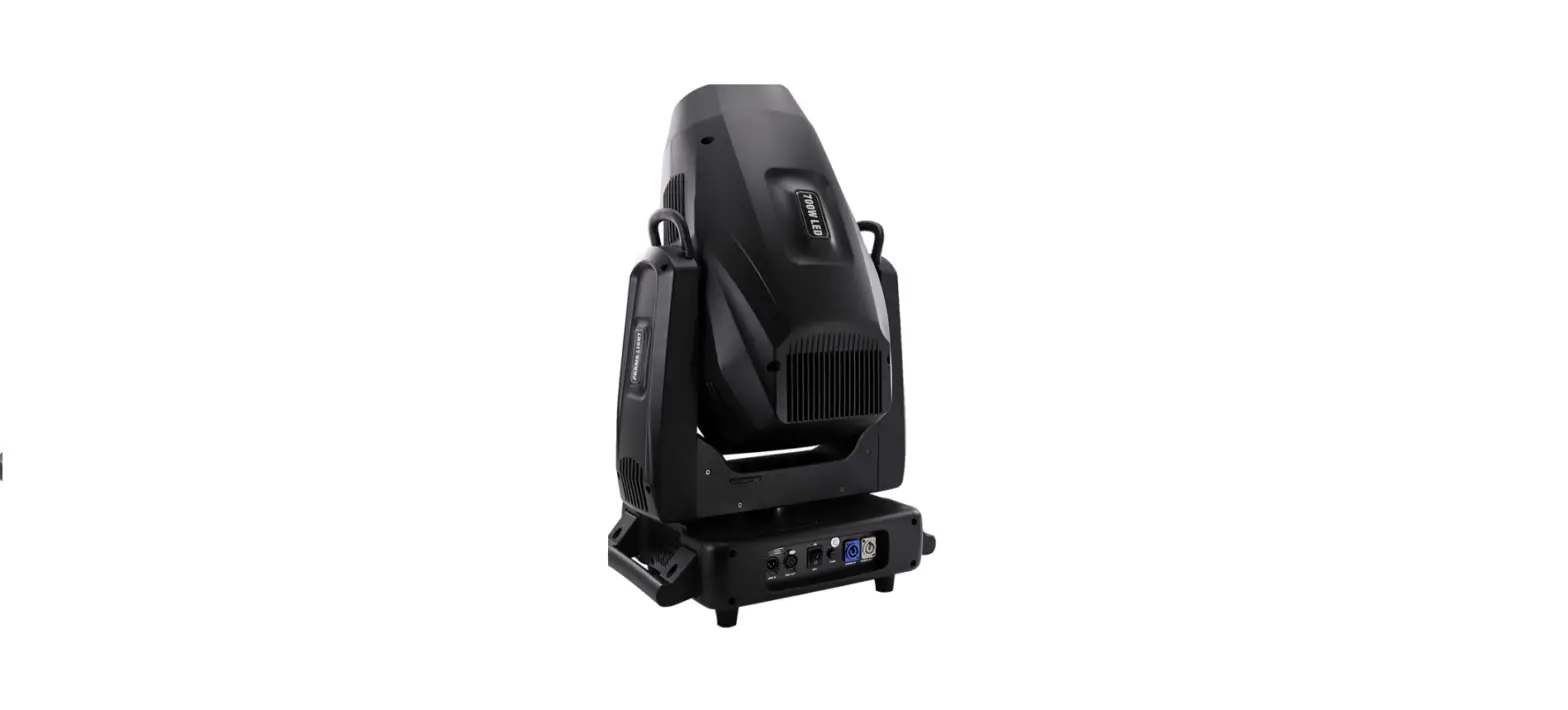

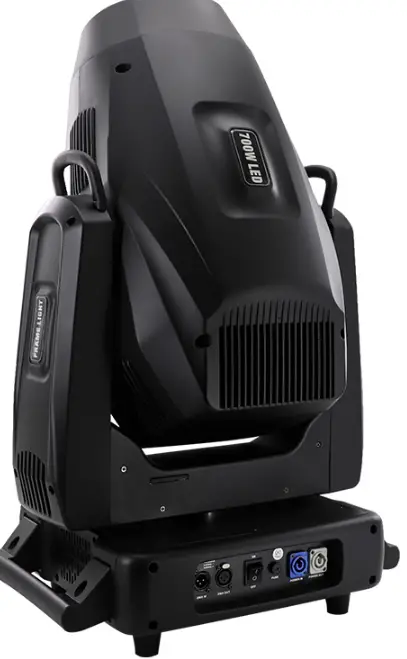
FLASH F7100751 LED Frame 700W LED Moving Head Framing Profile Light
INTRODUCTION
THANK YOU FOR PURCHASING LED FRAME 700W. FOR SAFETY REASONS AND TO ENSURE THE TROUBLE-FREE OPERATION, CAREFULLY READ THE INSTRUCTIONS.
SAFETY INFORMATION
- Please keep this User Manual for future consultation. If you sell the fixture to another user, be sure that they also receive this instruction booklet.
- Unpack and check carefully there is no transportation damage before using the fixture.
- Before operating, ensure that the voltage and frequency of power supply match the power requirements of the fixture.
- It’s important to ground the yellow/green conductor to earth in order to avoid electric shock.
- Disconnect main power before servicing and maintenance.
- Use safety chain when fixes this fixture. Don’t handle the fixture by taking its head only, but always by taking its base.
- Maximum ambient temperature is: 40°C Don’t operate it where the temperature is higher than this.
- In the event of serious operating problem, stop using the fixture immediately. Never try to repair the fixture by yourself. Repairs carried out by unskilled people can lead to damage or malfunction. Please contact the nearest authorized technical assistance center. Always use the same type spare parts.
- Do not connect the device to any dimmer pack.
- Do not touch any wire during operation and there might be a hazard of electric shock.
- To prevent or reduce the risk of electrical shock or fire, do not expose the fixture to rain or moisture.
- The housing must be replaced if they are visibly damaged.
- Do not look directly at the LED light spot while the fixture is on.
WARNING
- The Led Moving Head (LMH) has a powerful pan motor. The torque reaction when the head is panned suddenly can cause the base to move if the fixture is standing unsecured on a surface. Do not apply power to the LMH unless the baase is securely fastened to a surface or to rigging hardware.
- Use 2 clamps to rig the fixture. Do not hang the fixture from only one clamp. Lock each clamp with both 1/4-turn fasteners. Fasteners are locked only when turned a full 900 clockwise.
- When clamping the fixture to a truss or other structure at any other angle than with the yoke hanging vertically downwards, use two clamps of half-coupler type. Do not use any type of clamp that does not completely encircle the structure when fastened.
- Position or shade the head so that the front lens will not be exposed to sunlight or any other strong light source from any angle – even for a few seconds. See Figure 1 . The
- LMH lens can focused the sun’s rays, creating a potential fire hazard and causing damage.
- Do not point strong light output from other fixtures at the LMH, as intense illumination can damaged the display
PRODUCT INFORMATION
- Light Source: 1 Standard LED (Single color)
- Power consumption: 700W
- Power supply voltage: 110-240V, 50/60Hz AC
- PAN range: 540°
- TILT range: 270°
- Beam angle (min/max): 5°-55°
- Color: 8000K, Color wheel – 7 colors + white (open)
- Zoom: Yes
- Focus: Electronic
- Gobo wheel: Roto Gobo: (6 interchangeable gobos, 1 fixed gobo, 1 empty) indexed,
- Fixed Gobo: (8 interchangeable gobos, 1 empty) indexed
- Prism: 3-wall prism, 6-sided linear prism (can work together at the same time)
- Flash frequency min./max: 0-20Hz
- Features: Linear CRI filter from 68 to 90
- CRI. Animation wheel: Dynamic flame or water effect with no rotation limit, indexed. CTO.
- Framing: 4 knives + 90 degrees rotation mounted close to each other, which means that you can sharpen each knife atthe same time
- Operating modes: DMX 512, RDM, Artnet
- (Optional), Auto-running, Master/Salve,
- Sound active, Built-in program
- Frost filter: Yes
- 36 DMX channel mode.
- IP Rating: IP20
- Housing made: ABS
- Cooling: Active
- AC IN/OUT: powerCON IP65
- 3-Pin XLR DMX Input/Output
- Net Weight: 36kg
- Dimensions: H(90,5)xW(56)xD(45,5) cm
- Weight: 6 kg
INSTALLATION
The unit should be mounted via its screw holes on the bracket. Always ensure that the unit is firmly fixed to avoid vibration and slipping while operating. Always ensure that the structure to which you are attaching the unit is secure and is able to support a weight of 10 times of the unit’s weight. Also always use a safety cable that can hold 12 times of the weight of the unit when installing the fixture. The equipment must be fixed by professionals. And it must be fixed at a place where is out of the touch of people and has no one pass by or under it.
CONNECTION
The device is equipped with the following interfaces:
- DMX (in/out): XLR 3(5)-pin socket
- Power (in/out): powerCON socket
Connecting DMX signal
The connection is performed using cable with XLR-female -> XLR-Male plugs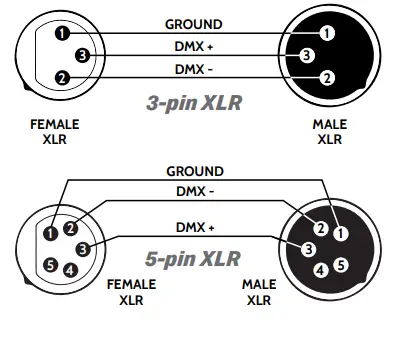
CAUTION!
At the last fixture, the DMX signal has to be terminated with a terminator. Solder a 120Ω resistor between signal (-) and signal (+) into a XLR plug and plug it in the DMX output of the last fixture.
User Manual 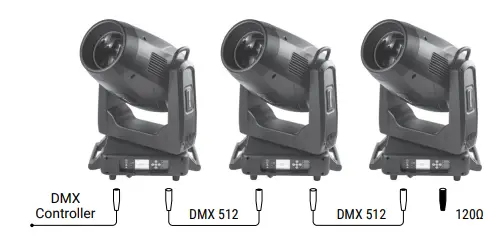
Voltage specification
| Input Voltage | Total Power | Frequency |
| 110~240V AC | 700W | 50/60Hz |
Connecting power supply
The connection is performed using a power cable with a Power Can connector ( included ) . The device must be operated by qualified personnel. Make sure that the power grid supply parameters are consistent with device parameters and that limitations are not exceeded.
CAUTION!
In the case of cable, damage do not attempt to repair. Replacement or repair can be made only on the manufacturer or by a person with appropriate permissions. Make sure that the power grid supply parameters are consistent with device parameters and limitations are not exceeded. Using lamp, the change rate of power voltage should be within ±10%, if the voltage is too high, it will shorten the light’s life; if it’s not enough, the lamp will be dark. Please restart it after turning off light for 20 minutes until full-cooling. Frequent switching will reduce the life span of lamps and bulbs; intermittent using will improve the life of bulbs and lamps.
Set DMX Address Code
- Press „Menu” to „Set DMX Address”, and press „ENTER” keys to enter into.
- Show „Set DMX Address DMX Address: 001”, Press the „UP and DOWN” keys to amended.
- Press „ENTER” keys to save and Exit, Press the „MENU” Keys does not save and Exit.
DMX CHANNELS
| CH | Function | Value | Description |
| 1 | PAN | 0-255 | 0-5400 |
| 2 | PAN Fine | 0-255 | 0-20 |
| 3 | Tilt | 0-255 | 0-2700 |
| 4 | Tilt Fine | 0-255 | 0-10 |
| 5 | Pan/Tilt Speed | 0-255 | From Fast » Slow |
| 6 | Strobe | 0-3 | OFF |
| 4-127 | Pulse Strobe from Slow » Fast | ||
| 128-191 | Gradual Strobe from Slow » Fast | ||
| 192-251 | Random Strobe from Slow » Fast | ||
| 252-255 | ON | ||
| 7 | Dimmer | 0-255 | 0-100% Linear Dimmer |
| 8 | C | 0-255 | |
| 9 | M | 0-255 | |
| 10 | Y | 0-255 | |
| 11 | CTO | 0-255 | |
| 12 | Color | 0-127 | Linear Color |
| 128-137 | Red | ||
| 138-146 | Green | ||
| 147-155 | Blue | ||
| 156-164 | Yellow | ||
| 165-173 | Magenta | ||
| 174-182 | Orange | ||
| 183-191 | Pink | ||
| 192-222 | Clockwise color effect Fast » Slow | ||
| 223-224 | STOP | ||
| 225-255 | Anticlockwise color effect from Slow » Fast | ||
| 13 | CRI | 0-79 | Mover away |
| 80-255 | Insert |
| CH | Function | Value | Description |
| 14 | Fixed Gobo | 0-9 | White (OPEN) |
| 10-19 | Gobo 1 | ||
| 20-29 | Gobo 2 | ||
| 30-39 | Gobo 3 | ||
| 40-49 | Gobo 4 | ||
| 50-59 | Gobo 5 | ||
| 60-69 | Gobo 6 | ||
| 70-79 | Gobo 7 | ||
| 80-89 | Gobo 8 | ||
| 90-99 | Gobo 1 (Shake) | ||
| 100-109 | Gobo 2 (Shake) | ||
| 110-119 | Gobo 3 (Shake) | ||
| 120-129 | Gobo 4 (Shake) | ||
| 130-139 | Gobo 5 (Shake) | ||
| 140-149 | Gobo 6 (Shake) | ||
| 150-159 | Gobo 7 (Shake) | ||
| 160-169 | Gobo 8 (Shake) | ||
| 170-212 | Gobo rotation Clockwise Fast >> Slow | ||
| 213-215 | STOP | ||
| 216-255 | Gobo rotation Anticlockwise Slow >> Fast | ||
| 15 | Rotation Gobo | 0-9 | White (Open) |
| 10-19 | Rot. Gobo 1 | ||
| 20-29 | Rot. Gobo 2 | ||
| 30-39 | Rot. Gobo 3 | ||
| 40-49 | Rot. Gobo 4 | ||
| 50-59 | Rot. Gobo 5 | ||
| 60-69 | Rot. Gobo 6 | ||
| 70-79 | Rot. Gobo 1 (Shake) | ||
| 80-89 | Rot. Gobo 2 (Shake) | ||
| 90-99 | Rot. Gobo 3 (Shake) | ||
| 100-109 | Rot. Gobo 4 (Shake) |
| CH | Function | Value | Description |
| 110-119 | Rot. Gobo 5 (Shake) | ||
| 120-129 | Rot. Gobo 6 (Shake) | ||
| 130-190 | Rot. Gobo rotation Anticlockwise Fast>>Slow | ||
| 191-192 | STOP | ||
| 193-255 | Rot. Gobo rotation Anticlockwise Slow>>Fast | ||
| 16 | Indexed Gobo Rot. | 0-127 | Indexde Gobo Rotation |
| 128-190 | Clockwise Rotation Fast >> Slow | ||
| 191-192 | STOP | ||
| 193-255 | Anticlockwise Rotation Slow >> Fast | ||
| 17 | Effect Insert | 0-255 | |
| 18 | Effect Rotation | 0-128 | Anticlockwise Eff. Rotation Slow >> Fast |
| 129-255 | Clockwise Eff. Rotation Slow >> Fast | ||
| 19 | Focus | 0-255 | |
| 20 | Focus fine | 0-255 | |
| 21 | Zoom | 0-255 | |
| 22 | Prism 1 | 0-63 | Empty |
| 64-127 | Prism 1 | ||
| 128-191 | Prism 2 | ||
| 192-255 | Prism 1 + Prism 2 | ||
| 23 | Prism 1 Rotation | 0-127 | Prism Indexed |
| 128-187 | Prism Rotation Clockwise Fast >> Slow | ||
| 188-195 | STOP | ||
| 196-255 | Prism Rot. Anticlockwise Slow >> Fast | ||
| 24 | Prism 2 Rotation | 0-127 | Prism Indexed |
| 128-187 | Prism Rotation Clockwise Fast >> Slow | ||
| 188-195 | STOP | ||
| 196-255 | Prism Rot. Anticlockwise Slow >> Fast | ||
| 25 | Frost | 0-127 | Frost OFF |
| 128-255 | Frost ON | ||
| 26 | Blade 1 | 0-255 | Linear Insert – Left Top |
| 27 | Blade 2 | 0-255 | Linear Insert – Left Down |
| CH | Function | Value | Description |
| 28 | Blade 3 | 0-255 | Linear Insert – Right Down |
| 29 | Blade 4 | 0-255 | Linear Insert – Right Top |
| 30 | Blade 5 | 0-255 | Linear Insert – Top Left |
| 31 | Blade 6 | 0-255 | Linear Insert – Top Right |
| 32 | Blade 7 | 0-255 | Linear Insert – Down Left |
| 33 | Blade 8 | 0-255 | Linear Insert – Down Right |
| 34 | Blade wheel | 0-255 | Blades Rotation Anticlockwise |
| 35 | Iris | 0-127 | Indexed Open >> Close |
| 128-255 | Speed Pulse Close >> Open (Slow >> Fast) | ||
| 36 | Function | 0-209 | Empty |
| 210-219 | Reset XY after 3 sec. | ||
| 220-235 | Reset effect motor after 4 sec. | ||
| 240-255 | Reset whole unit after 5 sec. |
 Flash-Butrym