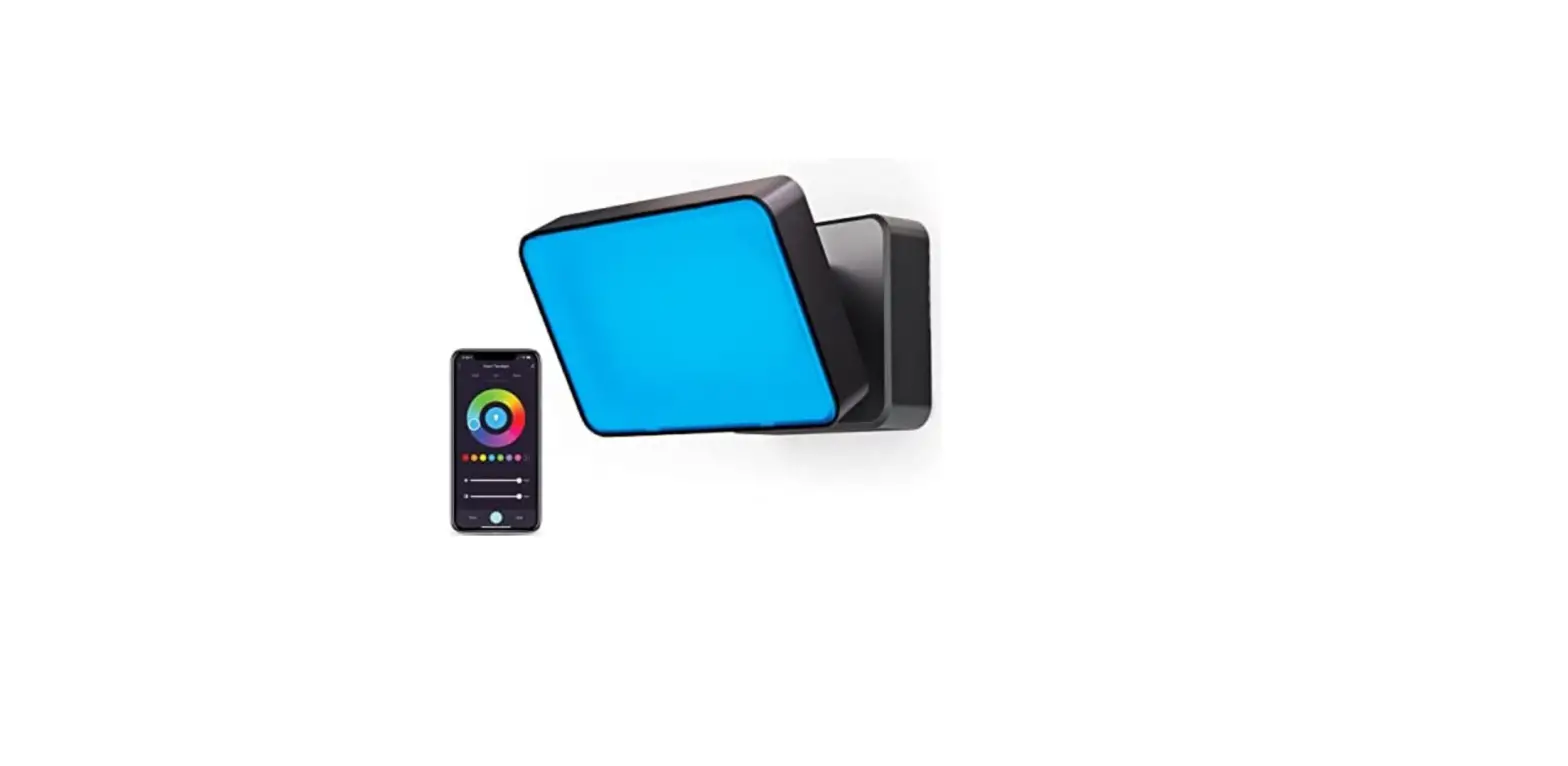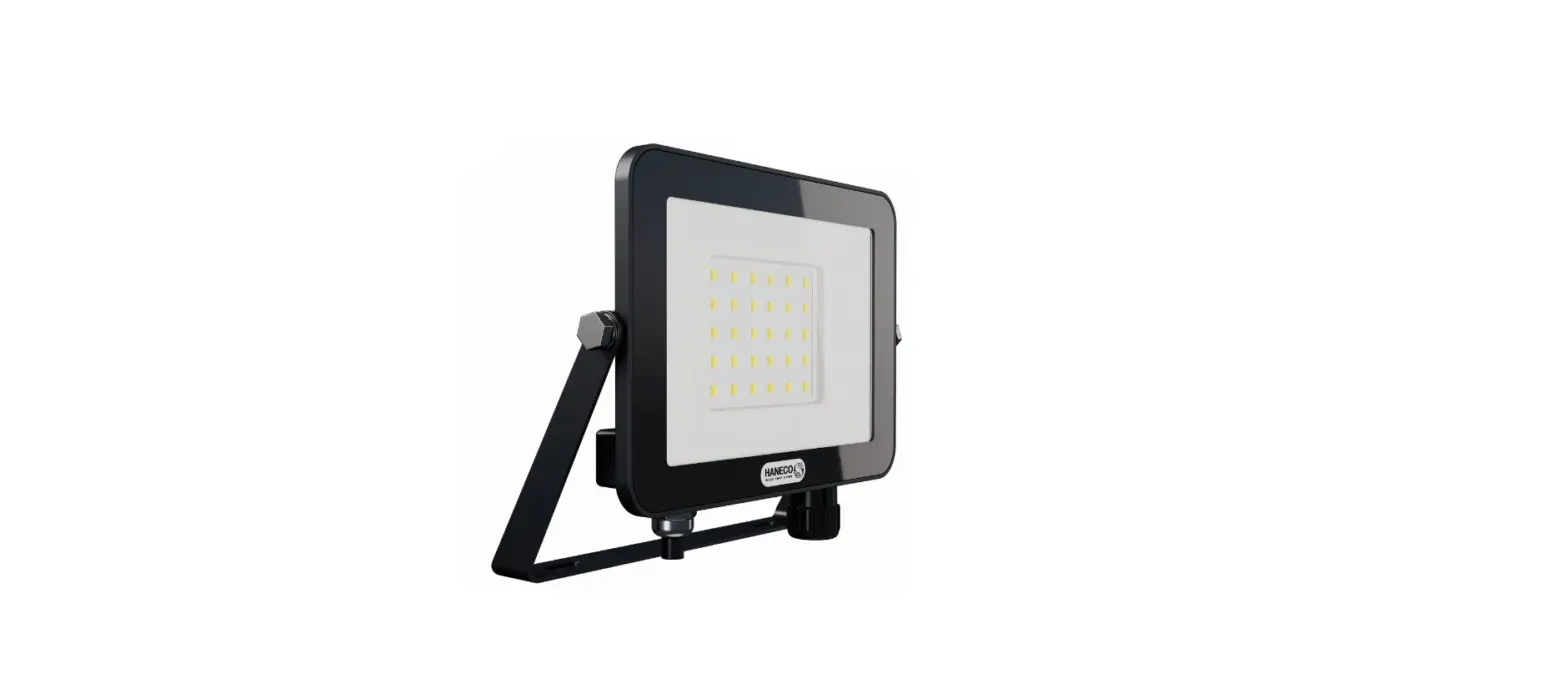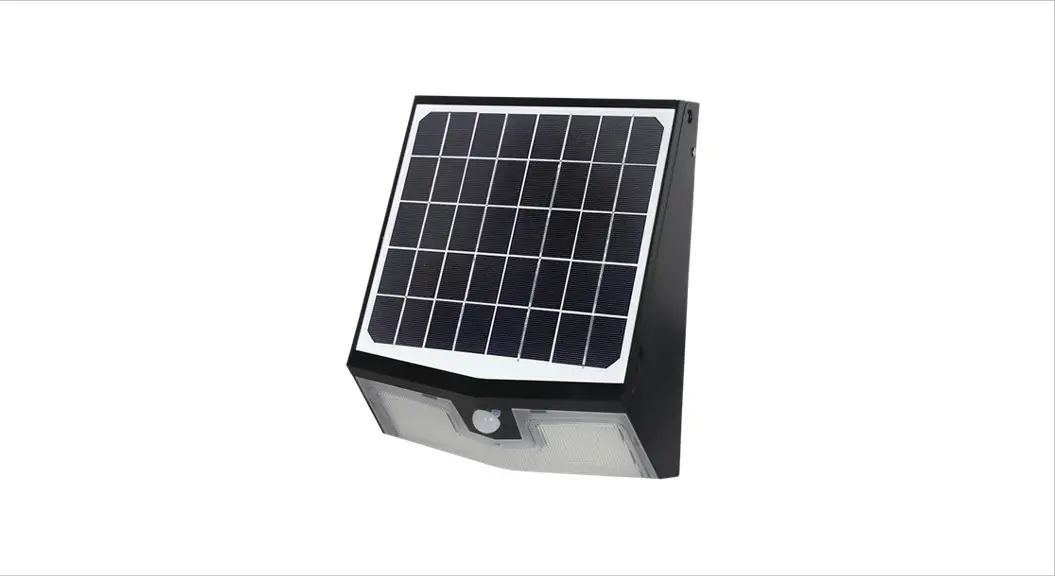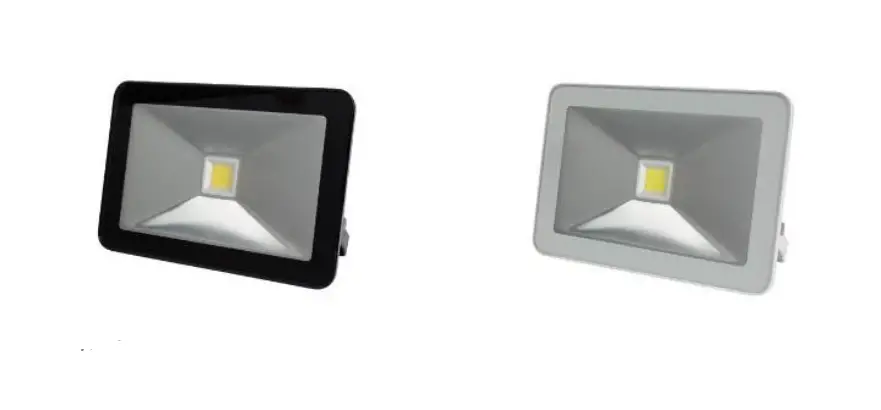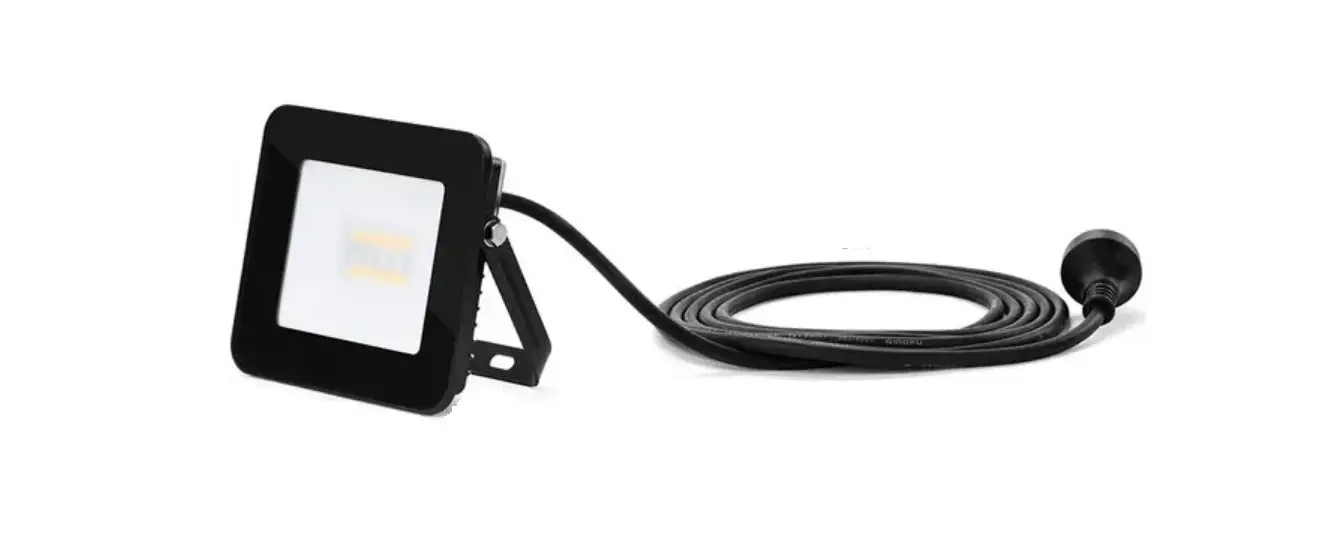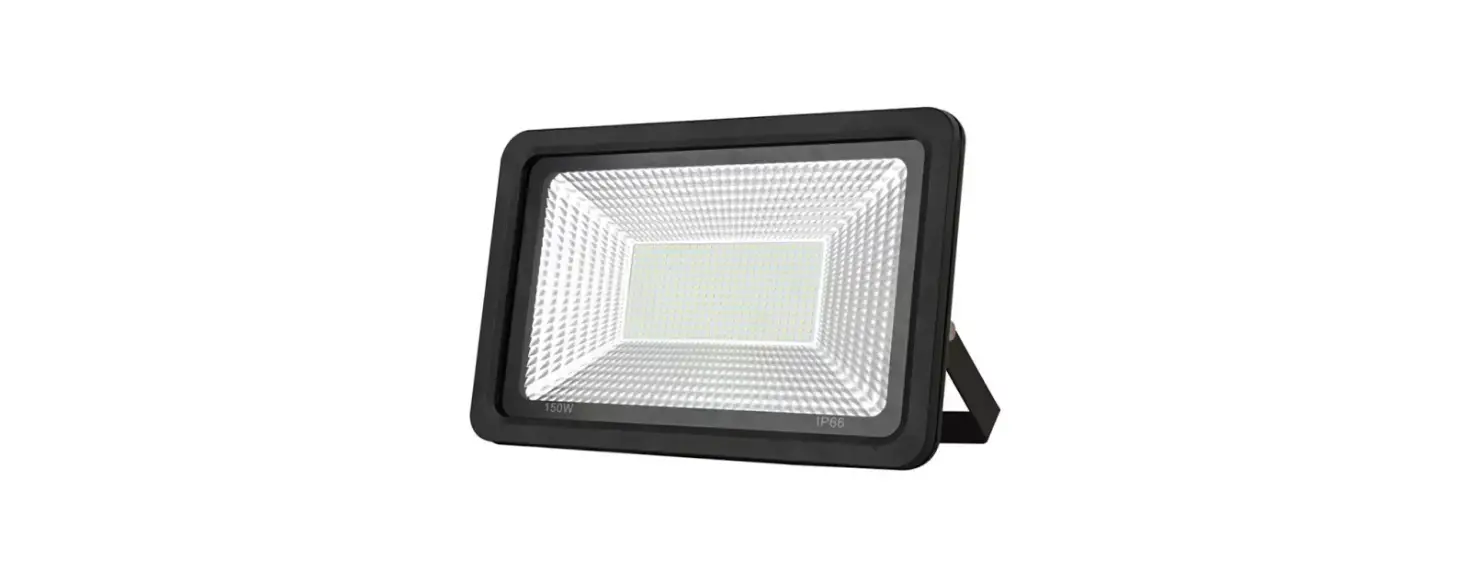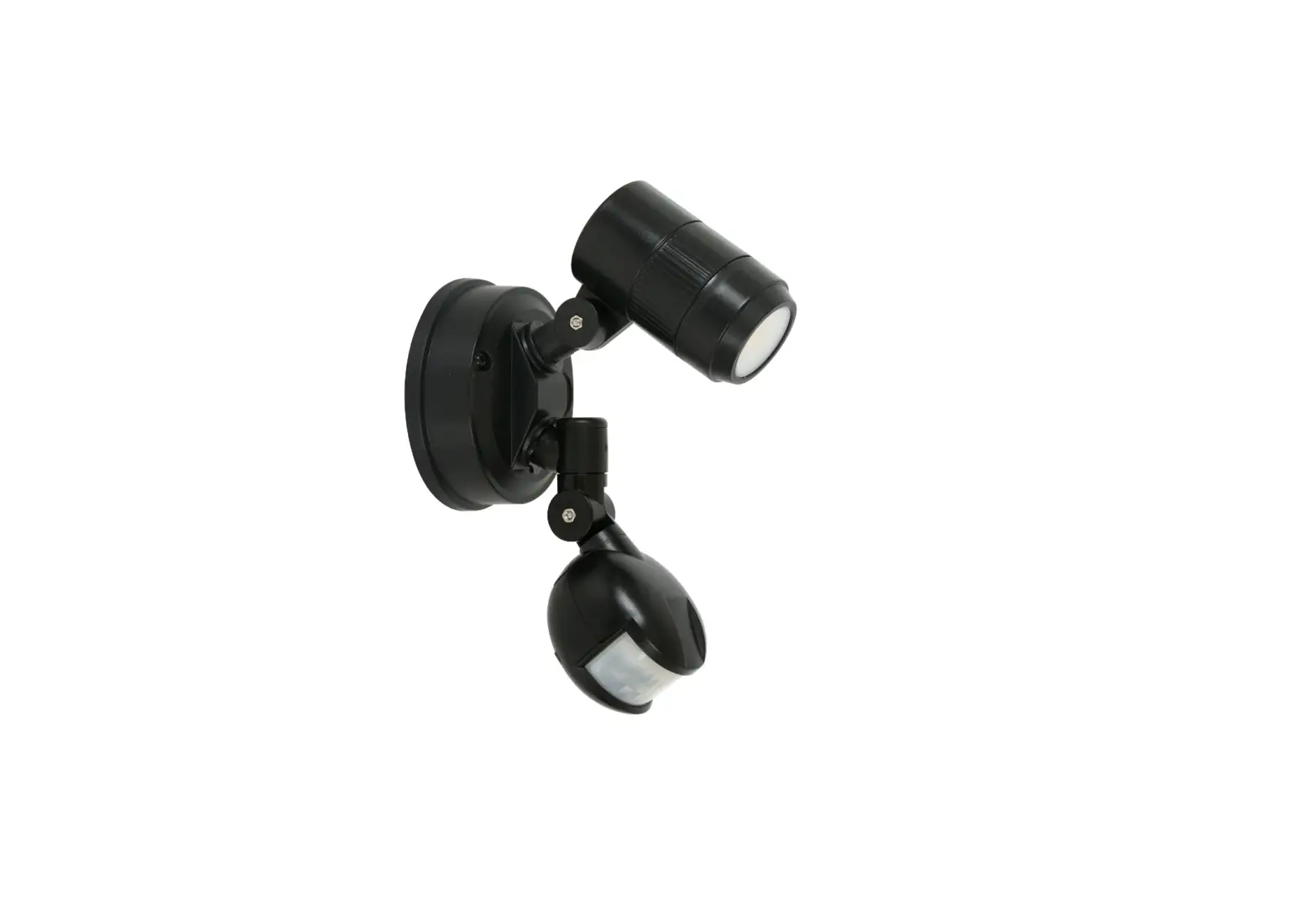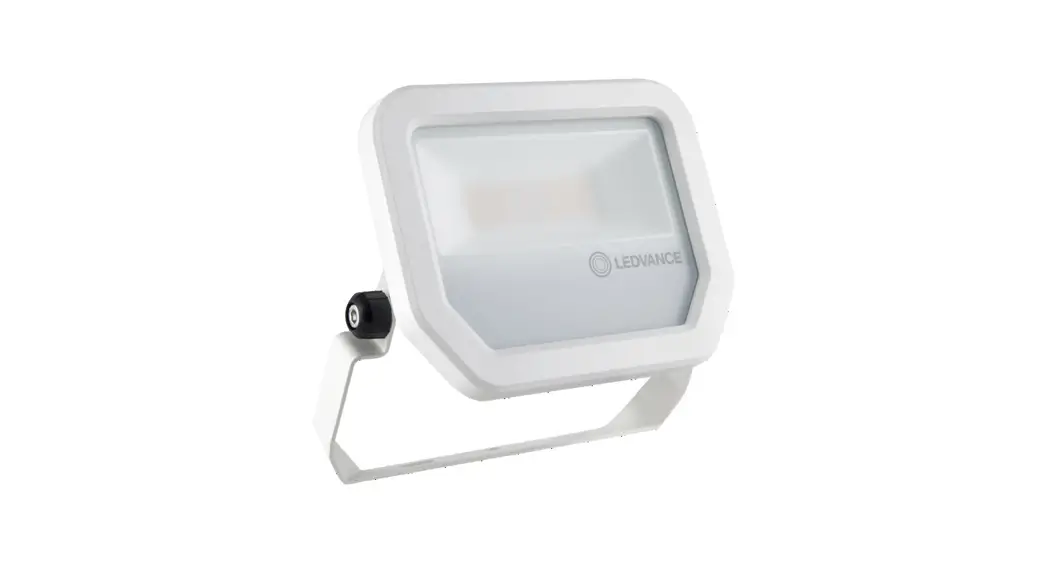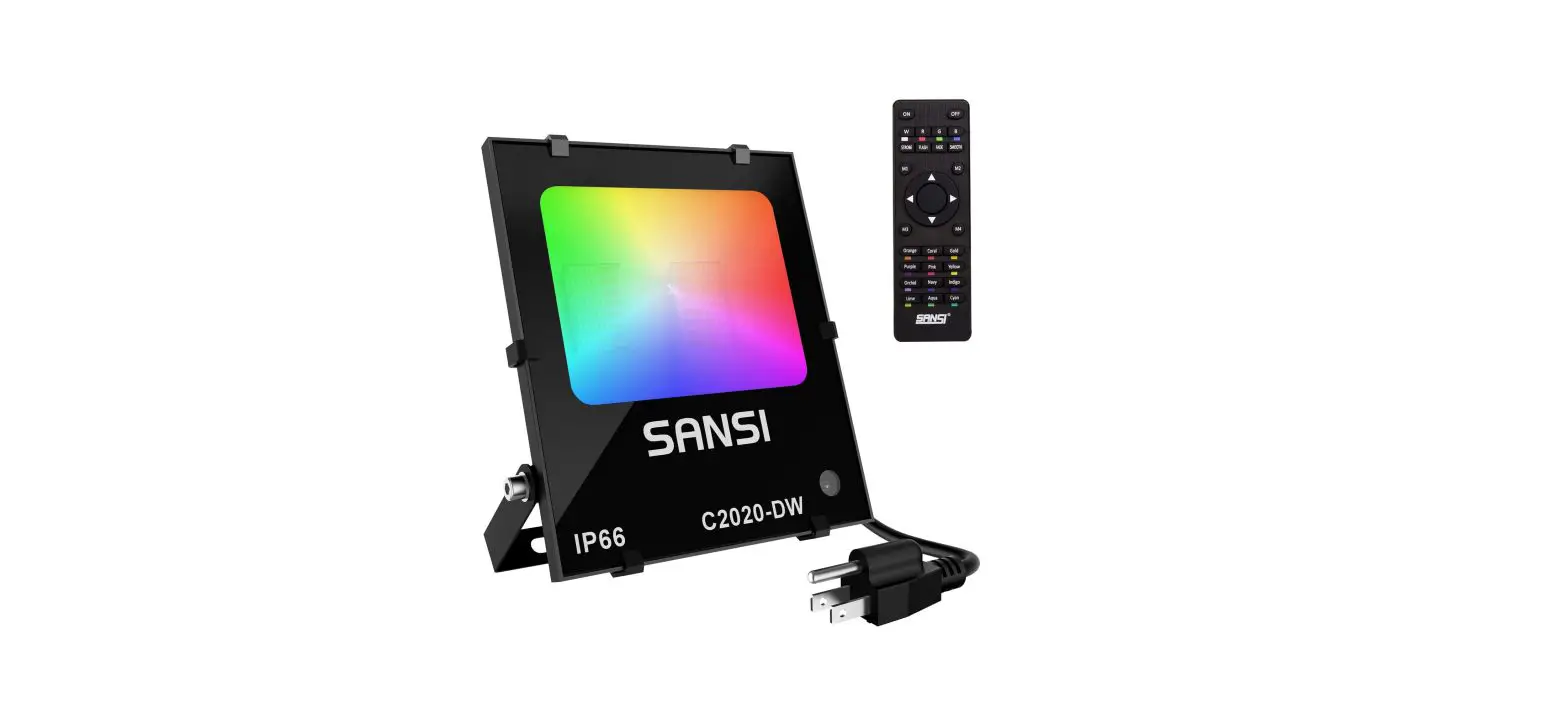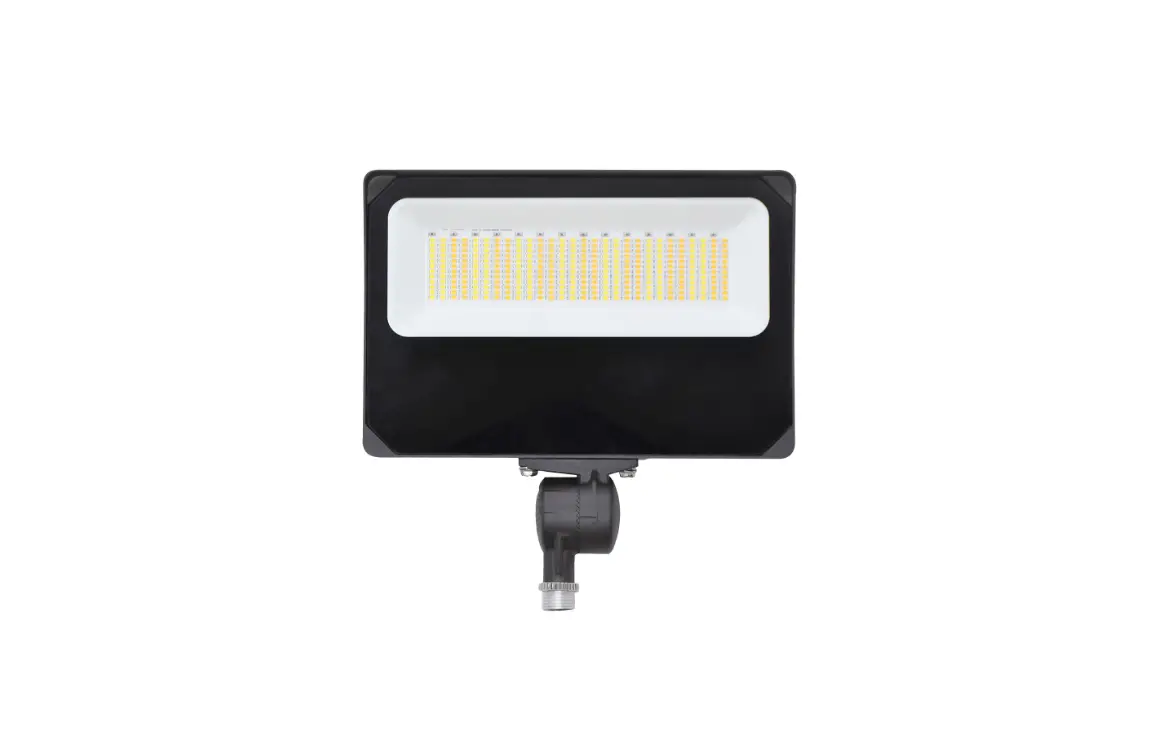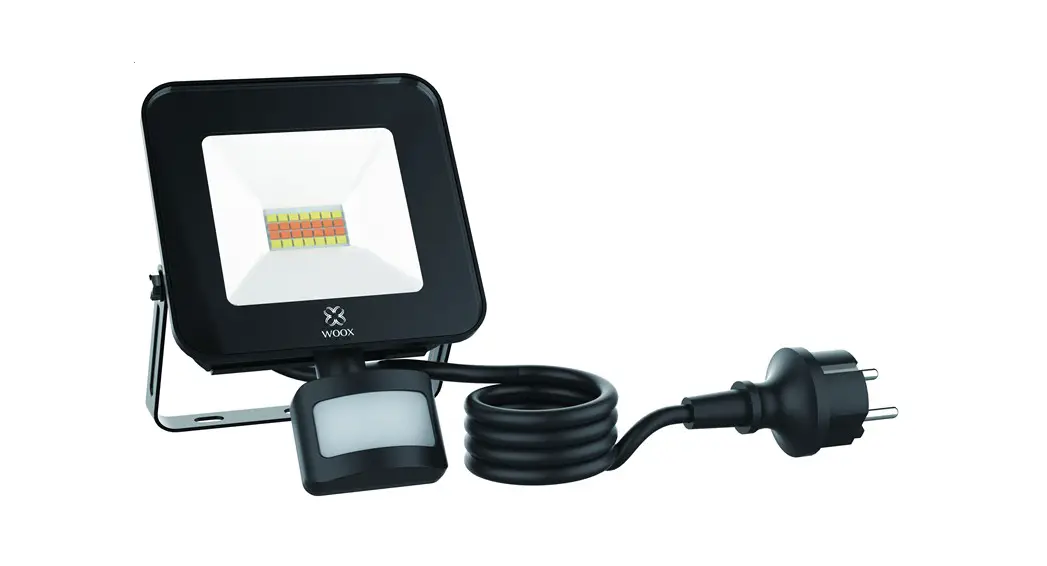

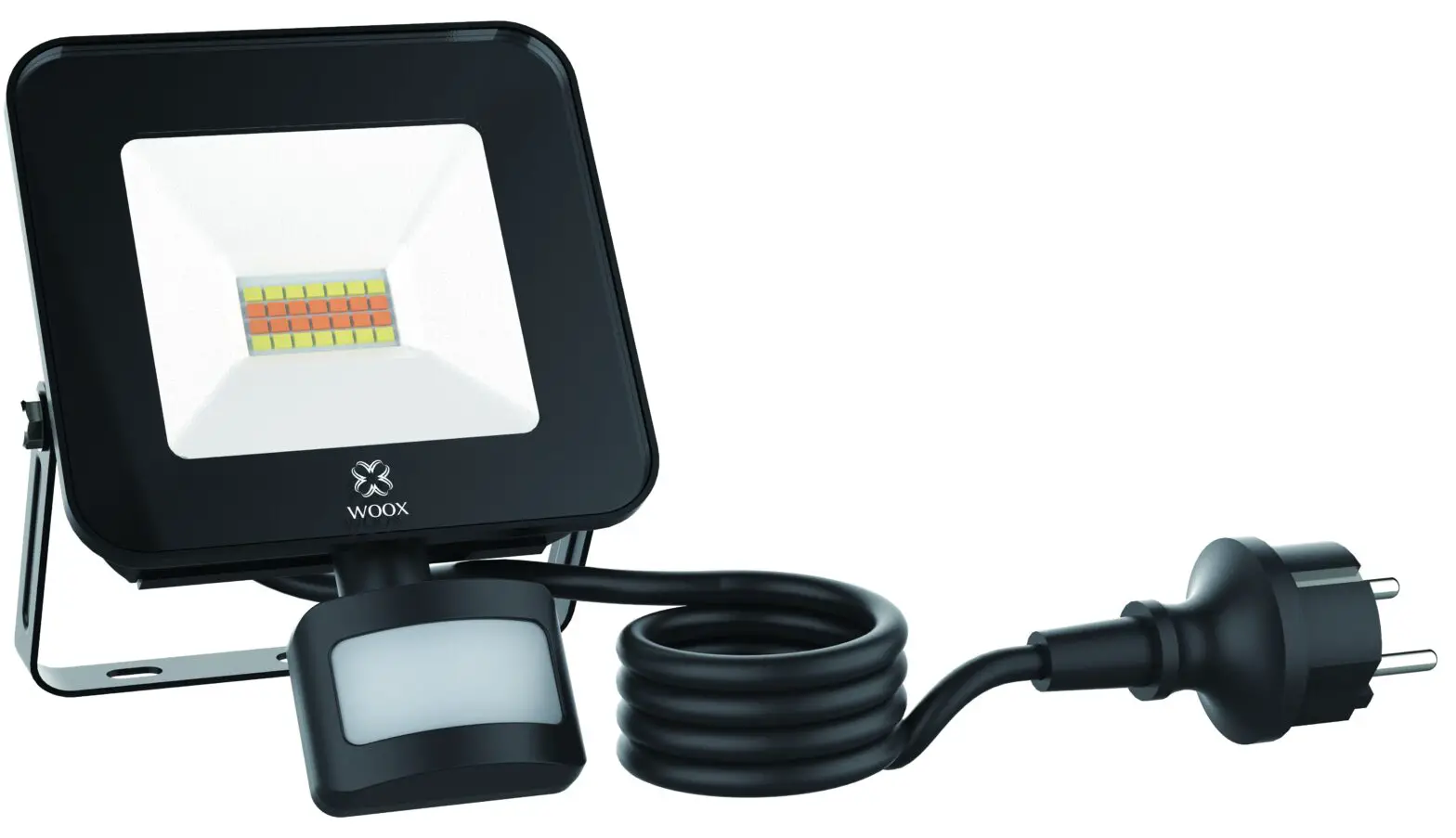
Smart LED Floodlight
Quick Start Guide
R5113
 Version: 20200304
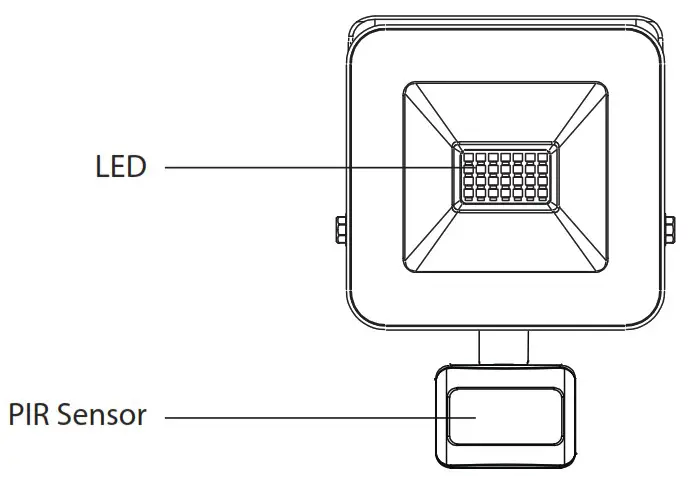
Installation instruction
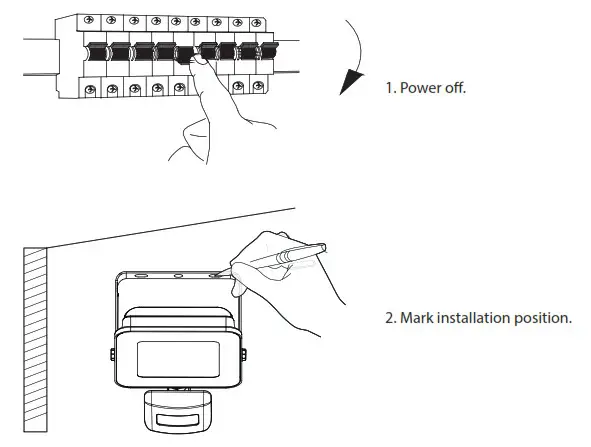
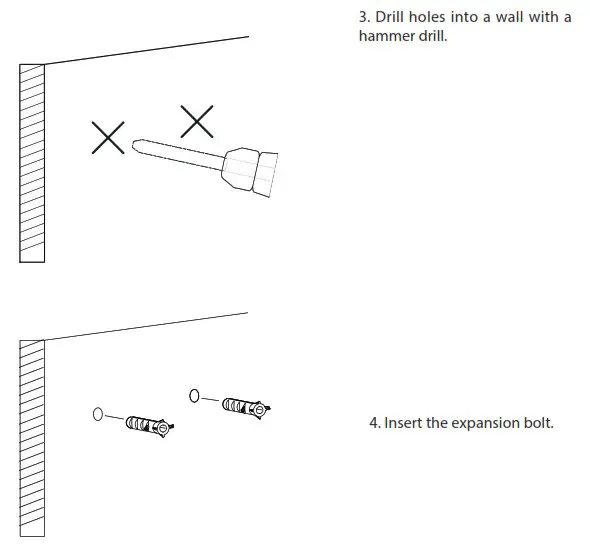
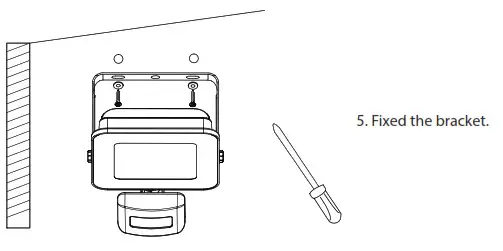
Package includes
- Smart LED Floodlight x 1
- Screws bag x 1
- User manual x 1
Requirement to use
- WOOX Home app
- WLAN-enabled router: 2.4GHz (Separate band)
Set up smart LED floodlight to WOOX Home app
- Download and install the app “WOOX Home” from Apple App Store or Google Play Store on your smartphone.
- Open Bluetooth on smartphone.
- Enable Bluetooth and location permission for WOOX Home app, so that the app can find smart LED floodlight via Bluetooth.
- Launch the app “WOOX Home”.
- Create a new account or log in to your existing account.
- Ensure the LED is quick flashing (flashing 2 times per second). If the LED isn’t flashing: turn ON/OFF wall switch 3 times until the LED starts to flash.
- Tap “+” to add the device.
- The smart LED floodlight will appear on the app. If smart LED floodlight does not appear, please check if the bluetooth and location permission of WOOX Home app are enabled in smartphone settings.
- Select the smart LED floodlight and continue.
- Confirm the Wi-Fi network and password.
- Note: only 2.4GHz WiFi is supported.
- The app will now search for the device and register is to your account.
- Enter the device name.
Note: The device name will also be used by Amazon Alexa and Google Home.
Safety

- To reduce risk of electric shock, this product should only be opened by an authorized technician when service is required.
- Disconnect the product from the mains and other equipment if a problem should occur.
- Read the manual carefully before use. Keep the manual for future reference.
- Only use the device for its intended purposes.
- Do not use the device for other purposes than described in the manual.
- Do not use the device if any part is damaged or defective. If the device is damaged or defective, replace the device immediately.
Cleaning and maintenance Warning!
- Do not use cleaning solvents or abrasives.
- Do not clean the inside of the device.
- Do not attempt to repair the device. If the device does not operate correctly, replace it with a new device.
- Clean the outside of the device using a soft, damp cloth.
Support
If you need further help or have comments or suggestions please visit www.wooxhome.com.
Specification
Power supply: AC 220-240V
Rated power: 20W
Color temperature: 3000K-6500K
CRI: > 80
Beam angle: 120°
Luminous: 1600 lumens
Wi-Fi: IEEE 802.11 b/g/n 2.4GHz
Waterproof: IP44 rating
Working temperature: -20℃ -35℃
Working humidity: 20%RH-80%RH
Dimension: 128x184x59mm
Cable length: 1.5 meters
Bluetooth: supported
 Connecting your home to a smarter future; WOOX Home