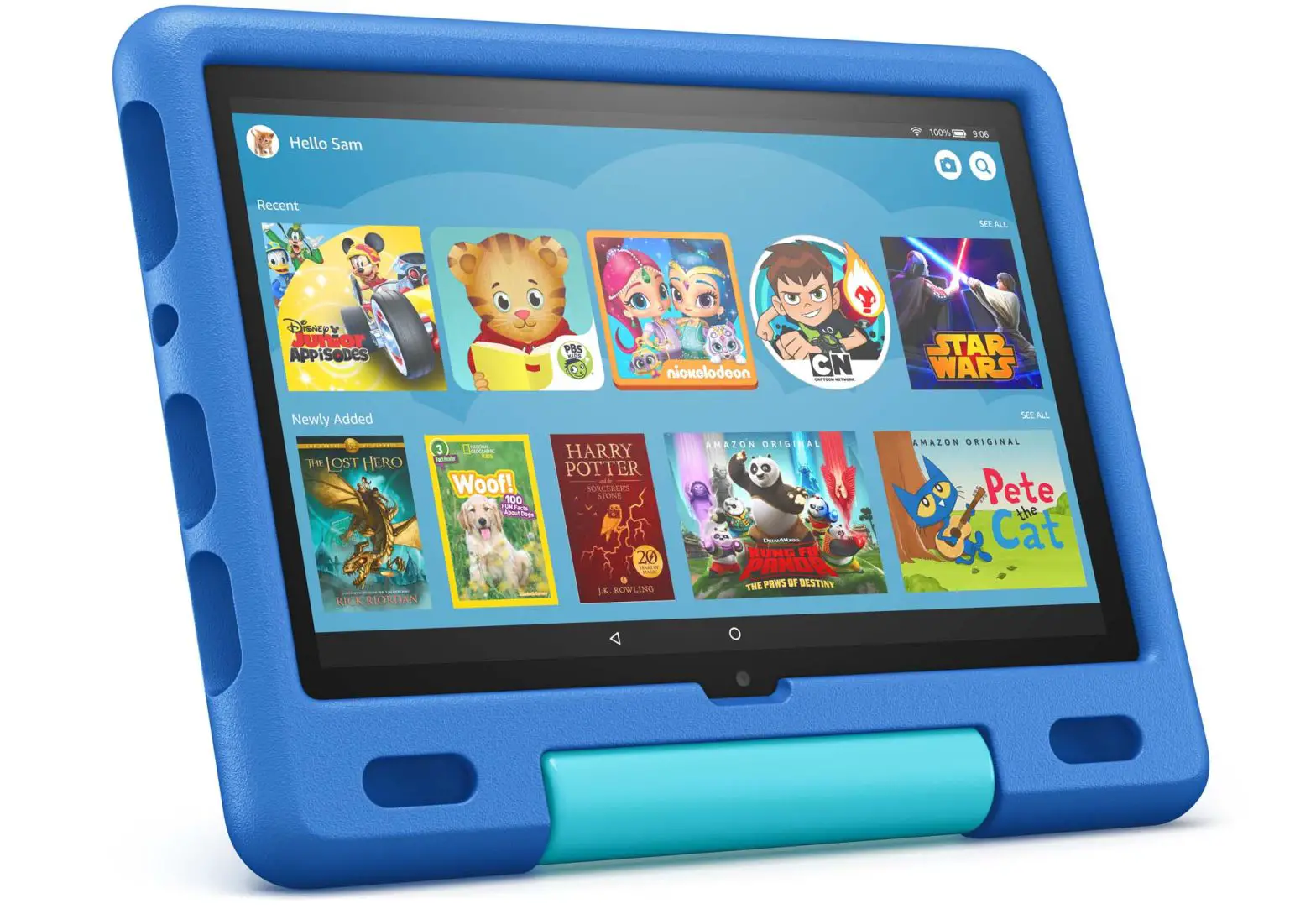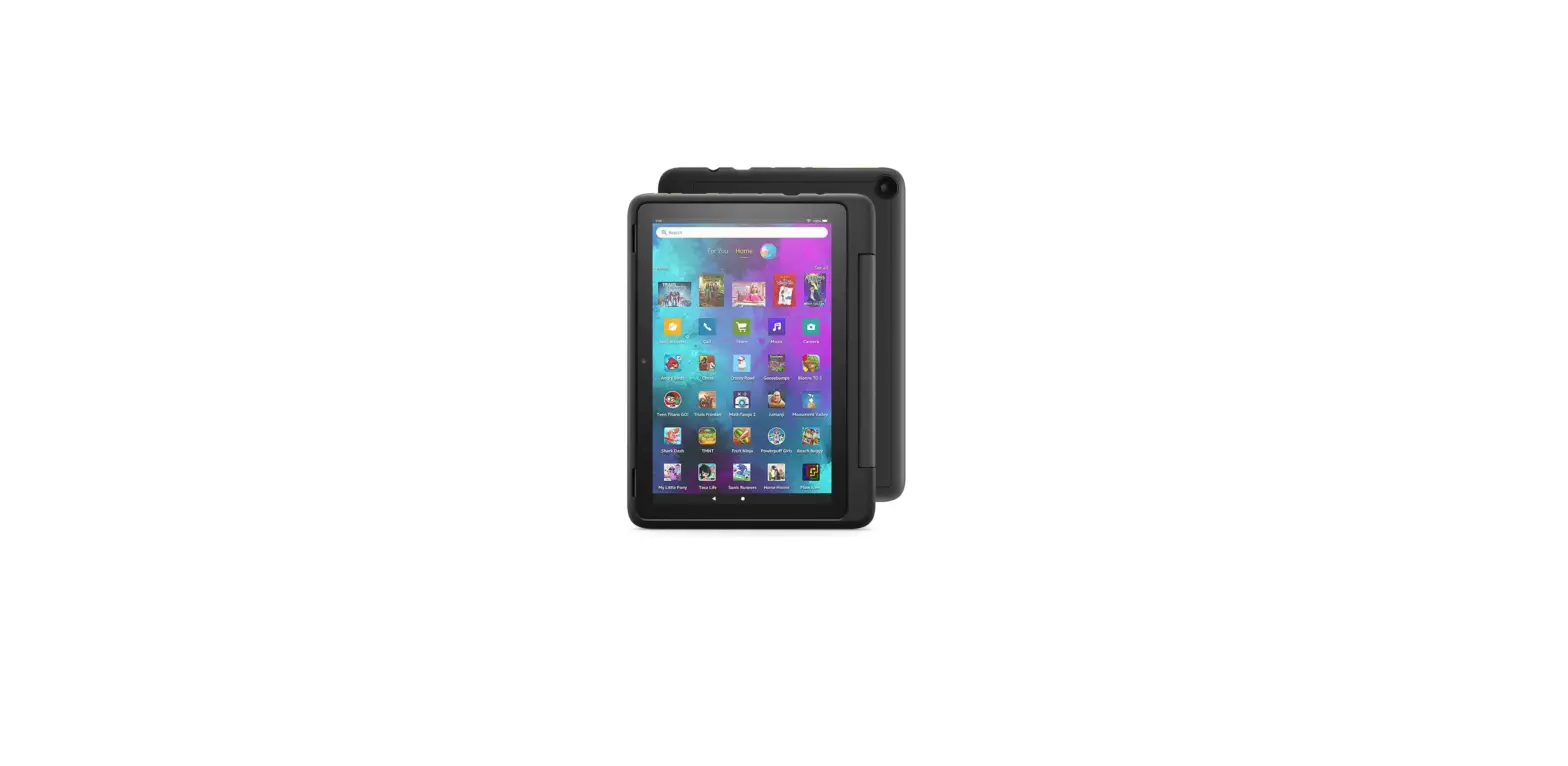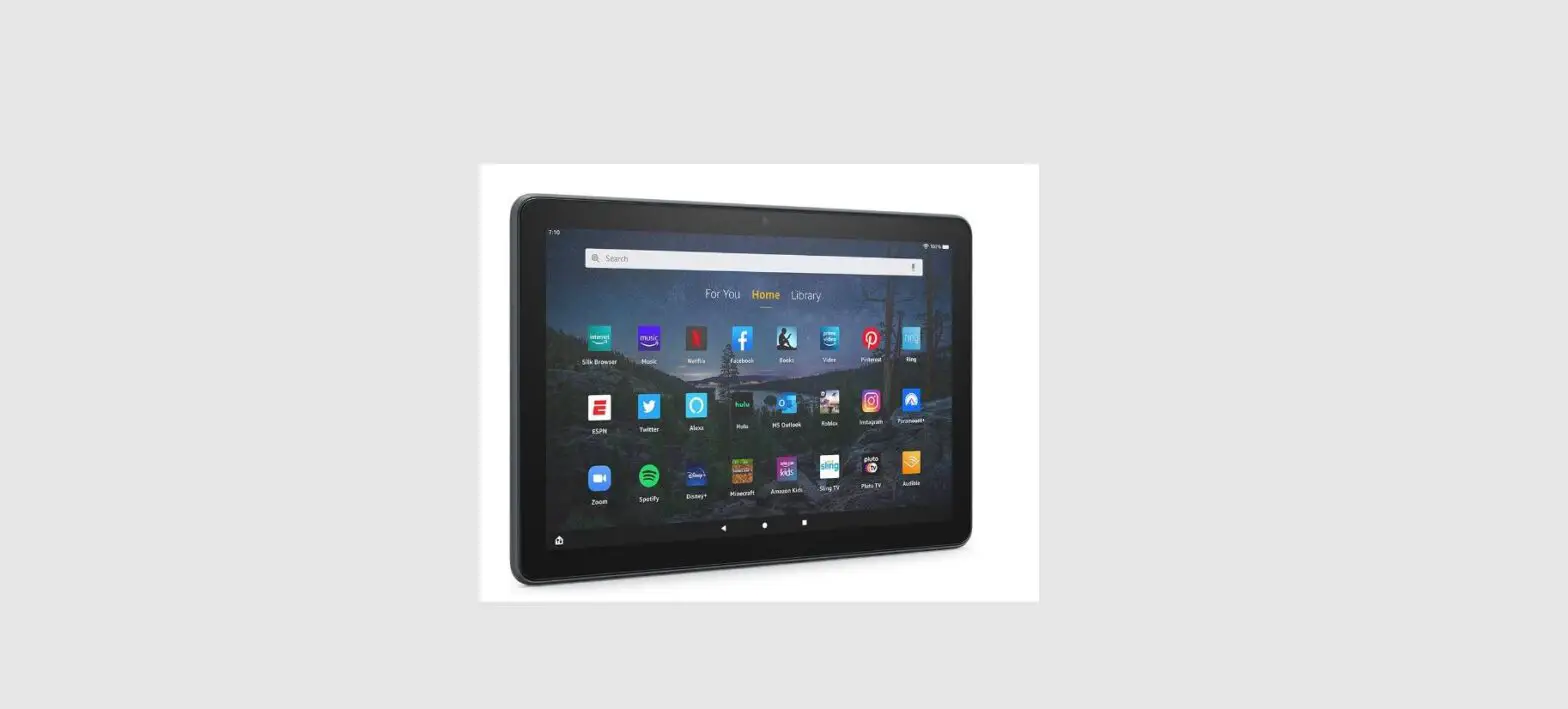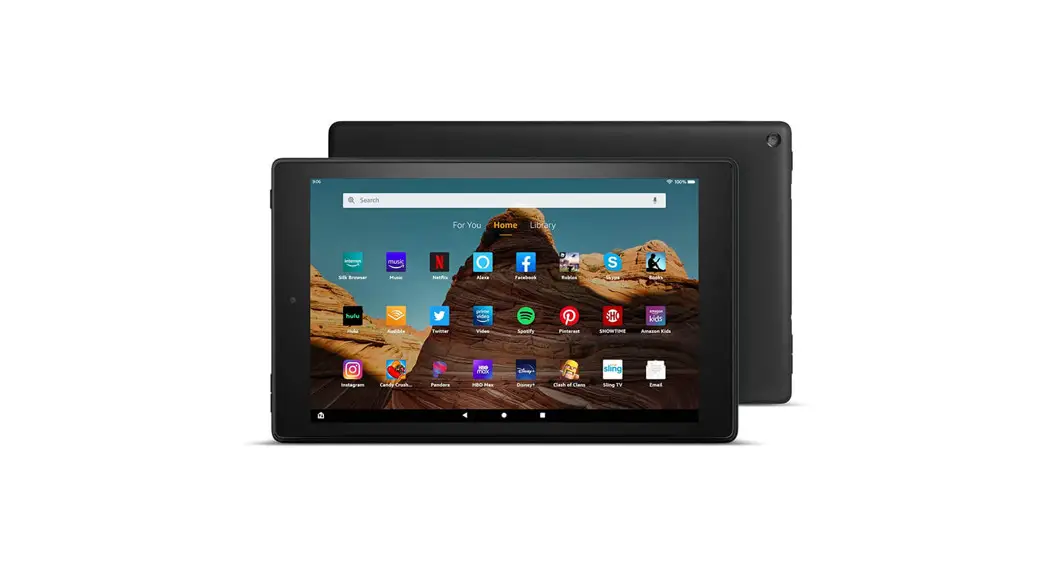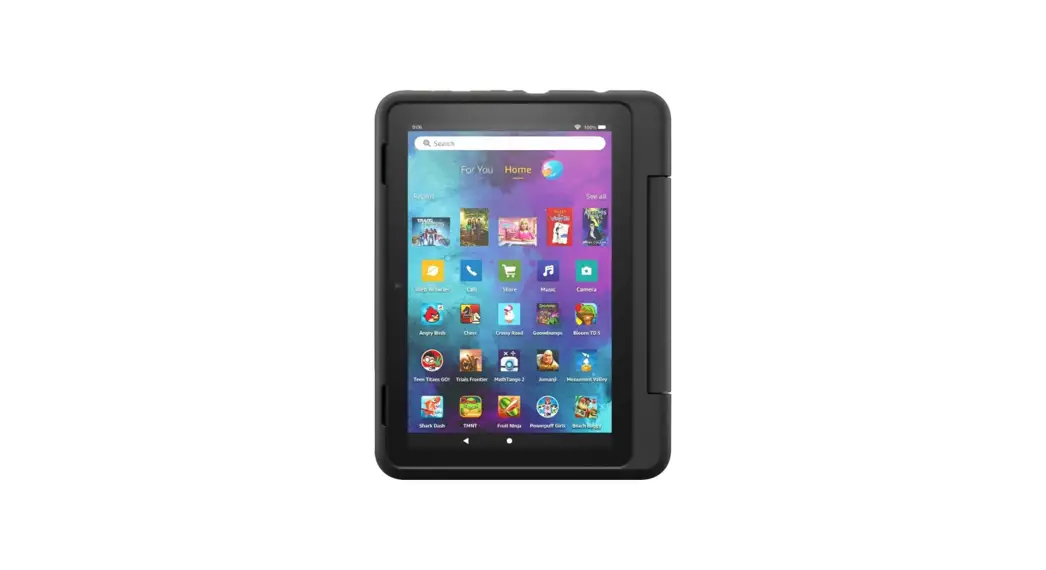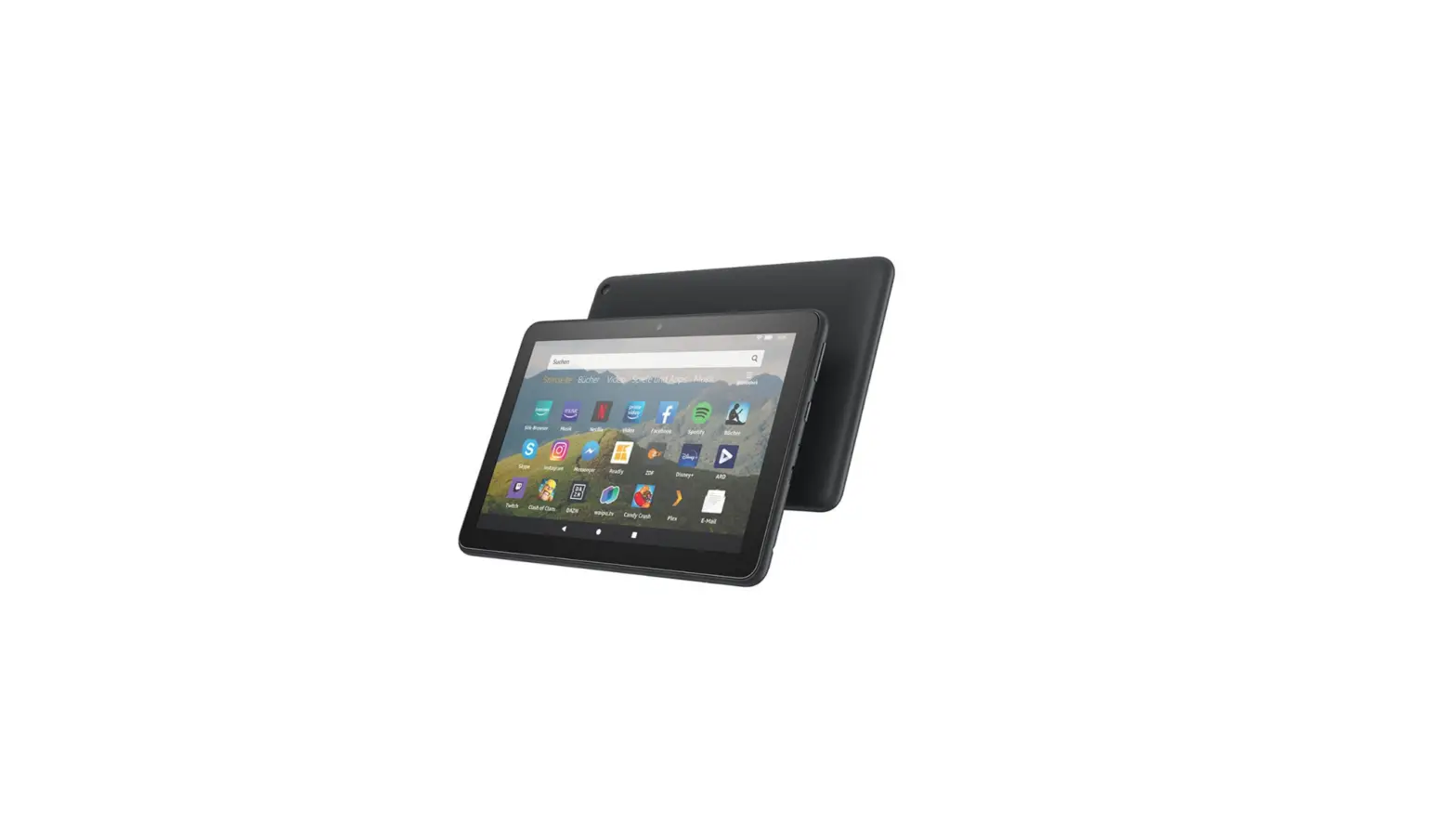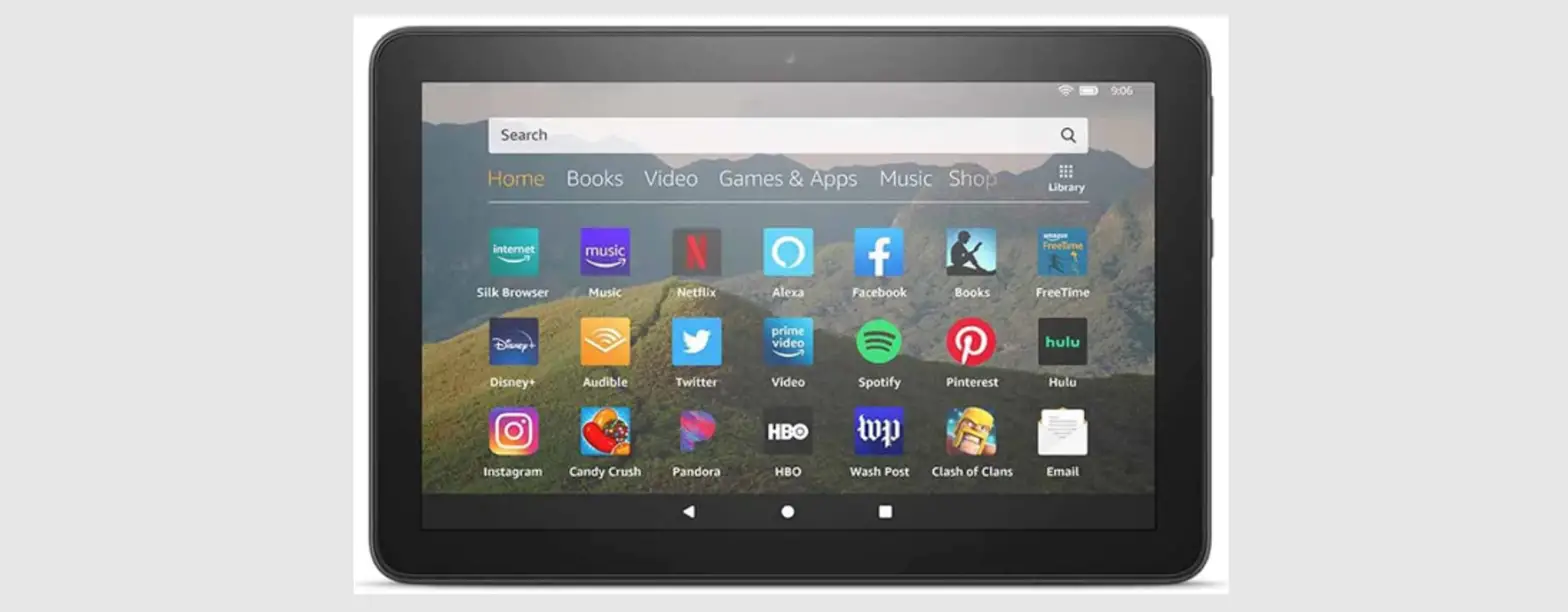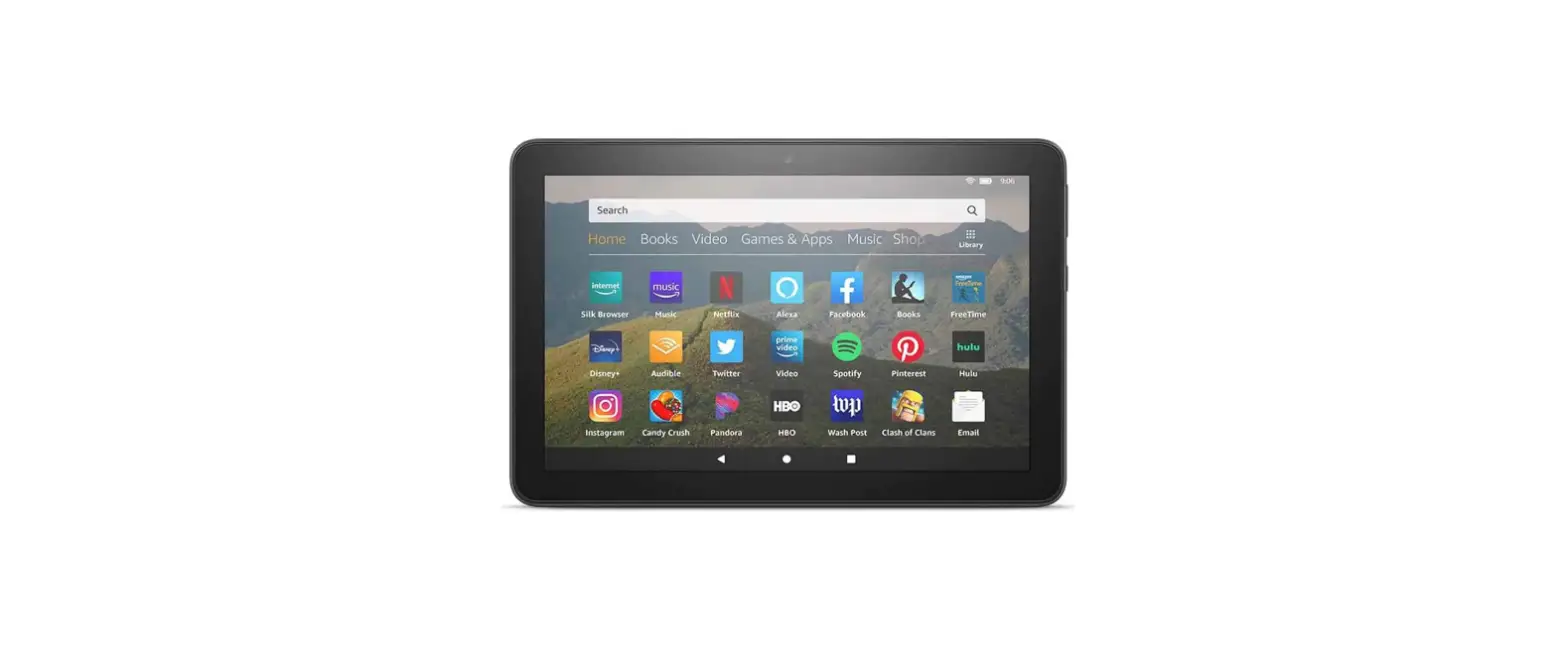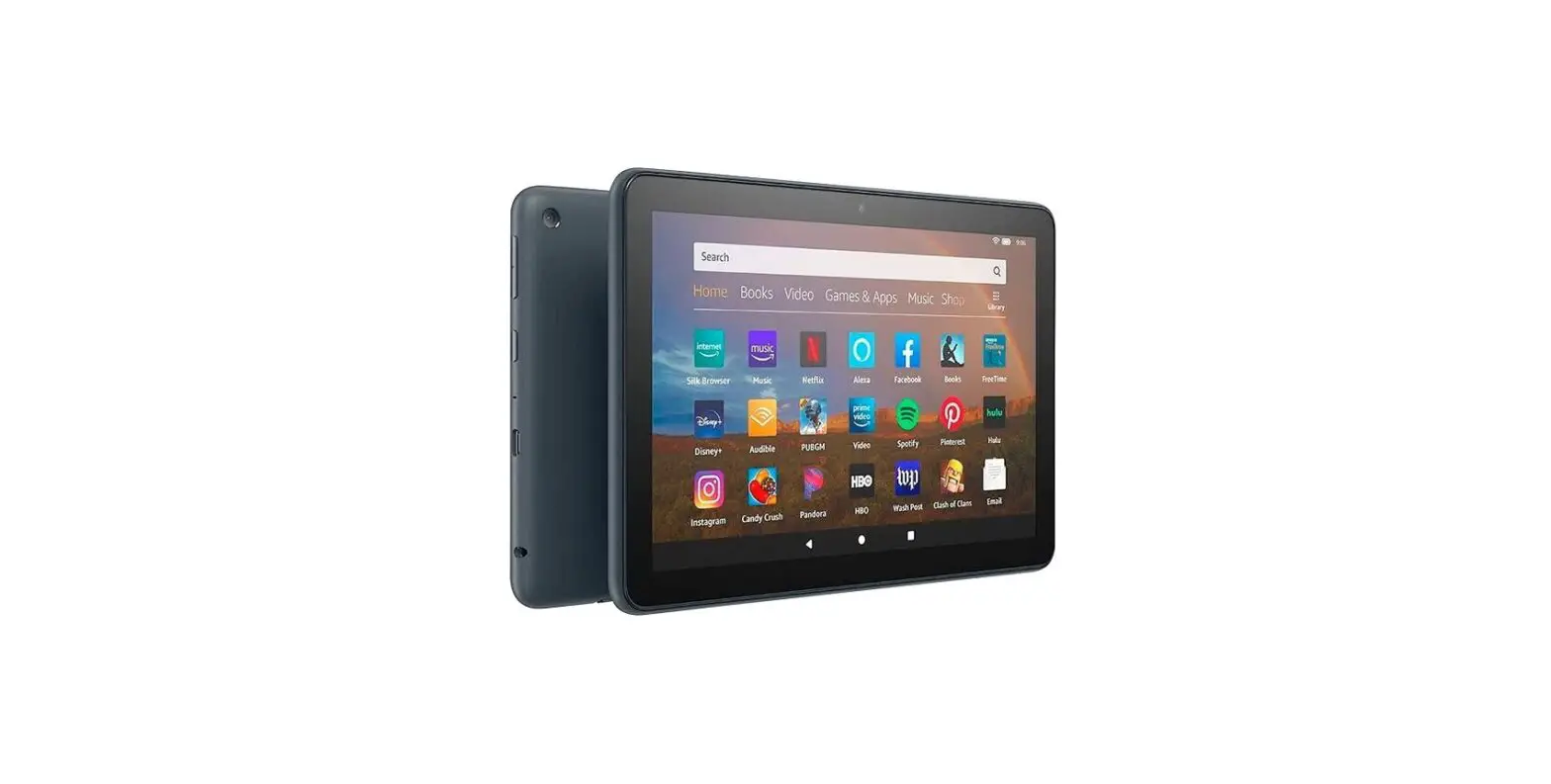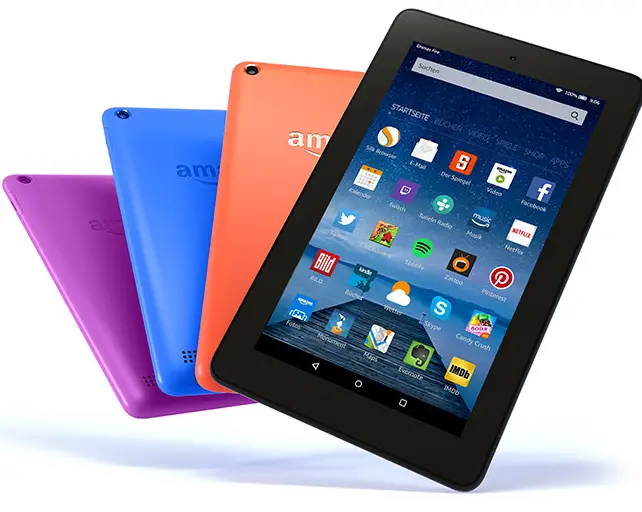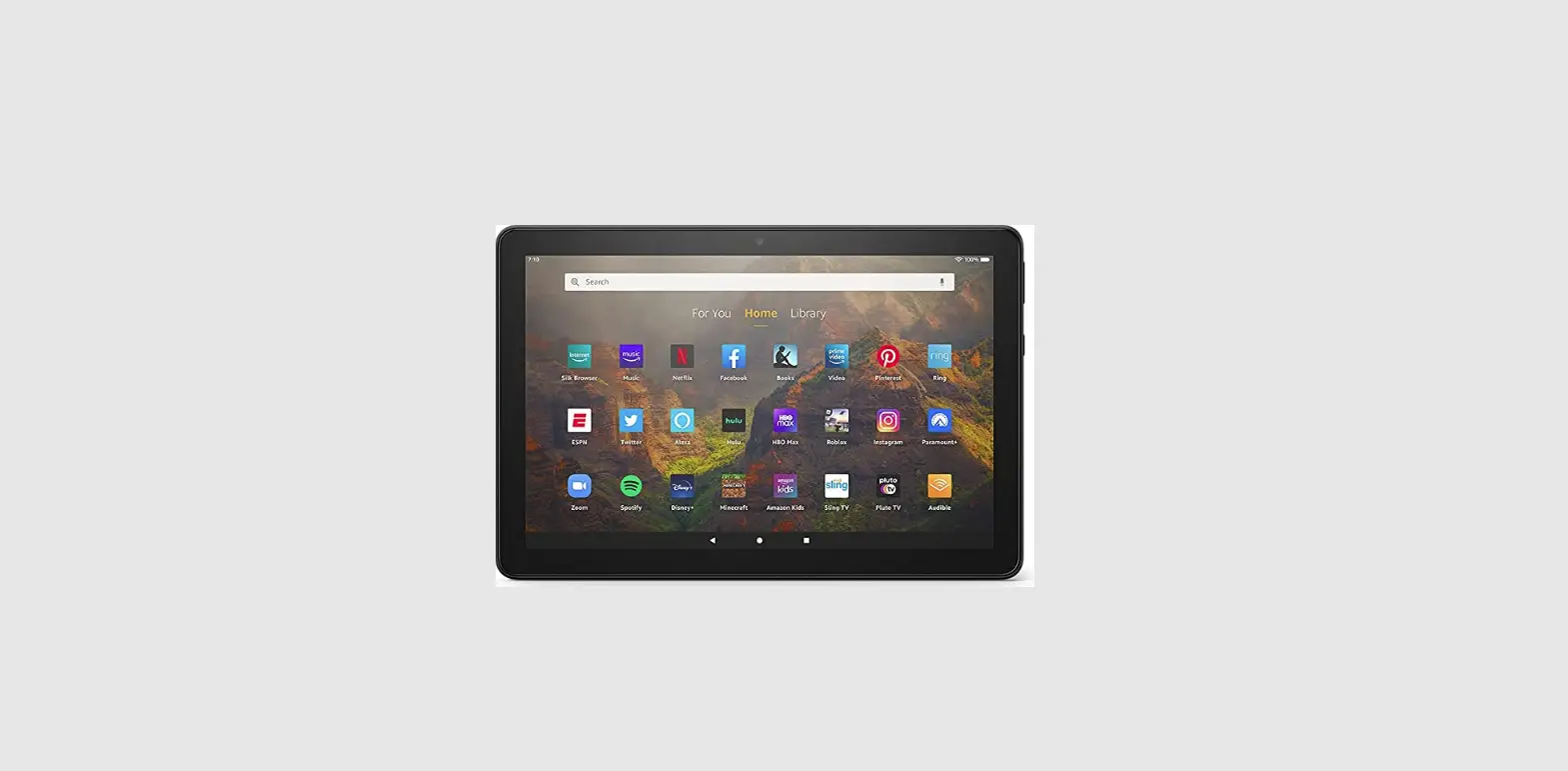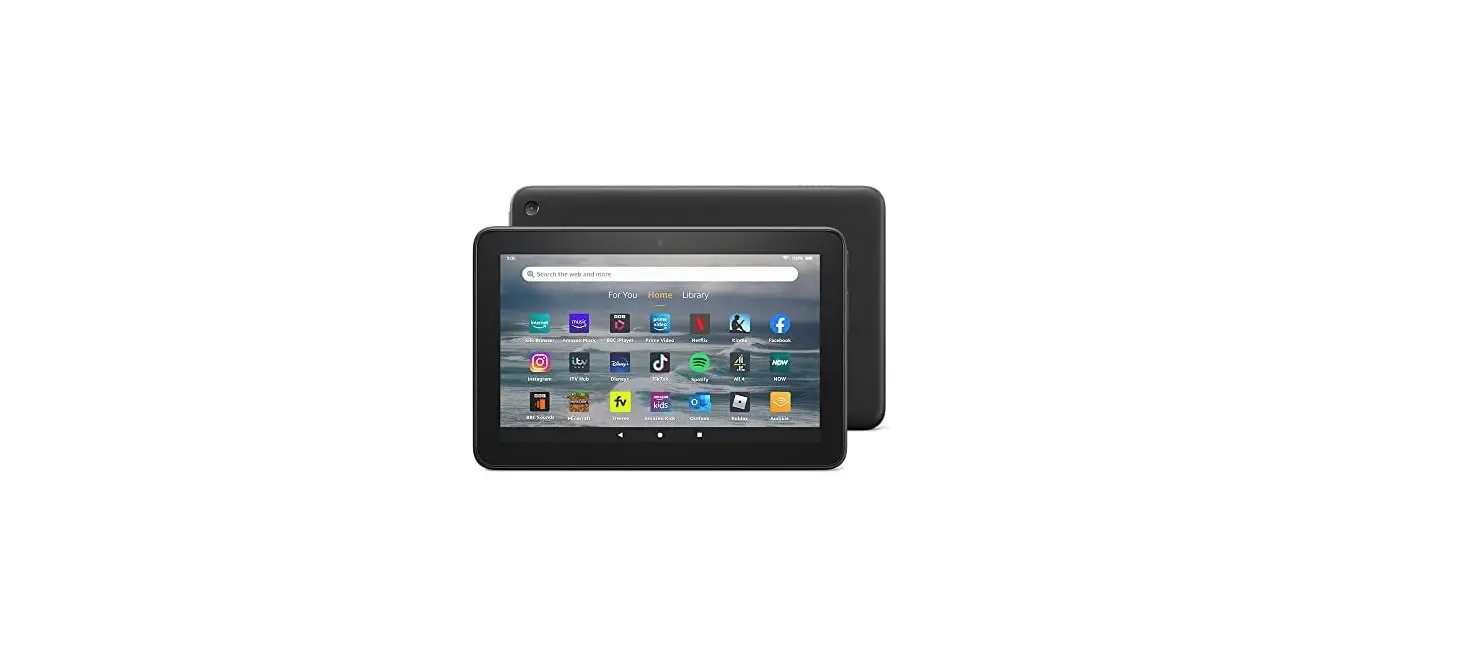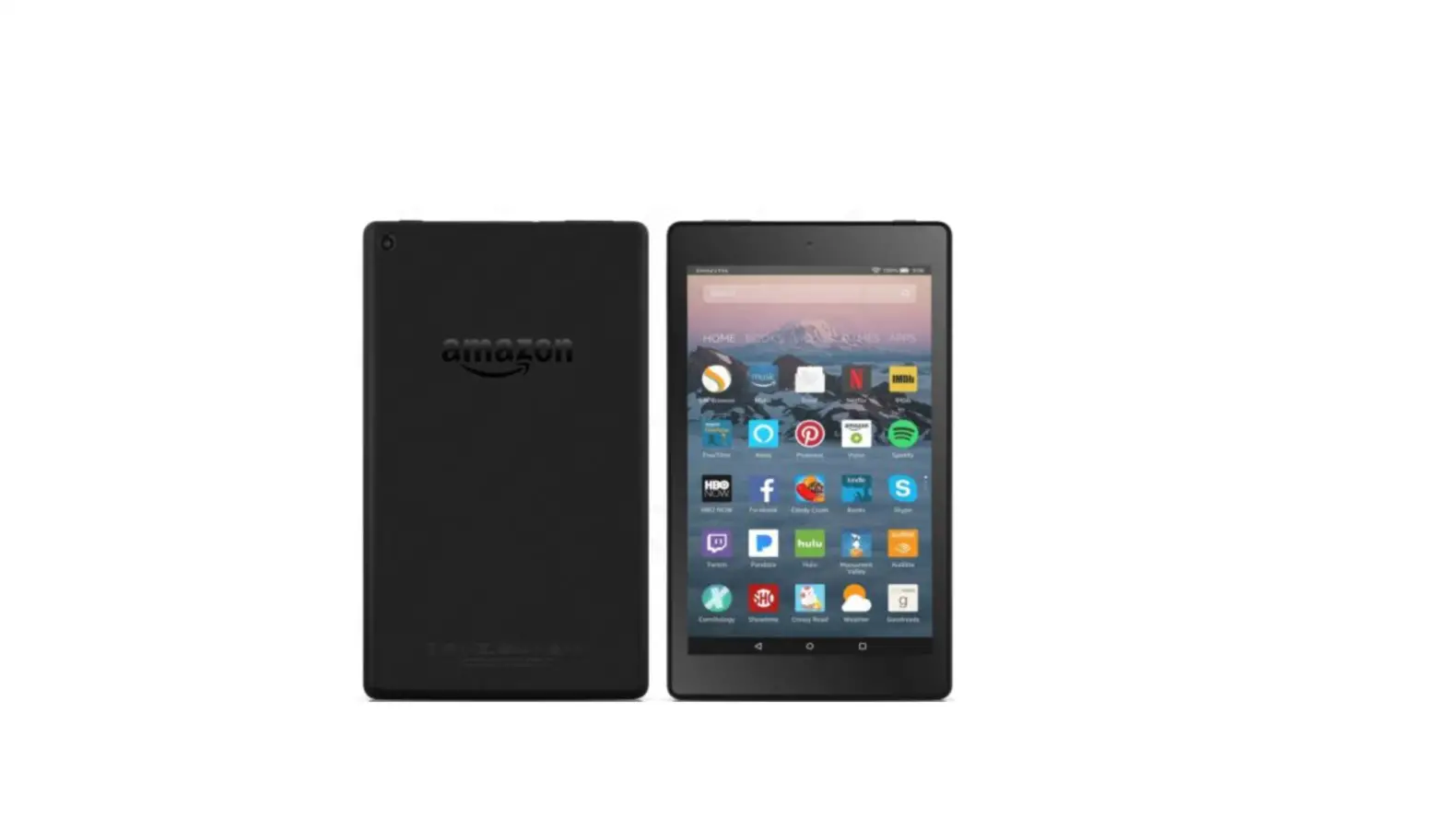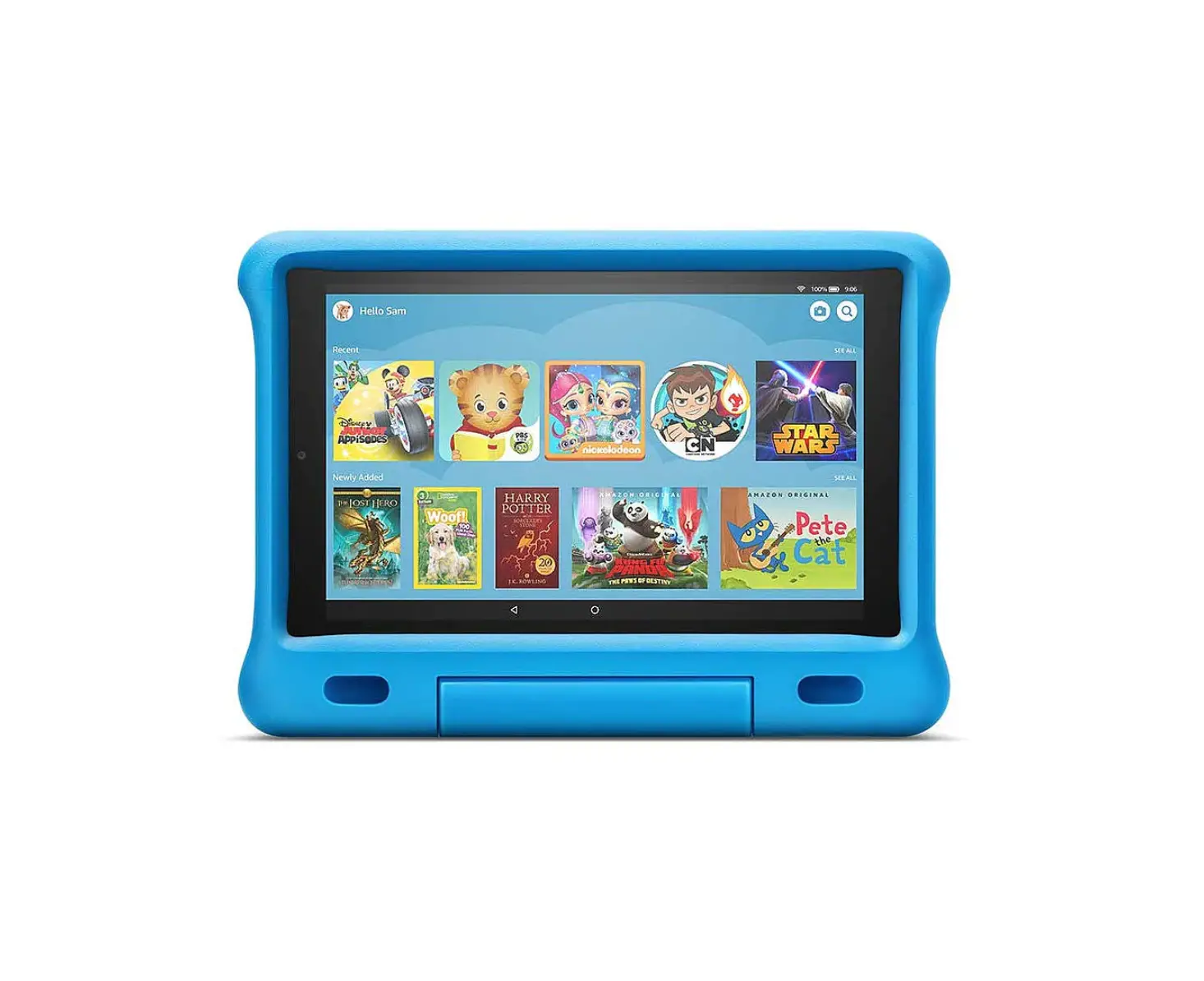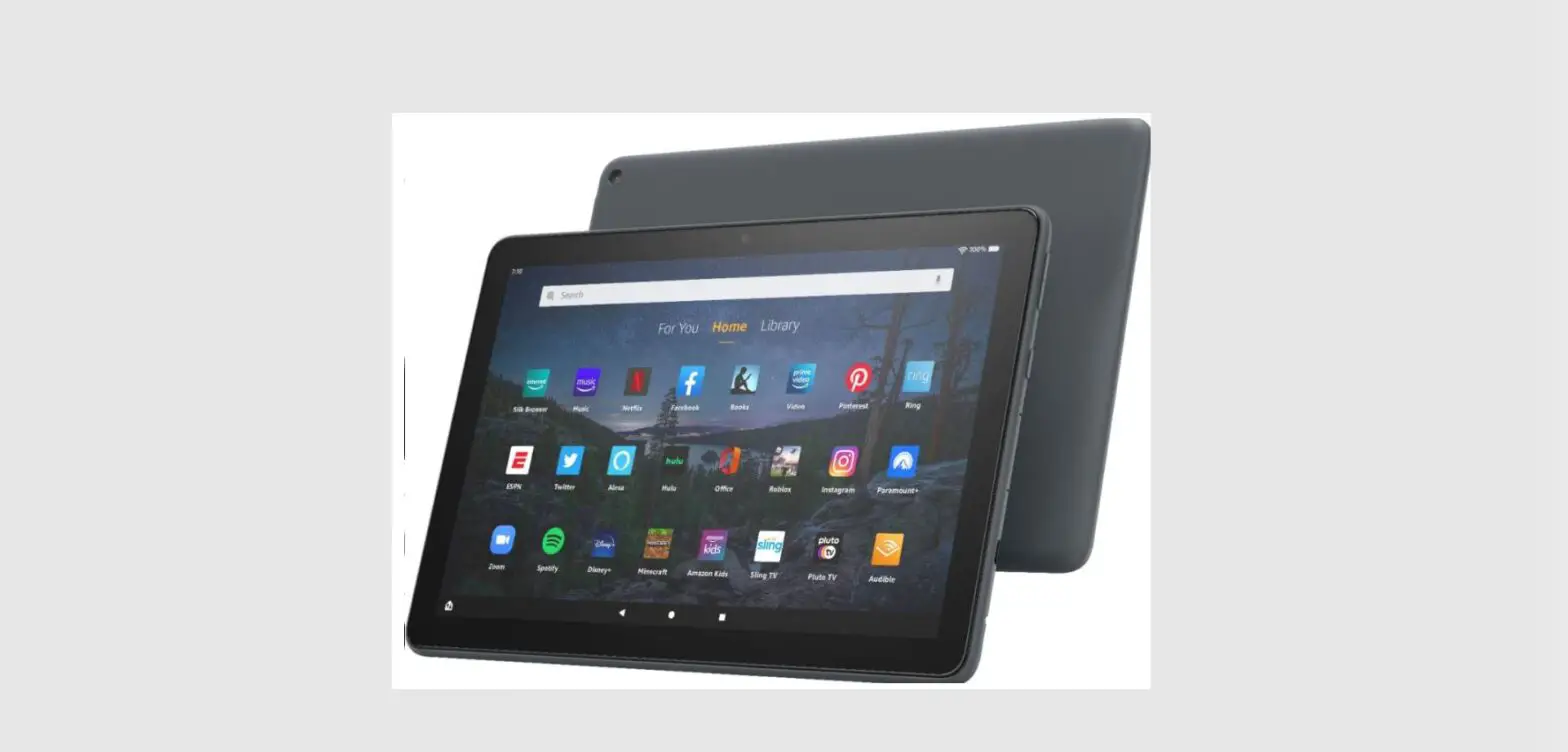
 amazon 10 Plus Fire HD Tablet
 amazon 10 Plus Fire HD Tablet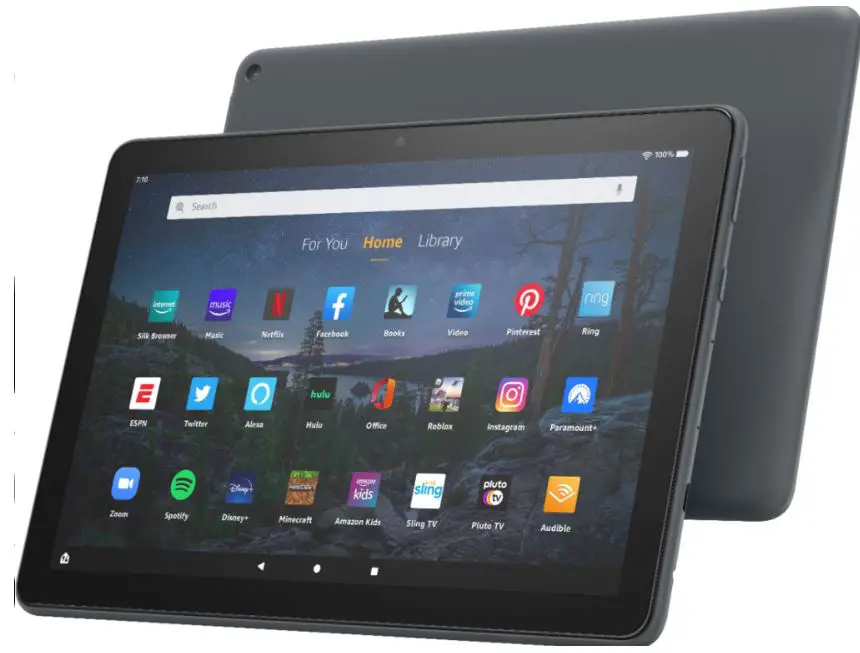
What’s in the box:
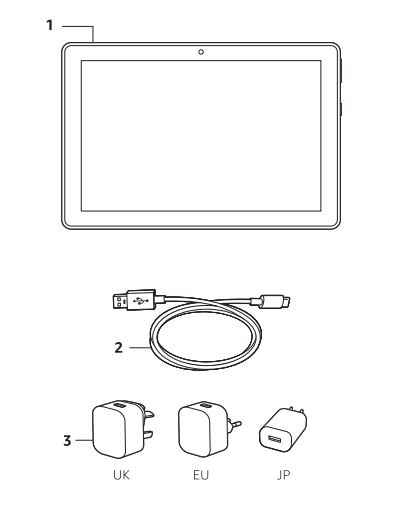
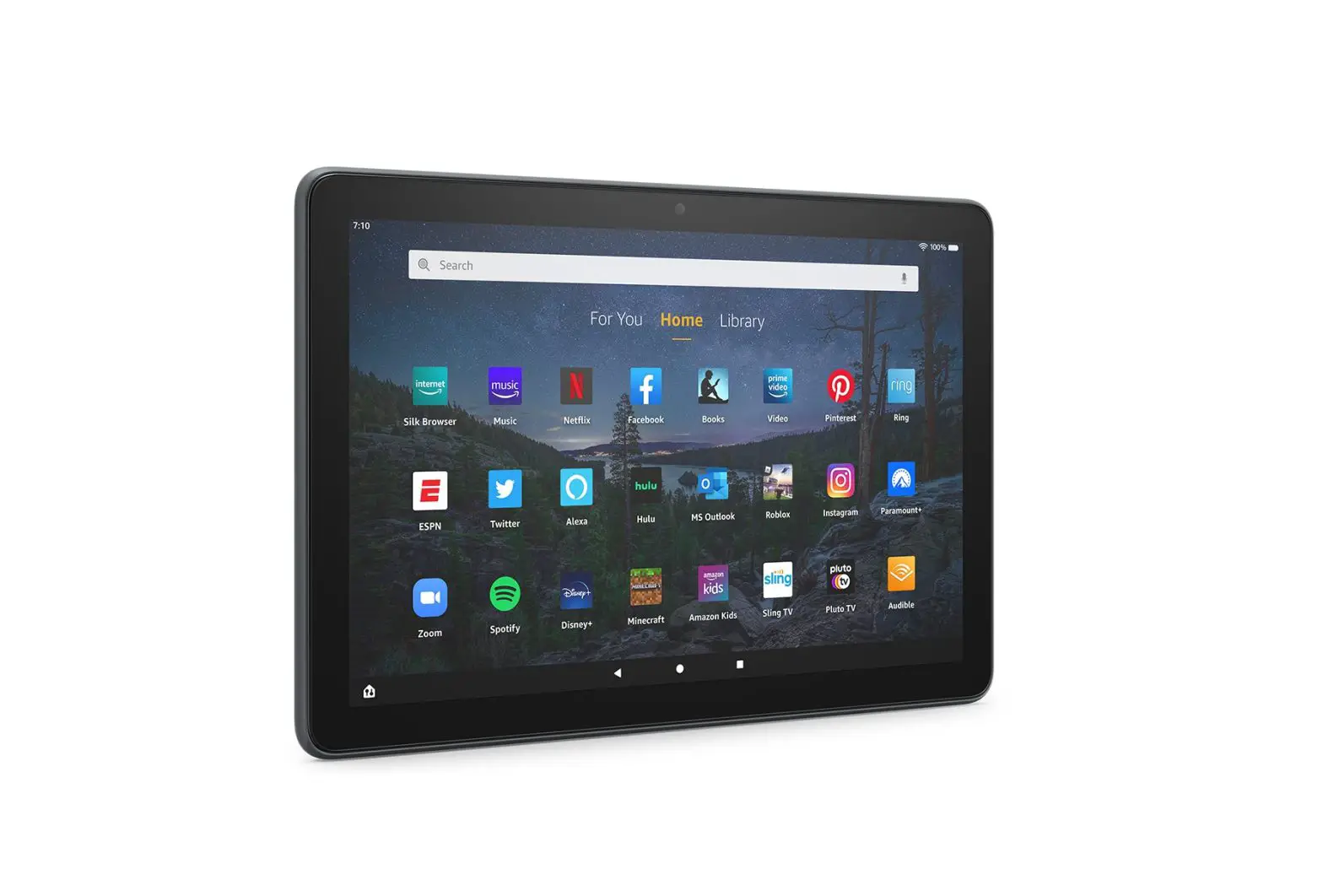
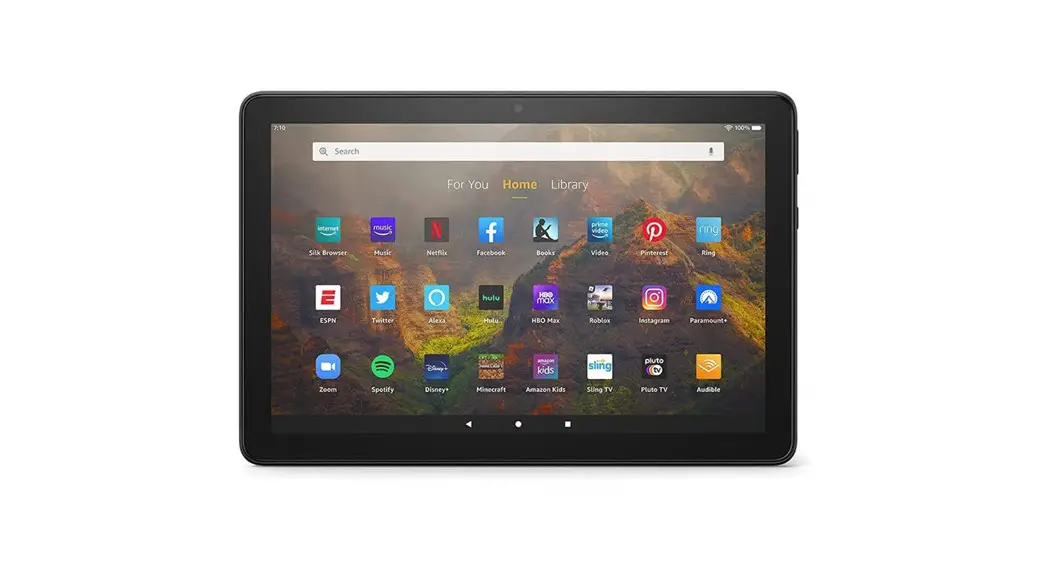
- Fire tablet
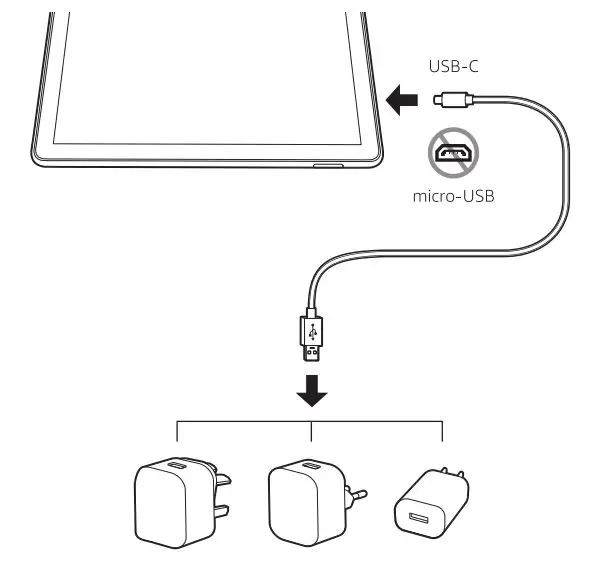
- USB-C cable (for power)
- Power adaptor
Fire HD 10 Plus overview
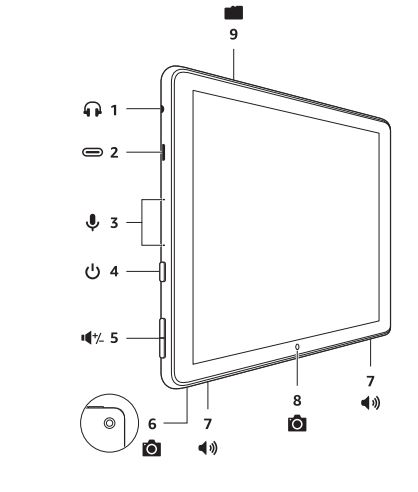
- Headphone jack
- USB-C port
- Microphones
- Power button
- Volume up/down

- Rear camera
- Speakers
- Front camera
- microSD slot



Getting started
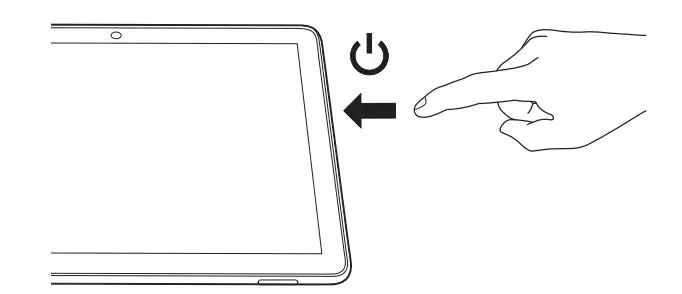
- Turn on your tablet.

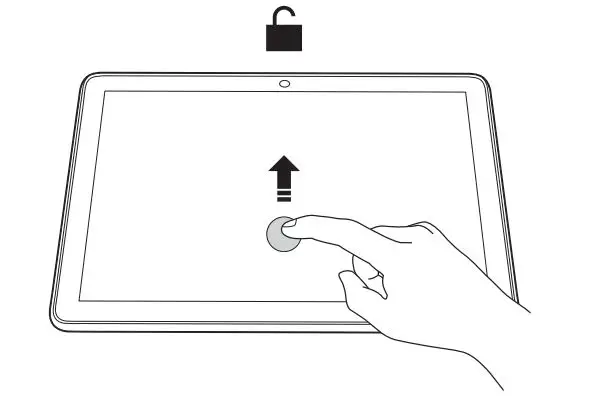
- Swipe up to unlock.

- Follow the on-screen prompts to connect to a Wi-Fi network, then sign in to an existing account or register to create a new account.
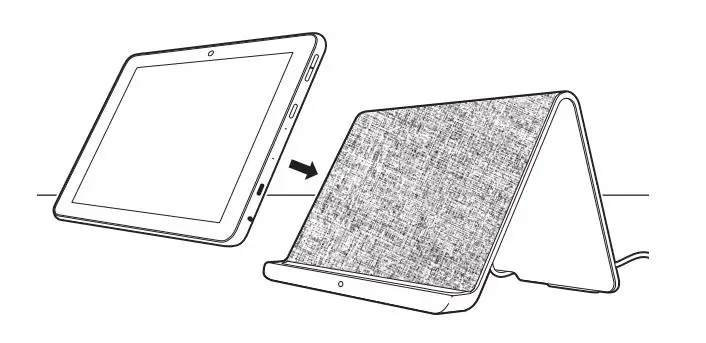
Charging your tablet
- Option: USB-C
- wireless charging in landscape or portrait mode (wireless charging stand sold separately).