
Amazon B08f5mxvyl Fire Hd 10 Kids Tablet User Guide

Amazon B08f5mxvyl Fire Hd 10 Kids Tablet User Guide

amazon-logo

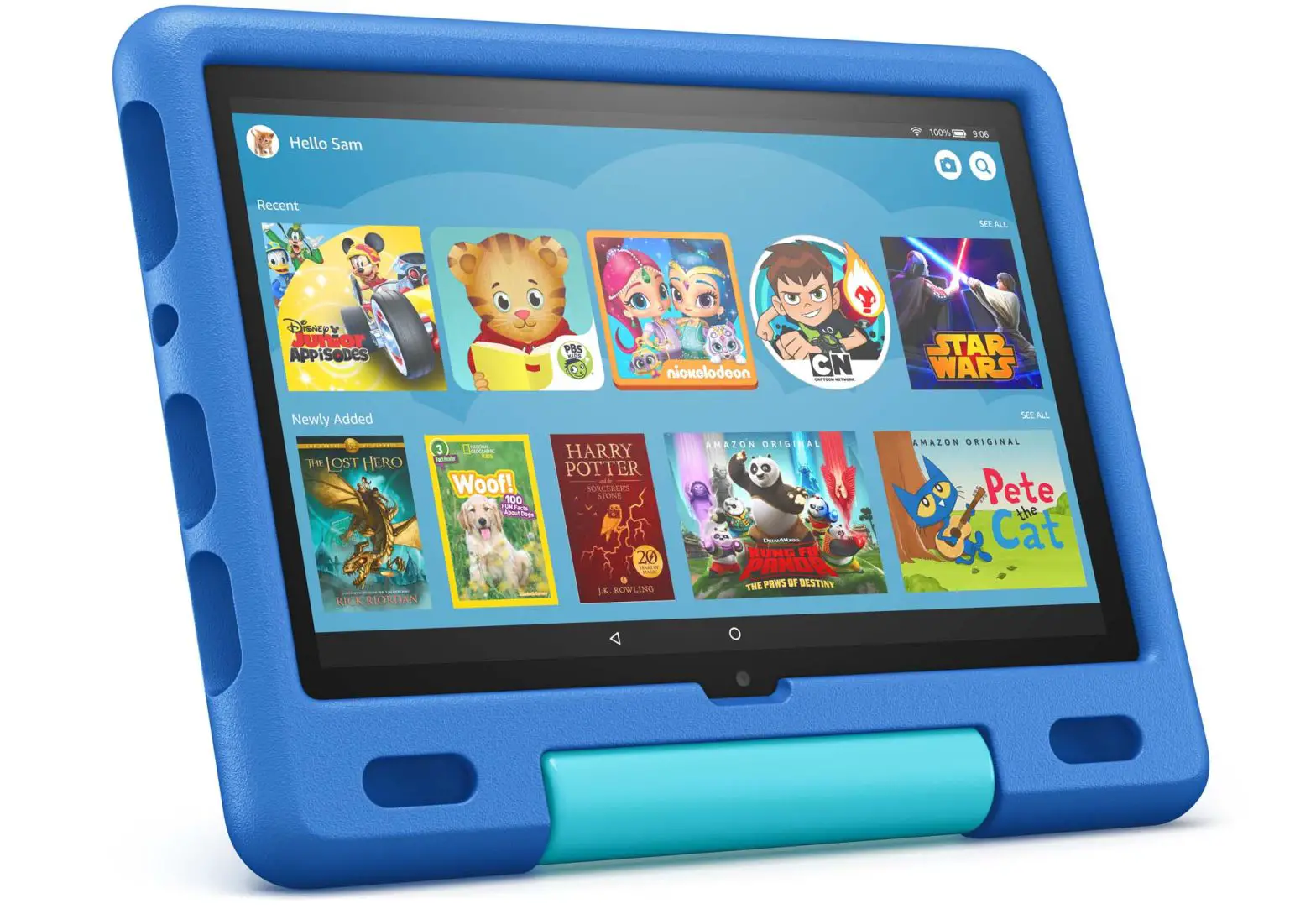
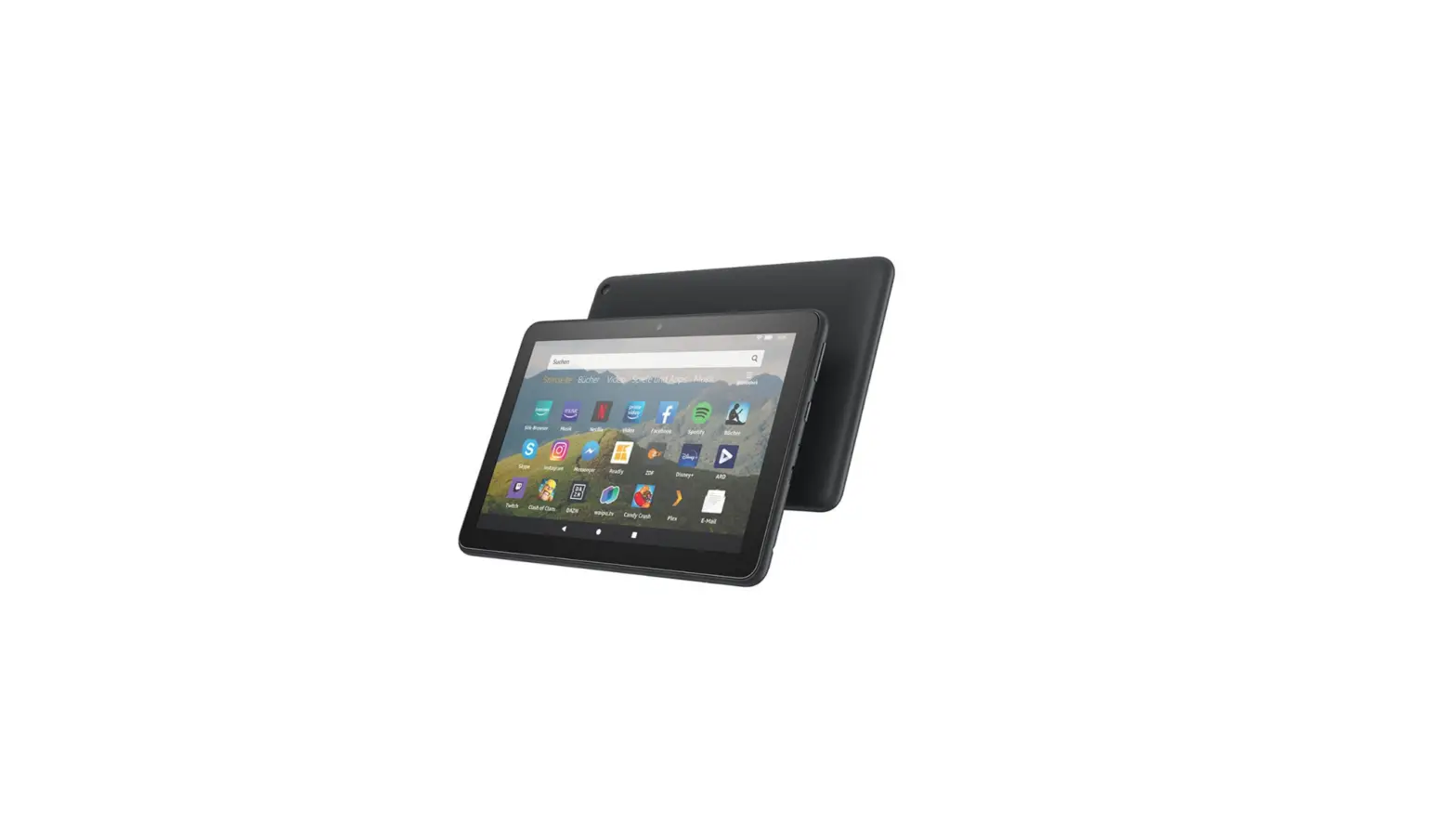
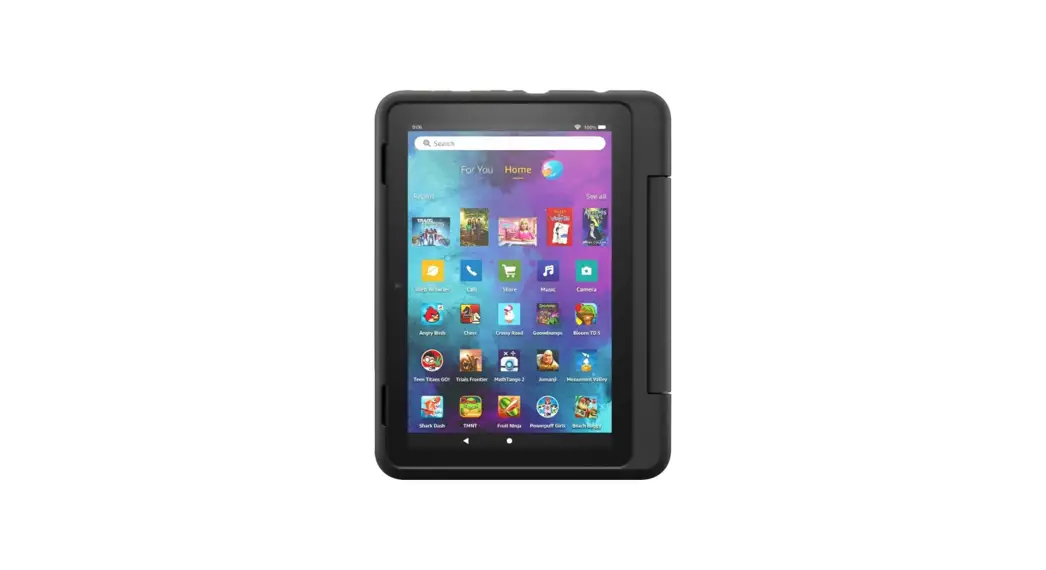
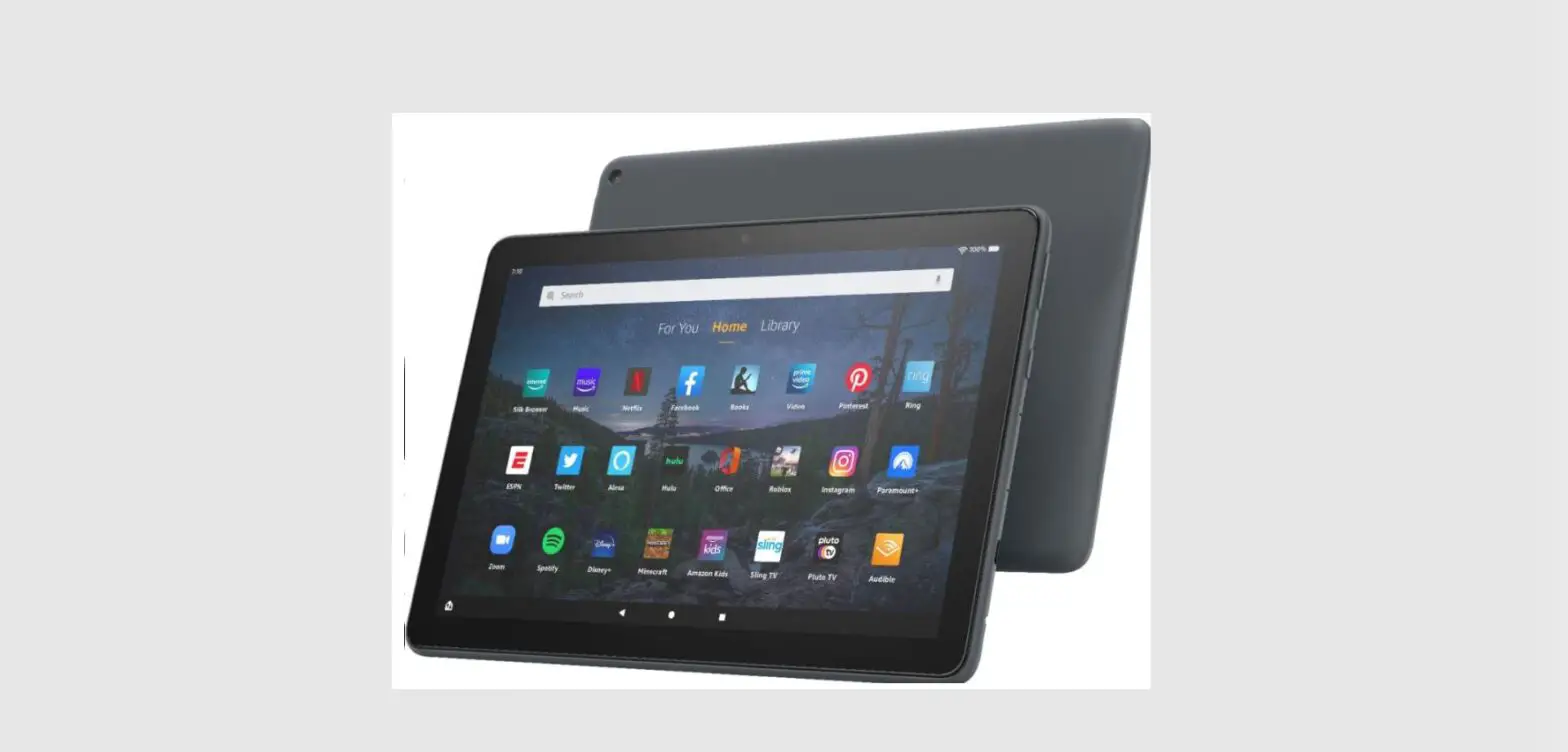
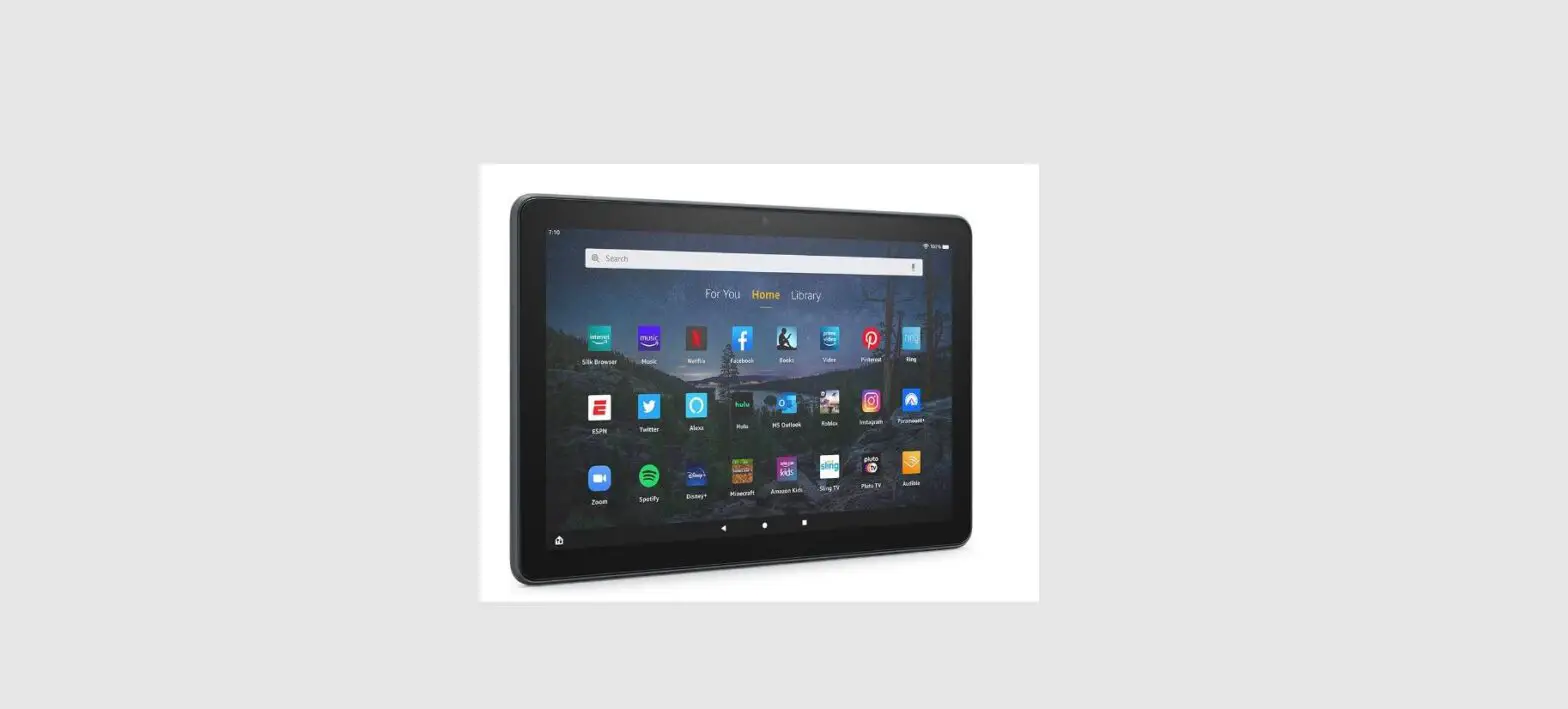
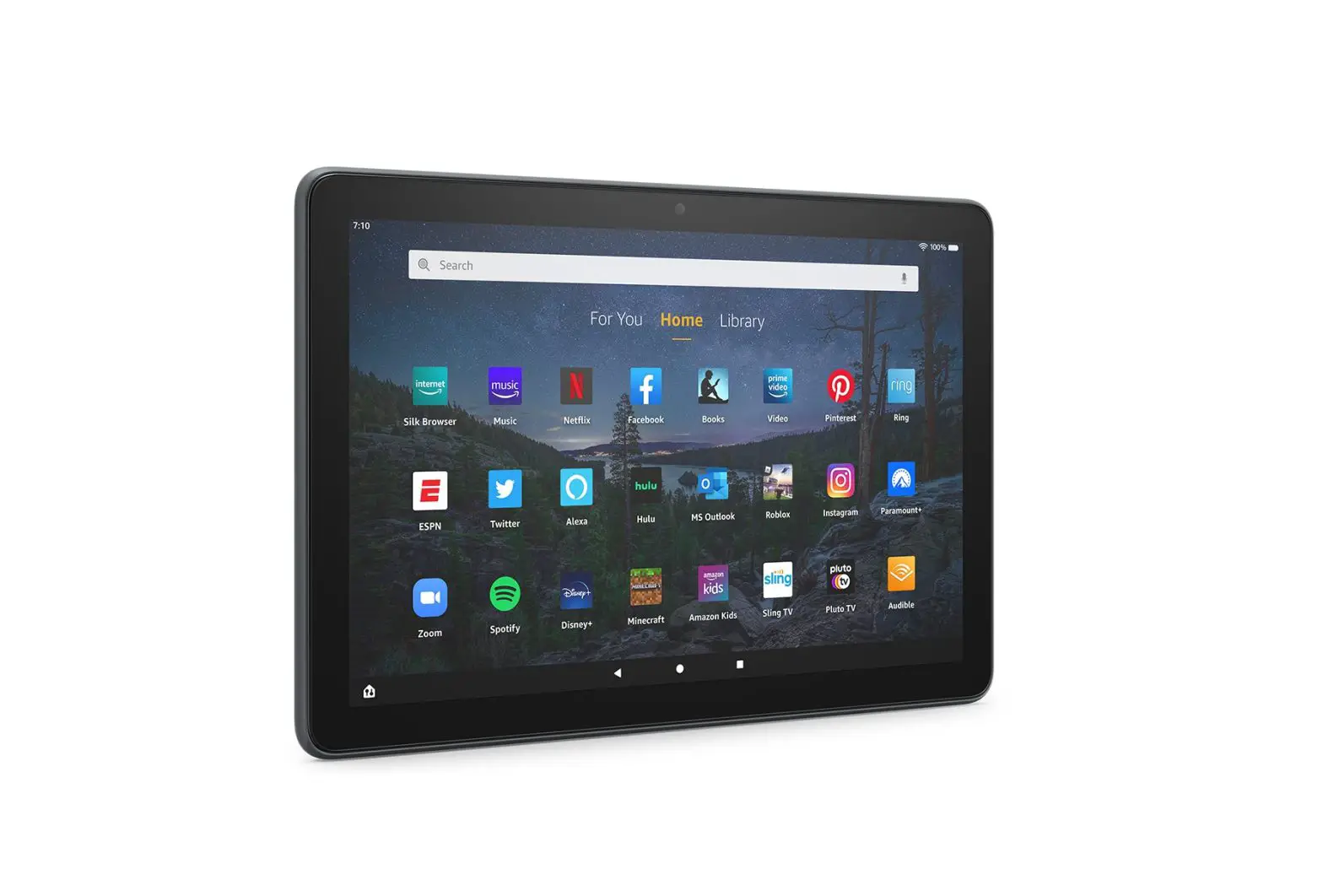
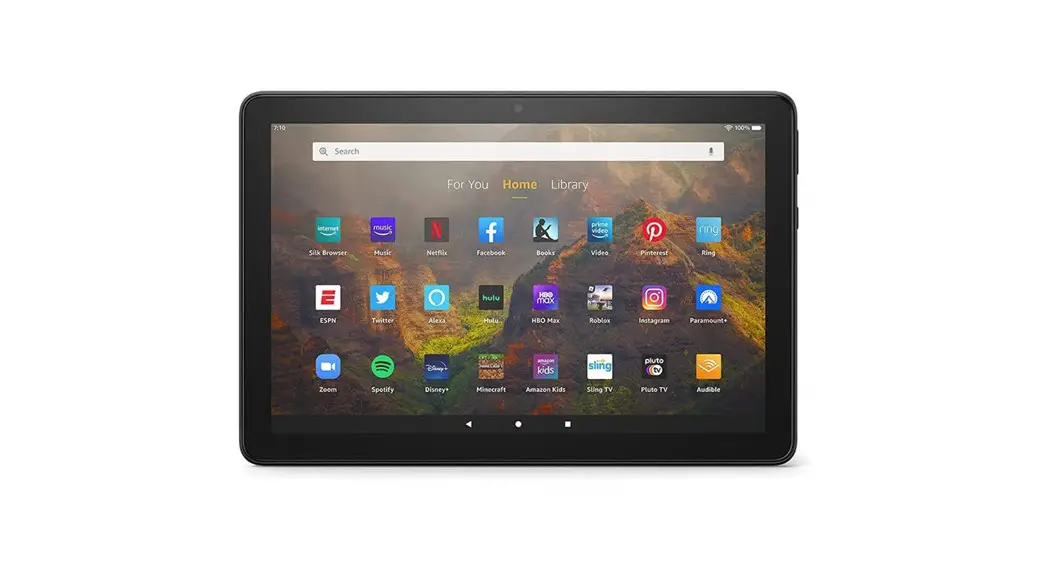
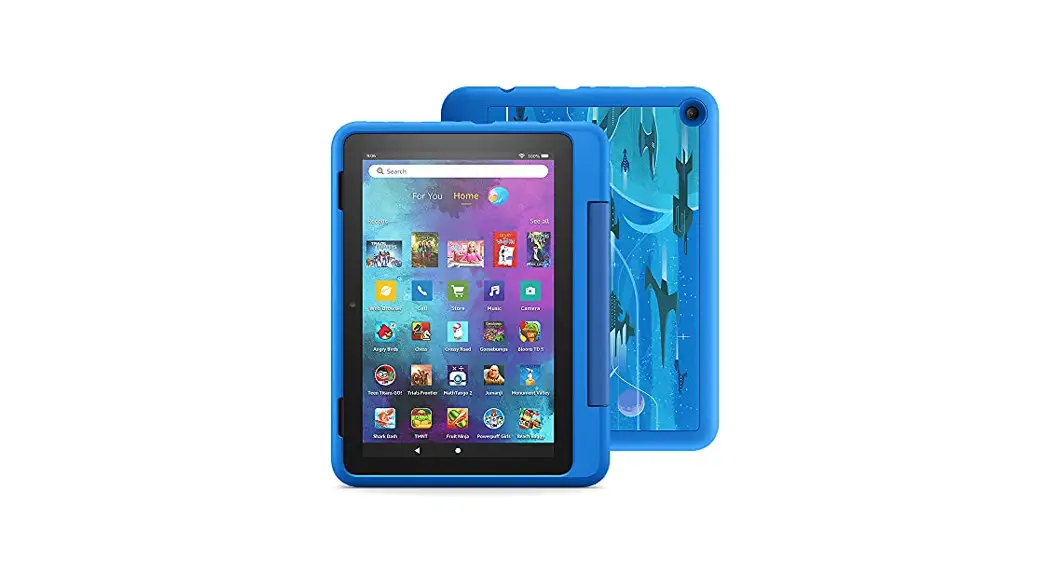
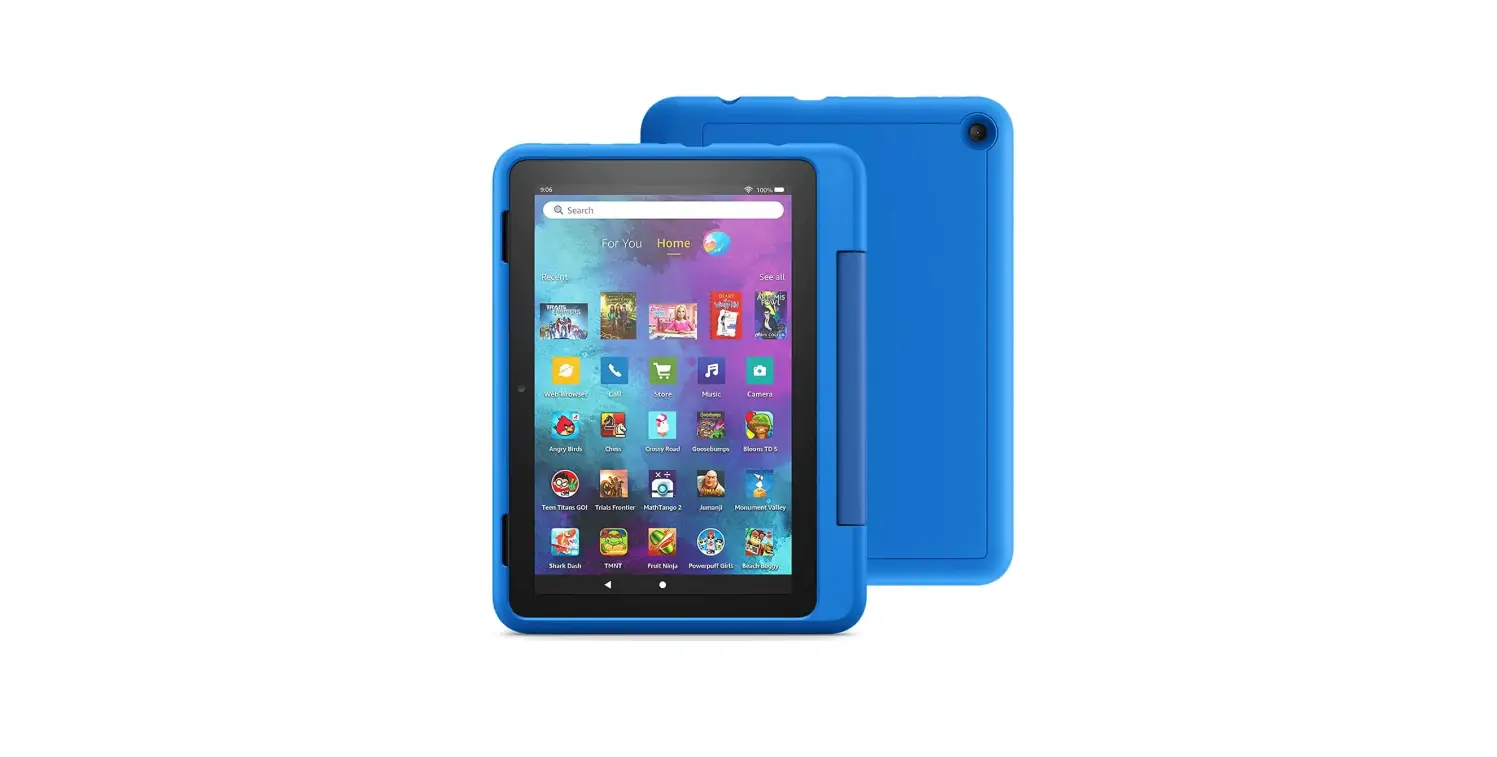
amazon B08F5MXVYL Fire HD 10 Kids Tablet
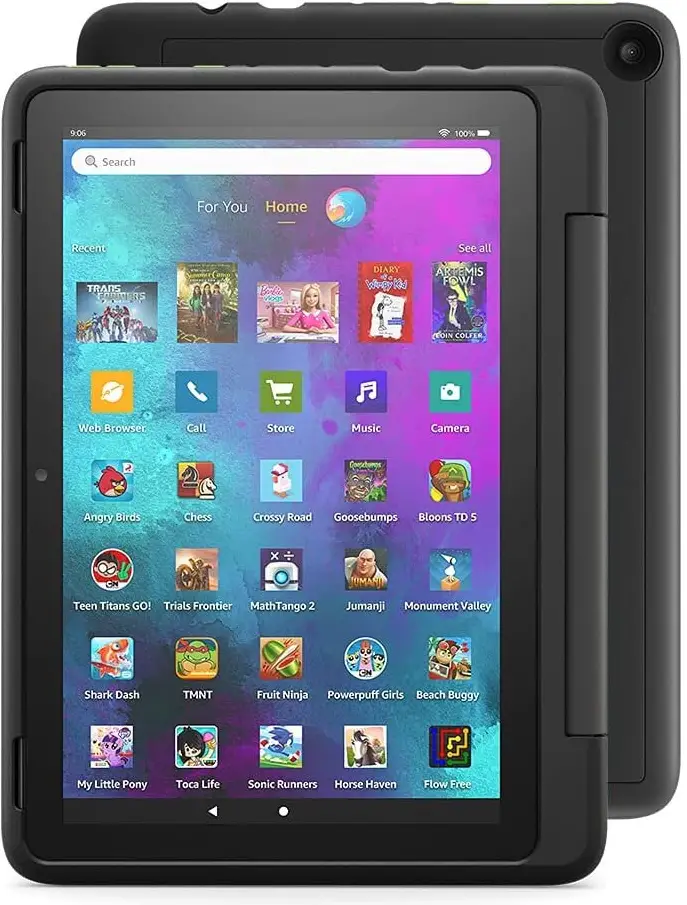
amazon-B08F5MXVYL-Fire-HD-10-Kids-Tablet-product

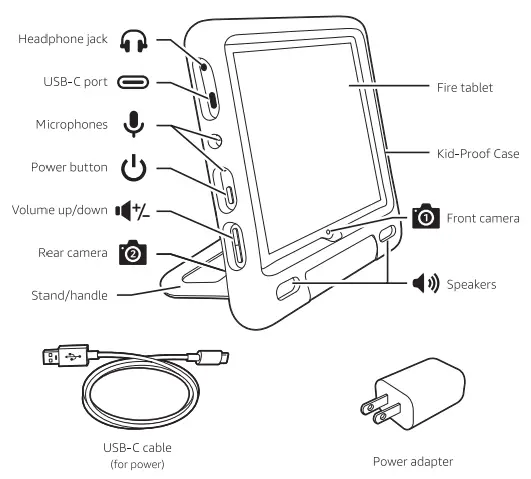
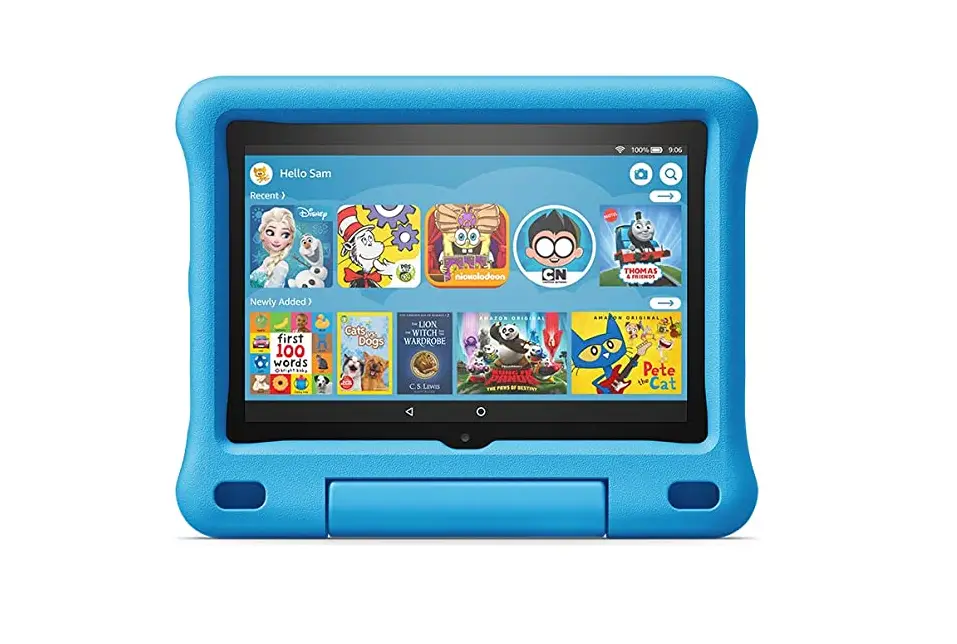
What’s in the box

amazon-B08F5MXVYL-Fire-HD-10-Kids-Tablet-fig-1

How to Use

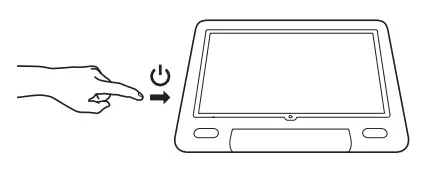
  1. Power on your tabletamazon-B08F5MXVYL-Fire-HD-10-Kids-Tablet-fig-2
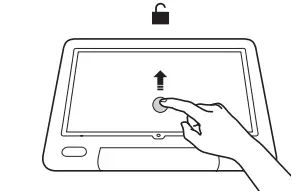
  2. Swipe up to unlockamazon-B08F5MXVYL-Fire-HD-10-Kids-Tablet-fig-3
  3. Follow the on-screen setup

Charging your tablet
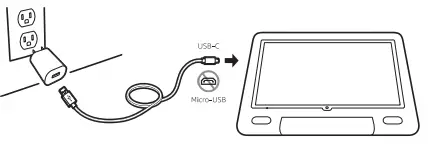
amazon-B08F5MXVYL-Fire-HD-10-Kids-Tablet-fig-4

Removing the case to install a microSO card
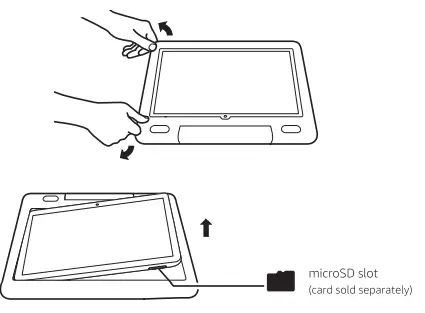
amazon-B08F5MXVYL-Fire-HD-10-Kids-Tablet-fig-5

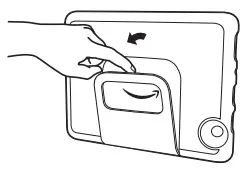
Opening the stand

amazon-B08F5MXVYL-Fire-HD-10-Kids-Tablet-fig-6

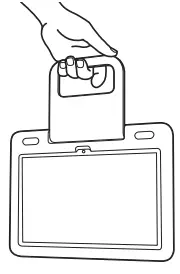
Using the handle

amazon-B08F5MXVYL-Fire-HD-10-Kids-Tablet-fig-7

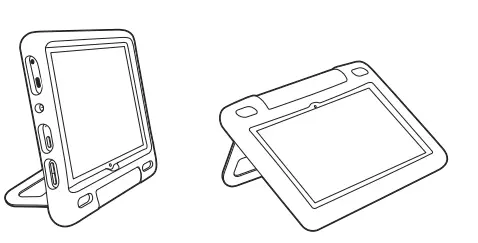
Stand orientations
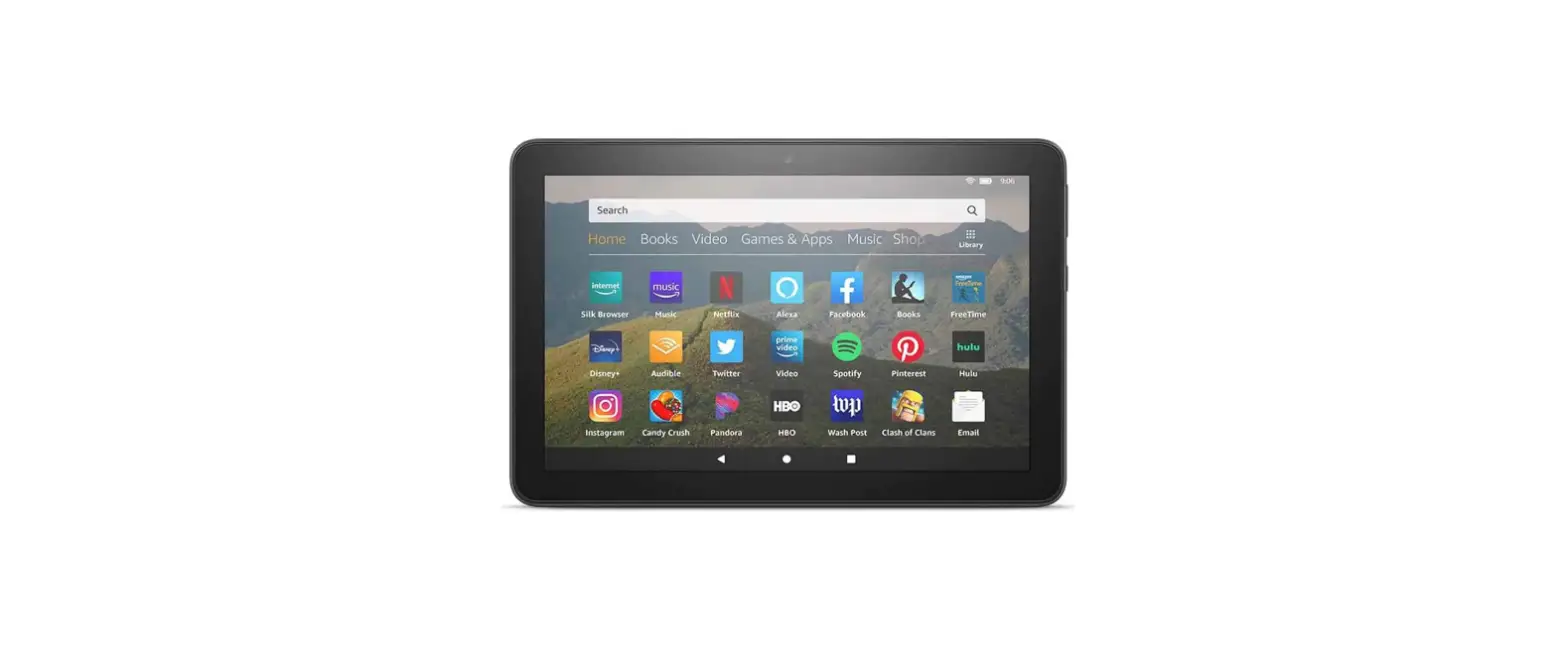
amazon-B08F5MXVYL-Fire-HD-10-Kids-Tablet-fig-8

Documents / Resouces

Download manual
Here you can download full pdf version of manual, it may contain additional safety instructions, warranty information, FCC rules, etc.


Related Manuals