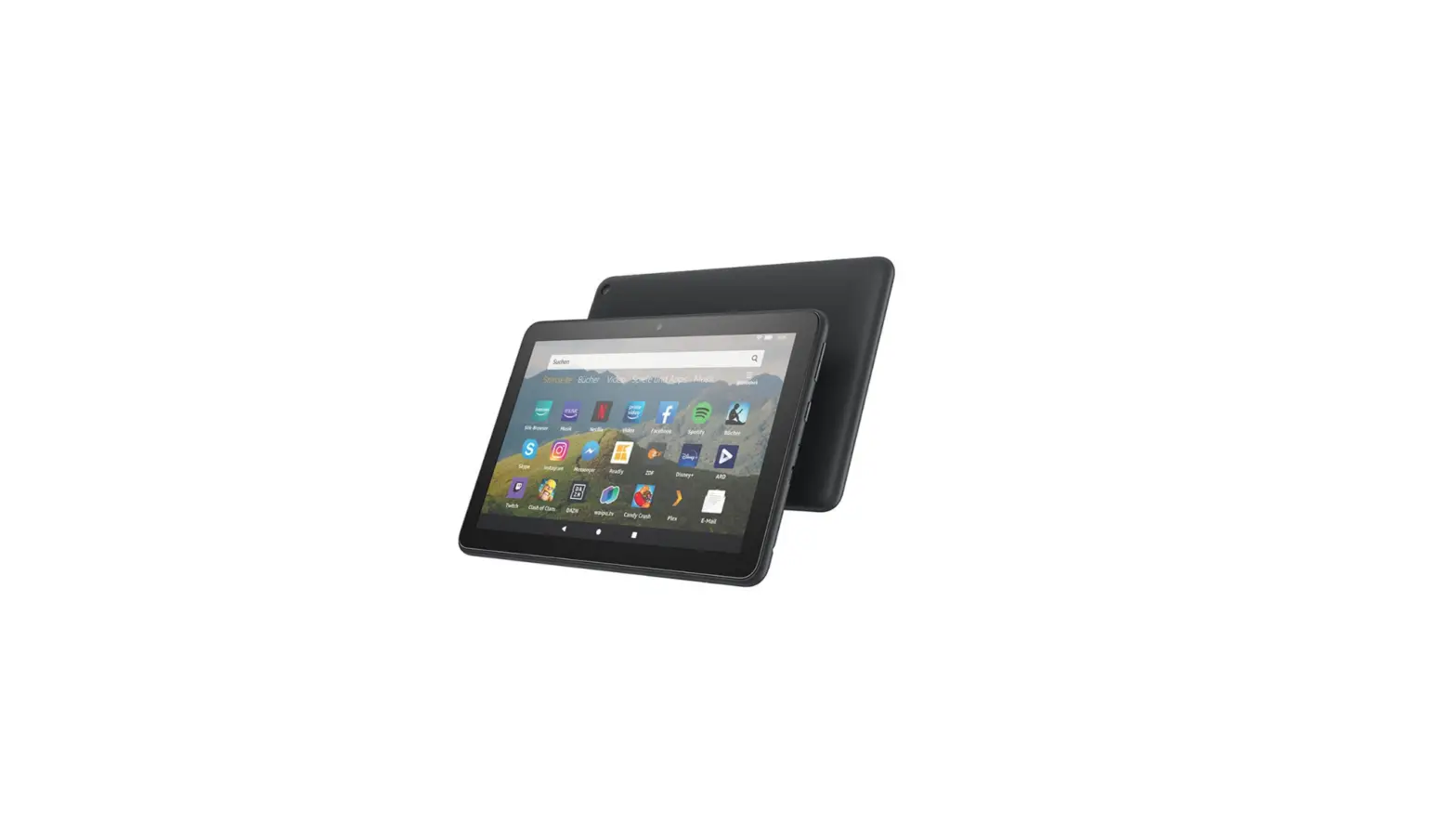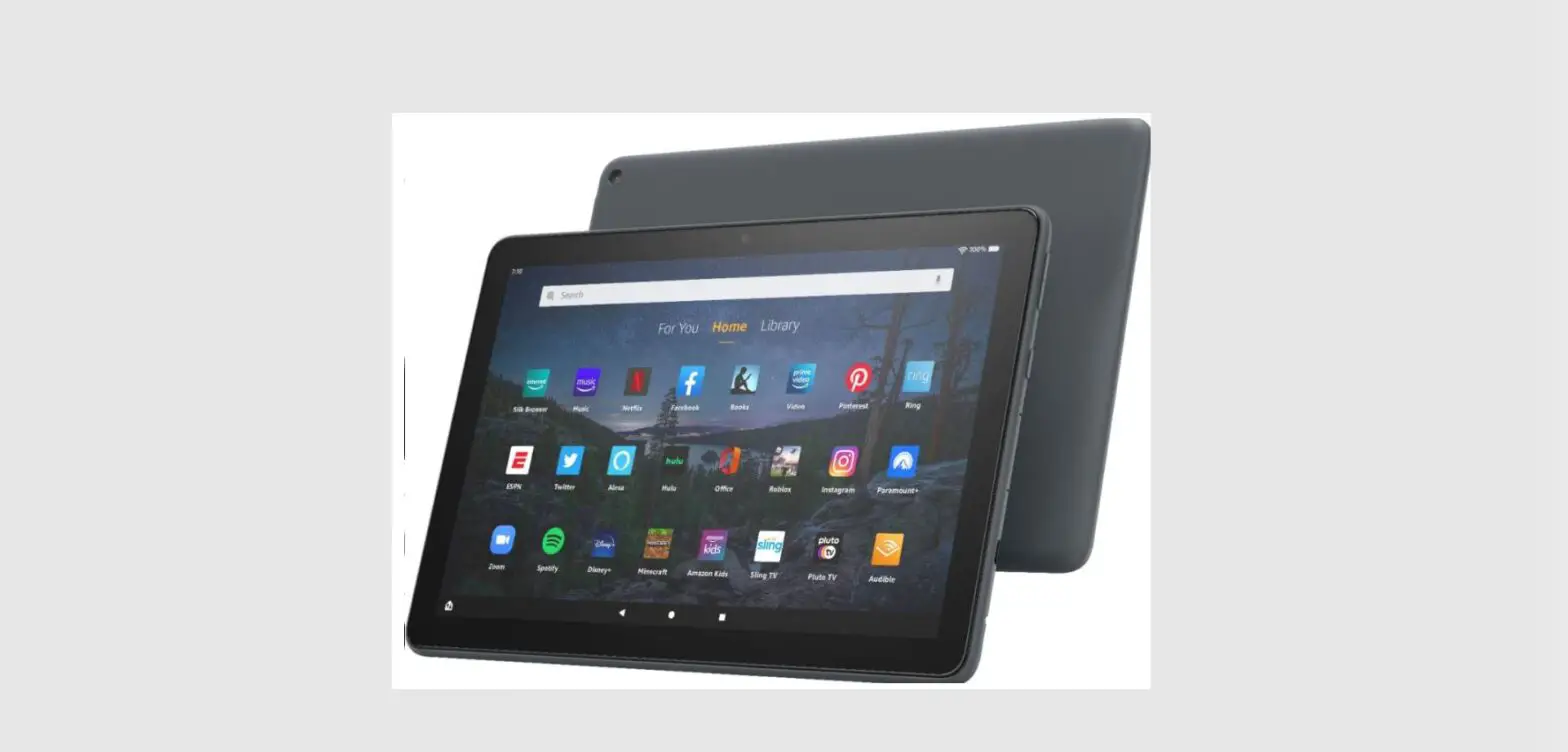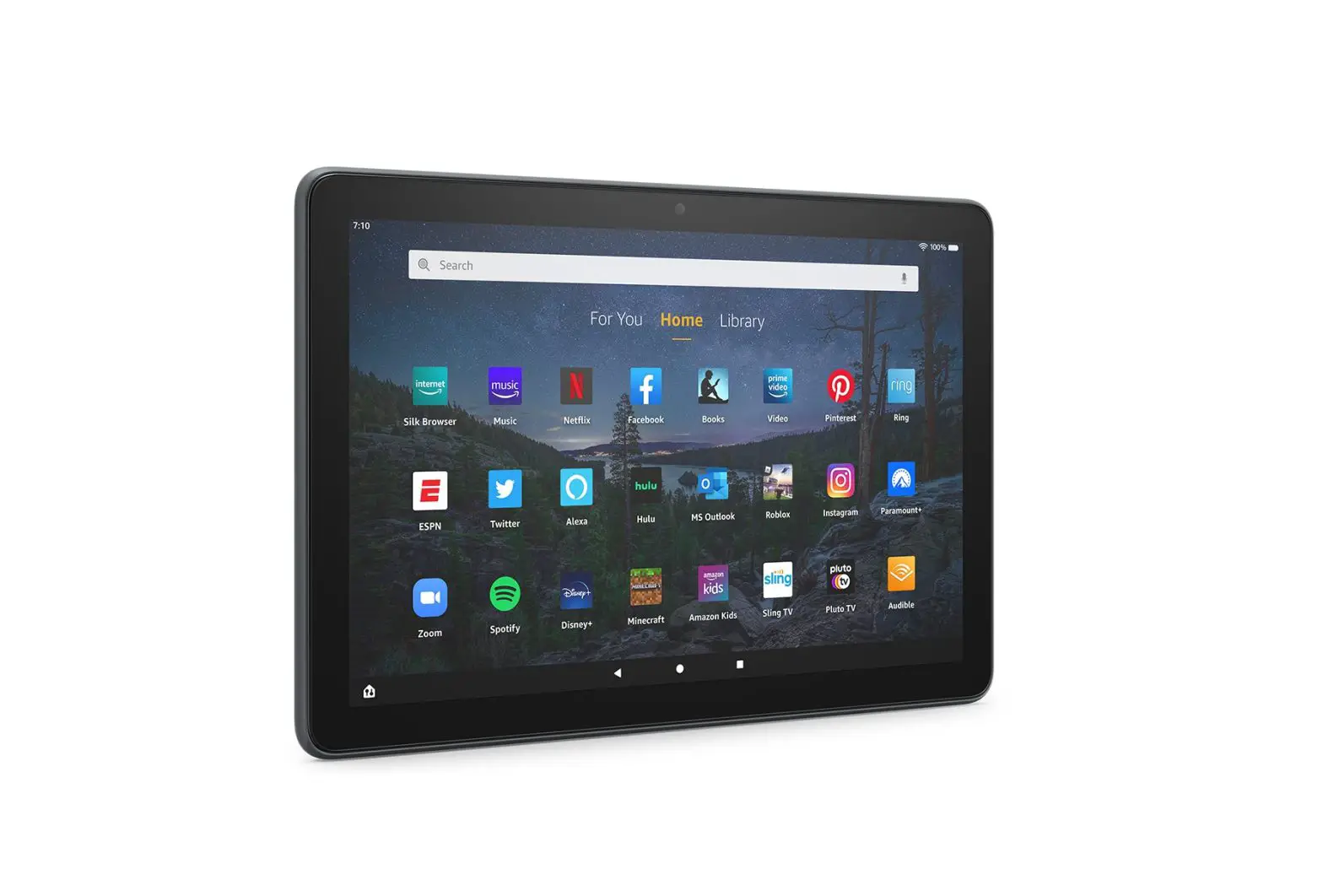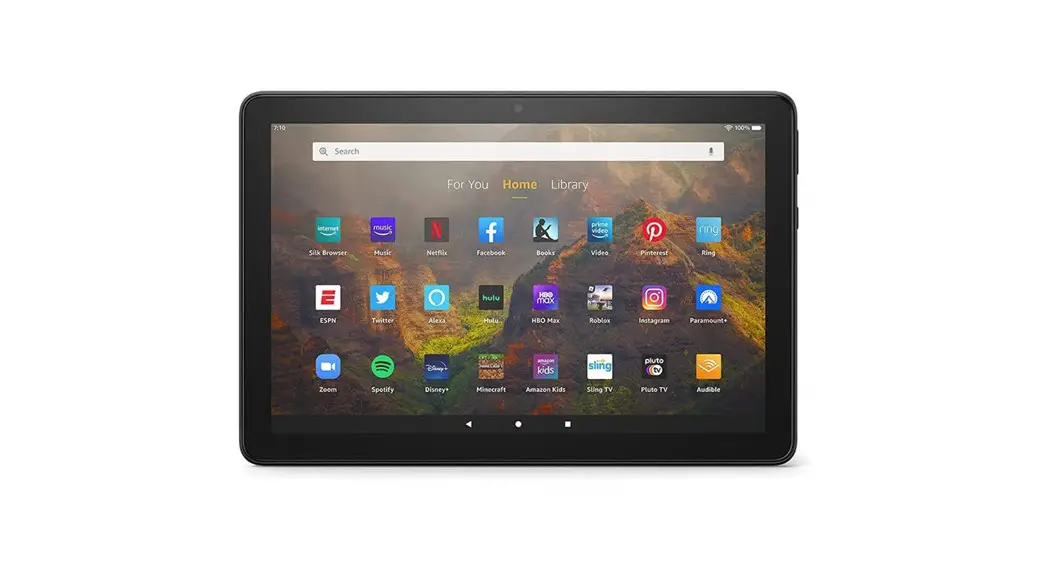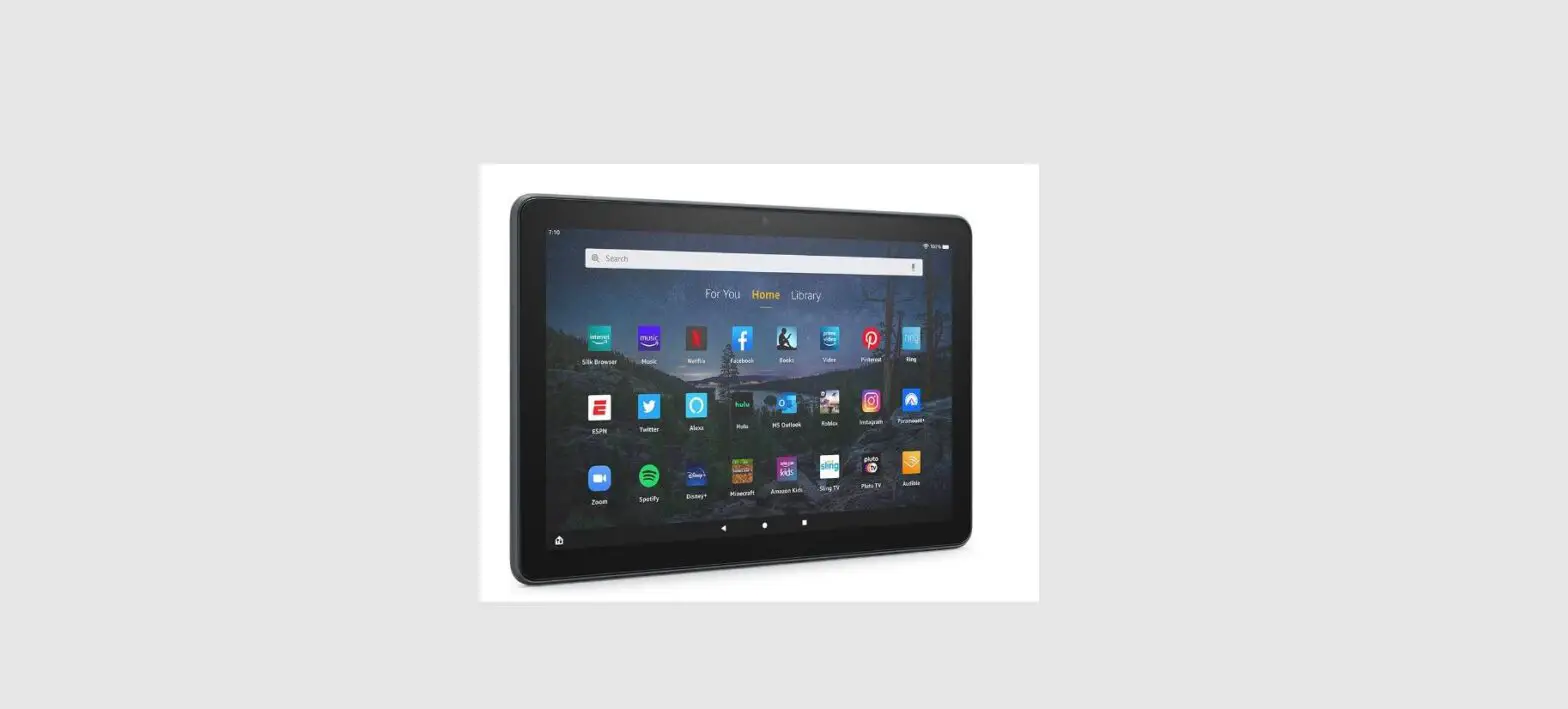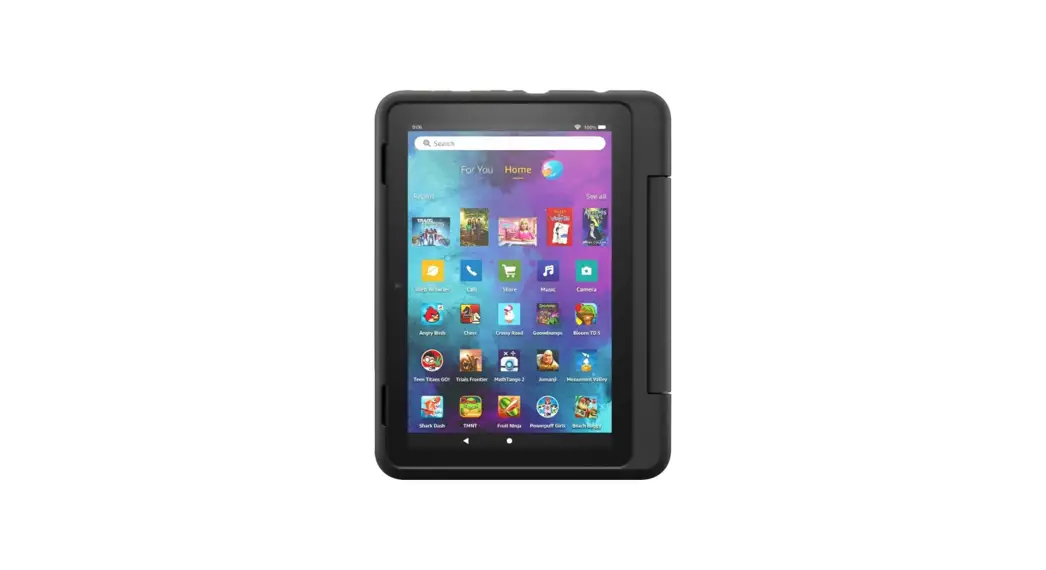

Fire HD 8 KidsPro Smart Tablet
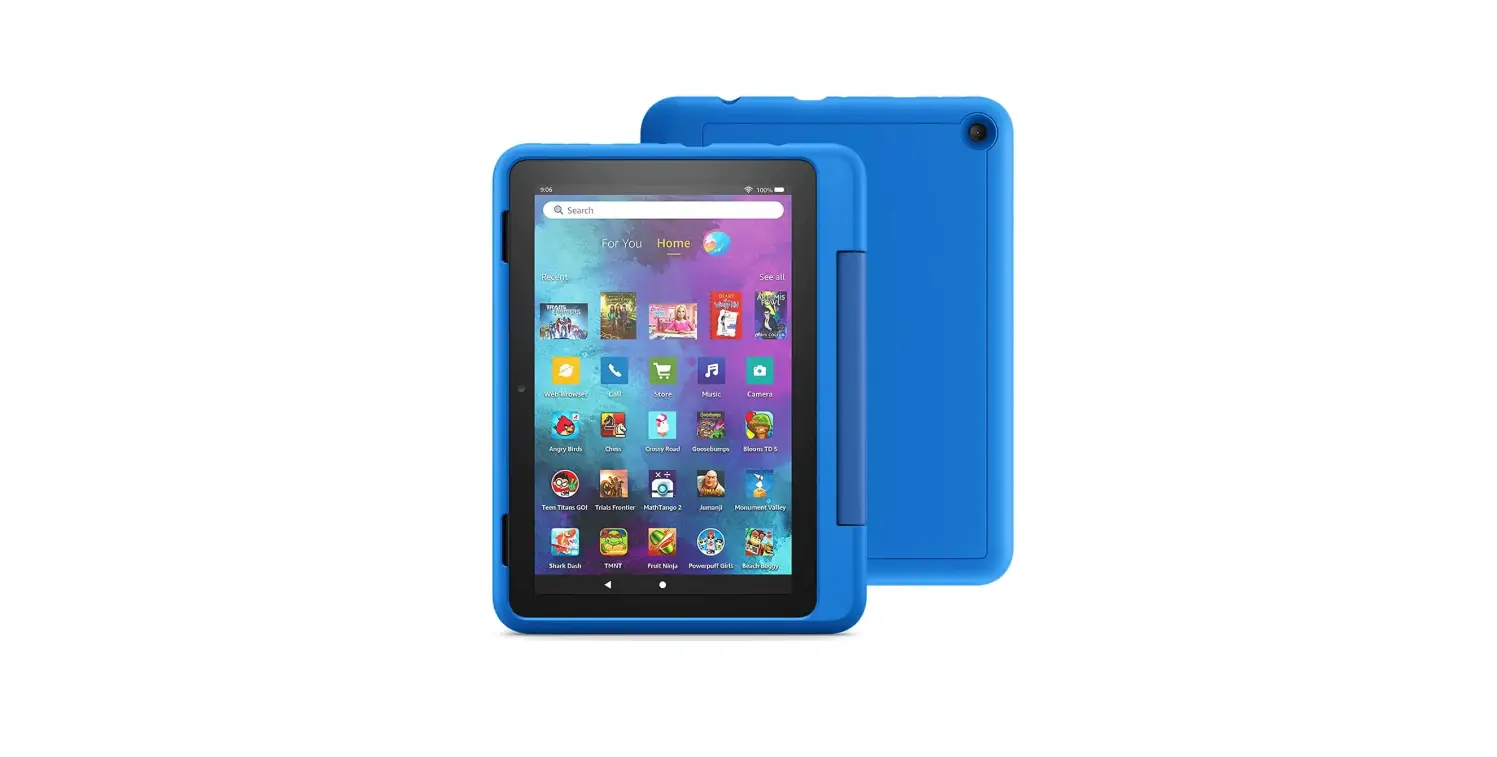
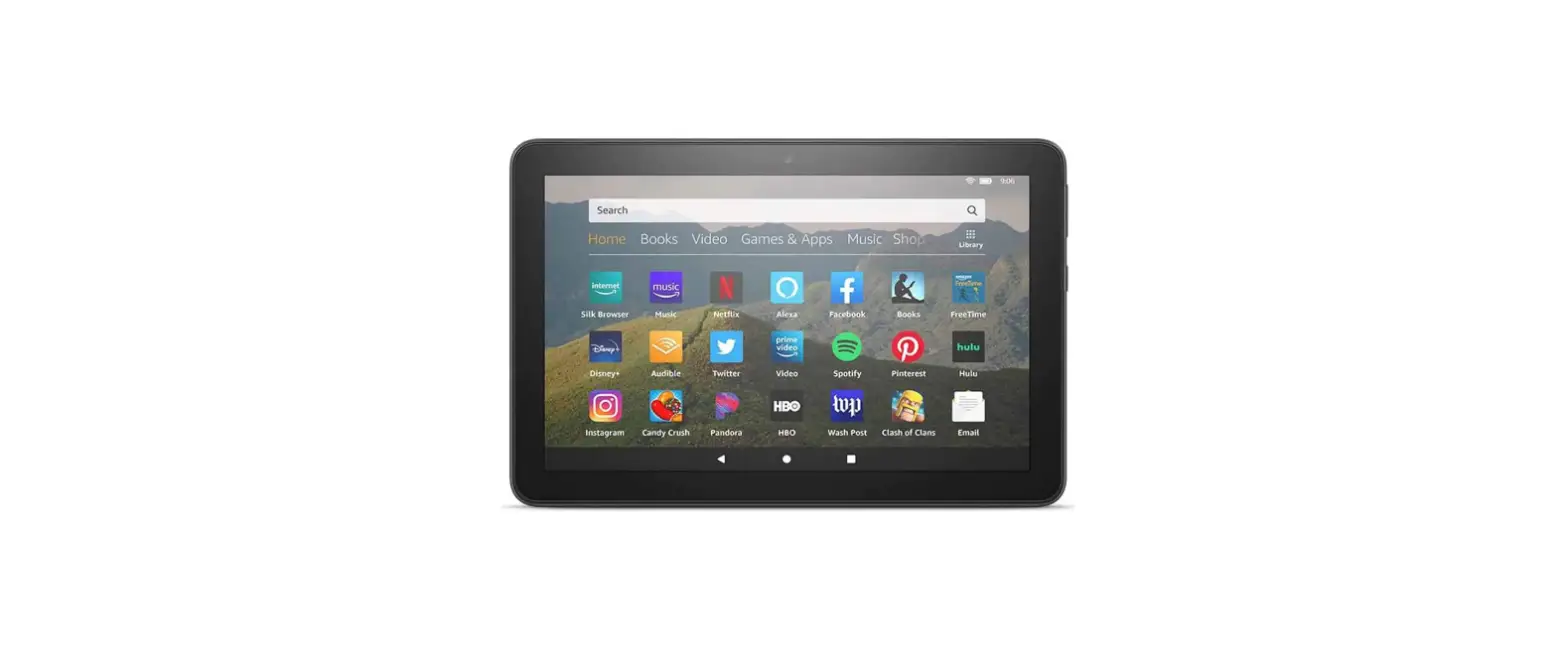
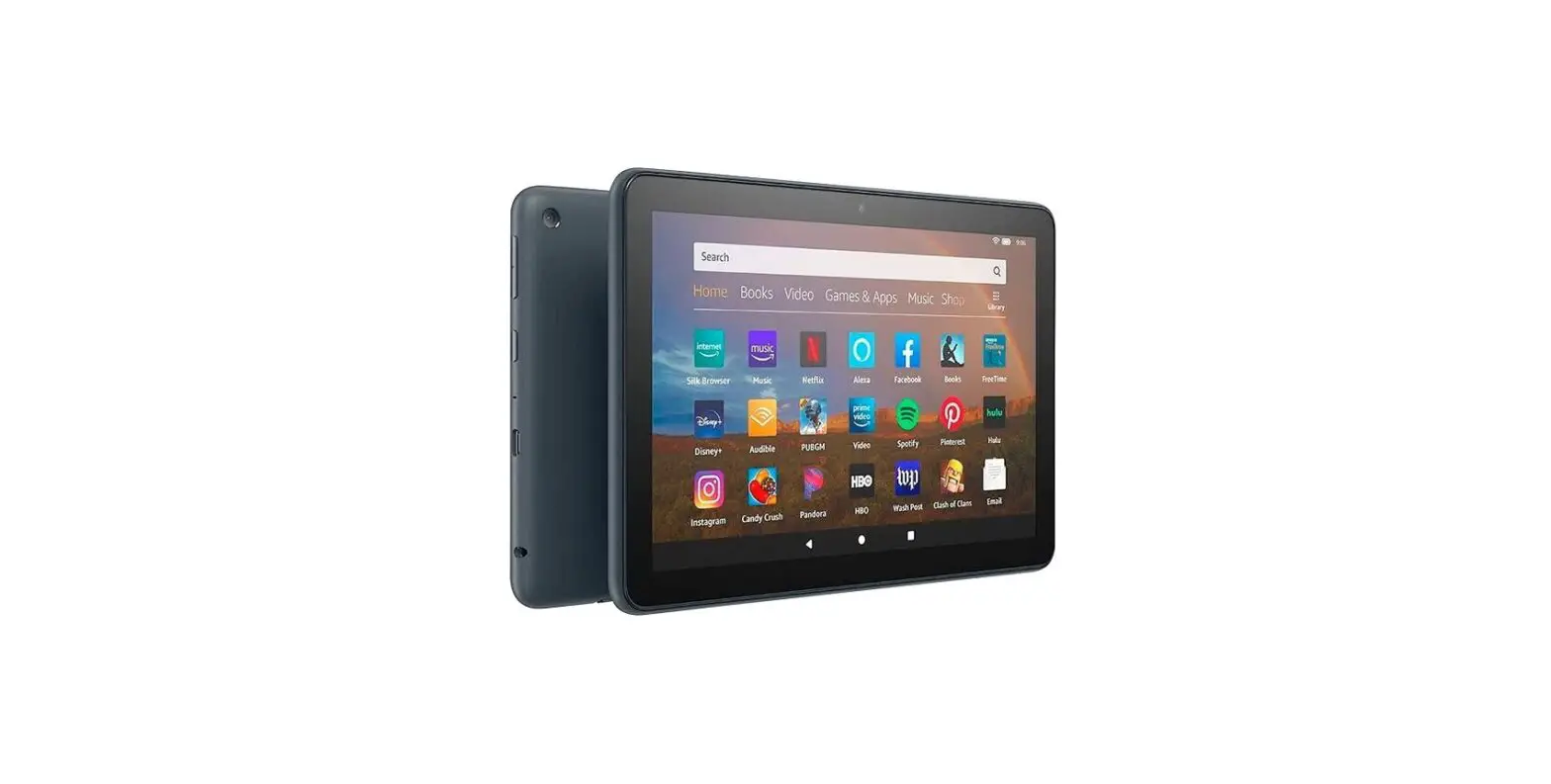
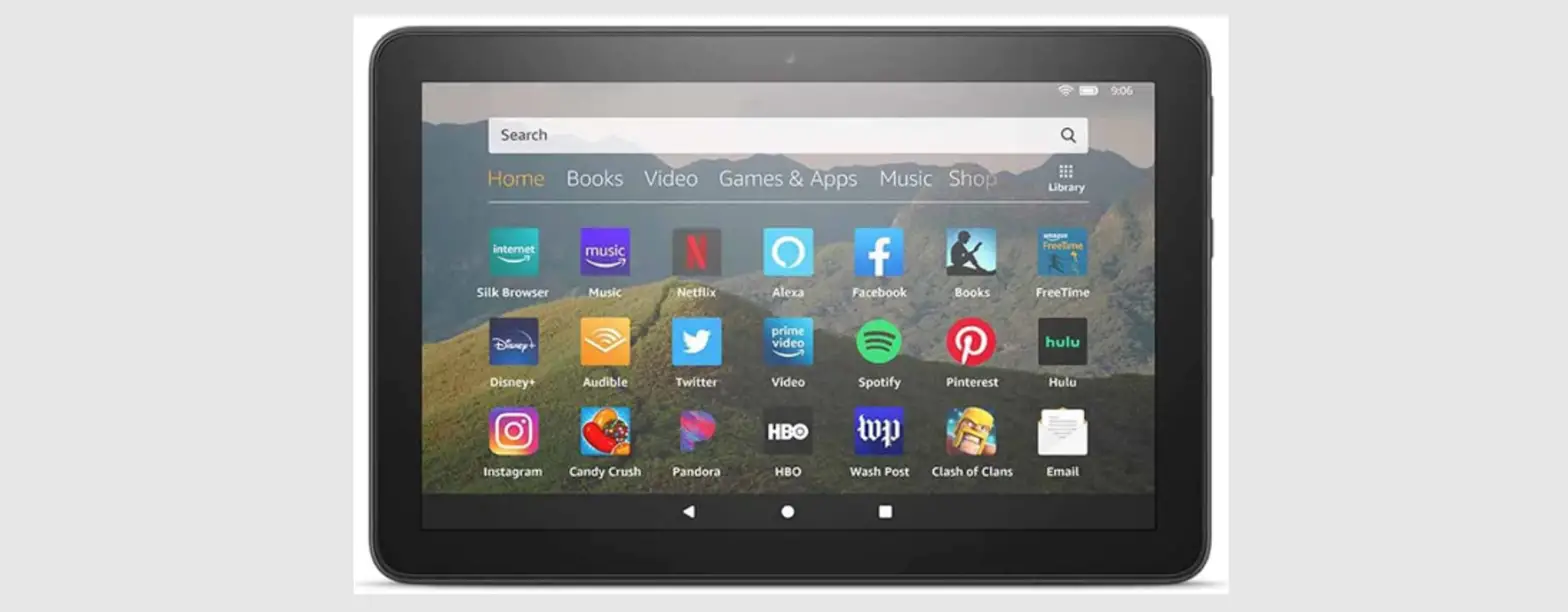
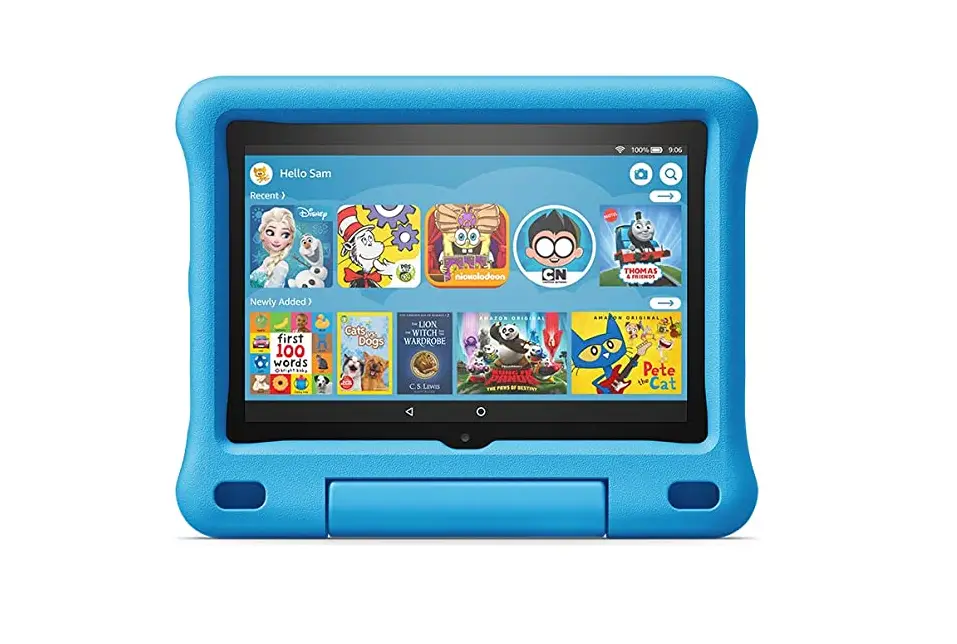
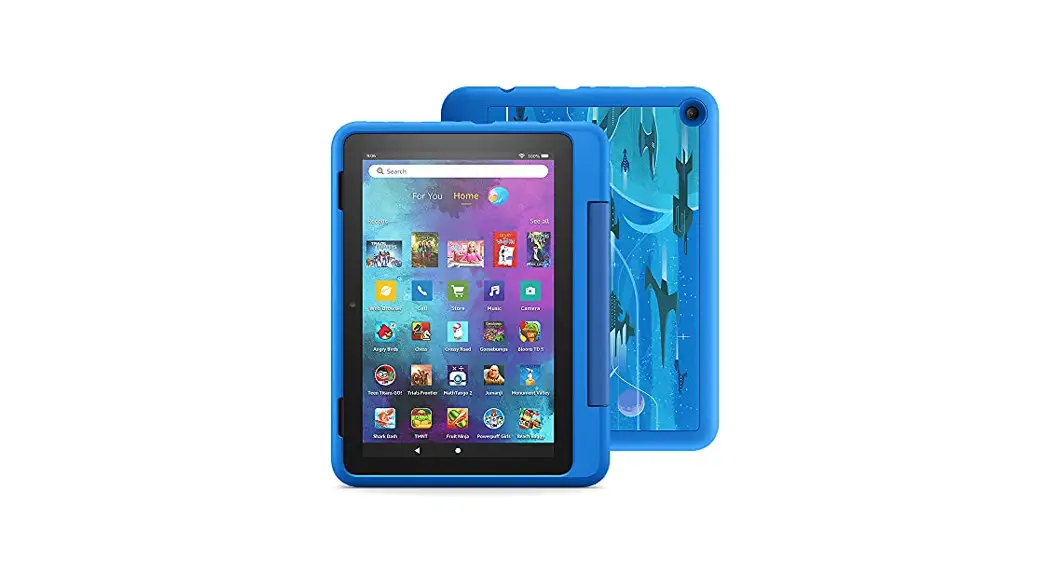
MEET YOUR FIRE HD 8 KIDS PRO
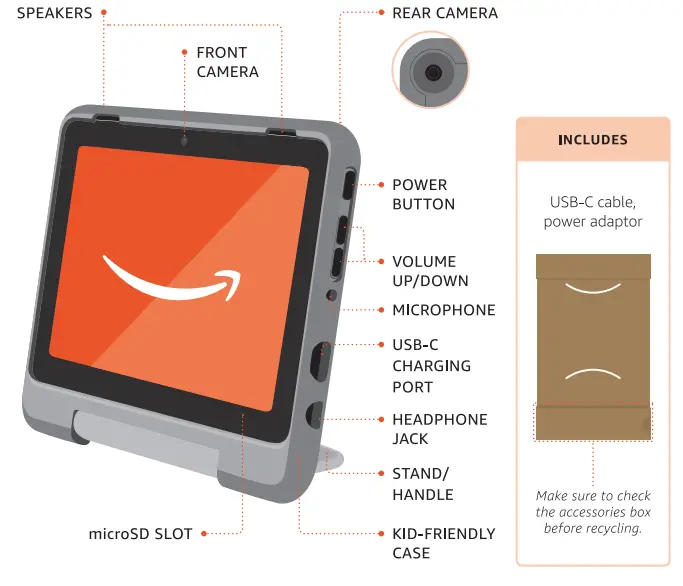
ACTIVATE YOUR FIRE HD 8 KIDS PRO
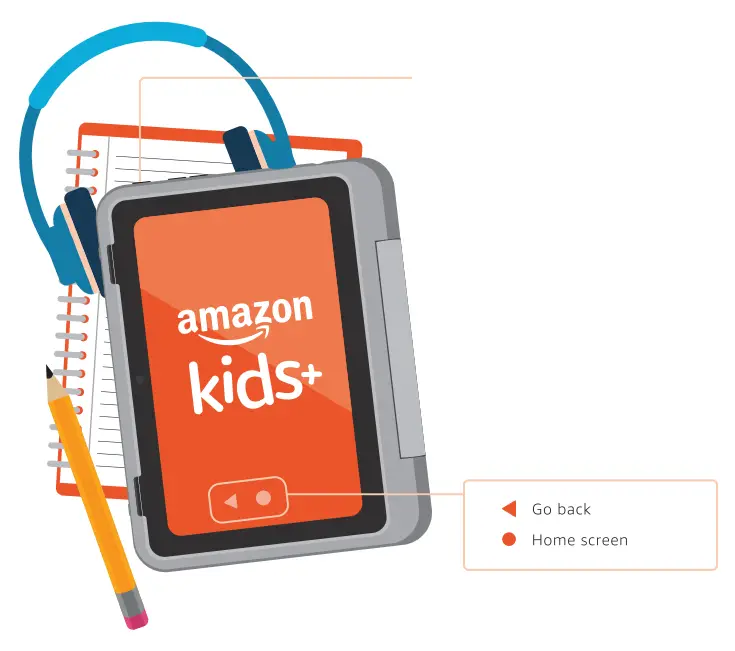
- POWER
Turn on your tablet. - PARENT SETUP
Follow the on-screen instructions to complete the setup. Set your password or PIN to access your adult profile and other settings. - CREATE CHILD PROFILE
Follow the prompts to activate the included 1-year subscription to Amazon Kids+ by completing your child profile.
Access the Parent Dashboard to customize content and parental controls at https://parents.amazon.co.uk.
ENJOY YOUR FIRE HD 8 KIDS PRO
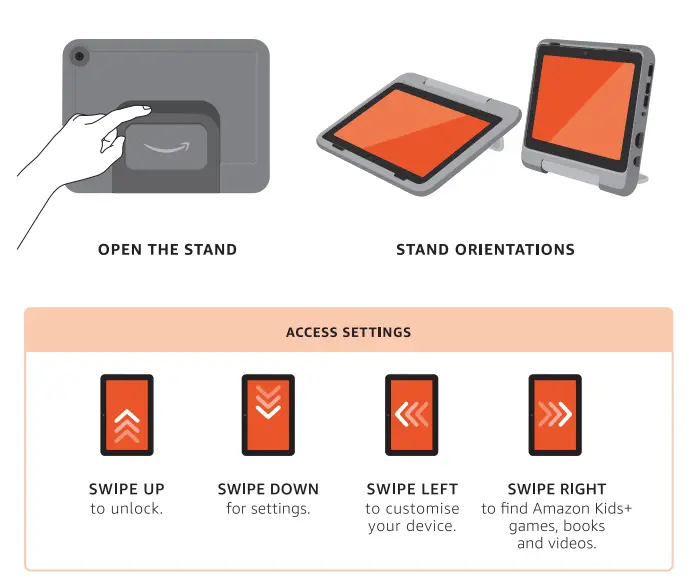
REMOVE THE CASE IF NEEDED
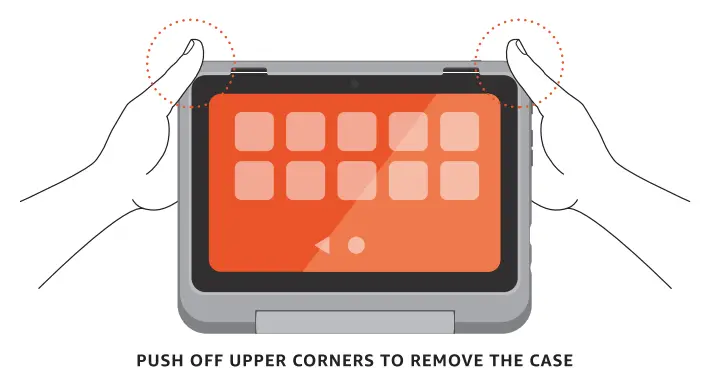
| CLEAN YOUR TABLET | EXPAND YOUR STORAGE |
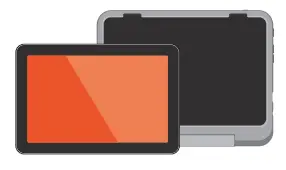 |  |
| Remove the case and clean it with a dry, non-abrasive cloth. | Remove the case to install a microSD card. microSO card is sold separately. |