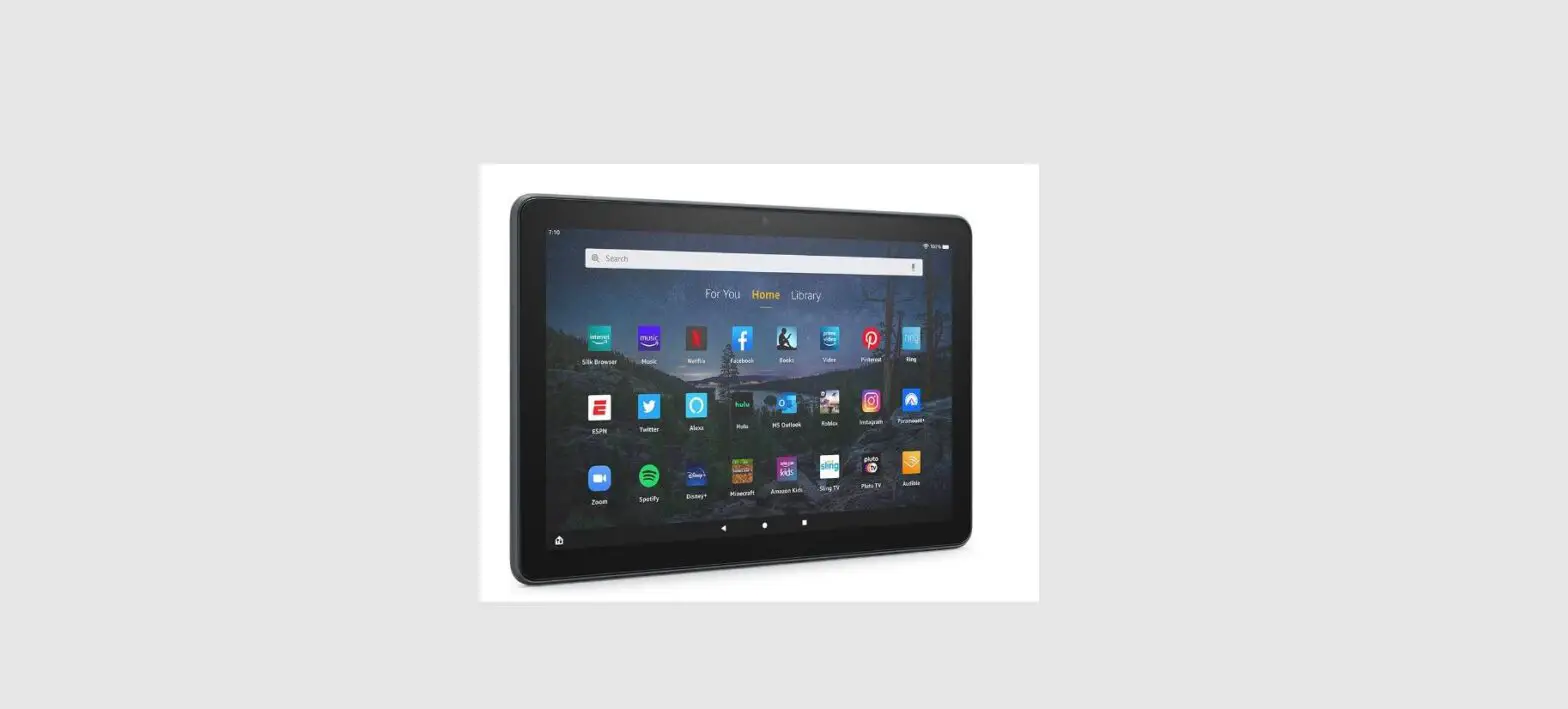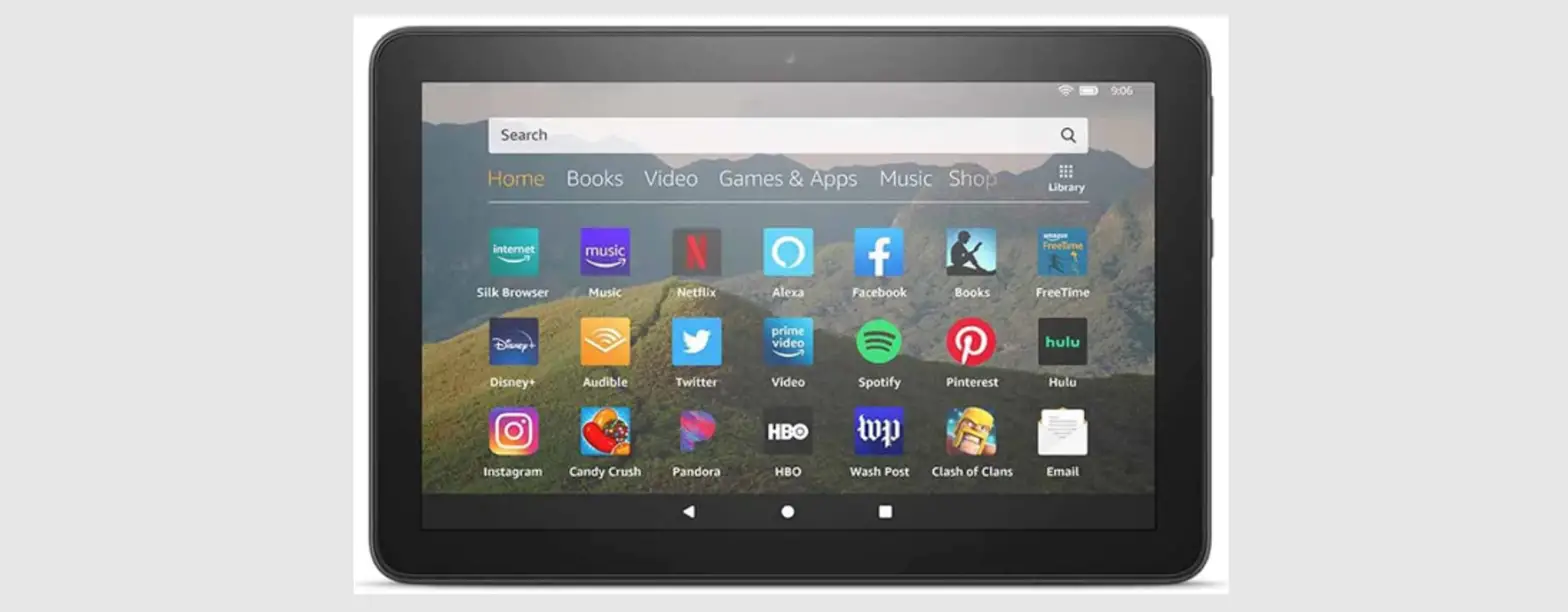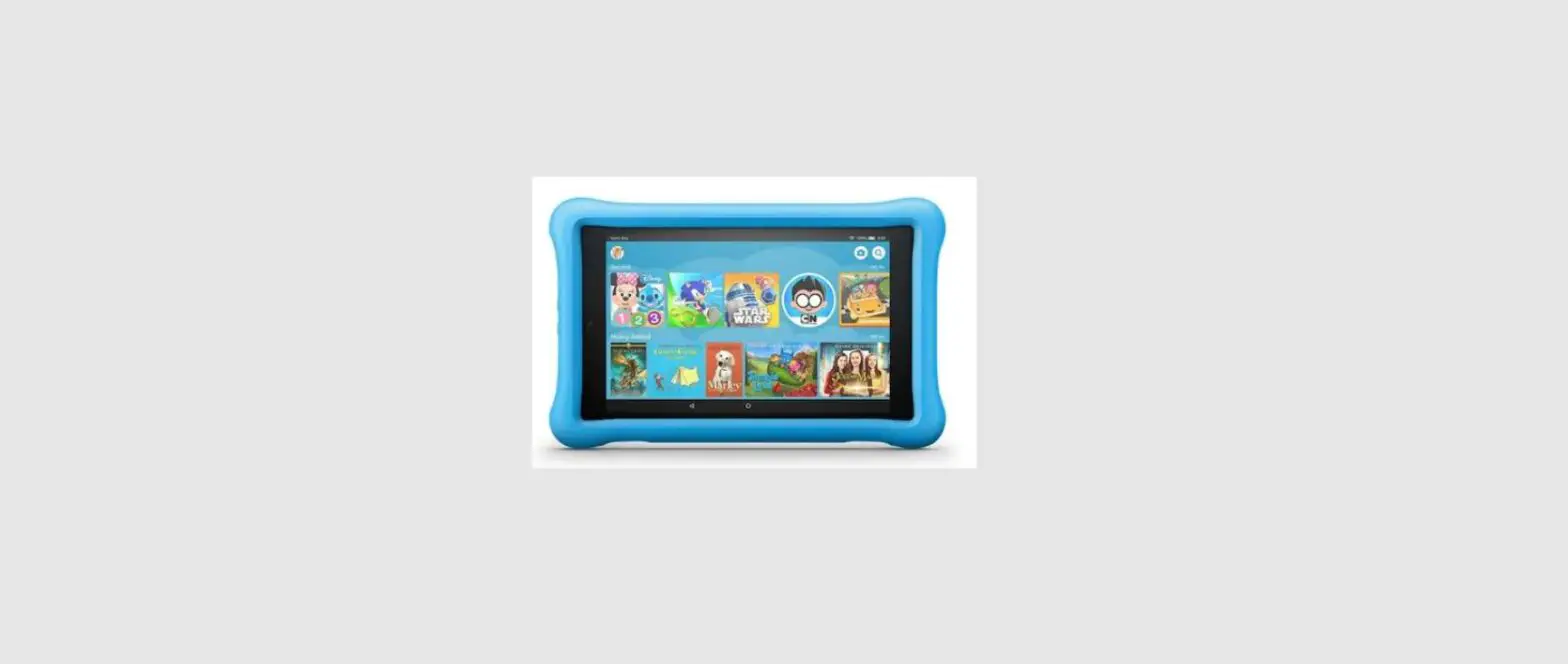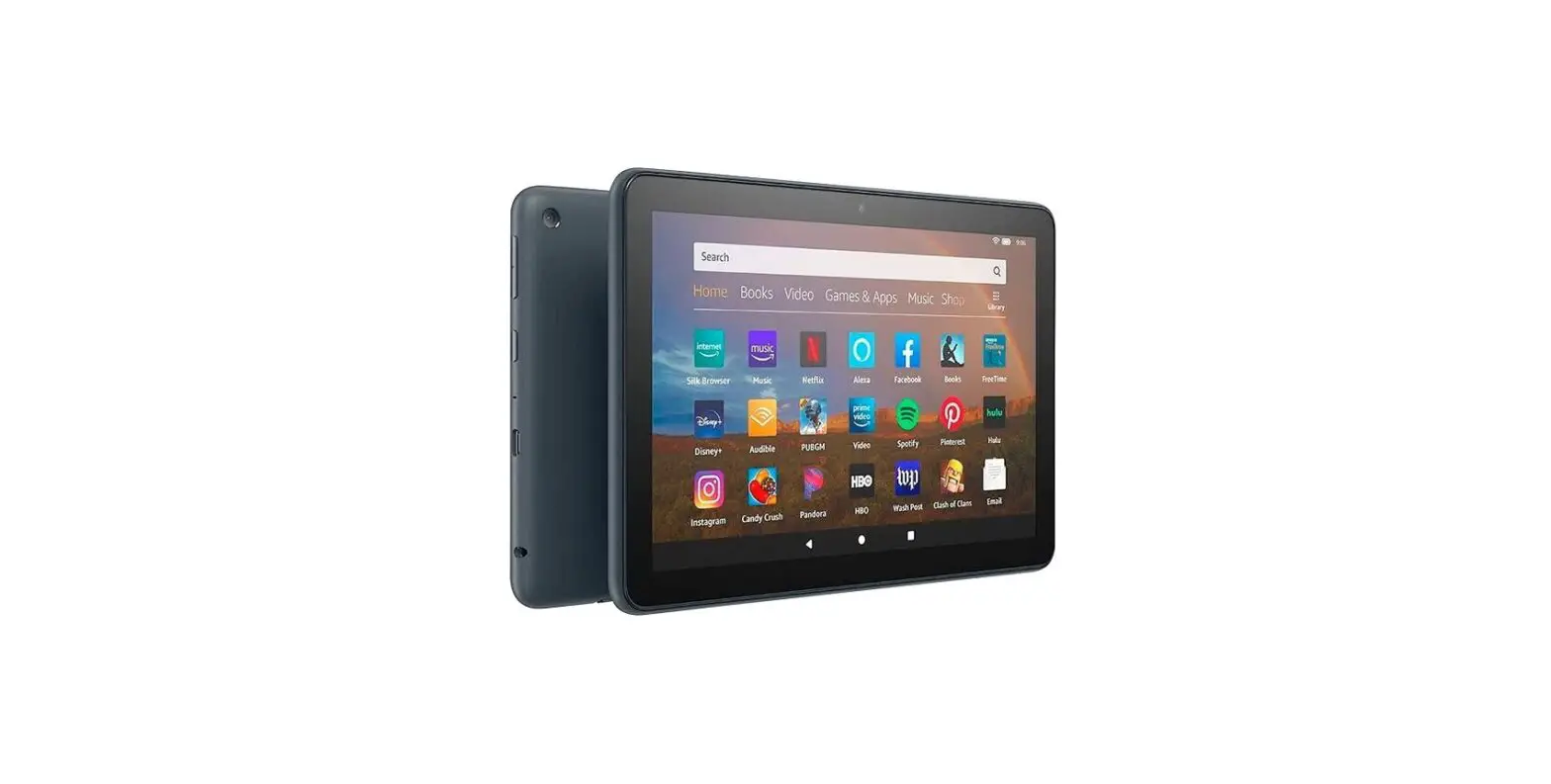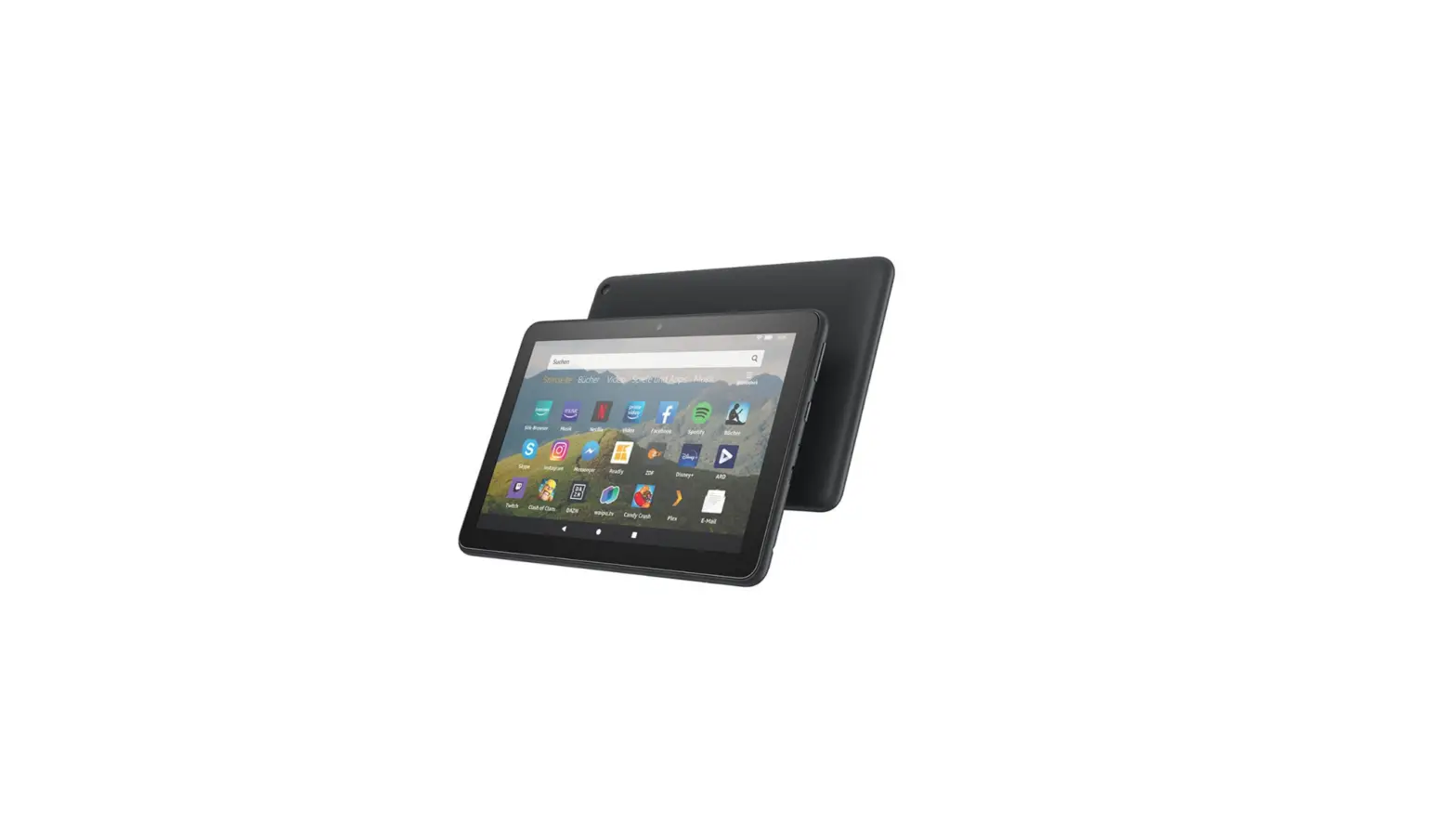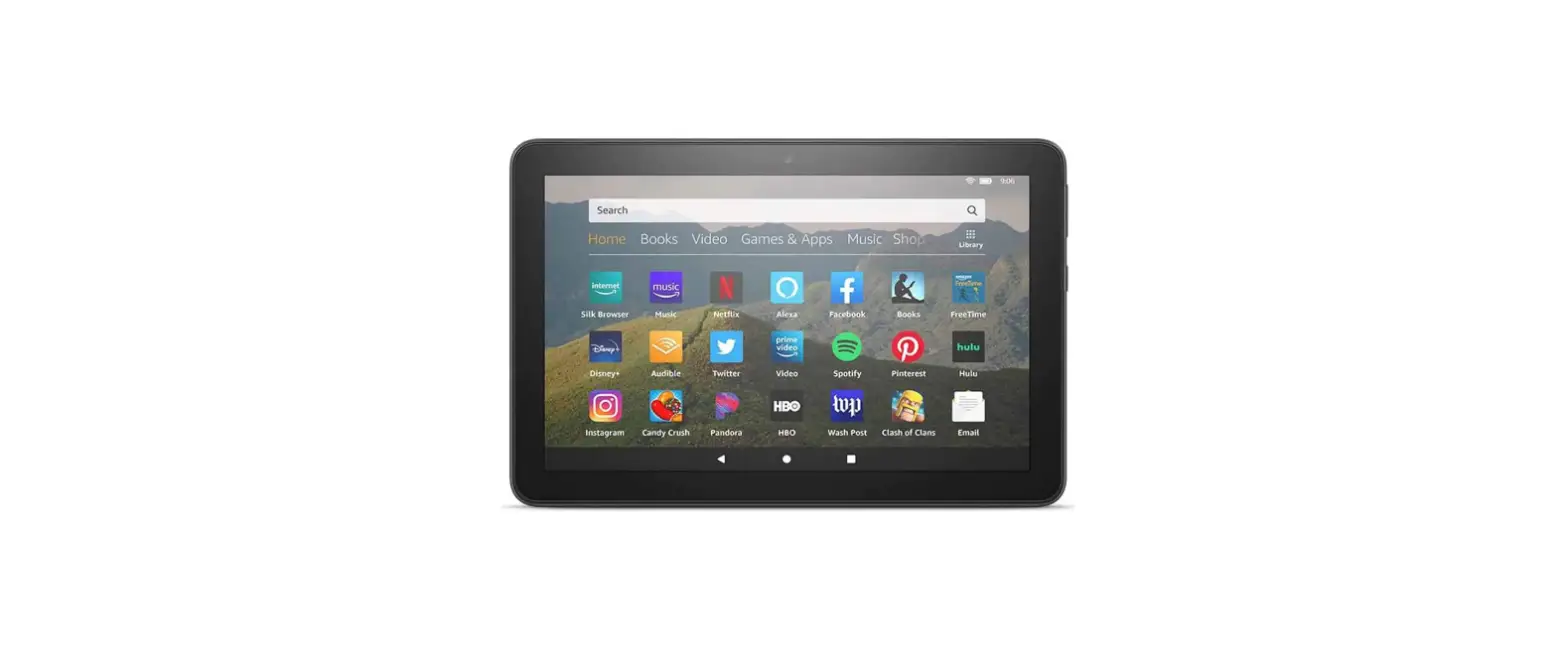

Amazon Aws Firehd10 Gen11 Tablet User Guide

Amazon Aws Firehd10 Gen11 Tablet User Guide

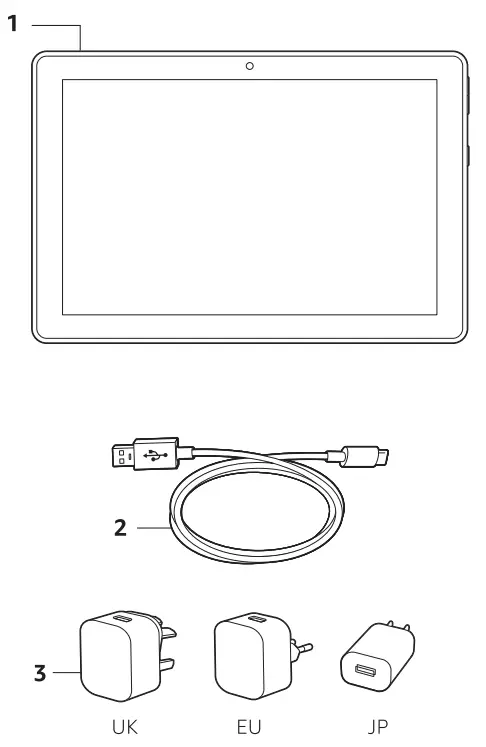
Amazon - logoWhat’s in the box:

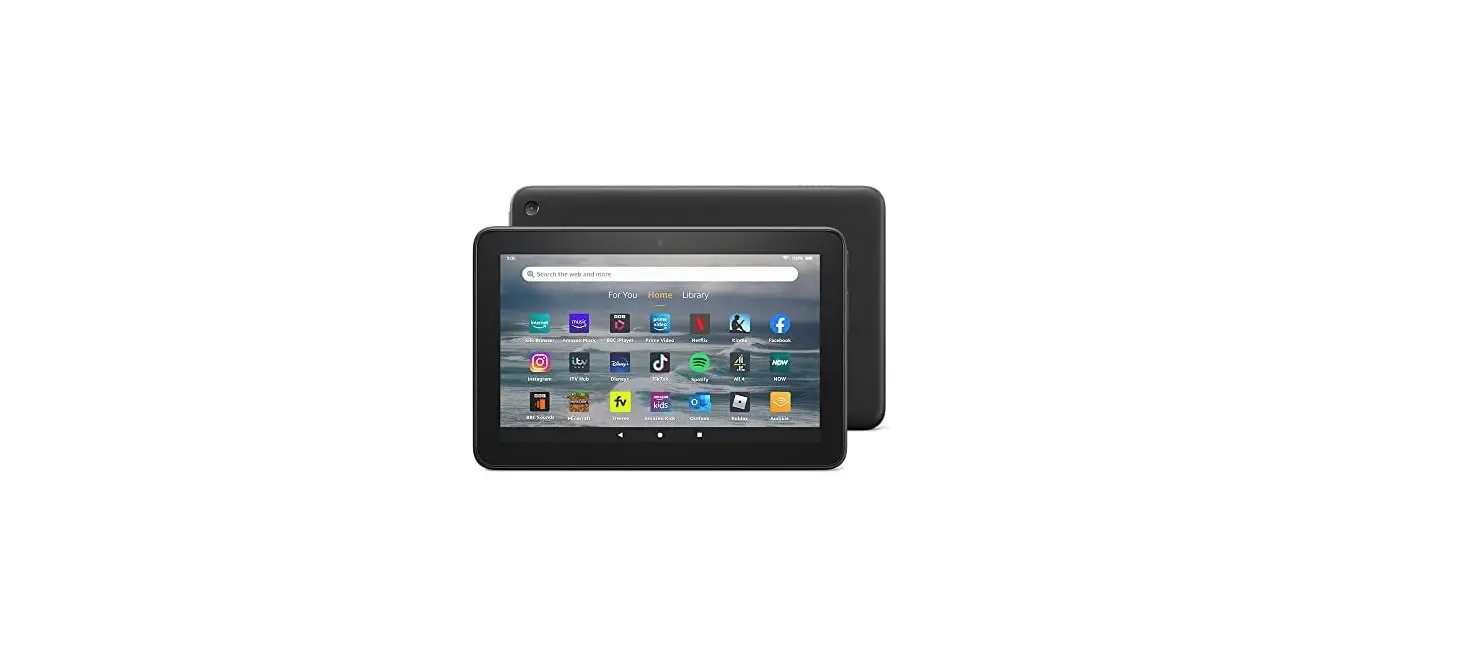
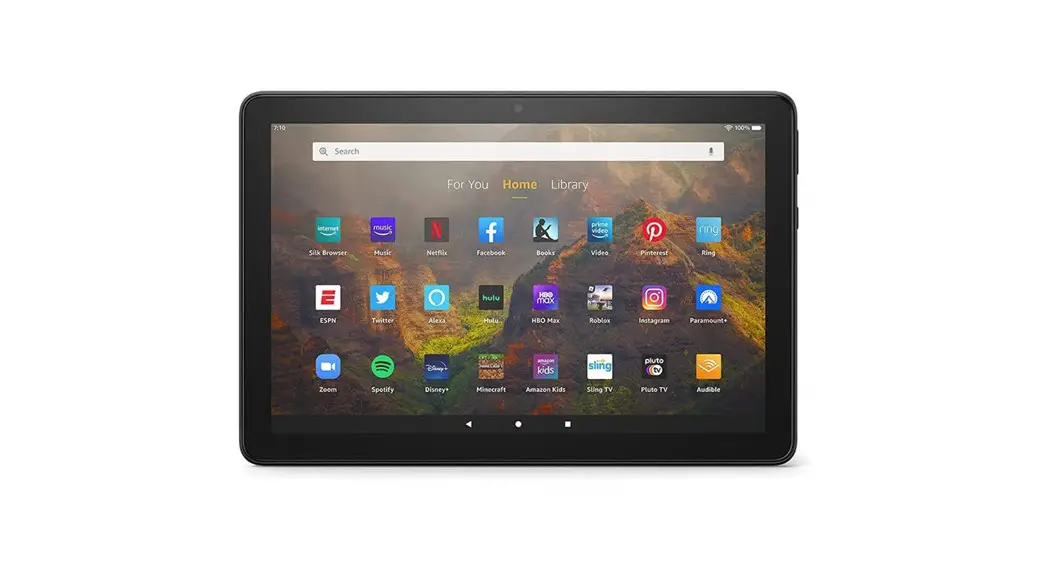
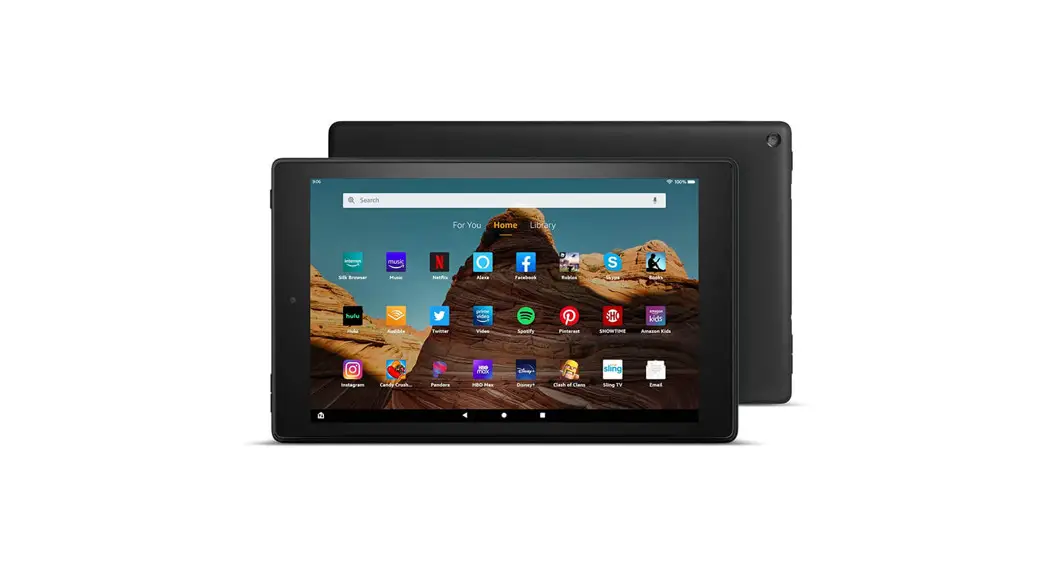
Amazon AWS FireHD10 Gen11 Tablet - 11. Fire tablet
2. USB-C cable (for power)
3. Power adaptor

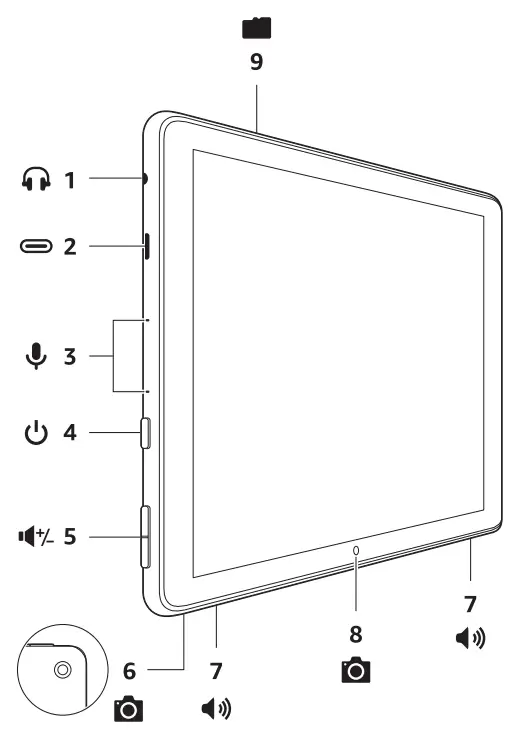
Fire HD 10 overview
Amazon AWS FireHD10 Gen11 Tablet

1Amazon AWS FireHD10 Gen11 Tablet - Icon 1Headphone jack6Amazon AWS FireHD10 Gen11 Tablet - Icon 6Rear camera
2Amazon AWS FireHD10 Gen11 Tablet - Icon 2USB-C port7Amazon AWS FireHD10 Gen11 Tablet - Icon 7Speakers
3Amazon AWS FireHD10 Gen11 Tablet - Icon 3Microphones8Amazon AWS FireHD10 Gen11 Tablet - Icon 8Front camera
4Amazon AWS FireHD10 Gen11 Tablet - Icon 4Power button9Amazon AWS FireHD10 Gen11 Tablet - Icon 9microSD slot (card sold separately)
5Amazon AWS FireHD10 Gen11 Tablet - Icon 5Volume up/down

Getting started

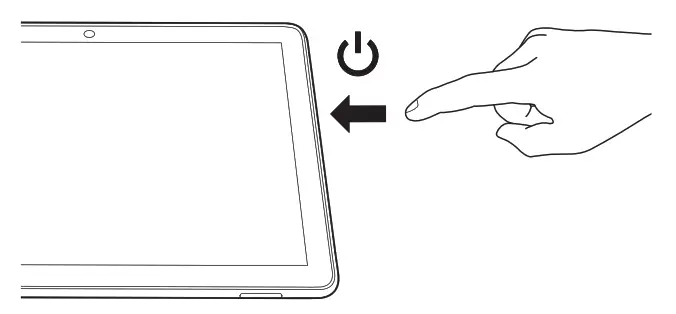
  1. Turn on your tablet.
    Amazon AWS FireHD10 Gen11 Tablet - Getting started 1
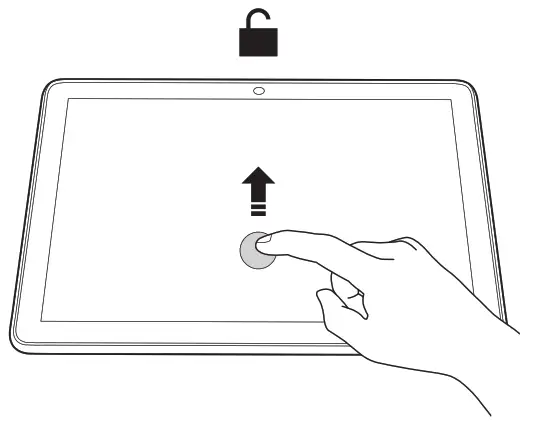
  2. Swipe up to unlock.
    Amazon AWS FireHD10 Gen11 Tablet - Getting started 2
  3. Follow the on-screen prompts to connect to a Wi-Fi network, then sign in to an existing account or register to create a new account.
Charging your tablet
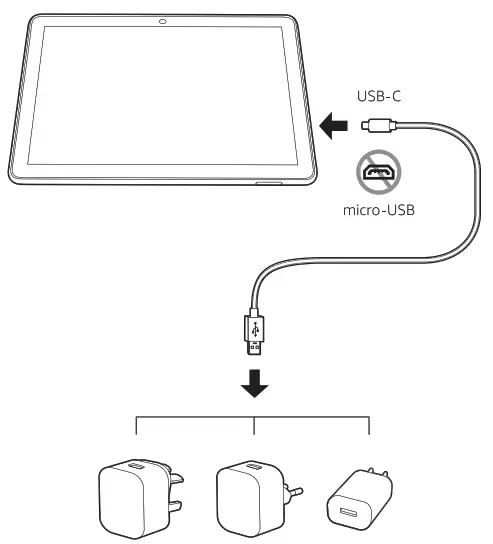
Amazon AWS FireHD10 Gen11 Tablet - Charging your tablet

Amazon AWS FireHD10 Gen11 Tablet - Icon 10
For troubleshooting tips and  Amazon Customer Service, visit www.amazon.com/devicesupport.
Documents / Resouces

Download manual
Here you can download full pdf version of manual, it may contain additional safety instructions, warranty information, FCC rules, etc.


Related Manuals