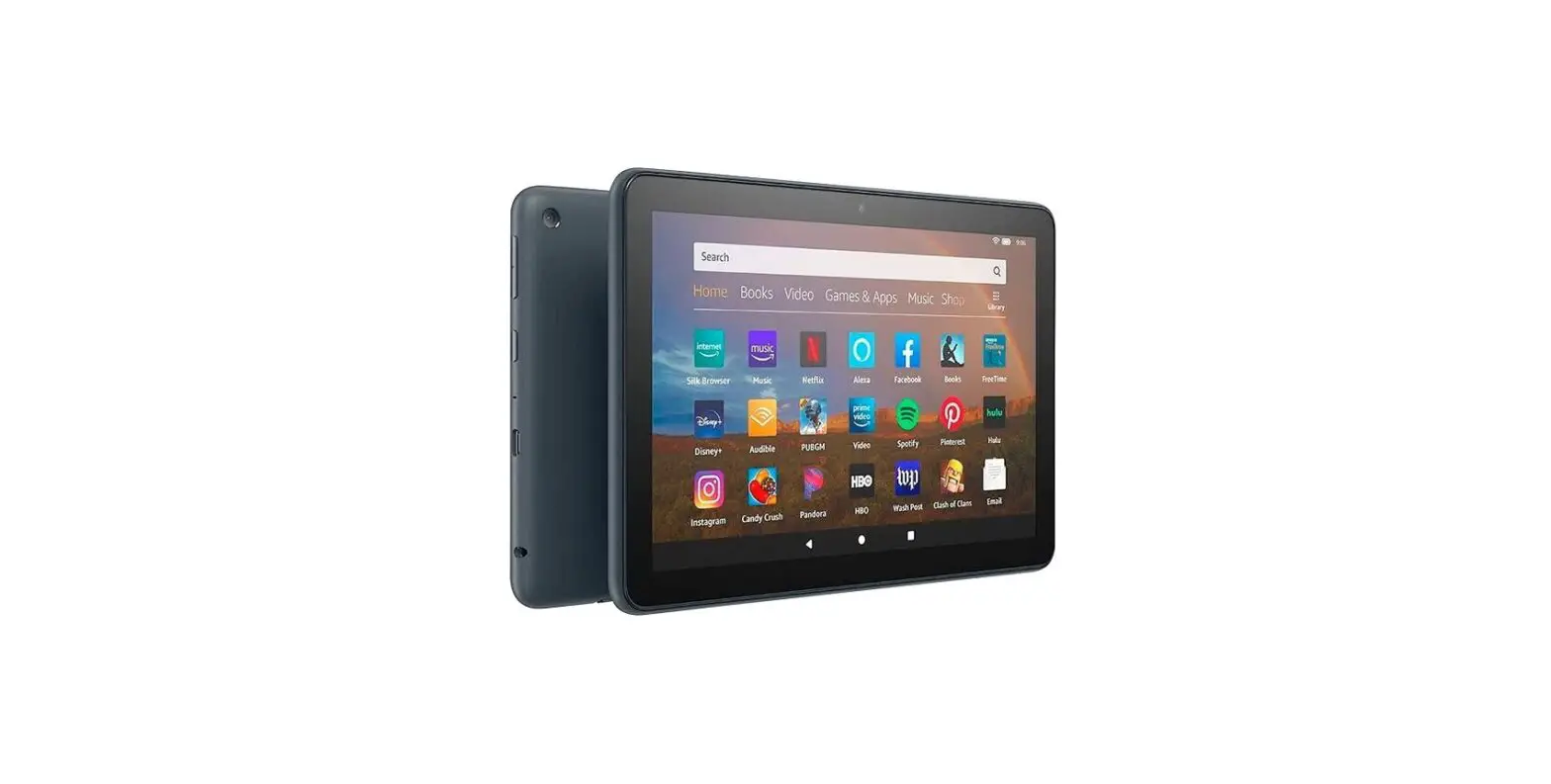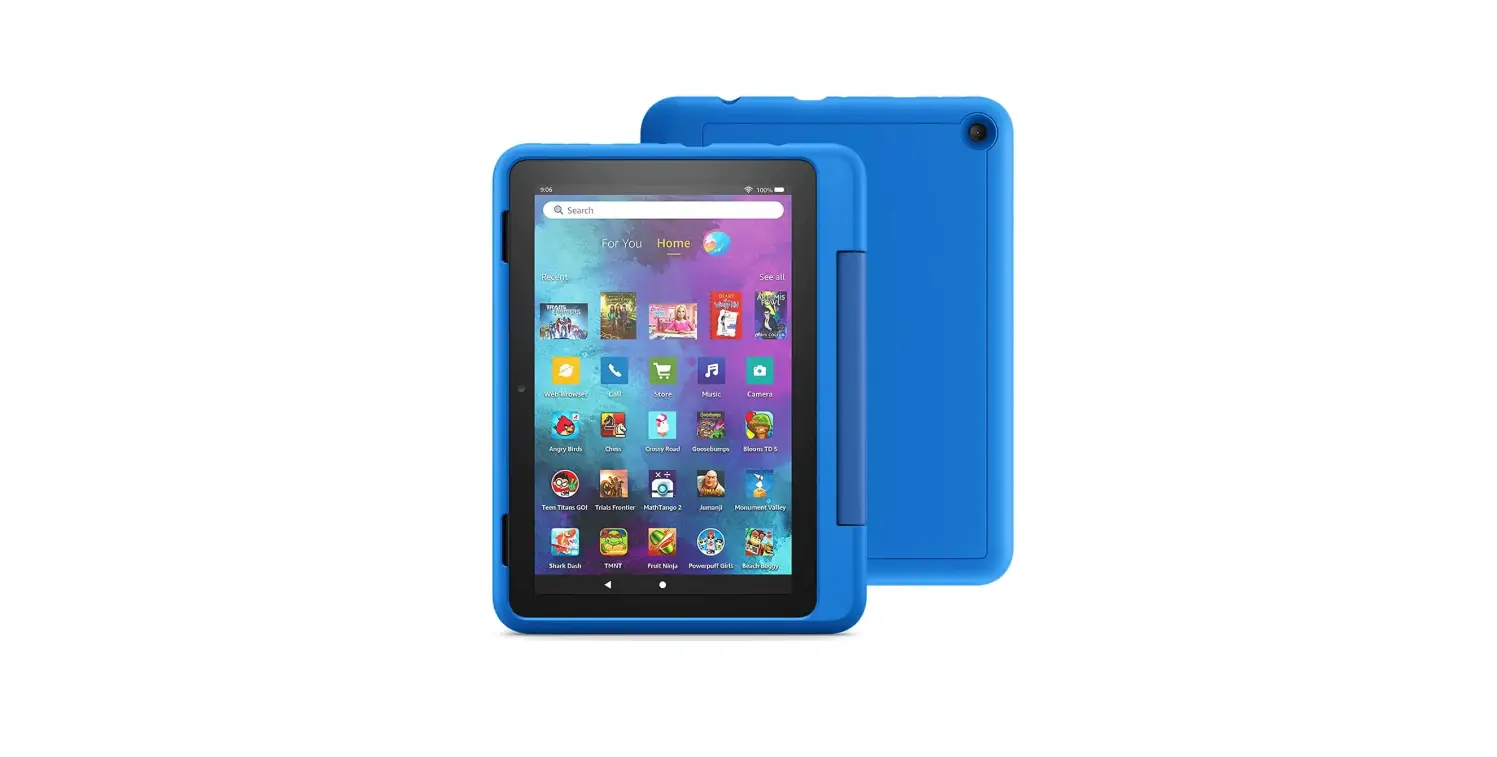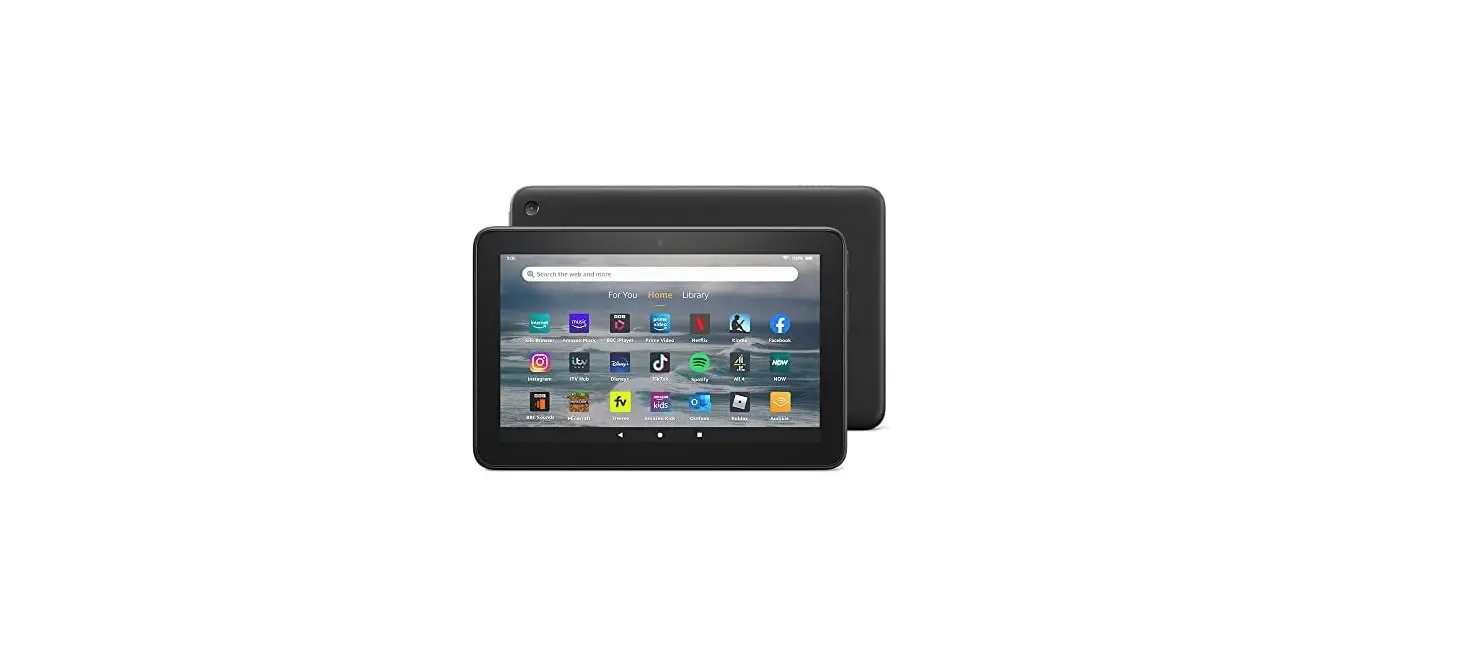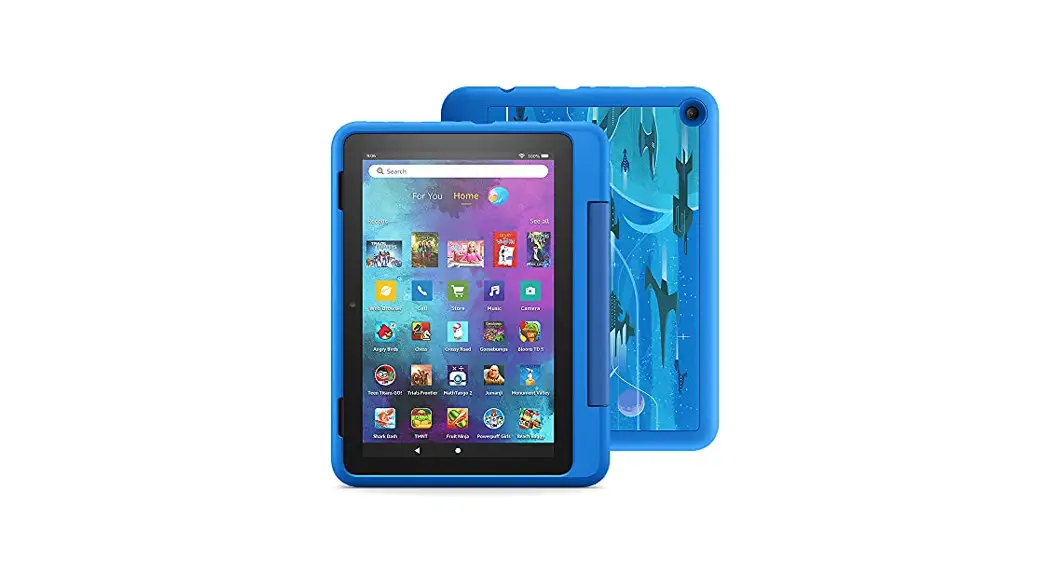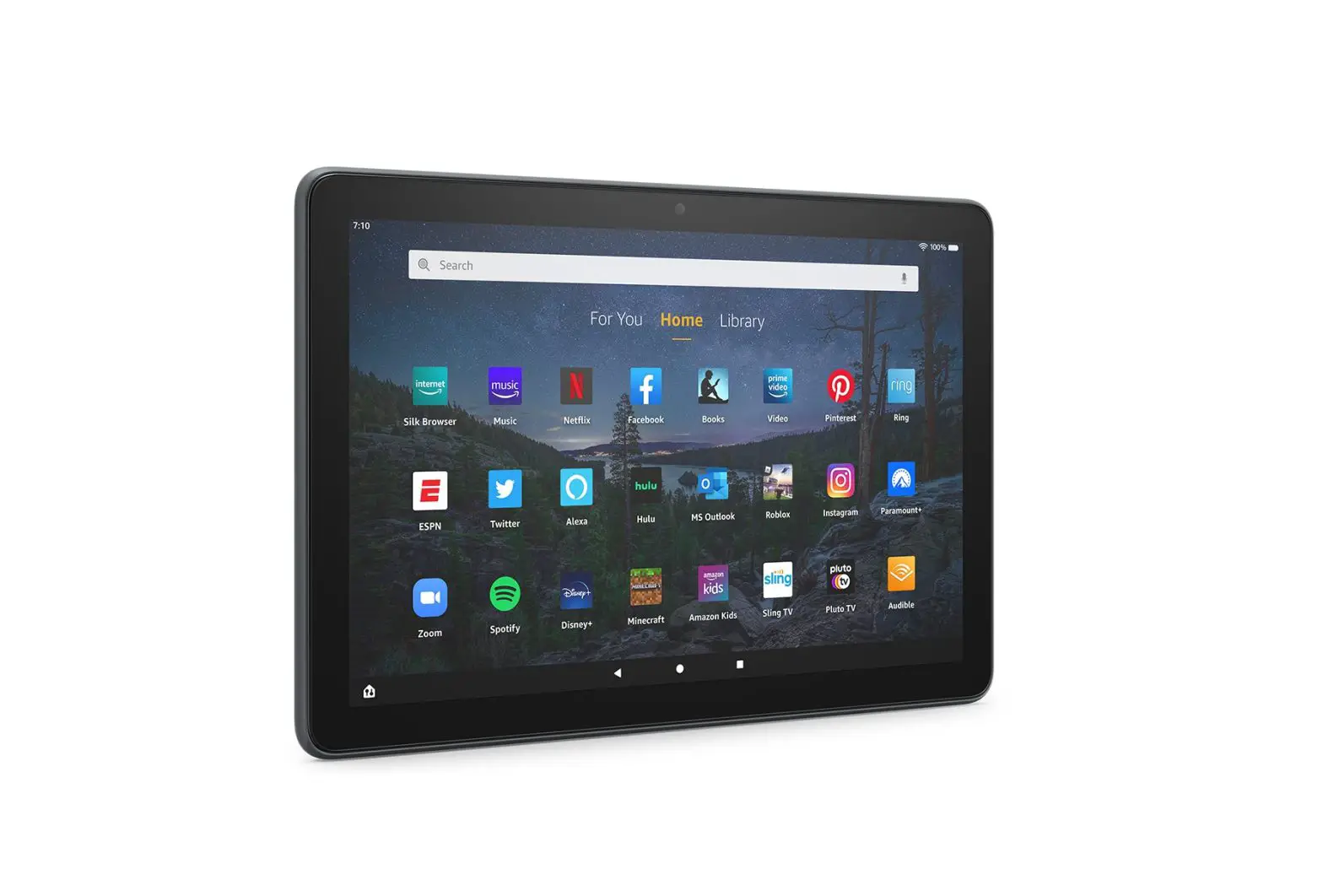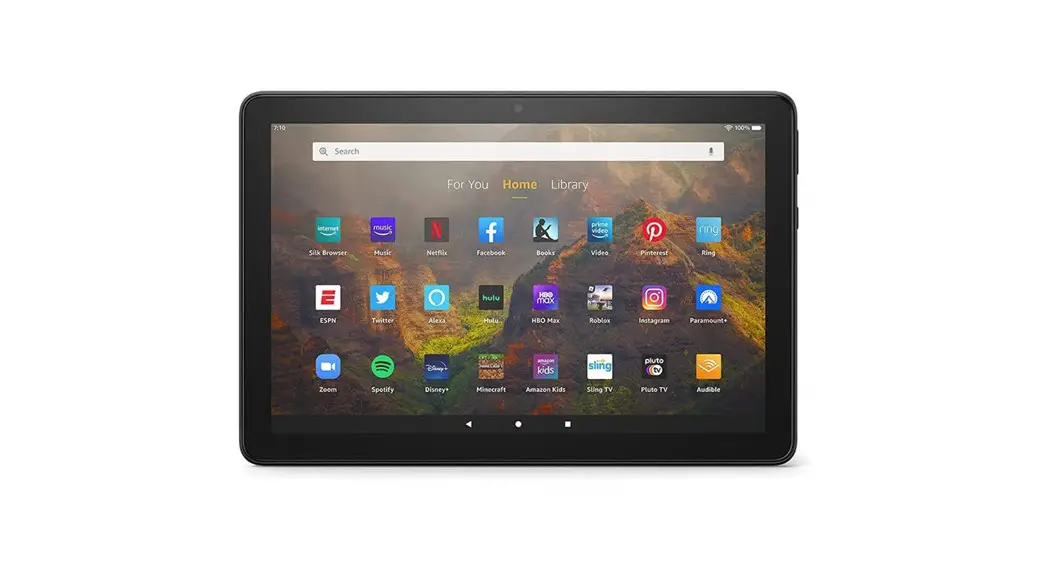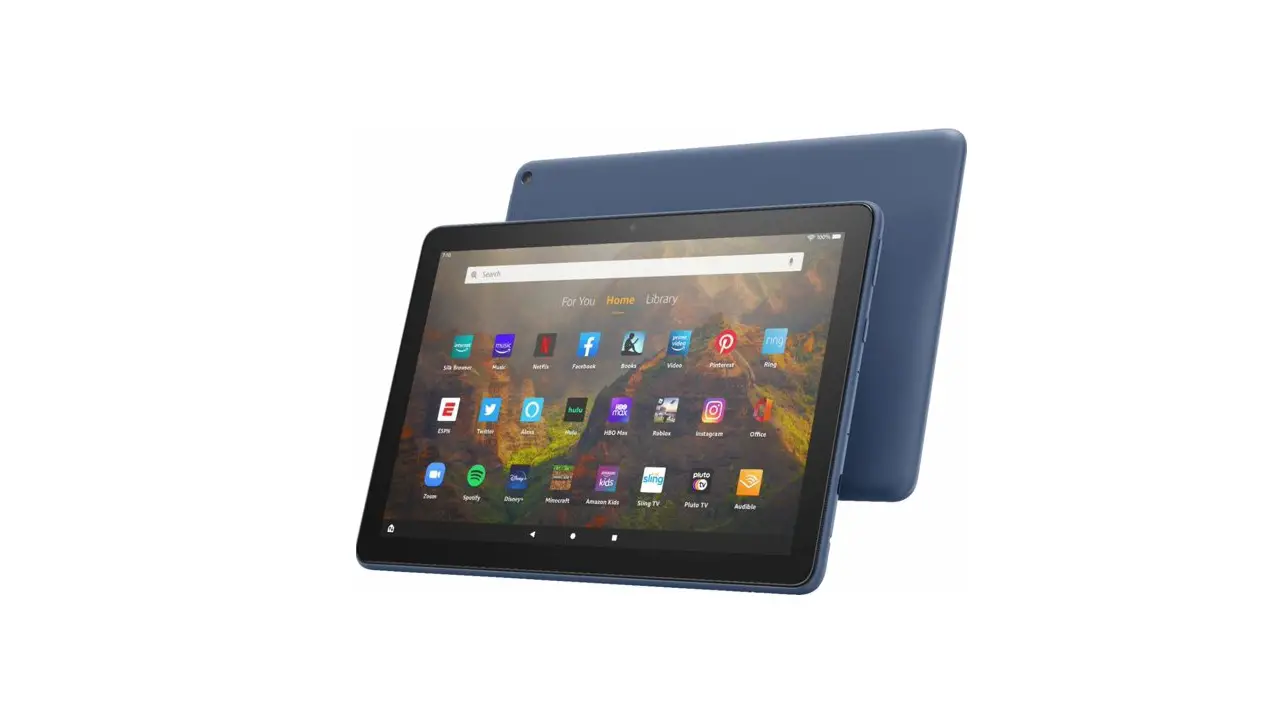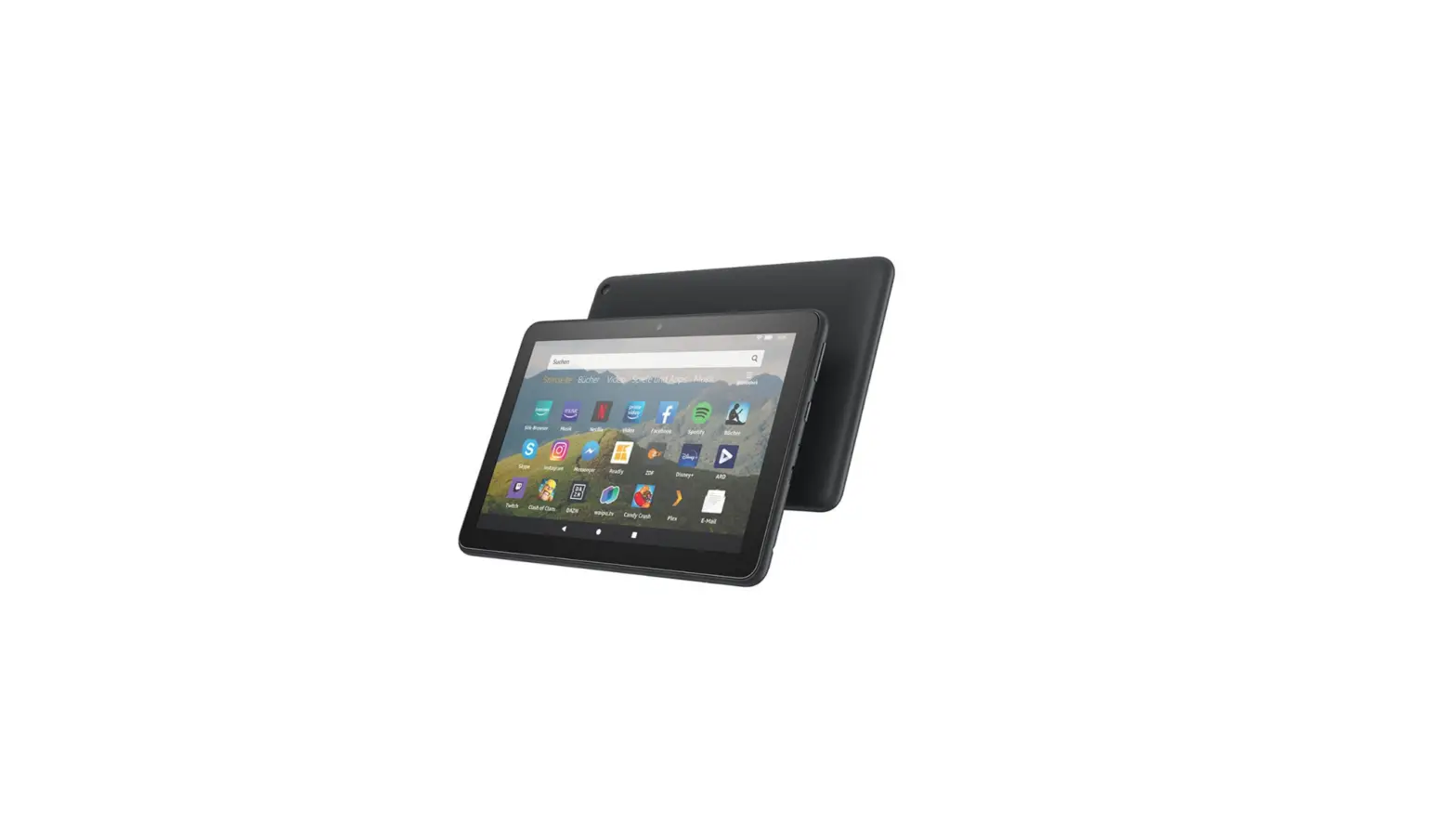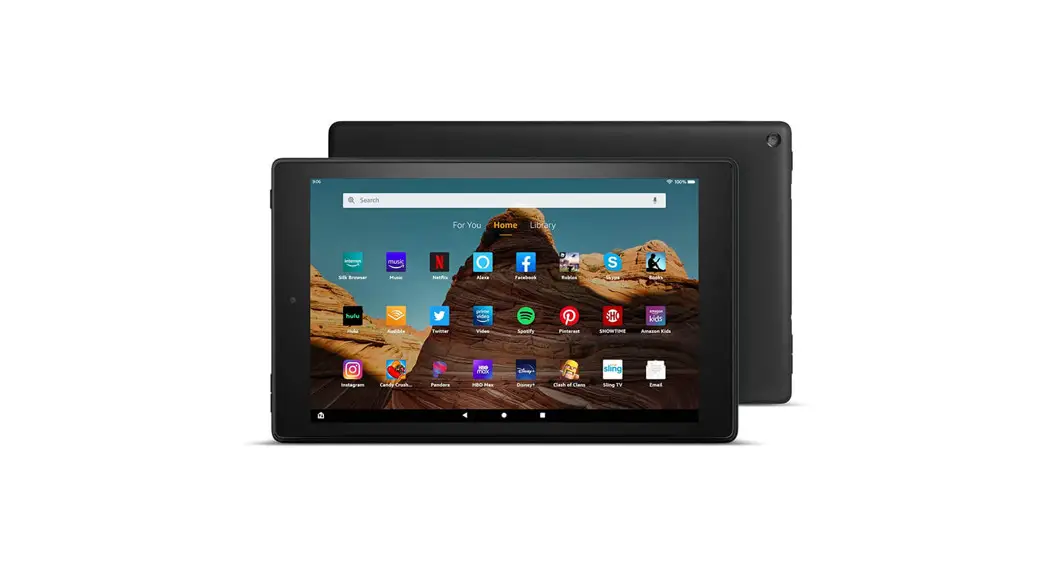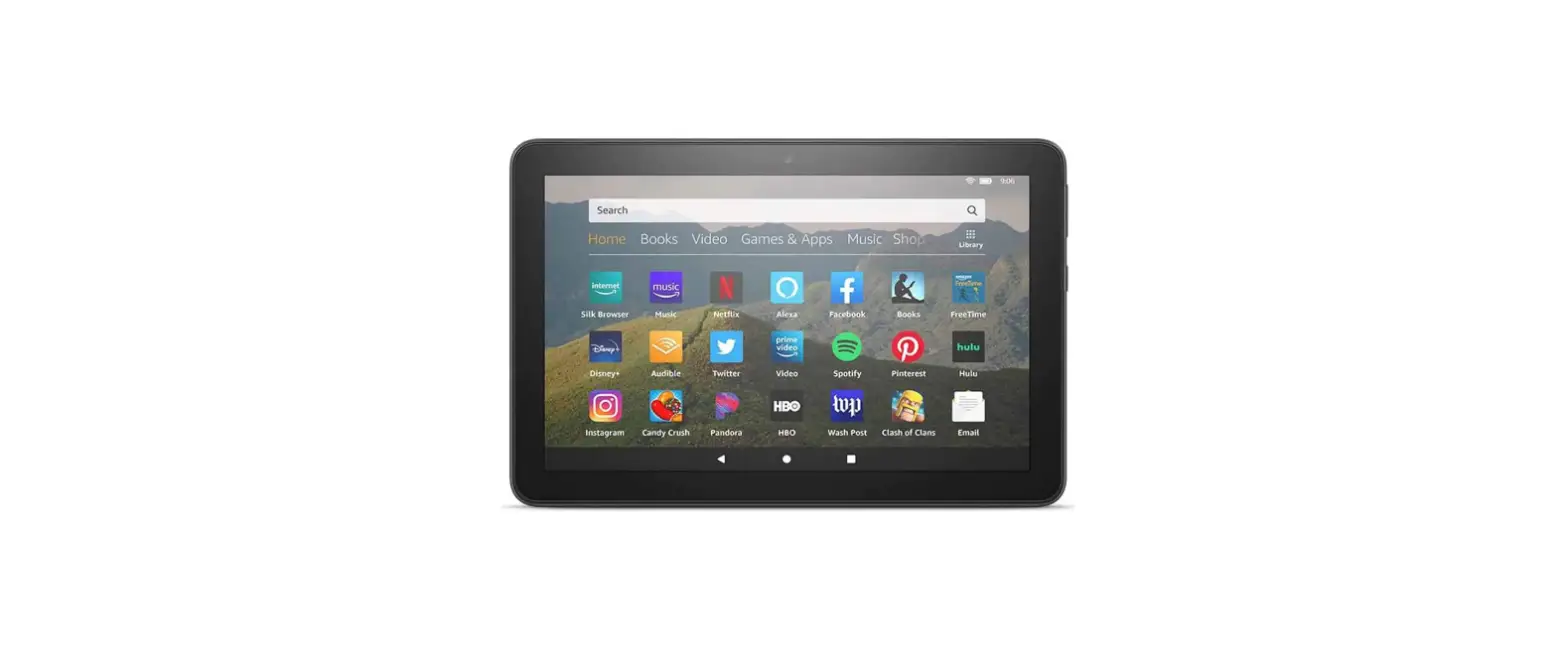

amazon Fire HD 8 Plus Smart Tablet
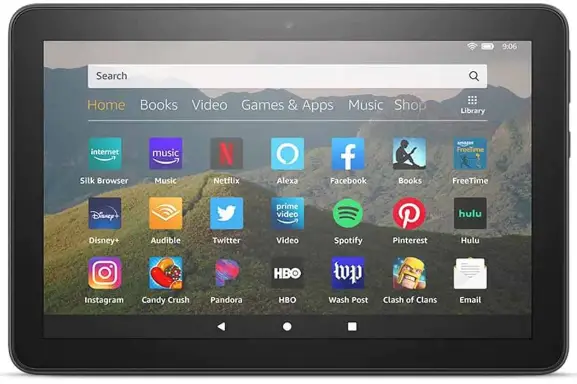
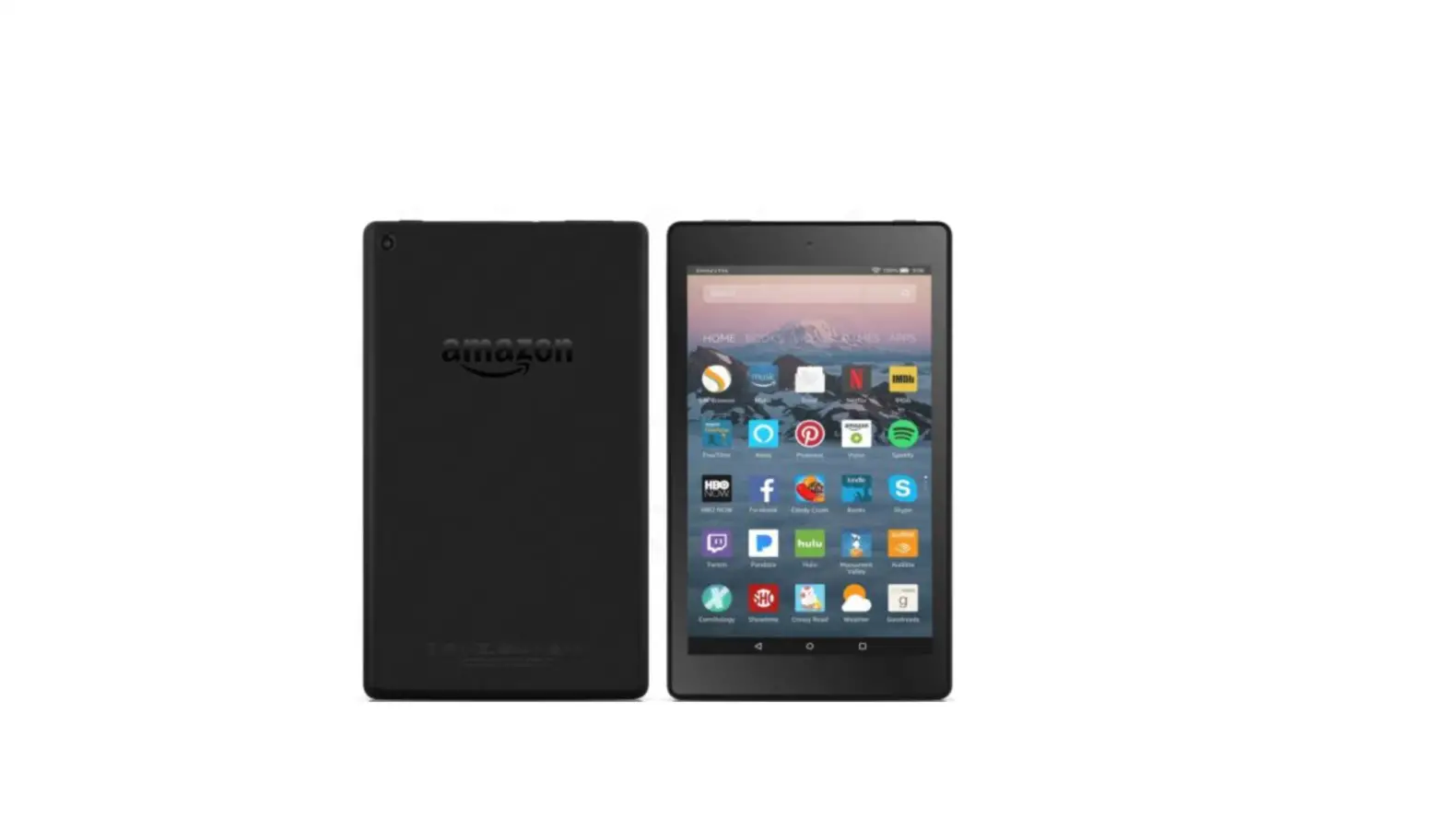
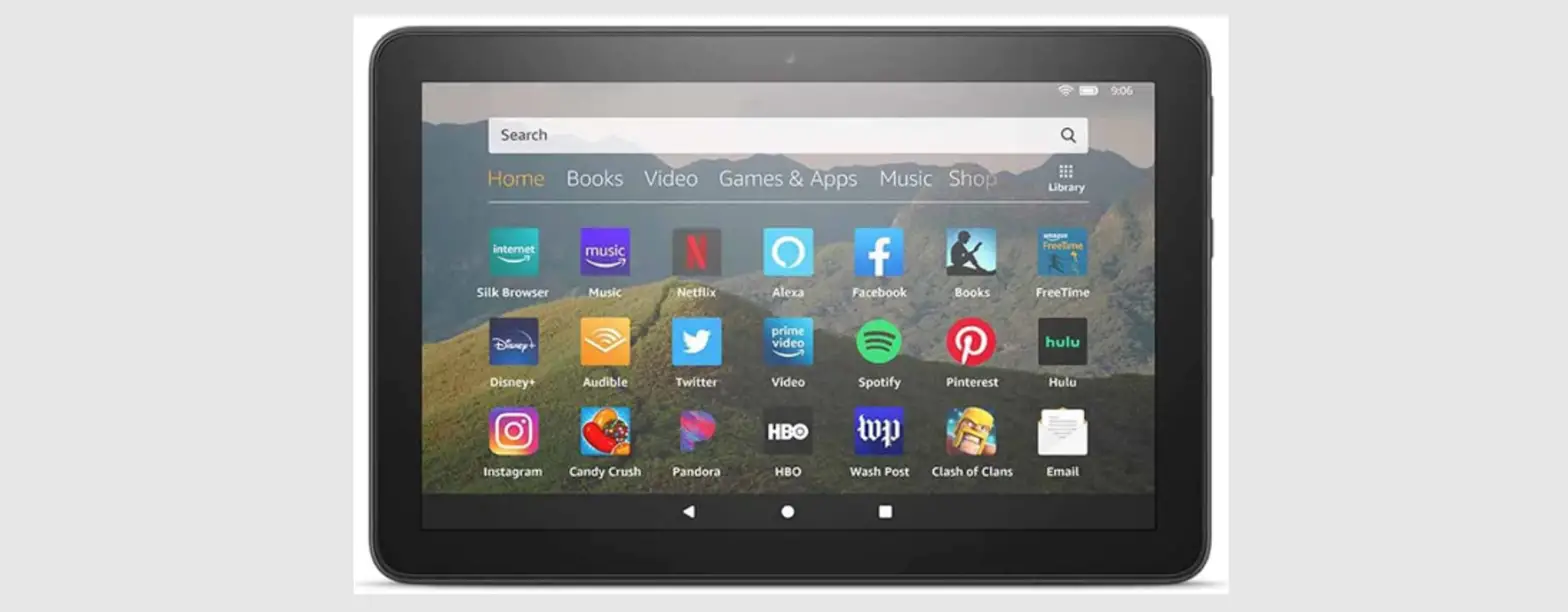
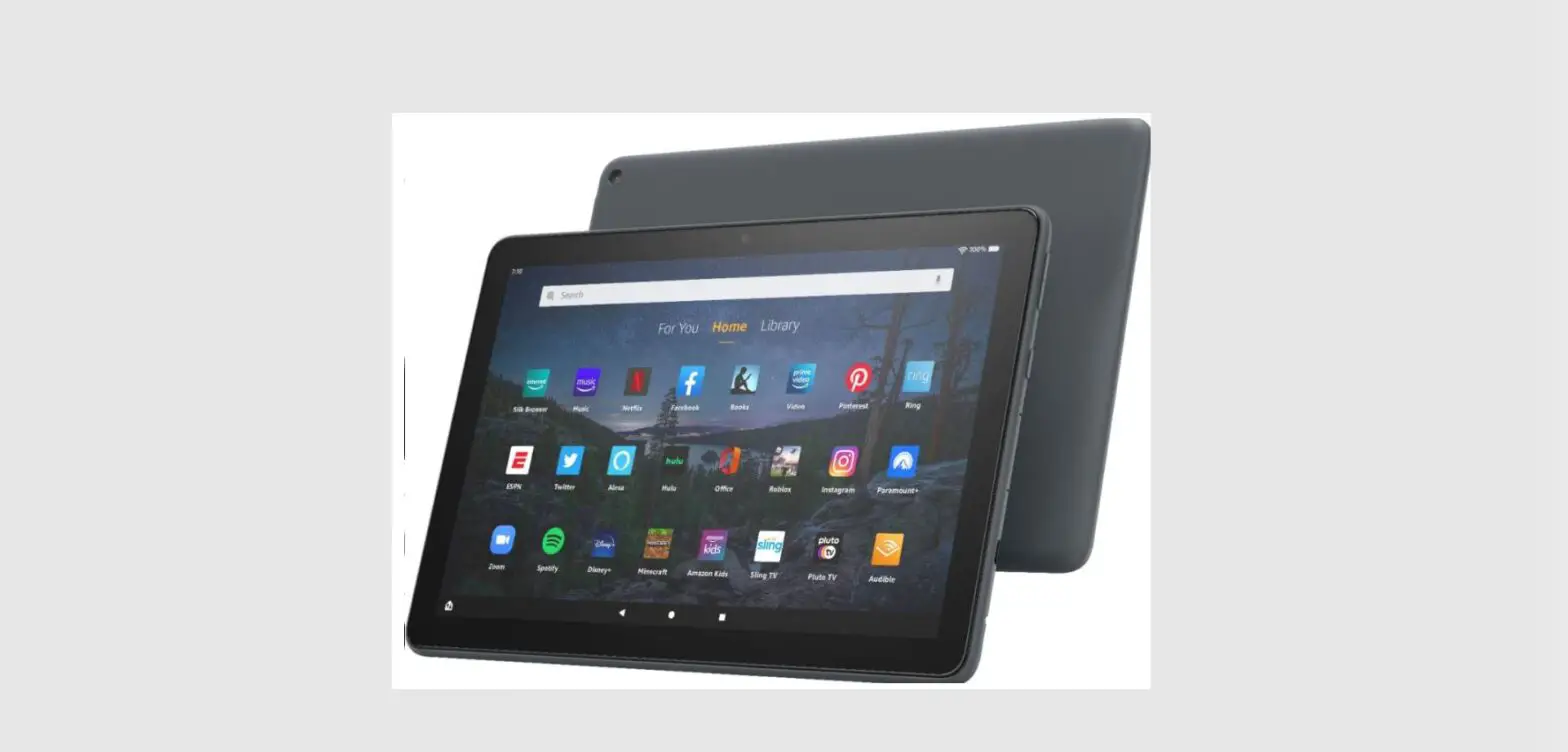
MEET YOUR FIRE HD 8 PLUS
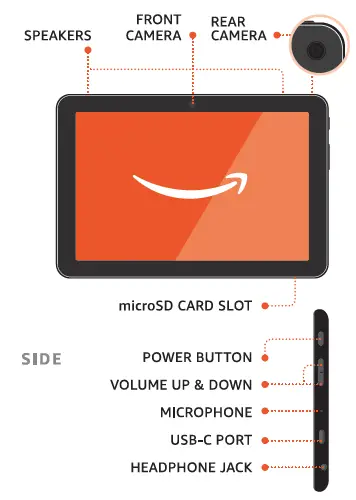
Also included: USB-C cable, power adapter
ACTIVATE YOUR FIRE HD 8 PLUS
- POWER
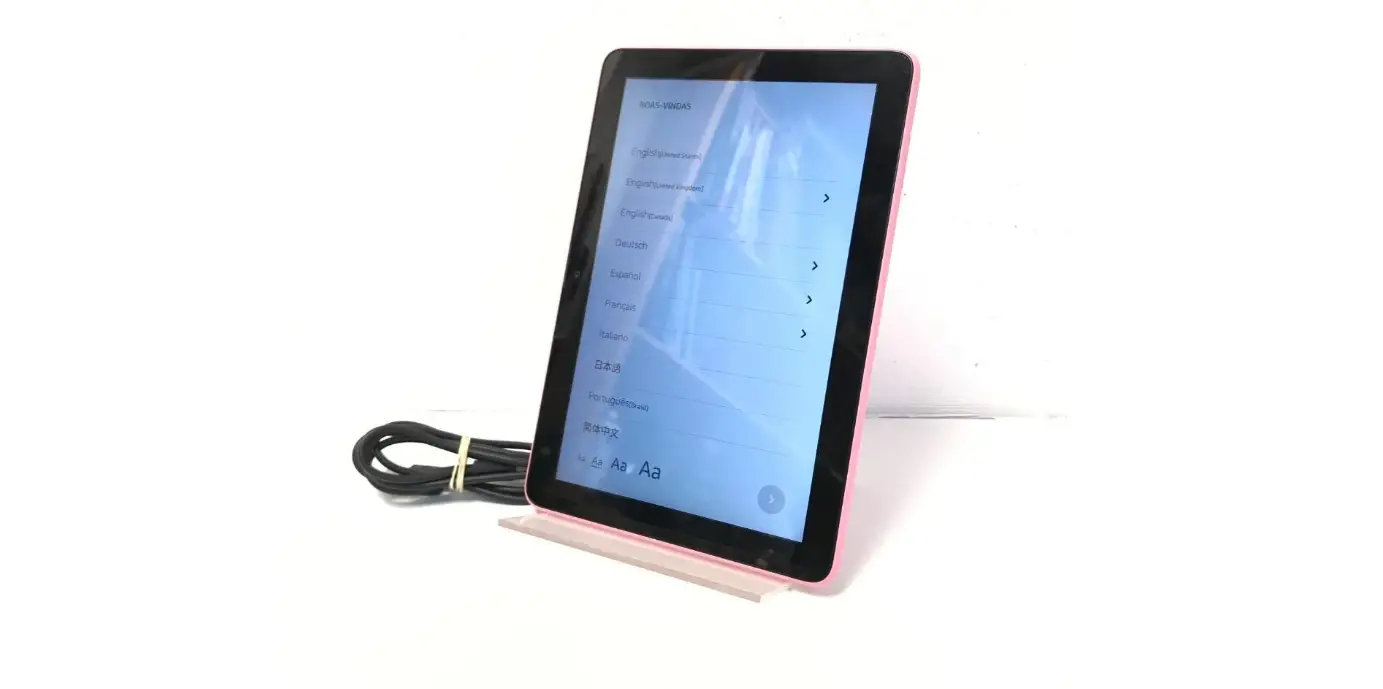
Power on your tablet. - SETUP
Follow the on-screen instructions to complete setup.
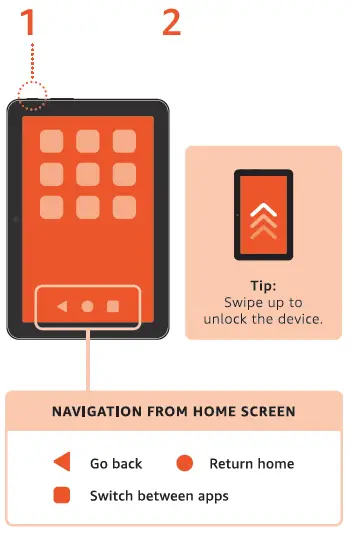
EXPLORE YOUR FIRE HD 8 PLUS
TO ACCESS SETTINGS AND SHORTCUTS
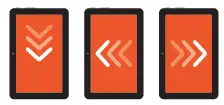
- Swipe down for settings and quick controls.
- Swipe left for libraries.
- Swipe right for books, TV shows, movies, games, and other content.
EXPAND YoUR STORAGE

Install microSD for up to 1TB of additional storage. microSD card sold separately.
OPTION 1: CONNECT YOUR CHARGING CABLE
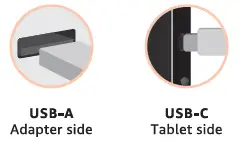
Device (with compatible cover) should be in direct contact with wireless charging stand. Wireless charging stand sold separately.
TROUBLESHOOTING
For troubleshooting tips and Amazon Customer Service, visit www.amazon.com/devicesupport.