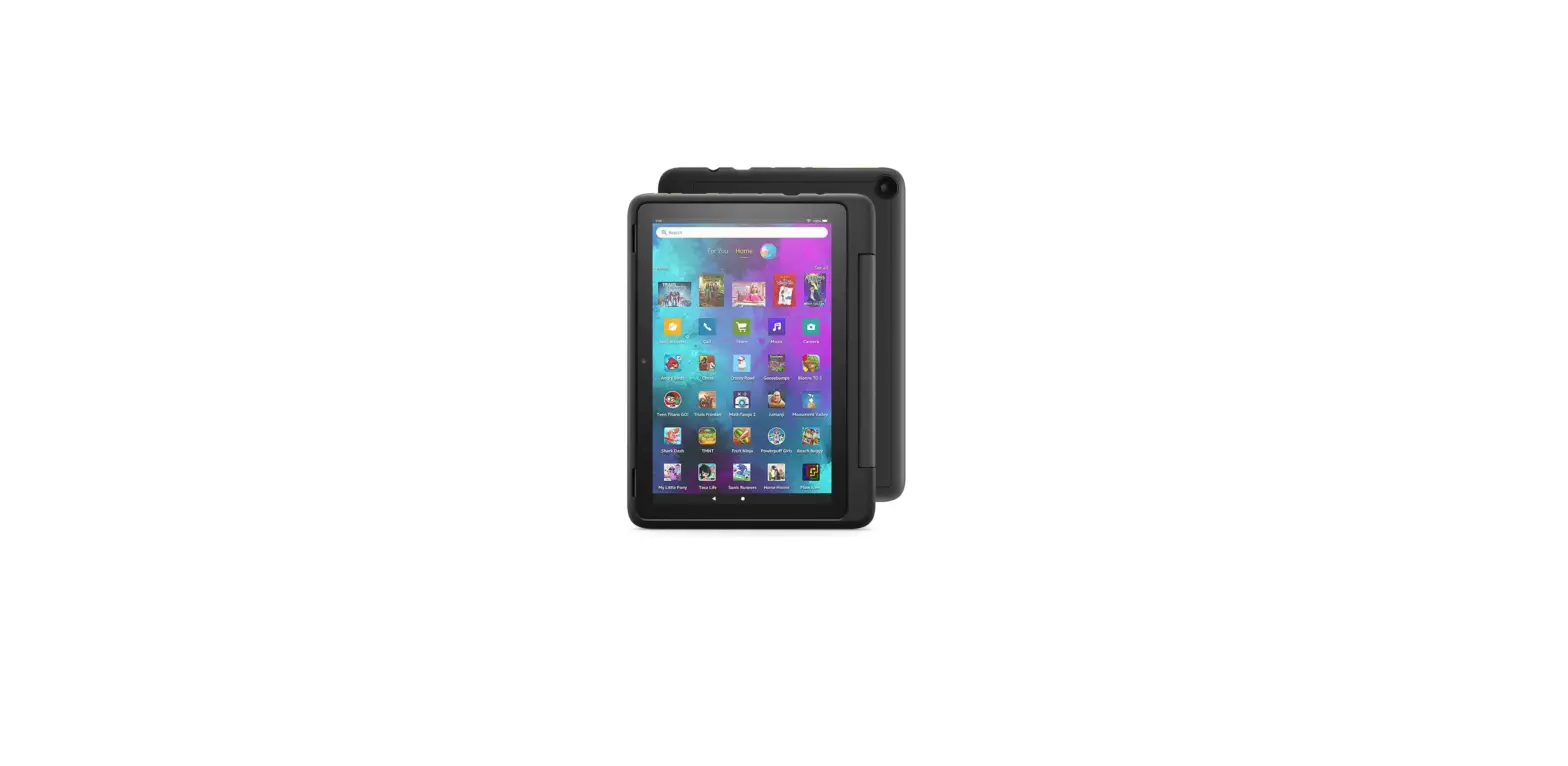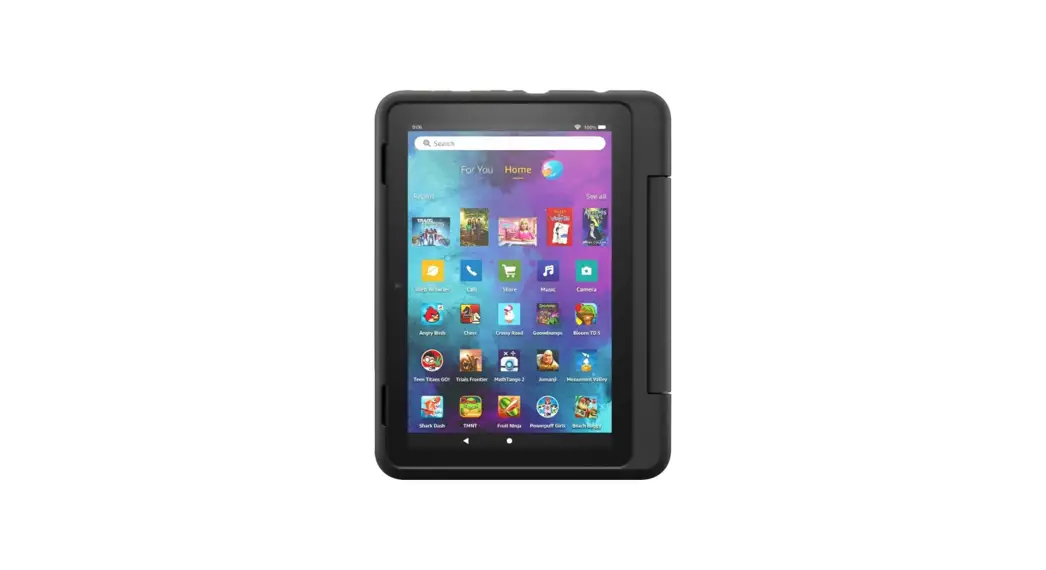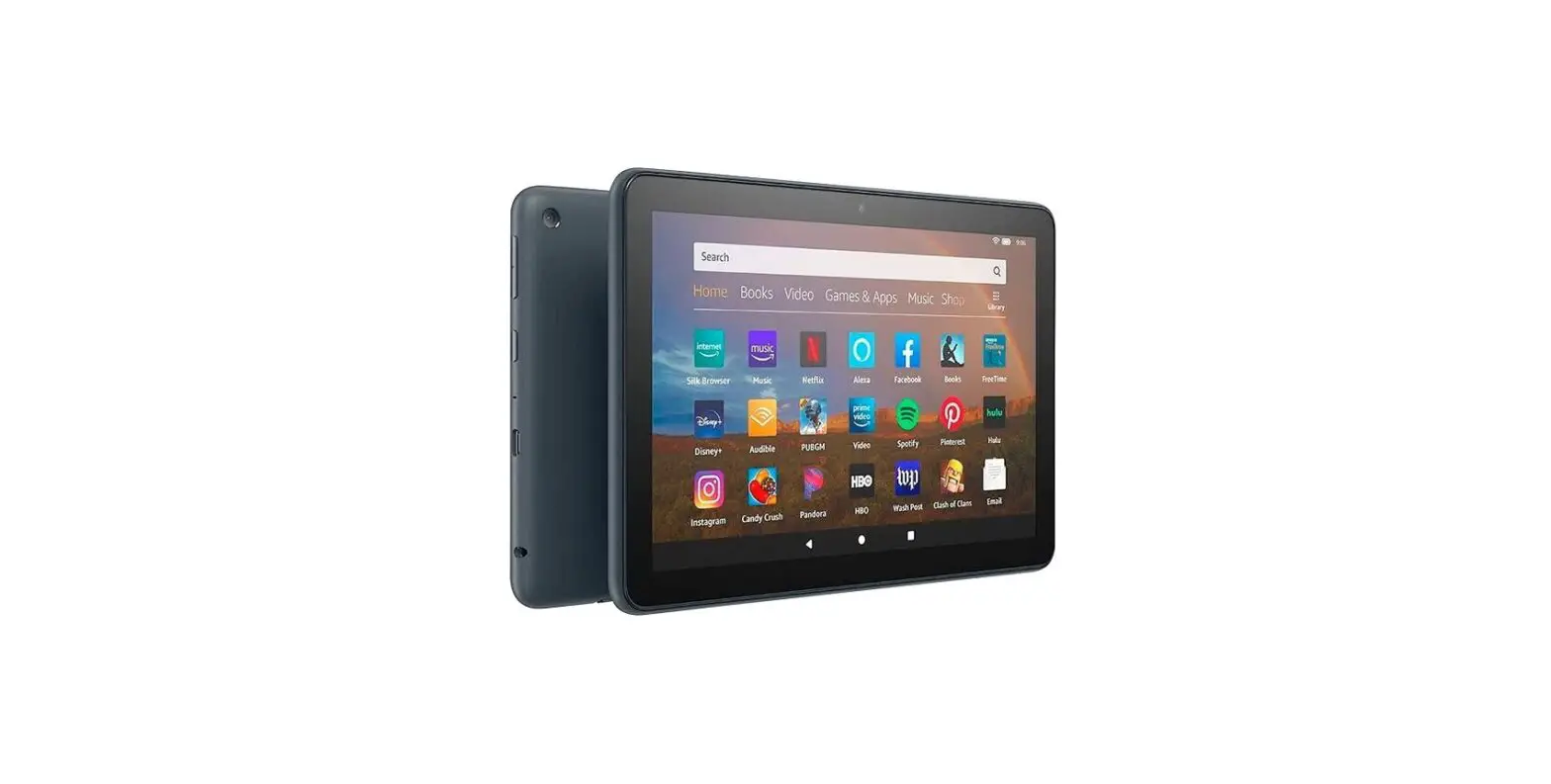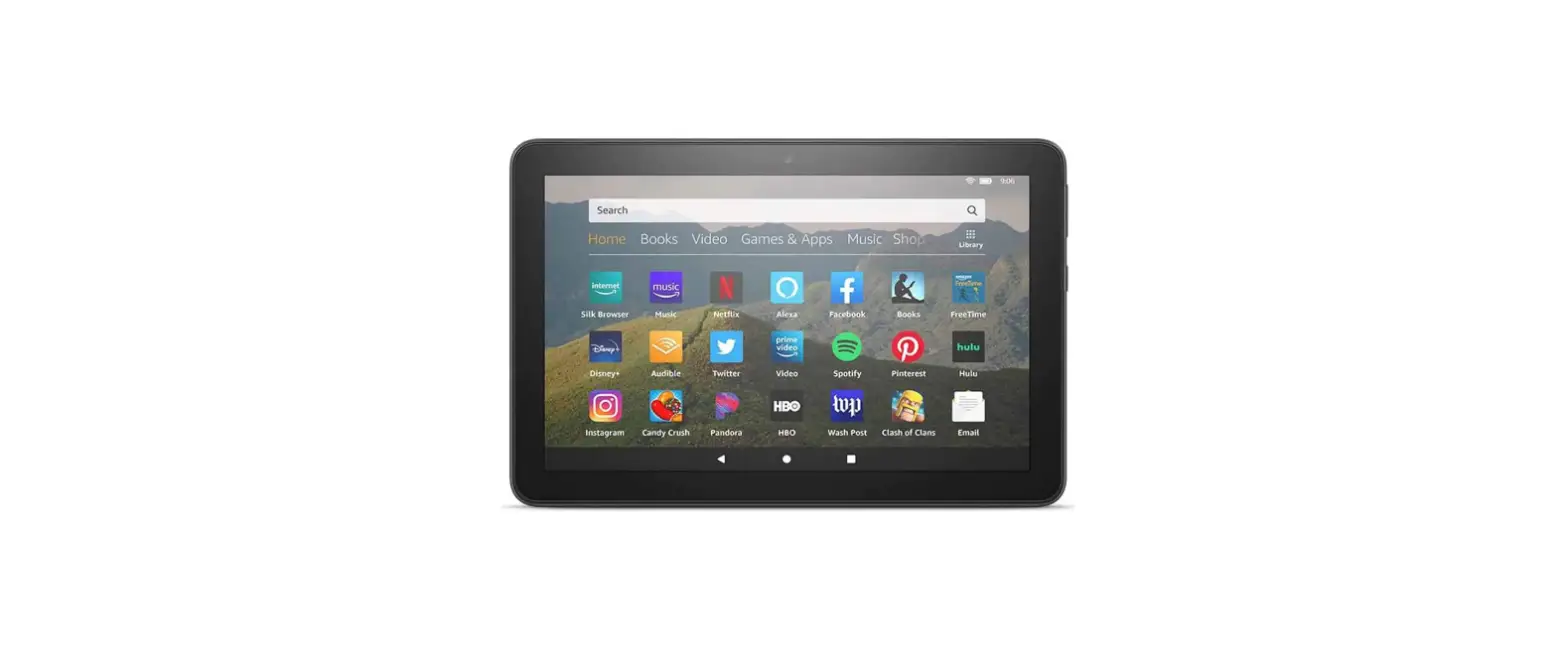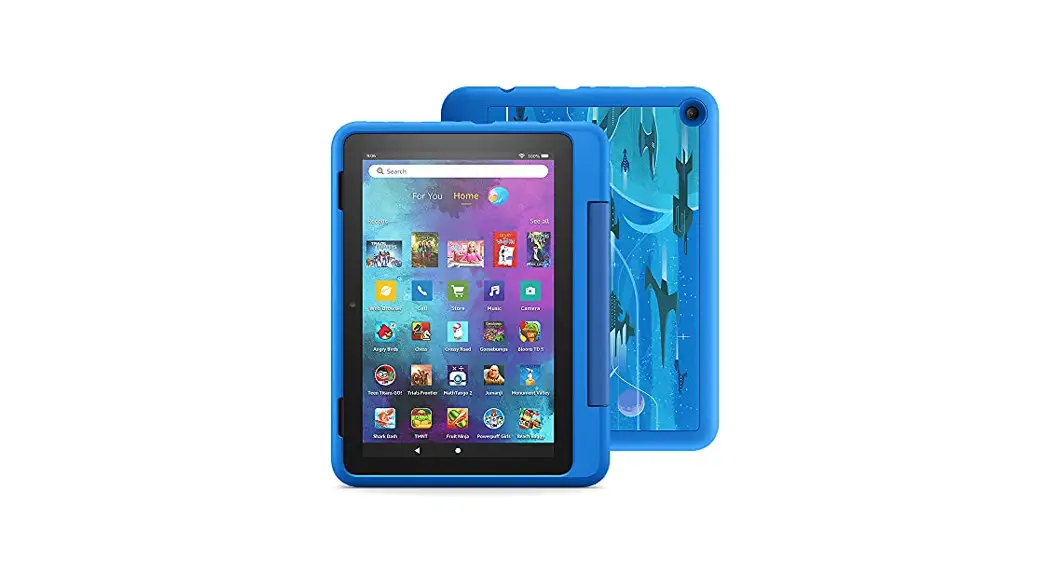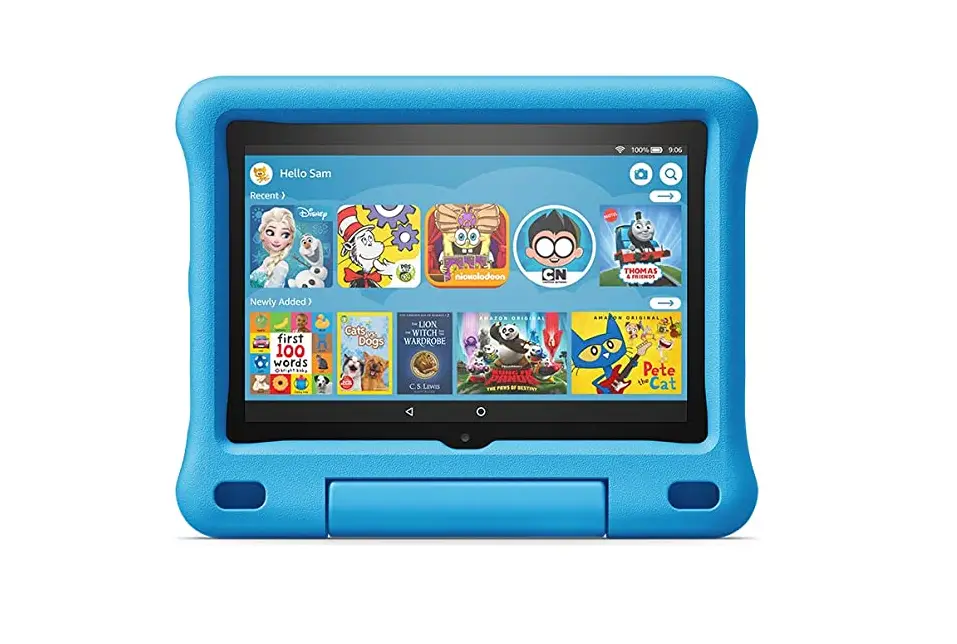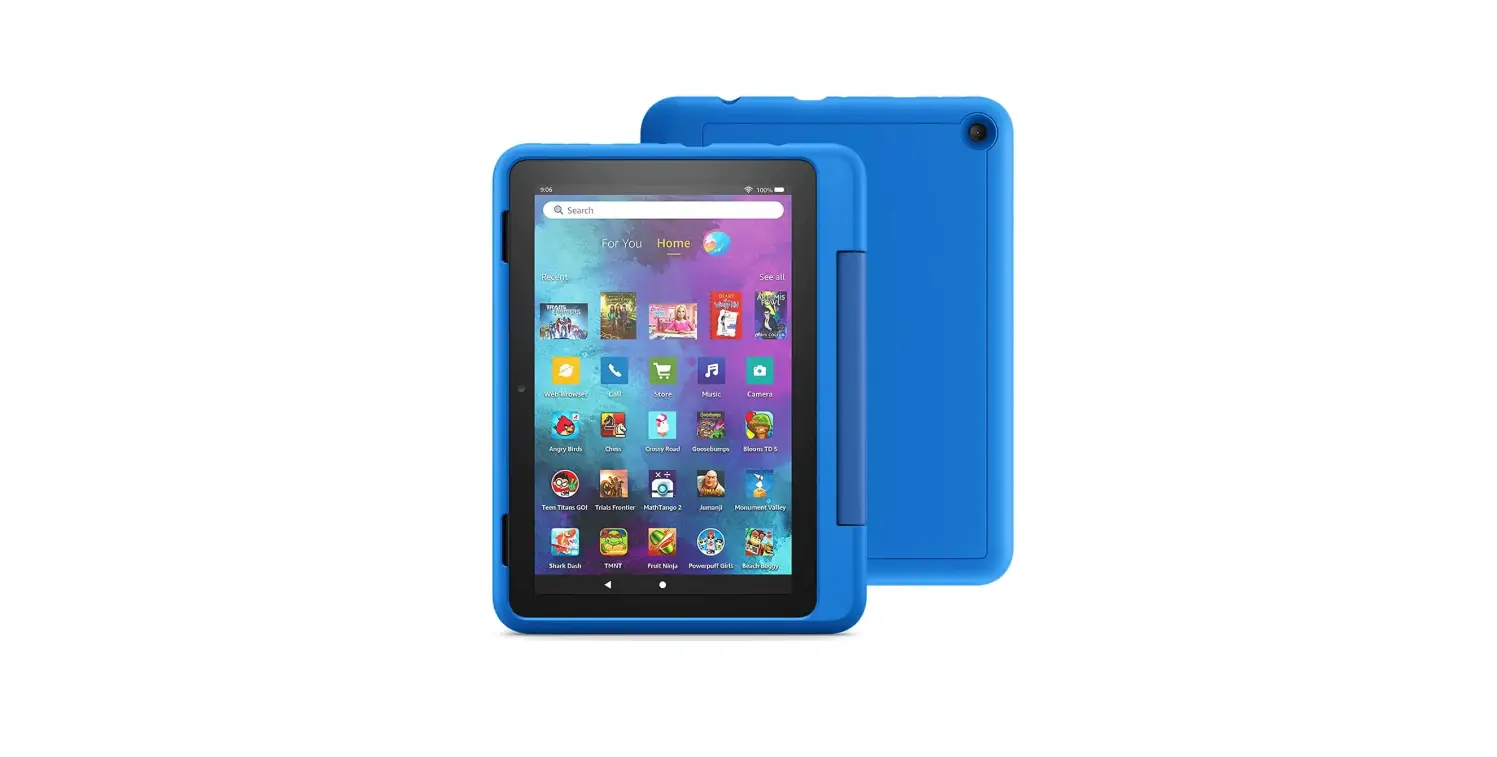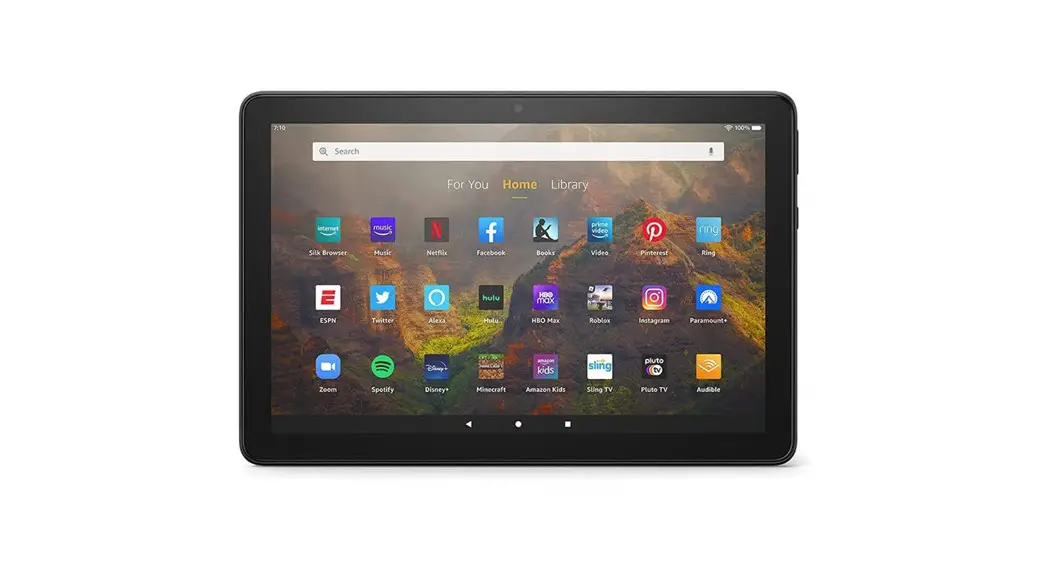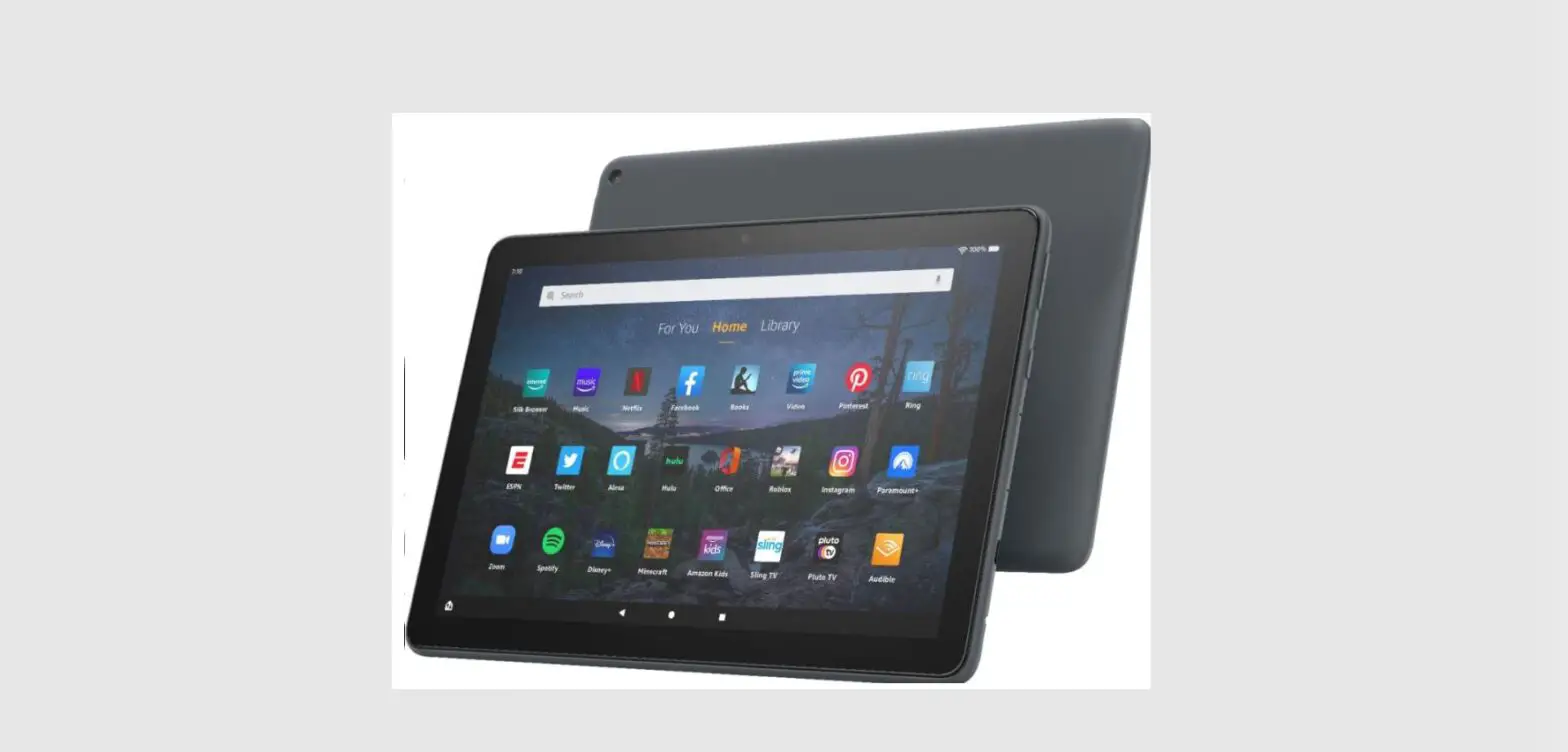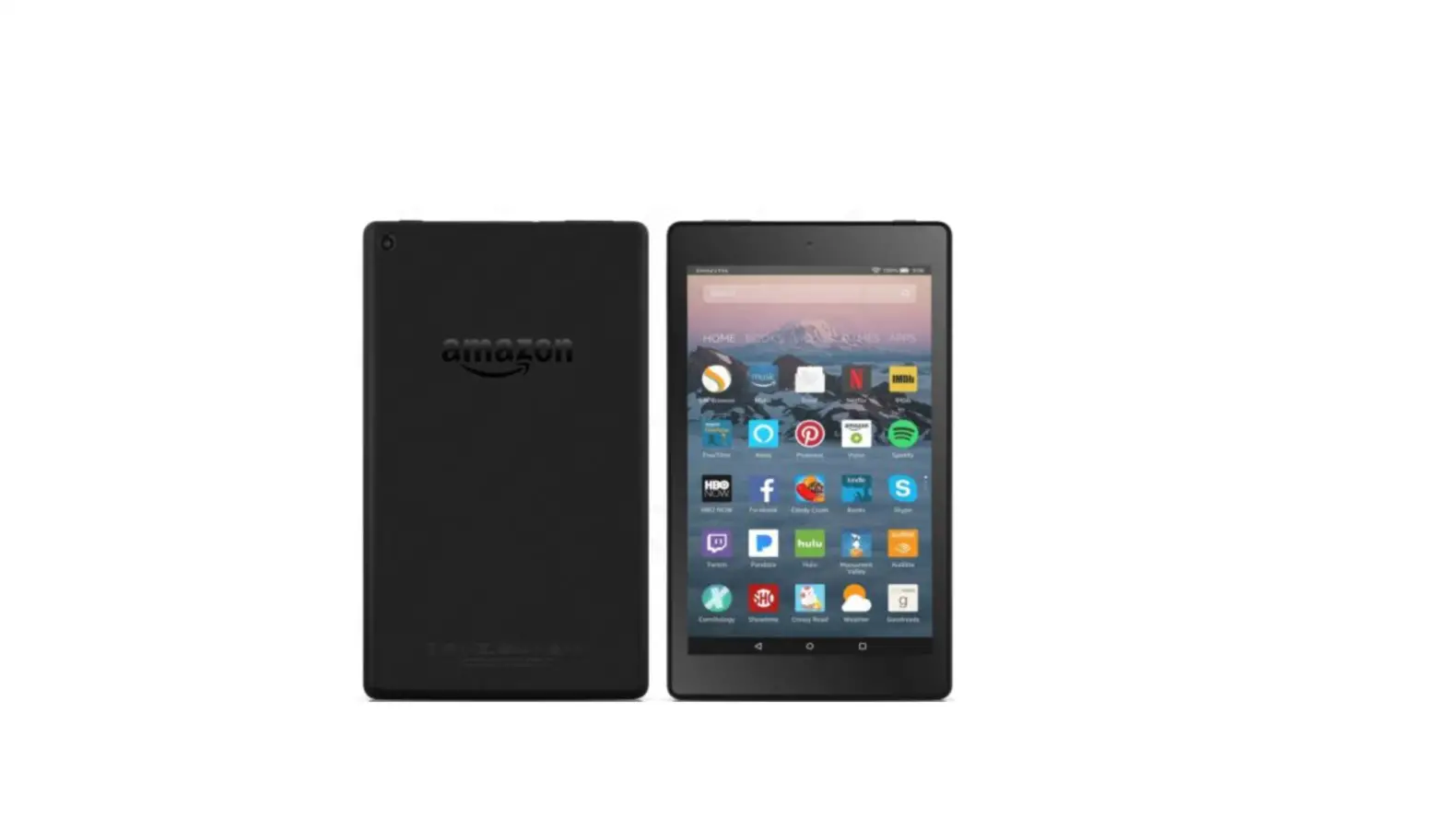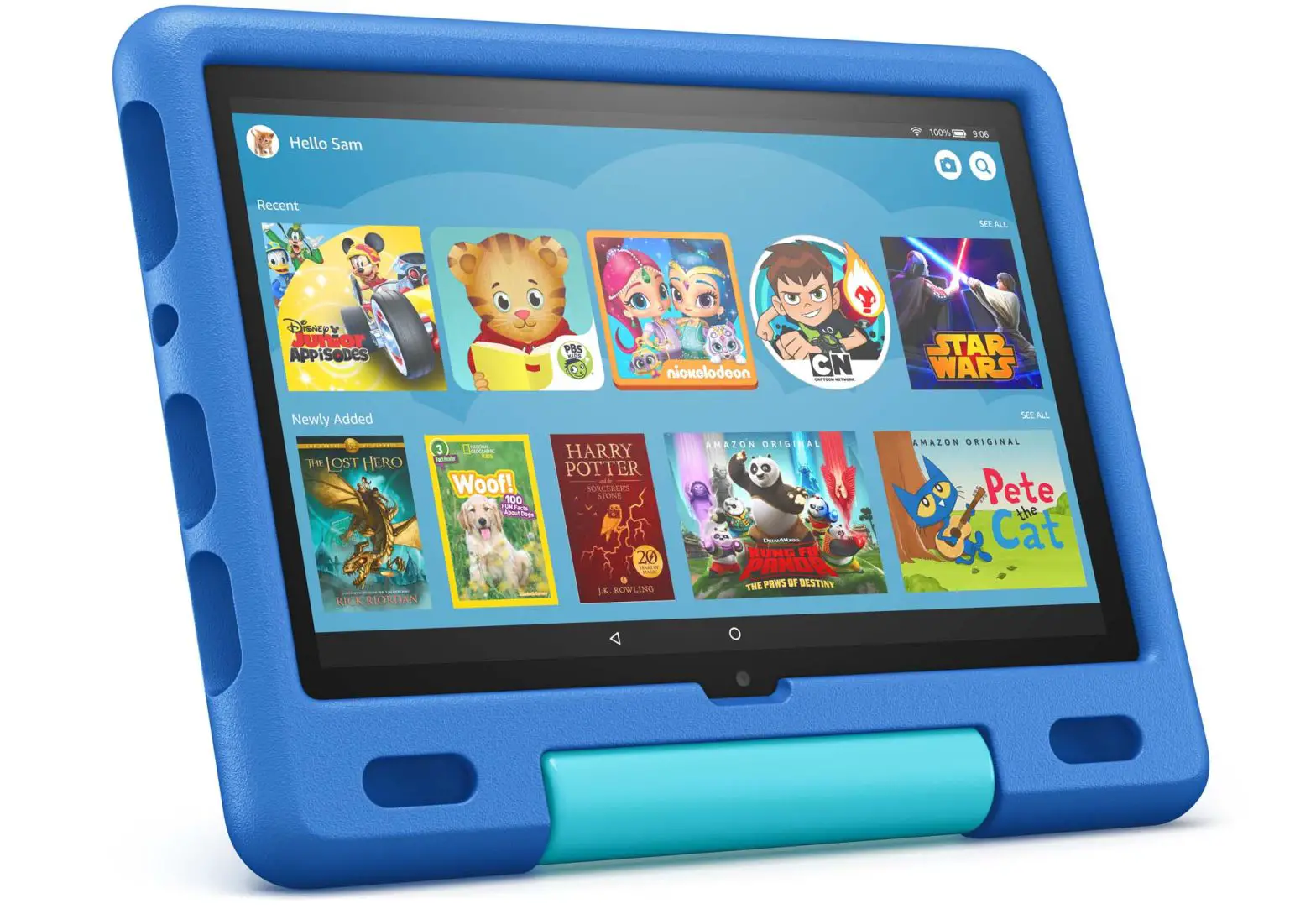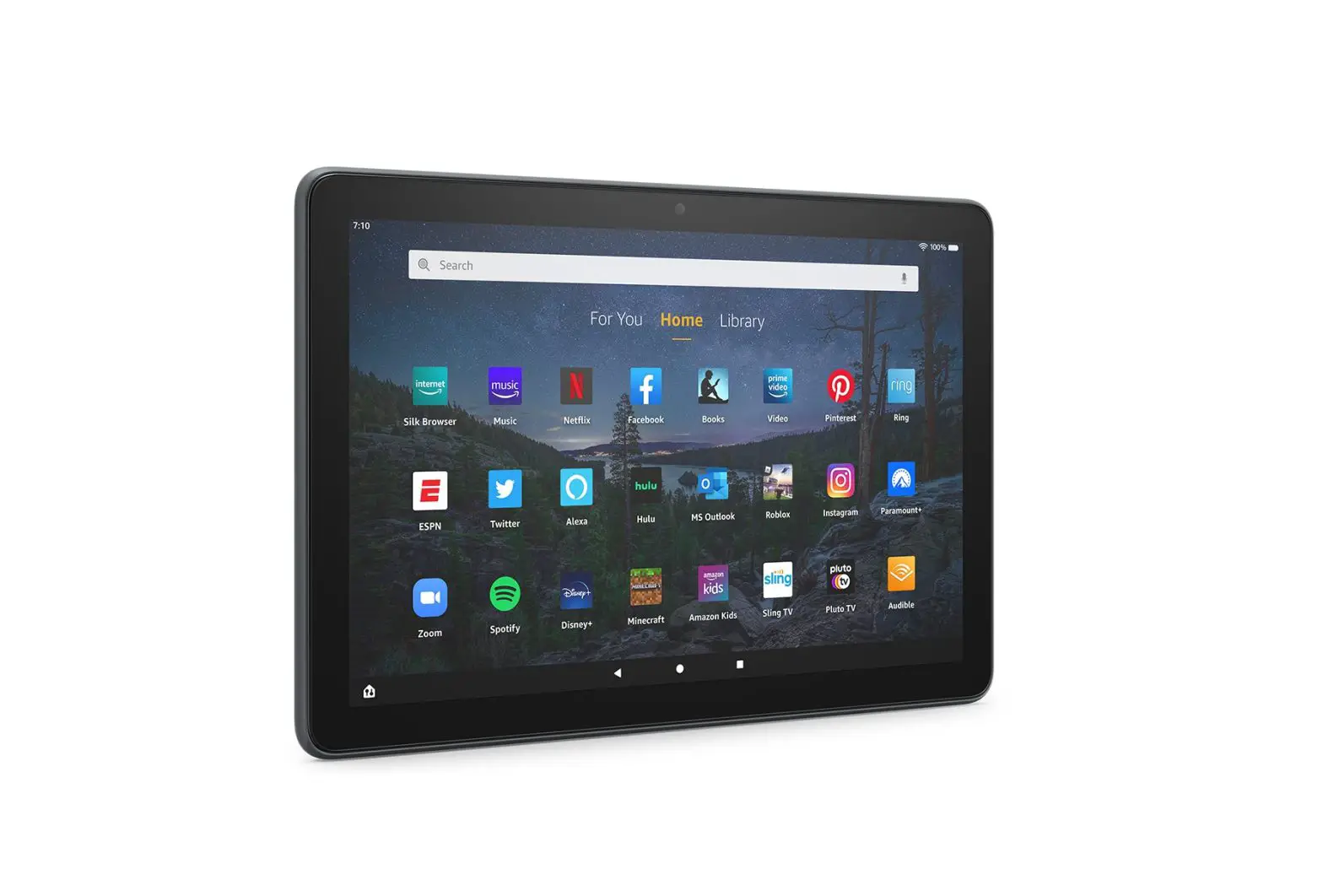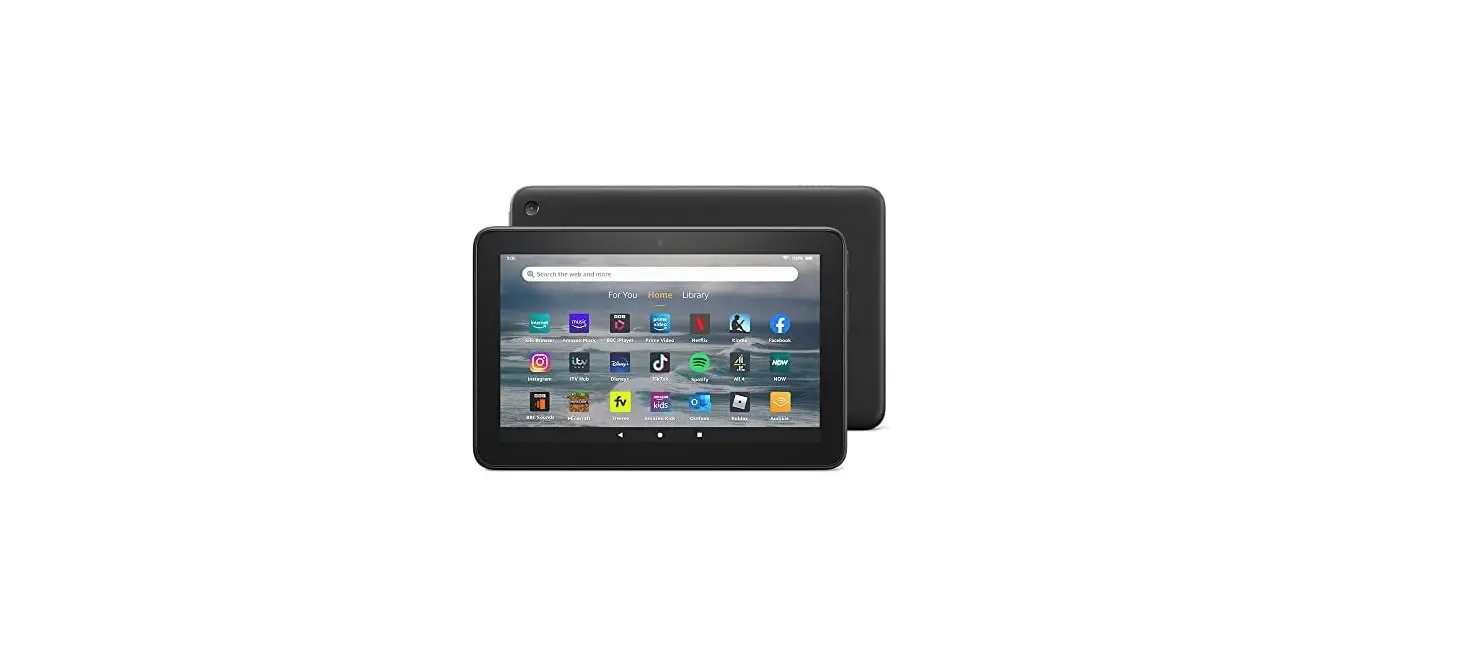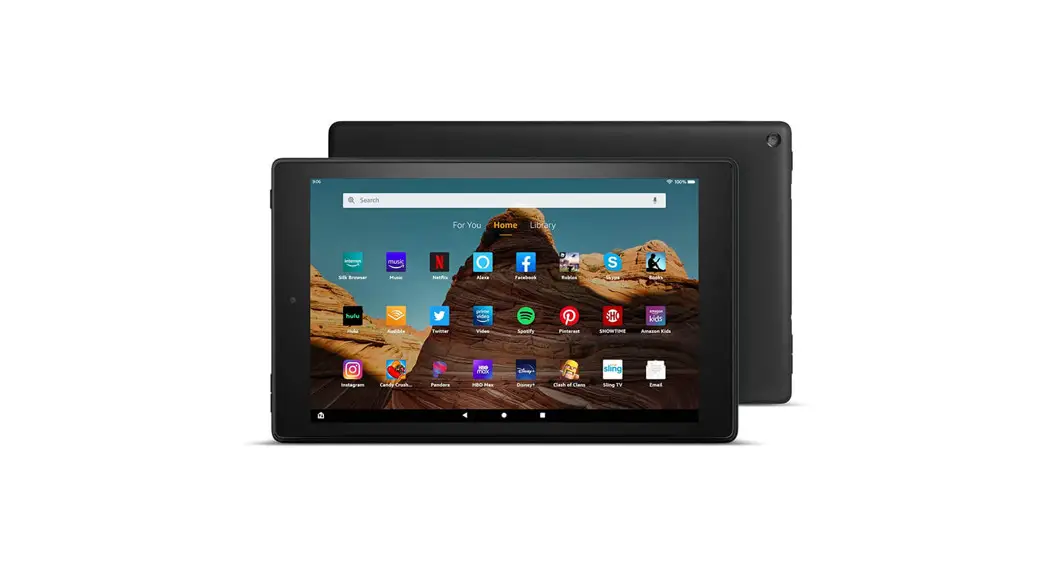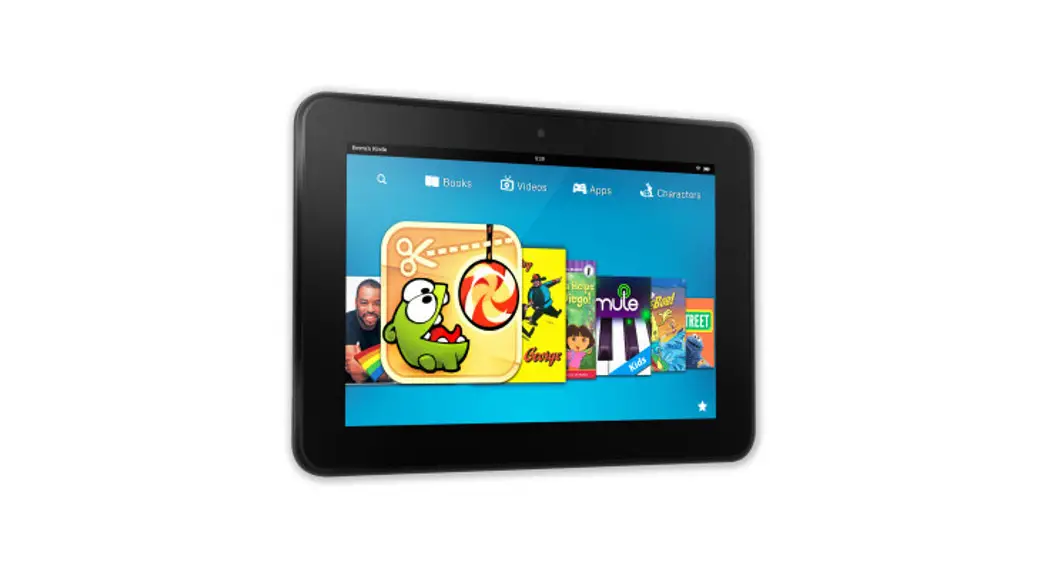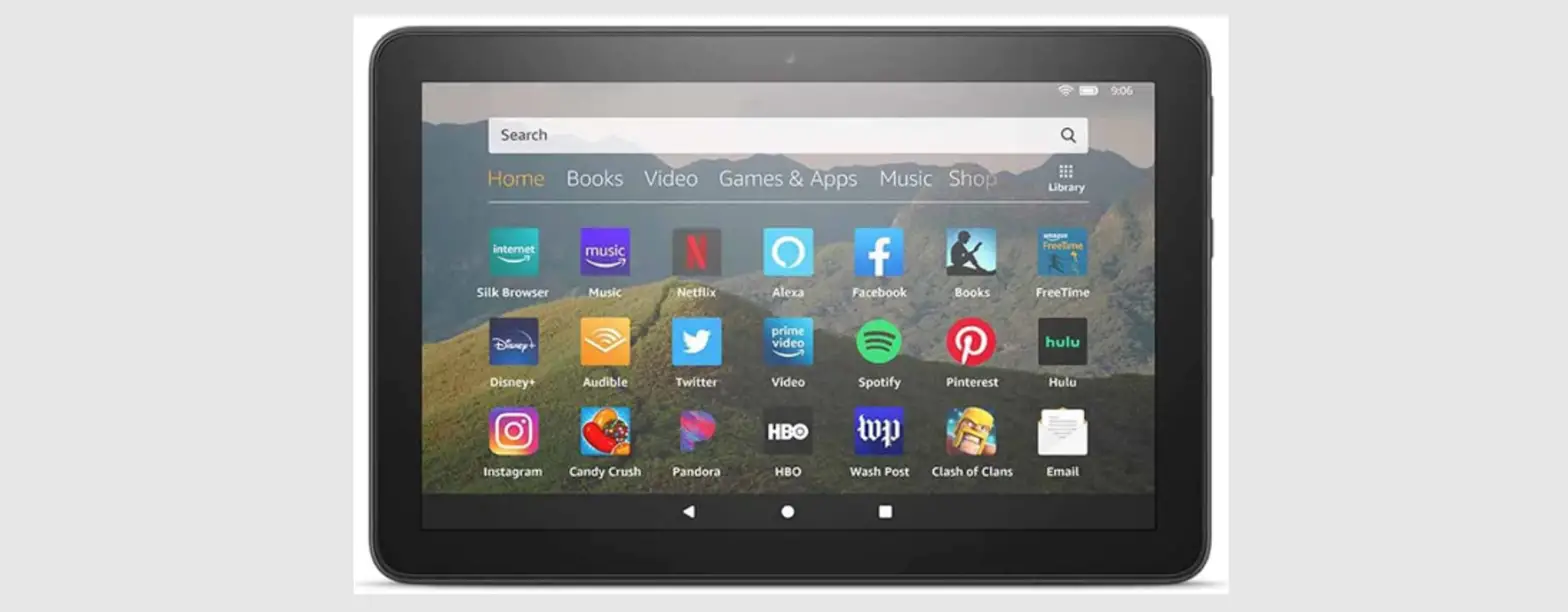

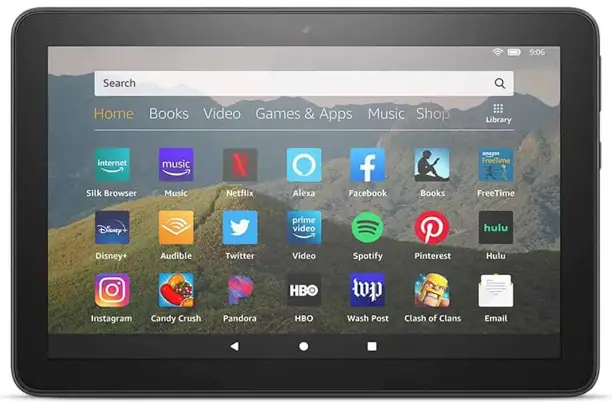
amazon 840080543161 Fire HD 8 Tablet
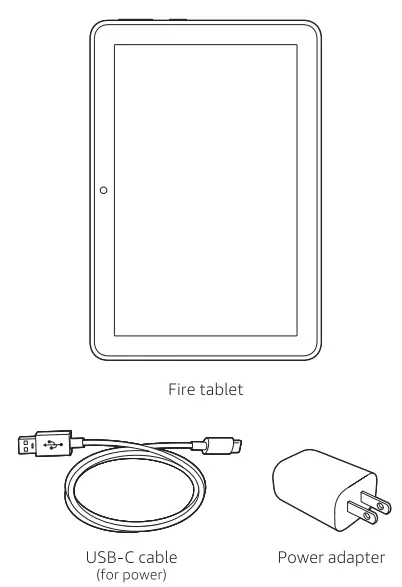
WHAT IS IN THE BOX 
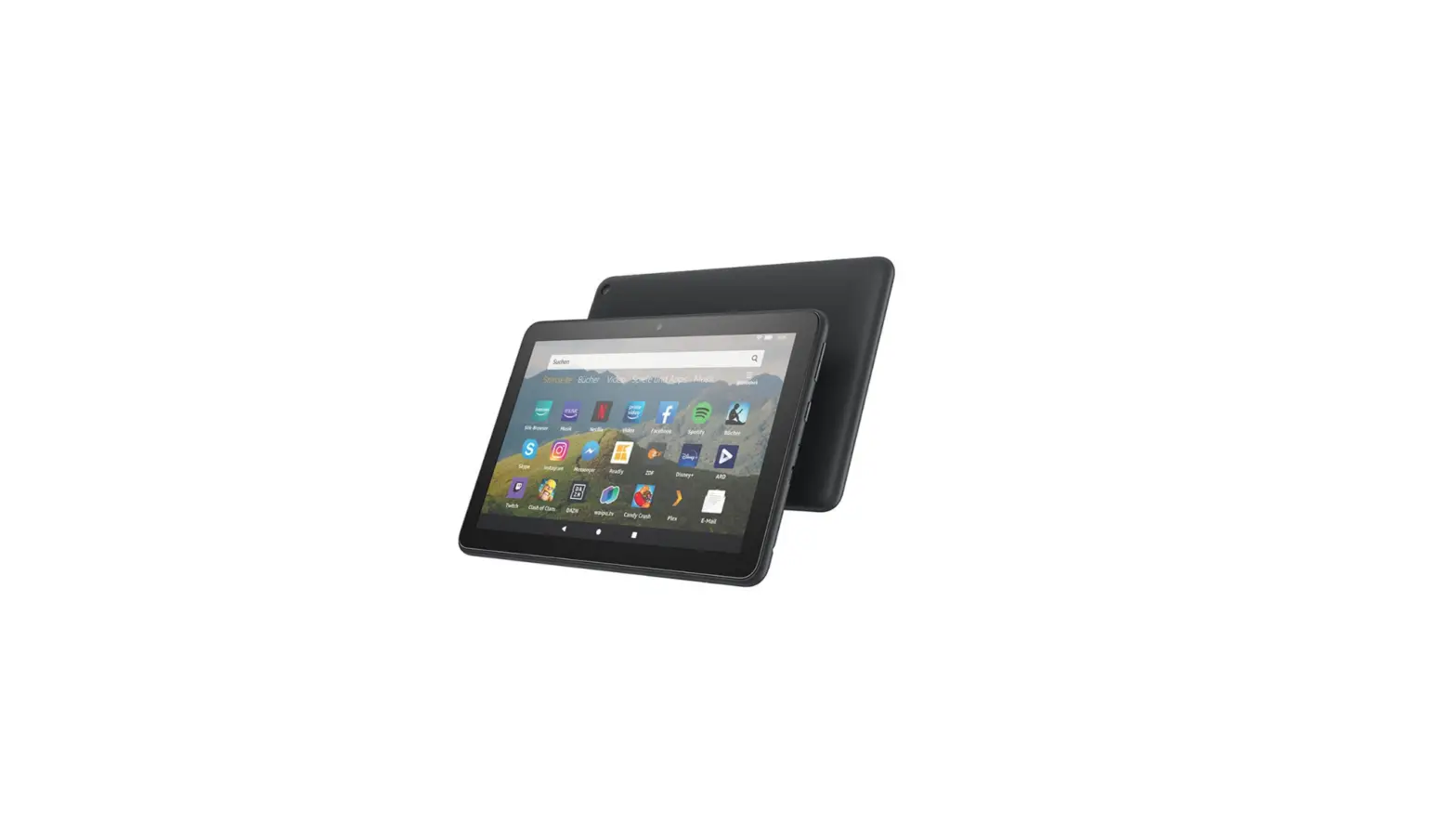
Fire Hd 8 Overview
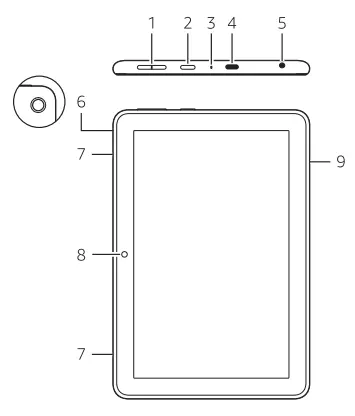
 Volume up/down
 Power button
 Microphone
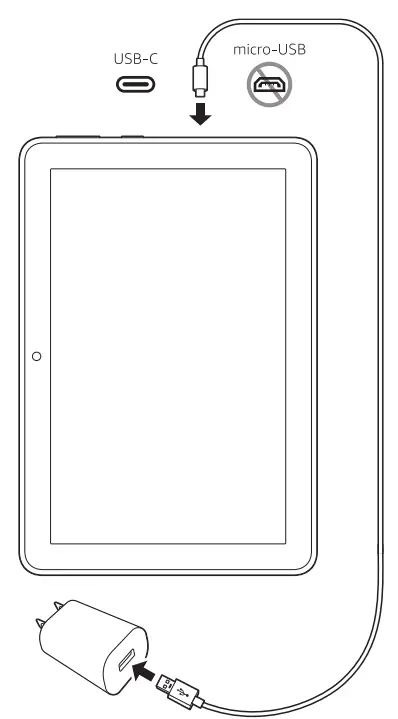
 USB-C port
 Headphone jack
 Rear camera
 Speakers
- Front camera
 microSD slot (card sold separately)
 Volume up/down
 Power button
 Microphone
 USB-C port
 Headphone jack
 Rear camera
 Speakers
 microSD slot (card sold separately)
Getting Started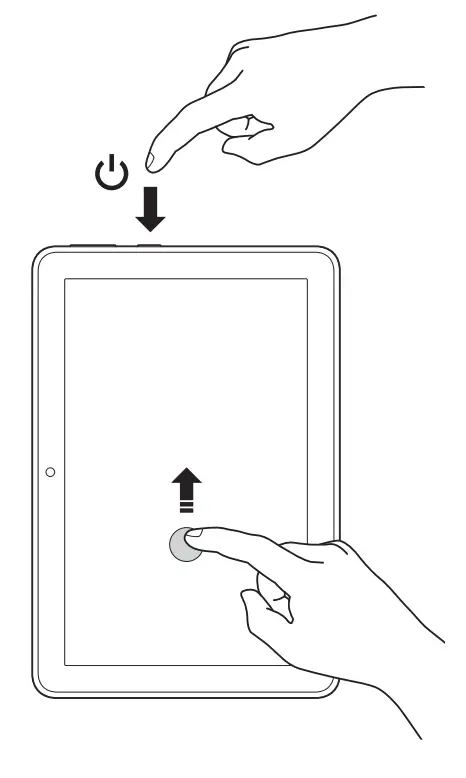
- Power on your tablet.
- Swipe up to unlock-
- Follow the on-screen prompts to connect to a wifi network, then sign into an existing account or register to create a new account.
Charging Your Tablet
For troubleshooting tips and Amazon Customer Service, visit www.amazon.com/devicesupport