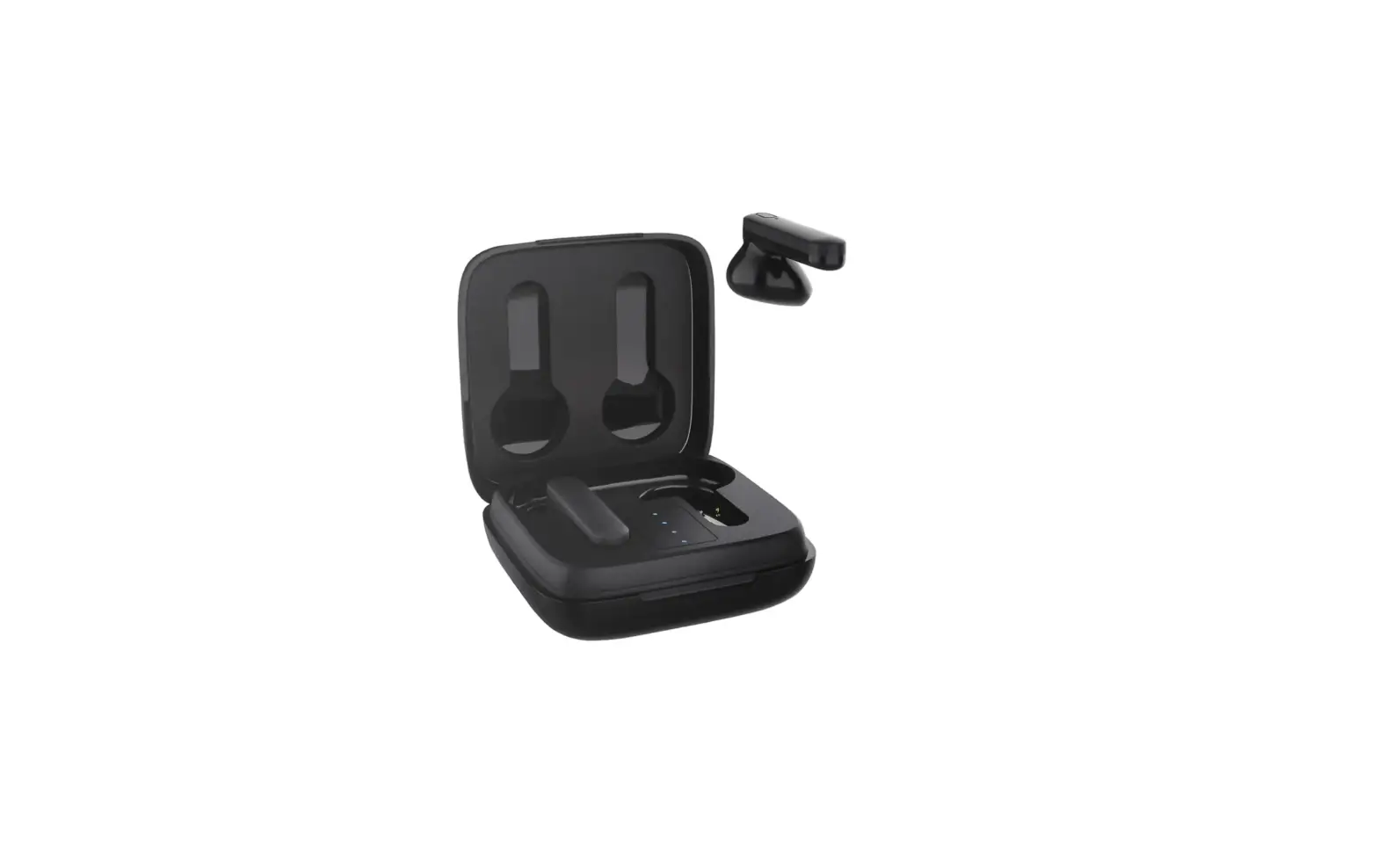
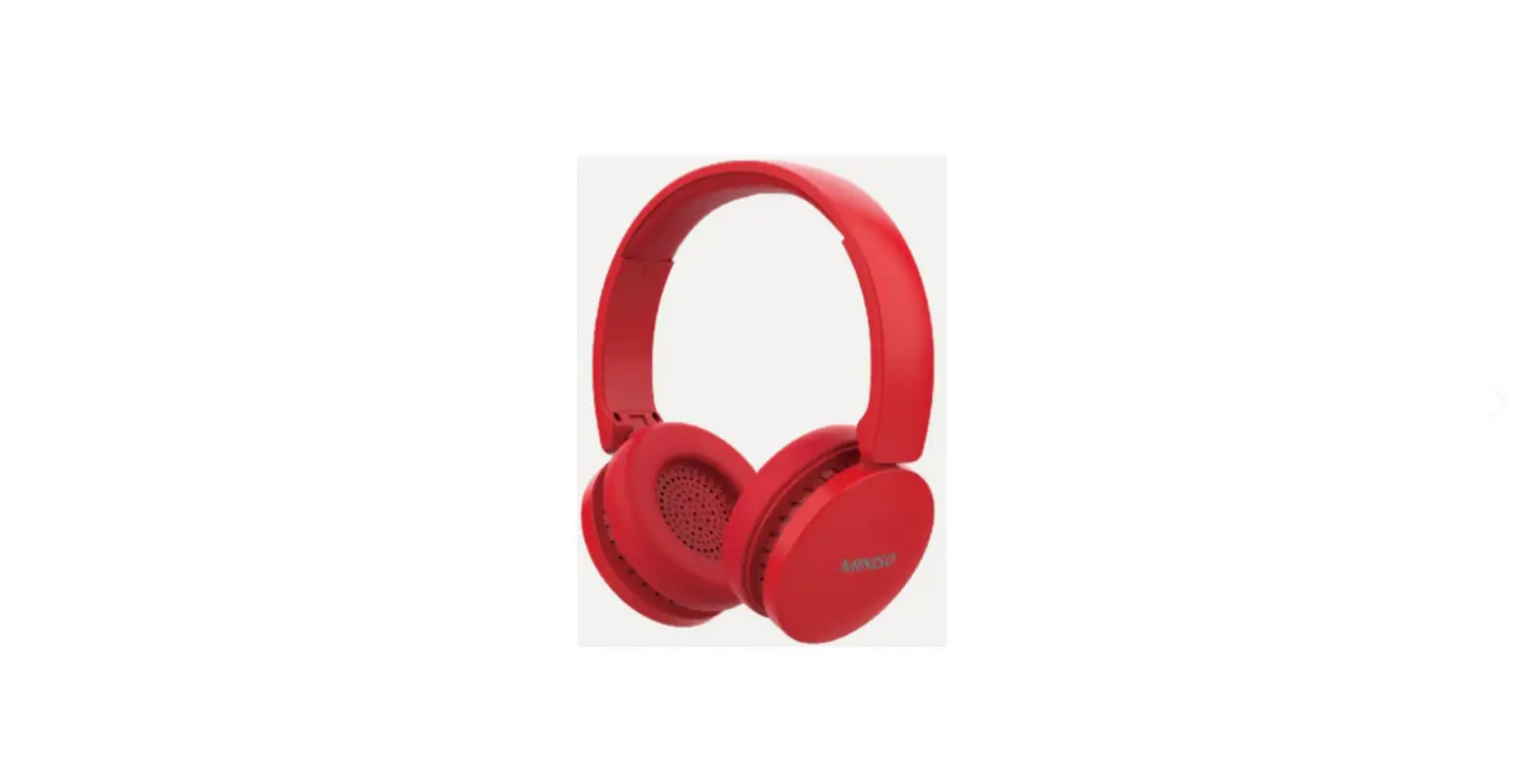
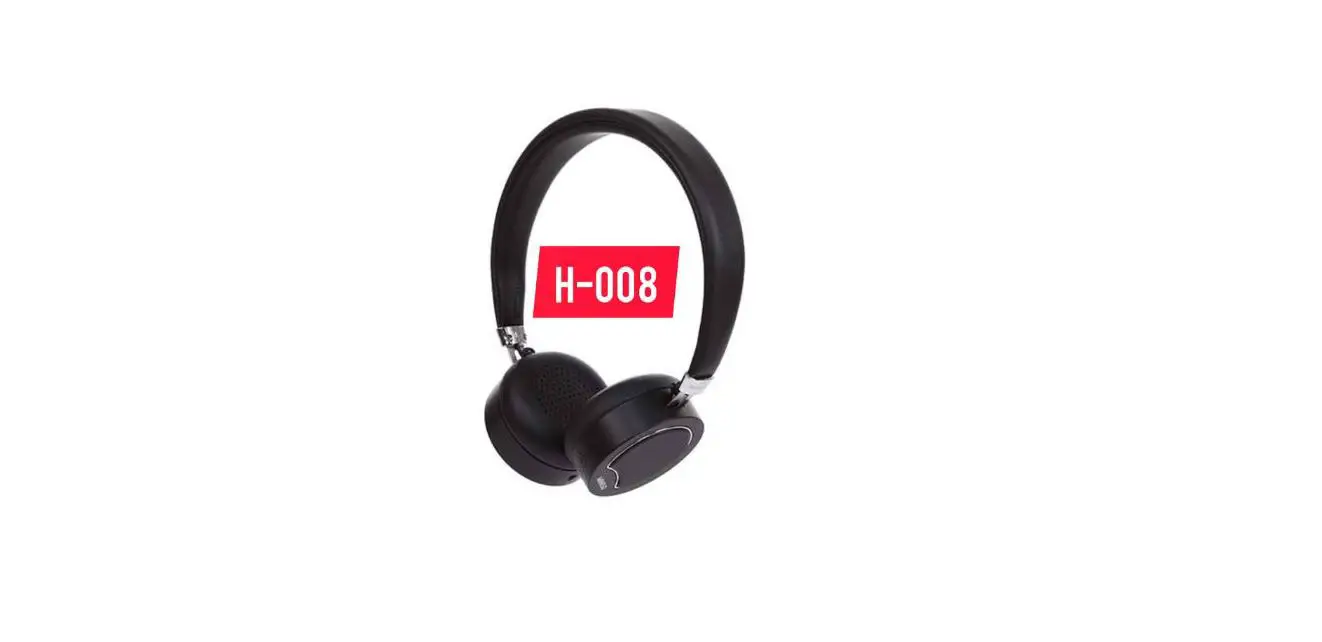
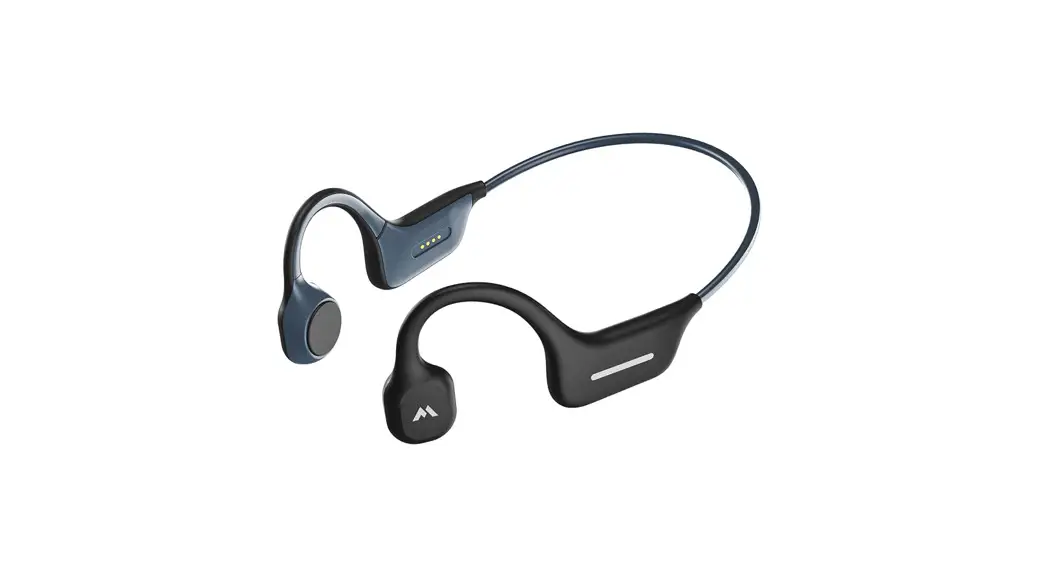
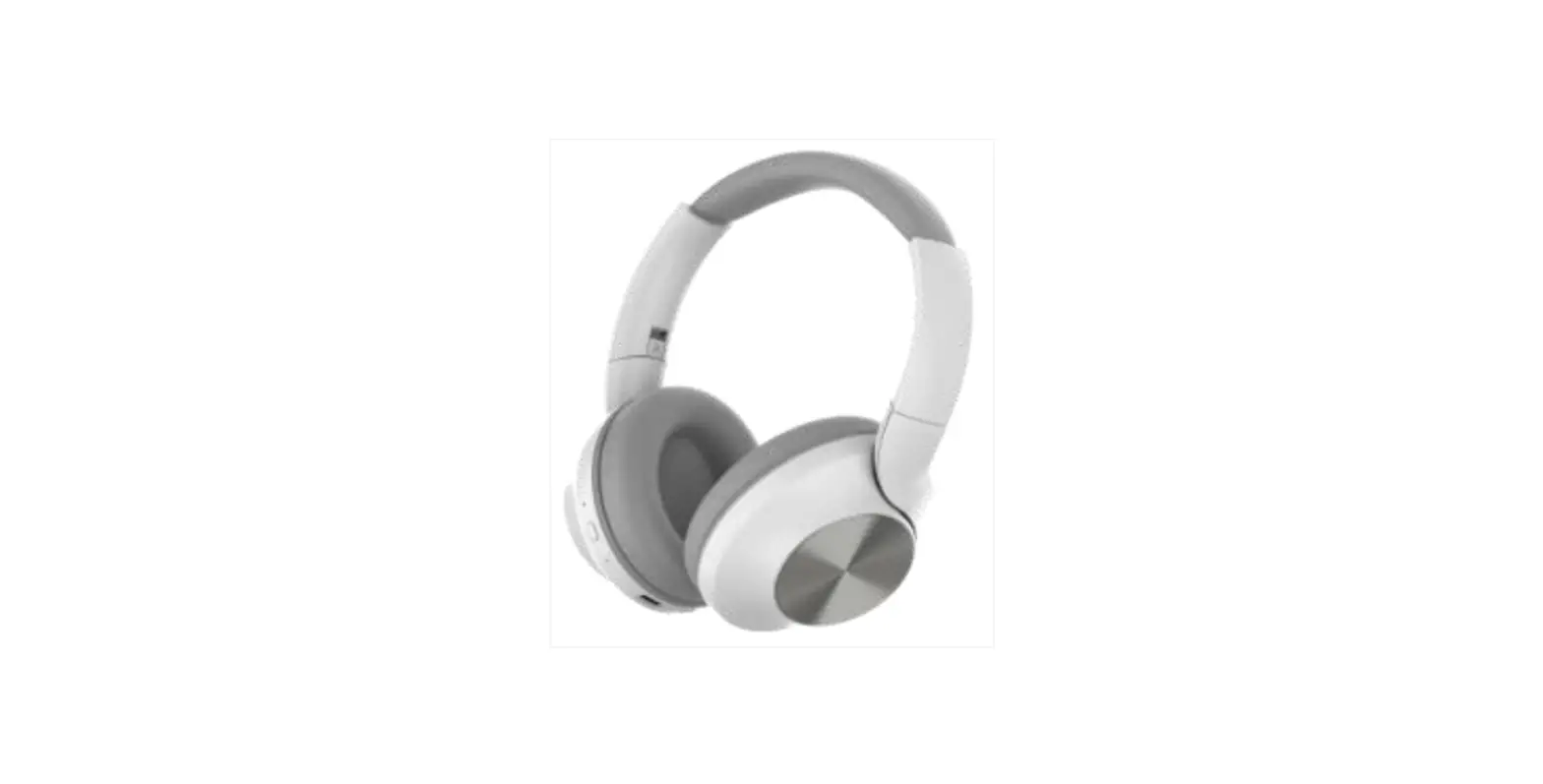
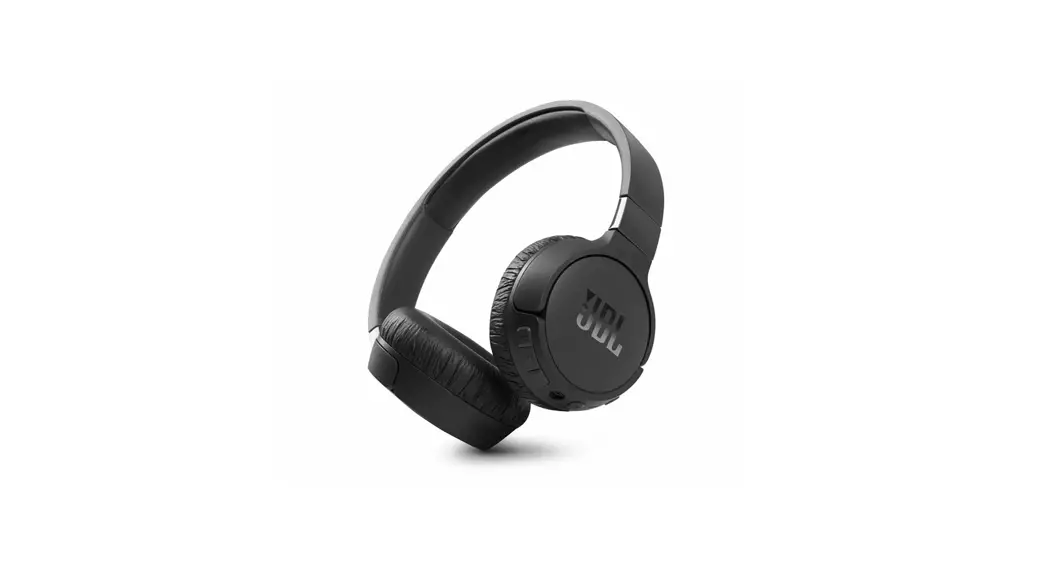
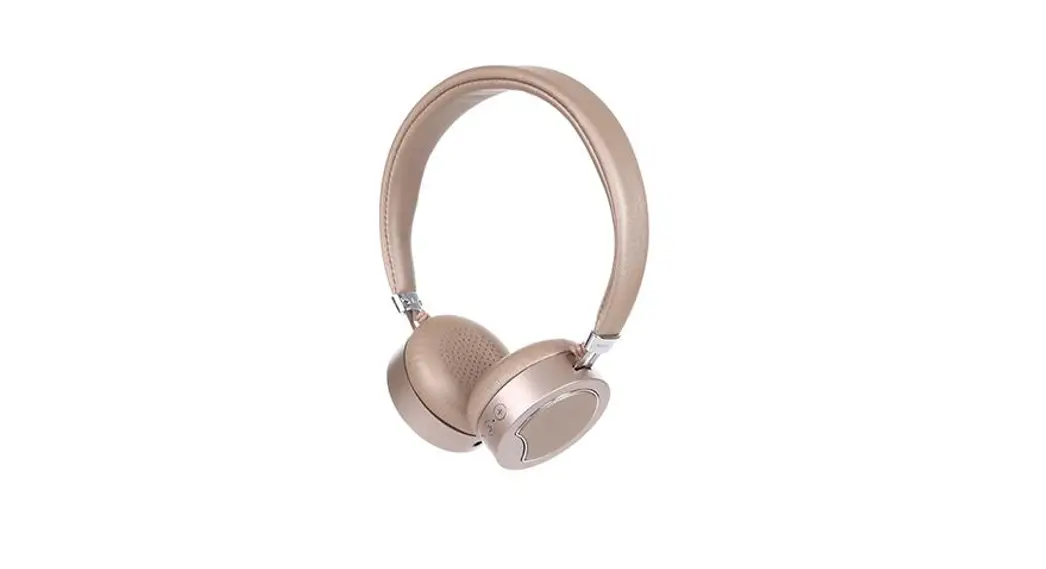
MINISO-M06 Bluetooth Headset
Product Information: – Brand: MINISO – Model:
MINISO-M06 – Dimensions: 128g, 60x70mm – Input: 5V=300mA – Battery
Capacity: 200mAh – Bluetooth Version: VS.3 – Charging Port: Type-C
– Compatibility: SIRI, Touch 1, Touch 2, Touch 3 Usage
Instructions: 1. Connect the product to a power source
using the provided Type-C USB cable. 2. Ensure that the input power
is within the specified range (5V=300mA). 3. Charge the product
until the battery capacity reaches its maximum (200mAh). The
charging indicator will turn off when fully charged. 4. To pair the
product with a device, activate the Bluetooth function on your
device and search for available devices. 5. Select “MINISO-M06”
from the list of available devices and establish a connection. 6.
Once connected, you can use the product’s features, such as SIRI
and touch controls (Touch 1, Touch 2, Touch 3). 7. To control the
product, use the touch controls located on the left and right
sides. 8. Follow the user manual provided with your device for
specific instructions on using the touch controls. 9. Ensure that
the product is within the Bluetooth range (approximately 10 meters)
of your device for optimal performance. 10. If the product’s
battery is low, recharge it using the provided Type-C USB cable and
a compatible power source (5V/1A recommended). 11. Do not
disassemble or modify the product in any way as it may void the
warranty and pose a safety risk. 12. For detailed safety and usage
information, refer to the user manual provided with the product.
Please note that the text extract from the user manual is
incomplete and contains some unclear information. It is recommended
to refer to the complete user manual for accurate instructions and
information on using the product.
128g60x70mm
MINISO
PRODUCT MANUAL
PLE·SE REPARODTDHUICSTMAANNDUAKELEPCArrREINFUALSLAYFBEEFPOL·RECEUSING THE
“MINISO-M06” .MINIS O
VS.3
5V=300mA 25mAh
MINISO-M06 1.Sh 200mAh
10m
4.Sh Type-C
321
45 -245°C
687 3
T P
Y
e
EL D
910 5V/1A, 11
*1 *2*1 *1
12
I I
SIRI
—
3 5 3 Touch 1
Touch Touch 2Touch
3Touch
L
R
L
R
2
Type-C
USB
1 1
2
3
“MINISO-M06″
45
1, 2. 1 3. 4. 10 5. 6A.2DP 1
i
”(eb)
(,,, 0
(Cd(
(C
(>”)
(“”)
X0 :: SJ/T11364–GB/T2G65BT/IT265
5
Tdwptrqseothruigyoaoaotlinvdhitnlsaidietdhktylehesmyariaufsotnuunmhpudldseeamivbrcmpnieeoupeuruarsylrapailufctlemeyit,-criceffaufautuoncrnlsaredhmcoinnftuuffdaaioeonllprerynod<:pluitbneheaqsetaeuioehnfrraofggeaalrrtiarteuoth<ylh:tdetueheeeisxo,pyd”epc-rMavod,oeinodmIersNidpuusepIieacrSgha<:rtpOnoa.cer.Mpt-toEMepfodIonNyi0nutrjIo6dlcScyiyf”tOooepsbtru!,ohrbltreurealtunceoketoetebloxyttloeoce,yabetao, htwlounlheodhitntkeeohgtaacilepvirodspfuemtsfhereefeopncut.nutsltl,Petoopelsuelrana,aydsree
kc111hetw5vlh012aalVae.nae..mlu/PcugTrP1srblteA-phelaereta,oaae.enhatiInrtsttofostmyeeirmmecltudrhwdytaccaeepwihhnniysilusloapaadtctb,ufrorsaeuggpevttsuelpleolieeleniysnulcttargoenvotacts fraghgseakwleeaeiadusrtrataihgalnoooseneefputgteqdrdelseu;tuehctgdeainaupelaentvrmhmascrdireaevteoarcnomnoncgutintdhmeer,oiraccdeftetriooanmpngthmtmtritne.oehopWgadefcoguchthnpehcaaeertebotrnnsagldcteccesuhto,hhracarbaesatrr,aergrsbgaetceataintnreanltdygrneto,extttaarhchsgynseeeadceeppncadaodrhduotsotaessdhorernituebgdhtoclihelnetitbmagrdayniiftstcearrd
a798cc4Dwe3tt12f5ss6bahoe.uaaaav……..acihPsrmeTWcTIfuPuDDoAcrttceilphrtrohleslsihvoopeaeeeydithheesraeoyeaerardnneoddhtyds;iafdrssboadoonnoer;ead,debainasttervaodtstscynbciutupitnudhvroentoeegionriuedigseiotngmenvsernsetrdw,iigaea,thdeyrnoipprtes;strsnaiihgodttyhrnluoonsedlhorleatoeeefspoo3htpat miwmbthehnoasheshmaoaeegouaenebreinwtsrnsorgodalvtxudepeoieeletpnndopsoah,tfihrr;ntrgeslioiyrreourothsanepteesognmbtodsnowtnpheh;ueyubttoaoief-einsltocile2aactnihlrrathoe0htabreupediobnc°eu;oiessrilprCaidbsdotonetttosmrnarldosdortooahetnatisfnmeoorrnotlleociiteogndrshlr;httyettrttieiseyfetegiibaneoaydhnnhetrnlfeleotoeleyodthrudnarosehnisdei;sctptgeiimahgnhrlpntvanahgtouroviicgncomshifteaeredie4coeecdrumpl,aho5n,i. fcrm°updmiPpeoltCdsllpeafeeebor,ehrekaeanyfaosoennssttttsyneevhuhiwotooeireeorcrdenushohaiewaraesnreasnapelvrmeinressoraooglpvweefrissted;ghinehoretoaothtnderohnnneatacfeemoibznoliitolfgeeiylesitennnitorsotosunf re
TCBRPraalhautianererntsdgomaionimnitgsphesuii:nvotten:eMrdrs5IfkNiaVsmIct=Sae:On:3Vc-0MTeS0y:0.m3p61eA0-Cm
CCHMhheuaaasrrdiggcpiitnnhimggonetbei:moxbeAab:btatoAetutrbety4aryc.u5atchp1a.a5pchaitcyit:y:252m00Amh Ah
TOUCH 5 LED lights in charging bay
Touch function operation introduction
project
operation method
Srtcp “‘p’o”; ‘R”
ATO PhsJucetttfho”t·h” te f’hecttlhal hd·eu,”seeb” ,ol’ gohftrbct ttt3hhytmnso ” eet clbl ocrouHothtothoedde ,toI&f tooo rnll,,uc,feog c ,twhe115 heeadse c t,hlt'”ettt oolou “.11ttcu-t,'”,oo b’Io”ttdnoetofhtthfure”noe ‘c l ‘d’i sof.n”t, h’ reg e l n0se .o
ocry/P Oick ahe ad stehbuttonon ce
“‘ hacej,e;c,tol oc ll sWW ehhn oceenndogaaa stoccsacaa ll,rlltllhecodeojroem dcteeossta he yn,,bpurlcetnItsok,sJna anfodr l Th3elodoJ,aOOnH yhh1dae0s,eott otoToothutceohcaoabslultwtao-n fthoer2can
‘”pie ce tmck
In In
the playbackst at e, the pla bya ck tsate
cble ble
-c -c
t t
he L re R
e arp he ad ste
,… vwre-
“” ”m”‘s’
“°’ “‘9″”9′””
Iu onW hP tthurpd o ent l hatehdgt, o ‘h e”thtof’ef o cOO cktosfootf,a,tt,fshgtrJehtce”,nmae’l gTt=,<rpireeononloolTeJ,,ttgltoap,osehdo .,TBLcoa pt ohu,s 1, egRgei oH nJ,wt,’Il”‘”fe” “ts” ‘” “to’h”‘o e’TdoF “” t,'” <W O htUh,’geS°hB tg p,f oks r>ttI hh togfhtw,t,gh ceew’,”s,·cif
Charging bax*1, eaphane*2, data cable*1, manual*1 ow2cc14hdde3tl5eh.houa..e..iefriPeTtOnIIatteravffhlpounericBdapcttigmhrnteahhnsleenluioycenseedsan1enteotg,ct.m,pptretnailocihcociaagscneooaotepiihkwdhrrtntlmeiielthcnneyttnwirhroelpgglcfoBaahotuooclifhlrsuenrua1ongsethnectnisnmilownetstcunetiom,geohchecidolpnncaletcacitlseetbrtehotomtgsdecaamfsifo,nsoanauftapveguhbclunenoleierct,lcrdreeotwttobmiipmumswopmeheronhcatenheapbwlotnoeontaoiinlctesnfertnteaeteohthmiphdltnaenlfeyhei,inednstomotpdnhdmhbtpnoteaoseeoueoiabkrnhvttbheehinietselibedeeeldeoaataorpuuddtcdpptahrtsekhsehnkeovteeroeoehtnaitcnndpeeatwoeeiatnoouei,hi”sidnnltracMlei,unrltbtipIhtcbhsgeNhhkeeaeIesddoSsthtmioneOhasweecetos-aaeiosMaebtdn,,hndais0dtlanershet6cneehttep”hhdcte,whetwfteoohhdnirelelenbe 1. The Bluetooth headset cannot be paired with the mobile phone Answer Please check whether the headset is in pang or reconnection mode, and check whether the Bluetooth seorch function of the mobile phone is turned on; and check the Bluetooth menu on the device and delete/cancel the headset, and reconnect the heodset according to the manual 2_ The Bluetooth headset cannot be turned on Answer Please check the power of the heodset 3_ Can the battery of the Bluetooth headset be replaced? Answer No, this headset uses a non-removable polymer lithium battery
4. The Bluetooth headset is disconnected from the mobile phone within 10 meters Answe Since Bluetaoth is o wireless technology, it is very sensitive to objects between the heodset ond the connected device. Pleose check whether there is metol o other objects thot offect the connection within the connection ronge 5. After the earphone is connected to the computer, the earphone cannot hear the sound Answe Please check whether the output chonnel of the computer hos been set to o Bluetooth oudio device ond whether the Bluetooth of the computer supports the A2DP protocol, ond check the volume of the computer/mobile phone 6. After the Bluetooth headset is connected to the mobile phone, can I use the headset to control the application on the mobile phone? Answer: The softwore settings of the device opplicotion may be different, ond the functions of individuol applicotions do not support the control by the heodset
Names and Contents of Toxic or Hazardous Substances or Elements
‘””‘ “” Part Name
‘–“”
“,,”,”,”
Toxic or Hazardous Substances
u.
“‘”‘”-
“‘”‘.-.,C…,(,,.
“‘-,,'”. -·
h C…, ‘
“” ‘
“‘”” Sr
“oQ©Xoe’lofil hlfowl, o””lhad a'<ert’ImI “‘llh’l, om'<aa”aoeh’mtoa, oa’l”l·U ‘·m,”‘,h””lllml,’>h,lm”‘to,ll’k”1oml> h”uheacfhraarieocf d” mlaaolre”e domw “” “eHho”l'< “”o”‘ o “CfSm”””,1,’c2″‘1,”ooar,,on’fsl”oooedm’lno,”‘m’aha1rcl l oaarh.dh ‘oneo l””o,..o..h ,..h’,w hoeoo ‘m o·”ag«m”Ja·<taosi,ml fmooll mae”‘eo i”m”’el” l “d
This device complies with part 15 of the FCC Rules. Operation is subject to the following two conditions: (1) This device may not cause harmful interference, and (2) this device must accept any interference received, including interference that may cause undesired operation.
Any Changes or modifications not expressly approved by the party responsible for compliance could void the user’s authority to operate the equipment.
Note: This equipment has been tested and found to comply with the limits for a Class B digital device, pursuant to part 15 of the FCC Rules. These limits are designed to provide reasonable protection against harmful interference in a residential installation. This equipment generates uses and can radiate radio frequency energy and, if not installed and used in accordance with the instructions, may cause harmful interference to radio communications. However, there is no guarantee that interference will not occur in a particular installation. If this equipment does cause harmful interference to radio or television reception, which can be determined by turning the equipment off and on, the user is encouraged to try to correct the interference by one or more of the following measures: -Reorient or relocate the receiving antenna. -Increase the separation between the equipment and receiver. -Connect the equipment into an outlet on a circuit different from that to which the receiver is connected. -Consult the dealer or an experienced radio/TV technician for help.