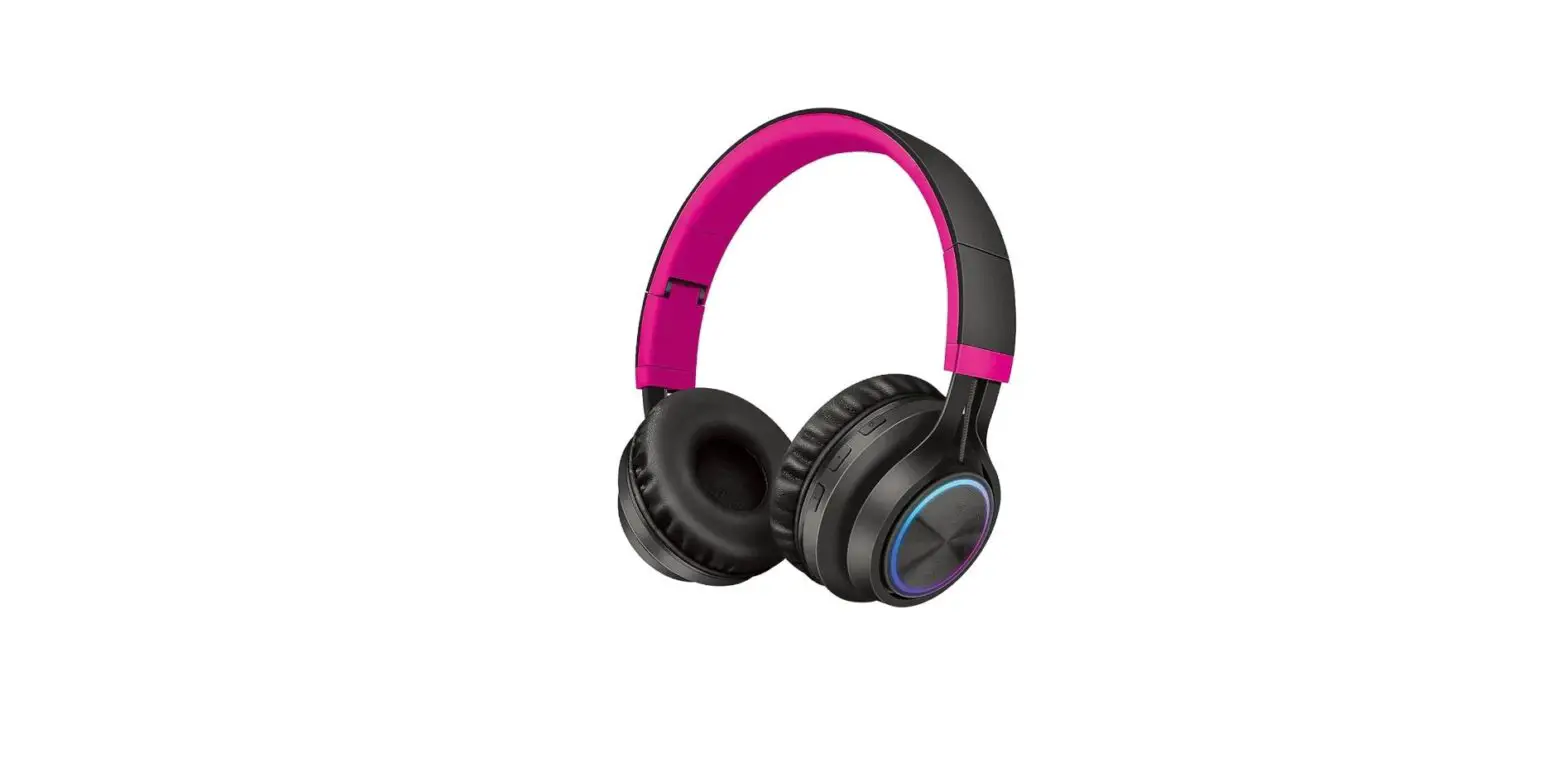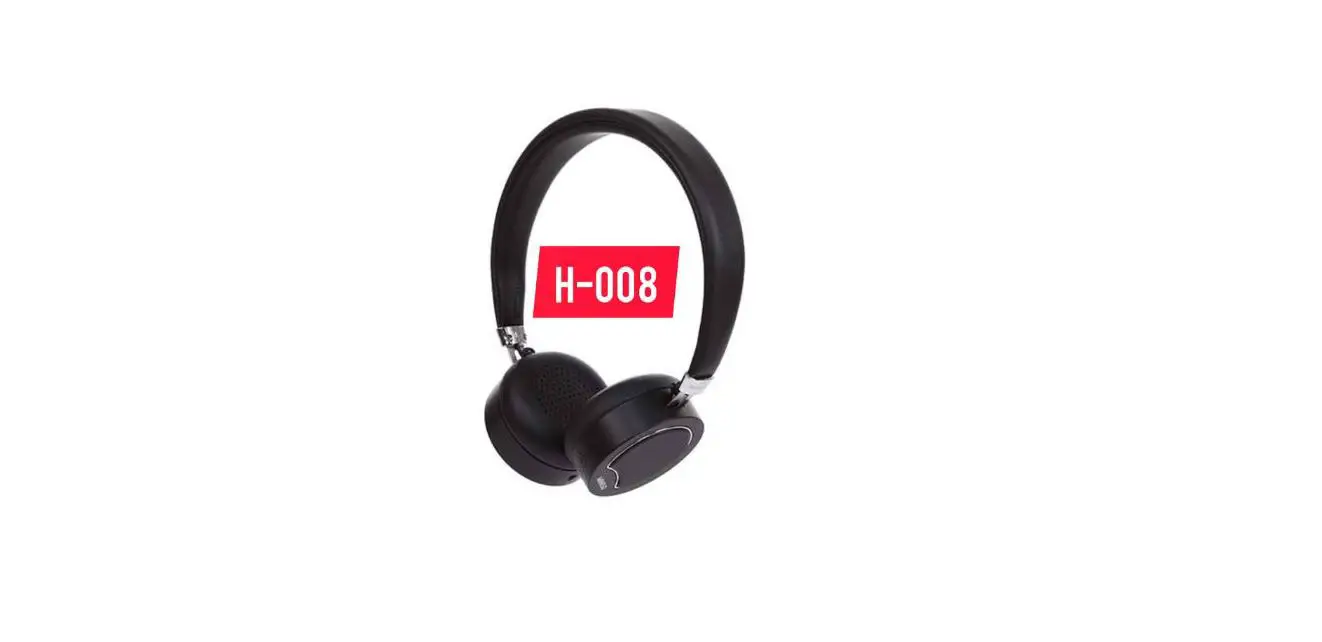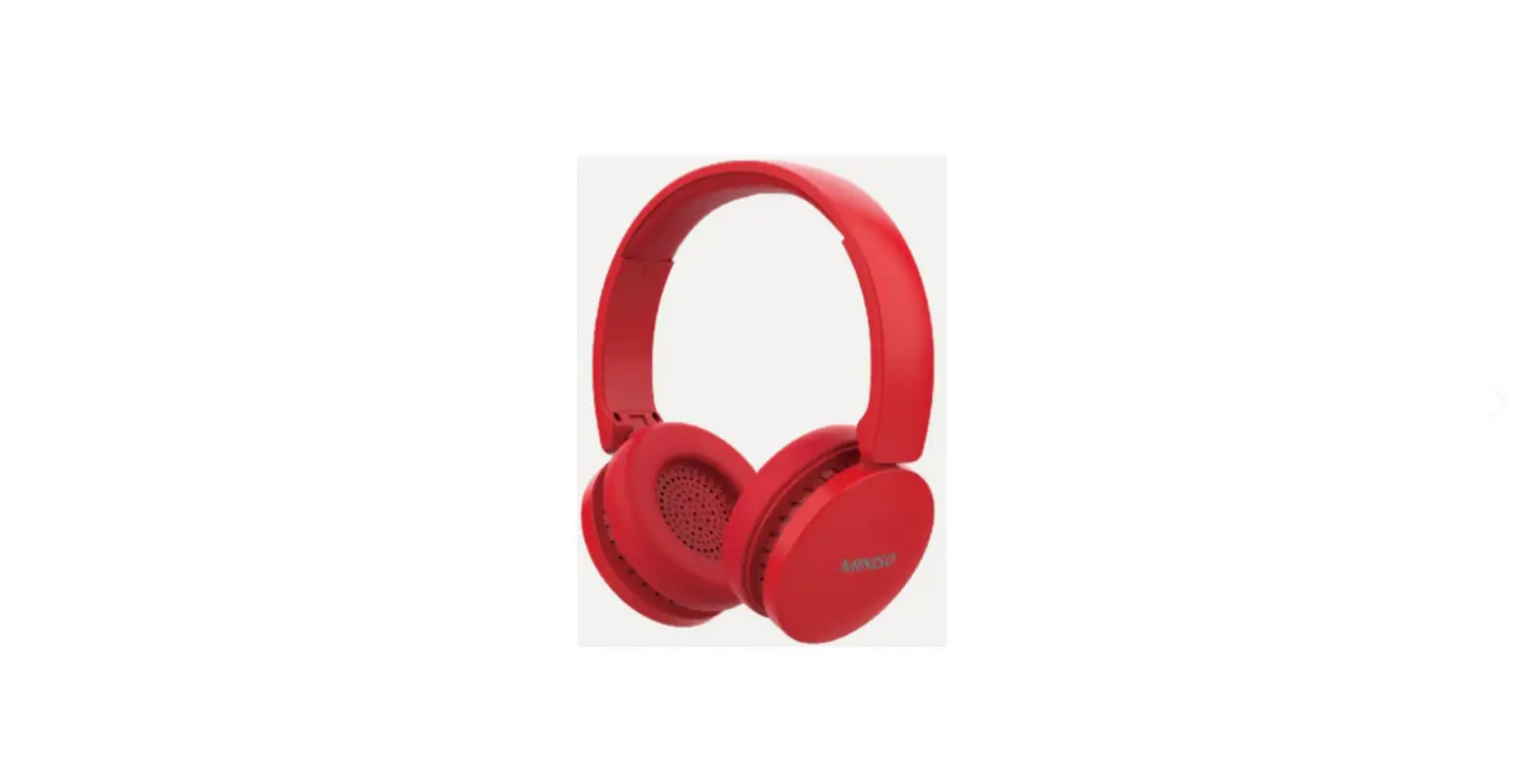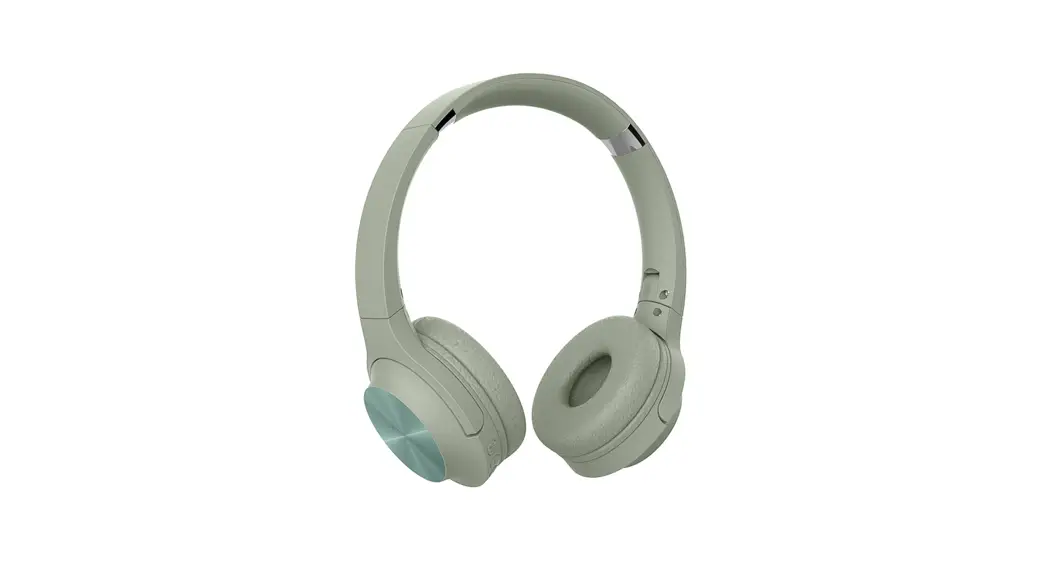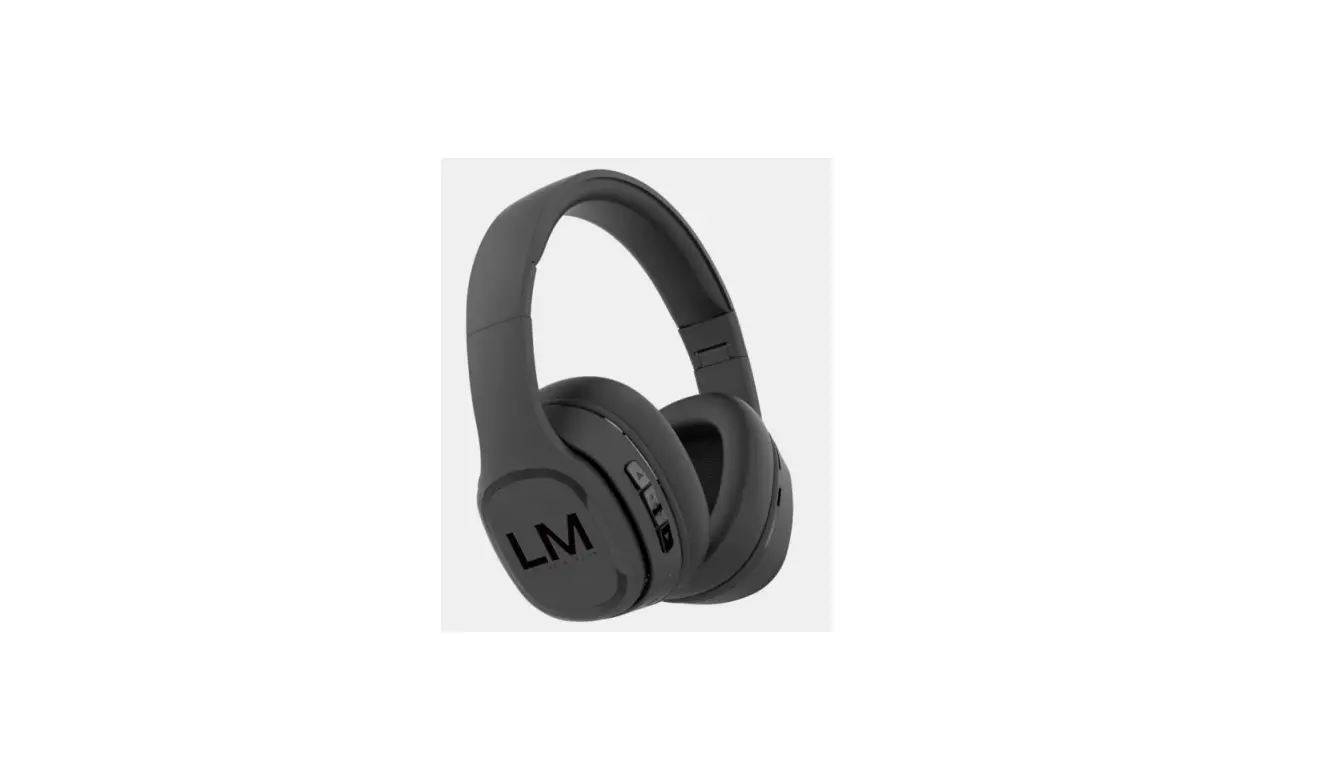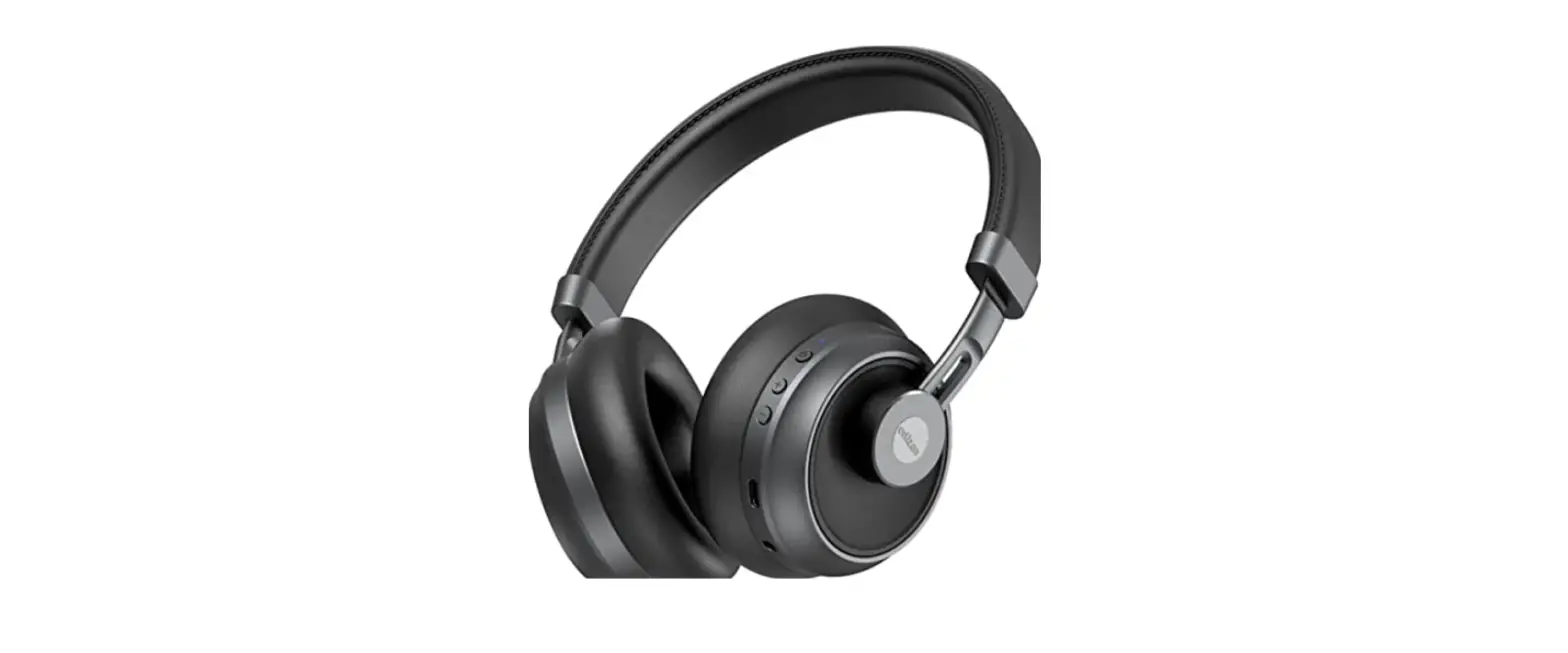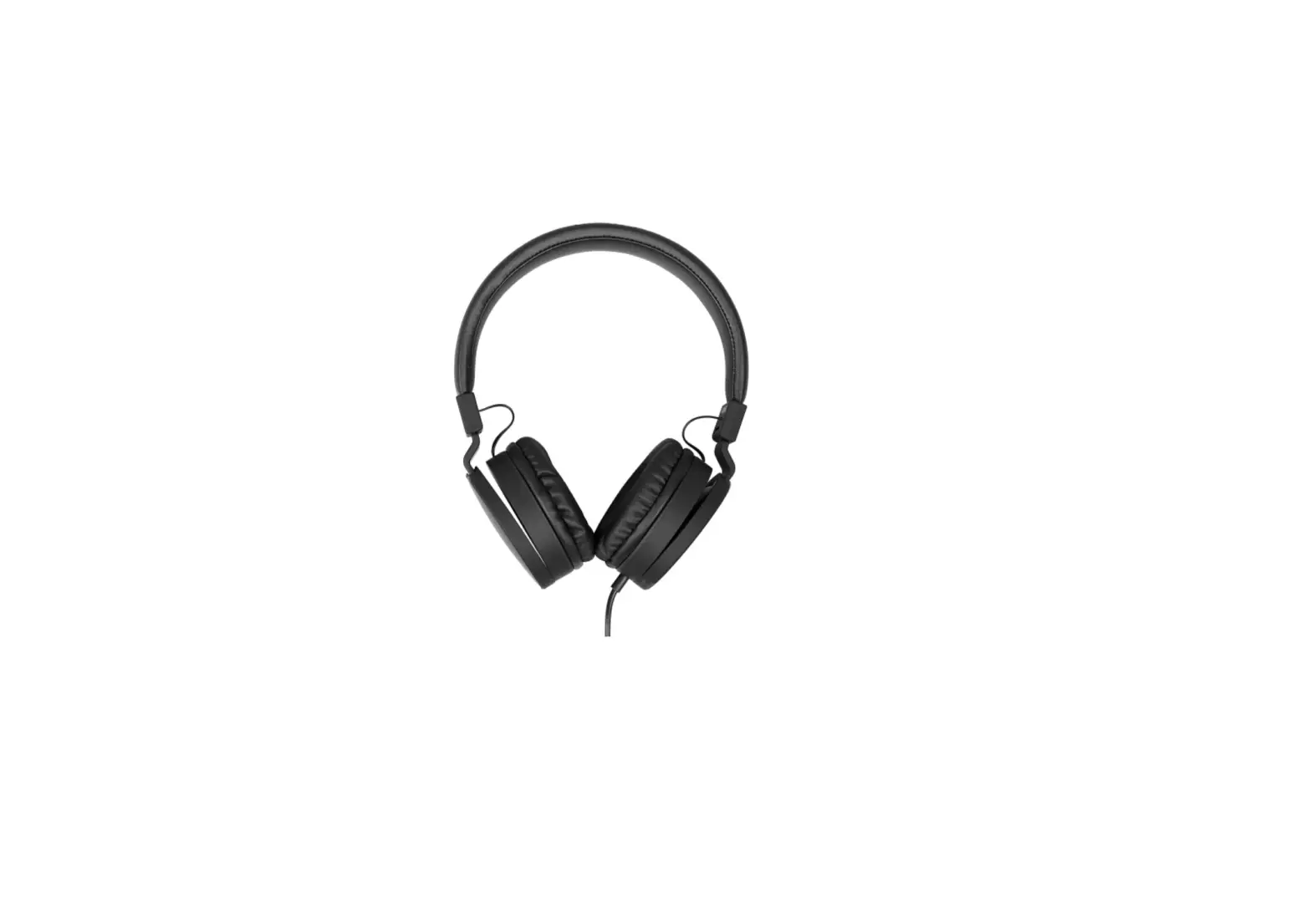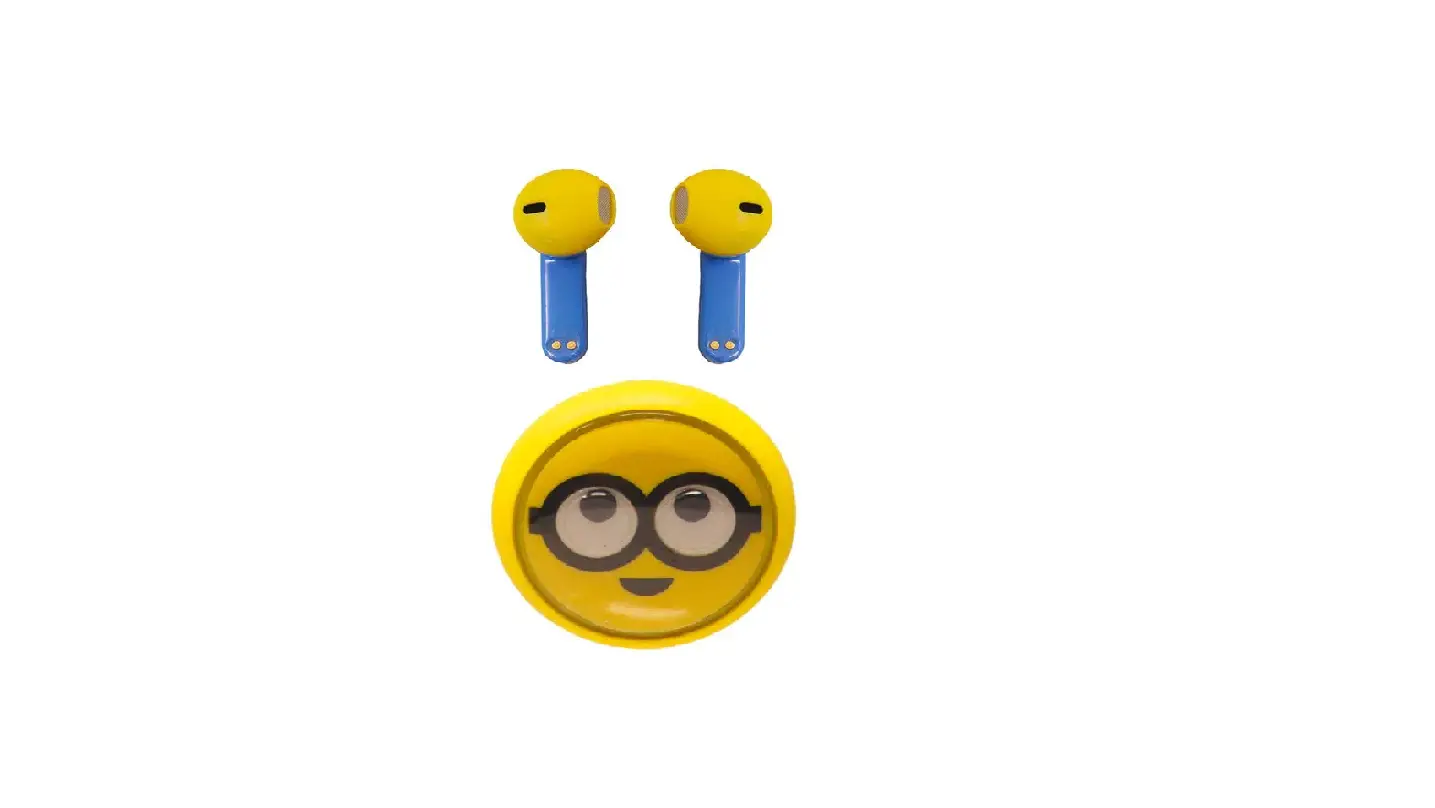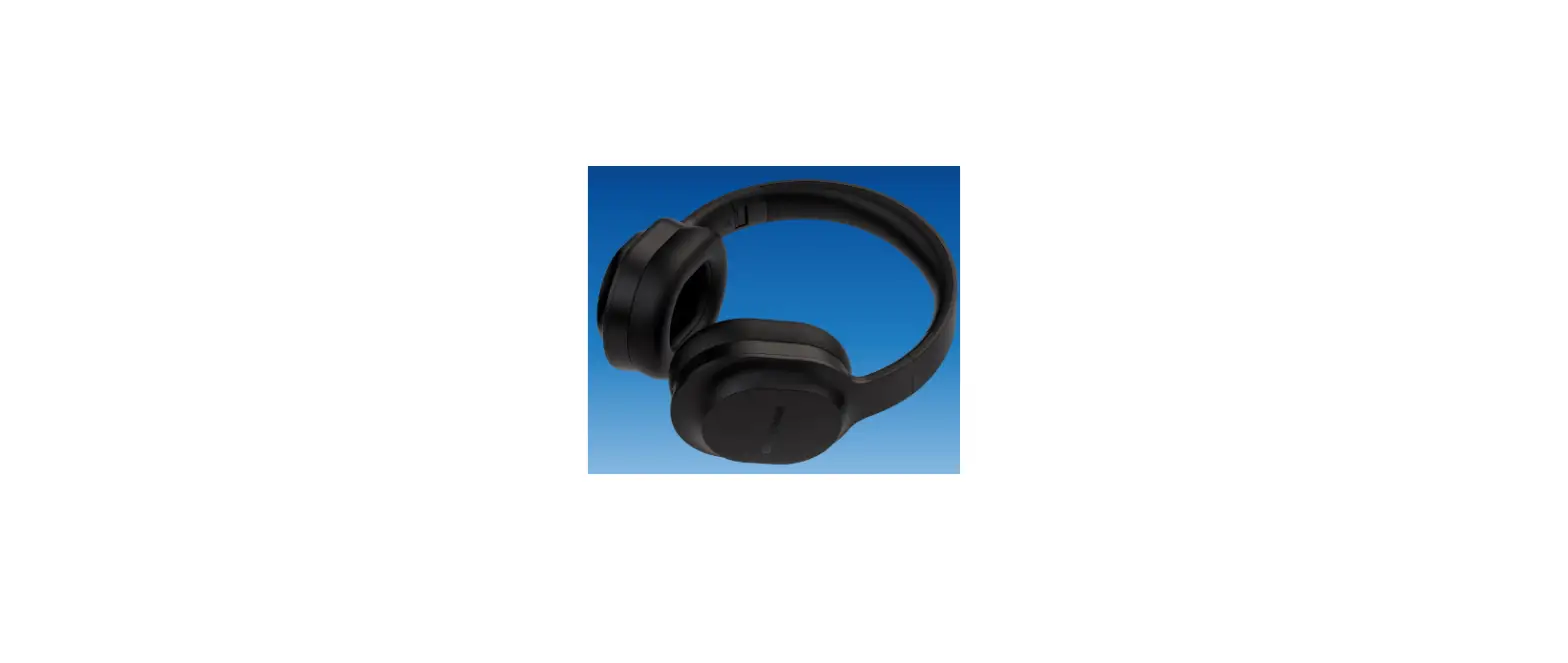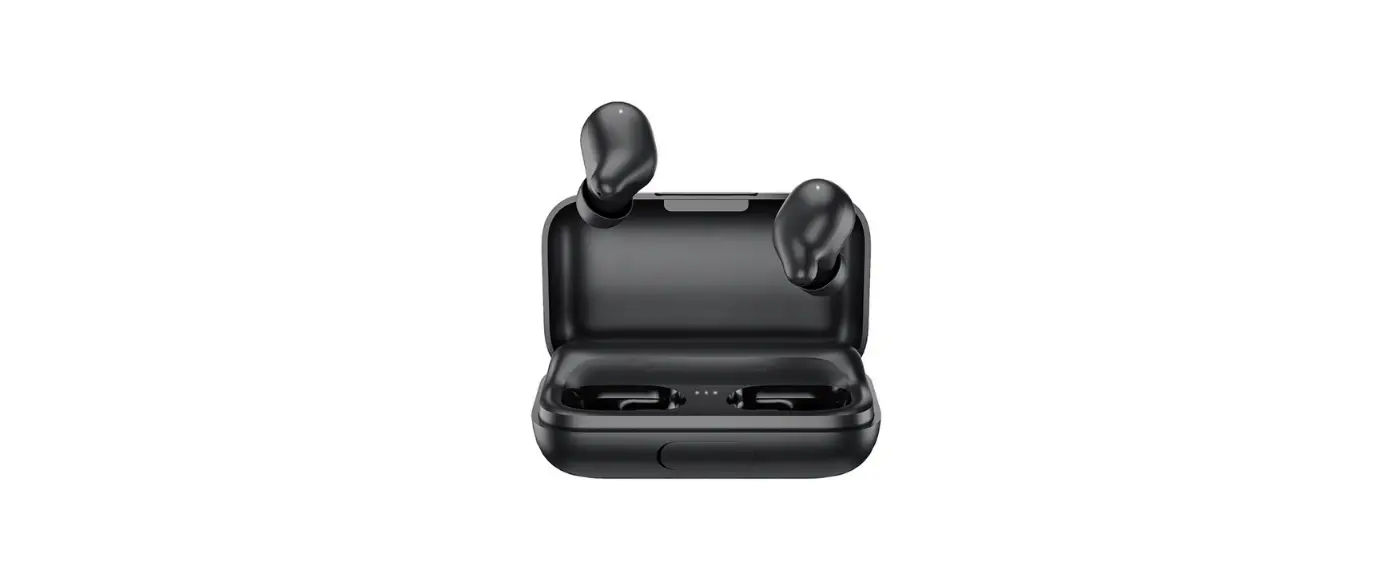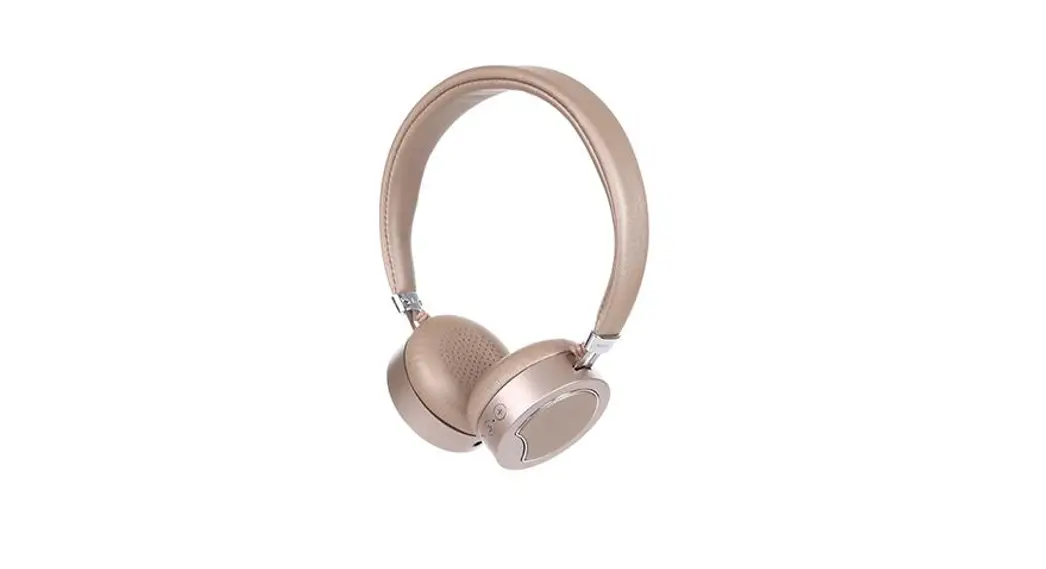
 2101 Fashion Wireless Headphone
User Manual
PRODUCT OVERVIEW
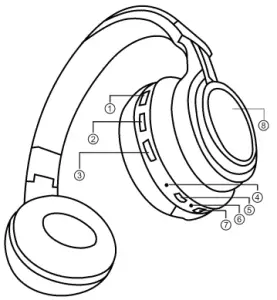
| 1. Power Button | 5. Charging Port |
| 2. Volume + Button | 6. Microphone |
| 3. Volume – Button | 7. Audio Input Port |
| 4. indicator Light | 8. Lighting Circle |
PARAMETERS
| BLUETOOTH | 5.0 | FREQUENCY RANGE | 20Hz-20KHz |
| NAME OF BLUETOOTH DEVICE | MINISO -2101 | SENSITIVITY | a100i3dEs |
| FUNCTION | MPEHD0IANPELACAYILNLSD’ | CHARGING PORT | 1 Micro USB |
| CHARGING INPUT | DC5V 120mA | TRANSMISSION DISTANCE | 10m |
| BATTERY CAPACITY | 2000Ah | CHARGING TIME | 2h |
| MUSIC PLAYBACK TIME | 4h | TALK TIME | 4h |
| STANDBY TIME | 10h |
INSTRUCTIONS
| FUNCTIONS | OPERATION |
| TURNING ON | Then press the power button for 3 seconds |
| TURNING OFF | The press the power button for 5 seconds |
| PAIRING | The indicator light blinks In red and blue during conducting the pairing. and blinks In blue slowly when the pairing is successfully done |
| PREVIOUS TRACK / VOLUME | Long press volume- button for previous track Short press volume- button to decrease one level of the volume |
| PLAY / PAUSE | Short press the power button to play! pause the music. |
| NEXT TRACK /VOLUME + | Long press volume + button for next track Short press volume + button to increase one level of the volume |
| ANSWER A CALL/ HANG UP | Short press the power button to answer the call! hang up |
| REJECT A CALL | Short press power button twice to reject the call |
CAUTIONS
- Reasonable control of the volume and time of usage is required to avoid hearing damage.
- For your safety, do not use it in potentially hazardous conditions.
- Do not listen to music, call up, or answer the phone while driving to avoid danger caused by distraction.
- Keep it out of reach of children to avoid danger caused by improper use.
- Do not throw it to avoid damage caused by dropping.
- Do not store it under a temperature below -20° or above 45° to avoid shortening the lifespan of earphones and batteries.
- Do not modify, disassemble and repair the product.
- Irreplaceable battery. It should be disposed of according to local rules & regulations or be recycled by a professional institute. Do not throw away or toss it into the fire.
- When not in use for a long time, charge the earphones every 3 months to extend their service life.
TROUBLESHOOTING
- Fail to pair the wireless earphones with the phone.
Solution: Check if the earphones are in pairing mode and whether the phone has a BT function. Check the list on your phone, remove earphones from the list, follow the instructions of the user manual to pair the earphones with your phone again. - Cannot turn on the wireless earphones.
Solution: Check the battery to see if it is low. - Can the battery of the wireless earphones be replaced?
Answer: No. The lithium-polymer battery in the earphones is irreplaceable. - The wireless earphones got disconnected from the phone within 10 meters.
Solution: BT is wireless so it is very sensitive to objects between the earphones and the connected device. Check if there are any metal or other objects that may affect the connection within the effective distance. - Cannot hear audio playing when the earphones are connected to the computer or phone.
Solution: Check whether the computer’s audio output is already connected to the wireless device and whether the Bluetooth in the computer supports the A2DP protocol. Make sure the volume is up on your phone or computer. - Can I operate the Apps of my phone through the earphones after connecting the wireless earphones to the phone?
Answer: Some apps may not support being operated through the headset due to their settings.
ACCESSORIES
Device x 1 ;
User Manualx1
FCC Warning:
This device complies with Part 15 of the FCC Rules, Operation is subject to the following two conditions:
- This device may not cause harmful interference, and
- This device must accept any interference received, including interference that may cause undesired operation.
Caution: Changes or modifications not expressly approved by the party responsible for compliance could void the user’s authority to operate the equipment.
NOTE: This equipment has been tested and found to comply with the limits for a Class B digital device, pursuant to Part 15 of the FCC Rules. These limits are designed to provide reasonable protection against harmful interference in a residential installation. This equipment generates, uses, and can radiate radio frequency energy and, if not installed and used in accordance with the instructions, may cause harmful interference to radio communications. However, there is no guarantee that interference will not occur in a particular installation. If this equipment does cause harmful interference to radio or television reception, which can be determined by turning the equipment off and on, the user is encouraged to try to correct the interference by one or more of the following measures:
- Reorient or relocate the receiving antenna.
- Increase the separation between the equipment and receiver.
- Connect the equipment into an outlet on a circuit different from that to which the receiver is connected.
- Consult the dealer or an experienced radio/TV technician for help.
FCC Radiation Exposure Statement:
This equipment complies with FCC radiation exposure limits set forth for an uncontrolled environment. This transmitter must not be co-located or operating in conjunction with any other antenna or transmitter.
IC Warning:
This device complies with Industry Canada license-exempt RSS standard(s). Operation is subject to the following two conditions: (1)This device may not cause interference, and (2)This device must accept any interference, including interference that may cause undesired operation of the device.
MADE IN CHINA