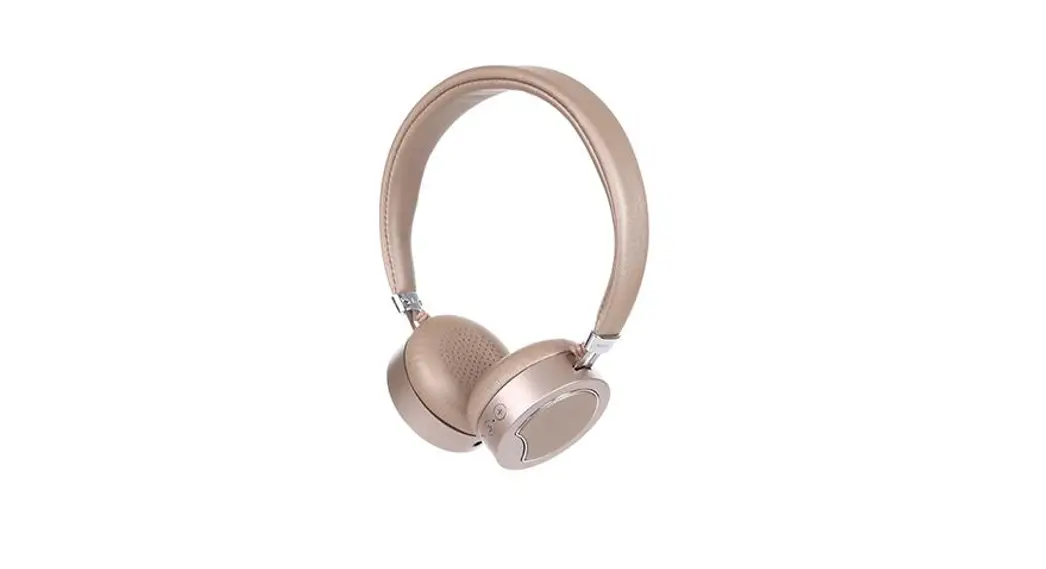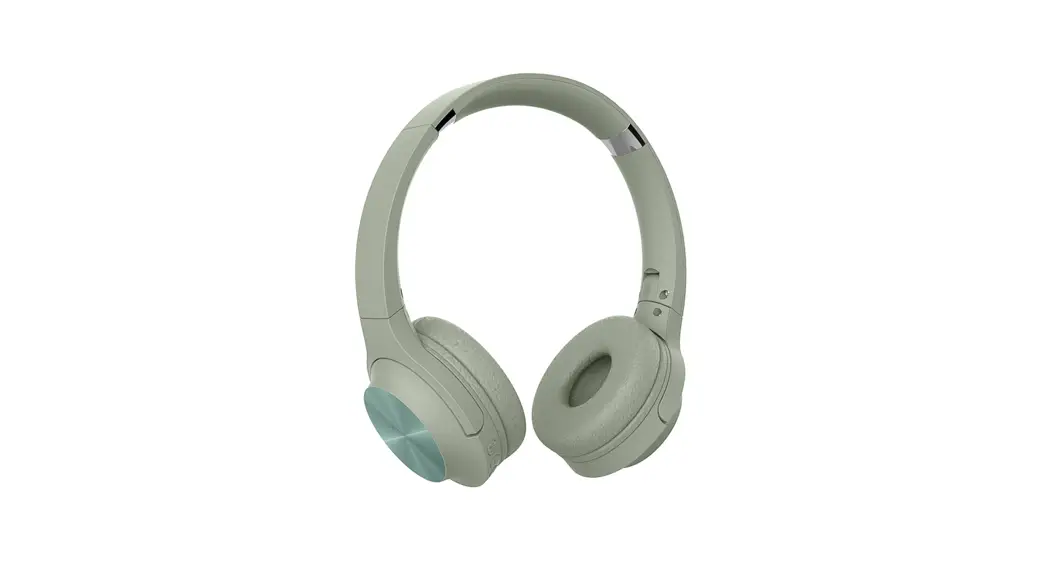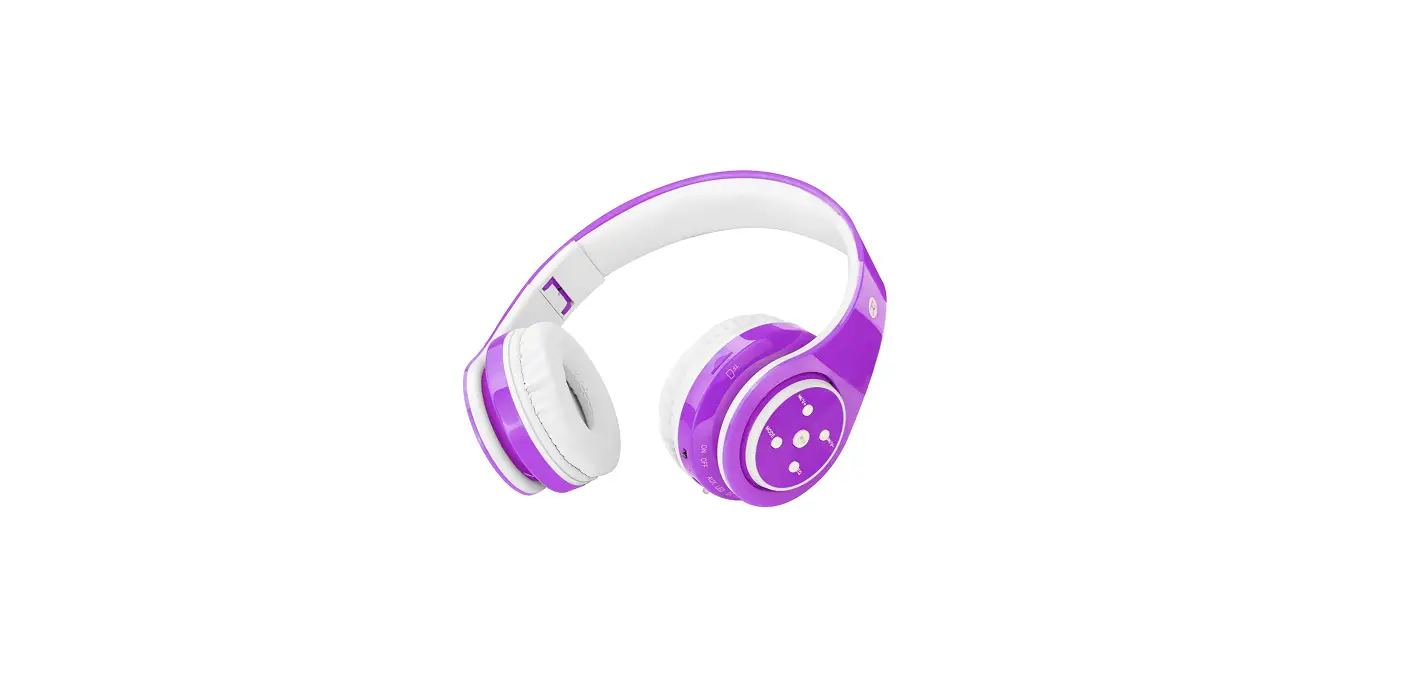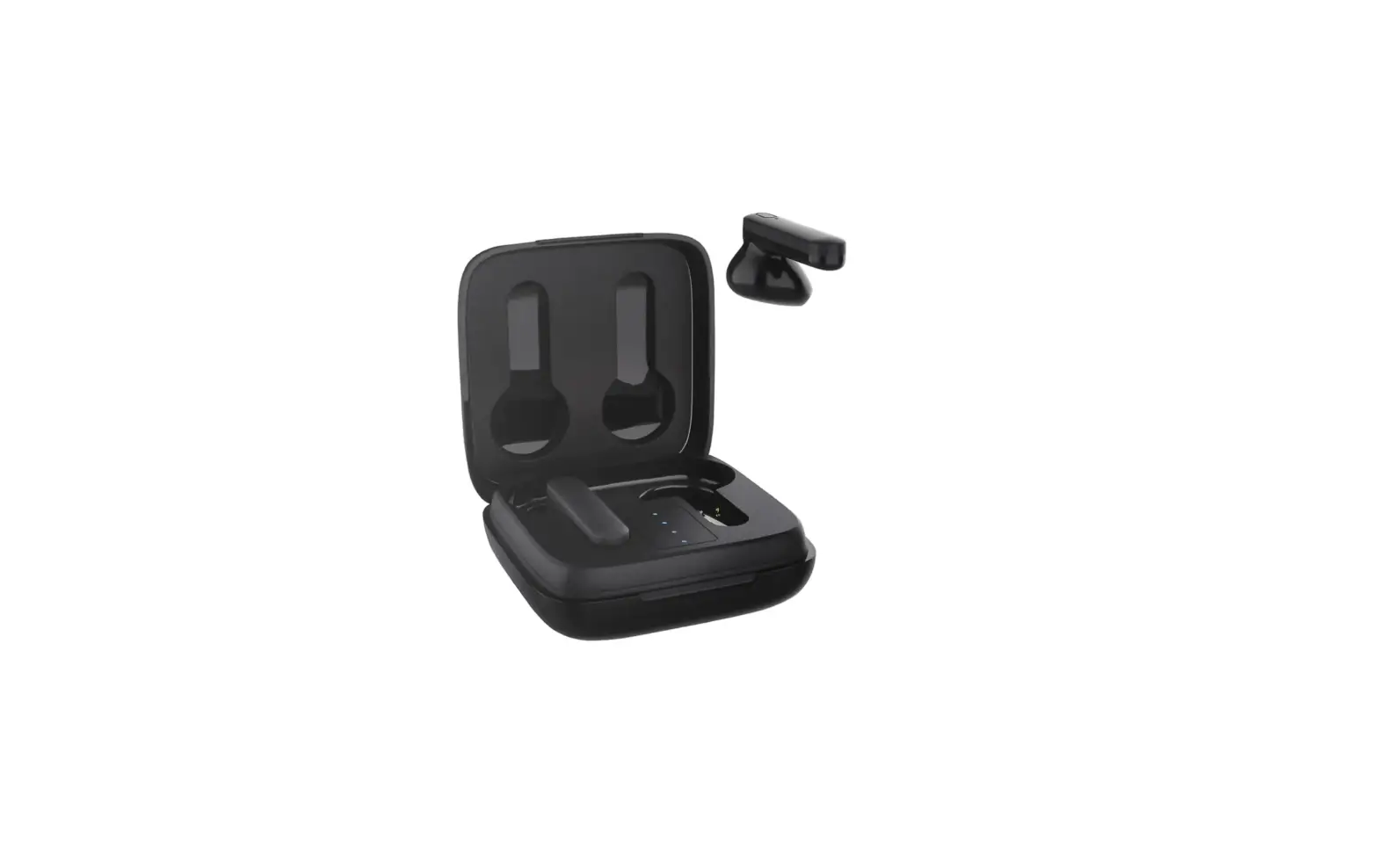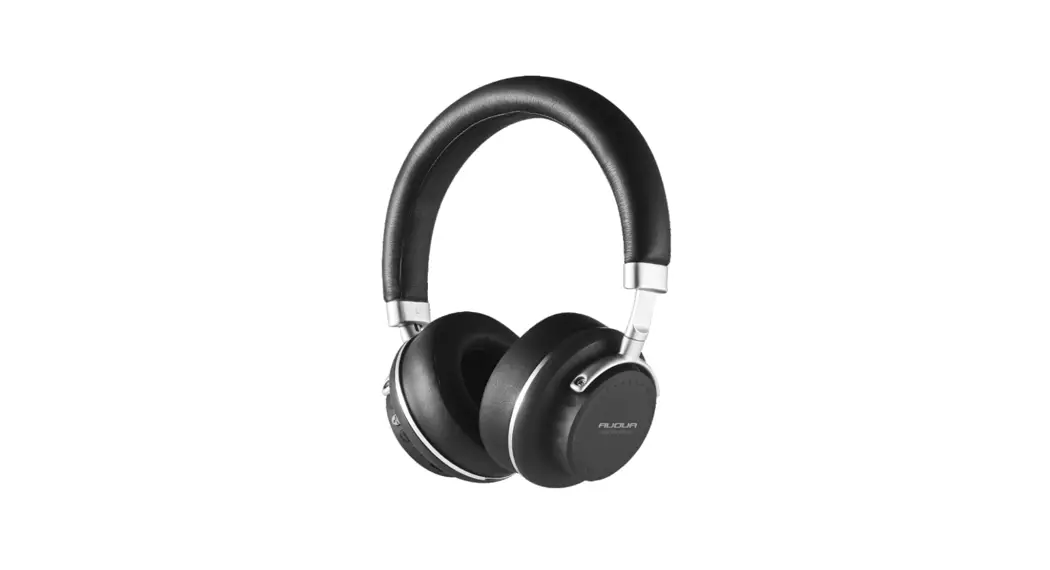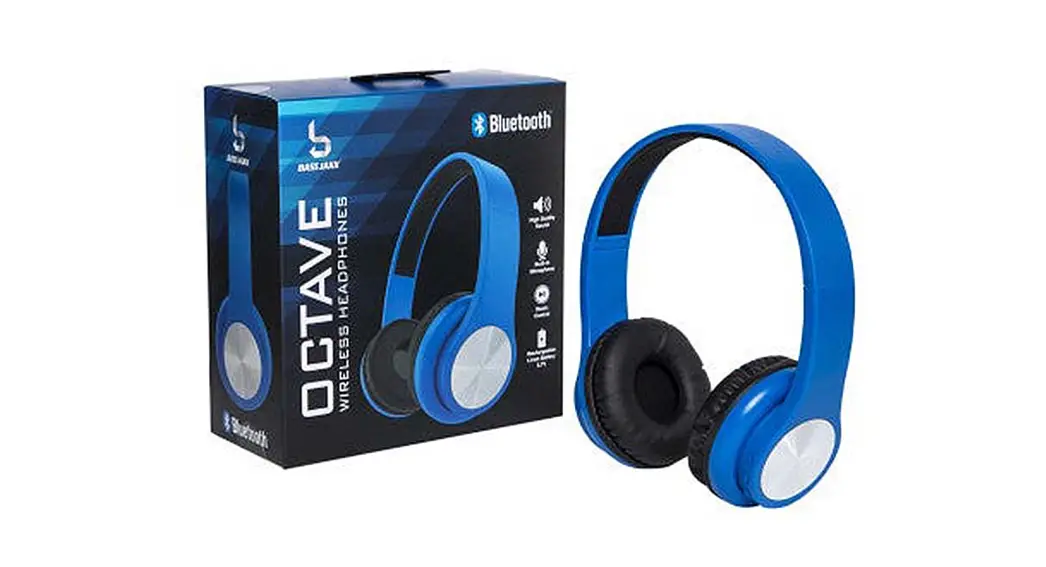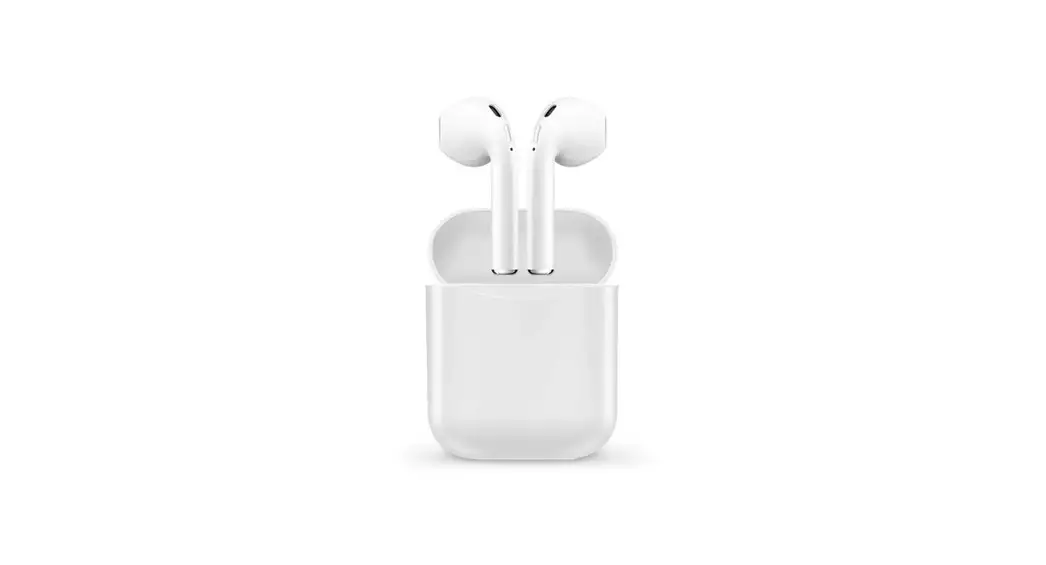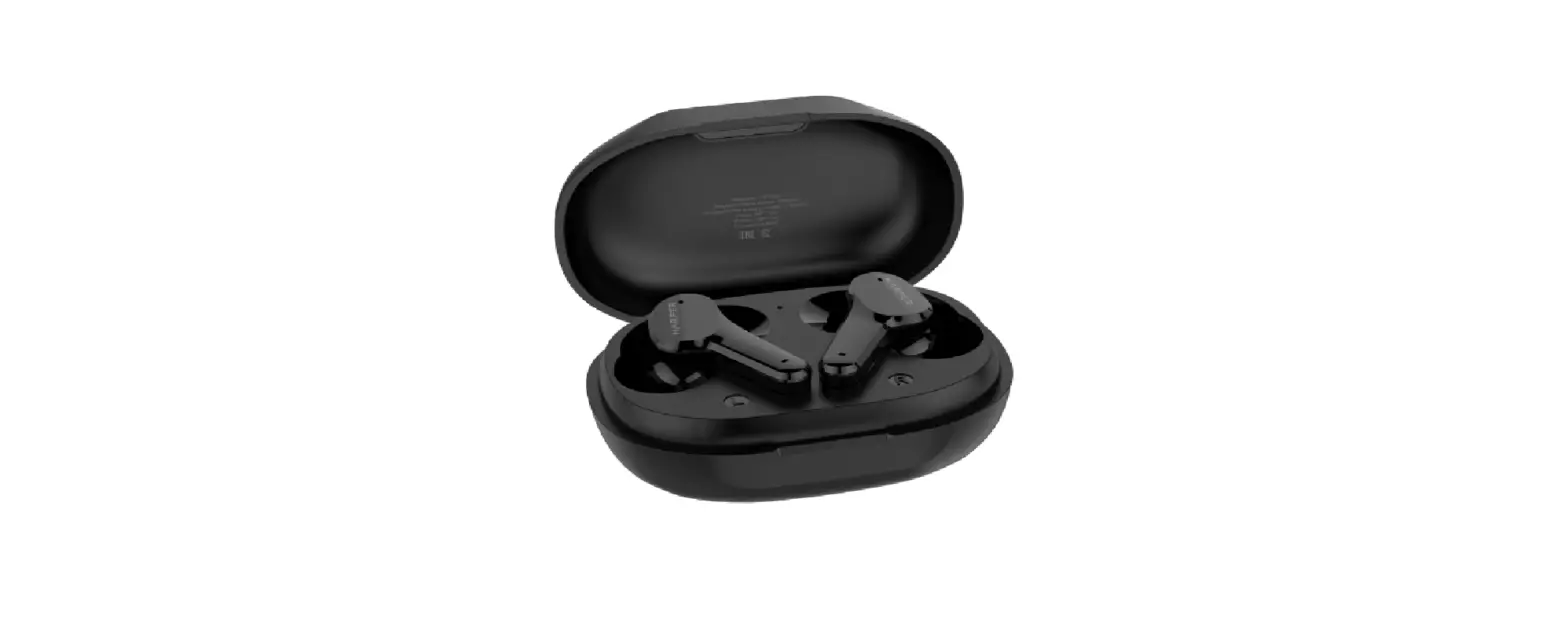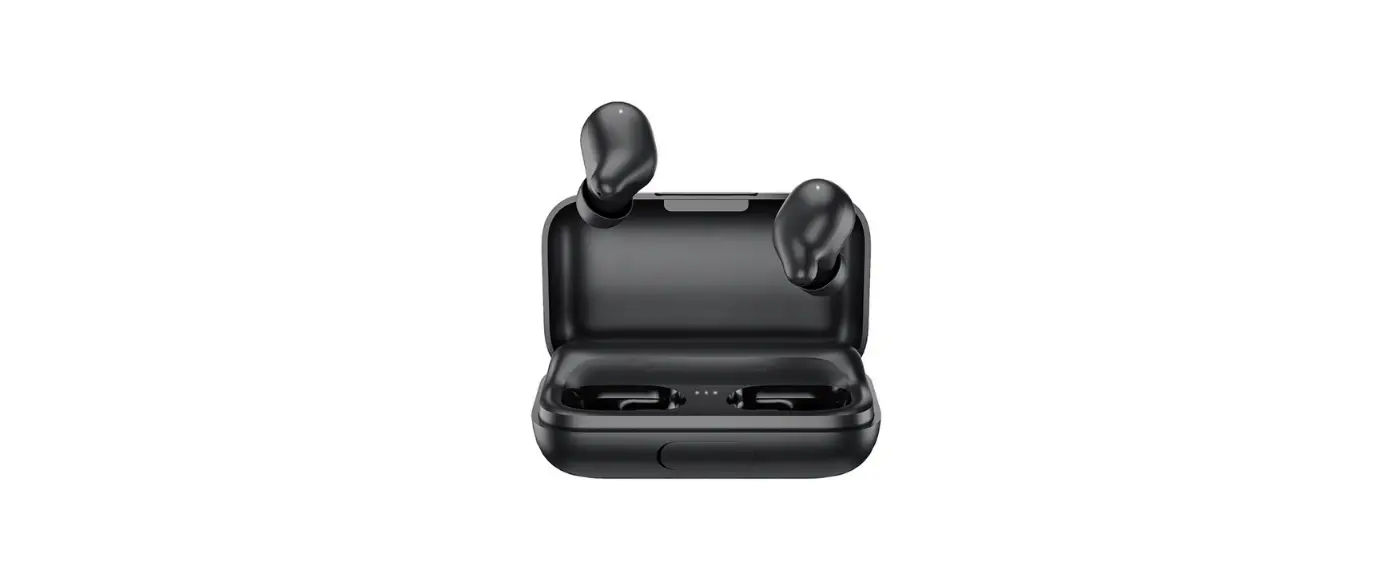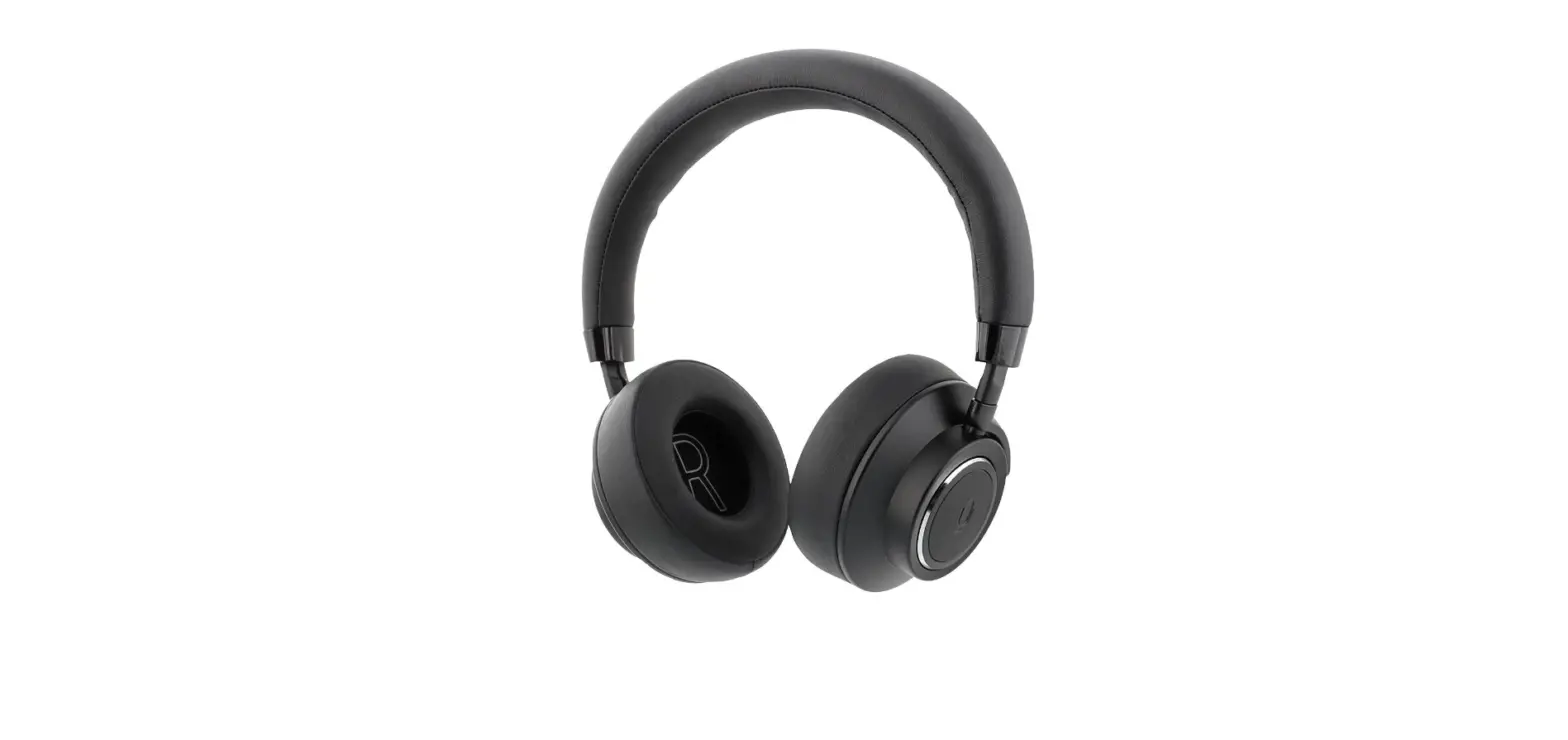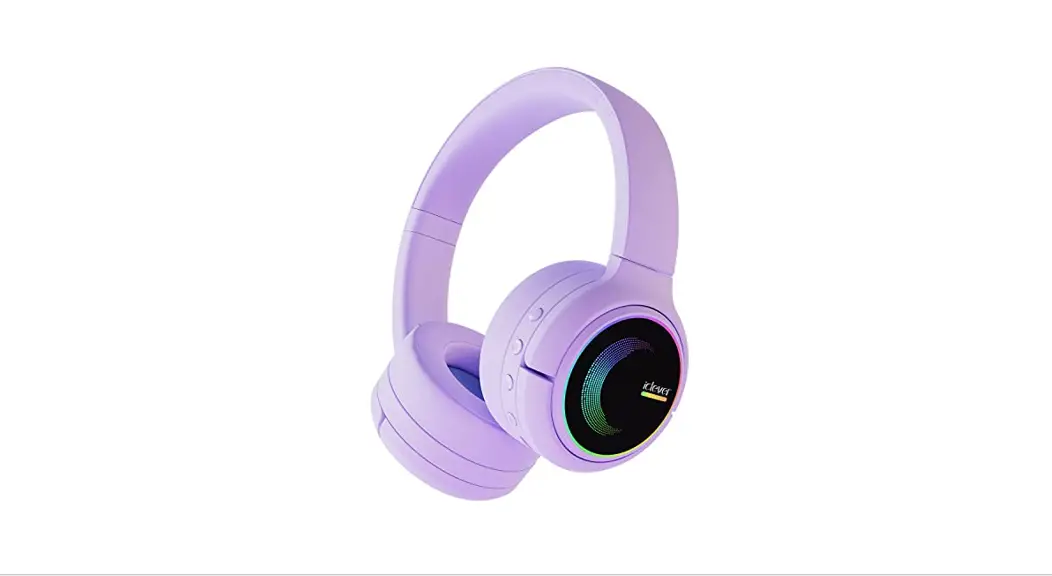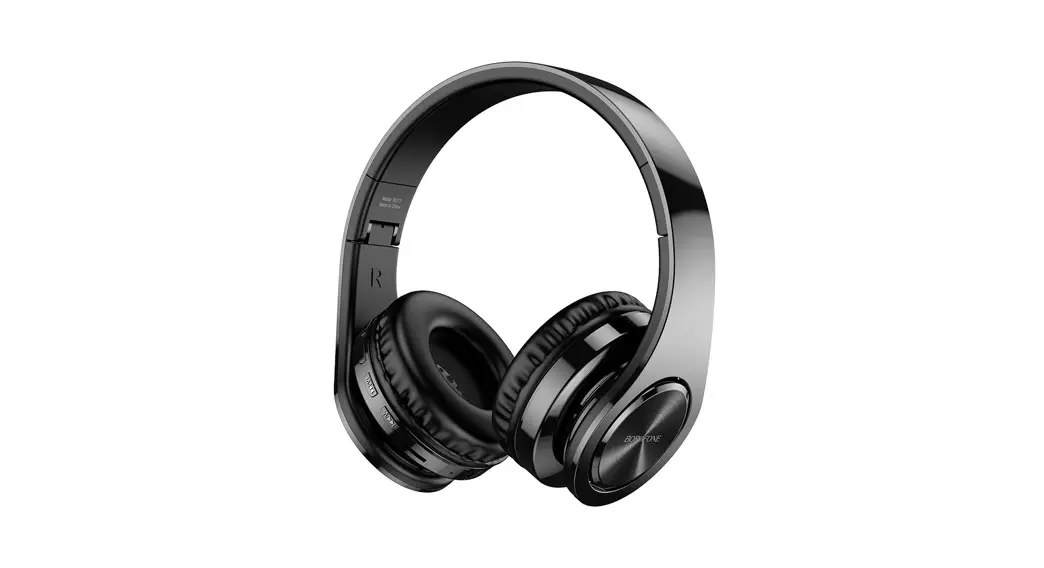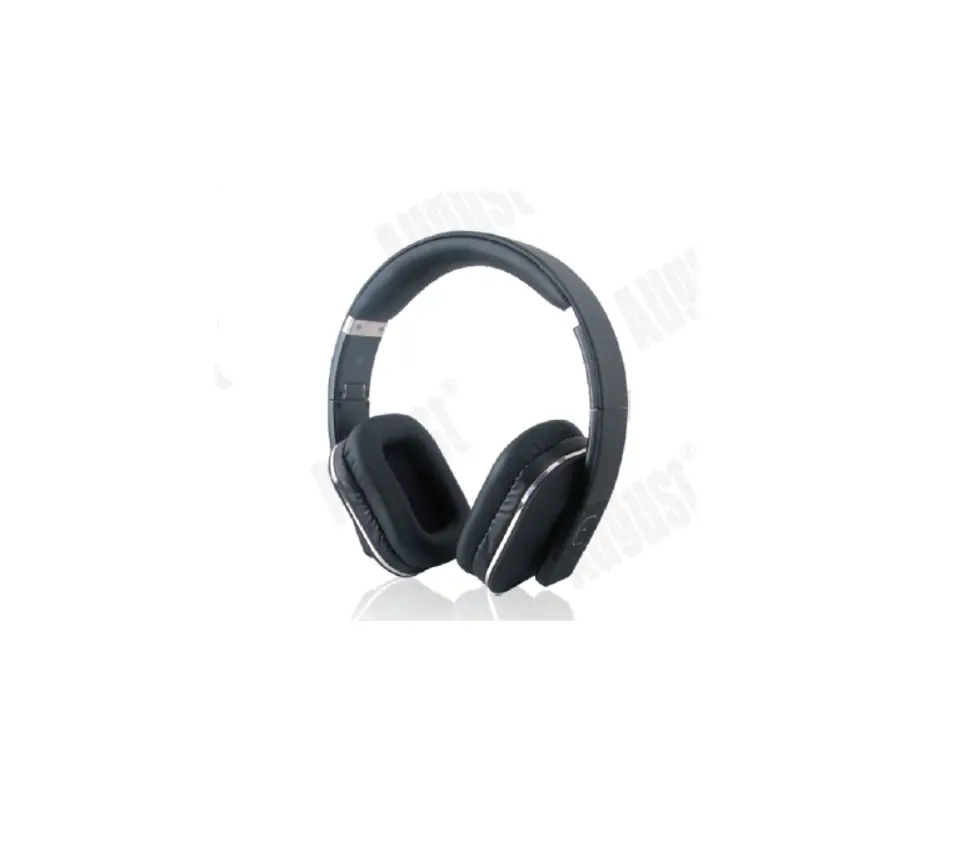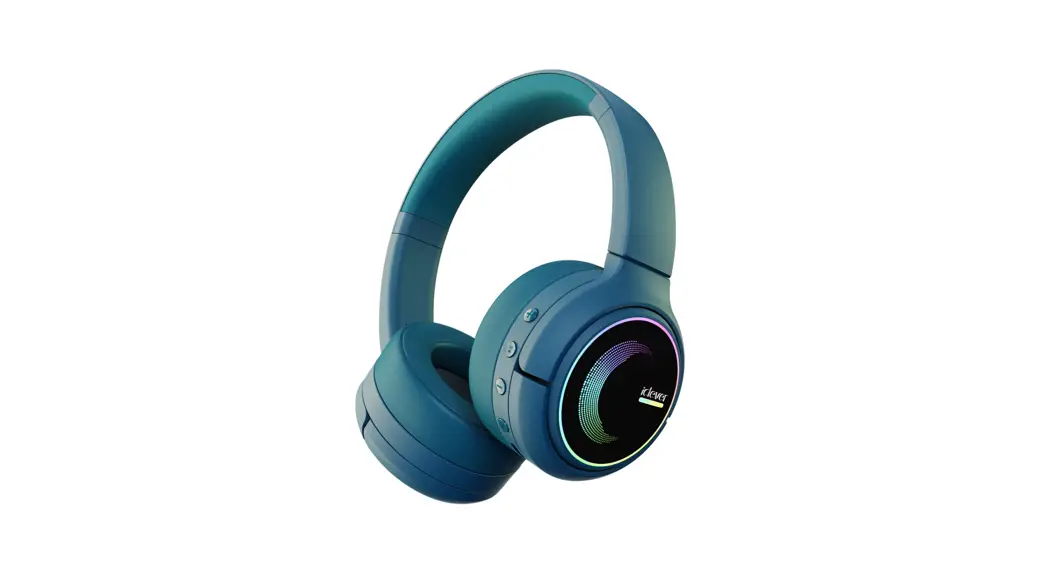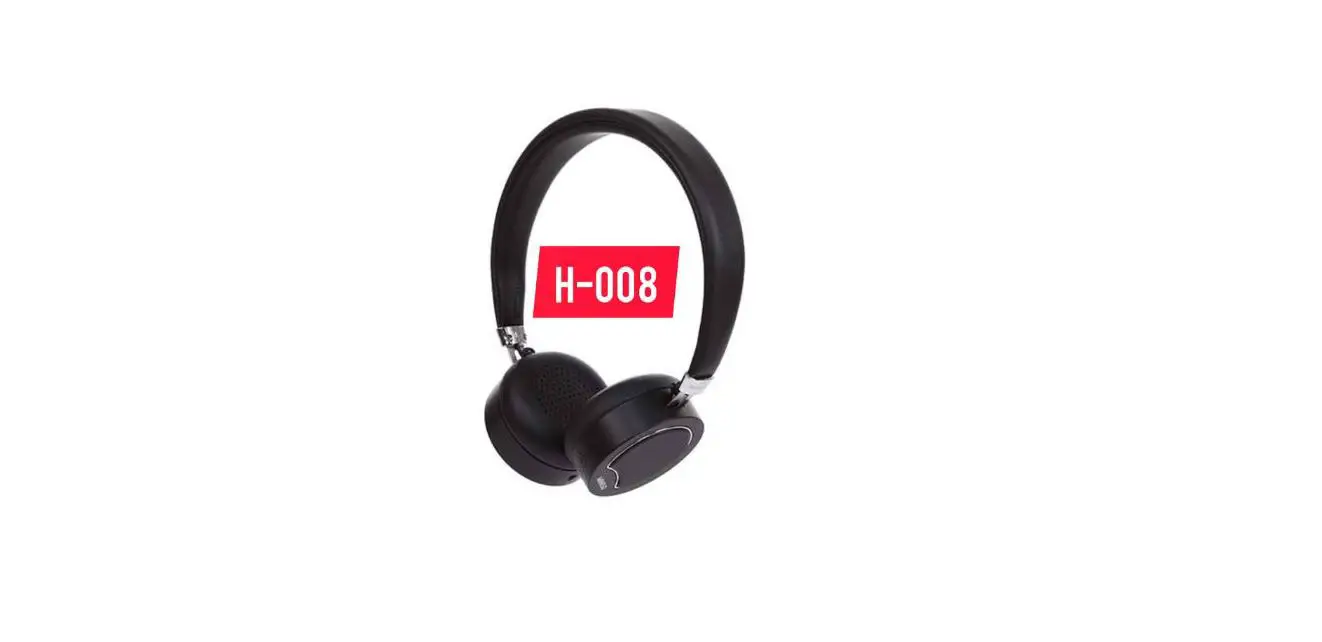

MINISO BT338 Wireless Headphones
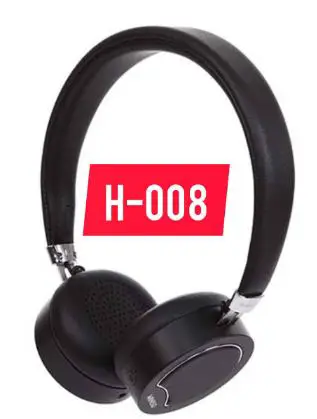
Specifications
Model: BT338
Transmission distance: 10m
BT version: 5.0
Functions: calls, music.
Pairing name: MINISO-BT338
| Speaker size | <P10mm | BT version | 5.0 |
| Impedance | 160±15% | Frequency range | 20Hz-10kHz |
| Sensitivity | 113±3dB | Length | 81cm |
| Material | TPE | Transmission distance | 10m |
| Battery | DC3.7V 110mAh lilhium battery | Wireless frequency range | 2.402~2.480GHz |
Product and Accessoriss 
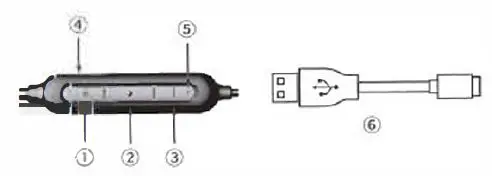
- Volume+/Next button
- Multrfunctional button I ii’l bulton @ Volume-/Previous button
- USB charging port
- LED indicator light
- Charging cable
Product operation and function def1n1tton
| No. | Function Turning on | Operation
Press ii’lbutton for 4 seconds | LED Display
Red and blue light flash alternatively. | Prompt
Yes |
| 2 | Turning off | When turned on, press ‘1 button for 4 seconds | Red indicalor light will flash for 3 times
Red and blue light flash alternatively. | Yes | |
| 3 | Enter pairing mode | It will get into pairing mode once turned on. | |||
| 4 | Successful pairing | Normal operaLion (music and calling) | Blue light flashes slowly | Yes | |
| 5 | Turn off BT | Turn off BT on your phone | Red and blue light flash allematively. | Yes | |
| 6 | Play/pause music | Short press ii’l button (open the app for playing music on your phone) | Blue light flashes slowly | ||
| 7 8 | Previous song Next song | Press· -• for 2 seconds Press·+·for 2 seconds Short press”-· (there Is no prompt when the lowest volume has been reached) no prompt when pressing the bulton Short”+” (Prompt can be heard when max. volume has been reached) no prompt when pressing the button |
Blue light flashes slowly
Blue light flashes slowly |
Yes
Yes | |
| 9 | Volume down | ||||
| 10 | Volume up | ||||
| 11 | Aflswer the call | Press i1once to answer incoming call | Blue light flashes slowly | |
| 12 | During call | Wireless phone call | Blue light flashes slowly | |
| 13 | Hang up | l’ress liti once during call to hang up | Blue light flashes slowly | |
| 14 | Redial | Double press ii’llo redial | Blue light flashes slowly | |
| 15 | Stop redial | Short press ii’l to stop redial | Blue light flashes slowly | |
| 16 | Reject | long pressii’l for 2 seconds to reject incoming call | Blue light flashes slowly | |
|
17 |
Double device connection | After successful connection between phone A and the earphones. disconnect BT of phone A. After successful connection between phone B and the earphones, connect phone A and the earphones. In th,s way, double device connection is completed. |
Blue light flashes once every 7 seoonds |
Yes |
| 18 | Reconnect out of distance | It will disoonnect when it is ou1 of working range. It will reoonnect when the earphones and device are within 10 meters.
II will turn off after 3 seconds. | ||
| 19 | No connection | Red indicator light will flash for 3 times | Yes |
| 20
21 | Low power prompt
Charging | When the voltage Is lower than 3.3V, the prompt will be heard. Plug into DCSV power source for charging | Red light will not stay on during low power prompt;
Red light stays on | |
| 22
23
24 | Charging completed Low power prompt Power display | 4.2V fully charged
When the voltage is lower than 3.1 V, the red light will flash. When connected, power will be displayed on your phone. | Red light off/blue light on
Red lighl flashes once every 5 seconds | |
| 25 | Volume display | Aft.er successful BT connection, v�ume on the earphones is synchronized with the cellphone. (playing mode) | ||
| 26 | BT Pairing Name | BT338 | ||
| 27 | Auto reconnect | When turned on again, BT auto reconnects to the phone connected last time. |
FCC Warning
This device complies with Part 15 of the FCC Rules, Operation is subject to the following two condrtions:
- This device may not cause harmful interference, and
- This device must accept any lnlerference received. including interference lhat may cause undesired operation. 19 No connection II will turn off after 3 seconds. Yes Caution: Changes or modifications not expressly approved by the party responsible for comiance could void the user’s authority to operate the equipment.
NOTE: This equipment has been tested and found to comply with the limits for a Class B digilal device, pursuant to Part 15 of the FCC Rules. These limits are designed to provide reasonable protection against harmful Interference in a residential installation. This equipment generates, uses and can radiate radio frequency energy and, if not installed and used in accordaoc.e with the instructions, may cause harmful interference to radio communications. However, there is no guarantee that interference will not occur in a particular installation, If this eQUipment does cause harmful Interference to radio or lelevlsion receplion. which can be determined by turning lhe equipmenl off and on, the user is encouraged to try to correct the interlerence by one or more of the following measures:
- Reorient or relocate the receiving antenna.
- Increase the separation between the equipment and receiver.
- Connect the equipment into an ouUet on a circuit different from that to which the receiver is connected.
- · Consult the dealer or an experienced radiofTV technician for help.
FCC Radiation Exposure Statement:
This equipment complies with FCC radiation exposure limits set forth for an uncontrolled environment. This transmitter must not be co-located or operaUng in conjunction with any other antenna or transmitter.
IMPORTANT SAFETY NOTES
- Before using this product, read this manual carefully and keep it properly for future reference.
- Do not use this product for a prolonged time to avoid affecting hearing.
- Do not use this product when driving.
- Do not play music at an extra large voice.
- Please use this product according tD the local laws and regulations.
- Please keep it dry.
- Containing rechargeable battery, this product cannot be dismantled, altered or replaced by yourself. Do not expose ii to sunlight or fire sources.
- This mark indicates the product should not be disposed of in the same way as other household wastes in EU regions. The product should be recycled to ensure sustainable reuse of resources and to prevent potential harm for the environment and human health caused by non-control of waste management. To recycle the used appliance, apply the recycling system or contact the franchiser to recycle the product according to the environmental protection requirements.