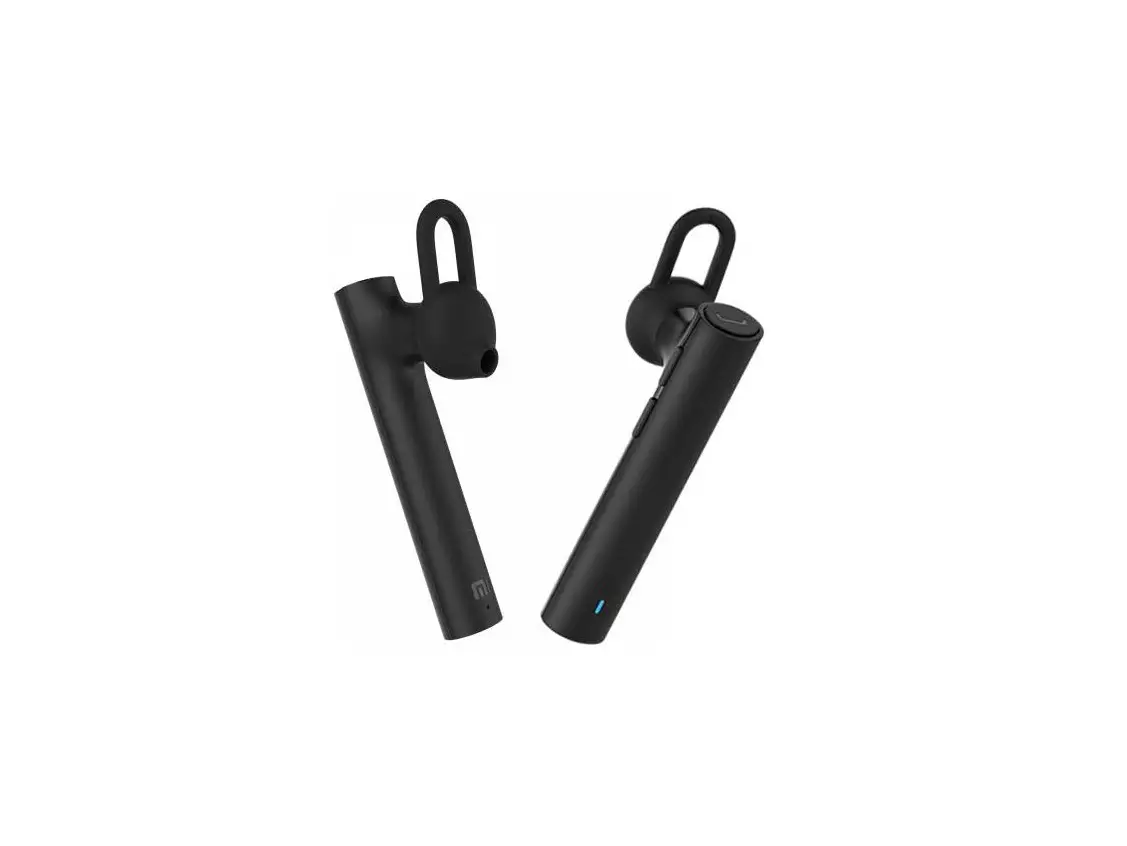
Xiaomi CS6 Mi Bluetooth Headset User Manual
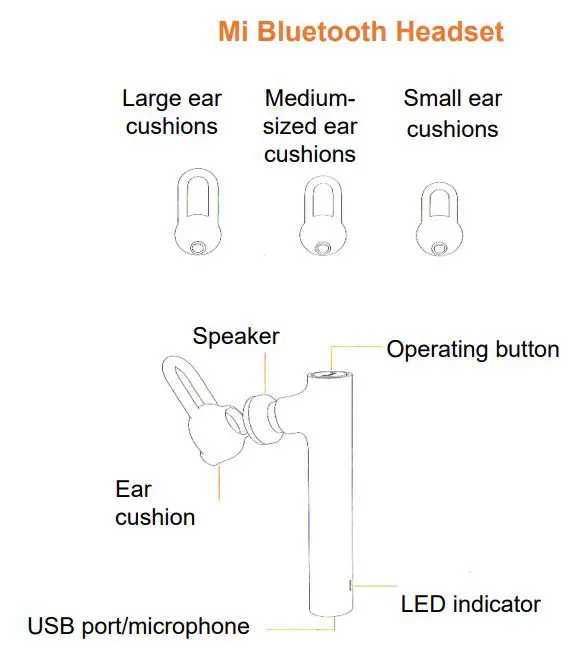
Usage
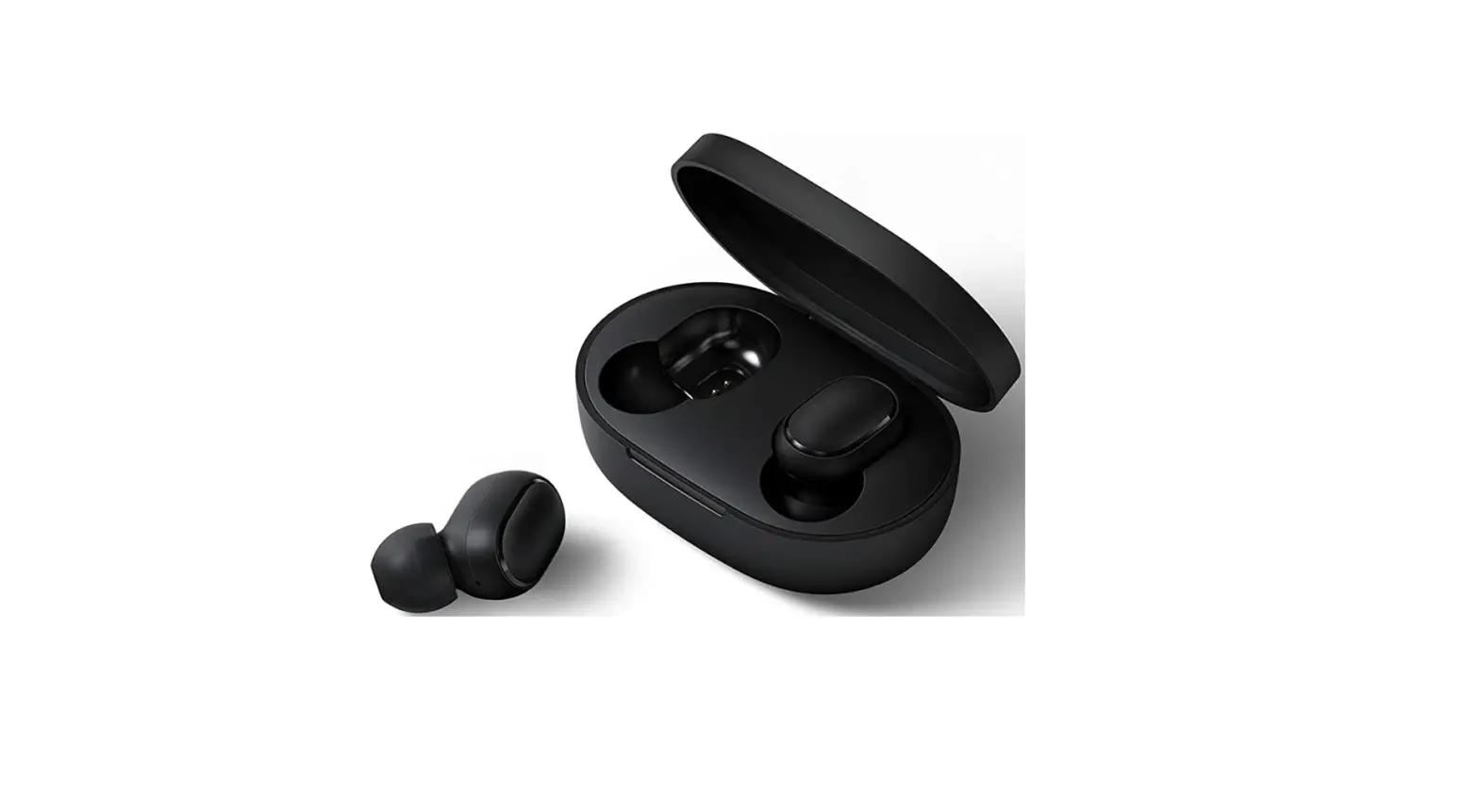
A medium-sized ear cushions used by most of people. It is recommended to start to use the headset with the ear cushions of medium size.
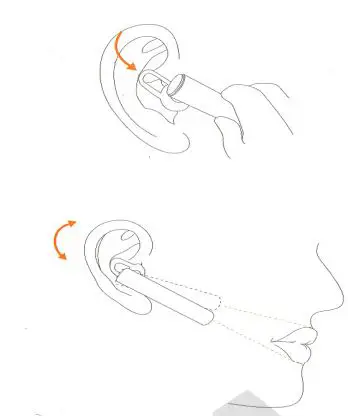
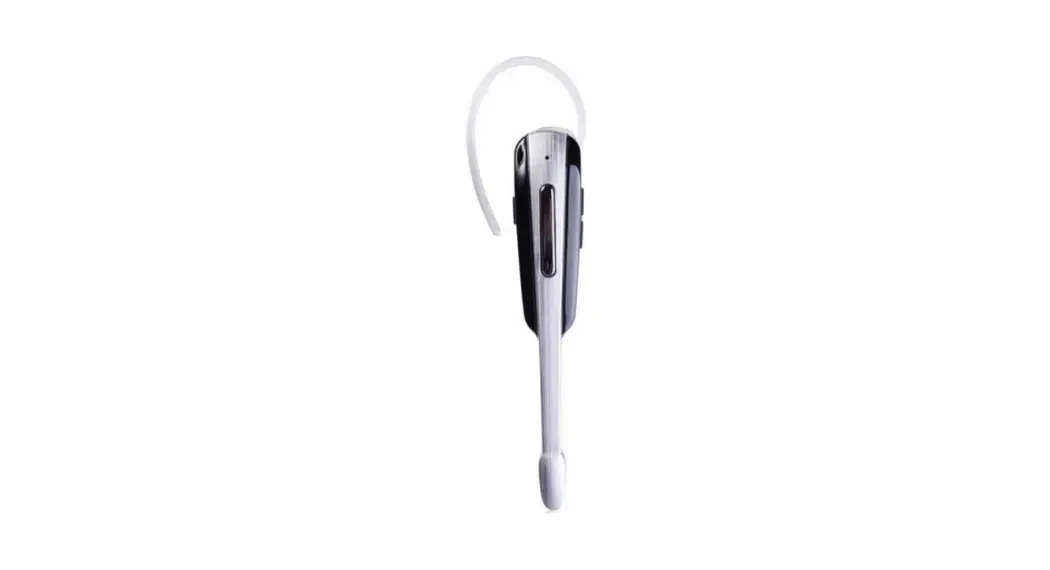
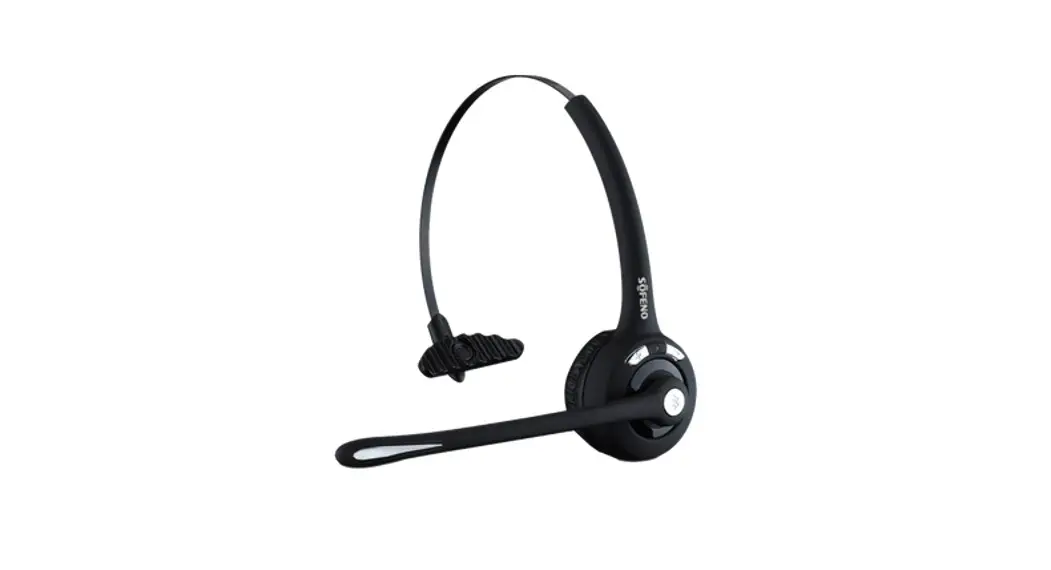
Slightly plug a speaker into ear until it stuck still A microphone should be placed toward the mouth.
Painting with a phone
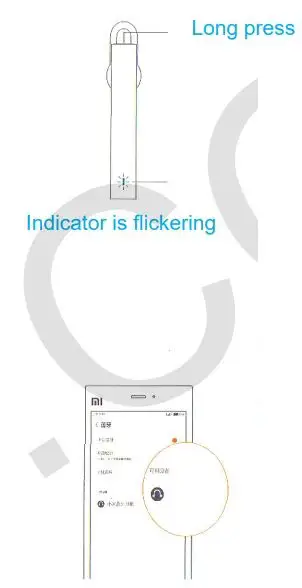
Press and hold the control button to open a window on the status of your phone with a headset interface (flashing blue LED).
First pair your phone with a headset opens a window on the status of a phone connection to the headset. In the future, after a long press of a button on the headset once the blue indicator light flashes, indicating that a phone is connected to the headset.
Locate Bluetooth device «Mi headset» and click it to pair.
Charging
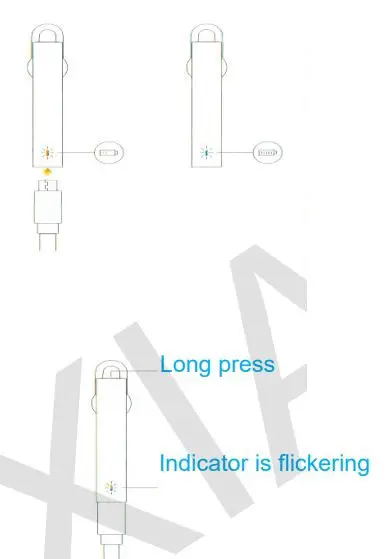
On a low battery, the headset indicator may light s and a reminder appears in your phone.
Restoring the factory settings:
During charging, press and hold control button until red indicator lights
Main functions
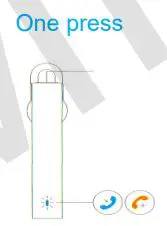
Answer to call
On incoming call (blue indicator is flickering), press control button
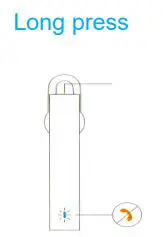
Decline a call
On incoming call (blue indicator is flickering), long press control button
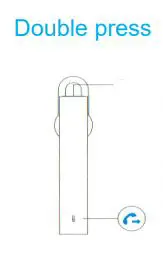
Quick dial last call
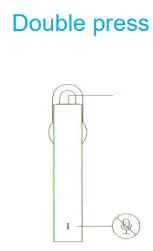
Press control button twice
Enable silent mode
During a call press control button twice