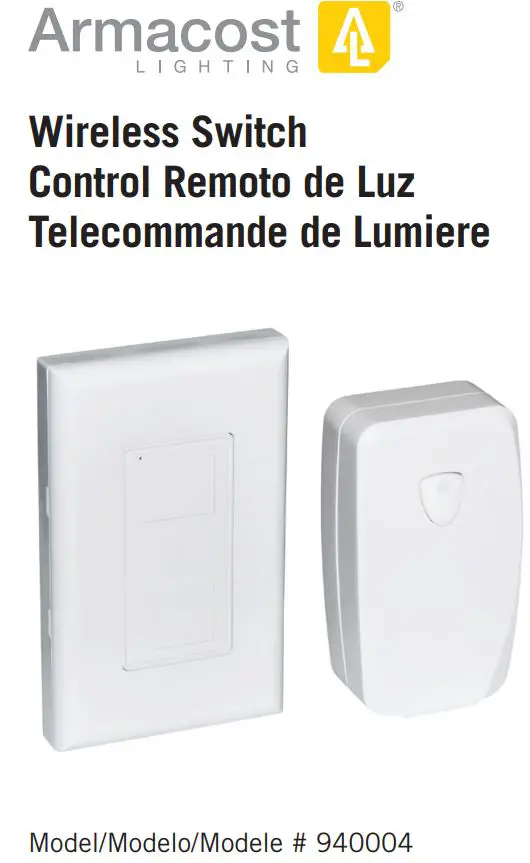
Armacost 940004 LED Lighting Wireless
Master Switch User Guide
INSTALLATION & PAIRING
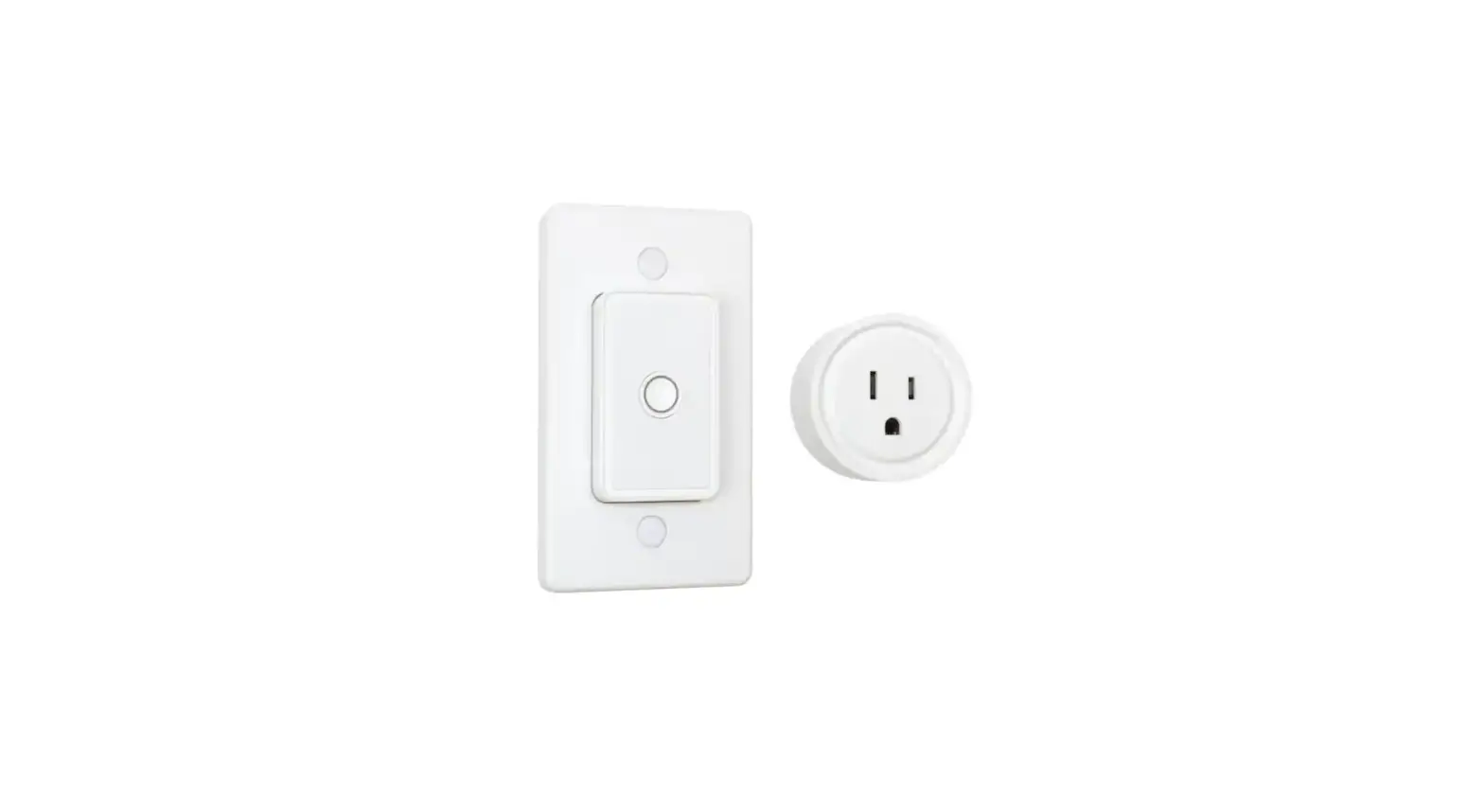
- Our wireless switches include a unique pairing feature that allows you to control multiple receivers (indoor or outdoor) from the same transmitter.

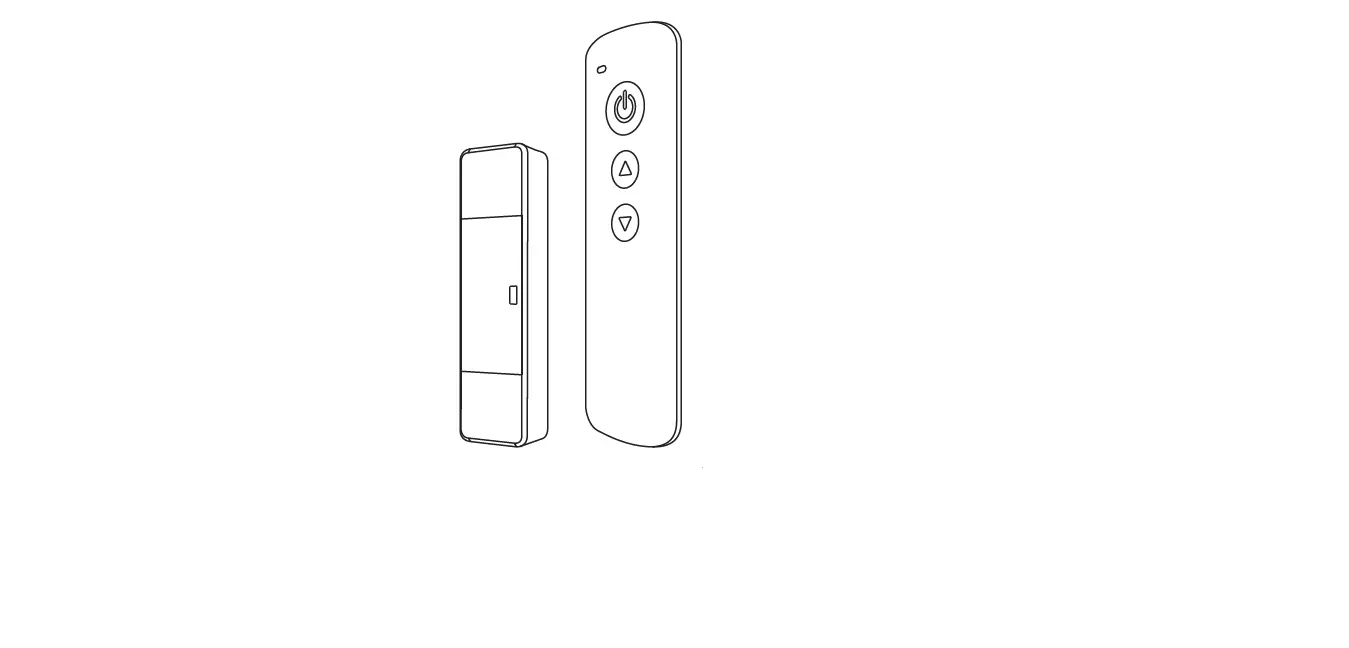
- Press and hold the power button on the receiver for 5 seconds. The LED indicator will begin to flash slowly indicating pairing mode has been activated.

- On the remote control (LED indicator still flashing) press the top of the switch
 (on), wait 2 seconds, and then press the bottom of the switch
 (off). The LED indicator will now stop flashing.

 (on), wait 2 seconds, and then press the bottom of the switch
 (off). The LED indicator will now stop flashing.
* This item is a Radio Frequency device (RF), and as such the range of the remote control is dependent on many factors. Actual operational distance will vary based on walls and line of sight obstructions, and other nearby electronic devices.
RESETTING THE UNIT

BATTERY INFORMATION & REPLACEMENT
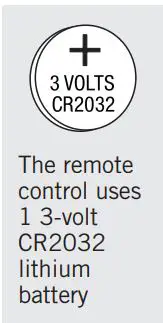
The remote control uses one 3-volt CR2032 lithium battery. To replace, slide out the battery tray located at the bottom of the transmitter. Insert one new CR2032 lithium battery, making sure to orient the battery so that the positive side (+) is on the side of the tray with the positive marking (+). Slide the cover back in. To test, press the switch on the remote to make certain the LED lights up. Do not dispose of battery in fire. Battery may explode or leak.

REMOTE DISASSEMBLY

WALL INSTALLATION METHODS

Apply double-sided tape to the back of the wall mount (Figure F). Then place on desired location.

To apply the wall mountable remote to the wall using screws, disassemble wall mount until it matches “Figure E.” Use a screwdriver to fasten screws in the indicated areas (Figure 2). Reassemble until it resembles “Figure A.”
 To apply the wall mountable remote to an electrical box, disassemble wall mount until it matches “Figure H.” Use a screwdriver to fasten screws in the indicated areas (Figure 3). Reassemble until it resembles “Figure A.”
 WARNING:
Changes or modifications to this unit not expressly approved by the party responsible for compliance could void the user authority to operate the equipment.
This device complies with part 15 of the FCC Rules. Operation is subject to the following two conditions: (1) This device may not cause harmful interference, and (2) This device must accept any interference received, including interference that may cause undesired operation.
Note: This equipment has been tested and found to comply with the limits for a Class B Digital Device, pursuant to Part 15 of the FCC Rules. These limits are designed to provide reasonable protection ageist harmful interference in a residential installation. This equipment generates, uses, and can radiate radio frequency energy and, if not installed and used in accordance with the instructions, may cause harmful interference to radio communications.
However, there is no guarantee that interference will not occur in a particular installation. If this equipment does cause harmful interference to radio or television reception, which can be determined by turning the equipment off and on, the user is encouraged to try to correct the interference by one or more of the following measures:
- Increase the separation between the equipment and receiver.
- Connect the equipment into an outlet on a circuit different from that to which the receiver is needed.
- Consult the dealer or an experienced radio/TV technician for help.
CAUTION:
Do not splice, repair, or modify. Unplug when not in use. Fully insert plug. Do not use damaged remote sets. Inspect periodically. Use within the electrical rating marked on the remote set. Do not plug in more than a total of 1000 watts in this remote set. If watts are not marked on appliance, multiply ampere rating (on nameplate) by 125 to determine equivalent watts. Add determined watts for each plugged-in appliance or lamp (sum of watts on bulbs) to find total watts being used. Operating temperature range 0°C (32°F) to 45°C (113°F).
- Only use the batteries specified and be sure to match the + and polarity marking.
- Remove exhausted or dead batteries from the product.
- Remove batteries if product is not to be used for a long time.
- Do not dispose of batteries in fire. Batteries may explode or leak. As with all small items, these batteries should be kept away from children. If swallowed, seek medical attention immediately. Three year limited warranty
SPECIFICATIONS
Rated: 120VAC / 60Hz / 5A / 600W Resistive & Tungsten 500VA Electronic Ballast Battery: 1 x 3V CR2032 Lithium (included)

Item/Articular/Article # 940004

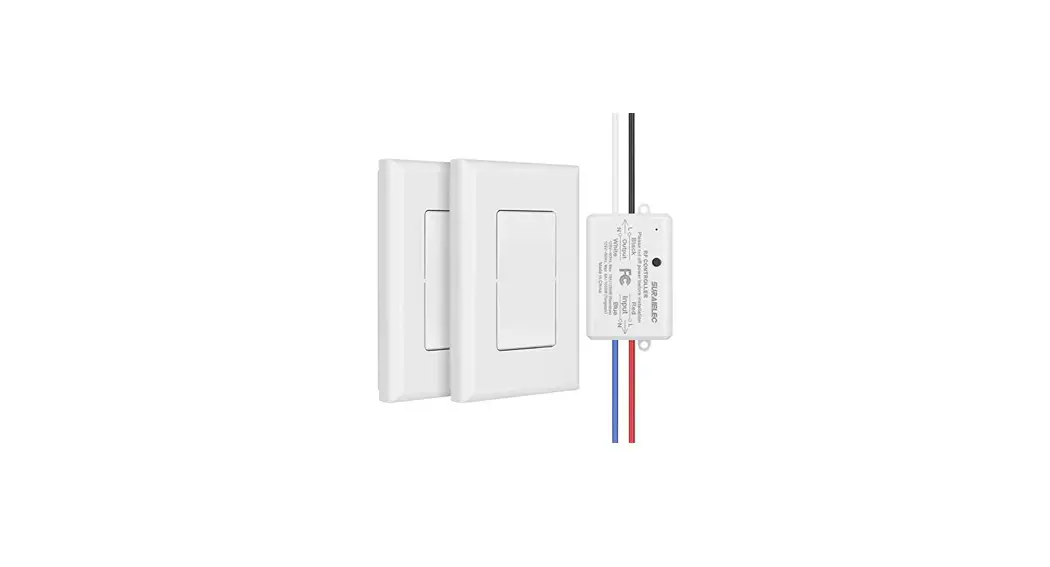
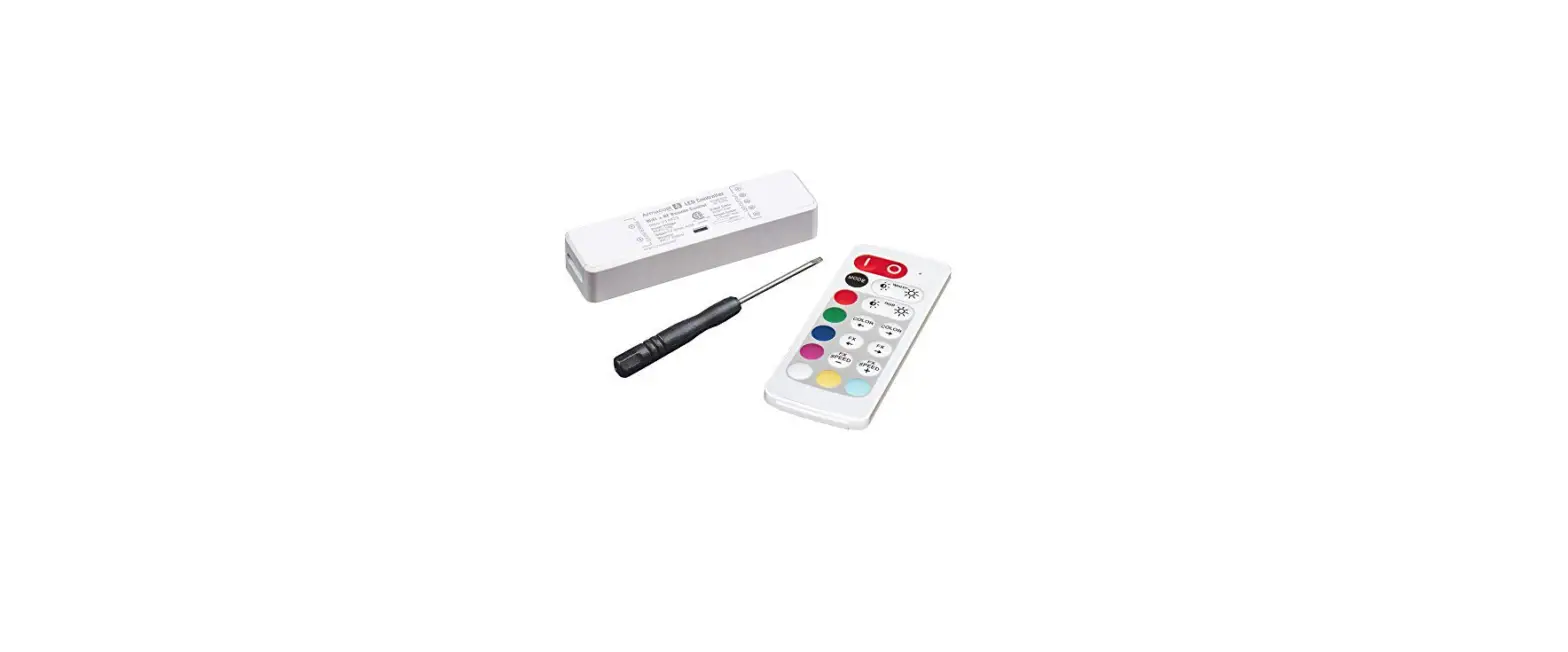
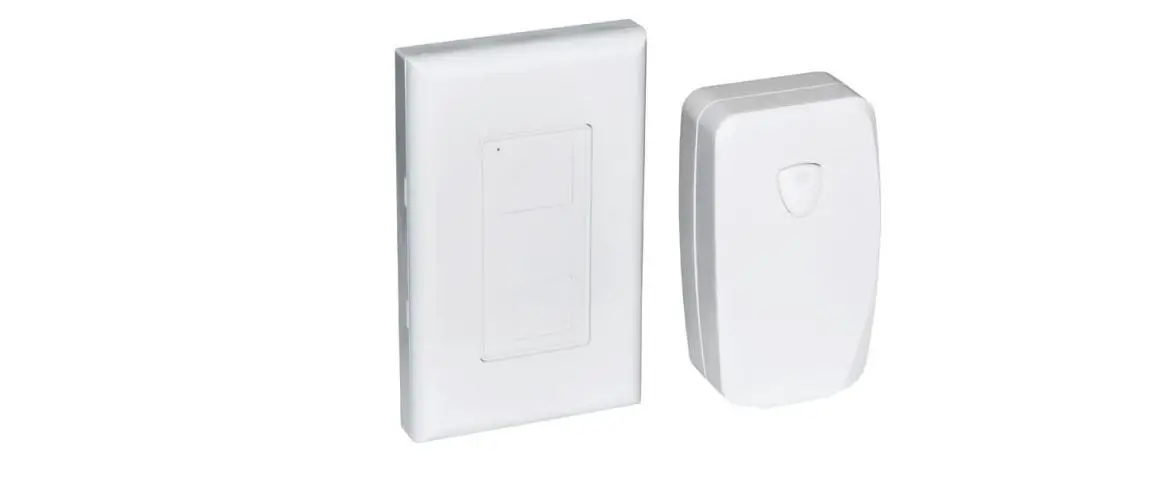
Receiver

Wall mountable remote
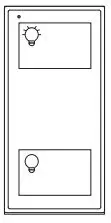
Remote control removes from wall mount for portability
© 2018-21 Armacost Lighting Manufactured and distributed by/ par: The NCC, Brooklyn, NY 11223 1.800.730.3707 MADE IN CHINA/ HECHO EN CHINA/ FABRIQUE EN CHINE