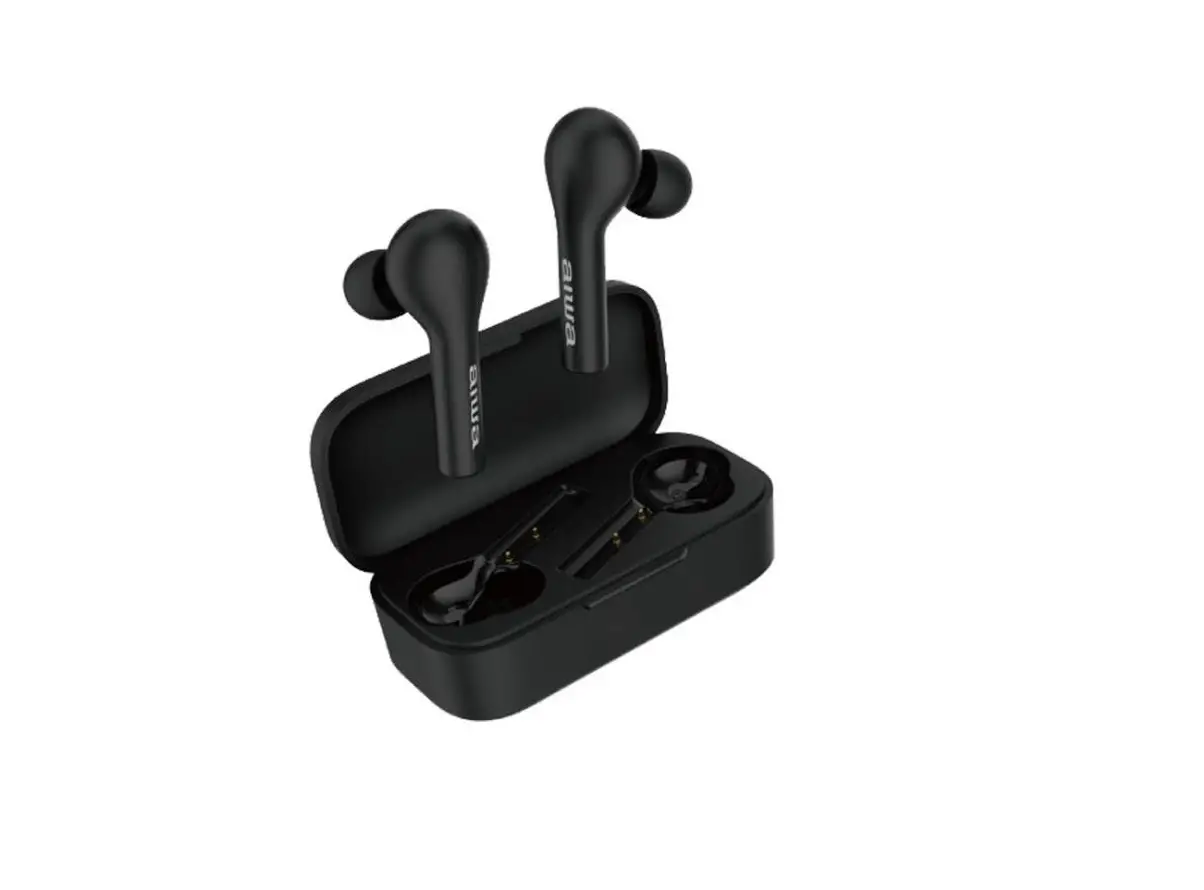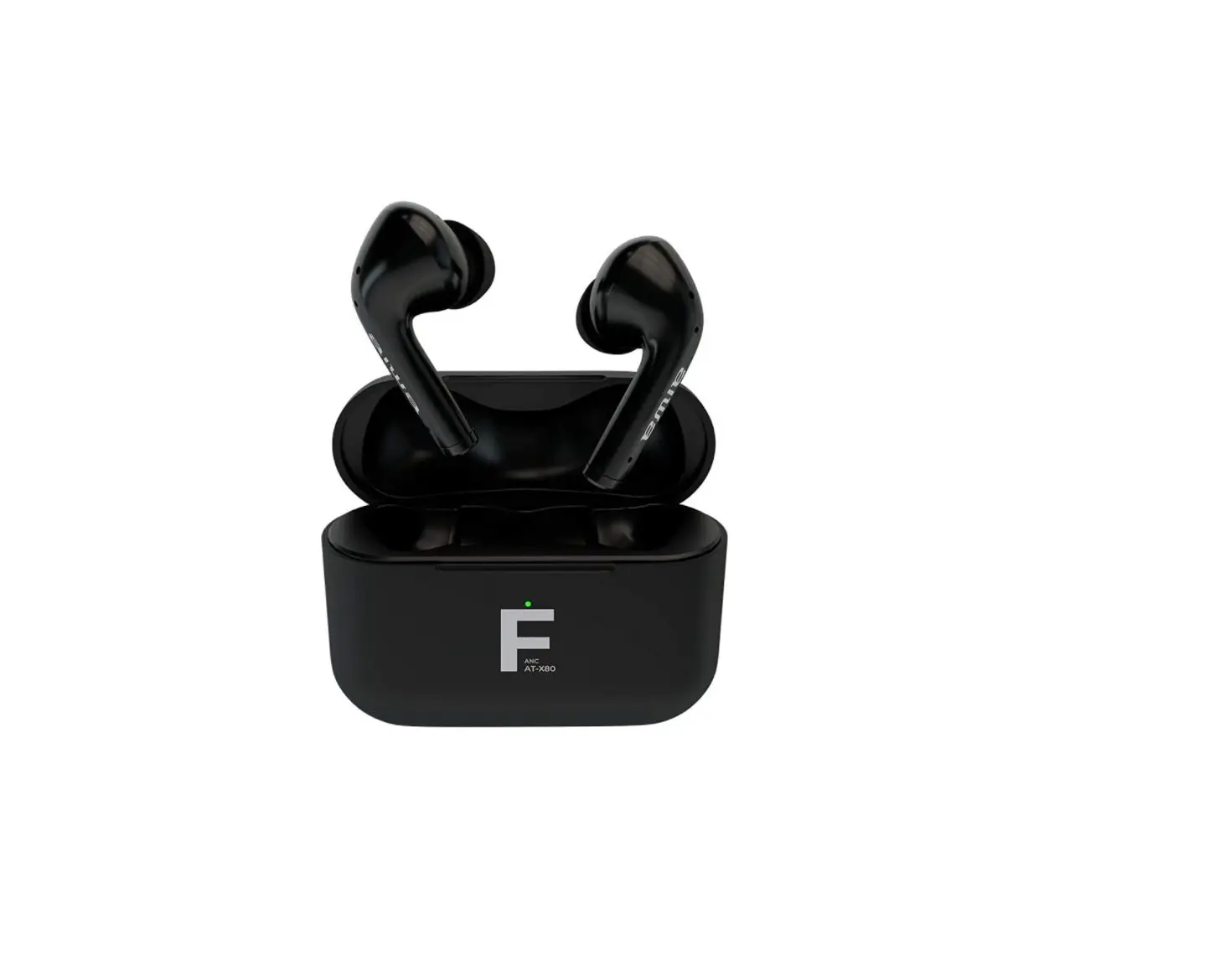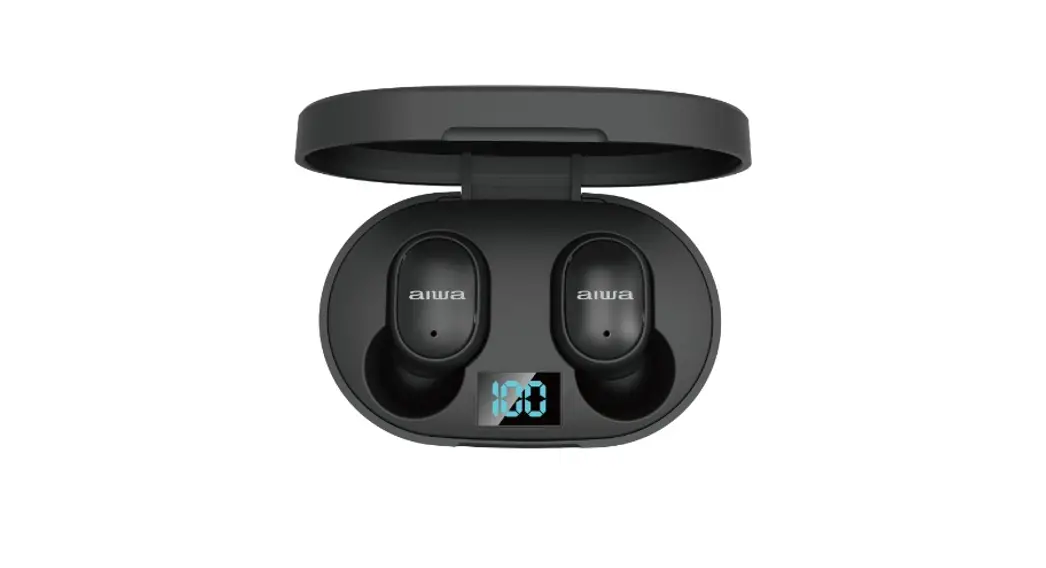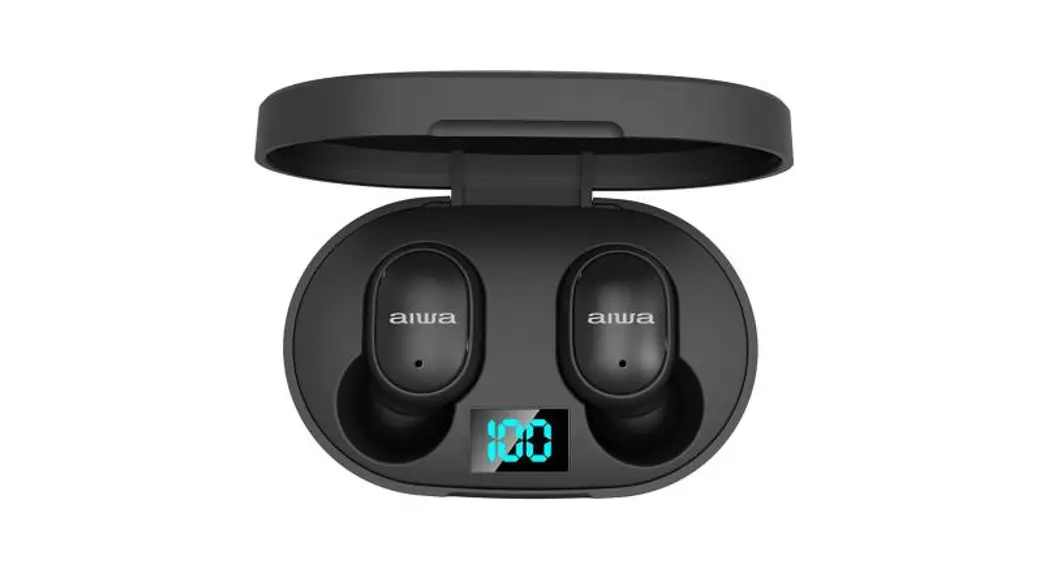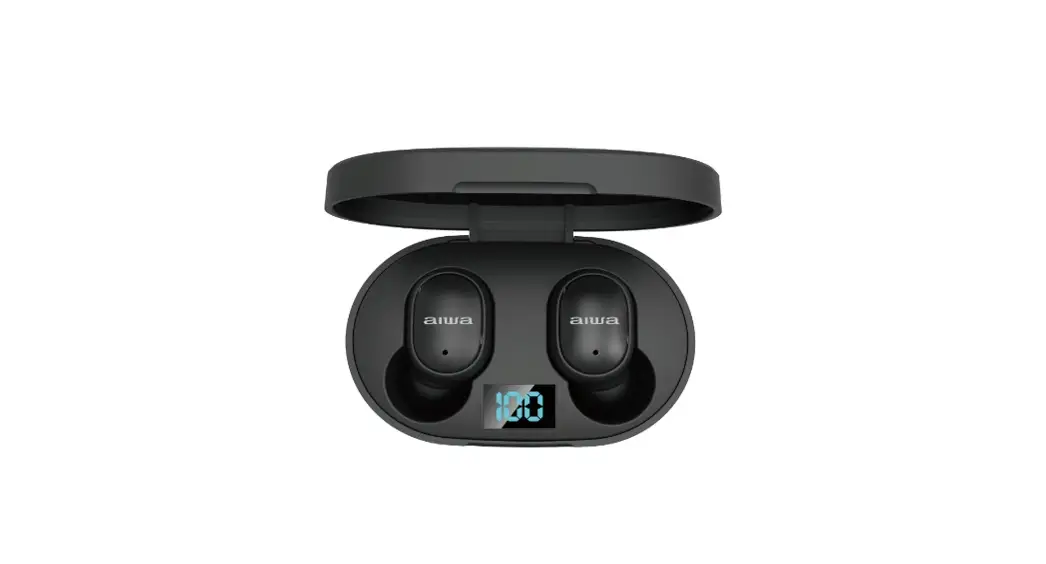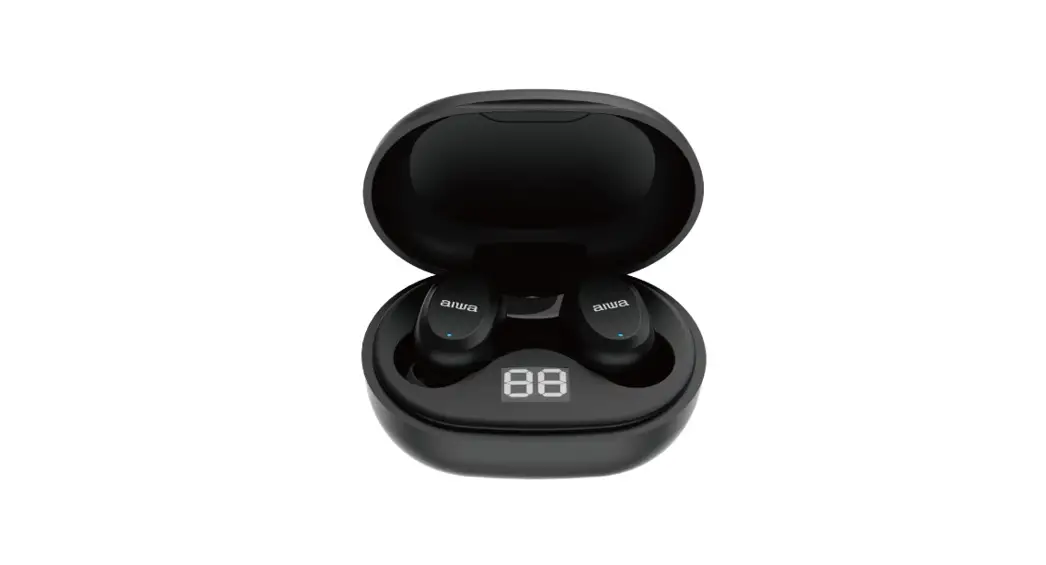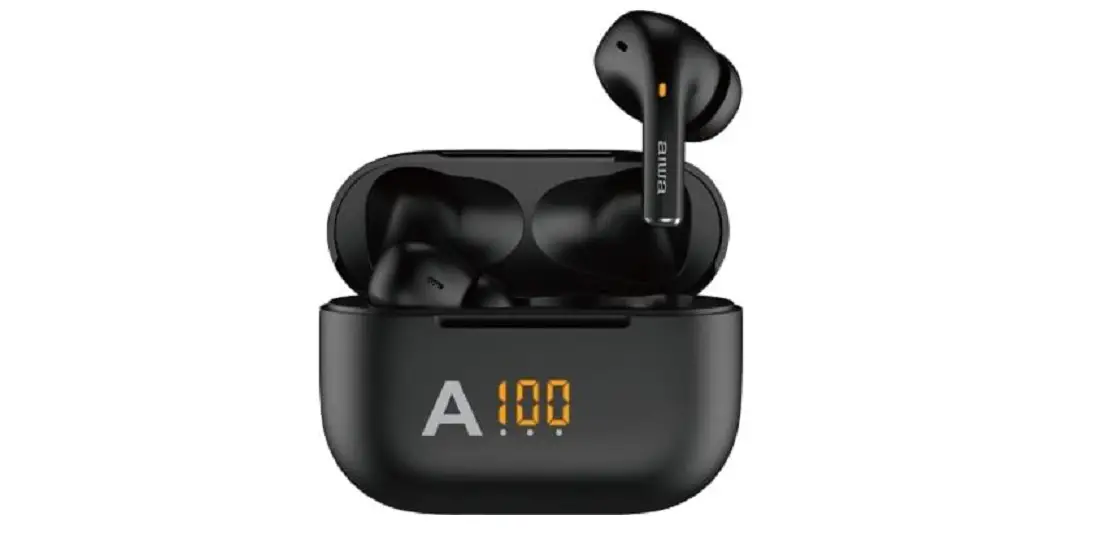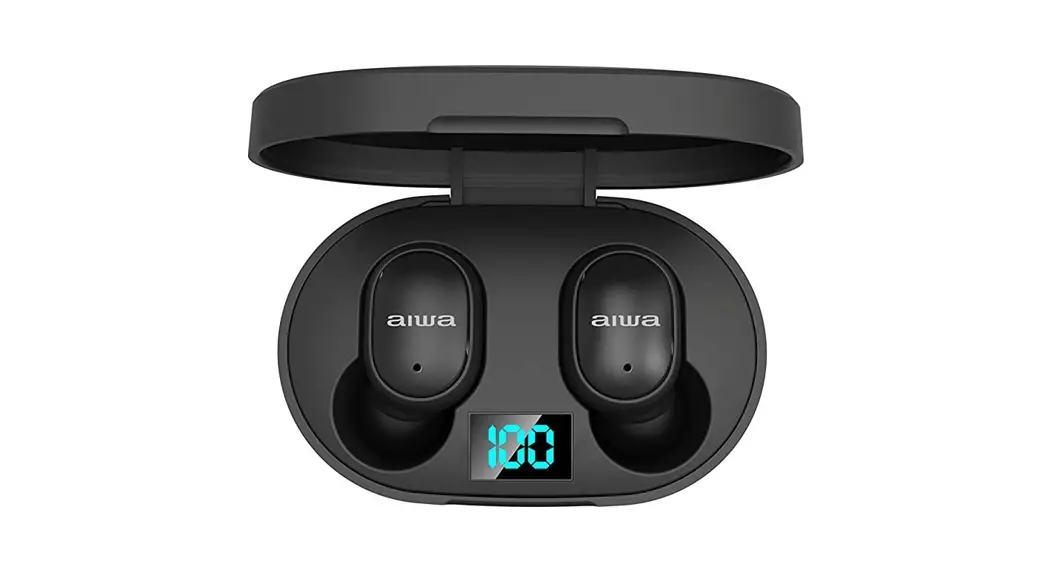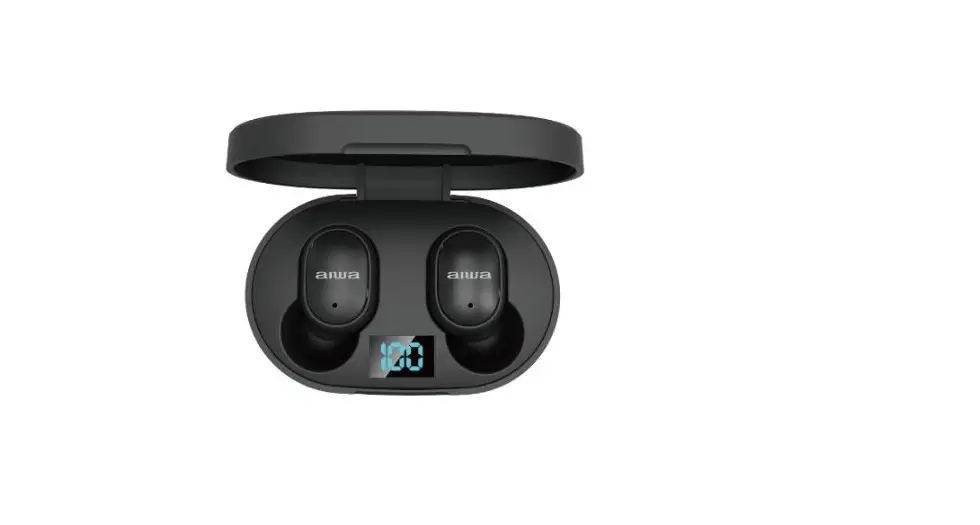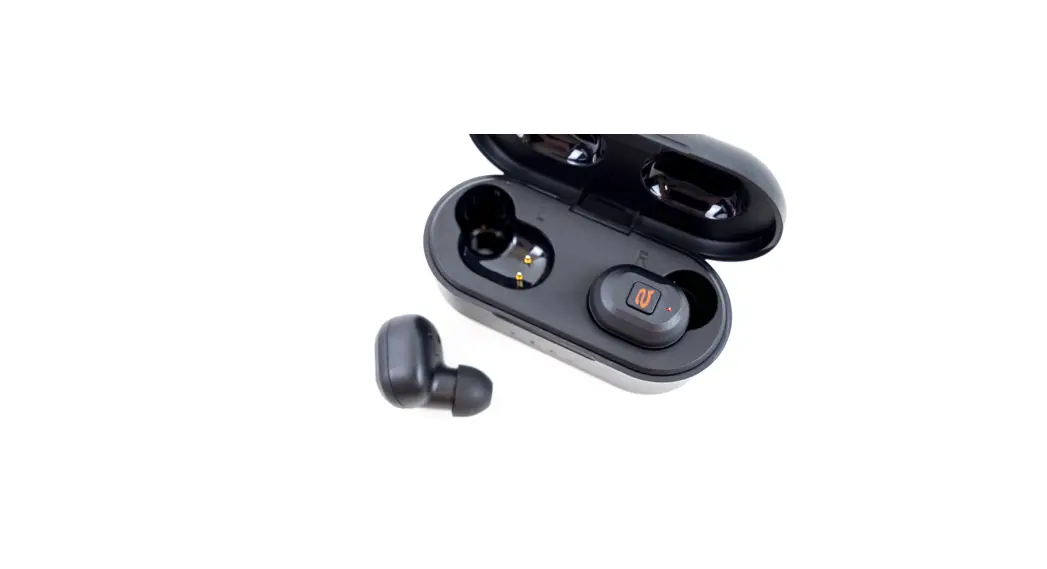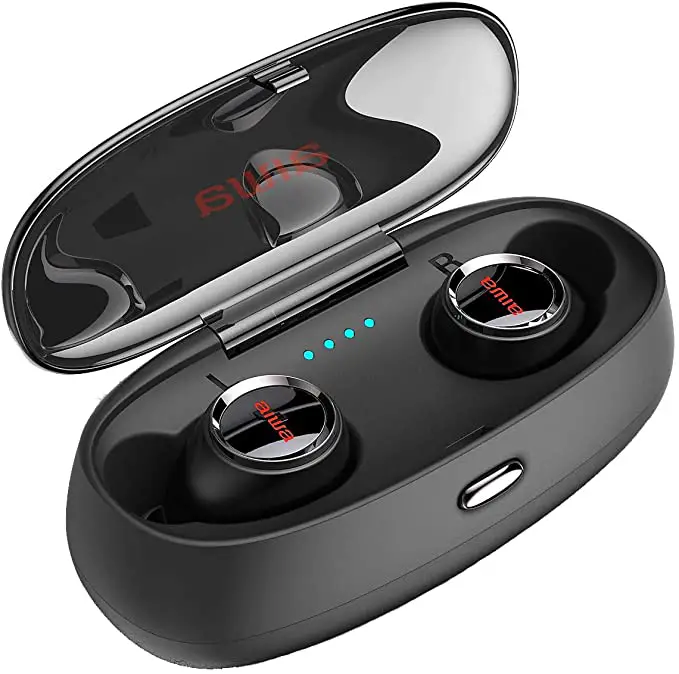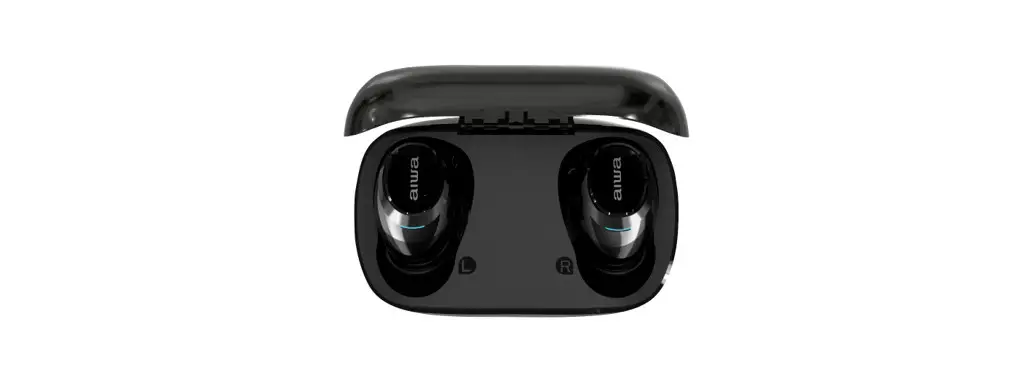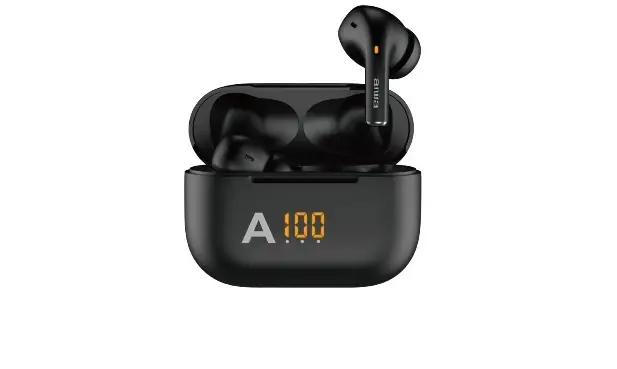

aiwa AT-X80V True Wireless Earphones
AIWA Electronics International Co., Ltd.
Explore more at wwwint-aiwa.com
Product Overview
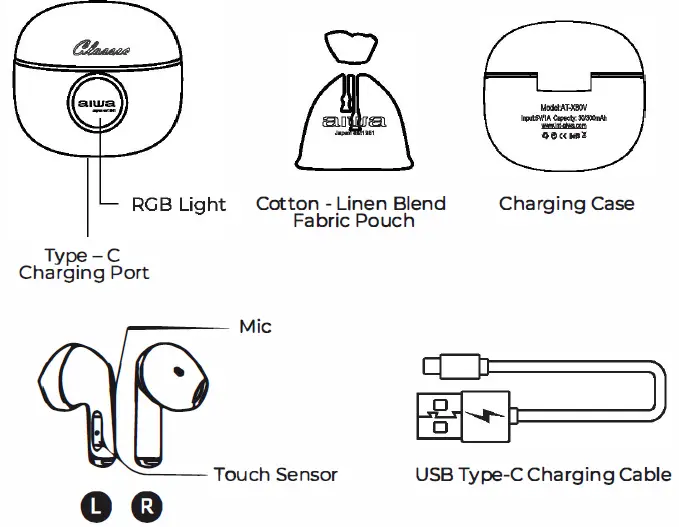
Unboxing
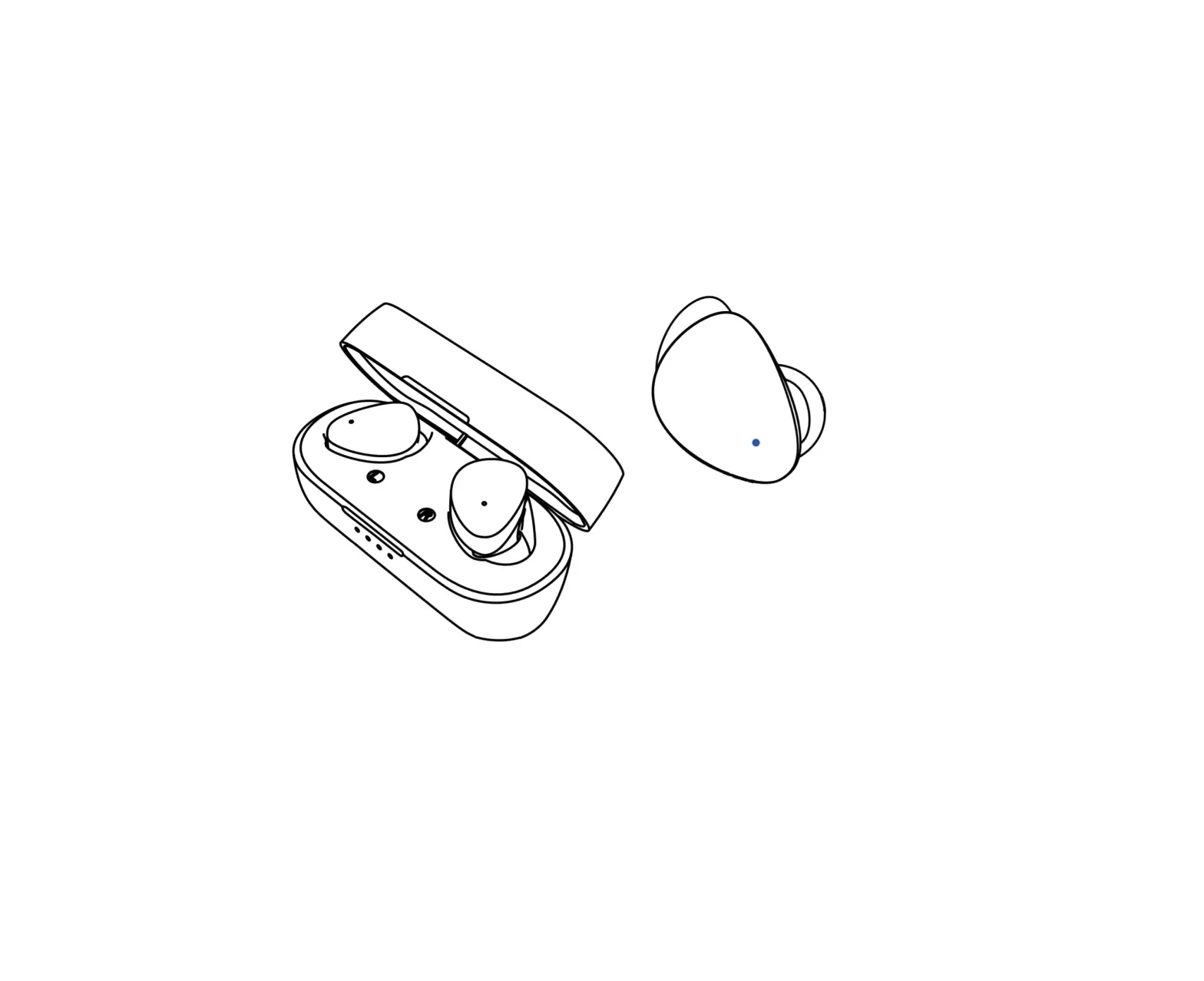
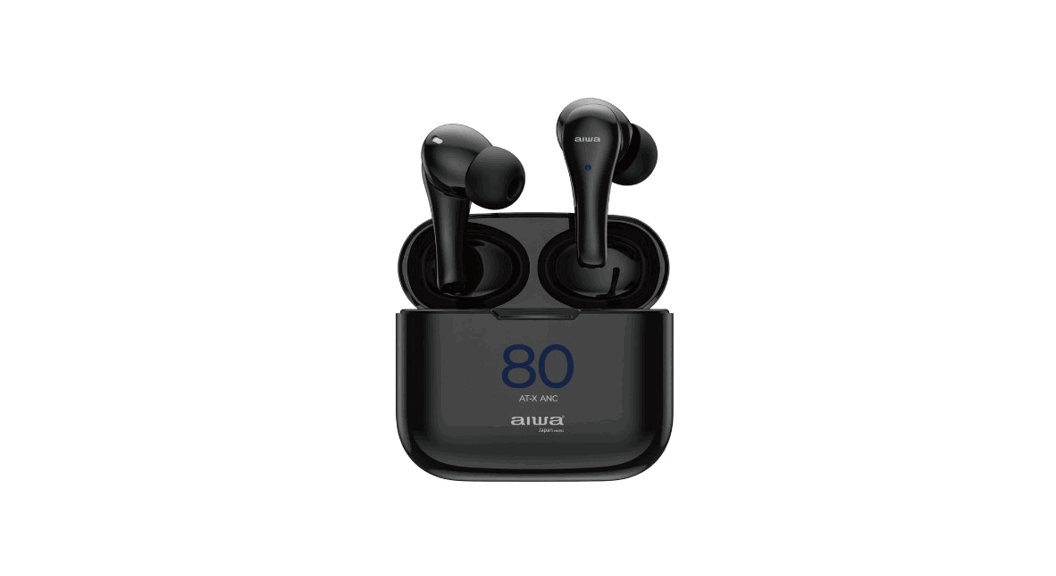
- AT-XBOV Earbuds
- Portable Charging Case
- USEl Type-C Charging Cable
- Cotton – Linen Blend Fabric Pouch
- User’s Manual
Product Specifications
- Model Number:AT-XBOV
- BT Version: VS.l
- IP Rating: IPXS
- Rated Power: 3mW
- Frequency Response: 20~20kHz
- Impedance: 320 ± 15%
- Sensitivity. lOBdB ± 3dB
- Supported Profiles: a2dp\avctp\avdtp\avrcp\hfp\spp\smp\att\gap\gatt\rfcomm\sdp\12cap profile Transmission Distance (Estimated): 10 Meters(No Obstacles)
- Battery (Earbuds): 3.7V/30mAh
- Battery (Charging Case): 3.7V/300mAh
- Earbuds Playback/Call Time: 5.5 Hours
- Earbuds Standby Time: 45 Hours
- Charging Case Standby Time: 280 Days
- Charging Time {Portable Case): 7.5 Hours
- Charging Time (Earbuds): 7.5 Hours
- Charging Time (Portable Case with Earbuds): 3.5 Hours Earbuds Weight: 3g each
- Charging Case Weight: 25.Sg
Playback time figures are estimated values tested in a practical environment and may vary upon individual usage habits. Charging case holds approximately 2-3 charges of earbud’ s full battery capacity depending on playback volume.
Product Usage Guide
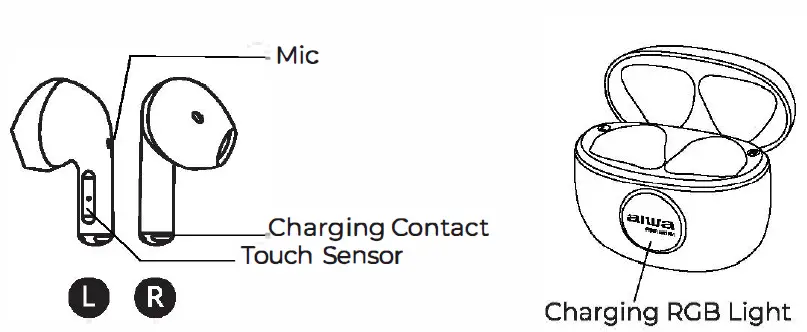
Manual ON:Flip open charging case to power up earbuds.
Make sure earphones are fully charged before using them for the first time
Manual OFF: Place earbuds back into charging case and close the lid.
Music Control
- Play/Pause:Click touch sensor once (1)
- Next Song: Click R side touch sensor thrice (3)
- Previous Song: Click L side touch sensor thrice (3)
- Volume+: Click R side touch sensor twice (2)
- Volume-: Click L side touch sensor twice (2)
Call Control
- Answer: Click Lor R side touch sensor once (1)
- Hang Up: Click Lor R side touch sensor once (1)
- Reject Call: Long press touch sensor for two seconds
Voice Assistant
Activate Voice Assistant: Long press touch sensor for two seconds
Connecting the Product
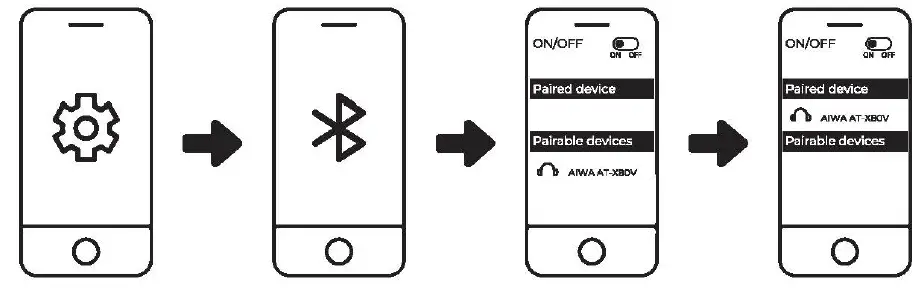
- Turn on Bluetooth (BT} on your mobile device
- Turn on Earbuds (Flipping open charging case will power up earbuds)
- Search and connect to “AIWA AT-XSOV” from your mobile device
Troubleshooting
Unable to connect to earbuds with device/ L Side Earbud unable to link with R side earbud / Only one (7} side earbud can be connected to device.
Solution:
- Place earbuds back into charging case, close and re-open the lid.
- Make sure Earbuds are NOT connected to your device.
- Take out both earbuds and click the touch sensors 4 times. Place the earbuds back into the charging case.
- Earbuds are now ready to be paired again.
Battery & Charging
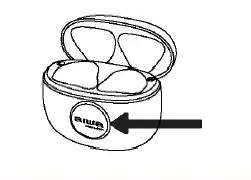
Battery Low Indication: Charging case indicator light blinks 6 times upon opening the case lid.
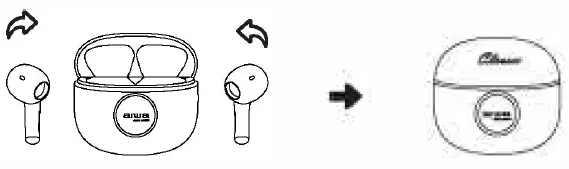
Charge earbuds: Place earbuds into charging case. Charging case RGB Light will be extinguished upon earbuds full charge.
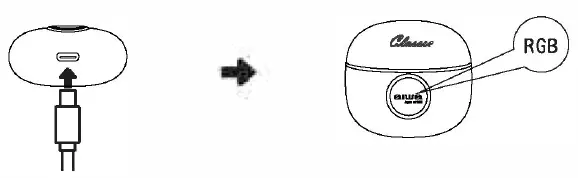
Charge Case: Connect charger to the designated charging port. Charging: Charging case RGB Indicator Light will be in UBreathing” Status. (Light gradually transitions) Charging case RGB Light will stay lit up upon full charge.
AIWA Electronics International Co., Ltd.
Explore more at www,int-aiwa.com