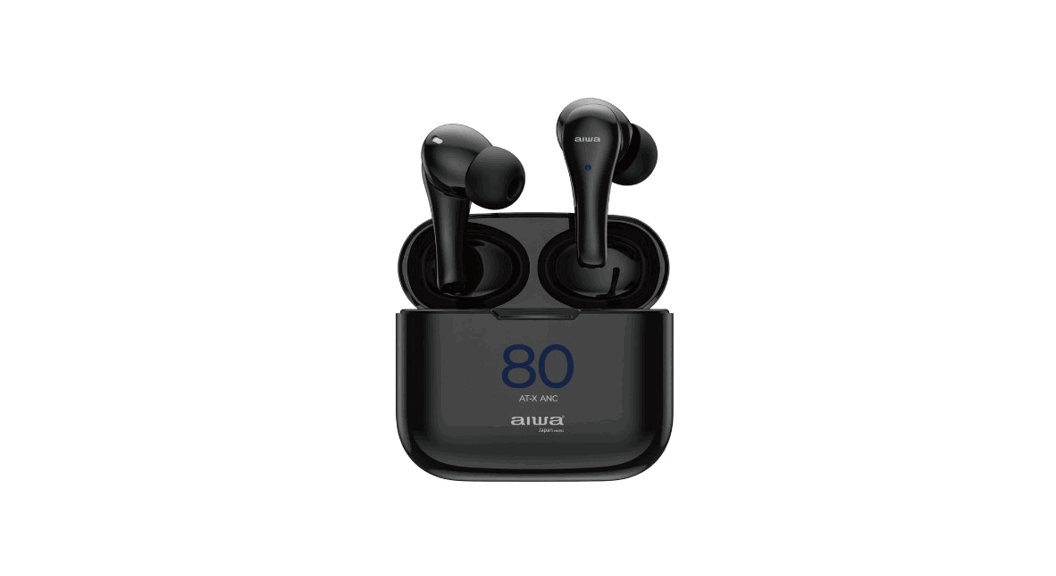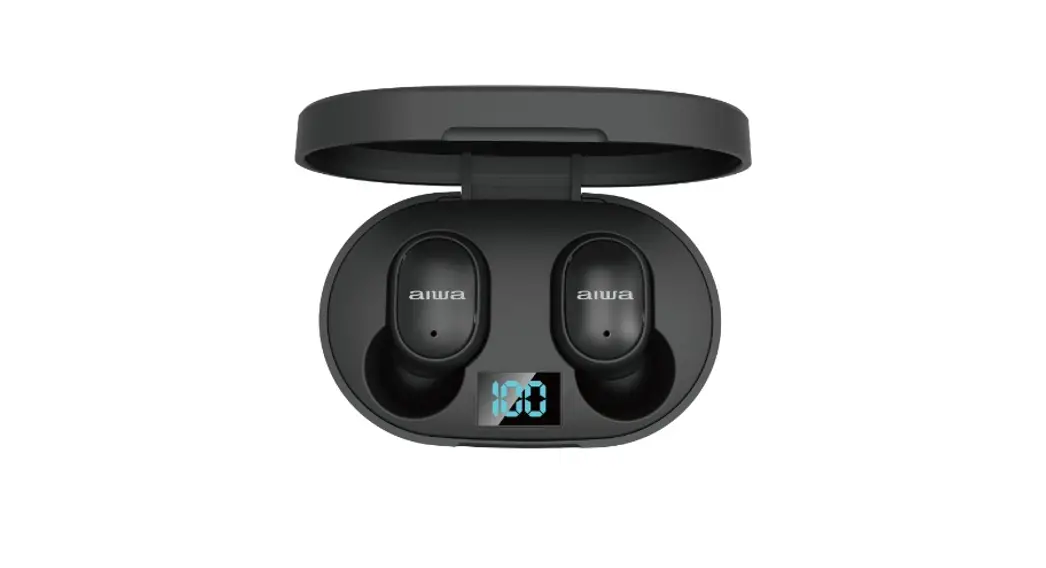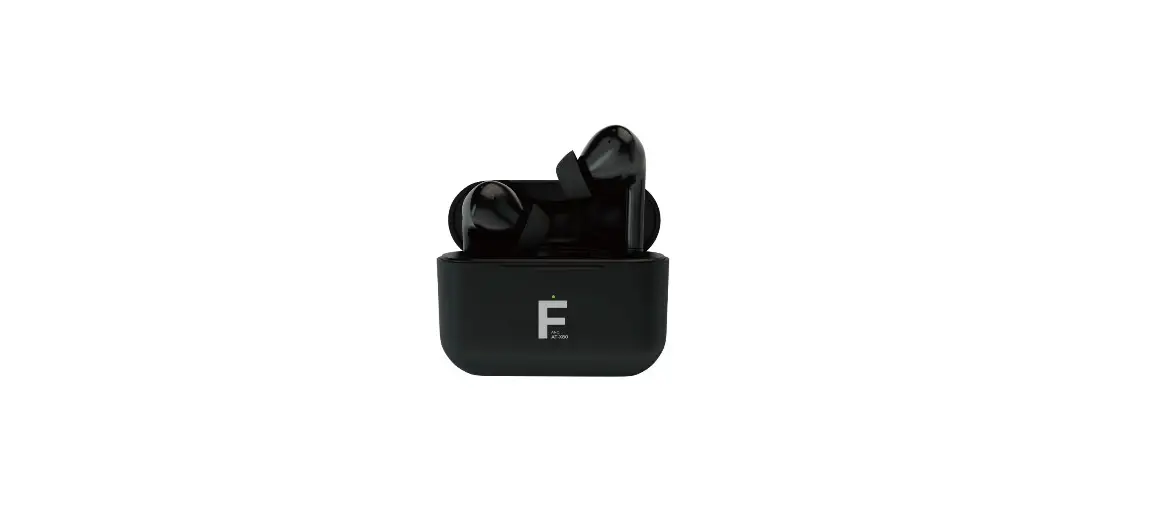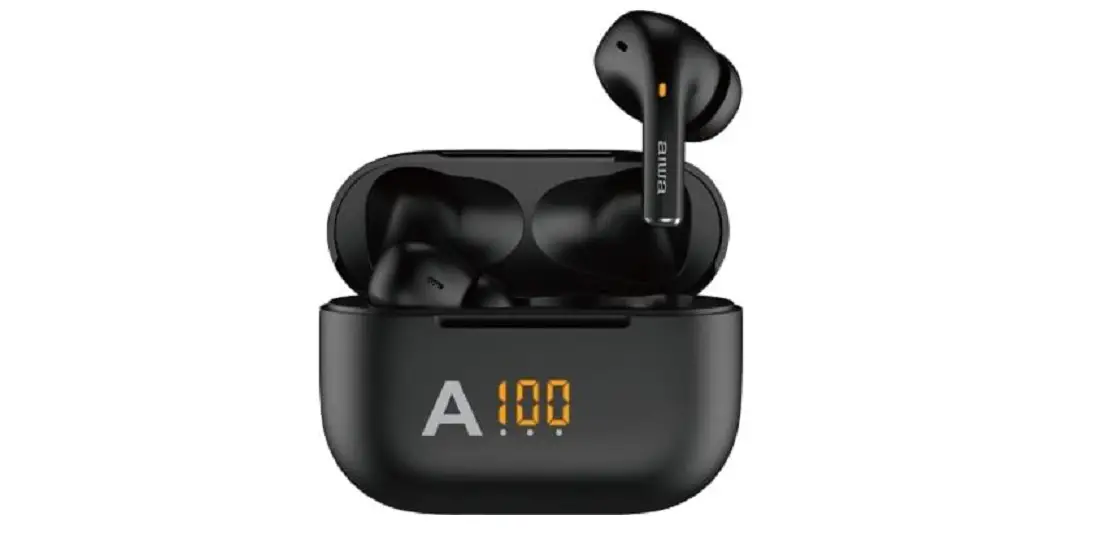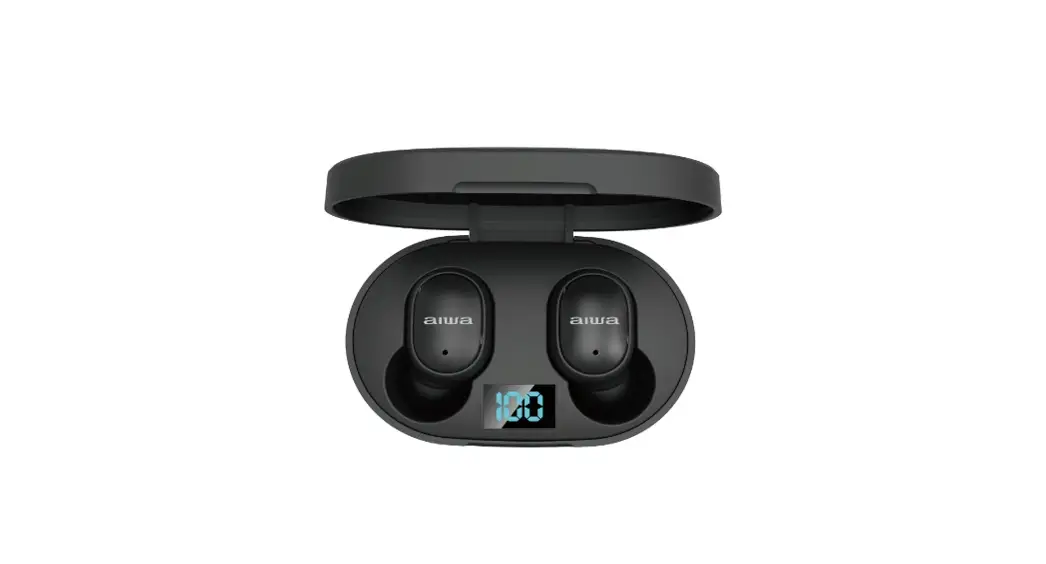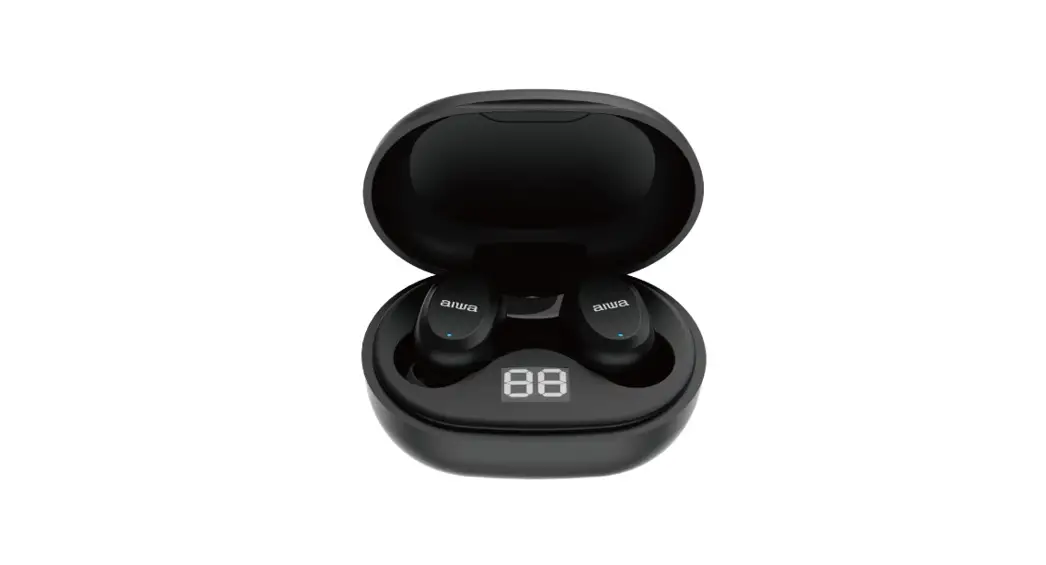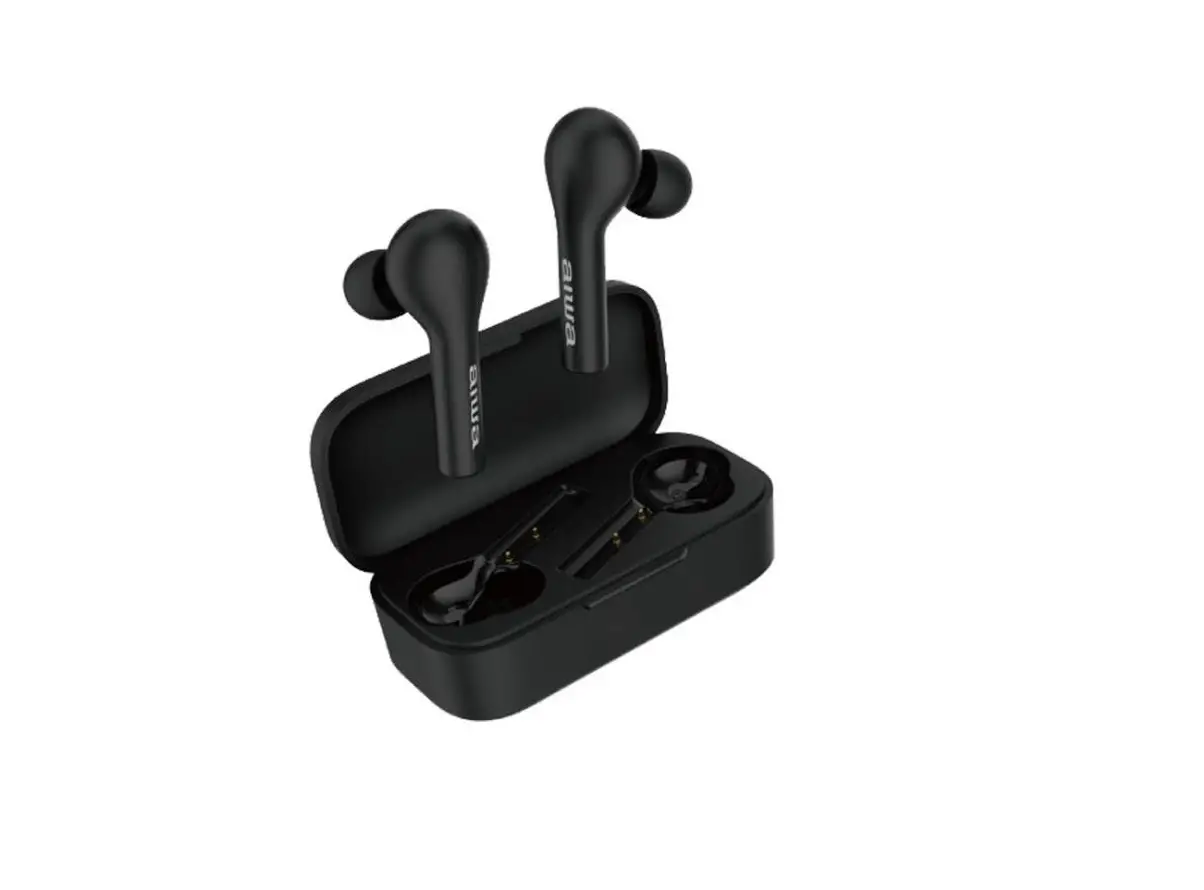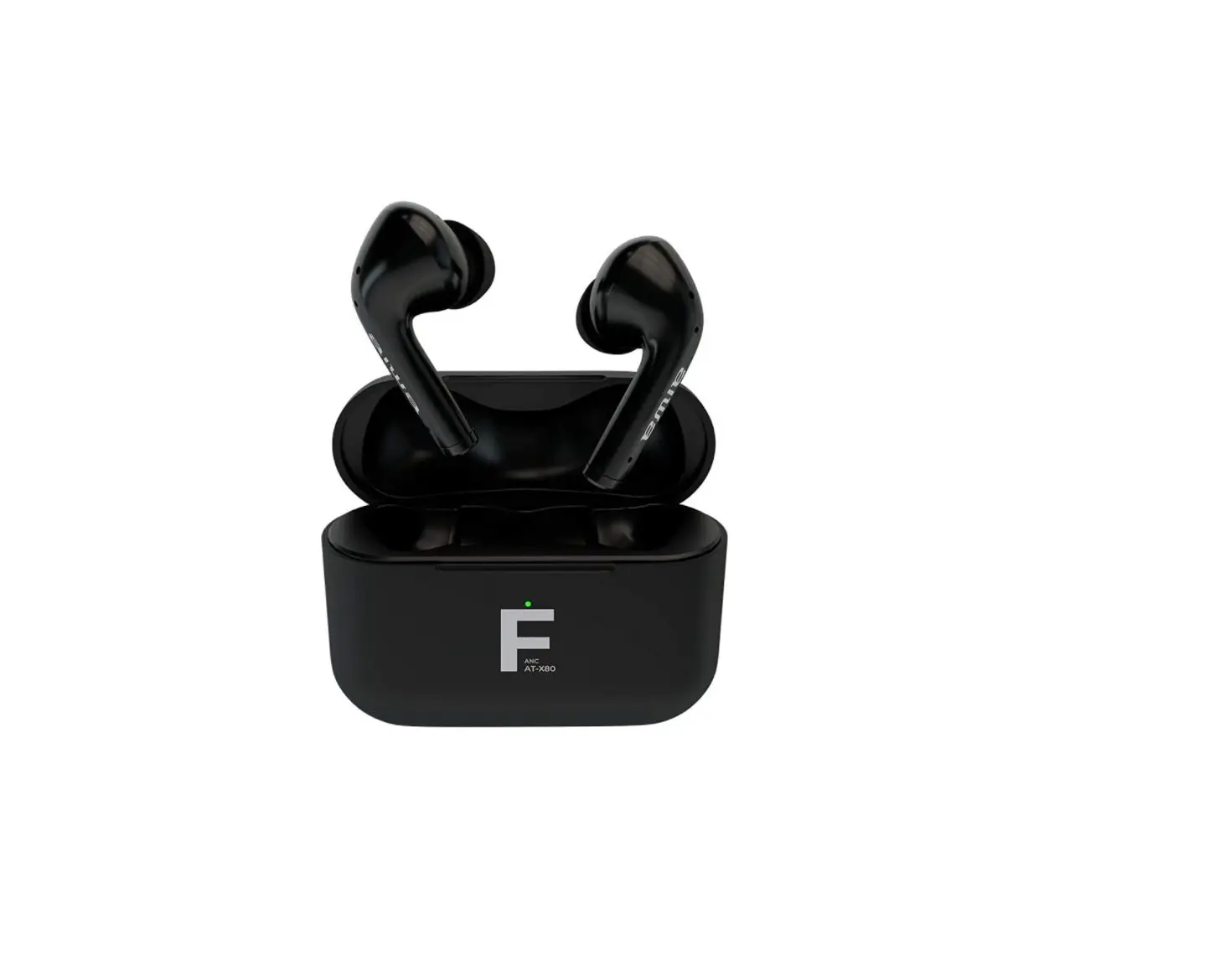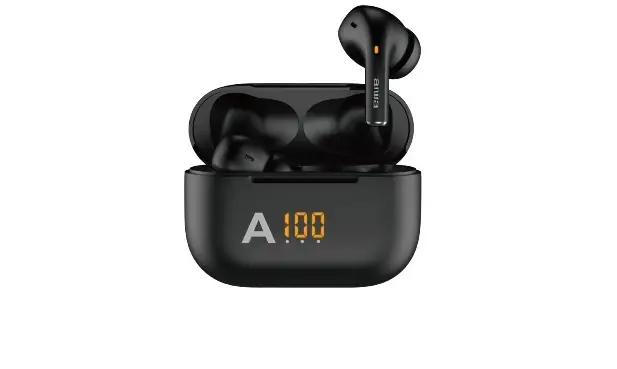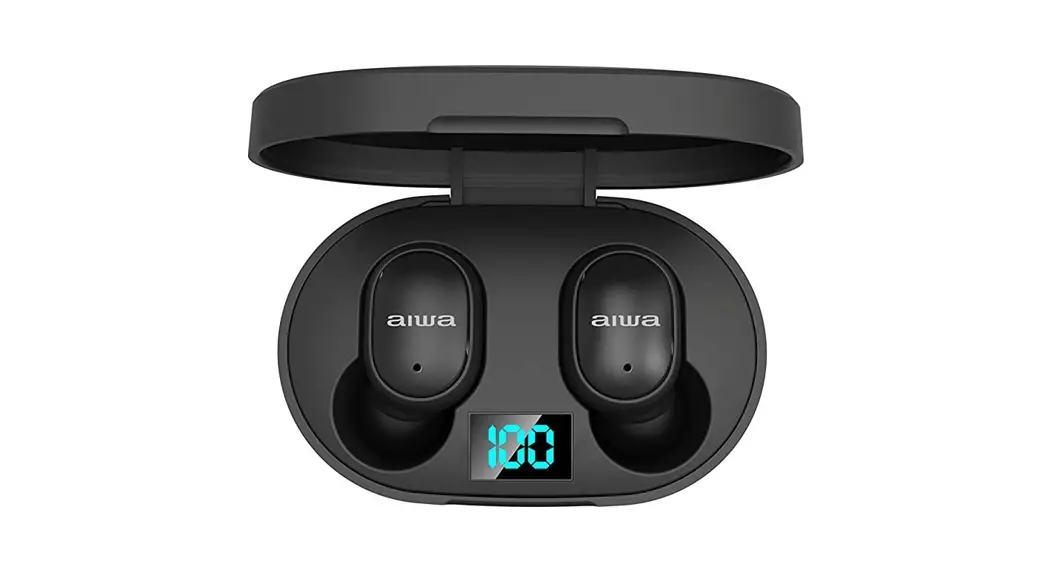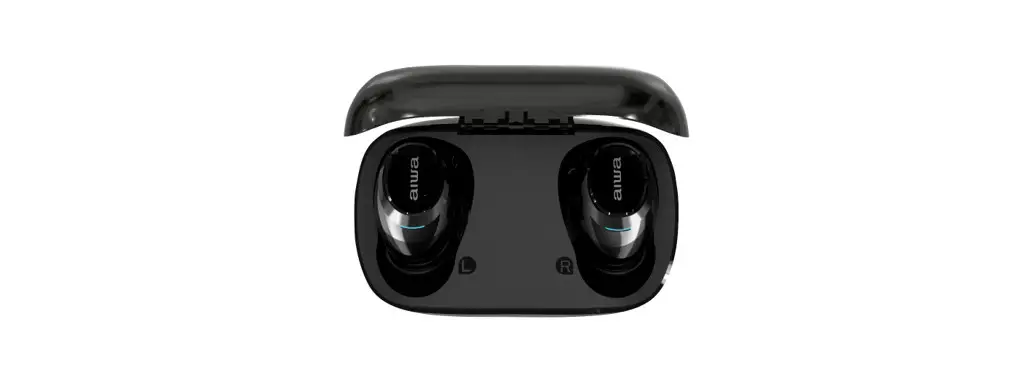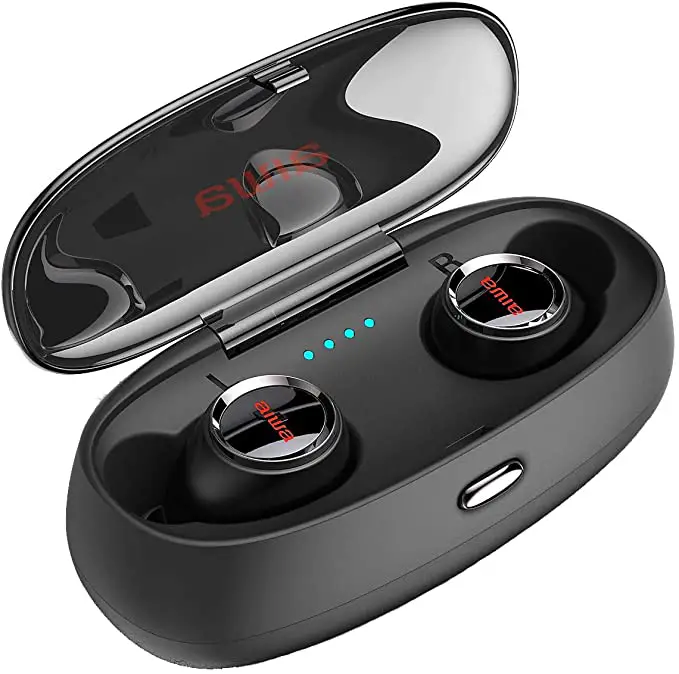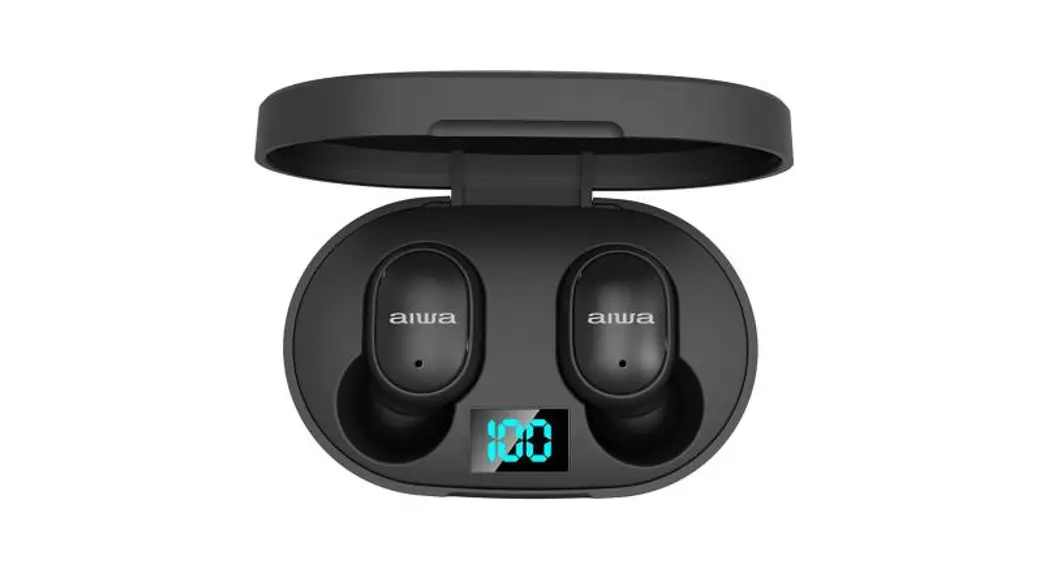

AT-X80K True Wireless Earphone
User Manual
AT-X80K
True Wireless Earphones
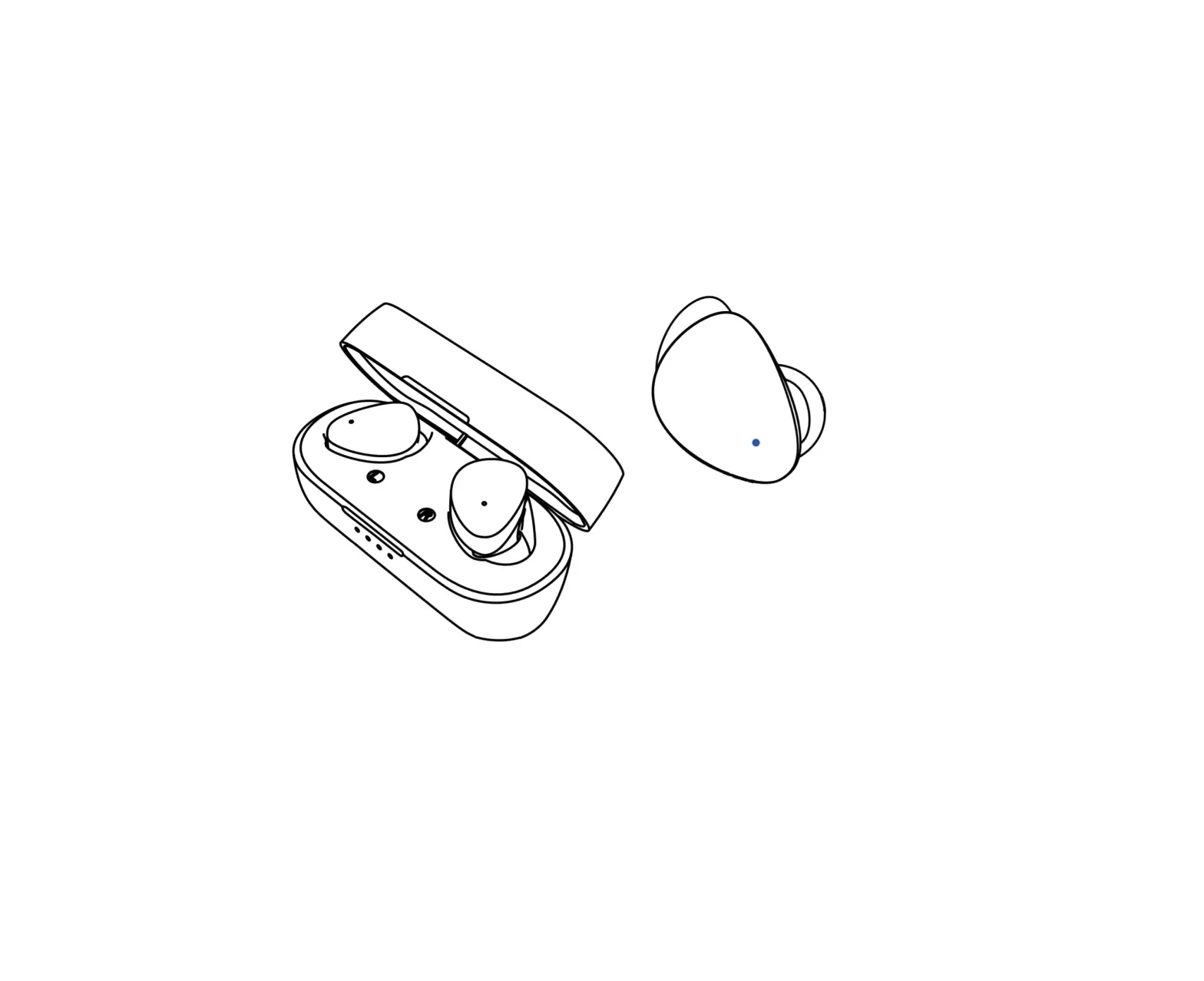
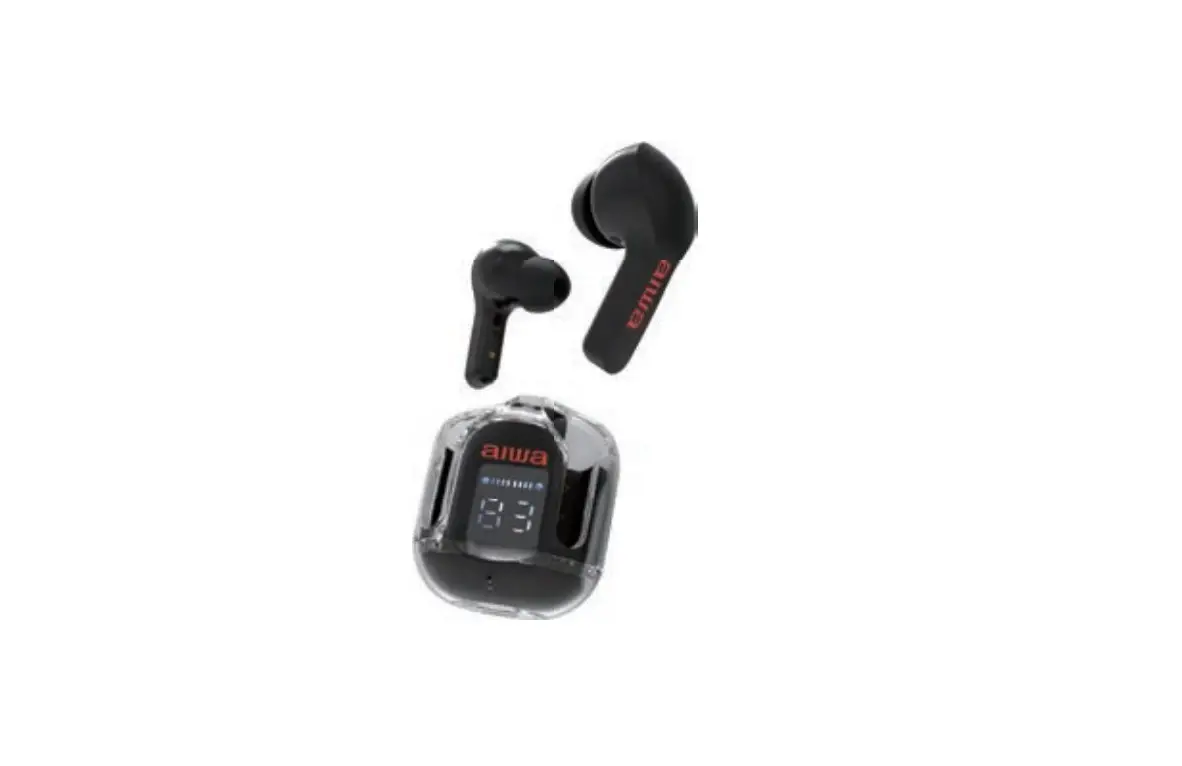
Product Schematic Picture
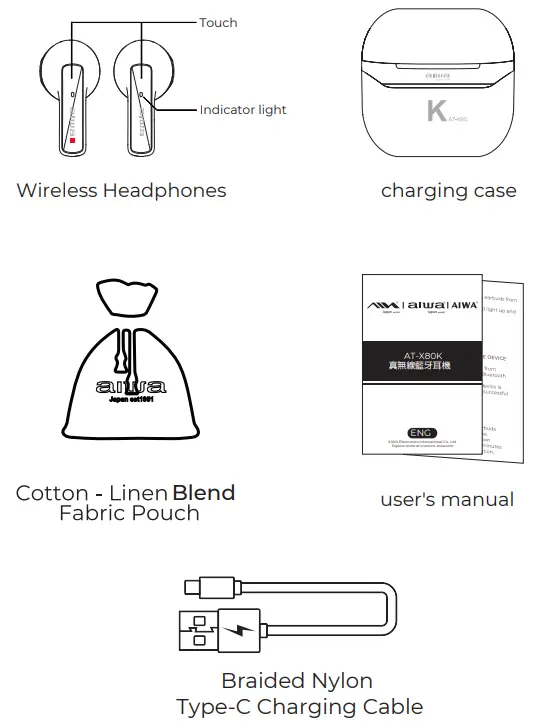
Packaging List
– AT-X80K Earbuds
– Portable Charging Case
– Braided Nylon Type-C Charging Cable
– User’s Manual
– Cotton
– Linen Blend Fabric Pouch
Product Specifications
Model Number: AT-X80 K BT
Version: V5. 1
IP Rating: IPX 4
Rated voltage/current: 5V 1A
Rated Power: 3mW
Frequency Response: 20Hz-20KHz
Battery: (Earbuds) 3.7V/ 25mAh (charging case)3.7V/250mAh
Supported Profiles: A2DP\AVCTP\AVDTP\AVRCP\HFP \SPP\SMP\ATT\GAP\GATT\RFCOMM\SDP\L2CAP PROFILE
Audio decoding: AACmSBC
Impedance: 32±15%
Sensitivity: 105dB± 3dB
Transmission distance(Estimated): 10Meters (No Obstacles)
Working Time: 5 hours (Approx)
Earbuds+Charging Case Standby 260 Days(Approx) Charging Time(charging case):1.5 Hours(Approx)
Charging Time(Earbuds):1.5 Hours(Approx)
Charging Time (charging case with Earbuds): 2 Hrs(Approx.)
Earbuds Weight: 3.2g each
Charging case Weight: 19.5g
*Charging case holds approximately 3 full earbuds charges.
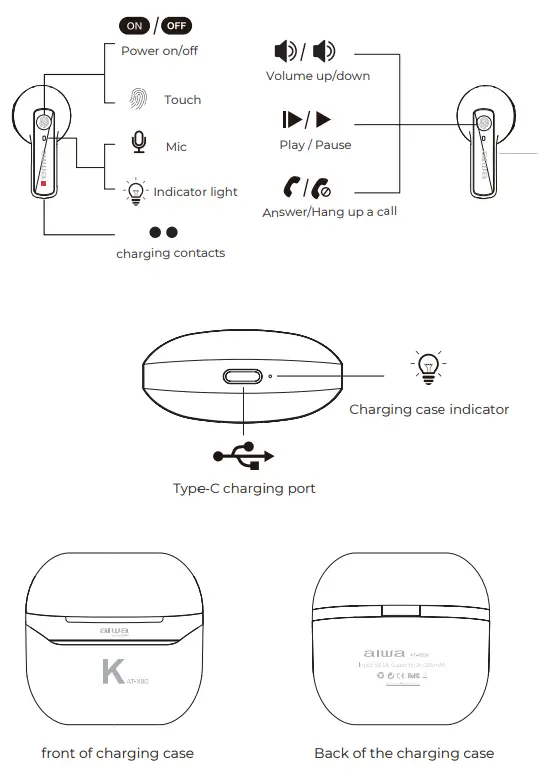
Schematic diagram of product operation

Product Instructions for Use
Power ON:
Automatic power ON:
- Remove earphones from the charging case.
- The earphones will turn on automatically & enter into pairing status.
Manual power ON:
- Long press (L or R side) earbuds for 3 seconds
*Earbuds indicator light remains lit in white for 4 seconds after power ON
*Either one of the earbuds will flash red & white upon the successful connection between the earbuds
* Before using it for the first time, make sure the headset is fully charged. *
Power OFF:
Automatic power OFF:
- Place earbuds back into the charging case.
Manual power OFF:
- Long press the touch sensor(L or R side) earbud for 5 seconds.
*Earbuds indicator lights will flash 3 times in reds.
*AT-X80K will power OFF automatically after 3 minutes of disconnection.
Music Control
Play / Pause………………Click touch sensor once (1)
Next Song…………………….Long press the right touch sensor button for 1.5 seconds
Previous Song………………….Long press the left touch sensor button for 1.5 seconds
Volume +………………….Double-click the right touch sensor(2)
Volume -…………………………Double-click the left touch sensor(2)
Call Control
Answer/Hang up………………………………. Click the touch sensor once (1)
Reject Call…………………………………………. Press and hold the touch sensor button for 2 seconds
Voice Assistant…………………………………..Triple-click the touch sensor on the right (3)
Last Number Replay……………………………… Triple-click the touch sensor on the left (3)
Connecting the Product

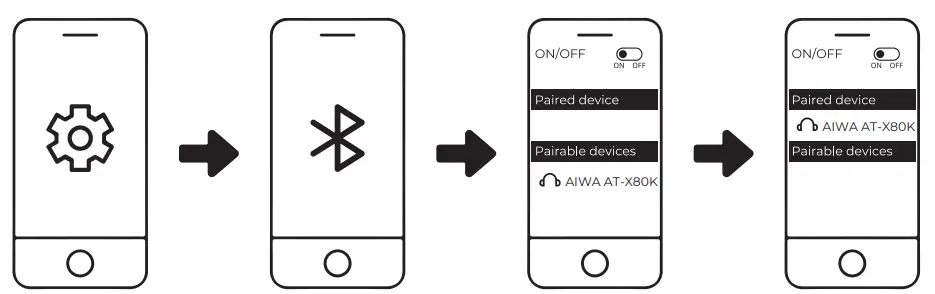
- Turn on Bluetooth (BT) on your mobile device
- Remove earphones from the charging case & connect to “AIWA AT-X80K” from your Bluetooth device.
- The earbuds indicator light will turn off upon successful connection.
Troubleshooting
L side earbud cannot be linked with R side earbud
Solution: Place earbuds back into the charging case and close the case. Re-open the lid after a few seconds.The earbuds would now be linked to each other & is ready to be connected to your mobile device.
If the above solution does not work, please clear the earbuds pairing history:
- Turn off & disconnect all Bluetooth devices from the earbuds.
- Remove ONE (1) earbud from the charging case & click on the touch sensor FOUR (4) times.
- Place that earbud back into the charging case
- Repeat this process for the other earbud.
- Remove both earbuds from the charging case & wait for both earbuds to be linked to each other before initiating pairing with your Bluetooth device.
Battery & Charging
Earbuds low battery
“Battery low” voice prompts will commence every minute. The earbuds indicator light will flash in red every 5 seconds. Place them back into the charging case to re-charge.
The low battery of the charging case
The charging case indicator light will flash rapidly in blue. Please re-charge the charging case.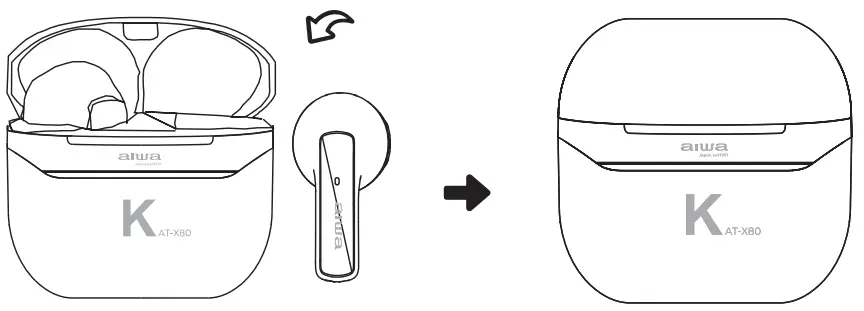
Place both earbuds back into the charging case
*The charging case indicator light will turn solid blue
*Earbuds are fully charged when the charging case indicator light turns off
* Approximate earbuds charging time: 1.5 Hrs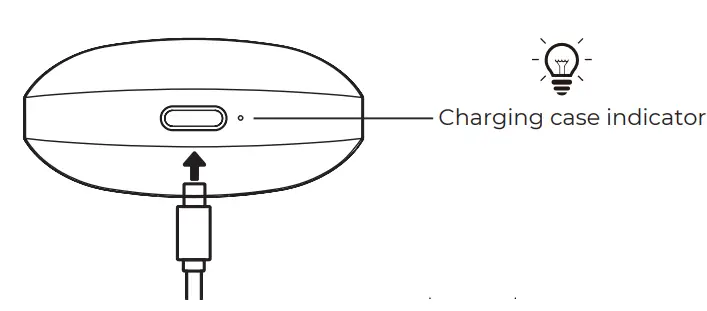 While charging: Light flashes Full charge: Solid red light
Unplug charging cable: Charging case indicator light turns blue for 8 seconds.
Approximate charging case charging time: 1.5 Hrs
AT-X80K
True Wireless Earphones
AATT–XX8800KFANC Active Noise CaTnWcSelling ENG AIWA Electronics International Co., Ltd.
Explore more at www.int-aiwa.com AIWA Electronics International Co., Ltd. Explore more at www.int-aiwa.com
 Mandrops AG Bahnhofstrasse
17 96106 Ebern Germany
 aiwa
aiwa