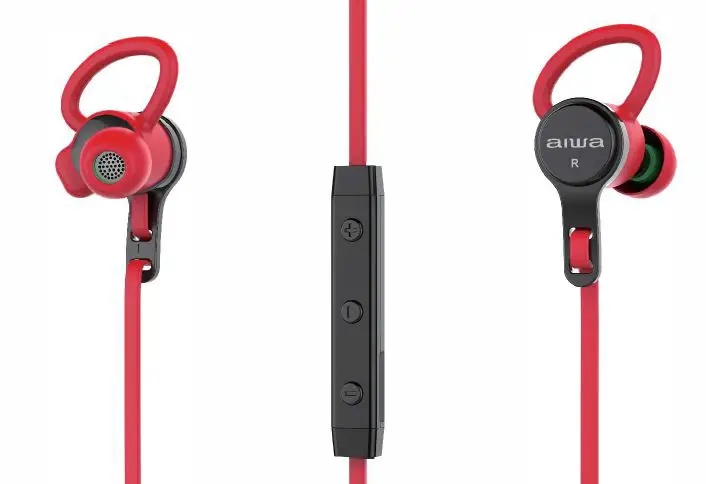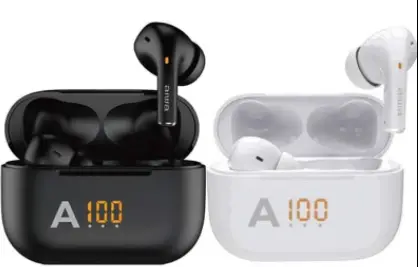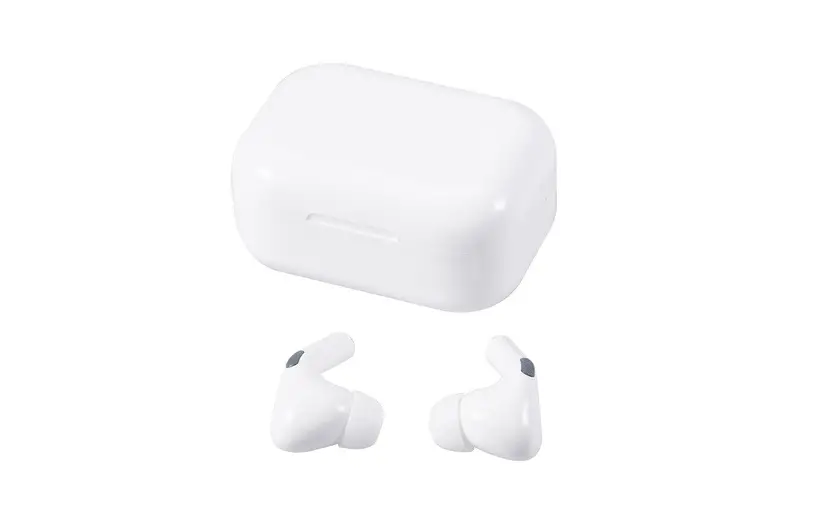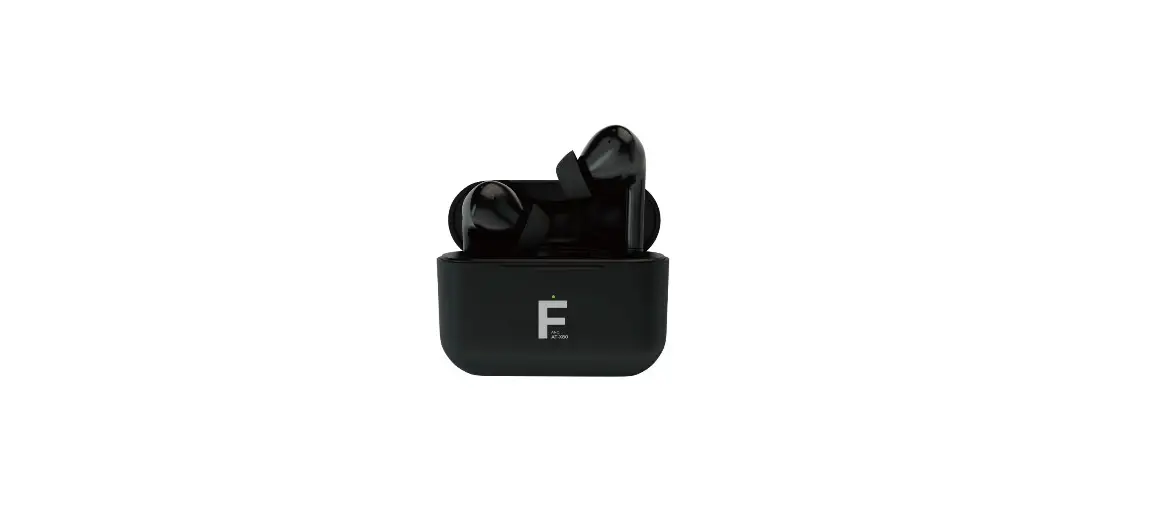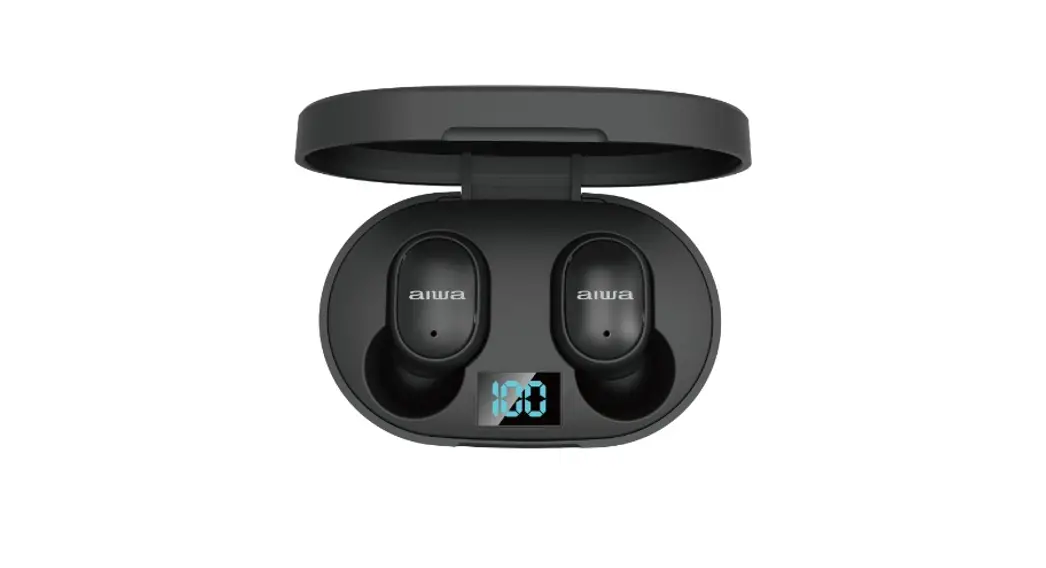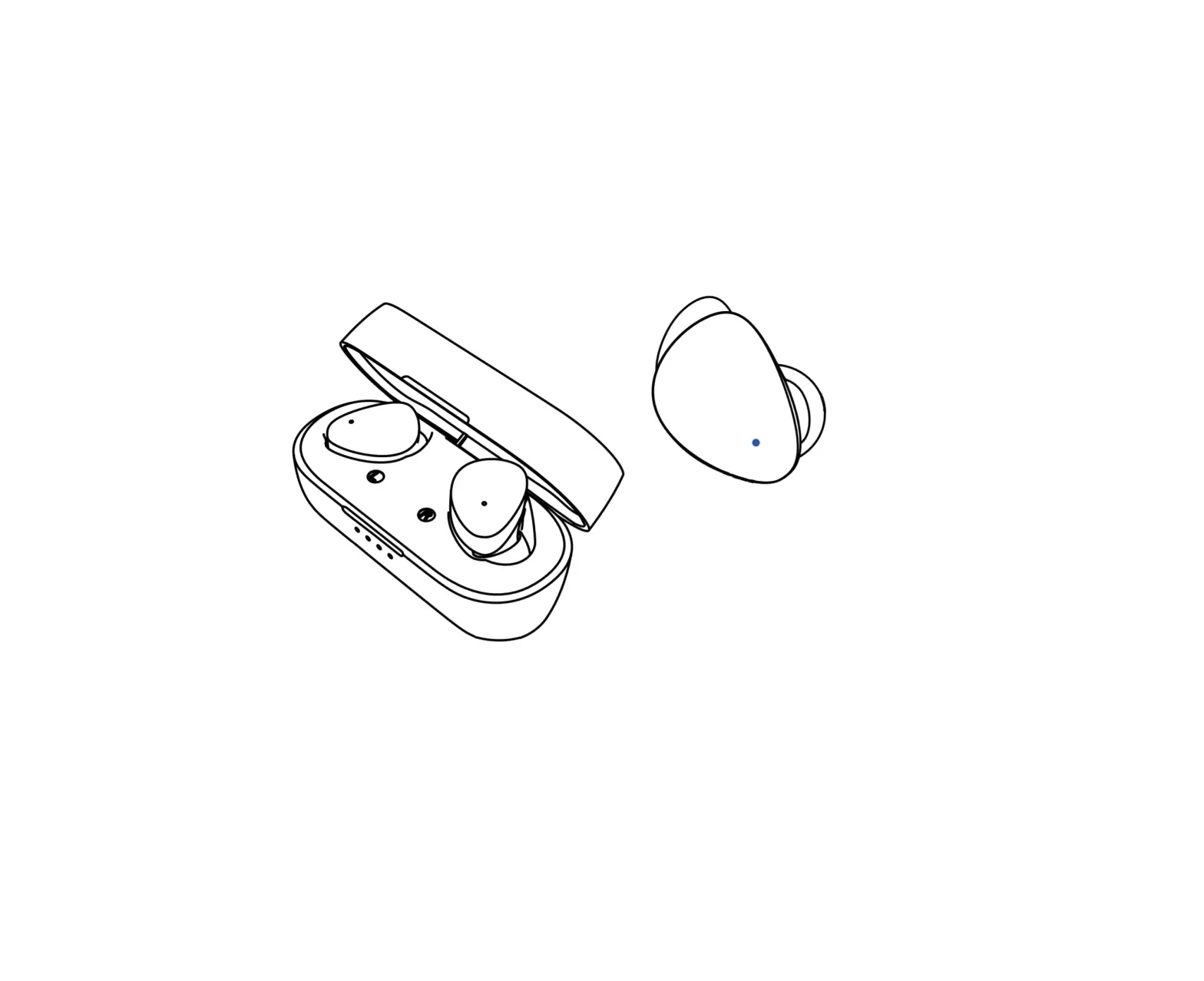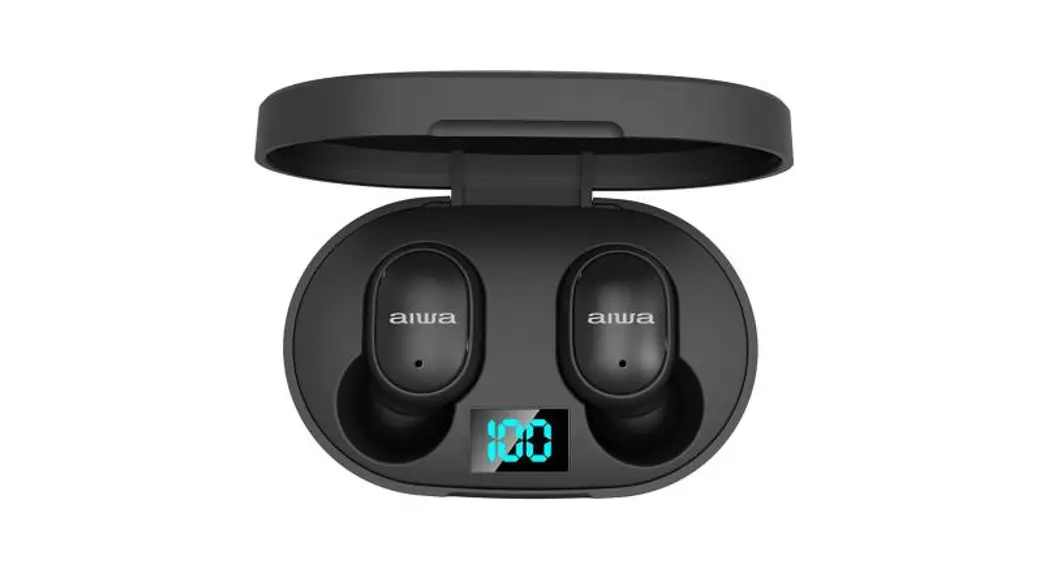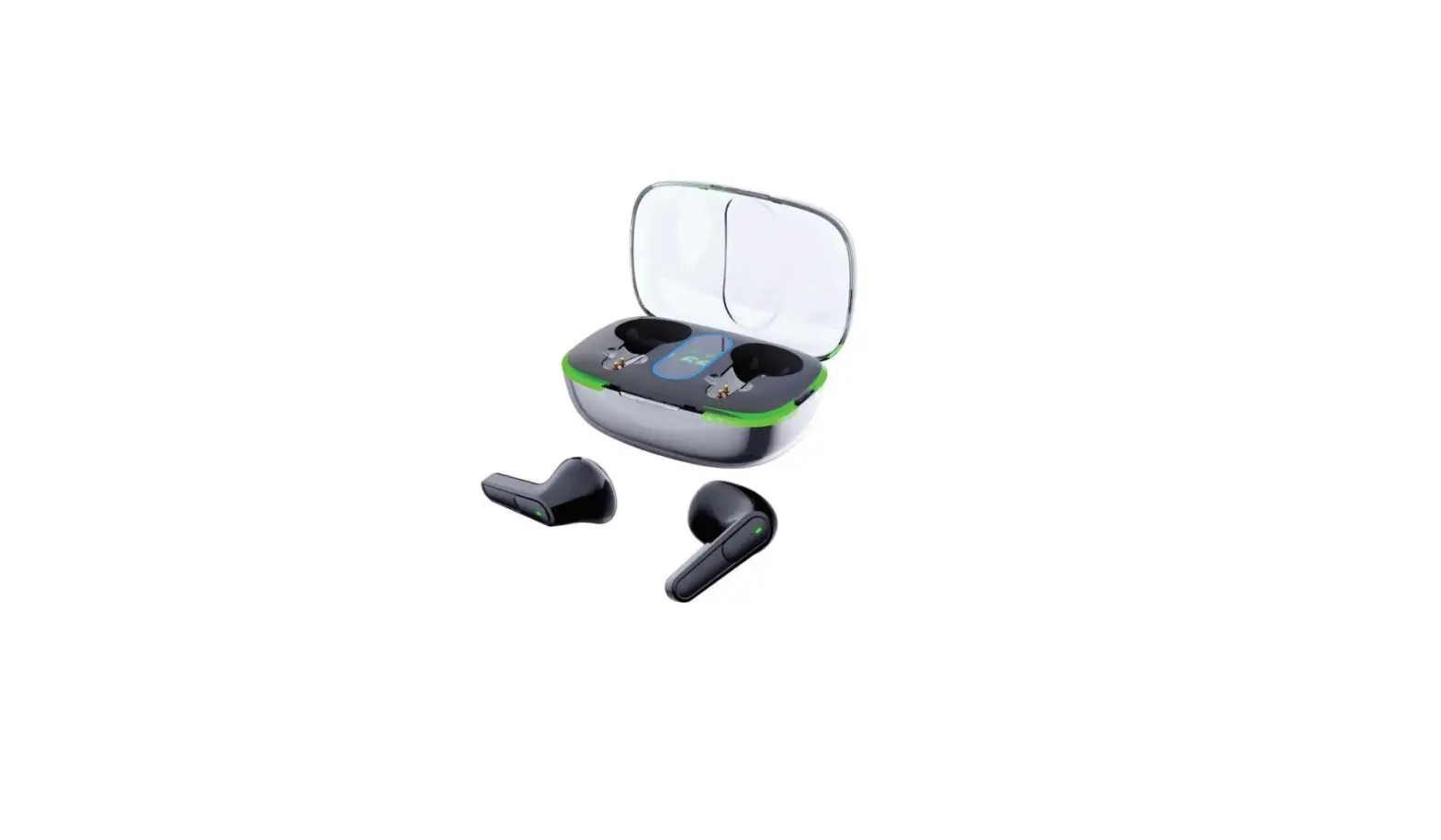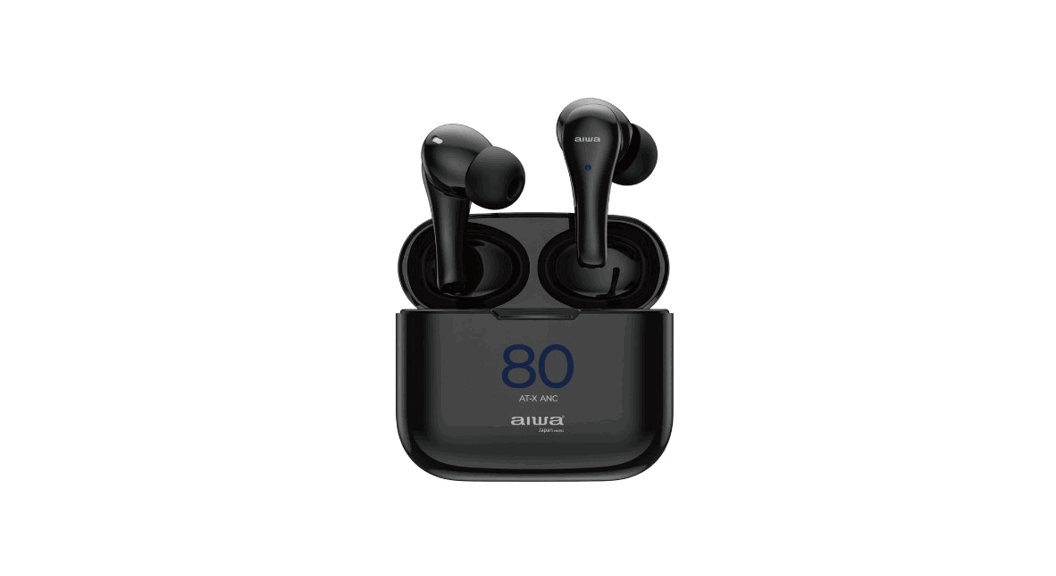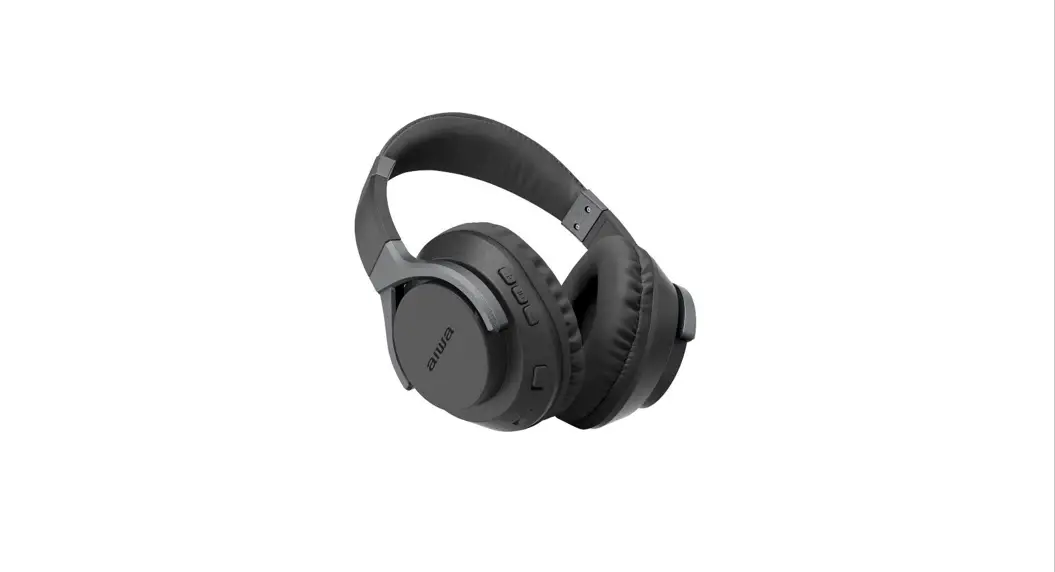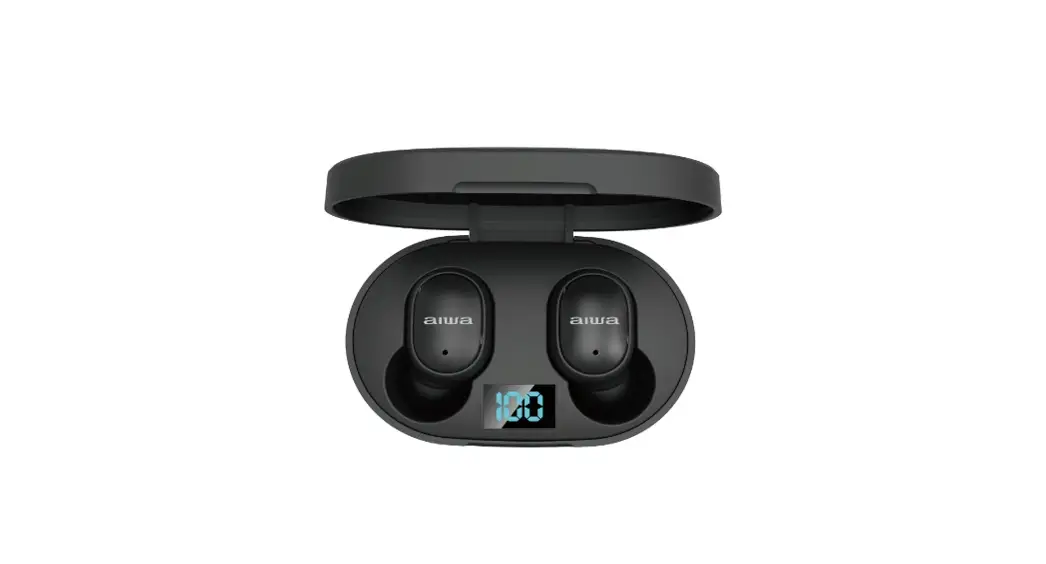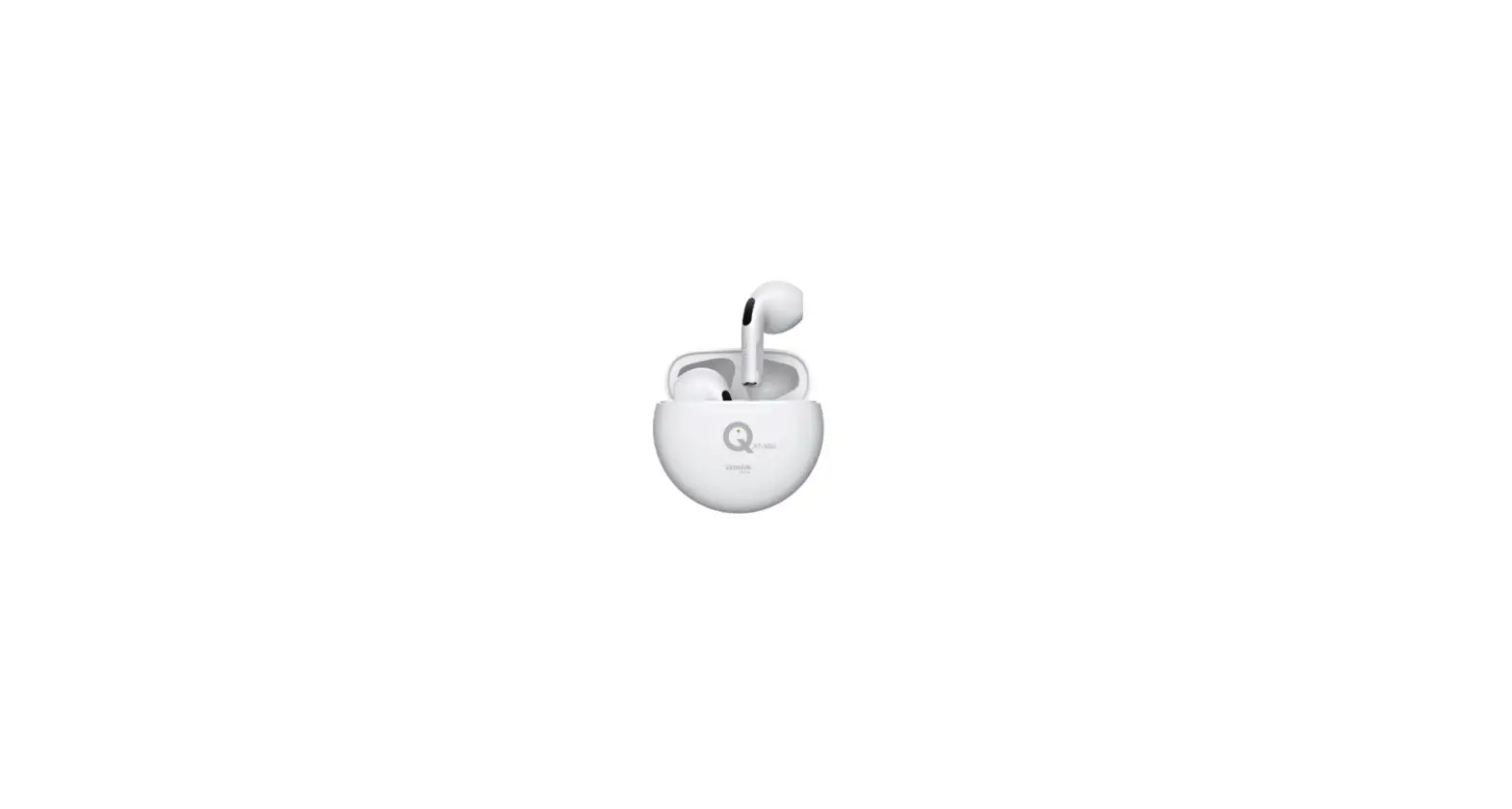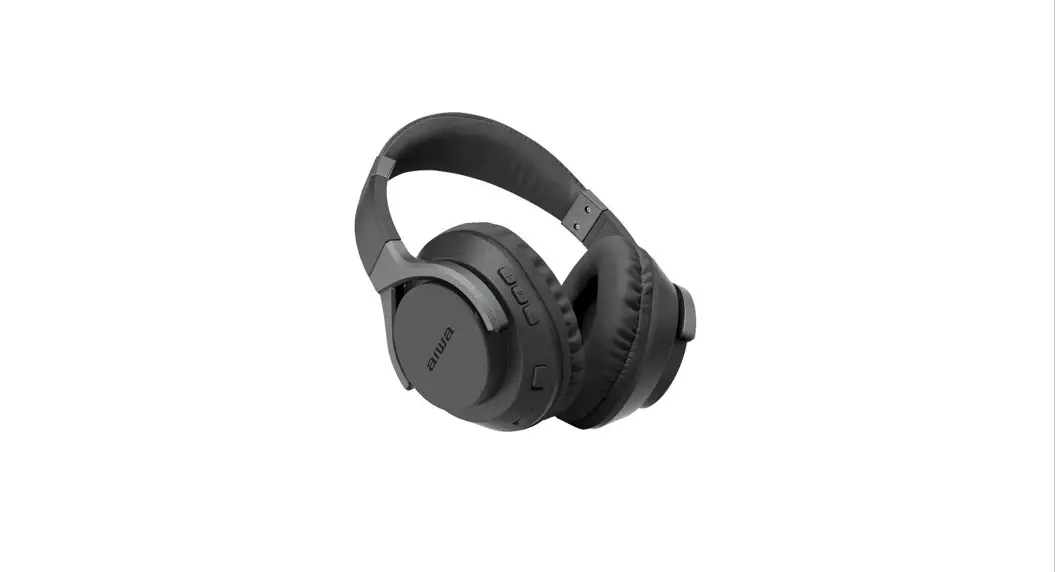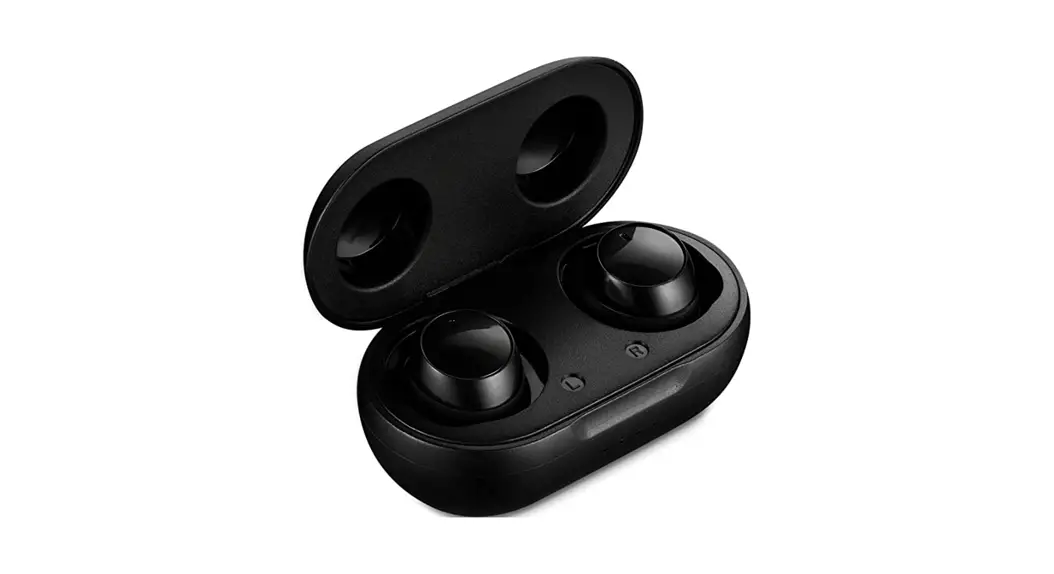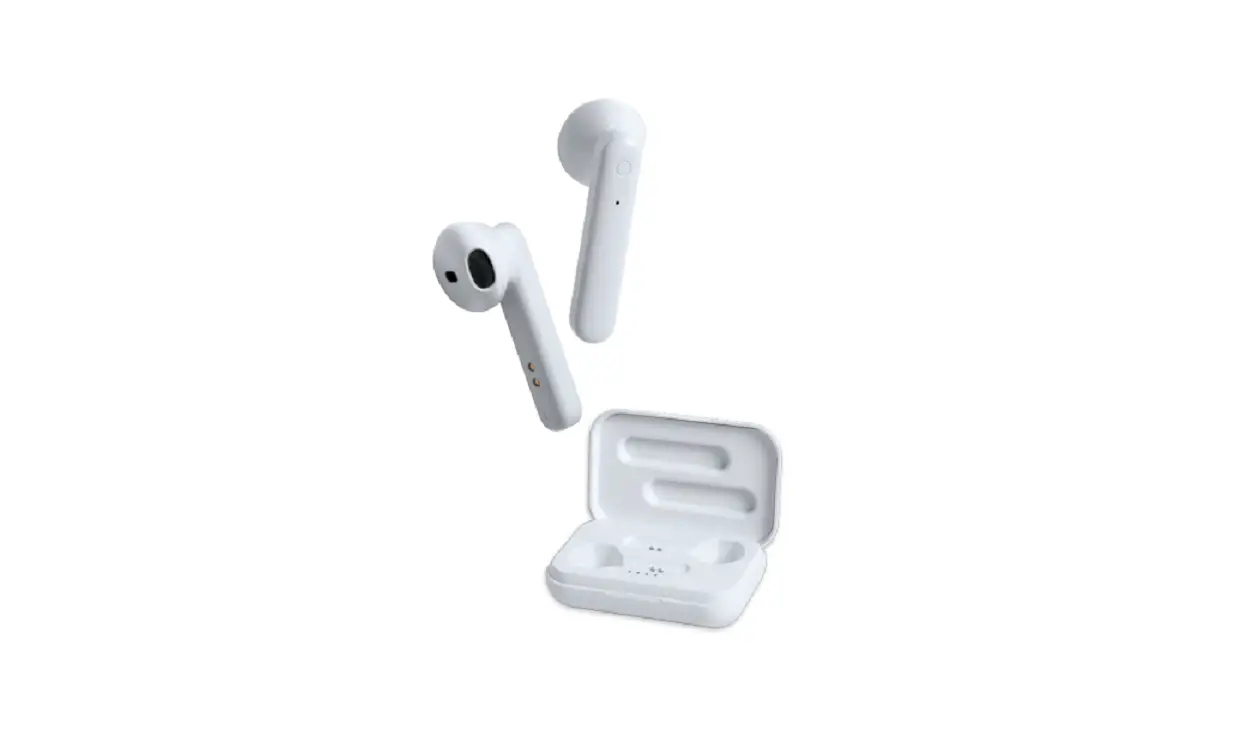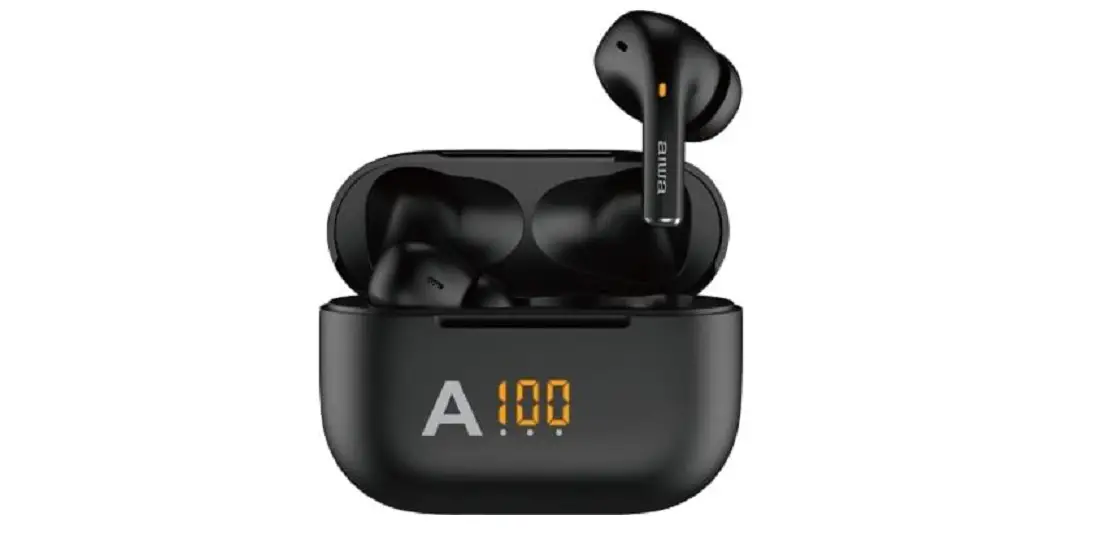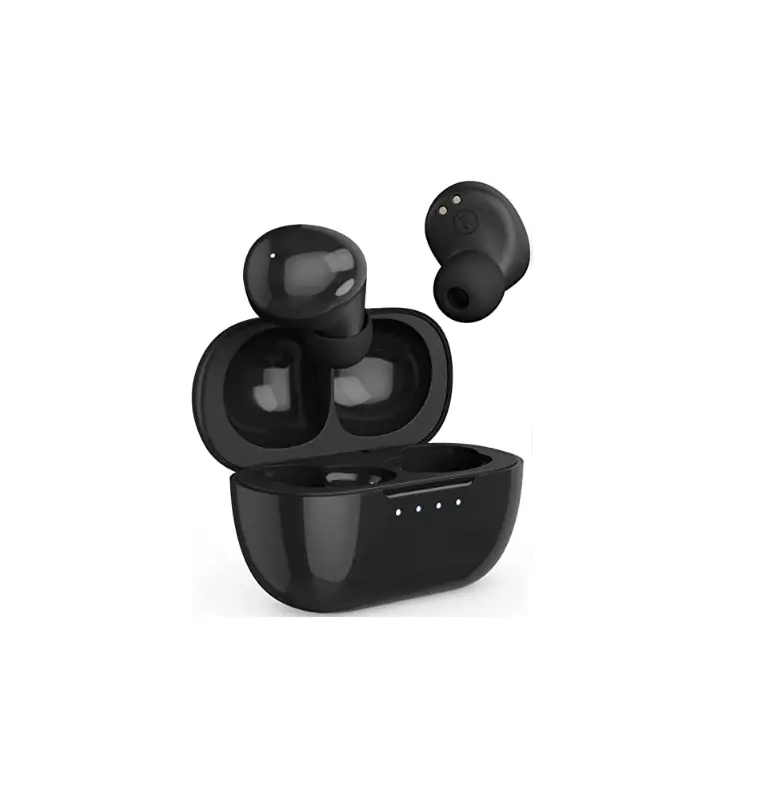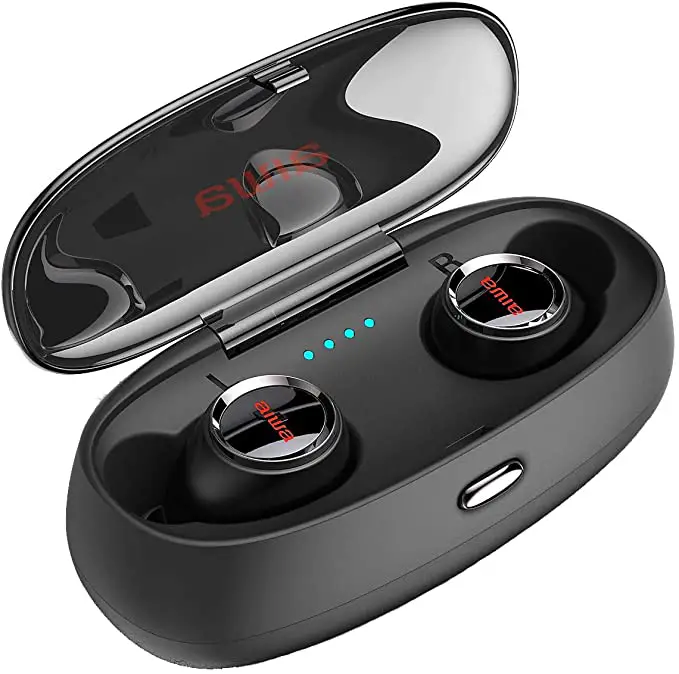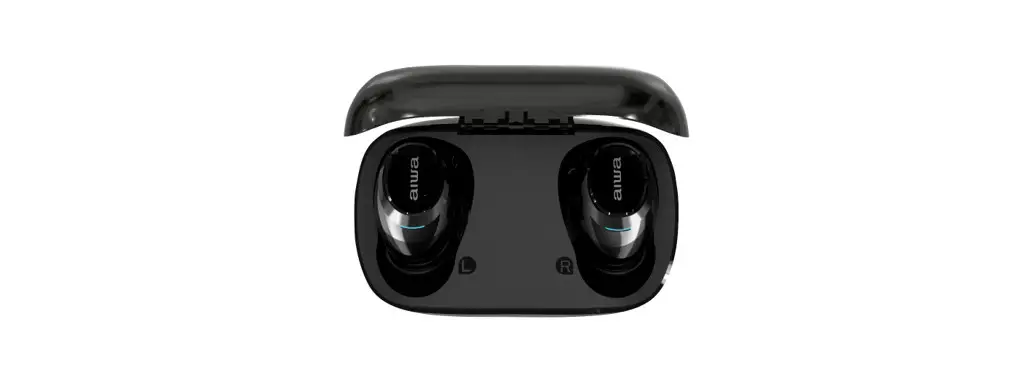
 EB-850 ANC True Wireless Earphones
Instruction Manual
What is noise reduction?
The noise reduction circuit actually senses external noise through the built-in microphone and sends an equal and oppasitecancelletiol I signal to the unit. The noise reaction effect may not be noticeable in very quiet environments or some noise may be heard. Depending on how you wear It, the noise reduction effect may vary, or you may beep (squeaking), in which case remove the unit and then wear it again.
PointsforAttention On Battery
The device can be powered by a built-in rechargeable lithium battery Charge the device for at least 8 hours before first-time use.
- Rechargeable batteries can onlybe recharged under adult supervision.,
- Only the attached Type-C cable can be used to charge the battery. Wireless charging is also possible. Incorrect charging can damage batteries and equipment.
- Do not attempt to open rechargeable batty ies or battery packs-Mere are no usable parts in it.
- Keep the battery cut out of reach of children. If chicken swallowed it, please take them to the hospital immediately.
- Do not throw the battery into the fire, otherwise, it may e)q)lo S. Batteries may also explode if being damaged, please handle and dispose of it according to local conditions and regulations.
Product Parameter
Load impedance. 32Ω
S/N: >105dB risquency range: 20Hz 20KHz
Support: Bluetootti, Line In
Maximum noise deduction: >-35dB
Battery Capacity: 750mAh
PIENTIme: 4011(unalBustoth, direct tumor case, lotion) 20H(Tum on Bluetooth, turn on miseducation) 351i(Do not turn ma ‘stood% Torontoist education)
*The above dale arealWornthe laboratory and for Feta-era only.
Indications of Function Keys
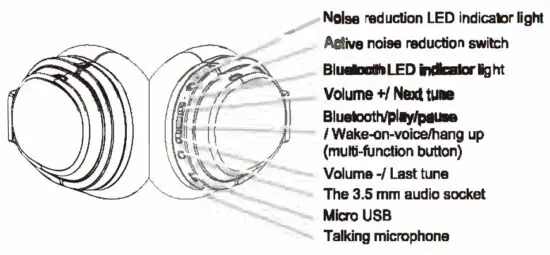
Recharge
Curing the use, only the red light flashing indicates that the headset battery is too low, please use it after charging. Red light flashing = charging; Blue light on = fully charged. Charging time: about 2 hours Warning: the rechargeable batten/ of this product must bel we 40 of groped, for recycling. Please do not put the battery into the f ire so as to avoid Ek 6 baby.
Turn on/ Turn off
| Function | Operation | Indicator light |
| Turn on | Touch & hold the multifunction button for about 3 seconds | The blue light is on for 1 second |
| Turn off | Touch & hold the multifunction button for about 3 seconds | The blue light is on for 1 second |
| Open noise reduction . | Turn the noise reduction switch to the ON status | The green light is constantly on |
| Close noise reduction | Turn the noise reduction switch to the OFF status | The green light is off |
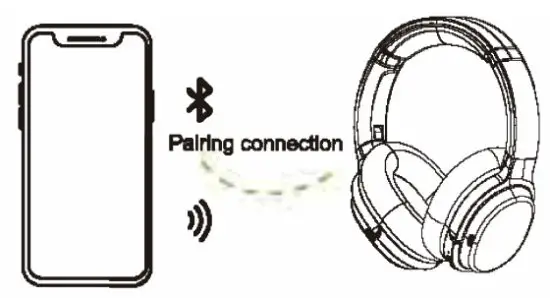
Bluetooth pairing connection
- Make the headset enter into pa ring mode according to the following operations;
Function Operation Indicator light Enter into pairing mode Touch & hold the multifunction buttonfor 5 seconds when the headset is m; Touch & hold the multifunction button for 7 seconds when the headset is off Alternating flashes of red and blue - Open cell phone Bluetooth and search for Bluetooth devices. Choose the EB-850AN0 pairing connection. The prompt tone will be heard after a successful connection, and the blue light will flash slowly.

Note:
- Under the pairing connection state, the pairing mode MI is closed if the connection fails after 2 minutes. The headset will be automatically turned off 5 minutes after the connection fails.
- If the mobile phone requires a matching password, please enter ‘0000’.
- Once the pairing is complete, the headset and phone will remember each other, and the next time they are used, the headset will automatically connect to the last connected device.
Function
| Function | Headset status | Operation |
| Answering calls | Telephone ring | Short press the multifunction button |
| Refuse calls | Telephone ring | Toot & bold the rumination button for 2 seconds |
| Hang up calls | Talking | Short press the multifunction button |
| Wake up the voice assistant | Connected to device | click multifunction keys for 3 times nction |
| Close voice assistant | aro e voice assistant | Click multifunction keys 3 times |
Note:
*When the volume of the headset Is turned up to the modern, you will hear the net lye prompt sound.
Line in audio mode
The headset support. Line-in audio input, and can be connected to the music player with a 3.5-3.5audlo cable, Thetis, you may listen t °music with it via an earphone cable.
The noise is reduced: function can be tuned and when the audio line-in disconnected
Note: when using the 3.5mm audio cable, ff the headset Istunled off, the operatic i button would have no function.
External Device Connection
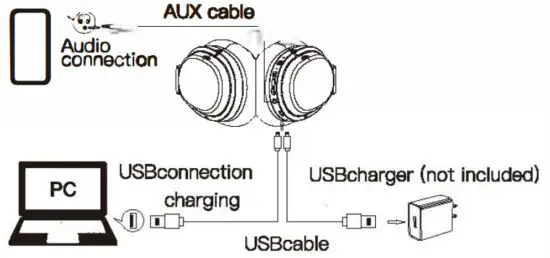
INSTRUCTIONS
The mobile phone cannot search for Bluetooth earbuds The Possible Reason. Bk.etooth earbuds is not ready to be searched
Solution: Remote the earphormb from the charging case, and the earphones automatically* turn on, Earphones have an audible prompt Enter the mutual pairing status of 2 earphones. Earbuds can only answer calls or only listen to the song The Possible Reason. program error for earbuds or prowl T1 error for mobile phone
Solution:
- Turn off the Blurr with earbuds and restart
- Turn off the phone Bluetooth and then turn it back on;
- After the phone %starts, delete all pairing dates stored in the Bluetooth phone and then re-pairing the connection.
No sound from earbuds
The Pebble Reason.
- Bluetooth earbuds volume cr phone volume Is at its lowest state
- Bluetooth earbuds and mobile phone connection is abnormal
- Bluetooth earbuds are not within the valid working range
Solution:
- Adjust the media volume on your phone
- Bluetooth earbuds and phone re-pairing
- Keep the earphones within 10 meters of the mobile phone without any website;1.-s in the middle.
The sound is not good
The Possible Reason. The mobile phone’s signal is very? ak Sokrtiort Change the area and try again
The charging light doesn’t shine
The Possible Reasons.
- Not used for a big-time
- The earbuds are reversed or the headphone contacts are not touched.
Solution:
- You need to connect the charger to charge for about 30 minutes, the light will be on.
- Reposition the earbuds to the charging
MAINTENANCE
Please read the following suggestions to help you comply with the warranty and extend the life of the product.
- Keep the product dry and do not place it in a dam place, so as not to affect the internal circuit of the product. It is necessary to avoid using this product during intense exercise or sweating to prevent sweat from penetrating into the product and damaging the product.
- Do not place the product in a place exposed to the sun or high temperatures. High temperatures can shorten the life of electronic components, damage batteries, and deform some plastic parts.
- Do not place the product in a cold place to avoid damaging the internal circuit board.
- Do not attempt to disassemble the product. If you are not a professional, you may damage the product.
- Do not drop, strongly vibrate, or hit the product with hardware to avoid damage in internal circuits.
- Do not use harsh chemicals or detergents to clean the headphones.
- Do not use sharp objects on th es surface of the product to avoid damage to the outer casing and affect the appearance. If the product does not work properly, please send it to your qualified service facility and the staff will be happy r help you solve the problem
WARRANTY
This product is covered under warranty for a period of one year from the date of sale limited to normal use and maintenance of the machine parts, materials, and functions. Problems and failures verified upon further Identificationwil I be provided free repair and replacement parts.
THIS WARRANTY DOES NOT APPLY:
(a) to a product that is out of warranty,
(b) to damage caused by operating the product outside the permitted or intended uses described by REMAX;
(c) to productthat has been disassembled, repaired, or refitted without the authorization of REMAX;
(d) if a warranty card and proof of purchase cannot be presented,
(e) to damage caused by an earthquake, fire, or other external causes, natural disasters, etc.
Note: The warranty does not include product transport costs and does not provide on-site maintenance services warning reservesalIngh ts to clarify this warranty interpretation,
WARRANTY FEEDBACK FORM(TICK OFF)
A No sound
B. Sound quality deteriorates
C. Button mal-function
D. Unable to pair another device
E. Can not recharge
F. others
Buying time_____________________________________
Dealers of sale___________________________________
Time of problems________________________________
User’s contact info________________________________
Designed In Japan
 iO
iO