Contents hide

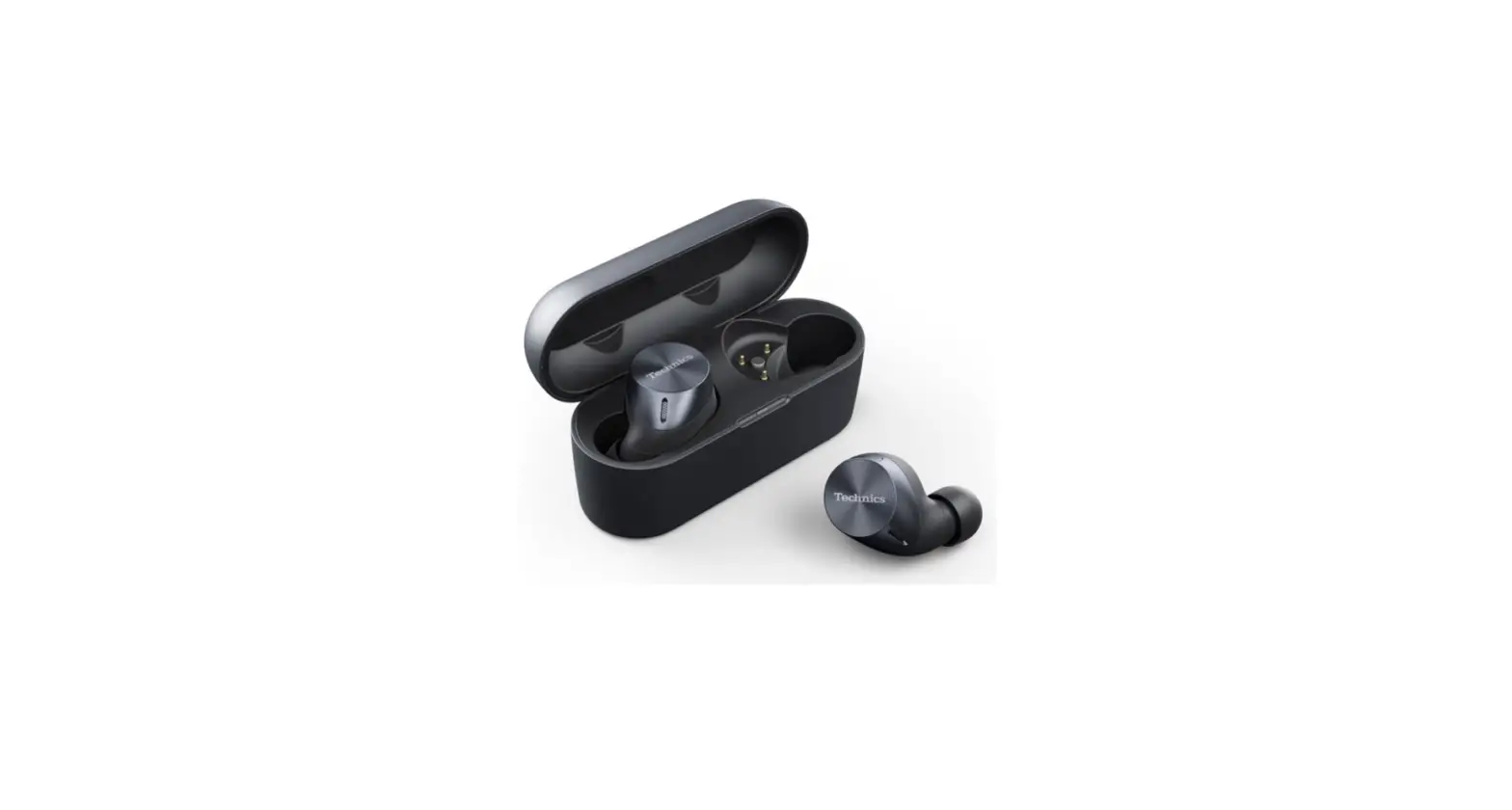
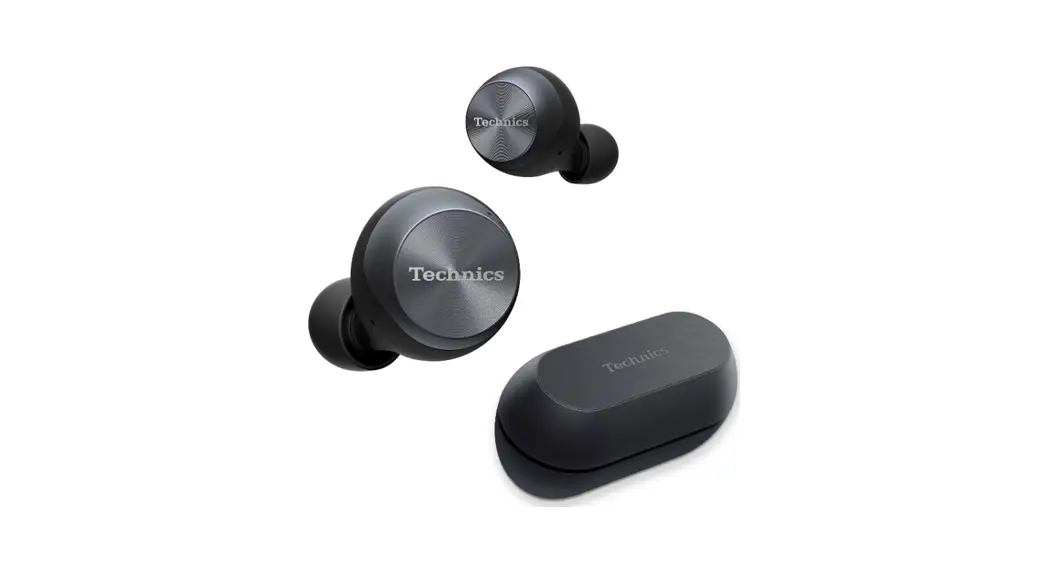
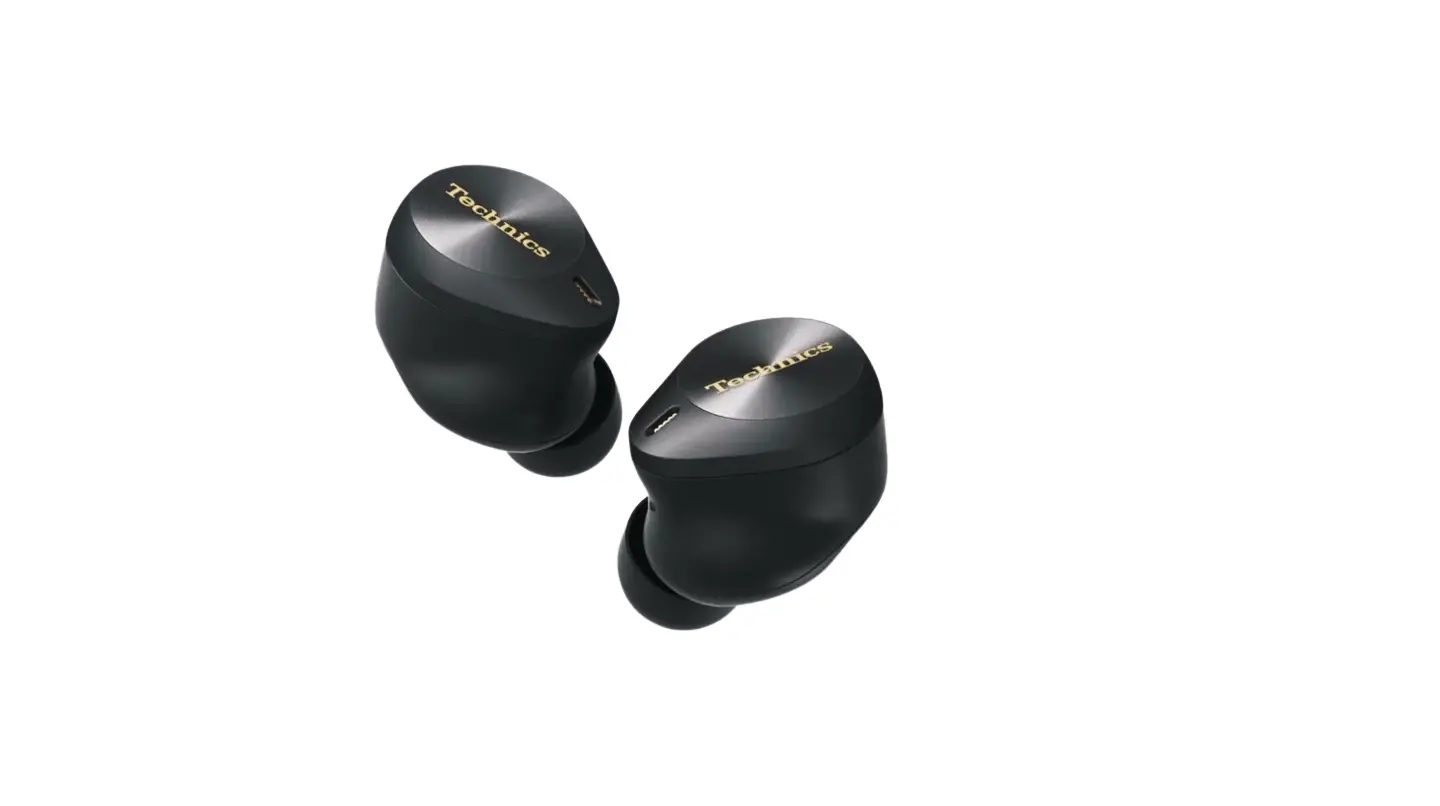
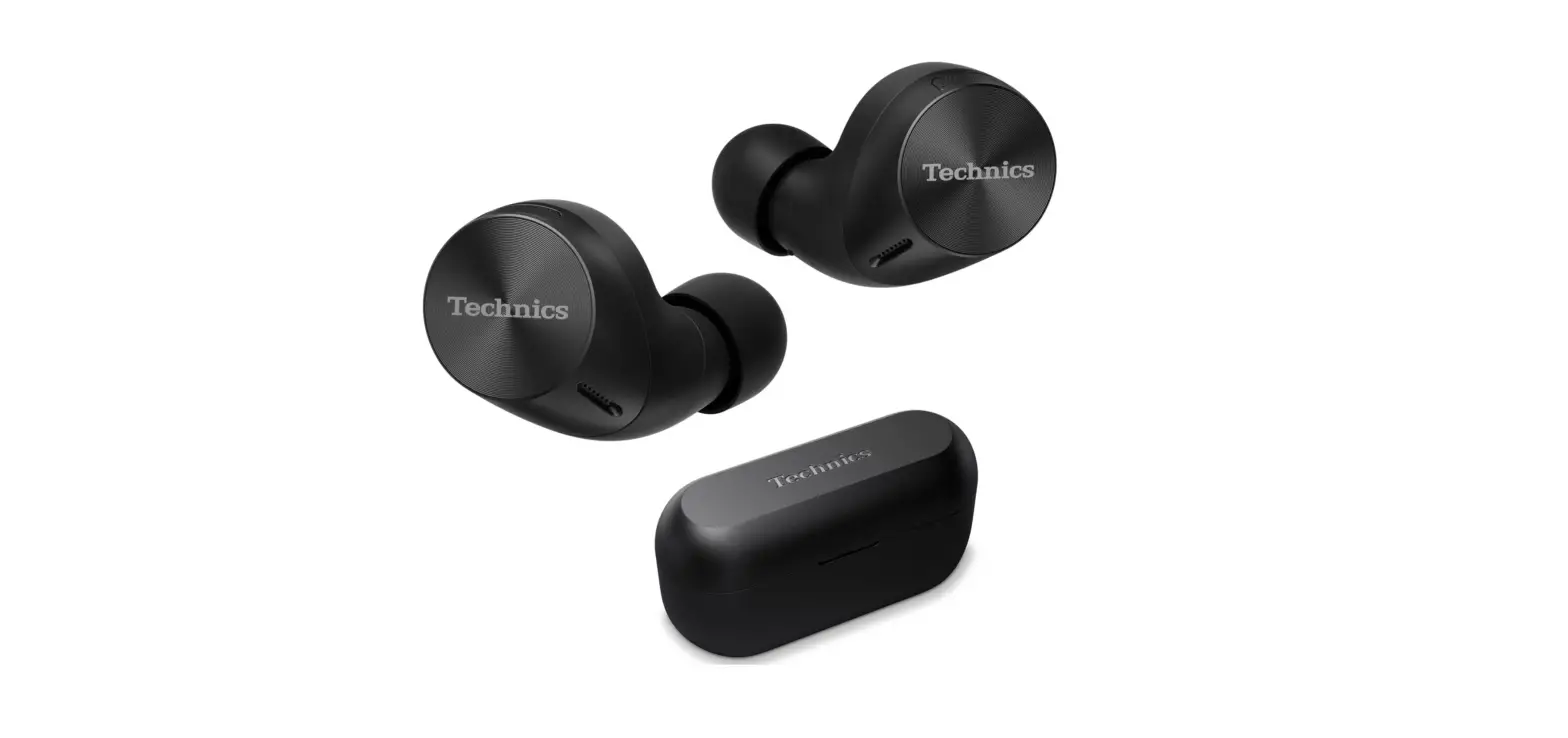
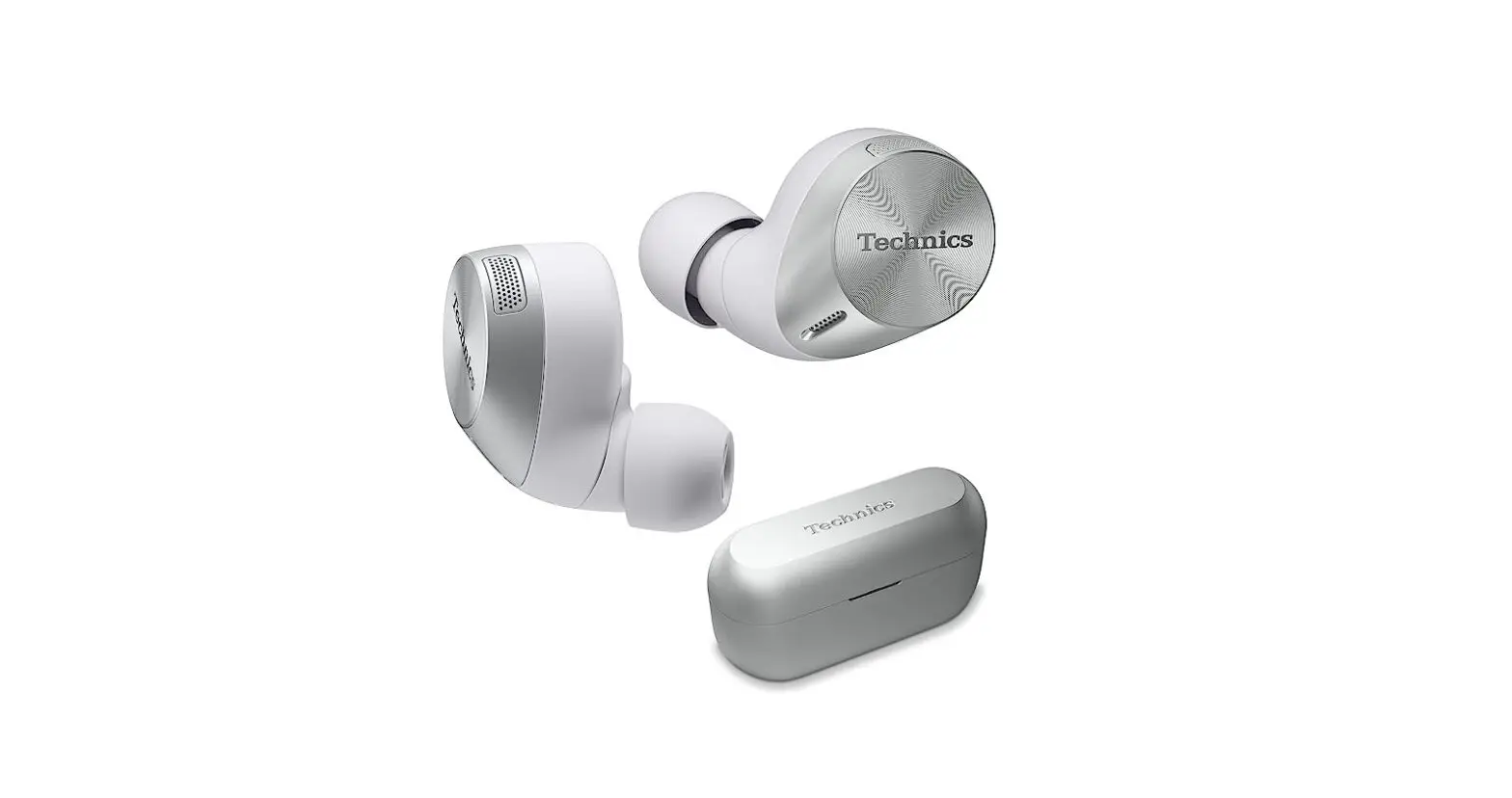
Technics EAH-AZ80 True Wireless Earbuds

Product Information
- Product Name: Technics EAH-AZ80
- Model Number: EAH-AZ80
- Product Support: TechnicsEAH-AZ80 Support
- USB Type: USB Type-C
- Compatibility: Android devices, China version
- Technics Audio Connect App: Available for Android devices
- Bluetooth: ON/OFF feature available
Product Usage Instructions
- Connect the Technics EAH-AZ80 earbuds to your device using the USB Type-C cable.
- Download and install the Technics Audio Connect app from the Technics supportwebsite.
- For Android devices (China version), use the Technics Audio Connect app to pair and manage your EAH-AZ80 earbuds.
- To turn on Bluetooth, press and hold the Bluetooth button on the earbuds for 5-8 seconds.
- Once Bluetooth is turned on, the Technics EAH-AZ80 earbuds will be discoverable to other devices for pairing.
Music is borderless and timeless, touching people’s hearts across cultures and generations. Each day the discovery of a truly emotive experience from an unencountered sound awaits. Let us take you on your journey to rediscover music.
Delivering the Ultimate Emotive Musical Experience to All
- At Technics we understand that the listening experience is not purely about technology but the magical and emotional relationship between people and music.
- We want people to experience music as it was originally intended and enable them to feel the emotional impact that enthuses and delights them.
- Through delivering this experience we want to support the development and enjoyment of the world’s many musical cultures. This is our philosophy.
- With a combination of our love of music and the vast high- end audio experience of the Technics team, we stand committed to building a brand that provides the ultimate emotive musical experience by music lovers, for music lovers.
Director

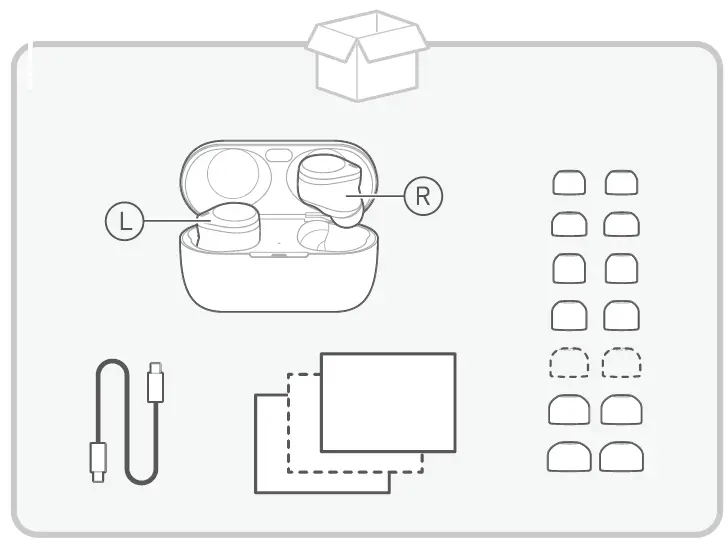
What’s In The Box
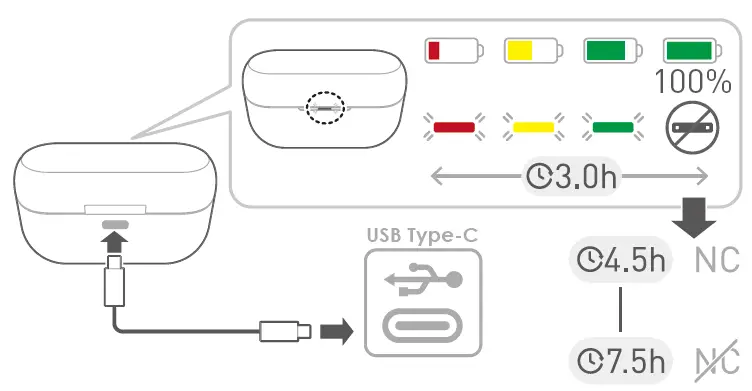
LED Indicator
Technics Audio Connect
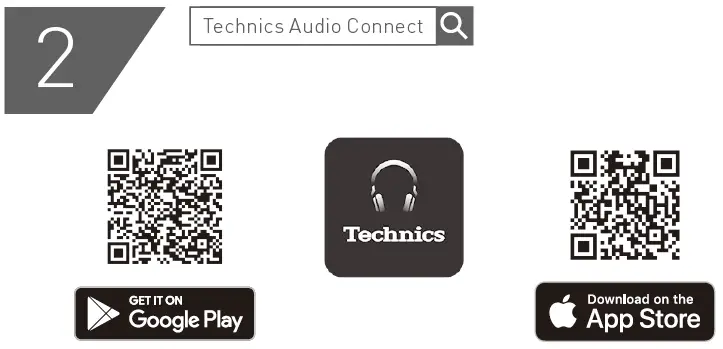
For China
Android: “Technics Audio Connect” https://www.technics.com/cn/support.html.

Caution And Warning
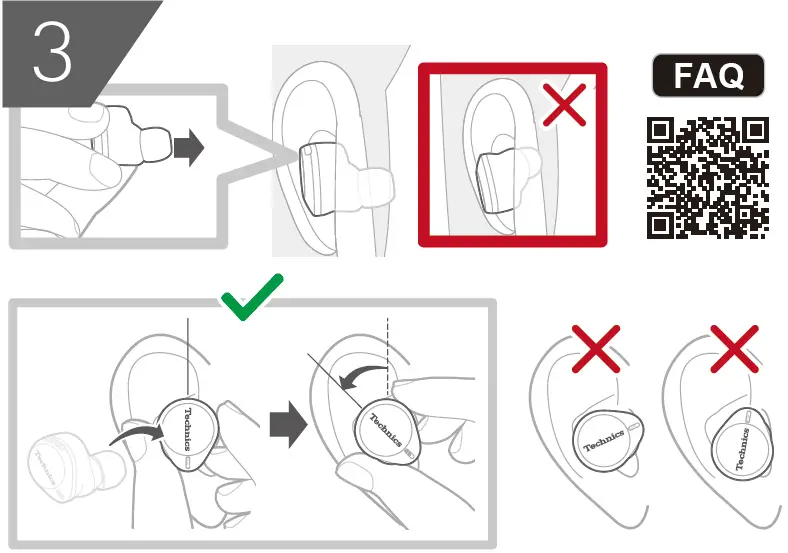
How To Use
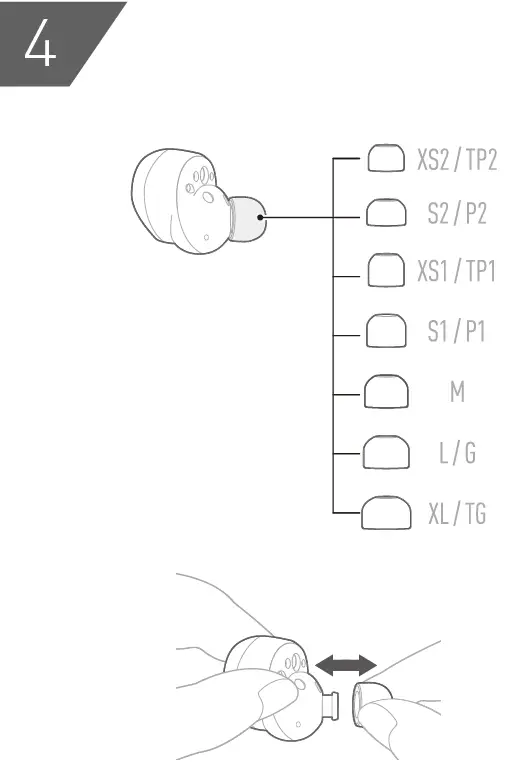
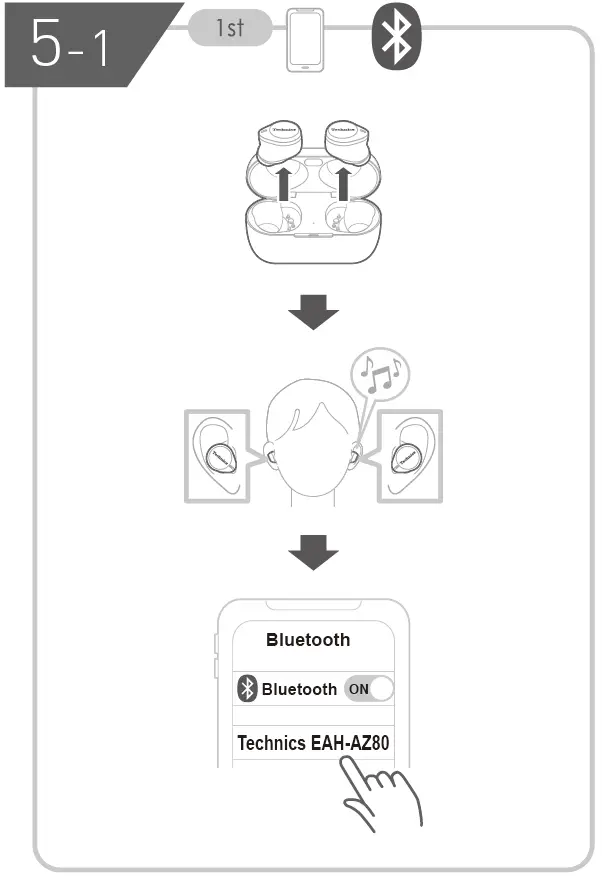
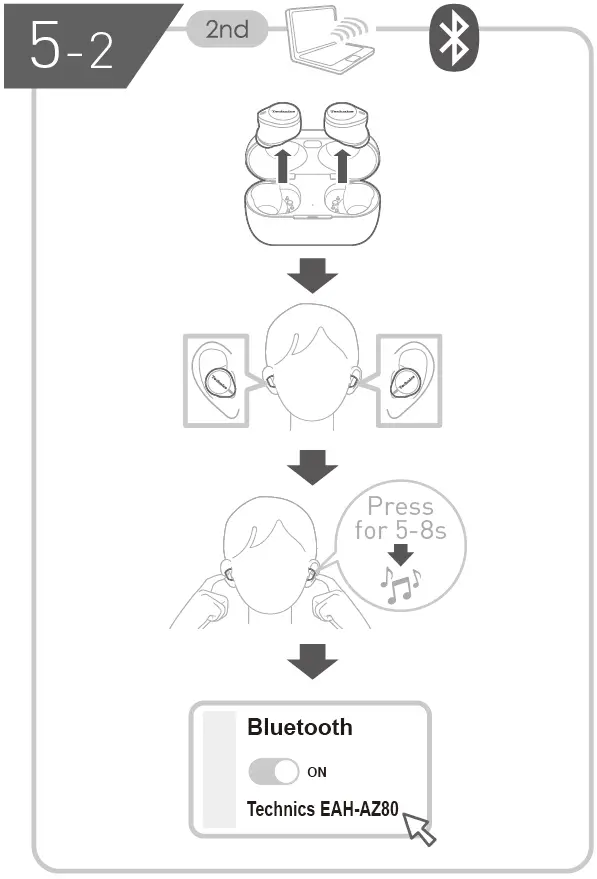
Operation
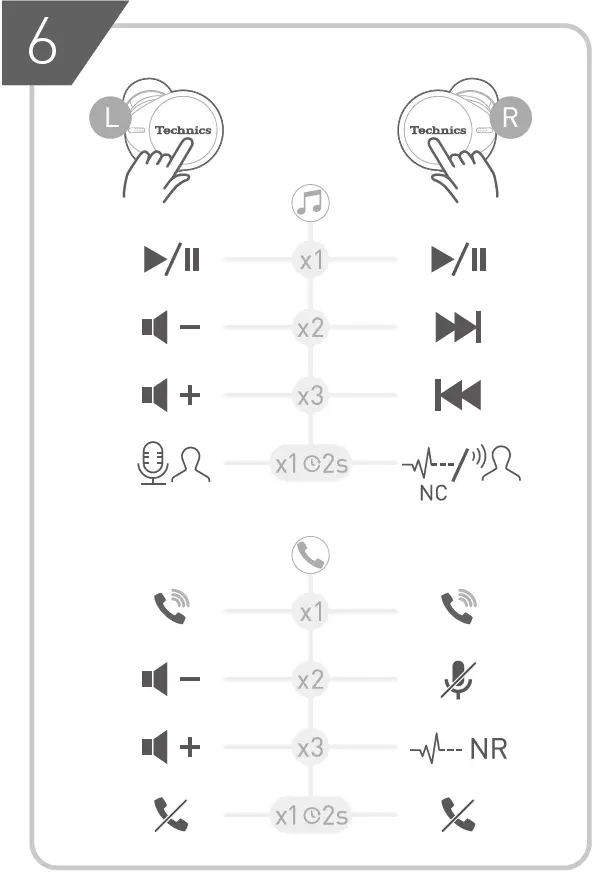
https://www.technics.com/support/downloads/TWS/oi/index.html.
 服务与支持_Technics