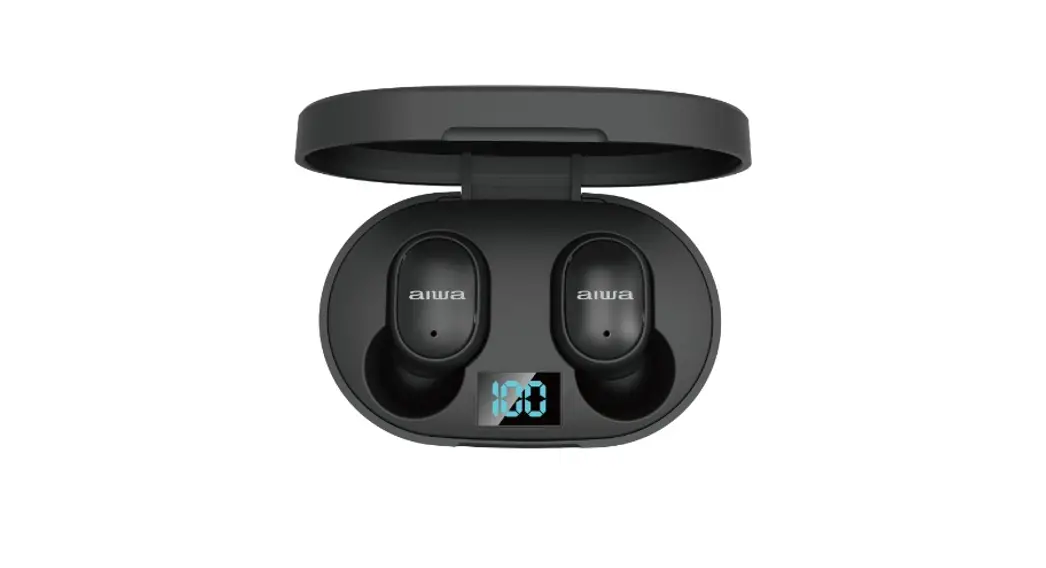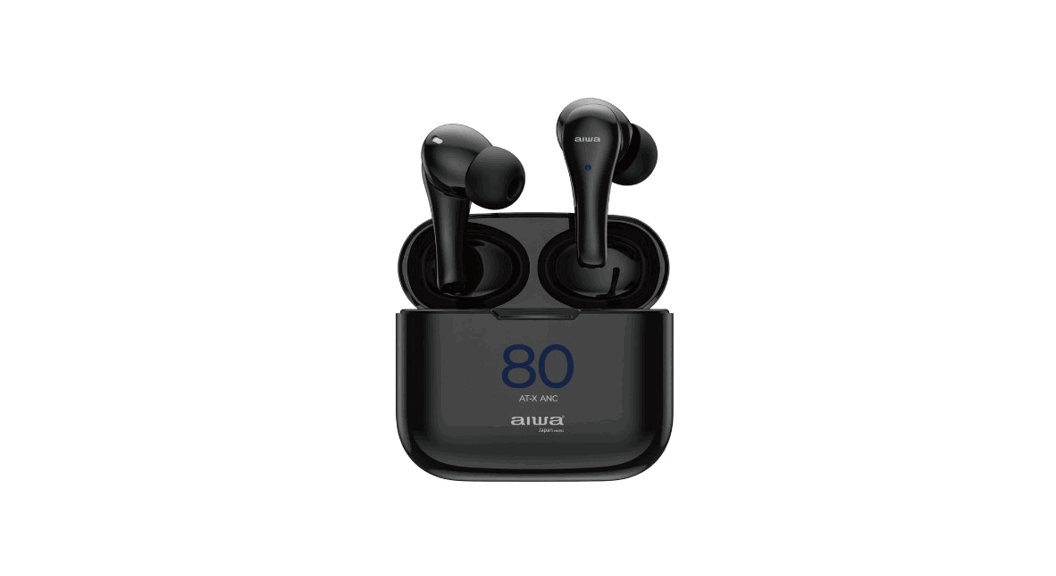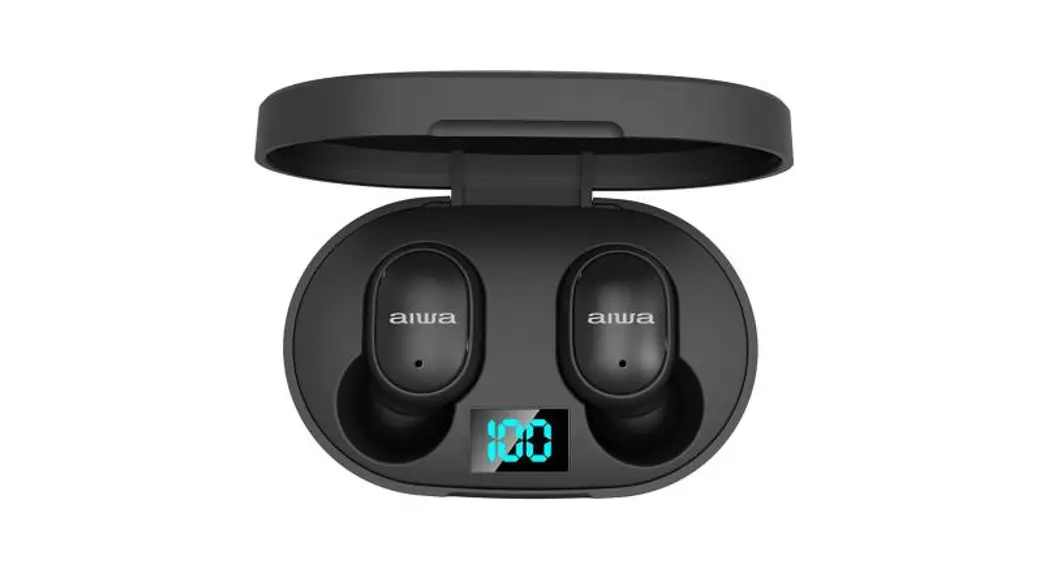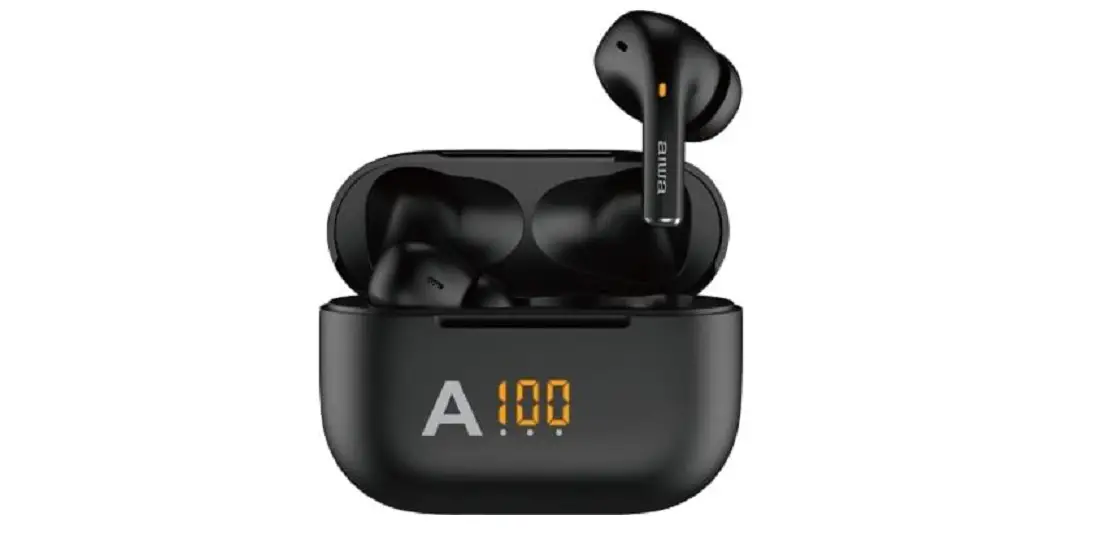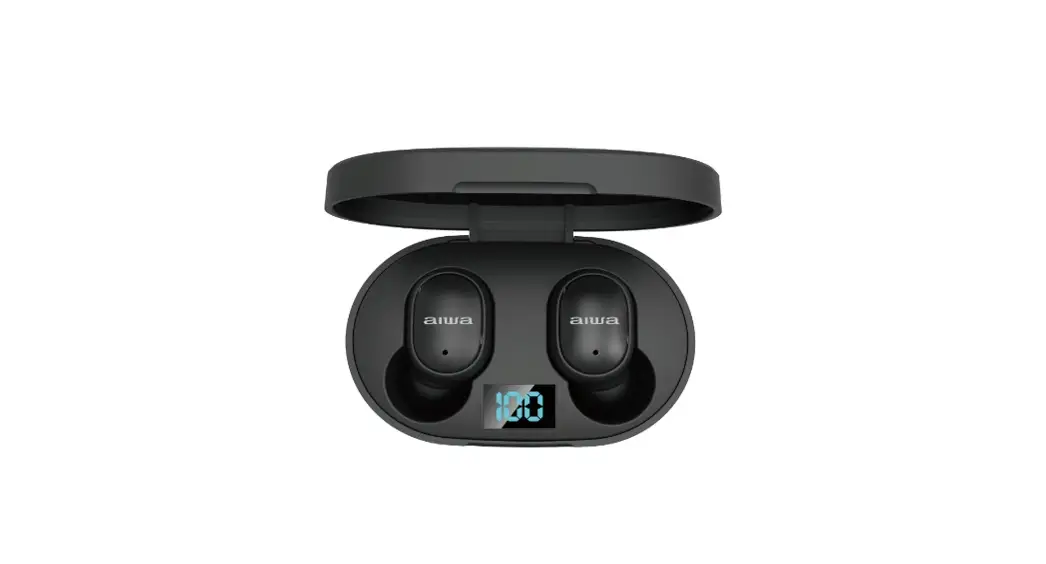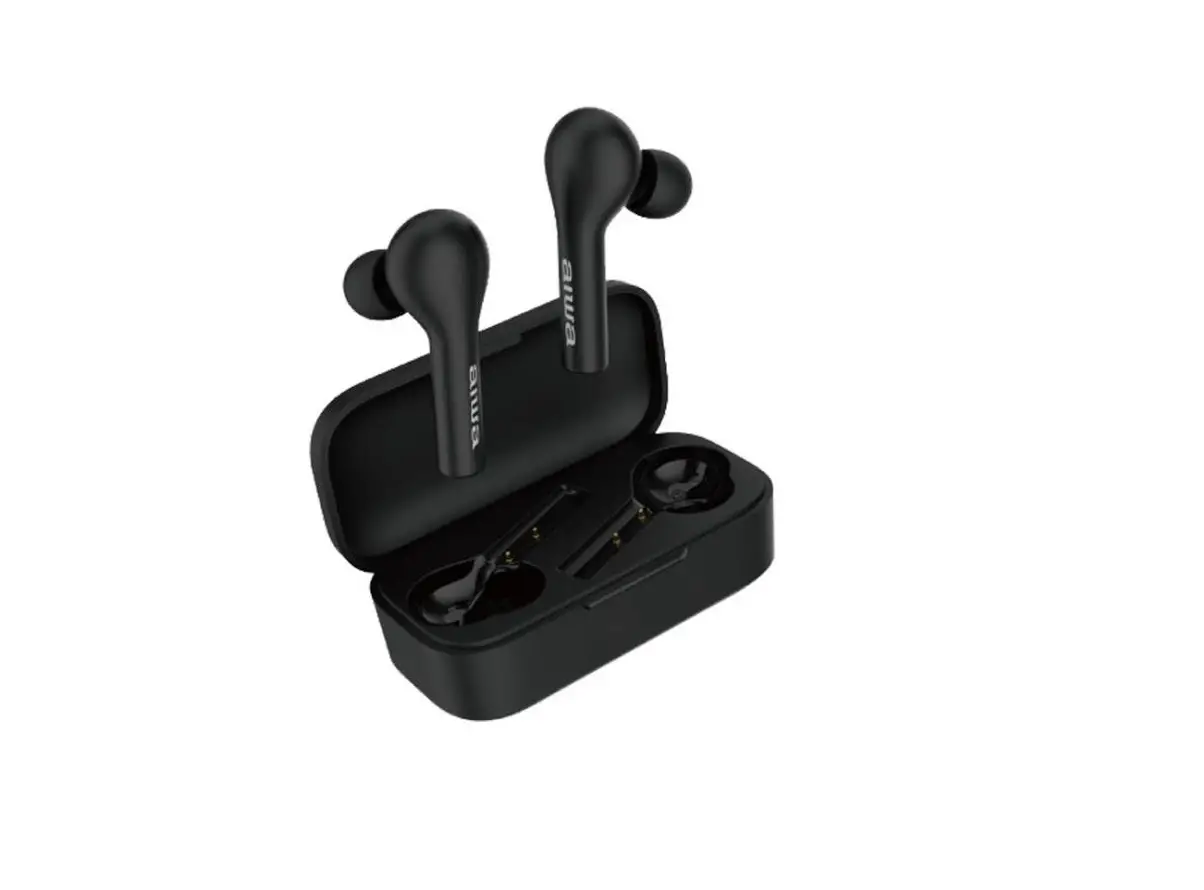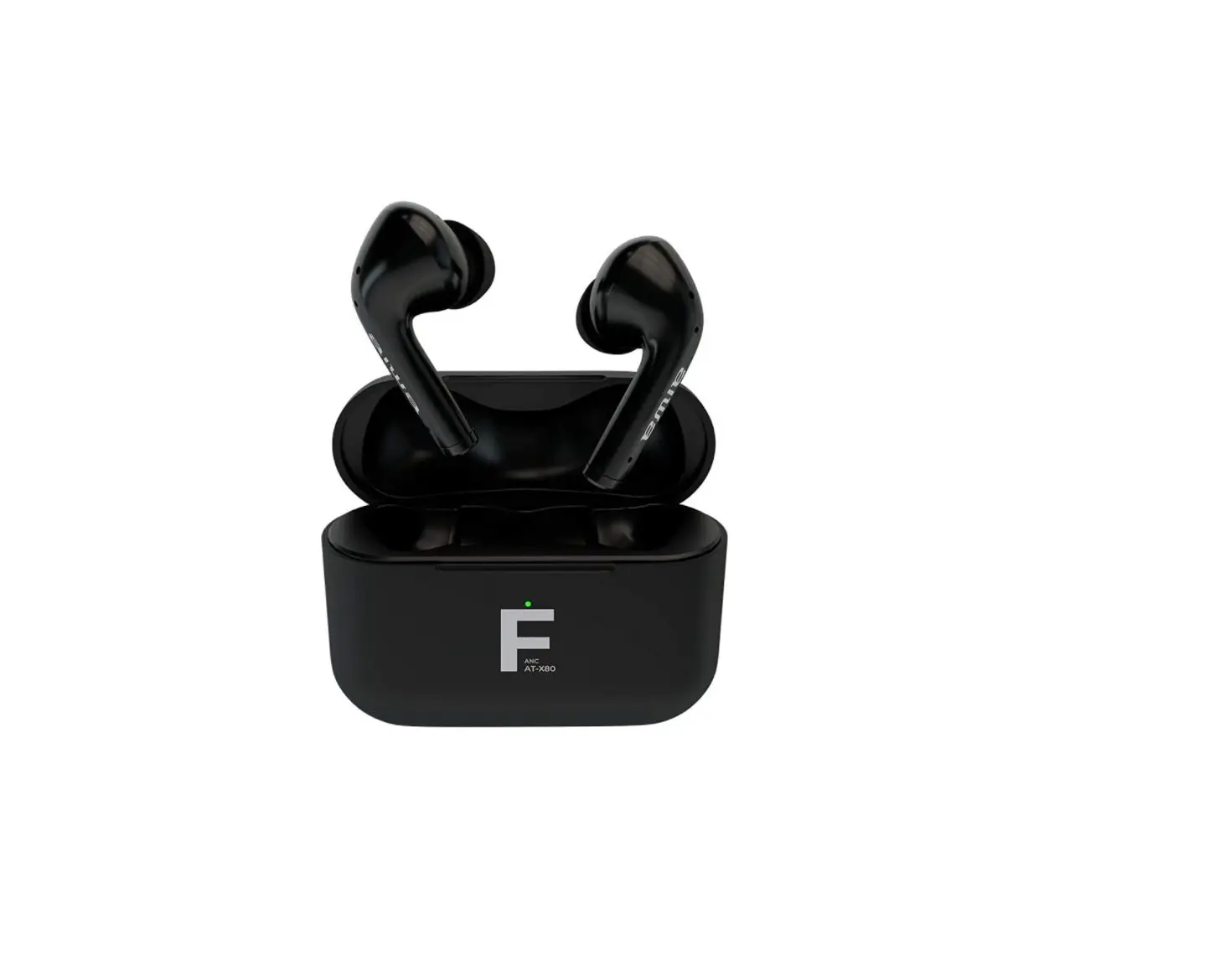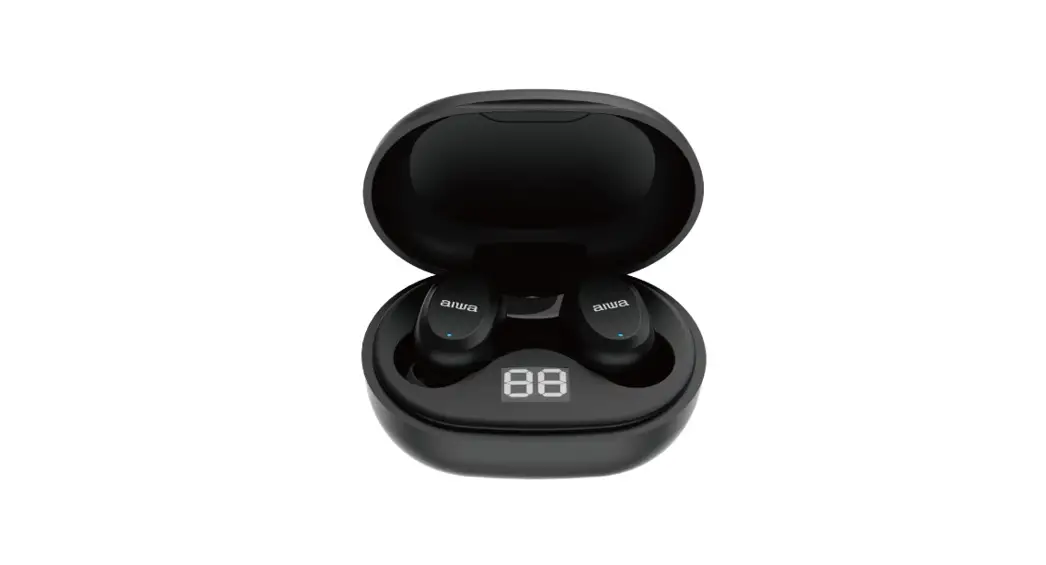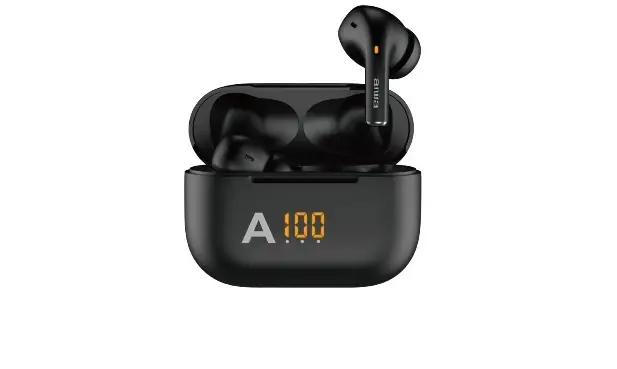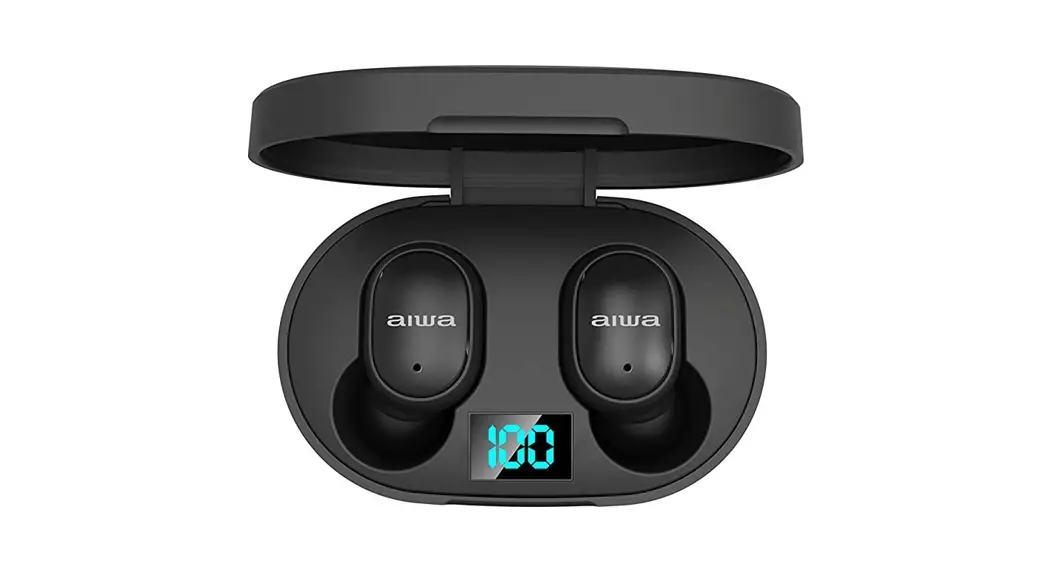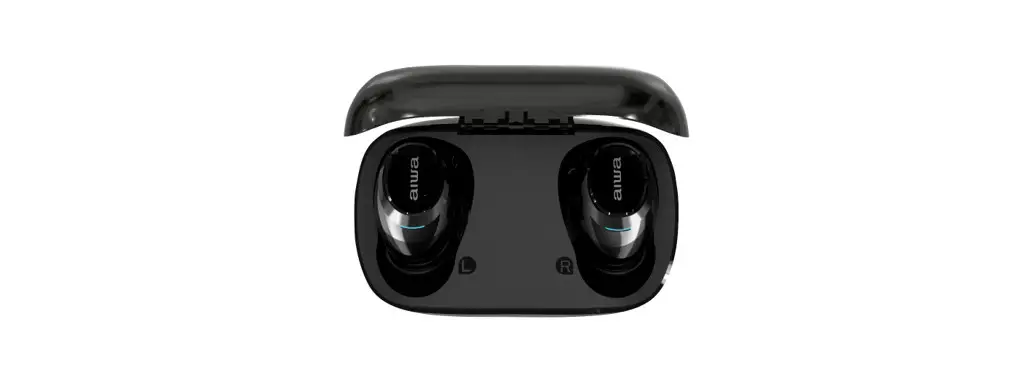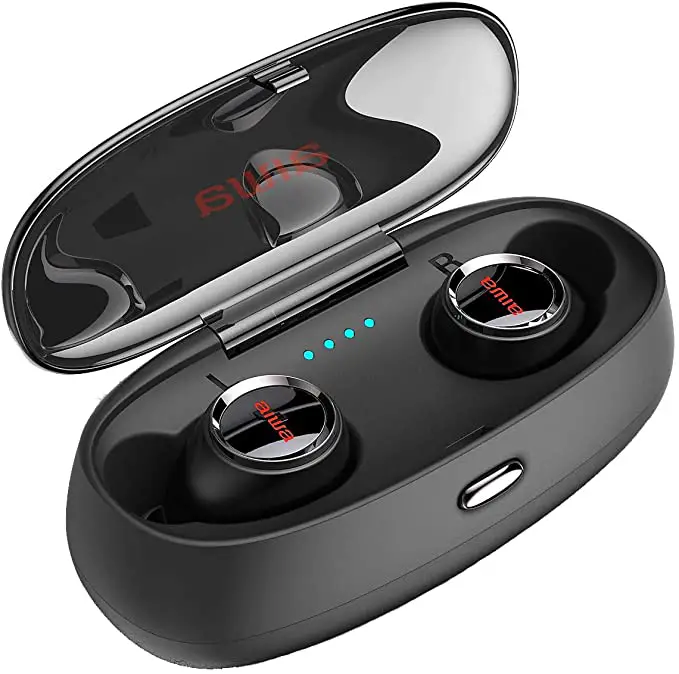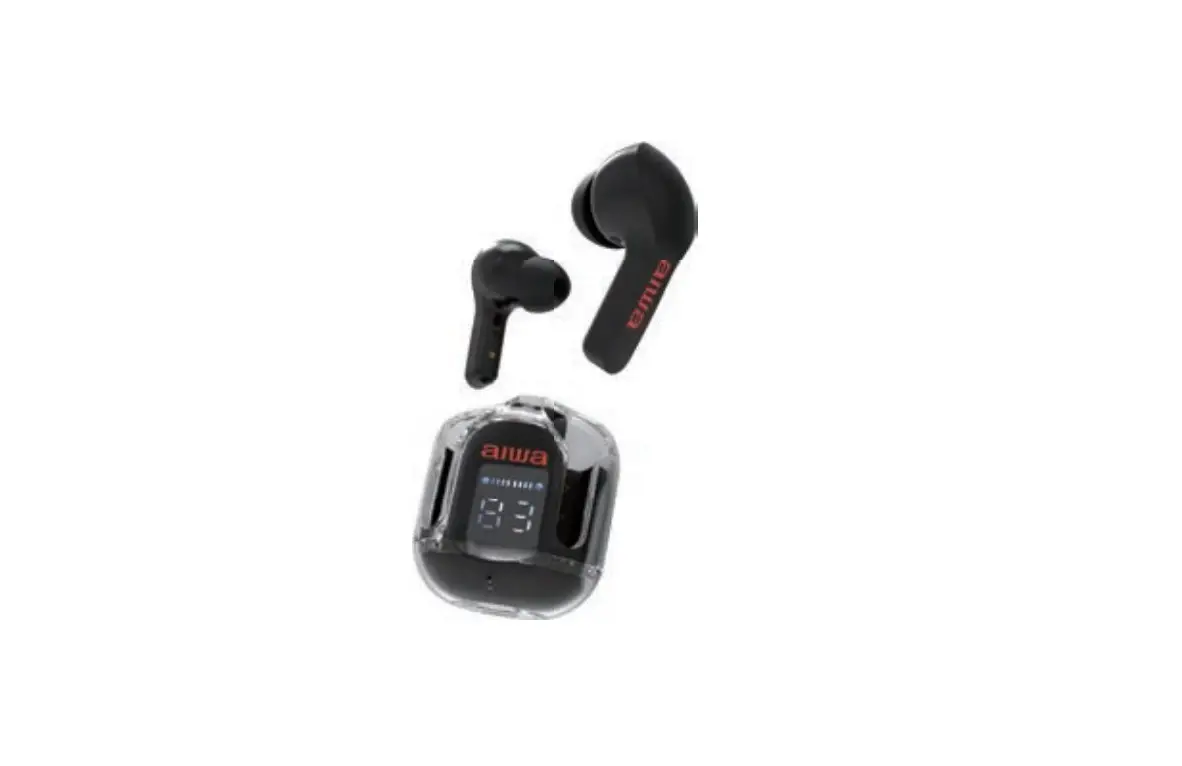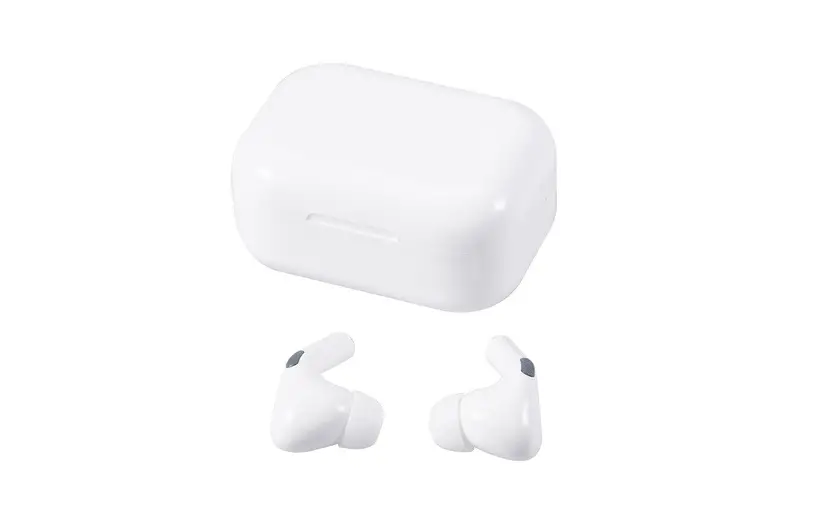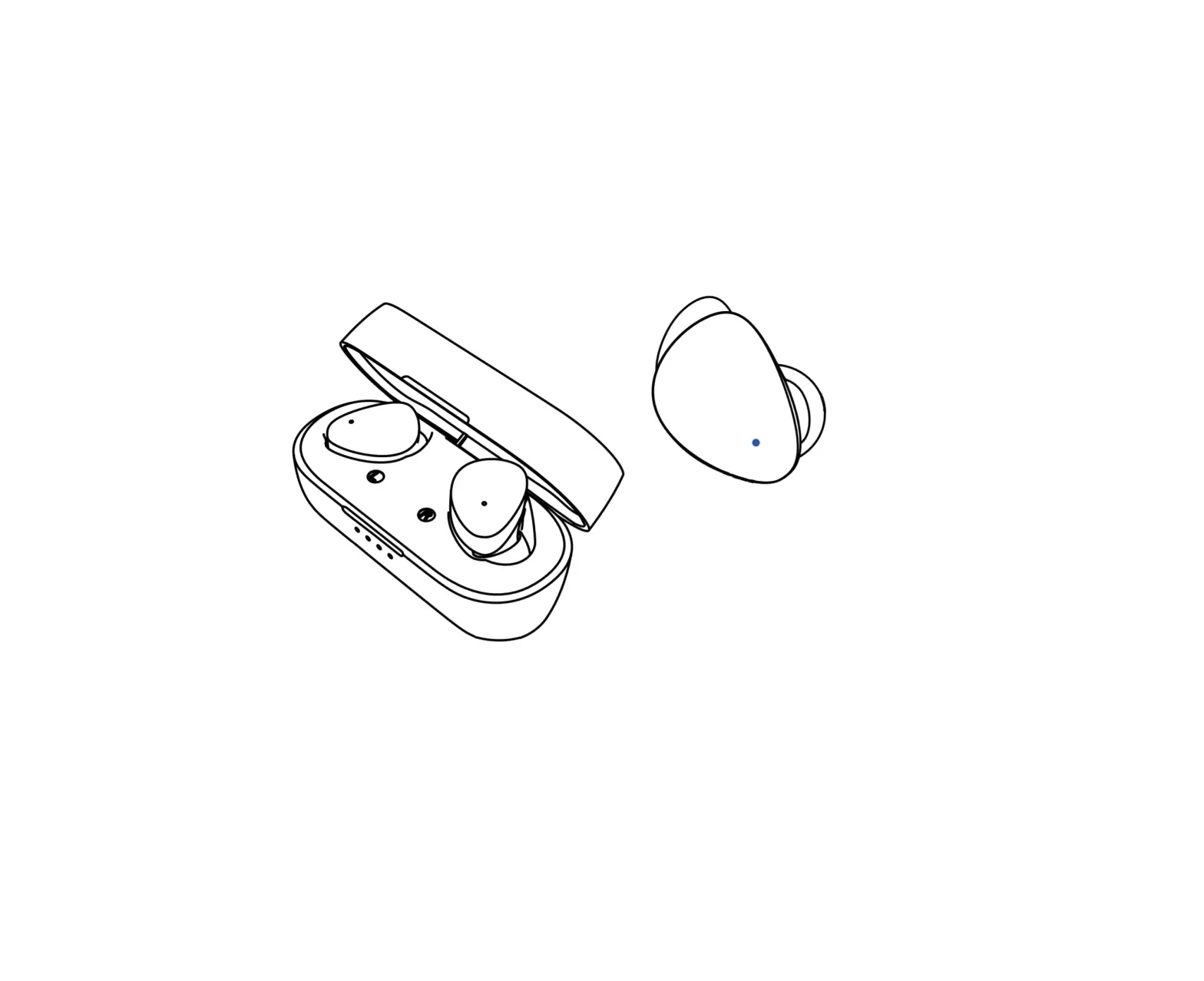
aiwa AT-X80HD True Wireless Earphones
BT Wireless Guidelines
This Bluetooth device has an approximate range of 10 metres (30).
Please note that physical obstacles or other electronic devices might interfere with its signal.*
Product overview
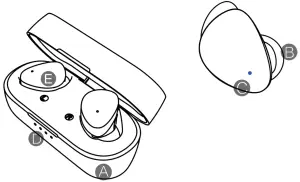
A. Charging / Storage Case
B. Silicone Ear Tips
C. Touch Sensor
D. Indicator Light
E. Wireless Earphones AT-X80HD
Product dimensions
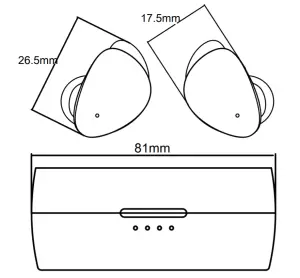
Specifications
| BT Version | VS.O |
| Transmission Distance | 10M |
| Frequency Response | 20-20KHz |
| Output Sensitivity | 93+3dB |
| MIC Sensitivity | 42+2dB |
| Battery Capacity | ( earphone) 45mAh ( charging box)300mAh |
| Resistance | 16Ω |
| Rated Power | 2mW |
| Driver Unit | Φ6 |
| Play Time | About 10 H |
| Standby Time | About 100 H |
| Charging Time | Aboutl.5 H |
| Supported Function | Answer/hang up/ calls; pause/play; previous/ next track; wake up Siri |
| Product Weight | 12.5 g |
| Input | SV⎓1A |
Product fit
Please choose the most suitable ear tip size for optimal comfort and performance.
Entering pairing mode
Flip open the charging case to enter Bluetooth pairing mode.
*To pair with another device, please disconnect manually on your mobile device*
Start pairing
Turn on Bluetooth on your mobile device and connect to “AT-X80HD”.
*Upon successful pairing, the indicator lights will stop flashing AT-X80HD alternately between white and blue*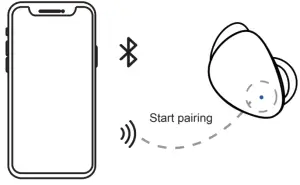
*Earphones will power down automacally aer 5 minutes of inacvity (User not physically wearing earphones)*
Notes: Le and right-side earbuds are pre-programmed to be connected to each other once taken out of the charging case. If both le and right-side earbuds fail to connect to each other, place earbuds back into charging case and take them out again.
Charging the charging case
Connect the charging cable to the charging port located on the back of the charging case as shown below.
*Approximate charging me: 1.5 Hours*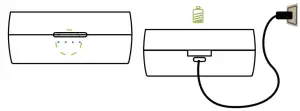
* Flashing white lights indicates charging*
Charging the earbuds
Place earbuds into the charging box to charge.
*Approximate charging me: 2 Hours*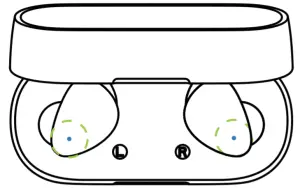
Basic Operations
Function | Directions |
| Power on | Long press touch sensor for 3 seconds |
| Power off | Long press touch sensor for 5 seconds |
| Voice assistant | Tap touch sensor thrice |
| Play/P use music | Tap touch sensor once |
| Previous track | Long press “L” left side earbud (2 Seconds) |
| Next track | Long press “R” right side earbud (2 Seconds) |
| Volume+ | Tap “R” right side earbud twice |
| Volume – | Tap “L” left side earbud twice |
| Answer a call | Tap touch sensor once |
| End a call | Tap touch sensor twice |
| Reject a call | Long press touch sensor (2 Seconds) |
Product/ Accessories
- Earphones
- Charging case
- Silicone ear ps
- User manual
Troubleshoong
I can’t find “AT-X80HD” on my Bluetooth’s device’s list.
Make sure “AT-X80HD” and your device are within Bluetooth working distance (10m).
Remove the earphones from the charging case, enter pairing mode manually.
Re-aempt to pair again.
My earbuds can only answer calls/ only listen to songs.
Re-start the earbuds. (Power down then power up) Turn off mobile device’s Bluetooth and turn it back on. Delete all pairing data within mobile device. Re-aempt to pair again.
There is no sound coming from my earbuds.
Please check volume level on both earbuds and connected mobile device.
Make sure “AT-X80HD” and your device are within Bluetooth working distance (10m).
Re-aempt to pair again.
Unstable connection
Make sure “AT-X80HD” and your device are within Bluetooth working distance (10m).
Maintenance
Please read the following suggestions to help you comply with the warranty and extend the life of the product.
- Keep the product dry and do not place it in a damp place, so as not to affect the internal circuit of the product. It is necessary to avoid using this product during intense exercise or sweating to prevent sweat from penetrating into the product and damaging the product.
- Do not place the product in a place exposed to the sun or high temperatures. High temperatures can shorten the life of electronic components, damage batteries, and deform some plastic parts.
- Do not place the product in a cold place to avoid damaging the internal circuit board.
- Do not attempt to disassemble the product. If you are not a professional, you may damage the product.
Do not drop, strongly vibrate, or hit the product with hardware to avoid damaging internal circuits. - Do not use harsh chemicals or detergents to clean the headphones.
- Do not use sharp objects on the surface of the product to avoid damage to the outer casing and affect the appearance.
If the product does not work properly, please send it to your qualified service facility and the staff will be happy to help you solve the problem.
Warranty
This product is covered under warranty for a period of one year from the date of sale limited to normal use and maintenance of the machine parts, materials and functions.Problems and failures verified upon further identificationwill be provided free repair and replacement parts.
This warranty does not apply:
(a) to a product that is out of warranty;
(b) to damage caused by operating the product outside the permitted or intended usage described.
(c) to a product that has been disassembled, repaired or refitted by any third- parties.
(d) if warranty card and proof of purchase cannot be presented;
(e) to damage caused by earthquake, fire or other external causes, natural disasters, etc.
Note: The warranty does not include product transport costs and does not provide on-site maintenance services
 AIWA reserves all rights to clarity this warranty interpretion
WARRANTY FEEDBACK FORM(TICK OFF)
A. No sound
B. Faulty sound
C. Button malfunction
D. Faulty pairing
E. Recharging problem
F. Others
Buying time ___________________
Dealers of sale ___________________
Time of problems _________________
User’s contact info _________________