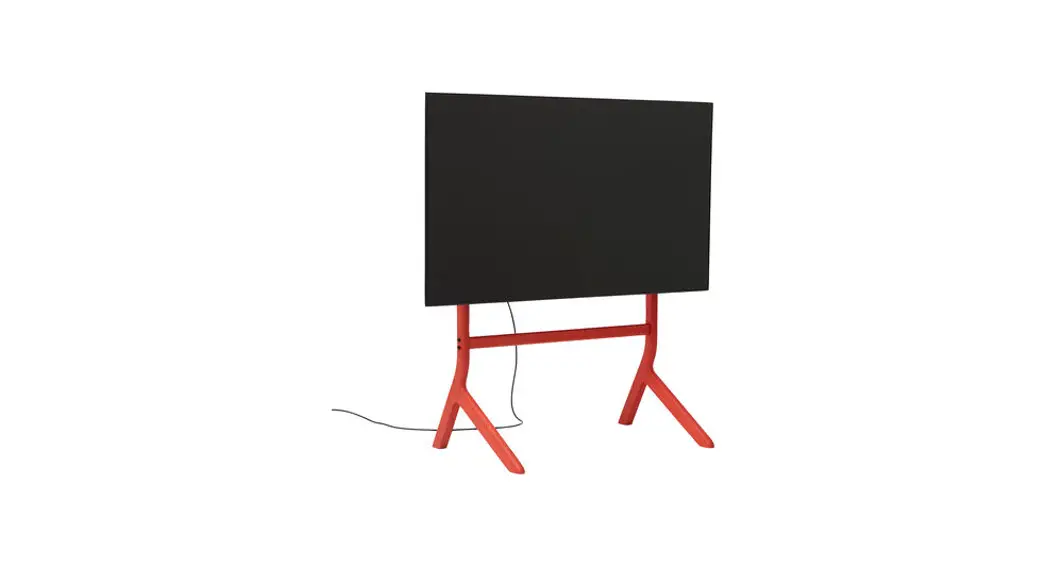
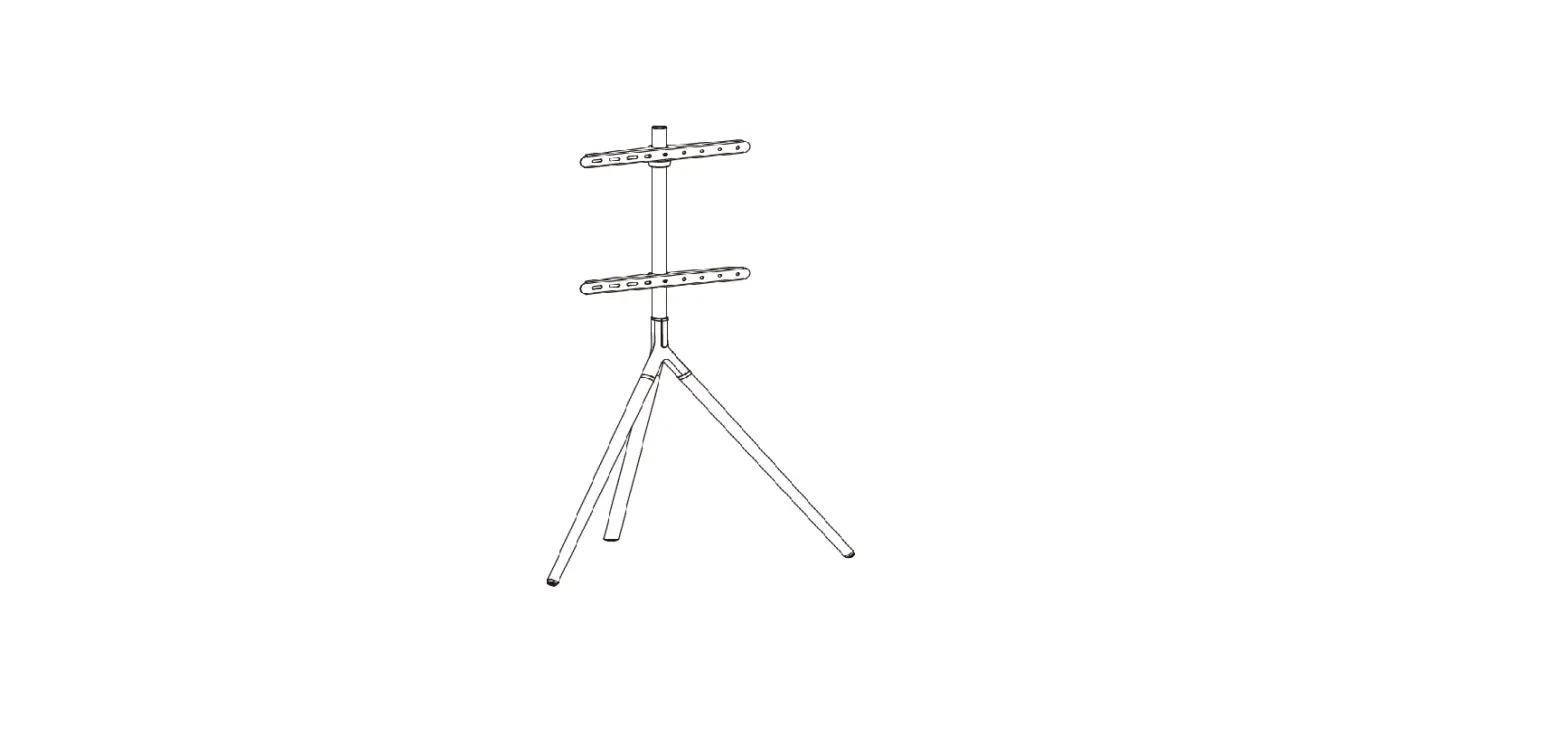
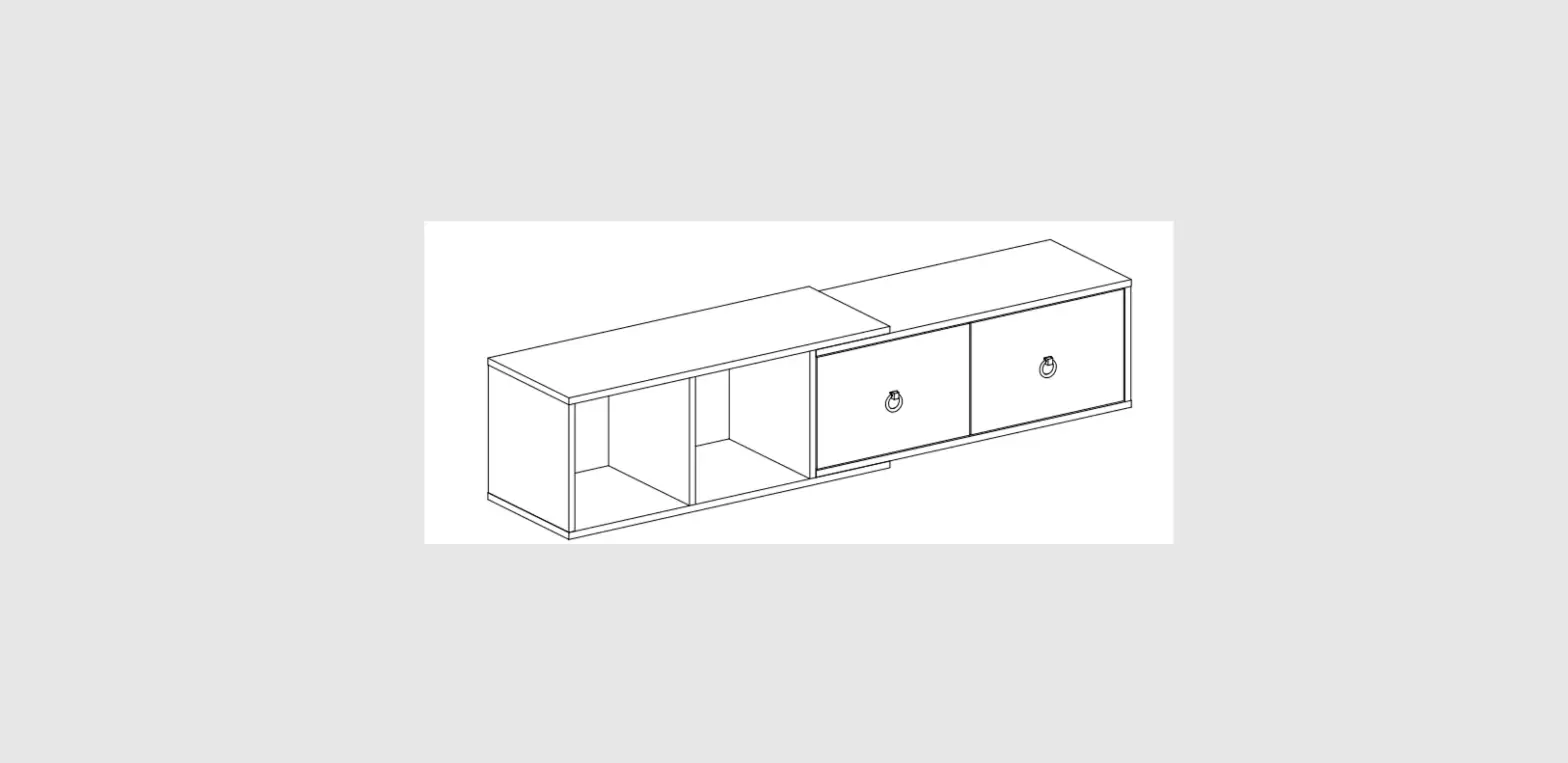
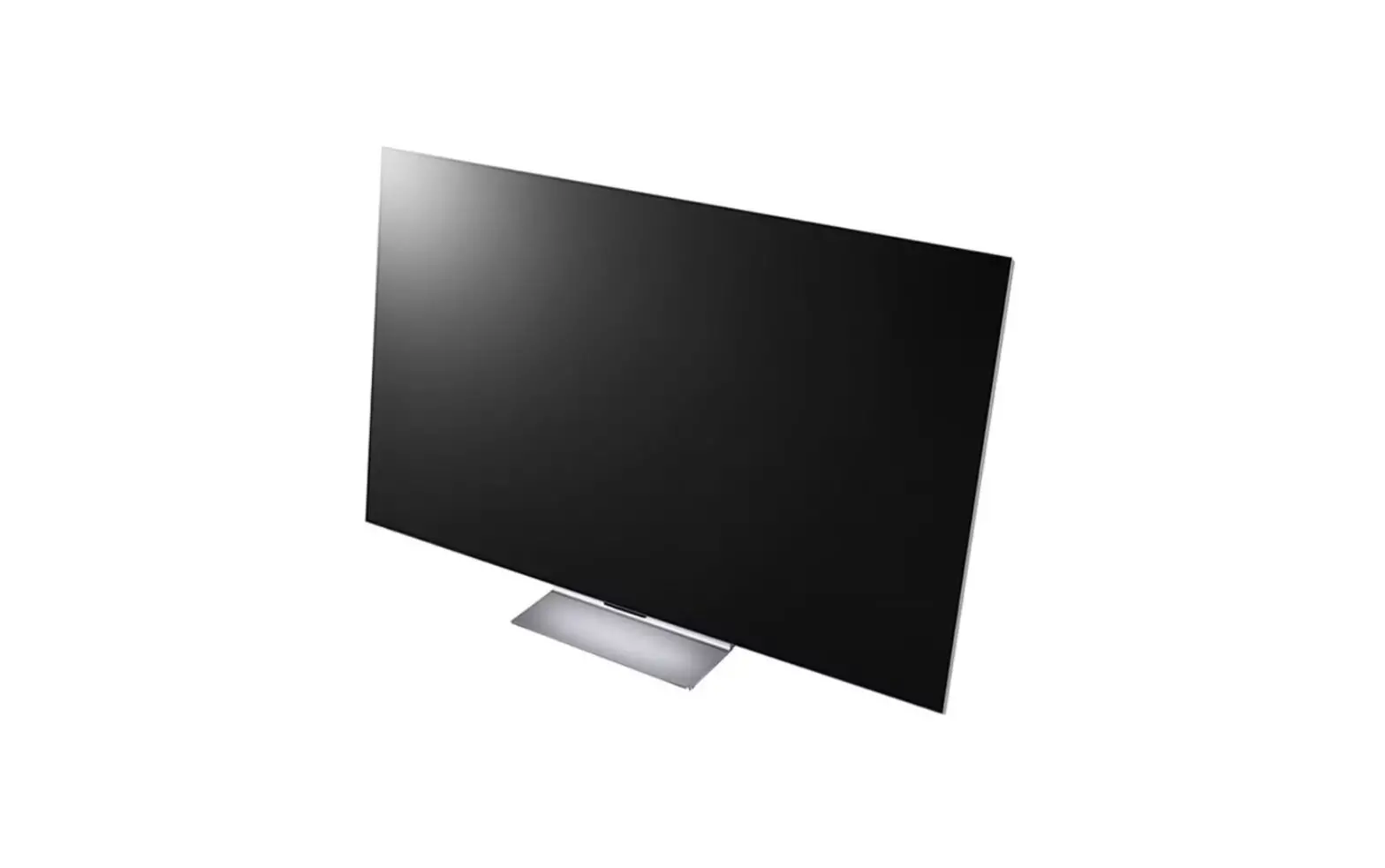
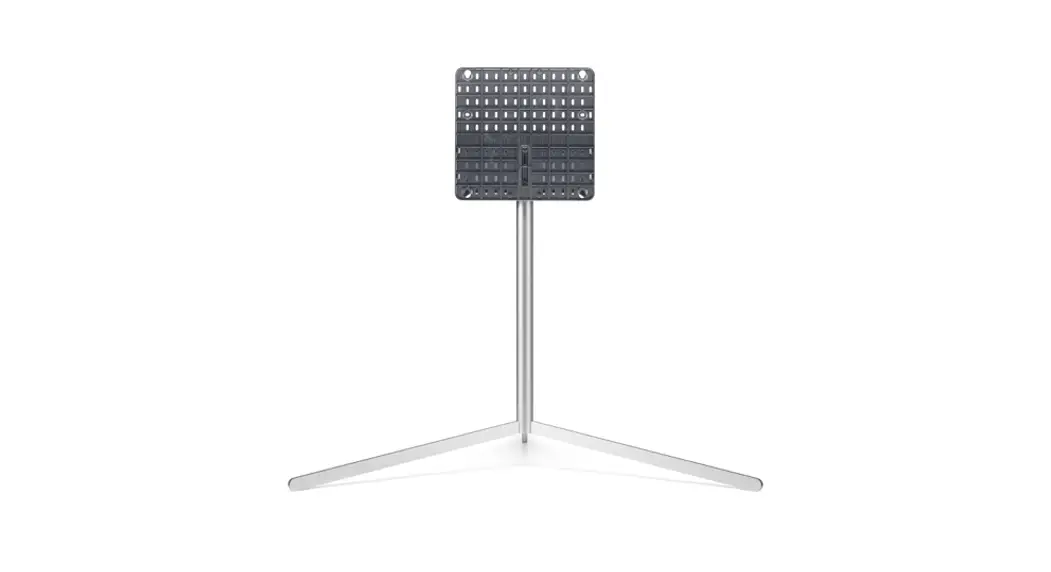
Moon Rollin TV Stander
Product Information
The Moon Rollin’ is a pedestal product designed to provide
flexible interior design solutions for TV screens. It is created by
Pedestal, a small team of designers inspired by 20th-century
industrial aesthetics. The product aims to hold screens securely
while enhancing the overall look of your living space.
Product Usage Instructions
1. Assembly Guide
1.1 Mount brackets:
- Mount the brackets horizontally onto both sides of the
pedestal. - Tighten all connections using the provided wrench and hex
key. - Parts needed: 8x M8x50mm bolts, 8x M8 nuts.
1.2 Wheels:
- Mount the four wheels into the bottom of the pedestal’s
feet. - Place one wheel on each foot.
- Tighten all connections.
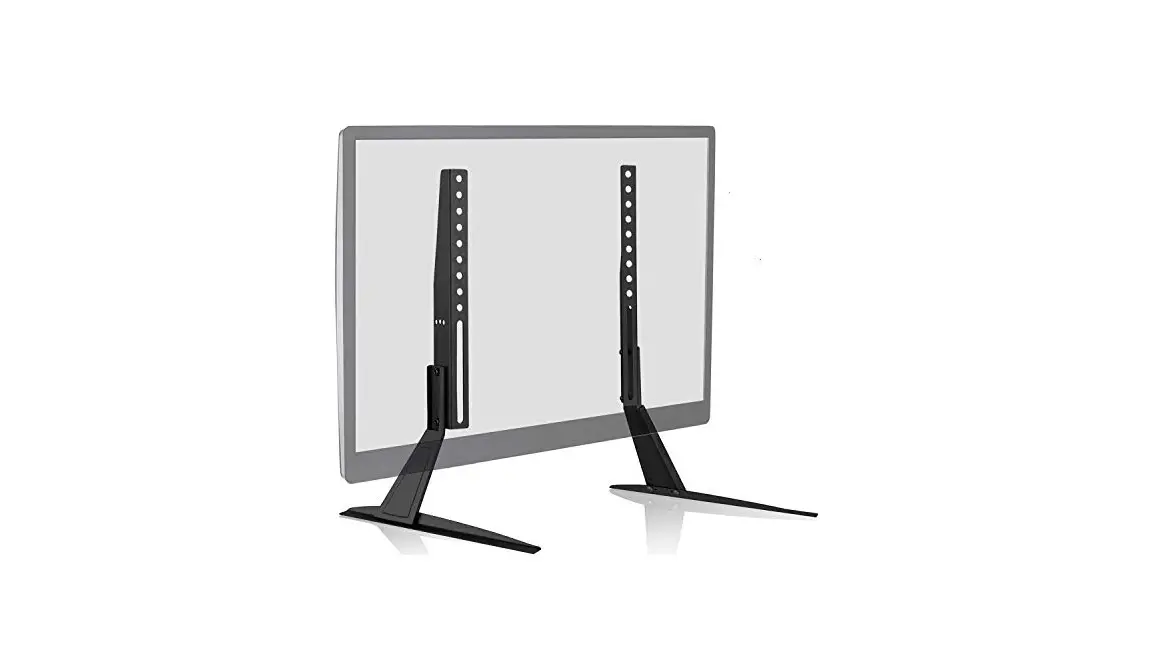
2. Mount TV brackets
2.1 TV brackets fitting:
- Place your TV screen facing backside up on a tabletop.
- Use a soft cloth or blanket to protect both the screen and the
tabletop. - Mount the TV brackets vertically using the fitting holes.
Note: For correct fit, refer to step 3.1
Parts needed: 4 x suitably sized bolts, 4 x M6/M8 washers, at
least 4 x suitably sized spacers.
Incorrect fit:
- Do not panic!
- You will not need all of the remaining hardware.
- The large selection of remaining hardware is to accommodate
different screen sizes. - To achieve a correct fit, identify the right combination of
provided spacers, washers, and bolts. - Place the spacers between the screen and the brackets to ensure
they do not touch the screen. - If your screen has a curved backside, you may need to use more
than one layer of spacers. - Screw the appropriately dimensioned bolts with washers through
the brackets and spacers into the threaded holes on the backside of
the screen. - Tighten the bolts until you have a snug fit, but be careful not
to overtighten. - The bolts must not reach the bottom of the threaded holes to
avoid damage to your screen.
3. Mount TV
Hang the TV on the stand using the safety hooks provided.
Tighten all connections.
Parts needed: 2 x M5x8mm bolts.
For more detailed instructions, you can visit www.pdstl.com/pages/manuals.
Moon Rollin’
Assembly Guide
Moon
Congratulations on your new Pedestal product.
We welcome you on our journey towards creating flexible interior design solutions for tv-screens.
Back in the day, televisions were design objects beautifully made, and put on display. But somewhere along the line, we began to care less about how they look.
Most of us have a big screen at home. Personally, we love them. We watch, zap, and binge with a single click. But making them look good? Now, that’s a challenge.
Mounts, pods, links, stands, call them what you want. Those things that hold your screen can really ruin your feng shui. Setting up your screen at home can feel like choosing between a living room — or a screening room.
So, we founded Pedestal.
We’re a small team of people who design furniture that hold screens, inspired by 20th century industrial aesthetics. They should look good and work just right. That’s it.
Tools
2
1 4
3
Use the QR code or type in the URL to access our video guides. www.pdstl.com/pages/manuals
You will need the tools listed below:
1: Wrench (Provided in the hardware bag) 2: Hex key (Provided in the hardware bag) 3: Table 4: Soft cloth or blanket 5: Assisting friend
1.0 Mount brackets
1.1 Mount brackets detail
Task
Mount the brackets horizontally onto both sides as shown. Tighten all connections.
Parts
8x M8x50mm bolts 8x M8 Nuts
Task
Detailed view of step 2.0.
2.0 Wheels
Task
Mount the four wheels into the bottom of the feet as shown. One wheel on each foot. Tighten all connections.
Parts
4 × Wheels
You’re doing great
3.0 Mount TV brackets
3.1 TV brackets fitting
Correct fit
Task
Place your screen facing backside up on a tabletop with a soft cloth or blanket between the two in order to protect both. Mount the TV brackets vertically using the fitting holes.
For correct fit, see step 3.1
Parts
4 x suitably sized bolts 4 x M6/M8 washers At least 4 x suitably sized spacers
Incorrect fit
1
2
Do not panic!
You will not need all of the remaining hardware. The large selection of remaining hardware is to accommodate as many different screens as possible.
For a correct fit you will have to identify the right combination of provided spacers, washers and bolts.
Place the spacers between the screen and the brackets to ensure that the brackets do not touch the screen.
If for instance your screen has a curved backside, you might have to use more than one layer of spacers.
Now screw the appropriately dimensioned bolts with washers through the brackets and spacers into the threaded holes on the backside of the screen. Tighten the bolts until you have a snug fit. Be sure not to overtighten. The bolts must not reach the bottom of the threaded holes. Overtightening might cause damage to your screen.
4.0 Mount TV
5.0 Mount safety hooks
Task
Hang TV on stand
Task
Secure the TV to the stand with the safety hooks as shown. Tighten all connections.
Parts
2 x M5x8mm Bolts
www.pdstl.com
 TV stand | Buy TV stand and designer accessories for flat screen TV