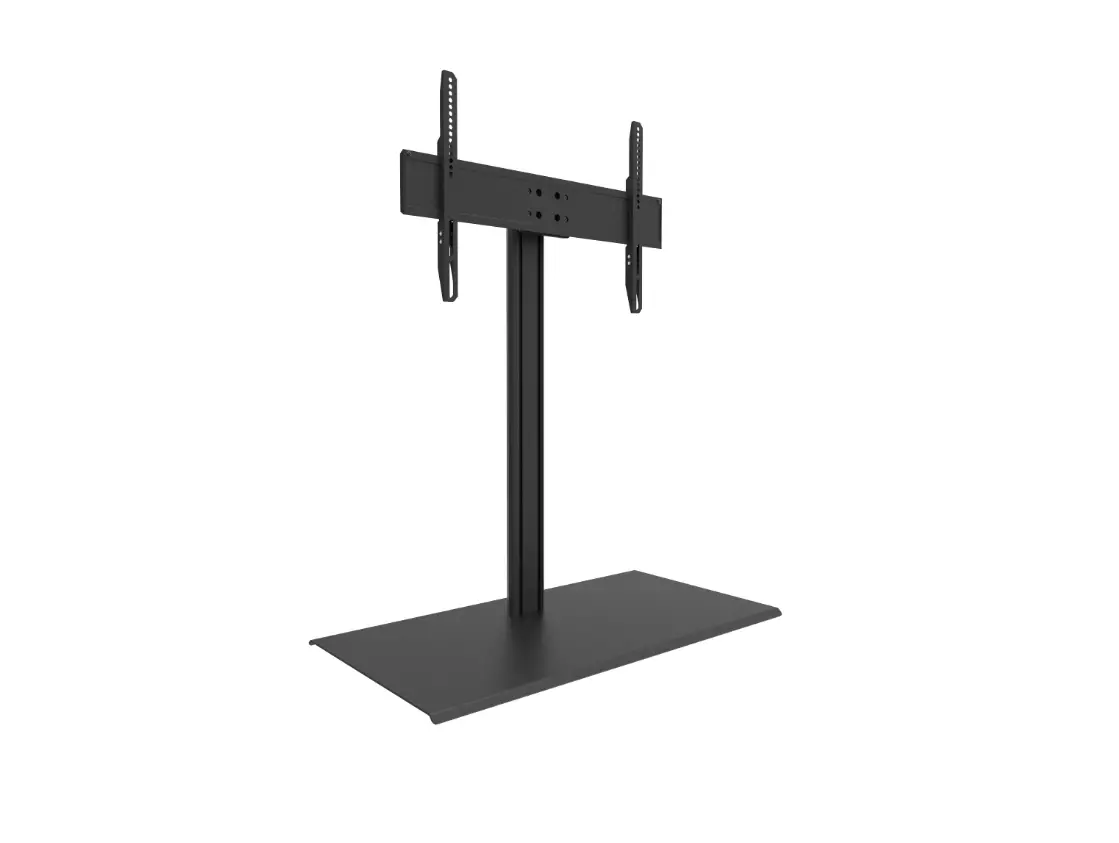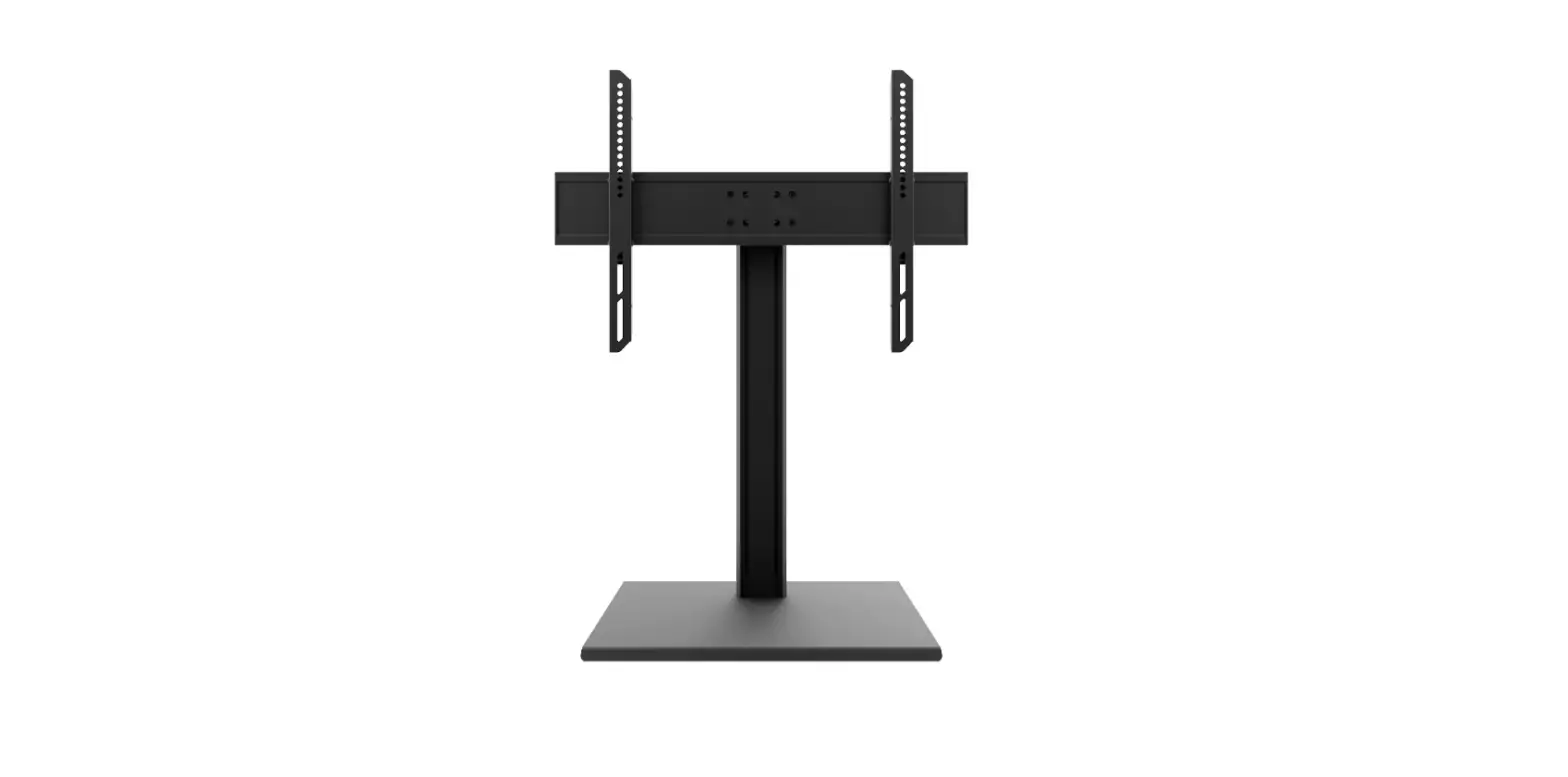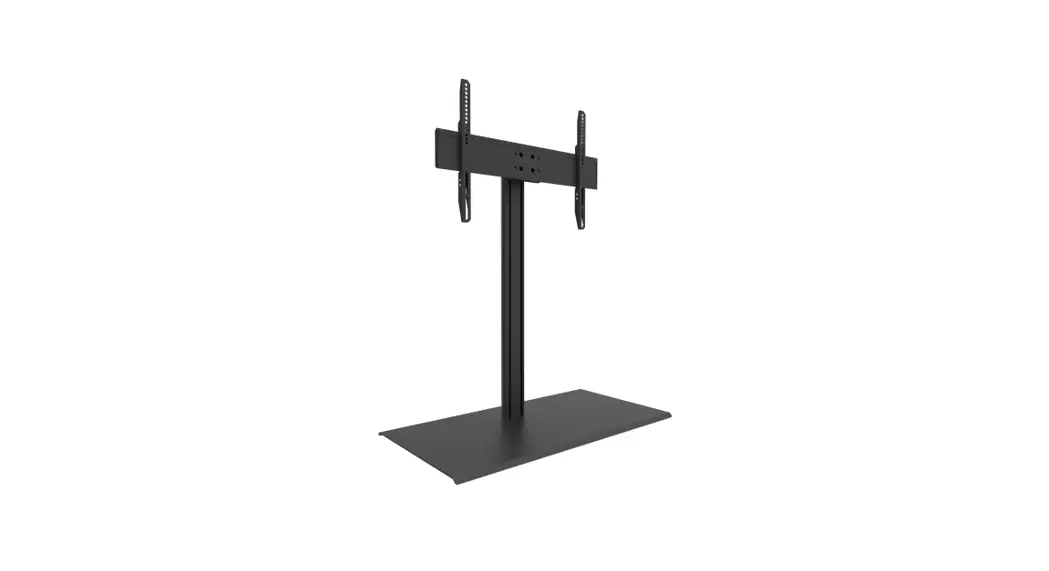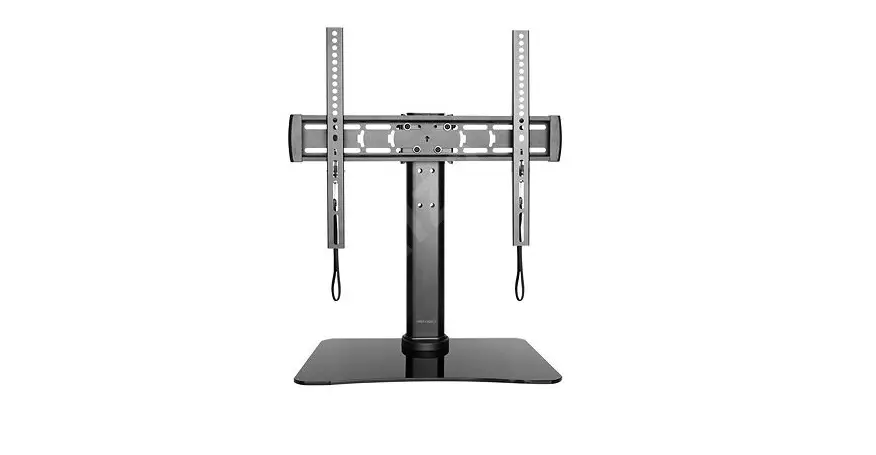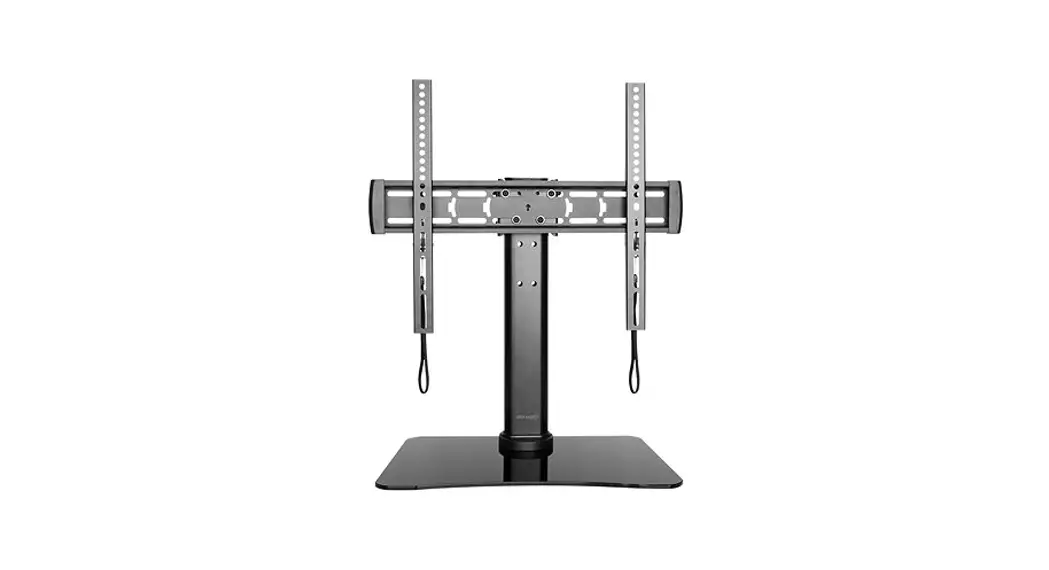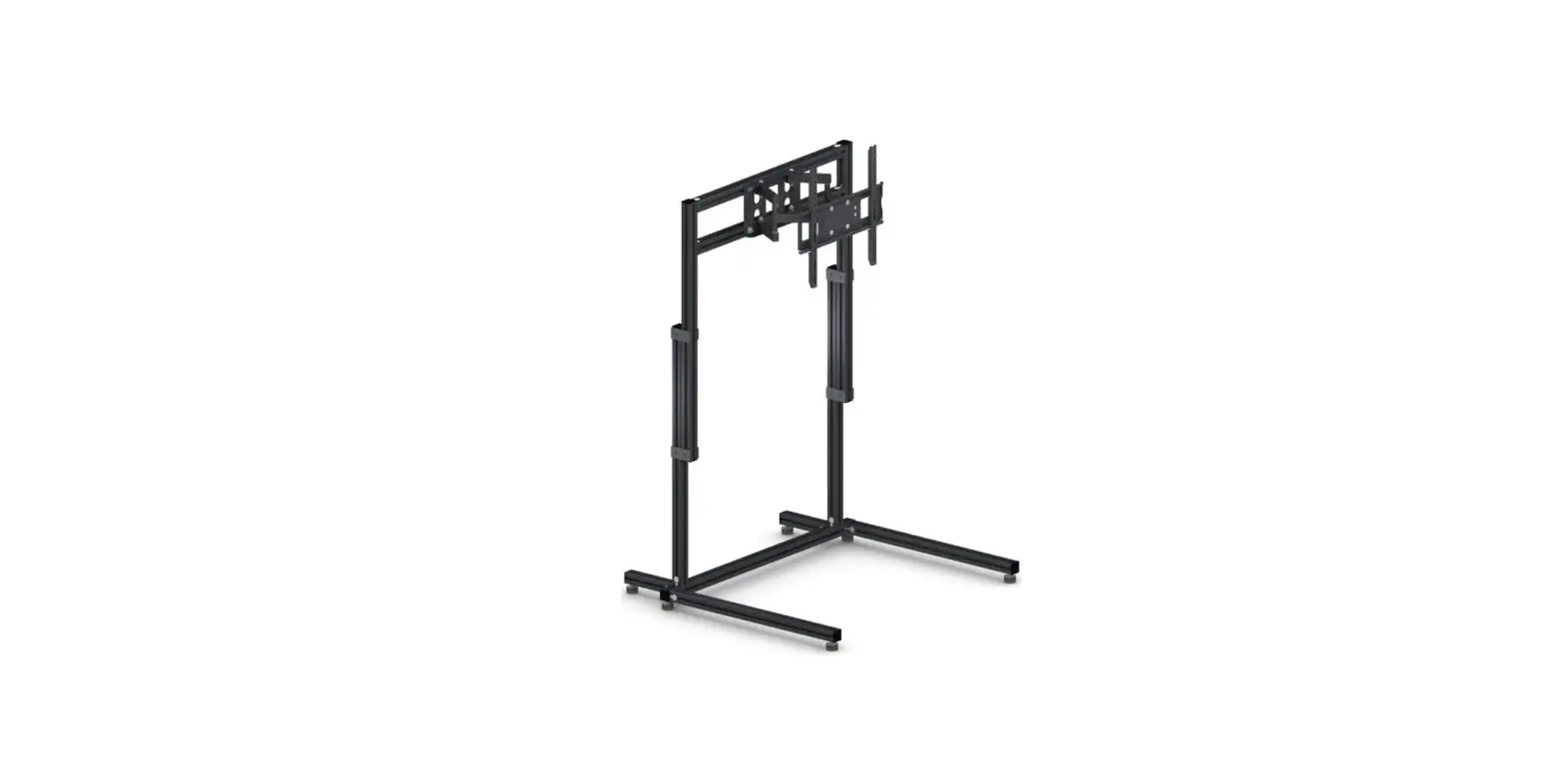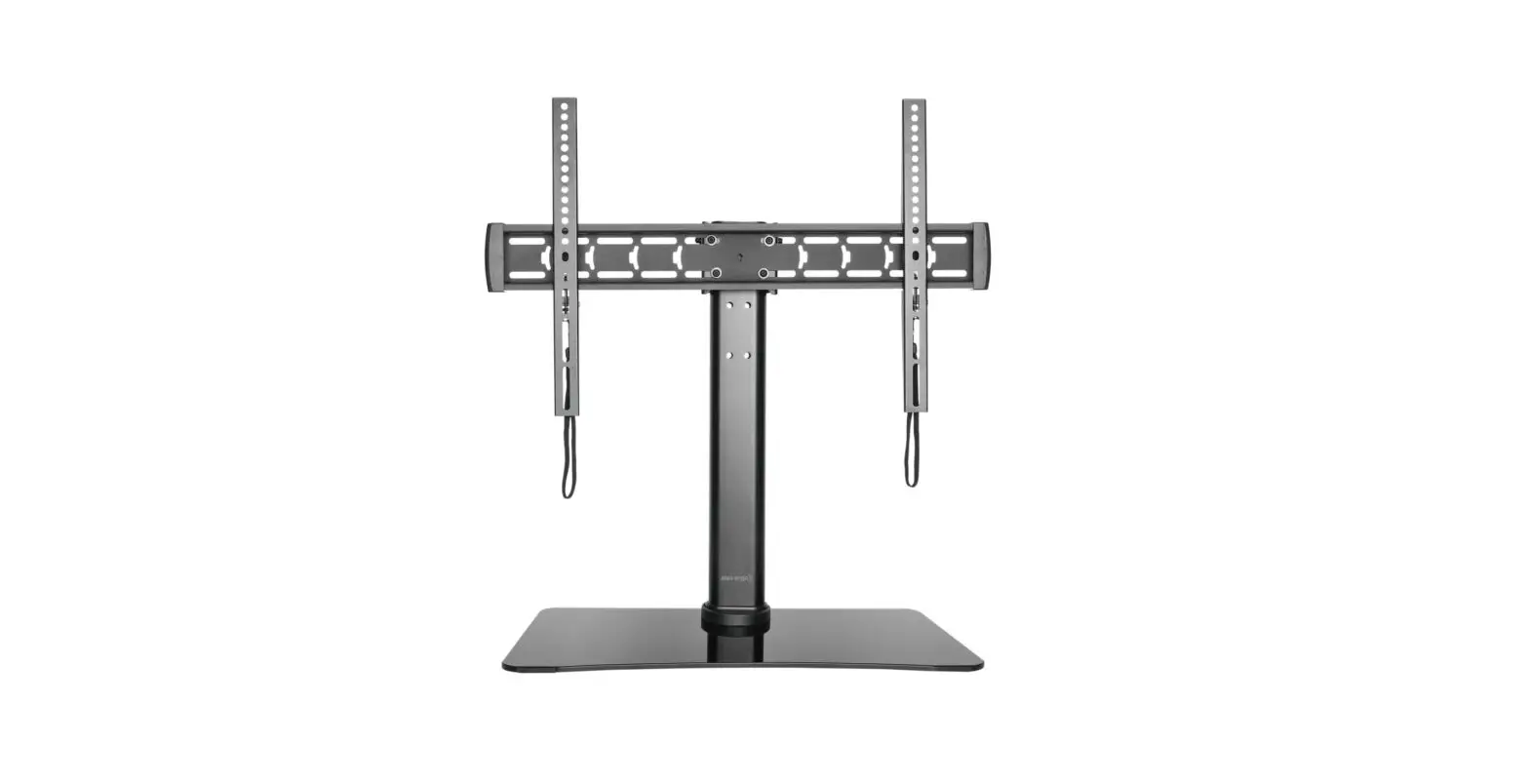
 MTM86PL Rolling TV Stand
User Manual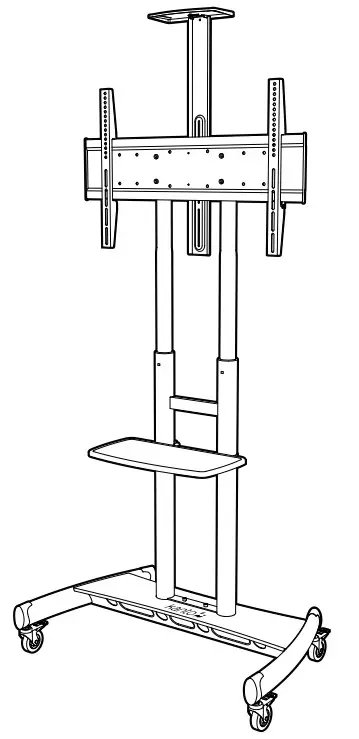 ROLLING TV STAND
MTM86PL Rolling TV Stand
 Supporting your digital lifestyle™
Thank you for choosing Kanto
Read these instructions fully before assembly and installation. If you do not understand these directions, or have any doubts about the safety of the installation, please consult a qualified installation contractor. Make sure there are no defective or missing parts. Do not use defective parts. Kanto cannot be liable for property damage or injury caused by incorrect mounting, incorrect assembly, lifting or incorrect use of this product. If there is hardware missing, or if you are uncertain whether a part is defective, please contact Kanto directly using one of the methods below. CAUTION
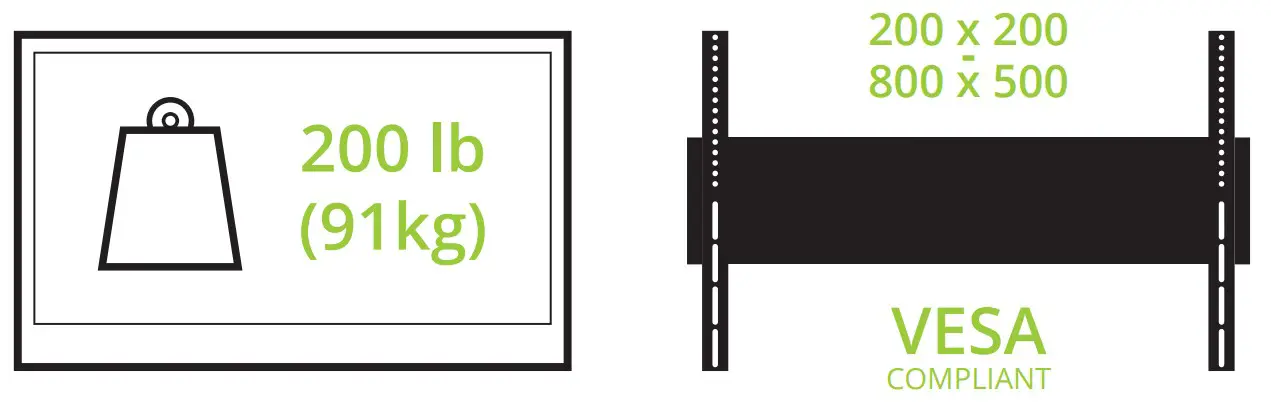
The maximum loading weight is 200 lb (91 kg). This rolling TV stand is intended for use only with the maximum weights indicated. Use with products heavier than the maximum weights indicated may result in instability causing possible injury. The floor you plan to use the Kanto mount on must be able to support more than 5 times the weight of the television and the mount combined. Do not use this product for any purpose other than to mount a VESA compliant TV as outlined in this manual. Improper installation may cause damage to your TV or serious injury. Do not install this product if you are unsure what kind of floor you may have or the load it can support. You are advised to consult a qualified installation contractor before installing this product. 1-888-848-2643
 [email protected]
 See installation video online at:
www.kantomounts.com/resources
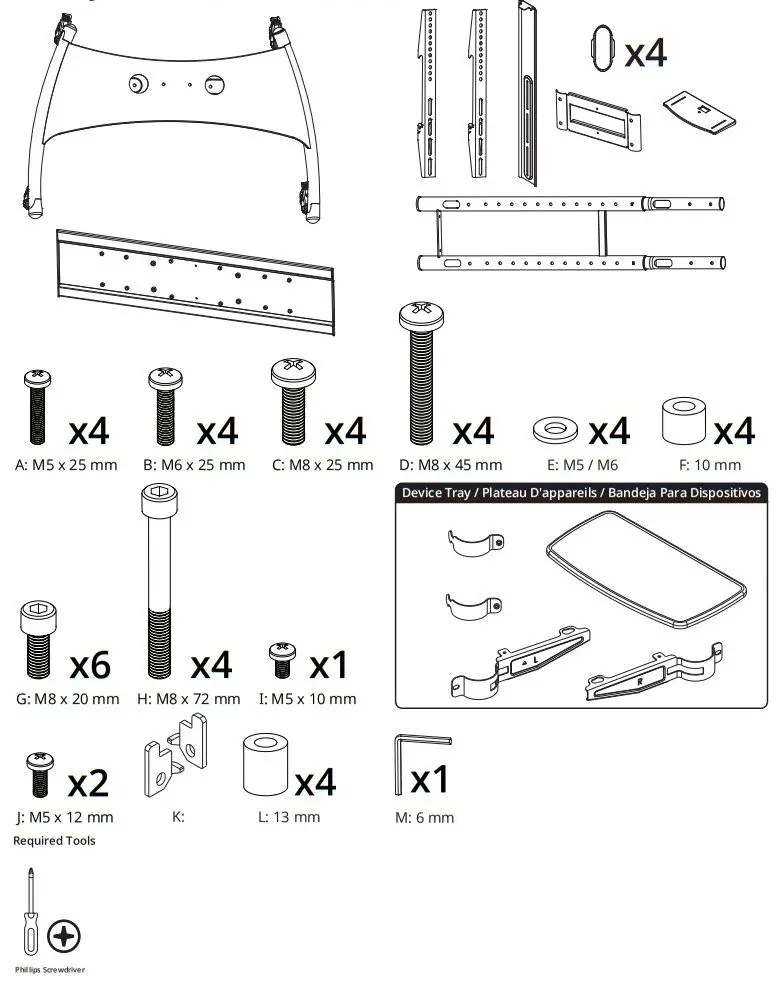
Supplied Parts and Hardware
Project Overview
 IMPORTANT!: Please read this entire document before attempting assembly.
- Select TV Screws and Spacers
- Select Spacers for Irregular TVs
- Attach TV Brackets
- Assemble Mount Base
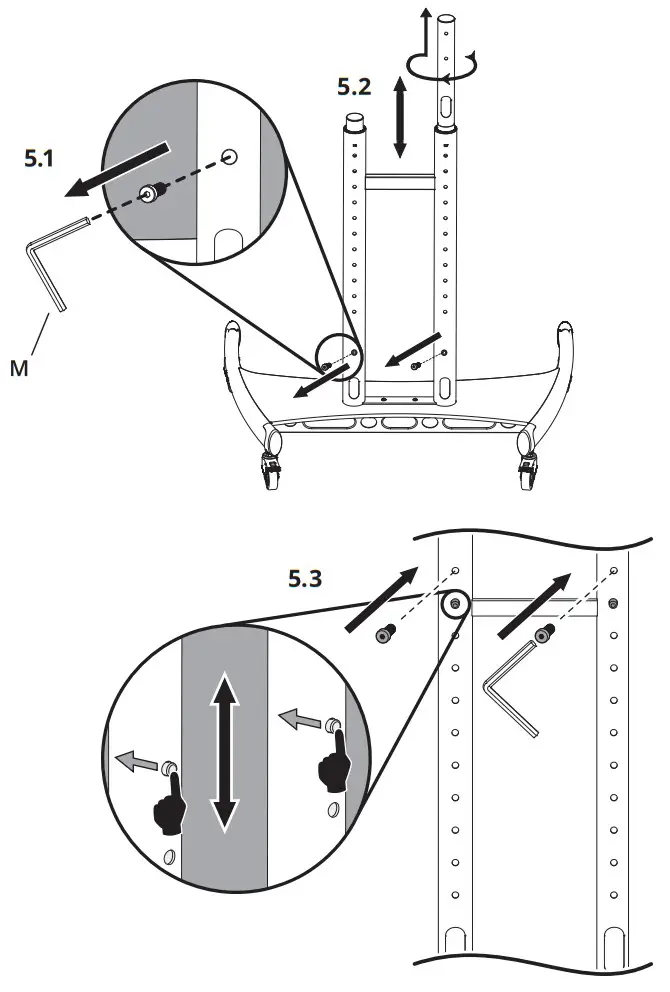
- Configure Mount Height
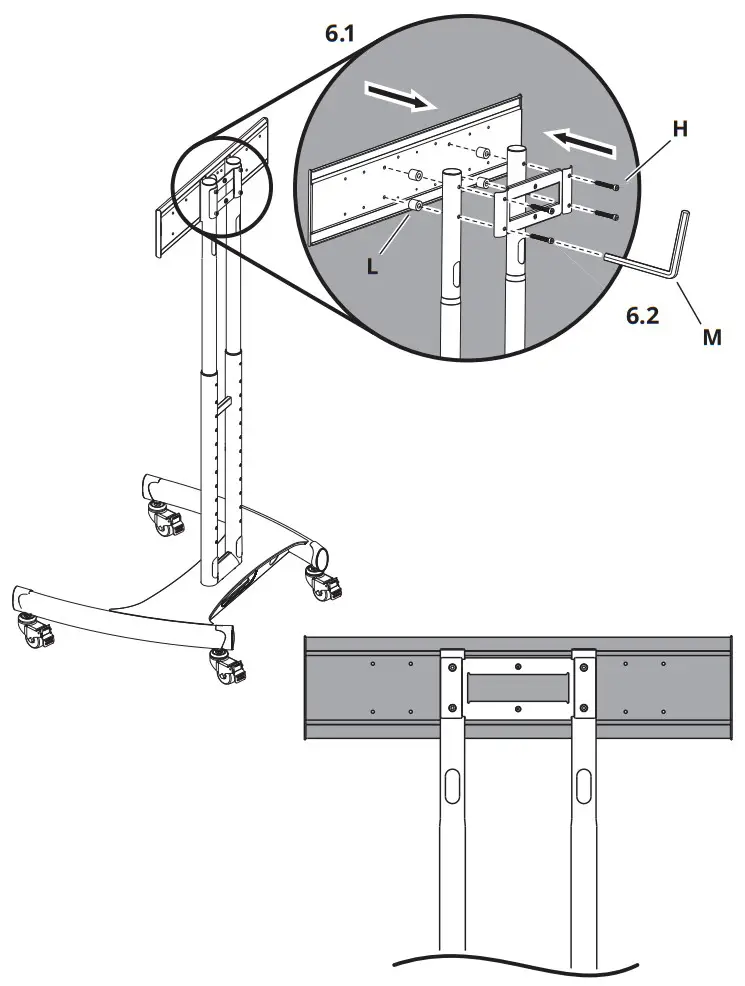
- Attach TV Plate
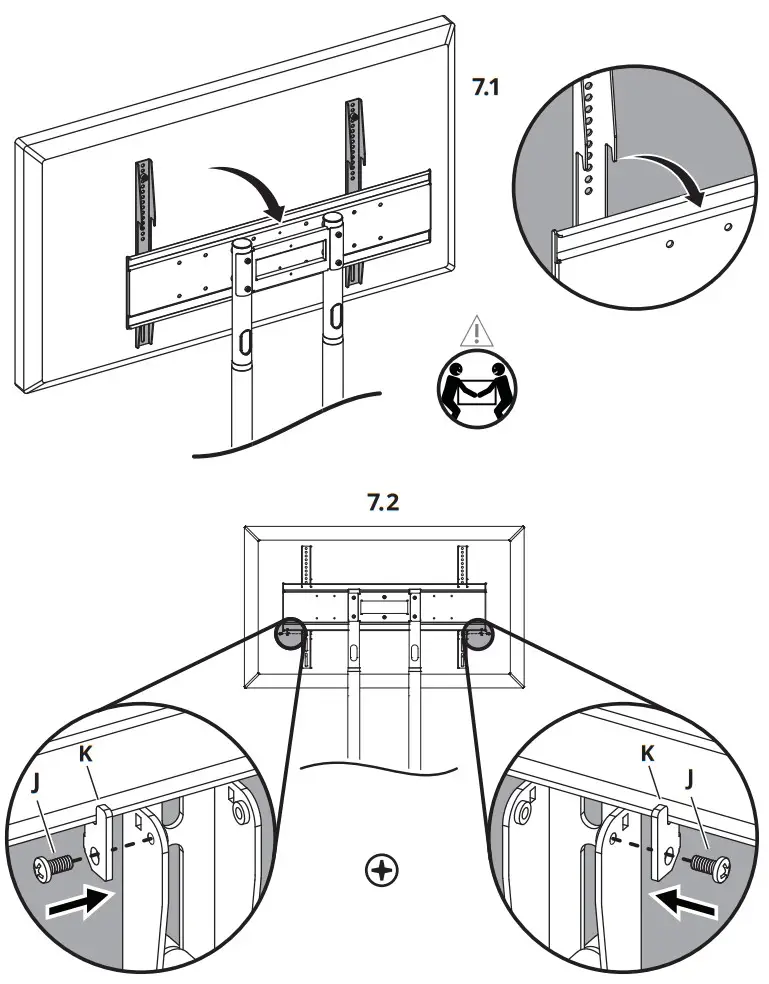
- Hang and Secure TV
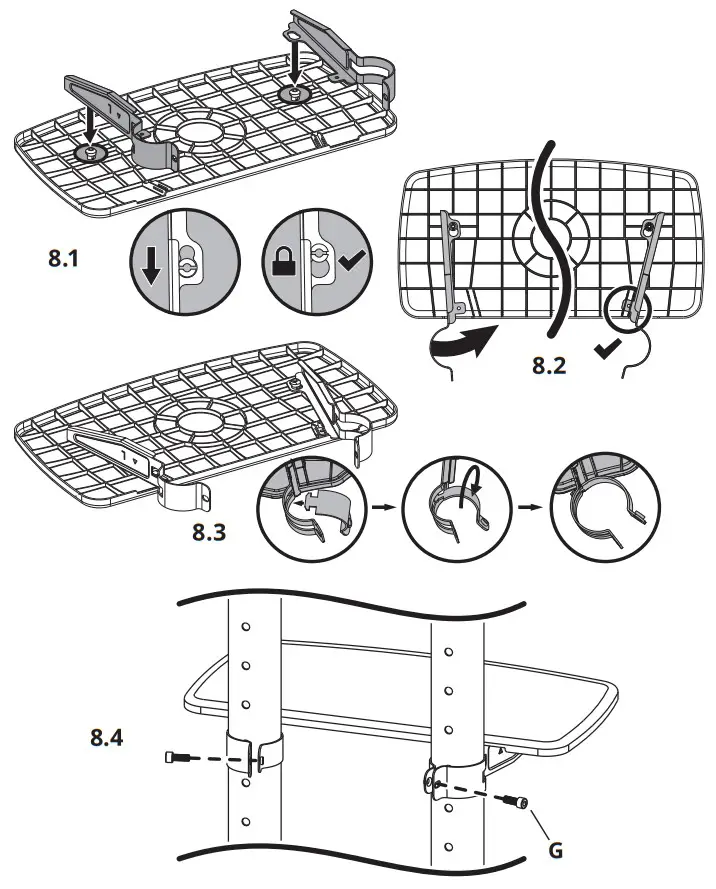
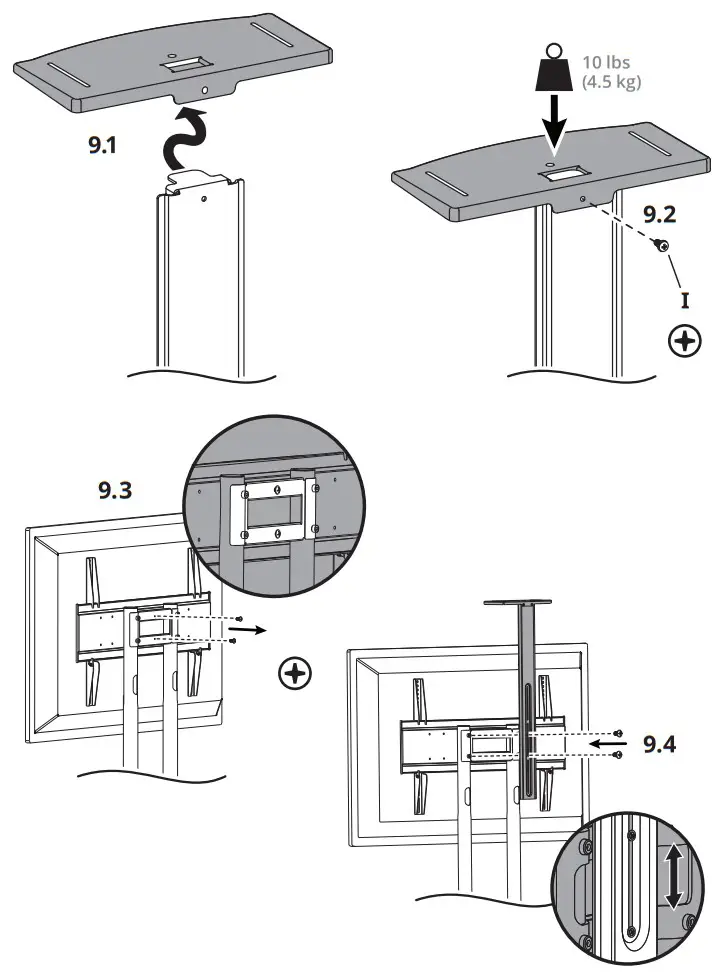
- Assemble and Attach Device Tray
- Assemble and Attach Webcam Shelf
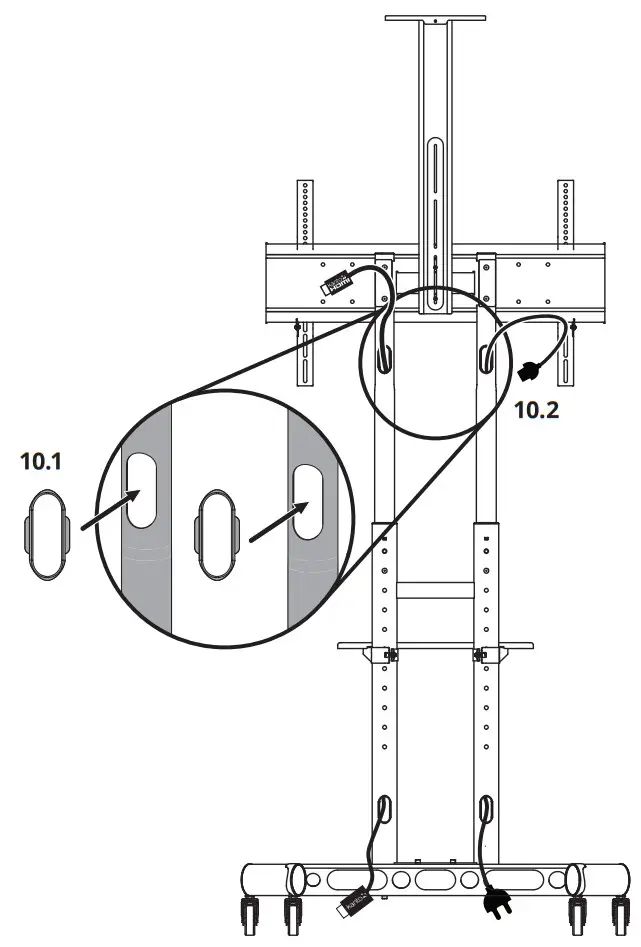
- Manage Cables
If you have any problems or difficulties while following these instructions, please contact Kanto directly: Email: [email protected]
Toll Free: US & Canada: 1-888-848-2643
- Select TV Screws and Spacers
 1.1 A–D Select Screws
The back of your TV has 4 screw holes in a square or rectangular pattern. This is where the mount will attach to your TV. Kanto provides several sizes and lengths of screws. This guide will help you select the right screws for your TV. You will only use 4 of the provided screws to attach your TV – the rest are not needed. 1.2 F Select Spacers
Plastic spacers are also provided in 1 thickness to allow the mount to work with curved TVs, and TVs that have recessed mount holes, protrusions, or inputs in the way. They can also be used to prevent the TV screws from going too deep and damaging your TV. You may not need spacers for your TV. - Select Spacers for Irregular TVs
 Spacers can be used to provide clearance around protrusions on the back of your TV, or to accommodate a curved TV. You may need to use longer screws.
 - Attach TV Brackets WARNING
Do not lay the TV face down on its front. Use a wall or TV stand. Use whichever holes and slots work with your TV’s VESA pattern.
† Only applicable if using M5 / M6 screw *Optional - Assemble Mount Base

- Configure Mount Height

- Attach TV Plate

- Hang and Secure TV

- Assemble and Attach Device Tray

- Assemble and Attach Webcam Shelf

- Manage Cables

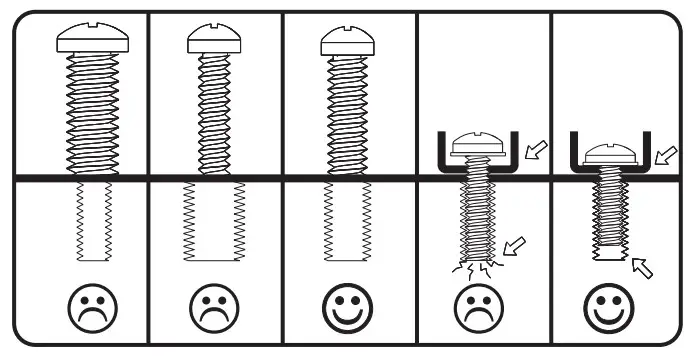 1.1 A–D Select Screws
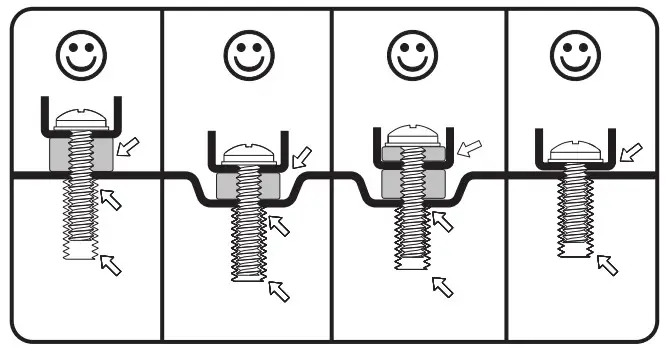 1.2 F Select Spacers
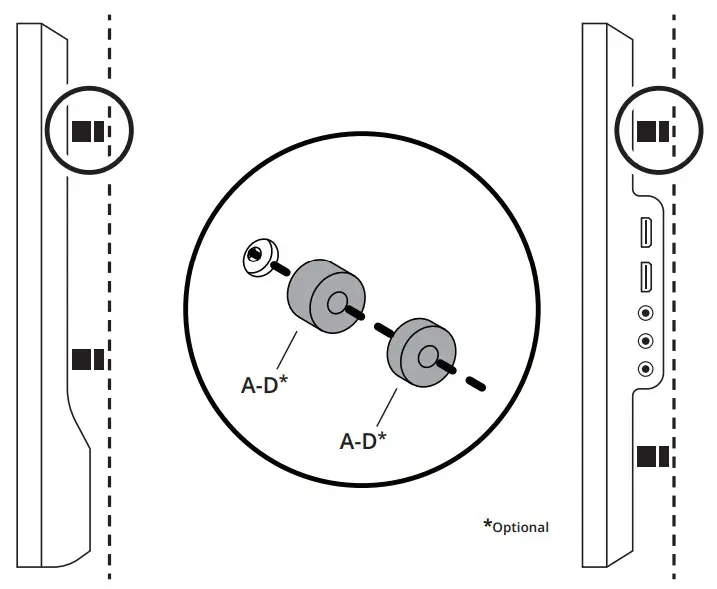 Spacers can be used to provide clearance around protrusions on the back of your TV, or to accommodate a curved TV. You may need to use longer screws.
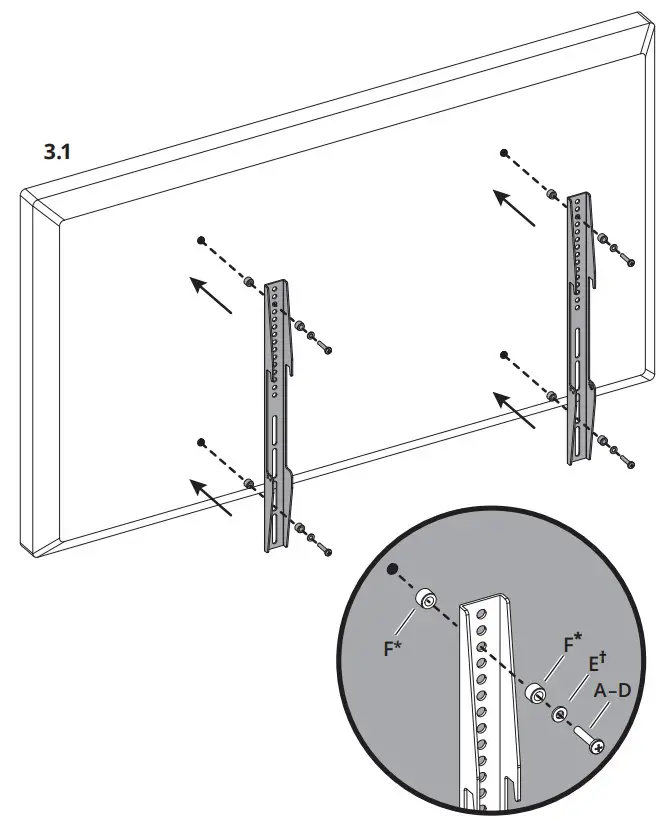 Use whichever holes and slots work with your TV’s VESA pattern.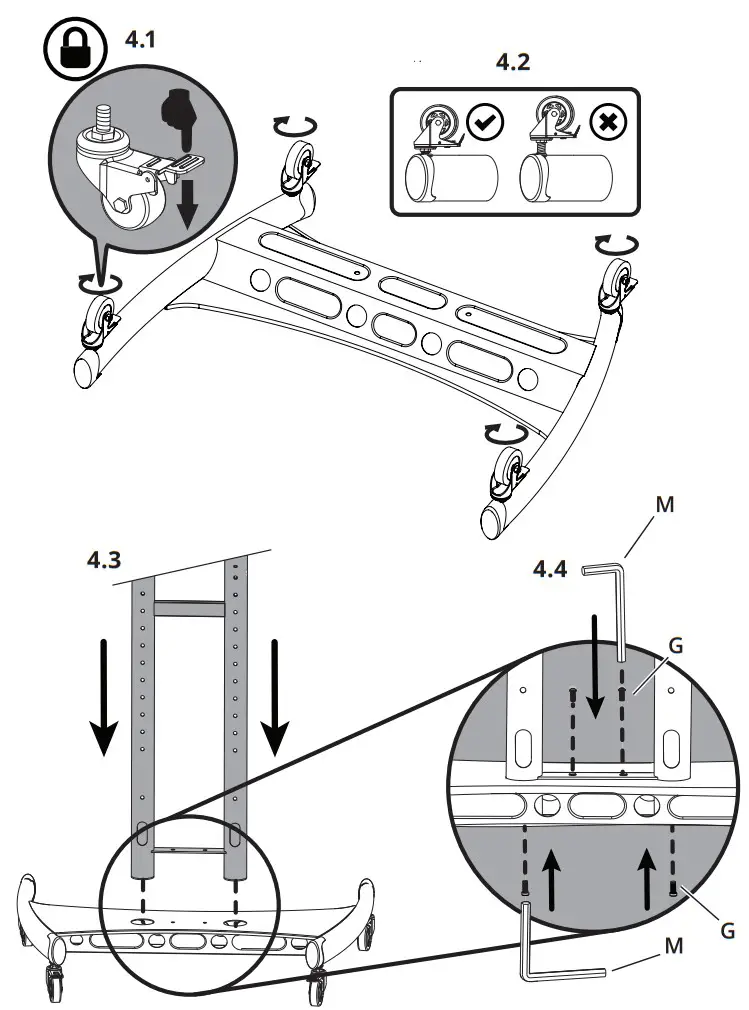
 | kantoaudio.com |  | Kanto Audio |  | @kantoaudio |
 | Kanto Solutions |  | kantoaudio |  | Kanto Living |
Limited Warranty to Original Purchaser
Kanto Living Inc. (Kanto) warrants the equipment it manufactures to be free from defects in material for the limited warranty period of 5 years.
If equipment fails because of such defects and Kanto is notified within 5 years from the date of shipment with proof of original invoice from an authorized reseller, Kanto will, at its option, provide replacement parts or replace the equipment, provided that the equipment has not been subjected to mechanical, electrical, or other abuse or modifications. Any replacement parts or replacement units are warranted for 90 days from the day of reshipment to the original purchaser.
Customers will be responsible for obtaining a Return Authorization Number and paying shipping costs to return product to a Kanto location or authorized depot. If the equipment is covered under the warranty provisions above, Kanto will replace parts or provide a replacement unit, and be responsible for shipping costs to the customer. Please keep the original packaging to prevent damage to the product during shipping. Insuring your shipment is also recommended.
The information in the manual has been carefully checked and is believed to be accurate. However, Kanto assumes no responsibility for any inaccuracies that may be contained in the manual. In no event will Kanto be liable for direct, indirect, special, incidental, or consequential damages resulting from any defect in the equipment, even if advised of the possibility of such damages. This warranty is in lieu of all other warranties expressed or implied, including without limitation, any implied warranty, including any warranty of merchantability and fitness for any particular purpose, all of which are expressly disclaimed.
www.kantomounts.com
[email protected]
Toll Free: 1-888-848-2643
 Kanto Audio | Immerse Yourself in Sound
 TV Wall Mount Instructions and Resources | Kanto Mounts