 User manual
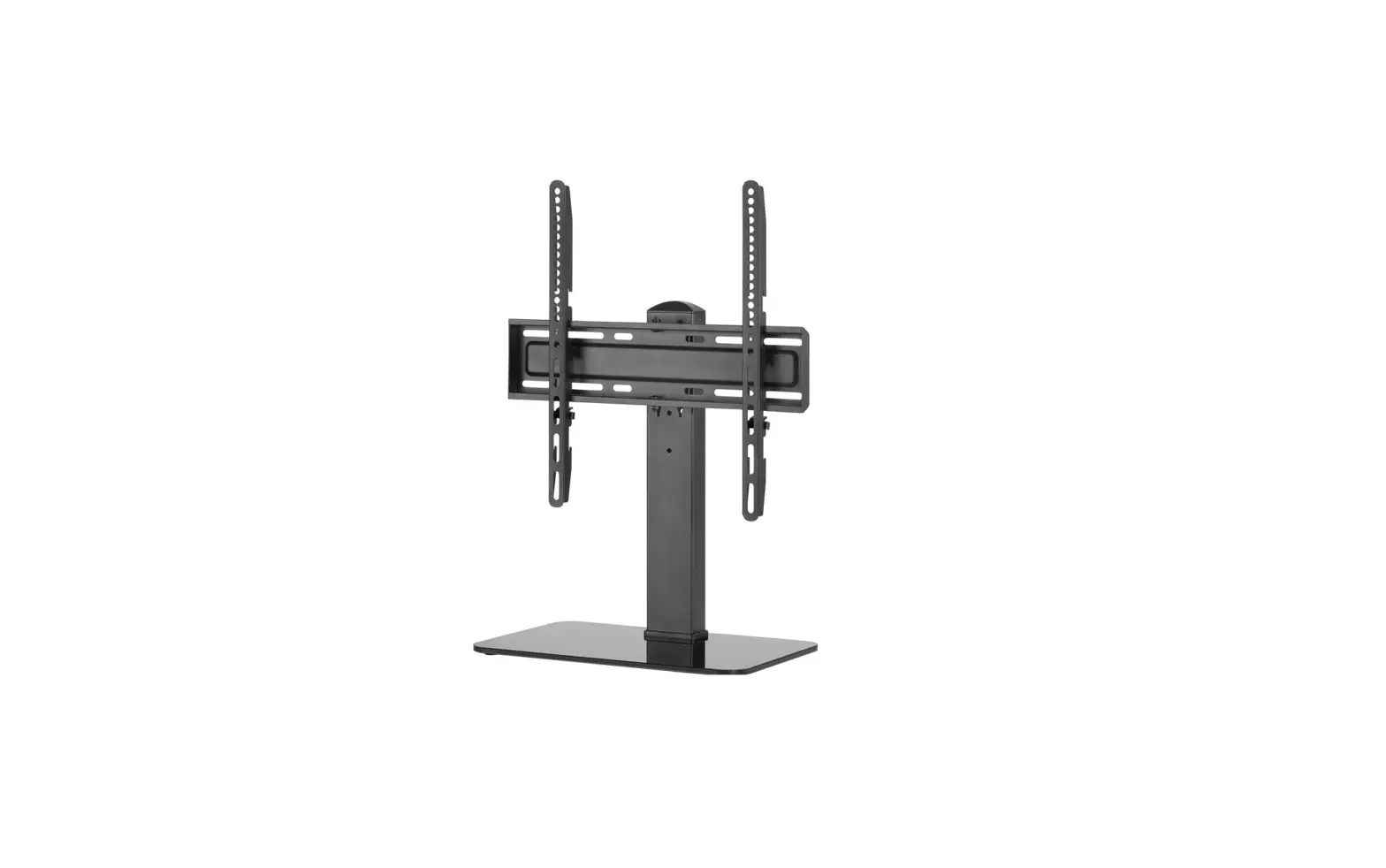
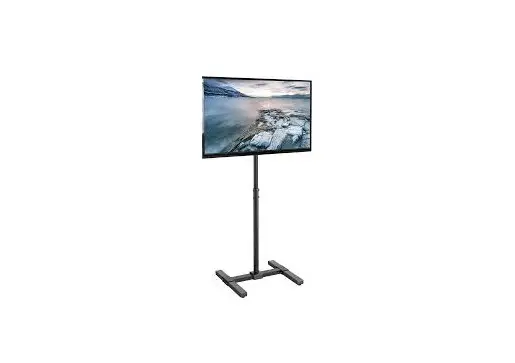
Art. 59508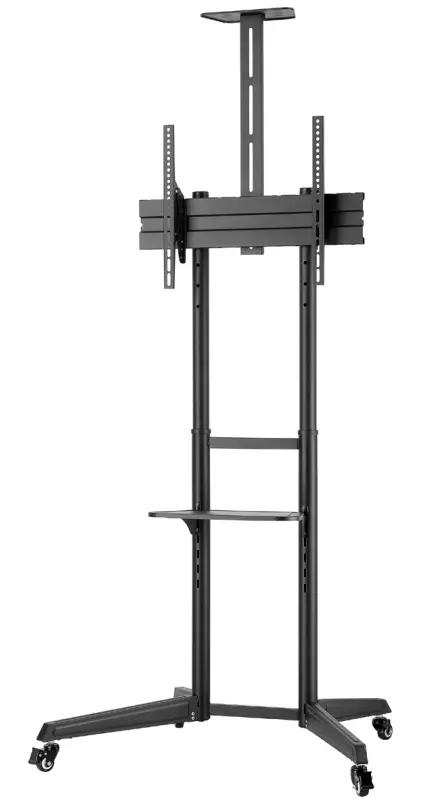 TV Presentation Stand Pro (Size L)
59508 TV Presentation Stand Pro
Tab. 1
| (A) | 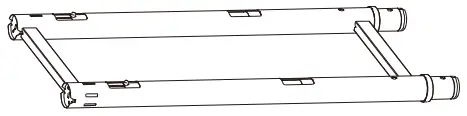 | 1x |
| (B) | 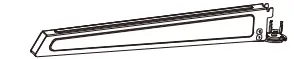 | 1x |
| (C) | 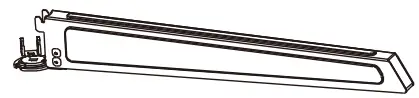 | 1x |
| (D) | 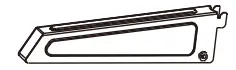 | 2x |
| (E) |  | 2x |
| (F) |  | 2x |
| (G) | 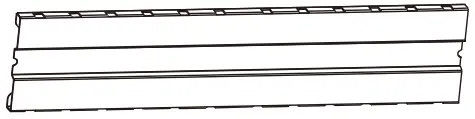 | 1x |
| (H) | 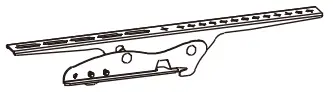 | 1x |
| (I) | 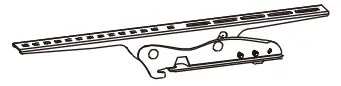 | 1x |
| (J) |  | 1x |
| (K) | 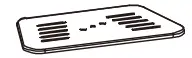 | 1x |
| (L) | 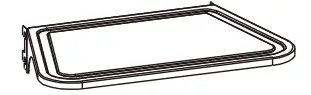 | 1x |
| (M) | 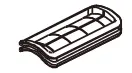 | 6x |
| (N) |  | 2x |
| (O) |  | 2x |
| (P) |  | 2x |
| (Q) | 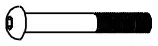 | 4x |
| (R) |  | 2x |
| (S) |  | 2x |
| (T) |  | 4x |
| (U) | 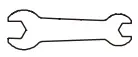 | 1x |
| (V) | 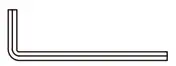 | 1x |
| (W) | 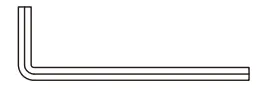 | 1x |
| (M-A) | 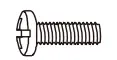 | 4x |
| (M-B) | 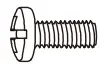 | 4x |
| (M-C) | 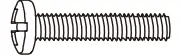 | 4x |
| (M-D) | 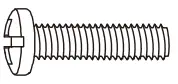 | 4x |
| (M-E) | 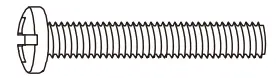 | 4x |
| (M-F) | 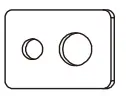 | 4x |
| (M-G) |  | 8x |
| (M-H) | 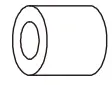 | 8x |
Tab. 2
| -1 |  |
Safety instructions
The user manual is part of the product and contains important information for correct use.
- Read the user manual completely and carefully before use.
The user manual must be available for uncertainties and passing the product. - Keep this user manual.
- Do not modify products and accessories.
- Use product, product parts, and accessories only in perfect condition.
- In case of questions, defects, mechanical damage, trouble, and other problems, non-recoverable by the documentation, contact your dealer or producer.
Not suitable for children and persons with physical and/or mentally limited abilities. - Secure packaging, small parts, and insulation against accidental use.
- Mounting, dismounting, care, storage, transport, and disposal may only be carried out by users with basic mechanical knowledge.
- Have maintenance and repair work carried out by qualified personnel only.
- Avoid stresses such as heat and cold, moisture and direct sunlight vibration, and mechanical pressure.
- Place, install, and transport products, product parts, and accessories in a safe way.
- When working with burdens, secure yourself and the working place, and let a second person help you.
- Do not install the product in places with direct sunlight or bright light.
This contributes to eye fatigue. - Do not hold limbs between shear parts during use.
Moving product parts can pinch or squeeze limbs. - Keep enough space around the product and the whole system to ensure proper ventilation and mobility.
- Compare the specifications of all products used.
The specifications of all used products must match or be within the specified range.
The supporting surfaces must be able to safely withstand the weight of the mount and the equipment attached to it. - Use the mounting screws provided.
- Do not over-tighten the screws.
Threads can be damaged.
Description and Function
2.1 Product
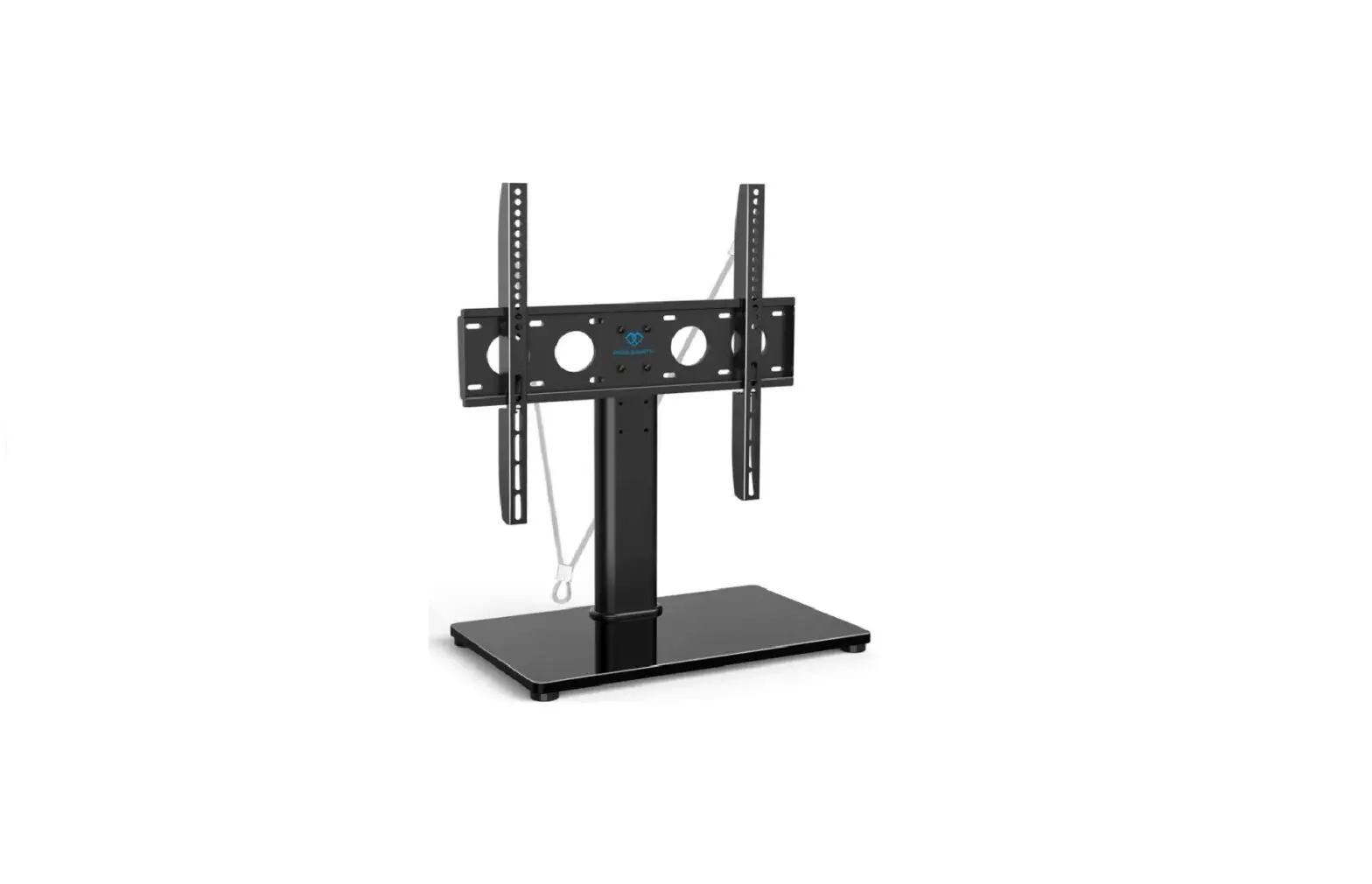
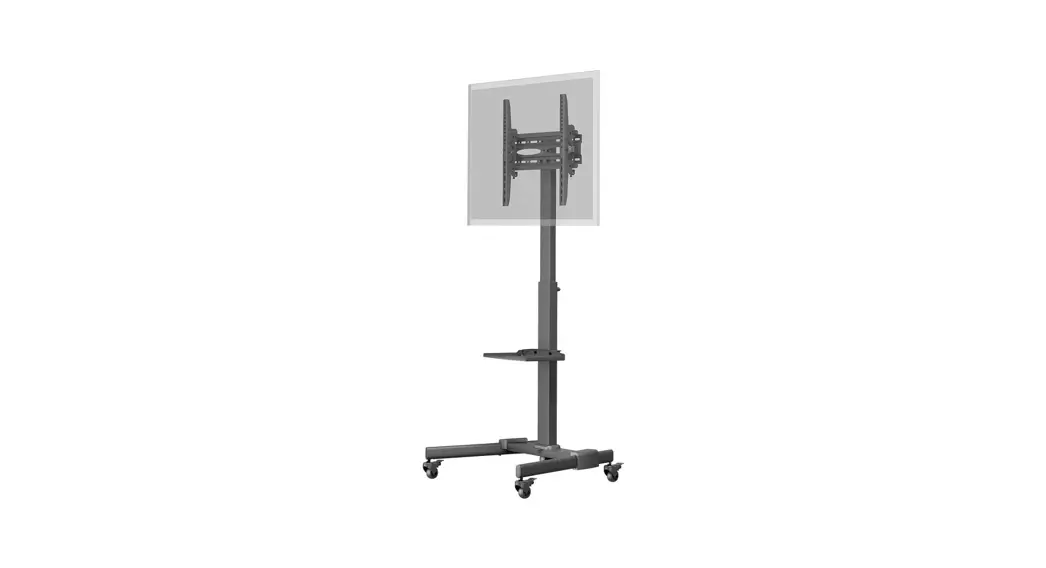
The product is a mobile presentation stand for mounting TV sets or screens weighing up to 50 kg.
2.2 Scope of Delivery See Tab. 1.
| ○ Stand (A) | ○ M8x60 (Q) |
| ○ Foot piece front left (B) | ○ M8x12 (R) |
| ○ Foot piece front right (C) | ○ M5x8 (S) |
| ○ Foot piece back (D) | ○ Washer D8 (T) |
| ○ Wheels (E) | ○ Spanner (U) |
| ○ Wheels with brakes (F) | ○ Allen key 5 mm (V) |
| ○ Monitor mount (G) | ○ Allen key 8 mm (W) |
| ○ Mounting rail right (H) | ○ M5x14 (M-A) |
| ○ Mounting rail left (I) | ○ M6x14 (M-B) |
| ○ Stand for the upper shelf (J) | ○ M6x30 (M-C) |
| ○ Upper shelf (K) | ○ M8x30 (M-D) |
| ○ Lower shelf (L) | ○ M8x50 (M-E) |
| ○ Cover (M) | ○ Washer D5-D8 (M-F) |
| ○ Hole cover (N) | ○ Spacer Ø15xØ8×5 (M-G) |
| ○ M10x35 (O) | ○ Spacer Ø15xØ8×15 (M-H) |
| ○ M6x35 (P) | ○ User Manual |
2.3 Required Tools
See Tab. 2.
○ Philips screwdriver (1)
2.4 Specifications
| Item No. | 59508 |
| Screen size | 94 – 178 cm (37 – 70“) |
| Load capacity monitor mount | 50 kg |
| Load capacity shelves | 5 kg |
| Distance between threaded holes | 100×100, 200×100 200×200, 300×200, 300×300, 400×200, 400×300, 400×400,600×400 |
| Dimensions (width x depth x max. height) / Weight | 871 x 678 x 1966 mm / 10.7 kg |
| Tilt range | -12° ~ +5° |
Intended Use
 We do not permit using the device in other ways as described in the chapter „Description and Function“ or in the „Safety Instructions“. Use the product only in dry interior rooms. Not attending to these regulations and safety instructions might cause fatal accidents, injuries, and damages to persons and property.
Preparation
- Check the scope of delivery for completeness and integrity.
Mounting
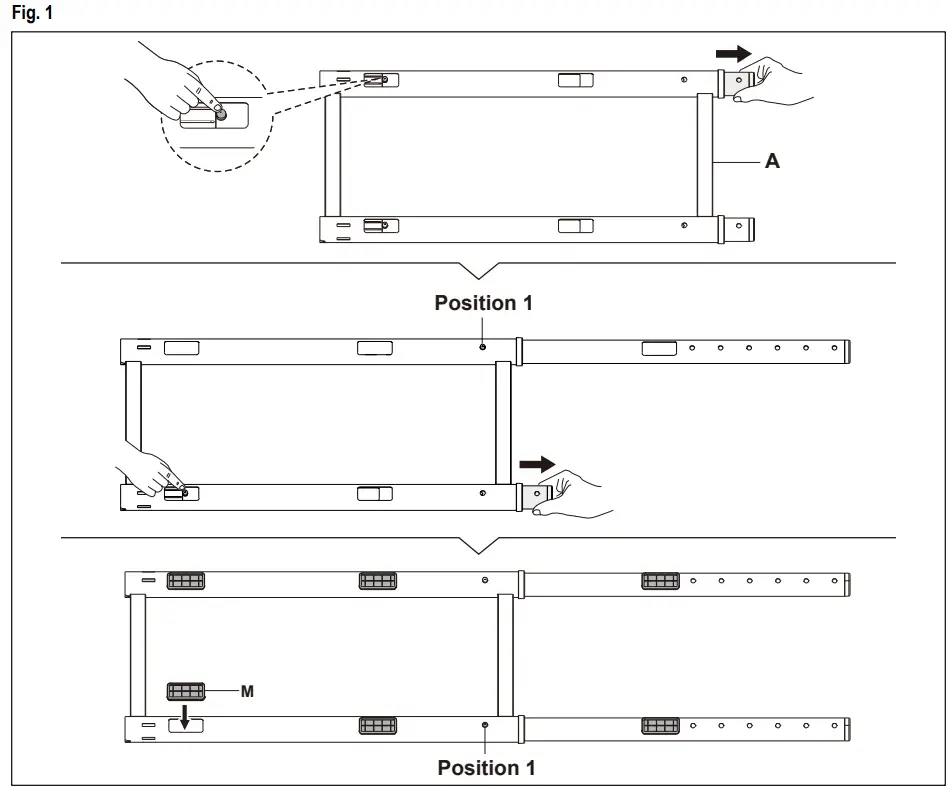
5.1 Extending and securing the stand
See Fig 1. Press the locking pin and pull the stand apart until position 1 is reached.
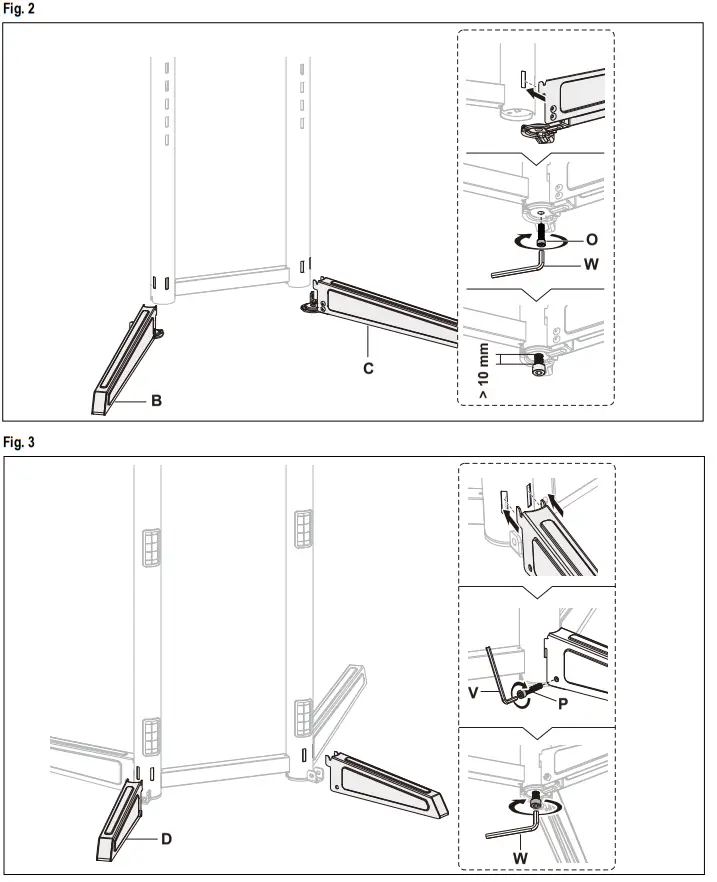
5.2 Attaching the foot piece to the stand
See Fig. 2 and Fig. 3.
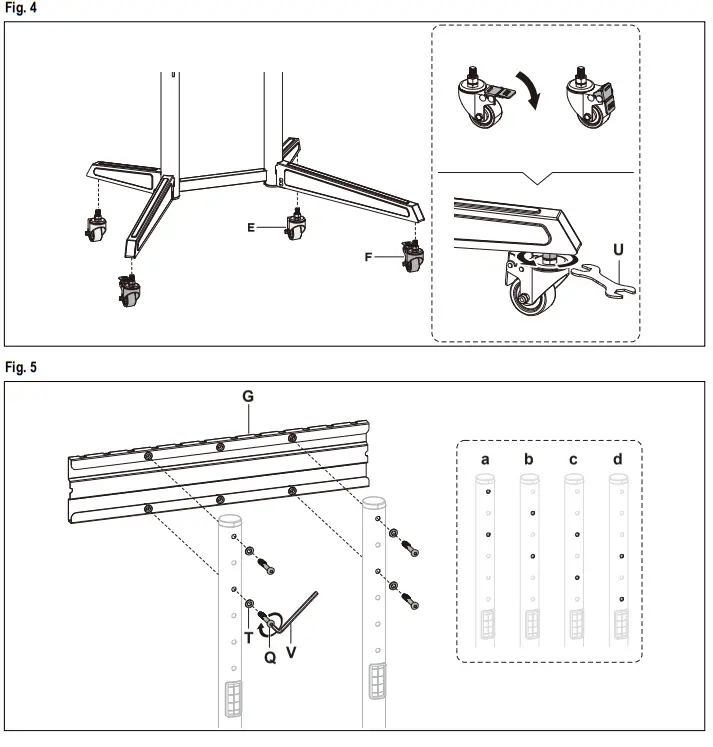
5.3 Mounting and securing the wheels
See Fig. 4. Secure the wheels with the brakes to avoid sudden movements during assembly.
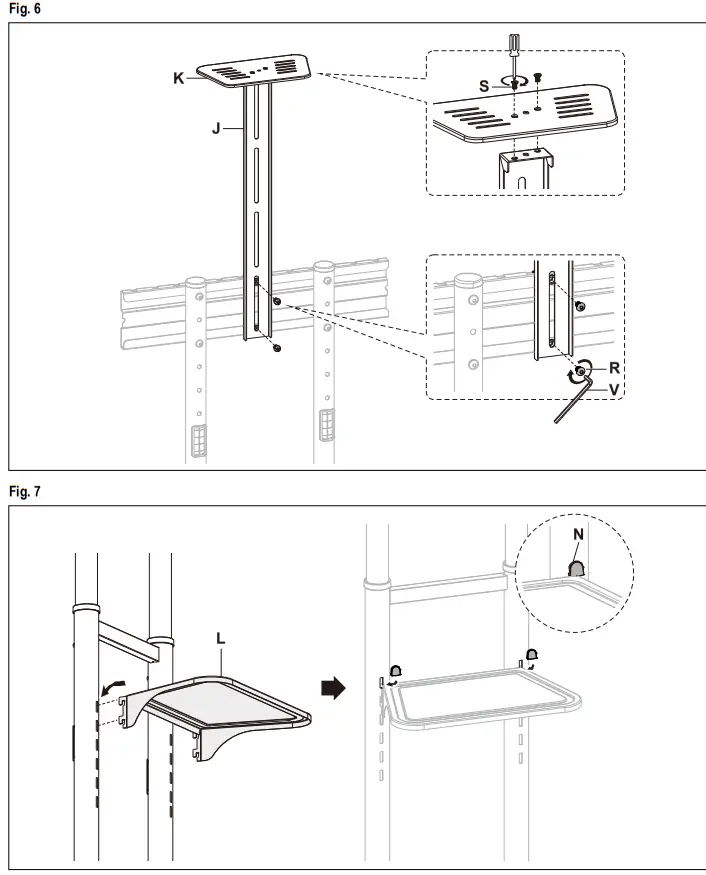
5.4 Attaching the monitor mount to the stand
See Fig. 5.
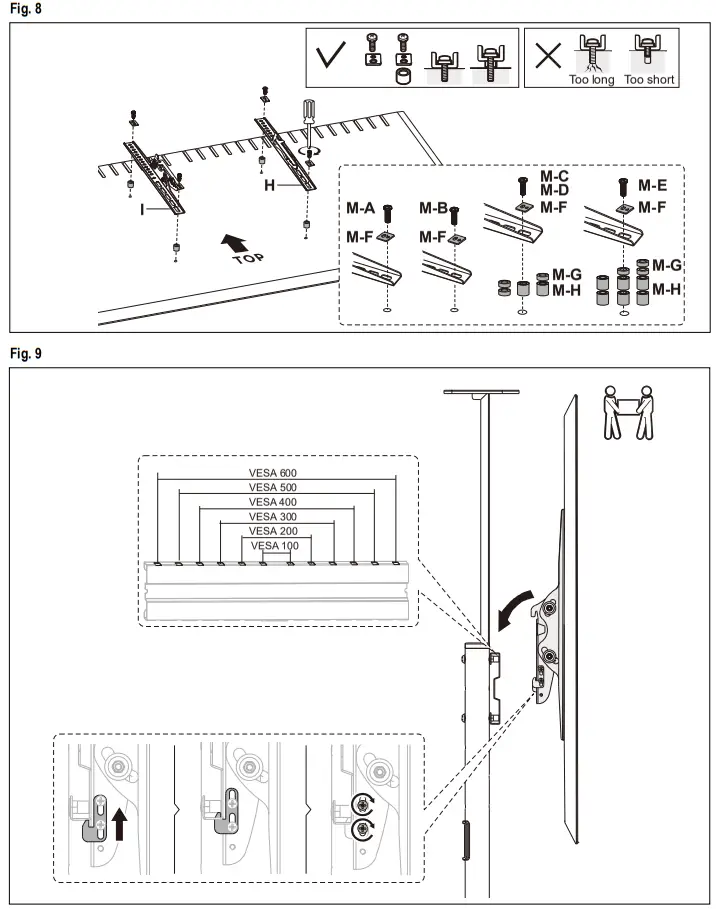
5.5 Attaching the shelves
See Fig. 6 and Fig. 7.
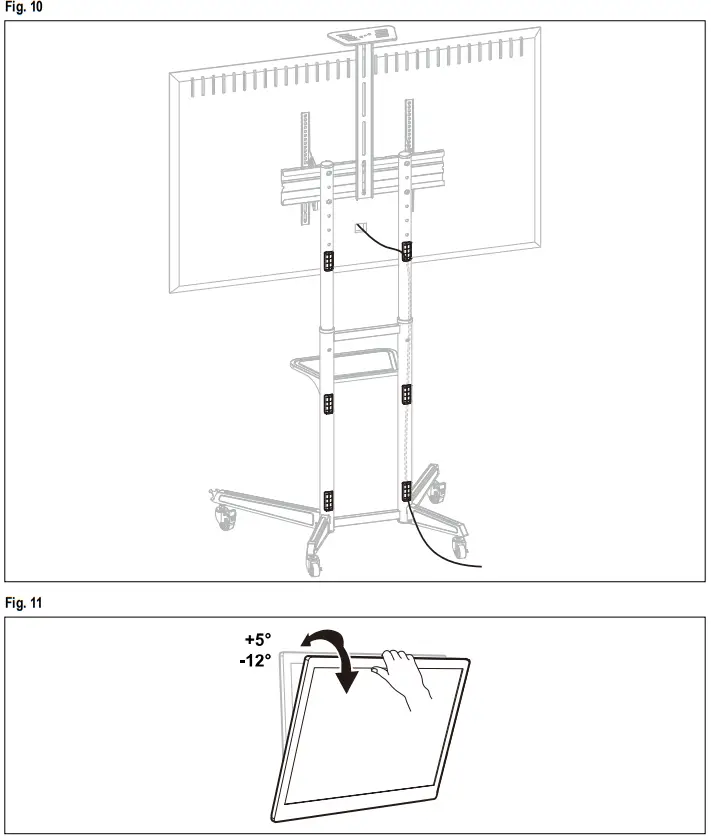
5.6 Attaching the mounting rails to the screen
See Fig. 8.
5.7 Installing and securing the mounting rails
See Fig. 9.
This step must be carried out by 2 people!
5.8 Routing the cable through the stand
See Fig. 10.
5.9 Adjusting the angle of inclination
See Fig. 11.
Maintenance, Care, Storage and Transport
- Let maintenance and repair work only be carried out by qualified personnel.
- Protect the joints from dirt and grease them regularly with light machine oil.
- Only use a dry and soft cloth for cleaning. Use caution when cleaning to avoid scratches. In case of heavy soiling, the cleaning cloth can be slightly moistened with water.
- Do not use detergents or chemicals.
- Regularly check the tightness of the product/screws. Fixing holes can remain visible when the product is removed. After prolonged use, a stain may remain on the underground.
- Store the product out of the reach of children and in a dry and dust-protected ambiance when not in use.
- Keep and use the original packaging for transport.
Disposal instructions
This product does not belong to household waste. At the end of its working life, give it back to the manufacturer, the sales outlet, or established for this purpose, public collection points for free. Details of disposal are regulated by the respective country‘s law. Recyclables are in the recycle circuit, in order to gain new raw materials. The following recyclable materials are collected in municipal collection: Waste glass, plastics, scrap metal, sheets, and much more. With this type of scrap usage, you are making an important contribution to protecting our environment.
Warranty
Detailed warranty conditions on www.mygoobay.com.
Symbols used
| For indoor use only | IEC 60417- 5957 | |
REV2021-12-16 V1.0aw
Goobay®
by Wentronic GmbH Pillmannstraße 12
38112 Braunschweig
Germany
Made in China
© by Wentronic Deutschland
Hotline: +49 (0180) 5005882
E-Mail: [email protected]
Web: www.wentronic.com/content/mygoobay/
(0.14 € / minute from German landline)
TV Presentation Stand Pro (Size L)
 goobay – Welcome page – Wentronic
 mygoobay – Wentronic