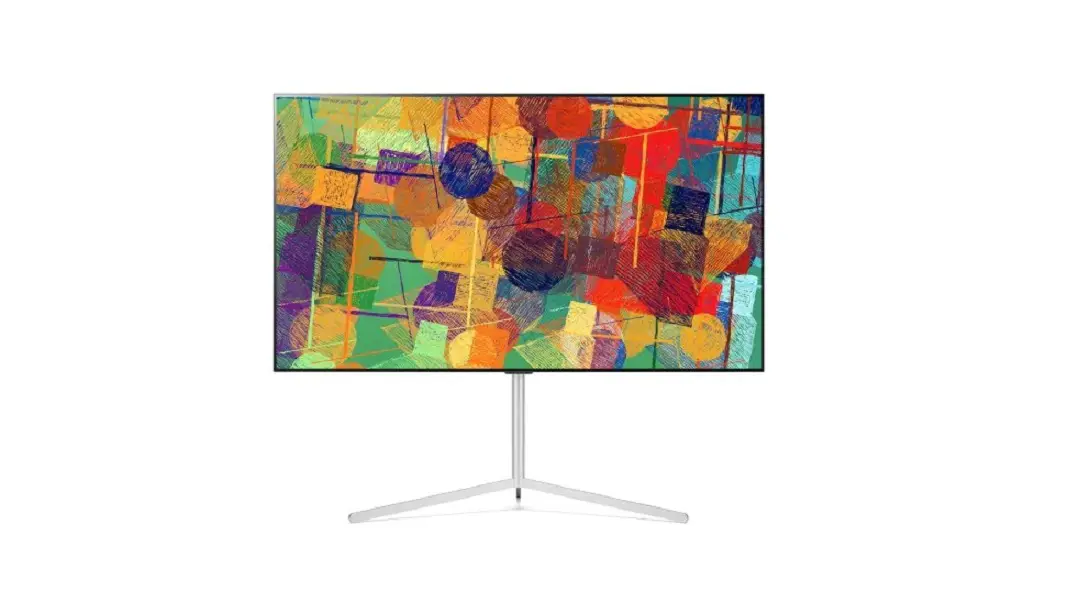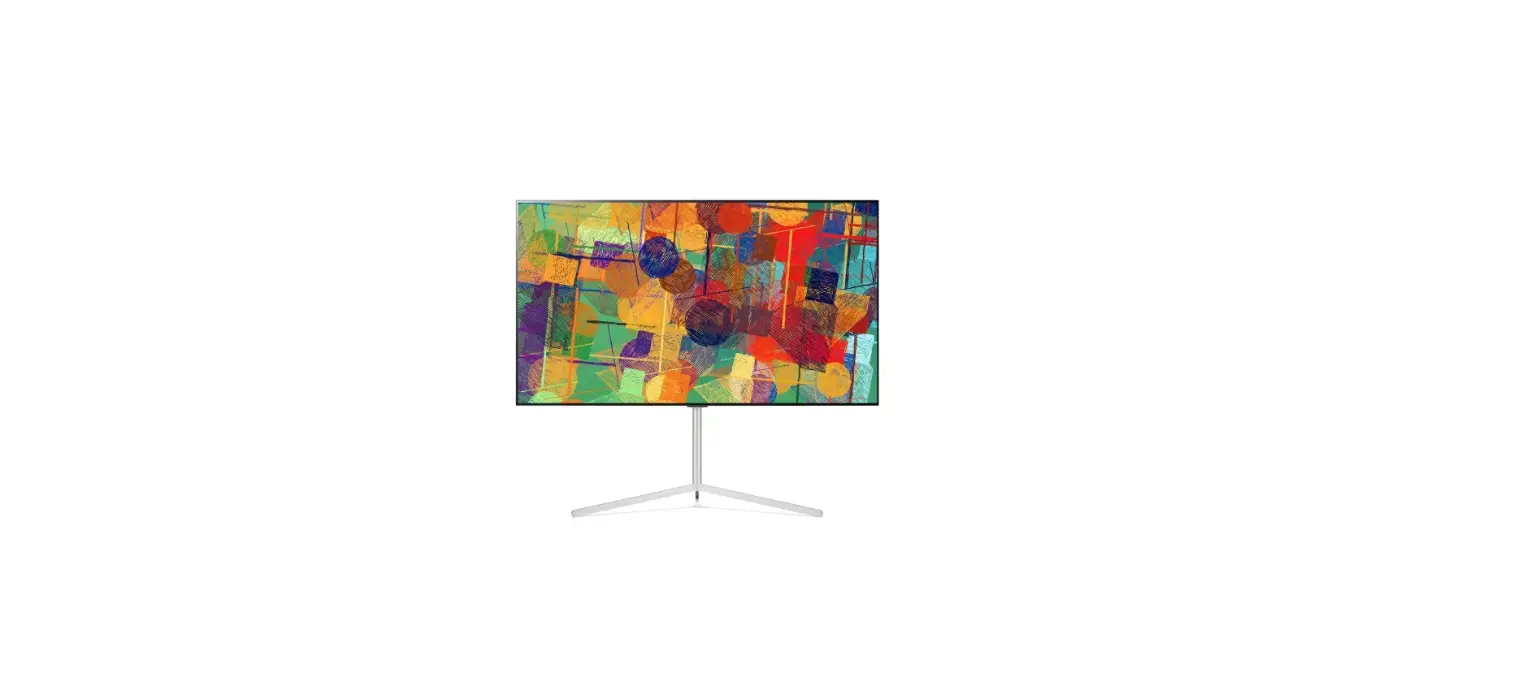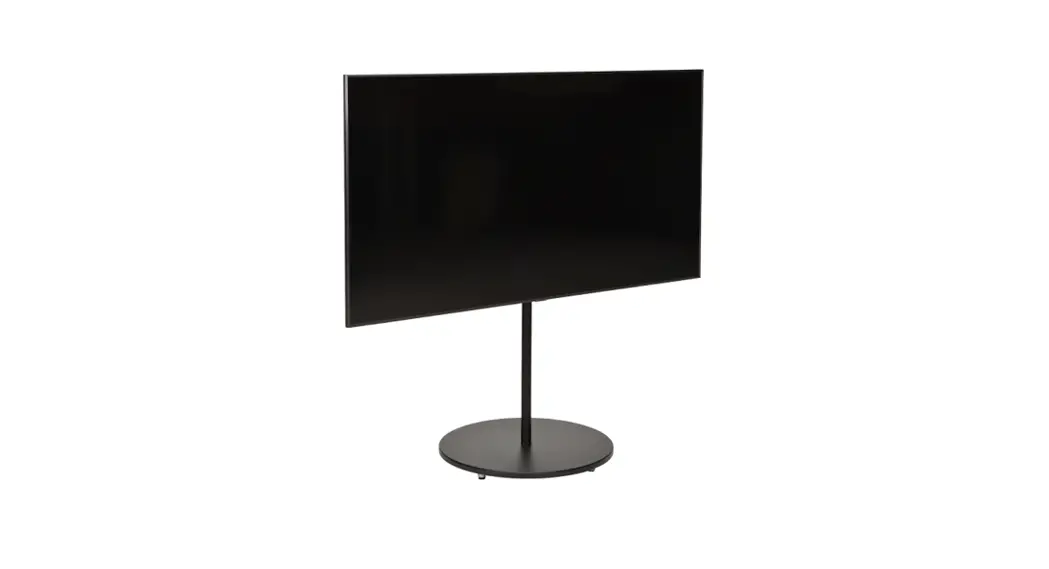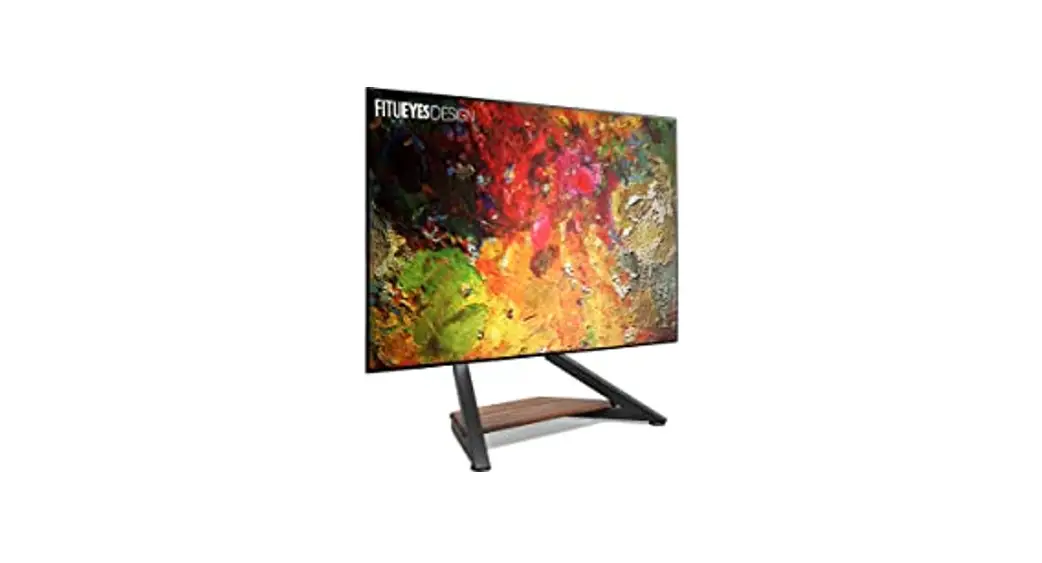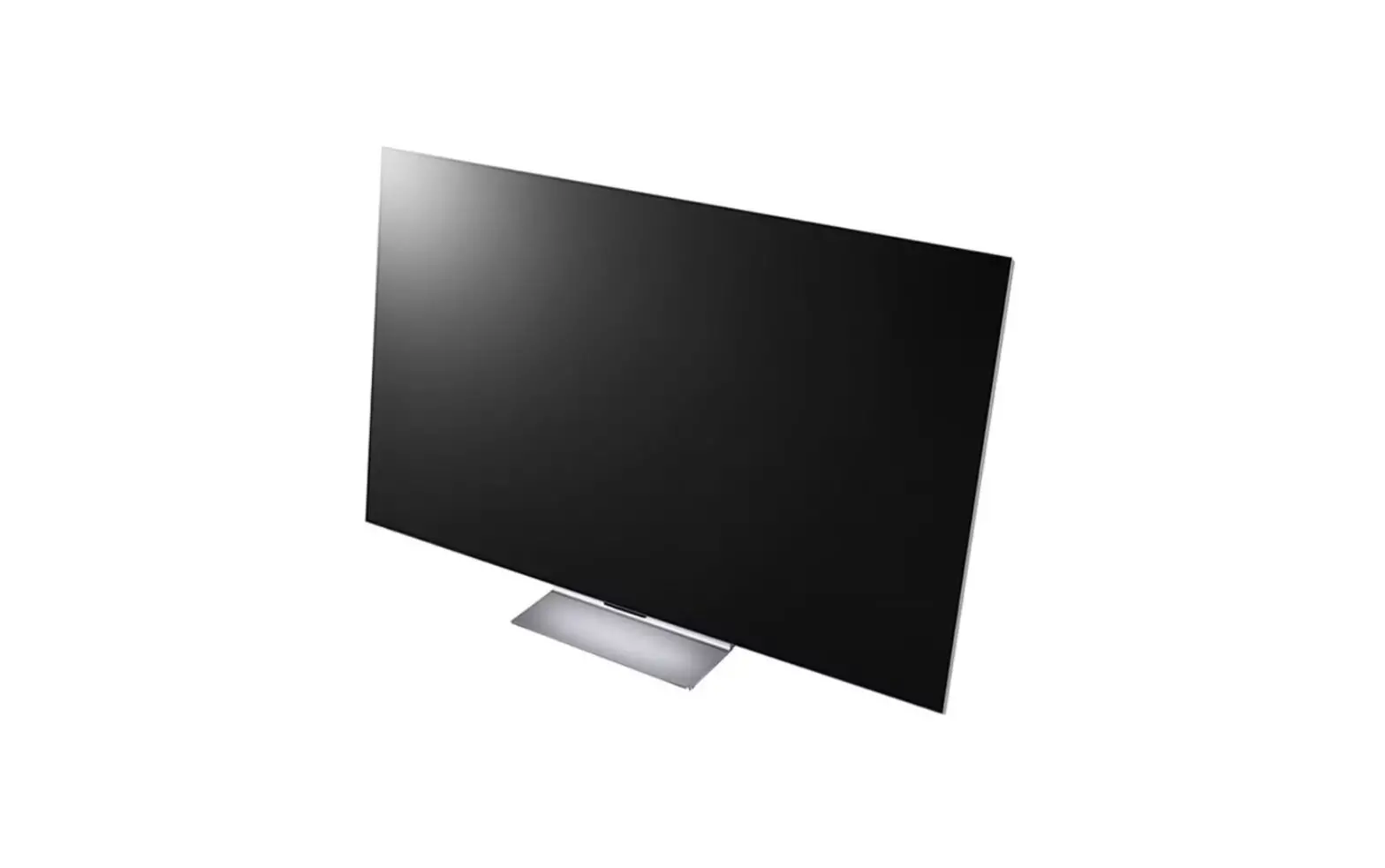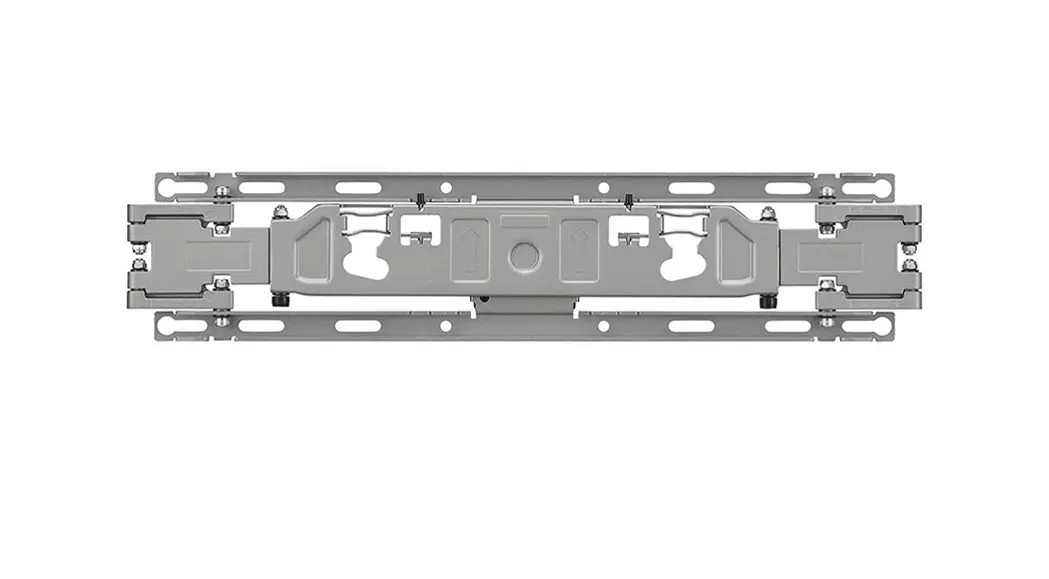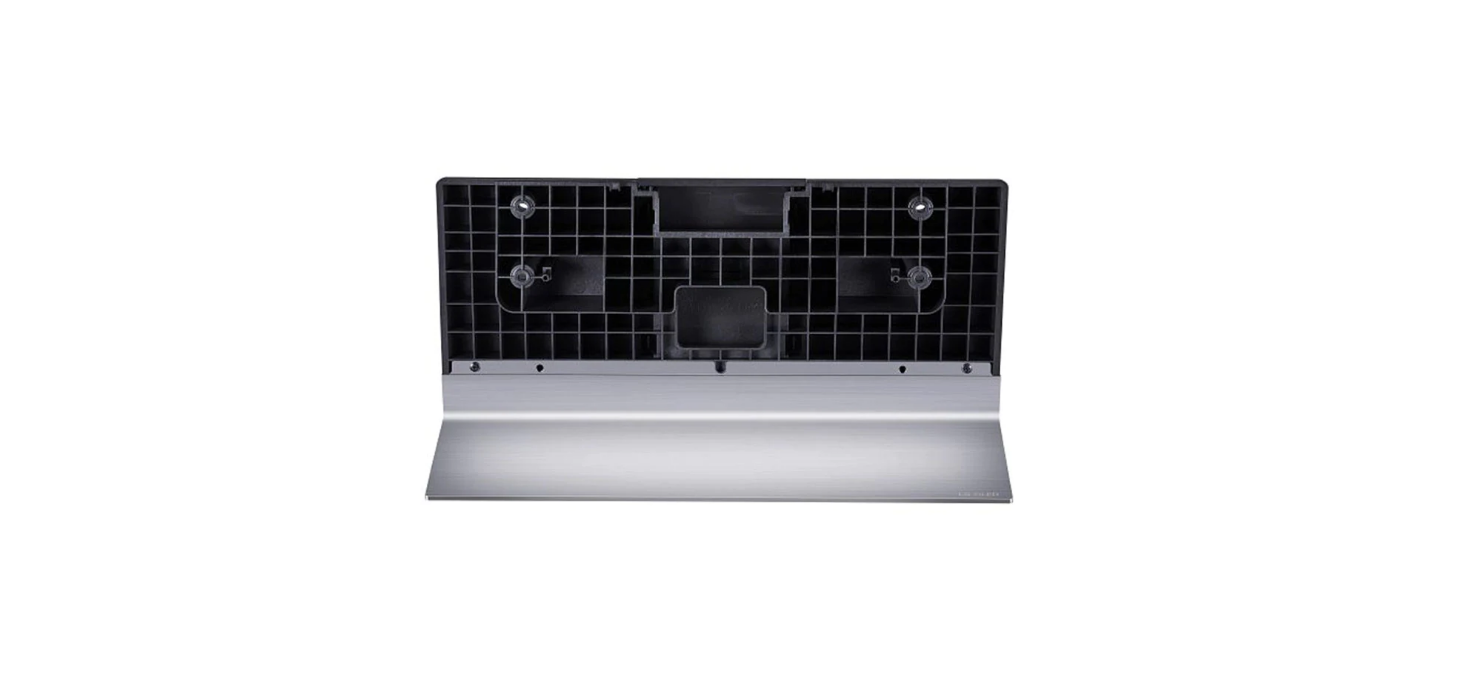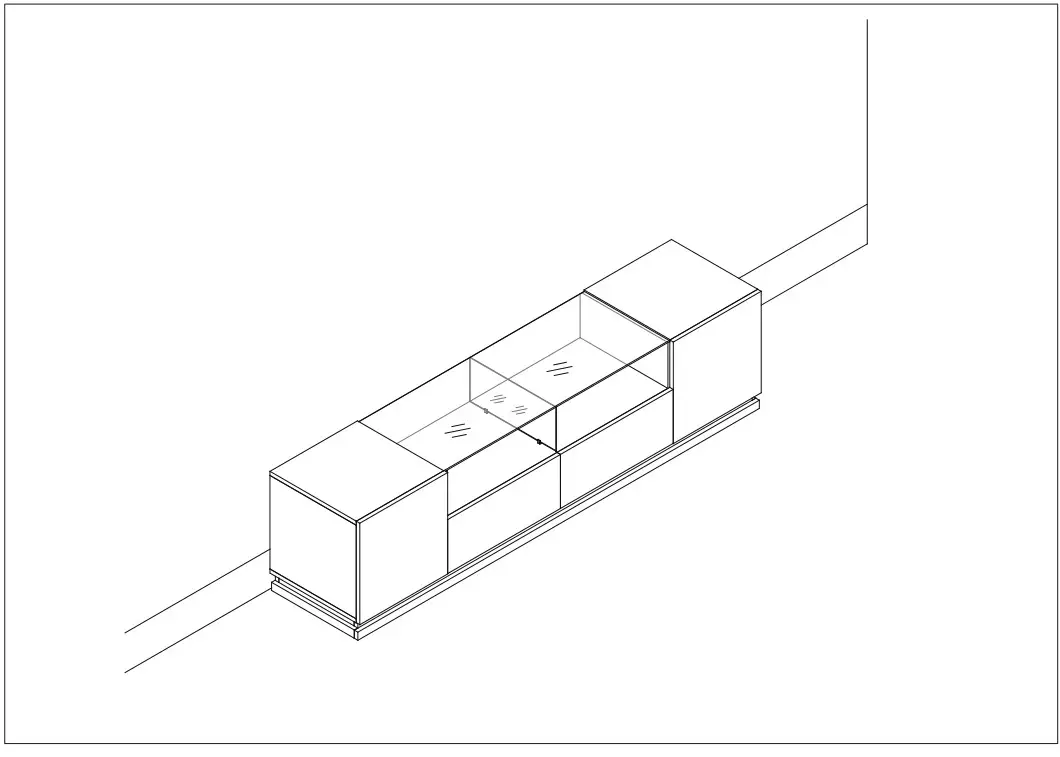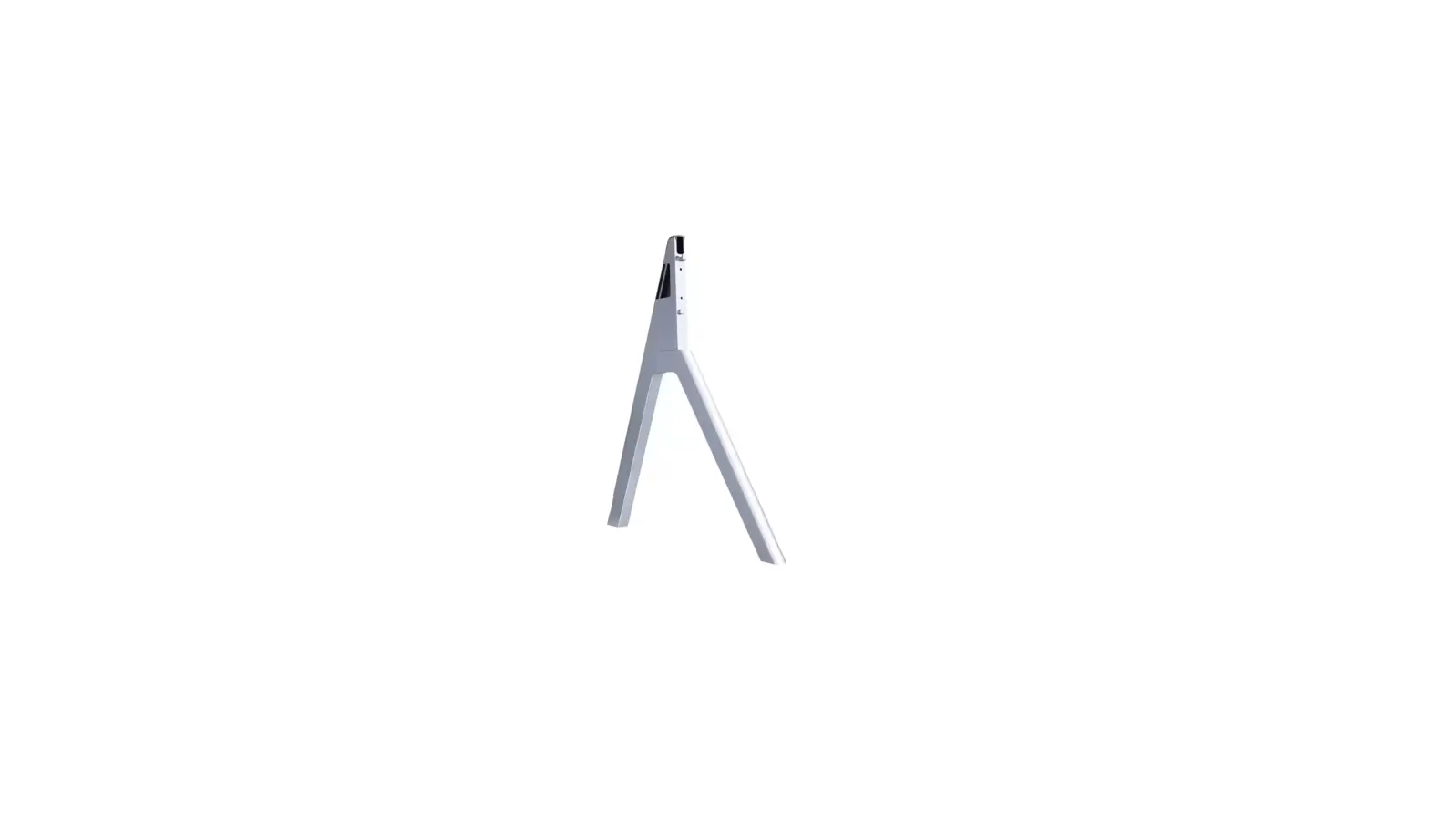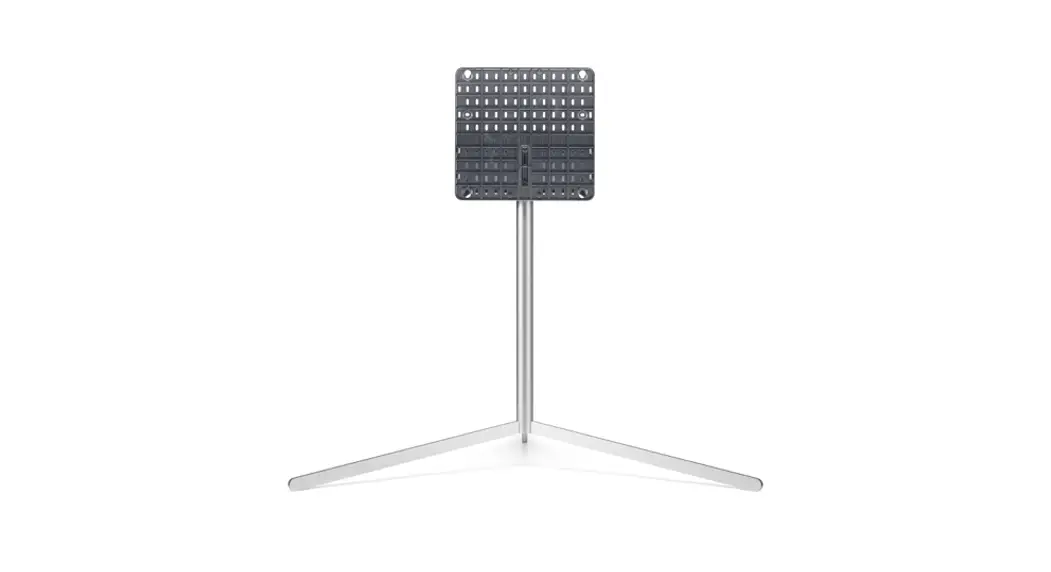
 FS21GB Gallery TV Stand
Installation Guide
Product Specifications
| Model Name | FS21GB FS22GB |
| Width x Depth x Height (mm (inches)) (Max.) | 1159 x 761 x 1061 (45.6 x 29.9 x 41.7) |
| Weight (kg (lbs)) | 6.0 (13.2) |
 CAUTION
- This stand (model name: FS21GB/FS22GB) is designed exclusively for TVs manufactured by LG Electronics Inc. For compatible TV series, please refer to the below table.
- Using it with other equipment may render it unstable and cause injury.
Precautions before Installation
- The Gallery Stand does not include a power strip. In order to connect a TV or other devices on the Gallery Stand, purchase and use a power strip of an appropriate length (2.5 (8.2 feets) meters or more is recommended).
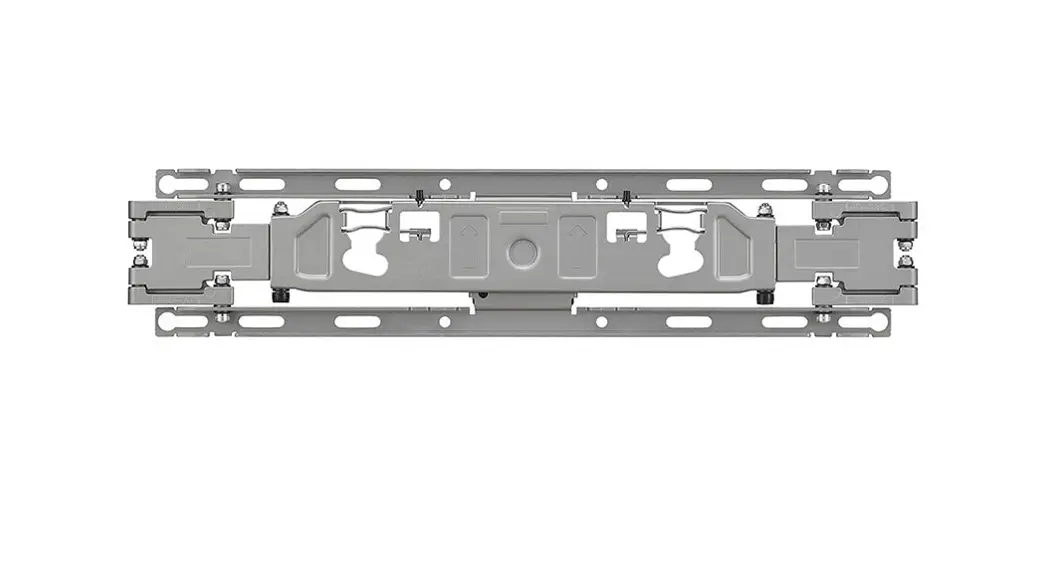
- The maximum weight mountable on the rear brackets of Gallery Stand is 1.5 kg (3.3 lbs).
- Mounting a wireless router on the rear brackets of Gallery Stand causes frequency interference due to the proximity of the wireless antenna built into the TV and the wireless router, which may prevent the TV’S artificial intelligence remote control from working properly.
- If you mount a set-top box on the rear brackets of Gallery Stand, the remote control reception unit on the set-top box may be blocked, causing problems with reception to the set-top box. (If problems with the remote control reception continue, the issue may be fixed with the enclosed IR repeater (signal extension cable).)
IR Repeater Mounting Guide
- For the positions of installation, please refer to A – B of Figure 9 in the installation manual.
A. Reception unit Lower end of Gallery Stand
Attach with facing forwards.
B. Transmission unit Reception unit of the set-top box C. Power connection unit USB terminal of the TV or the set-top box
 facing forwards.
Models Compatible with the Gallery Stand
Compatible Model Released in 2019
| Product Group | Inches | Series |
| OLED | 55/65 | C9 B9 |
| SUHD | 55 | SM98 SM96 SM95 SM90 |
| 55/65 | SM89 SM86 SM85 SM83 SM82 SM81 SM80 |
Compatible Model Released in 2020
| Product Group | Inches | Series |
| OLED | 55/65 | GX CX BX |
| NANO | 55/65 | NANO93 NAN091 NAN090 NAN087 NANO86 NAN085 NANO83 NANO81 NAN080 |
| 55 | NANO95 |
Compatible Model Released in 2021
| Product Group | Inches | Series |
| OLED | 55/65 | 61 0 B1 Al |
| NANO | 5565 | NAN075 NAN076 NAN077 NAN079 NAN080 NAN081 NAN083 NAN085 NAN086 NAN088 |
| UHD | 55/60/65 | UP80 UP81 UP82 UP83 UP77 UP78 |
Compatible Model Released in 2022
| Product Group | Inches | Series |
| OLED | 55/65 | G2 C2 B2 A2 |
| NANO | 55/65 | NAN075 NAN080 |
| UHD | 55/60/65 | UQ80 UQ90 |
How to Prevent TV from Falling
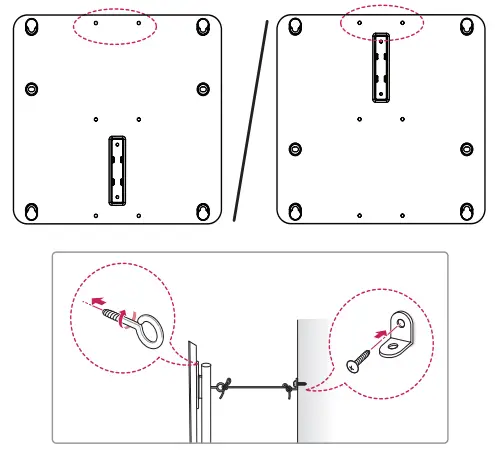
- Fix the brackets on the rear part of the product and on the wall as shown in the picture. Secure the product brackets and wall brackets at the same height.
- Verify that the product brackets and wall brackets are firmly fastened.
- Using a strong cord, tie and connect the product brackets to the wall brackets. When moving a product installed in this way, please untie the cord first.
• Install the TV in the horizontal position only.
• It is safe to install the product according to the installation method to prevent the damage to the product or personal injury even if the product is pulled forward.
• Install the TV near a wall to prevent falls when pushed.
• The brackets, screws, and cords must be purchased separately as they are not provided with the product.
How to Adjust the Height on Both Sides of the TV on Gallery Stand
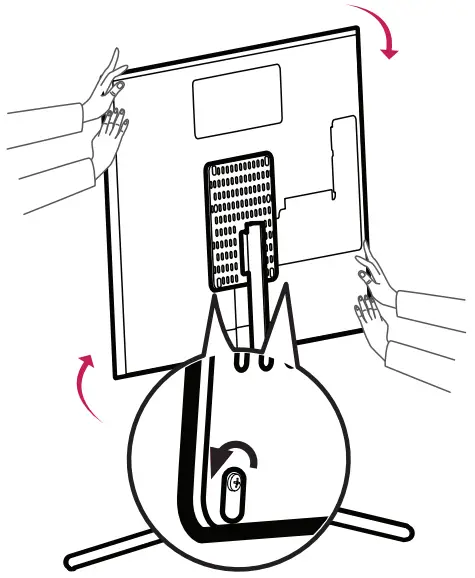
- Loosen the screw halfway by using a Phillips screwdriver, adjust the height on both sides of the TV as illustrated, and tighten the screw.