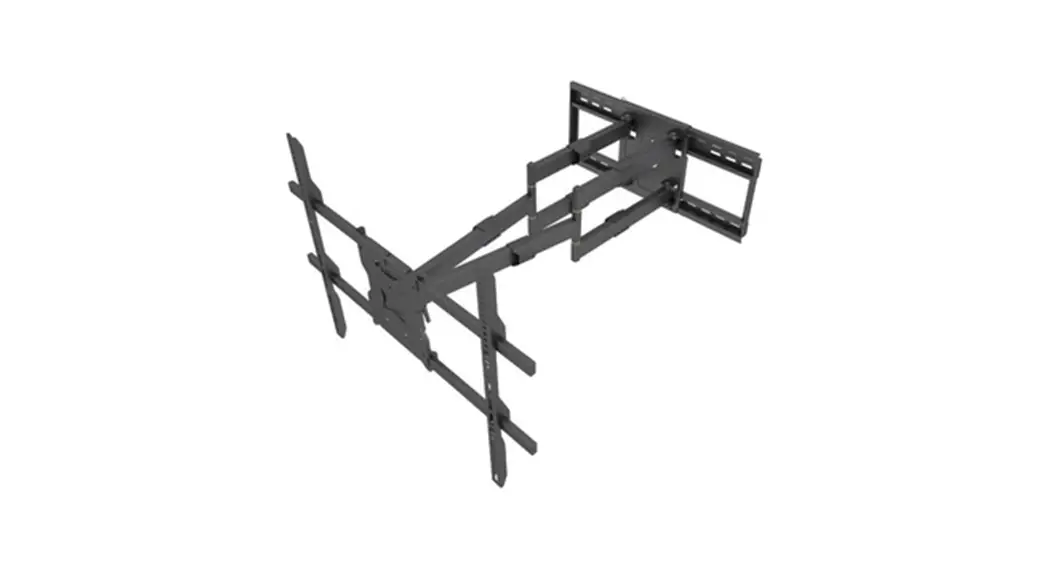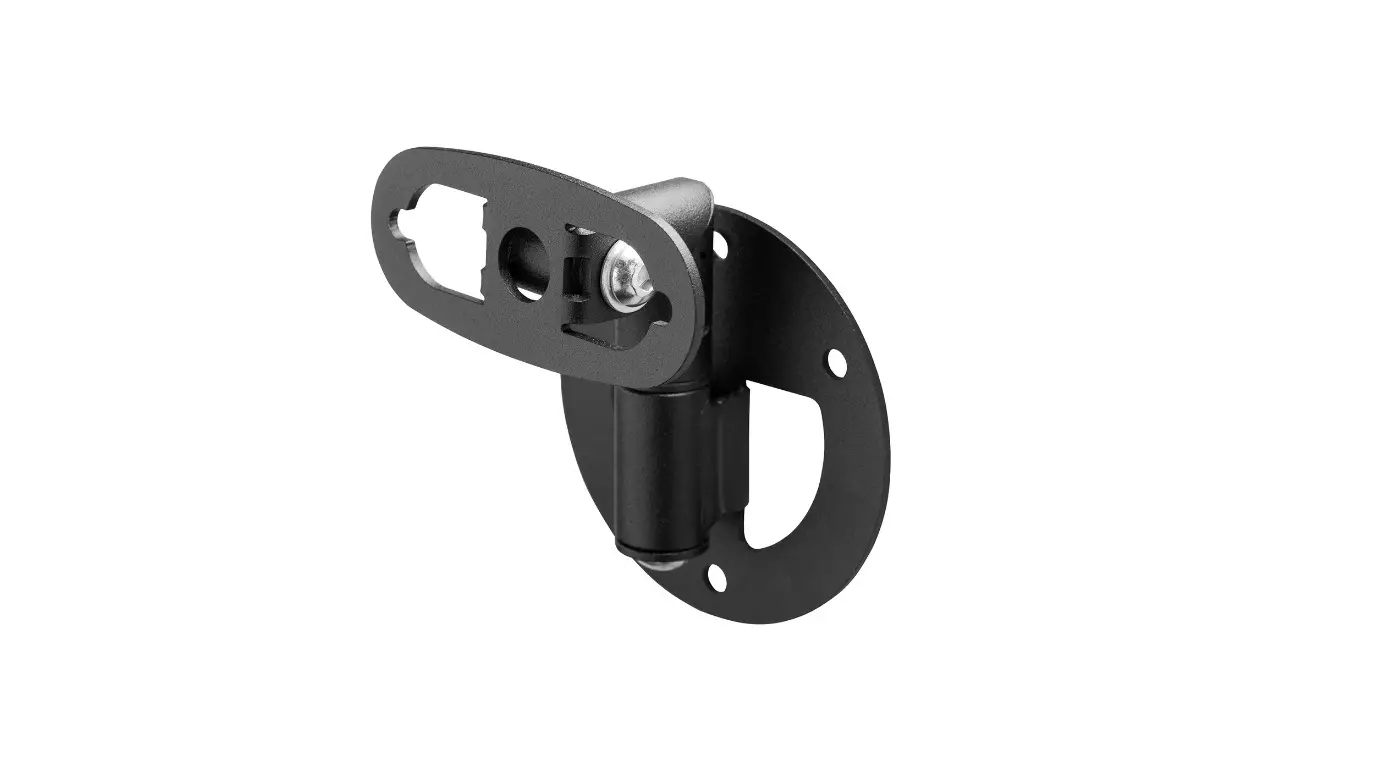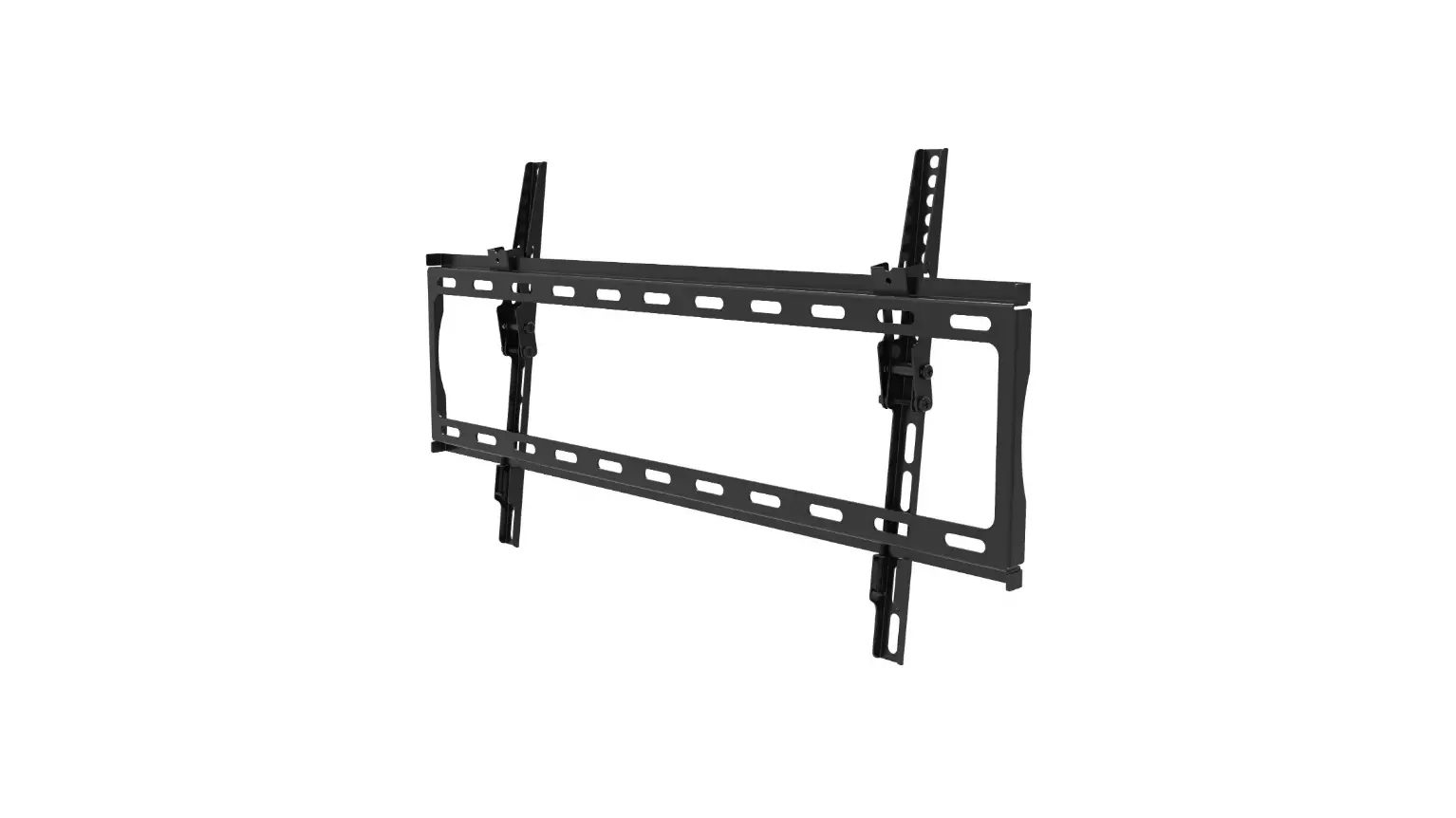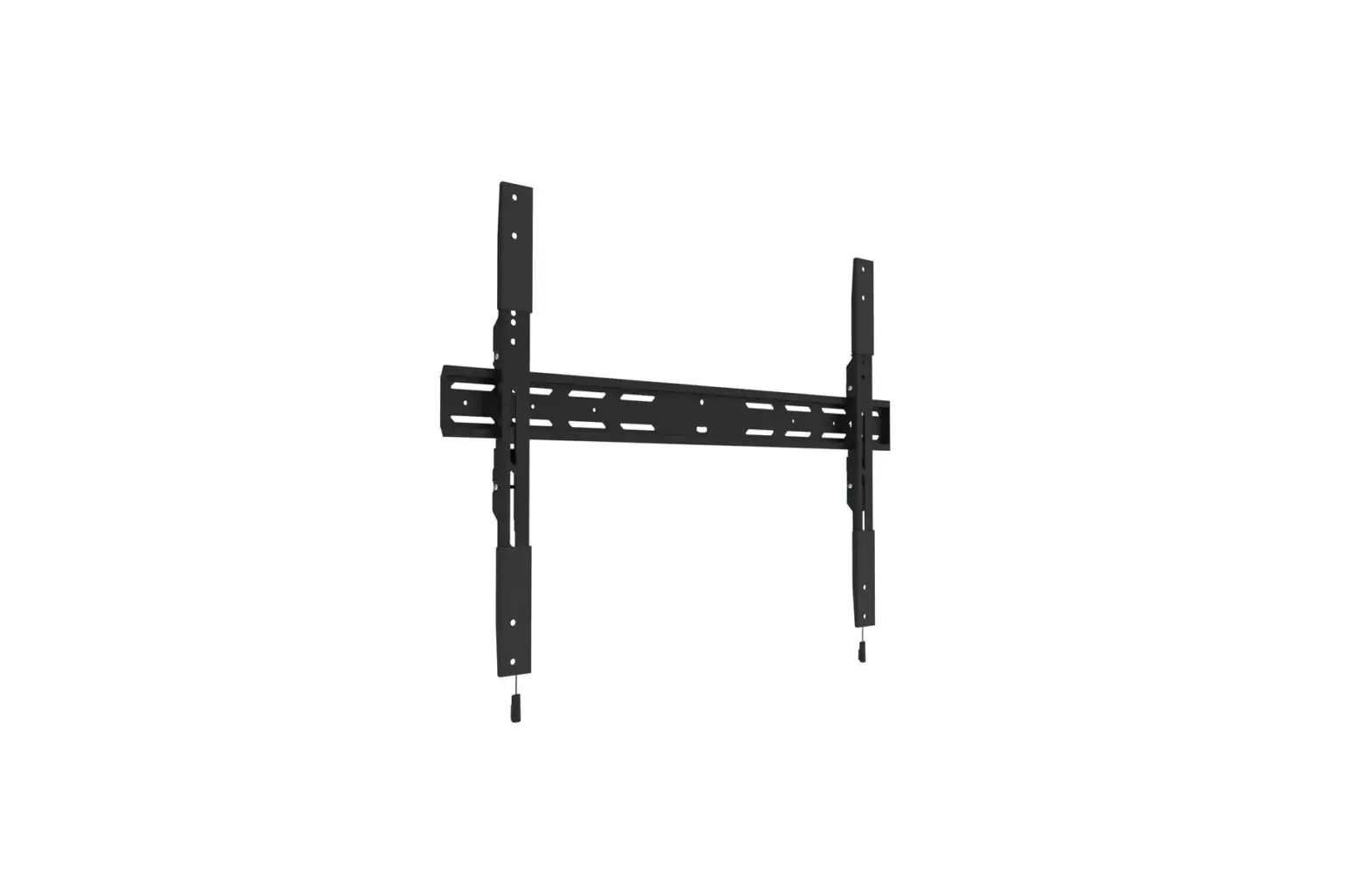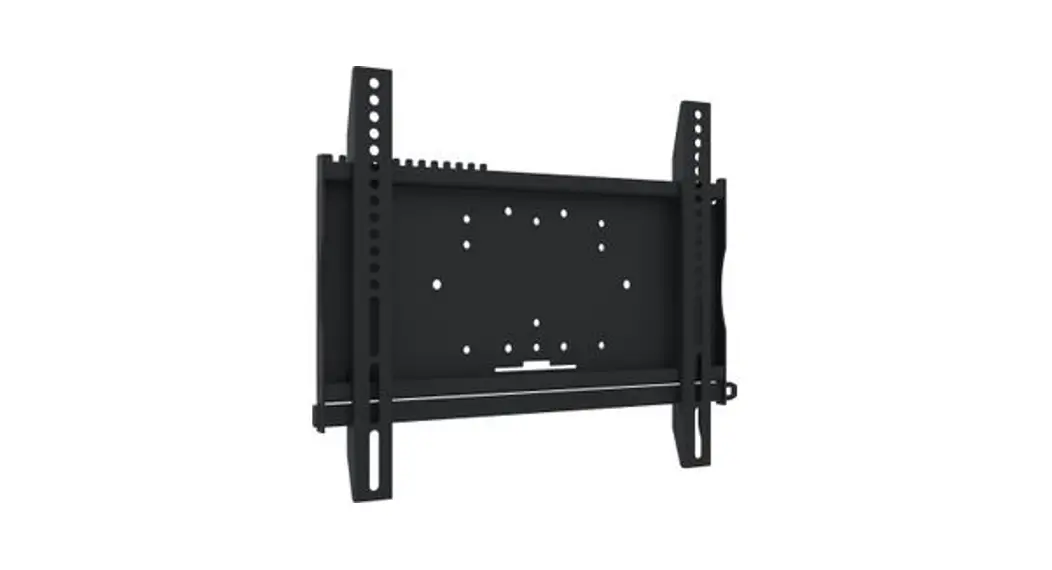
 MD-WM8060
INSTRUCTION MANUAL
MD-WM8060 Universal Wall Mount
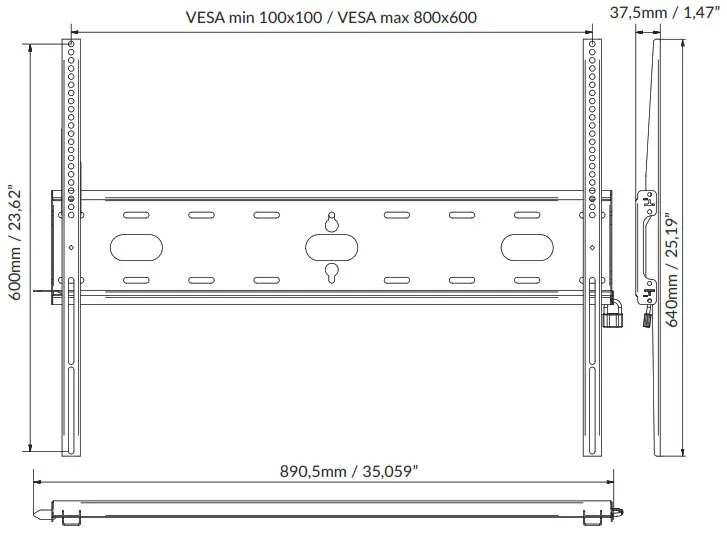
compatible with VESA
100×100, 200×200, 300×200, 300×300, 400×200, 400×300, 400×400, 600×400, 800×400, 800×600
maximum weight of a screen
125 kg / 273.37 Ib
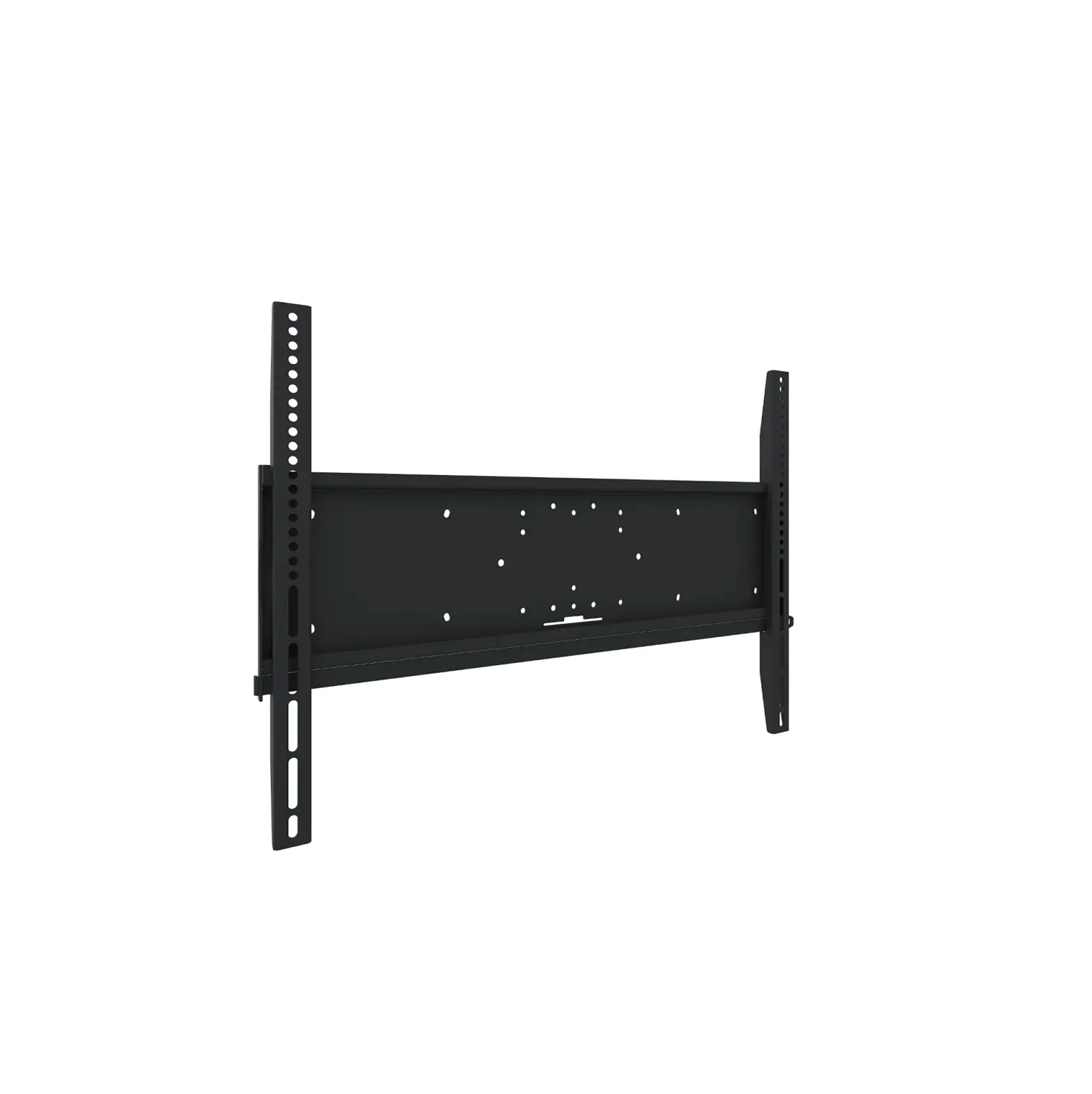
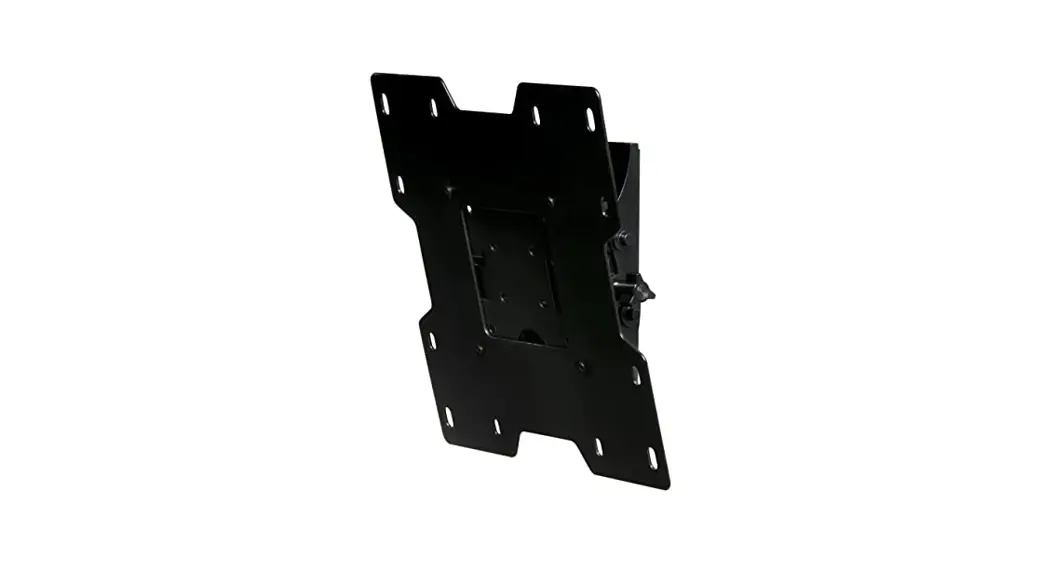
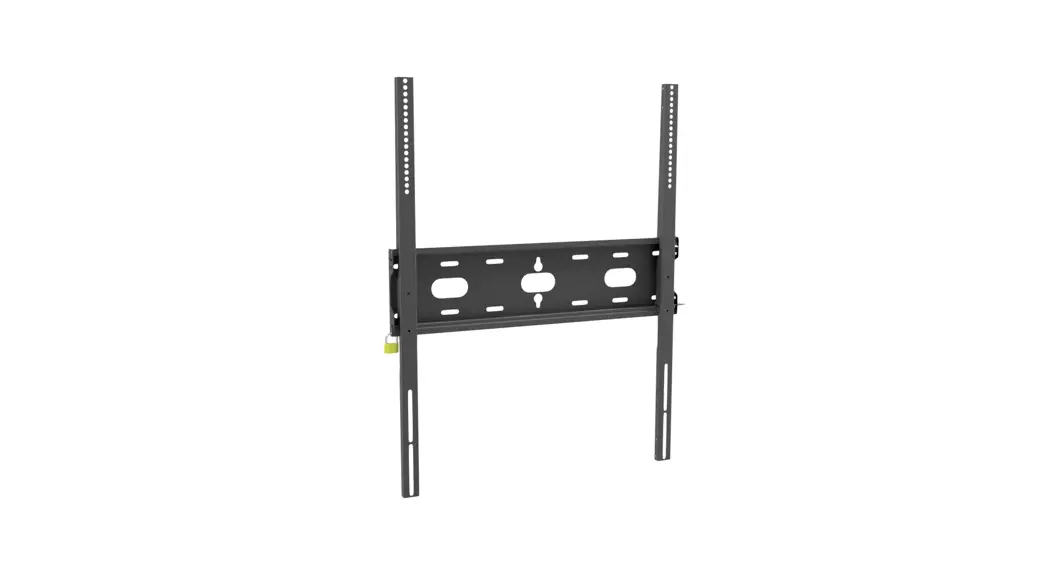
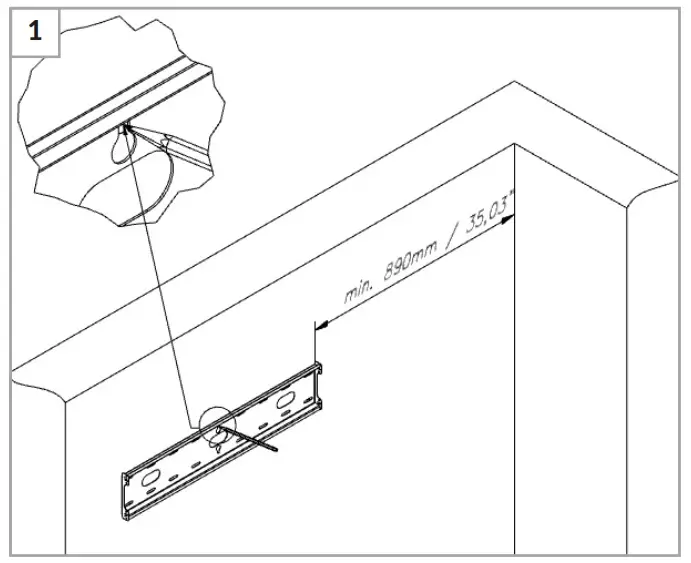 Mounting back plate
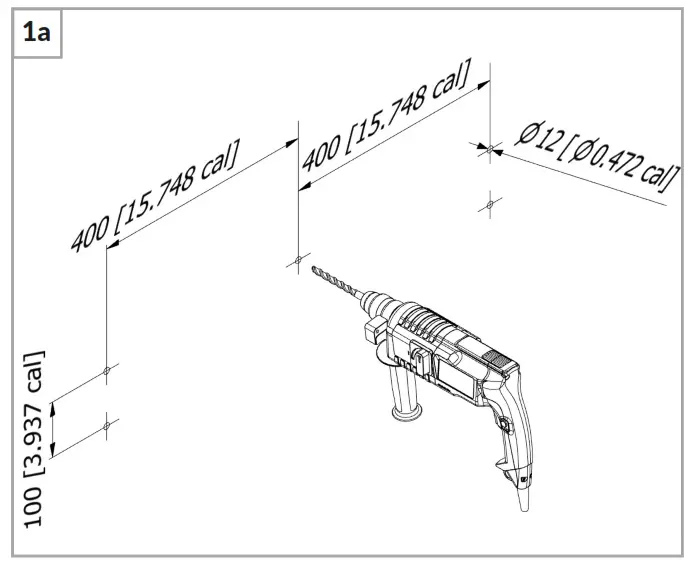
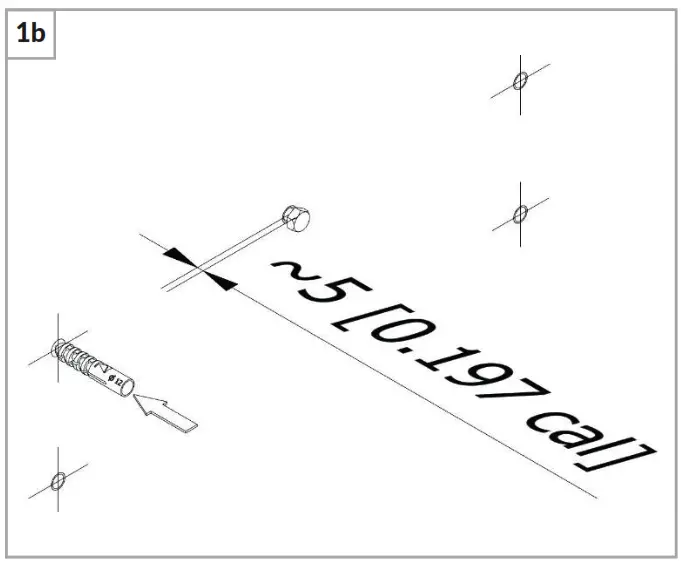
It is recommended to screw in only one central screw, leaving approx. 5mm of clearance between the screw head and the wall.
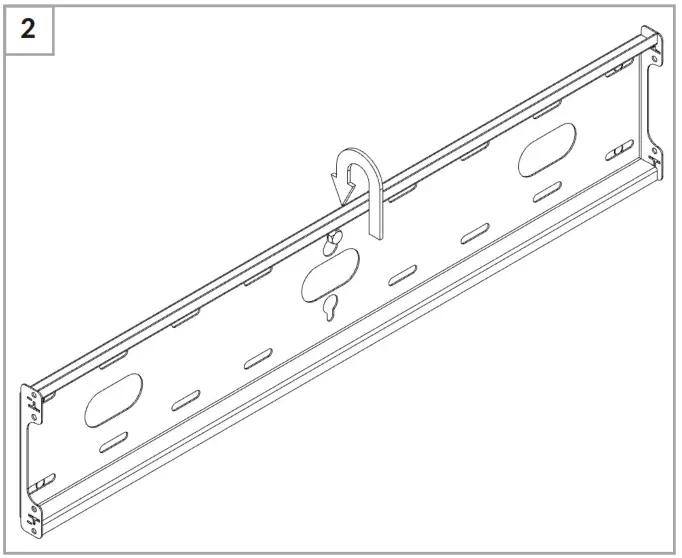
Hanging the board on the wall (Hang the plate on the screw).
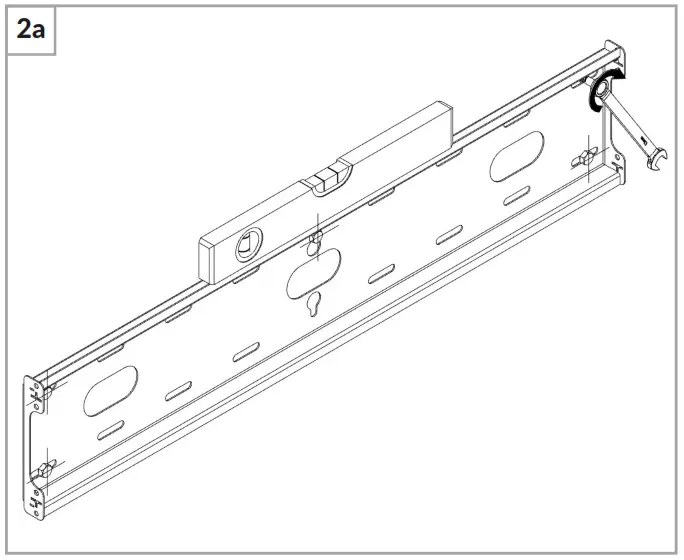
After hanging the plate, level it and then screw in the remaining screws.
If the length of the screw is too long, use spacers.
Place the monitor on a flat and soft surface with the screen facing down.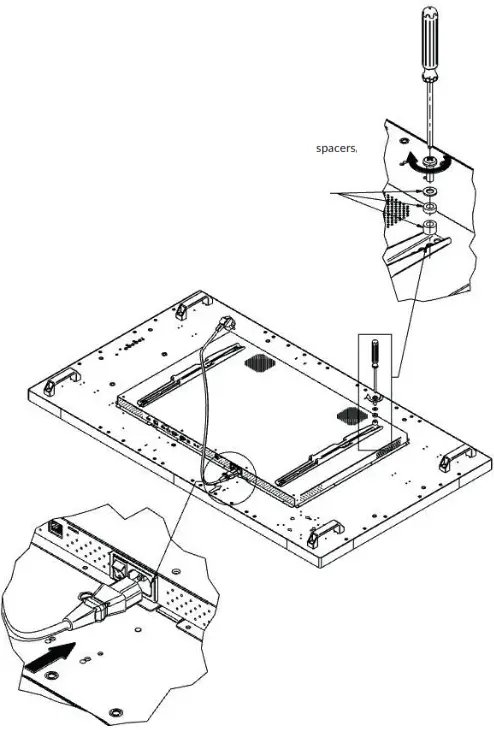 At this stage of assembly, connect all possible power and signal cables to the monitor.
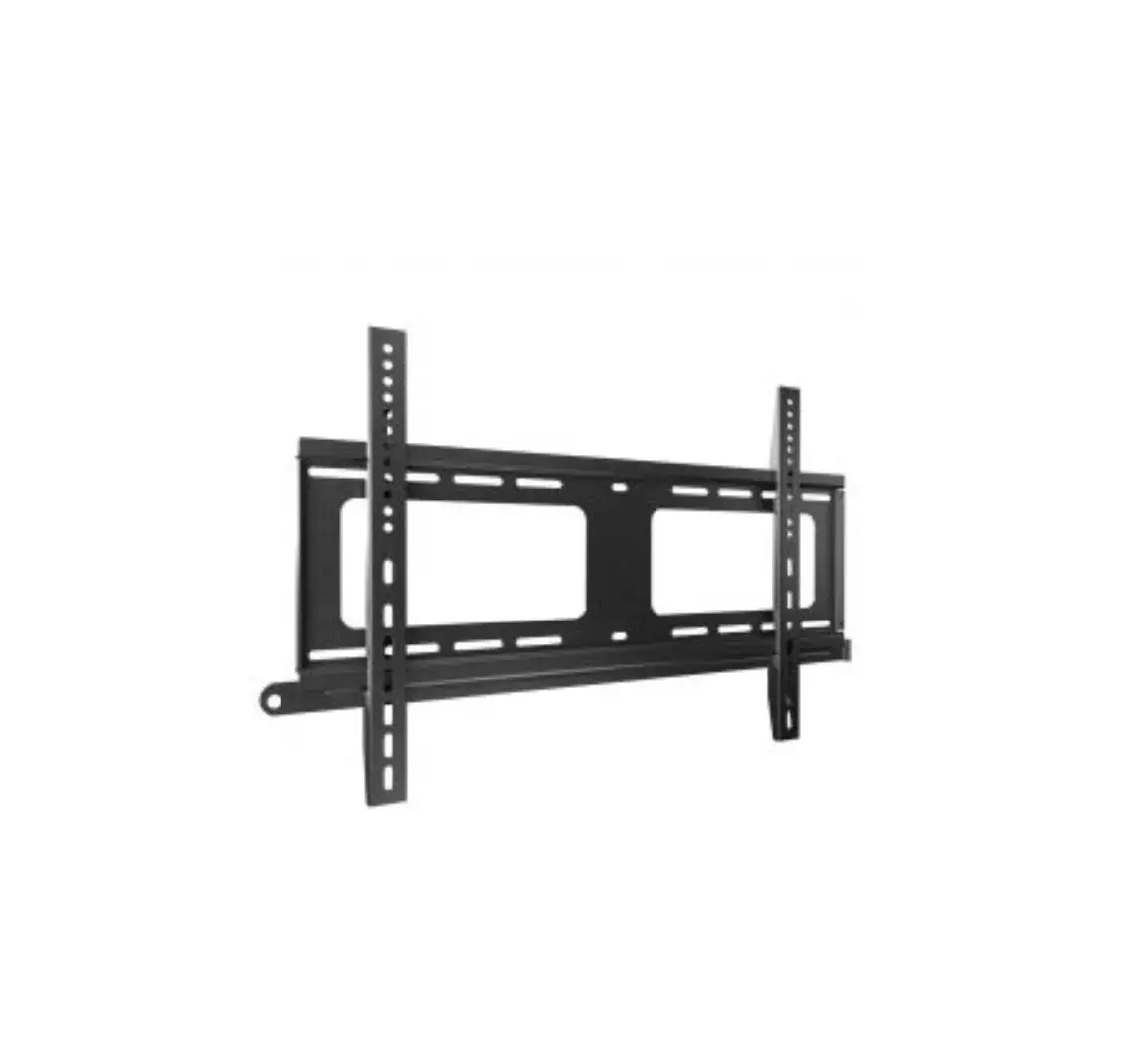
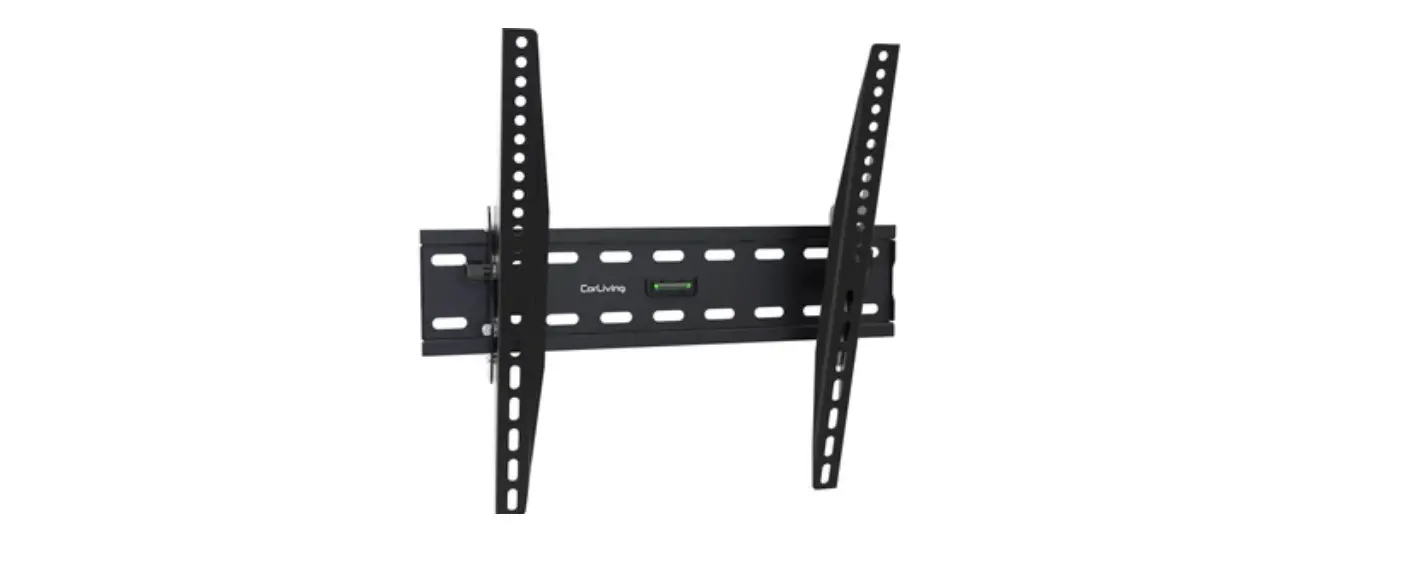
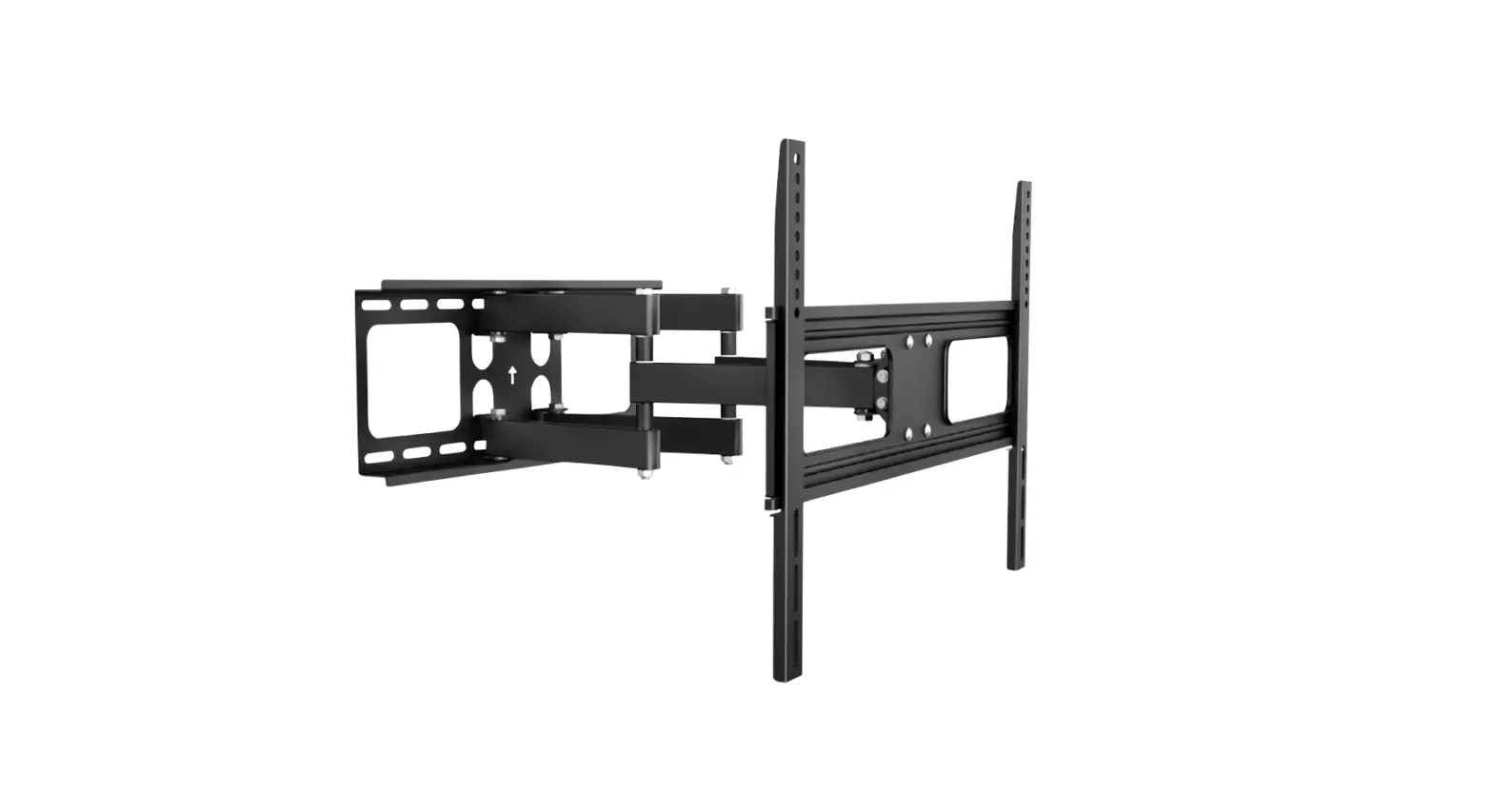
Screw the two arms to the VESA holes located on the back of the monitor. The row of holes made in the arm should be directed towards the top of the monitor.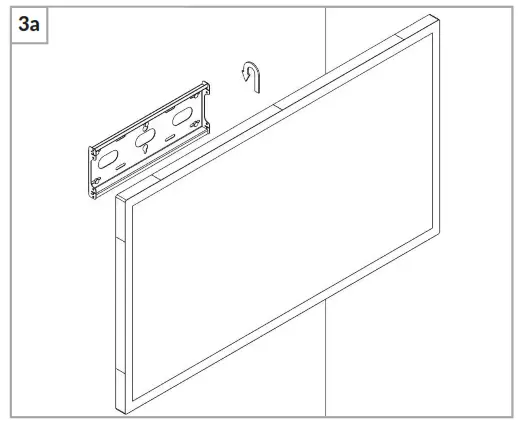 Hook the arms screwed to the monitor onto the wall plate.
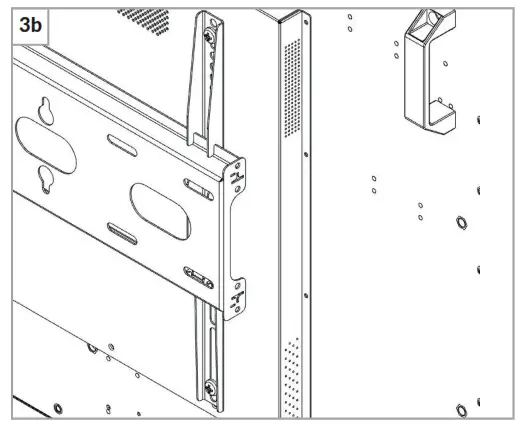 It should be noted that both hooks on both arms are hung on the board in a secure and stable manner.
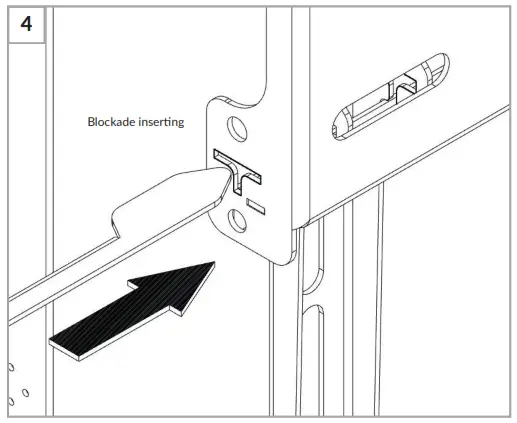 To protect the monitor against uncontrolled removal, secure it by inserting the lock into the “T” hole. The lock should go through the plate and both arms.
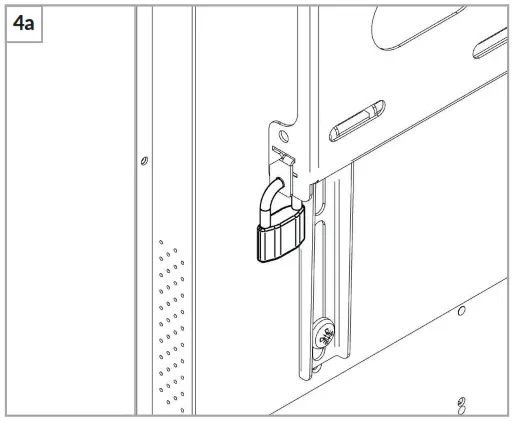
Pass the hasp of the padlock through the holes in the lock and the wall plate and close it.