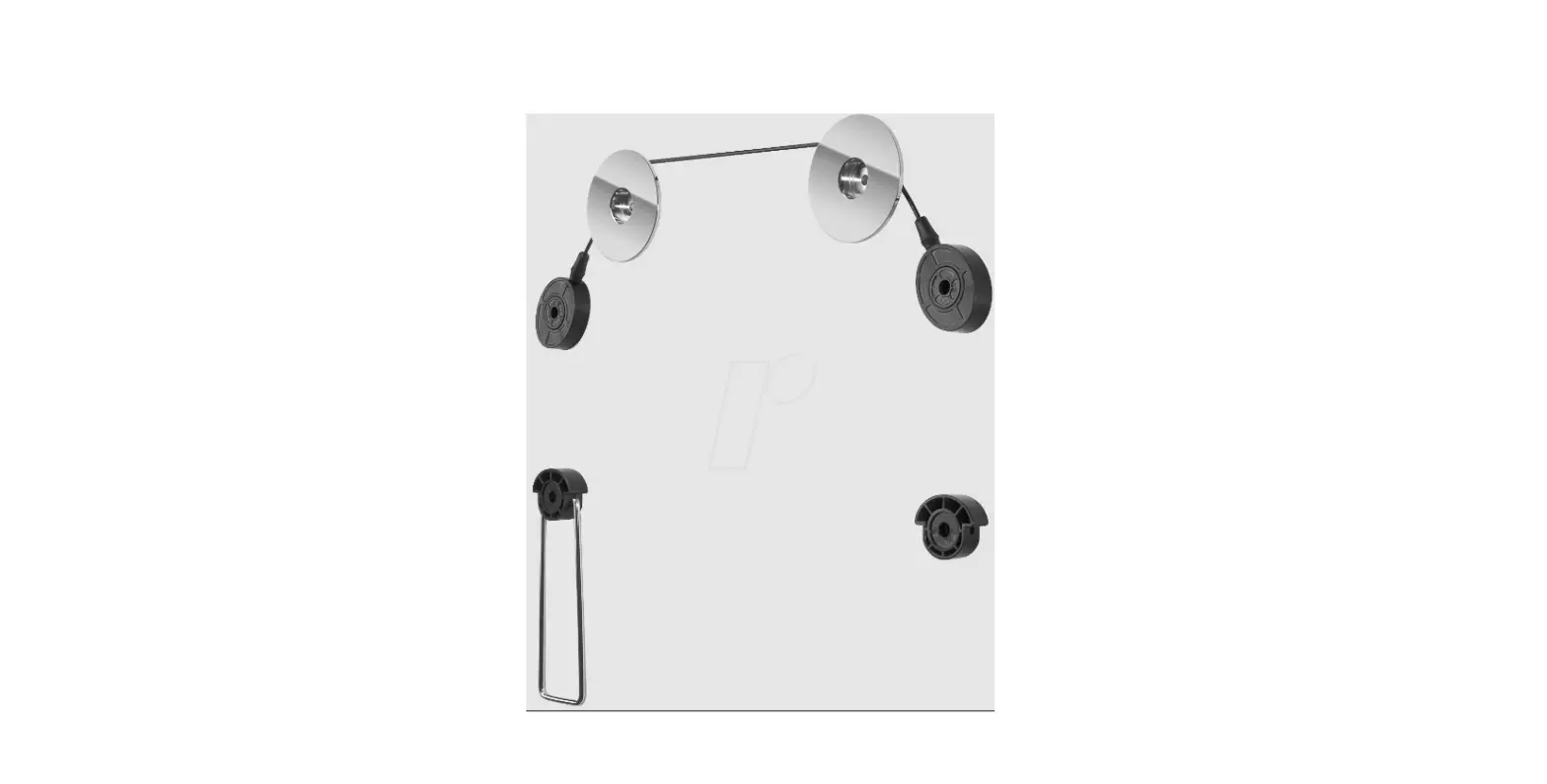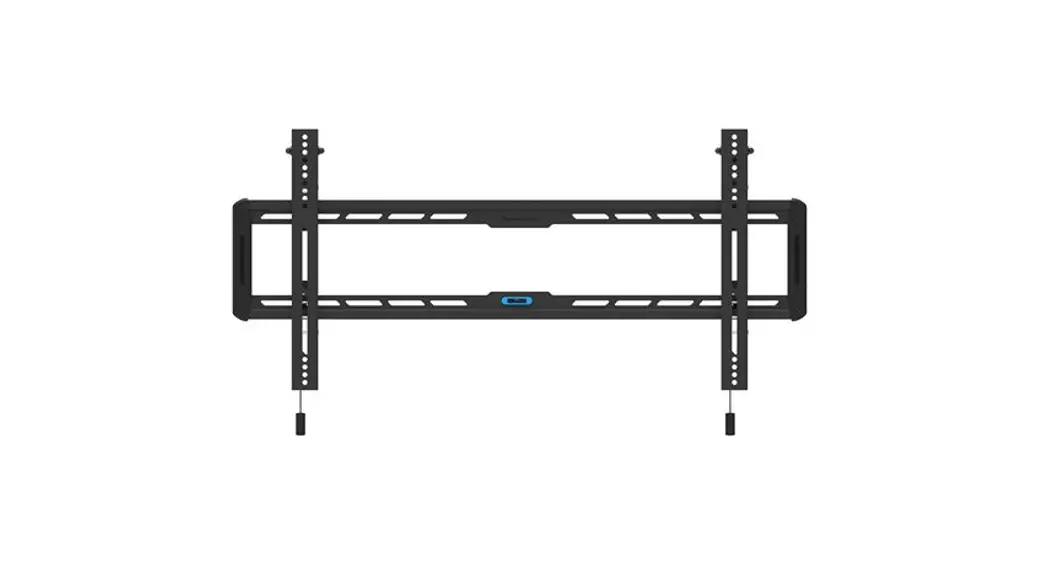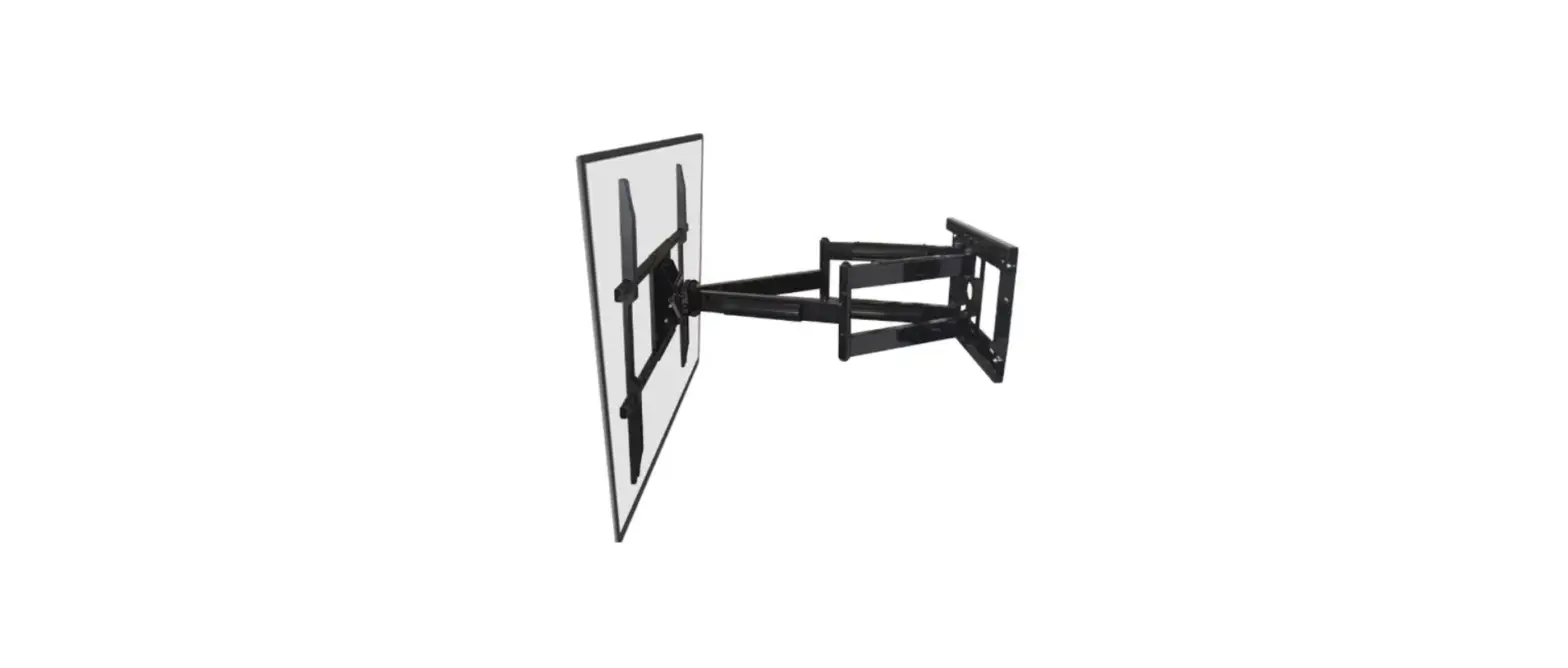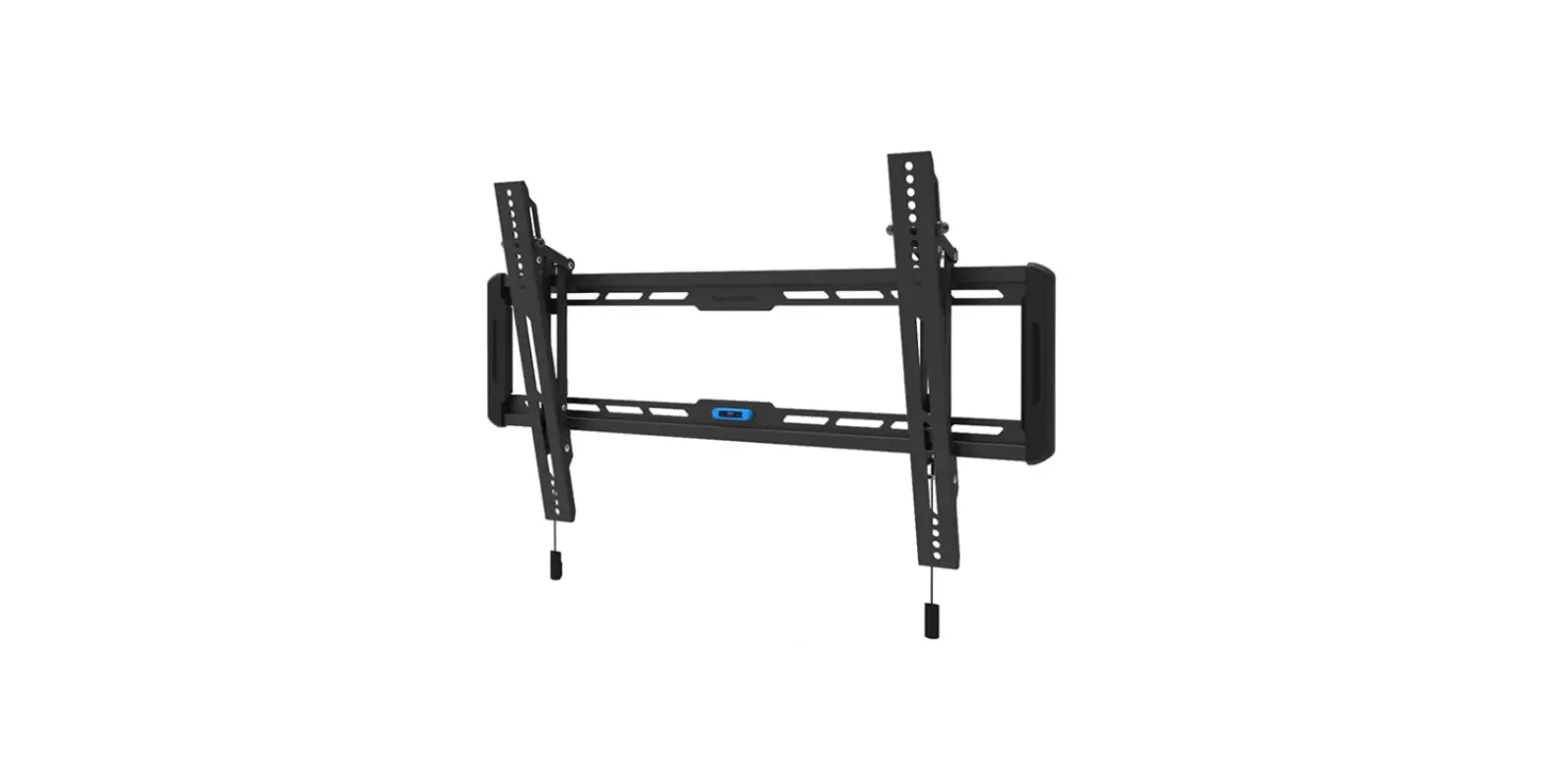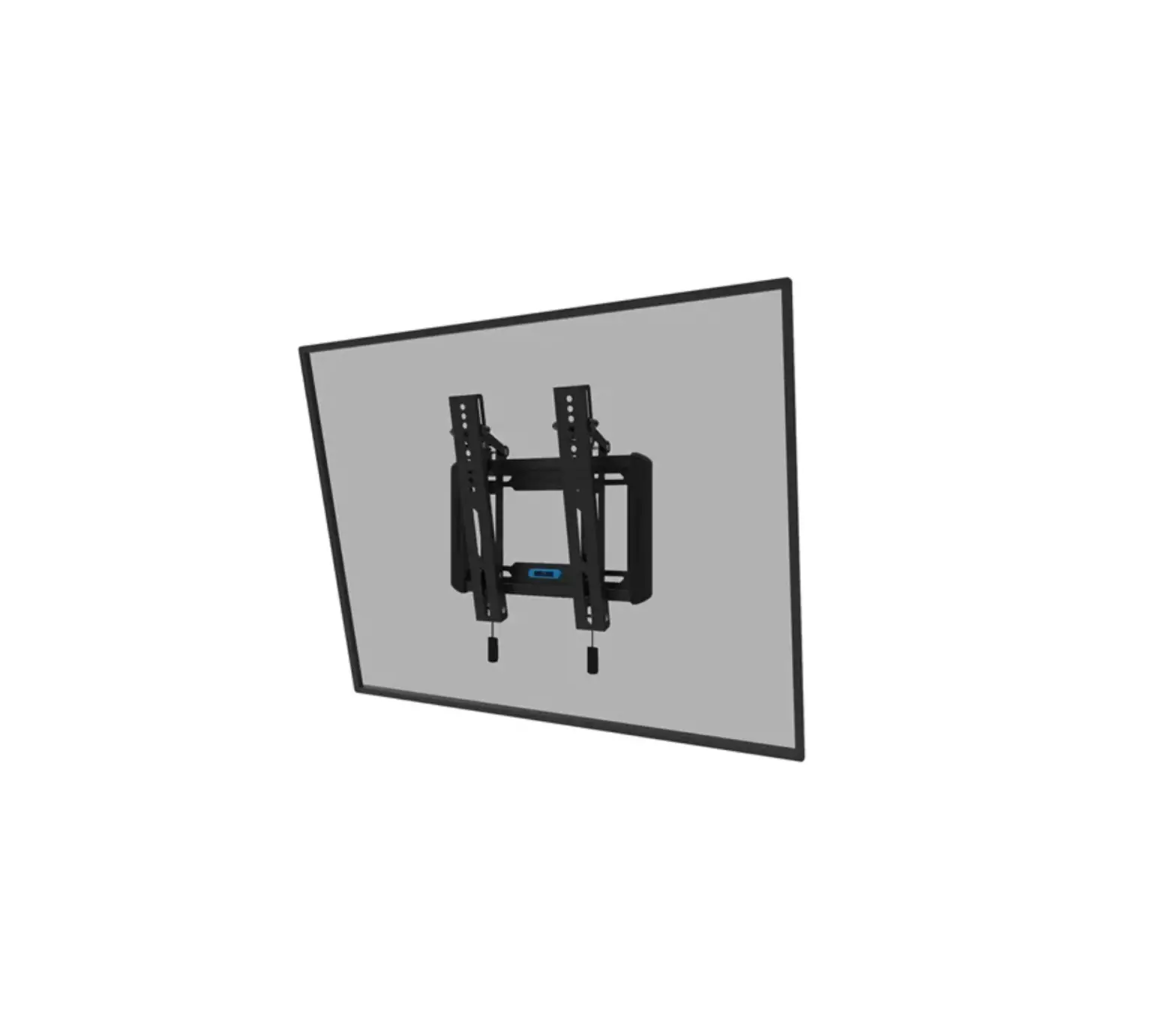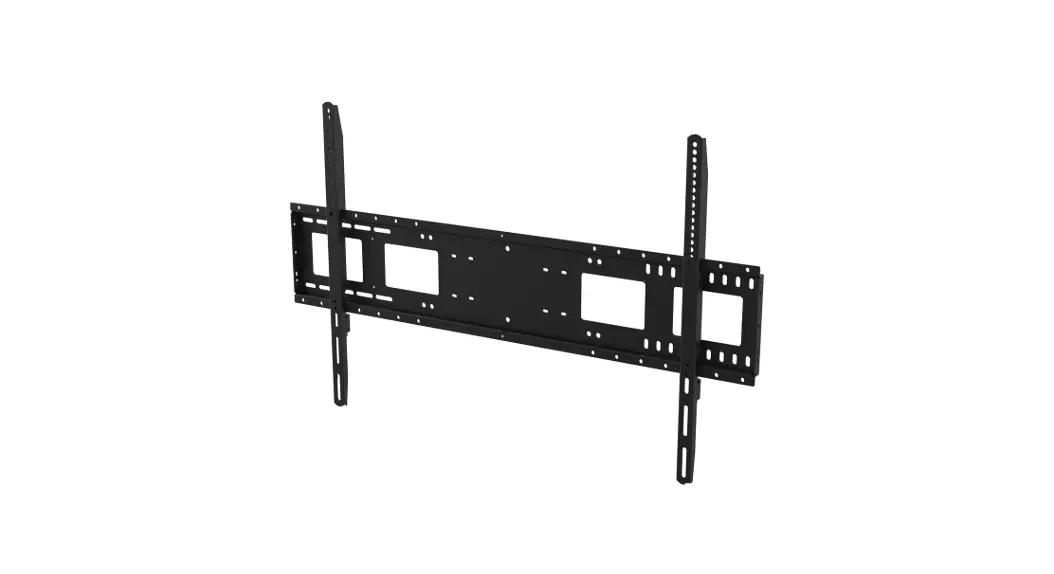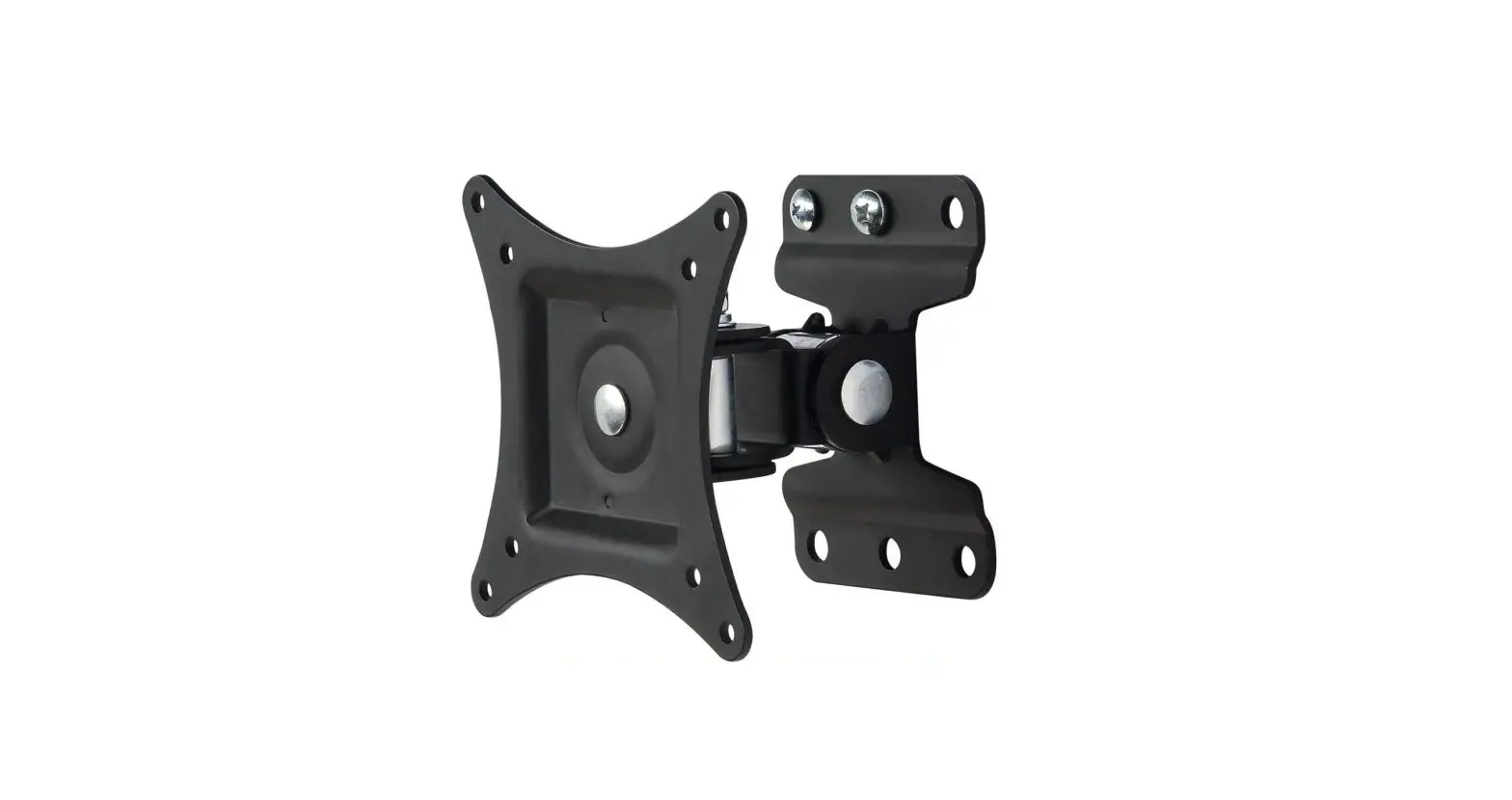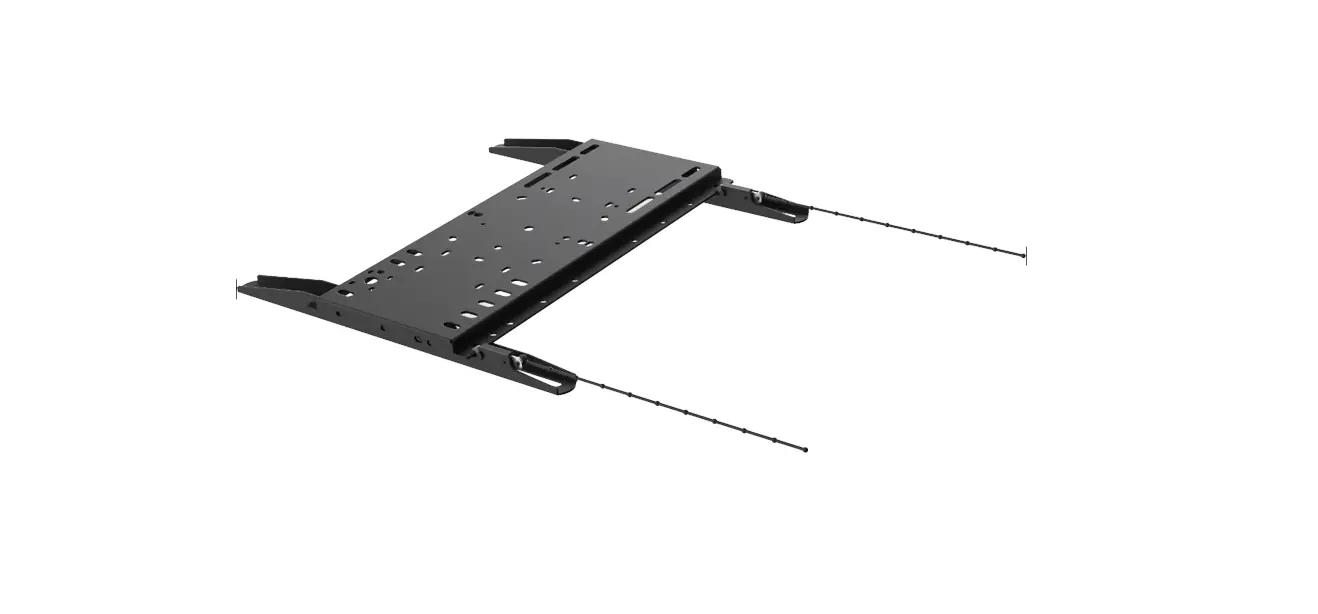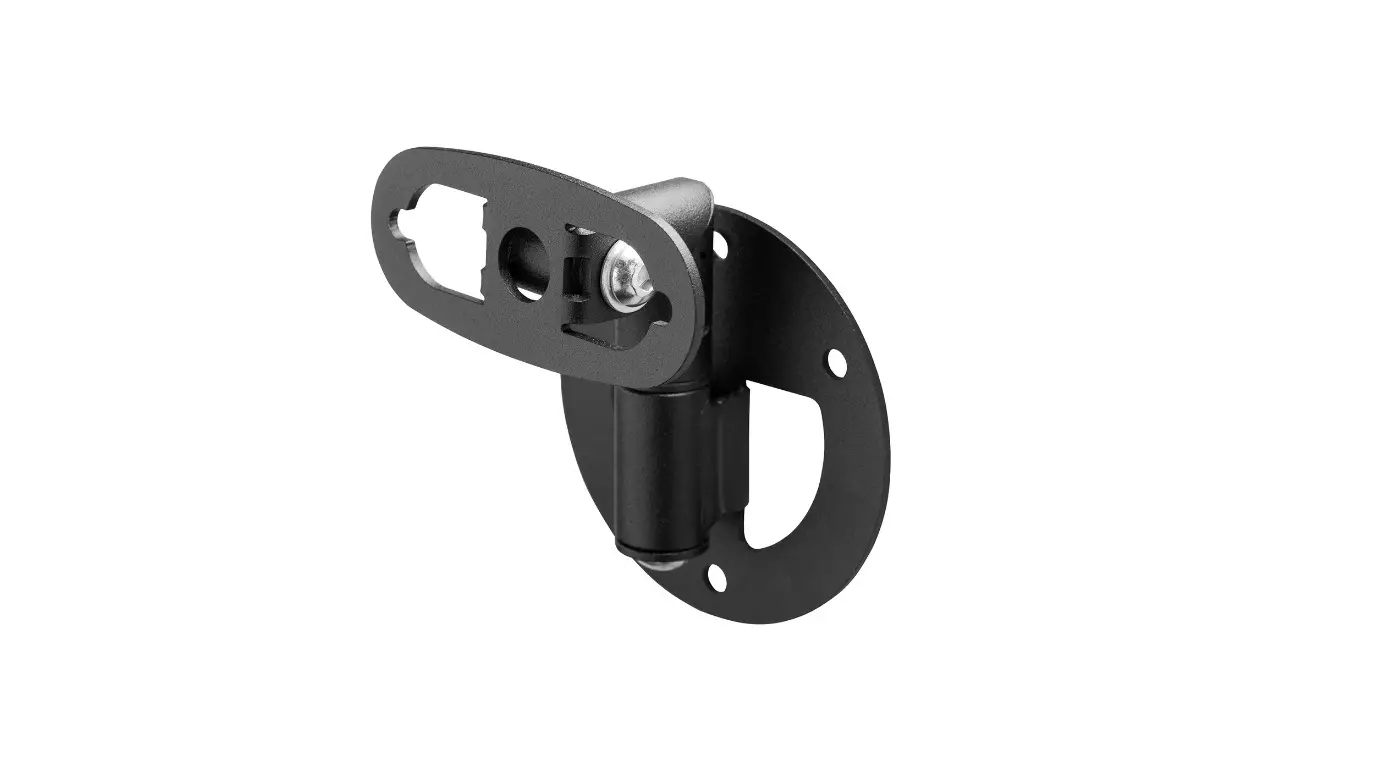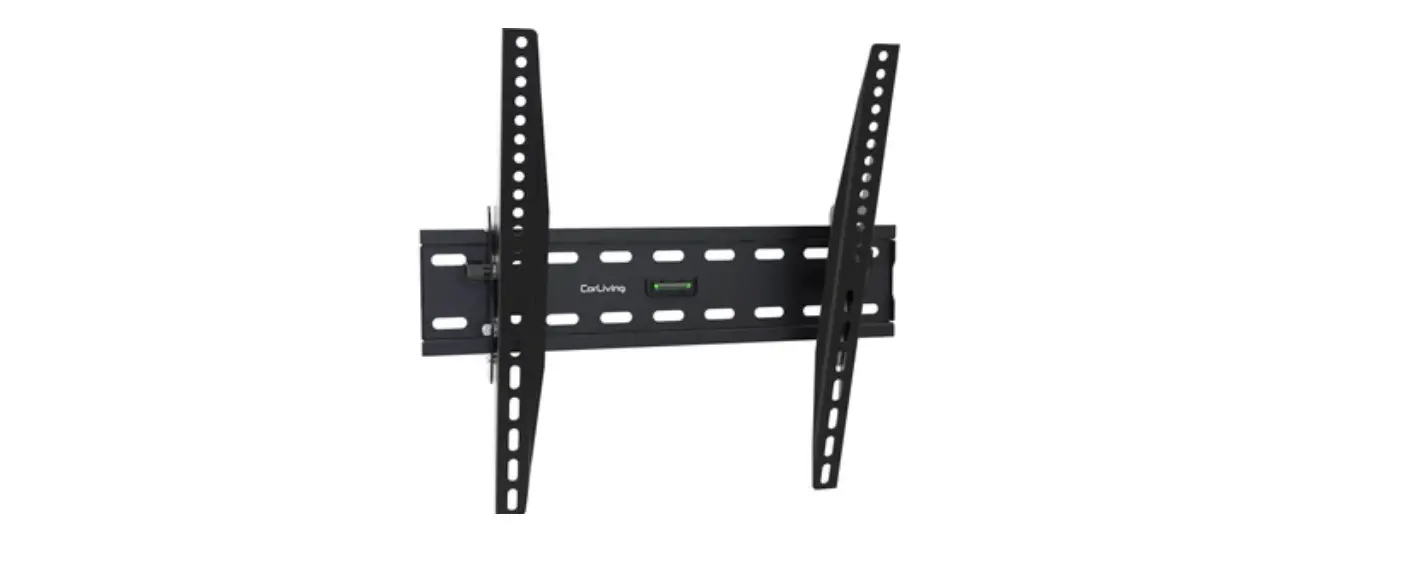

PRO DVX WM-25 Wall Mount
Instruction
Views: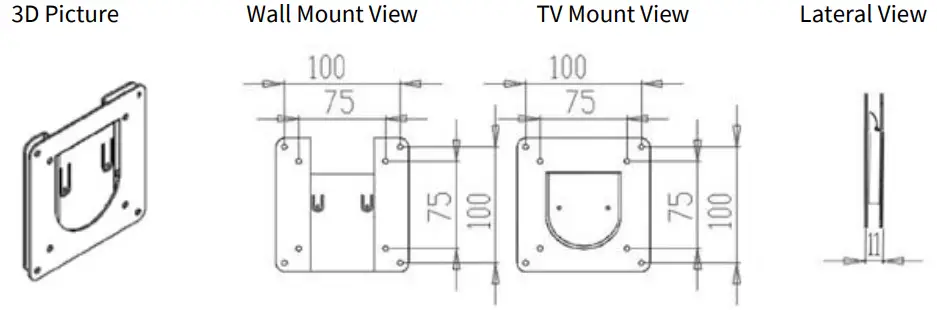
Screw types:
Step 1:
Please make sure the thickness of the wall is over 5cm and the material is suitable for installation. For a wooden wall, please choose wood screws 4pcs. For a concrete wall, please choose wall anchors 4pcs wall Anchor.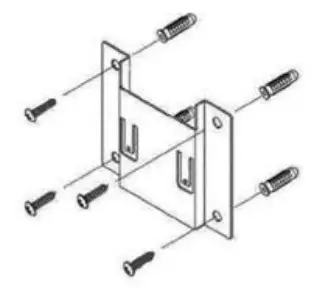
Step 2:
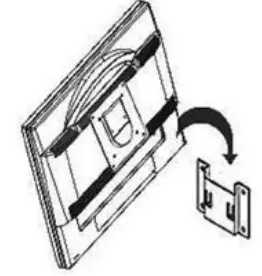
Remove the TV plug before installation. Use the M4X12 screw to fasten the screen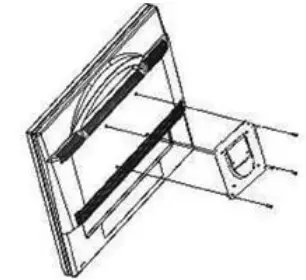
Step 3:
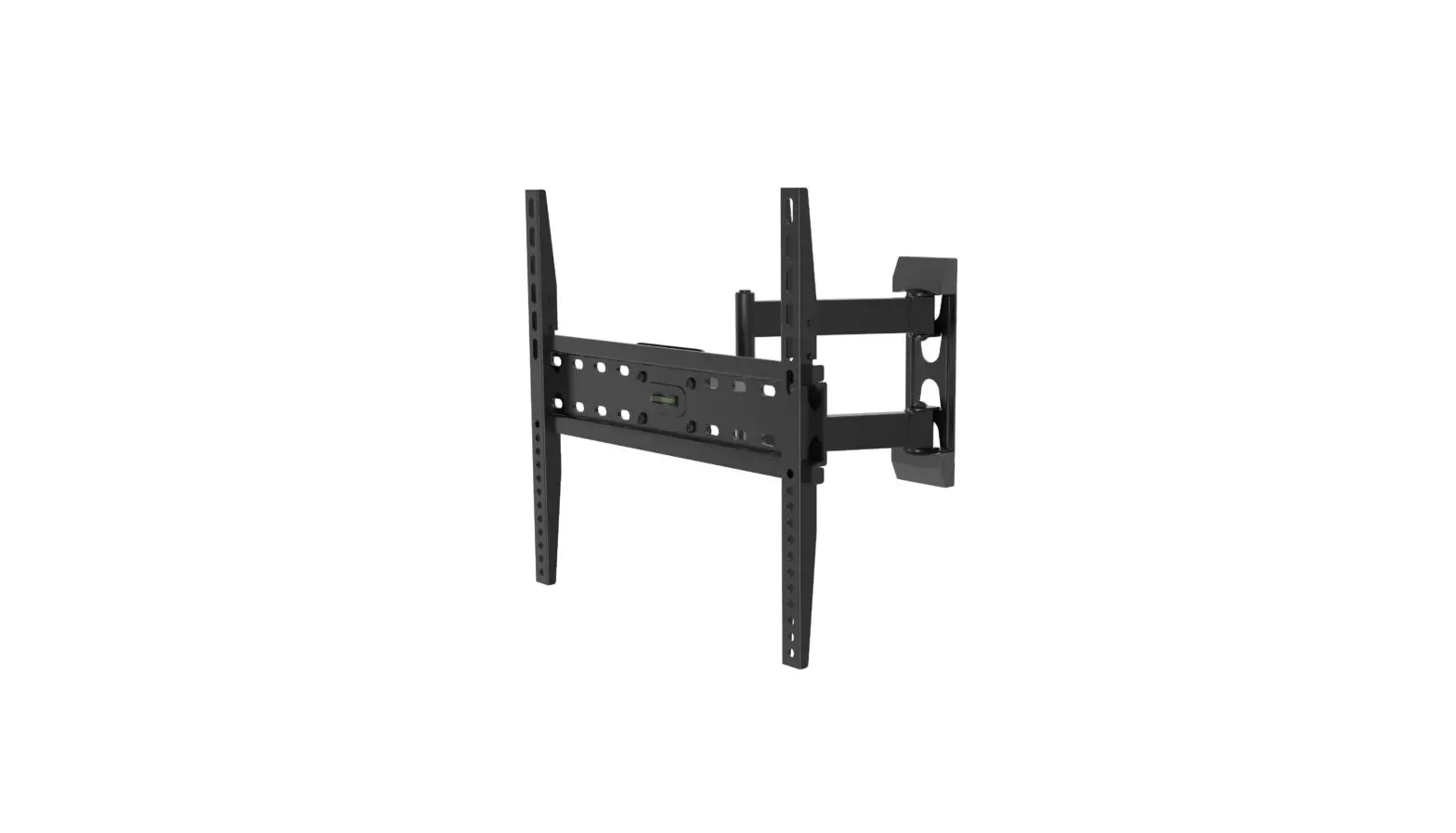
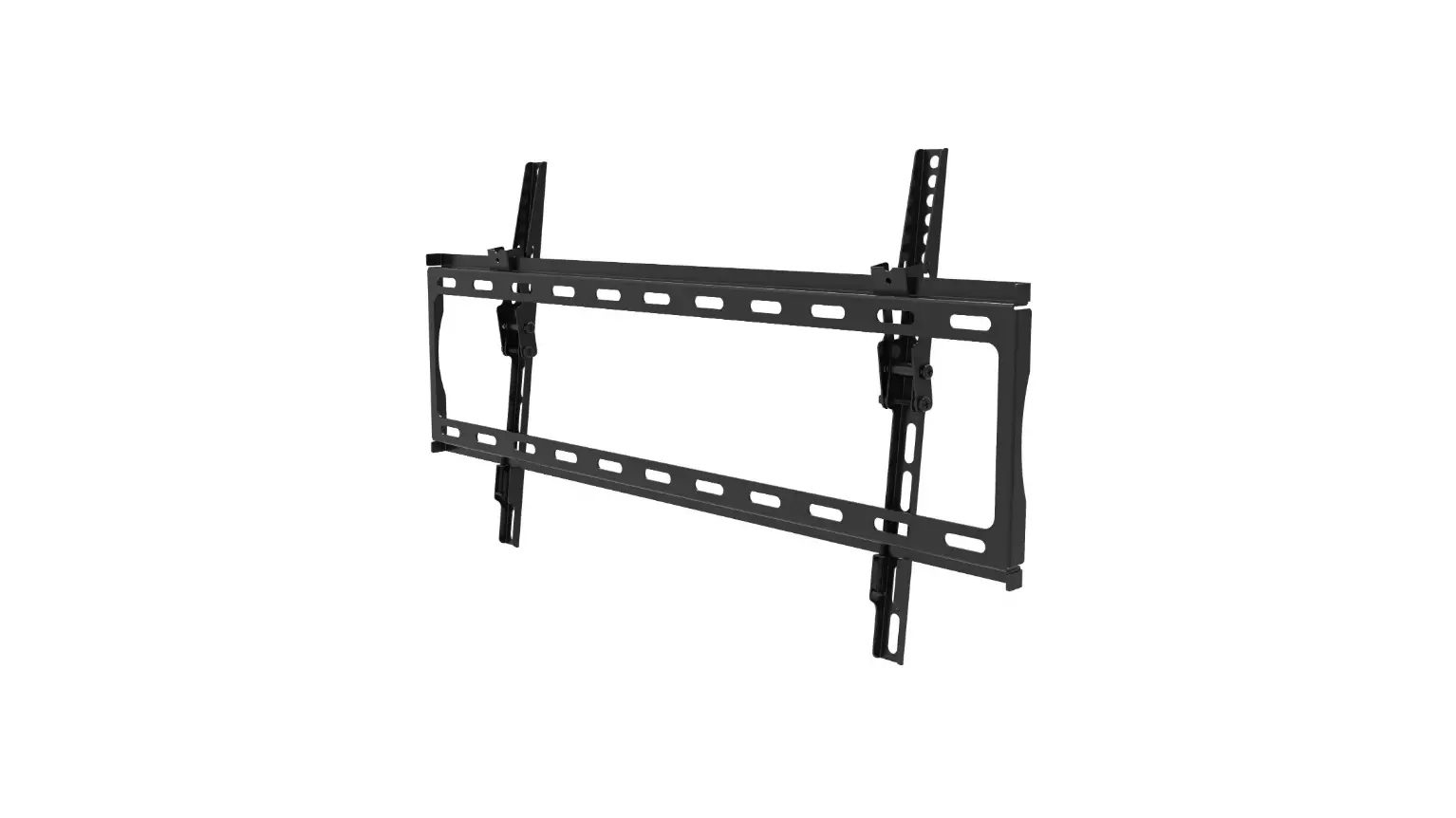
Combine the screen mount and the mount of wall and make sure the screen mount fix on the mount of wall.