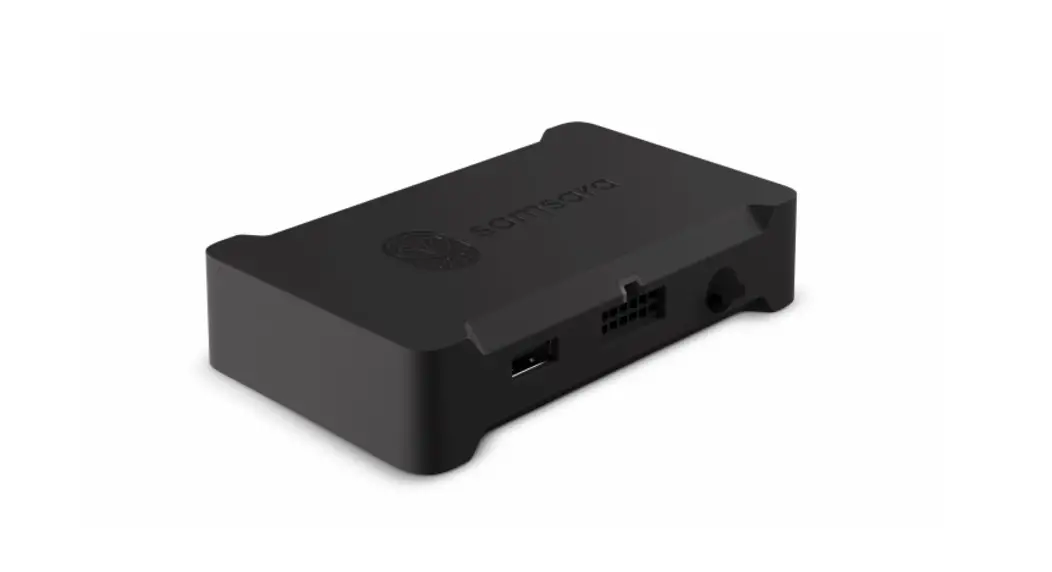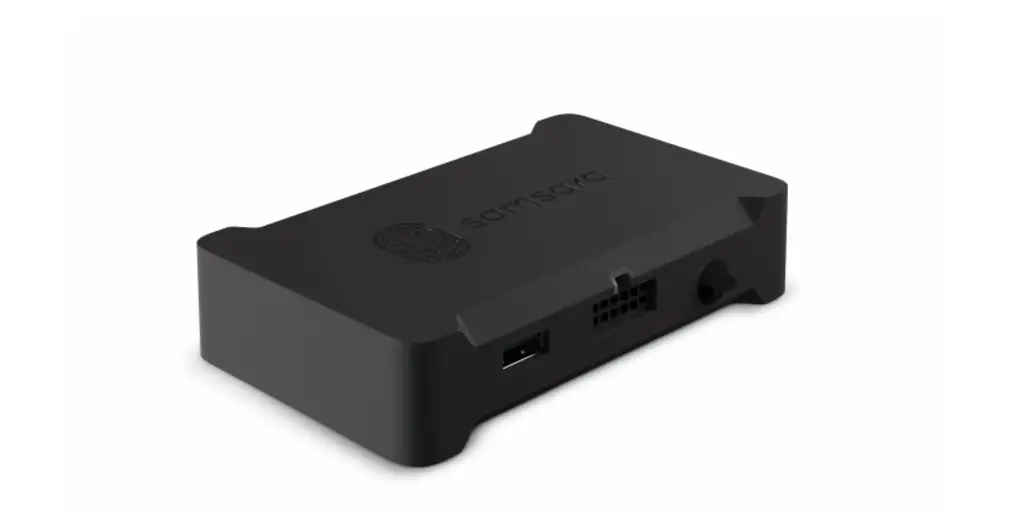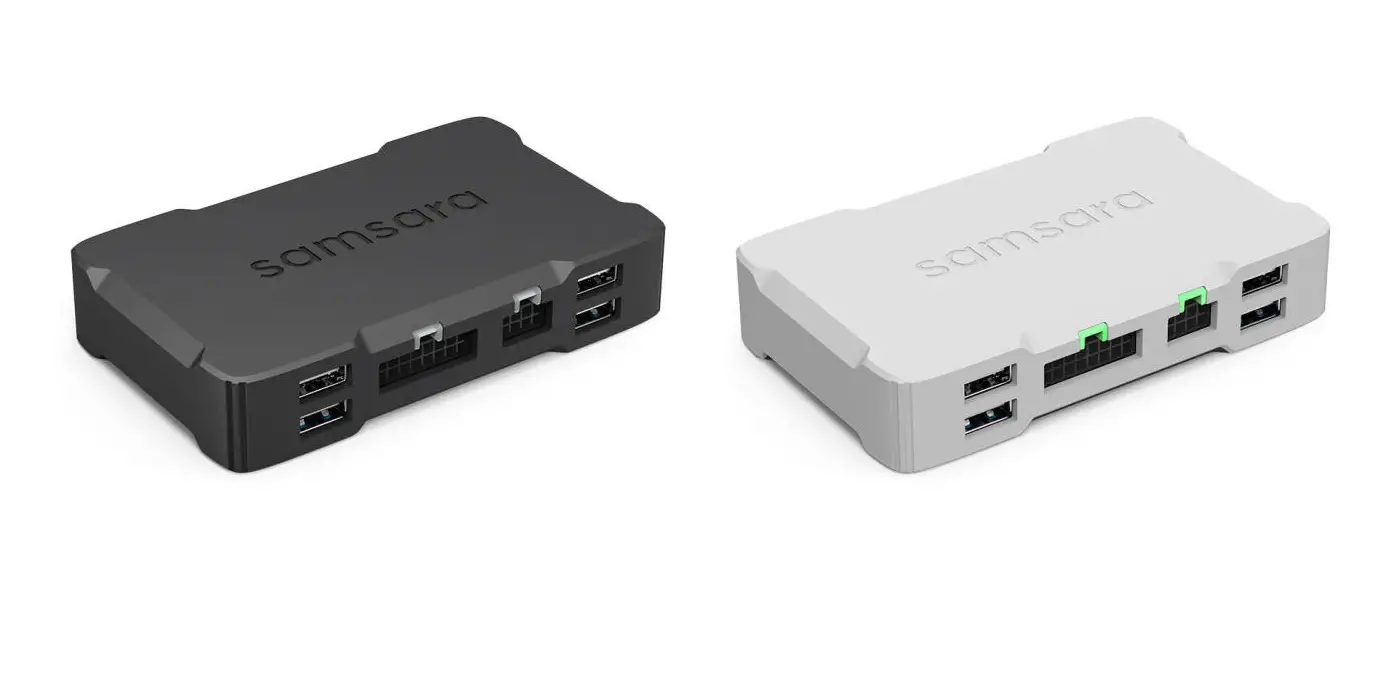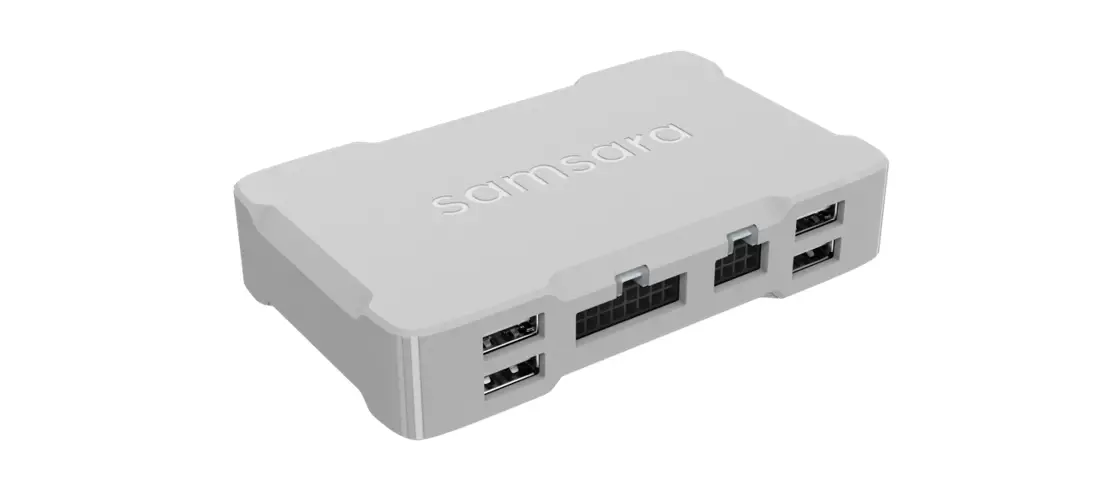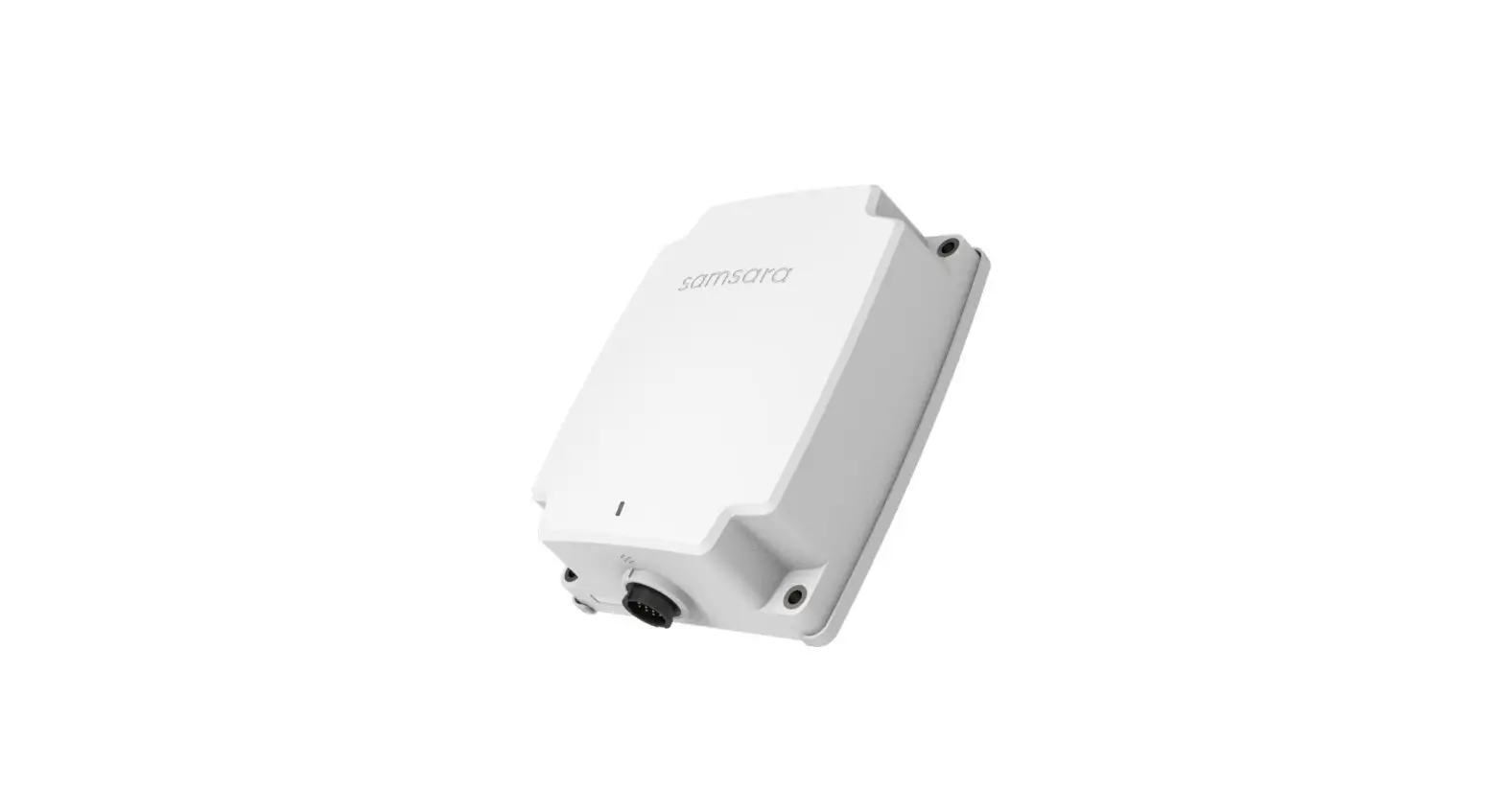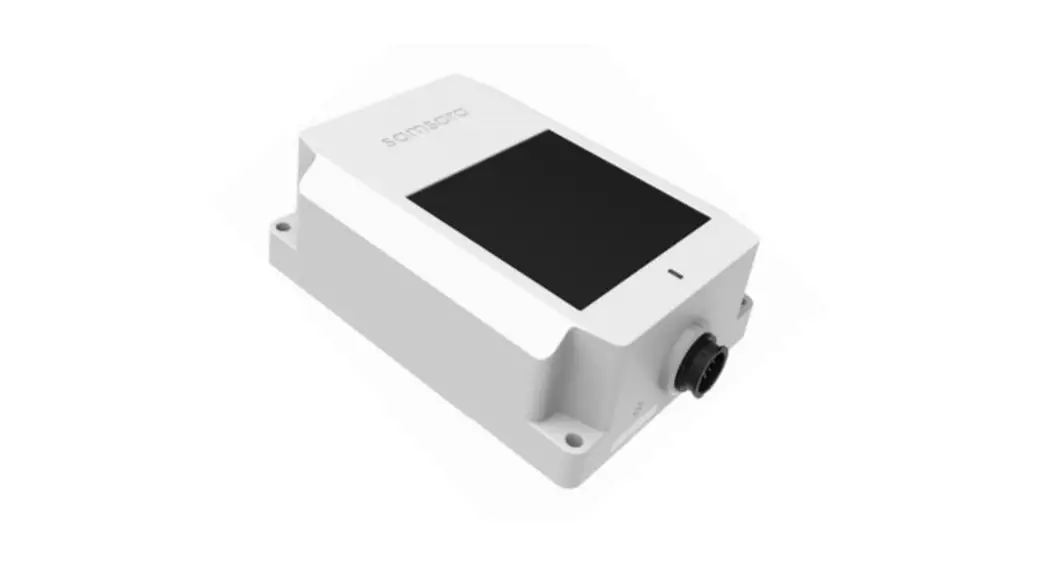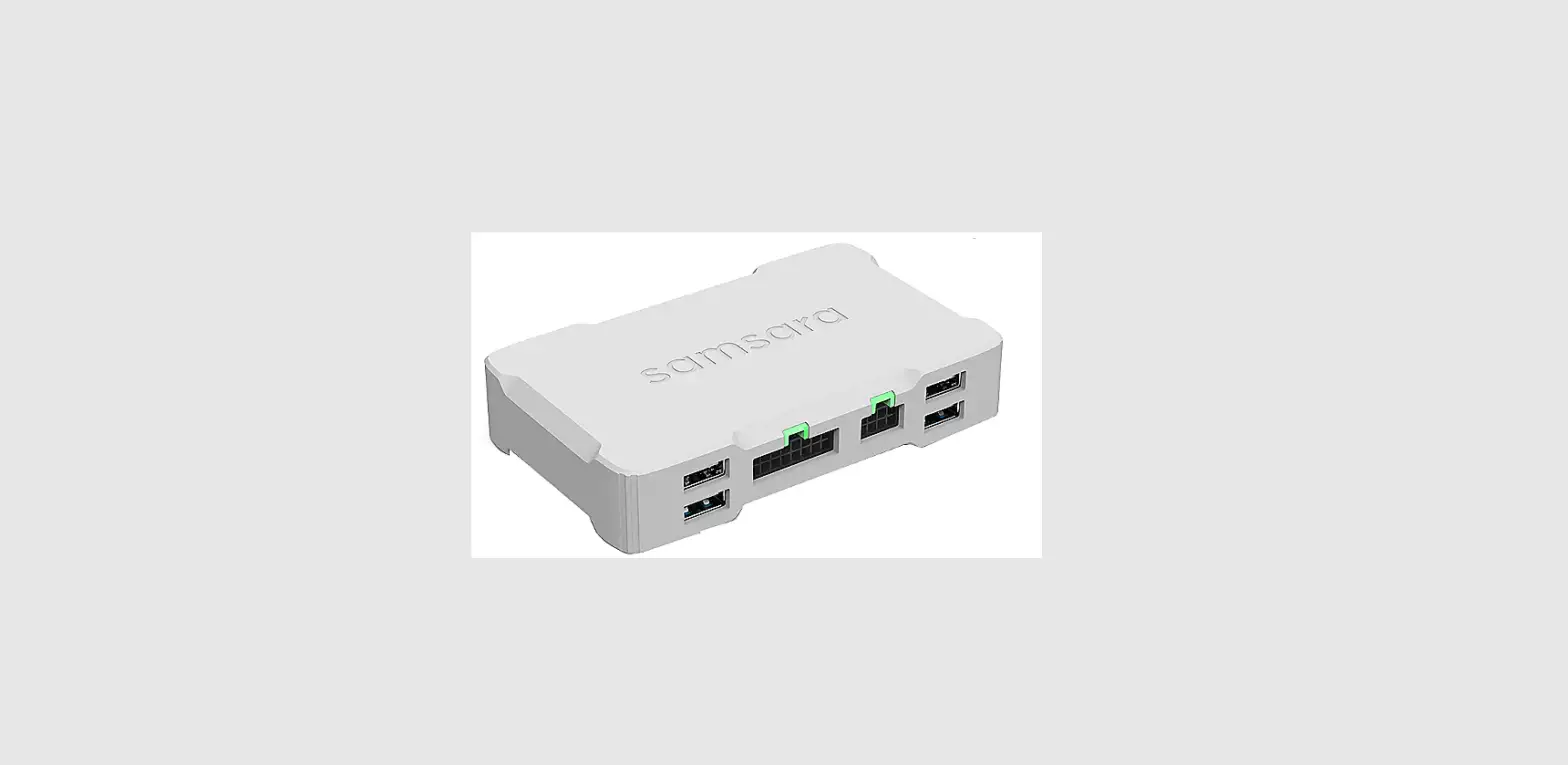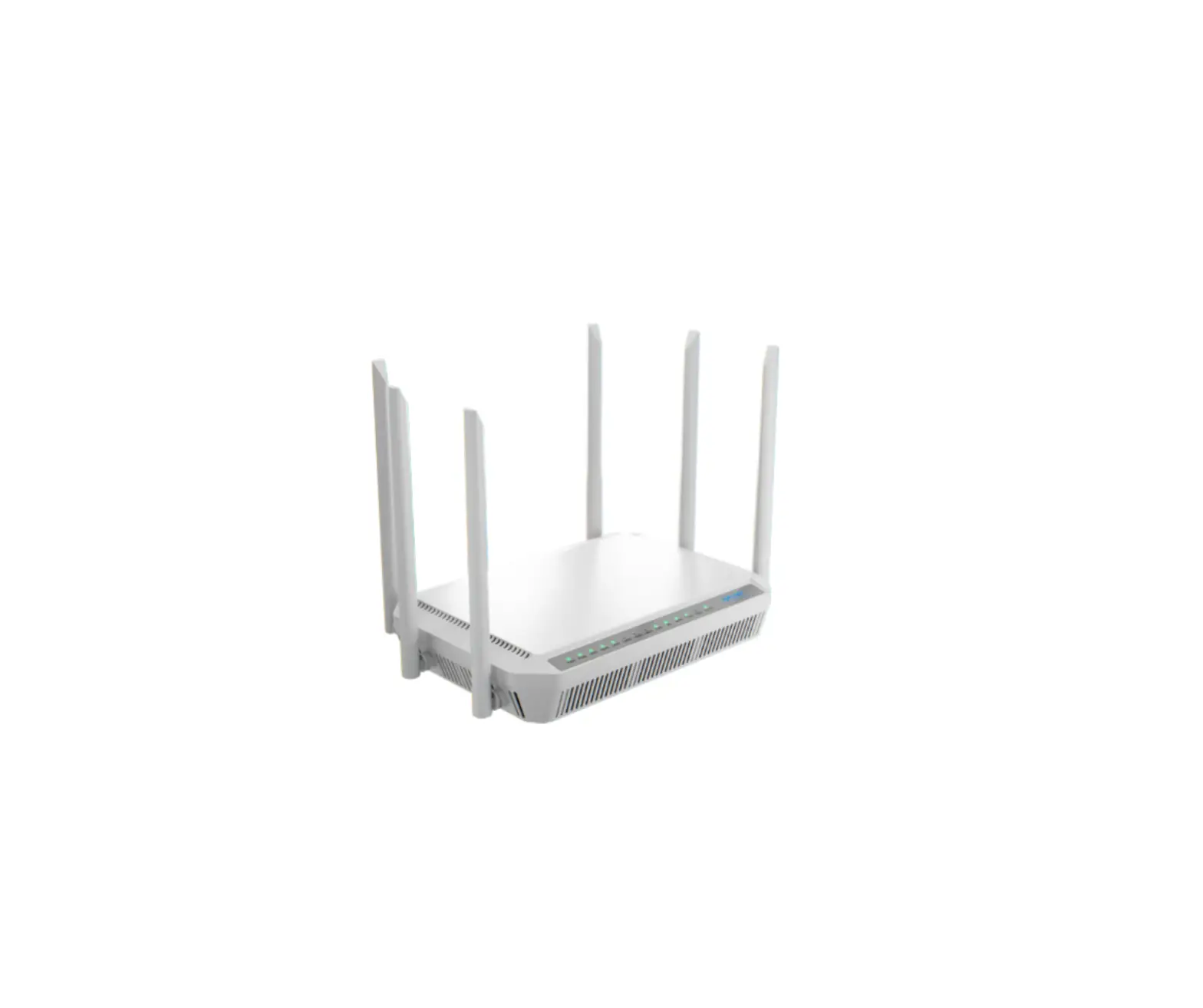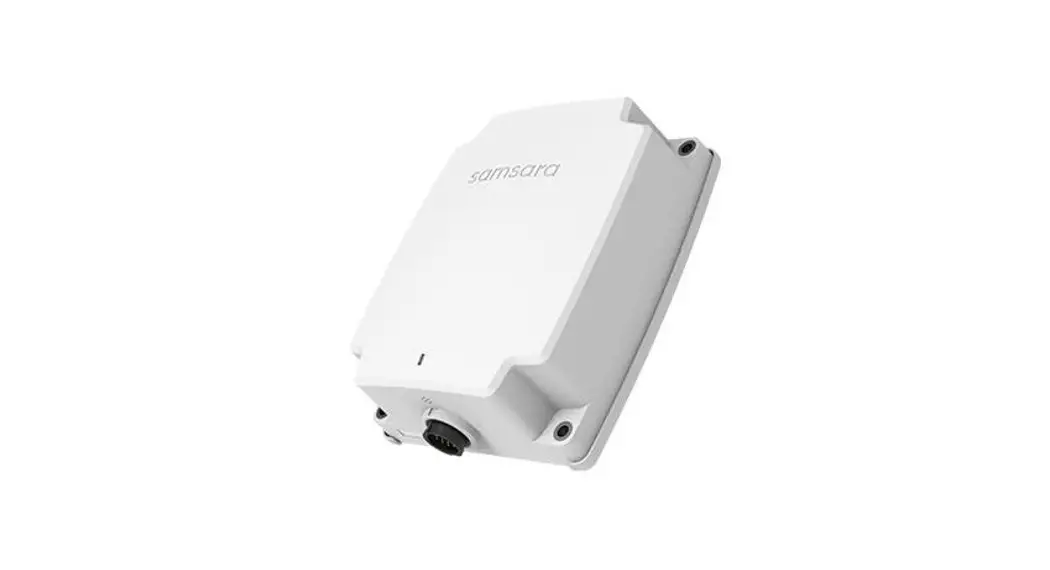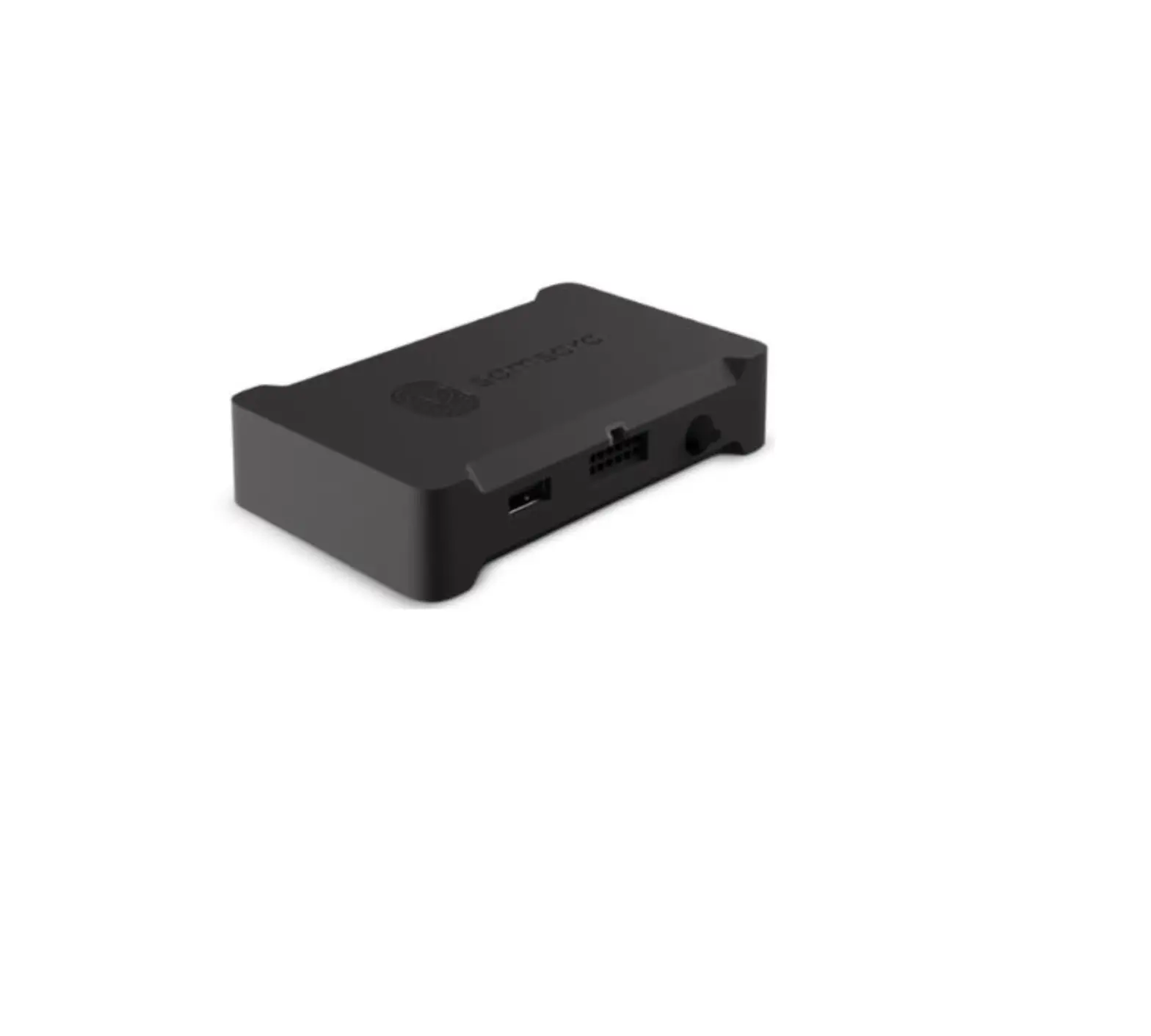
Samsara CBL-VG-CAUX Vehical Gateway
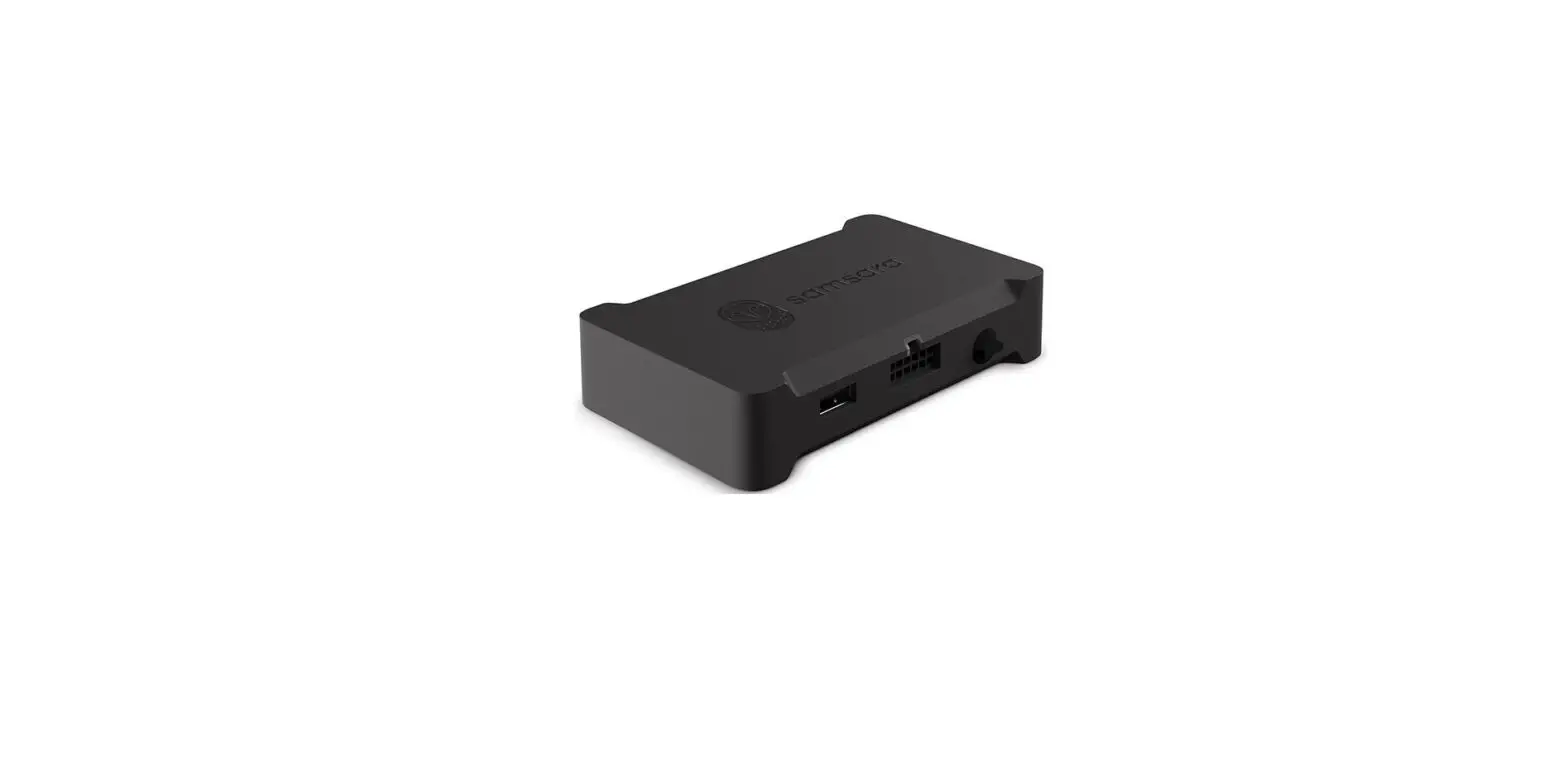
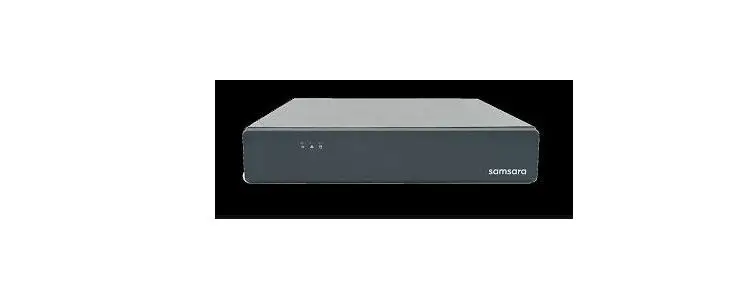
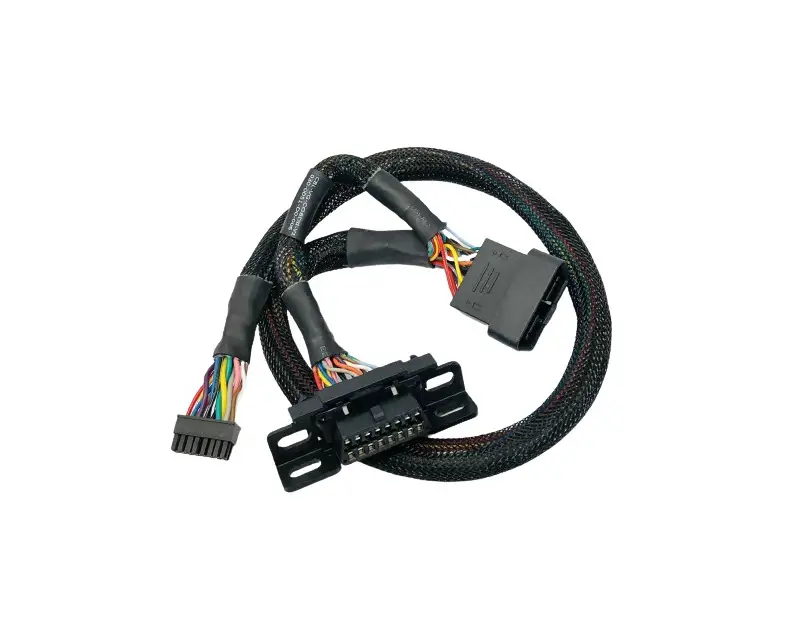
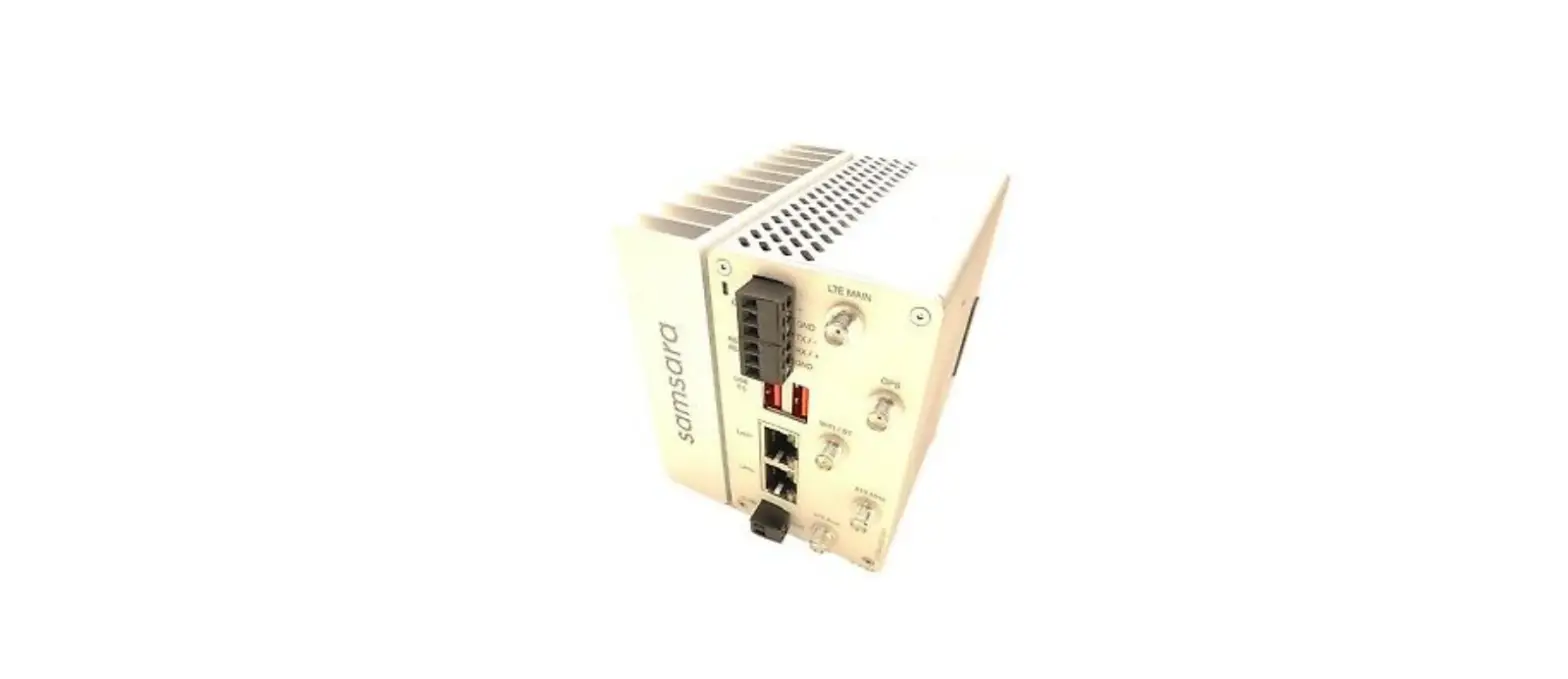
PACKAGE CONTENT
|
|
|
|
 1×
1× 1×
1× 1×
1× 1×
1×INSTALL GUIDE
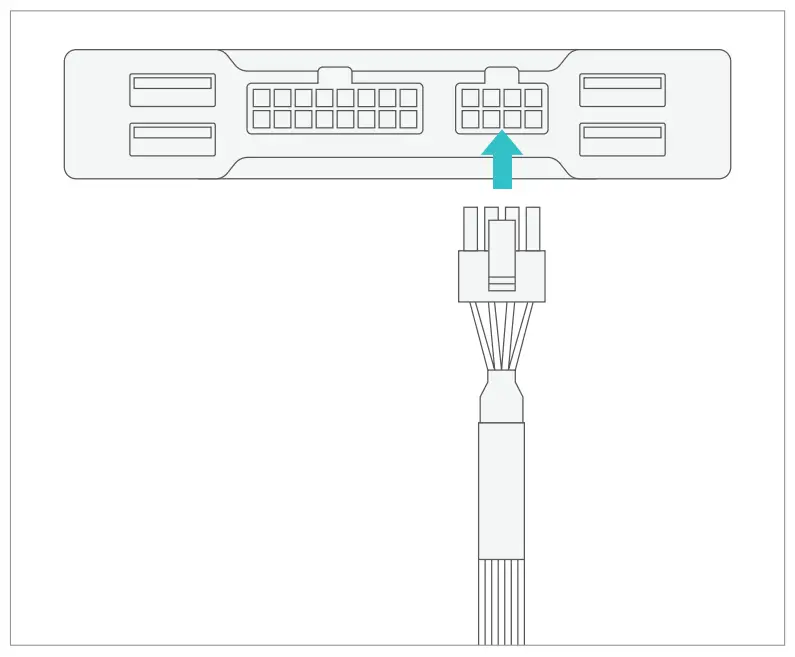
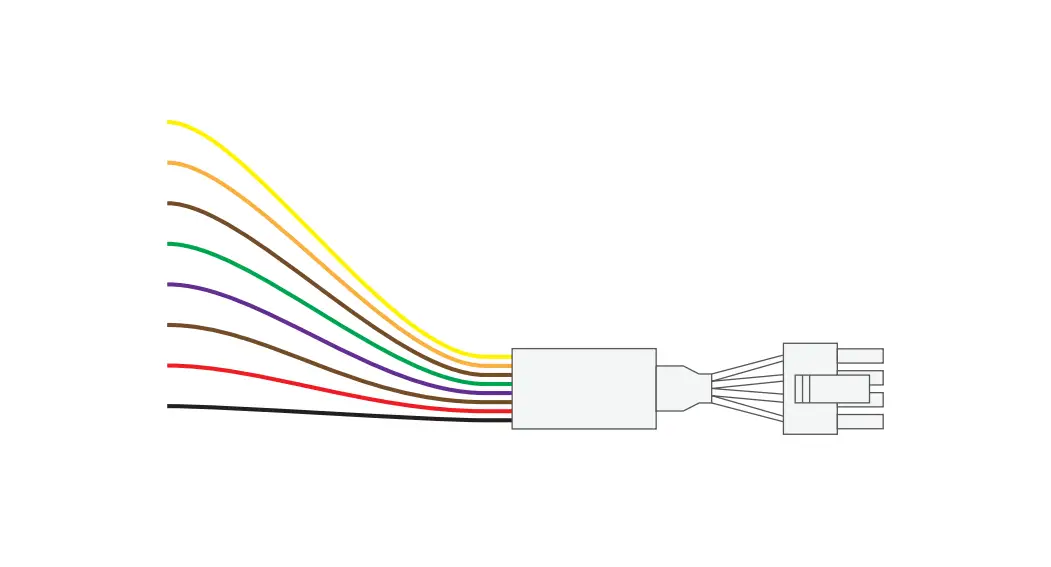
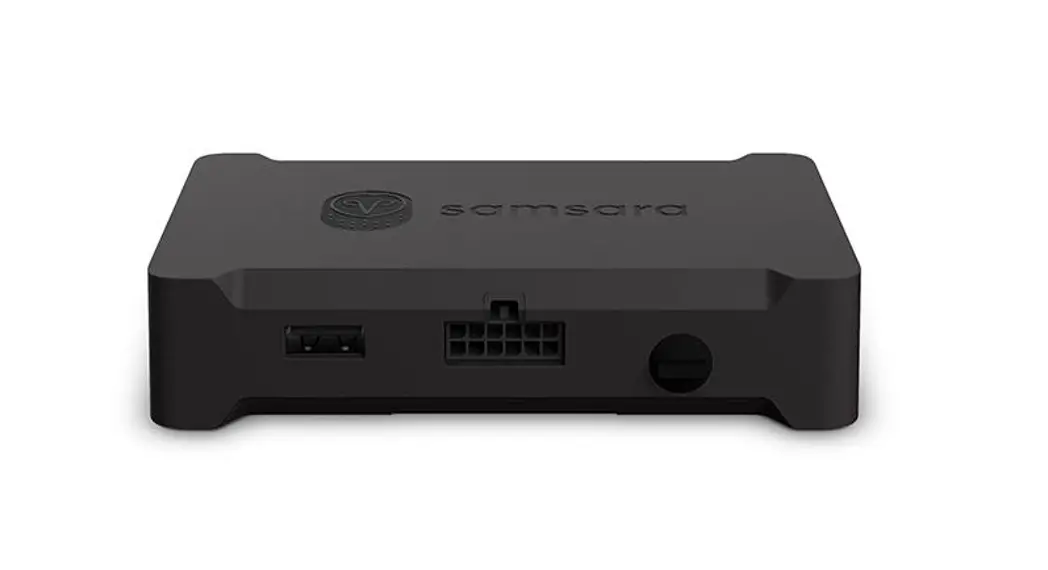
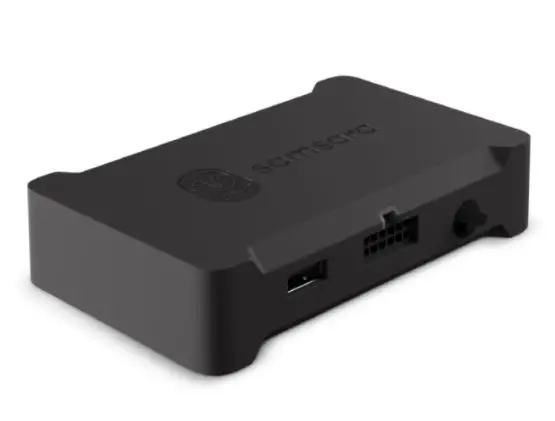
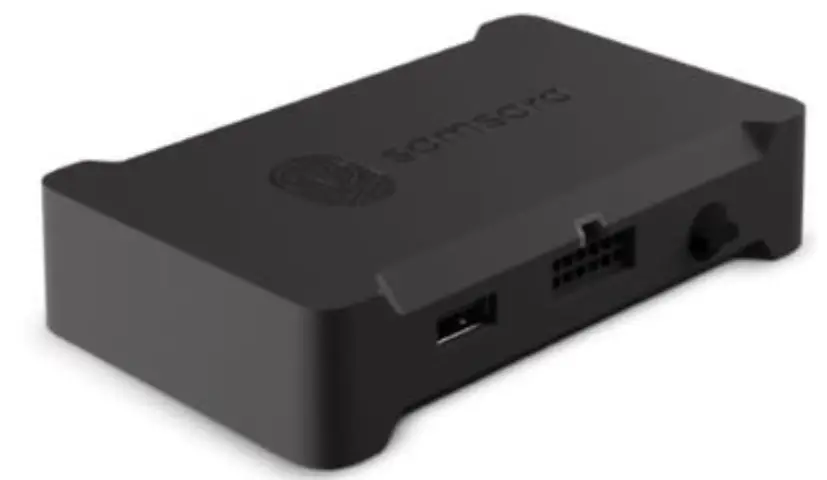
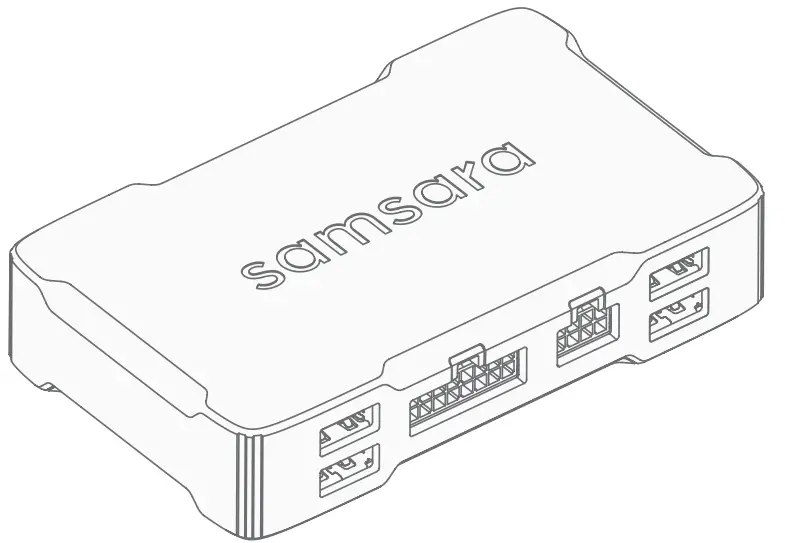
- Connect the Samsara cable to the 8-pin port on the Samsara gateway.

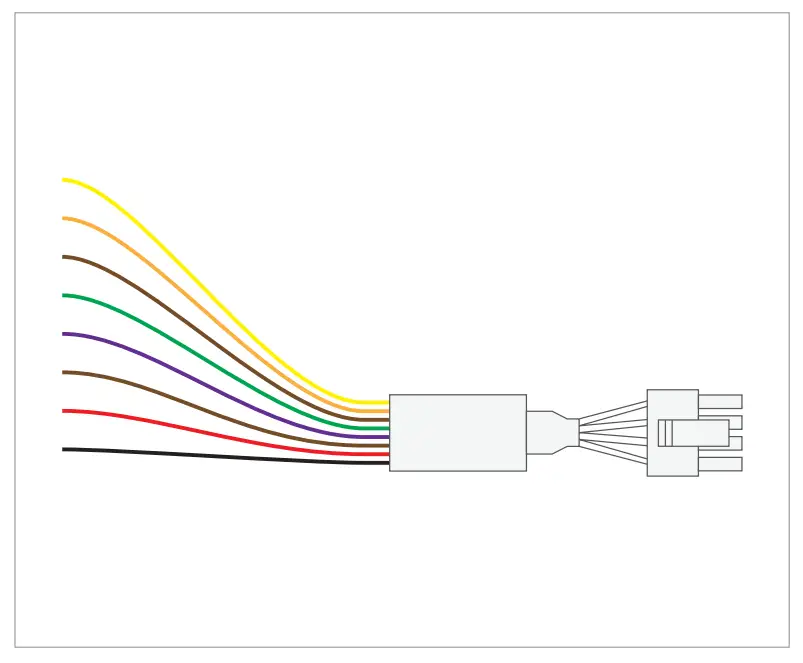
- Reference the table below for input information.
Pin Assignments Wire Color AUX Input 1* Yellow AUX Input 2** Orange AUX Input 3 Brown AUX Input 4 Green AUX Input 5 Purple AUX Output 1 Blue Power (5V) Red Ground Black *Do not use if Samsara Panic Button is installed
**Do not use if Samsara Privacy Button is installed
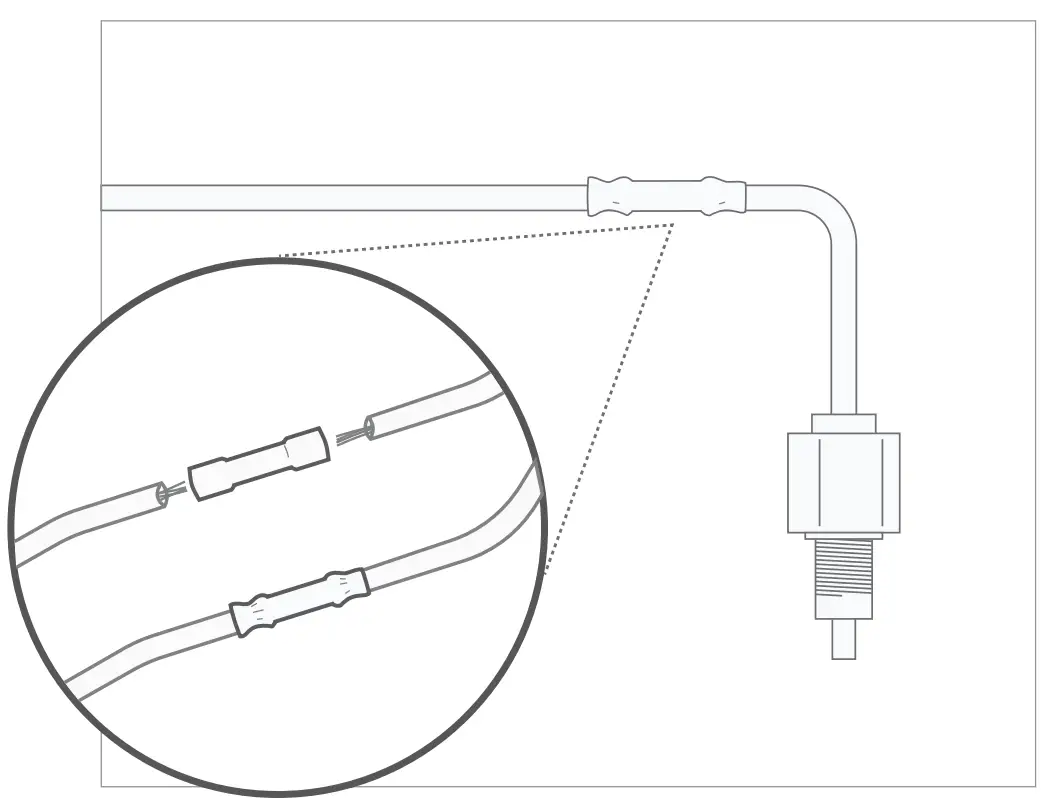
- Use a butt splice to connect aux wires to sensor inputs that you want to monitor.

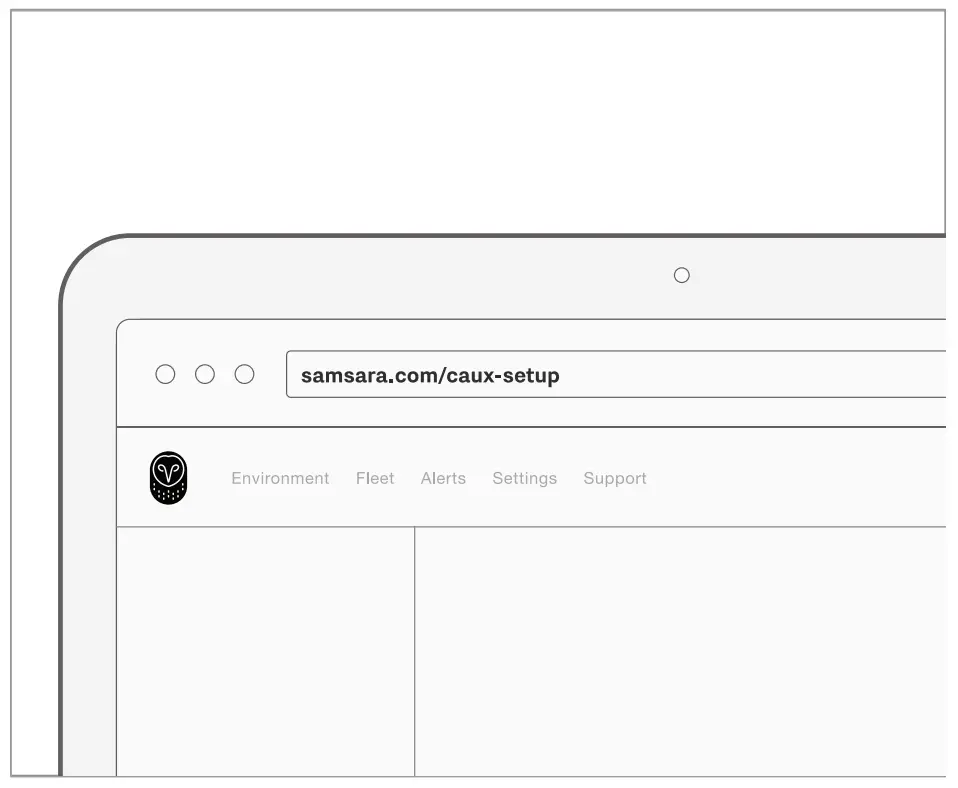
- For additional installation support, navigate to samsara.com/caux-setup.