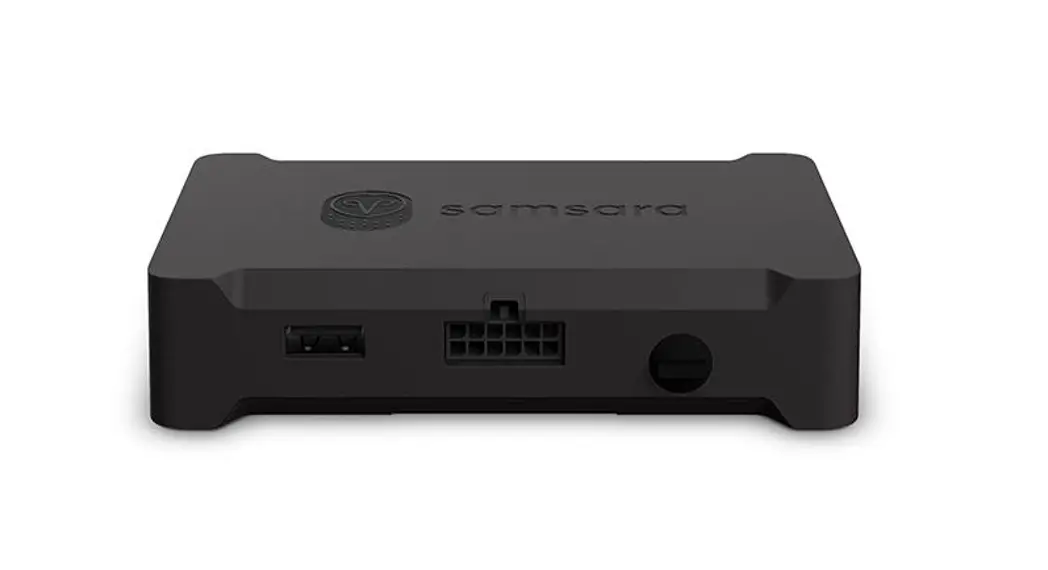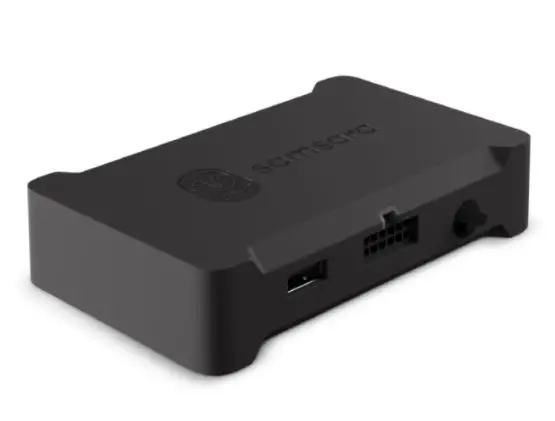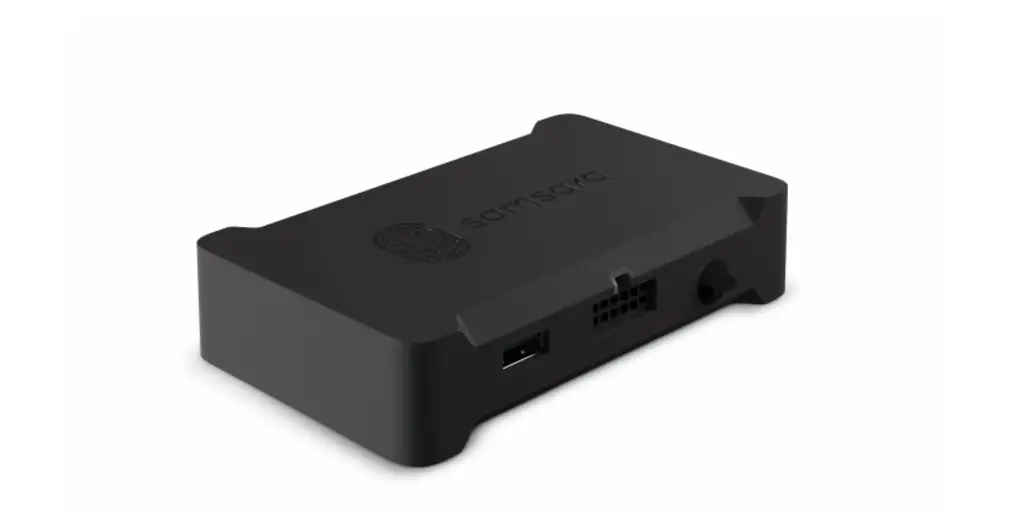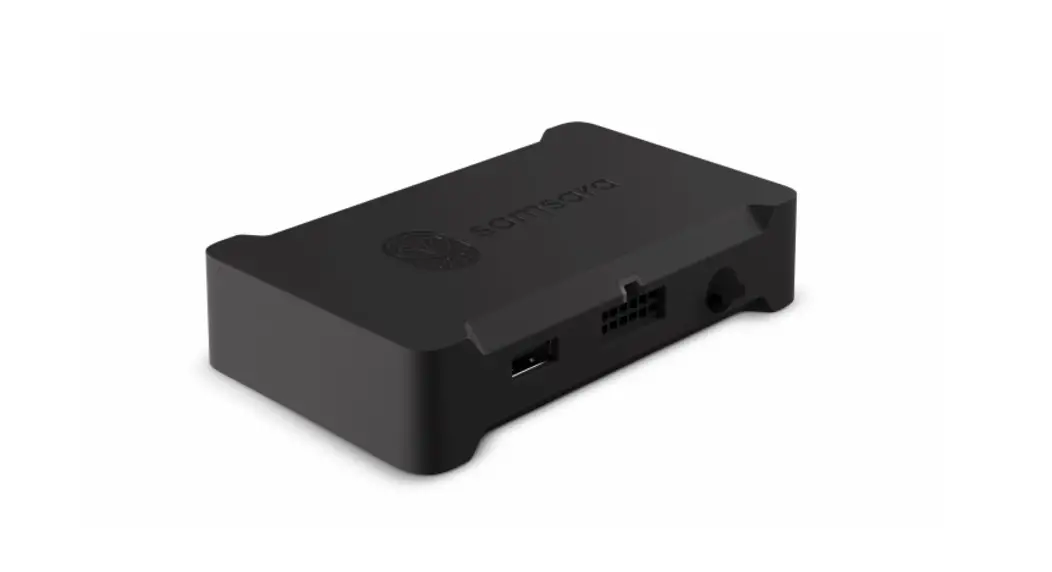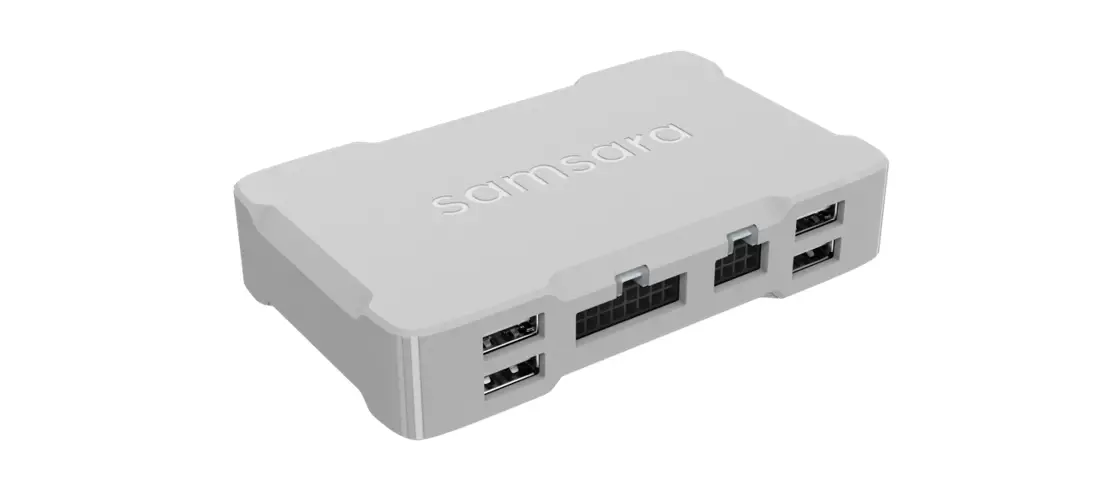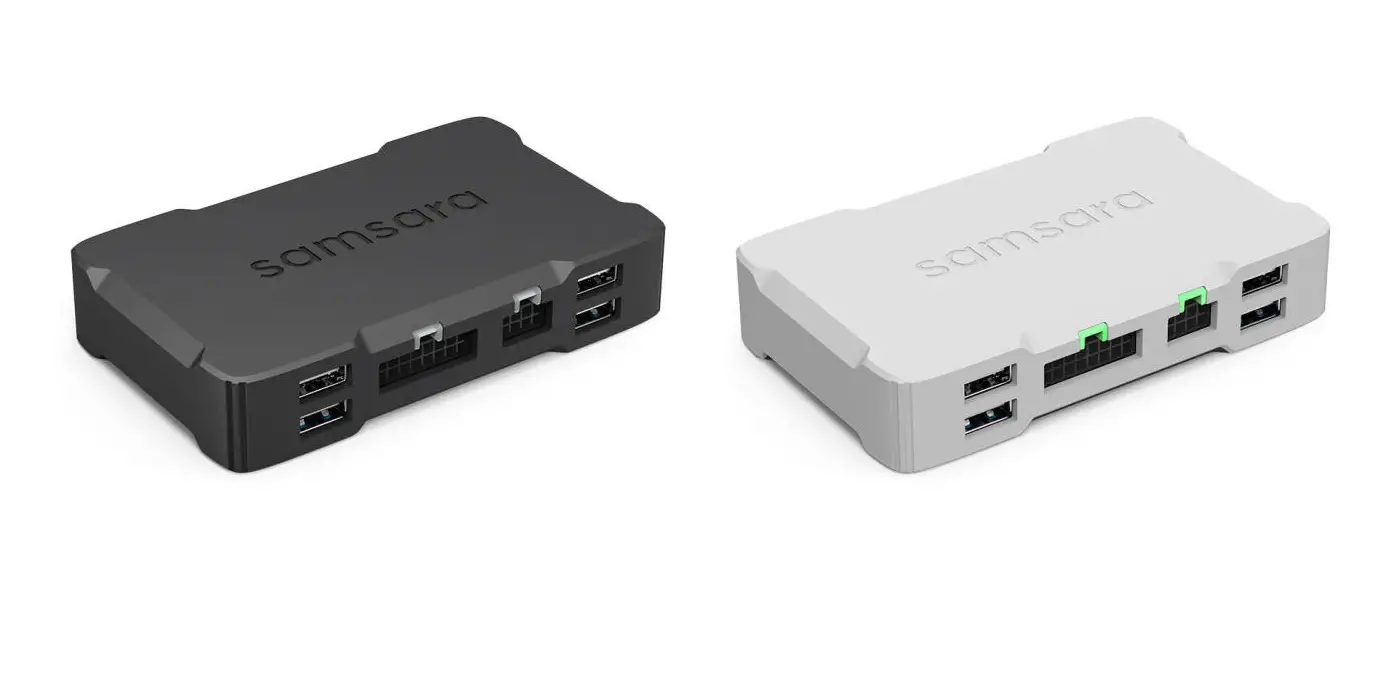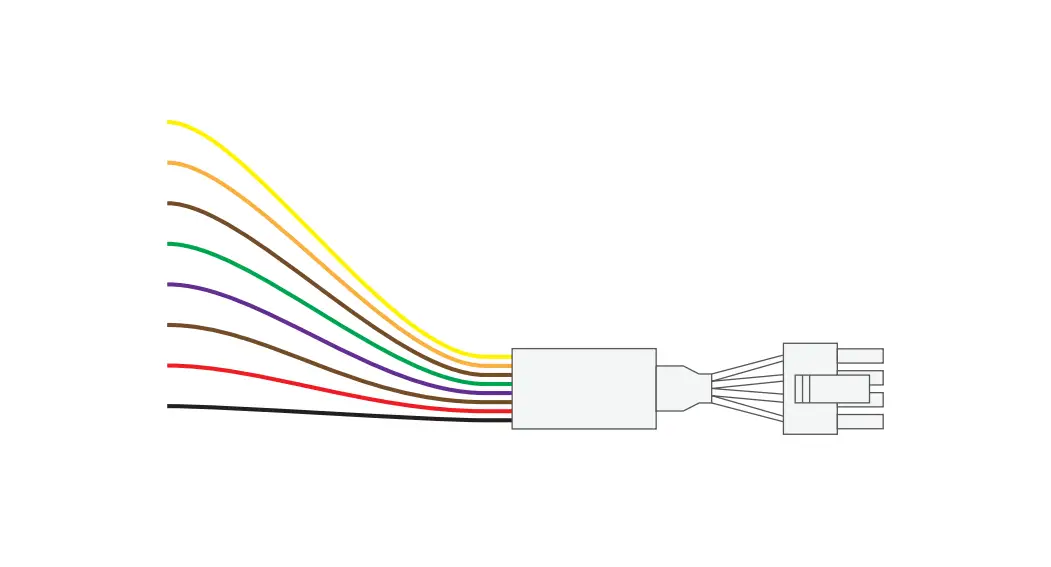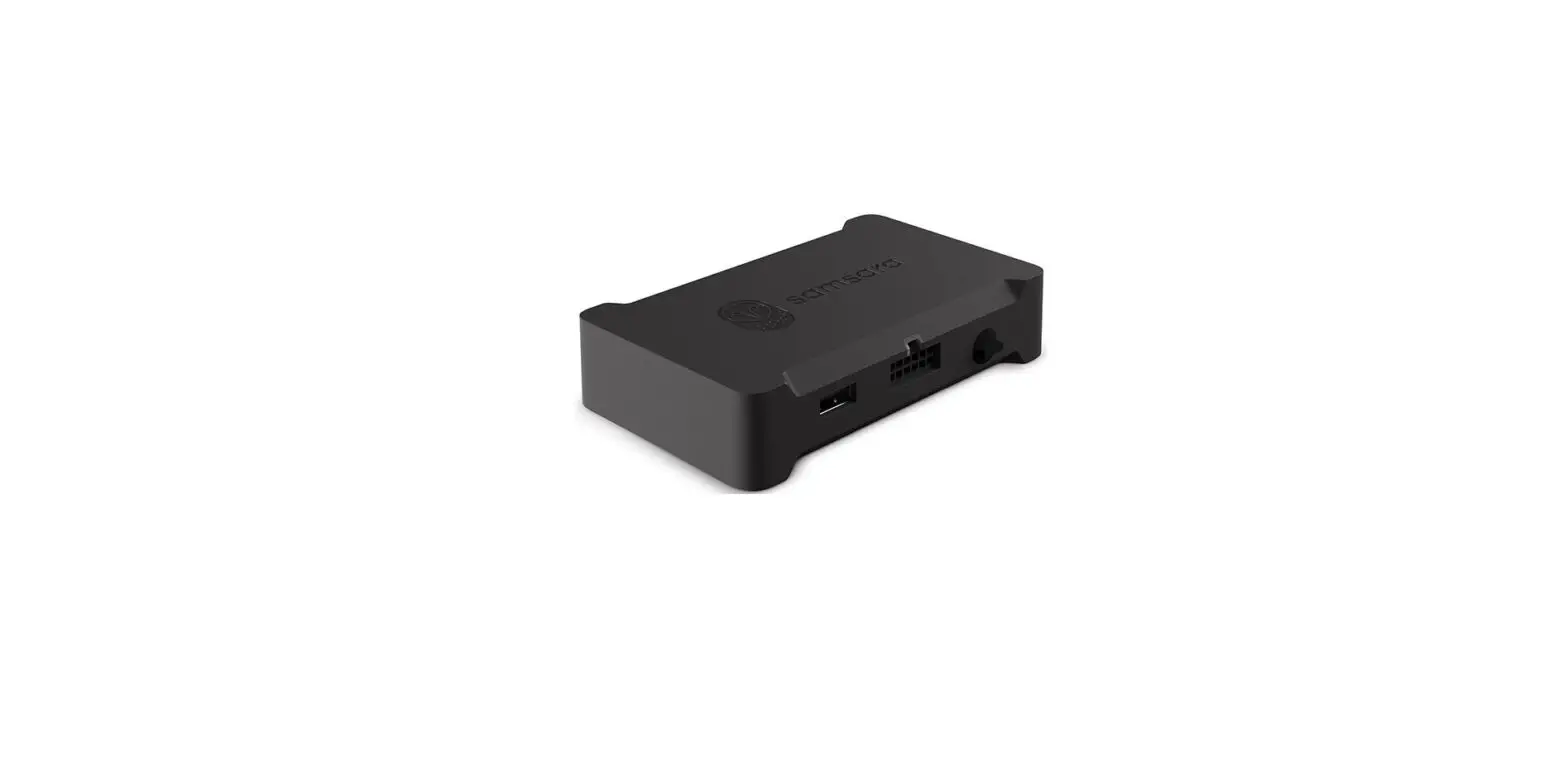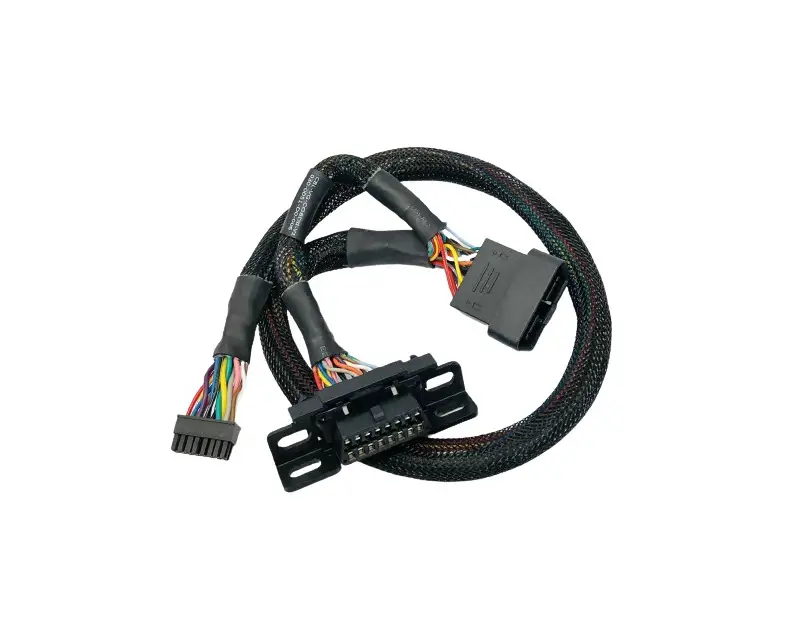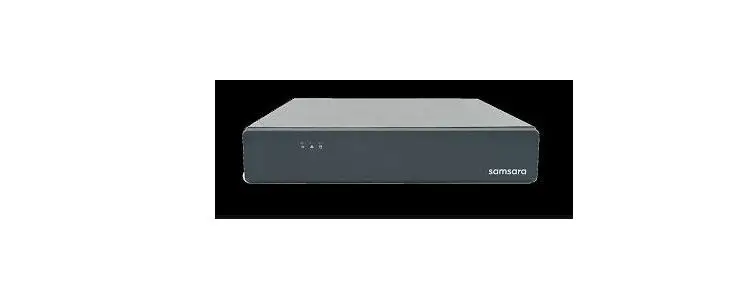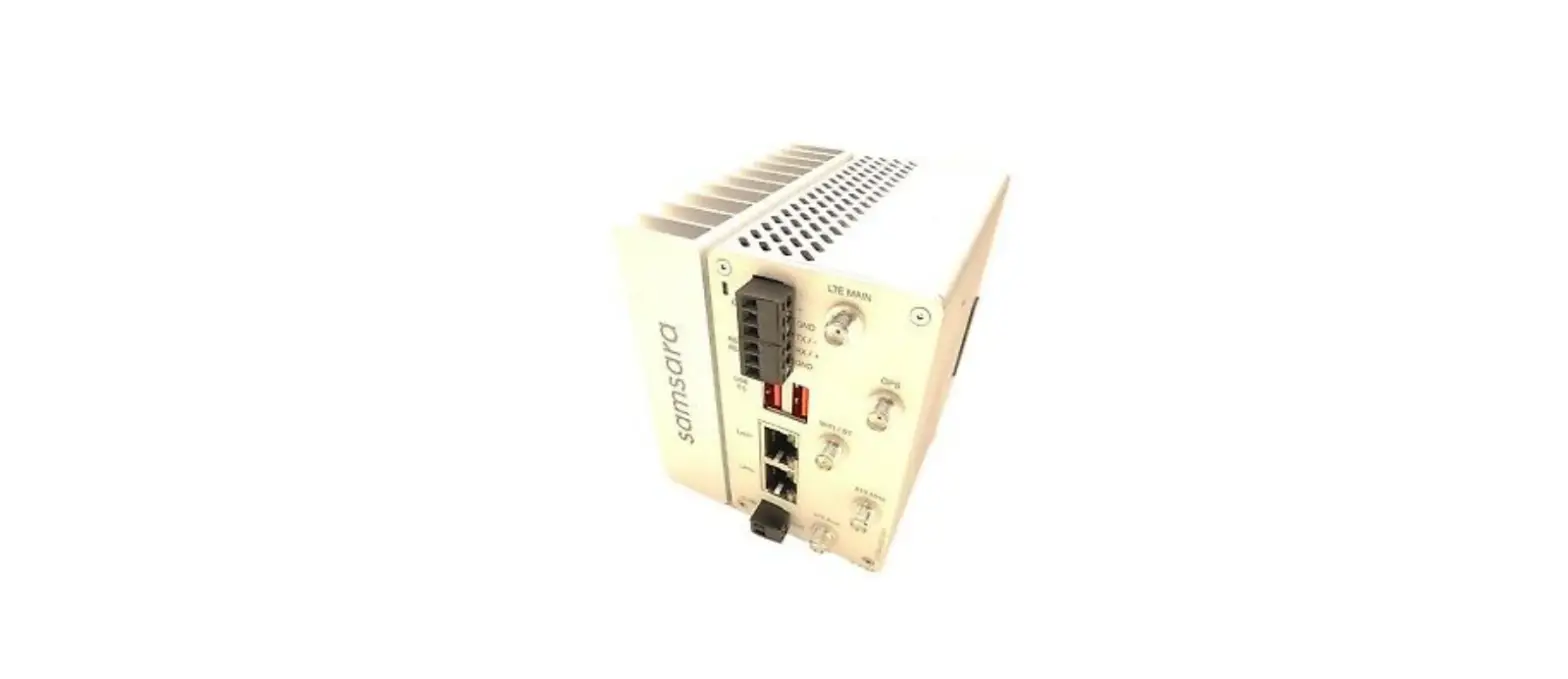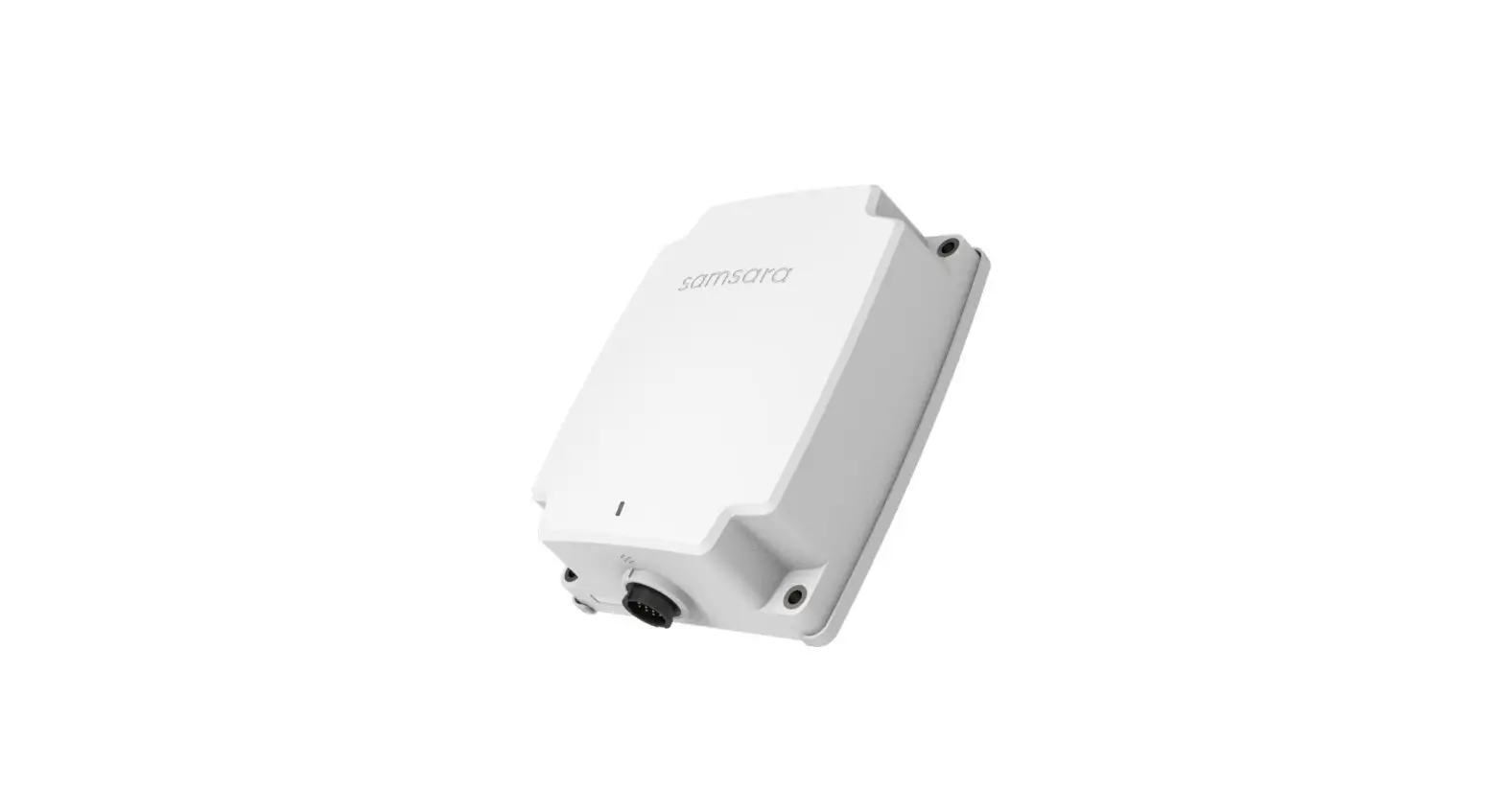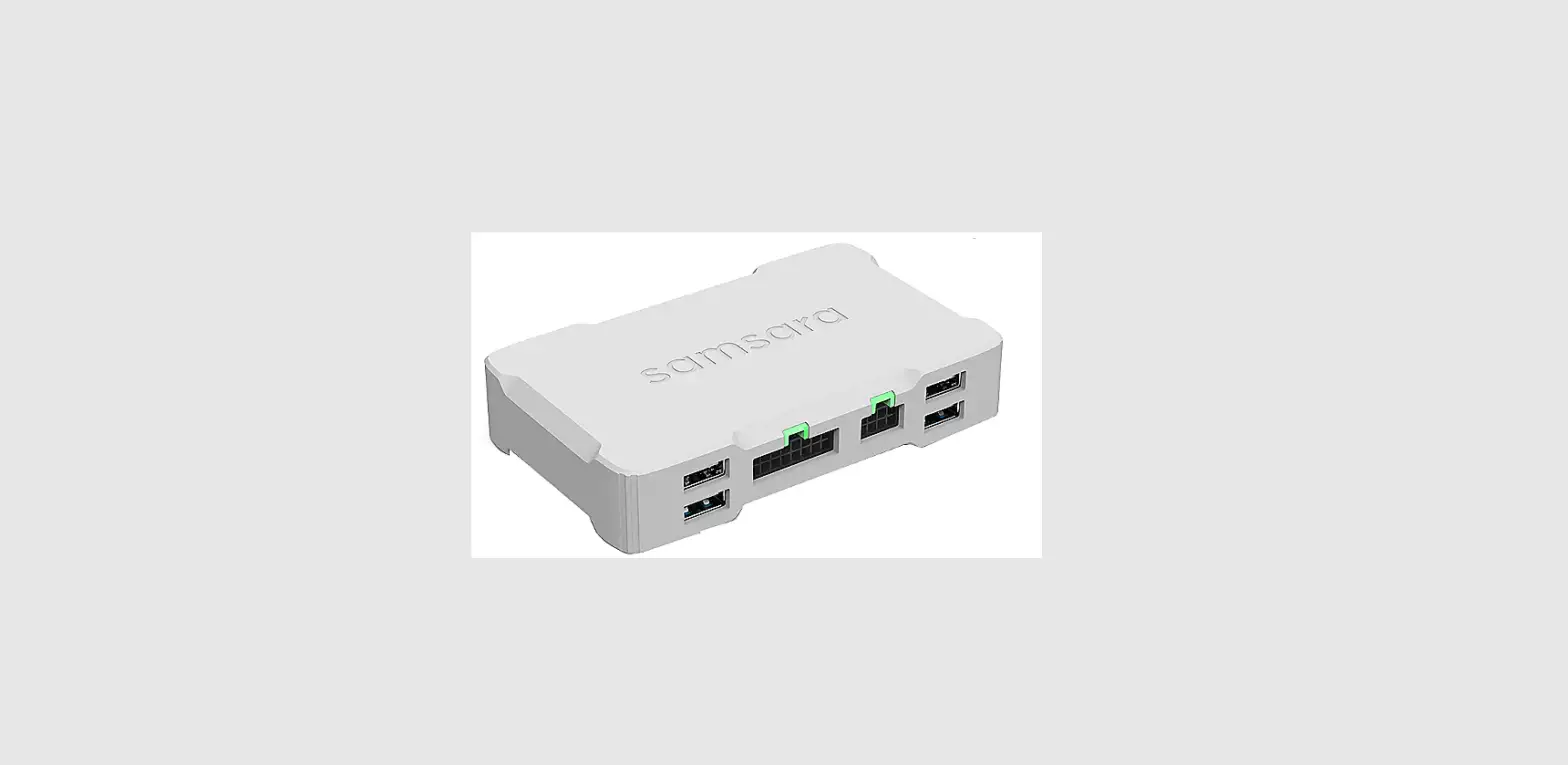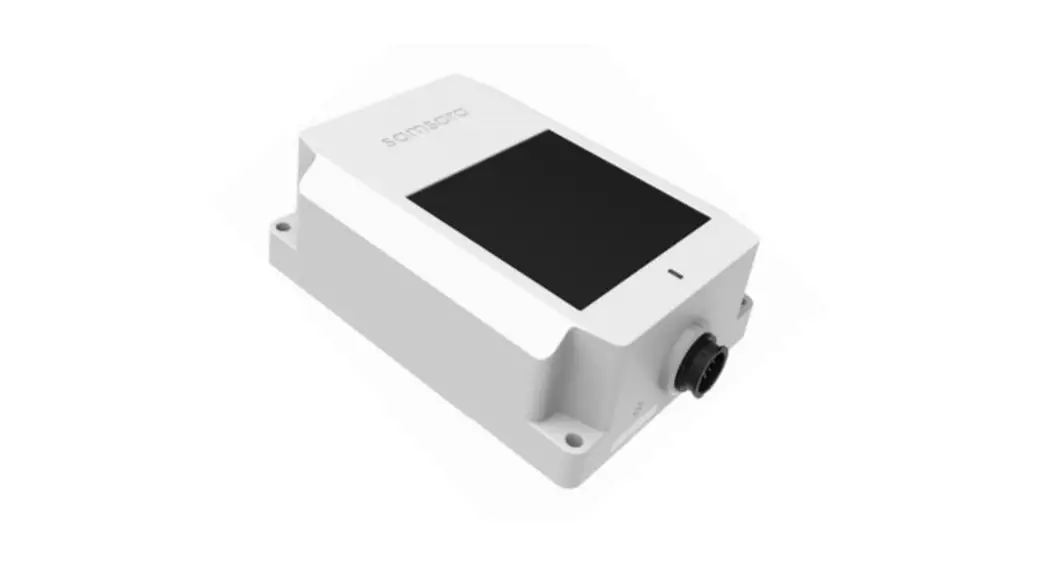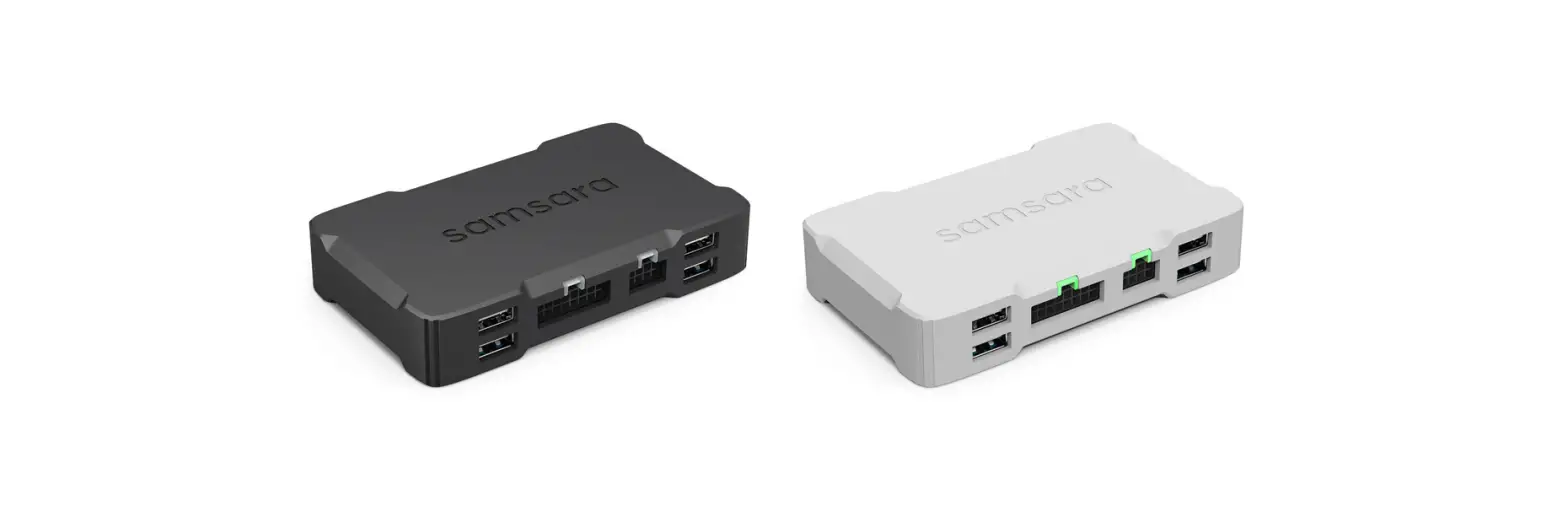
 CBL-VG-CRCR-Y1 Vehicle Gateway
Installation Guide
samsara.com/support
DRAFT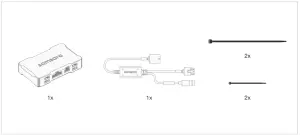
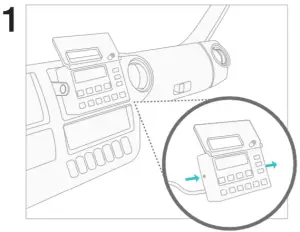 | 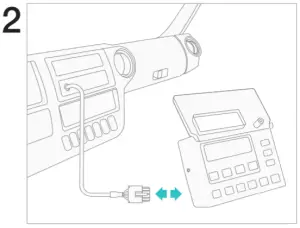 |
| Locate the reefer control panel that is usually located on the dashboard. | Disconnect the reefer cable from the control panel. |
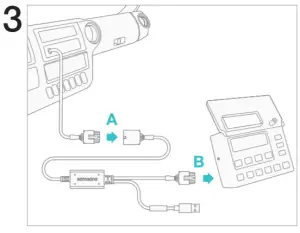 | 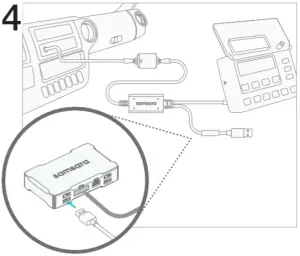 |
| Connect the Samsara cable (A) to the reefer cable and (B) to the control panel. | Connect the USB on the Samsara cable to the gateway. |
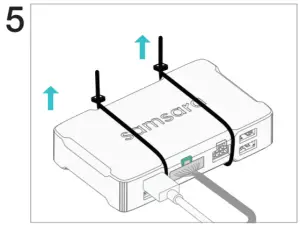 | 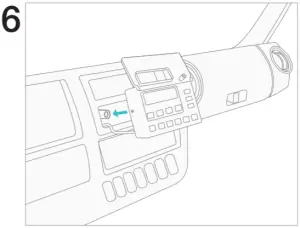 |
| Fasten connected gateway in a secure position. Verify the gateway indicator light turns green, this could take 1-3 minutes. | Mount the control panel back onto the vehicle dashboard. |
DRAFT
samsara.com/support