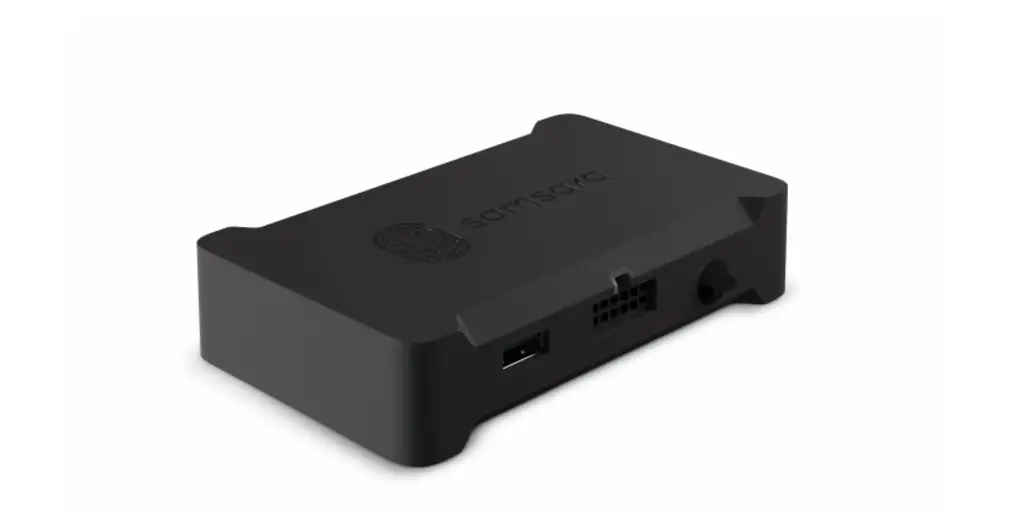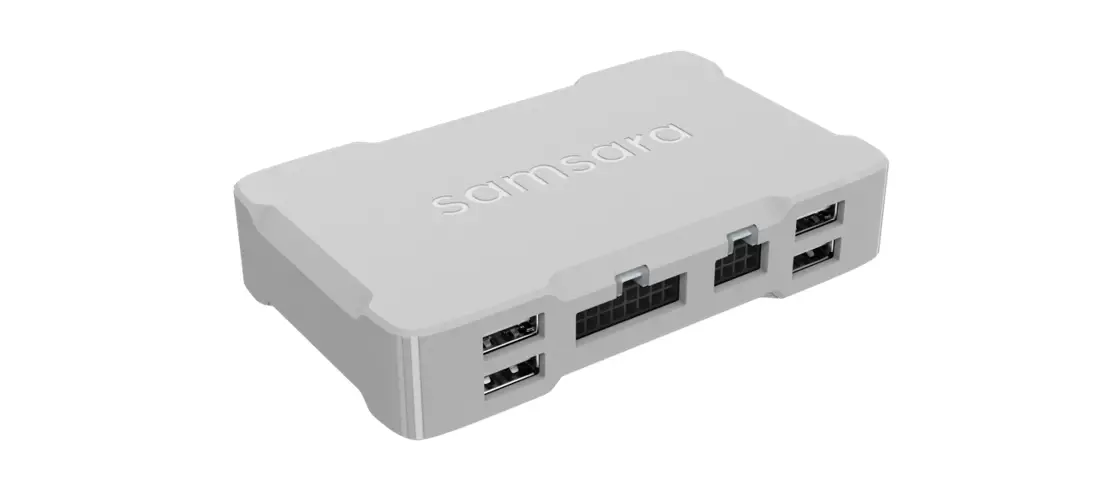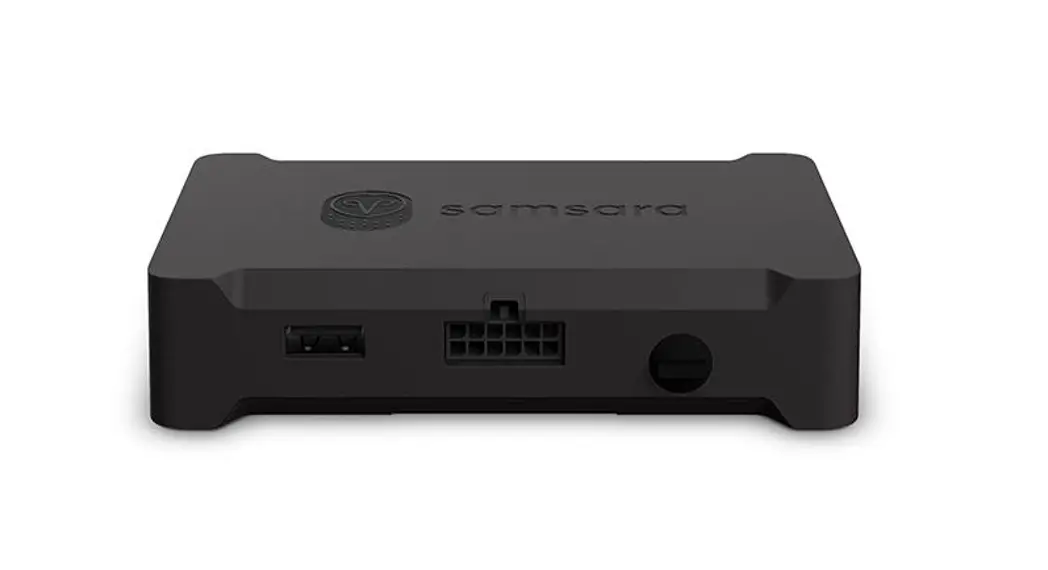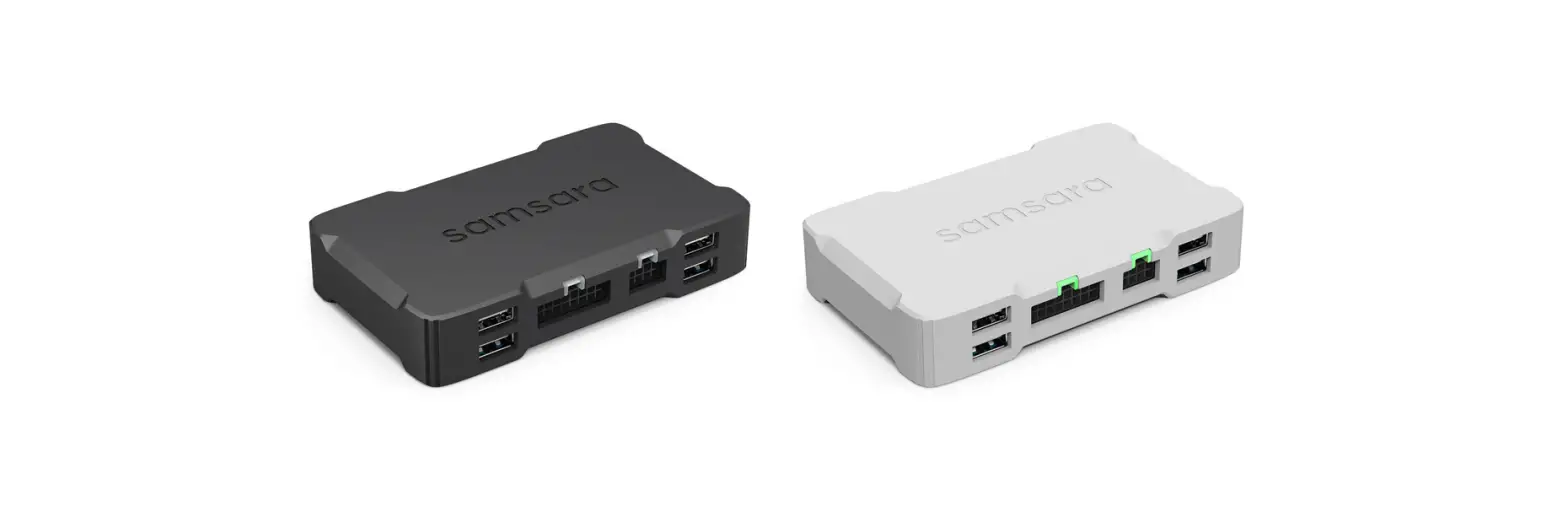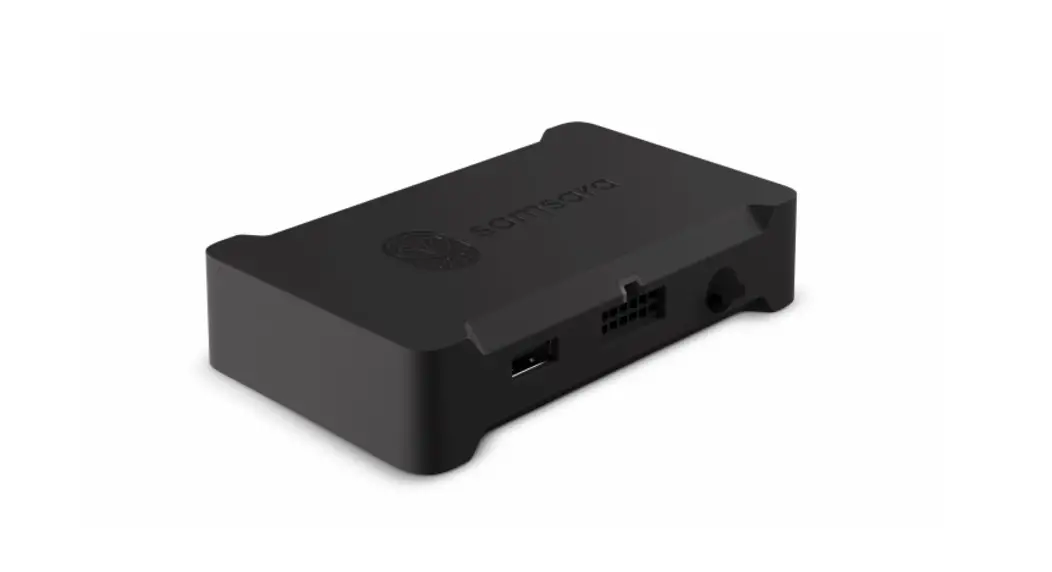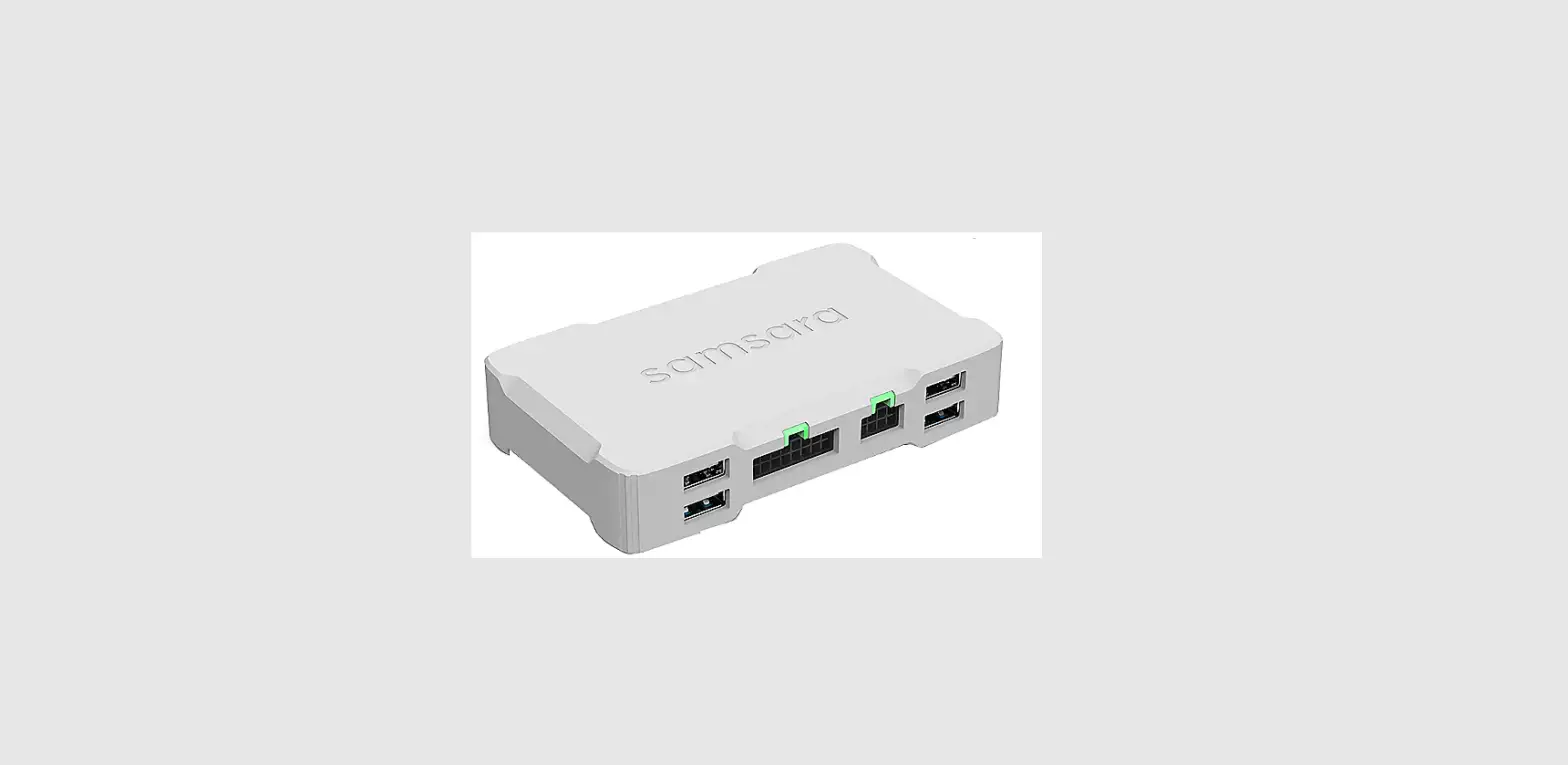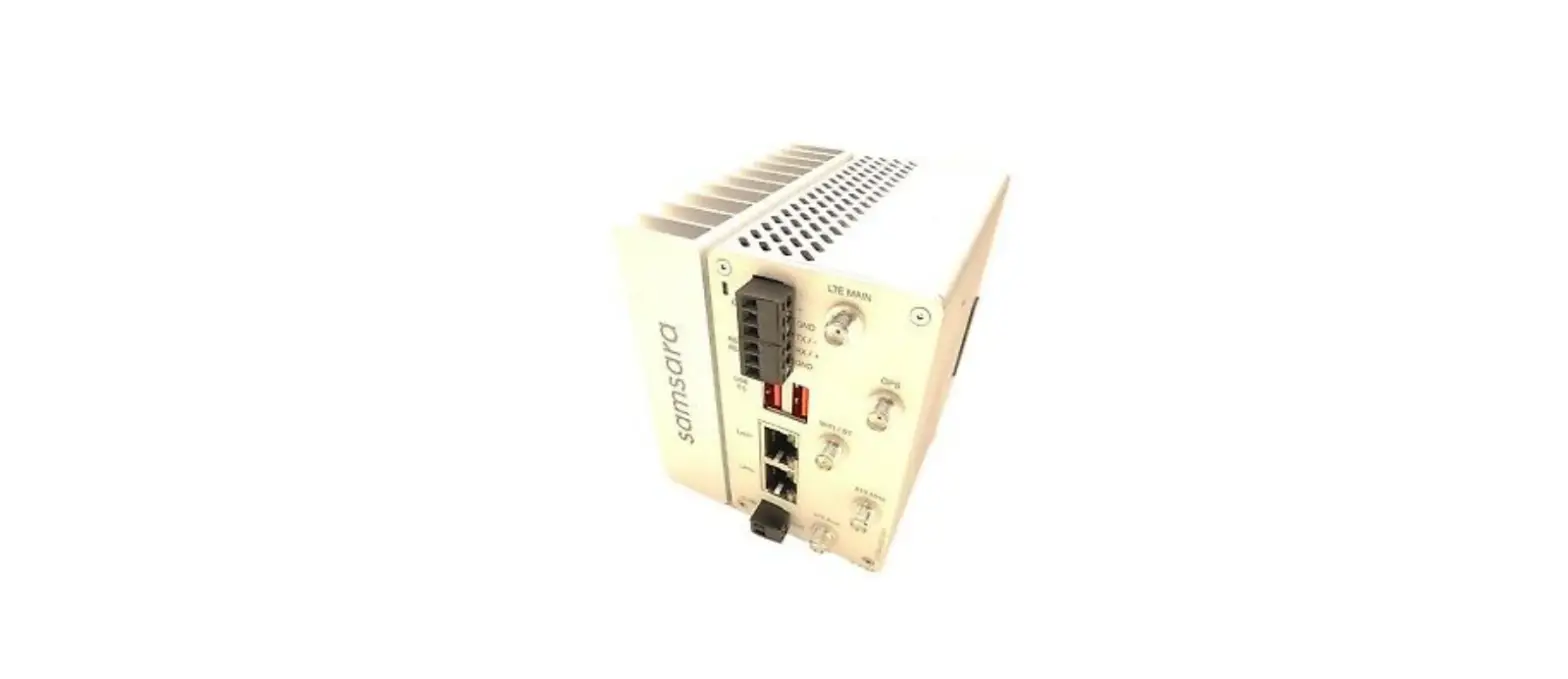

samsara IG41 Industrial Gateway
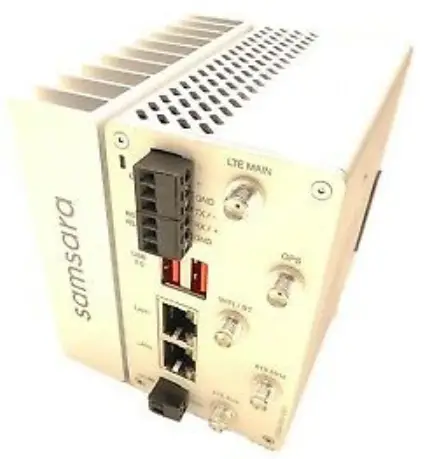
Industrial Gateway
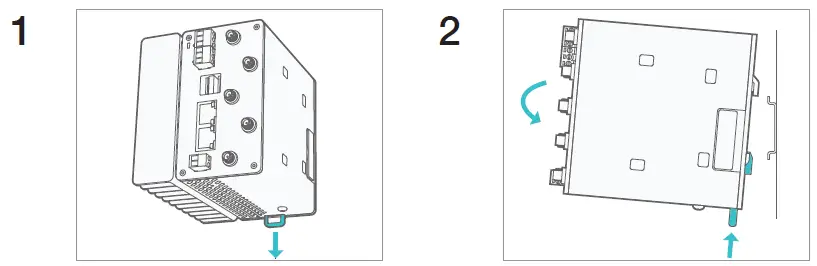
- The IG should be mounted on a 35mm DIN rail inside a properly rated enclosure, e.g. NEMA 4x. To mount it, pull down the latch on the bottom of the device.
- Angle the unit and hook it onto the DIN rail, angle it down and push the latch back up to lock.
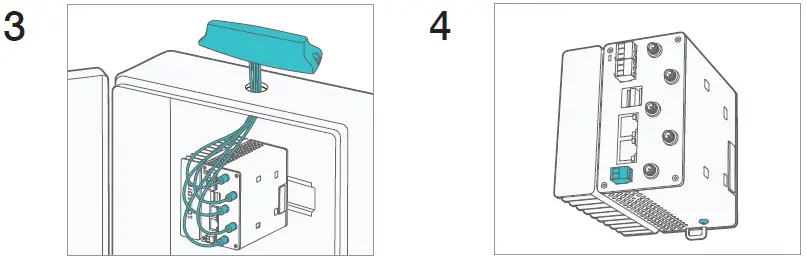
- If installing a multiband antenna on the enclosure, drill a ⅞” hole and wipe the surface clean before routing the cables and applying the double sided tape. Connect all five labeled cables to the respective ports on the IG41.
- Connect IG to power, power plug denotes positive and ground, use 18AWG wire. Connect IG ground screw to chassis ground.
WARNING – EXPLOSION HAZARD. DO NOT DISCONNECT WHILE THE CIRCUIT IS LIVE OR UNLESS THE AREA IS FREE OF IGNITIBLE CONCENTRATIONS.
AVERTISSEMENT – RISQUE D’EXPLOSION. NE PAS DÉBRANCHER PENDANT QUE LE CIRCUIT EST SOUS TENSION OU À MOINS QUE L’EMPLACEMENT NE SOIT EXEMPT DE CONCENTRATIONS INFLAMMABLES.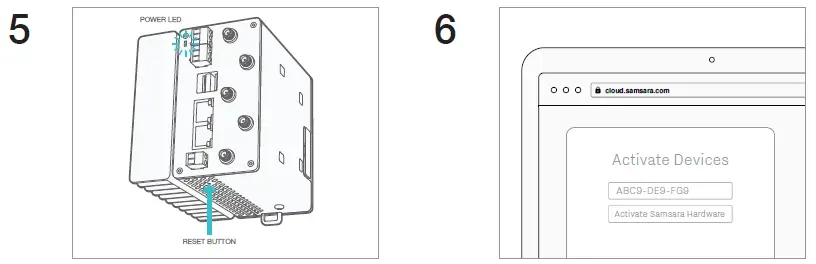
- Power LED will be blinking white on startup. It will start flashing green when connecting and turn solid green when connected. If the LED turns yellow, a reboot is required. If the LED turns red, please call into support.
- Create an account at cloud.samsara.com and activate the IG by entering the serial number found on the front of the unit and back of the box. Go to kb.samsara.com to finish setting up your device.
 Samsara