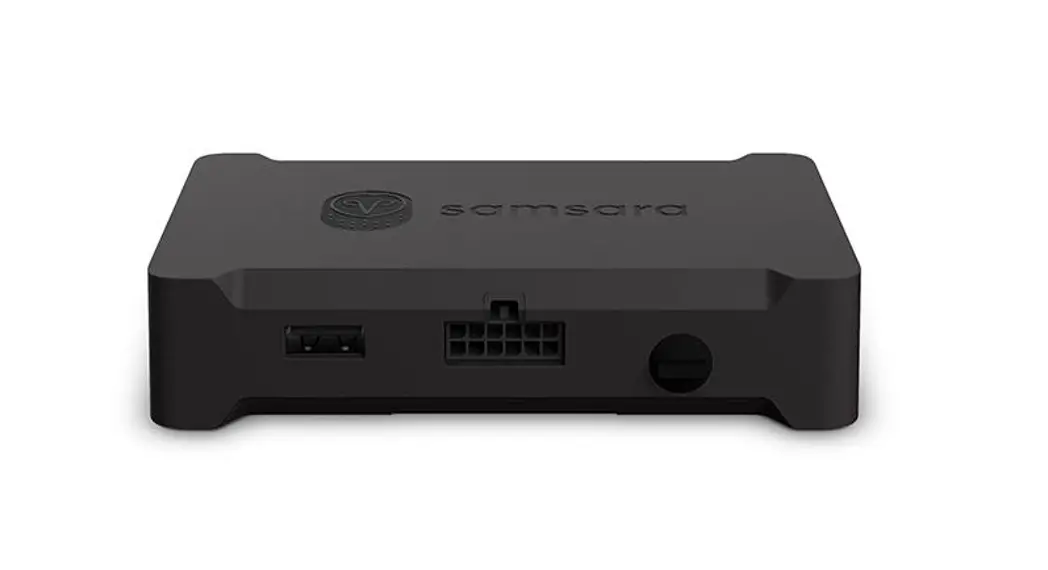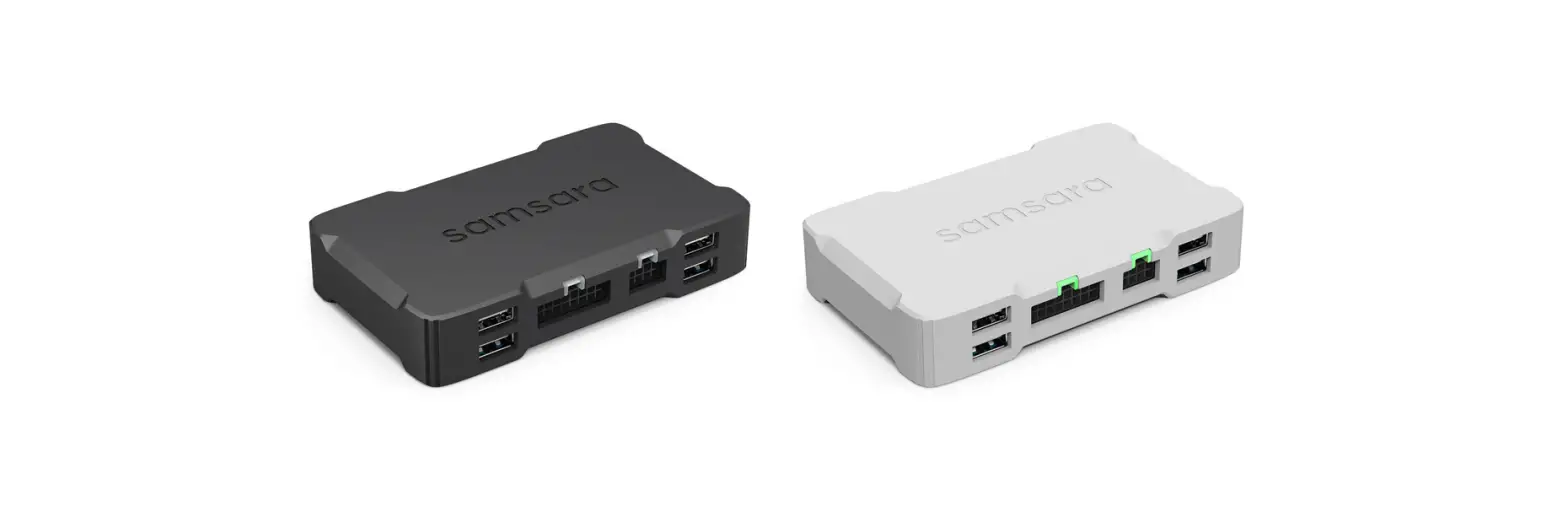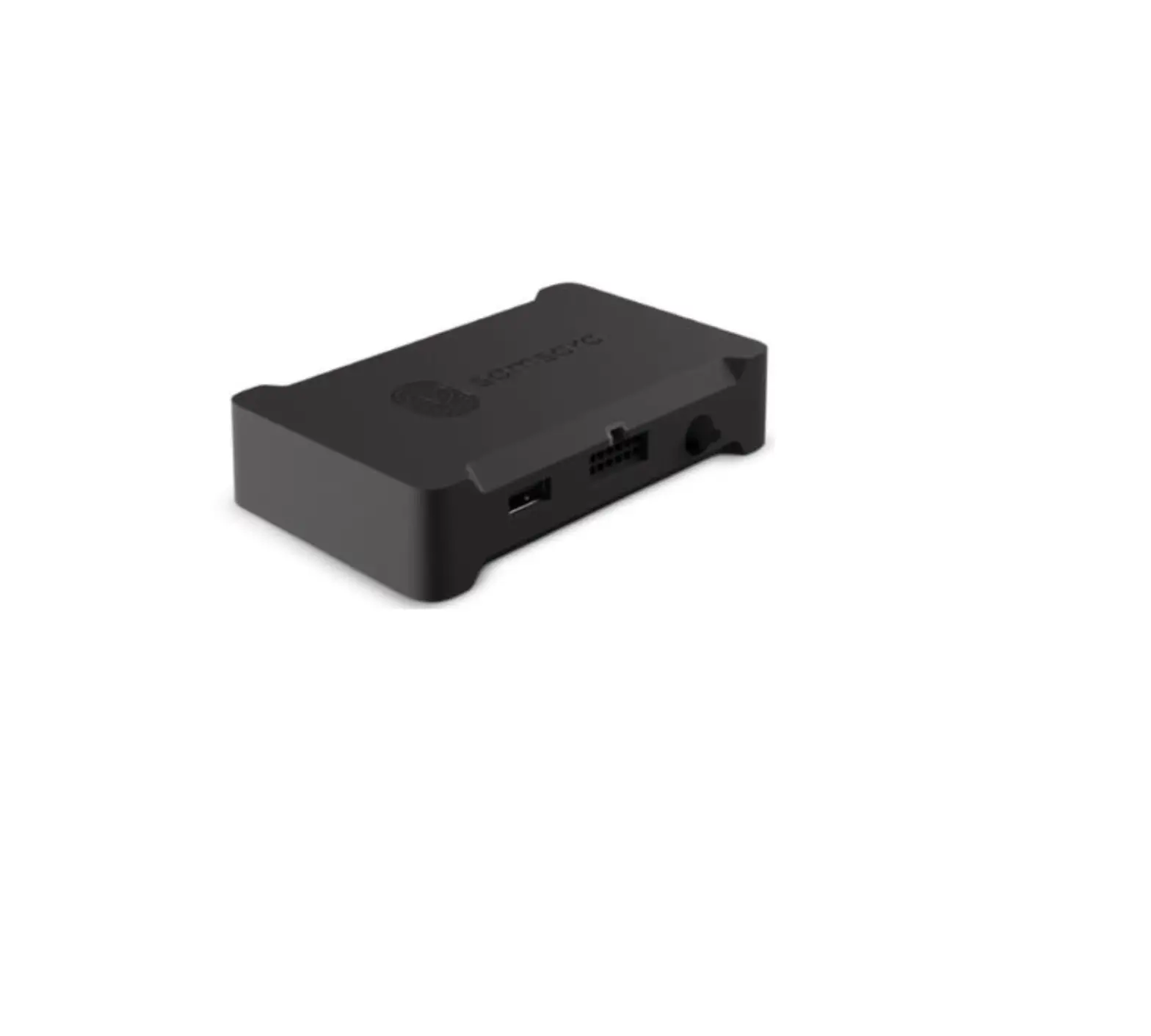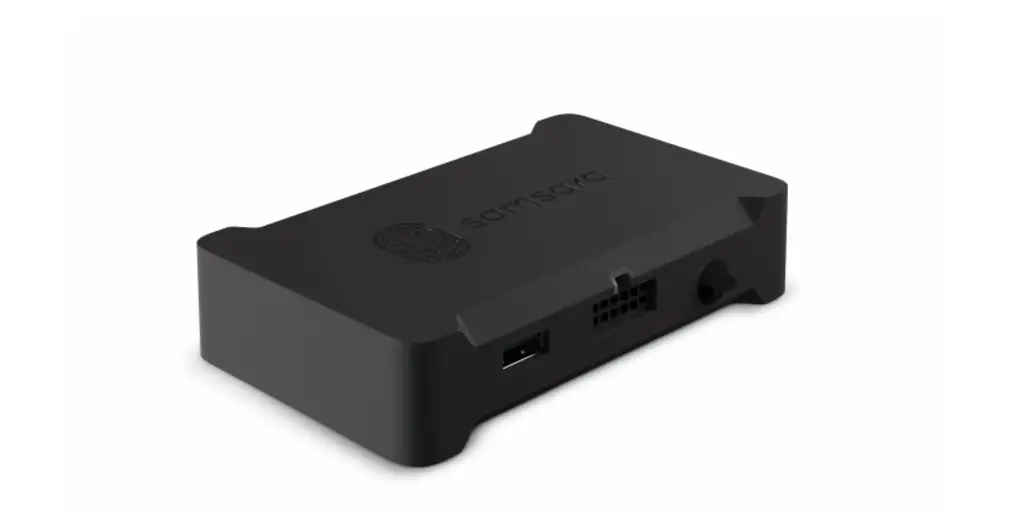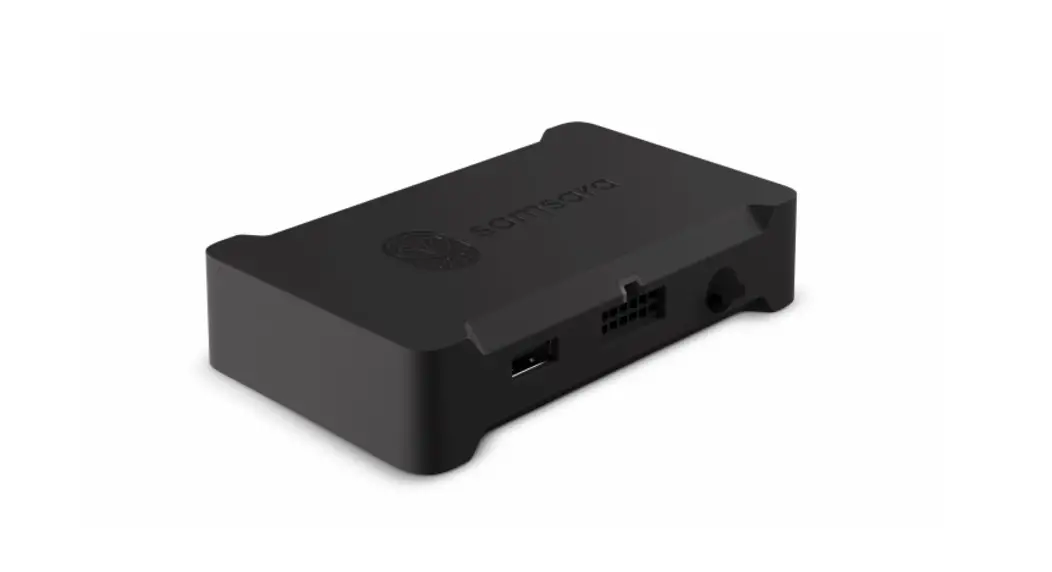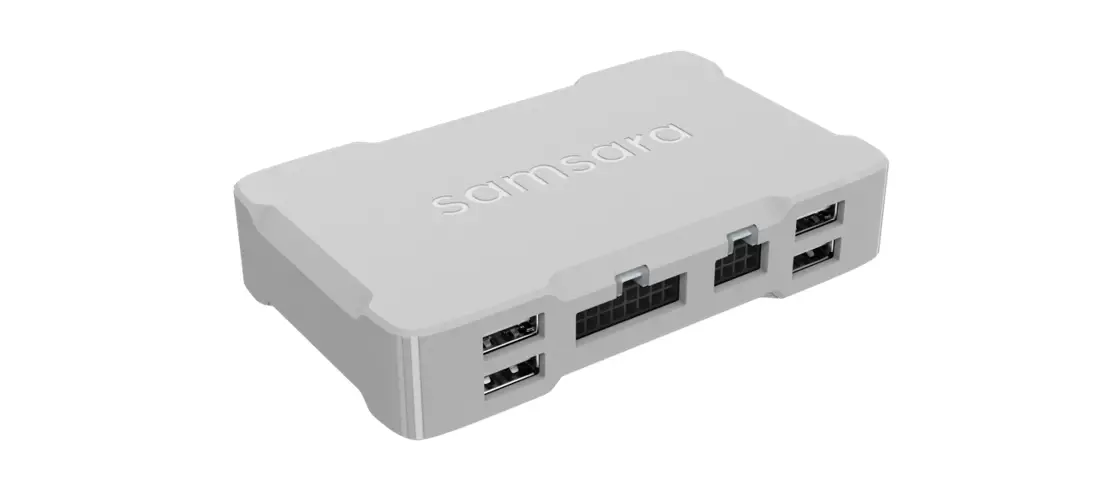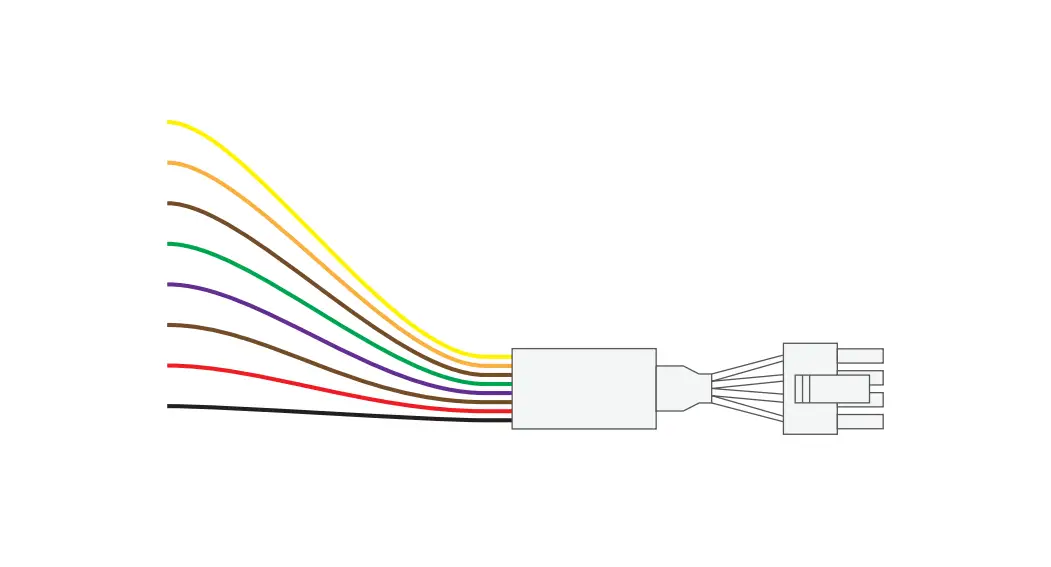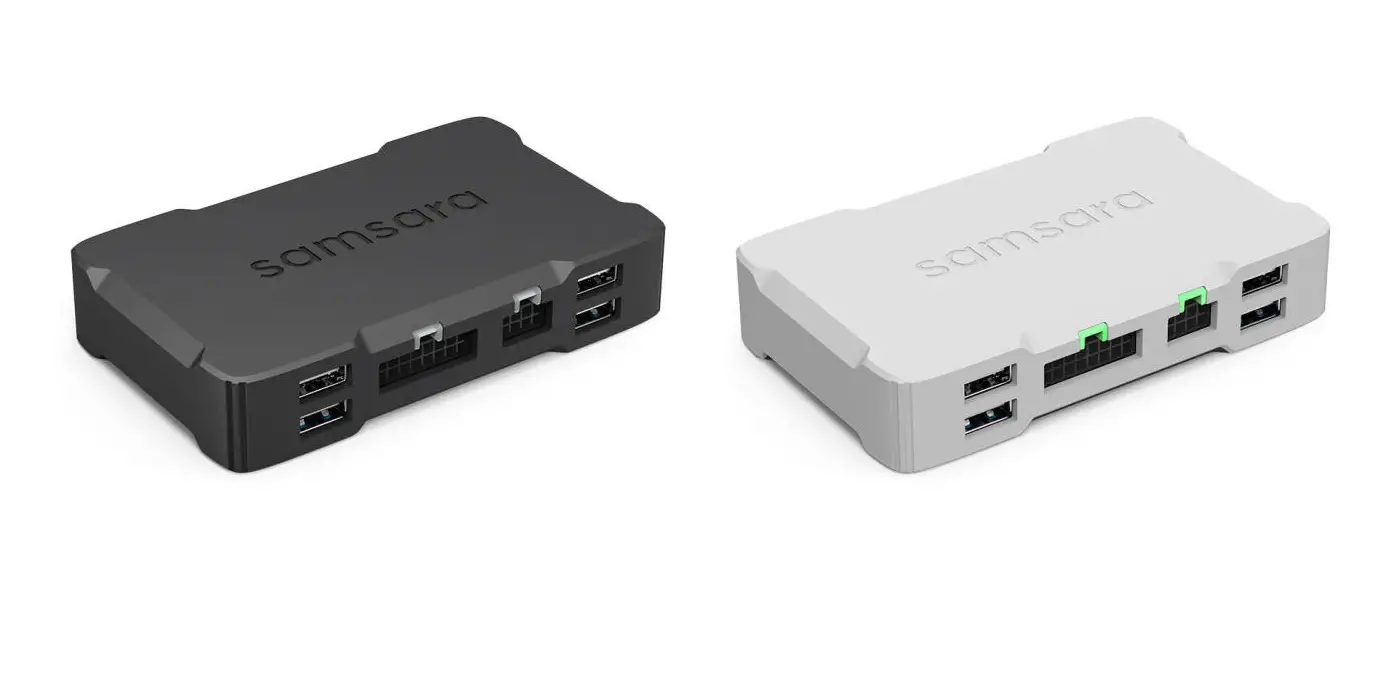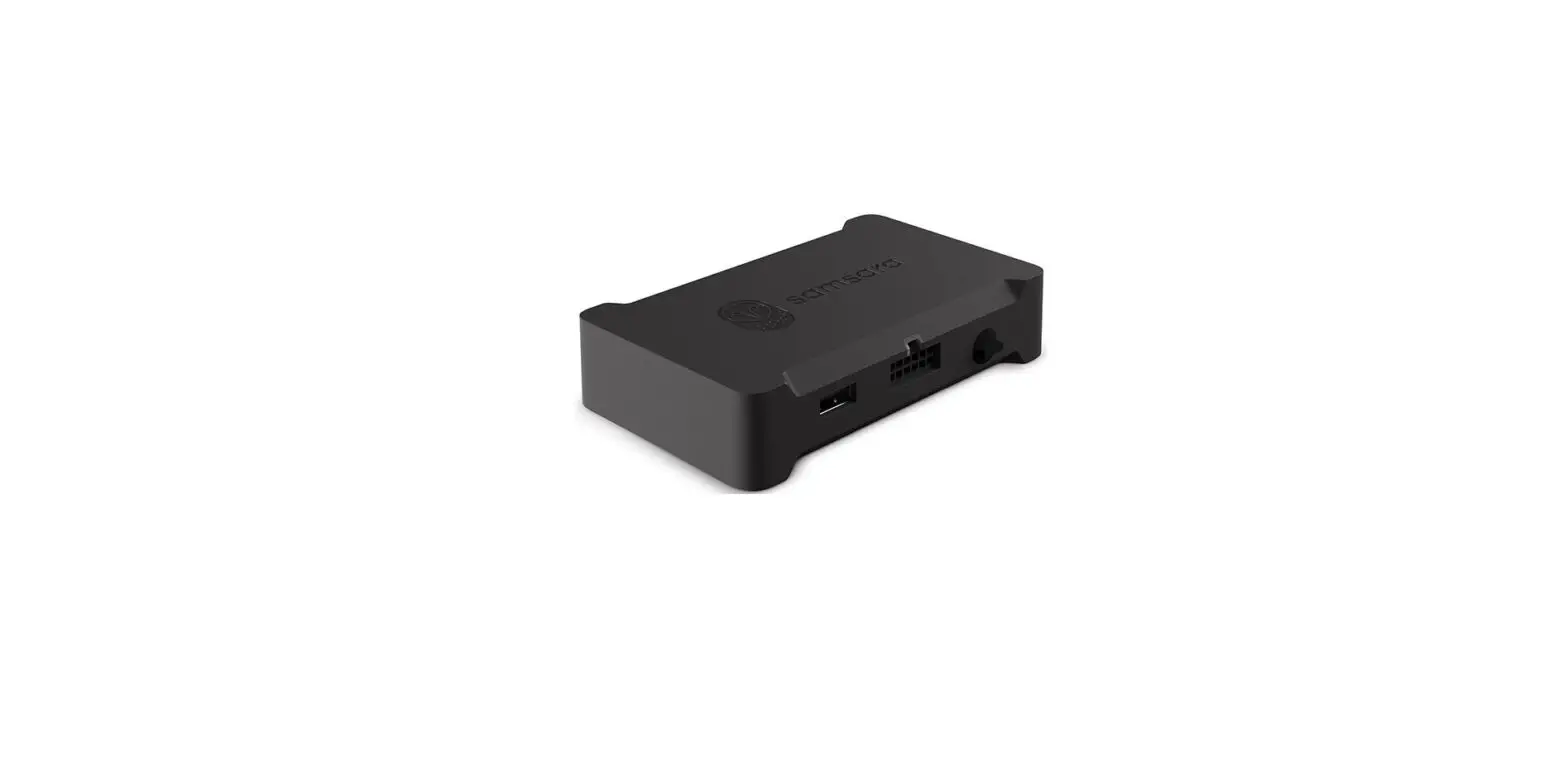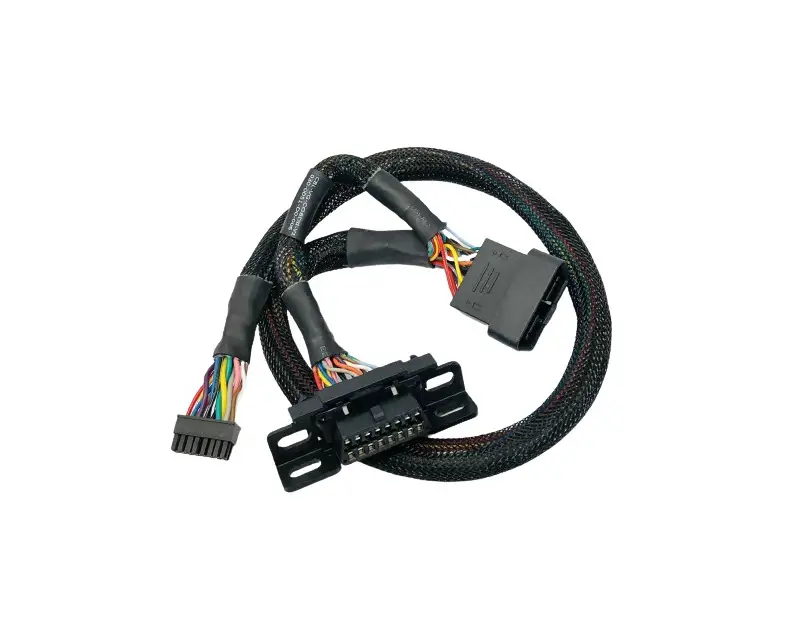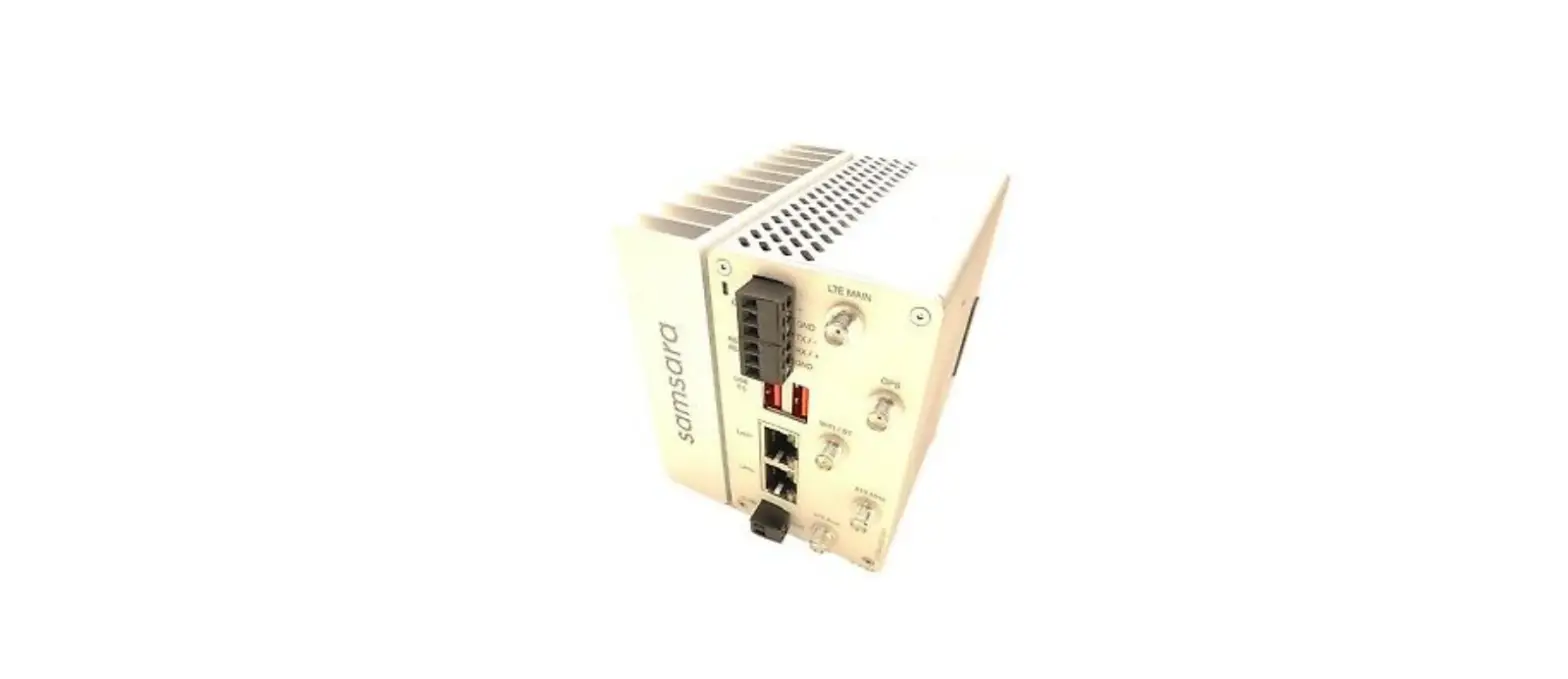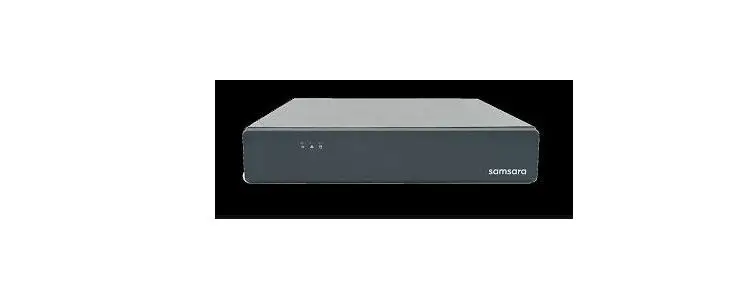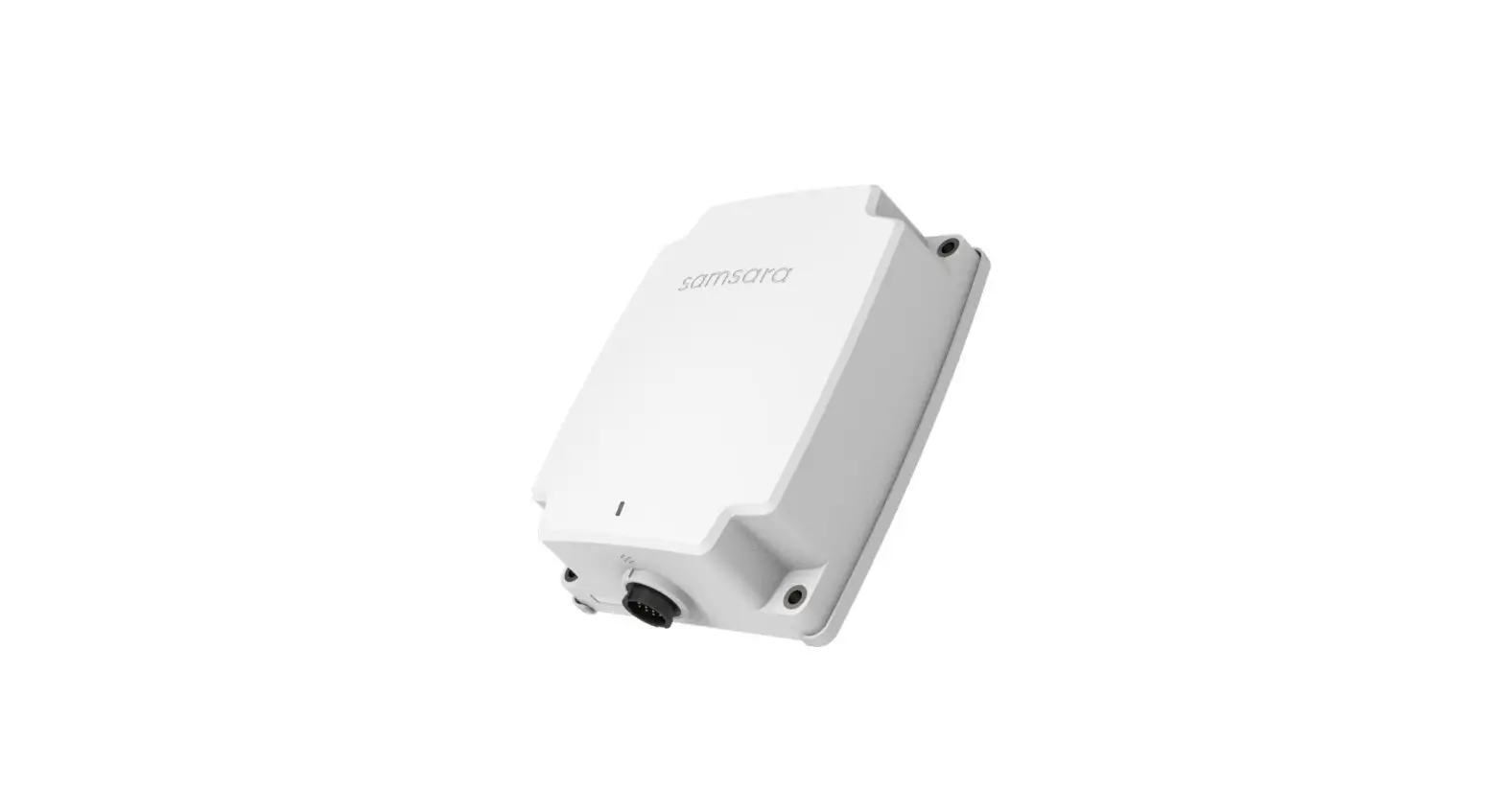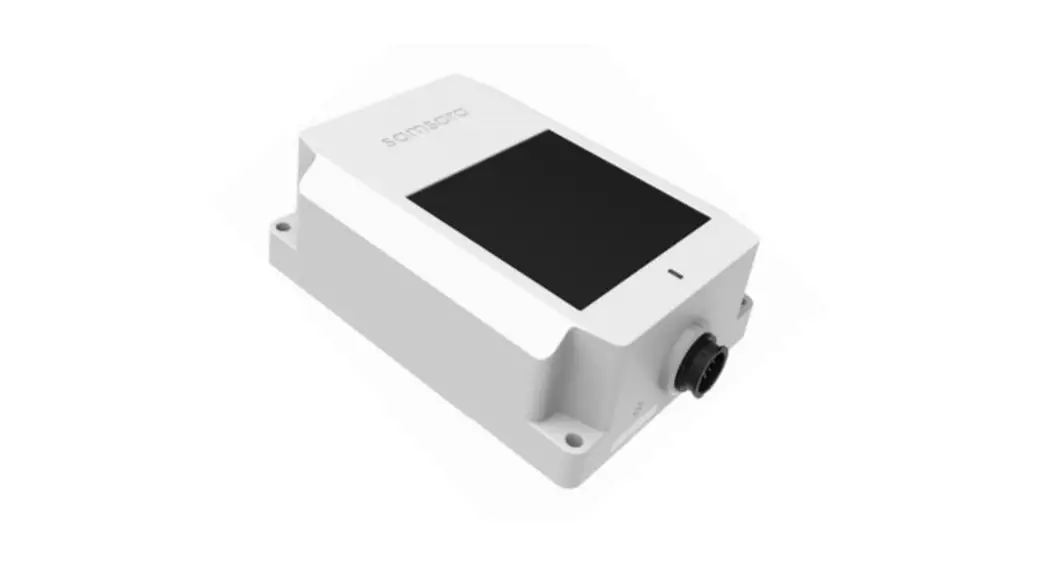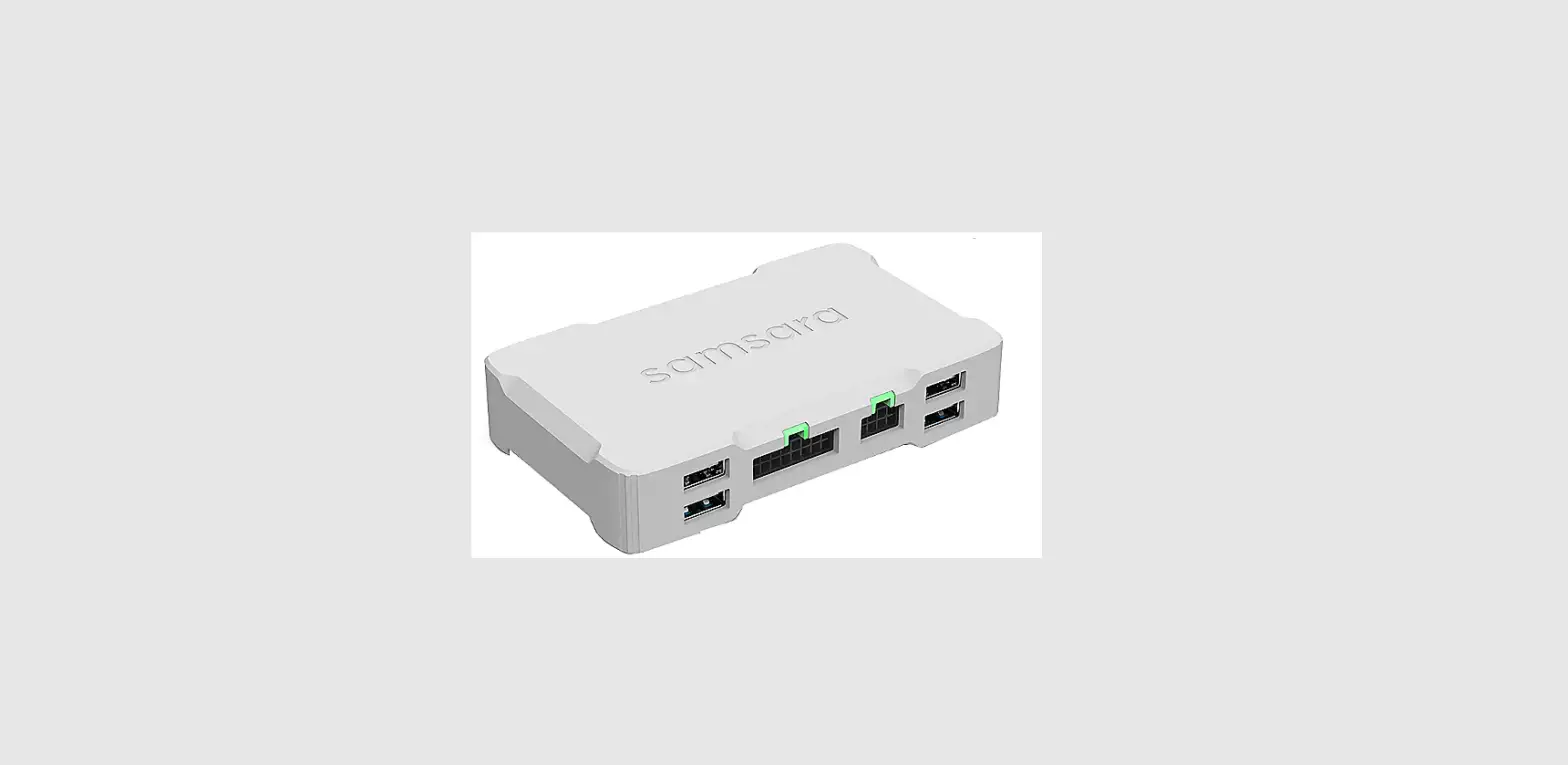

samsara CBL-VG-BOBDII-Y0 Vehicle Gateway
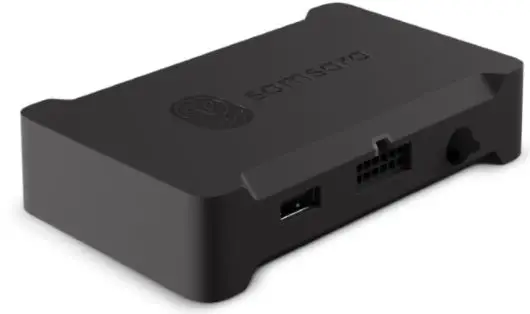
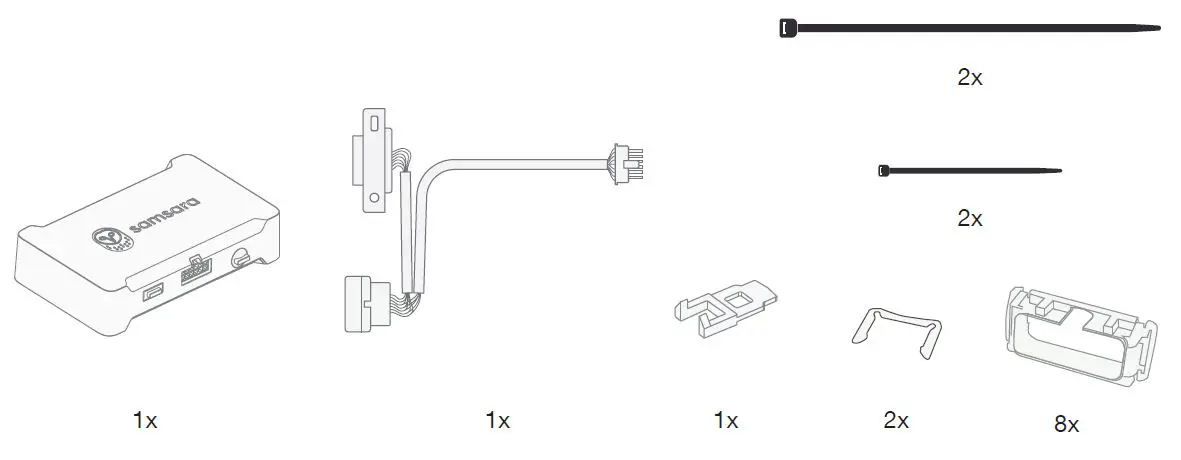
PARTS
INSTALL TIPS
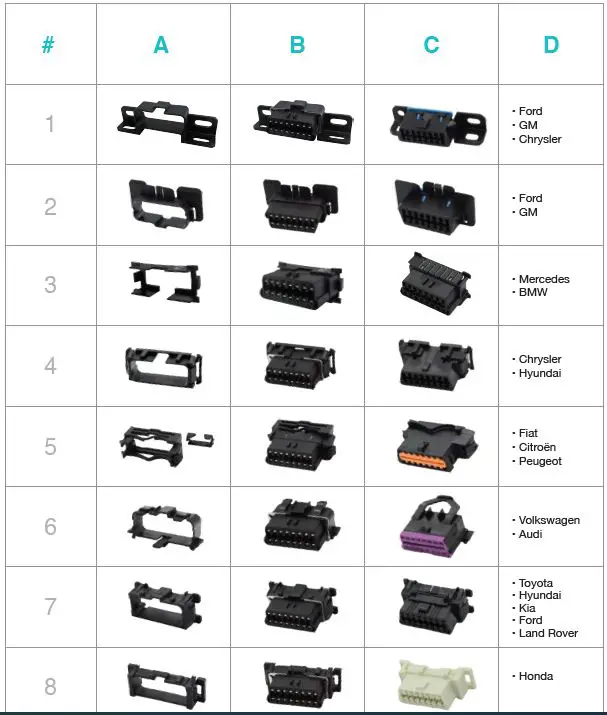
Please refer to the chart on the next page to confirm the correct mounting bracket for your vehicle type.
A. Mounting bracket
B. With core assembled
C. Equivalent to
D. Vehicle Type
Installation Guide
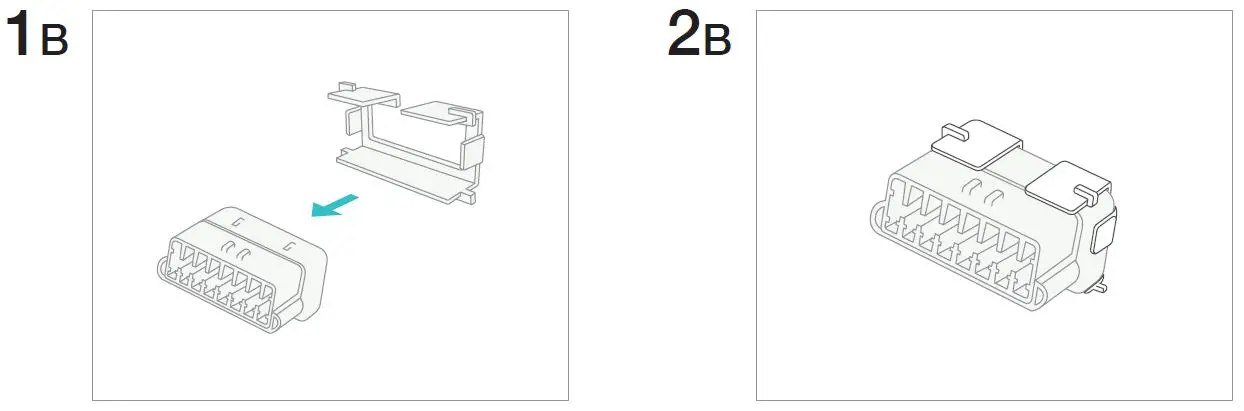
Attach core connector to the correct mounting bracket. Refer to previous pages to confirm the corresponding bracket for your vehicle.
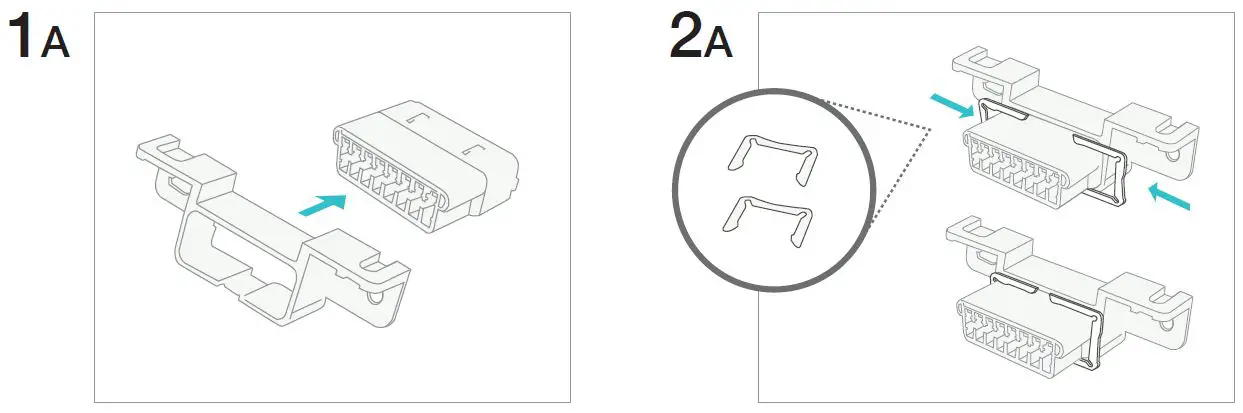
For mounting bracket #3, slide the bracket from the back of the connector.
Locate vehicle’s diagnostic port and detach it from its original location.
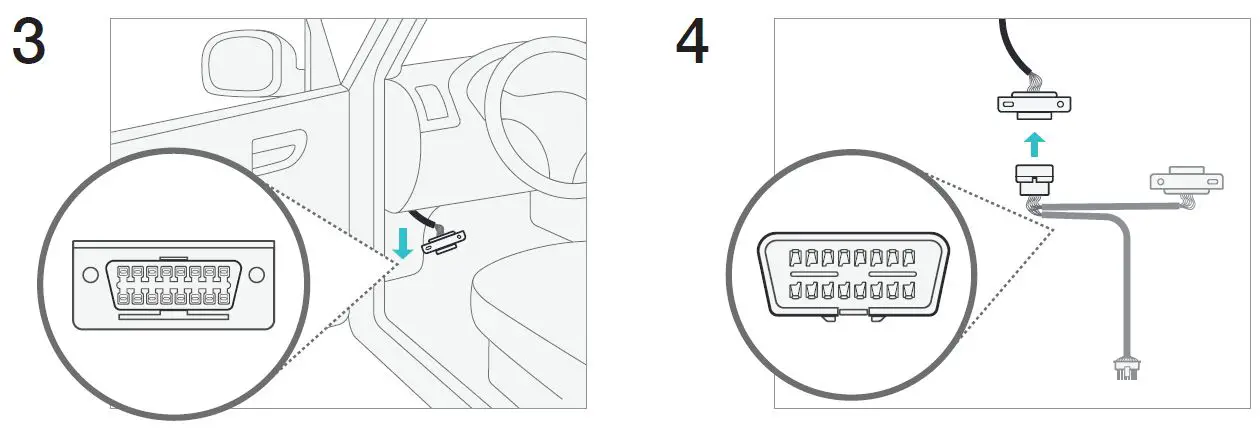
Fasten unconnected diagnostics port to vehicle’s original port location.
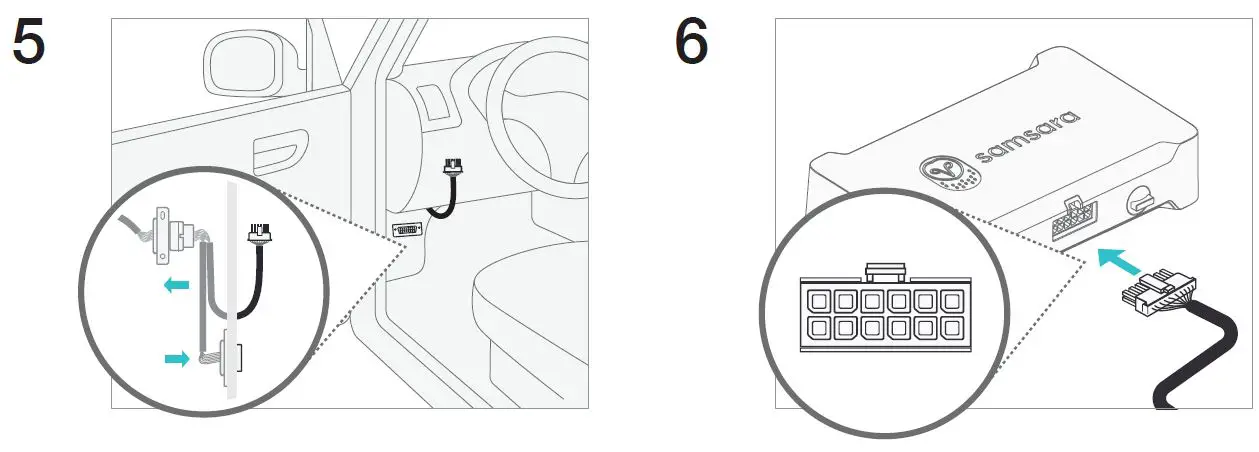
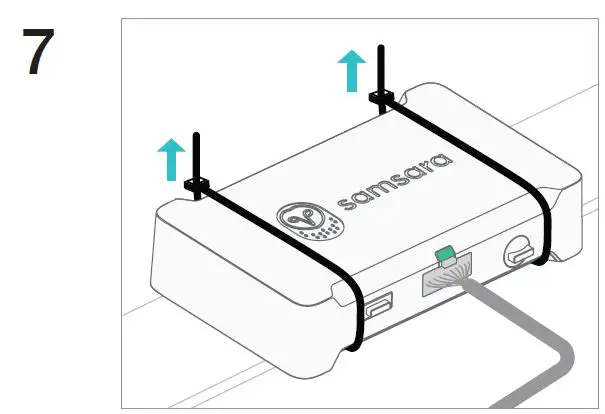
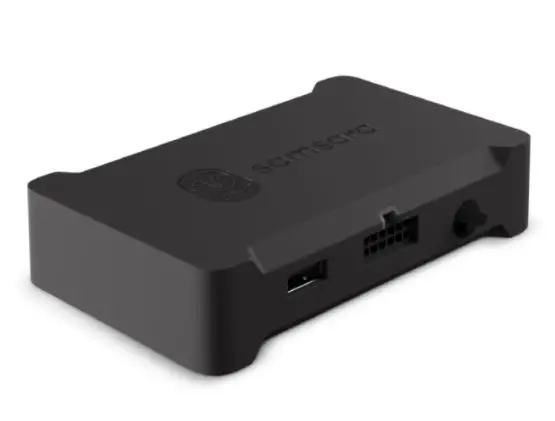
Fasten connected gateway in a secure position. Verify the gateway indicator light turns green, this could take 1-3 minutes.