
Samsara Cbl-vg-cj1939-vm Vehicle Gateway Installation Guide

Samsara Cbl-vg-cj1939-vm Vehicle Gateway Installation Guide

samsara logo

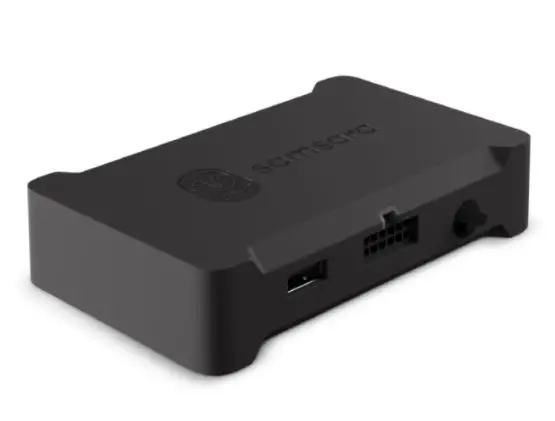
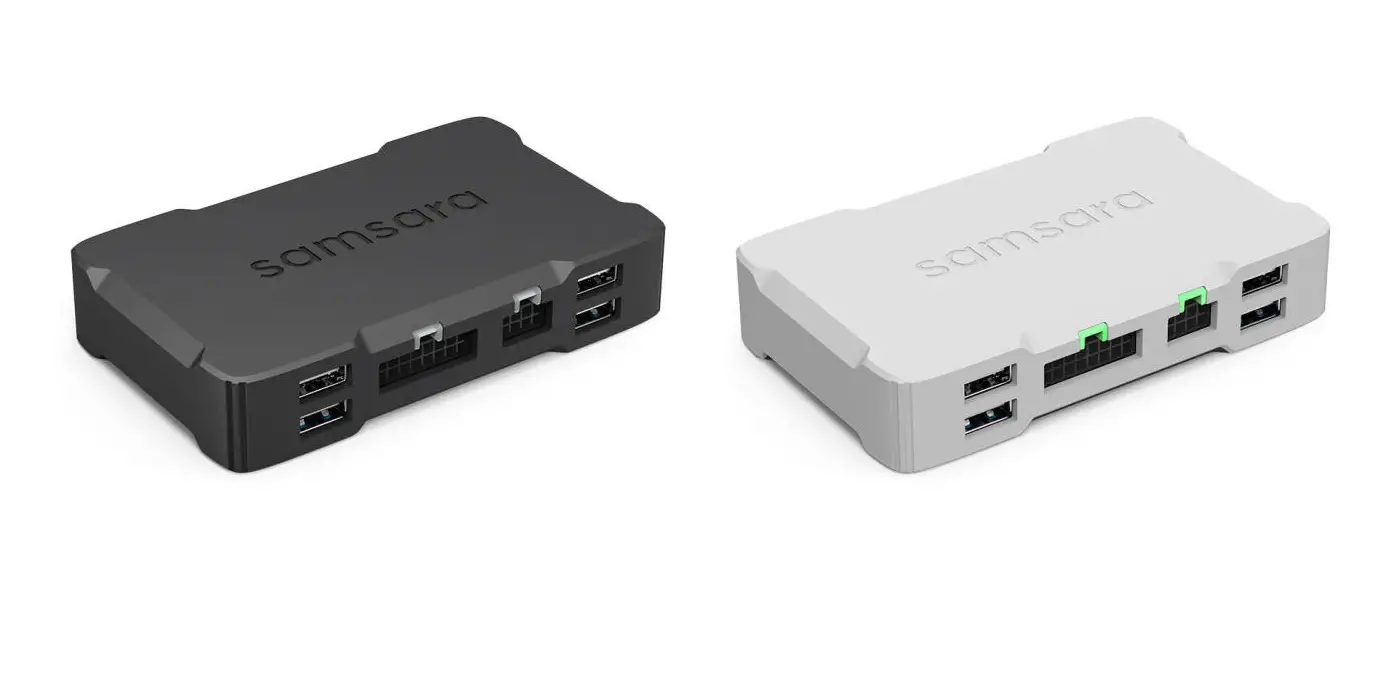
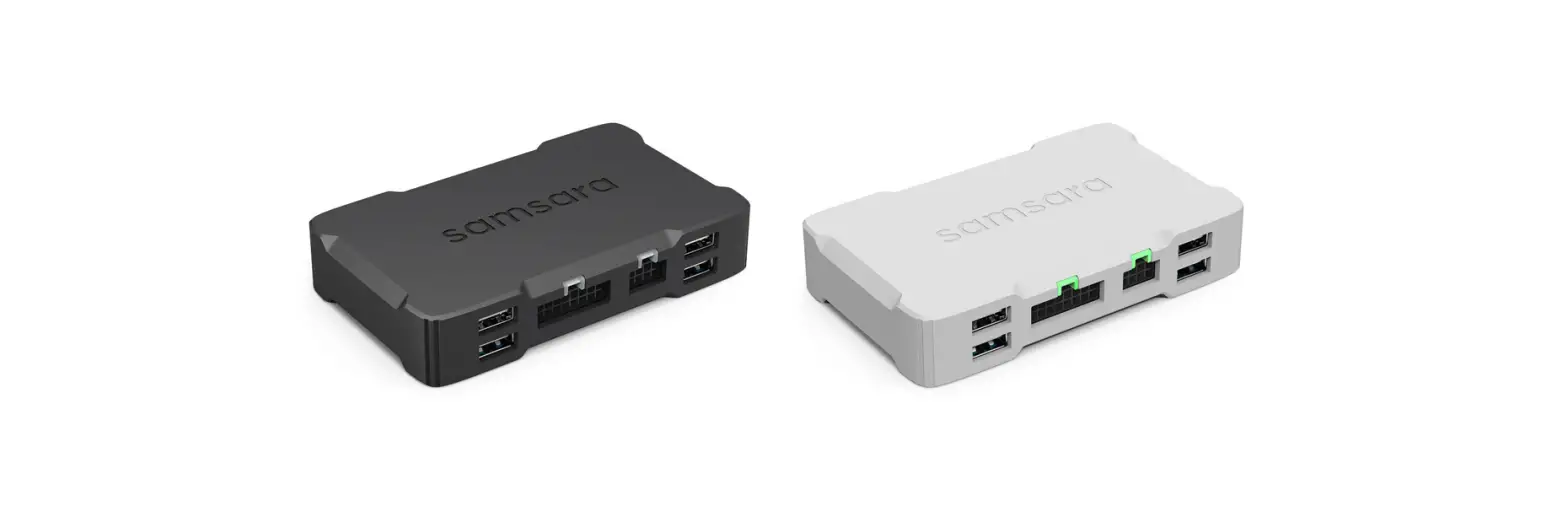
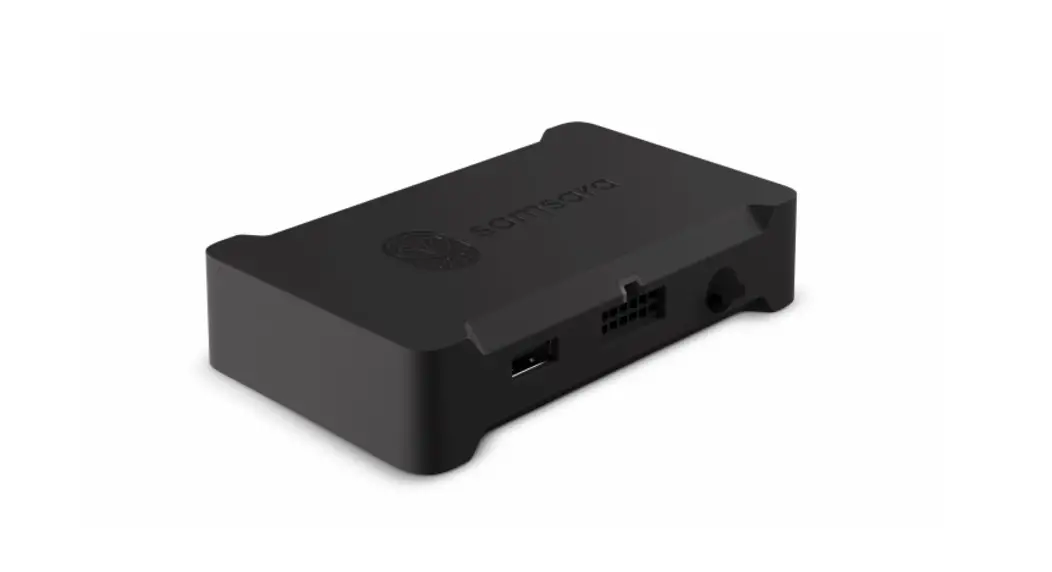
Vehicle Gateway
CBL-VG-CJ1939-VM
INSTALL GUIDE — HEAVY-DUTY VEHICLES (VOLVO/MACK)
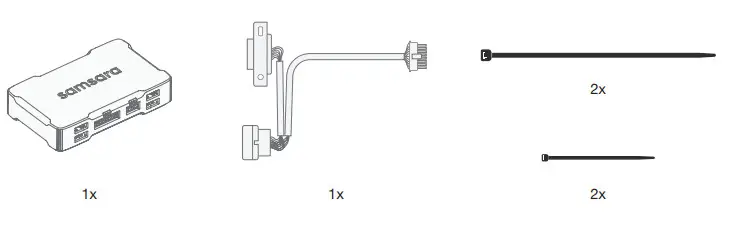
samsara CBL-VG-CJ1939-VM Vehicle Gateway- Tools.

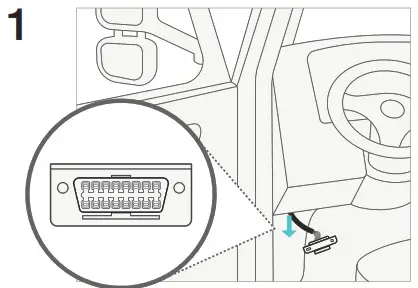
  1. Locate the vehicle’s diagnostic port and detach it from its original location.samsara CBL-VG-CJ1939-VM Vehicle Gateway- 1
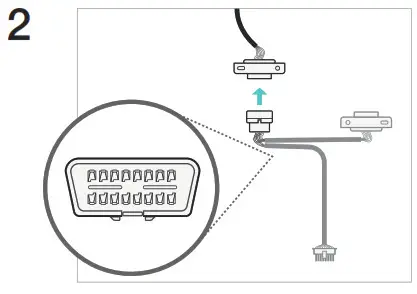
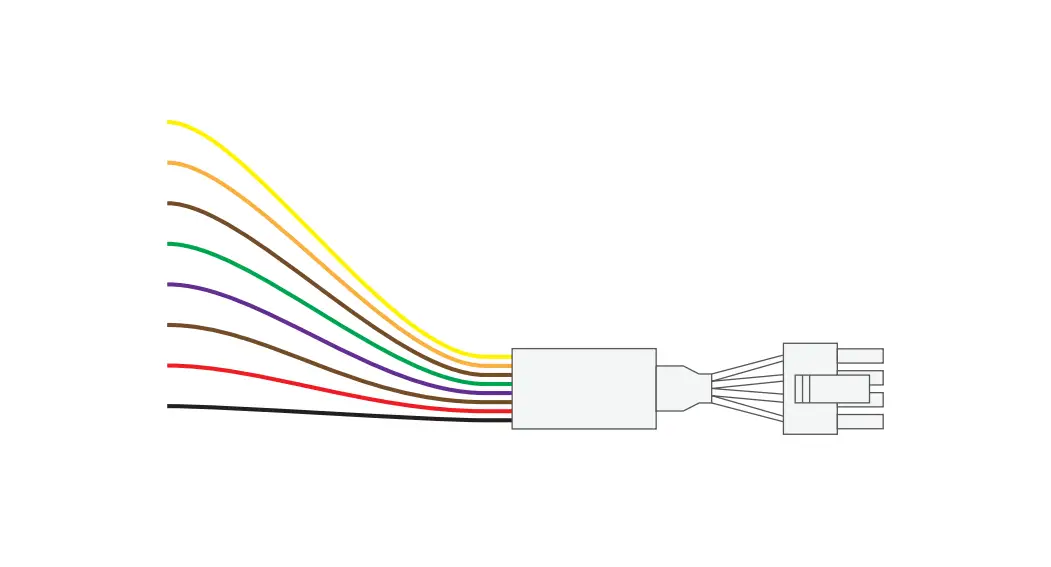
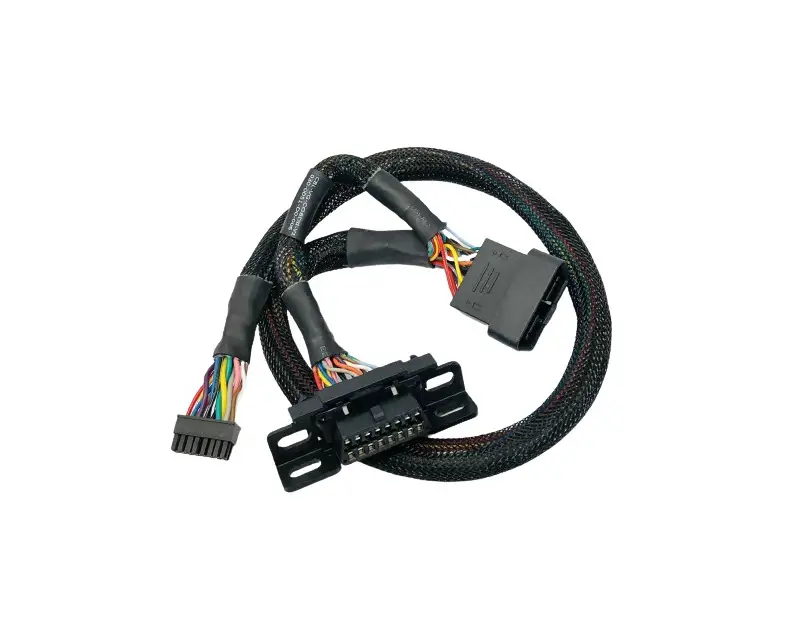
  2. Connect the Samsara cable. The vehicle’s diagnostics remain accessible via the unconnected port.samsara CBL-VG-CJ1939-VM Vehicle Gateway- 2
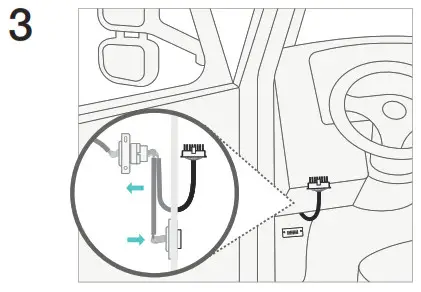
  3. Fasten unconnected diagnostics port to vehicle’s original port location.samsara CBL-VG-CJ1939-VM Vehicle Gateway- 3
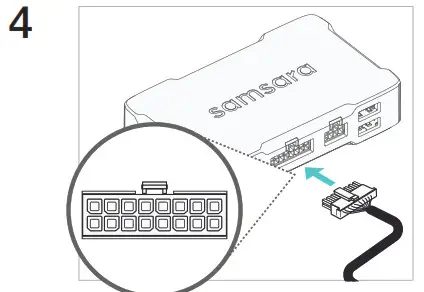
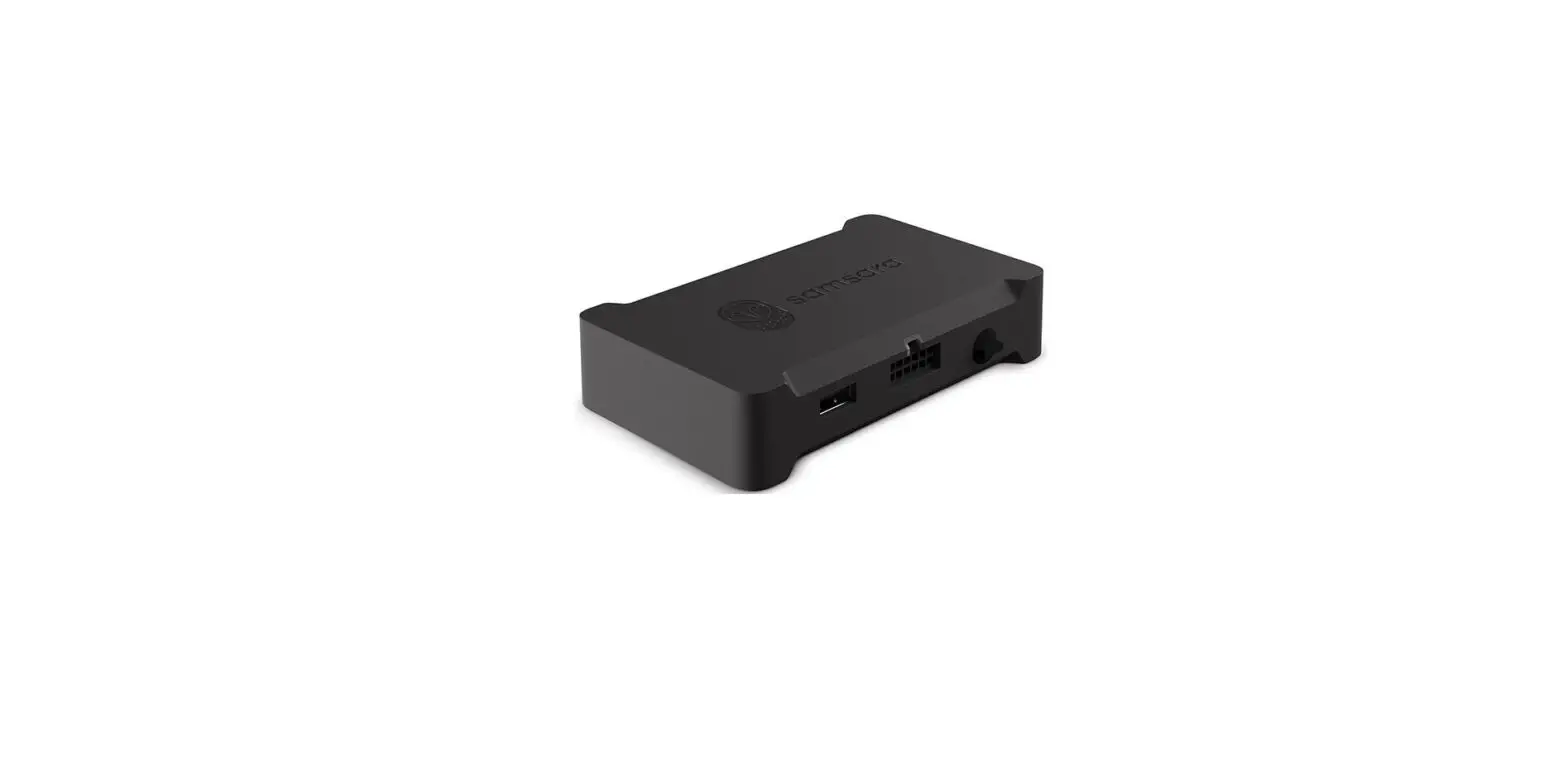
  4. Plug the Samsara cable gateway connector into the gateway. It will click when fully inserted. samsara CBL-VG-CJ1939-VM Vehicle Gateway- 4
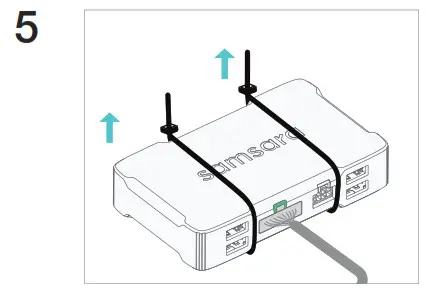
  5. Fasten connected gateway in a secure position. Verify the gateway indicator light turns green, this could take 1-3 minutes.samsara CBL-VG-CJ1939-VM Vehicle Gateway- 5

samsara.com/support

Documents / Resouces

Download manual
Here you can download full pdf version of manual, it may contain additional safety instructions, warranty information, FCC rules, etc.


Related Manuals