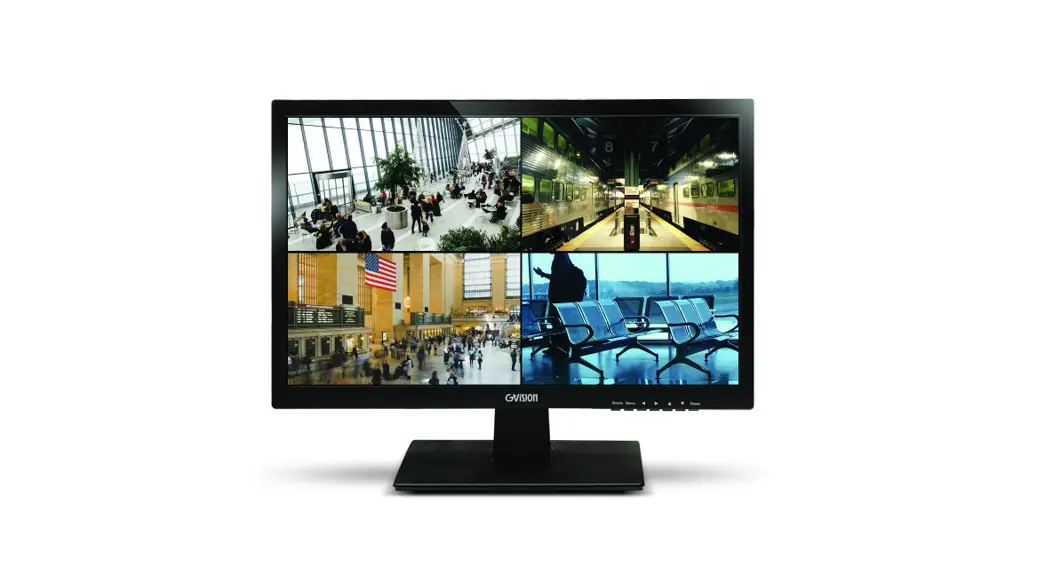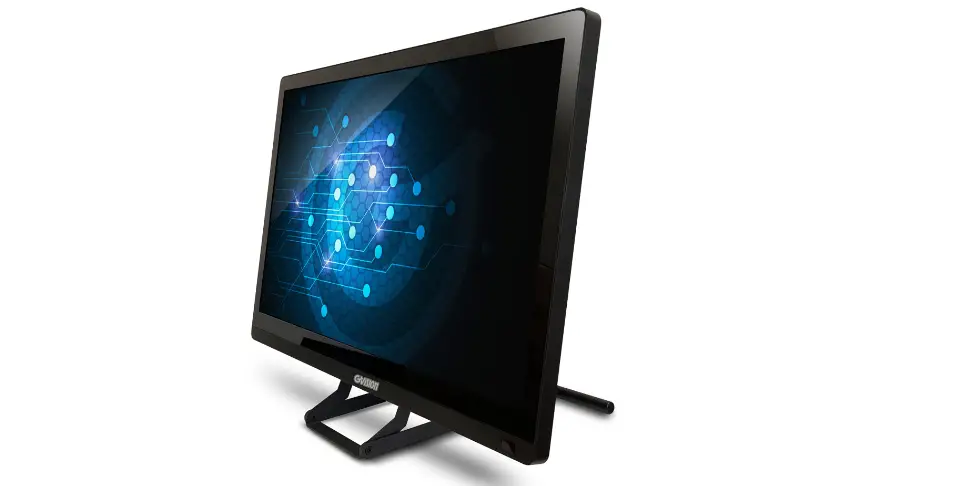

GVISION D22ZD-A2-45P0 Desktop Touch Monitor
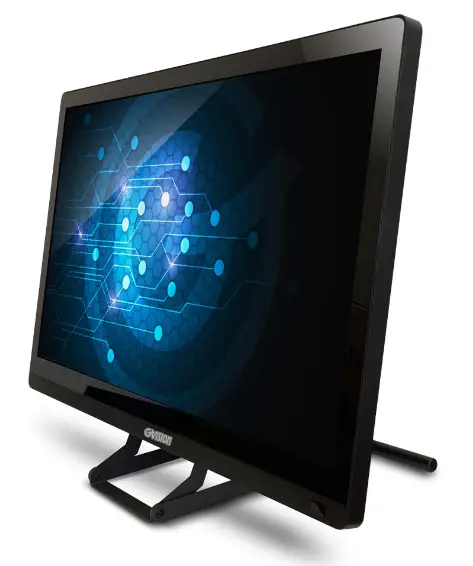
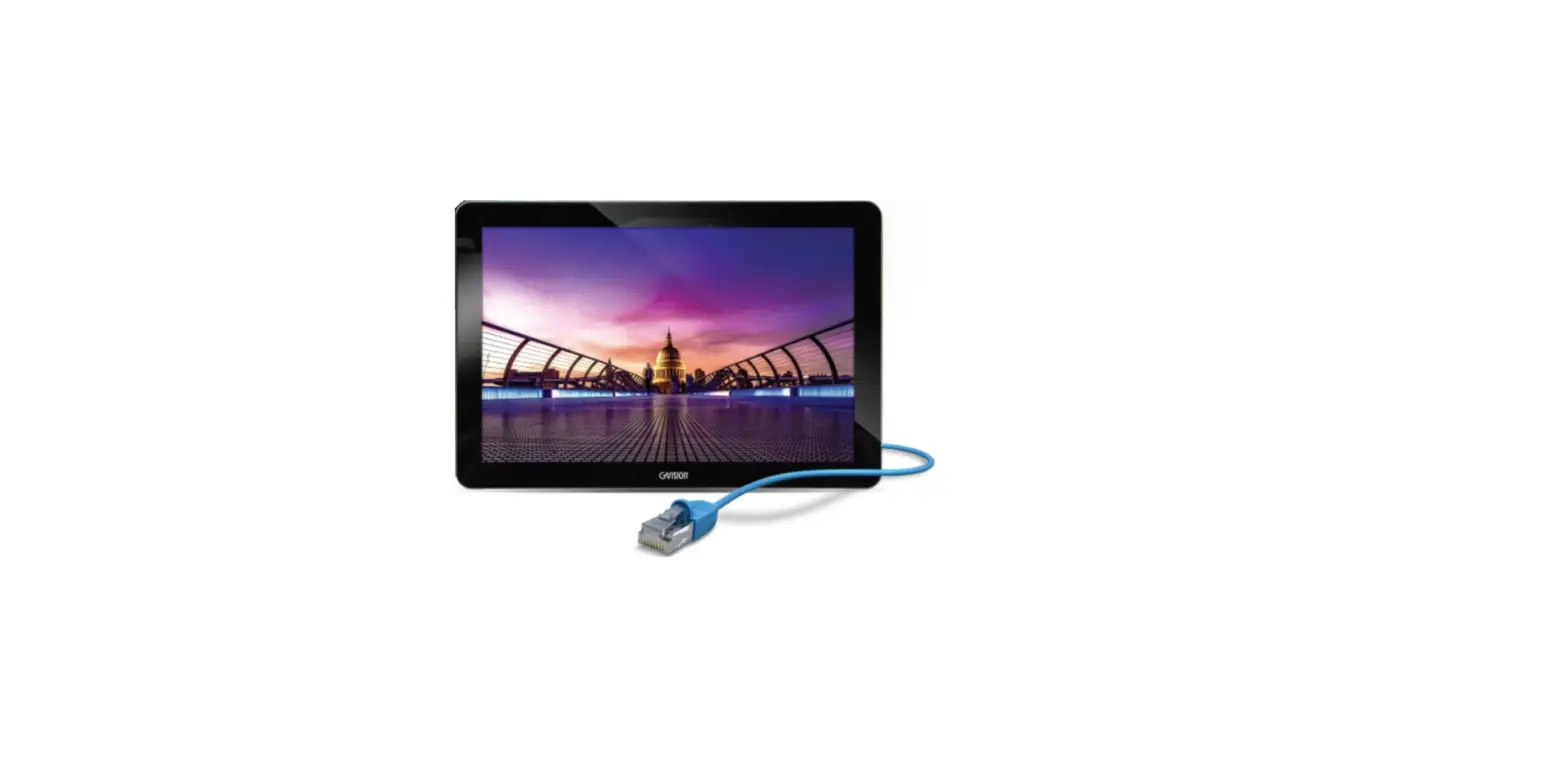
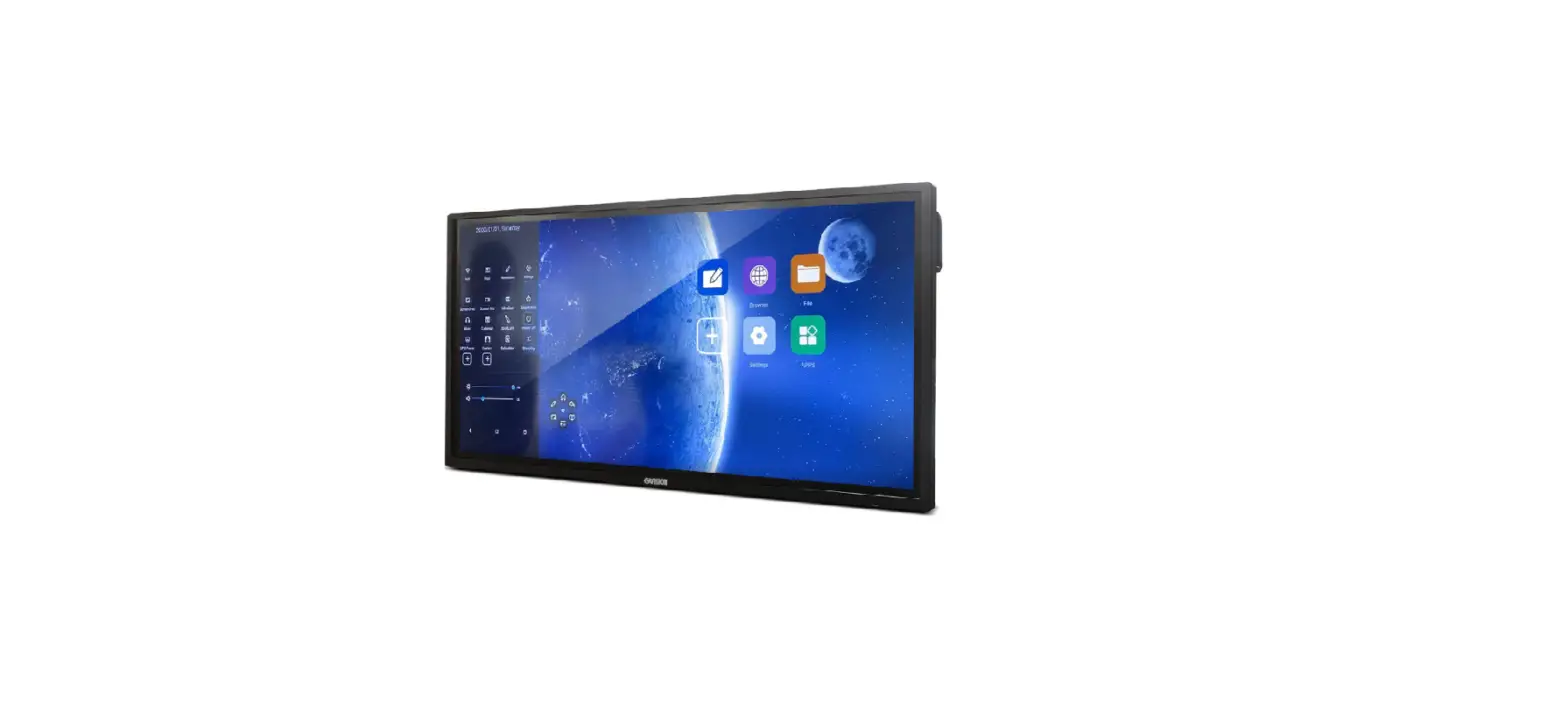
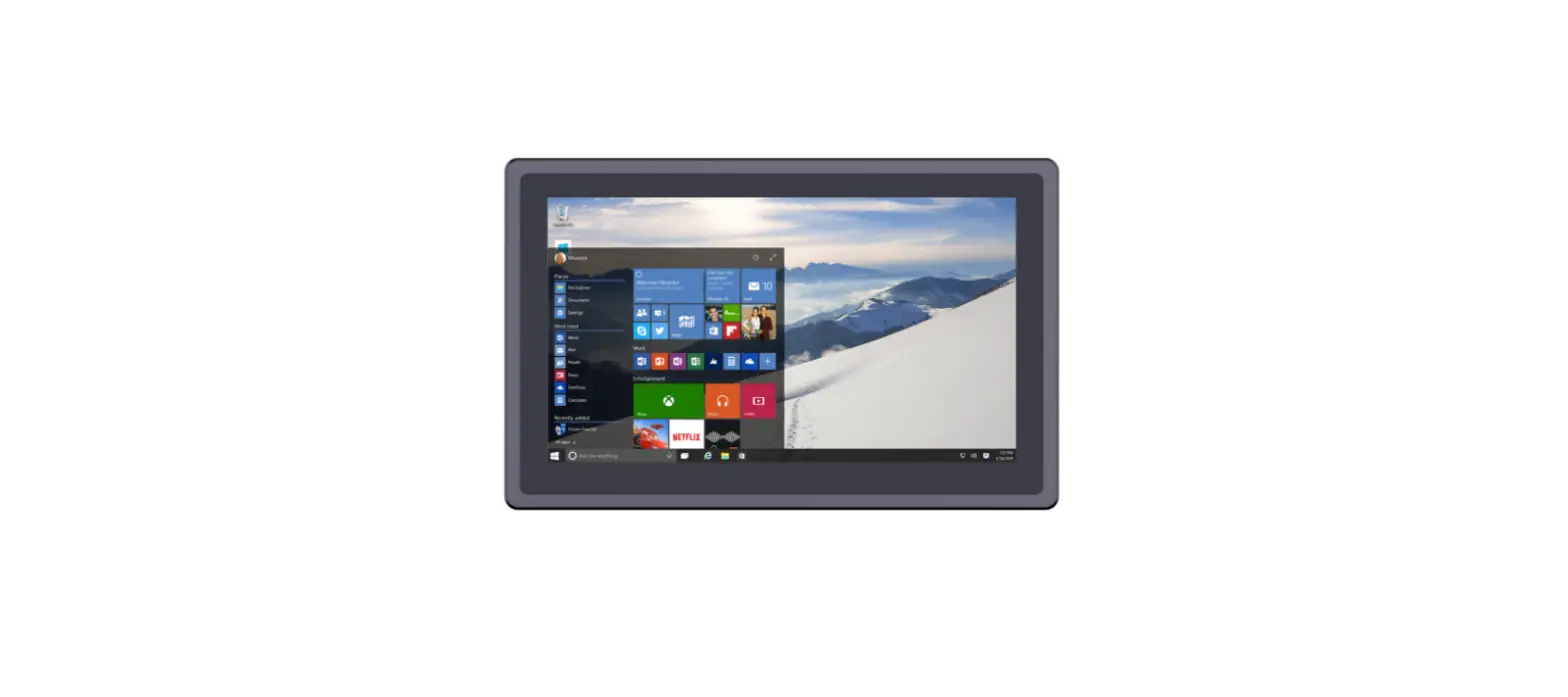
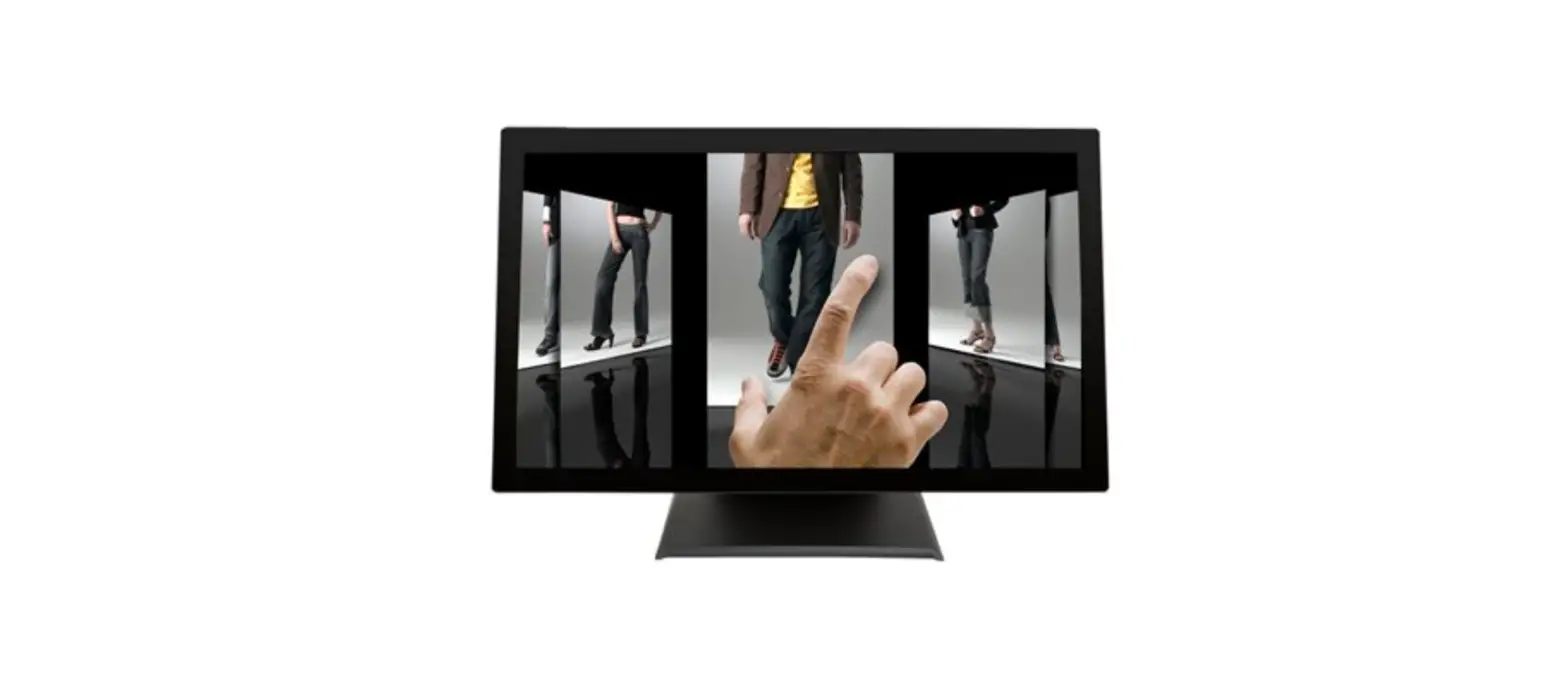
GVision manufactures a variety of gaming desktop monitors. This 21.5-inch 1080p Full HD zero bazel display monitors are available with HDMI and VGA digital inputs and capable of 10-point PCAP multi-touch technology.

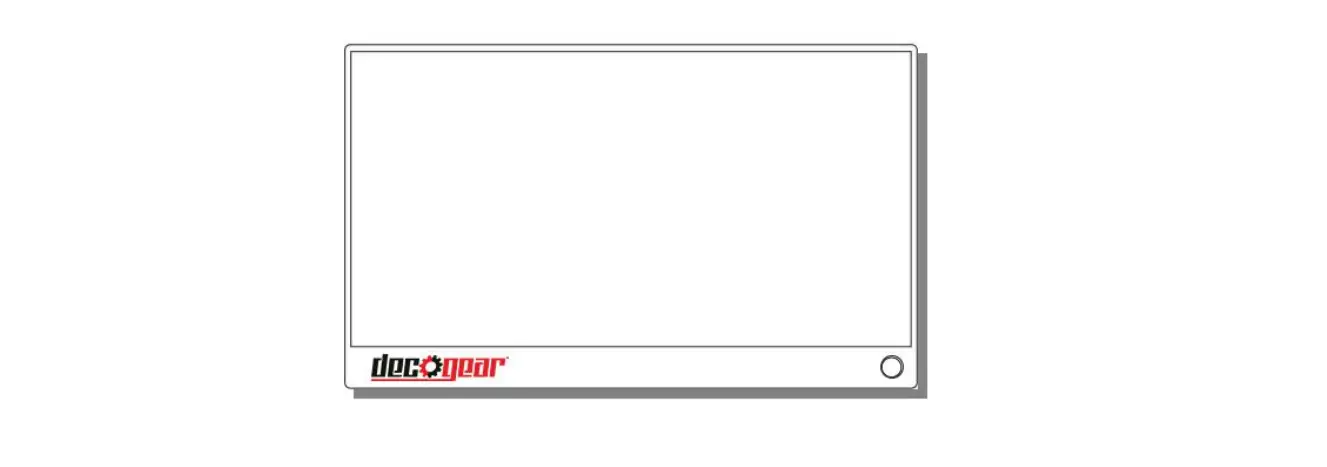
Dimension
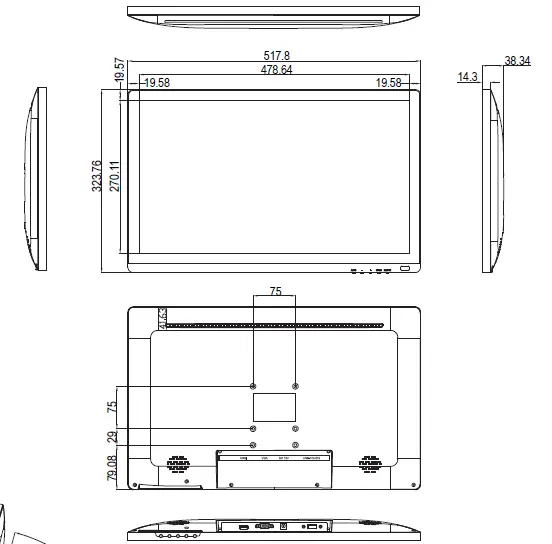
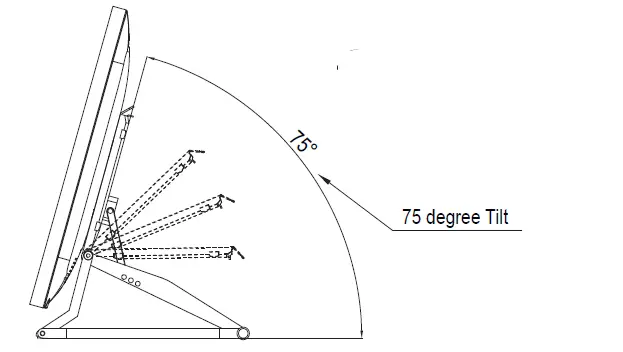
Specification
| DISPLAY | |
| Model | D22ZD-A2-45P0 |
| Display Size | 21.5″ Diagonal |
| Active Area | 476.064 (H) x 267.786 (V) |
| Native Resolution | 1920 x RGB x 1080 @60Hz |
| Pixel Pitch | 0.24795 (H) x 0.24795 (V) |
| Color | 16.7M |
| Brightness | 250 cd/m² |
| Contrast Ratio | 1000 : 1 |
| Response Time | 14ms |
| Viewing Angle | R/L: 89/89° (typ.), U/D: 89/89° (typ.) |
| Input Interface | VGA x1 / HDMI x1 / USB-A x1 / DC Power Jack x1 |
| TOUCH TECHNOLOGY | |
| Type | Projected Capacitive (PCAP) |
| Point | 10-Point |
| Connector Cable | 2m |
| Surface Hardness | >7H |
| Light Transmission | >87% |
| Chattering Time | <8ms |
| Interface | USB-A |
| OTHER | |
| Speaker | 2W x 2 |
| Power Input | DC12V@5A |
| Saving Mode | < 1W |
| Temperature | Operting: 0° ~50°C |
| Storage: -10° ~60°C | |
| Humidity | Operating: 20% ~90% |
| Storage: 10% ~90% | |
| Weight | Net: 4.06 kg / Gross: 5.0 kg |
| Dimension (WxHxD) | Physical: 517.80 x 323.76 x 38.34mm |
| Packing: 600 x 410 x 155mm | |
| Mounting Type | DeskTop or Wall, 75 x 75 VESA™ |
| Accessories | 1.5m Power Cable, HDMI Cable, Power Adapter, Stand |
Note: Panel and specifications subject to change without notice.
GVision USA, Inc.
Address: 30398 Esperanza, Rancho Santa Margarita, CA 92688 Tel: 888-651-9688 / 949-586-3338
Web: www.gvision-usa.com Email: [email protected]
 USA Location information - USA.com
 GVision Touchscreen Display & Security CCTV Monitor